Customer Ratings & Reviews
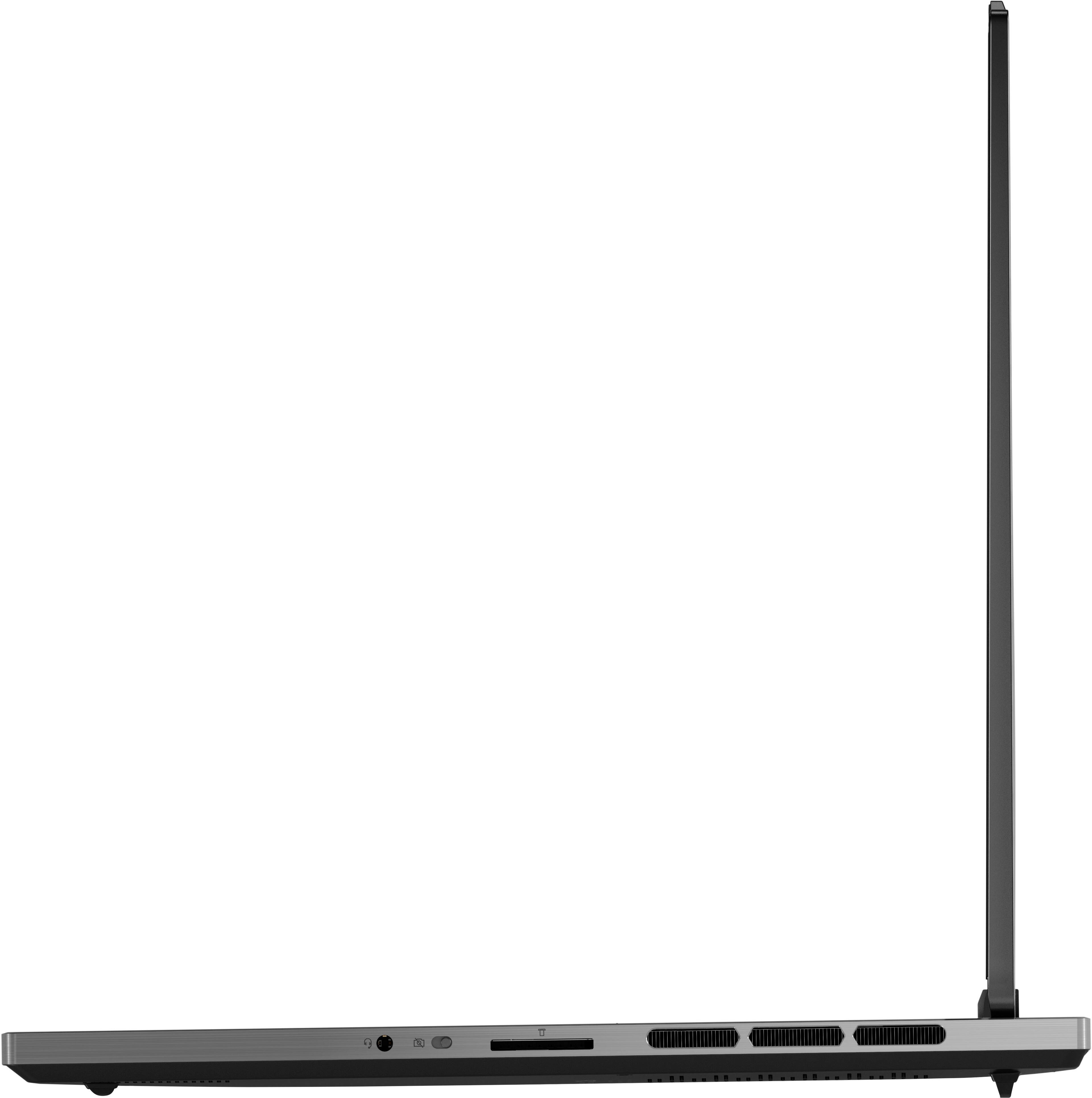
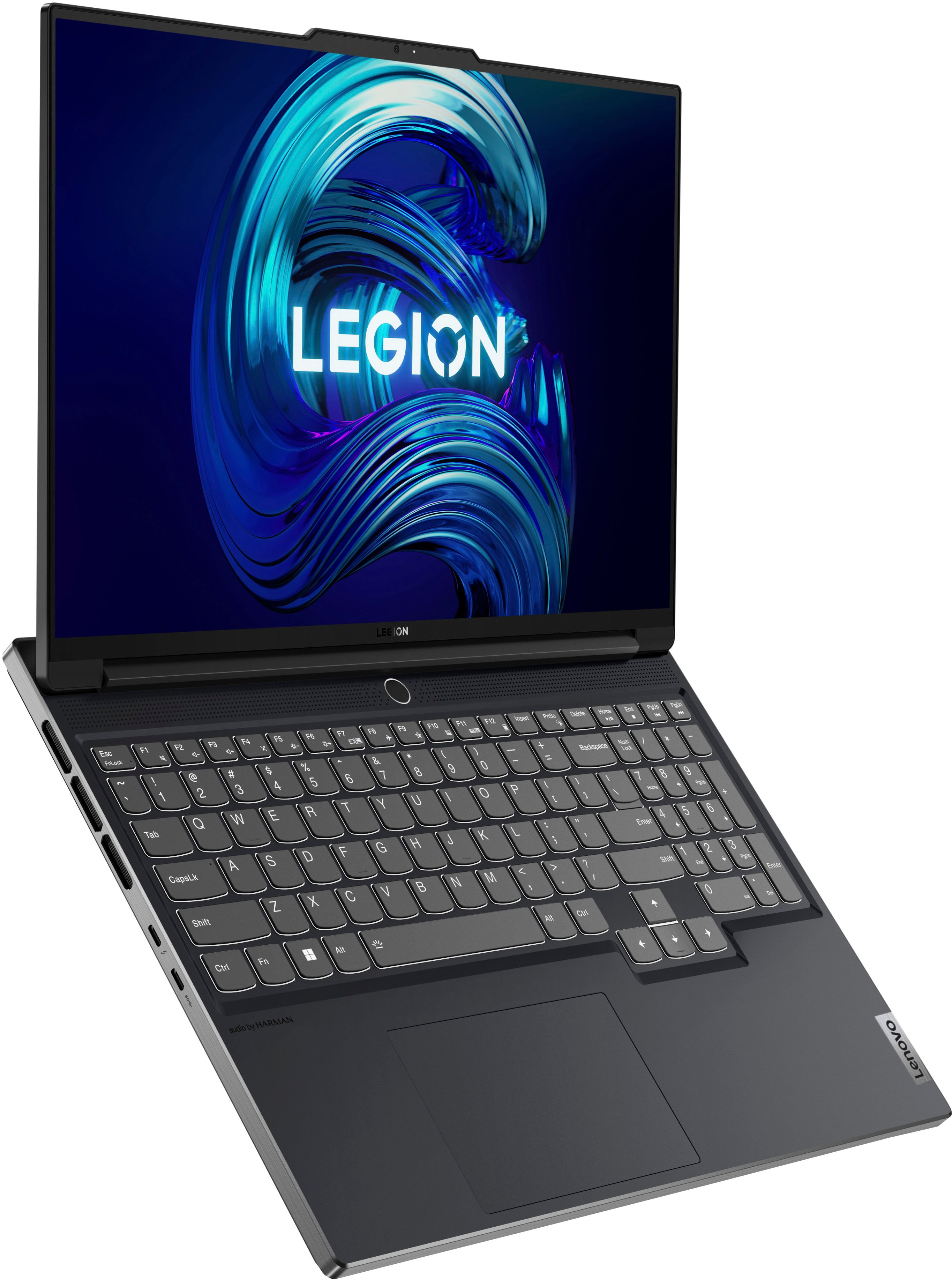

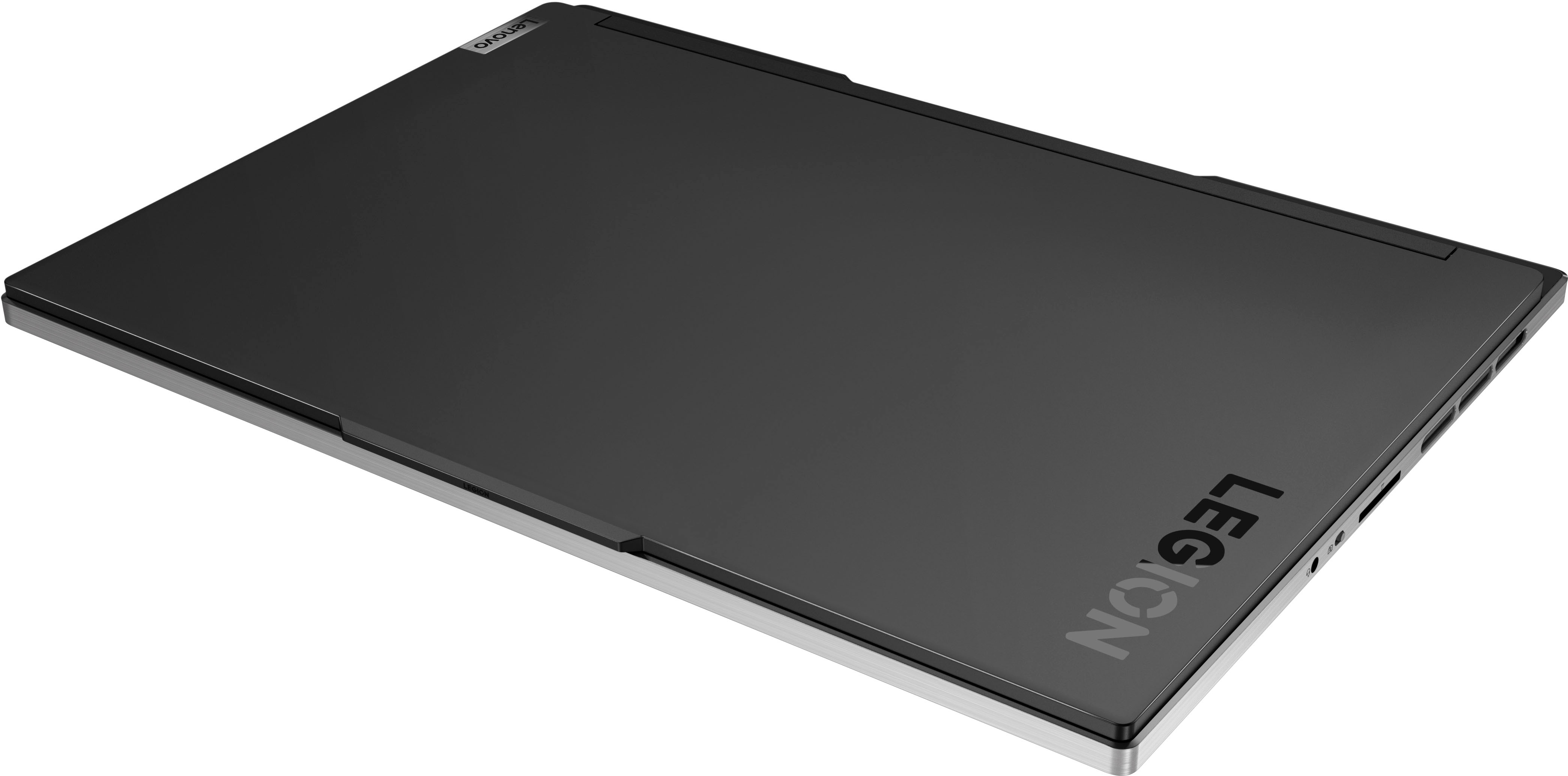
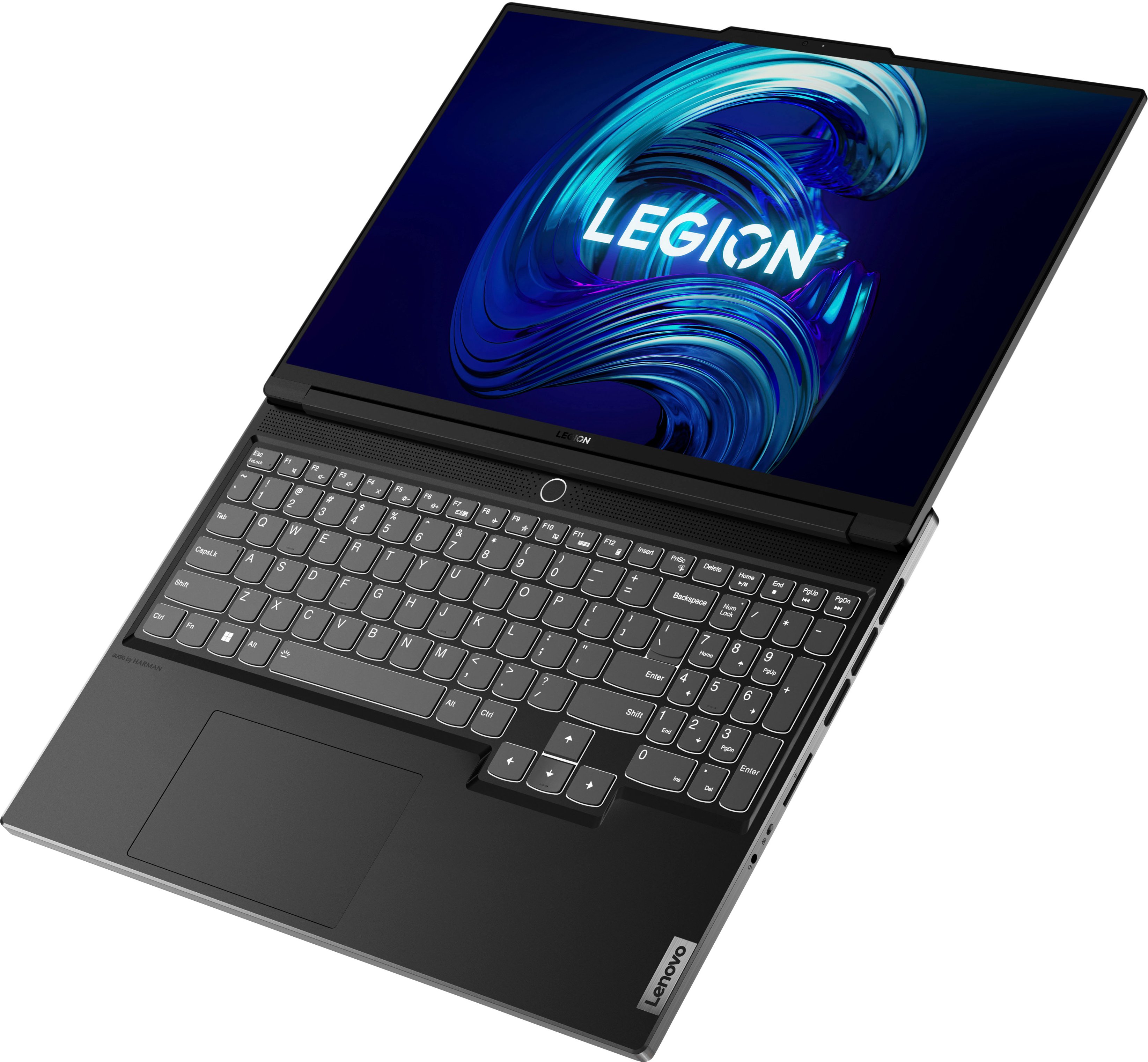




- Model:
- 82TF000RUS
- SKU:
- 6504420
Rating by feature
- Battery Life
Rating 4.0 out of 5 stars
- Speed
Rating 4.7 out of 5 stars
- Display
Rating 4.6 out of 5 stars
Customers are saying
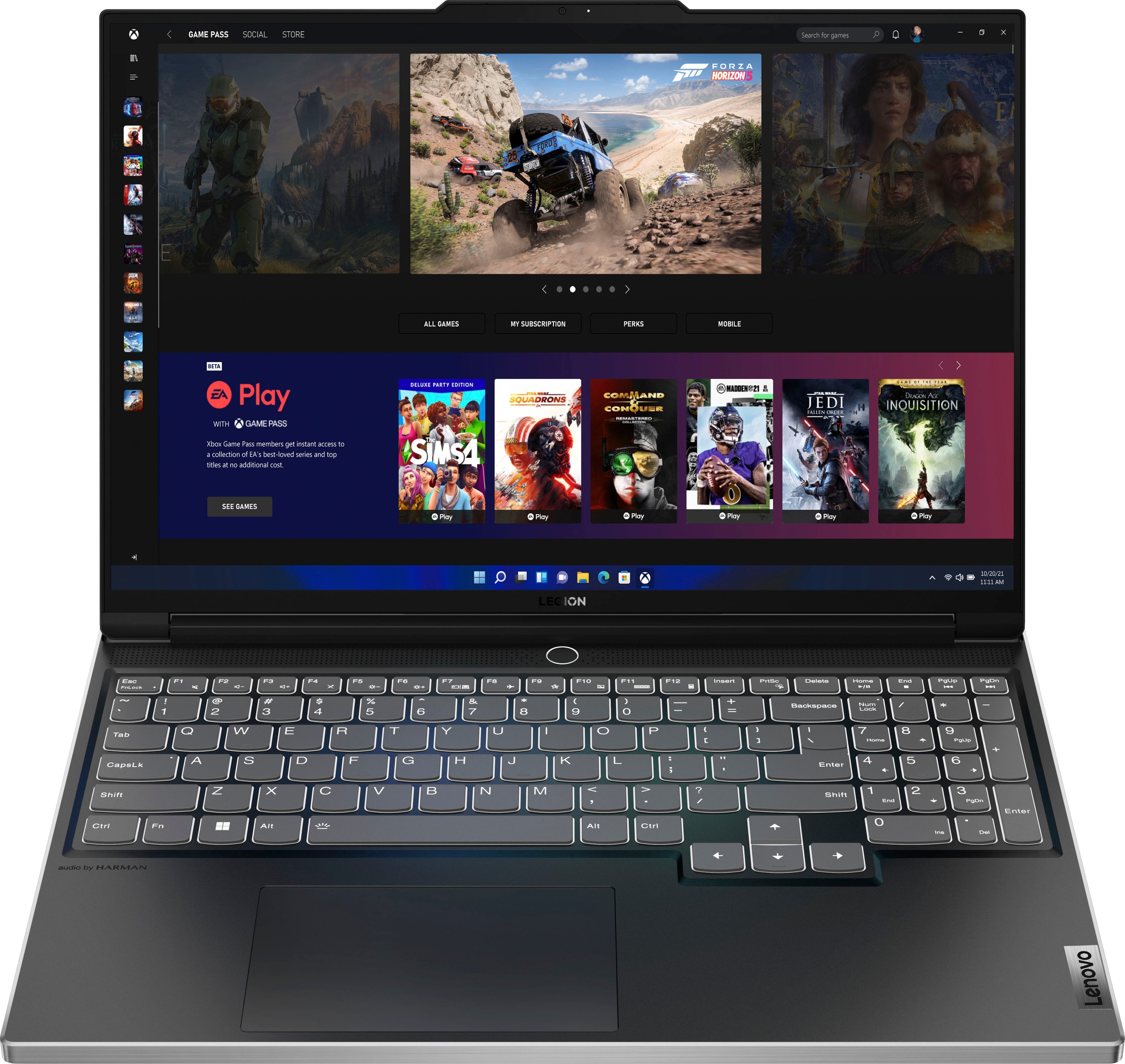
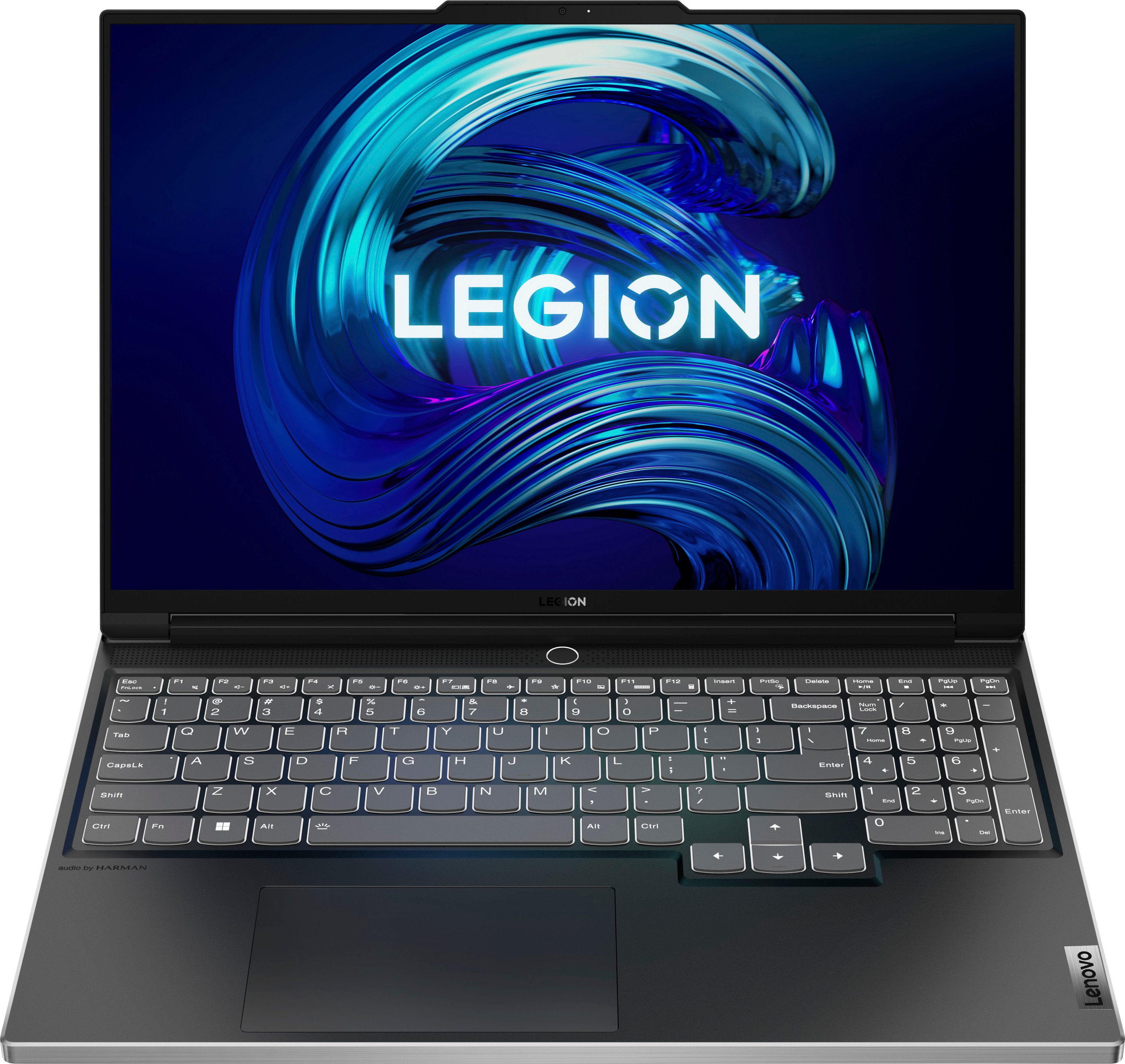
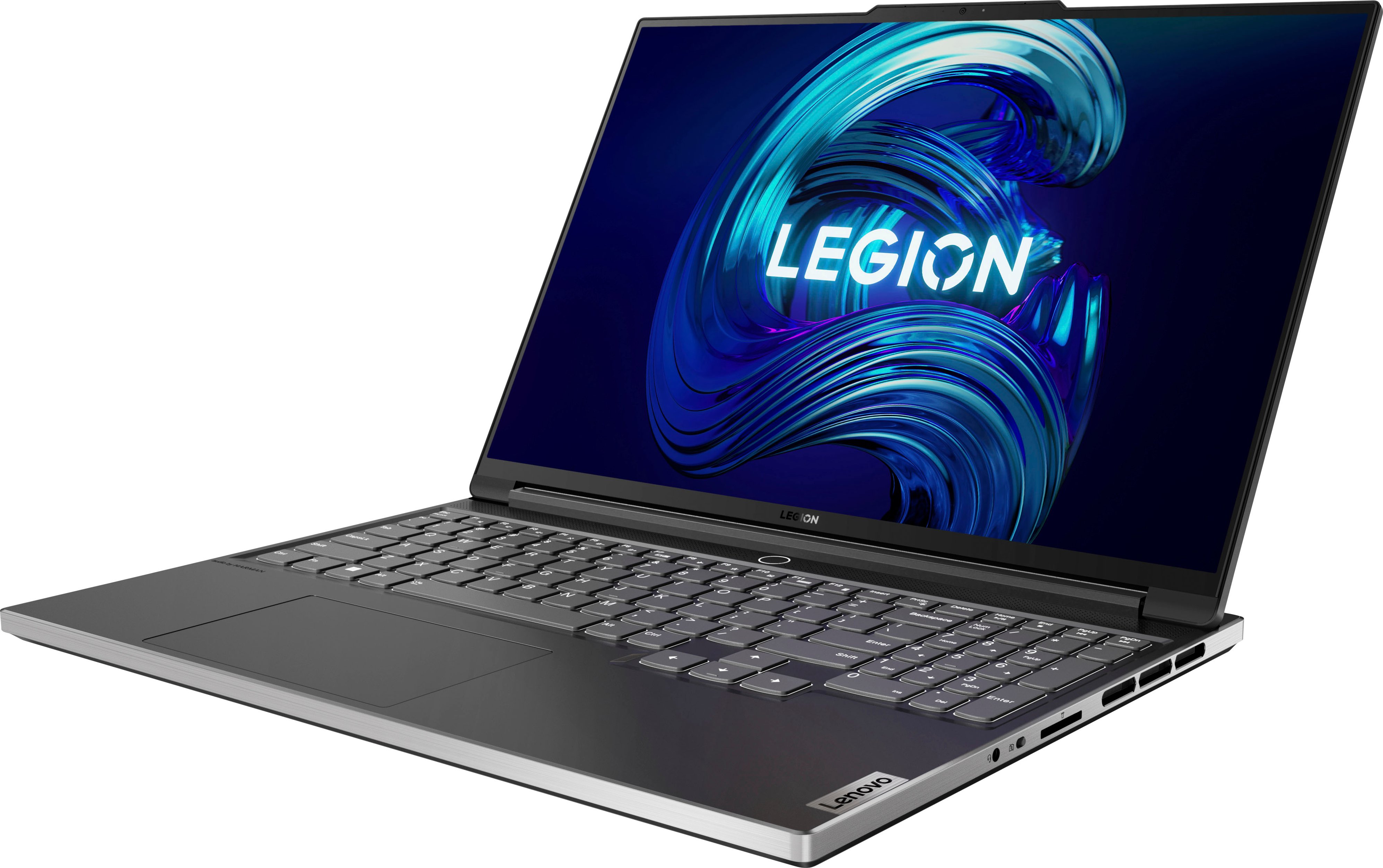
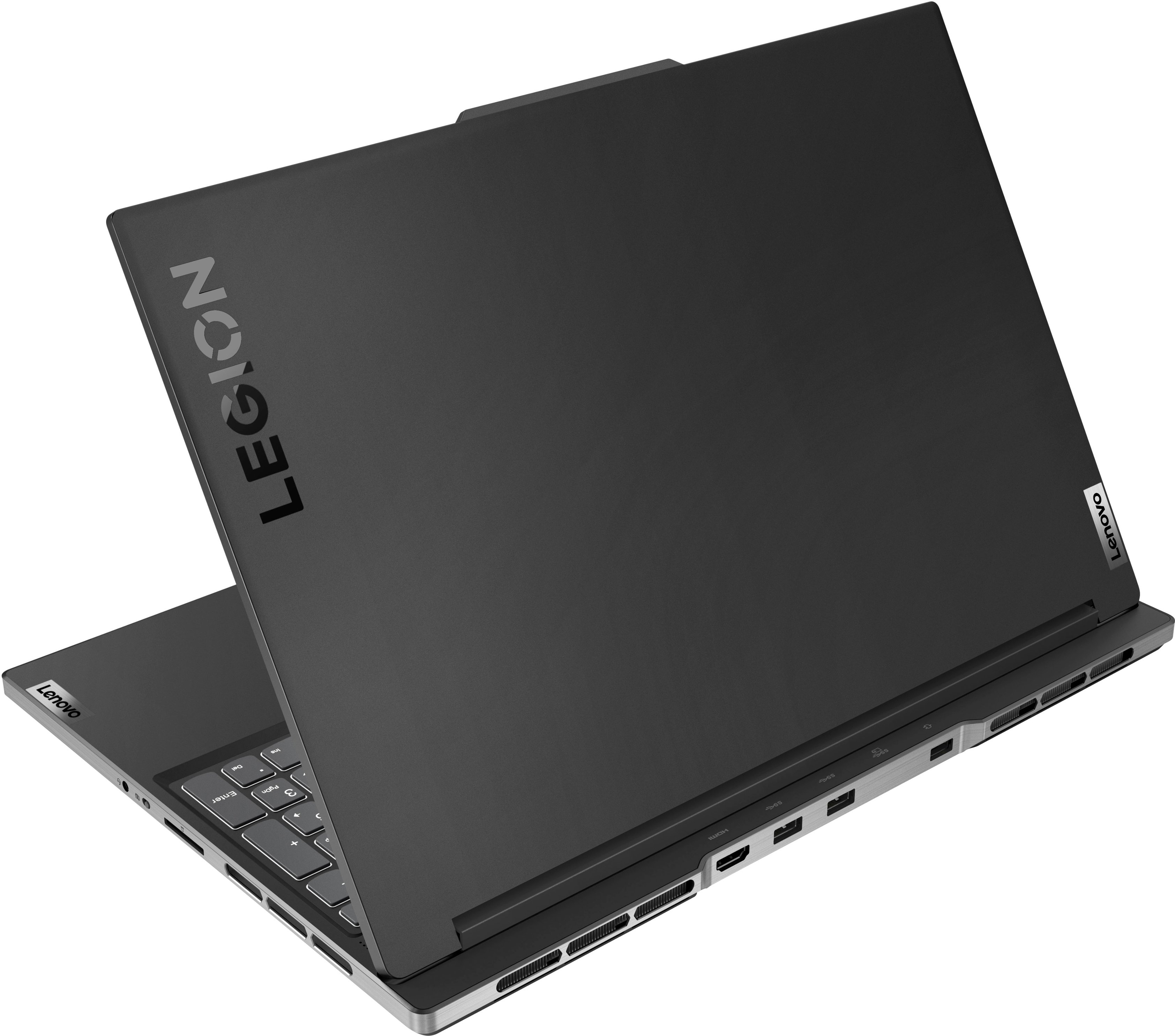
Customers have good things to say about the Legion Slim 7i's performance, build quality, and graphics capabilities, frequently praising its sleek design and powerful processing. However, some users expressed concerns regarding battery life, heat generation, and fan noise during intensive use. The keyboard and screen size also received positive feedback. A few customers mentioned limitations with RAM and storage capacity.
This summary was generated by AI based on customer reviews.
- Pros mentioned:Speed
Review!
||Posted . Owned for 1 month when reviewed.This reviewer received promo considerations or sweepstakes entry for writing a review.High quality laptop for gaming and fast and efficient speed for school work and zoom calls.
I would recommend this to a friend - Pros mentioned:Performance
Amazing laptop
||Posted . Owned for 1 month when reviewed.This reviewer received promo considerations or sweepstakes entry for writing a review.Great laptop, works as expected and does what I need it to do.
I would recommend this to a friend - Pros mentioned:Performance
One of the best slim gaming laptops
||Posted . Owned for 10 months when reviewed.This reviewer received promo considerations or sweepstakes entry for writing a review.Great laptop! It is made from quality material and runs games great!
I would recommend this to a friend - Pros mentioned:Performance
Great purchase
||Posted . Owned for 2 months when reviewed.This reviewer received promo considerations or sweepstakes entry for writing a review.Excellent laptop, especially for someone who new to owning one
I would recommend this to a friend - Cons mentioned:Battery life
Battery life not so great
||Posted .This reviewer received promo considerations or sweepstakes entry for writing a review.Laptop was great for gaming however the battery life was short when unplugged.
I would recommend this to a friend - Pros mentioned:Performance
good computer for work
||Posted . Owned for 3 weeks when reviewed.This reviewer received promo considerations or sweepstakes entry for writing a review.works great.. glad that I got it for work. .does what I need it to do.
I would recommend this to a friend Very supportive Engineer.
||Posted .This reviewer received promo considerations or sweepstakes entry for writing a review.I had picked this from store from open box, the sales engineer Mr. Mason from East Brunswick Best-buy store to be given 5 stars for his support and ensuring that I had a positive experience. appreciate to having patiently spent time till the issue was resolved. my son was quiet happy to get this laptop as planned.
I would recommend this to a friend- Cons mentioned:Battery life
Poor battery life
||Posted . Owned for less than 1 week when reviewed.This reviewer received promo considerations or sweepstakes entry for writing a review.Specifications are all accurate except battery life. - Light laptop & easy to carry and use - Max. brightness is enough for outdoor usage - Case is good better than cheap plastic ones but worse than apple. - Screen 16:10 ratio with 1920x1200 resolution is very suitable if you are using laptop for a work purposes x I really hate its battery life, it can’t stand more than two hours. I can understand that it is user related but I’m not a gamer and I’m using it for browsing, research and Matlab. I fully charged it 4 times today as I don’t like keep using it while plug in AC. x Touchpad and keyboard is a bit loudy when you click.
No, I would not recommend this to a friendBrand response from Lenovo Product Expert
Posted .This Lenovo Legion Slim 7 16 Gaming Laptop, model number 82TF000RUS, ships with a Integrated 71Wh, Lithium-Polymer Battery, which within this model configuration, has a battery life of up to 6 hours, depending on the work the device is performing. To extend your battery life, select a Hybrid Power Management setting within your Legion Vantage Dashboard. Some other battery saving tips are: Set your screen brightness at less than 100-percent - try 80-percent to start with. Then, be sure Battery Charge Threshold is turned off. This power management setting should only be used when the laptop is plugged in all the time. It will prolong overall battery life by only charging the battery to 60-percent of capacity. You can turn off Battery Charge Threshold within the Lenovo Vantage APP installed on this computer. In Vantage select Battery Settings and turn off Battery Charge Threshold, if turned on. Also check what programs are running in the background on the computer. Be sure only the programs you want running in the background are. These programs will drain the battery. Here is a link to information about how to find out what programs are running in the background on your Windows 11 computer and how to manage them for better system performance: https://websiteforstudents.com/how-to-find-what-is-running-in-windows-11/. Then, finally, be sure any software you installed is compatible with Windows 11. Incompatible software will drain the battery at a faster rate. There is no need to install Microsoft Office software. The software is already part of the operating system, you just need to activate the software with a purchased product key. If you have installed a copy of Microsoft Office, this is conflicting with the existing copy on the system and this will slow your system down. If you have installed a 3rd party anti-virus program, be sure that Windows Defender is turned off and that the trial version of McAfee Anti-Virus software is uninstalled. There can only be one anti-virus program on the system. You may need to restore your system to original factory default settings if any of the programming errors have occurred. You can do that by typing "restore" in the Cortana search window. Just click on the magnifying glass icon at the bottom of your Windows 11 Desktop. Click on "Reset This PC" Then click on "Get Started" and follow the on screen directions to restore to factory defaults. If the problem persists, we recommend you contact Lenovo Legion Ultimate Care for additional help at: 888-278-9707.

Awesome Gaming laptop
||Posted . Owned for 2 weeks when reviewed.This reviewer received promo considerations or sweepstakes entry for writing a review.I love this new Lenovo Gaming laptop. It is slim, sleek and lightning fast. The multicolored lighted keyboard is amazing. I also purchased a 15.6" laptop sleeve for extra protection. It fits the 16" laptop perfectly, with a little wiggle room. Great purchase and an awesome sale. I highly recommend!
I would recommend this to a friendKing of laptops has arrived
||Posted . Owned for 1 month when reviewed.This reviewer received promo considerations or sweepstakes entry for writing a review.Very fast, reliable, and can handle multitasking as a breeze. I can record podcasts, do video editing, play games, and even surf the web without slowing down. This laptop is light and built well. Very sturdy and strong material. I really enjoy the back light multi color keyboard.
I would recommend this to a friendGreat Price & Service!
||Posted . Owned for 1 month when reviewed.This reviewer received promo considerations or sweepstakes entry for writing a review.Great laptop for all my needs. I was impressed by the price and the lovely customer service that helped me while place an order while it was out of stock in stores. The discount was nice and I am really enjoying the quality of the laptop so far.
I would recommend this to a friendNo complaints
||Posted . Owned for 1 month when reviewed.This reviewer received promo considerations or sweepstakes entry for writing a review.This machine is sleek and powerful. I dont care for flashy laptops with a ton of lighting, so i like the "professional" look of this laptop. Im not an expert on performance specs, but this machine does run Starfield on high settings with around 60fps so im happy with it.
I would recommend this to a friend- Pros mentioned:SpeedCons mentioned:Battery life
Gaming laptop for son
||Posted . Owned for 3 weeks when reviewed.This reviewer received promo considerations or sweepstakes entry for writing a review.My son says its the best laptop he's ever had. Plenty of speed and power for his games. His only complaint is battery life could be better, but considering the power of this machine this is to be expected.
I would recommend this to a friendBrand response from Lenovo Product Expert
Posted .Thank you for choosing the Lenovo Legion Slim 7i 16 Gaming Laptop, model number 82TF000RUS, for your son. This model ships with a Integrated 71Wh, Lithium-Polymer Battery, which within this model configuration, has a battery life of up to 6 hours, depending on the work the device is performing. To maximize battery life, switch Power Management Settings within the Legion Vantage Desktop, to a Hybrid Mode. Some other battery saving tips between charges: Set your screen brightness at less than 100-percent - try 80-percent to start with. Then, be sure Battery Charge Threshold is turned off. This power management setting should only be used when the laptop is plugged in all the time. It will prolong overall battery life by only charging the battery to 60-percent of capacity. You can turn off Battery Charge Threshold within the Lenovo Vantage APP installed on this computer. In Vantage select Battery Settings and turn off Battery Charge Threshold, if turned on. Also check what programs are running in the background on the computer. Be sure only the programs you want running in the background are. These programs will drain the battery. Here is a link to information about how to find out what programs are running in the background on your Windows 11 computer and how to manage them for better system performance: https://websiteforstudents.com/how-to-find-what-is-running-in-windows-11/. Then, finally, be sure any software you installed is compatible with Windows 11. Incompatible software will drain the battery at a faster rate. There is no need to install Microsoft Office software. The software is already part of the operating system, you just need to activate the software with a purchased product key. If you have installed a copy of Microsoft Office, this is conflicting with the existing copy on the system and this will slow your system down. If you have installed a 3rd party anti-virus program, be sure that Windows Defender is turned off and that the trial version of McAfee Anti-Virus software is uninstalled. There can only be one anti-virus program on the system. You may need to restore your system to original factory default settings if any of the programming errors have occurred. You can do that by typing "restore" in the Cortana search window. Just click on the magnifying glass icon at the bottom of your Windows 11 Desktop. Click on "Reset This PC" Then click on "Get Started" and follow the on screen directions to restore to factory defaults. If the problem persists, we recommend you contact Lenovo Tech Support at: 877-453-6686.
Lenovo - Legion 7i, great for gaming!
||Posted .This reviewer received promo considerations or sweepstakes entry for writing a review.Great product, has served me well for several years now!
I would recommend this to a friend- Pros mentioned:Build quality, Keyboard
High-Quality Build on par with the likes of Razor
||Posted . Owned for 1 month when reviewed.This reviewer received promo considerations or sweepstakes entry for writing a review.Excellent Laptop! A tad bit thicker than the older legion slim but still not that noticeable. Battery is OK, lasts for 6-7h if not on gaming. High-quality build and GPU is plenty powerful for modern games.
I would recommend this to a friendBrand response from Lenovo Product Expert
Posted .Thank you for choosing the Lenovo Legion Slim 7i 16 Gaming Laptop. We are pleased to hear that the performance of the Legion Slim 7i 16 meets your computing needs so well.
Awesome purchase
||Posted . Owned for 3 weeks when reviewed.This reviewer received promo considerations or sweepstakes entry for writing a review.This is my first gaming laptop. I decided to get rid of my xbox and move to a gaming laptop. I have been pleasantly surprised on how well it operates. I did upgrade the SSD by adding a 2tb card and removing 8gb ram replacing it with a 32gb ram for 40gb total ram.
I would recommend this to a friend- Cons mentioned:Battery life, Fan noise
Overall a good laptop
||Posted . Owned for 1 week when reviewed.This reviewer received promo considerations or sweepstakes entry for writing a review.Fan is noisy, battery about 1.5 -2hours worth. Never owned a gaming laptop before so not sure how it compares. But overall I am liking it so far. No other complaints.
I would recommend this to a friend Laptop
||Posted . Owned for 1 year when reviewed.This reviewer received promo considerations or sweepstakes entry for writing a review.Excellent! Son loves it and staff was so knowledgeable.
I would recommend this to a friendExcellent Gaming Laptop
||Posted . Owned for 4 months when reviewed.This reviewer received promo considerations or sweepstakes entry for writing a review.Excellent laptop for gaming and office use. Runs better than my ASUS Zephyrus and much better than my last Alienware. Batter life is excellent but understandably out performed by the Zephyrus 14" however display, capabilities, and speed is better.
I would recommend this to a friendLenovo laptop!
||Posted . Owned for 1 year when reviewed.This reviewer received promo considerations or sweepstakes entry for writing a review.I use this for college and for gaming. This item performs amazing for both! The graphics are my favorite part about this insane machine! For people wondering what game its MW3/Warzone!
I would recommend this to a friend