Customer Ratings & Reviews
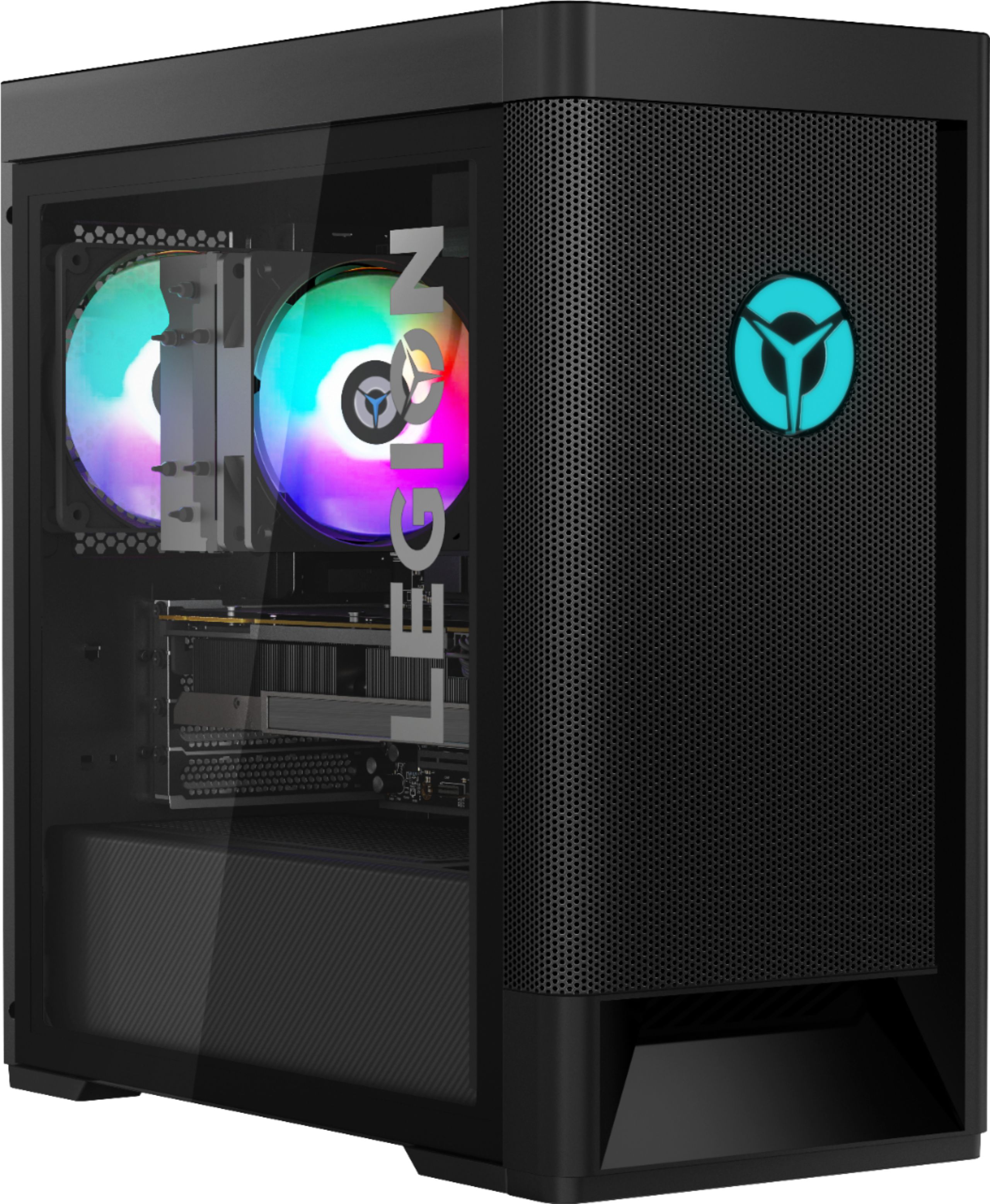
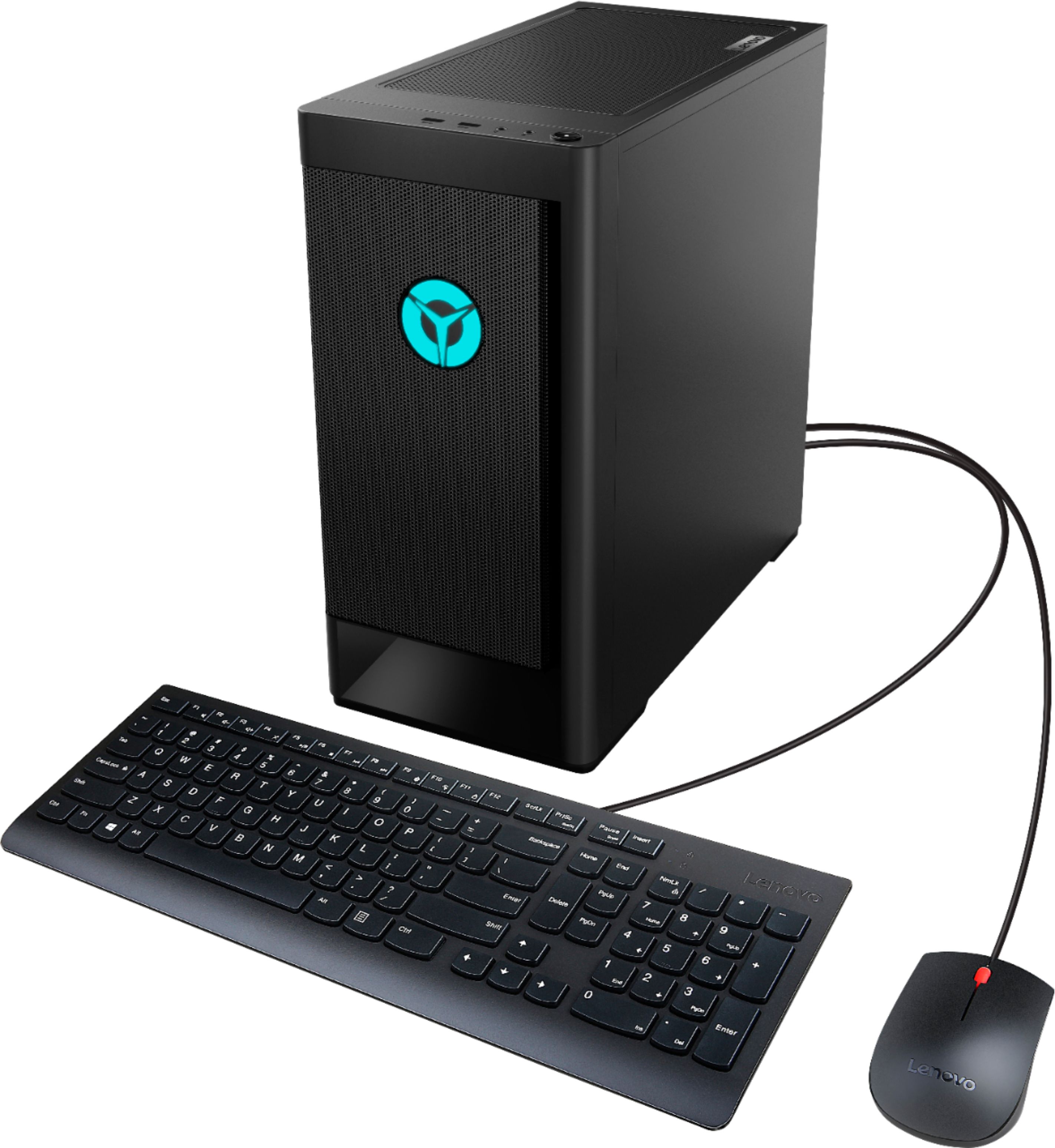
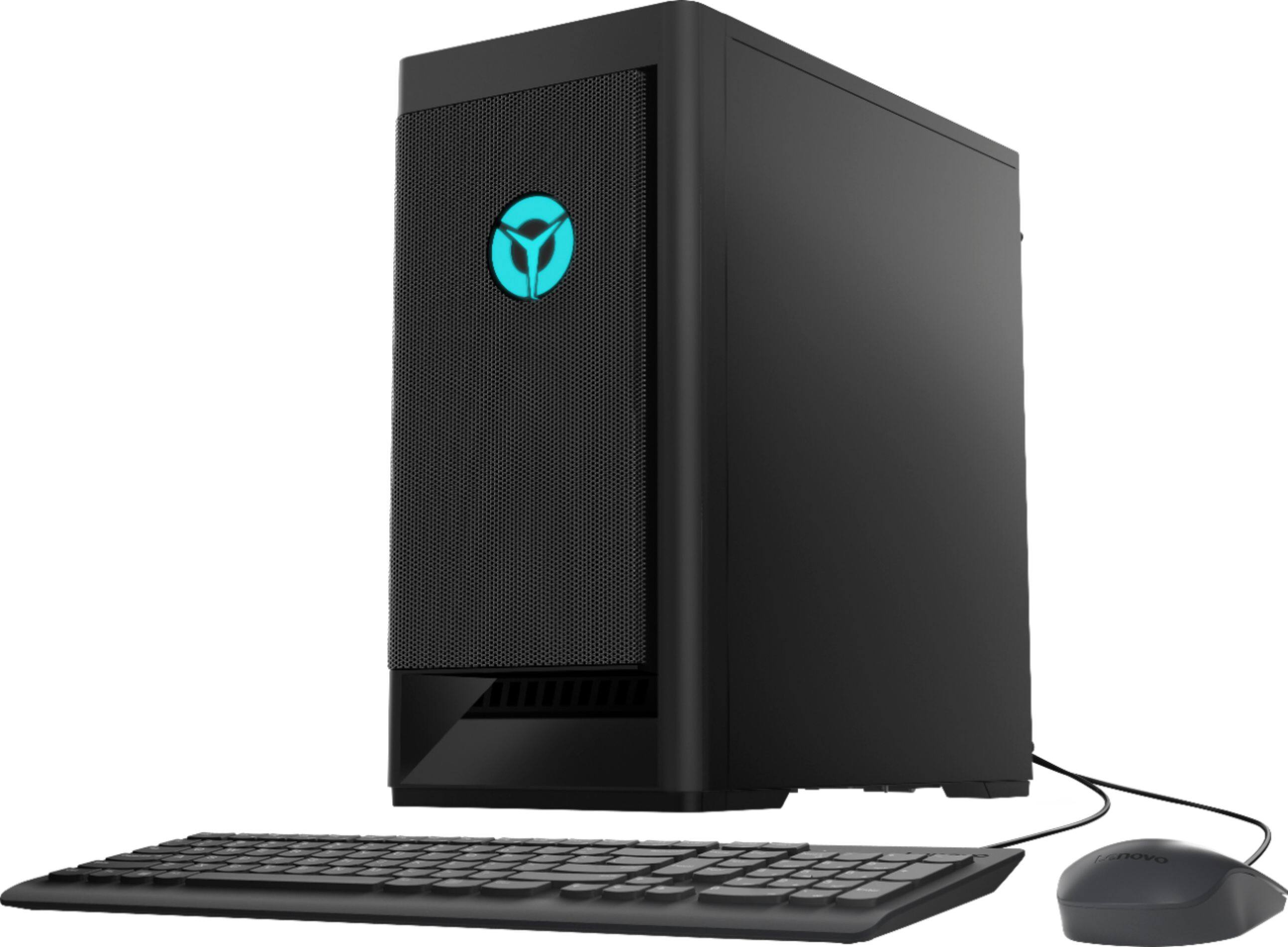
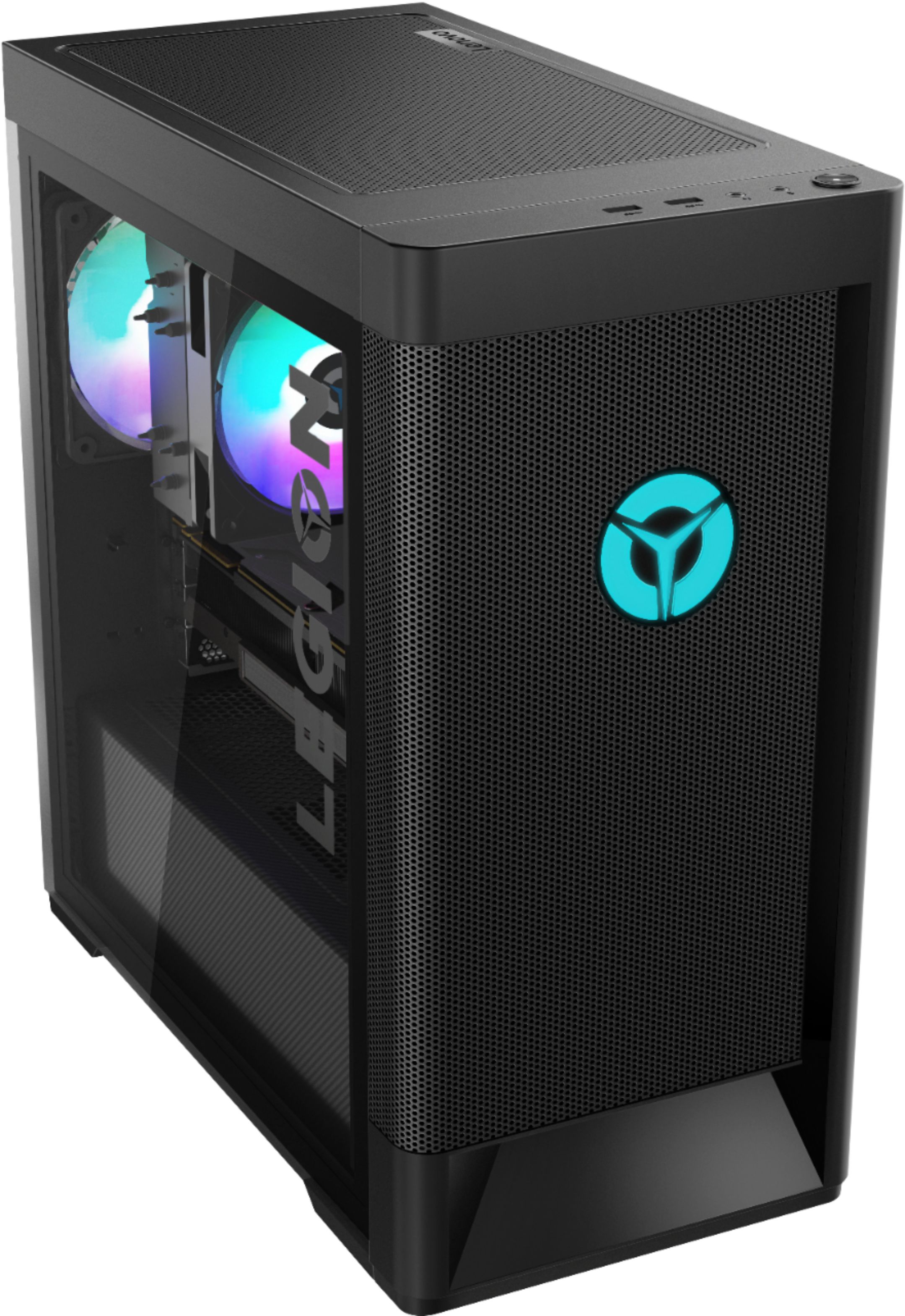
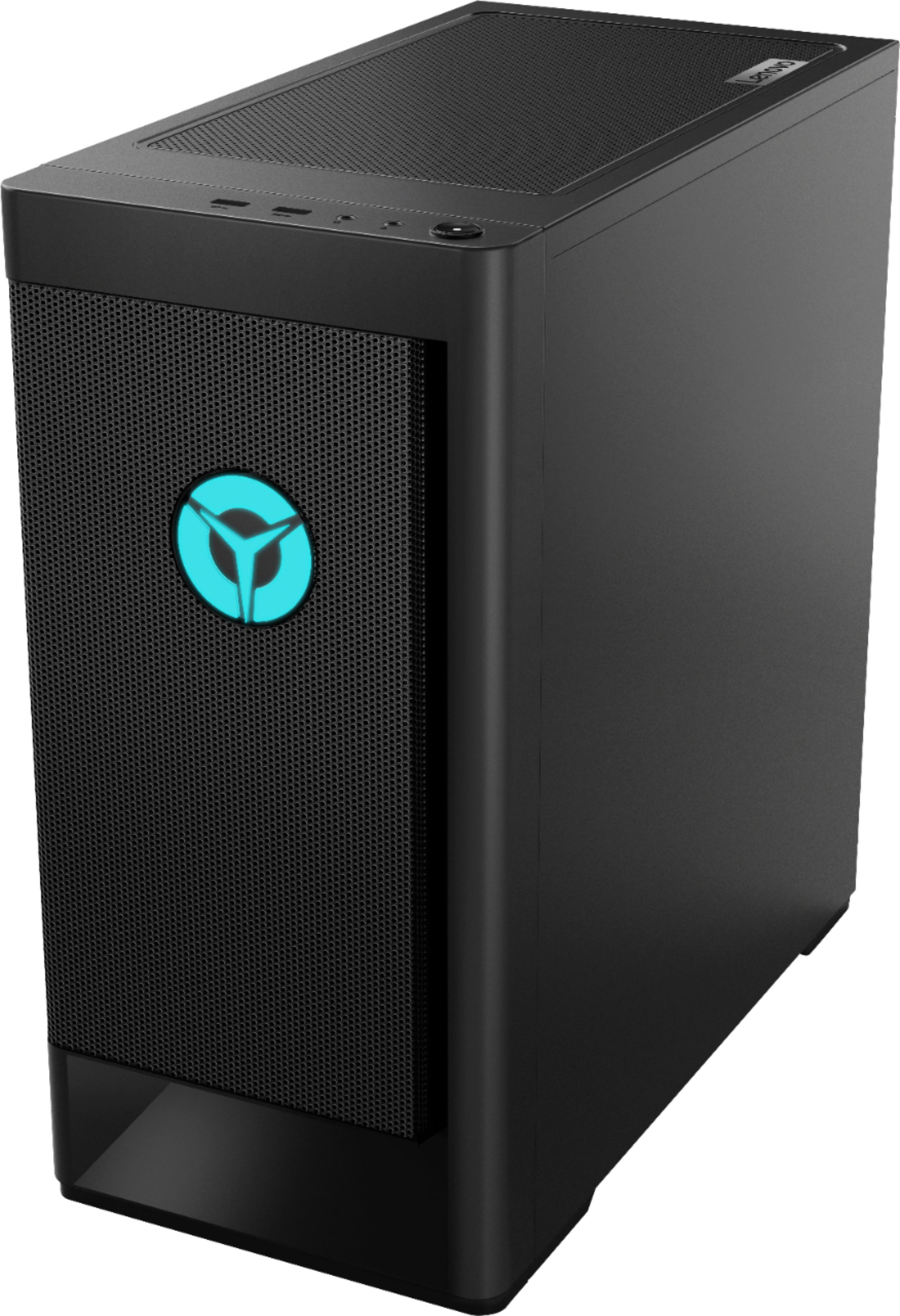

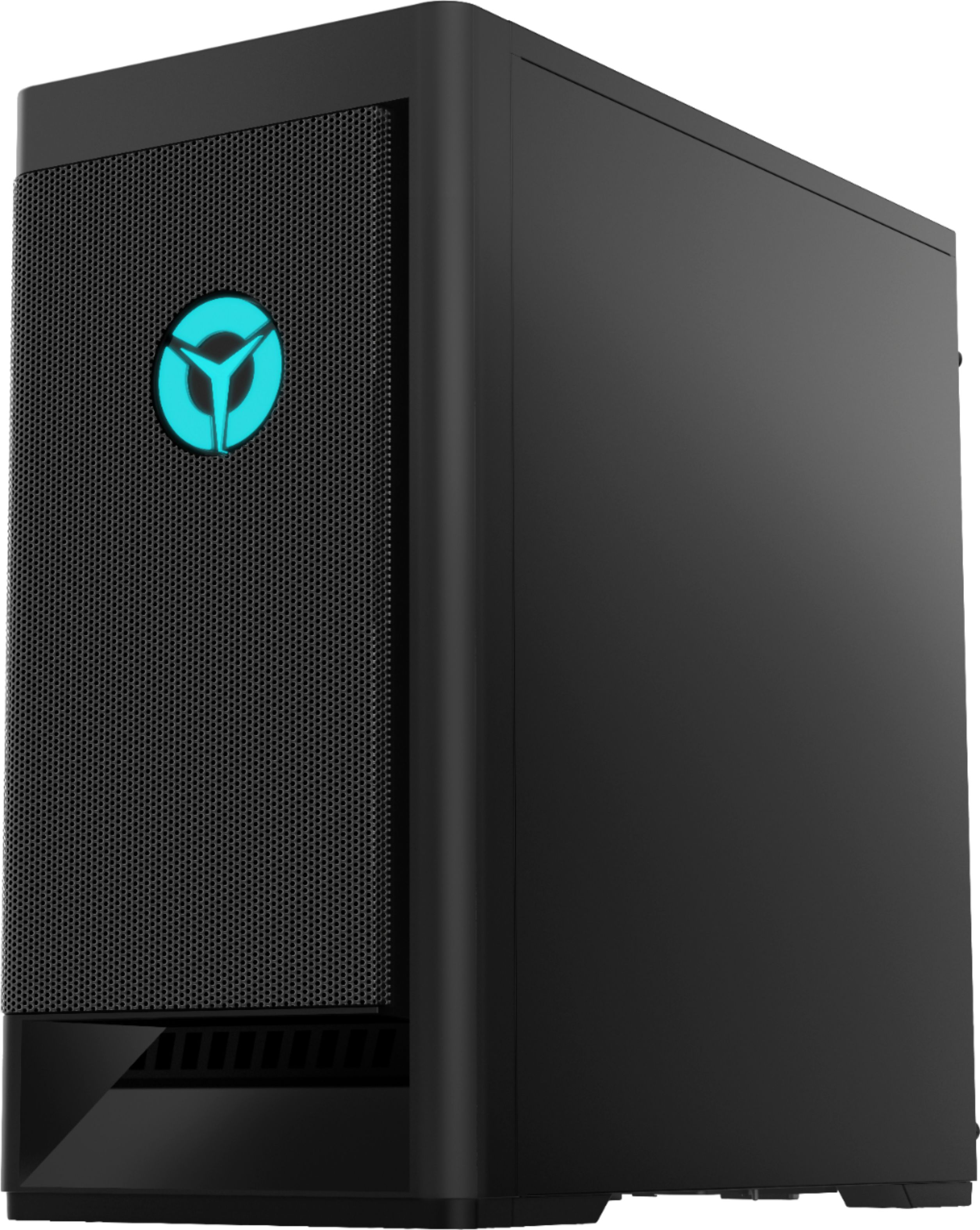
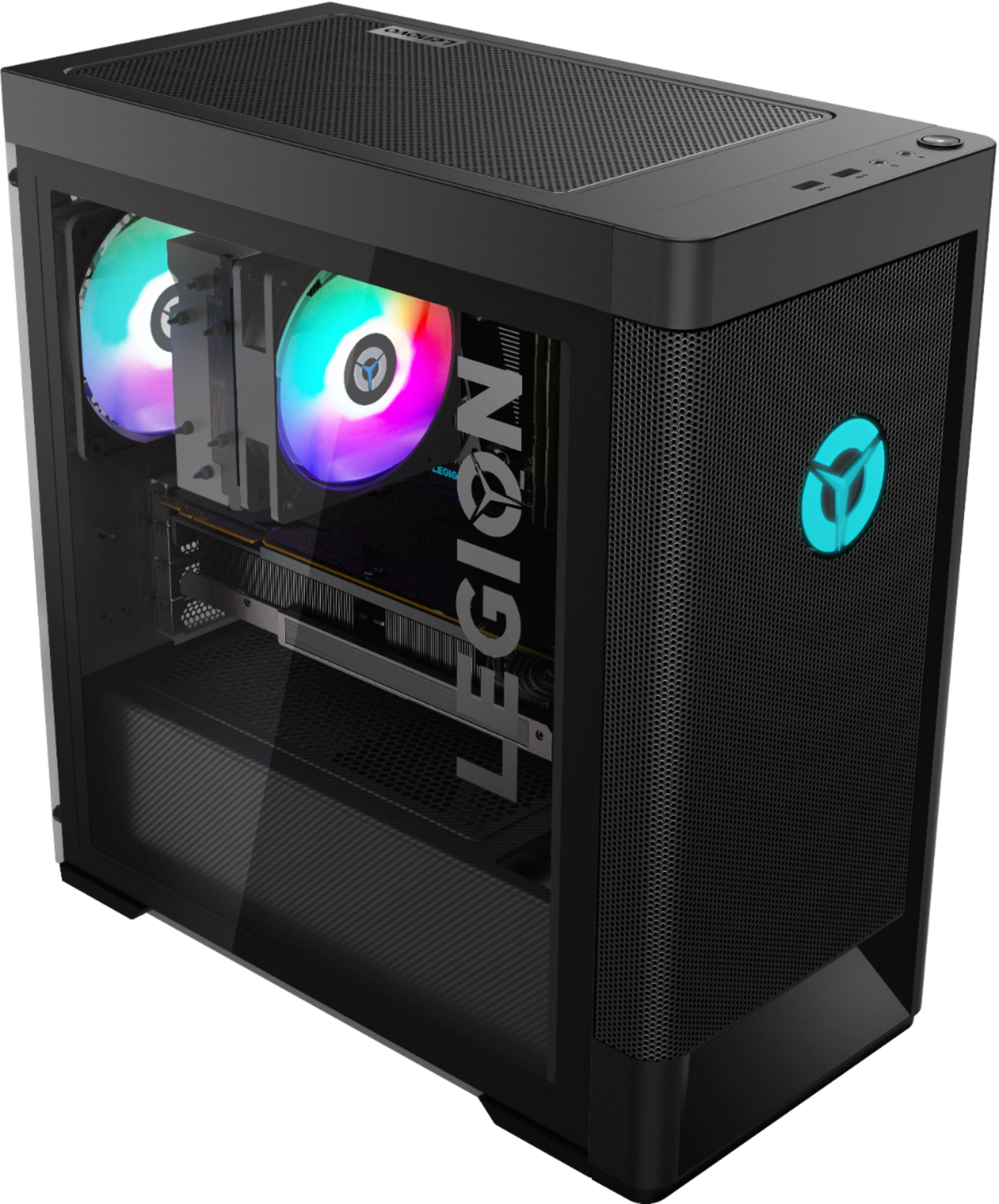
- Model:
- 90RB000EUS
- SKU:
- 6424472
Rating by feature
- Value
Rating 3.9 out of 5 stars
- Quality
Rating 3.7 out of 5 stars
- Ease of Use
Rating 3.8 out of 5 stars
Customers are saying
Customers express satisfaction with the Legion Tower 5's performance and graphics capabilities, frequently citing excellent speed and visuals. Many also praise the machine's affordability and the included RAM, while some note the ease of upgrading components. However, a recurring concern involves the power supply, with several users reporting issues and recommending an upgrade.
This summary was generated by AI based on customer reviews.
- Cons mentioned:Rgb lighting
Not acceptable
||Posted .This reviewer received promo considerations or sweepstakes entry for writing a review.First computer, the power components were dead. Second one, RGB components not working, no lights. My son couldn't enjoy his Xmas gift until a week later.
No, I would not recommend this to a friendBrand response from Lenovo Product Expert
Posted .We are sorry to hear that you had issues with the Lenovo Legion Tower 5 AMD Gaming Desktop. You can turn the ambient RGB lighting on/off and adjust the settings within the Lenovo Vantage Dashboard installed on the computer. You can call Lenovo Tech Support for additional assistance at: 877-453-6686.

Good for gaming, low limit for downloads
||Posted . Owned for 3 months when reviewed.This reviewer received promo considerations or sweepstakes entry for writing a review.Got this for my son for gaming! Other than storage limitations, it works great, we bought an external hard drive to make up for the lack of storage.
I would recommend this to a friendBrand response from Lenovo Product Expert
Posted .Thank you for choosing the Lenovo Legion Tower 5 AMD Gaming Desktop Computer, model number 90RB000EUS. This model ships with two (2) internal hard drives: 1 x 256GB M.2 2280 NVMe solid state hard drive with the Windows 10 Operating System installed, to provide fast boot up speeds and 1 x 3.5 inch, 7200RPM 1TB mechanical hard drive for additional storage space.
- Cons mentioned:Power on
Bad Computer Purchase
||Posted . Owned for 1 month when reviewed.This reviewer received promo considerations or sweepstakes entry for writing a review.Waited for a month to get the computer and when it was finally delivered did not turn on. BestBuy Geek Squad was no help in trying to figure out why the computer did not turn on.
No, I would not recommend this to a friendBrand response from Lenovo Product Expert
Posted .We are sorry to hear that you are having issues with your Lenovo Legion Tower 5 AMD Gaming Desktop Computer. We recommend you contact Lenovo Tech Support for help with your issue at: 866-426-0911.
- Cons mentioned:Power supply
Unsatisfied useless defected
||Posted . Owned for less than 1 week when reviewed.This reviewer received promo considerations or sweepstakes entry for writing a review.We picked up the Tower. And when we plugged it in to the outlets absolutely no power going through the PC. Returning this immediately very unsatisfied for such a big purchase.
No, I would not recommend this to a friendBrand response from Lenovo Product Expert
Posted .We are sorry to hear that you are having issues with your Lenovo Legion Tower 5 AMD Gaming Desktop Computer. Try resetting your computer back to original factory settings. To do this, unplug the computer. Let the computer sit with all power unplugged/off for 15-minutes. Now plug the computer back in and as you press the Power On Button, also repeatedly tap the F2 Key on your keyboard until you see the Lenovo One Key Recovery Screen. Once you see the One Key Recovery Screen, follow the on-screen directions for resetting the computer. Once the computer finishes the reset, it should now boot normally. If the issue continues, we recommend you contact Lenovo Tech Support for additional help at: 866-426-0911.
Perfect for school and gaming!
||Posted . Owned for 1 month when reviewed.This reviewer received promo considerations or sweepstakes entry for writing a review.I bought this for my daughter for school and gaming. She loves it and absolutely loves that the colors that change inside the desktop.
I would recommend this to a friendBrand response from Lenovo Product Expert
Posted .Thank you for choosing the Lenovo Legion Tower 5 AMD Gaming Desktop Computer for your daughter. We are pleased to hear that the Legion Tower 5 is working out so well for your daughter.
- Cons mentioned:Psu
poor QC
||Posted . Owned for 3 weeks when reviewed.This reviewer received promo considerations or sweepstakes entry for writing a review.This system was missing the screws for the GPU hold down. The gpu was hanging out of the slot halfway, upon unboxing. When I returned it, Geek Squad couldn't even get it to boot up.
No, I would not recommend this to a friend - Cons mentioned:Power on
Would not power on
||Posted .This reviewer received promo considerations or sweepstakes entry for writing a review.Returned the tower because it would not power on. Exchanged for a new tower. Second tower wouldn't power on either. Paid $200 more for a different tower and am awaiting to pick up.
No, I would not recommend this to a friend - Cons mentioned:Power on
Won't turn on
||Posted . Owned for 1 week when reviewed.This reviewer received promo considerations or sweepstakes entry for writing a review.Bought the PC was so excited to use it and it wouldn't power on. Tried different outlets with no luck. I followed tech support procedures, nothing. Now the headache to return it.
No, I would not recommend this to a friend - Cons mentioned:Power on
Don’t buy this pc
||Posted .This reviewer received promo considerations or sweepstakes entry for writing a review.Don’t buy this pc I bought two times first time it was the cpu and the pc wouldn’t turn on and give weird inputs and the second time it didn’t turn on don’t buy this
No, I would not recommend this to a friendBrand response from Lenovo Product Expert
Posted .We are sorry to hear that you are having issues with your Lenovo Legion Tower 5 AMD Gaming Desktop Computer. Try resetting the computer back to original factory settings. To do this power down the computer. Now unplug the computer from the wall socket so there is no power going to the computer. Let the computer sit for 15-minutes. Now plug the computer into a power socket and as you press the Power On button, at the same time, repeatedly tip the F2 Key on your keyboard until you see the Lenovo One Key Recovery Screen. Once you see the One Key Recovery Screen, follow the on-screen instructions for resetting the computer. Once the computer is reset, you should now be able to boot the computer normally. If not, we recommend you contact Lenovo Tech Support at: 866-426-0911.
- Cons mentioned:Power supply
Trash
||Posted . Owned for less than 1 week when reviewed.This reviewer received promo considerations or sweepstakes entry for writing a review.It will not turn on. I used 3 different power supplys, all didnt work
No, I would not recommend this to a friendBrand response from Lenovo Product Expert
Posted .We are sorry to hear that you are having issues with your Lenovo Legion Tower 5 AMD Gaming Desktop. It is possible that resetting your computer back to original factory settings will correct the issue. Ensure that your computer is connected to ac power during the recovery process.
The Windows recovery environment on your computer operates independently from the Windows 10 operating system. It enables you to recover or repair the operating system even if the Windows 10 operating system fails to start. After two consecutive failed boot attempts, the Windows recovery environment starts automatically. Then, you can choose repair and recovery options by following the on-screen instructions. Here is a link to more Windows 10 Recovery options:
https://support.microsoft.com/en-us/help/12415/windows-10-recovery-options. If the issues continues, we recommend you call Lenovo Tech Support at: 877-453-6686.
Stopped booting.
||Posted .This reviewer received promo considerations or sweepstakes entry for writing a review.was awesome until it stopped booting. lenovo tech says it was a hardware issue and i had to return it. not happy that i wasn't able to delete my files off the harddrives though. i ended up getting a different brand that was cheaper anyway
No, I would not recommend this to a friendComputer
||Posted . Owned for 1 month when reviewed.This reviewer received promo considerations or sweepstakes entry for writing a review.I got this for my ten age son for Xmas and it helps him with his online schoolwork and also all his gaming. He loves it.
I would recommend this to a friendBrand response from Lenovo Product Expert
Posted .Thank you for choosing the Lenovo Legion Tower 5 AMD Gaming Desktop Computer for your son. We are pleased to hear that the Legion Tower 5 is working out so well for your son.
Best Price for this unit!
||Posted . Owned for 8 months when reviewed.This reviewer received promo considerations or sweepstakes entry for writing a review.I shopped around a lot before purchasing this for my son, and it does NOT disappoint!
I would recommend this to a friendBad
||Posted . Owned for less than 1 week when reviewed.This reviewer received promo considerations or sweepstakes entry for writing a review.I bought this item and was very excited because it seemed almost too good to be true a amd7 and a 1060 for $900? Well guess what it was too good to be true, after only 4 hours of using this pc it crashed giving me a blue screen of death. Upon turning the computer back on I was left with tiny green dots all over my screen which is a common sign of your graphics card going out. Get any brand but Lenovo this is honestly a sad excuse of a gaming pc if it games less than 4 hours on a game that requires a 4 core processor to run.
No, I would not recommend this to a friendBrand response from Lenovo Product Expert
Posted .We are sorry to hear that you are having issues with your Lenovo Legion Tower 5 AMD Gaming Desktop, model number 90RB000EUS. We recommend you contact Lenovo Tech Support for additional help at: 866-426-0911.
- Cons mentioned:Psu
No operation system found
||Posted . Owned for less than 1 week when reviewed.This reviewer received promo considerations or sweepstakes entry for writing a review.It literally died after half day of usage. The ssd stopped working.
No, I would not recommend this to a friendBrand response from Lenovo Product Expert
Posted .We are sorry to hear that you are having issues with Windows 10 on your Lenovo Legion Tower 5 AMD Gaming Desktop. Be sure any software you installed is compatible with Windows 10. There is no need to install Microsoft Office software. The software is already part of the operating system, you just need to activate the software with a purchased product key. If you have installed a copy of Microsoft Office, this is conflicting with the existing copy on the system and this will slow your system down. If you have installed a 3rd party anti-virus program, be sure that Windows Defender is turned off and that the trial version of McAfee Anti-Virus software is uninstalled. There can only be one anti-virus program on the system. You may need to restore your system to original factory default settings if any of the programming errors have occurred. You can do that by typing "restore" in the Cortana search window. Just click on the magnifying glass icon at the bottom left of your Windows 10 Desktop. Click on "Reset This PC" Then click on "Get Started" and follow the on screen directions to restore to factory defaults. If you can no longer boot the computer to the Windows 10 Desktop, ensure that your computer is connected to ac power during the recovery process. The Windows recovery environment on your computer operates independently from the Windows 10 operating system. It enables you to recover or repair the operating system even if the Windows 10 operating system fails to start. After two consecutive failed boot attempts, the Windows recovery environment starts automatically. Then, you can choose repair and recovery options by following the on-screen instructions. Here is a link to more Windows 10 Recovery options:
https://support.microsoft.com/en-us/help/12415/windows-10-recovery-options. If the issue continues, we recommend you call Lenovo Tech Support at: 877-453-6686.
Great gaming and resolution
||Posted . Owned for 3 weeks when reviewed.This reviewer received promo considerations or sweepstakes entry for writing a review.Awsome pc i play on a 4k monitor sometimes and on a 1440. Works great with both on battlefield.
I would recommend this to a friendBrand response from Lenovo Product Expert
Posted .Thank you for choosing the Lenovo Legion Tower 5 AMD Gaming Desktop Computer. We are pleased to hear that the Legion Tower 5 meets your computing needs so well.
Great deal
||Posted . Owned for 1 week when reviewed.This reviewer received promo considerations or sweepstakes entry for writing a review.It was a great deal and i am satisfied for what i needed for.
I would recommend this to a friendBrand response from Lenovo Product Expert
Posted .Thank you for choosing the Lenovo Legion Tower 5 AMD Gaming Desktop Computer. We are pleased to hear that the Legion Tower 5 meets your computing needs so well.
Great gaming desktop
||Posted . Owned for 1 week when reviewed.This reviewer received promo considerations or sweepstakes entry for writing a review.I purchase the legion a couple weeks back. It was delivered a day early which was great! No issues so far.
I would recommend this to a friendBrand response from Lenovo Product Expert
Posted .Hi, thanks for choosing the Lenovo Legion T5 Gaming Desktop. We are pleased to hear the features and performance of the Legion 5 Desktop are meeting your gaming and computing needs so well! Legion- Stylish on the outside, Savage on the inside.
Great Quality
||Posted . Owned for 3 weeks when reviewed.This reviewer received promo considerations or sweepstakes entry for writing a review.Great quality product, excellent graphics. Purchased for our 16 year old for Christmas and he cried. :)
I would recommend this to a friendBrand response from Lenovo Product Expert
Posted .Thank you for choosing the Lenovo Legion Tower 5 AMD Gaming Desktop computer as a gift. We are pleased to hear that the Legion Tower 5 is working out so well for the user.
Good value
||Posted . Owned for 2 months when reviewed.This reviewer received promo considerations or sweepstakes entry for writing a review.The computer can well packaged and had no problems when I was using it. It is well worth the value.
I would recommend this to a friendBrand response from Lenovo Product Expert
Posted .Thank you for choosing the Lenovo Legion Tower 5 AMD Gaming Desktop Computer. We are pleased to hear that the value and performance of the Legion Tower 5 meets your computing needs so well.