Customer Ratings & Reviews
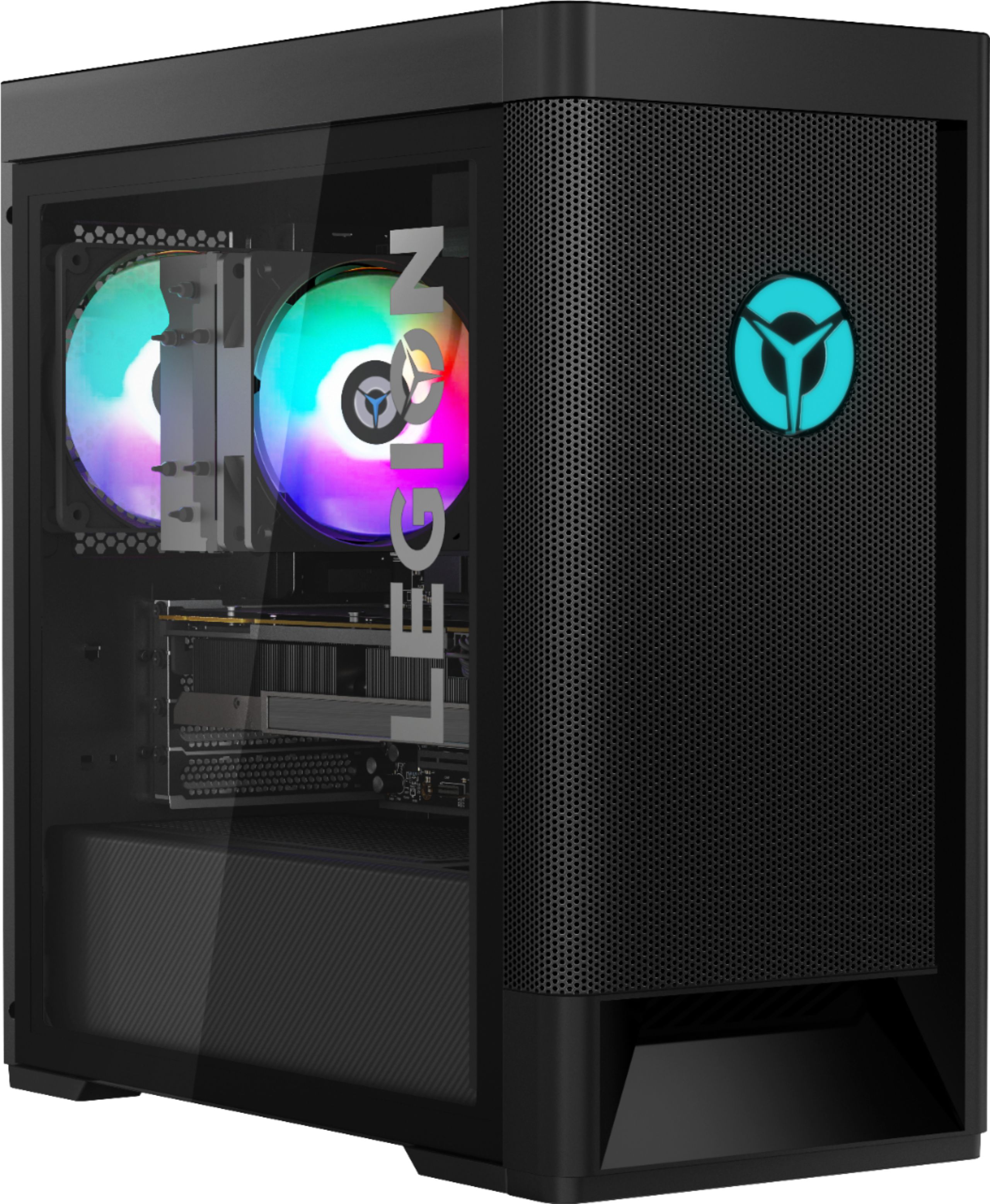
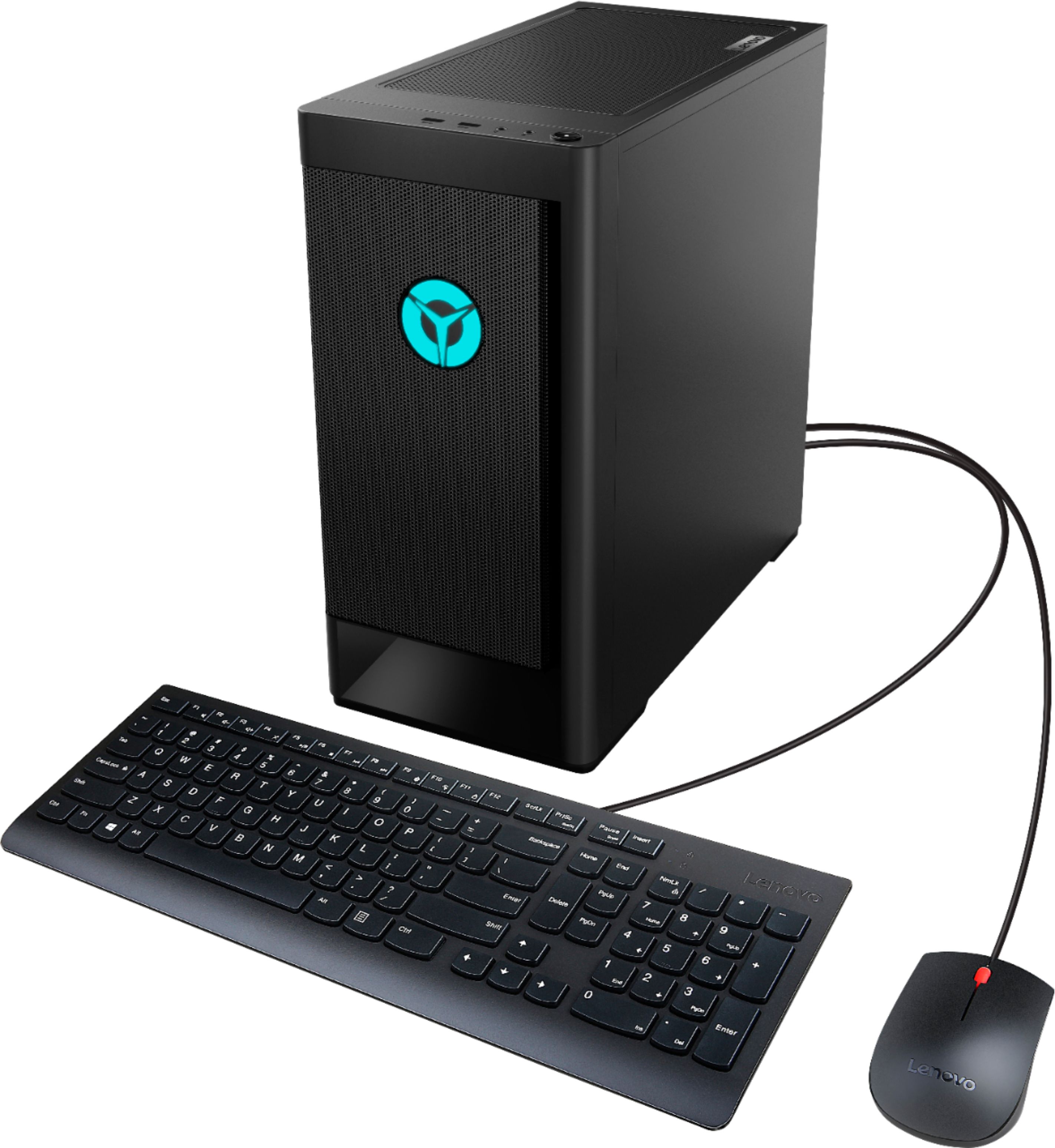
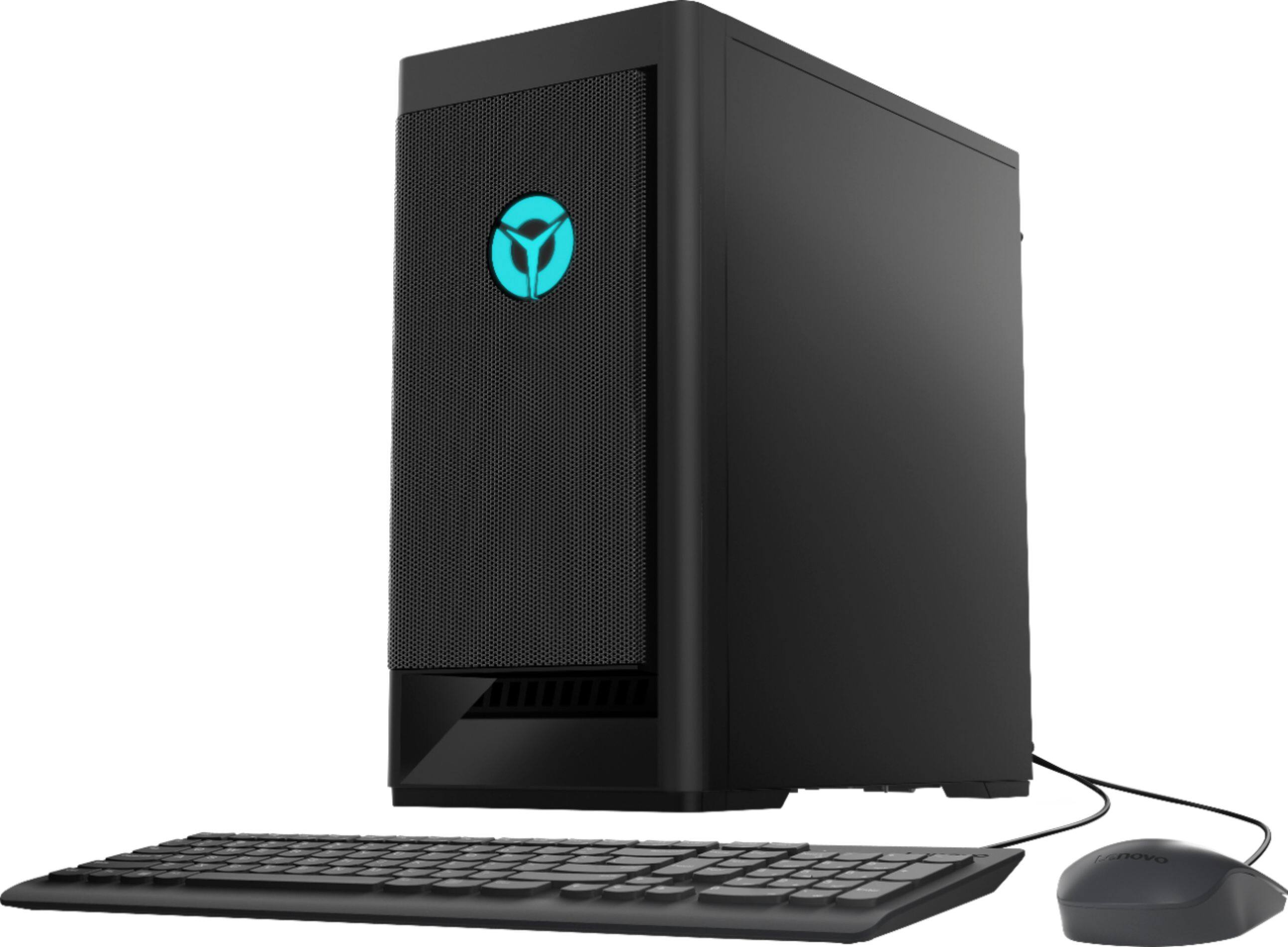
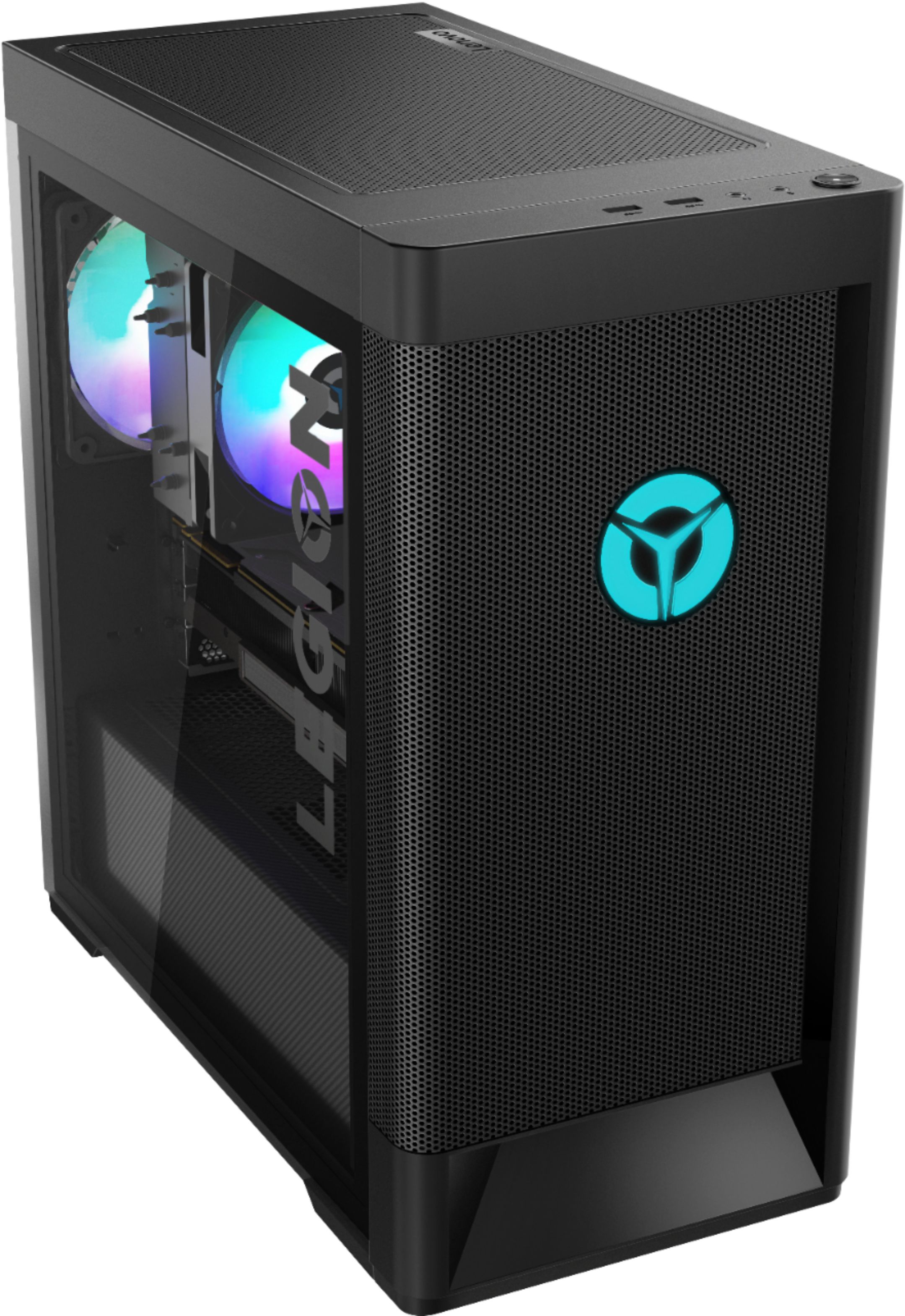

- Model:
- 90RB000EUS
- SKU:
- 6424472
Rating by feature
- Value
Rating 3.9 out of 5 stars
- Quality
Rating 3.7 out of 5 stars
- Ease of Use
Rating 3.8 out of 5 stars
Customers are saying
Customers express satisfaction with the Legion Tower 5's performance and graphics capabilities, frequently citing excellent speed and visuals. Many also praise the machine's affordability and the included RAM, while some note the ease of upgrading components. However, a recurring concern involves the power supply, with several users reporting issues and recommending an upgrade.
This summary was generated by AI based on customer reviews.
- Cons mentioned:Power supply
Terrible product
||Posted . Owned for 2 weeks when reviewed.This reviewer received promo considerations or sweepstakes entry for writing a review.Didn’t turn on when I received it. Don’t recommend anyone to buy this
No, I would not recommend this to a friendBrand response from Lenovo Product Expert
Posted .We are sorry to hear that you are having issues with your Lenovo Legion Tower 5 AMD Gaming Desktop Computer. We recommend you contact Lenovo Tech Support at: 866-426-0911.

Stay away from this
||Posted . Owned for 3 weeks when reviewed.This reviewer received promo considerations or sweepstakes entry for writing a review.Its trash. I returned it within a month. I only played overwatch on it and had to turn down the graphic settings in game. And within the month the pc started restating itself. Turned out the cpu/graphics card couldn't handle overwatch, even on basic graphic settings without it overheating.
No, I would not recommend this to a friendBrand response from Lenovo Product Expert
Posted .We always recommend you check the requirements and compatibility of any software/games you will be installing on your new computer, before you invest in any computer. Be sure your new computer can support the software/games you will need to use.
Be very careful
||Posted . Owned for 3 weeks when reviewed.This reviewer received promo considerations or sweepstakes entry for writing a review.I got this computer with the graphics card hanging out and the screw missing to hold it into place, somewhere along the lines there was an error between manufacturing and shipping. Either way, it was an awful experience for a first time PC buyer.
No, I would not recommend this to a friendTerrible PC
||Posted .This reviewer received promo considerations or sweepstakes entry for writing a review.Terrible PC I didint even have it for an hour and I took it in to return it because the power supply was shot when it got delivered it would not turn on at all
No, I would not recommend this to a friendDon’t buy
||Posted .This reviewer received promo considerations or sweepstakes entry for writing a review.Ordered from store got shipped to home first one didn’t work. Brought it back got another one shipped to home which also didn’t work. Wouldn’t even turn on. Spend your money on something different
No, I would not recommend this to a friendDefective pc
||Posted .This reviewer received promo considerations or sweepstakes entry for writing a review.Bought this new gaming PC, and it dosnt even turn on. Was so excited to finally have a pc ,all so i cant even use it on the first day home Called geek sqaud and they just recommended i return it.
No, I would not recommend this to a friendBrand response from Lenovo Product Expert
Posted .We are sorry to hear that you are having issues with your Lenovo Legion Tower 5 AMD Gaming Desktop Computer, model number 90RB000EUS. We recommend you contact Lenovo Tech Support for help with your issue at: 866-426-0911.
Computer didn't turn on
||Posted . Owned for 1 week when reviewed.This reviewer received promo considerations or sweepstakes entry for writing a review.I give this to my kid for Christmas and it didn't turn on at all...
No, I would not recommend this to a friendcant buy anything these days
||Posted .This reviewer received promo considerations or sweepstakes entry for writing a review.lights dont work on one of the fans and the pc creates static through speakers
No, I would not recommend this to a friendBrand response from Lenovo Product Expert
Posted .We are sorry to hear that you are having issues with the ambient internal RGB lighting of your Lenovo Legion Tower 5 AMD Gaming Desktop computer, model number 90RB000EUS. You can control the ambient internal RGB lighting within the Lenovo Vantage Utility software Dashboard, installed on the computer. Regarding noise through your speakers, since you are connecting external speakers to the Legion Tower 5AMD Gaming Desktop, be sure the speakers are grounded properly. Check the connection at both the computer and the speakers. Try the speakers on another device. If possible, try different speakers through the computer. If the issue continues, we recommend you call Lenovo Tech Support at: 877-453-6686.
Defective
||Posted . Owned for 2 weeks when reviewed.This reviewer received promo considerations or sweepstakes entry for writing a review.Seemed like a great PC but it wouldn’t turn on. Turns out I got sent a defective unit and they were all out of stock so I couldn’t even replace it. Extremely disappointed
No, I would not recommend this to a friendBrand response from Lenovo Product Expert
Posted .We are sorry to hear that you are having issues with your Lenovo Legion Tower 5 AMD Gaming Desktop Computer. Try resetting your computer back to original factory settings. You can do this be first powering your computer completely down. Unplug the computer and let the computer sit unpowered for 15-minutes. Now plug the computer back in. As you press the Power On Button, at the same time, repeatedly tap the F2 Key on your keyboard until you see the Lenovo One Key Recovery Screen. Once you see the One Key Recovery Screen, follow the on-screen instructions for resetting the computer. Once the computer is reset, it should boot normally from power off. If not, we recommend you contact Lenovo Tech Support for additional help at: 866-426-0911.
Didn’t turn on
||Posted .This reviewer received promo considerations or sweepstakes entry for writing a review.Didn’t even turn on when I got it never buying from Best Buy especially when there live customer support doesn’t even now what’s going on and makes false promises
No, I would not recommend this to a friendBrand response from Lenovo Product Expert
Posted .We are sorry to hear that you are having issues with your Lenovo Legion Tower 5 AMD Gaming Desktop Computer, model number 90RB000EUS. We recommend you contact Lenovo Tech Support for help correcting the issue you are having at: 866-426-0911.
Beep beep beep beep
||Posted .This reviewer received promo considerations or sweepstakes entry for writing a review.Brought it home and it never booted up. Was garbage. Wasted time waiting for it to be shipped. 4 beeps and possibly a system memory issue. Returning tomorrow.
No, I would not recommend this to a friendBrand response from Lenovo Product Expert
Posted .We are sorry to hear that you are having issues with your Lenovo Legion Tower 5 AMD Gaming Desktop Computer. Try resetting your computer back to original factory settings. To do this, power down the computer, then unplug the power cable from the wall. With the computer completely powered down, let the computer sit for 15-minutes. Now plug the computer back in and while you press the Power On button, at the same time, repeatedly tap the F2 Key until you see the Lenovo One Key Recovery Screen. Once you see the One Key Recovery Screen, follow the on-screen instructions for resetting the computer. Once the computer is reset, you should be able to boo the computer normally. If not, we recommend you contact Lenovo Tech Support at: 866-426-0911.
Wouldn’t power on
||Posted . Owned for 1 week when reviewed.This reviewer received promo considerations or sweepstakes entry for writing a review.Bought online. Shipped to house. Wouldn’t power on. Local Geek squad had no luck either.
No, I would not recommend this to a friendWon’t start
||Posted . Owned for less than 1 week when reviewed.This reviewer received promo considerations or sweepstakes entry for writing a review.I got it and waited a bit and when I plugged it in it didn’t start up. Idk if I missed something or what but it still doesn’t start.
No, I would not recommend this to a friendBrand response from Lenovo Product Expert
Posted .We are sorry to hear that you are having issues with you Lenovo Legion Tower 5 AMD Gaming Desktop Computer. We recommend you contact Lenovo Tech Support for additional help at: 866-426-0911.
Pc
||Posted . Owned for 1 week when reviewed.This reviewer received promo considerations or sweepstakes entry for writing a review.Defective and didn’t exchange. Had to buy a different model and didn’t get the discount
No, I would not recommend this to a friend- Pros mentioned:RamCons mentioned:Psu
Great Starter Gaming PC
Posted .This reviewer received promo considerations or sweepstakes entry for writing a review.I got this as an open box during the computer amd gpu shortage. You really get a good bang for your buck. The 3700X CPU is more than capable of keeping up with the 1660 Super. I never ran into any games it couldent handel. The CPU cooler does a great job keeping the twmps low. I did notice the GPU does run a bit warm thougn. The case fan speed is only controlled by the cpu temp so you camt get the gpu the air it needs unless your cpu gets warm. The Bios is not very robust on the mother board so you can not manually controll tue case fan speed either. I ended up installing a cheap analog fan controller to the lower front fan to boost the airflow over the gpu amd that lowered the gpu twm by about 10 degrees while gaming. I know the 400 watt power supply gets some hate but its 80 plus gold rated and can do the full 400w on the 12v rail. This system will never see 400W even at full tilt on the cpu and gpu. The 1660 super draws 125W max and the 3700x does 100W when boosting so you have quite a bit of headroom. All in all Im happy with it. Nice case, good performance, decent price amd the build quality was excellent.
I would recommend this to a friend Wow
||Posted .This reviewer received promo considerations or sweepstakes entry for writing a review.Waited 2 weeks to Drive a hour in a half away to pick up and drive all the back a pc that didn’t even turn on
No, I would not recommend this to a friendBrand response from Lenovo Product Expert
Posted .We are sorry to hear that you are having issues with your Lenovo Legion Tower 5 AMD Gaming Desktop. We recommend you contact Lenovo Tech Support for additional help at: 866-426-0911.
Wouldnt waste your time!
||Posted . Owned for 1 month when reviewed.This reviewer received promo considerations or sweepstakes entry for writing a review.Originally loved everything about this pc, but gave me the blue screen of death the first day i got it!
No, I would not recommend this to a friendBrand response from Lenovo Product Expert
Posted .We are sorry to hear that you are having issues with the Windows 10 Home 64-bit Operating System on your Lenovo Legion Tower 5 AMD Gaming Desktop Computer. Be sure any software you installed is compatible with Windows 10. There is no need to install Microsoft Office software. The software is already part of the operating system, you just need to activate the software with a purchased product key. If you have installed a copy of Microsoft Office, this is conflicting with the existing copy on the system and this will slow your system down. If you have installed a 3rd party anti-virus program, be sure that Windows Defender is turned off and that the trial version of McAfee Anti-Virus software is uninstalled. There can only be one anti-virus program on the system. You may need to restore your system to original factory default settings if any of the programming errors have occurred. You can do that by typing "restore" in the Cortana search window. Just click on the magnifying glass icon at the bottom left of your Windows 10 Desktop. Click on "Reset This PC" Then click on "Get Started" and follow the on screen directions to restore to factory defaults. If the problem persists, we recommend you contact Lenovo Tech Support at: 866-426-0911.
Review
||Posted .This reviewer received promo considerations or sweepstakes entry for writing a review.Horrible it didn’t even turn on. I hope its not a factory issue, cause if it is just dont buy it.
No, I would not recommend this to a friendBrand response from Lenovo Product Expert
Posted .We are sorry to hear that you are having issues with your Lenovo Legion Tower 5 AMD Gaming Desktop Computer. We recommend you contact Lenovo Tech Support for help with your issue at: 866-426-0911.
Drop a brick on your foot instead of buying this
||Posted .This reviewer received promo considerations or sweepstakes entry for writing a review.Horrible, Disgusted, heart broke, waste of time and money, probably gave me cancer, who knows
No, I would not recommend this to a friendDONT BUY!!
||Posted . Owned for 1 month when reviewed.This reviewer received promo considerations or sweepstakes entry for writing a review.Horrible purchase plugged it in and no power just making a beeping sound so i returned it.
No, I would not recommend this to a friendBrand response from Lenovo Product Expert
Posted .We are sorry to hear that you are having issues with your Lenovo Legion Tower 5 AMD Gaming Desktop Computer. We recommend you contact Lenovo Tech Support for help at: 866-426-0911.