Customer Ratings & Reviews




- Model:
- 81FV0002US
- SKU:
- 6219200
Rating by feature
- Value
Rating 4.2 out of 5 stars
- Quality
Rating 4.1 out of 5 stars
- Ease of Use
Rating 4.3 out of 5 stars
Customers are saying
Customers are satisfied with the Legion Y530's performance, design, ample RAM, and graphics card, finding it suitable for gaming and other demanding tasks at a reasonable price. However, some users experienced issues with battery life, hard drive reliability, and overheating, while others noted concerns about the screen and webcam placement. Many felt the machine offered excellent value for its price point. The laptop's weight was also frequently praised as being surprisingly light.
This summary was generated by AI based on customer reviews.
- Pros mentioned:Design
Excellent for my needs
||Posted .This reviewer received promo considerations or sweepstakes entry for writing a review.Best pc I've ever had. Great graphic. Stable gaming.
I would recommend this to a friendBrand response from Lenovo Product Expert
Posted .Thank you for choosing the Lenovo Legion Y530 laptop. We are pleased to hear that the Legion Y530 meets your computing needs so well. For 2018, Lenovo retained its place for a second year as the best laptop vendor:
https://www.laptopmag.com/articles/laptop-brand-ratings
Some games run a little slow at spots.
||Posted .This reviewer received promo considerations or sweepstakes entry for writing a review.Sometimes when I play games like Fortnite it might get a little slow at some parts.
I would recommend this to a friendBrand response from Lenovo Product Expert
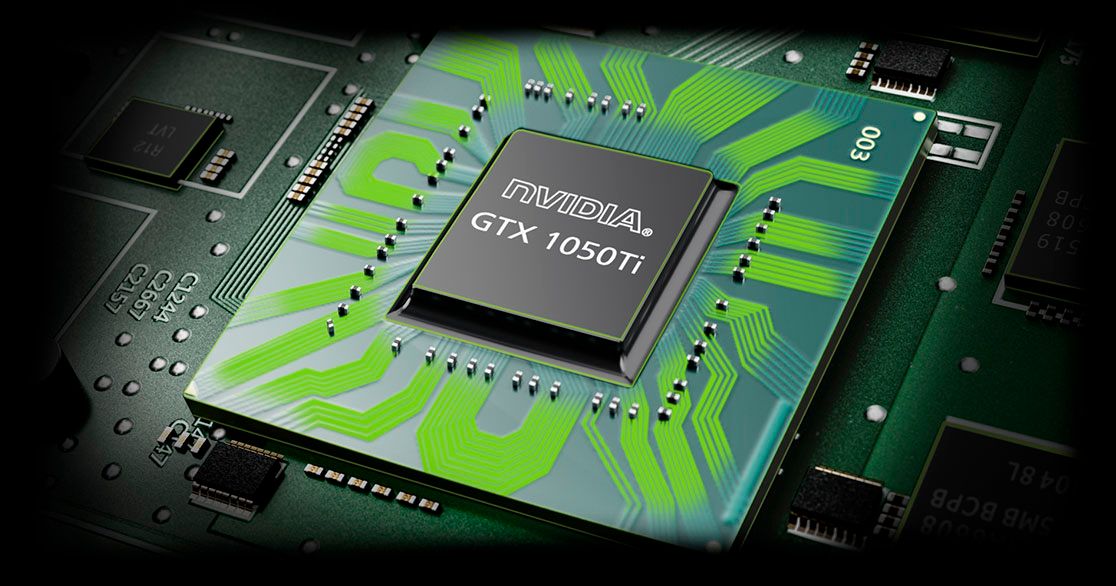
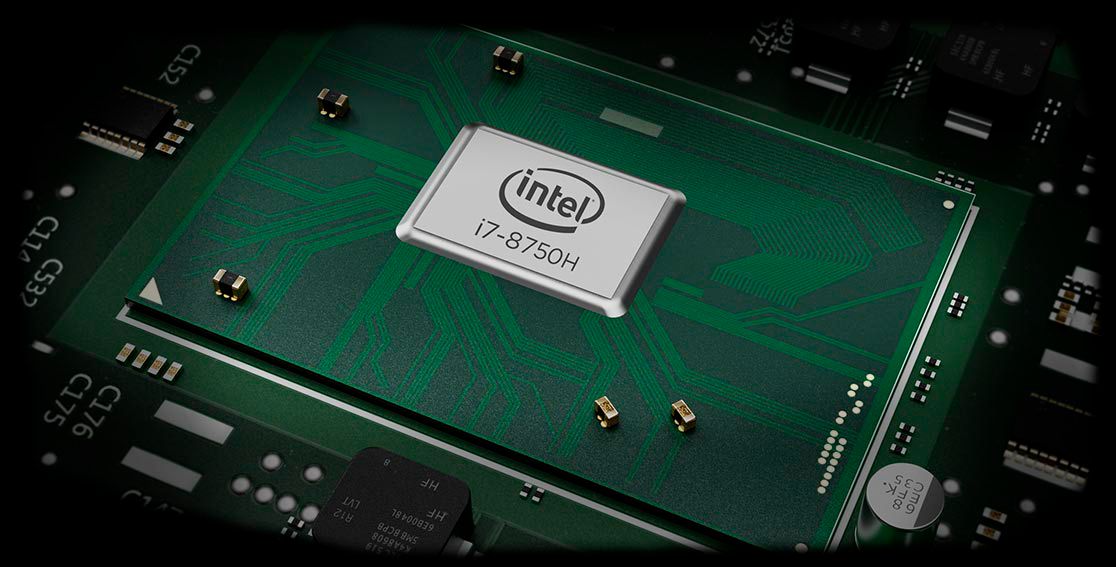
Posted .We recommend you check the requirements and compatibility of the games you are playing on the Lenovo Legion Y530 and the settings you are using with the game, to be sure the Legion Y530 and its configuration are compatible with the specific game. This configuration of the Legion Y530 ships with the powerful Six-Core/Twelve-Thread Intel Core i7-8750H processor, supported by 16GB DDR4-2666MHz RAM and a discrete Nvidia GeForce GTX 1050TI GPU with 4GB GDDR5 RAM on the GPU. The 1TB 7200 RPM standard hard drive is supported by 16GB of Intel Optane Memory for quick boot up and quick access to the programs and files the user opens the most. This is an extremely fast configuration. We recommend you always check the requirements and compatibility of the games/software you will need to use on your new computer, before you invest. Be sure your new computer will do the work you want to do, before you invest in any new computer. For 2018, Lenovo retained its place for a second year as the best laptop vendor:
https://www.laptopmag.com/articles/laptop-brand-ratings
- Pros mentioned:Ram
Powerful PC
||Posted .This reviewer received promo considerations or sweepstakes entry for writing a review.this is a powerful pc with 16gb and gaming features
I would recommend this to a friendBrand response from Lenovo Product Expert
Posted .Thank you for choosing the lenovo Legion Y530 laptop. We are pleased to hear that the features and performance of the Legion Y530 meets your computing needs so well. For 2018, Lenovo retained its place for a second year as the best laptop vendor:
https://www.laptopmag.com/articles/laptop-brand-ratings
- Pros mentioned:Graphics card, Ram, Speed

Great Budget Gaming Laptop
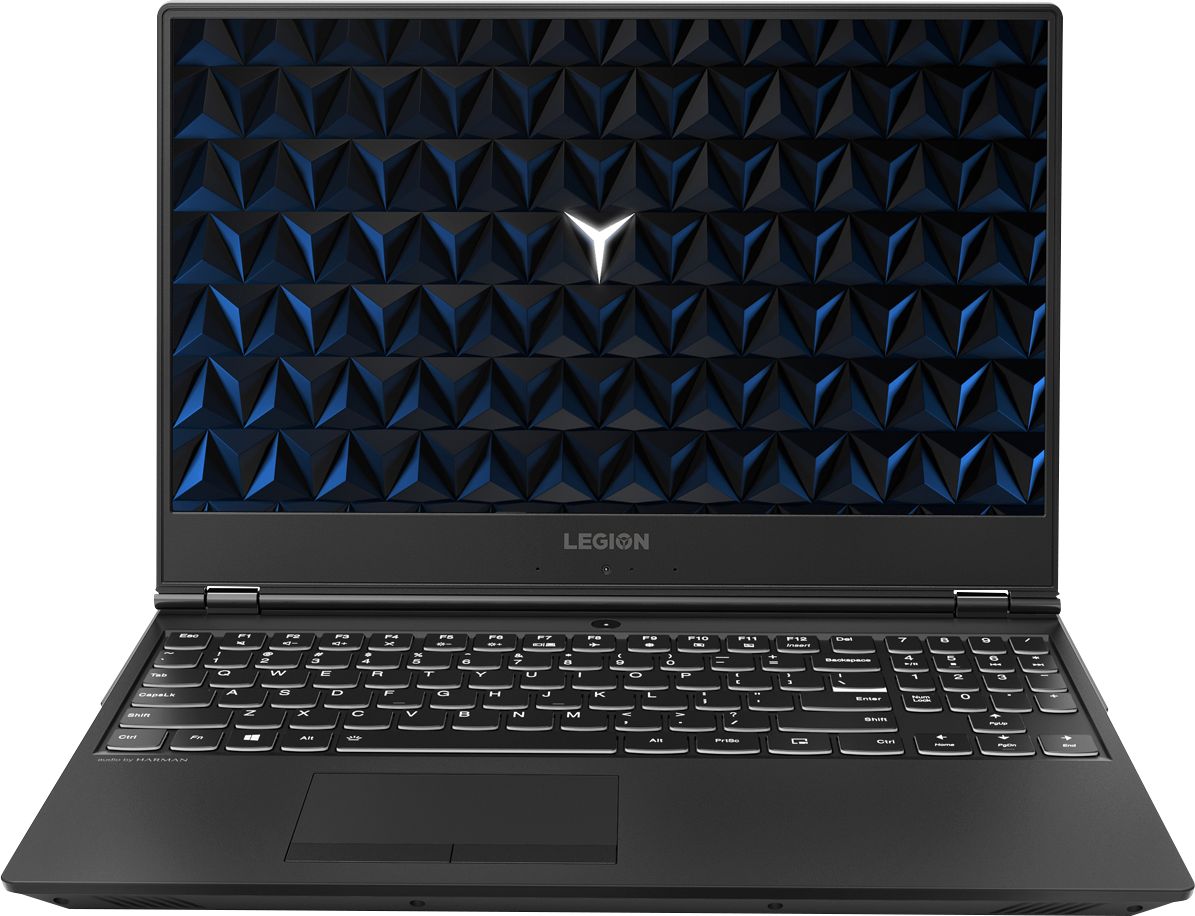
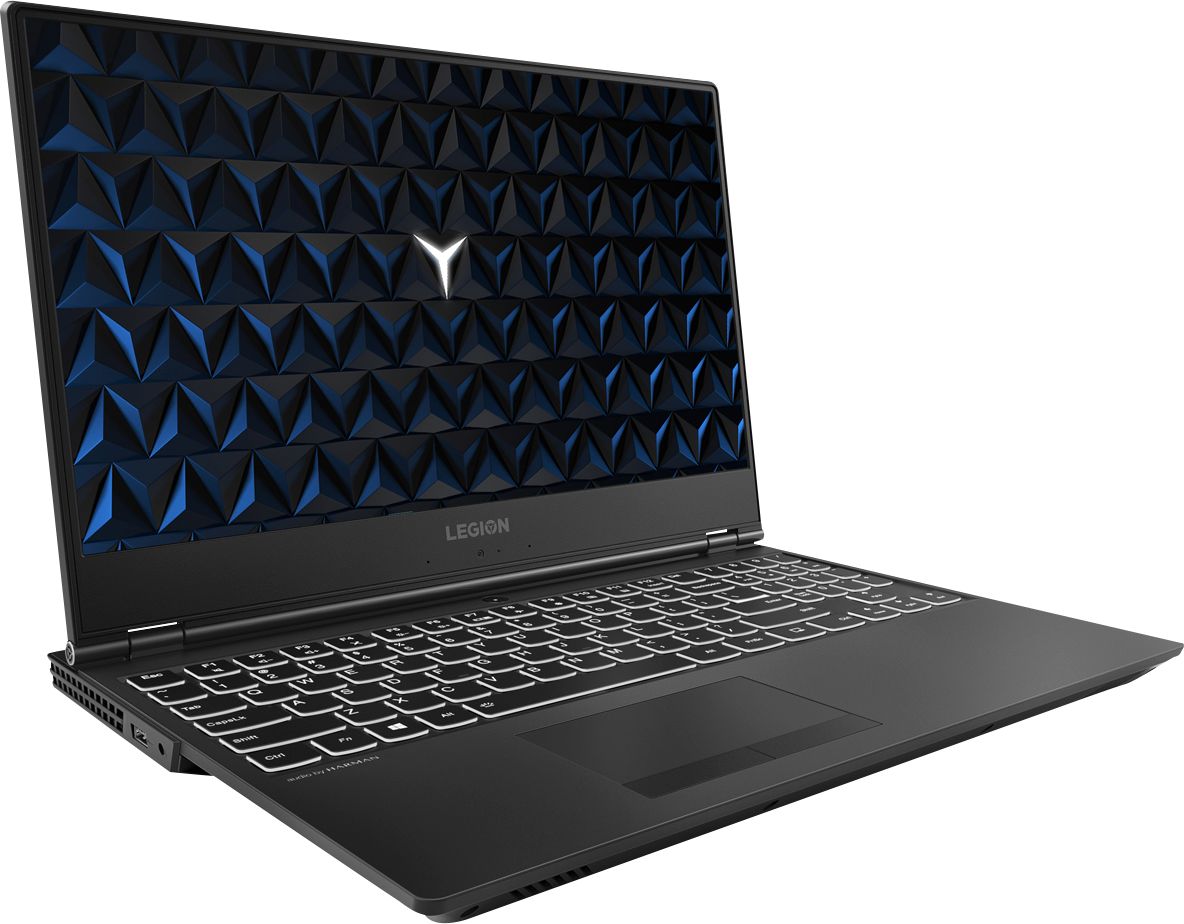
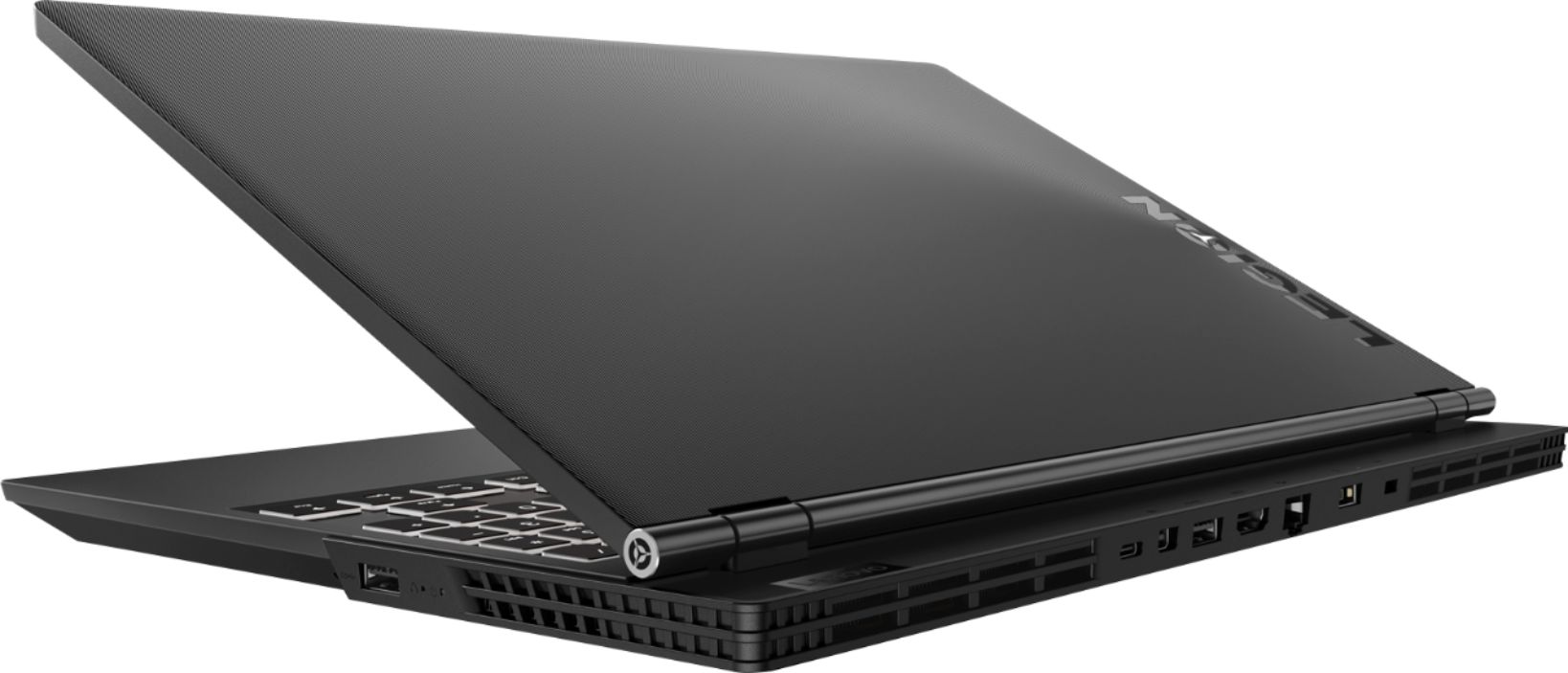
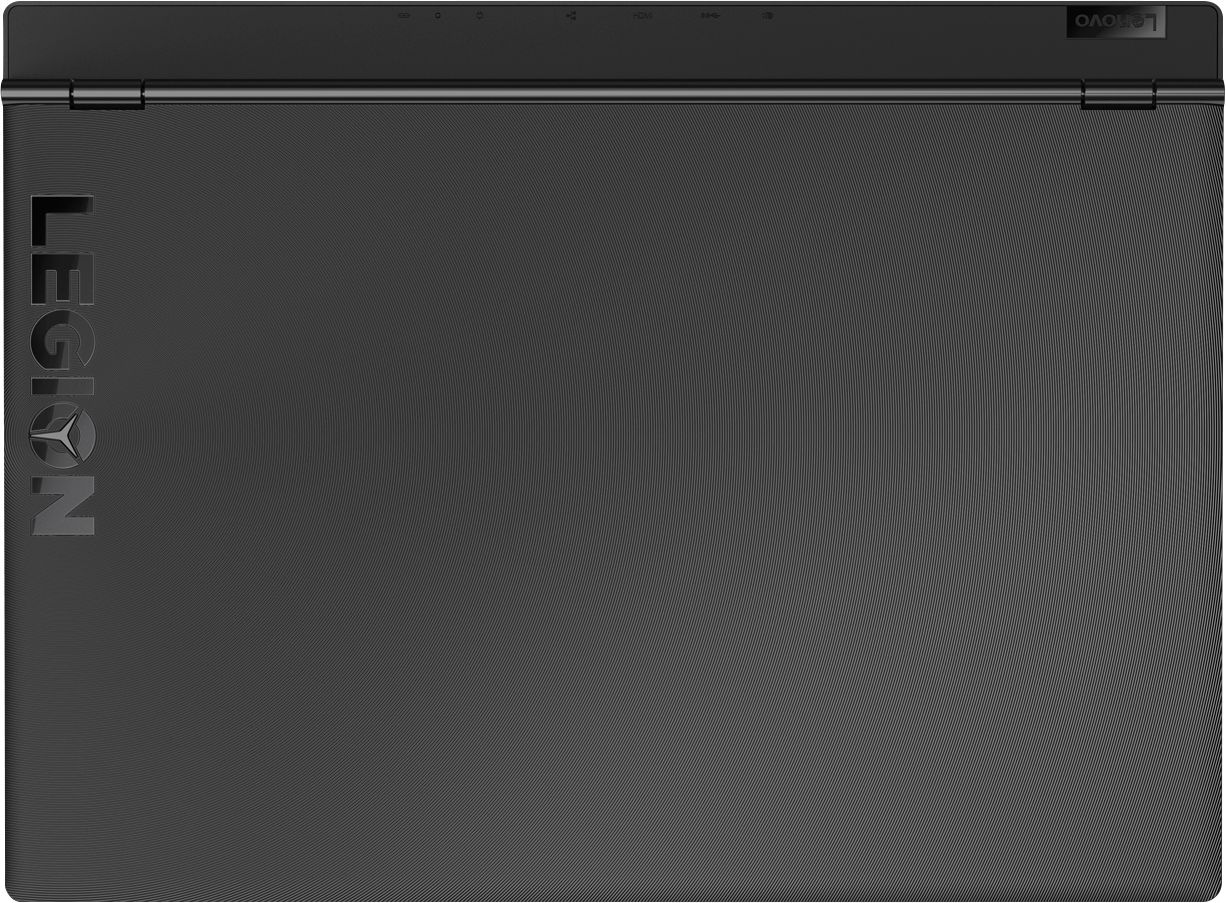
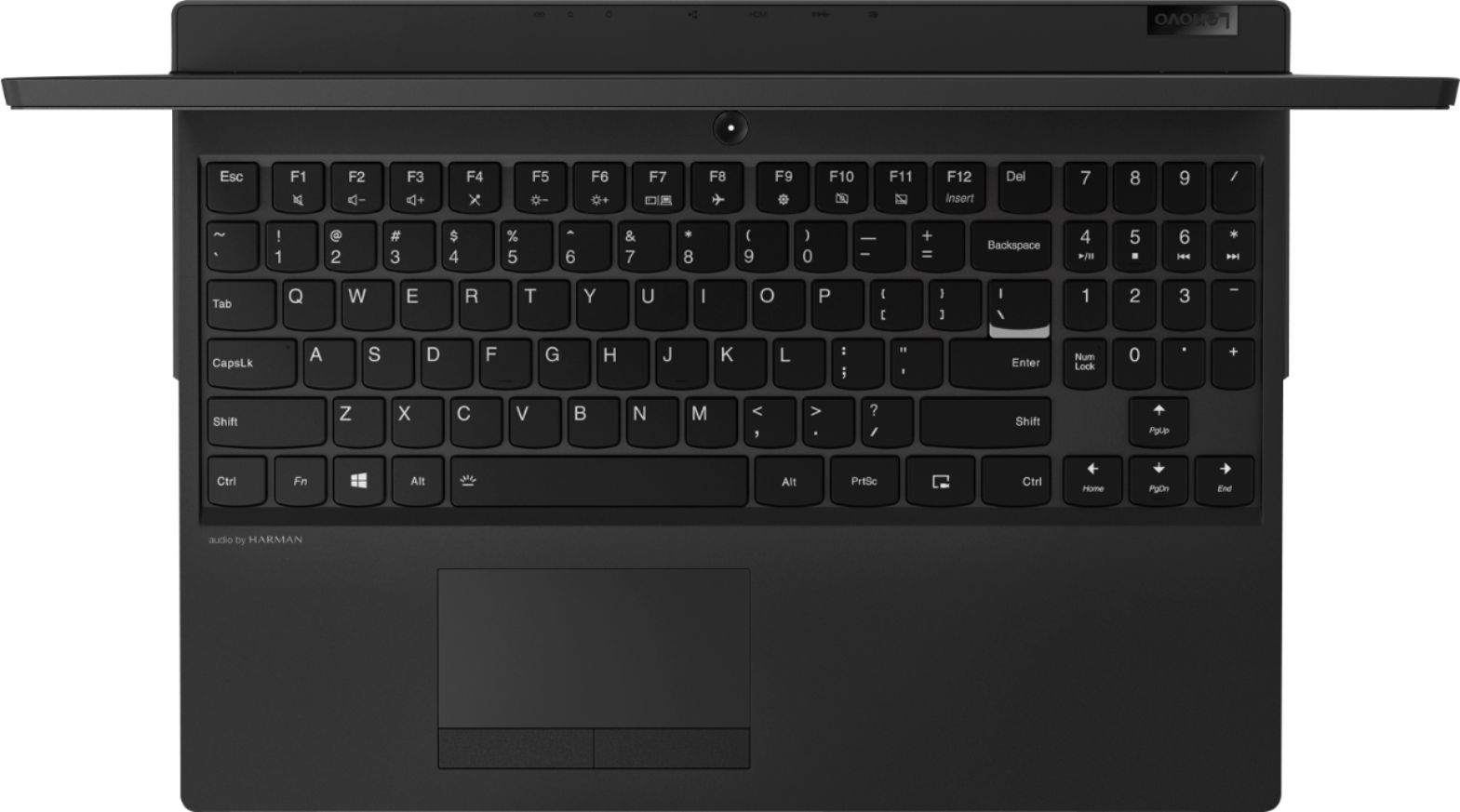
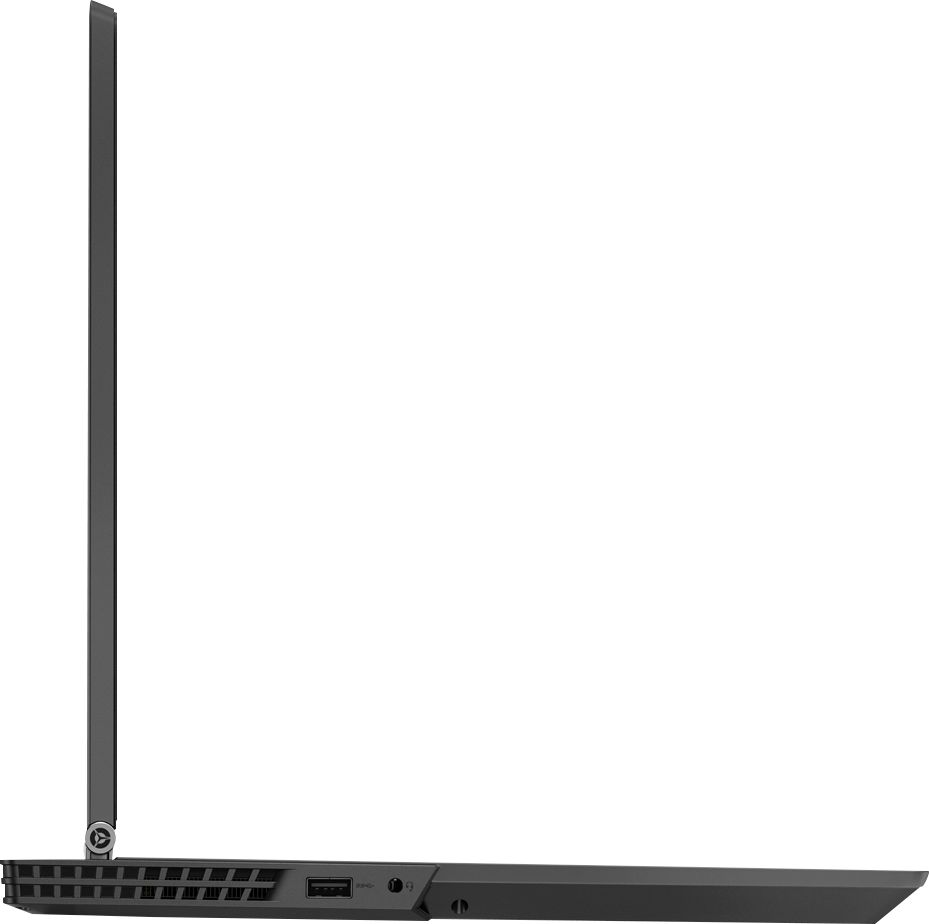
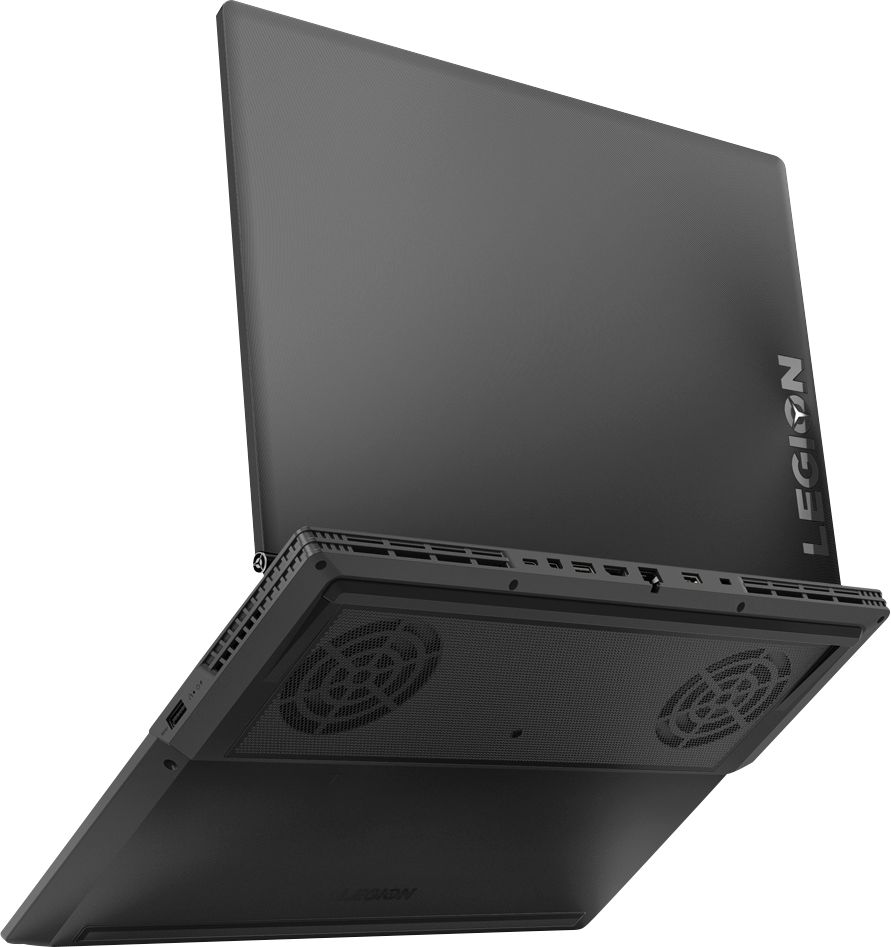
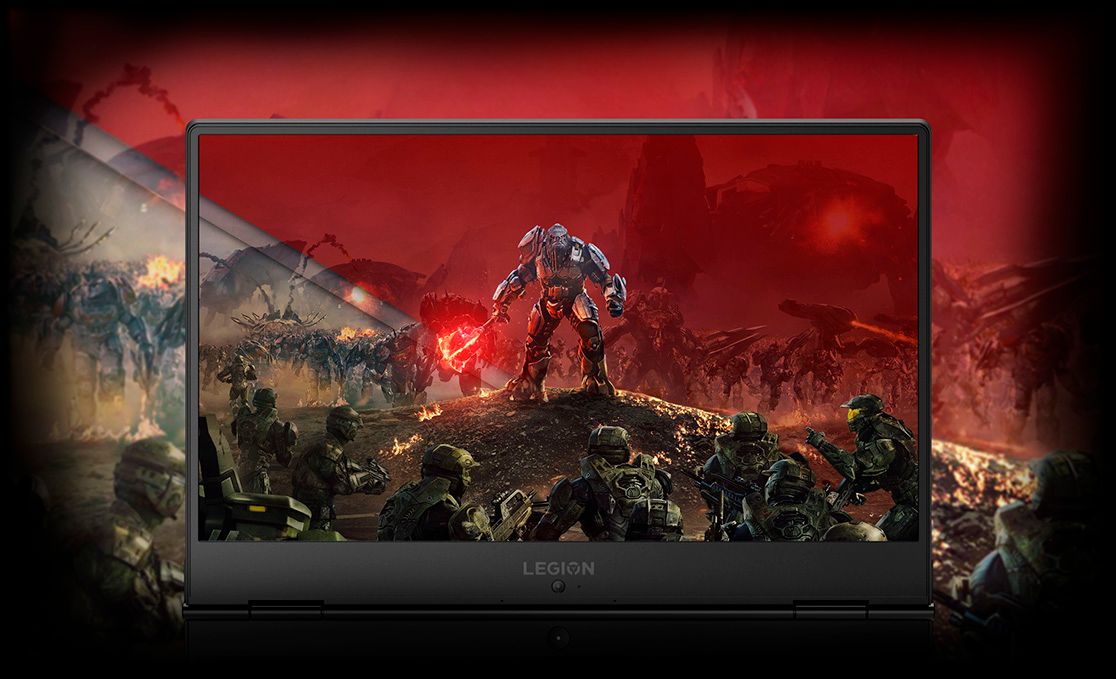
|Posted .This reviewer received promo considerations or sweepstakes entry for writing a review.The Lenovo Legion Y530 (81FV0002US) has an awesome Intel i7 8750H processor with a nice increase in performance over last years i7, 16GB of DDR4 2666 memory, 16GB of Intel Optane Memory for fast access without requiring a solid-state drive, and a superior budget gaming Nvidia 4GB GeForce GTX 1050 Ti graphics card. While great for the majority of games on the market and for video editing it is marginal at best for virtual reality applications at this time. It has a very nice textured finish on the ABS plastic chassis, good cooling, reasonable battery run time and has small bezels around the screen with the camera placed on the bottom. The small bezels allow for a smaller footprint and a better visual experiance. At a hair over five pounds it is portable and can also be used as a business computer/number cruncher. It is a great improvement over computers with less RAM and standard hard disk drives.
I would recommend this to a friendBrand response from Lenovo Product Expert
Posted .Thank you for choosing the Lenovo Legion Y530 laptop. We are pleased to hear that the features and performance of the Legion Y530 meets your computing needs so well.

GREAT LAPTOP FOR GAMING
||Posted .This reviewer received promo considerations or sweepstakes entry for writing a review.PERFECT LAPTOP FOR GAMING. NOT TOO MUCH EXTRA STUFF
I would recommend this to a friendBrand response from Lenovo Product Expert
Posted .Thank you for choosing the Lenovo Legion Y530 laptop. We are pleased to hear that the features and performance of the Legion Y530 meets your computing needs so well.
this is a good laptop by Lenovo
||Posted . Owned for 3 weeks when reviewed.This reviewer received promo considerations or sweepstakes entry for writing a review.Very clear images ,good for photo shop good for school light weight to carry
I would recommend this to a friendLove it
||Posted . Owned for 3 months when reviewed.This reviewer received promo considerations or sweepstakes entry for writing a review.I love this laptop a lot but having issues staying connected to the internet
I would recommend this to a friendBrand response from Lenovo Product Expert
Posted .We are sorry to hear that you are having issues with WiFi connectivity within your Lenovo Legion Y530 laptop. This model ships with 802.11 AC (2 x 2) frequency WiFi. Be sure you have the latest version of Windows 10 on the computer and that all of the supporting BIOS files and drivers are also up to date. You can easily accomplish this by scanning the computer with the Lenovo Utility software installed on the computer. This system has Lenovo utilities installed to help maintain the health of the device and keep the operating system software up to date. Type "Lenovo Vantage" in the Cortana Search window (if Lenovo Vantage is not installed on your device, you can download the APP and install it now). Select Lenovo Vantage from the list. In the window that opens, click on "Health and Support". In the expanded menu, select "Hardware Scan" In the window that opens, select "Run Quick Tests". This will scan your entire system for errors. Follow any directions that may pop up. If the problem continues after this scan, now click on "System Update". First select Windows update from the menu. Scan your system to be sure you have the latest version of Windows 10. Once that scan is complete, select "Additional Updates". This will scan your device to be sure there are no new BIOS/Driver updates needed. Follow any instructions that may pop up. If the issue still continues after these updates, we recommend you call Lenovo Tech Support at: 877-453-6686 for additional help.
- Cons mentioned:Hard drive
Had to return
||Posted .This reviewer received promo considerations or sweepstakes entry for writing a review.Everything was working great until the computer just started to blue screen. Took it in to get fixed and waited for about 3 weeks before they told me they couldn’t fix it
I would recommend this to a friendBrand response from Lenovo Product Expert
Posted .We are sorry to hear that you had issues with your Lenovo Legion Y530 laptop. The issue you describe may be fixed by resetting the Windows 10 operating system back to factory settings. Because this model has Intel Optane Memory, which keeps an image of the Windows 10 operating system on it, Optane Memory must first be turned off. To restore system, Optane must be disabled first in the BIOS
o Power down system, power back on and press F2 to enter BIOS setup
o BIOS setup > Configuration > Storage > Intel® Rapid Storage technology > Intel Optane, 931.5GB > Disable > Are you sure you want to disable > Yes > Disable
o Wait for 3 minutes
o The Disable process should be finished and there will be (2) non-RAID physical disks
o Press F10 to Save and Exit
- The system should now be able to be Restored
- After restoring, you will need to open the Optane UI from the task bar and choose Setup > Enable > Select “Erase all data on Intel “Optane” memory module > Continue > Restart. Now you can restore the Windows 10 operating system to factory original settings by following the instructions at this link: https://www.laptopmag.com/articles/reset-windows-10-pc. Be sure to re-enable the Optane Memory after you restore the system, then restart the device, as listed above. If you continue to have an issue, we recommend you call Lenovo Tech Support at: 877-453-6686.
Good for rendering
||Posted .This reviewer received promo considerations or sweepstakes entry for writing a review.I use this computer to work on 3-d modeling and it’s been realizable for it
I would recommend this to a friendBrand response from Lenovo Product Expert
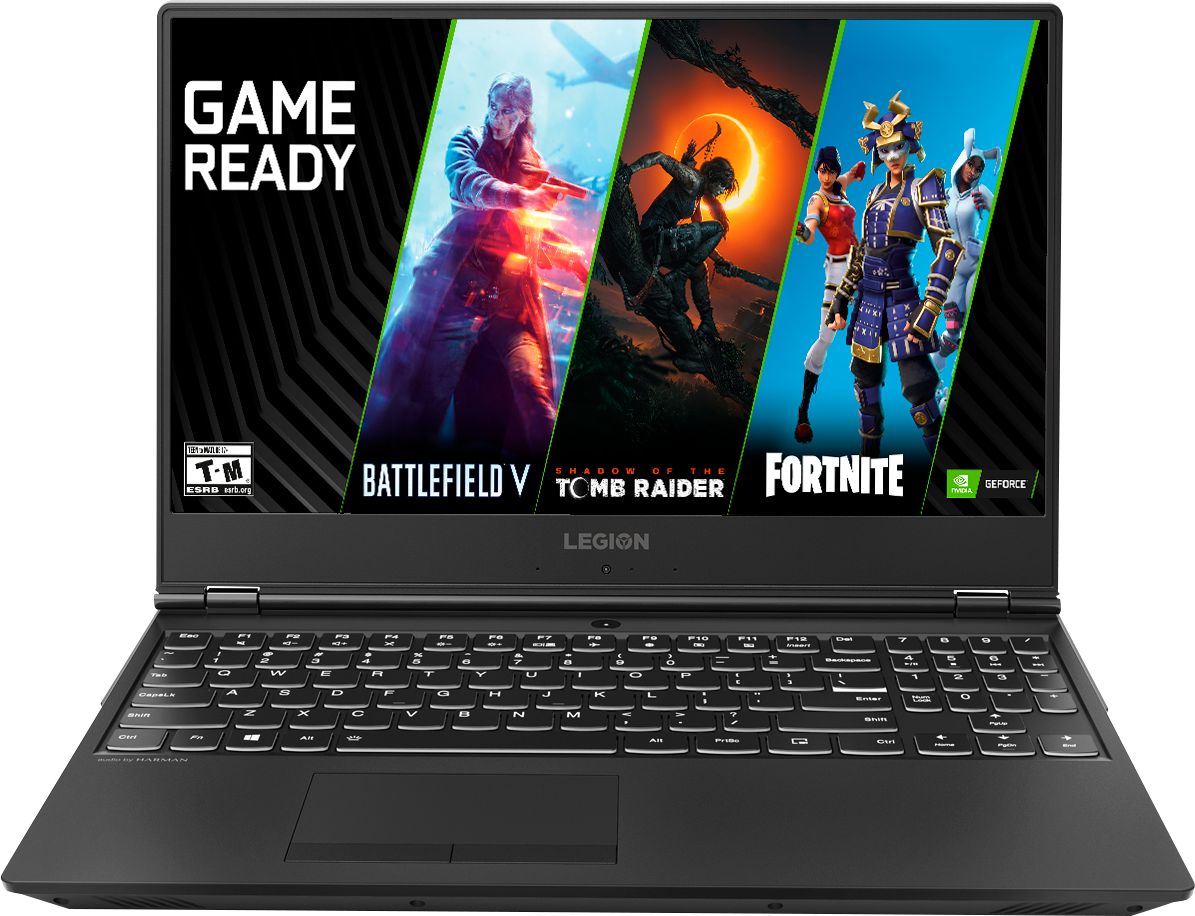
Posted .Thank you for choosing the Lenovo Legion Y530 laptop. This 15.6-inch laptop gives you exactly what you need for a powerful computing experience that balances performance and portability. Its breathtakingly sleek design includes a three-sided narrow bezel for a more immersive gaming experience. The latest-generation specs include GTX graphics and Intel Core i7 six core processors, which guarantee you serious gaming power. Thermally optimized to run cooler and quieter with a full-sized white-backlit keyboard, the Lenovo Legion Y530 Laptop is primed for those who demand gaming wherever life takes them. For 2018, Lenovo retained its place for a second year as the best laptop vendor:
https://www.laptopmag.com/articles/laptop-brand-ratings
Good Gaming Laptop
||Posted . Owned for more than 2 years when reviewed.This reviewer received promo considerations or sweepstakes entry for writing a review.Excellent laptop but its very heavy to carry around.
I would recommend this to a friend- Cons mentioned:Battery life
Big, bulky and slow.
||Posted .This reviewer received promo considerations or sweepstakes entry for writing a review.Bought it for mobility, but the battery life is so short the heavy bulky battery had to be attached almost always. Couldnt even do a simple match 3! It was heavy and over hyped buy sales people. I returned it.
No, I would not recommend this to a friendBrand response from Lenovo Product Expert
Posted .This high performance, full-size 15.6" (screen size measured diagonally), weighs 5.07 lbs. and measures 1" thin. The Lenovo Legion Y530 laptop ships with a 3CELL 52.5WH, Lithium Polymer battery, with a battery life of up to 5 hours, depending on the work that the device is performing.
Gaming
||Posted . Owned for 1 month when reviewed.This reviewer received promo considerations or sweepstakes entry for writing a review.Great so far for the price the only bad is the sound not as loud
I would recommend this to a friendFast, wonderful machine.
||Posted .This reviewer received promo considerations or sweepstakes entry for writing a review.Necessary speed for all purposes. Best price available at the time.
I would recommend this to a friendBrand response from Lenovo Product Expert
Posted .Thank you for choosing the Lenovo Legion Y530 laptop. We are pleased to hear that the value and performance of the Legion Y530 meets your computing needs so well.
Laptop
||Posted . Owned for 7 months when reviewed.This reviewer received promo considerations or sweepstakes entry for writing a review.Nice laptop and it had very good configuration And good laptop
I would recommend this to a friendBrand response from Lenovo Product Expert
Posted .Thank you for choosing the Lenovo Legion Y530 laptop. This 15.6-inch laptop gives you exactly what you need for a powerful computing experience that balances performance and portability. Its breathtakingly sleek design includes a three-sided narrow bezel for a more immersive computing experience. The latest-generation specs include GTX graphics and the Intel Core i7 six core processor, which guarantee you serious computing power. Thermally optimized to run cooler and quieter with a full-sized white-backlit keyboard, the Lenovo Legion Y530 Laptop is primed for those who demand computing power wherever life takes them.
great and lightweight
||Posted .This reviewer received promo considerations or sweepstakes entry for writing a review.good quality laptop, slim bezel, feels premium gaming laptop
I would recommend this to a friendBrand response from Lenovo Product Expert
Posted .Thank you for choosing the Lenovo Legion Y530 laptop. We are pleased to hear that the features and performance of the Legion Y530 meets your computing needs so well. This 15.6-inch laptop gives you exactly what you need for a gaming experience that balances performance and portability. Its breathtakingly sleek design includes a three-sided narrow bezel for a more immersive gaming experience. The latest-generation specs include GTX graphics and the Intel Core i7 six core processor, which guarantee you serious gaming power. Thermally optimized to run cooler and quieter with a full-sized white-backlit keyboard, the Lenovo Legion Y530 Laptop is primed for those who demand gaming wherever life takes them. For 2018, Lenovo retained its place for a second year as the best laptop vendor:
https://www.laptopmag.com/articles/laptop-brand-ratings
nice computer
||Posted .This reviewer received promo considerations or sweepstakes entry for writing a review.good laptop for students lots of extras to help with school
I would recommend this to a friendBrand response from Lenovo Product Expert
Posted .Thank you for choosing the Lenovo Legion Y530 laptop. We are pleased to hear that the legion Y530 meets your computing needs so well. This 15.6-inch laptop gives you exactly what you need for a gaming experience that balances performance and portability. Its breathtakingly sleek design includes a three-sided narrow bezel for a more immersive gaming experience. The latest-generation specs include GTX graphics and Intel Core i7 six core processors, which guarantee you serious gaming power. Thermally optimized to run cooler and quieter with a full-sized white-backlit keyboard, the Lenovo Legion Y530 Laptop is primed for those who demand gaming wherever life takes them. For 2018, Lenovo retained its place for a second year as the best laptop vendor:
https://www.laptopmag.com/articles/laptop-brand-ratings
Great Laptop
||Posted .This reviewer received promo considerations or sweepstakes entry for writing a review.Its an ok laptop for the price its for its a finger print magnet
I would recommend this to a friendBrand response from Lenovo Product Expert
Posted .Thank you for choosing the Lenovo Legion Y530 laptop. Regarding the device showing fingerprints easily, we will look into this for future improvements.
Shaky Selection
||Posted .This reviewer received promo considerations or sweepstakes entry for writing a review.I am the person at our office that selects laptops for others. I recently selected 2 of these laptops and purchased them from Best Buy. First one lasted a month and them I had to send it in for warranty repairs. Just got it back seems to be working OK now - a HDD Repair based on the Lenovo ticket. Second purchase - I could not get it to see my 5 GHz network during setup so I returned it the same day it was delivered. Best Buy was good enough to just swap in a new unit. The new unit configured correctly and has been deployed without issue so far. However given the problems encountered my confidence level is shaky on these machines. Time will tell... I'd only recommend with explanation
I would recommend this to a friendBrand response from Lenovo Product Expert
Posted .We are sorry to hear that you had issues with the two Lenovo Legion Y530 laptops you purchased. The Legion Y530 does ship with Lenovo Utility software installed to help maintain the operating health of the device. This system has Lenovo utilities installed to help maintain the health of the device and keep the operating system software up to date. Type "Lenovo Vantage" in the Cortana Search window (if Lenovo Vantage is not installed on your device, you can download the APP and install it now). Select Lenovo Vantage from the list. In the window that opens, click on "Health and Support". In the expanded menu, select "Hardware Scan" In the window that opens, select "Run Quick Tests". This will scan your entire system for errors. Follow any directions that may pop up. If the problem continues after this scan, now click on "System Update". First select Windows update from the menu. Scan your system to be sure you have the latest version of Windows 10. Once that scan is complete, select "Additional Updates". This will scan your device to be sure there are no new BIOS/Driver updates needed. Follow any instructions that may pop up. If the issue still continues after these updates, we recommend you call Lenovo Tech Support at: 877-453-6686 for additional help.
Great gaming laptop
||Posted .This reviewer received promo considerations or sweepstakes entry for writing a review.I have only had this laptop for a month or so, but it works nicely for gaming. The battery power isn't what a "normal" laptop's would be, but my testing was on an online game with decent graphics settings, so I'd be greedy to expect more than a couple of hours at that rate.
I would recommend this to a friendBrand response from Lenovo Product Expert
Posted .Thank you for choosing the Lenovo Legion Y530 laptop. This system ships with a 3CELL 52.5WH, Lithium Polymer battery, with a battery life of up to 5 hours, depending on the work that the device is performing. We are pleased to hear that the Y530 is working out so well for you.
Runs current games well
||Posted .This reviewer received promo considerations or sweepstakes entry for writing a review.Has a laggy startup time but otherwise works very well.
I would recommend this to a friendBrand response from Lenovo Product Expert
Posted .This configuration of the Lenovo Legion Y530 laptop ships with 16GB of Intel Optane Memory that works in conjunction with the 1TB 7200RPM standard hard drive, such that the combination of Optane Memory and the standard hard drive work like a Hybrid hard drive. This provides quick boot up and quick recall of the most used programs on the device, like a solid state hard drive.