Customer Ratings & Reviews




- Model:
- 81FV0002US
- SKU:
- 6219200
Rating by feature
- Value
Rating 4.2 out of 5 stars
- Quality
Rating 4.1 out of 5 stars
- Ease of Use
Rating 4.3 out of 5 stars
Customers are saying
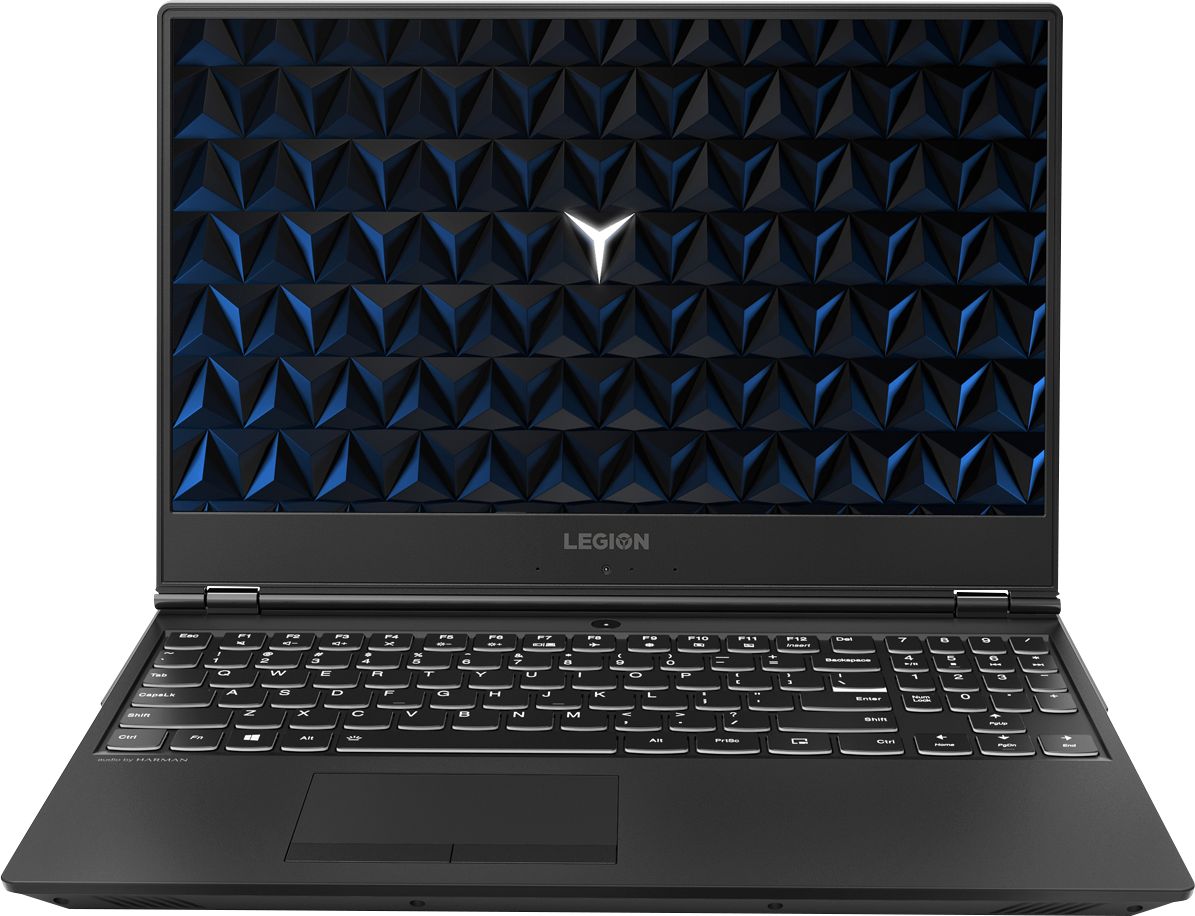
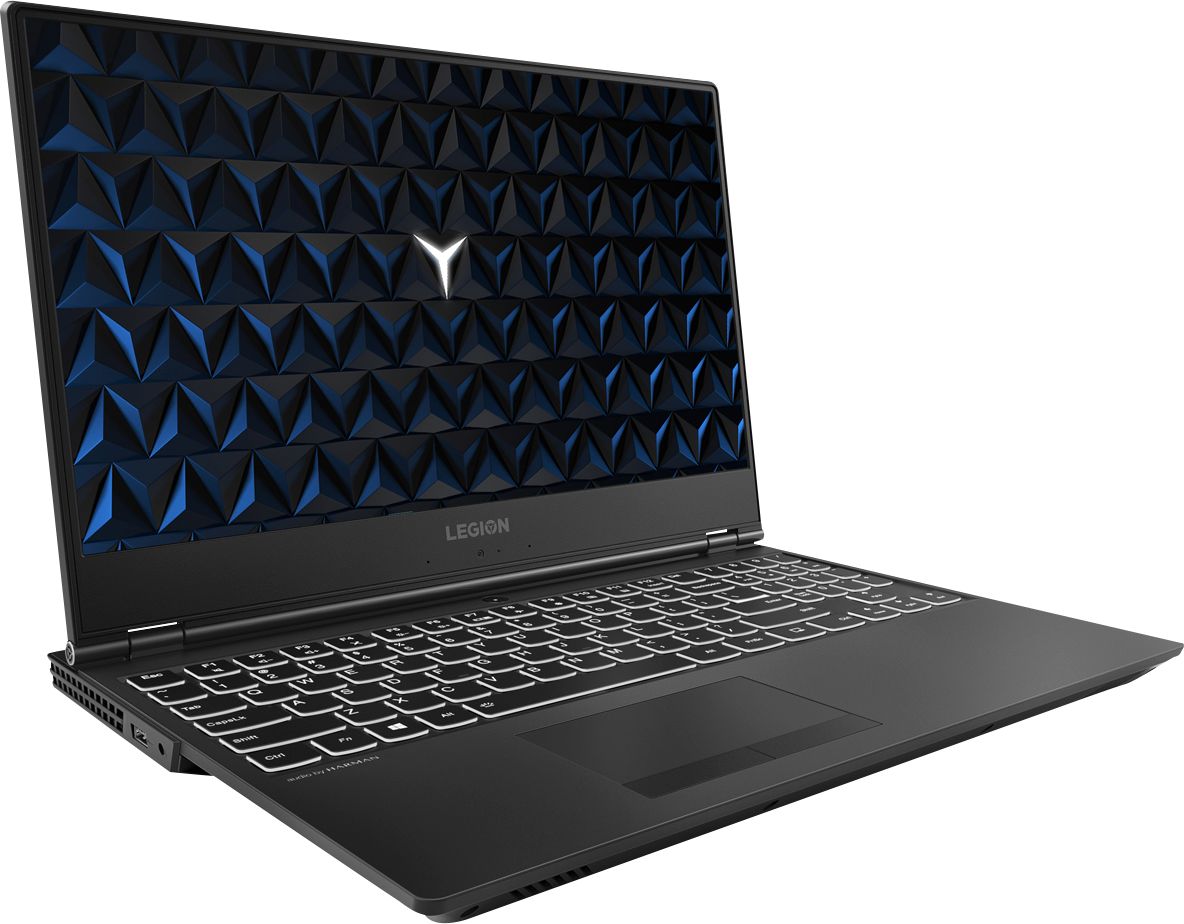
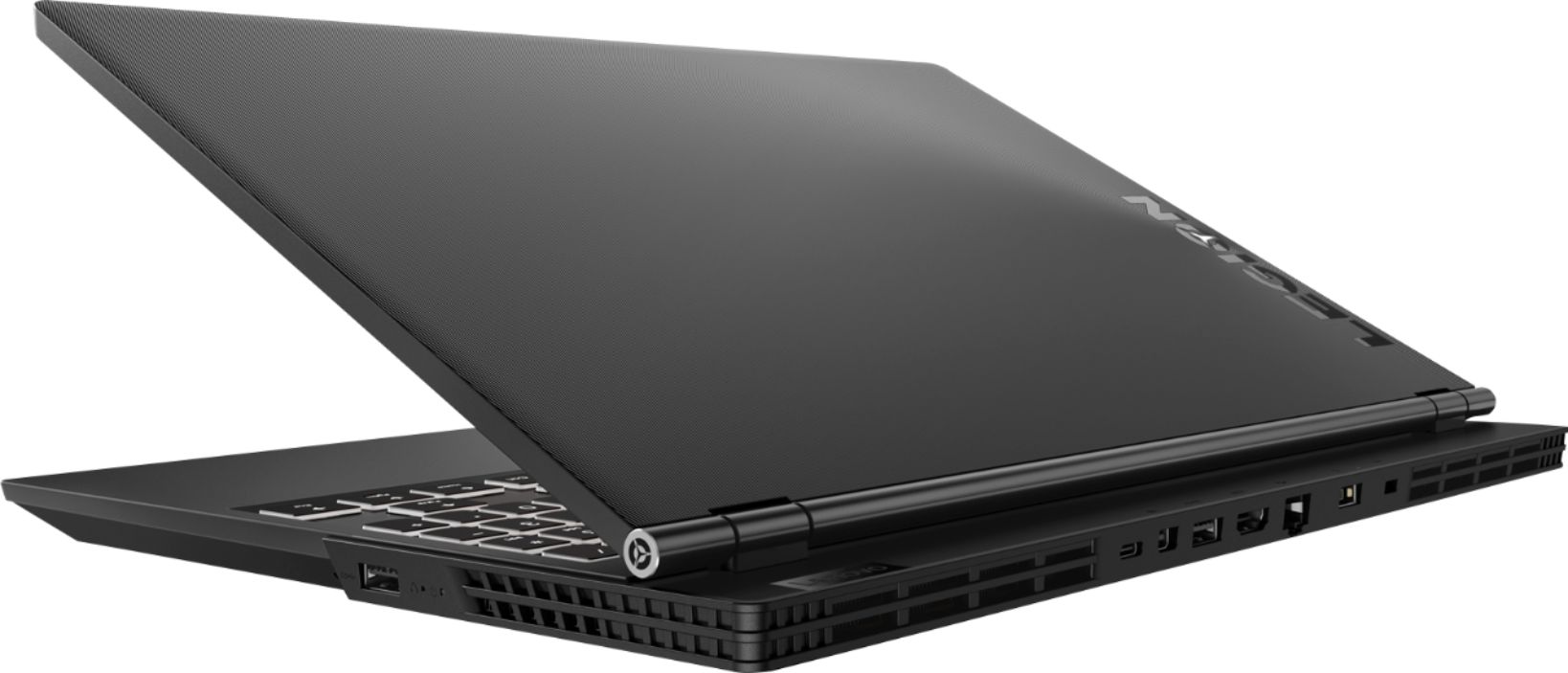
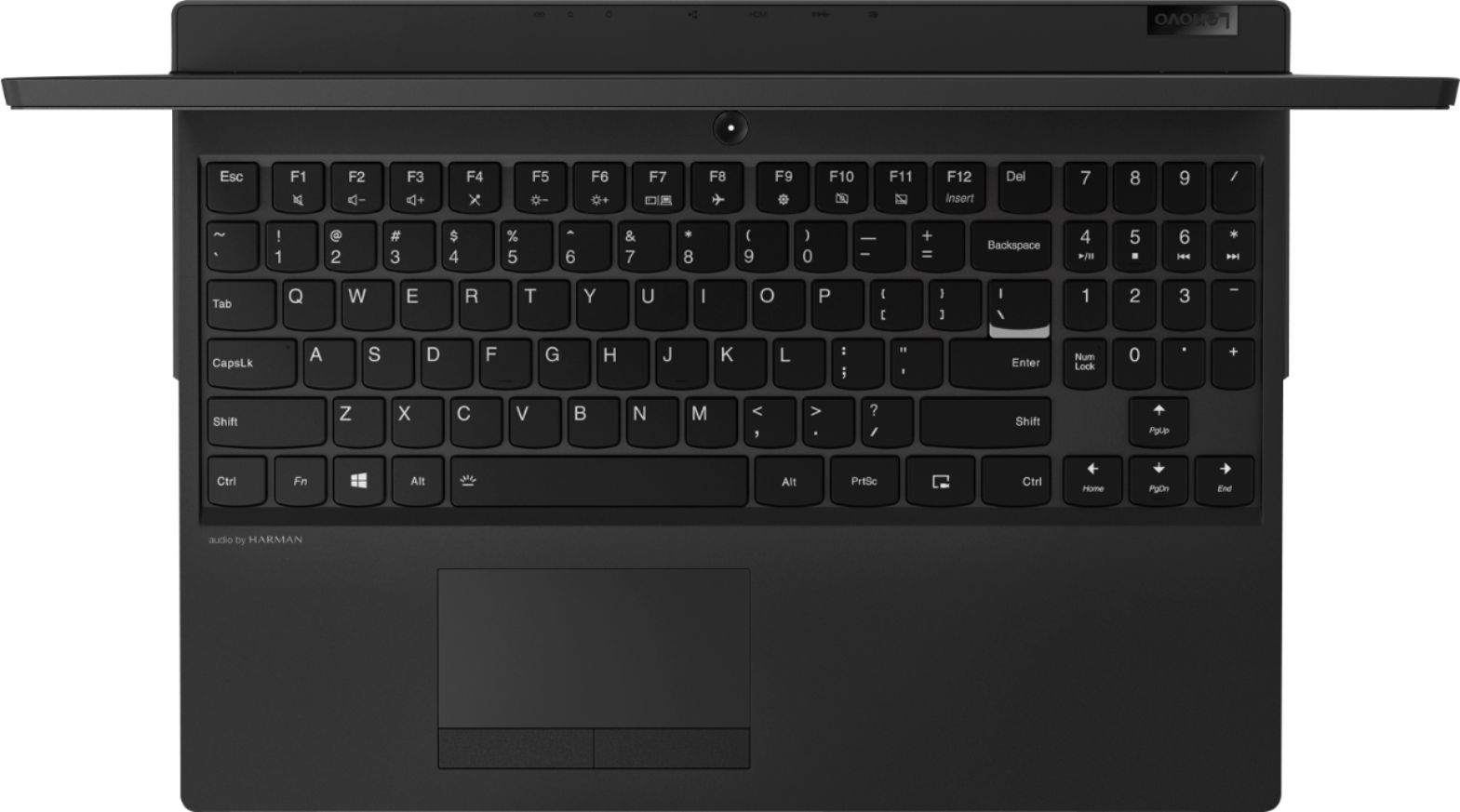
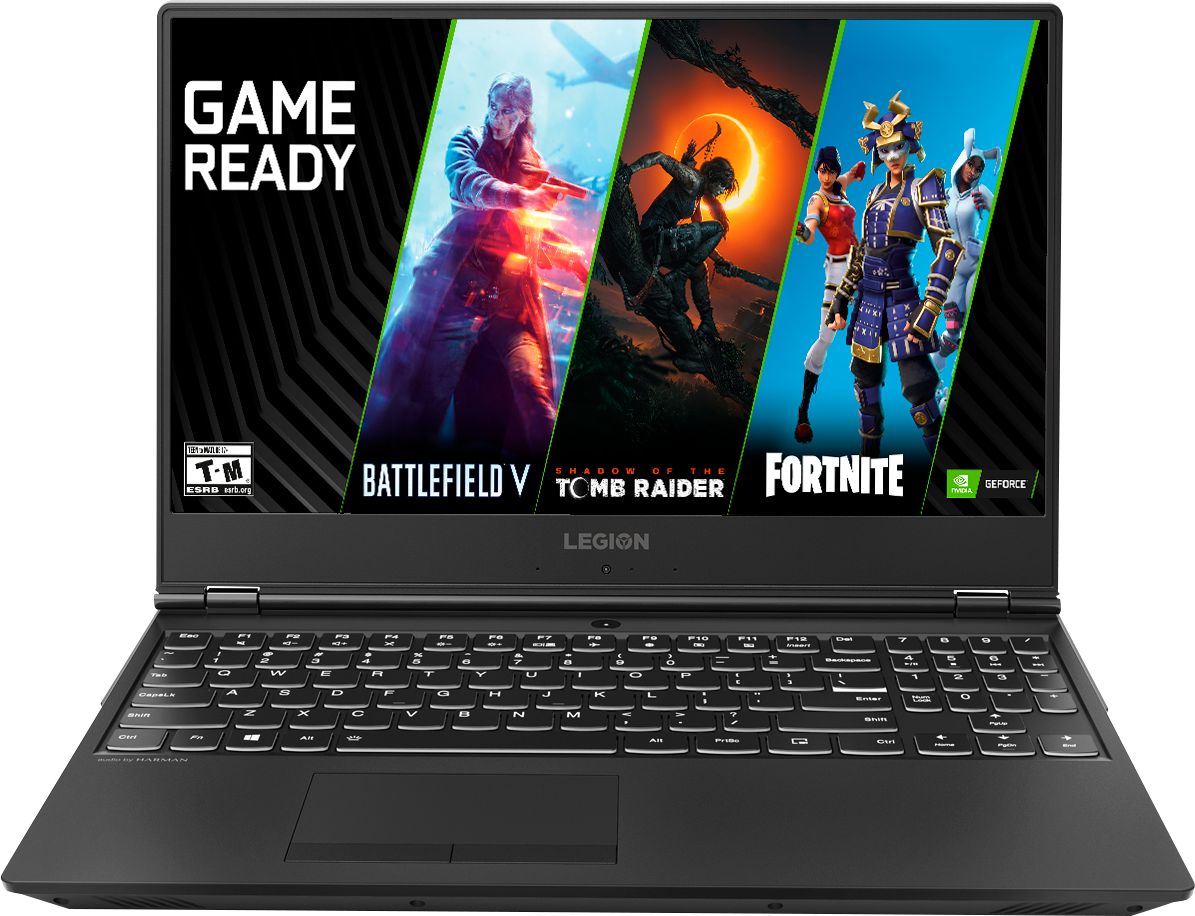
Customers are satisfied with the Legion Y530's performance, design, ample RAM, and graphics card, finding it suitable for gaming and other demanding tasks at a reasonable price. However, some users experienced issues with battery life, hard drive reliability, and overheating, while others noted concerns about the screen and webcam placement. Many felt the machine offered excellent value for its price point. The laptop's weight was also frequently praised as being surprisingly light.
This summary was generated by AI based on customer reviews.
Best!
||Posted .This reviewer received promo considerations or sweepstakes entry for writing a review.Think this is the best laptop I have ever had. Fast, keyboard is comfortable, great screen and clarity.
I would recommend this to a friendBrand response from Lenovo Product Expert
Posted .Thank you for choosing the Lenovo Legion Y530 laptop. We are pleased to hear that the features and performance of the Legion Y530 meets your computing needs so well. For 2018, Lenovo retained its place for a second year as the best laptop vendor:
https://www.laptopmag.com/articles/laptop-brand-ratings
gets used alot
||Posted .This reviewer received promo considerations or sweepstakes entry for writing a review.don't know how good it really is but it seems like he is on it 24/7 and I have not heard a complaint
I would recommend this to a friendBrand response from Lenovo Product Expert
Posted .The Lenovo Legion Y530 is a 15.6-inch laptop that gives you exactly what you need for a gaming experience that balances performance and portability. Its breathtakingly sleek design includes a three-sided narrow bezel for a more immersive gaming experience. The latest-generation specs include GTX graphics and the Intel Core i7 six core processor, which guarantee you serious gaming power. Thermally optimized to run cooler and quieter with a full-sized white-backlit keyboard, the Lenovo Legion Y530 Laptop is primed for those who demand gaming wherever life takes them. For 2018, Lenovo retained its place for a second year as the best laptop vendor:
https://www.laptopmag.com/articles/laptop-brand-ratings
Love my purchase
||Posted .This reviewer received promo considerations or sweepstakes entry for writing a review.I not only love my new Lenovo but I also love to shop at Best Buy. Always happy with my purchases.
I would recommend this to a friendBrand response from Lenovo Product Expert
Posted .Thank you for choosing the Lenovo Legion Y530 Laptop. We are pleased to hear that the Legion Y530 is working out so well for you. For 2018, Lenovo retained its place for a second year as the best laptop vendor:
https://www.laptopmag.com/articles/laptop-brand-ratings
Wifi drops everywhere
||Posted . Owned for less than 1 week when reviewed.This reviewer received promo considerations or sweepstakes entry for writing a review.I’ve tried using this laptop in different locations at my house and at my fiancé house yet what is stable is the Wifi consistently drops. It varies after 10 min, 30 min etc. overall the speed performance for web browsing is great when it works, but I have to return it because it just won’t stay connected.
No, I would not recommend this to a friendBrand response from Lenovo Product Expert
Posted .We are sorry to hear that you are having issues with WiFi connectivity with your Lenovo Legion Y530 laptop. Be sure you have the latest version of Windows 10 on the computer and that all of the supporting BIOS files and drivers are also up to date. You can easily accomplish this by scanning the computer with Lenovo Utility software installed on the computer. This system has Lenovo utilities installed to help maintain the health of the device and keep the operating system software up to date. Type "Lenovo Vantage" in the Cortana Search window (if Lenovo Vantage is not installed on your device, you can download the APP and install it now). Select Lenovo Vantage from the list. In the window that opens, click on "Health and Support". In the expanded menu, select "Hardware Scan" In the window that opens, select "Run Quick Tests". This will scan your entire system for errors. Follow any directions that may pop up. If the problem continues after this scan, now click on "System Update". First select Windows update from the menu. Scan your system to be sure you have the latest version of Windows 10. Once that scan is complete, select "Additional Updates". This will scan your device to be sure there are no new BIOS/Driver updates needed. Follow any instructions that may pop up. If the issue still continues after these updates, we recommend you call Lenovo Tech Support at: 877-453-6686 for additional help. For 2018, Lenovo retained its place for a second year as the best laptop vendor:
https://www.laptopmag.com/articles/laptop-brand-ratings
Great
||Posted .This reviewer received promo considerations or sweepstakes entry for writing a review.This is a replacement for another laptop and this is for sure a step up from the one I had. Love it.
I would recommend this to a friendBrand response from Lenovo Product Expert
Posted .Thank you for choosing the Lenovo Legion Y530 laptop. We are pleased to hear that the performance of the Legion Y530 meets your computing needs so well.
Awesome laptop
||Posted .This reviewer received promo considerations or sweepstakes entry for writing a review.I Have been using this laptop for school and husband uses it for gaming. We have both enjoyed it :)
I would recommend this to a friendBrand response from Lenovo Product Expert
Posted .Thank you for choosing the Lenovo Legion Y530 laptop. We are pleased to hear that the performance of the Legion Y530 meets both yours and your husband's computing needs so well.
Great
||Posted .This reviewer received promo considerations or sweepstakes entry for writing a review.It's good for my personal use as well as business importance. I like its graphic features too.
I would recommend this to a friendBrand response from Lenovo Product Expert
Posted .Thank you for choosing the Lenovo Legion Y530 laptop. We are pleased to hear that the features and performance of the Legion Y530 meets your computing needs so well. This 15.6-inch laptop gives you exactly what you need for a powerful computing experience that balances performance and portability. Its breathtakingly sleek design includes a three-sided narrow bezel for a more immersive, powerful computing experience. The latest-generation specs include GTX graphics and Intel Core i7 six core processors, which guarantee you serious computing power. Thermally optimized to run cooler and quieter with a full-sized white-backlit keyboard, the Lenovo Legion Y530 Laptop is primed for those who demand computing power wherever life takes them. For 2018, Lenovo retained its place for a second year as the best laptop vendor:
https://www.laptopmag.com/articles/laptop-brand-ratings
- Cons mentioned:Hard drive
Defective
||Posted .This reviewer received promo considerations or sweepstakes entry for writing a review.When I first bought it at the beginning of the semester I was excited. A week later turns out the Hard Drive was corrupted. I returned it and got my money back. If you buy this product update the drivers fast. Go to Lenovo’s website to update them.
No, I would not recommend this to a friendBrand response from Lenovo Product Expert
Posted .We are sorry to hear that you had an issue with your Lenovo Legion Y530 laptop. For those who may have this same issue, this issue may be fixed by restoring Windows 10 back to original factory settings. This configuration ships with 16GB of Intel Optane Memory, The Optane Memory keeps an image of Windows 10 on it for quick boot up of the system. To restore system, Optane must be disabled first in the BIOS
o Power down system, power back on and press F2 to enter BIOS setup
o BIOS setup > Configuration > Storage > Intel® Rapid Storage technology > Intel Optane, 931.5GB > Disable > Are you sure you want to disable > Yes > Disable
o Wait for 3 minutes
o The Disable process should be finished and there will be (2) non-RAID physical disks
o Press F10 to Save and Exit
- The system should now be able to be Restored
- After restoring, you will need to open the Optane UI from the task bar and choose Setup > Enable > Select “Erase all data on Intel “Optane” memory module > Continue > Restart. Now you can restore the Windows 10 operating system to factory original settings by following the instructions at this link: https://www.laptopmag.com/articles/reset-windows-10-pc. Be sure to re-enable the Optane Memory after you restore the system, then restart the device, as listed above. If you continue to have an issue, we recommend you call Lenovo Tech Support at: 877-453-6686.
Best Buy Value Percent
||Posted .This reviewer received promo considerations or sweepstakes entry for writing a review.My 13 year old son got this as a Christmas gift and he loved it so so much. Worth every penny!
I would recommend this to a friendBrand response from Lenovo Product Expert
Posted .Thank you for choosing the lenovo Legion Y530 laptop for your son. We are pleased to hear that the performance of the Legion Y530 meets your son's computing needs so well.
Very disappointed.
||Posted .This reviewer received promo considerations or sweepstakes entry for writing a review.I ordered an open box laptop I had purchased from Best Buy’s online platform. I paid extra for it to be “Geek squad certified, cleaned and checked”. After booting it up the laptop had a registered user profile and password locking me out. The word certified is lost on Best Buy. After 45 minutes on the phone with customer support trying to figure out how this happened I was given two options. I could wait 4 days for a replacement and ship back the one I currently had (not an option needed it for work Monday). Alternatively I could drive it to a local store and have geek squad do what I had already paid for. So now I am waiting an additional 24 hours to have it be geek squad certified. Leaving me no time to install work software for work. Next time I will go somewhere else, Best Buy’s guarantees are paper thin.
No, I would not recommend this to a friendExcellent laptop
||Posted . Owned for 1 year when reviewed.This reviewer received promo considerations or sweepstakes entry for writing a review.Has yet to leave me high and dry. 3 years so far, good purchase.
I would recommend this to a friendGreat
||Posted .This reviewer received promo considerations or sweepstakes entry for writing a review.Great budget gaming laptop. Small and light enough not to get in the way while travelling.
I would recommend this to a friendBrand response from Lenovo Product Expert
Posted .Thank you for choosing the lenovo Legion Y530 laptop. We are pleased to hear that the features and performance of the Legion Y530 meets your computing needs so well.
good quality
||Posted .This reviewer received promo considerations or sweepstakes entry for writing a review.so par I like my computer , working very well, I do compare before I buy this product
I would recommend this to a friendBrand response from Lenovo Product Expert
Posted .Thank you for choosing the Lenovo Legion Y530 laptop. We are pleased to hear that the Legion Y530 meets your computing needs so well.
All the power and none of the Red
||Posted .This reviewer received promo considerations or sweepstakes entry for writing a review.Its nice to have a full powered laptop without having to subscribe to a "gamer" look
I would recommend this to a friendBrand response from Lenovo Product Expert
Posted .Thank you for choosing the Lenovo Legion Y530 laptop. We are pleased to hear that the features and performance of the Legion Y530 meets your computing needs so well.
New Computer
||Posted . Owned for 7 months when reviewed.This reviewer received promo considerations or sweepstakes entry for writing a review.Purchased for my son for college and he was very satisfied.
I would recommend this to a friendBest laptop
||Posted . Owned for 1 year when reviewed.This reviewer received promo considerations or sweepstakes entry for writing a review.I bought for my wife this laptop and she love it. Nice and easy to use.
I would recommend this to a friendAbsolutely love this laptop
||Posted .This reviewer received promo considerations or sweepstakes entry for writing a review.This is a great laptop for gaming. Great speeds, graphics and overall experience.
I would recommend this to a friendBrand response from Lenovo Product Expert
Posted .Thank you for choosing the Lenovo Legion Y530 laptop. We are pleased to hear that the performance of the Legion Y530 meets your computing needs so well. For 2018, Lenovo retained its place for a second year as the best laptop vendor:
https://www.laptopmag.com/articles/laptop-brand-ratings
Not worth the money
||Posted .This reviewer received promo considerations or sweepstakes entry for writing a review.I bought two of these laptops for my small business. One for CAD and other for basic business use. One ran Ok but but other crashes often. After loading normally used software, I had to start all over by reinstalling windows. Although a reasonable Cpu, they are slow with 16 megs ram.
No, I would not recommend this to a friendBrand response from Lenovo Product Expert
Posted .We are sorry to hear that you are having issues with your Lenovo Legion Y530. You mention you had to reinstall Windows 10 on one of the Legion Y530's you purchased, be sure you reinstalled Windows 10 properly. Because this configuration of the Legion Y530 has Intel Optane Memory installed, there is an image of Windows 10 on the Optane Memory as well as the hard drive. To restore system, Optane must be disabled first in the BIOS
o Power down system, power back on and press F2 to enter BIOS setup
o BIOS setup > Configuration > Storage > Intel® Rapid Storage technology > Intel Optane, 931.5GB > Disable > Are you sure you want to disable > Yes > Disable
o Wait for 3 minutes
o The Disable process should be finished and there will be (2) non-RAID physical disks
o Press F10 to Save and Exit
- The system should now be able to be Restored
- After restoring, you will need to open the Optane UI from the task bar and choose Setup > Enable > Select “Erase all data on Intel “Optane” memory module > Continue > Restart. Now you can restore the Windows 10 operating system to factory original settings by following the instructions at this link: https://www.laptopmag.com/articles/reset-windows-10-pc. Be sure to re-enable the Optane Memory after you restore the system, then restart the device, as listed above. If you continue to have an issue, we recommend you call Lenovo Tech Support at: 877-453-6686.
I love this laptop
||Posted . Owned for 3 weeks when reviewed.This reviewer received promo considerations or sweepstakes entry for writing a review.It runs great!!! I know I haven’t had it that long but I absolutely love it!
I would recommend this to a friendBad Operating System
||Posted .This reviewer received promo considerations or sweepstakes entry for writing a review.After only thirty days, the laptop froze and would not boot back up. Luckily, Geek Squad gave us free tech support since it was such a recent purchase. It's working now, but I'm worried something else may go wrong later.
No, I would not recommend this to a friendBrand response from Lenovo Product Expert
Posted .We are sorry to hear that you had issues with your Lenovo Legion Y530 laptop. This issue you describe was caused by a Windows 10 update. You can maintain the health of your Legion Y530 hardware and software by scanning the device regularly with the Lenovo Utility software installed on the device. This system has Lenovo utilities installed to help maintain the health of the device and keep the operating system software up to date. Type "Lenovo Vantage" in the Cortana Search window (if Lenovo Vantage is not installed on your device, you can download the APP and install it now). Select Lenovo Vantage from the list. In the window that opens, click on "Health and Support". In the expanded menu, select "Hardware Scan" In the window that opens, select "Run Quick Tests". This will scan your entire system for errors. Follow any directions that may pop up. If the problem continues after this scan, now click on "System Update". First select Windows update from the menu. Scan your system to be sure you have the latest version of Windows 10. Once that scan is complete, select "Additional Updates". This will scan your device to be sure there are no new BIOS/Driver updates needed. Follow any instructions that may pop up. If the issue still continues after these updates, we recommend you call Lenovo Tech Support at: 877-453-6686 for additional help.
