Customer Ratings & Reviews
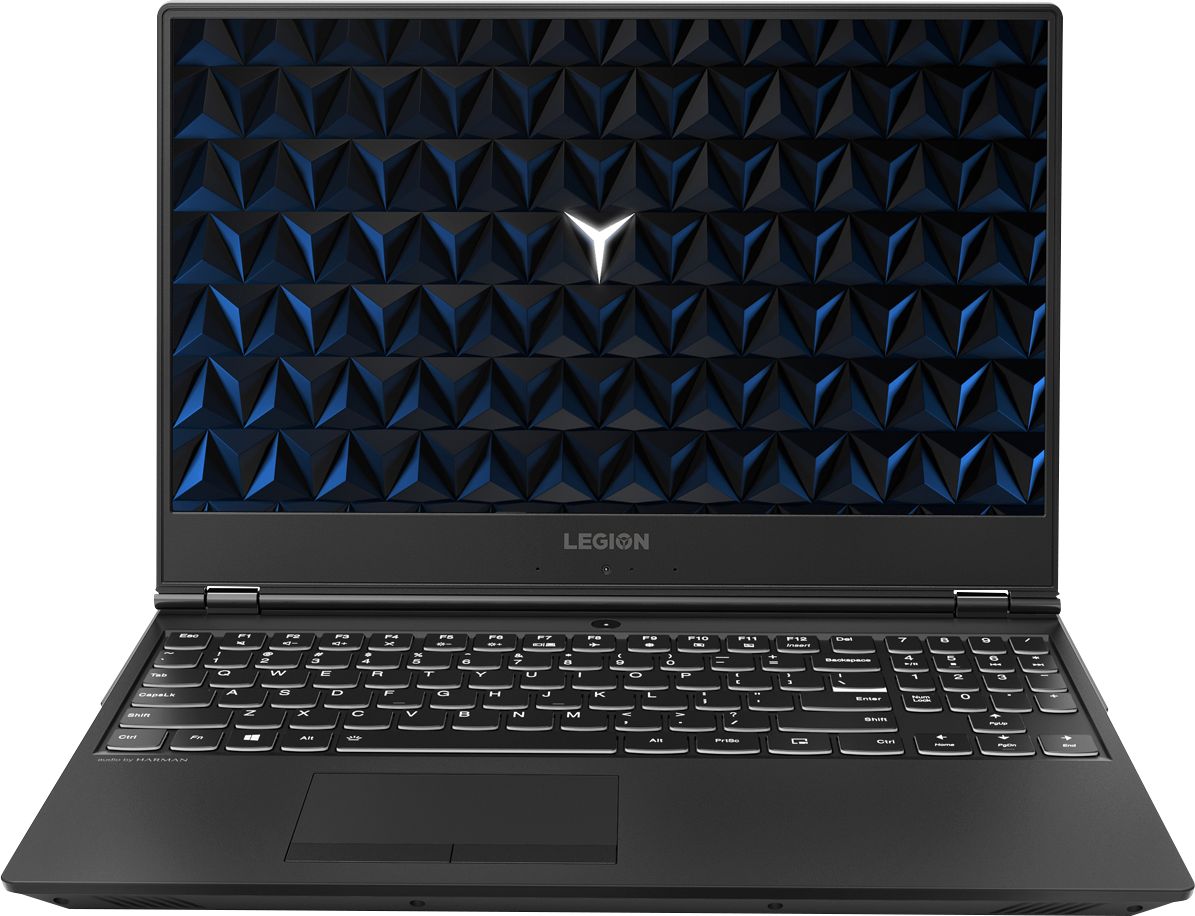
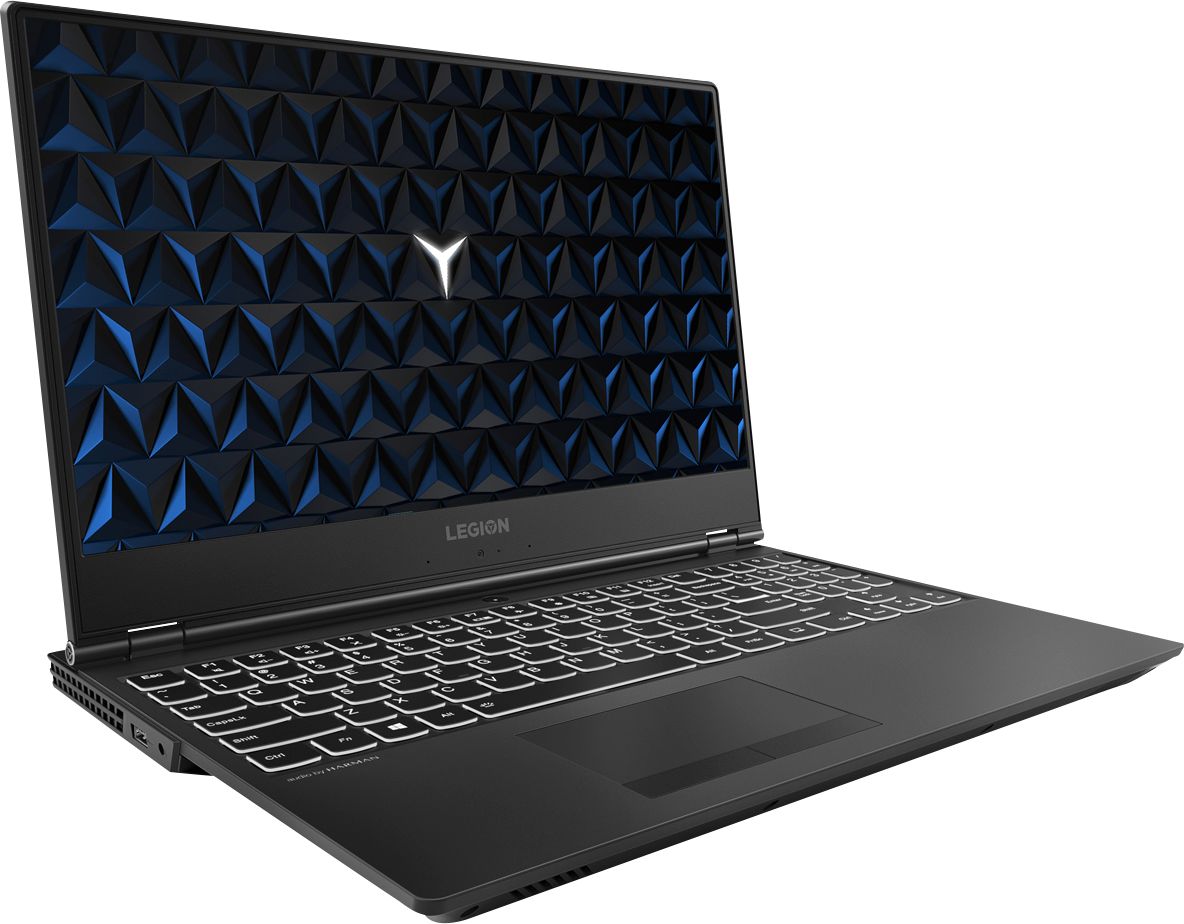

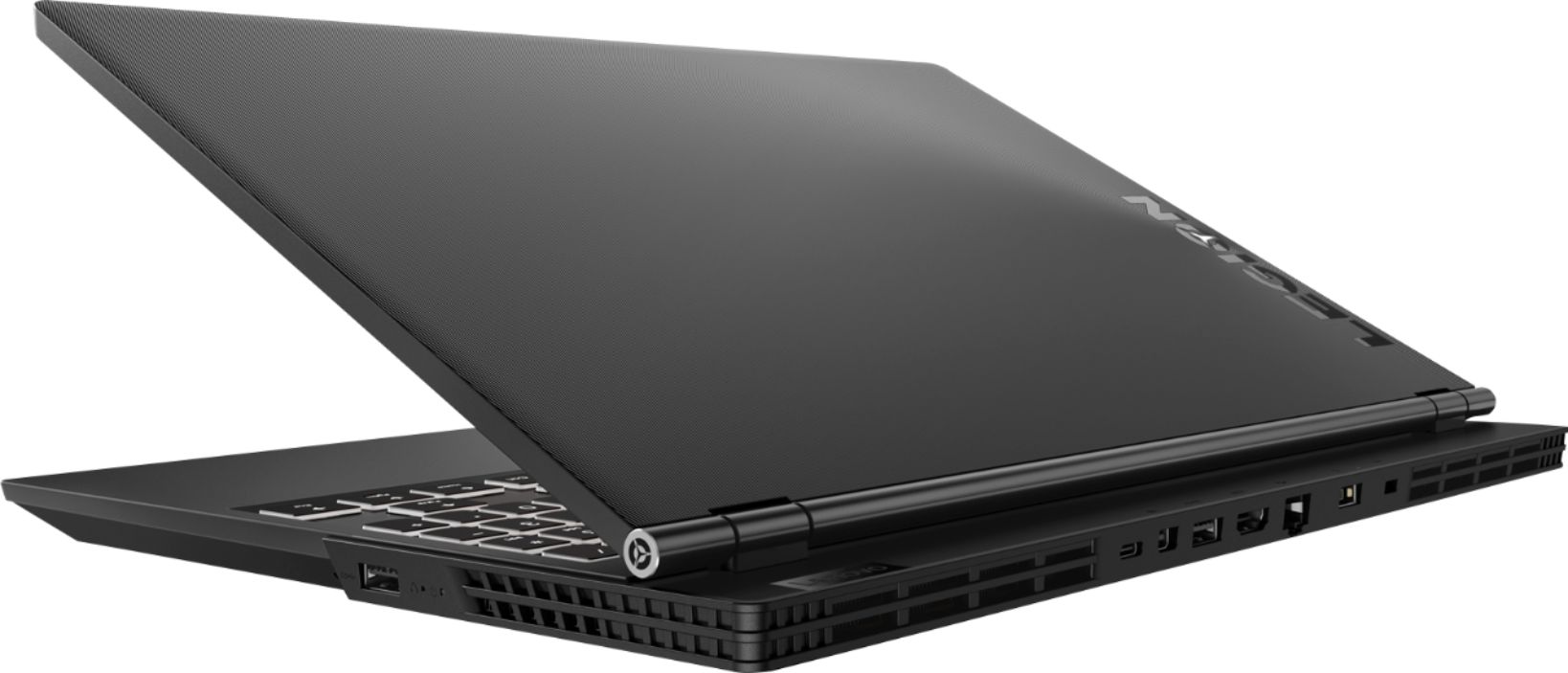
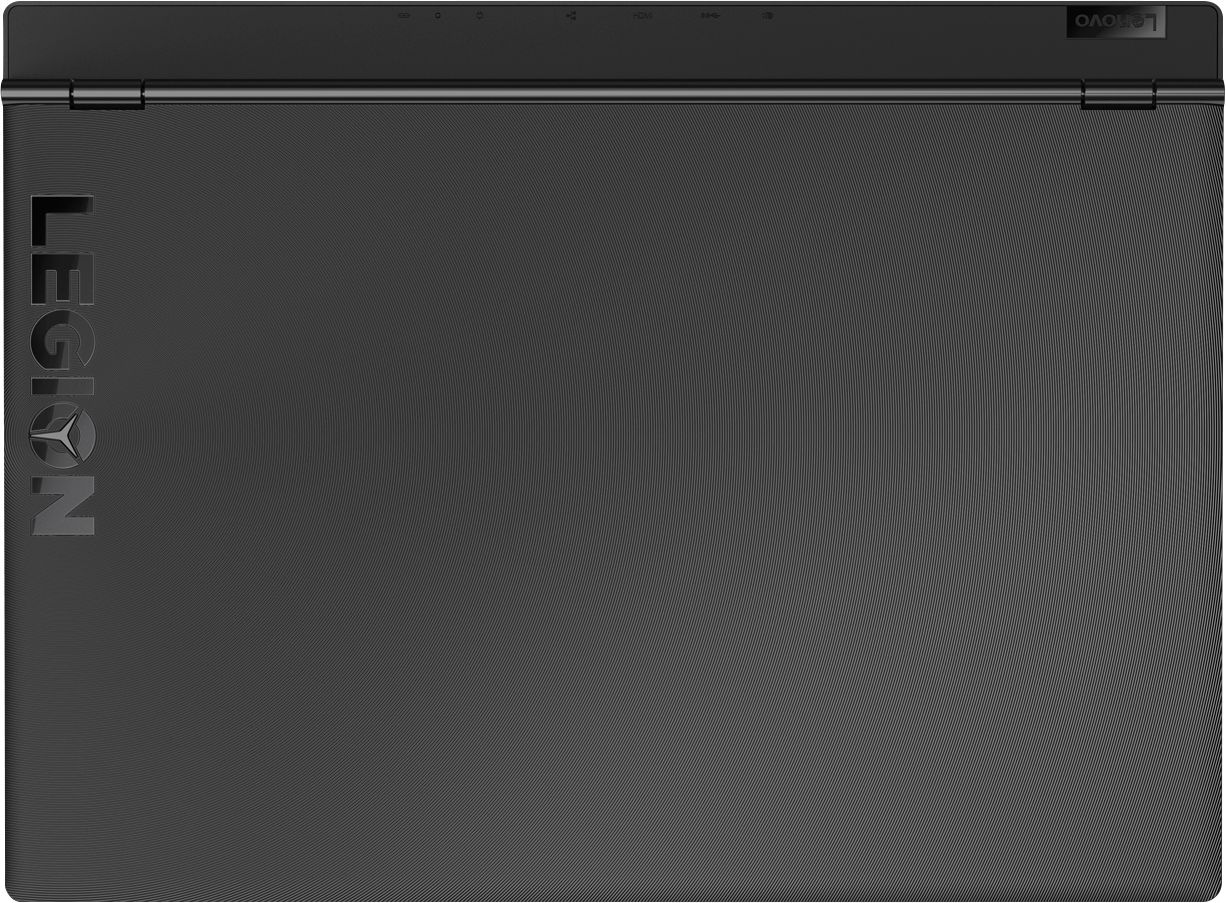



- Model:
- 81FV0002US
- SKU:
- 6219200
Rating by feature
- Value
Rating 4.2 out of 5 stars
- Quality
Rating 4.1 out of 5 stars
- Ease of Use
Rating 4.3 out of 5 stars
Customers are saying
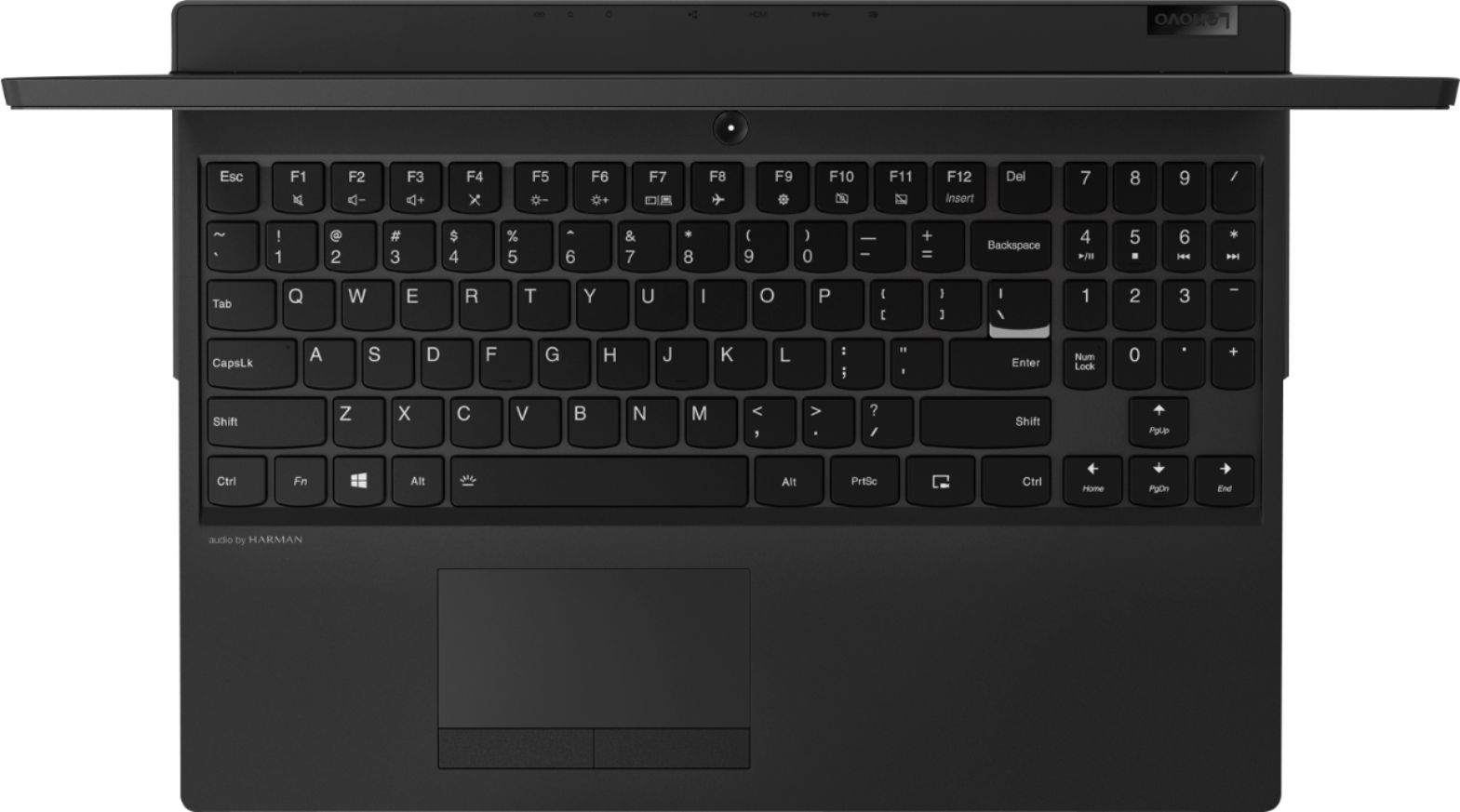
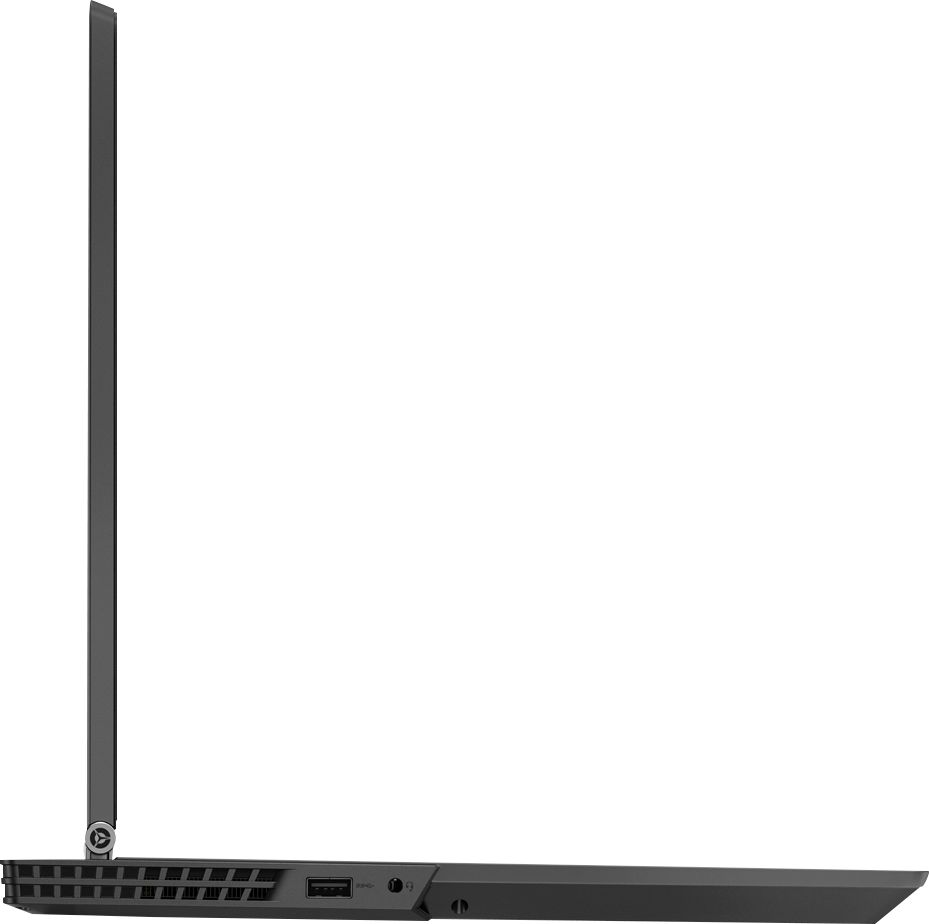
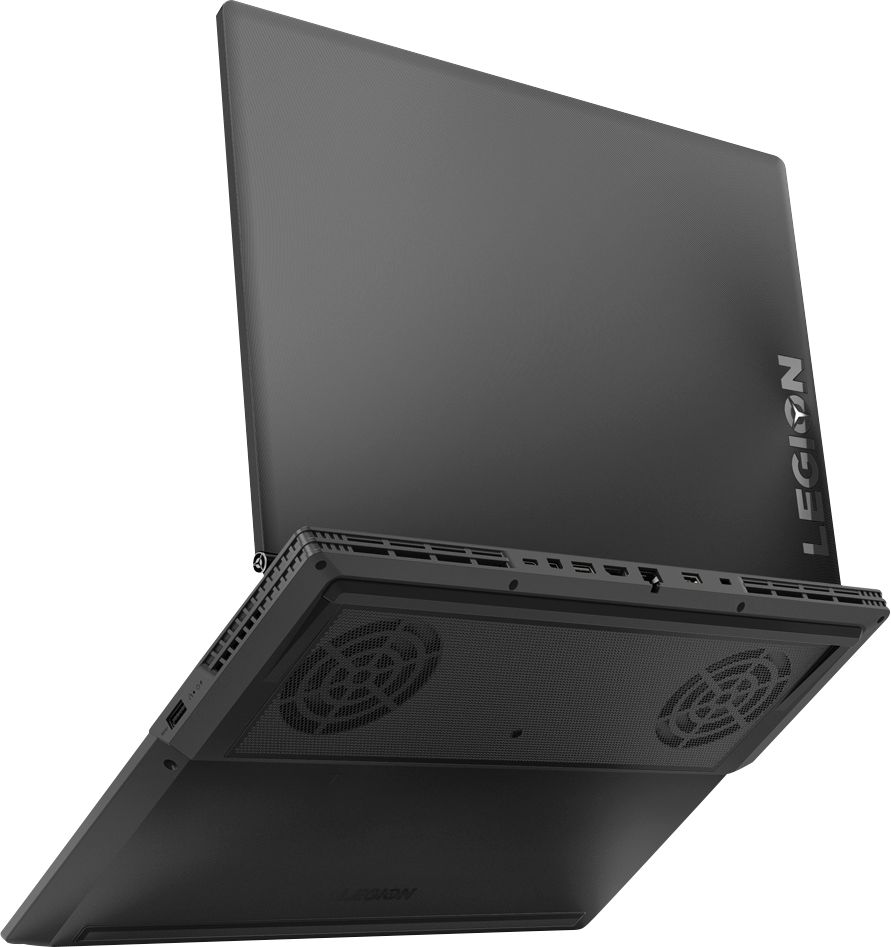
Customers are satisfied with the Legion Y530's performance, design, ample RAM, and graphics card, finding it suitable for gaming and other demanding tasks at a reasonable price. However, some users experienced issues with battery life, hard drive reliability, and overheating, while others noted concerns about the screen and webcam placement. Many felt the machine offered excellent value for its price point. The laptop's weight was also frequently praised as being surprisingly light.
This summary was generated by AI based on customer reviews.
Excellent
||Posted .This reviewer received promo considerations or sweepstakes entry for writing a review.Great notebook, I love it. Design and Speed. Very good byt
I would recommend this to a friendBrand response from Lenovo Product Expert
Posted .Thank you for choosing the Lenovo Legion Y530 laptop. We are pleased to hear that the features and performance of the Legion Y530 meets your computing needs so well. For 2018, Lenovo retained its place for a second year as the best laptop vendor:
https://www.laptopmag.com/articles/laptop-brand-ratings
- Cons mentioned:Hard drive
PC blues
||Posted .This reviewer received promo considerations or sweepstakes entry for writing a review.Bought this computer as an attempt to renter the PC world. 3 wks after I bought it and finally got everything the way I liked it, it died. Wouldn’t even turn on. Returned it and got a MacBook Pro.
No, I would not recommend this to a friend Lenovo
||Posted .This reviewer received promo considerations or sweepstakes entry for writing a review.I use lenovo before and no doubt for choosing the same thing
I would recommend this to a friendBrand response from Lenovo Product Expert
Posted .Thank you for choosing the Lenovo Legion Y530 laptop. We appreciate your loyalty to the Lenovo Brand.
Love it
||Posted .This reviewer received promo considerations or sweepstakes entry for writing a review.I’m pleased with my purchase.thank u Ignacio for all ur help
I would recommend this to a friendBrand response from Lenovo Product Expert
Posted .Thank you for choosing the lenovo Legion Y530 laptop. We are pleased to hear that the Legion Y530 is working out so well for you.
College laptop
||Posted . Owned for 4 months when reviewed.This reviewer received promo considerations or sweepstakes entry for writing a review.Using for college. So far it's been a great laptop.
I would recommend this to a friendVery fast
||Posted .This reviewer received promo considerations or sweepstakes entry for writing a review.It’s been a great buy so far. Very useful as a work laptop
I would recommend this to a friendBrand response from Lenovo Product Expert
Posted .Thank you for choosing the Lenovo Legion Y530 laptop. We are pleased to hear that the performance of the Legion Y530 meets your computing needs so well.
Easy to use
||Posted .This reviewer received promo considerations or sweepstakes entry for writing a review.Easy to use and works awesome for my gaming need to a tee
I would recommend this to a friendBrand response from Lenovo Product Expert
Posted .Thank you for choosing the Lenovo Legion Y530 laptop. This 15.6-inch laptop gives you exactly what you need for a gaming experience that balances performance and portability. Its breathtakingly sleek design includes a three-sided narrow bezel for a more immersive gaming experience. The latest-generation specs include GTX graphics and Intel Core i7 six core processors, which guarantee you serious gaming power. Thermally optimized to run cooler and quieter with a full-sized white-backlit keyboard, the Lenovo Legion Y530 Laptop is primed for those who demand gaming wherever life takes them. For 2018, Lenovo retained its place for a second year as the best laptop vendor:
https://www.laptopmag.com/articles/laptop-brand-ratings
- Pros mentioned:Ram
Great Laptop for Disable NON gamers ALSO!
Posted .This reviewer received promo considerations or sweepstakes entry for writing a review.I am elderly and use My laptops for writing, genealogy, online sales and search functions. I am Not a gamer and only play a few FB games. I needed a new laptop because the two Laptops I had were in the shop. My Son who has 2 AAS degrees in computer science. He is now working to go to school for hacking for the USA government. He is a gamer and has an Asus computer that he plays games on and does his technical work on. I had him go with me to select a computer. I have a history of mainly using a PC since the early 2000s. I bought My first Lenovo in 2015, a Lenovo G50 15.6-Inch Laptop (80E3005NUS) Black, I loved that computer it was a real workhorse but I wanted additional features on the purchase of a new laptop. It was still working flawlessly until the power cord came out and it no longer charged. ( it is in the shop getting that problem fixed.) The only other problems I had with that computer was: I lost some screws on the back that made the hinge hard to close and due to the position of the hinge it chipped in the corner. The power connector became loose and I had to jiggle it sometimes to get it to charge. Sometimes, some videos were Not set-up properly so I couldn't hear them. When I laid in bed and watched movies I have to tilt the screen forward to see the movies. No backlighted keyboard. Power on the Old Lenovo only lasted about 1+ hours. This computer FIXED all those problems... This computer has an offset hinge so it better protected. This computer has a screen that I can see it when I am laying down. The speakers are loaded in the front and I can hear it better. The cord for power is in the back so that should help keep the power cord connected and NOT getting bumped so it won't jiggle loose. I used this one for My use and I had it fired up and used it for 3 hours without getting a warning to plug it in. This one is loaded with an I7 Intel processor. So MY specifications in Purchasing a new laptop was: Preferred the Lonova brand I wanted an I7 processor I wanted at least 8Gb Ram and 1 TB memory. (same as previous Lenovo I purchased) Better sound- Sound comes from the front instead of behind the keyboard. Better screen- _I can see the screen when laying down without having the screen tilted so far forward. Added a backlit keyboard that the color may be changed. A good style keyboard easy to a key for arthritic hands. A 15.6-inch screen for vision problems. I like that this laptop is lightweight. (My other Lenovo was also lightweight.) I will miss the chic silver aluminum finish on My other laptop. The black is OK... This Laptop covers ALL MY Issues to make for better quality and disability issues. The keyboard is easy to use with arthritic hands. I like the slight tilt of the keyboard. I have hearing issues so wanted a mic and good speakers. As I age I needed to be able to have a screen easier to see. Generally, I magnify the screens for 110-125%. I can see this screen at 100% as good as when I magnified My other Lenovo. I had a new Toshiba and hated the mouse that didn't have a button for the left and right click. That was So unhandy with My arthritic fingers. I could never seem to find the left-right Placement and would always open lefthanded instead of what I wanted. That mouse was very frustrating. My Toshiba has a touch screen and I never used that so I didn't want a touch screen. I like the numbers to the back and the page up, down and side to side in the front. That keeps me from bumping the numbers key and having to correct My mistakes. I also like the fact that this Lenovo did not load this computer with so many unnecessary programs I did not use have to uninstall. Many Seniors like me get stuck on what to uninstall and many of us end up leaving preinstalled Programs/ software on Laptops because they DON"T know what to uninstall! I usually Have up to 50 windows open at one time and I did not see the laptop Lag at all. I am very satisfied with this purchase. It has everything I needed. I NEVER would have considered a gamers Laptop for the issues I have due to old age. I AM WRITING THIS TO LET PEOPLE KNOW THAT A LAPTOP OF THIS QUALITY IS GREAT FOR ANYONE WITH ACCESSIBILITY AND OLD AGE PROBLEMS. I am satisfied with this purchase! My son set up this laptop for me and was very impressed with the quality of the screen. It is sharper than his $2400. Asus that he uses. He like the quality of the machine compared to the size. His Asus is very bulky and thick. He played a few of his games on it to tested the speed for gaming and was impressed. He liked that it could be upgraded for both Ram and hard drive space. His friend is a Lenovo trained technician. He was so impressed he'd like to purchase one for its portability. He liked that it was not uploaded with bloatware. He updated Microsoft and that went pretty fast. I am NOT a person to review many things I buy but I am impressed with this laptop. I wrote this review because I don't think Many Seniors think of a gamers laptop to have better accessibilities. Yes, I did pay $400.-500. more than I would have to get a Lenovo Laptop comparable to my old one. I do trust the Lenovo name brand however and Never want to buy any other Brand. I see with other comments that there are some problems with Microsoft updates. I do know that is a problem because My Toshiba locked up due to an update that said My Log-in on My laptop did not match the log-in with My HOT mail account and would shut down after a few minutes because of that issue. I would like to ask the technician IF I should allow auto updates and If I should join it with My email account. So, far I have not done either due to issues with Microsoft!
I would recommend this to a friendBrand response from Lenovo Product Expert
Posted .Thank you for choosing the Lenovo Legion Y530 laptop. We are pleased to hear that the Legion Y530 is working out so well for you. With regard to updating your operating system software, Windows 10 updates are automatic, anytime you are connected to the internet and there is an update available. You can be sure all other supporting operating software, the BIOS files and Drivers, are up to date by scanning the device with the Lenovo Utility software installed on the computer. Concerning the issues you are having with Microsoft email (Hotmail), we recommend you check with Microsoft Support directly if the issue continues with this new Windows 10 computer. Regarding using Lenovo Utility software, this system has Lenovo utilities installed to help maintain the health of the device and keep the operating system software up to date. Type "Lenovo Vantage" in the Cortana Search window (if Lenovo Vantage is not installed on your device, you can download the APP and install it now). Select Lenovo Vantage from the list. In the window that opens, click on "Health and Support". In the expanded menu, select "Hardware Scan" In the window that opens, select "Run Quick Tests". This will scan your entire system for errors. Follow any directions that may pop up. If the problem continues after this scan, now click on "System Update". First select Windows update from the menu. Scan your system to be sure you have the latest version of Windows 10. Once that scan is complete, select "Additional Updates". This will scan your device to be sure there are no new BIOS/Driver updates needed. Follow any instructions that may pop up. If the issue still continues after these updates, we recommend you call Lenovo Tech Support at: 877-453-6686 for additional help.
Nice for gaming
||Posted . Owned for 1 month when reviewed.This reviewer received promo considerations or sweepstakes entry for writing a review.Works good for playing games and has super features
I would recommend this to a friendgreat!
||Posted . Owned for 3 weeks when reviewed.This reviewer received promo considerations or sweepstakes entry for writing a review.love how it doesn't get hot & battery life is long
I would recommend this to a friendSmall Failure, have to replace
||Posted . Owned for 1.5 years when reviewed.This reviewer received promo considerations or sweepstakes entry for writing a review.Power button broke less than 2 years after purchasing. Since button is integrated into motherboard, I have been told that it would be cheaper to replace, just becasue the power button stopped working.
No, I would not recommend this to a friendGreat computer for gaming
||Posted .This reviewer received promo considerations or sweepstakes entry for writing a review.I have hand no problems with the computer it is great!
I would recommend this to a friendBrand response from Lenovo Product Expert
Posted .Thank you for choosing the Lenovo Legion Y530 laptop. We are pleased to hear that the performance of the Legion Y530 meets your computing needs so well.
Great for beginner gaming
||Posted .This reviewer received promo considerations or sweepstakes entry for writing a review.Awesome for getting g started in PC gaming laptop.
I would recommend this to a friendBrand response from Lenovo Product Expert
Posted .Thank you for choosing the Lenovo Legion Y530 laptop. We are pleased to hear that the performance of the Legion Y530 meets your computing needs so well. This 15.6-inch laptop gives you exactly what you need for a gaming experience that balances performance and portability. Its breathtakingly sleek design includes a three-sided narrow bezel for a more immersive gaming experience. The latest-generation specs include GTX graphics and an Intel Core i7 six core processor, which guarantee you serious gaming power. Thermally optimized to run cooler and quieter with a full-sized white-backlit keyboard, the Lenovo Legion Y530 Laptop is primed for those who demand gaming wherever life takes them. For 2018, Lenovo retained its place for a second year as the best laptop vendor:
https://www.laptopmag.com/articles/laptop-brand-ratings
Great Product
||Posted .This reviewer received promo considerations or sweepstakes entry for writing a review.So far so good. I believe this is a great product.
I would recommend this to a friendBrand response from Lenovo Product Expert
Posted .Thank you for choosing the Lenovo Legion Y530 laptop. We are pleased to hear that the features and performance of the Legion Y530 meets your computing needs so well. This 15.6-inch laptop gives you exactly what you need for a powerful computing experience that balances performance and portability. Its breathtakingly sleek design includes a three-sided narrow bezel for a more immersive gaming experience. The latest-generation specs include GTX graphics and Intel Core i7 six core processors, which guarantee you serious computing power. Thermally optimized to run cooler and quieter with a full-sized white-backlit keyboard, the Lenovo Legion Y530 Laptop is primed for those who demand gaming wherever life takes them. For 2018, Lenovo retained its place for a second year as the best laptop vendor:
https://www.laptopmag.com/articles/laptop-brand-ratings
Great laptop
||Posted .This reviewer received promo considerations or sweepstakes entry for writing a review.Excellent experience. Very user friendly and easy.
I would recommend this to a friendBrand response from Lenovo Product Expert
Posted .Thank you for choosing the Lenovo Legion Y530 laptop. We are pleased to hear that the Legion Y530 is working out so well for you. This 15.6-inch laptop gives you exactly what you need for a gaming experience that balances performance and portability. Its breathtakingly sleek design includes a three-sided narrow bezel for a more immersive gaming experience. The latest-generation specs include GTX graphics and Intel Core i7 six core processors, which guarantee you serious gaming power. Thermally optimized to run cooler and quieter with a full-sized white-backlit keyboard, the Lenovo Legion Y530 Laptop is primed for those who demand gaming wherever life takes them. For 2018, Lenovo retained its place for a second year as the best laptop vendor:
https://www.laptopmag.com/articles/laptop-brand-ratings
Nice Laptop
||Posted .This reviewer received promo considerations or sweepstakes entry for writing a review.Works Great does everything I needed it for thanks
I would recommend this to a friendBrand response from Lenovo Product Expert
Posted .Thank you for choosing the Lenovo Legion Y530 laptop. This 15.6-inch laptop gives you exactly what you need for a gaming experience that balances performance and portability. Its breathtakingly sleek design includes a three-sided narrow bezel for a more immersive gaming experience. The latest-generation specs include GTX graphics and Intel Core i7 six core processors, which guarantee you serious gaming power. Thermally optimized to run cooler and quieter with a full-sized white-backlit keyboard, the Lenovo Legion Y530 Laptop is primed for those who demand gaming wherever life takes them. For 2018, Lenovo retained its place for a second year as the best laptop vendor:
https://www.laptopmag.com/articles/laptop-brand-ratings
Perfect
||Posted .This reviewer received promo considerations or sweepstakes entry for writing a review.Perfect reliable machine with perfect performance.
I would recommend this to a friendBrand response from Lenovo Product Expert
Posted .Thank you for choosing the Lenovo Legion Y530 laptop. We are pleased to hear that the Legion Y530 is working out so well for you. For 2018, Lenovo retained its place for a second year as the best laptop vendor:
https://www.laptopmag.com/articles/laptop-brand-ratings
Perfect!
||Posted .This reviewer received promo considerations or sweepstakes entry for writing a review.This item suits my needs perfectly. A great computer
I would recommend this to a friendBrand response from Lenovo Product Expert
Posted .Thank you for choosing the lenovo Legion Y530 laptop. We are pleased to hear that the features and performance of the Legion Y530 meets your computing needs so well.
First gaming laptop
||Posted .This reviewer received promo considerations or sweepstakes entry for writing a review.Had a critical process failure after 2 weeks of use. Constantly crashes when launching games. Super disappointed Lenovo usually has top of the line products. So I sent it off for repair and we will see how it performs upon return!
No, I would not recommend this to a friendBrand response from Lenovo Product Expert
Posted .We are sorry to hear that you are having issues with your Lenovo Legion Y530. Be sure the software/games you are installing are compatible with Windows 10 and this system's specific configuration. There is no need to install Microsoft Office software. The software is already part of the operating system, you just need to activate the software with a purchased product key. If you have installed a copy of Microsoft Office, this is conflicting with the existing copy on the system and this will slow your system down. If you have installed a 3rd party anti-virus program, be sure that Windows Defender is turned off and that the trial version of McAfee Anti-Virus software is uninstalled. There can only be one anti-virus program on the system. You may need to restore your system to original factory default settings if any of the programing errors have occurred. You can do that by typing "restore" in the Cortana search window. Just click on the magnifying glass icon at the bottom left of your Windows 10 Desktop. Click on "Reset This PC" Then click on "Get Started" and follow the on screen directions to restore to factory defaults. If the problem persists, we recommend you contact Lenovo Tech Support at: 877-453-6686.

Great Laptop
||Posted .This reviewer received promo considerations or sweepstakes entry for writing a review.Great Laptop. Awesome specs! Really good for beginners
I would recommend this to a friendBrand response from Lenovo Product Expert
Posted .Thank you for choosing the Lenovo Legion Y530 laptop. We are pleased to hear that the Legion Y530 is working out so well for you.