Customer Ratings & Reviews




- Model:
- 81FV0002US
- SKU:
- 6219200
Rating by feature
- Value
Rating 4.2 out of 5 stars
- Quality
Rating 4.1 out of 5 stars
- Ease of Use
Rating 4.3 out of 5 stars
Customers are saying
Customers are satisfied with the Legion Y530's performance, design, ample RAM, and graphics card, finding it suitable for gaming and other demanding tasks at a reasonable price. However, some users experienced issues with battery life, hard drive reliability, and overheating, while others noted concerns about the screen and webcam placement. Many felt the machine offered excellent value for its price point. The laptop's weight was also frequently praised as being surprisingly light.
This summary was generated by AI based on customer reviews.
Crashed in 90 days
||Posted .This reviewer received promo considerations or sweepstakes entry for writing a review.Purchased Computer from Best Buy on 8/25 and Crashed on 10/24. I am now in the hands of tech support. It seems the mechanical drives that come with these machine may be problematic as other reviewers have posted machine crashes. It was a good value machine up till D-Day. May want to avoid.
No, I would not recommend this to a friendBrand response from Lenovo Product Expert
Posted .We are sorry to hear that you are having issues with your Lenovo Legion Y530. This configuration comes with 16GB of Intel Optane Memory. Before repairs to the Windows 10 operating system can be initiated, the Optane Memory must be turned off. So, to repair Windows 10 operating system issues do this first: To restore system, Optane must be disabled first in the BIOS
o Power down system, power back on and press F2 to enter BIOS setup
o BIOS setup > Configuration > Storage > Intel® Rapid Storage technology > Intel Optane, 931.5GB > Disable > Are you sure you want to disable > Yes > Disable
o Wait for 3 minutes
o The Disable process should be finished and there will be (2) non-RAID physical disks
o Press F10 to Save and Exit
- The system should now be able to be Restored
- After restoring, you will need to open the Optane UI from the task bar and choose Setup > Enable > Select “Erase all data on Intel “Optane” memory module > Continue > Restart. Now you can restore the Windows 10 operating system to factory original settings by following the instructions at this link: https://www.laptopmag.com/articles/reset-windows-10-pc. Be sure to re-enable the Optane Memory after you restore the system, then restart the device, as listed above. If you continue to have an issue, we recommend you call Lenovo Tech Support at: 877-453-6686
Meh
||Posted . Owned for 3 weeks when reviewed.This reviewer received promo considerations or sweepstakes entry for writing a review.Its ok, not best color accuracy in the market right now.
No, I would not recommend this to a friendBrand response from Lenovo Product Expert
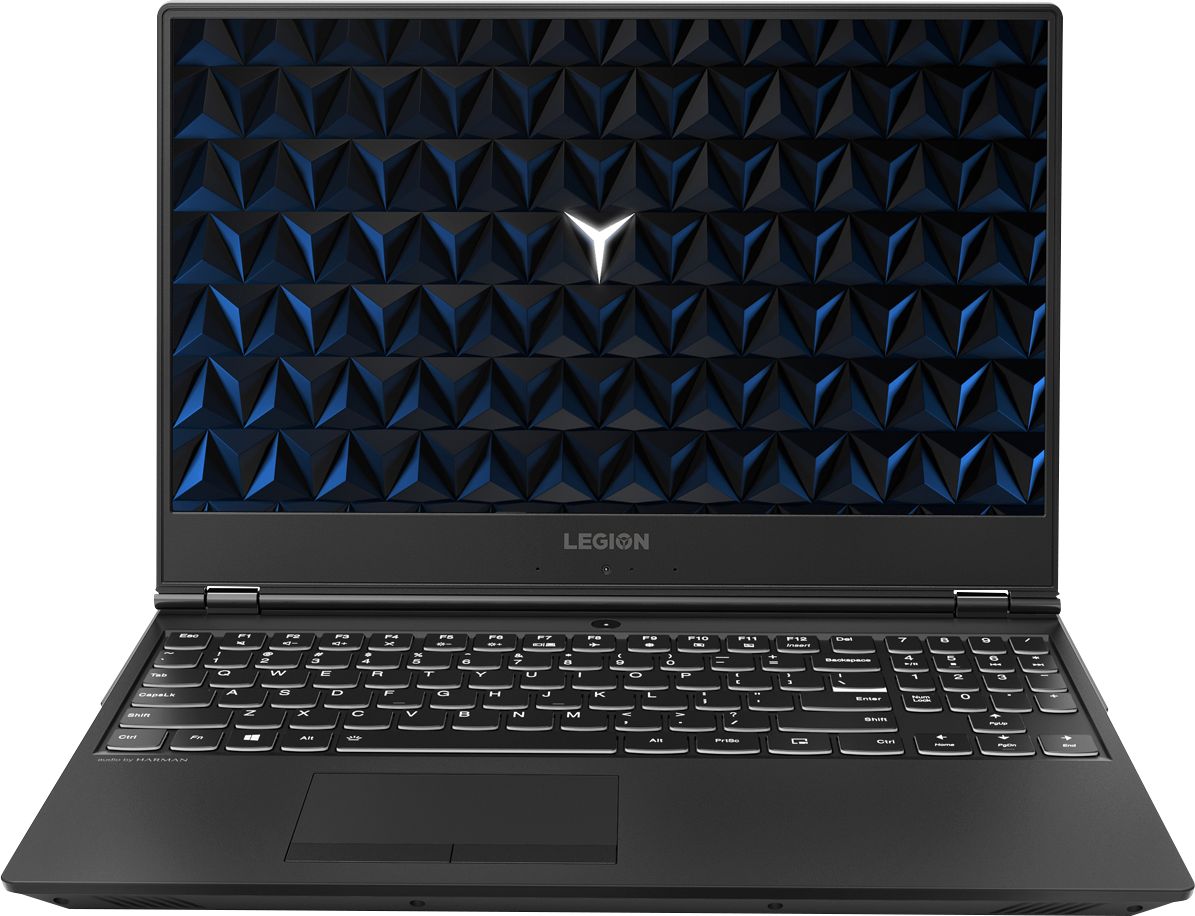
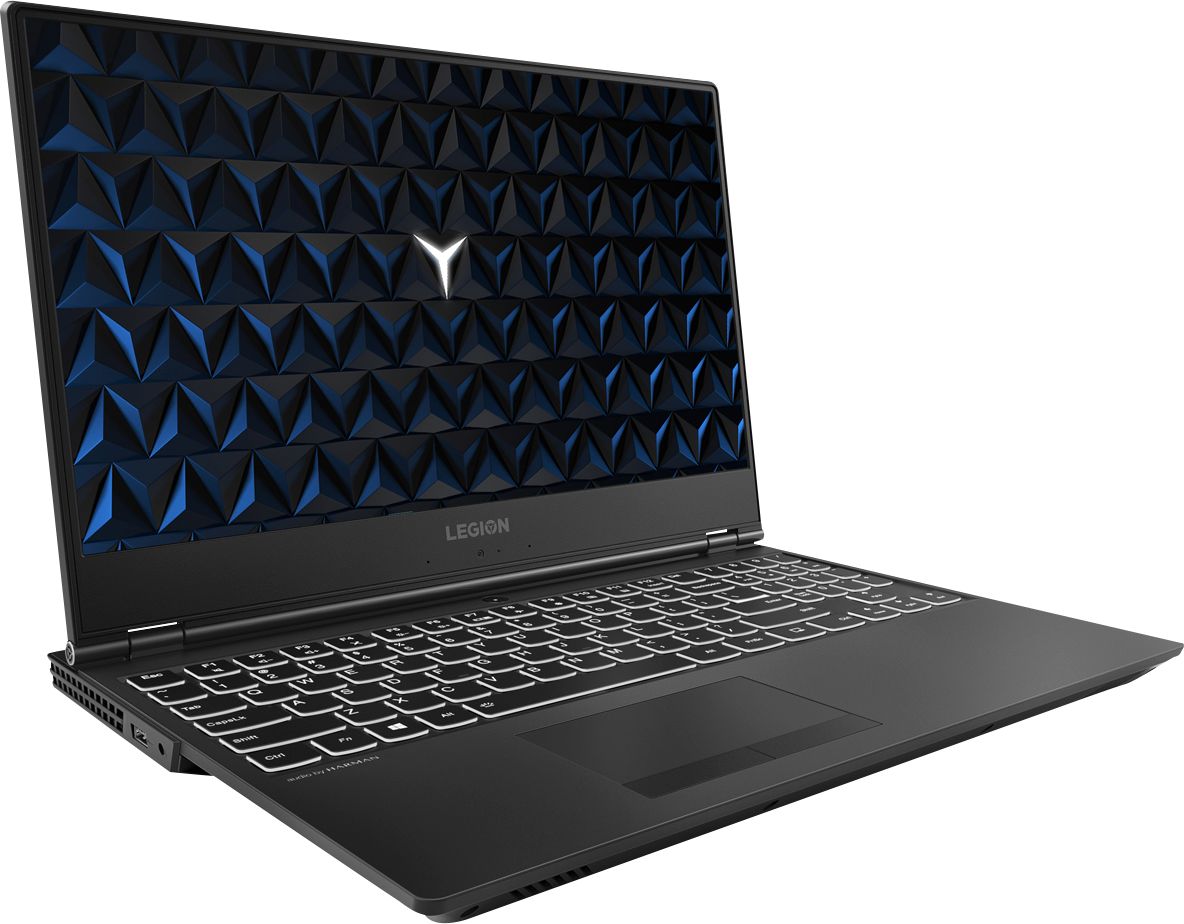
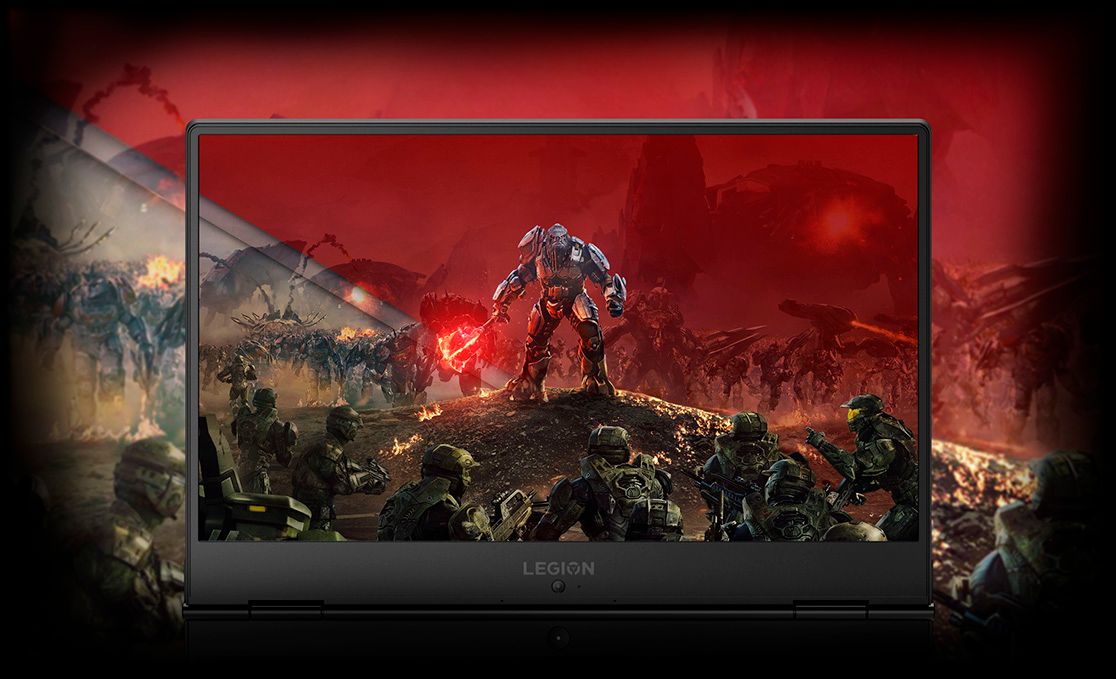
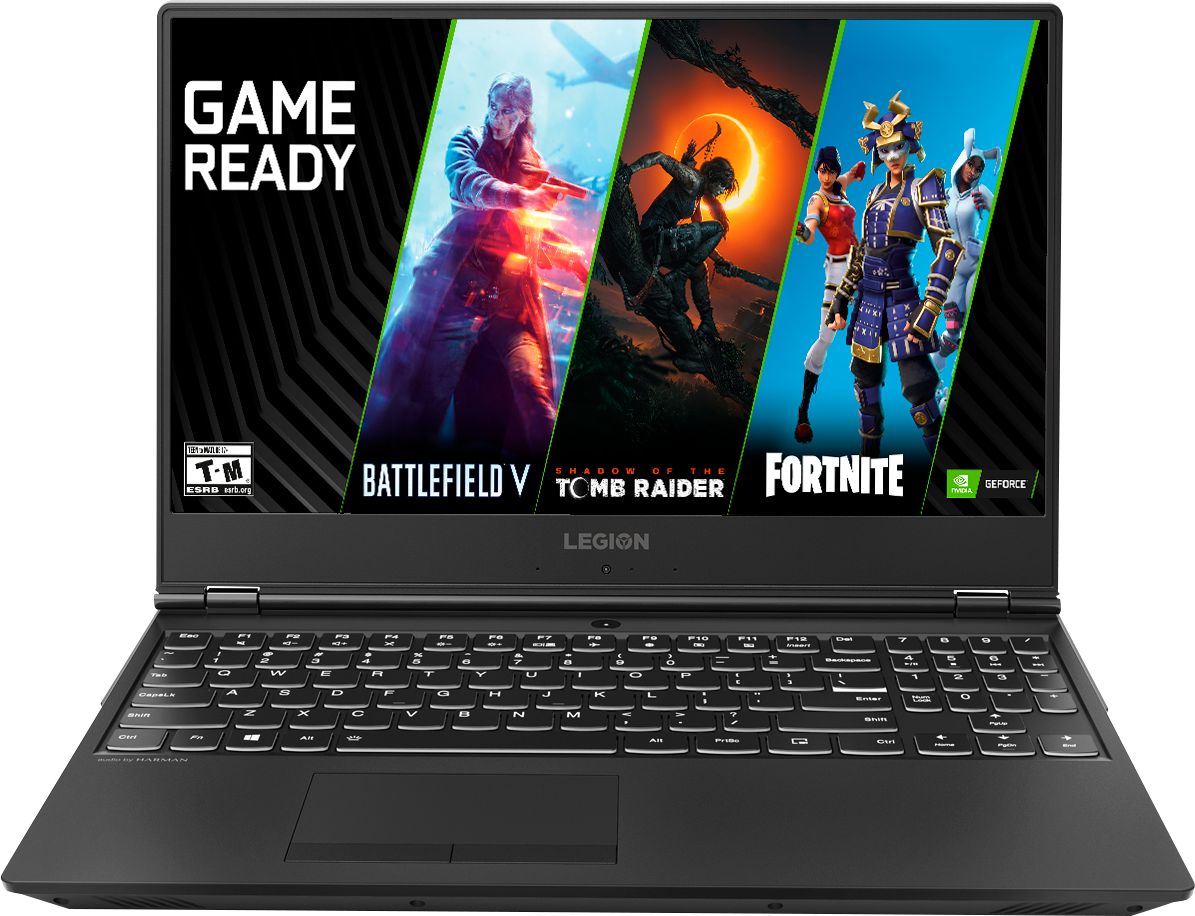
Posted .The Lenovo Legion Y530 is a 15.6-inch laptop that gives you exactly what you need for a powerful computing experience that balances performance and portability. Its breathtakingly sleek design includes a three-sided narrow bezel for a more immersive computing experience. The latest-generation specs include GTX graphics and the Intel Core i7 six core processor, which guarantee you serious computing power. Thermally optimized to run cooler and quieter with a full-sized white-backlit keyboard, the Lenovo Legion Y530 Laptop is primed for those who demand computing power wherever life takes them.

Worst laptop ever!
||Posted . Owned for 1.5 years when reviewed.This reviewer received promo considerations or sweepstakes entry for writing a review.I've had nothing but problems with this PC. The cursor would freeze every so often. I had to send it in for service after a windows update 2 months after purchasing. I had to factory reset it 3 times over the past 2 years. Today it will no longer reset.
No, I would not recommend this to a friendTerrible PC
||Posted . Owned for 8 months when reviewed.This reviewer received promo considerations or sweepstakes entry for writing a review.The computer looked like it was going to be a winner for about 3 or 4 hours. Then it displayed a blue screen of death and could not be revived. Best Buy took it back and I replaced it with a Dell laptop.
No, I would not recommend this to a friendTerrible. Stay away
||Posted .This reviewer received promo considerations or sweepstakes entry for writing a review.I was disappointed with this Lenovo product. It froze up the 3rd login and seemed buggy (and jittery) after basic setup of OS. Made me question Lenovo overall. I returned it for a Yoga that it working great.
No, I would not recommend this to a friendBrand response from Lenovo Product Expert
Posted .We are sorry to hear that you had issues with the Windows 10 setup on your Lenovo Legion Y530 laptop. This system ships with Lenovo Utility software to help keep the device running at optimum levels. This system has Lenovo utilities installed to help maintain the health of the device and keep the operating system software up to date. Type "Lenovo Vantage" in the Cortana Search window (if Lenovo Vantage is not installed on your device, you can download the APP and install it now). Select Lenovo Vantage from the list. In the window that opens, click on "Health and Support". In the expanded menu, select "Hardware Scan" In the window that opens, select "Run Quick Tests". This will scan your entire system for errors. Follow any directions that may pop up. If the problem continues after this scan, now click on "System Update". First select Windows update from the menu. Scan your system to be sure you have the latest version of Windows 10. Once that scan is complete, select "Additional Updates". This will scan your device to be sure there are no new BIOS/Driver updates needed. Follow any instructions that may pop up. If the issue still continues after these updates, we recommend you call Lenovo Tech Support at: 877-453-6686 for additional help.
Not having good experience
||Posted . Owned for 1.5 years when reviewed.This reviewer received promo considerations or sweepstakes entry for writing a review.I'm a big fan of Lenovo products and using Lenovo for the last 10 years. But I'm having a bad experience with this because it stopped working the day I bought it. It was a defective piece.
No, I would not recommend this to a friendCorrupt OPS
||Posted .This reviewer received promo considerations or sweepstakes entry for writing a review.Product failed after only 3 months due to a completely corrupt OS which is not covered under factory warranty. Had to spend $100 to fix and reset to factory settings on a $1000 laptop I've had for 3 months.
No, I would not recommend this to a friendBrand response from Lenovo Product Expert
Posted .We are sorry to hear that you had issues with the Windows 10 operating system. Because this configuration has Intel Optane Memory which stores an image of the Windows 10 operating system for fast boot up, you must first turn off Optane memory. To restore system, Optane must be disabled first in the BIOS
o Power down system, power back on and press F2 to enter BIOS setup
o BIOS setup > Configuration > Storage > Intel® Rapid Storage technology > Intel Optane, 931.5GB > Disable > Are you sure you want to disable > Yes > Disable
o Wait for 3 minutes
o The Disable process should be finished and there will be (2) non-RAID physical disks
o Press F10 to Save and Exit
- The system should now be able to be Restored
- After restoring, you will need to open the Optane UI from the task bar and choose Setup > Enable > Select “Erase all data on Intel “Optane” memory module > Continue > Restart. Now you can restore the Windows 10 operating system to factory original settings by following the instructions at this link: https://www.laptopmag.com/articles/reset-windows-10-pc. Be sure to re-enable the Optane Memory after you restore the system, then restart the device, as listed above. If you continue to have an issue, we recommend you call Lenovo Tech Support at: 877-453-6686.
Managed to get past the 15 day mark before failing
||Posted .This reviewer received promo considerations or sweepstakes entry for writing a review.27 days after purchase, I am out an additional $200 to Best Buy for repairs. Perhaps you will be luckier than I, but under the circumstances I would just suggest that it may just be a roll of dice.
No, I would not recommend this to a friendBrand response from Lenovo Product Expert
Posted .We are sorry to hear that you are having issues with your Lenovo Legion Y530 Laptop. This model comes with a 1-year manufacturer's warranty covering OEM issues. If the problem you are experiencing is an original built issue, your manufacturer's warranty would cover it.
So upset with this buy!!!
||Posted . Owned for 7 months when reviewed.This reviewer received promo considerations or sweepstakes entry for writing a review.Didn't have it a YEAR!!!!...The thing is BROKEN!!!!...Waste of my time and money!!!! I'm so disappointed in this investment!
No, I would not recommend this to a friendNot a good product for me
||Posted .This reviewer received promo considerations or sweepstakes entry for writing a review.I had to return this laptop because it wouldn’t stop going back into the setup mode over and over like the lower end laptops. I only had it for a couple of days.
No, I would not recommend this to a friendBrand response from Lenovo Product Expert
Posted .We are sorry to hear that you are having issues with a Windows 10 update for your Lenovo Legion Y530 laptop. Restoring the device back to original factory settings, then letting Windows 10 update to the latest version may solve the issue you are describing. This system is equipped with OneKey Recovery System. There is a very small pin hole on the right side of the device, right near the USB port on the device. You will need a pin to push this reset button. Plug the device in. Let the battery charge for about 15 minutes. Push the reset button. The system should boot to a choice screen where you can choose "Restore To Factory Default". Select this. It will delete everything from the hard drive except the original factory install of the operating system. You will need to reinstall all programs and files after the reset. If you don't have copies of the files, try to make one before you restore by selecting "Boot to desktop" and trying to back up your files. If the problem persists after the factory reset, we recommend you contact Lenovo Tech Support at: 877-453-6686. For 2018, Lenovo retained its place for a second year as the best laptop vendor:
https://www.laptopmag.com/articles/laptop-brand-ratings
Not Working
||Posted .This reviewer received promo considerations or sweepstakes entry for writing a review.Two months in and computer isn't working. Well see what happens.
No, I would not recommend this to a friendBrand response from Lenovo Product Expert
Posted .We are sorry to hear that you are having issues with your Lenovo Legion Y530 Laptop. The issue you are having may be fixed by restoring Windows 10 back to original factory settings. To restore system, Optane must be disabled first in the BIOS
o Power down system, power back on and press F2 to enter BIOS setup
o BIOS setup > Configuration > Storage > Intel® Rapid Storage technology > Intel Optane, 931.5GB > Disable > Are you sure you want to disable > Yes > Disable
o Wait for 3 minutes
o The Disable process should be finished and there will be (2) non-RAID physical disks
o Press F10 to Save and Exit
- The system should now be able to be Restored
- After restoring, you will need to open the Optane UI from the task bar and choose Setup > Enable > Select “Erase all data on Intel “Optane” memory module > Continue > Restart. Now you can restore the Windows 10 operating system to factory original settings by following the instructions at this link: https://www.laptopmag.com/articles/reset-windows-10-pc. Be sure to re-enable the Optane Memory after you restore the system, then restart the device, as listed above. If you continue to have an issue, we recommend you call Lenovo Tech Support at: 877-453-6686.
Crashed
||Posted .This reviewer received promo considerations or sweepstakes entry for writing a review.I purchased this laptop and turned it on twice. The second time it turned on I have the blue screen of death in the computer would never reboot.
No, I would not recommend this to a friendBrand response from Lenovo Product Expert
Posted .We are sorry to hear that you are having issues with your Lenovo Legion Y530 laptop. Since you can no longer boo the device, this system is equipped with OneKey Recovery System. There is a very small pin hole on the right side of the device, right near the USB port on the device. You will need a pin to push this reset button. Plug the device in. Let the battery charge for about 15 minutes. Push the reset button. The system should boot to a choice screen where you can choose "Restore To Factory Default". Select this. It will delete everything from the hard drive except the original factory install of the operating system. You will need to reinstall all programs and files after the reset. If you don't have copies of the files, try to make one before you restore by selecting "Boot to desktop" and trying to back up your files. If the problem persists after the factory reset, we recommend you contact Lenovo Tech Support at: 877-453-6686. For 2018, Lenovo retained its place for a second year as the best laptop vendor:
https://www.laptopmag.com/articles/laptop-brand-ratings
- Pros mentioned:SpeedCons mentioned:Hard drive
Great Mix of design and power for the price
Posted .This reviewer received promo considerations or sweepstakes entry for writing a review.I was on the hunt to find a new laptop that was fairly powerful, not expensive and not look/feel like it was 10 lbs (rare as many know). I narrowed my search to gaming laptops b/c they generally pack more power for less. Compared this one to the main competitor, dell g7, and other ones like hp, acer. I ended up buying this for $850 (September 11) with discounts because, basically, the g7 was to bulky for me, pricey and I don’t really need a gtx 1060 since I don’t game. Other laptops in range were bulky too, and they also didn’t come with 16gb memory, a core i7 or enough hard drive space either. I had to buy a 250gb ssd on the first day for $100 b/c Lenovo is lost thinking they can put laptops out here in 2k19 without one. I also think this helped me avoid the problems many other buyers were facing where the laptop would suicide within a month of buying. Even if it didn’t help, installing a ssd was imperative. Optane doesn’t cut it. I almost didn’t buy it so early b/c there were rumors that it would come with a gtx 1060. Then I thought to myself, ‘that would drive the price up, and it’s not even worth it since I hardly game.” As expected, it did drive the price up significantly, and BestBuy won’t even sell that version of the laptop! NOW, Lenovo is coming out with the Y540 (in May?) and it’s basically the Y530 but with the rtx 2060. Apparently, it will cost about the same as this current Y530. If it does, then that would be awesome for new customers b/c the 2060 absolutely hilariously destroys the 1050ti. Overall, I’ve been satisfied, but time will tell if it was worth it. There have been too many complaints about hard drive/booting problems about this laptop.
I would recommend this to a friendBrand response from Lenovo Product Expert
Posted .The Lenovo Legion Y530 laptop in this configuration, ships with 16GB of Intel Optane memory that supports the 1TB 7200RPM standard hard drive. The solid state Optane Memory keep an image of the Windows 10 operating system for boot ups in less than 15 seconds. It also keeps an image of the programs and files that the individual user opens the most, giving fast recall of the programs and files you use the most. Please keep in mind, this model is not user upgradable. A certified technician must do all of the work, so as to not void the warranty.
Only lasted a few months beyond my 2 year protecti
||Posted . Owned for 1 year when reviewed.This reviewer received promo considerations or sweepstakes entry for writing a review.Only lasted a few months beyond my 2 year protection plan -- JUNK!!!!!
No, I would not recommend this to a friendHorrible
||Posted .This reviewer received promo considerations or sweepstakes entry for writing a review.Laptop has many issues. Always going on a boot loop.(memory management problem) Not at all recommended.
No, I would not recommend this to a friendBrand response from Lenovo Product Expert
Posted .We are sorry to hear that you are having an issue with Windows 10 operating system on your Lenovo Legion Y530 laptop. Resetting the Windows 10 operating system back to original factory settings may correct the issue you are describing. Your configuration ships with Optane Memory. To restore system, Optane must be disabled first in the BIOS
o Power down system, power back on and press F2 to enter BIOS setup
o BIOS setup > Configuration > Storage > Intel® Rapid Storage technology > Intel Optane, 931.5GB > Disable > Are you sure you want to disable > Yes > Disable
o Wait for 3 minutes
o The Disable process should be finished and there will be (2) non-RAID physical disks
o Press F10 to Save and Exit
- The system should now be able to be Restored
- After restoring, you will need to open the Optane UI from the task bar and choose Setup > Enable > Select “Erase all data on Intel “Optane” memory module > Continue > Restart. Now you can restore the Windows 10 operating system to factory original settings by following the instructions at this link: https://www.laptopmag.com/articles/reset-windows-10-pc. Be sure to re-enable the Optane Memory after you restore the system, then restart the device, as listed above. If you continue to have an issue, we recommend you call Lenovo Tech Support at: 877-453-6686.
- Pros mentioned:DesignCons mentioned:Battery life
Good for budget, but met many problems
Posted .This reviewer received promo considerations or sweepstakes entry for writing a review.I bought my Lenovo Legion the week before Black Friday to meet the early doorbusters. It was great for my budget and had the specs I wanted for a moderately beefy laptop. Sure, people had said it lacked a large range of colors on the display, system messages were low resolution, and the camera at the bottom of the screen is bad quality, but that didn't matter to me. I bought an Open-Box for $839 under Excellent condition with no Black Ops 4 (will explain later). I used it for one week and the laptop crashed on itself. The disk apparently corrupted itself and was deemed unusable, being stuck in a boot loop. I went back to Best Buy and they sent me a completely new one and included Black Ops 4 even though I had only paid for the Open-Box price. I thought I was having some good luck for my bad experience. Until one month later, right on the first day of my winter break (mind me, I'm still a college student), my laptop updated and Windows 10 corrupted itself due to the installation not properly finishing. My laptop was yet again in a boot loop. I took it back to Best Buy and they kindly took it for repairs and had it ready in a week. I was relieved but, of course, another problem struck me a month later. During the course of January I noticed my laptop would be plugged in but would not charge so it was always stuck on 97%. I thought it was just because I was running a lot of stuff on my laptop so I didn't see it as a problem. It was until January 20th, I noticed it was on 87% and never charged anywhere further, even though I would shut it down and leave it to charge the entire night. I checked the battery through the Lenovo manager and apparently, the battery was in "Poor" condition. I also noticed that I had to have the laptop plugged in or else it won't turn on. It's a new laptop, why would the battery already be dead? I needed it for the week so I had to stick with using it while plugged in at all times. Until January 22nd, I had to finish a four page essay in one night. It rained really hard and the power went out. Not only did my laptop shut down, I forgot to save it since I was in a rush (silly me). I lost the document since the auto-recover was just a page with one sentence. I couldn't handle it anymore so I took it to Best Buy's GeekSquad. They were kind enough to give me an exception to exchange the laptop since I had so many problems and didn't have a protection plan, otherwise I would have to let them send it to the manufacturer to get it back in three weeks. I was tired of my bad luck with the Lenovo Legion so they convinced me to get the HP OMEN with around equal specs ( - 4 GB RAM, + 128 GB SSD). Paid an extra $150. The Lenovo Legion is actually a good laptop for budget gamers and whatnot. I had a good experience running Black Ops 4 on max settings. The sleek design and the gliss of the back of the laptop was also a plus. The built in microphone was already good at detecting sounds and providing quality sounds. Either I'm having bad luck with this Lenovo or it really has problems, but that's for you to decide.
No, I would not recommend this to a friendBrand response from Lenovo Product Expert
Posted .We are sorry to hear that you had issues with your Lenovo Legion Y530 laptop. The Legion Y530 has a 1-year limited manufacturer's warranty. We recommend you call Lenovo Tech Support for help with your specific issues at: 877-453-6686.
Defective GPU
||Posted . Owned for 1 year when reviewed.This reviewer received promo considerations or sweepstakes entry for writing a review.The video card (GPU) always failed, from the beginning I have problems.
No, I would not recommend this to a friend- Pros mentioned:Performance

Great Laptop for mid tier gaming
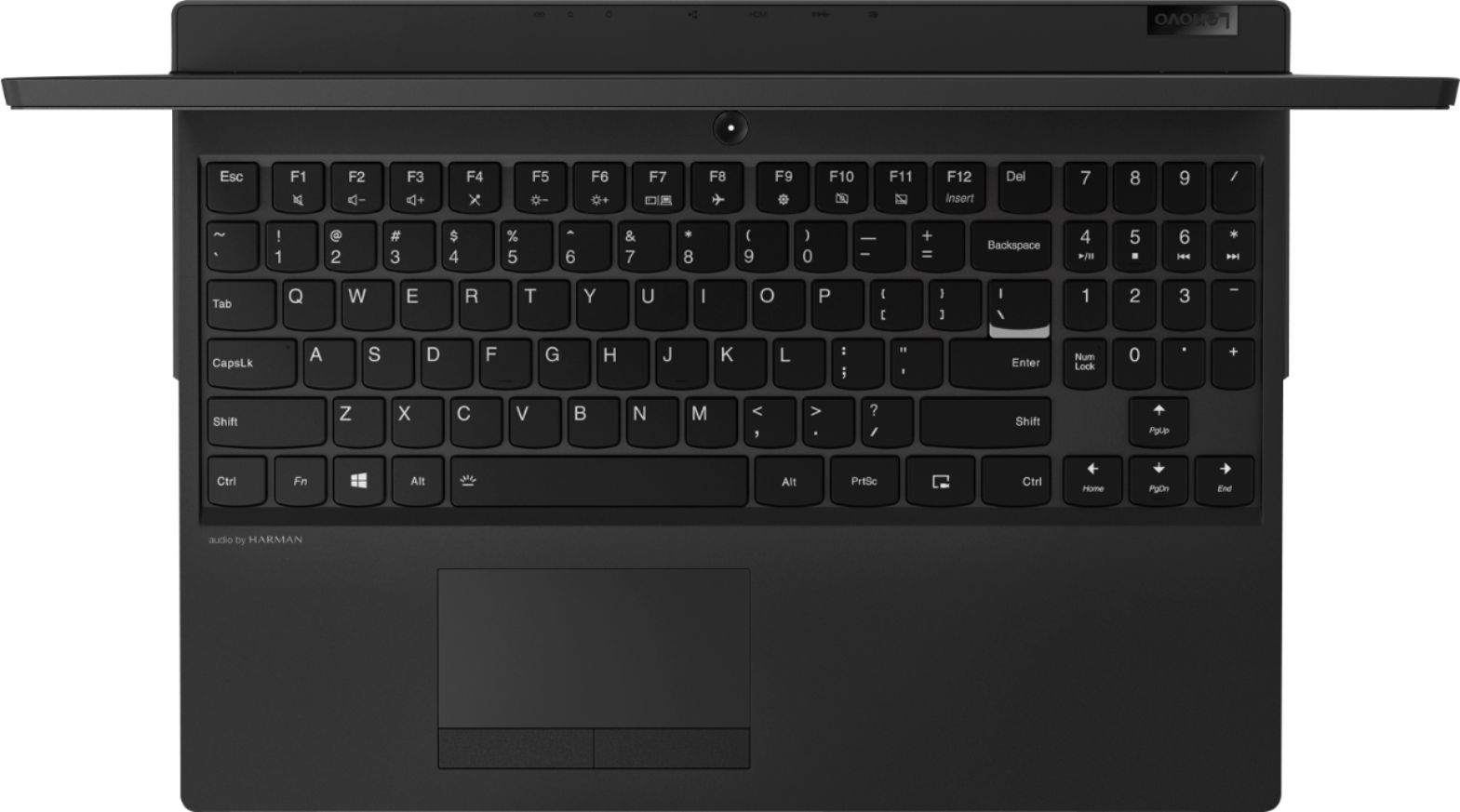
|Posted .This reviewer received promo considerations or sweepstakes entry for writing a review.Overall this laptop is one of the best performers I have used in a long time. The size is nice, not too big but not tiny either. It performs well in most of the games I have tried with it, and it does all of the daily driving such as bill planing web browsing and small office work without any issue. If I had any complaints it would probably be the shifted upwards numberpad. I love a laptop with a number pad but this one feels like its shifted up one row too many. The number lock is on the bottom instead of in the upper left hand corner and the math keys ( * / - + enter) all are in odd spots compared to a normal keyboard. But after some time it is not too much of an issue. Performance is key and this laptop has it, which makes it a nice replacement for someone looking to upgrade.
I would recommend this to a friendBrand response from Lenovo Product Expert
Posted .Thank you for choosing the Lenovo Legion Y530 laptop. We are pleased to hear that the features and performance of the Legion Y530 meets your computing needs so well. With regard to the keyboard arrangement, we have made note of your comments and will look into this for future improvements.
- Pros mentioned:Ram
A much more capable laptop over the 8GB model
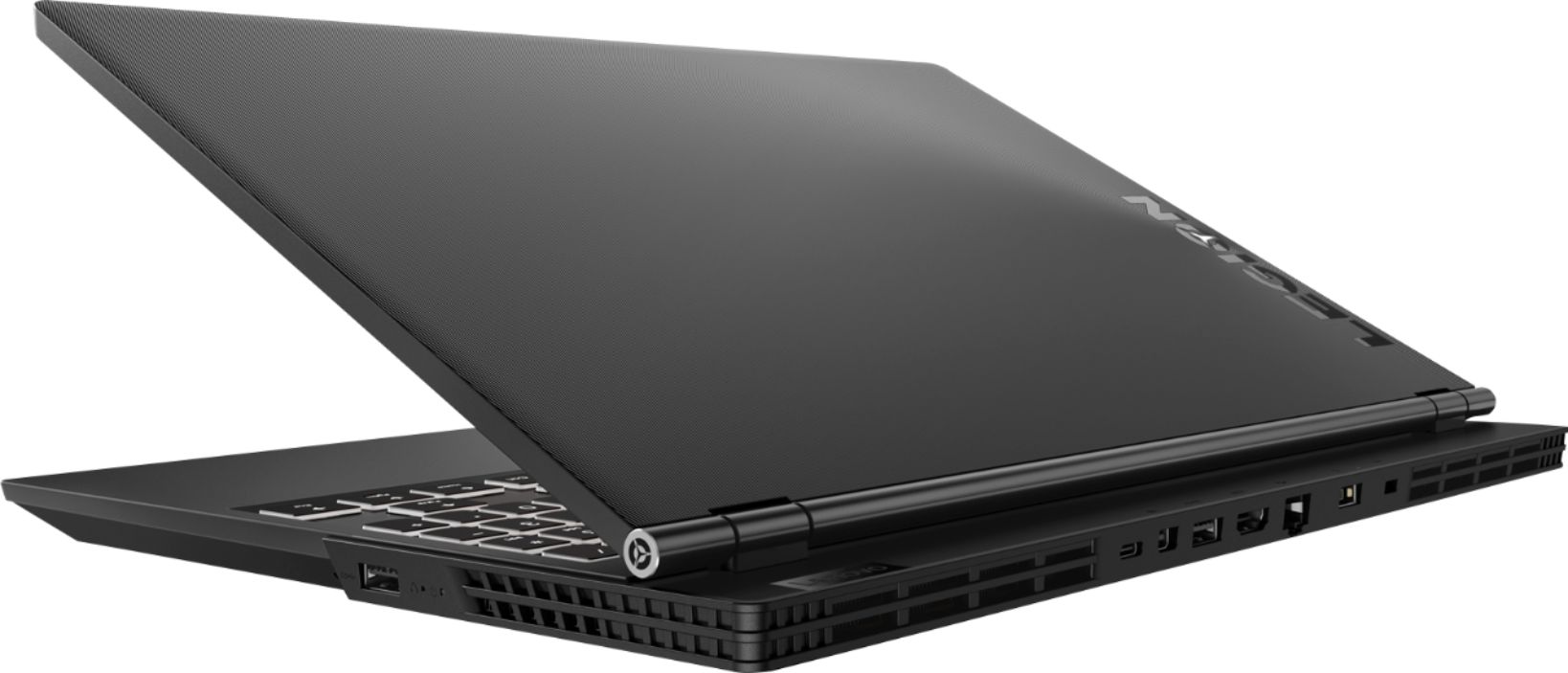
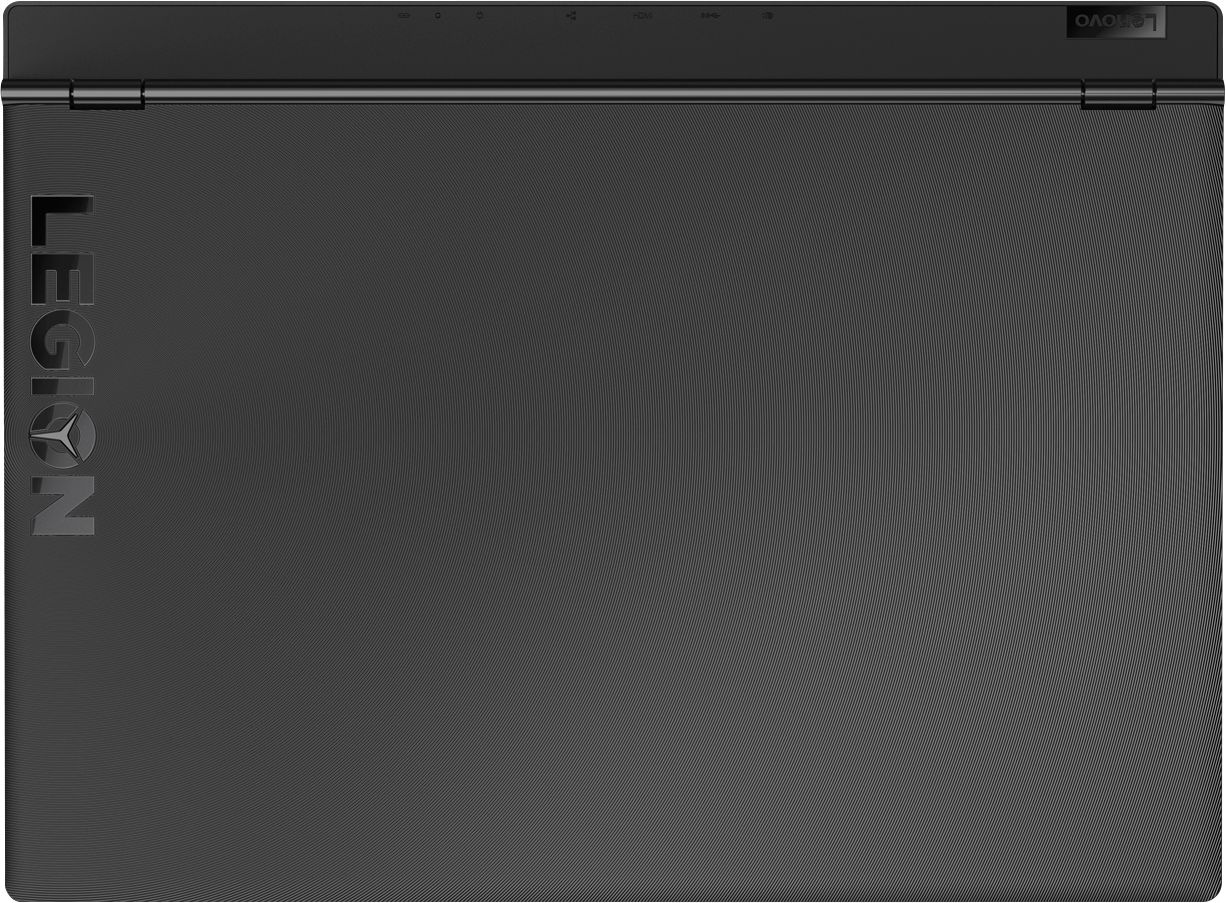
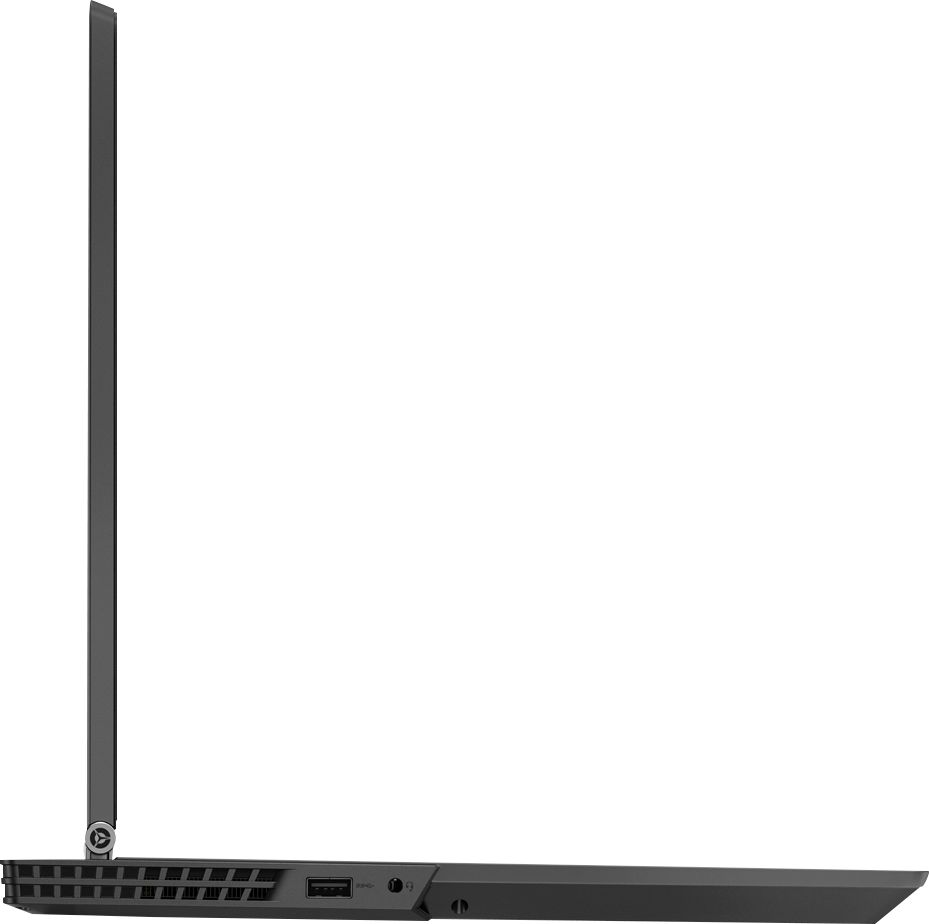
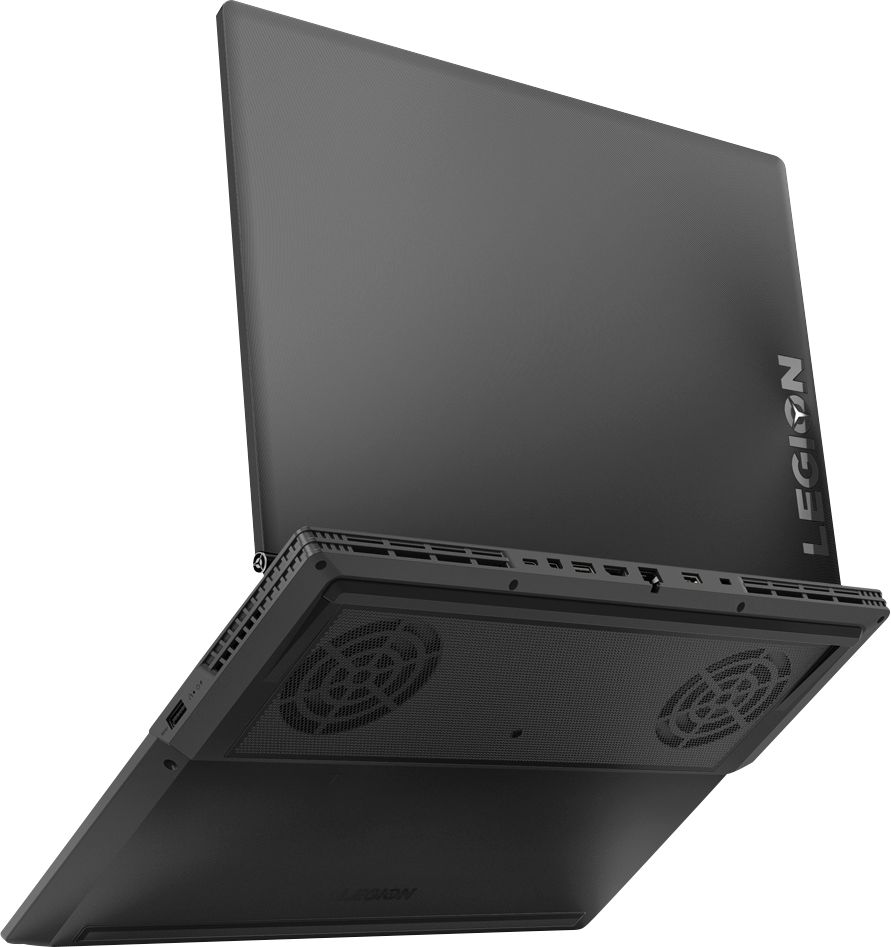
|Posted .This reviewer received promo considerations or sweepstakes entry for writing a review.Upon opening the box, Lenovo likes to keep it basic. There is not much included inside the box. It does throw you off a bit, that the user guide comes in every language, with Arabic on the front cover. All the languages are in alphabetical order so you need to flip some pages to find English. The laptop comes in a nice protective sleeve, and also has a nice screen protector insert that can be used later on for general use when you close the laptop or when traveling with it. It has a standard Windows 10 home setup screen when powering on for the first time. On the lid the "Y" in the Legion lettering lights up when the computer is powered on and also has back lit keys. The casing itself and keys seem to be very prone to collecting fingerprints. Most of the connections are on the back of the laptop, but there is a usb port on each side and the audio jack on the left side. The bottom is raised in the back and has 2 visible cooling fans on each side. The speakers are in the front. This laptop is backwards from many other laptops in that its keyboard is set up for gaming, so the F1-F12 keys serve as the main function, and you must push the Fn key in order to use the alternate functions on the keyboard such as volume up and down, play, pause, search, etc., where on most laptops the alternate functions come first before the F1-F12 keys. I do like that the keyboard does come with a numpad on the side. On to the gaming. This laptop runs pretty smooth when running games like PUBG, Rainbow Six Siege, Destiny 2, but does slow down when on the highest settings. With 16GB of RAM in this system, it holds up well with the GTX 4GB graphics, but still has to run on slightly lower settings, which is not bad for a laptop. Unless you are a lefty, it is almost impossible to game with out at least having an external mouse . The touchpad is left of center and is a bit different as well as the touchpad itself does not click to make button presses. You can tap the touchpad to click on something or use the clickers underneath the pad. The sound output is ok. It doesn't get too loud. I would probably have expected more from them being Harmon speakers. They are very clear sounding though, but I would still recommend using the Bluetooth and connecting to a home theater set up or wearing headphones while gaming. The webcam is off the norm as well. It is located at the bottom of the screen so if you are going to utilize the webcam you have to have the screen angled way back to be able to see your face and it has to look up at you. It takes pictures at .9mp but can record video at 720p. Its mic pic up is pretty decent if using to Skype or use chat channels when gaming, but overall the camera is not a selling point to this laptop. Overall this is a very quirky gaming laptop, but as long as you are using an external mouse it is not too bad. Using the Oculus tester, it just meets the minimum system requirements to run VR as well. For a laptop, this packs a punch. If you are looking for anything beyond this, I would look at gaming desktops with stronger cards and liquid cooling.
I would recommend this to a friendBrand response from Lenovo Product Expert
Posted .Thank you for choosing the Lenovo Legion Y530 laptop. We are pleased to hear that the value, features and performance of the Legion Y530 meets your computing needs so well.
Poor service poor computer
||Posted . Owned for 8 months when reviewed.This reviewer received promo considerations or sweepstakes entry for writing a review.Worst computer nothing but trouble - always in for service
No, I would not recommend this to a friend