Customer Ratings & Reviews
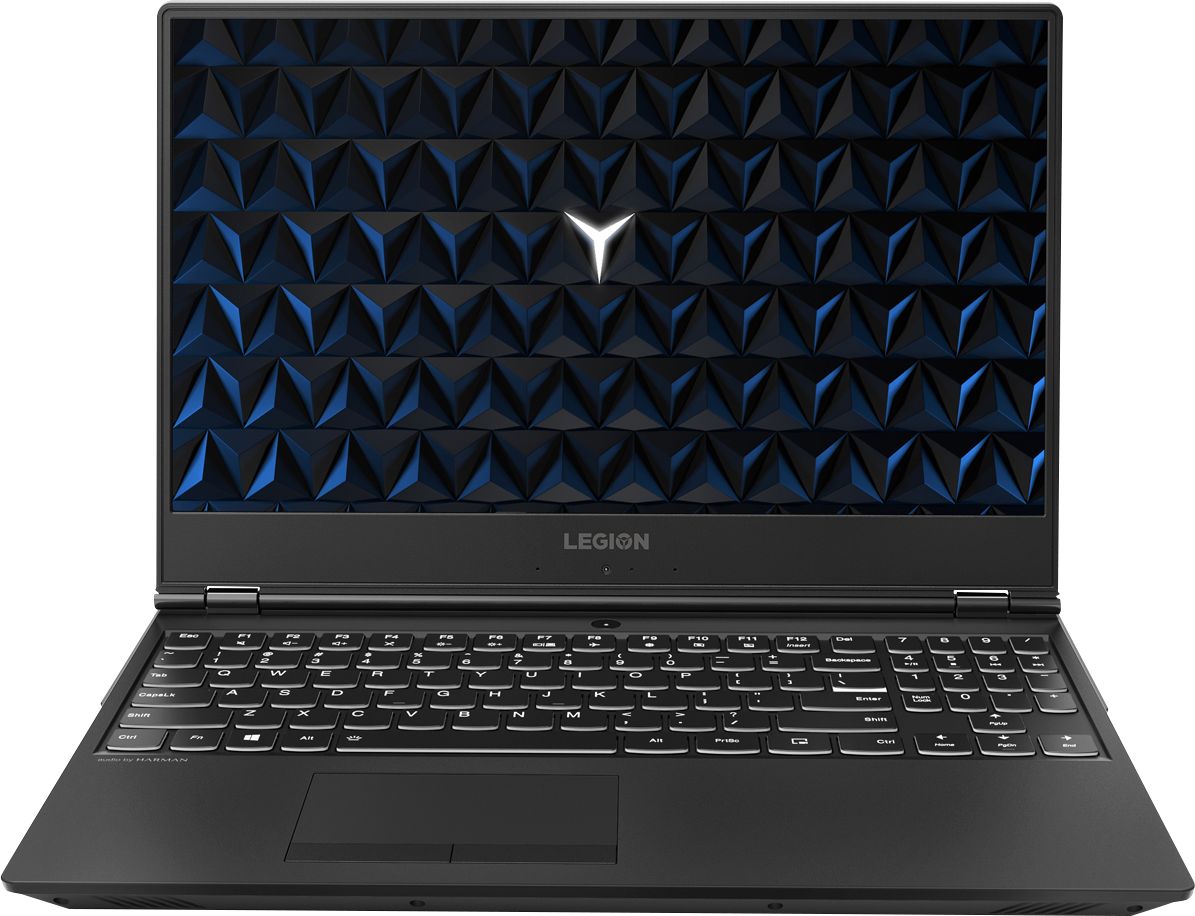
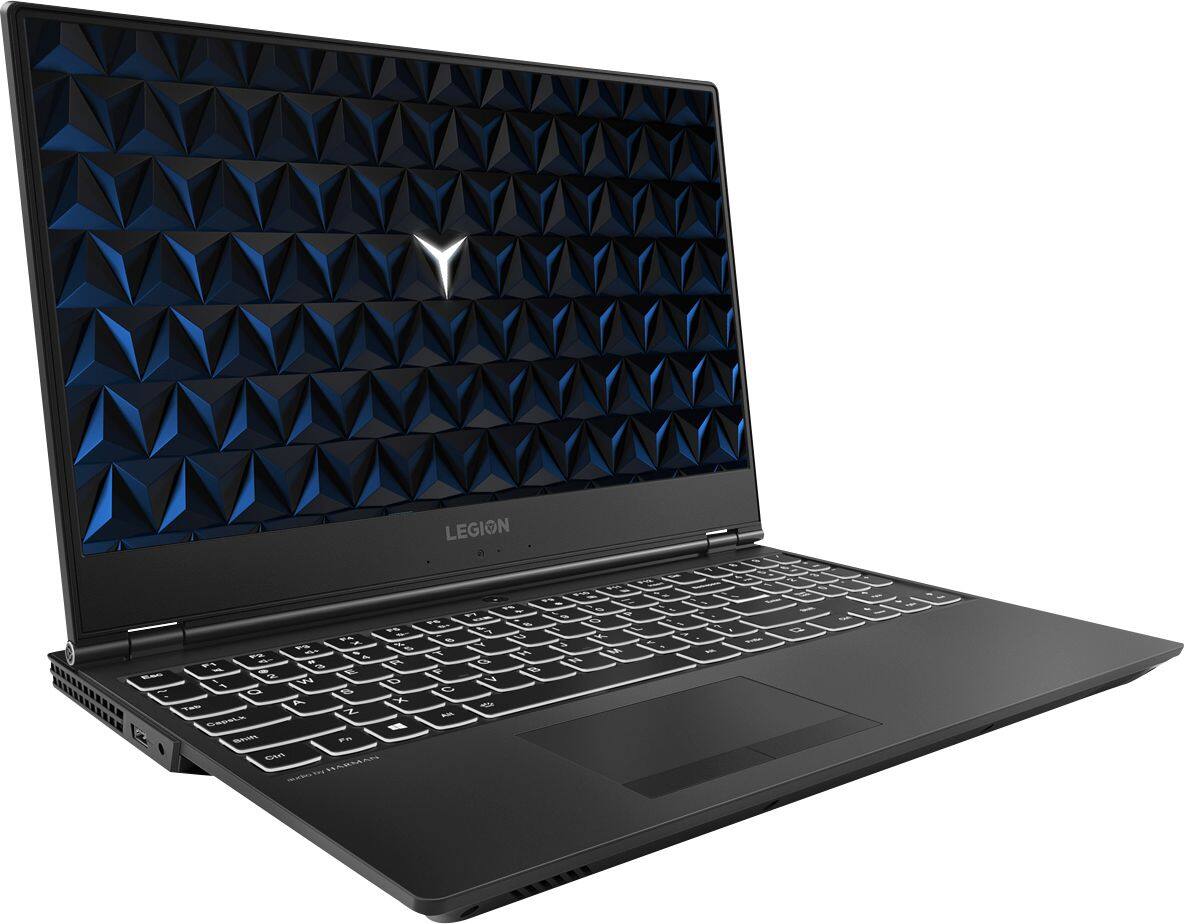
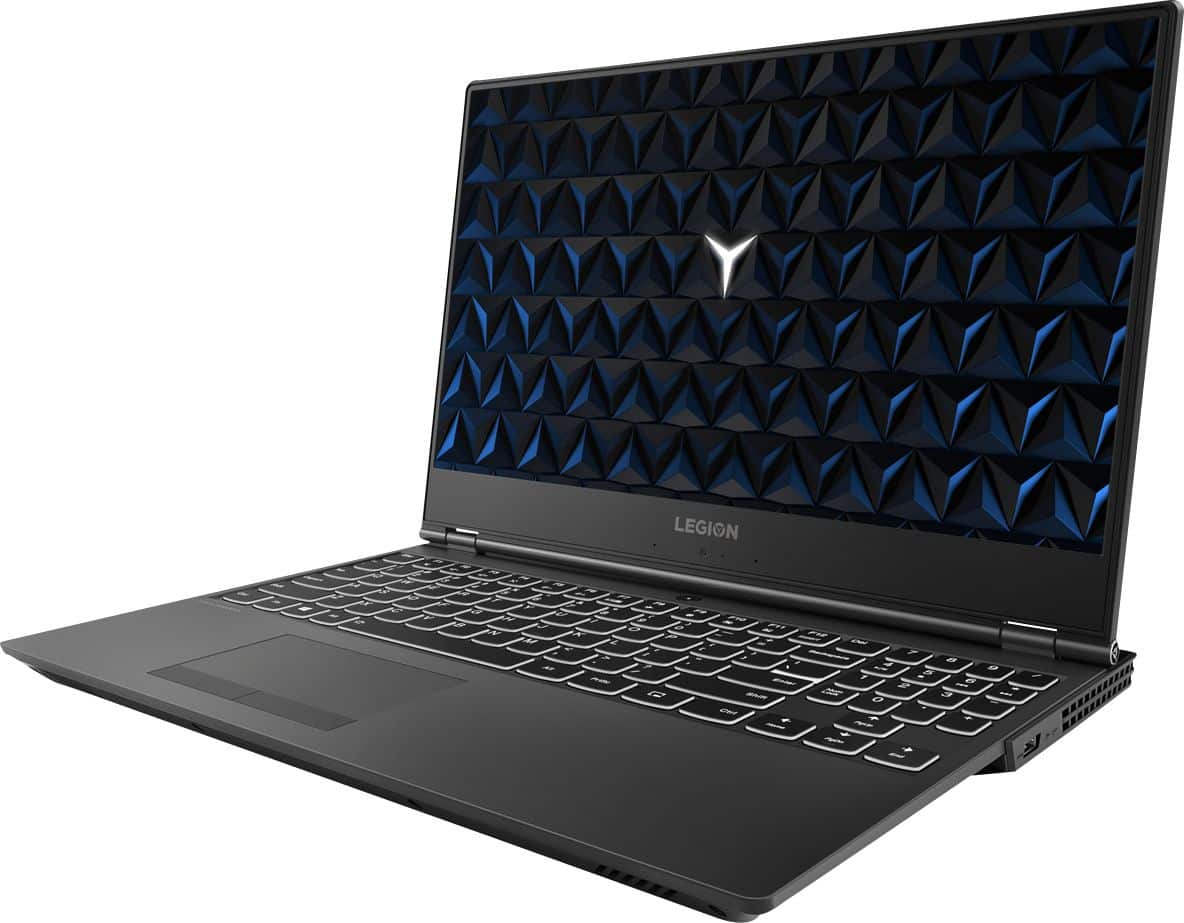
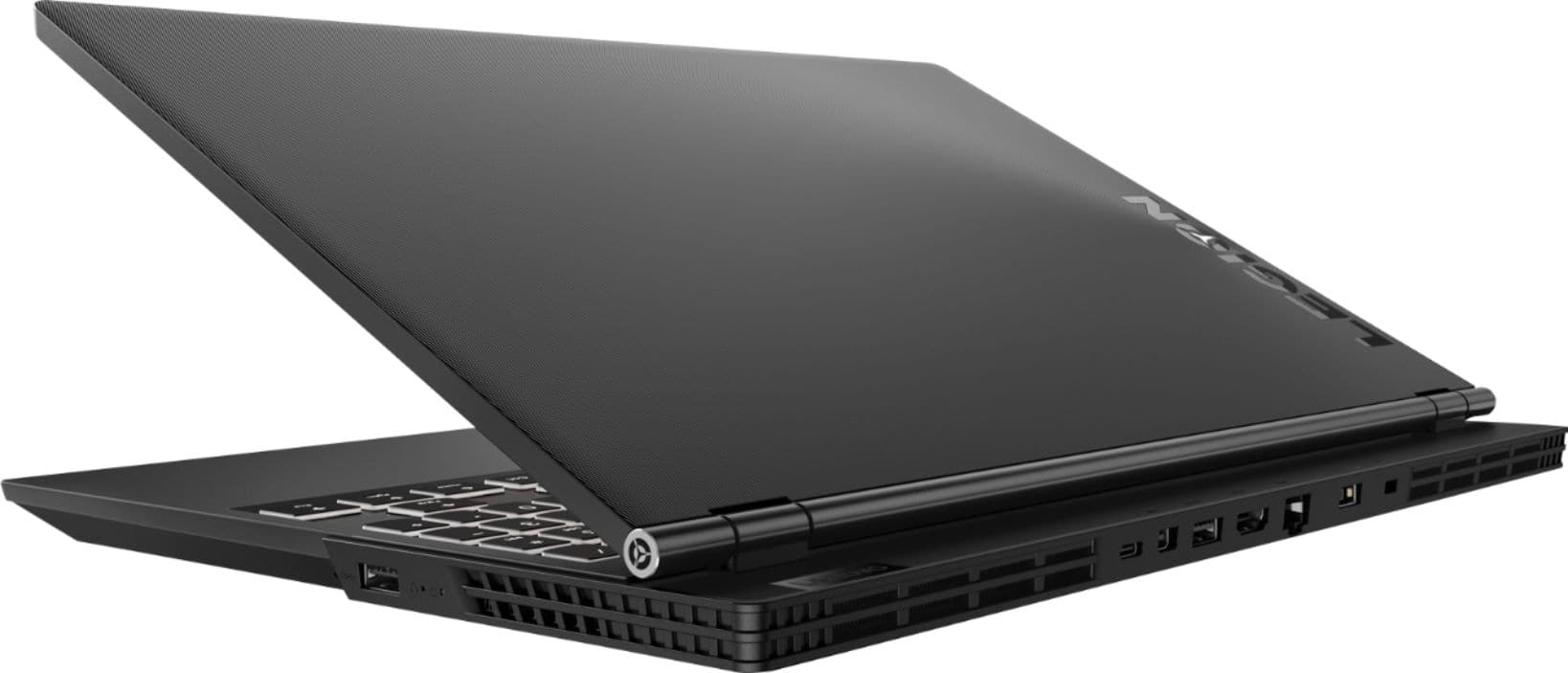
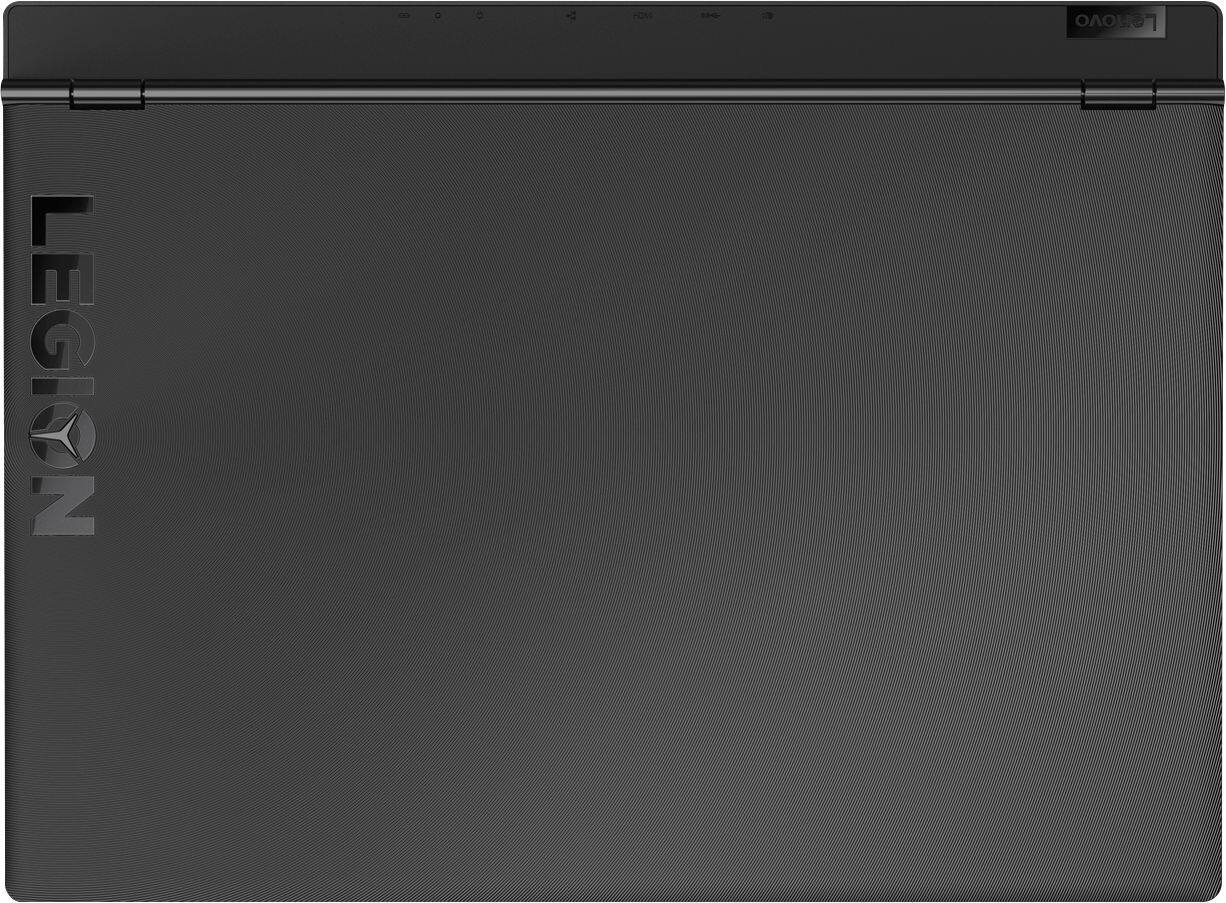

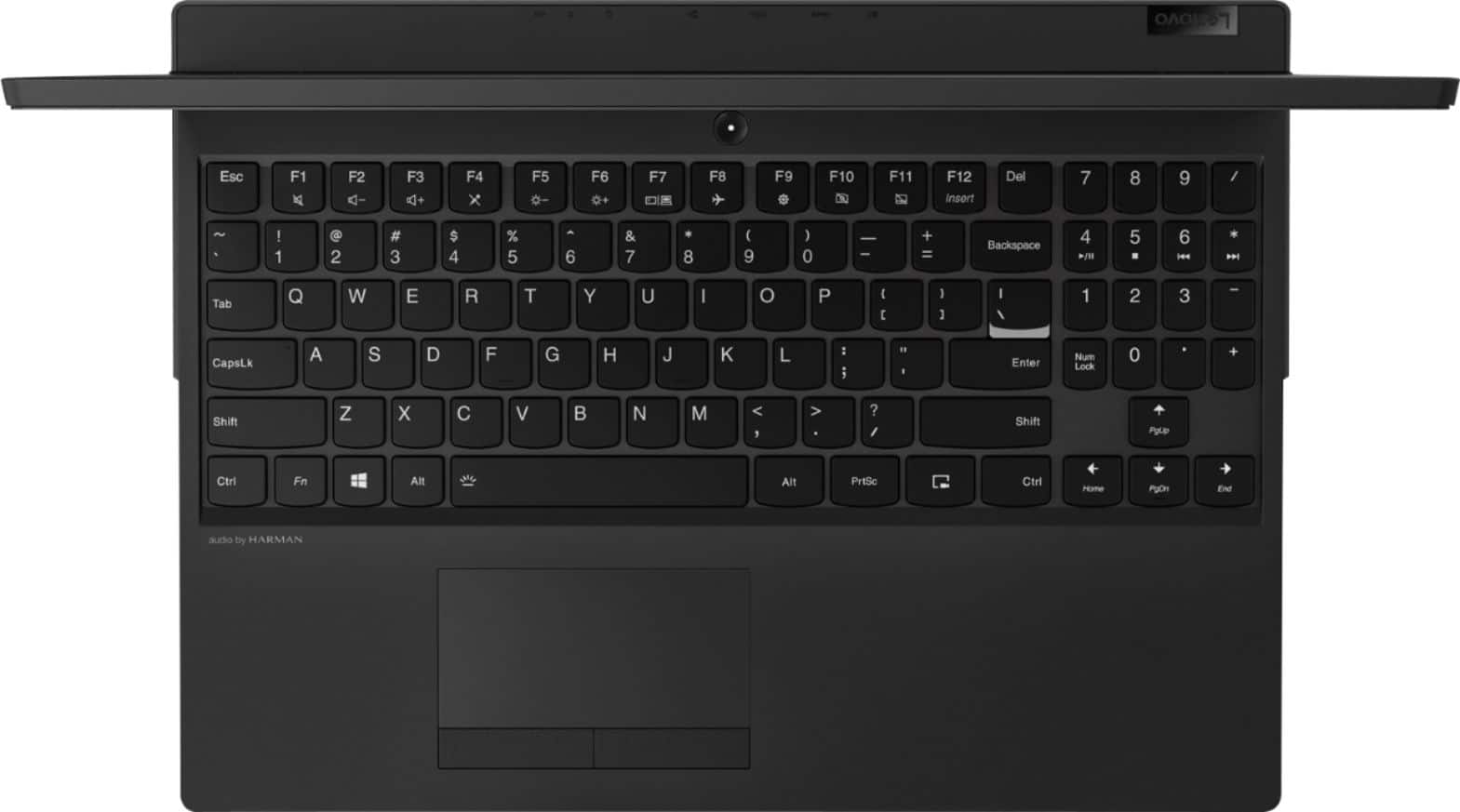
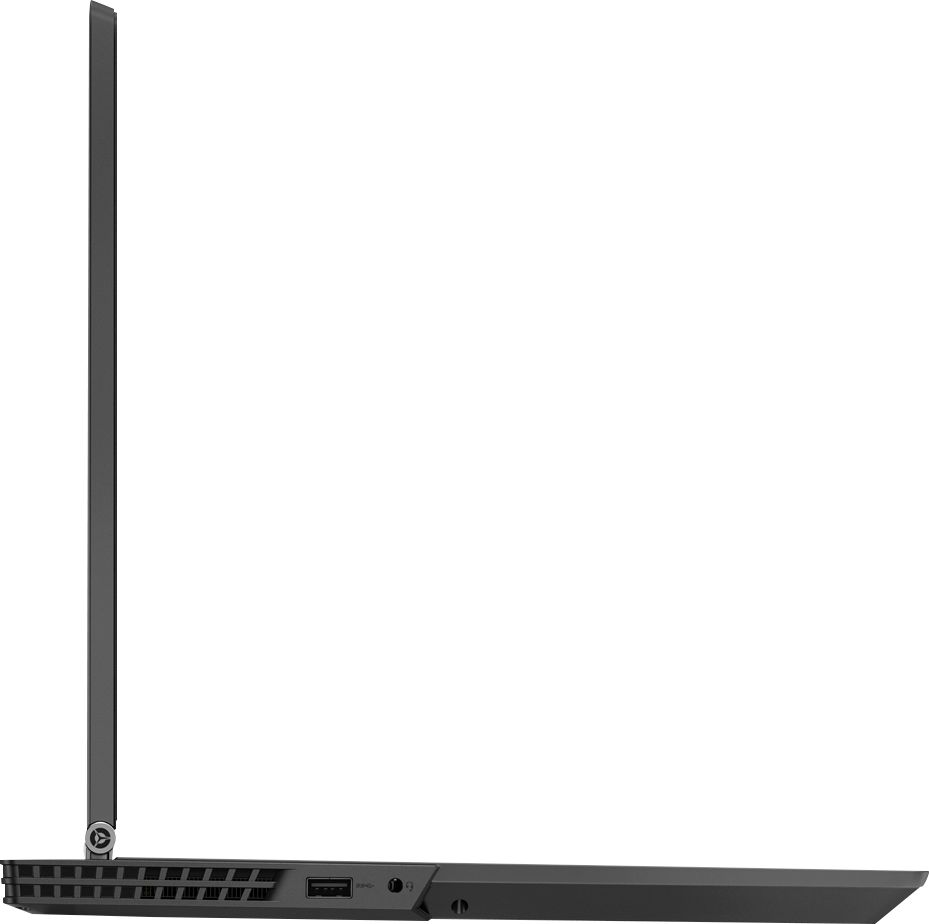
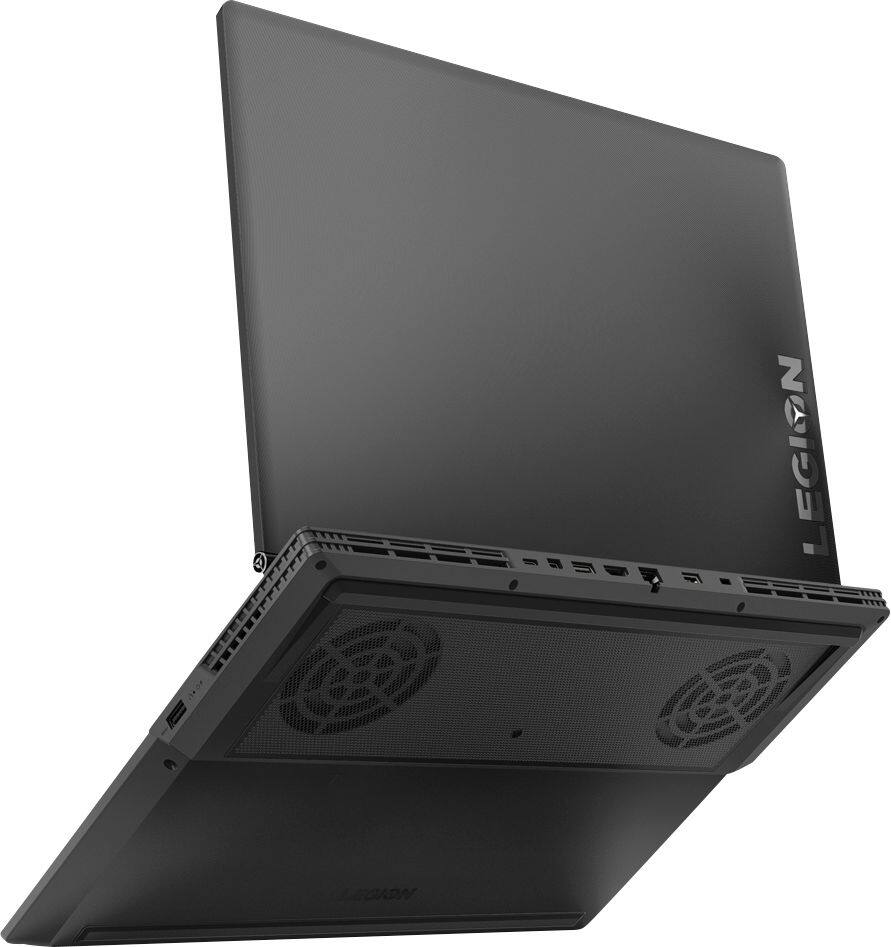

- Model:
- 81FV0001US
- SKU:
- 6219202
Rating by feature
- Value
Rating 4.0 out of 5 stars
- Quality
Rating 4.0 out of 5 stars
- Ease of Use
Rating 4.4 out of 5 stars
Customers are saying
Customers highly value the Legion Y530's performance and graphics capabilities, with many praising its ability to smoothly run games. The build quality and keyboard also receive positive feedback. However, some users express concerns regarding the battery life and hard drive performance, while others mention issues with screen brightness.
This summary was generated by AI based on customer reviews.
Great and fast computer
||Posted . Owned for 1 month when reviewed.This reviewer received promo considerations or sweepstakes entry for writing a review.Excellent product! My computer is fast, great camera.
I would recommend this to a friendgreat gaming pc
||Posted .This reviewer received promo considerations or sweepstakes entry for writing a review.is an excellent gaming computer, i feel so exited to having it
I would recommend this to a friendBrand response from Lenovo Product Expert
Posted .Thank you for choosing the Lenovo Legion Y530 laptop. We are pleased to hear that the Legion Y530 is working out so well for you.

- Pros mentioned:Graphics, RamCons mentioned:Battery life

Low-key gaming laptop
|Posted .This reviewer received promo considerations or sweepstakes entry for writing a review.The Y530 is a budget gaming laptop. With anything budget, you need to make some compromises. The compromises here include: weight, awkward position of the webcam, and battery life. I find the Y530 a bit too heavy to want to carry it around with me unless I absolutely have to. While the GTX1050ti allows you to game, the battery life definitely suffers. The biggest annoyance I had with the laptop is the webcam's position. The angle is aimed in such a way that will be looking up your nose! With the bad out of the way, I can say the 8gb of ram and the GTX 1050ti are reasonable specs for anyone looking fopr a gaming/photo editing laptop. The Y530 DOESN'T scream gamer, and I enjoy all of the main ports (charger, ethernet, etc). The backlit keyboard and track pad worked well, but I don't think anyone will be raving over them. Buy this if you want something to do light gaming on, are tired of loudly designed gaming laptops, and are on a budget.
I would recommend this to a friendBrand response from Lenovo Product Expert
Posted .The Legion Y530 laptop is a high performance, 15.6" full-sized laptop. This system weighs just 5.07 lbs. and measures 1" thin. The battery life on this system is up to 5 hours, depending on the work that the device is performing. The location of the web cam is to make it possible to keep the screen bezels as thin as possible for the widest viewable screen in the smallest possible footprint.

Graat Pc , for gaming and programing at School
||Posted .This reviewer received promo considerations or sweepstakes entry for writing a review.Good PC to start programing at school and play some games
I would recommend this to a friendBrand response from Lenovo Product Expert
Posted .Thank you for choosing the Lenovo Legion Y530 laptop. We are pleased to hear that the Legion Y530 meets your computing needs so well. For 2018, Lenovo retained its place for a second year as the best laptop vendor:
https://www.laptopmag.com/articles/laptop-brand-ratings
it is a excellent product
||Posted .This reviewer received promo considerations or sweepstakes entry for writing a review.i love this laptop, excellent job in my home and very fun
I would recommend this to a friendBrand response from Lenovo Product Expert
Posted .Thank you for choosing the Lenovo Legion Y530 laptop. We are pleased to hear that the performance of the Legion Y530 meets your computing needs so well.
Great computer
||Posted .This reviewer received promo considerations or sweepstakes entry for writing a review.This is an excellent student computer for a good price.
I would recommend this to a friendBrand response from Lenovo Product Expert
Posted .Thank you for choosing the Lenovo Legion Y530 laptop. We are pleased to hear that the value and performance of the Legion Y530 is working out so well for you. For 2018, Lenovo retained its place for a second year as the best laptop vendor:
https://www.laptopmag.com/articles/laptop-brand-ratings
Works great
||Posted . Owned for 9 months when reviewed.This reviewer received promo considerations or sweepstakes entry for writing a review.Fantastic, product works as intended. Great for price
I would recommend this to a friendBrand response from Lenovo Product Expert
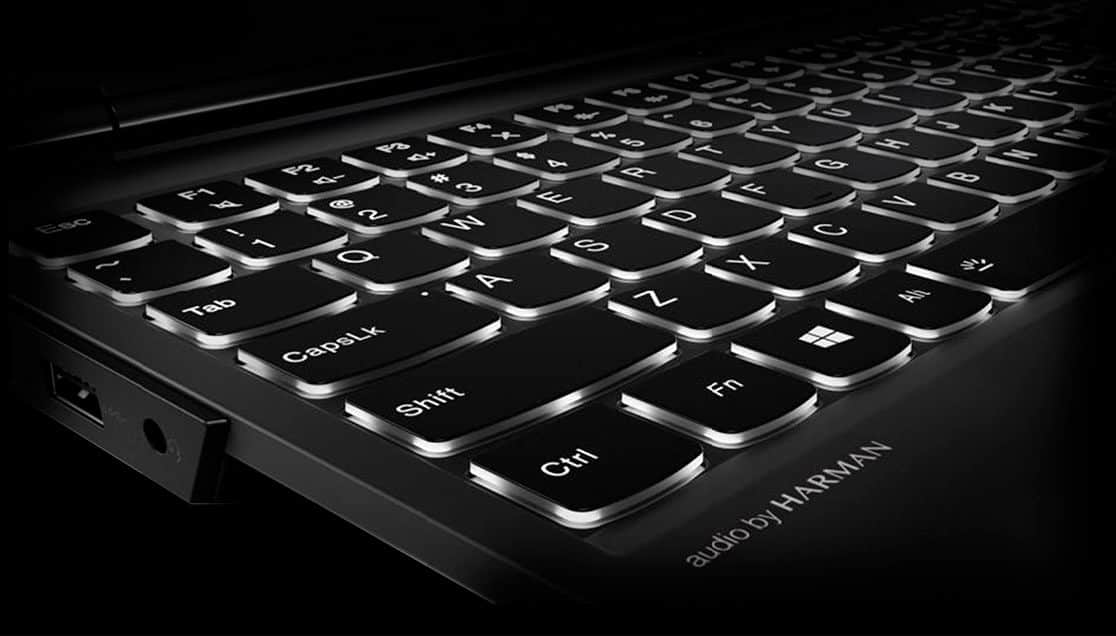
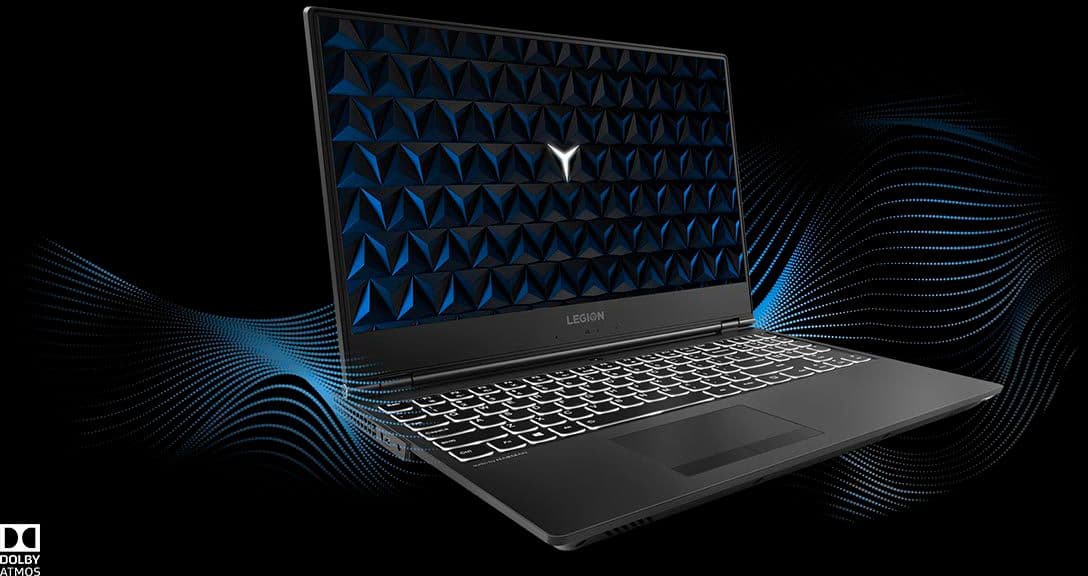
Posted .Thank you for choosing the Lenovo Legion Y530 laptop. We are pleased to hear that the value and performance of the Legion Y530 meets your computing needs so well. This 15.6-inch laptop gives you exactly what you need for a gaming experience that balances performance and portability. Its breathtakingly sleek design includes a three-sided narrow bezel for a more immersive gaming experience. The latest-generation specs include GTX graphics and Intel Core i7 six core processors, which guarantee you serious gaming power. Thermally optimized to run cooler and quieter with a full-sized white-backlit keyboard, the Lenovo Legion Y530 Laptop is primed for those who demand gaming wherever life takes them. For 2018, Lenovo retained its place for a second year as the best laptop vendor:
https://www.laptopmag.com/articles/laptop-brand-ratings
Fast and Reliable for the Money
||Posted . Owned for 1 month when reviewed.This reviewer received promo considerations or sweepstakes entry for writing a review.Bought this for home projects and works perfectly.
I would recommend this to a friendGreat
||Posted .This reviewer received promo considerations or sweepstakes entry for writing a review.Great product highly recommended it’s very clearly
I would recommend this to a friendBrand response from Lenovo Product Expert
Posted .Thank you for choosing the Lenovo Legion Y530 laptop. We are pleased to hear that the Legion Y530 is working out so well for you. This 15.6-inch laptop gives you exactly what you need for a gaming experience that balances performance and portability. Its breathtakingly sleek design includes a three-sided narrow bezel for a more immersive gaming experience. The latest-generation specs include GTX graphics and Intel Core i7 six core processors, which guarantee you serious gaming power. Thermally optimized to run cooler and quieter with a full-sized white-backlit keyboard, the Lenovo Legion Y530 Laptop is primed for those who demand gaming wherever life takes them. For 2018, Lenovo retained its place for a second year as the best laptop vendor:
https://www.laptopmag.com/articles/laptop-brand-ratings
Great laptop
||Posted .This reviewer received promo considerations or sweepstakes entry for writing a review.Great laptop for portable gaming or anything really
I would recommend this to a friendBrand response from Lenovo Product Expert
Posted .Thank you for choosing the Lenovo Legion Y530 laptop. We are pleased to hear that the performance of the Legion Y530 meets your computing needs so well.
Ok laptop
||Posted . Owned for 1.5 years when reviewed.This reviewer received promo considerations or sweepstakes entry for writing a review.It's a good laptop other than the display colors are pretty bad
No, I would not recommend this to a friend- Pros mentioned:Graphics, Speed
Outstanding Machine..
|Posted .This reviewer received promo considerations or sweepstakes entry for writing a review.This was my first Lenovo laptop, outside of the business space. The quality of the Lenovo line, carried directly into this gaming laptop. Slick and sleek design on the outside. Unique screen hinge area (note, this laptop is NOT a 2-1, it will not become a tablet)… but this little adjustment, gives a space for a TON of external connectors, without making the sides of the laptop cluttered. USBv3 compatible, and USB-C ports. External monitor connectors, so you can add that other screen for your game play. Adapter is fair sized, not as bulky as some other gaming laptops, but not as tiny as some of non-powerful laptops. The components in the systme are quick, boots fast. Windows 10 functions very fluidly. Was able to play several of the top games that we have... Coudln't really even notice that it was a laptop after awhile, when using an external monitor. 1TB hard drive gives you a lot of space. Ultimately this is going to be my portal video editing laptop, giving me some freedom to not have to be on the home desktop to do that work. I woudl give this a 4.5, but it isn't an option. Three issues for myself: - The Trackpad, honestly if you are going to use this for game play you are going to want to add an external gaming mouse with the extra buttons and quicker response. I personally added a wireless trackball, so I can use it the way I need to. - Software pre-install bloat. There is a LOT of extra software pre-installed on this laptop, you may spend a bit of time taking off stuff that you don't want. - Adapter connections. It is weirdly positions, in between several external connector ports, and not to one side or the other... I have found myself a couple times trying to put the power into the wrong port. Maybe even just a simple color adition (eveything is dark black), would help with that.
I would recommend this to a friendBrand response from Lenovo Product Expert
Posted .Thank you for choosing the Lenovo Legion Y530 laptop. With regard to the touchpad, you can make adjustments to the touchpad in your system settings. You can get there by clicking on the magnifying glass at the bottom left of your Windows 10 screen. Type "touchpad" in the search window. Select "Mouse & touchpad settings" from the list of choices. You can make general adjustments to the touchpad there. You can also select "Additional mouse options" for more detailed adjustments to the touchpad sensitivity by increasing the delay of the touchpad. Concerning adware installed on this legion Y530, there are only two titles installed, a 30-day trial of McAfee Anti-Virus Software and a 30-day trial of Microsoft Office 365 that comes as part of Windows 10. There is no other adware. There are Lenovo Utilities to help maintain the health of the device. Almost all connections are on the back of the device for easy access.
Not bad
||Posted .This reviewer received promo considerations or sweepstakes entry for writing a review.I was expecting it to be faster, but it's not. I don't recommend it.
No, I would not recommend this to a friendBrand response from Lenovo Product Expert
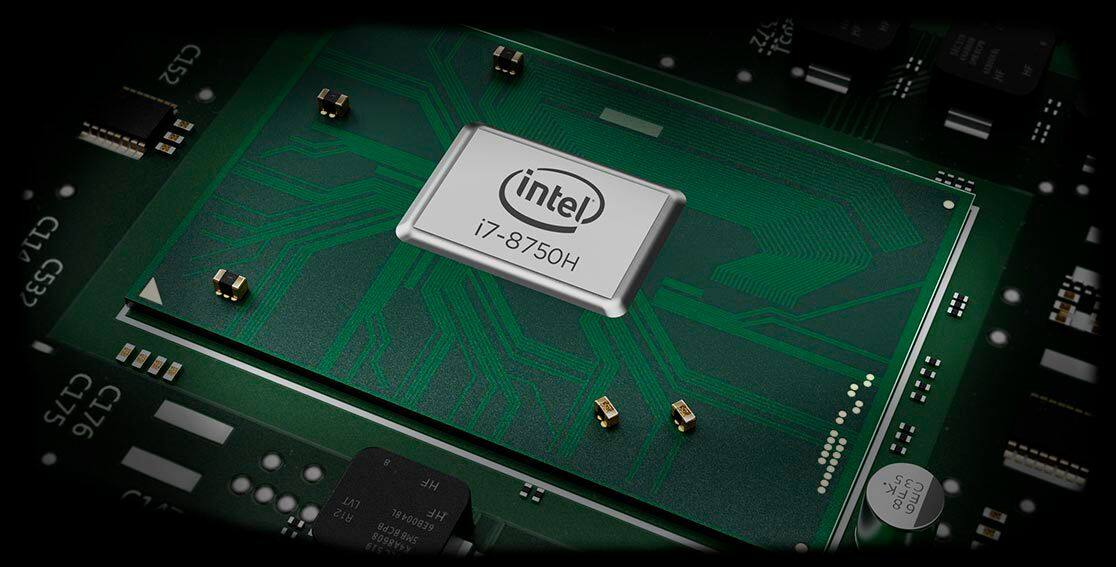
Posted .The Lenovo Legion Y530 ships with a Six-Core/Twelve-Thread Intel Core i7-8750H processor, supported by 8GB of DDR4-2666MHz RAM. This is a blazing fast configuration. Be sure any programs you have installed are compatible with Windows 10. There is no need to install Microsoft Office software. The software is already part of the operating system, you just need to activate the software with a purchased product key. If you have installed a copy of Microsoft Office, this is conflicting with the existing copy on the system and this will slow your system down. If you have installed a 3rd party anti-virus program, be sure that Windows Defender is turned off and that the trial version of McAfee Anti-Virus software is uninstalled. There can only be one anti-virus program on the system. You may need to restore your system to original factory default settings if any of the programing errors have occurred. You can do that by typing "restore" in the Cortana search window. Just click on the magnifying glass icon at the bottom left of your Windows 10 Desktop. Click on "Reset This PC" Then click on "Get Started" and follow the on screen directions to restore to factory defaults. If the problem persists, we recommend you contact Lenovo Tech Support at: 877-453-6686.
Good start poor followthru
||Posted .This reviewer received promo considerations or sweepstakes entry for writing a review.It was powerful initially out the box, many issues arose thereafter. Constant disconnection with WiFi, freezes until you unplug and replug in the charger, programs started to lag and yes I have virus protection. This computer doesn't live up to its specs beyond the first few days of use.
No, I would not recommend this to a friendBrand response from Lenovo Product Expert
Posted .We are sorry to hear that you are having issues with your Lenovo Legion Y530 laptop. Since you describe the issues as occurring over time, first if you have installed a 3rd party virus protection software on the Legion Y530, be sure you uninstall the 30-day trial of McAfee virus protection. There can only be one virus protection software on the computer. Here is a link to information on uninstalling McAfee from Windows 10: https://service.mcafee.com/webcenter/portal/oracle/webcenter/page/scopedMD/s55728c97_466d_4ddb_952d_05484ea932c6/Page29.jspx?wc.contextURL=%2Fspaces%2Fcp&articleId=TS101331&_afrLoop=1355161020222084&leftWidth=0%25&showFooter=false&showHeader=false&rightWidth=0%25¢erWidth=100%25#!%40%40%3FshowFooter%3Dfalse%26_afrLoop%3D1355161020222084%26articleId%3DTS101331%26leftWidth%3D0%2525%26showHeader%3Dfalse%26wc.contextURL%3D%252Fspaces%252Fcp%26rightWidth%3D0%2525%26centerWidth%3D100%2525%26_adf.ctrl-state%3Dx25crirbo_9. If the issue continues after you have uninstalled McAfee, we recommend you call Lenovo Tech Support at: 877-453-6686. For 2018, Lenovo retained its place for a second year as the best laptop vendor:
https://www.laptopmag.com/articles/laptop-brand-ratings
Decent gaming laptop
||Posted . Owned for 1 month when reviewed.This reviewer received promo considerations or sweepstakes entry for writing a review.Not over the top or above and beyond but it gets the job done.
I would recommend this to a friendBrand response from Lenovo Product Expert
Posted .The Lenovo Legion Y530 15.6-inch laptop gives you exactly what you need for a powerful computing experience that balances performance and portability. Its breathtakingly sleek design includes a three-sided narrow bezel for a more immersive computing experience. The latest-generation specs include GTX graphics and the Intel Core i7 six core processor, which guarantee you serious computing power. Thermally optimized to run cooler and quieter with a full-sized white-backlit keyboard, the Lenovo Legion Y530 Laptop is primed for those who demand computing power wherever life takes them.
Performance did not meet my expectations
||Posted .This reviewer received promo considerations or sweepstakes entry for writing a review.This Laptop freeze constantly, it wouldn't run powerpoint smoothly.
No, I would not recommend this to a friendBrand response from Lenovo Product Expert
Posted .We are sorry to hear that you are having issues with Microsoft PowerPoint on your Lenovo Legion Y530 laptop. There is a 30-day trial of Microsoft Office 365 included as part of the Windows 10 operating system. In order to keep the program active after the trial period, you will need to purchase a product key. You will not need to download any additional software. If you added an additional copy of Microsoft Office software to the computer, this is causing a conflict and is the reason for PowerPoint not running properly. If this isn't the issue, we recommend you call Lenovo Tech Support at: 877-453-6686.
Looks good
||Posted .This reviewer received promo considerations or sweepstakes entry for writing a review.I gifted this laptop to my cousin and he likes it very much
I would recommend this to a friendBrand response from Lenovo Product Expert
Posted .If you're looking for a value minded gaming laptop, take a look at the Lenovo Legion Y530 Laptop. This model ships with the Six-Core/Twelve-Thread Intel Core i7-8750H processor, supported by 8GB of DDR4-2666MHz RAM, the NVidia GeForce GTX 1050Ti GPU and a 1TB standard 7200RPM hard drive. This configuration can support many of today's most popular games and the most demanding programs.
- Cons mentioned:Screen
Screen died after 35 days
||Posted .This reviewer received promo considerations or sweepstakes entry for writing a review.Computer worked great at first and then the screen just died. No way to remove the battery to do a hard reset since the battery is internal.
No, I would not recommend this to a friendBrand response from Lenovo Product Expert
Posted .We are sorry to hear that you are having issues with your Lenovo Legion Y530 laptop. The issue that you describe may be corrected by resetting the Windows 10 operating system back to original factory settings. Since your Legion Y530 will no longer boot, this system is equipped with OneKey Recovery System. There is a very small pin hole on the right side of the device, right near the USB port on the right side of the device. You will need a pin to push this reset button. Plug the device in. Let the battery charge for about 15 minutes. Push the reset button. The system should boot to a choice screen where you can choose "Restore To Factory Default". Select this. It will delete everything from the hard drive except the original factory install of the operating system. You will need to reinstall all programs and files after the reset. If you don't have copies of the files, try to make one before you restore by selecting "Boot to desktop" and trying to back up your files. If the problem persists after the factory reset, we recommend you contact Lenovo Tech Support at: 877-453-6686.
- Pros mentioned:PerformanceCons mentioned:Battery life
Great gaming laptop with few exceptions
|Posted .This reviewer received promo considerations or sweepstakes entry for writing a review.Pros Graphics are very crisp and lifelike. No lag or blur in any games Very fast for any game you throw at it. Sound for computer speakers is very good. Plug ins along back are nice, less cluttered. Boots up quite fast Keyboard has good feel. Keys are easy to access and well spaced. Battery life if not gaming seems to be good. Backlit keyboard is nice. Cons With monitor hooked to HDMI port there is a slight lag in graphics Does run quite hot, pretty common for gaming laptops. Battery life only runs 30-45 minutes before warning about low charge when gaming. Backlit keyboard is nice but it needs to have a longer delay before shutting off. Although it’s not used very often the number pad is not in the best location Overall a very good entry level gaming computer except for the few cons listed. I would recommend a cooling pad to keep the heat down and always keep the power adapter handy to re-juice the battery
I would recommend this to a friendBrand response from Lenovo Product Expert
Posted .Thank you for choosing the Lenovo Legion Y530. The Y530 has advanced cooling. It features a dual-channel thermal system, offering multiple benefits: individual CPU and GPU cooling, for cooler system temperatures; four thermal vents, for improved airflow; and 70 individual fan blades per channel, to reduce system noise. This model has a battery life of up to 5 hours, depending on the work that the device is performing.
- Pros mentioned:Graphics
A nice minimum capability gaming/video editing PC
|Posted .This reviewer received promo considerations or sweepstakes entry for writing a review.The Lenovo - Legion Y530 15.6" Laptop with - Intel Core i7 - 8GB Memory - NVIDIA GeForce GTX 1050 Ti and a 1TB Hard Drive is a capable gaming computer for most of the PC games on the market although graphics intensive games with high and rapidly changing polygon counts can bog the system down and it may stutter. Please note that the NVIDIA GeForce GTX 1050 Ti card is in my opinion a nice step up from the same class Nvidia’s cards from just last year. In addition to game play I also use it for video editing and it does a nice job although it uses hard disk access to augment RAM when needed. I would prefer more RAM. The Legion Y530 is sturdy and well-designed yet still weighs only about 5 pounds. I like the exterior finish and the keyboard functionality.
I would recommend this to a friendBrand response from Lenovo Product Expert
Posted .Thank you for choosing the Lenovo Legion Y530 laptop. We are pleased to hear that the Legion Y530 meets your computing needs so well.