Customer Ratings & Reviews
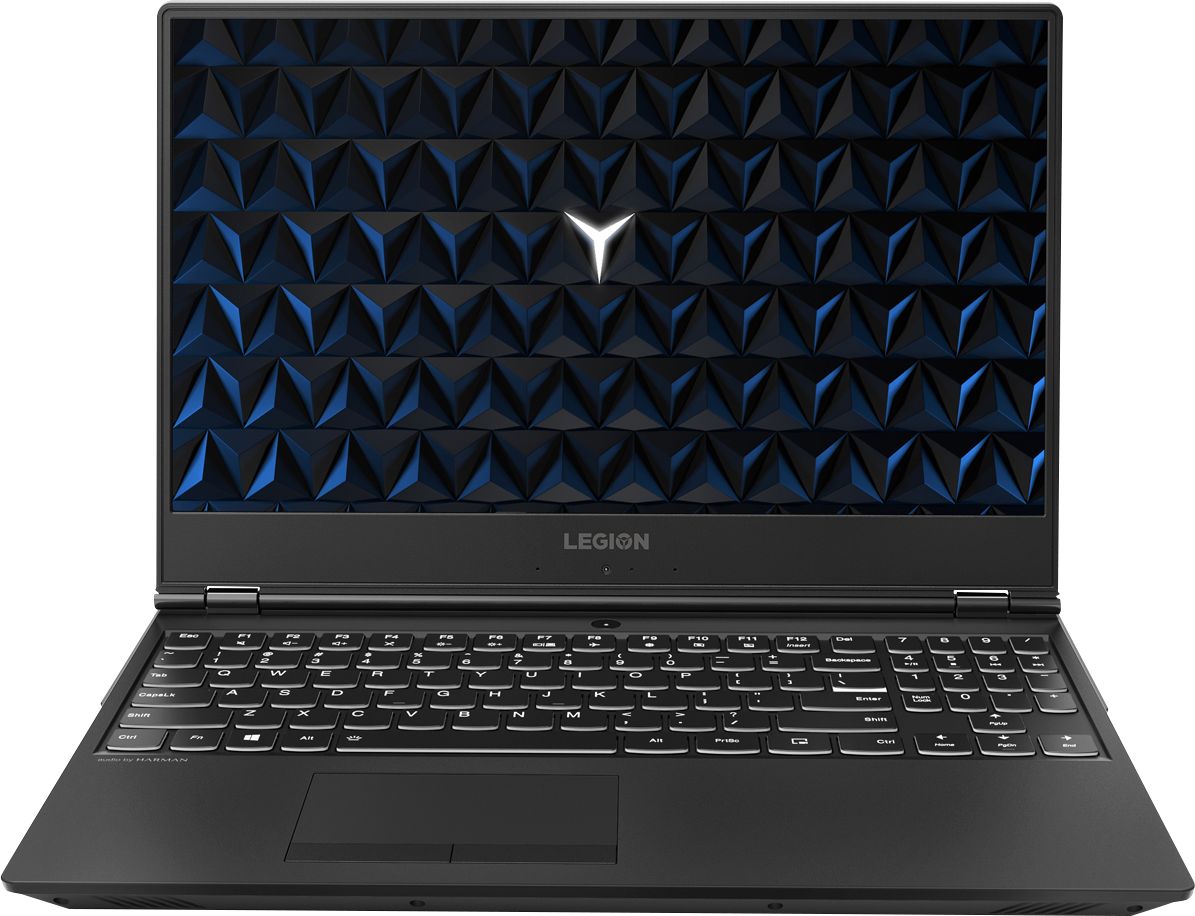
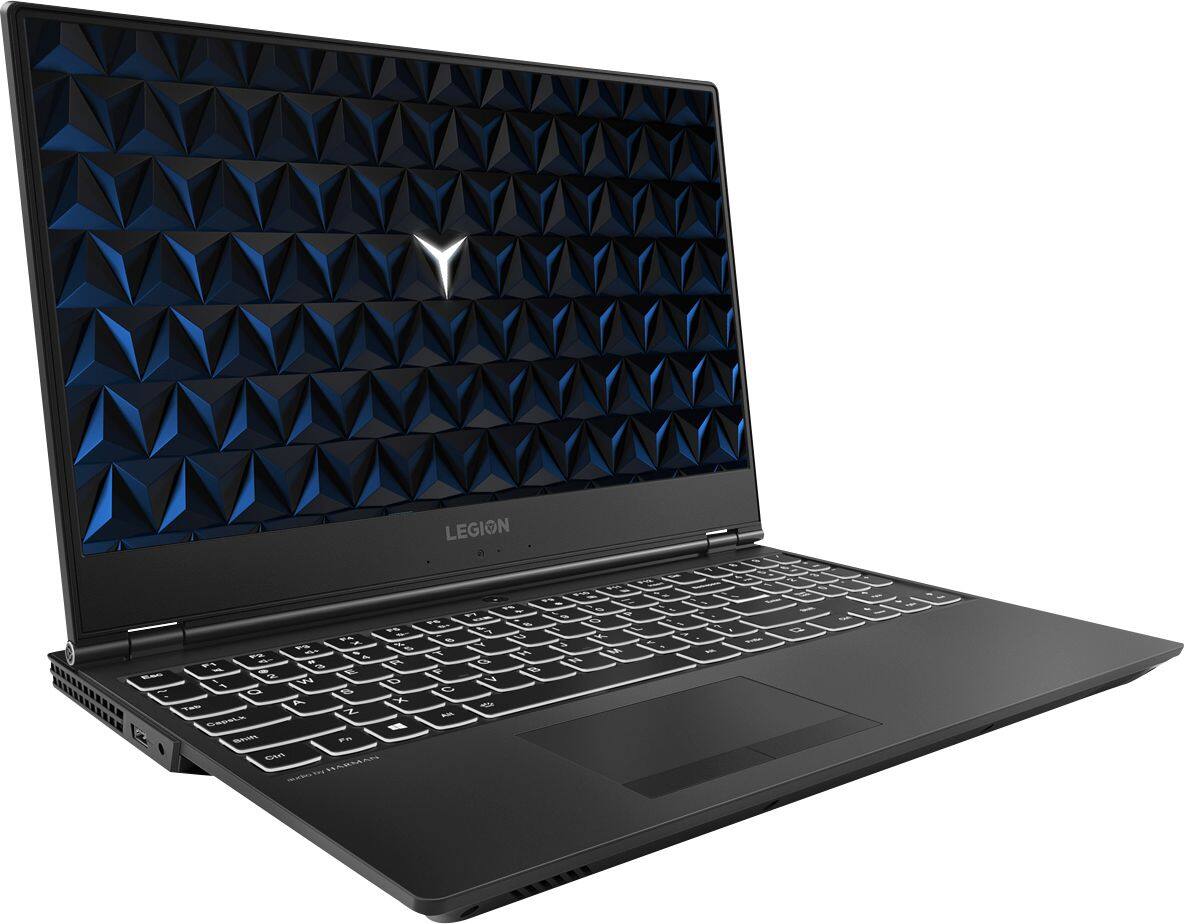
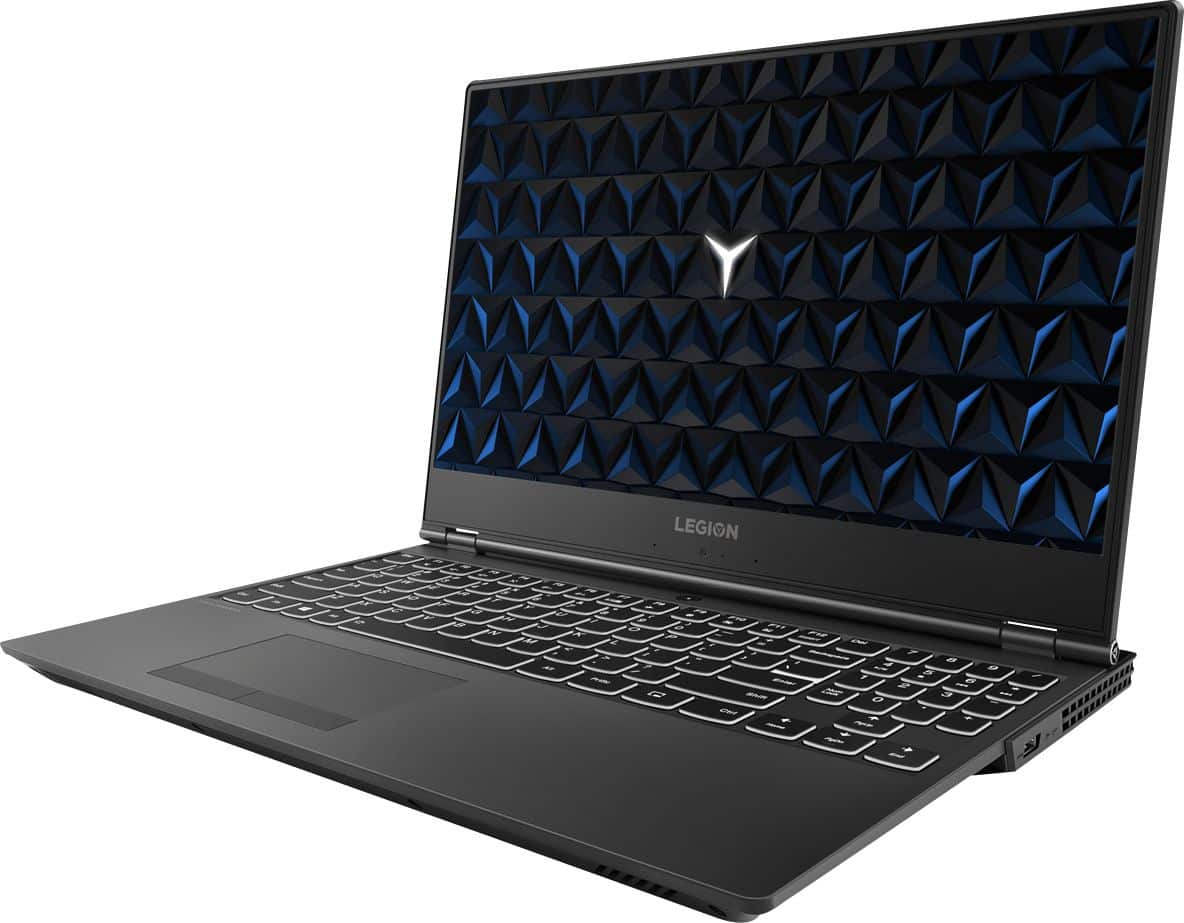
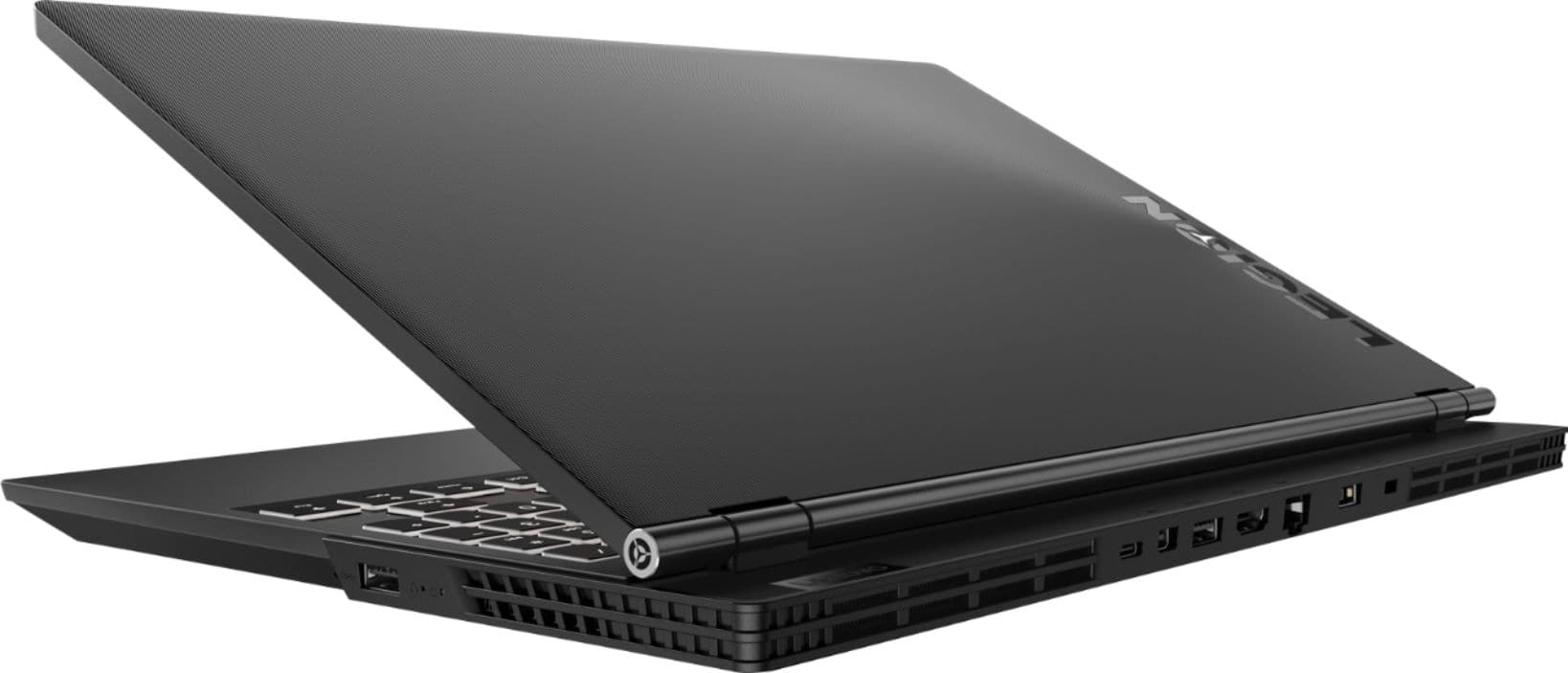


- Model:
- 81FV0001US
- SKU:
- 6219202
Rating by feature
- Value
Rating 4.0 out of 5 stars
- Quality
Rating 4.0 out of 5 stars
- Ease of Use
Rating 4.4 out of 5 stars
Customers are saying
Customers highly value the Legion Y530's performance and graphics capabilities, with many praising its ability to smoothly run games. The build quality and keyboard also receive positive feedback. However, some users express concerns regarding the battery life and hard drive performance, while others mention issues with screen brightness.
This summary was generated by AI based on customer reviews.
Computer Failed
Posted .This reviewer received promo considerations or sweepstakes entry for writing a review.Had this computer less than 2 months and one day it would not boot up. The auto repair and reset both failed. Had to pay another $100 to get the Geek Squad to reinstall the operating system. The only thing I had installed on the computer was Microsoft Office and it had been on the computer since the day I bought it, so that isn't the cause of the failure. It's ridiculous to have to pay to get software reinstalled on a computer you just bought. I'll never buy another Lenovo product again. This was my first and last. I've bought Dell, Asus, Toshiba....and none have ever failed like this.
No, I would not recommend this to a friendBrand response from Lenovo Product Expert
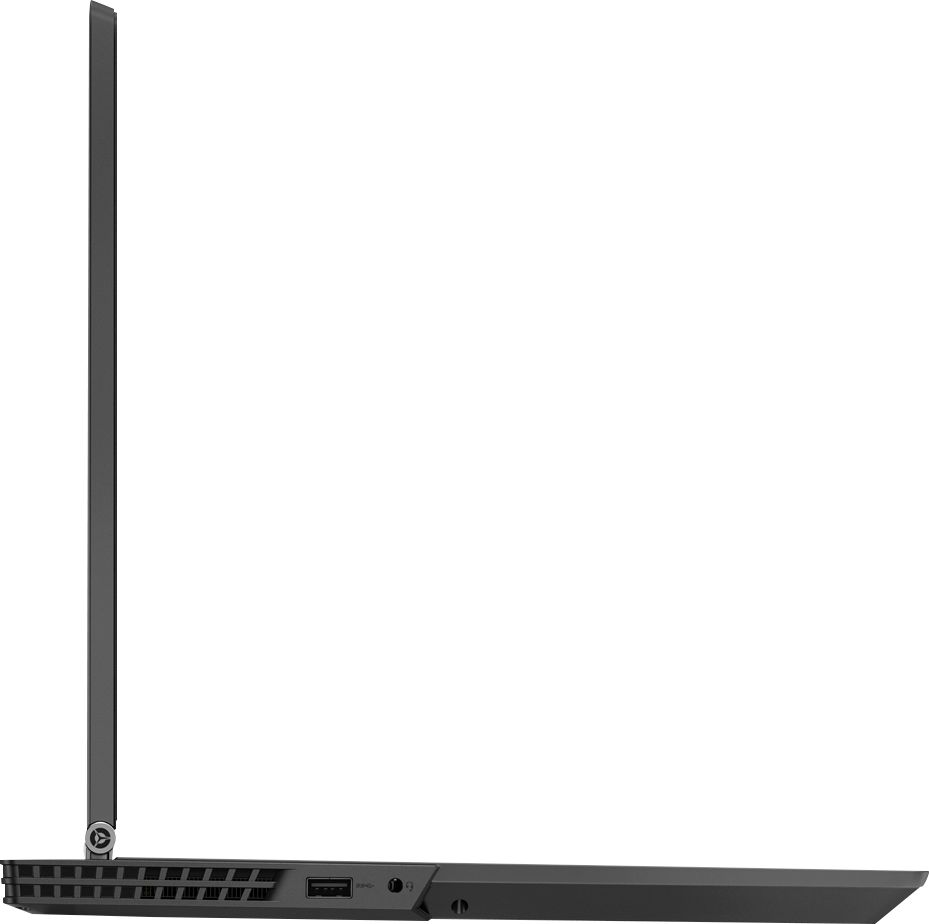
Posted .We are sorry to hear that you had issues resetting the Windows 10 operating system on your Lenovo Legion Y530 laptop. This system is equipped with OneKey Recovery System. There is a very small pin hole on the right side of the device, right near the side USB port on the device. You will need a pin to push this reset button. Plug the device in. Let the battery charge for about 15 minutes. Push the reset button. The system should boot to a choice screen where you can choose "Restore To Factory Default". Select this. It will delete everything from the hard drive except the original factory install of the operating system. You will need to reinstall all programs and files after the reset. If you don't have copies of the files, try to make one before you restore by selecting "Boot to desktop" and trying to back up your files. If the problem persists after the factory reset, we recommend you contact Lenovo Tech Support at: 877-453-6686.

blue screen of death within two months!
Posted .This reviewer received promo considerations or sweepstakes entry for writing a review.Horrible experience with this computer, have had it for two months and just got the blue screen of death. None of the repairs have worked so far. DO NOT BUY
No, I would not recommend this to a friendBrand response from Lenovo Product Expert
Posted .We are sorry to hear that you are having issues with your Lenovo Legion Y530 laptop. There is no Intel Optane Memory installed on your model, so a standard rest of the device back to original factory settings may correct the issue you are having. Be sure any software you installed is compatible with Windows 10. There is no need to install Microsoft Office software. The software is already part of the operating system, you just need to activate the software with a purchased product key. If you have installed a copy of Microsoft Office, this is conflicting with the existing copy on the system and this will slow your system down. If you have installed a 3rd party anti-virus program, be sure that Windows Defender is turned off and that the trial version of McAfee Anti-Virus software is uninstalled. There can only be one anti-virus program on the system. You may need to restore your system to original factory default settings if any of the programing errors have occurred. You can do that by typing "restore" in the Cortana search window. Just click on the magnifying glass icon at the bottom left of your Windows 10 Desktop. Click on "Reset This PC" Then click on "Get Started" and follow the on screen directions to restore to factory defaults. If the problem persists, we recommend you contact Lenovo Tech Support at: 877-453-6686. For 2018, Lenovo retained its place for a second year as the best laptop vendor:
https://www.laptopmag.com/articles/laptop-brand-ratings