Customer Ratings & Reviews


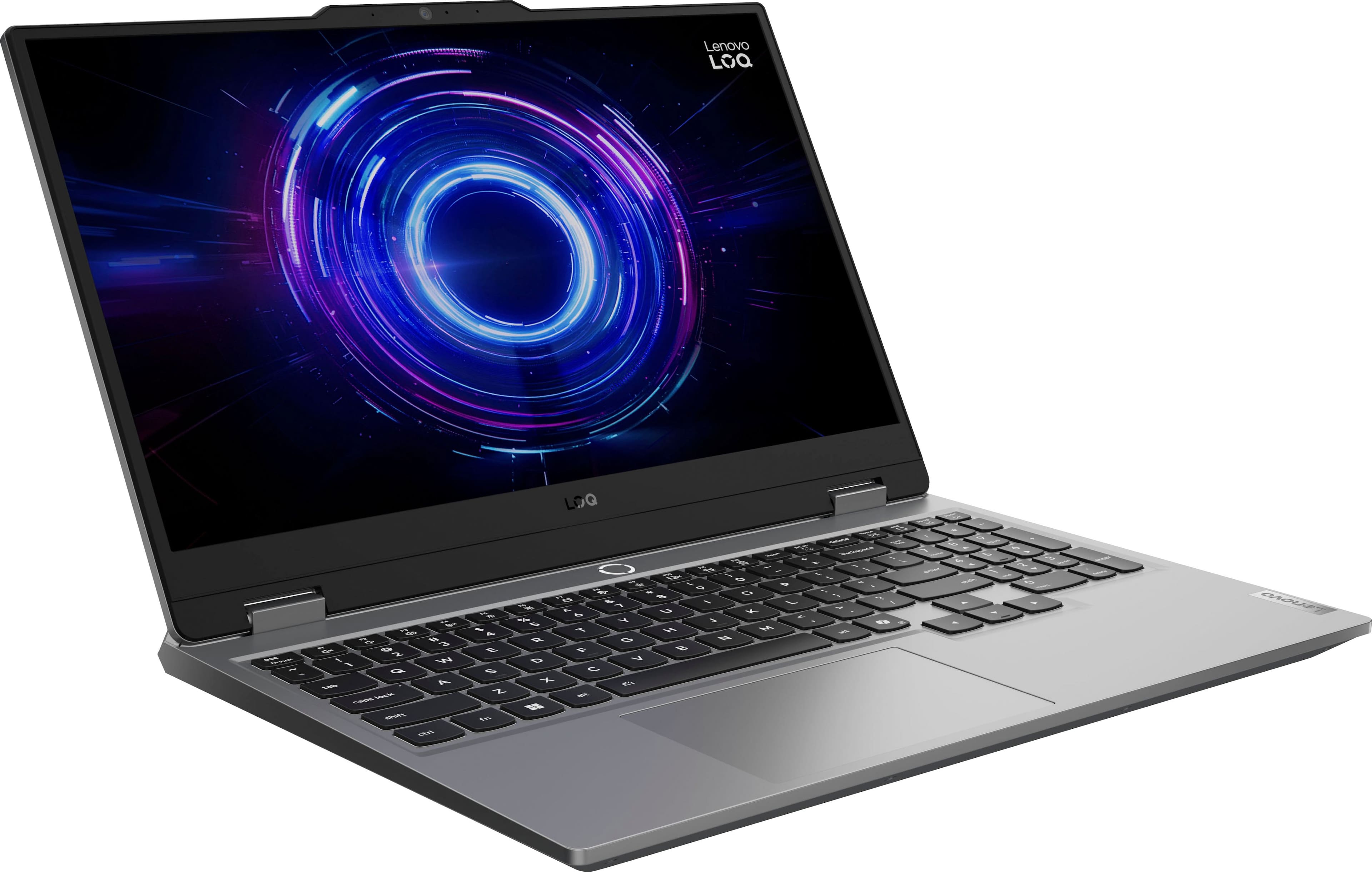
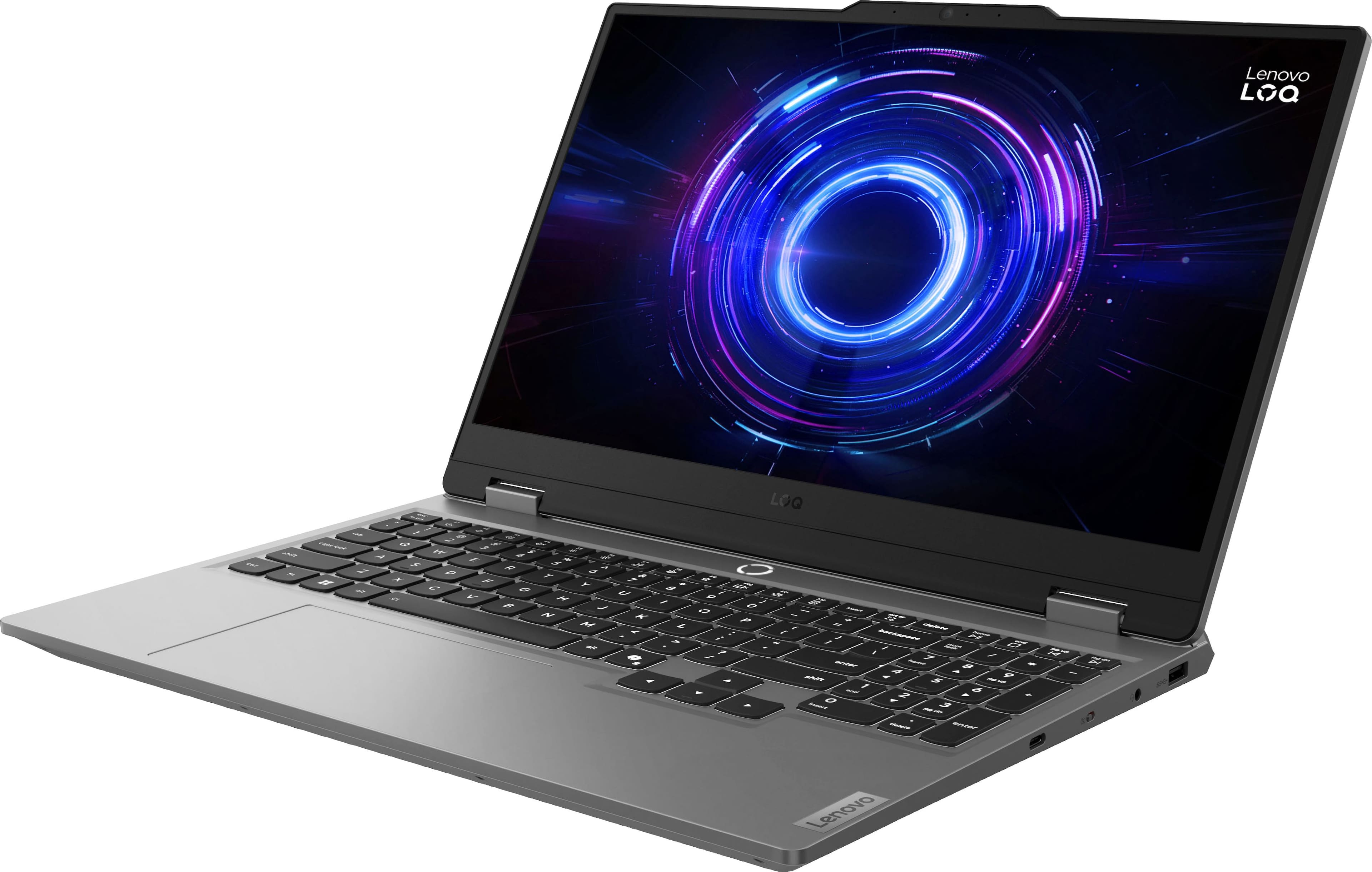
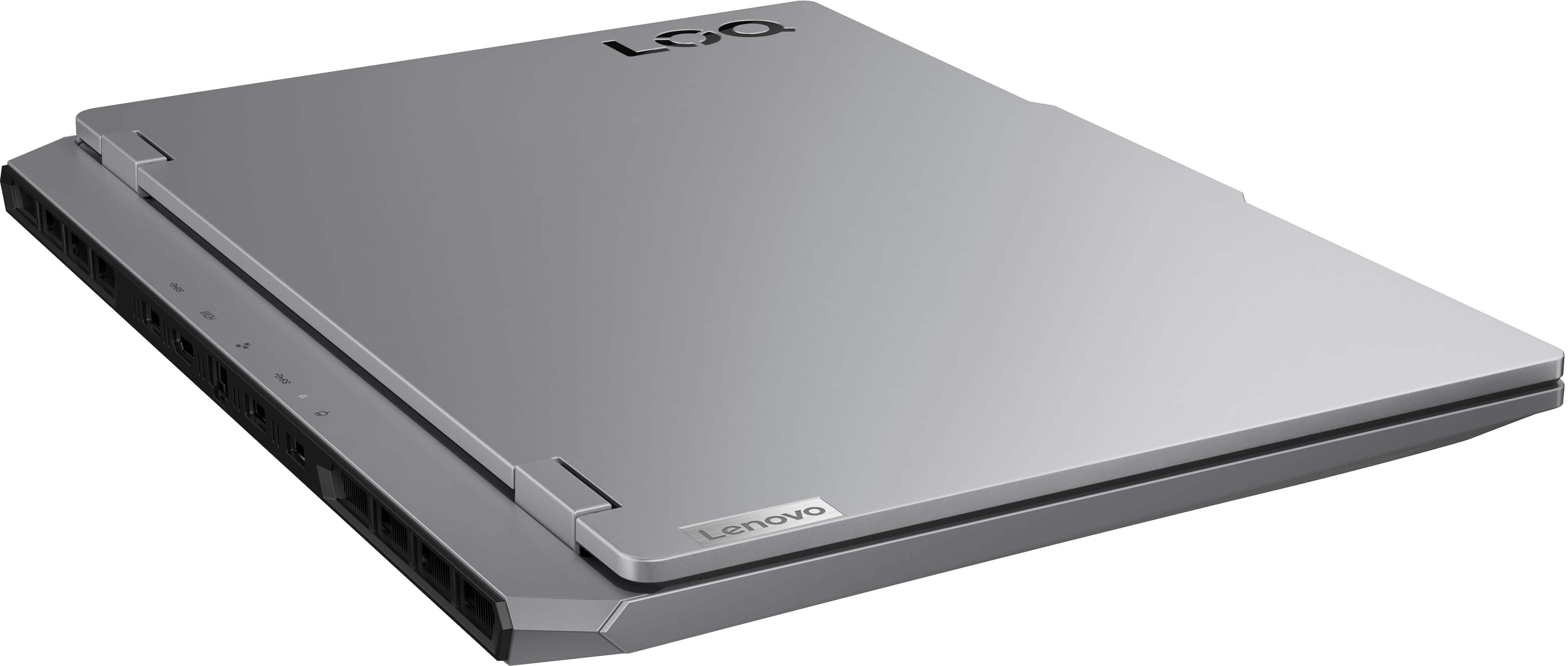
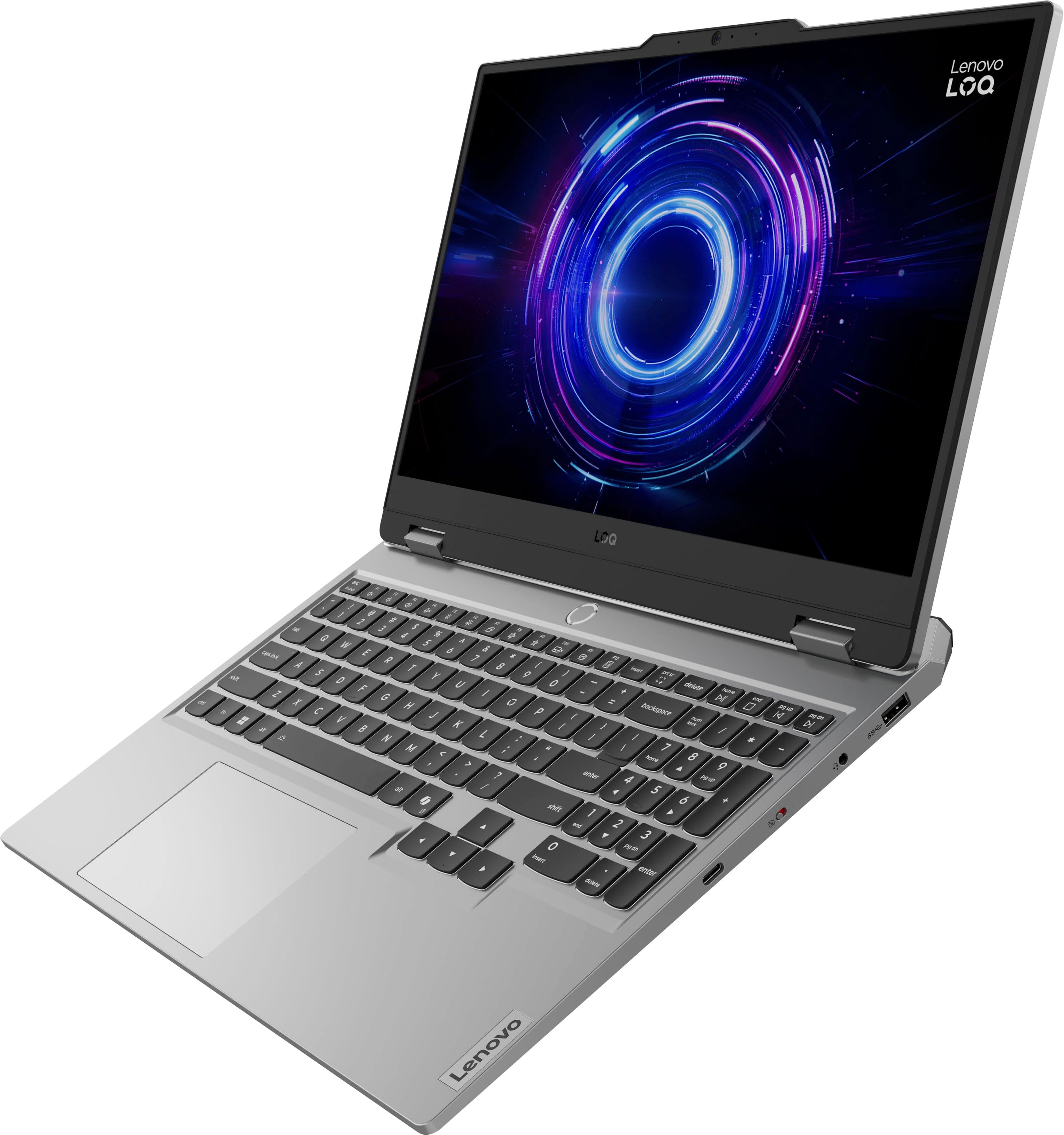
![Sure, here is the corrected and grouped text from the image:
- **Top Row:**
- `esc` `F1` `F2` `F3` `F4` `F5` `F6` `F7` `F8` `F9` `F10` `F11` `F12` `insert`
- **Second Row:**
- `~` `!` `@` `#` `$` `%` `^` `&` `*` `(` `)` `_` `+` `backspace` `num lock` `/` `*` `-` `tab`
- **Third Row:**
- `Q` `W` `E` `R` `T` `Y` `U` `I` `O` `P` `[` `]` `\` `delete` `home` `end` `pg up` `pg dn`
- **Fourth Row:**
- `caps lock` `A` `S` `D` `F` `G` `H` `J` `K` `L` `;` `'` `enter` `4` `5` `6`](https://pisces.bbystatic.com/image2/BestBuy_US/images/products/55335010-9a5f-4237-b437-bfbd6a9f6ff2.jpg)







- Model:
- 83JE002LUS
- SKU:
- 11945279
Rating by feature
- Battery Life
Rating 4.0 out of 5 stars
- Speed
Rating 4.8 out of 5 stars
- Display
Rating 4.7 out of 5 stars
- Pros mentioned:Speed
Lenovo gaming laptop
||Posted . Owned for 1 month when reviewed.This reviewer received promo considerations or sweepstakes entry for writing a review.Gaming laptop really nice Works really fast I used for photoshop and autocad
I would recommend this to a friendBrand response from Lenovo Product Expert
Posted .Hi Mef1-
Thank you for choosing Lenovo and sharing your experience with us. We are excited to hear that you are enjoying the performance and product design of the LOQ Gaming Laptop, we are overjoyed to hear that it is working well for your Photoshop and AutoCAD needs. We aim to provide excellent user experience for our products, and we are happy to hear that we met our goal.
Please reach out to us through the Q & A section of this product page if you have any questions or need assistance.
Best wishes,
Lenovo
- Pros mentioned:Portability
just what we needed
||Posted . Owned for 3 weeks when reviewed.This reviewer received promo considerations or sweepstakes entry for writing a review.We are happy with this computer, it met our gaming needs and helped get us mobile!
I would recommend this to a friendBrand response from Lenovo Product Expert
Posted .Hi,
Thanks for choosing Lenovo and for sharing your feedback with us!
We are glad to read that you are satisfied with your purchase.
Please don't hesitate to reach out to us via the Q& A section of this product page or contact Lenovo Support should you have any questions or need assistance.
Regards,
Lenovo
Great price to specs if bought on sale
||Posted . Owned for 1 week when reviewed.This reviewer received promo considerations or sweepstakes entry for writing a review.I've been using this computer for a couple weeks now and if you can get during a sale time, it's the best for the price and specs it has. Also considering that it's a gaming laptop, the battery isn't too bad if your just wanting it for general work or school sometimes.
I would recommend this to a friendBrand response from Lenovo Product Expert
Posted .Hi,
Thanks for choosing Lenovo and for sharing your feedback with us!
We are glad to read that you are satisfied with your purchase.
Please don't hesitate to reach out to us via the Q& A section of this product page or contact Lenovo Support should you have any questions or need assistance.
Regards,
Lenovo
- Pros mentioned:Overall performance
Fast and powerful gaming machine
||Posted .This reviewer received promo considerations or sweepstakes entry for writing a review.fast and efficient machine - I'm glad I made this purchase.
I would recommend this to a friendBrand response from Lenovo Product Expert
Posted .Hi TylerS-
Thank you for choosing Lenovo and sharing your experience with us. We are thrilled to hear that you are enjoying the performance of the LOQ Gaming Laptop. We aim to provide excellent user experience for our products, and we are excited to hear that we met our goal.
Please reach out to us through the Q & A section of this product page if you have any questions or need assistance.
Best wishes,
Lenovo
- Cons mentioned:Battery life
Great
||Posted . Owned for 2 weeks when reviewed.This reviewer received promo considerations or sweepstakes entry for writing a review.Great price great functioning! Battery doesnt last too much but games runs smooth and nice
I would recommend this to a friendBrand response from Lenovo Product Expert
Posted .Hi,
Thanks for choosing Lenovo and for sharing your feedback with us!
We are glad to read that you are satisfied with your purchase.
Please don't hesitate to reach out to us via the Q& A section of this product page or contact Lenovo Support should you have any questions or need assistance.
Regards,
Lenovo
- Pros mentioned:Overall performance
Great budget gaming laptop
||Posted .This reviewer received promo considerations or sweepstakes entry for writing a review.Easy setup. Great speeds on all games. No issues at all
I would recommend this to a friendBrand response from Lenovo Product Expert
Posted .Hi EdwardoV-
Thank you for choosing Lenovo and sharing your experience with us. We are thrilled to hear that you are enjoying the performance and user-friendly design of the LOQ Gaming Laptop. We aim to provide excellent user experience for our products, and we are happy to hear that we met our goal.
Please reach out to us through the Q & A section of this product page if you have any questions or need assistance.
Best wishes,
Lenovo
- Pros mentioned:Overall performance
Great deal
||Posted .This reviewer received promo considerations or sweepstakes entry for writing a review.Awesome laptop, works great and the price was bussing
I would recommend this to a friend - Pros mentioned:Overall performance
Lenovo LOQ 15.6
||Posted .This reviewer received promo considerations or sweepstakes entry for writing a review.Lenovo Computer works great—fast and reliable. Perfect for work and everyday use!
I would recommend this to a friendBrand response from Lenovo Product Expert
Posted .Hi,
Thanks for choosing Lenovo and for sharing your feedback with us!
We are glad to read that you are satisfied with your purchase overall.
Please don't hesitate to reach out to us via the Q& A section of this product page or contact Lenovo Support should you have any questions or need assistance.
Regards,
Lenovo
- Pros mentioned:Overall performance
Best one Yet
||Posted .This reviewer received promo considerations or sweepstakes entry for writing a review.Best computer I have ever had. I would suggest this one to anyone.
I would recommend this to a friendBrand response from Lenovo Product Expert
Posted .Hi,
Thanks for choosing Lenovo and for sharing your feedback with us!
We are glad to read that you are satisfied with your purchase.
Please don't hesitate to reach out to us via the Q& A section of this product page or contact Lenovo Support should you have any questions or need assistance.
Regards,
Lenovo
Excellent Choice
||Posted .This reviewer received promo considerations or sweepstakes entry for writing a review.Bought this laptop for my daughter after watching her brother purchase a gaming laptop. This Lenovo laptop has worked flawlessly, just like the yoga 7i I just purchased. Great deal for both on black Friday. Thank you Best Buy. These guys have great customer service.
I would recommend this to a friendBrand response from Lenovo Product Expert
Posted .Hi,
Thanks for choosing Lenovo and for sharing your feedback with us!
We are glad to read that you are satisfied with your purchase overall.
Please don't hesitate to reach out to us via the Q& A section of this product page or contact Lenovo Support should you have any questions or need assistance.
Regards,
Lenovo
Gaming Laptop
||Posted . Owned for 4 months when reviewed.This reviewer received promo considerations or sweepstakes entry for writing a review.It run good play games, I main play gta 5 and run fine. I have no problem with the machine problems, but windows 11 suck.
I would recommend this to a friendBrand response from Lenovo Product Expert
Posted .Hi Dark-
Thank you for choosing the Lenovo LOQ and for sharing your experience with us. We are happy to hear that you are enjoying the gaming experience on the Lenovo LOQ. We are disappointed that you did not get the experience you were hoping for from the operating system. We would like to hear more about your experience and how we can improve it.
Please reach out to us through the Q&A section of this product webpage if you have any updates or need assistance.
Best wishes,
Lenovo
- Pros mentioned:Overall performance
Laptop review
||Posted .This reviewer received promo considerations or sweepstakes entry for writing a review.Pretty good laptop, good performance and smooth. Would recommend
I would recommend this to a friend Good laptop
||Posted . Owned for 5 months when reviewed.This reviewer received promo considerations or sweepstakes entry for writing a review.Laptop enthusiasts approved! Decent design. Questionable camera though.
I would recommend this to a friend- Pros mentioned:Overall performance
Good Laptop
||Posted .This reviewer received promo considerations or sweepstakes entry for writing a review.Good product and a very good price, you can't get better value for money.
I would recommend this to a friendBrand response from Lenovo Product Expert
Posted .Hi,
Thanks for choosing Lenovo and for sharing your feedback with us!
We are glad to read that you are satisfied with your purchase.
Please don't hesitate to reach out to us via the Q& A section of this product page or contact Lenovo Support should you have any questions or need assistance.
Regards,
Lenovo
- Cons mentioned:Battery life
Love it!
||Posted . Owned for 1 week when reviewed.This reviewer received promo considerations or sweepstakes entry for writing a review.Beautiful laptop. I do wish battery life was better with it unplugged. It’s an affordable laptop for light gamers (:
I would recommend this to a friendBrand response from Lenovo Product Expert
Posted .Hi,
Thanks for choosing Lenovo and for sharing your feedback with us! We strive to provide the best experience possible, so we'd like to work with you to try to improve your sentiments on battery life.
Regarding your note on with battery – as you may know there are lots of variables that contribute to battery and in gaming laptops that can increase even more due to their high-powered processors and graphics cards. If you want to squeeze out more battery life and are completing non-intensive graphics tasks, you can utilize the MUX switch built into this model to turn off the dedicated GPU to greatly decrease power draw. This can be done in the Lenovo Vantage app > top right box > GPU working mode, then choosing your preferred method. Users can also take advantage of the keyboard shortcut, Fn + Q to toggle thermal modes and easily switch between prioritizing battery life or power, or even the best of both words, along with custom settings configurable in Lenovo Vantage. You could also press the Fn + R key combo to toggle to a lower refresh rate for even greater power conservation.
We are glad to read that you are otherwise satisfied with your purchase.
Please don't hesitate to reach out to us via the Q& A section of this product page or contact Lenovo Support should you have any questions or need assistance.
Regards,
Lenovo
- Pros mentioned:Overall performance
Datisfied with recomendation
||Posted . Owned for 3 weeks when reviewed.This reviewer received promo considerations or sweepstakes entry for writing a review.This was a perfect replacement for my old computer.
I would recommend this to a friendBrand response from Lenovo Product Expert
Posted .Hi,
Thanks for choosing Lenovo and for sharing your feedback with us!
We are glad to read that you are satisfied with your purchase.
Please don't hesitate to reach out to us via the Q& A section of this product page or contact Lenovo Support should you have any questions or need assistance.
Regards,
Lenovo
It’s a beautiful machine that can do a lot
||Posted .This reviewer received promo considerations or sweepstakes entry for writing a review.It’s not the most powerful, but then you look in the new design is amazing
I would recommend this to a friendBrand response from Lenovo Product Expert
Posted .Hi JosephR-
Thank you for choosing Lenovo and sharing your experience with us. We are happy to hear that you are enjoying the product design of the LOQ Gaming Laptop. We aim to offer great user experience, and we would like to help you improve your performance.
Firstly, the LOQ Gaming Laptop allows you to change the computer’s thermal mode. This will allow your device to cycle between higher performance, quiet, or automatically adjust based on your needs. To start, launch the Lenovo Vantage app, select the "Device Settings" tab from the left-hand side of the display, scroll down to "Power modes" and select the best mode based on your needs. We suggest using Performance mode which will increase performance of the device. You can also toggle thermal modes simply with the Fn+Q hotkey.
Secondly, we recommend running and installing all available drivers updates through Lenovo Vantage and Windows Update Settings, these updates are crucial to the device’s health and will affect power allocation leading to improved performance. To check for updates within Lenovo Vantage begin by launching the application, then select the “Check for updates” button on the top of the right-hand of the display. To check for Windows Updates, start by launching the Settings app, then selecting the Windows Update tab on the left-hand side of the page, finally select the “Check for updates’ button located in the top right of the page.
Please reach out to us through the Q & A section of this product webpage if you have any questions or need any assistance.
Best wishes,
Lenovo
Highly recommended
||Posted .This reviewer received promo considerations or sweepstakes entry for writing a review.My kids love this! This laptop packs a serious punch. This laptop seamlessly connects to the meta 3 headsets and can handle any VRgames that require a laptop no issue! We also tested many high demand titles and ran into no issues.
I would recommend this to a friendBrand response from Lenovo Product Expert
Posted .Hi,
Thanks for choosing Lenovo and for sharing your feedback with us!
We are glad to read that you are satisfied with your purchase overall.
Please don't hesitate to reach out to us via the Q& A section of this product page or contact Lenovo Support should you have any questions or need assistance.
Regards,
Lenovo
- Cons mentioned:Battery life
It's the definition of MID
||Posted .This reviewer received promo considerations or sweepstakes entry for writing a review.This laptop is just okay for gaming. Design & Usability: A bit clunky overall, and honestly feels a tad slow compared to other options in 2025. Performance: Stable frames really depend on DLSS and Frame Generation. Without them, performance struggles. On battery, performance dips so much it’s barely worth gaming unplugged — per watt, the efficiency is questionable. Display: The Full HD screen feels bland and outdated for 2025, especially when competitors are pushing higher-quality panels. Battery Life: Weak — 3–4.5 hours with light use, and only about 1 hour when gaming. The worst part is how drastically performance drops on battery power. I actually got better battery gaming performance from my LEGOZ2E handheld. Bottom line: while it can game decently when plugged in, the Lenovo LOQ 15.6" feels behind the curve in design, display, and battery efficiency.
No, I would not recommend this to a friendBrand response from Lenovo Product Expert
Posted .Hi USMC2007,
Thank you for sharing your feedback with us. We are sorry to hear that the LOQ 15 fell short for you in some regards. We apologize for any inconvenience that this may have caused you. We strive to provide the best experience possible, so we're disappointed to hear this.
The LOQ 15 series is designed to deliver performance and maximize value despite being an entry level/mid-tier gaming laptop. Within its class, if you set the system in max performance mode, we believe this can deliver unbridled experience to go toe-to-toe with others in its class. To note, you likely will see an improvement in the newer Z2E chipset due to its intended use for handheld systems with smaller batteries and lower TDP thresholds.
We appreciate your comments as we value the input of our users and are always looking for opportunities for improvements.
Please let us know if there's anything we can do to improve your experience, as your satisfaction is important to us.
Best regards,
Lenovo
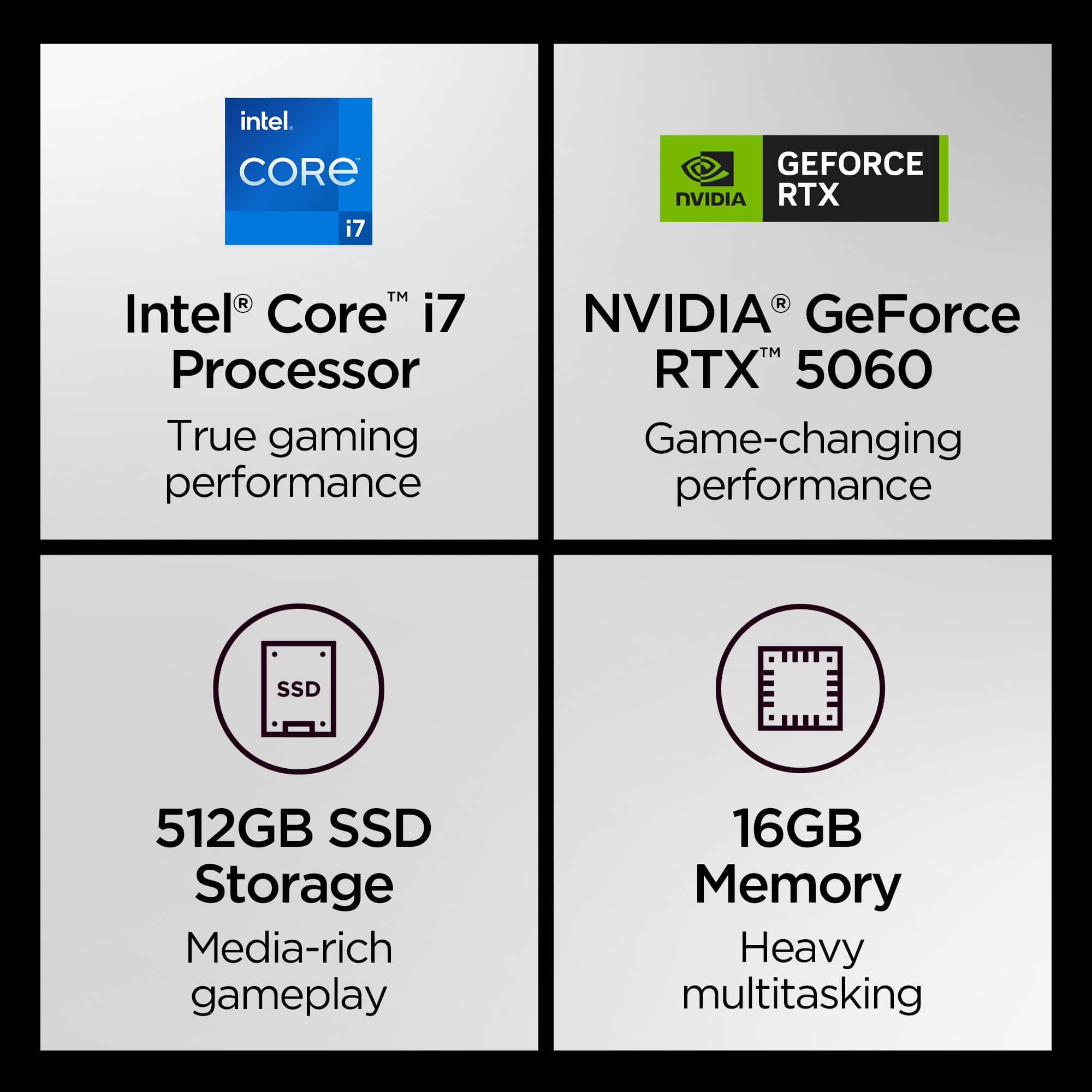
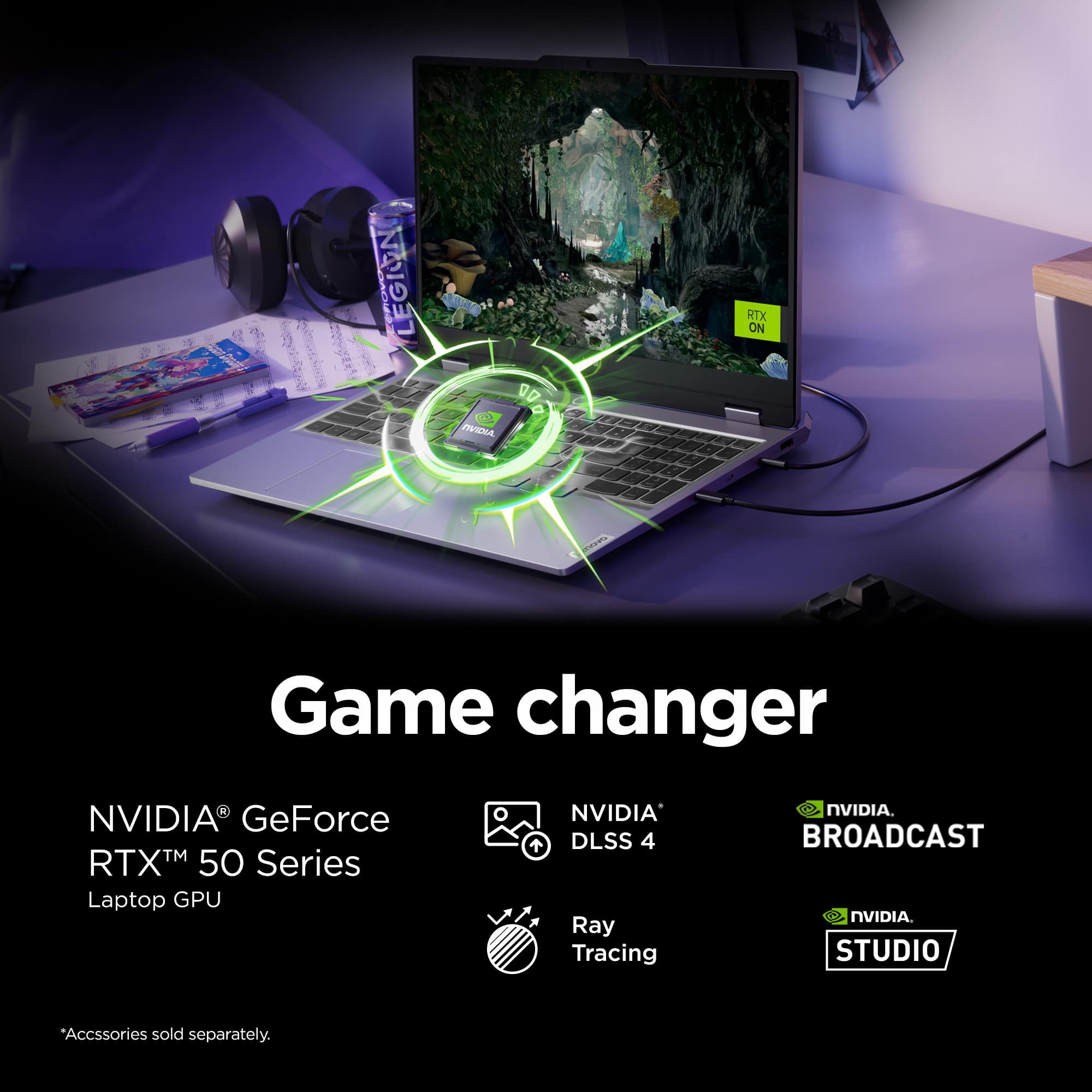
Rtx 5060 !!
||Posted .This reviewer received promo considerations or sweepstakes entry for writing a review.Little but mighty laptop!Could run many demanding games on it with satisfaction!I wanted something that could run lots of games without having to buy the best of the best but this one exceeded my expectations!!
I would recommend this to a friendBrand response from Lenovo Product Expert
Posted .Hi,
Thanks for choosing Lenovo and for sharing your feedback with us!
We are glad to read that you are satisfied with your purchase overall.
Please don't hesitate to reach out to us via the Q& A section of this product page or contact Lenovo Support should you have any questions or need assistance.
Regards,
Lenovo