Customer Ratings & Reviews

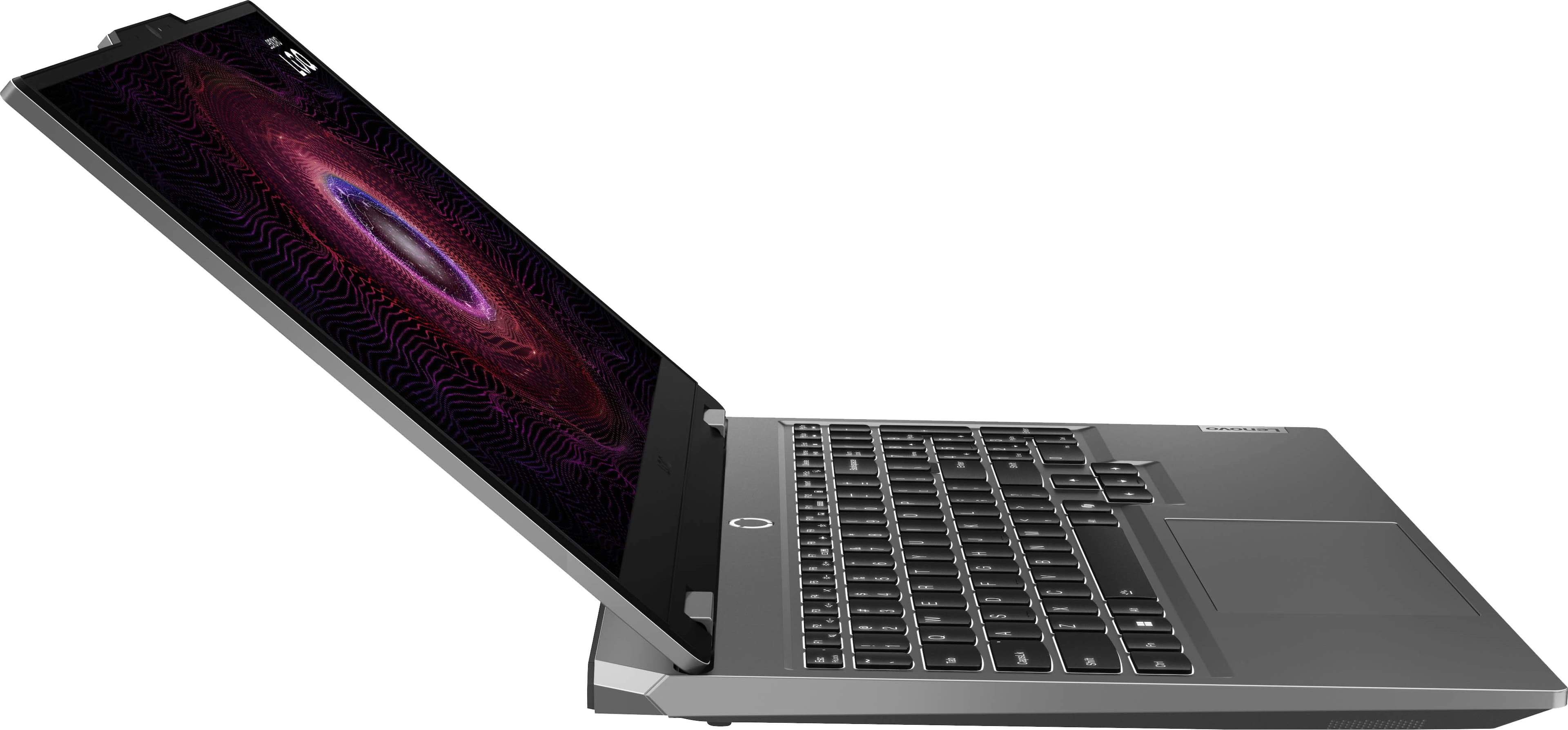
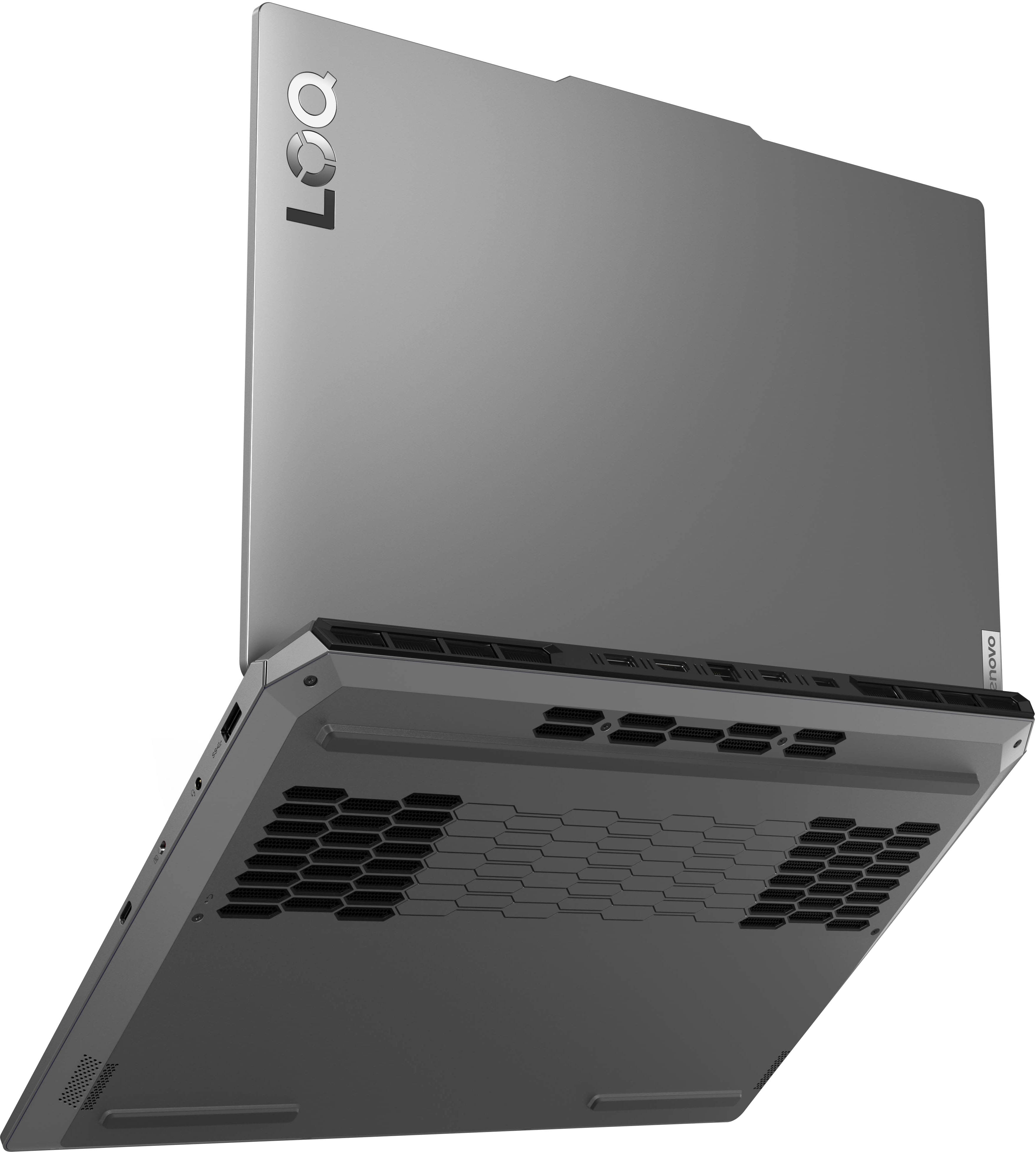
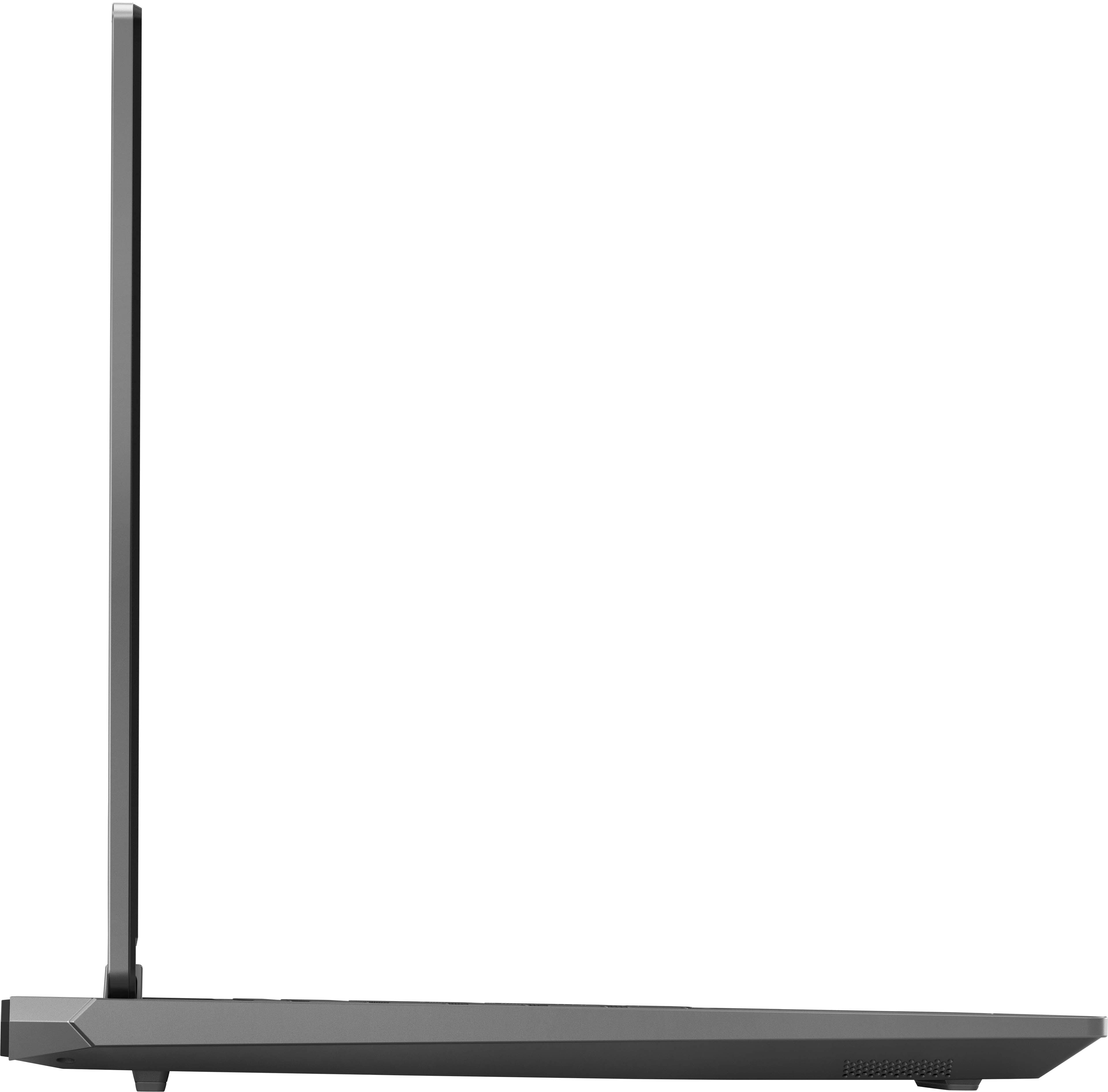
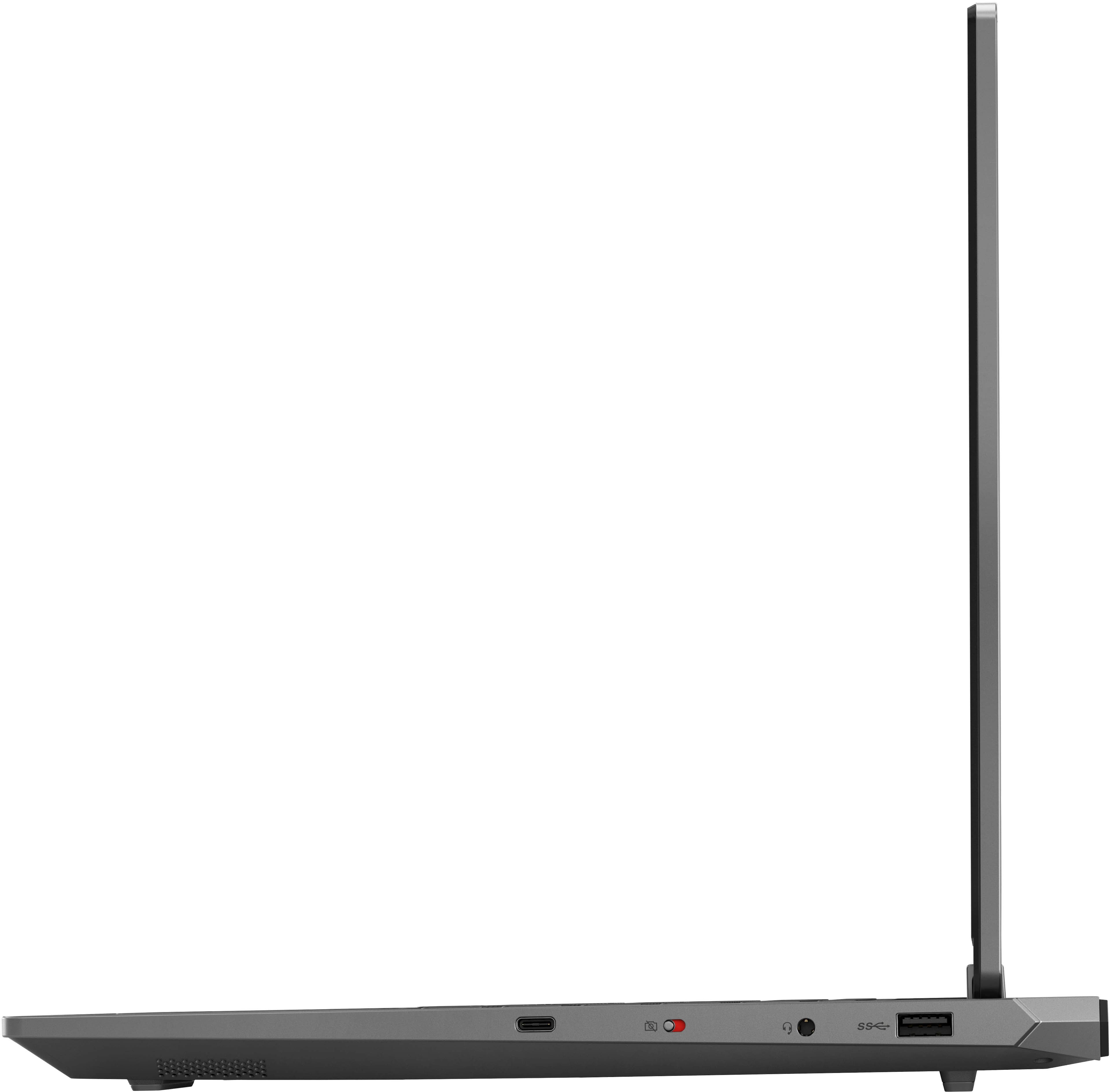


- Model:
- 83JC0001US
- SKU:
- 6578512
Rating by feature
- Battery Life
Rating 4.0 out of 5 stars
- Speed
Rating 4.6 out of 5 stars
- Display
Rating 4.7 out of 5 stars
Customers are saying
Customers love the LOQ 15.6" Gaming Laptop for its great performance, speed, and reasonable price. Many users appreciate the sufficient graphics, solid build quality, and adequate RAM. However, some customers have expressed concerns about the battery life, fan noise, and weight of the laptop. Overall, the laptop seems to be well-received, with the pros outweighing the cons for most users.
This summary was generated by AI based on customer reviews.
would for sure recommend !
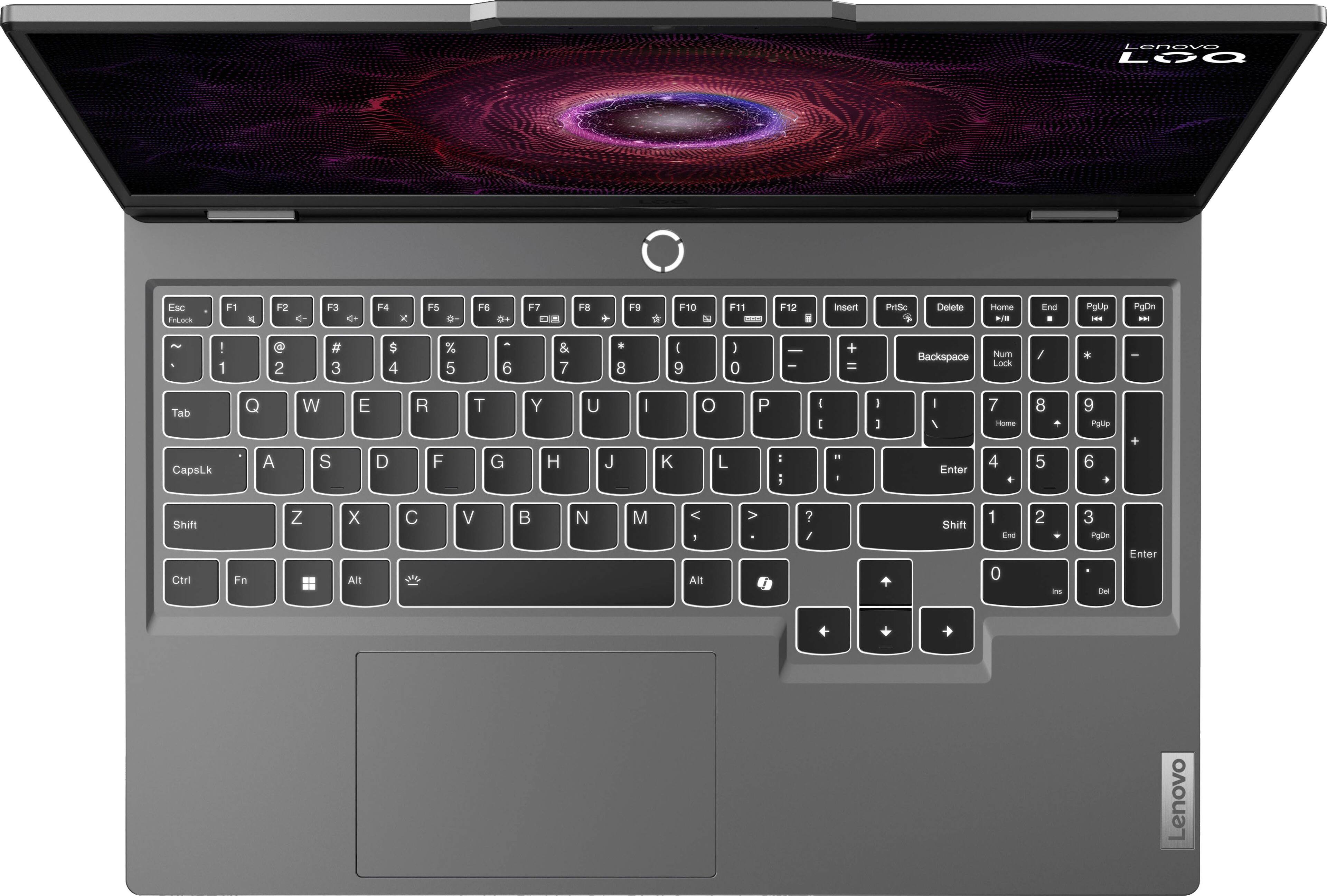
||Posted . Owned for 2 weeks when reviewed.This reviewer received promo considerations or sweepstakes entry for writing a review.surprisingly impressed. love the keyboard and the screen is quite large it’s great. 10/10
No, I would not recommend this to a friendBrand response from Lenovo Product Expert
Posted .Hey ZaskiaR, thanks for choosing Lenovo! We are thrilled to hear that your LOQ 15 has pleasantly surprised you. We appreciate you taking the time to share your experience with us.

Great, Efficient, and affordable.
||Posted . Owned for 3 weeks when reviewed.This reviewer received promo considerations or sweepstakes entry for writing a review.works great, lags a bit with games like street fighter 5 and even more with black myth wukong, but its a solid laptop at the price i got it for,
I would recommend this to a friendBrand response from Lenovo Product Expert
Posted .Hey, Leonel, thank you for choosing Lenovo! We are glad to hear that your LOQ 15 works great for you, and we appreciate you taking the time to share your perspective with us.
Online purchase
||Posted . Owned for 1 month when reviewed.This reviewer received promo considerations or sweepstakes entry for writing a review.Delivery and order was perfect! Great experience! My order was delivered on time !
I would recommend this to a friendBrand response from Lenovo Product Expert
Posted .Hi RSTM, thanks for choosing Lenovo! We're thrilled to hear that your LOQ 15 is working out perfectly for you, and we appreciate you sharing your experience and feedback with us.
Worth the money
||Posted . Owned for 2 months when reviewed.This reviewer received promo considerations or sweepstakes entry for writing a review.Very pleased with this laptop; it is easy to set up and navigate.
I would recommend this to a friendBrand response from Lenovo Product Expert
Posted .Hi RyanM, thanks for choosing Lenovo! We are glad to hear that you are very pleased with your LOQ 15, and we appreciate you sharing your feedback with us.
Gaming laptop.
||Posted . Owned for 3 weeks when reviewed.This reviewer received promo considerations or sweepstakes entry for writing a review.Amazing gaming laptop, my kid love the game play and how quick the responce is.
I would recommend this to a friendBrand response from Lenovo Product Expert
Posted .Hi JessyP, thanks for choosing Lenovo! We're thrilled to hear that your kid is loving it, and we appreciate you sharing your experience and feedback with us.
Laptop
||Posted . Owned for 2 weeks when reviewed.This reviewer received promo considerations or sweepstakes entry for writing a review.Very good laptop! I have 1000fps in Minecraft that’s very nice
I would recommend this to a friendBrand response from Lenovo Product Expert
Posted .Hi, Amir, thank you for choosing Lenovo! We are excited to hear that your LOQ 15 is working nicely for you, and we appreciate you taking the time to share your experience with us.
Excellent option for cheap
||Posted . Owned for 6 months when reviewed.This reviewer received promo considerations or sweepstakes entry for writing a review.Works great for gaming, my only issue is that the computer doesnt come with 1 tb of space
I would recommend this to a friendBrand response from Lenovo Product Expert
Posted .Hi, ChrisC. Thank you for choosing Lenovo! We are glad to know that your LOQ 15 is working out well for you, and we appreciate your time taken to share your experience and feedback with us. Also, there is an available M.2 2280 slot to add storage should you want to get to 1TB.
Just good
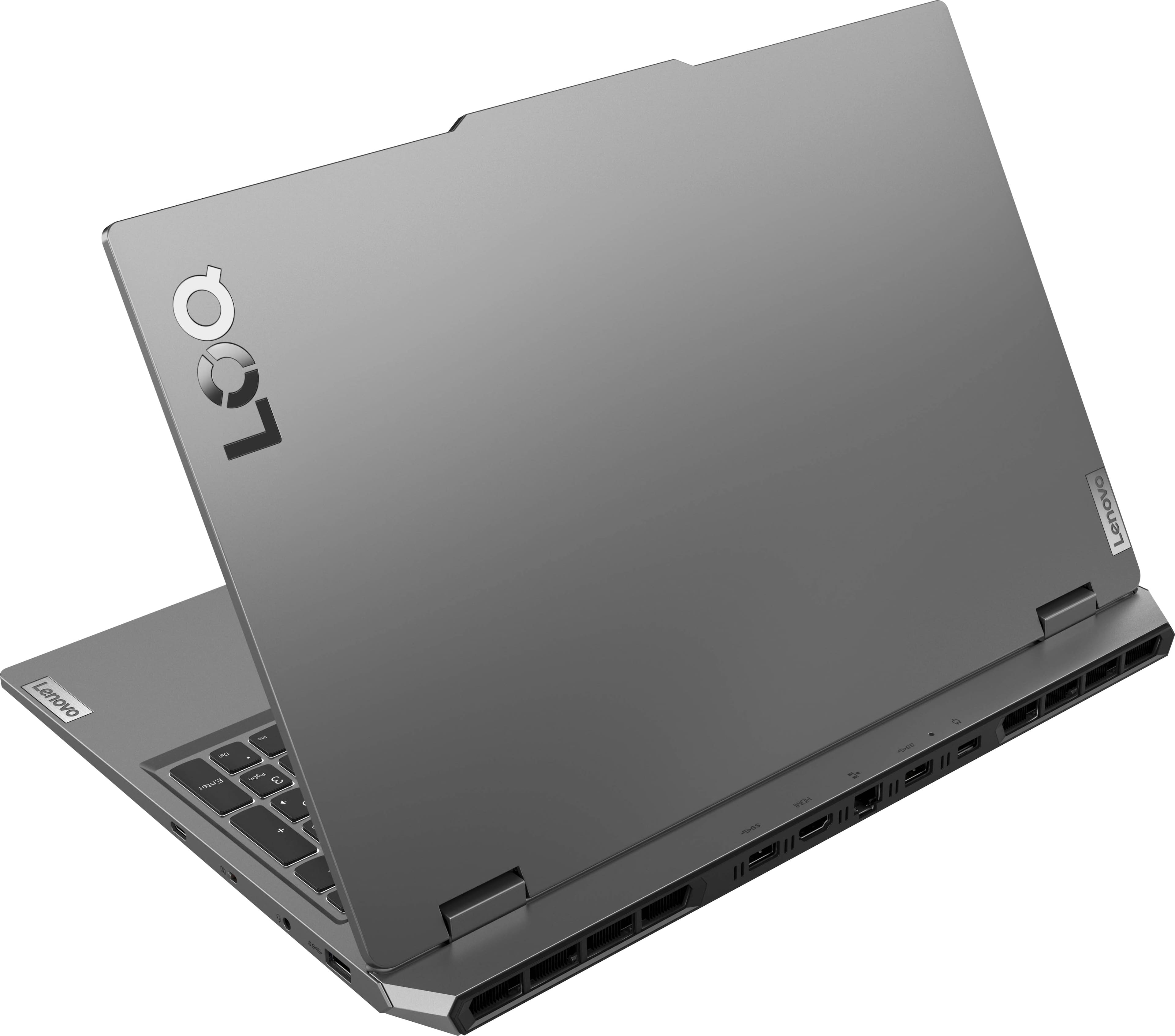
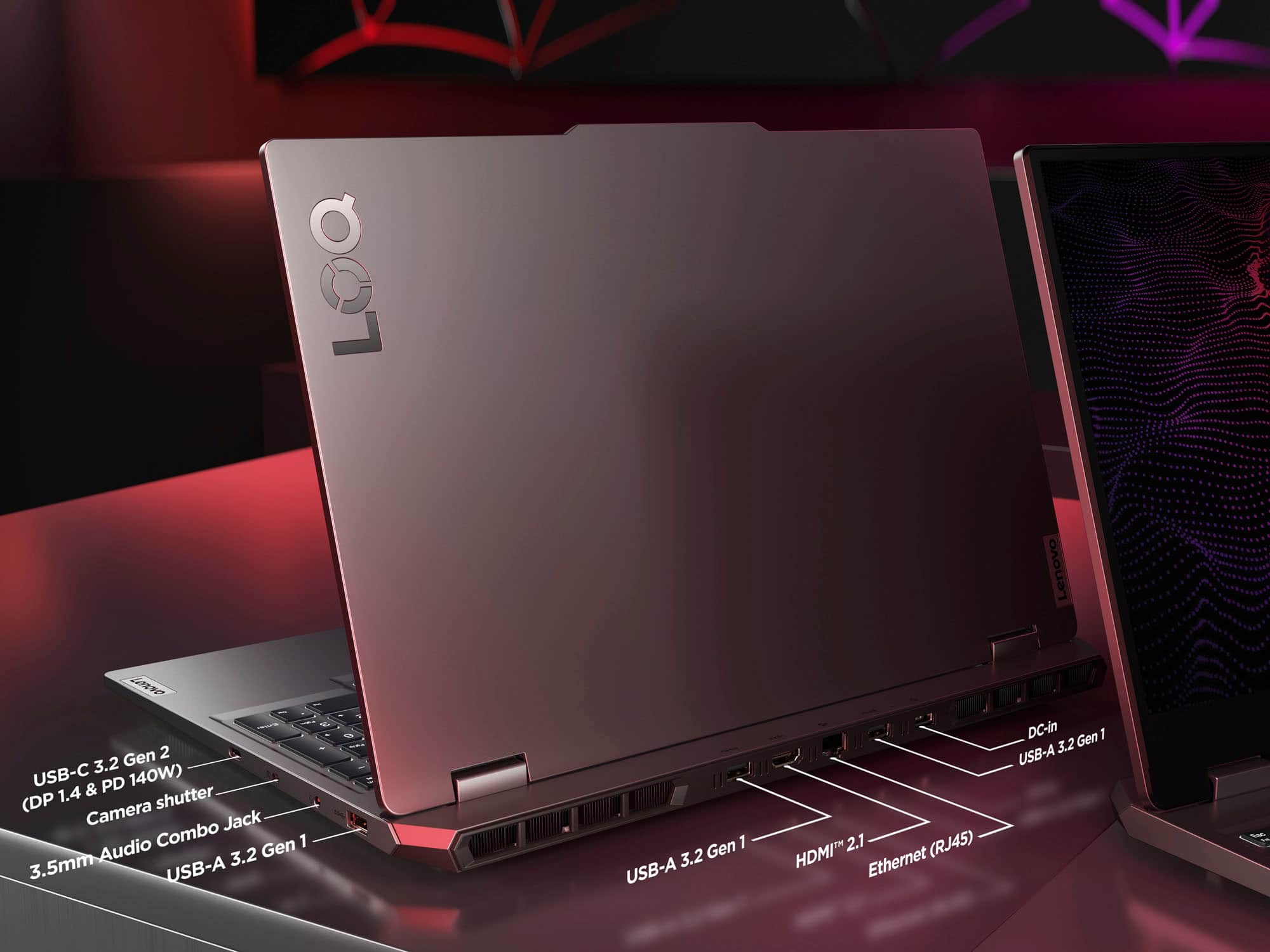
||Posted . Owned for 2 weeks when reviewed.This reviewer received promo considerations or sweepstakes entry for writing a review.Overall great little entry laptop, the io on the back or a really nice touch
I would recommend this to a friendBrand response from Lenovo Product Expert
Posted .Hi Violet, thanks for choosing Lenovo! We're thrilled to hear that your LOQ 15 has been great overall, and we really appreciate you sharing your experience and feedback with us.
good laptop
||Posted . Owned for 2 months when reviewed.This reviewer received promo considerations or sweepstakes entry for writing a review.great laptop righting this review on it. look at us hahahaha
I would recommend this to a friendBrand response from Lenovo Product Expert
Posted .Hey Kevin, thanks for choosing Lenovo! We are pleased to hear that your LOQ 15 has been great for you, and we appreciate you taking the time to share this feedback with us.
L
||Posted . Owned for 1 month when reviewed.This reviewer received promo considerations or sweepstakes entry for writing a review.It's worth it you should get it great laptop for the price
I would recommend this to a friendBrand response from Lenovo Product Expert
Posted .Hey WilliamL, thanks for choosing Lenovo! We are pleased to hear that your LOQ 15 has been great for you, and we appreciate you taking the time to share this feedback with us.
400 gift card
||Posted . Owned for 3 weeks when reviewed.This reviewer received promo considerations or sweepstakes entry for writing a review.This laptop was good but I feel like there should have been more ram for its price but what do I know
I would recommend this to a friendBrand response from Lenovo Product Expert
Posted .Hey, JoeyM, thank you for choosing Lenovo! We are glad to hear that your LOQ 15 has been good so far, and we appreciate you taking the time to share your perspective and feedback with us.
Lenovo
||Posted . Owned for 1 month when reviewed.This reviewer received promo considerations or sweepstakes entry for writing a review.Great laptop i love it if you need a new laptop this is the best
I would recommend this to a friendBrand response from Lenovo Product Expert
Posted .Hey Jorge, thanks for choosing Lenovo! We are glad to hear that you love it, and we appreciate you taking the time to share your feedback with us.
Good value
||Posted . Owned for 2 months when reviewed.This reviewer received promo considerations or sweepstakes entry for writing a review.Good price for a gaming laptop but you are getting what you pay for
I would recommend this to a friendBrand response from Lenovo Product Expert
Posted .Hey SpencerE,
Thanks for choosing Lenovo!
It is great to know that your LOQ 15 offers good value to you, and we appreciate you taking the time to share this with us.
Love it
||Posted . Owned for 1 month when reviewed.This reviewer received promo considerations or sweepstakes entry for writing a review.Loved it and very accurate to description would def buy again
I would recommend this to a friendBrand response from Lenovo Product Expert
Posted .Hi AmandaA, thanks for choosing Lenovo! We're glad to hear that you are loving your LOQ 15, and we appreciate you sharing your feedback with us.
Lenovo LOQ 15 is a no go!
||Posted . Owned for 1 year when reviewed.This reviewer received promo considerations or sweepstakes entry for writing a review.This laptop is horrible! I bought this laptop a little over a year ago as a travel computer for work. I only turn this laptop on once every two months and already the charging port has issues I tried to power it up today and the thing would not stay on the power light would come on and go back out. I regret buying this laptop.
No, I would not recommend this to a friendGame
||Posted . Owned for 2 months when reviewed.This reviewer received promo considerations or sweepstakes entry for writing a review.Son love it. No regrets. It’s fast and the resolution is clean
I would recommend this to a friendBrand response from Lenovo Product Expert
Posted .Hey, SherolynS, thank you for choosing Lenovo! We are glad to hear that your son loves it, and we appreciate you taking the time to share your thoughts with us.
- Cons mentioned:Battery life
Not worth it.
||Posted . Owned for 1 month when reviewed.This reviewer received promo considerations or sweepstakes entry for writing a review.Despite having a built in fan, this laptop overheats very badly. Battery life is not good when gaming and battery pack itself, also over heats and it will not charge properly when battery pack overheats. Hoping to return and find something better suited for my needs
No, I would not recommend this to a friendBrand response from Lenovo Product Expert
Posted .Hi Momwhogames, we're sorry to hear that your experience with your LOQ 15 has fallen short for you. If you'd like to work with us before returning your laptop, here's some tips to try to resolve these issues for you. First, regarding overheating, this LOQ features an active cooling system, along with other components and software, designed to enable the user to power through work without throttling due to heat produced. We recommend that the bottom of the device, where the air intake vents are, is clear of obstructions to increase air flow. Additionally, this LOQ features Smart Control, enabling the user to use the key command combination of Fn + Q to toggle between thermal/performance mode. For instances where you may use the device in your lap or a situation where the intake vents may be obstructed, we recommend switching to cool or quiet mode to help with the heat felt on the bottom of the machine. Also, please check for and apply any available updates through Lenovo Vantage and Windows Update Settings to help ensure you are using the latest software and drivers to ensure your system is running as efficiently as possible. Now with battery life, as you may know there are lots of variables that contribute to battery and in gaming laptops that can increase even more due to their high-powered processors and graphics cards. Should your issues persist after these fixes, we recommend reaching out to Lenovo Support here: 877-453-6686, and providing a representative with details of your issue, so that they may help by providing a solution for you. We appreciate you taking the time to share your feedback with us, as it does not go unnoted.
My Laptop
||Posted . Owned for 2 weeks when reviewed.This reviewer received promo considerations or sweepstakes entry for writing a review.Best buy for your money my wife is so happy. And iam happy to
I would recommend this to a friendBrand response from Lenovo Product Expert
Posted .Hi Ipad, thanks for choosing Lenovo! We're thrilled to hear that both you and your wife are happy with it, and we really appreciate you sharing your experience and feedback with us.
Gaming on a budget
||Posted . Owned for 3 weeks when reviewed.This reviewer received promo considerations or sweepstakes entry for writing a review.Great entry level gamer with room to upgrade the system.
I would recommend this to a friendBrand response from Lenovo Product Expert
Posted .Hi Brainkrash, thanks for choosing Lenovo! We're glad to hear that your LOQ 15 has been great for you, and we appreciate you sharing your perspective and feedback with us.
Great gift
||Posted . Owned for 1 month when reviewed.This reviewer received promo considerations or sweepstakes entry for writing a review.Awesome deal for a good laptop happy purchase!!!!!!
I would recommend this to a friendBrand response from Lenovo Product Expert
Posted .Hi PamelaN, thanks for choosing Lenovo! We're glad to hear that your LOQ 15 has been great for you, and we appreciate you sharing your feedback with us.