Customer Ratings & Reviews
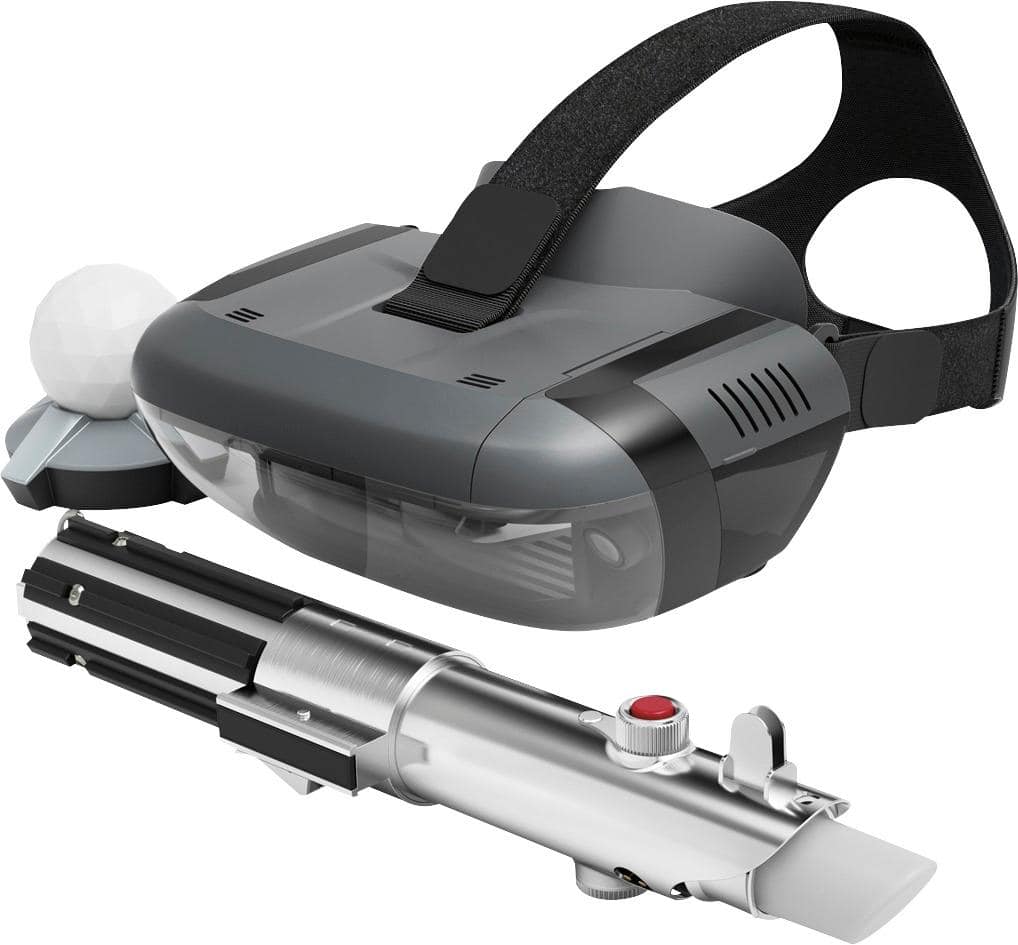
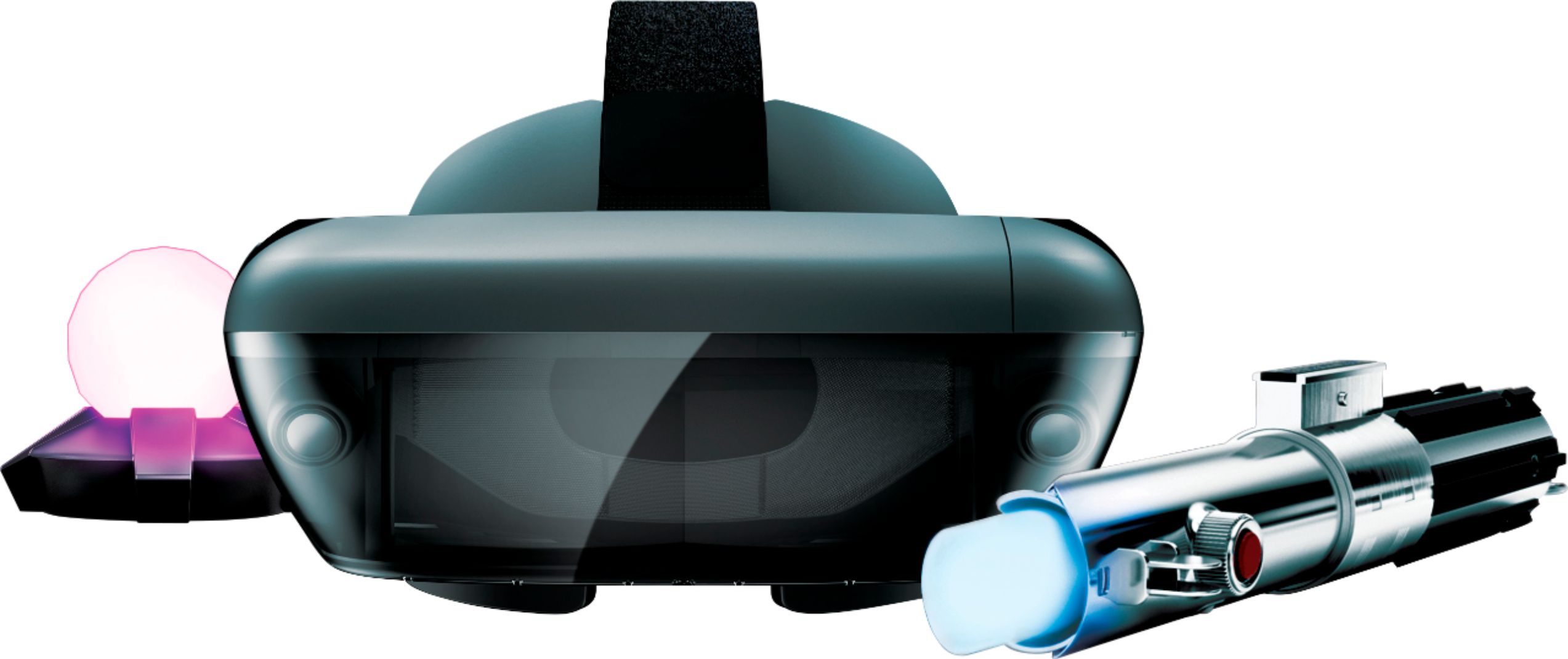
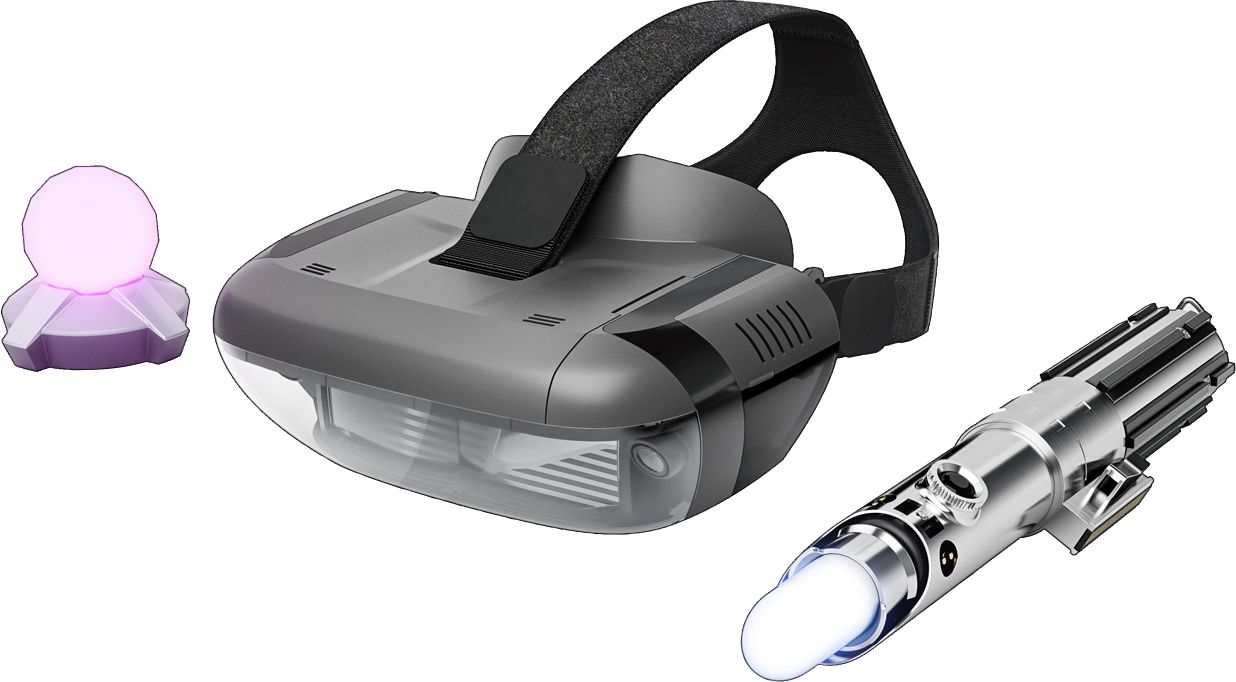
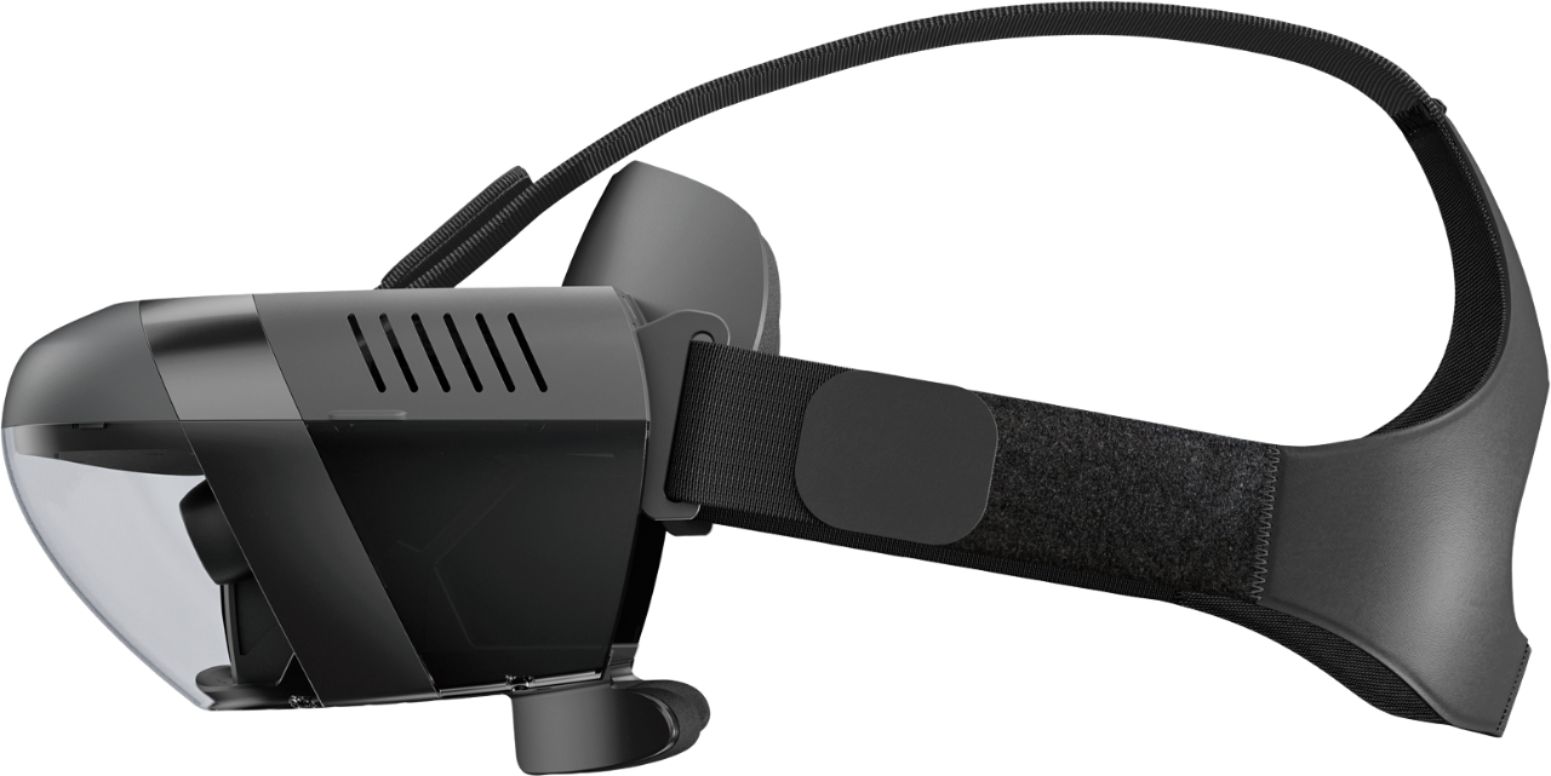







- Model:
- ZA390002US
- SKU:
- 6010802
Rating by feature
- Value
Rating 4.0 out of 5 stars
- Quality
Rating 4.2 out of 5 stars
- Ease of Use
Rating 3.8 out of 5 stars
Customers are saying
Customers value the immersive VR experience, the fun factor, and the cool lightsaber feature of Star Wars™: Jedi Challenges. Many appreciate the game's graphics and ease of use, while some found the setup a bit challenging. However, concerns were raised regarding phone overheating and battery drain during gameplay. Improvements to tracking accuracy were also suggested by some users.
This summary was generated by AI based on customer reviews.
- Pros mentioned:LightsaberCons mentioned:Battery life
TRY it , don’t BUY it.
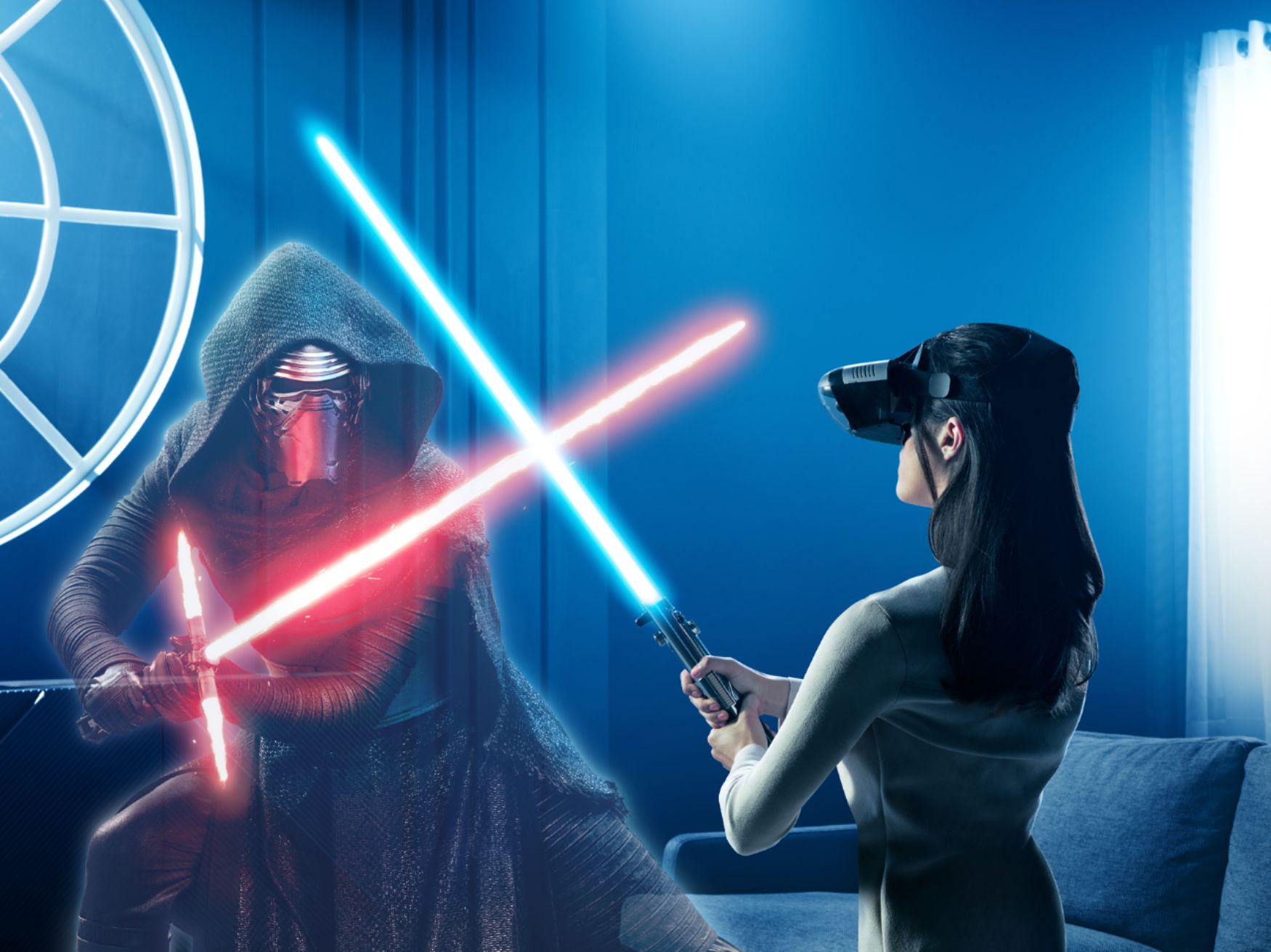
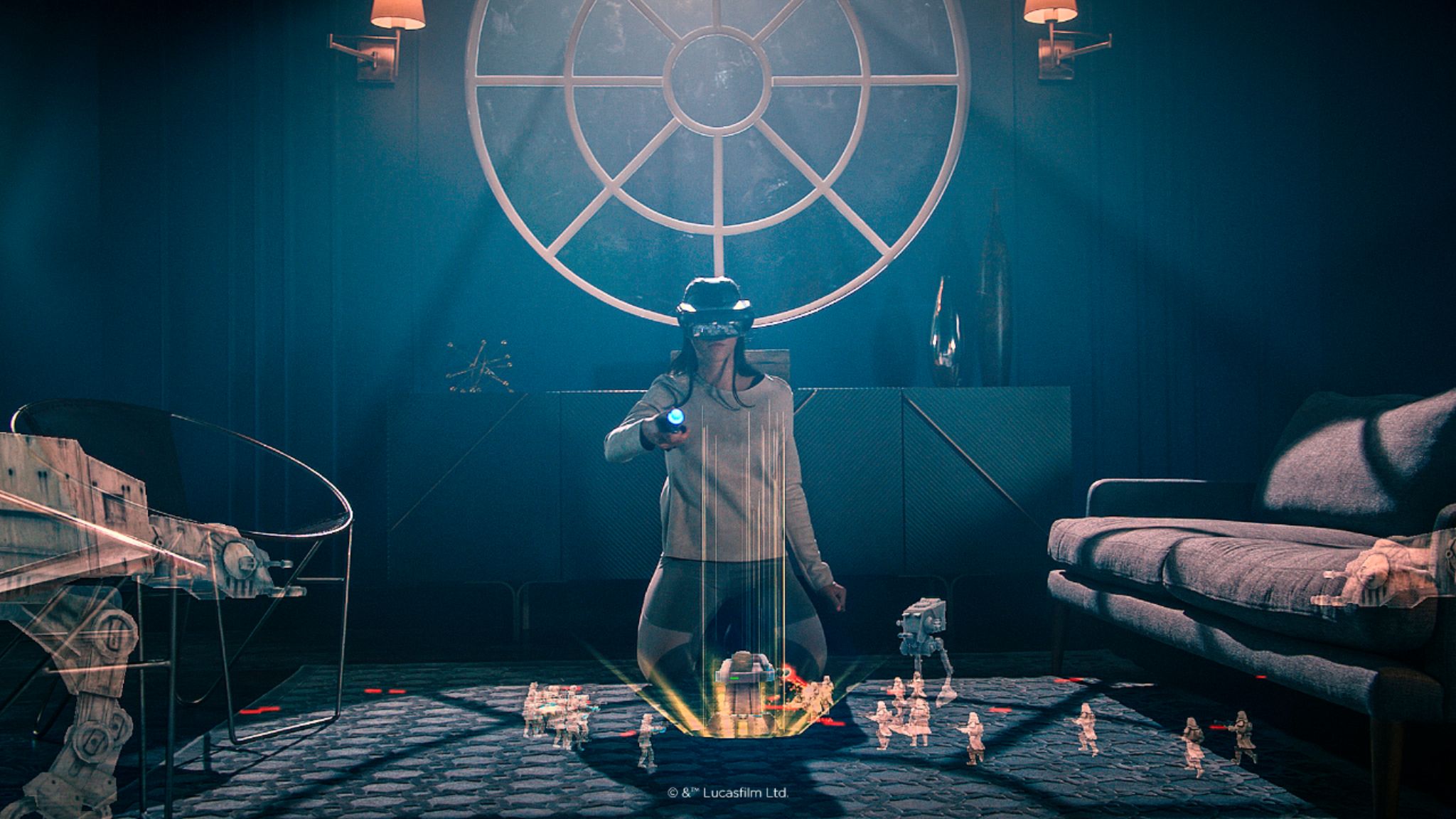
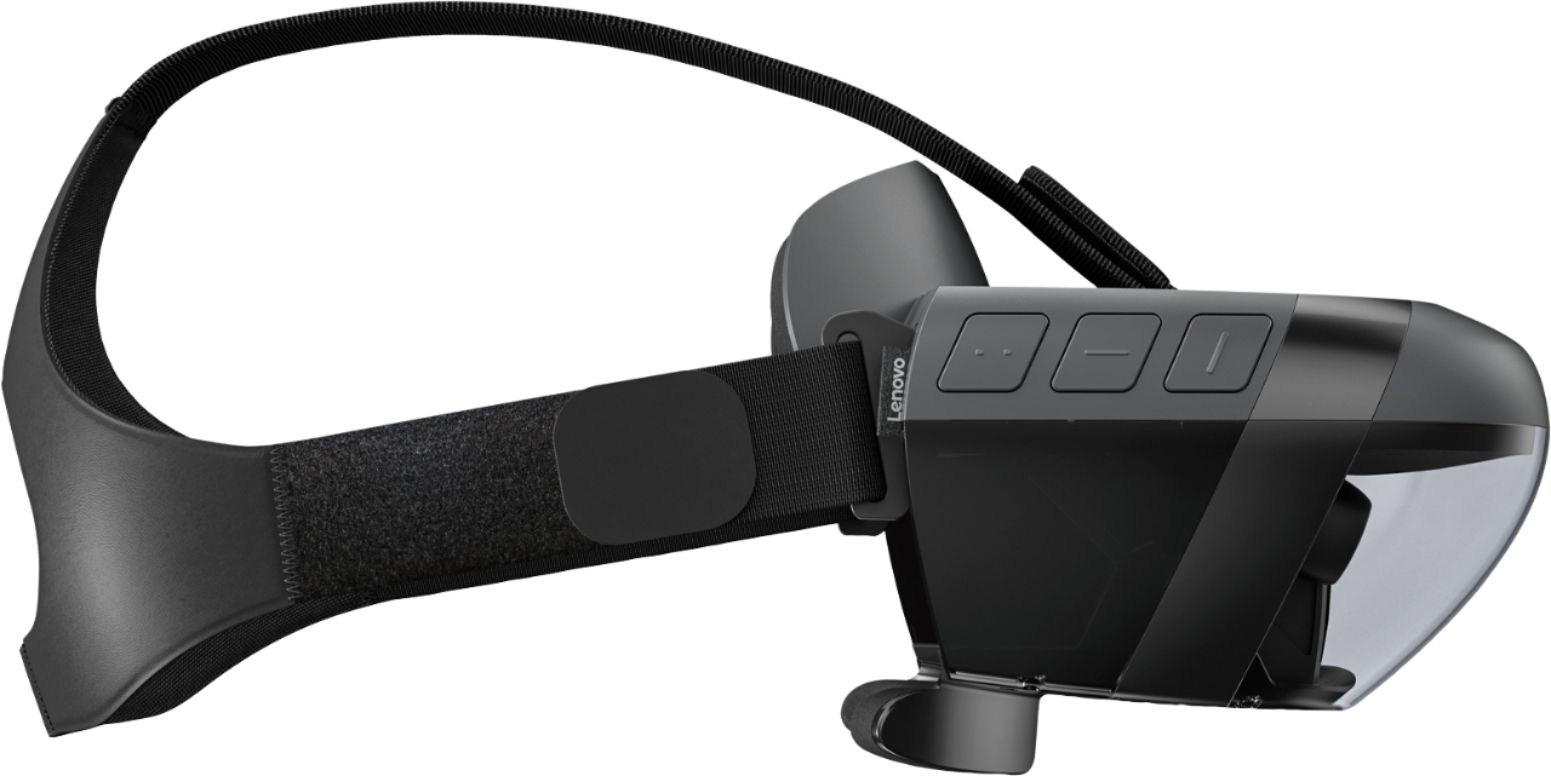
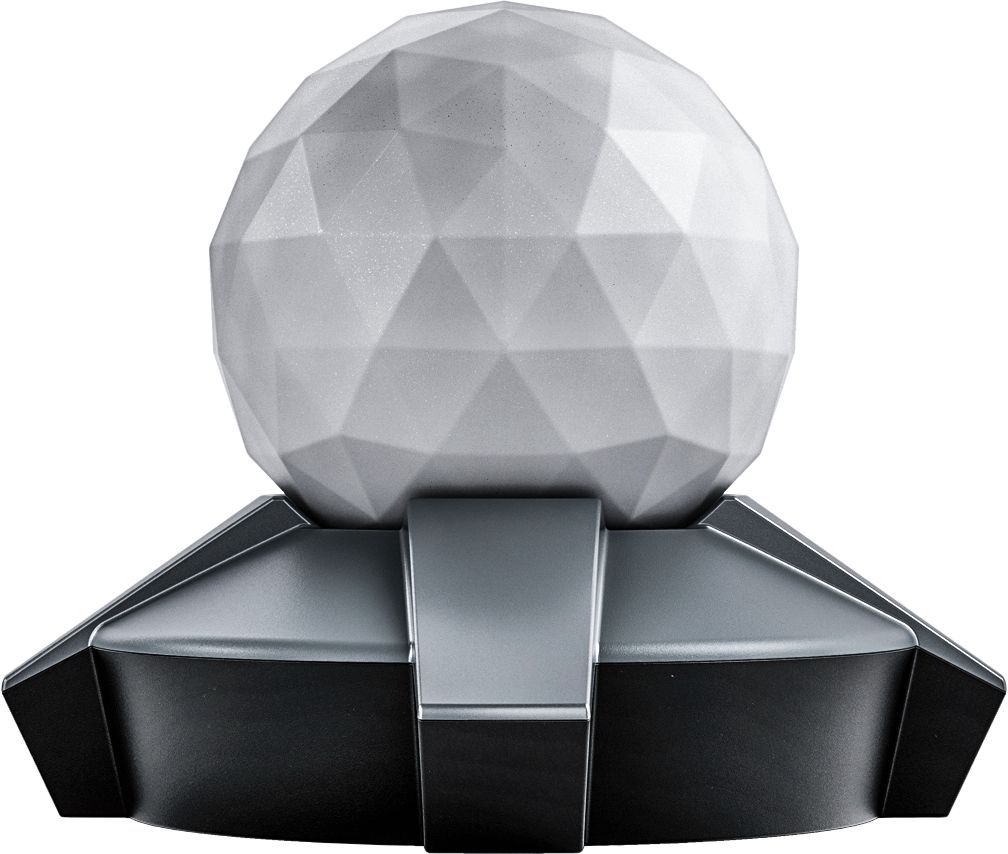
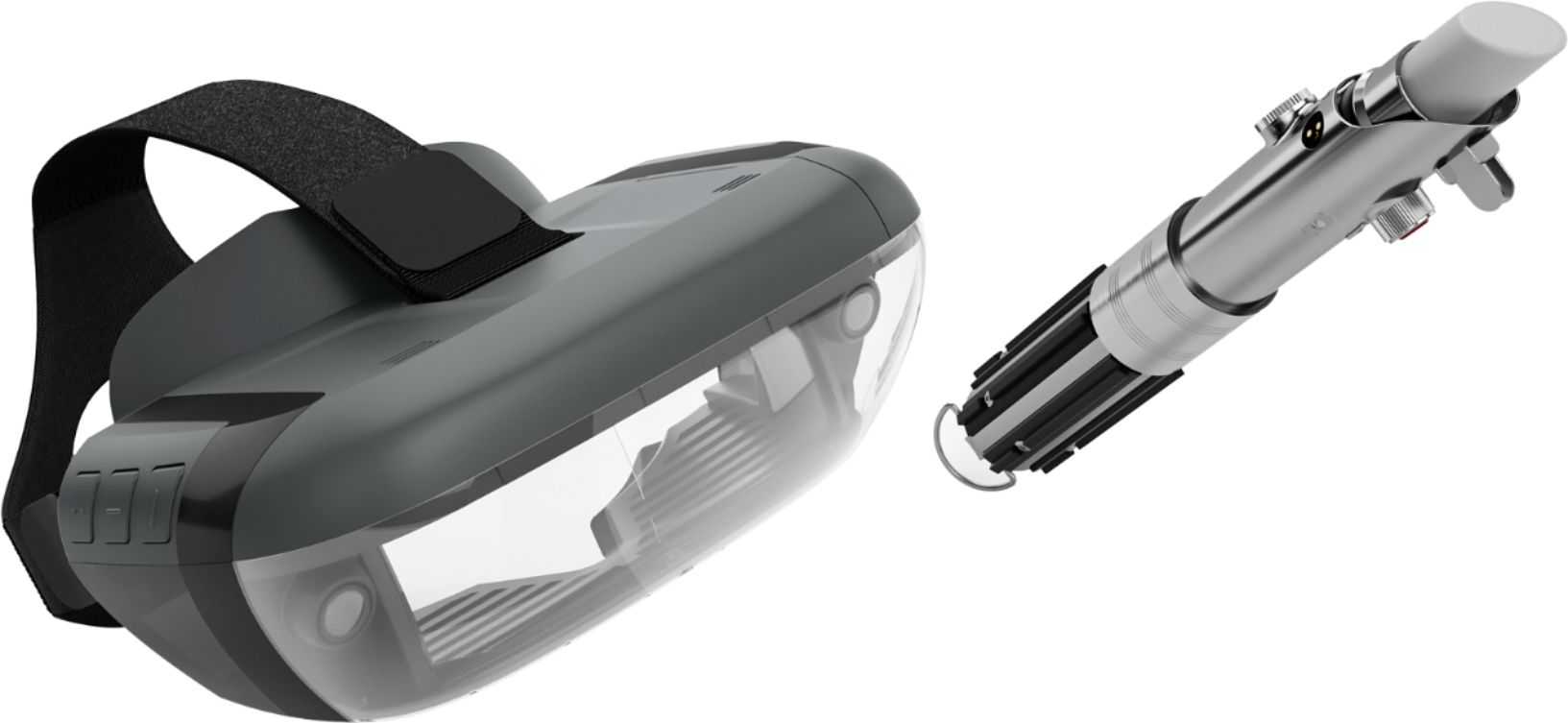
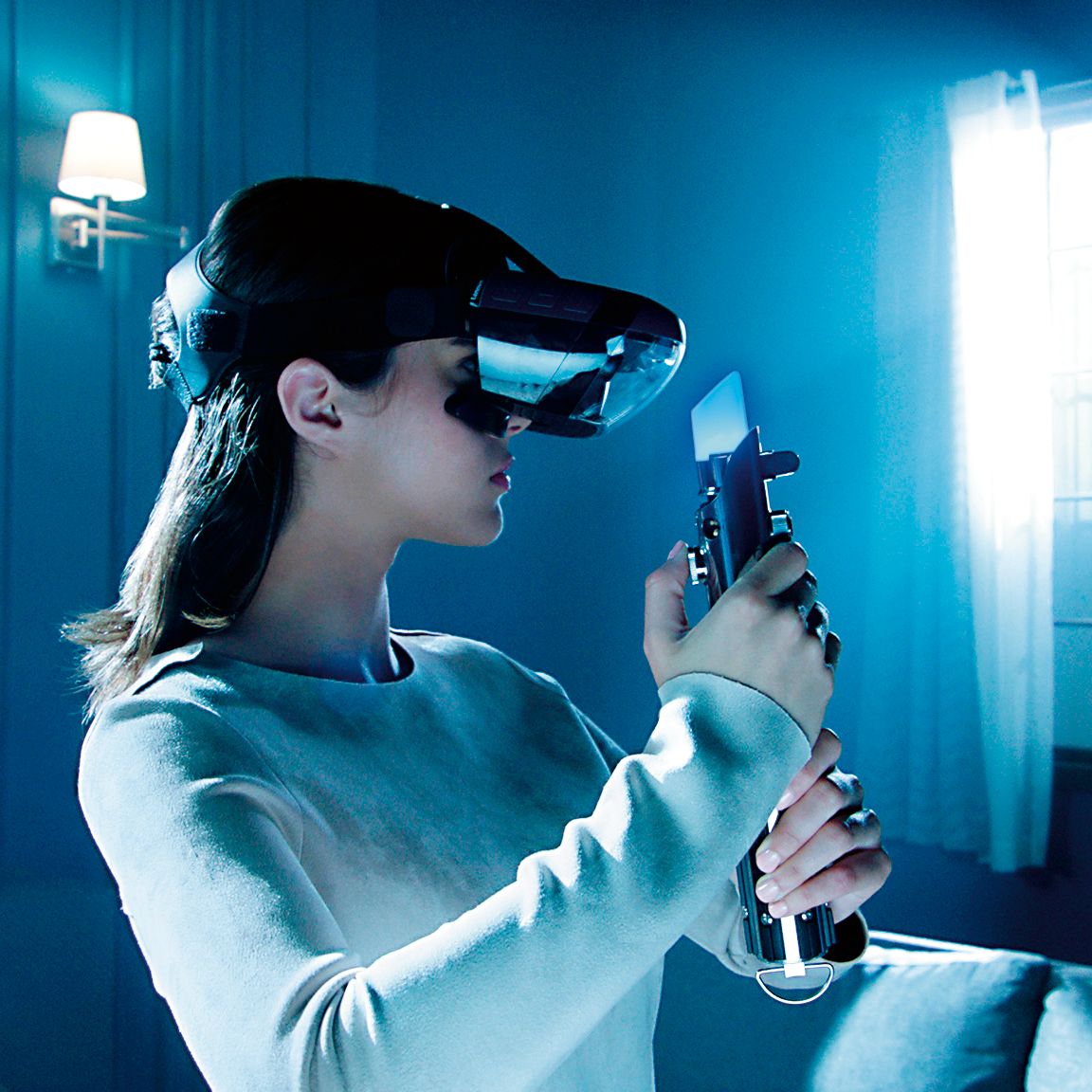
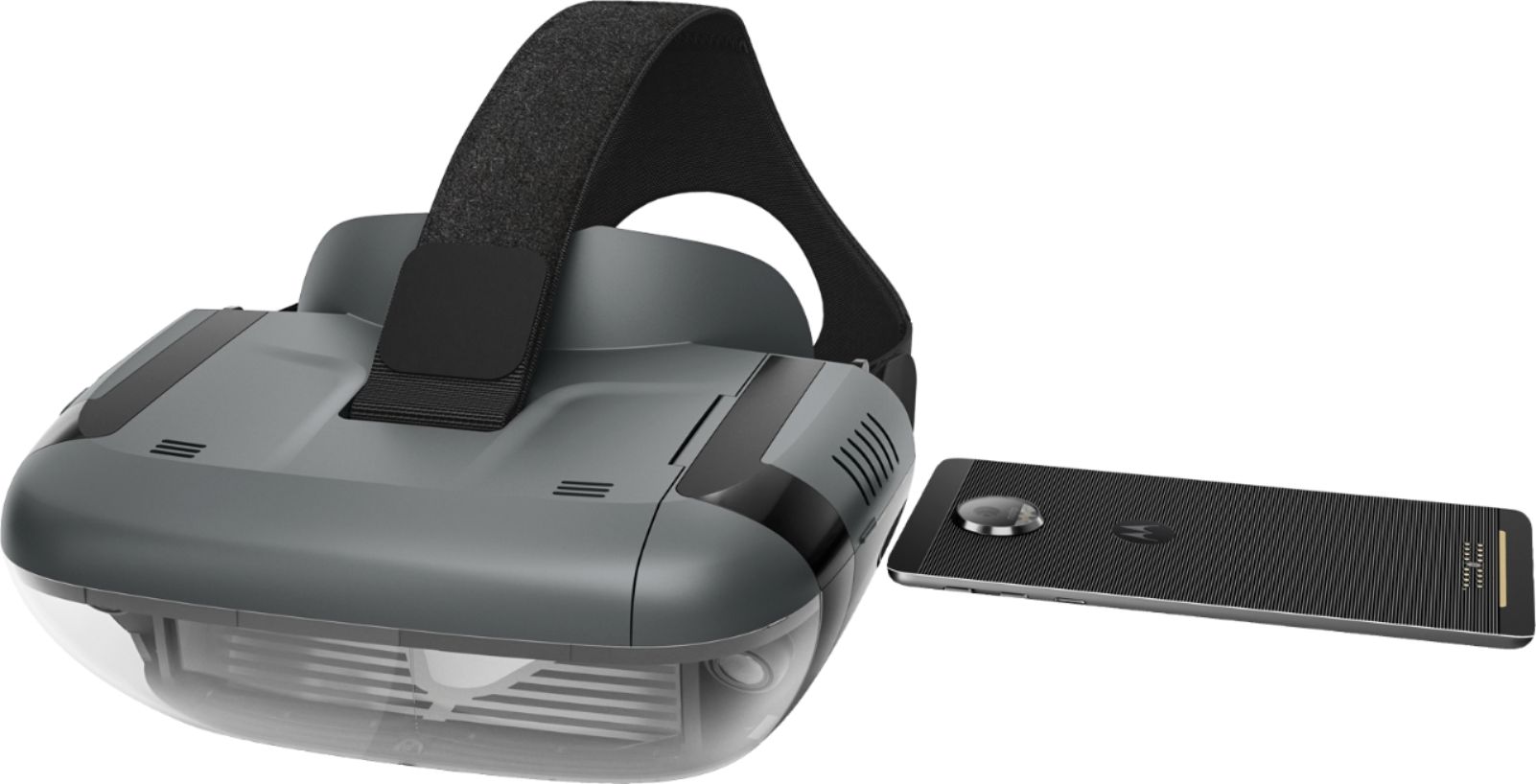
Posted .This reviewer received promo considerations or sweepstakes entry for writing a review.This thing is pretty cool but it has some issues you should consider before you fork over 100 bucks. First off, since it runs on your phone, it's really only practical if you have an old iPhone sitting around that you can permanently keep in the headset. Using your primary phone is really annoying since you have to take it out of the protective case, insert into a little tray that then inserts into the headset, and then connect it via a small wire. If you need to use your phone mid-gaming session for any reason whatsoever, you need to reverse the whole process and it gets frustrating quickly. Second, the app is very processor intensive -- on a fully 100% charged iPhone, a 30 minute session zapped about half my battery life. Again, another reason why this isn't ideal for your primary phone. Second, there are 3 pieces that either need batteries or need to be charged (not including your phone) -- the saber, the headset, and the receiver thing. If you're like me and hate charging things and buying batteries, this is a nightmare. The game itself is cool but gets repetitive quickly -- basically you have mini-stages where you are confronted by stormtroopers and have to block their blaster bolts -- fun for about 10 minutes, then predictable and tedious -- especially when you realize you can just sit there and wave your lightsaber to get to the next stage. You then advance to a boss in a light saber battle. The light saber battles are very well done and exciting but they use a 'on rails' approach where you really don't use the saber as you want but follow instructions from the game -- e.g., it tells you where to hold the saber to block and where to swing. That's not how a Jedi fights! All in all, you don't feel like you accomplished anything when you beat a boss other than memorizing a pattern. I wish they would have let us be a little more creative in our duels. That said, being able to virtually feel what it's like to use a lightsaber is awesome -- you truly feel like you have an actual lightsaber in your hands. It's worth trying for that sensation alone. If you're a hard code Star Wars fan, this is a must. Otherwise, I'd find a friend who has one, play it a couple times, and save 100 bucks :)
No, I would not recommend this to a friendBrand response from Lenovo Product Expert
Posted .Thank you for your feedback. There are thousands of people who have reviewed the product and are enjoying the Star Wars: Jedi Challenges.It is very important that the phone you will be using for the Star Wars: Jedi Challenges is on the compatible list, otherwise the hologram images may not be as the developer intended. It is not just the size of the phone that is important. Please find the updated list of phones at jedichallenges.com/compatibility. It is also very important that you let the "app" that is included guide you through the entire set up process. This insures that the system will be synced correctly.

Sigh, I guess i love it
Posted .This reviewer received promo considerations or sweepstakes entry for writing a review.I was convinced I was going to hate this game, a smartphone powered AR game? That sounds like it's too many moving parts to create a fun and cohesive experience, turns out I was wrong! Lenovo nailed this product, I've been having so much fun swinging around my lightsaber, and I can't wait for more games!
I would recommend this to a friendBrand response from Lenovo Product Expert
Posted .We are glad to hear that you are having a lot of fun playing the Star Wars: Jedi Challenges. It is is app based, updated experiences and game modes will be available. So get ready!
- Pros mentioned:VrCons mentioned:Phone compatibility
Good effort
Posted .This reviewer received promo considerations or sweepstakes entry for writing a review.Was our first look into vr. Not bad we actually bought 2 so that we could play against each other. Our phones do tend to get hot during play. And the light sabers can be a bit touchy. It was a fun and unique item but the entertainment value soon got old. I think they are great collector pieces for star wars fans. Now they just sadly sit.
No, I would not recommend this to a friend I love it!
Posted .This reviewer received promo considerations or sweepstakes entry for writing a review.I bought this for my son and he loves it! Such a great find this weekend for black friday, i came in for a new phone but left with this headset too!
I would recommend this to a friend- Cons mentioned:Phone compatibility
Great If you dont mind HOT Phone - No Case
Posted .This reviewer received promo considerations or sweepstakes entry for writing a review.First, the product itself is pretty awesome. I was really shocked at how much fun this system was. However, as an owner of a $1100 iPhone X, II was not crazy about having to remove my phone from its case every time I wanted to play this game, not to mention how hot my phone becomes from the encasement that houses the phone to play. Lenovo should have developed a stand alone product some how and skipped the phone part, for me this is a no go... As anyone knows, once you remove your case more than a couple times it becomes loose and not as sturdy as it once was. I also don't like feeling my expensive phone feeling like a hot brick after only 30 minutes of game play. Not worth the rick to me personally. However I was very impressed with the game play itself.
No, I would not recommend this to a friendBrand response from Lenovo Product Expert
Posted .Thank you for your feedback. We are glad to hear that you are having a lot of fun playing the Star Wars: Jedi Challenges. You do need to remove the phone case to be able to insert it into the headset tray. Thank you for your feedback. Some phones may experience an increase in temperature when running graphics found in apps such as Jedi Challenges, but our app is designed to safely operate within the established parameters of your supported phone to deliver a high quality gameplay experience with no harm to your phone. For more information, please visit support.lenovo.com/jedichallenges.
- Cons mentioned:Phone compatibility
BEWARE-does not work on 6s
Posted .This reviewer received promo considerations or sweepstakes entry for writing a review.This does NOT work on a 6S, it projects everything upside down. We tried for hours and hours on Christmas Day trying to get this to work. We also had two chats with Lenovo who said they had no idea what the problem was(??), suggested talking to Best Buy maybe instead (really?) and suggested returning it. Only after checking a Lenovo community forum did we discover that it is not working on 6S for loads of other people. This is a problem with the app and since this device is marketed and sold as compatible with 6s (and yes our IOS is also up to date and compatible) you need to make it actually compatible with 6s. Hopefully someone cares enough to make this right because I can’t imagine mine was the only boy that was extremely disappointed this Christmas.
No, I would not recommend this to a friendBrand response from Lenovo Product Expert
Posted .Thank you for your feedback. We are very sorry to hear that you are having problems setting up the Star Wars: Jedi Challenges. There can be system bug in the older Apple IOS. Please make sure you are running IOS 11.1 or a later version. Sometimes when using an older IOS the wait time for the connection to the headset can take 30 seconds or more. Please check your phone's Bluetooth setting to make sure it is on.( tap settings, select Bluetooth , tap the switch to ensure it is on ( green). Also make sure the location feature on the phone is turned on too .(tap settings, select location , tap the switch to ensure it is on ( green). Please make sure that the headset is powered up and the cable connected .Please make sure that the compatible phone is out of the headset when setting the system up for the first time. Then, when prompted insert the phone into the tray and then into the headset. It is very important when setting up the system for the first time to use the "app" that is provided to guide you through the entire set up process. This insures that the whole system: headset, phone, tracking beacon and Lightsaber controller, will be synced correctly. If this does not If this does not work please contact our support team for a detailed troubleshooting guidance @ : support.lenovo.com/jedichallenges
- Cons mentioned:Phone compatibility
Could have been great
Posted .This reviewer received promo considerations or sweepstakes entry for writing a review.Aside from the fact that Lenovo failed to be ready for some of the newest phones, they also seem to have a ventilation problem. We first tried this with an iPhone6S+. After a while gameplay got very glitchy. When I took out the phone, it was too hot to hold comfortably. Thinking this might just be because the phone is not powerful enough, I tried it with an iPhoneX Just testing to find a usable profile in lieu of the proper one that doesn't exist yet, I found that this phone too was getting very hot. The area that holds the phone only has 2 very small vents - seems like not enough. We will be doing the sequel to the Jedi Challenges this weekend. "The Return of the Jedi Challenges"
No, I would not recommend this to a friendBrand response from Lenovo Product Expert
Posted .Thank you for your feedback. Some phones may experience an increase in temperature when running graphics found in apps such as Jedi Challenges, but our app is designed to safely operate within the established parameters of your supported phone to deliver a high quality gameplay experience with no harm to your phone. For more information, please visit support. Lenovo.com/jedichallenges.
Upcoming phones can only be tested once they are announced and available. Please find the updated list of phones at jedichallenges.com/compatibility
- Cons mentioned:Phone compatibility
DOES NOT FIT MY NEW PHONE
Posted .This reviewer received promo considerations or sweepstakes entry for writing a review.BEWARE ! My Samsung Galaxy Note 8 is just BARELY too big to fit in head set adapter. This is the newest phone on the market besides iPhone X and it doesn't work ? REALLY LENOVO ? You couldn't have made the adapter a few mm wider ? This seems like a HUGE oversight.
No, I would not recommend this to a friendBrand response from Lenovo Product Expert
Posted .Only certain phones are tested and certified to be used with the Star Wars Jedi Challenges game. The Samsung Galaxy Note 8 is not on the current list of compatible phones. We are in the process of testing and approving other phones. Please find the updated list of phones at jedichallenges.com/compatibility
This AR Set is Awesome
Posted .This reviewer received promo considerations or sweepstakes entry for writing a review.So I went into Best Buy to get some movies and I stumbled across the display and was intrigued enough to buy it. I went home and have now been playing it for hours and hours. The augmented reality quality is near perfect (kinda shaky sometimes). Just make sure you have a darkish room to set up the center piece and charge up your phone and go. I am 24 years old and feel like a little kid playing this, SO COOL!
I would recommend this to a friendVery Cool VR Experience
Posted .This reviewer received promo considerations or sweepstakes entry for writing a review.I took a chance and purchased two of these even though the Pixel 3 XL wasn't specified as compatible. Luckily it fits JUST right, with no extra room. The games are fun (lightsaber battles, droid fights, holochess) and my kids love it....almost as much as I do. Make sure to look up tips for phone settings and such (disable adaptive brightness, brightness to max, etc) to enjoy an awesome experience.
I would recommend this to a friendExtremely hard!!!!! Very shaky
Posted .This reviewer received promo considerations or sweepstakes entry for writing a review.I bought this from Best Buy 2 weeks ago. It is very very very hard. My teenage gamers couldn't get past the 2nd planet and were getting frustrated. It has very shaky visuals and has a very limited field of vision. Way overpriced at 200. I probably wouldn't buy for 50.
No, I would not recommend this to a friendBrand response from Lenovo Product Expert
Posted .Thank you for your feedback. We are sorry to hear that you are having problems playing the Star Wars: Jedi Challenges. Star Wars: Jedi Challenges offers one storyline taking the player through more than 30 challenges across three types of experiences with many hours of play. The game is app based, so updated experiences and game modes will be available. It is very important that the phone you will be using for the Star Wars: Jedi Challenges is on the compatible list, otherwise the hologram images may not be as the developer intended. Please find the updated list of phones at jedichallenges.com/compatibility. It is also very important that you let the "app" that is included guide you through the entire set up process. This insures that the system will be synced correctly.
My 10 y.o. LOVES it!
Posted .This reviewer received promo considerations or sweepstakes entry for writing a review.Just gave this to my son for his 10th birthday and immediately achieved “Best Dad Ever” status. Initial trouble syncing light saber was resolved by moving to a different room. Otherwise, set-up was quick and painless. 1000% recommended.
I would recommend this to a friend- Cons mentioned:Battery life
Major Overheating prob
Posted .This reviewer received promo considerations or sweepstakes entry for writing a review.I love Star Wars everything BUT 10-15mins of gameplay, even on low graphics setting, until phone overheating occurs everytime leaves little time to get enjoyment. :( Lenovo should have built in a cooling system. Major oversight on their part. Returning it.
No, I would not recommend this to a friendBrand response from Lenovo Product Expert
Posted .Thank you for your feedback. We are glad to hear that you are having fun with the Star Wars Jedi Challenges. Please make sure that you are using a compatible phone, for an updated list of phones go to jedichallenges.com/compatibility. Some phones may experience an increase in temperature when running graphics found in apps such as Jedi Challenges, but our app is designed to safely operate within the established parameters of your supported phone to deliver a high quality gameplay experience with no harm to your phone. For more information, please visit support.lenovo.com/jedichallenges.
Starwars review
Posted .This reviewer received promo considerations or sweepstakes entry for writing a review.Grwat game and lots to do on it. While playing, you see your surrounding
I would recommend this to a friendAmazing
Posted .This reviewer received promo considerations or sweepstakes entry for writing a review.It is so fun! I can't put it down. This is perfect for Star Wars fans. It is amazing what you can do.
I would recommend this to a friend- Cons mentioned:Phone compatibility
Piece of junk that uses the phone! Horrible!
Posted .This reviewer received promo considerations or sweepstakes entry for writing a review.I returned this after using it a few days. Its basically a piece of garbage and has all sorts of glitches plus it forces you to remove your phone from the case to play it and the set up is a mess. The app freezes and the games are all locked until you unlock them by playing through each level every time you turn it on. Its a piece of junk and why dont they design this to not have to use a phone with an app? Horrible piece of technology and it was returned immediately. Try again Google!
No, I would not recommend this to a friendBrand response from Lenovo Product Expert
Posted .Thank you for your feedback. We are sorry to hear that you are having problems with your Star Wars: Jedi Challenges. Please note that this is not a Google product. There are many thousands of people who are having a lot of fun with the game experience.Star Wars: Jedi Challenges is a smartphone-powered augmented reality experience that requires a compatible smartphone to run properly. Please make sure that you are using a compatible phone, there is an updated list of phones at jedichallenges.com/compatibility.Please check your phone's Bluetooth setting to make sure it is on.( tap settings, select Bluetooth , tap the switch to ensure it is on ( green). Also make sure the location feature on the phone is turned on too .(tap settings, select location , tap the switch to ensure it is on ( green). Please make sure that the headset is powered up and the cable connected .Please make sure that the compatible phone is out of the headset when setting the system up for the first time. Then, when prompted insert the phone into the tray and then into the headset. It is very important when setting up the system for the first time to use the "app" that is provided to guide you through the entire set up process. This insures that the whole system: headset, phone, tracking beacon and Lightsaber controller, will be synced correctly. If this does not work please contact our support team for a detailed troubleshooting guidance @ : support.lenovo.com/jedichallenges.
- Cons mentioned:Setup
Not good
Posted .This reviewer received promo considerations or sweepstakes entry for writing a review.Set up looks easy but it is the pits. Everything is charged and Im sitting like an idiot waiting for the headset to see my i phone. My kid is miserable and disappointed and I'm frustrated. Junk. If it worked it would be cool but its just another pipe dream. it would be great to have a VR headset that would NOT need your phone but for that, we'd have to shell out close to a grand and that's just what we may need to do. Save your money.
No, I would not recommend this to a friendBrand response from Lenovo Product Expert
Posted .Thank you for your feedback. We are sorry to hear that you are having problems setting up the Star Wars: Jedi Challenges. There can be system bug in the older Apple IOS. Please make sure you are running IOS 11.1 or a later version. Sometimes when using an older IOS the wait time for the connection to the headset can take 30 seconds or more. Please check your phone's Bluetooth setting to make sure it is on.( tap settings, select Bluetooth , tap the switch to ensure it is on ( green). Also make sure the location feature on the phone is turned on too .(tap settings, select location , tap the switch to ensure it is on ( green). Please make sure that the headset is powered up and the cable connected .Please make sure that the compatible phone is out of the headset when setting the system up for the first time. Then, when prompted insert the phone into the tray and then into the headset. It is very important when setting up the system for the first time to use the "app" that is provided to guide you through the entire set up process. This insures that the whole system: headset, phone, tracking beacon and Lightsaber controller, will be synced correctly. If this does not work please contact our support team for a detailed troubleshooting guidance @ support.lenovo.com/jedichallenges.

Fun but beware of phone overheating
Posted .This reviewer received promo considerations or sweepstakes entry for writing a review.The set up was fairly easy once you get the hang of it but there is a learning curve. First off, it is pretty cool once the frustration of setting up is done. Read all the other reviews for the fun factor, but for us it will be a return. The phone, after about 30 minutes of play, the phone was overheated. Hot enough that it was uncomfortable to hold. Any longer use it probably would have damaged the phone. Its too bad because it was really fun.
No, I would not recommend this to a friendBrand response from Lenovo Product Expert
Posted .Thank you for your feedback. Some approved phones may experience an increase in temperature when running graphics found in apps such as Jedi Challenges, but our app is designed to safely operate within the established parameters of your supported phone to deliver a high quality gameplay experience with no harm to your phone. For more information, please visit support.lenovo.com/jedichallenges.
- Cons mentioned:Setup
Extremely difficult to set up on the S9
Posted .This reviewer received promo considerations or sweepstakes entry for writing a review.So the light saber will not sink up with bluetooth. My phone got stuck in the headset. Had to use pliers to get it out. Really stupid to set up. Seriously want to take a hammer to the whole thing.
No, I would not recommend this to a friendBrand response from Lenovo Product Expert
Posted .Thank you for your feedback.The S9 is not on the current list of compatible phones. We are sorry to hear that you are having problems setting up the Star Wars: Jedi Challenges. Please make sure that you are using a compatible phone. It is very important that the phone you will be using for the Star Wars: Jedi Challenges is on the compatible list, otherwise the hologram images may not be as the developer intended. Please find the updated list of phones at jedichallenges.com/compatibility .Please make sure that the compatible phone is out of the headset when setting the system up for the first time. Then, when prompted insert the phone into the tray and then into the headset. It is very important when setting up the system for the first time to use the "app" that is provided to guide you through the entire set up process. This insures that the whole system: headset, phone, tracking beacon and Lightsaber controller, will be synced correctly. If this does not work please contact our support team for a detailed troubleshooting guidance @ support.lenovo.com/jedichallenges
Bad app or headset?
Posted .This reviewer received promo considerations or sweepstakes entry for writing a review.Worked for about 30 minutes then the sound went out. Reinstalled app still no sound. Tried on another iPhone. Still no sound. Even the trailer inside the app has no sound. Unfortunate, the kids were enjoying it. Getting my $200 back.
No, I would not recommend this to a friendBrand response from Lenovo Product Expert
Posted .Thank you for your feedback. We are sorry to hear that you are having problems setting up the Star Wars: Jedi Challenges. There can be system bug in the older Apple IOS. Please make sure you are running IOS 11.1 or a later version. Sometimes when using an older IOS the wait time for the connection to the headset can take 30 seconds or more. Please check your phone's Bluetooth setting to make sure it is on.( tap settings, select Bluetooth , tap the switch to ensure it is on ( green). Also make sure the location feature on the phone is turned on too .(tap settings, select location , tap the switch to ensure it is on ( green). Please make sure that the headset is powered up and the cable connected .Please make sure that the compatible phone is out of the headset when setting the system up for the first time. Then, when prompted insert the phone into the tray and then into the headset. It is very important when setting up the system for the first time to use the "app" that is provided to guide you through the entire set up process. This insures that the whole system: headset, phone, tracking beacon and Lightsaber controller, will be synced correctly. If this does not If this does not work please contact our support team for a detailed troubleshooting guidance @ : support.lenovo.com/jedichallenges