Customer Ratings & Reviews
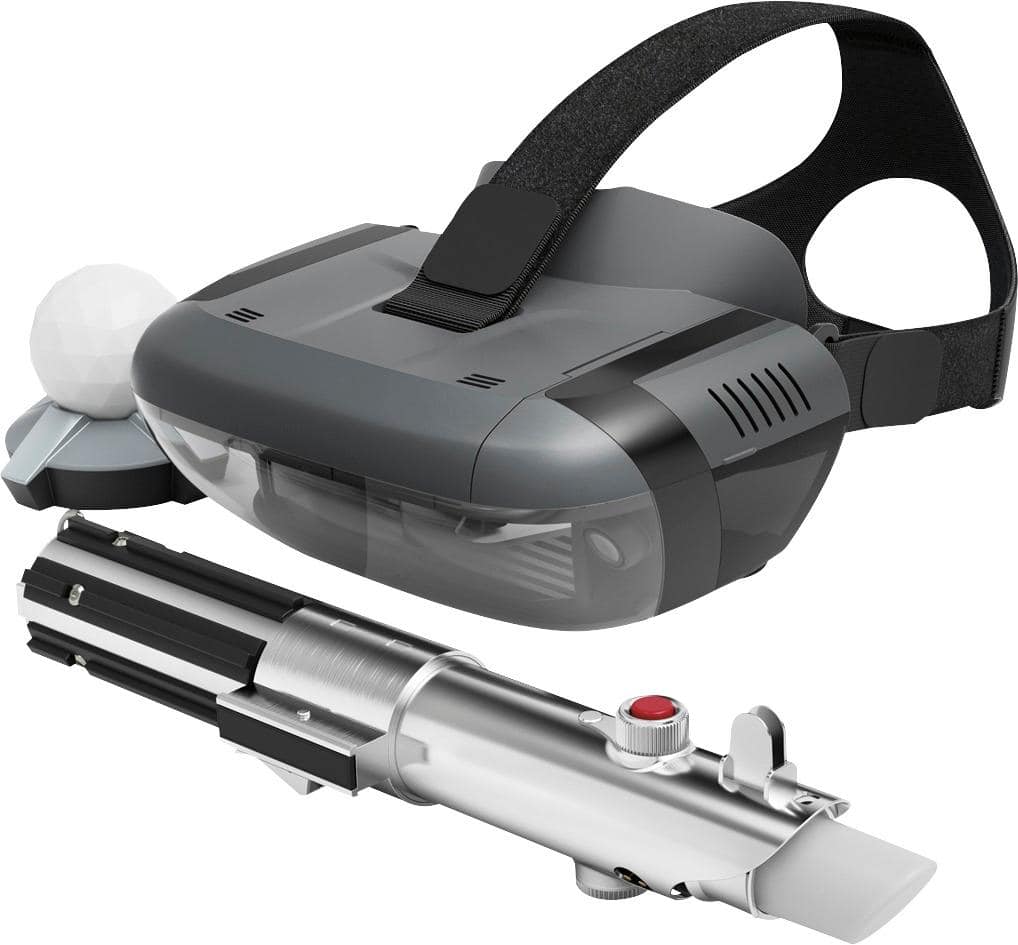
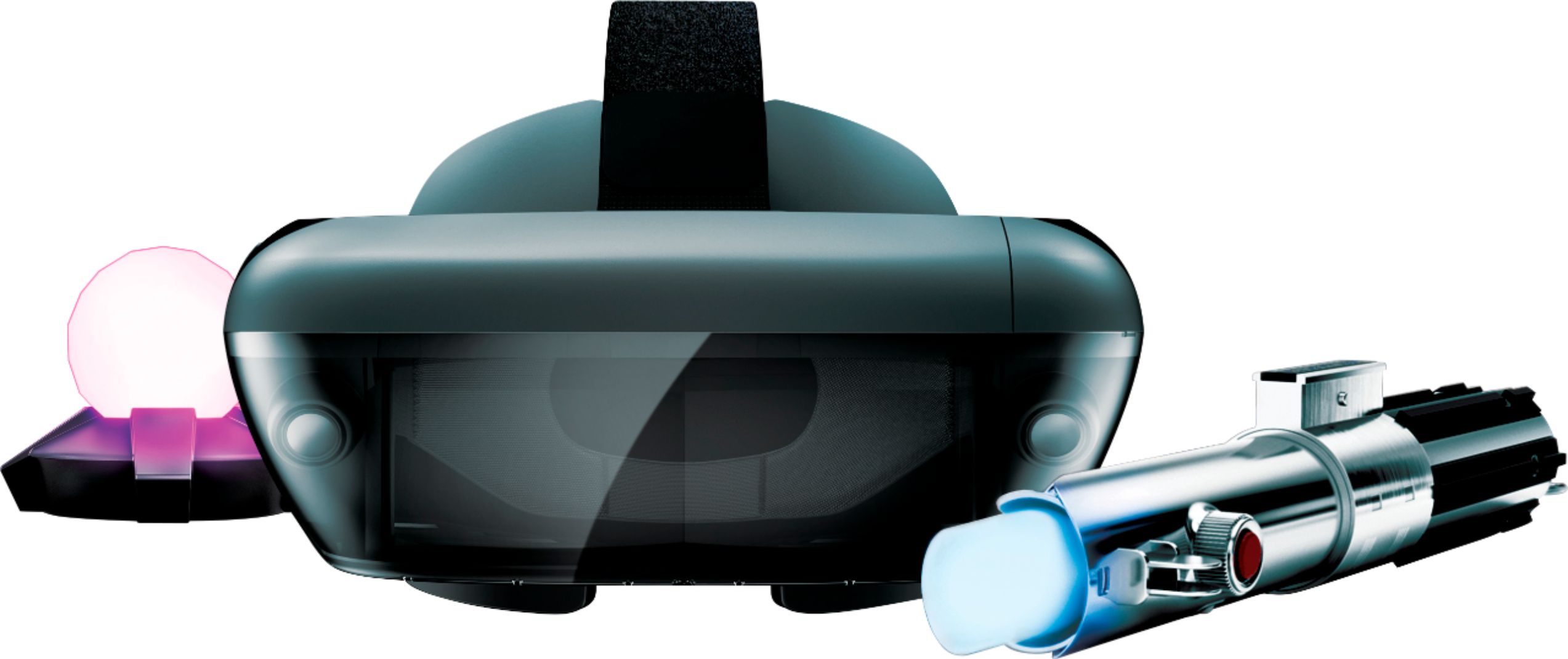
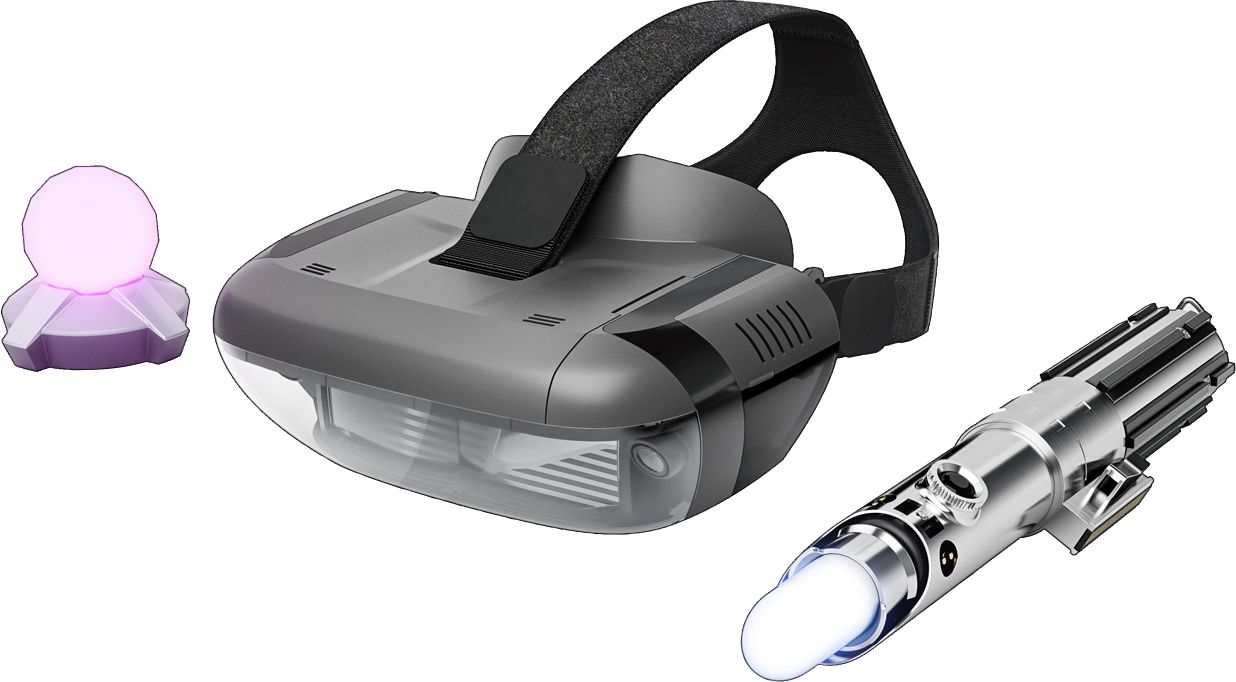
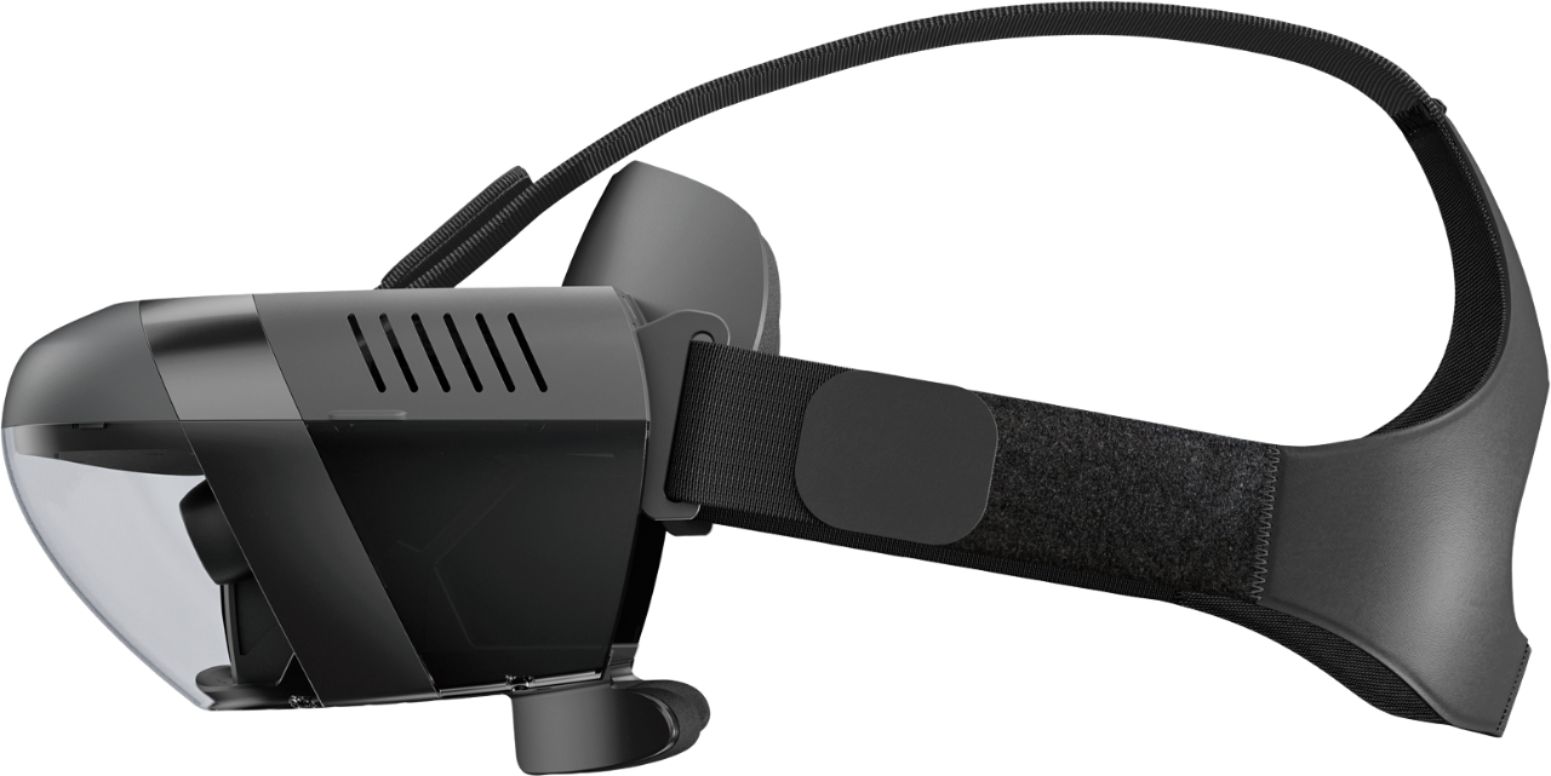







- Model:
- ZA390002US
- SKU:
- 6010802
Rating by feature
- Value
Rating 4.0 out of 5 stars
- Quality
Rating 4.2 out of 5 stars
- Ease of Use
Rating 3.8 out of 5 stars
Customers are saying
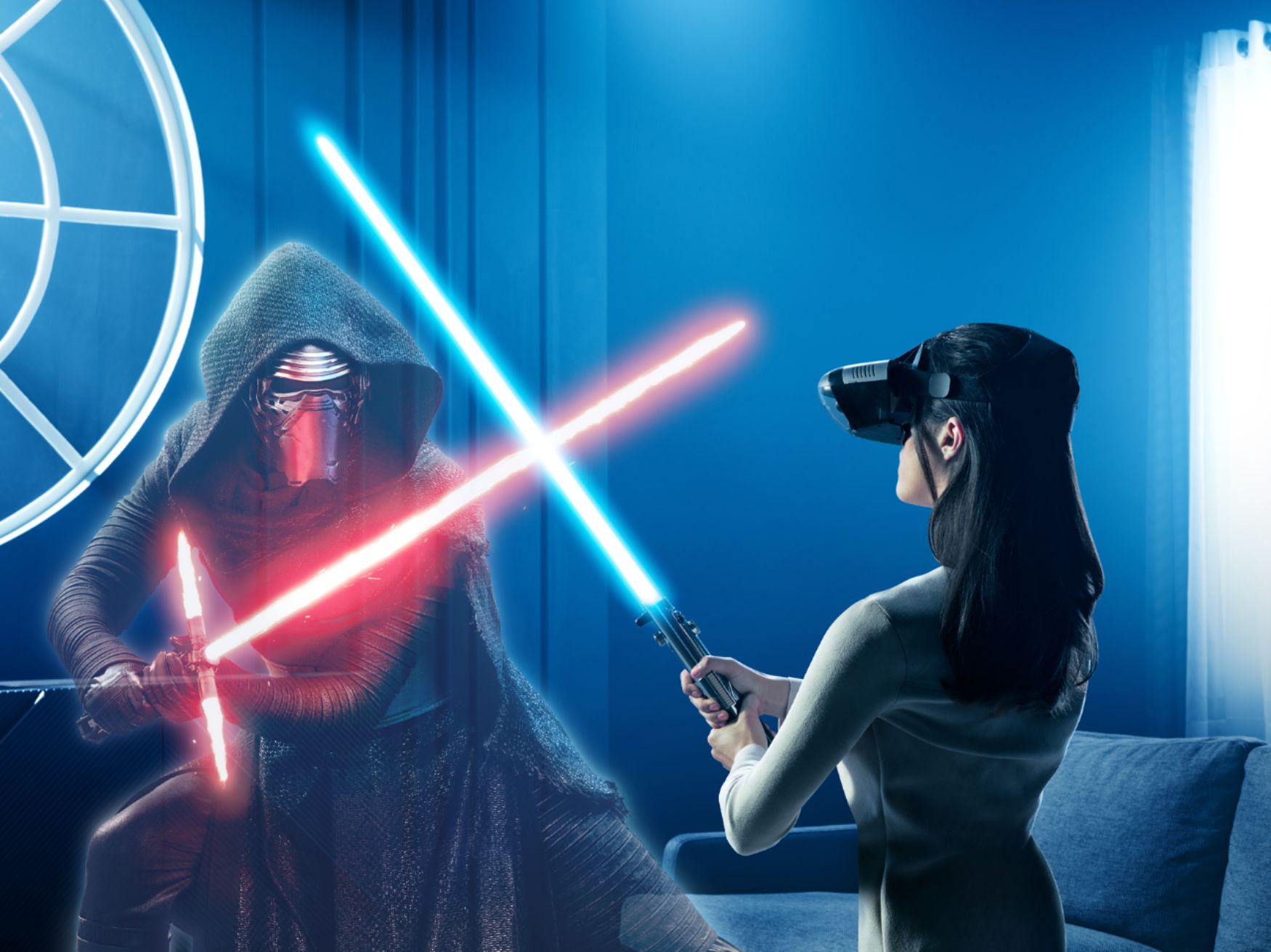
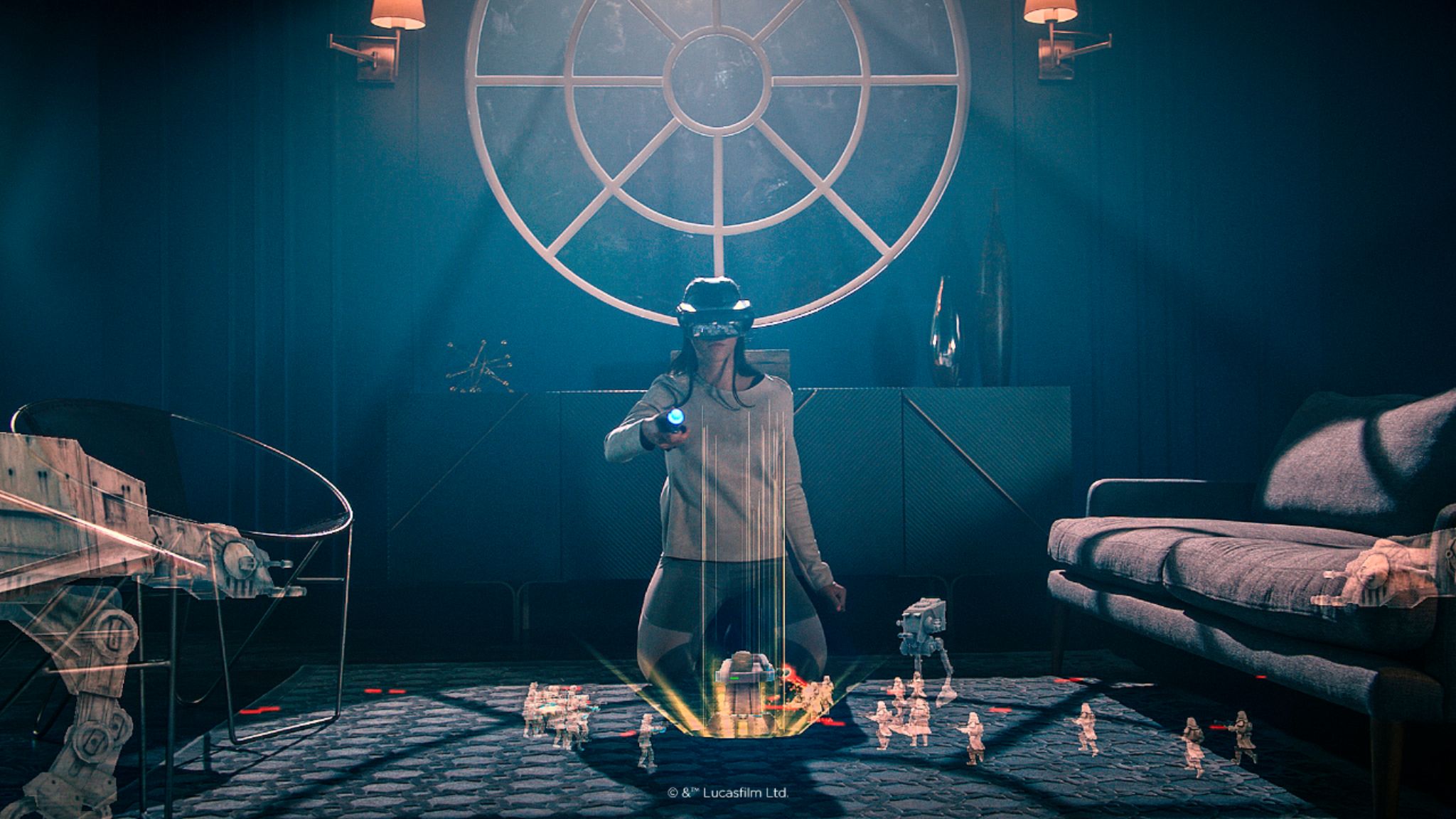
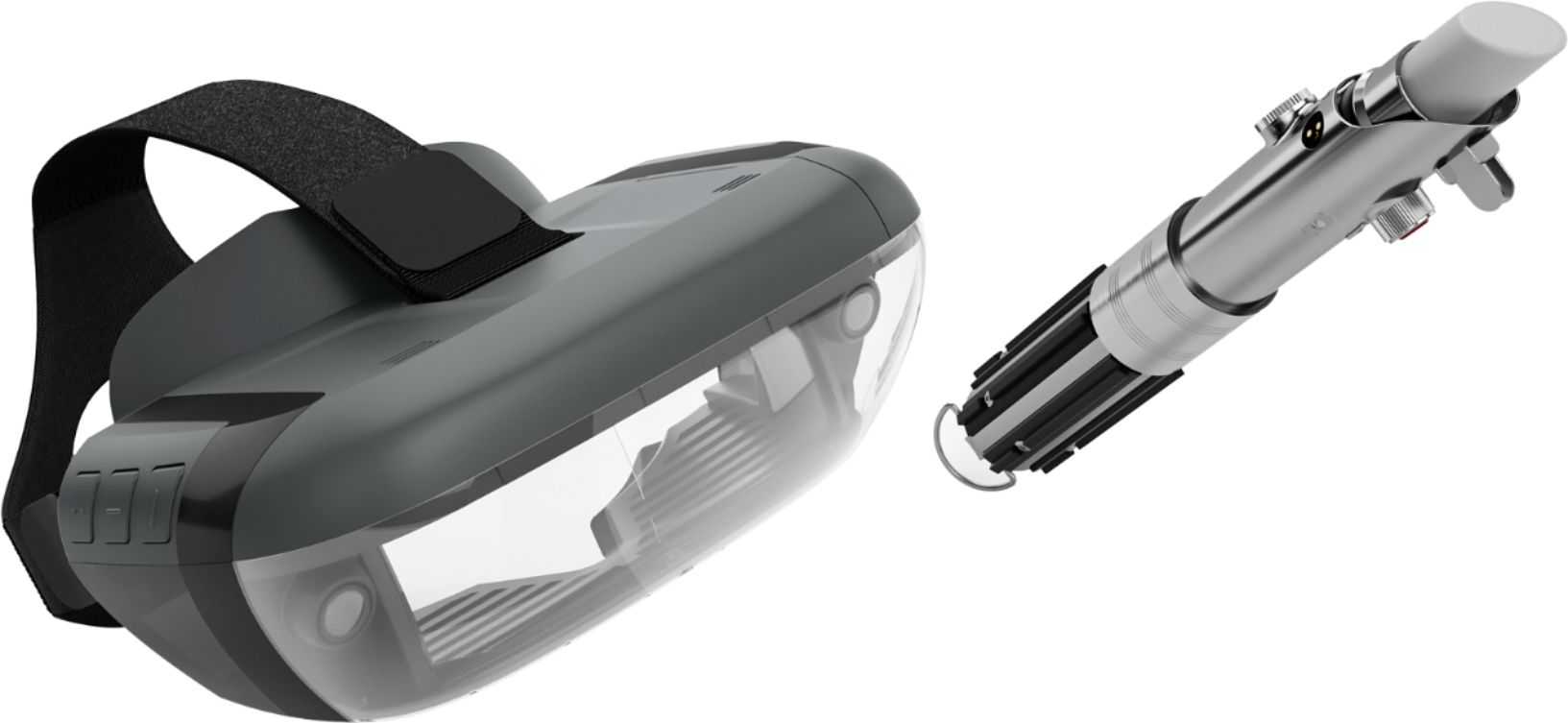
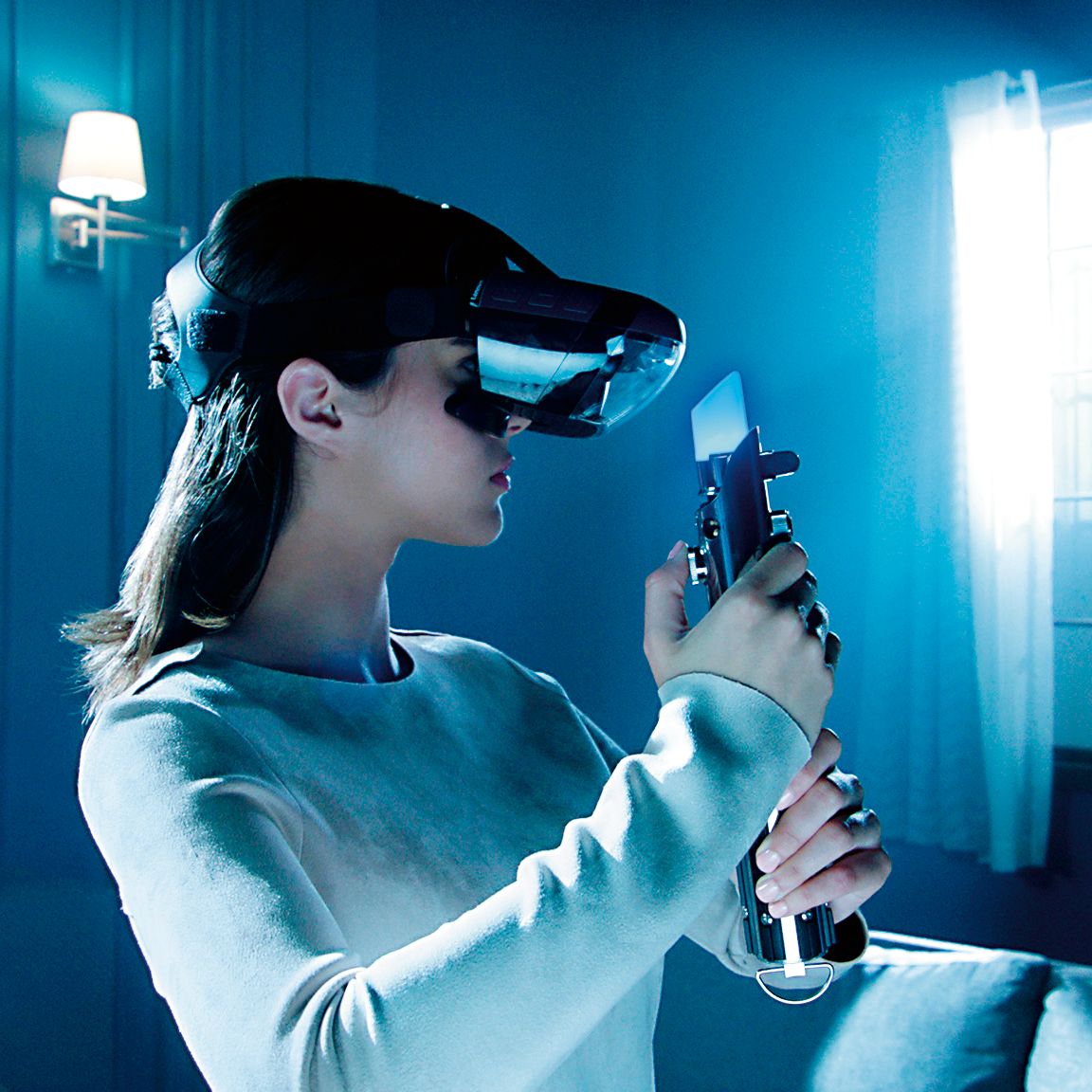
Customers value the immersive VR experience, the fun factor, and the cool lightsaber feature of Star Wars™: Jedi Challenges. Many appreciate the game's graphics and ease of use, while some found the setup a bit challenging. However, concerns were raised regarding phone overheating and battery drain during gameplay. Improvements to tracking accuracy were also suggested by some users.
This summary was generated by AI based on customer reviews.
Phone application discontinued
Posted .This reviewer received promo considerations or sweepstakes entry for writing a review.Waited too long to finally open it and the software pulled completely unable to use it at all.
No, I would not recommend this to a friendJedi challenge/game
Posted .This reviewer received promo considerations or sweepstakes entry for writing a review.Bought Jedi Challenge for my kids (Xmas), a week later can not get it to work. Just returned it today, very dissappointed. Kids are dissappointed too. App didn't work on my Android phone!!!!
No, I would not recommend this to a friendBrand response from Lenovo Product Expert
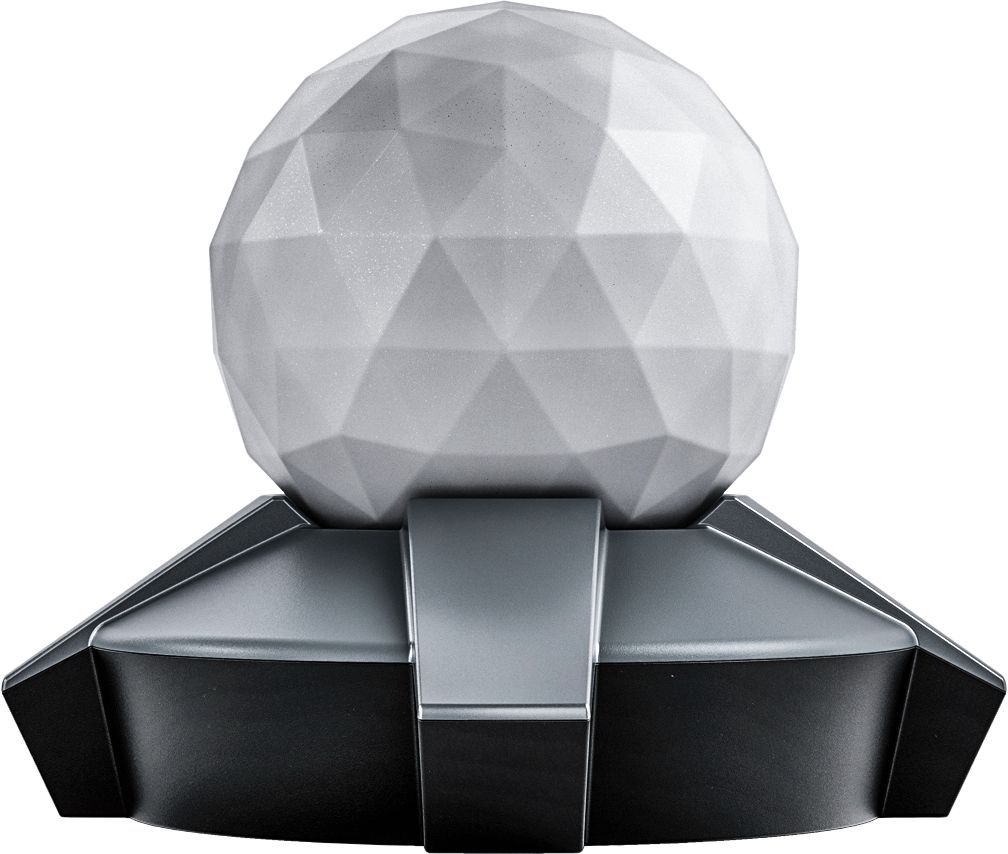
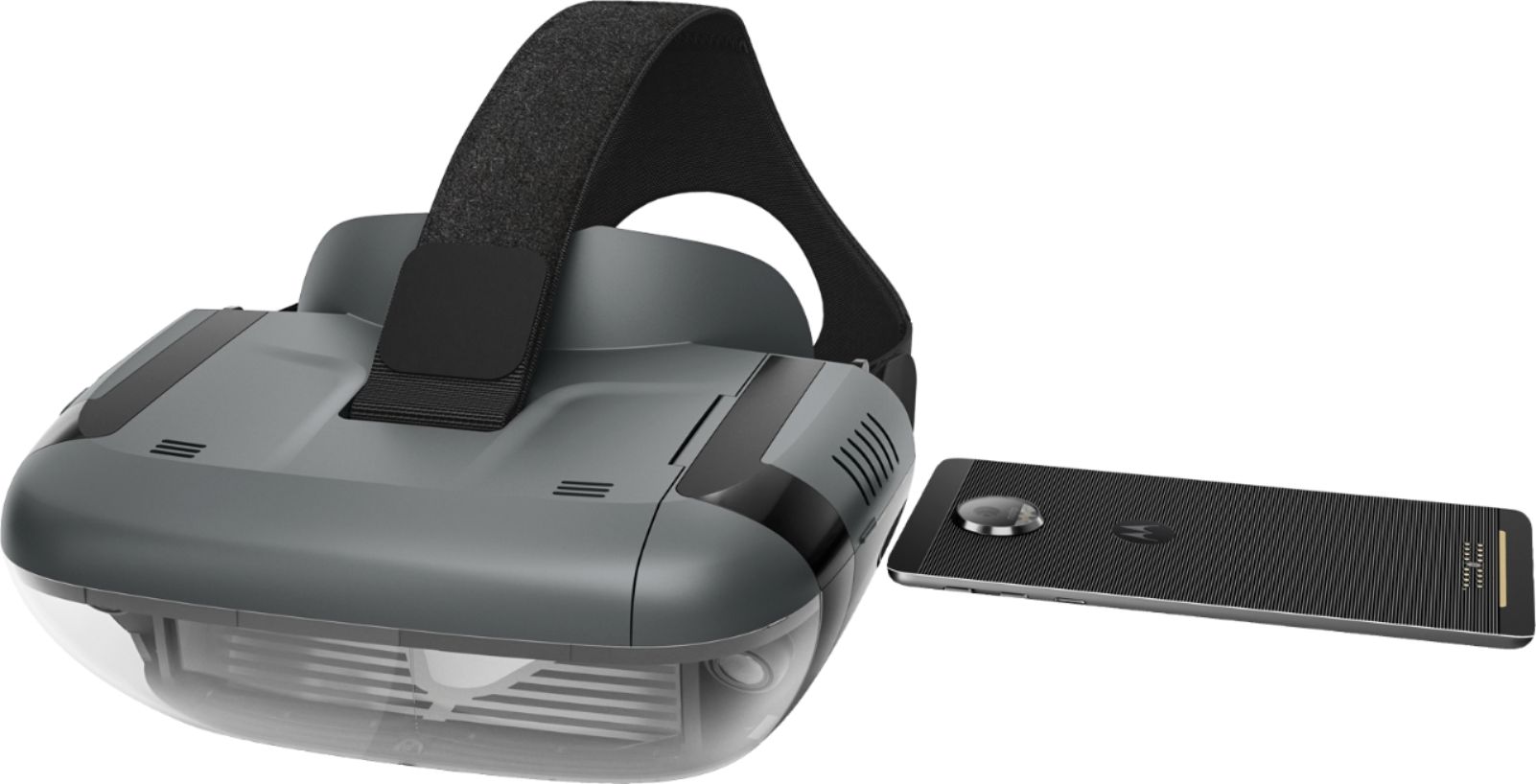
Posted .We are sorry to hear that you had problems setting up the Star Wars: Jedi Challenges. Please make sure that you are using a compatible phone. There is an updated list of phones at jedichallenges.com/compatibility. Check your phone's Bluetooth setting to make sure it is on.( tap settings, select Bluetooth , tap the switch to ensure it is on ( green). Also make sure the location feature on the phone is turned on too .(tap settings, select location , tap the switch to ensure it is on ( green). Please make sure that the headset is powered up and the cable connected .Please make sure that the compatible phone is out of the headset when setting the system up for the first time. Then, when prompted insert the phone into the tray and then into the headset. It is very important when setting up the system for the first time to use the "app" that is provided to guide you through the entire set up process. This insures that the whole system: headset, phone, tracking beacon and Lightsaber controller, will be synced correctly. If this does not work please contact our support team for a detailed troubleshooting guidance @ : support.lenovo.com/jedichallenges.

Broken after 5 months
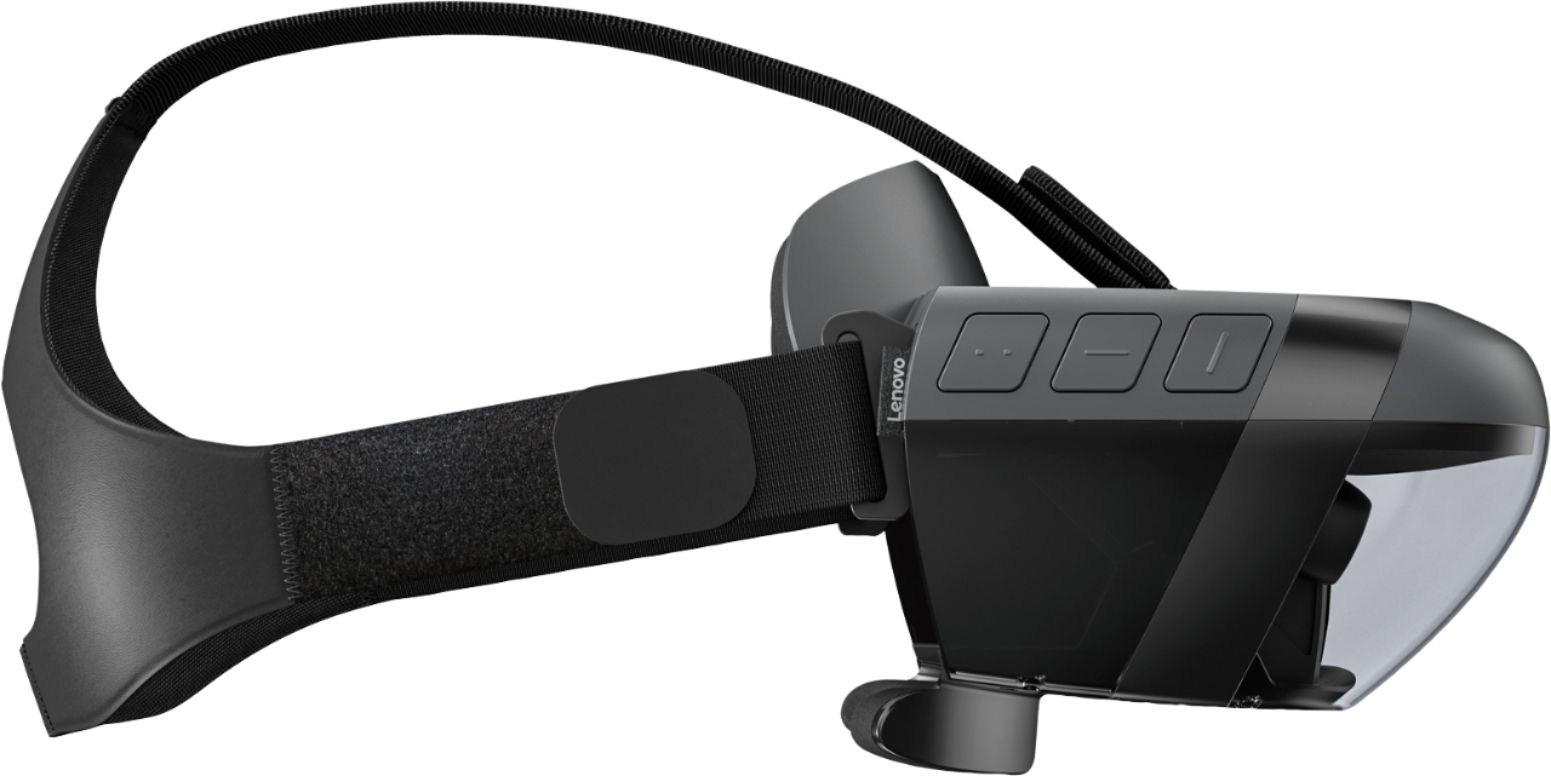
Posted .This reviewer received promo considerations or sweepstakes entry for writing a review.A broken piece after 6 months that is not available from the manufacturer. Luckily I bought the protection package, hopefully it will replace the entire unit
No, I would not recommend this to a friendnot so good
Posted .This reviewer received promo considerations or sweepstakes entry for writing a review.Using a Samsung s8... the light saber does not line up... always off to the right....
No, I would not recommend this to a friend