Customer Ratings & Reviews
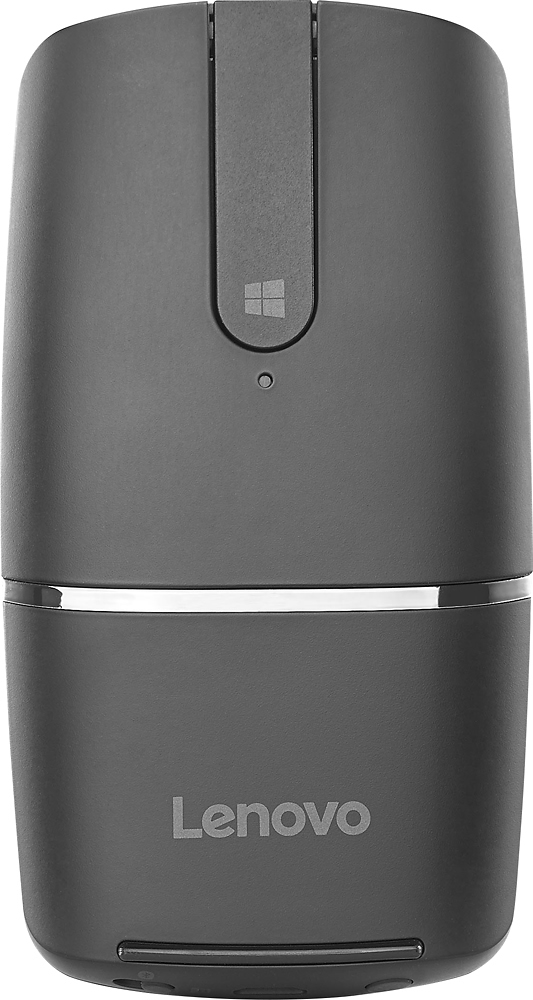
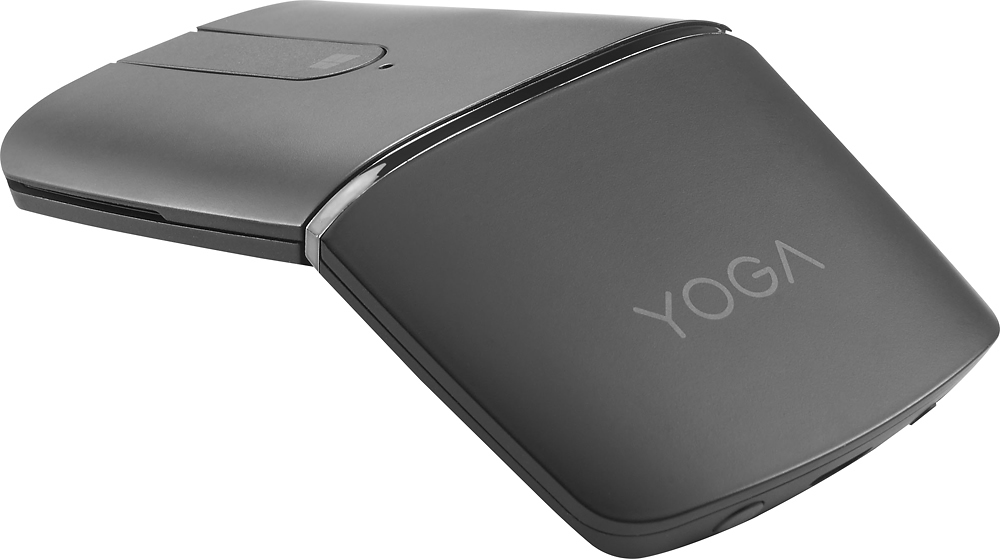
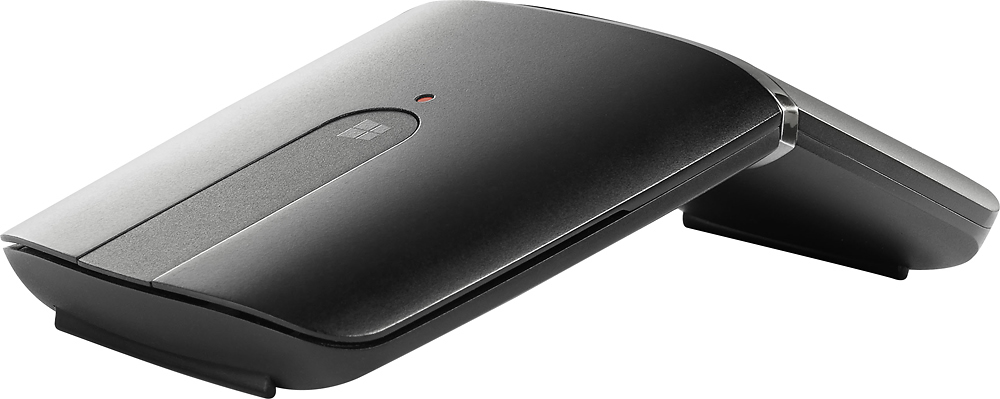
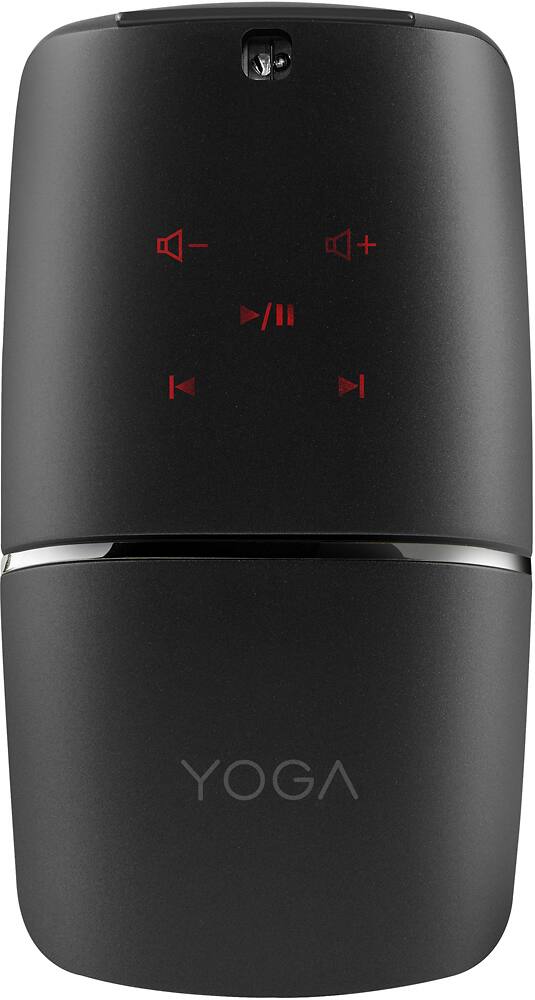
- Model:
- YOGA MOUSE-BLACK - GX30K69565
- SKU:
- 5624471
Rating by feature
- Value
Rating 4.1 out of 5 stars
- Quality
Rating 4.4 out of 5 stars
- Ease of Use
Rating 4.3 out of 5 stars
Customers are saying
Customers have good things to say about the YOGA Wireless Optical Mouse's ease of use, Bluetooth connectivity, and excellent battery life. Many appreciate its design, size, and lightweight nature, with some also highlighting its foldable design and functionality as a remote control. However, some customers expressed concerns about the scroll wheel's smoothness and the price point. A few also mentioned connection issues and the mouse's feel.
This summary was generated by AI based on customer reviews.
Had to return
||Posted .This reviewer received promo considerations or sweepstakes entry for writing a review.Cover wouldn’t go back on - had to wait at geek bar - they agreed & refunded
No, I would not recommend this to a friendReturned it.
||Posted .This reviewer received promo considerations or sweepstakes entry for writing a review.it Has a lot of neat features and was well made, but it simply wasn’t comfortable for me or my wife to use.
No, I would not recommend this to a friendLenovo Mouse
||Posted .This reviewer received promo considerations or sweepstakes entry for writing a review.Worthless. Won’t connect to any of my other laptops
No, I would not recommend this to a friendBrand response from Lenovo Product Expert
Posted .The Lenovo YOGA wireless mouse is compatible with Windows computers. It can connect via the USB receiver once it is installed into the computer or you can use Bluetooth to pair the YOGA mouse to a compatible computer. If you are having issues with connecting the YOGA mouse to your Windows computer, we recommend you contact Lenovo Tech Support at: 877-453-6686.

Poor mouse Poor pointer
||Posted .This reviewer received promo considerations or sweepstakes entry for writing a review.As a mouse it is verv uncomfortable and inaccurate. As a pointer it lacks any useful features.
No, I would not recommend this to a friend- Pros mentioned:Comfortable, Remote control
Nice upgrade from the Microsoft Arc Mouse!
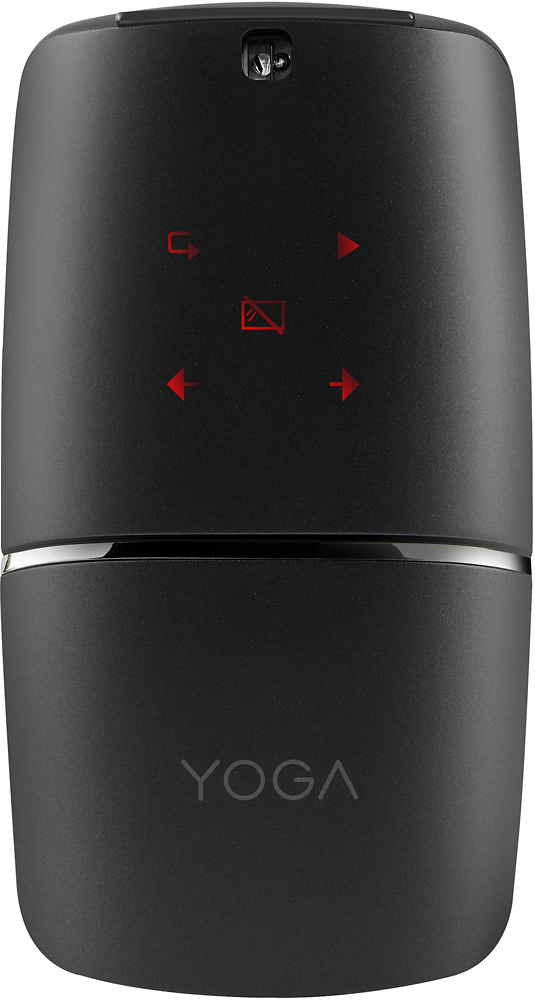
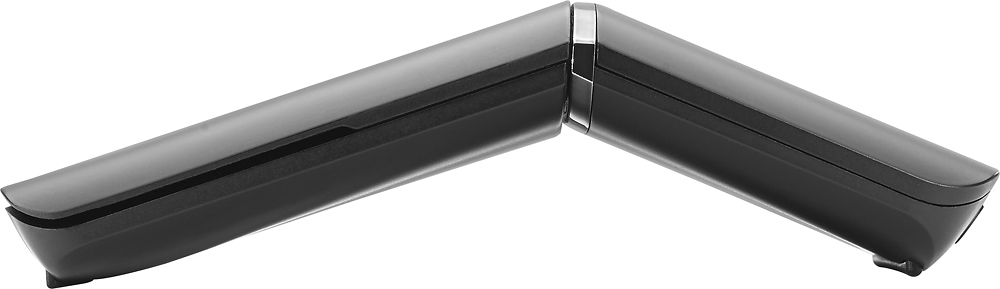
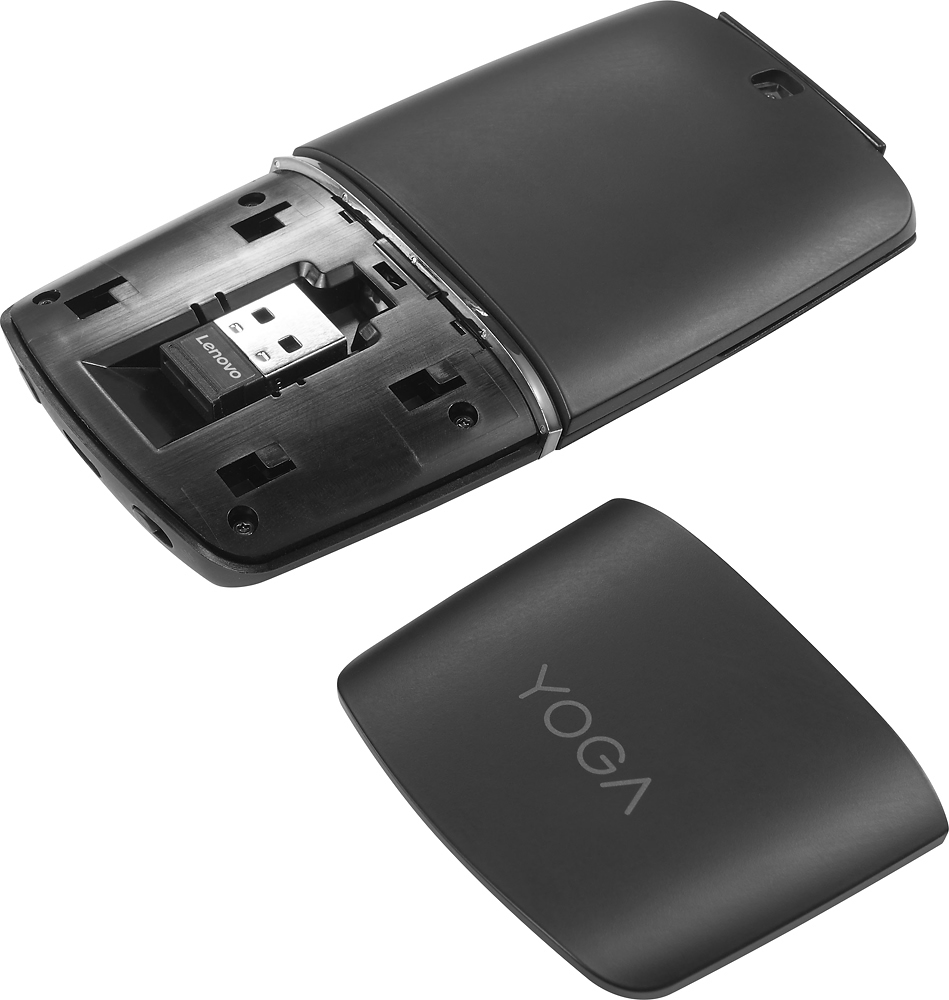
Posted .This reviewer received promo considerations or sweepstakes entry for writing a review.I've had a Microsoft Arc Mouse for about 2 years. It's not been a bad mouse, but often the scroll strip would quit working. I would turn it off and on, and it would resume. It wasn't the most comfortable mouse, but it folded flat in my small case. Recently, the strip quit unless I pressed hard: hardware failure. Apparently common on the Arc Mouse, so I didn't want to go back to it. The nice Logitech travel mice work and feel great, but they're just too stinking thick. You need a big bag, or put up with a big bulge and probable damage in a small bag. Doing my research, I came across the Lenovo mouse. It had some great reviews, so I picked one up. Being Best Buy, I could return it if it didn't work for me, then get something else. It was a terrific choice. It's fast, accurate, and connects quickly and easily. So, given that I was comparing it to the Arc Mouse, what are the advantages? - More comfortable (at least to me) - Built-in chargeable battery (through USB). - Bluetooth OR standard wireless (usb connector is inside the mouse) (helps with multiple computers, although the mouse can pair in Bluetooth with multiple computers, I'm told) (also helps on non-Bluetooth computers) - If you turn it flat, but leave it on, it has two remote control functions: one for Powerpoint presentations (though no laser pointer), and another setup for music. It works very well. -At regular price, it's $10 cheaper than the MS mouse (at the time of this writing, Best Buy has it on sale for $49, $30 cheaper). So what are the disadvantages? - With the Arc Mouse, turning it flat turns it off; with this mouse you have to push a button to turn it off. It's a necessary requirement since the remote function works in flat mode. - With the Arc Mouse, there was audio and tactile feedback when you scrolled. I don't much miss it, but some might. -No scroll coasting. With the Arc Mouse, if you flicked your finger up or down the scroll strip, it would "coast" past, like a real scroll wheel. Lenovo's just stops. After a week, I'm used to it, and there's still the option of clicking the scroll and using mouse movements to do a lot of scrolling. Overall, if the price were the same, I'd still prefer the Lenovo with its additional features, better feel, and multiple connectivity options. $10 cheaper makes it even nicer. Right now, when it's on sale, it's a no-brainer.
I would recommend this to a friend Not good
||Posted .This reviewer received promo considerations or sweepstakes entry for writing a review.Not what exsepted, material quality is to poor for the price!
No, I would not recommend this to a friendNot worth it
||Posted .This reviewer received promo considerations or sweepstakes entry for writing a review.Ergonomic weird and the remote option doesn't work every well
No, I would not recommend this to a friend- Pros mentioned:Battery life
I like this mouse
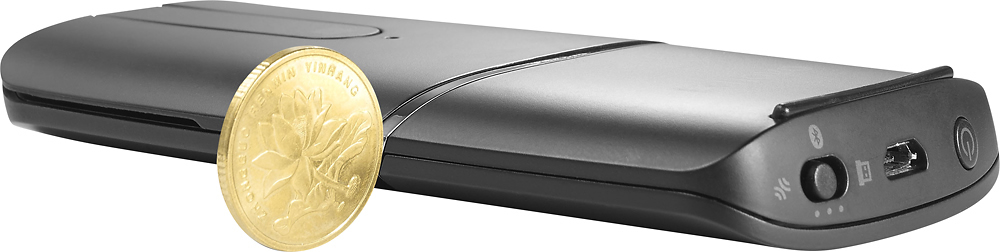
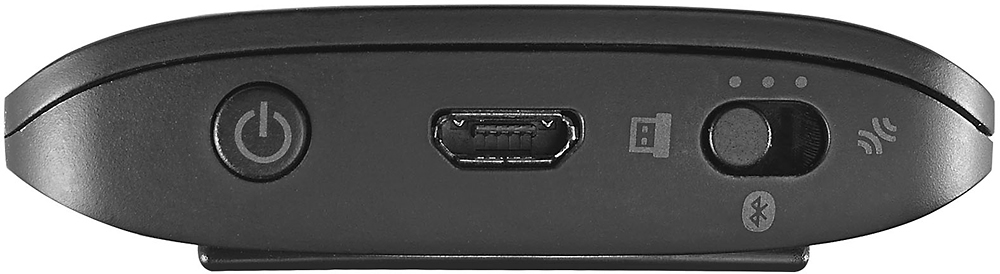
Posted .This reviewer received promo considerations or sweepstakes entry for writing a review.I bought this mouse on a whim at Best Buy a few weeks ago. I got the silver model. I use it with my Lenovo L380 Thinkpad. I was able to pare it wirelessly with no problem. I don't use the provided dongle. My only complaint is that it's a little finicky trying to do a double left click "just right" so that a desktop folder opens. I've tried tweaking the mouse settings in various ways using the Windows command, but can't quite seem to adjust it perfectly. At work, I use a cheap wireless Lenovo mouse that works just fine when doing a double left click to open a folder, but this Yoga mouse is a bit picky about the exact clicking speed (or pressure?) to get the desired result. It can be a little annoying when I'm not double clicking just right. That's why I gave it 4 stars versus 5. Also, I can't figure out how to use the presentation mode for wirelessly advancing to the next Powerpoint slide, but it may be my own fault in not being able to figure this out. However, by coincidence, I discovered that the presentation mode works well for the iTune app on my laptop. I can press the various buttons on the Yoga mouse to wirelessly pause, advance to next song or go to previous track. Pretty cool! Battery life seems decent from what I can tell. I do like the USB recharging versus using batteries. Can't stand using batteries, haha! The mouse takes micro-USB for recharging (versus USB-C) which is fine by me because I have so many small devices that use micro-USB. The build quality seems a bit cheap-ish to me, as in the type of plastic material used, so can't vouch for long term ruggedness. My only other "complaint" is that I just discovered this mouse is on sale for half off! I paid full price a few weeks ago. Overall, I like this mouse.
I would recommend this to a friendBrand response from Lenovo Product Expert
Posted .Thank you for choosing the Lenovo YOGA Mouse. With regard to adjusting the mouse features, you can make adjustments to the mouse in your system settings, with the mouse plugged in to your computer and turned on. You can get there by clicking on the magnifying glass at the bottom left of your Windows 10 screen. Type "mouse" in the search window. Select "Mouse & touchpad settings" from the list of choices. You can make general adjustments to the mouse there. You can also select "Additional mouse options" for more detailed adjustments to the mouse sensitivity by increasing the delay of the mouse buttons. This may improve the double click responsiveness. Also, here is a link to the User Guide for detailed explanation of the features and usage of the YOGA Mouse: https://download.lenovo.com/consumer/options/lenovo_yoga_mouse_qsg_v2.0_201701.pdf
Great Features, Not Comfy To Use
Posted .This reviewer received promo considerations or sweepstakes entry for writing a review.This mouse caught my eye because of the aluminum finish and the cool feature of being able to use it as a remote! But after a while using this mouse, I realize it is the most uncomfortable mouse I've ever used. The mouse is just not ergonomic at all and my hand cramps up very often because of it. I guess if you'd use it as a remote more often for presentations and stuff, this mouse would be great for you. But for me who is in college and spends hours on my laptop at a time, this mouse is very uncomfortable to use. I wish I had bought the Logitech MX Master Mouse instead.
No, I would not recommend this to a friendBest mouse in market
Posted .This reviewer received promo considerations or sweepstakes entry for writing a review.This is best mouse I have ever owned. I love the audio control. A smart design, high quality! well functioning! light weigh!!!!
I would recommend this to a friendGARBAGE
Posted .This reviewer received promo considerations or sweepstakes entry for writing a review.The only thing cool about this mouse is the way it looks. You won't get nowhere near a month worth of use for a fully charged battery. It doesn't even show you how much battery life you have left, and you can't charge it and use it at the same time, so you must keep a backup mouse with you at all times. Be prepared to charge it weekly if you try and use it daily for work. For the high end price tag it's a complete failure. The battery life on my logitech lasts a minimum of 6 months and is half the price. The logitech may take double AA batteries, but at least it's reliable, as the Yoga is not!
No, I would not recommend this to a friendBrand response from Lenovo Product Expert
Posted .The YOGA mouse delivers 1 month of battery life from 2-hour charge.
