Last-Minute SavingsLimited quantities.Shop now

Skip to content
Gift Ideas
Main Content

Customer Ratings & Reviews
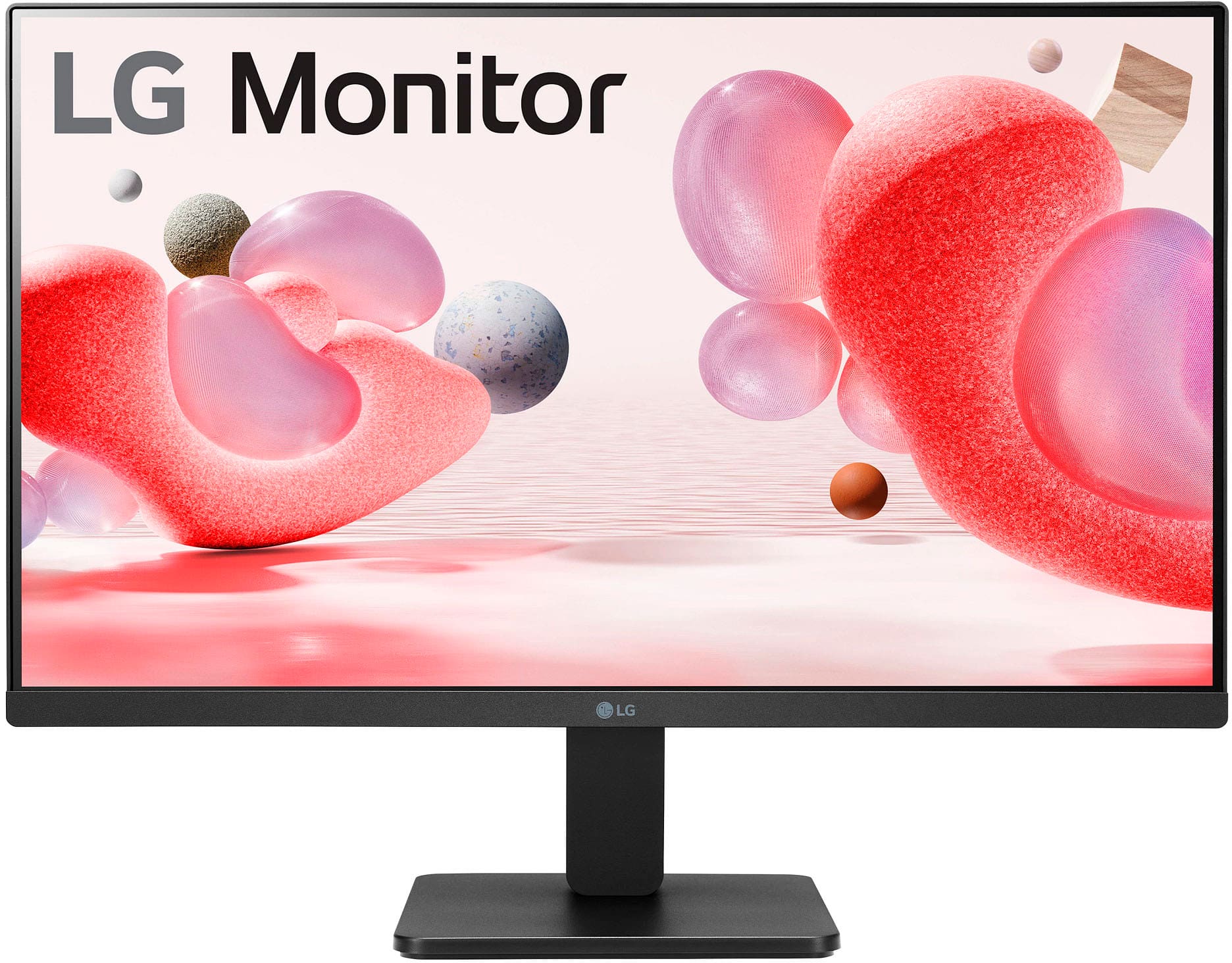
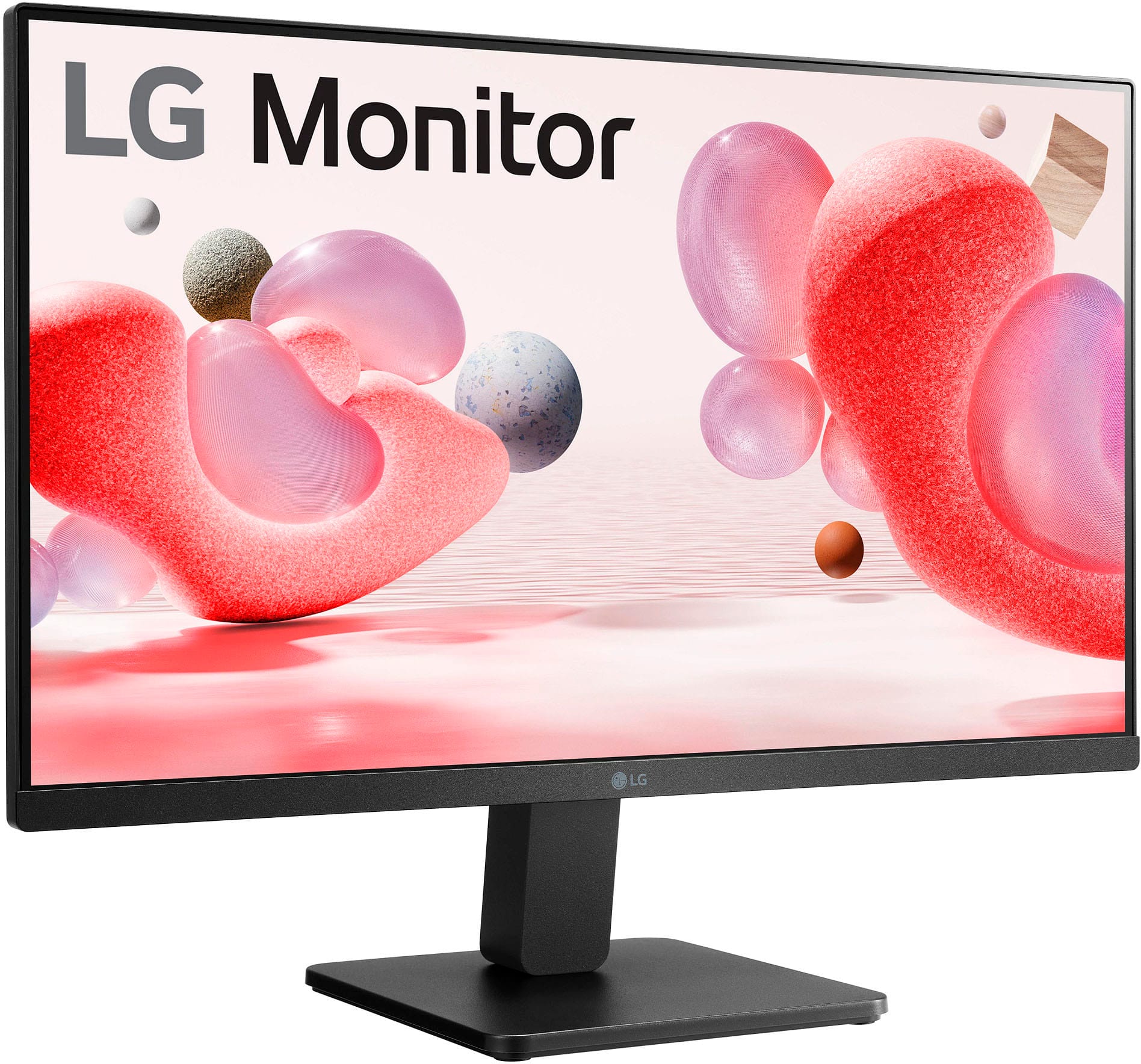
Your price for this item is $136.99
Clearance
The comparable value price is $194.99

Customer reviews

Rating 4.7 out of 5 stars with 751 reviews

Rating Filter

Rating by feature

  • Display Quality

    Rating 4.7 out of 5 stars

  • Ease of Use

    Rating 4.8 out of 5 stars

  • Features

    Rating 4.5 out of 5 stars

Pros mentioned filter

Cons mentioned filter

95%would recommend to a friend

Customers are saying

Customers regard the 24" IPS monitor highly for its stunning picture quality and reasonable price. Users appreciate its ease of use, 100Hz refresh rate, and vibrant colors. Some customers express a desire for built-in speakers and more adjustability options. A few have noted concerns about the stand and the limited number of HDMI inputs.

This summary was generated by AI based on customer reviews.

The vast majority of our reviews come from verified purchases. Reviews from customers may include My Best Buy members, employees, and Tech Insider Network members (as tagged). Select reviewers may receive discounted products, promotional considerations or entries into drawings for honest, helpful reviews.
Page 36 Showing 701-720 of 751 reviews
  • Rated 3 out of 5 stars

    Good enough for a college student on a budget

    |
    |
    Posted . Owned for 3 weeks when reviewed.
    This reviewer received promo considerations or sweepstakes entry for writing a review.

    The display isn't great, the brightness is lacking especially during the day but if you can buy it for less than 80 dollars, go for it.

    No, I would not recommend this to a friend
  • Rated 1 out of 5 stars

    Came without the stand, terrible customer service

    |
    |
    Posted . Owned for less than 1 week when reviewed.
    This reviewer received promo considerations or sweepstakes entry for writing a review.

    I purchased this monitor in open-box excellent condition and it came without the stand. It said under the condition that it included all accessories. When I reached out to online customer service they basically told me I had to deal with the issue in-store. When I went in, I was told “you get what you get while purchasing open-box” even though it clearly stated that all accessories would be included. They never offered to replace the monitor or provide a replacement stand. If you’re thinking about buying open-box, don’t.

    No, I would not recommend this to a friend
    • Brand response from LG Digital Customer Care
      Posted .

      Hi, Justin. We appreciate you sharing your experience with the LG Monitor (24MR400-B) model. While open-box purchases can offer great value, we understand your concern about receiving a unit with missing essential accessories, especially when the listing stated that all items would be included. We're committed to ensuring that our products are delivered with all the necessary components to provide a seamless experience. We recommend contacting Best Buy customer service at 888-237-8289 to address your concerns, offer assistance, and discuss potential solutions.

      While we don’t control the policies of third-party retailers, you can purchase a replacement stand directly from LG Parts Distributors such as encompass.com by searching for your model number. Alternatively, if you prefer a VESA mount, this monitor supports standard 75x75mm VESA brackets for a customized setup.

      If you need any further assistance, please send us a private message on social media @LGUSSupport, and we’d be happy to help. ^Juvy LG

  • Rated 3 out of 5 stars

    Fair

    |
    |
    Posted . Owned for 4 months when reviewed.
    This reviewer received promo considerations or sweepstakes entry for writing a review.

    Just a basic monitor, nothing special. Does not have the option to rise but only tilt up and down.

    No, I would not recommend this to a friend
  • Rated 2 out of 5 stars

    Good Resolution, Shoddy Craftsmanship

    |
    |
    Posted . Owned for 1 month when reviewed.
    This reviewer received promo considerations or sweepstakes entry for writing a review.

    The colors and resolution on this monitor are great, but, it wobbles at the slightest movement of my desk. The base can disconnect so you can mount it, but the base is exceptionally poor quality. 2 stars only because of the resolution. Otherwise, steer clear of this. I'll be replacing this the first chance I get.

    No, I would not recommend this to a friend
    • Brand response from LG Digital Customer Care
      Posted .

      Hi, Max. Thank you for taking the time to review the LG Monitor (24MR400) model. We're glad that the monitor's resolution and color quality have met your expectations, but we're sorry to hear about the wobbling issue and the poor quality of the base. We strive to provide great products that meet your needs, but we missed the mark this time. Your feedback will help us improve our products. If you need any help, please reach out to us on social media at @LGUSSupport. ^Juvy LG

  • Rated 3 out of 5 stars

    Average

    |
    |
    Posted . Owned for 3 weeks when reviewed.
    This reviewer received promo considerations or sweepstakes entry for writing a review.

    Overall decent monitor. There is better ones out there.

    No, I would not recommend this to a friend
  • Rated 1 out of 5 stars

    Do not Buy

    |
    |
    Posted . Owned for 3 weeks when reviewed.
    This reviewer received promo considerations or sweepstakes entry for writing a review.

    Monitor has input lag, and it interferes with wireless devices nearby. Not sure what the problem is, but I replaced my home office monitor with this one, and all my wireless devices now drop signal every so often. I'm guessing it's interfering with the 2.4ghz band - and now I have to try and return it. It's probably outside of best buys return policy. yay. Wifi, bluetooth peripheral, and headphones all started getting interference right after, took me weeks to figure it out.

    No, I would not recommend this to a friend
    • Brand response from LG Digital Customer Care
      Posted .

      Hi, Kevin. Thank you for sharing your experience with us. We understand your concern about dealing with input lag on your LG Monitor (24MR400-B) model and the interference affecting your wireless devices. We strive to provide high-quality products that exceed our customer's needs and expectations.
      It sounds like there could be some interference with the 2.4GHz frequency band, as you suspected. To troubleshoot this, we recommend checking the monitor’s settings to see if there are any options to adjust the display refresh rate or input settings that could reduce lag. Additionally, you might want to try moving your wireless router or peripherals further away from the monitor to see if it reduces the interference.

      If you’re still within the return window, we suggest reaching out to Best Buy customer service at 888-237-8289 to explain the situation and see if they can make an exception or provide assistance. For guidance, visit https://www.bestbuy.com/site/help-topics/return-exchange-policy/pcmcat260800050014.c?id=pcmcat260800050014. If you’re outside the return period, please send us a private message on social media @LGUSSupport, and our team will assist you with any warranty options or solutions.

      We appreciate your patience and are here to help. ^Juvy LG

  • Rated 3 out of 5 stars

    Box description of product is interaccurate

    |
    |
    Posted . Owned for 1 week when reviewed.
    This reviewer received promo considerations or sweepstakes entry for writing a review.

    Not what the box advertise. Decent for what it is.

    No, I would not recommend this to a friend
  • Rated 2 out of 5 stars

    Image looks pixelated

    |
    |
    Posted . Owned for 3 weeks when reviewed.
    This reviewer received promo considerations or sweepstakes entry for writing a review.

    The pixel ratio quality is not that great, the image is not so clear.

    No, I would not recommend this to a friend
    • Brand response from LG Digital Customer Care
      Posted .

      Hi, Dhiraj. Thank you for sharing your thoughts on the LG Monitor (24MR400-B) model. We understand how important picture quality is for an enjoyable viewing experience. We strive to provide reliable, high-quality products exceeding our customer's needs and expectations. To enhance the image clarity, we recommend checking the picture settings on your TV. Adjusting settings like brightness, contrast, and sharpness can often improve overall image quality. Additionally, ensure that the source you’re using (like streaming services or cables) is of high quality. For more help, visit https://www.lg.com/us/support/help-library/lg-tv-picture-quality-and-optimization--20152175493545. If you continue to experience issues with the pixel ratio or clarity, please send us a private message on social media @LGUSSupport. We're here to help you troubleshoot and get the most out of your TV. Your satisfaction is important to us, and we appreciate your feedback. ^Juvy LG

  • Pros mentioned:
    Price, Refresh rate
    Tech Insider Network Member

    Rated 5 out of 5 stars

    Borderless and lightweight

    |
    Tech Insider Network Member
    Posted .
    This reviewer received promo considerations or sweepstakes entry for writing a review.

    For its price point, the LG - 24” IPS monitor is a great monitor. I’m using it for work, and it’s definitely an upgrade compared to my other monitor that my job provided. I use two monitors on a dual monitor stand, and that’s why I’m able to compare and see the difference between the two monitors. I also like the fact that it can be mounted onto monitor mounts, and the size is just right since my desk is small. As far as the monitor, itself, is concerned, it being borderless makes it look nice and sophisticated. However, if I am to constructively critique this, I’m not feeling the rounded back. I’ve seen this design from older monitors from back in the early 2000’s so it’s making the monitor look old from the back. Good thing this is a borderless monitor, and I don’t see the back. This being lightweight made it easy for me to put on the mount. As far as the performance goes, because of its 100 Hz refresh rate, watching videos is seamless. The colors are very nice as well, and the viewing angles are great. Although it might not be one of those high-end monitors with all the bells and whistles, this is, overall, is a great monitor especially because of its price point. Though it might not have speakers, you can opt to buy a set of good-quality speakers which would make your viewing experience even better. I might just end up buying another one, and I’ll just return the monitor my company provided so my monitors will be even. I definitely recommend this to anyone looking for a nice monitor at a decent price point.

    I would recommend this to a friend
  • Pros mentioned:
    Ease of use, Picture quality, Refresh rate
    Tech Insider Network Member

    Rated 5 out of 5 stars

    Great!!

    |
    Tech Insider Network Member
    Posted .
    This reviewer received promo considerations or sweepstakes entry for writing a review.

    The LG twenty four inch IPs 3-side Borderless monitor has been a great addition to my home office. It came out of the box in perfect condition. My husband was able to hook it up to his laptop with ease. The response rate has been amazing and the refresh rate is exactly what I need for my home. My husband is using it as a second screen on his laptop and has not had any complaints so far. It resized right away and was flawless from the start. It's the perfect size to fit on his desk without taking up too much room, but also bringing big enough to see what he needs to see. The monitor is very light weight and easy to move. But it feels stable and doesn't tip or rock at all. This is an outstanding monitor, it's been easy on the eyes as well as very easy to set up in use. My husband is not great with technology and it was one of the simplest things he's ever put together. I would highly recommend this for anybody who's looking for a monitor to read on, work on, or watch movies on. It's great for all those jobs!

    I would recommend this to a friend
  • Rated 1 out of 5 stars

    Disppointed

    |
    |
    Posted . Owned for 1 month when reviewed.
    This reviewer received promo considerations or sweepstakes entry for writing a review.

    Screen is dark and therefore leads to less enjoyment for Watchung movies. In addition the sound could not be produced from the computer.

    No, I would not recommend this to a friend
    • Brand response from LG Digital Customer Care
      Posted .

      Hello, there. Thank you for sharing your feedback regarding the LG monitor, model 24MR400-B.AUSQ.

      We understand your concerns about the screen brightness and sound output. For optimal viewing and audio experience, ensure that the monitor's settings are adjusted correctly and that all connections are securely in place. You can refer to the user manual for detailed instructions on adjusting brightness and troubleshooting sound concerns.

      If you need further assistance or have specific questions, please contact us via @LGUSSupport on social media. We're here to help you get the most out of your LG monitor and enhance your viewing experience. ^Sam LG

  • Rated 1 out of 5 stars

    No cord

    |
    |
    Posted . Owned for 2 weeks when reviewed.
    This reviewer received promo considerations or sweepstakes entry for writing a review.

    Bought in excellent condition but did not include a power cord. Had to return in person

    No, I would not recommend this to a friend
    • Brand response from LG Digital Customer Care
      Posted .

      Hi, Hailey. Thank you for sharing your feedback regarding the LG Monitor (24MR400-B) model. We understand your concern about purchasing a product listed in excellent condition only to find that a key component, such as the power cord, was missing. We are committed to ensuring that our products are delivered with all necessary components to provide a seamless experience.

      While accessories and packaging are managed by the seller, we’d like to assist. If you have any questions or need help with verifying what’s included in future LG purchases, please don’t hesitate to send us a private message on social media @LGUSSupport. Our team will be happy to assist.

      We appreciate your patience and understanding. ^Juvy LG

  • Pros mentioned:
    Picture quality, Refresh rate
    Tech Insider Network Member

    Rated 5 out of 5 stars

    Excellent monitor with great design and value

    |
    Tech Insider Network Member
    Posted .
    This reviewer received promo considerations or sweepstakes entry for writing a review.

    This LG monitor makes an excellent addition to any desktop setup. The borderless design make is sleek and stylish while being able to fit more screen size and/or additional monitors in less space. Overall I’ve been very pleased with this unit and happy to utilize it in my daily desktop setup. Display Quality: Top notch, very well made. This monitor utilizes an IPS (In-Plane Switching) panel, which will typically offer better color reproduction and wider viewing angles when compared to other panel types. This means a better picture from more angles and while sitting anywhere around the desk. Boasts full high-def Resolution (1920 x 1080) as would be expected as standard for a 24-inch monitor these days. Provides full viewing ability for most things and sharp visual crispness of images. Refresh Rate: 100Hz Refresh Rate is excellent for higher paced action sequences as well as gaming. The higher refresh rate results in smoother motion and improved gaming performance with less lag and not glitching. This feature is especially beneficial for gaming or really any application that involves rapid motion and quick moving images. Borderless Design: As I mentioned at the beginning the review, this borderless or slim bezel design is functional nice and can really enhance the overall aesthetic appeal of the monitor, providing a more immersive viewing experience. AMD FreeSync: This monitor can utilize AMD freesync which is basically a variable Refresh Rate system designed to reduce screen tearing and stuttering in games by synchronizing the monitor's refresh rate with the graphics card. Connectivity: This monitor has and HDMI and a VGA Port for connection compatibility with your devices. Build Materials: materials used in the construction of the monitor are solid, long lasting components. Value for Money: Considering this monitor's features and functionality I believe its price is very reasonable and offers good value for the money. Overall this is a great monitor and makes a good addition to any desktop setup whether you’re focused on gaming or productivity, works great for either or both.

    I would recommend this to a friend
  • Pros mentioned:
    Picture quality, Refresh rate
    Tech Insider Network Member

    Rated 5 out of 5 stars

    Clean Design, Easy Setup, Great Picture Quality

    |
    Tech Insider Network Member
    Posted .
    This reviewer received promo considerations or sweepstakes entry for writing a review.

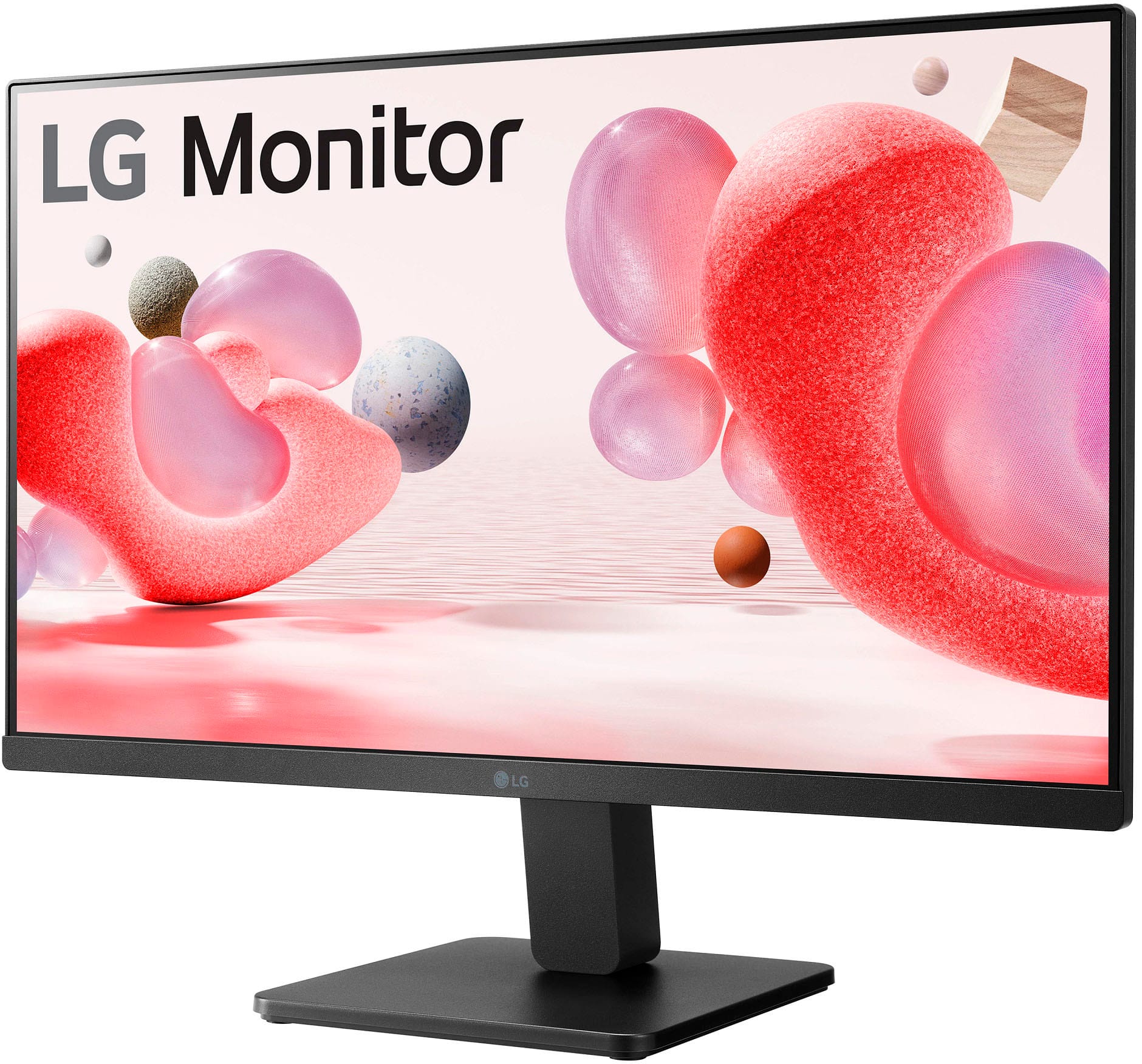
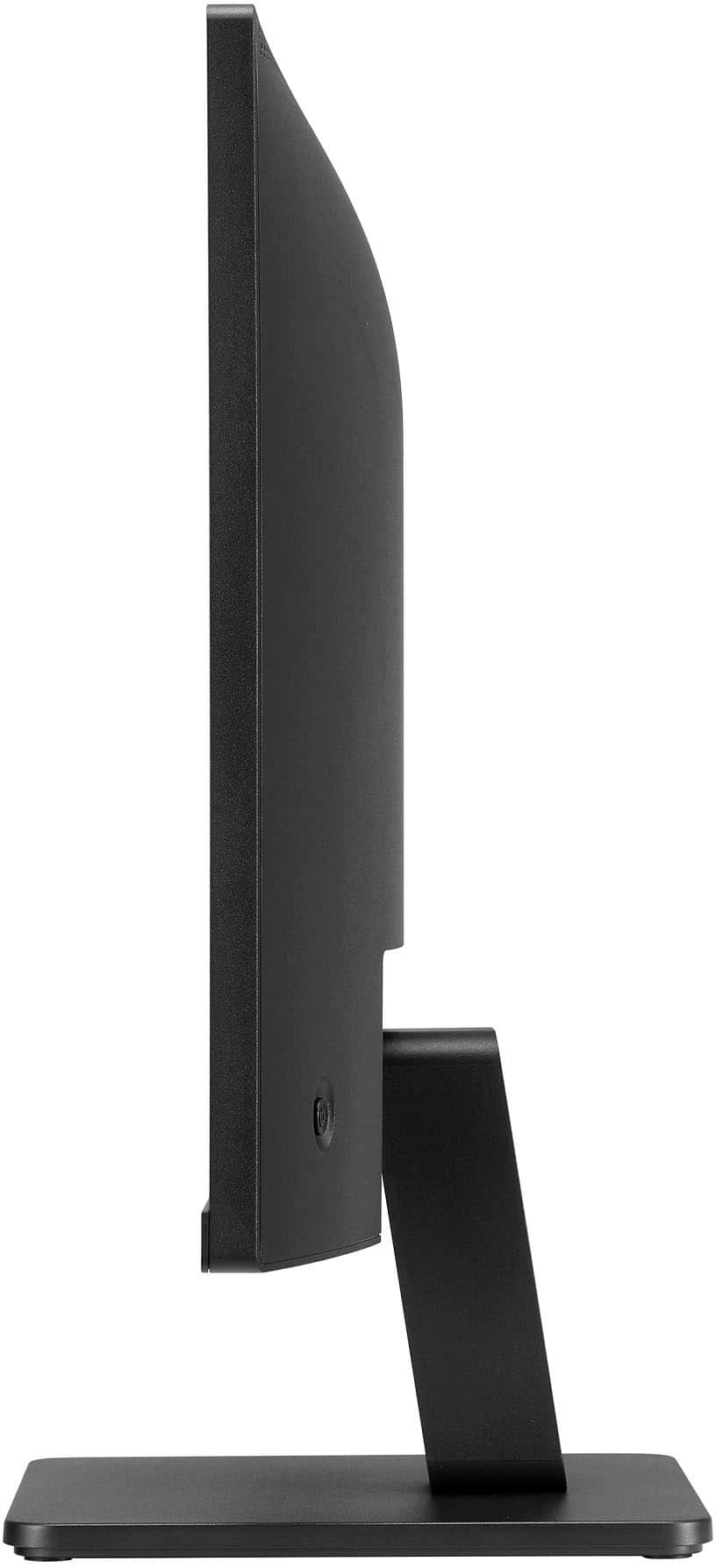
    The picture quality from this monitor is outstanding with a very crisp image with plenty of contrast, vibrant colors, and deep blacks. The 100Hz refresh rate works great for everyday use as well as gaming where I found it to be a solid performer with a smooth and responsive gaming experience. This monitor can also be viewed quite easily at off angles where you can easily see from 30+ degrees off center and there’s little to no glare from the glass. The monitor has a tilt adjustment where you can angle it to about 20 degrees upward to about negative 5-10 degrees downward. There isn't height adjustment but I don’t think that’s something that’s typical seen at this budget price. The borderless design on 3 sides makes it super clean where there’s no big bezel on the top or sides. The bottom has a bezel with the LG logo but they kept the logo subdued with a darker grey color so it’s not distracting at all. Setup was easy where all I had to do was attach the arm to the base with a thumb screw and then the arm just snaps into place on the monitor. Plug in the power, HDMI cable or VGA, turn it on and it automatically detected my computer. Overall, a very solid-performing monitor for the money!

    I would recommend this to a friend
  • Rated 1 out of 5 stars

    JUNK..

    |
    |
    Posted . Owned for 2 weeks when reviewed.
    This reviewer received promo considerations or sweepstakes entry for writing a review.

    Piece if Junk... Run reviews of Beeping are real. No exchange after 15days.. JUNK

    No, I would not recommend this to a friend
    • Brand response from LG Digital Customer Care
      Posted .

      Hello, there. Thank you for sharing your feedback on the LG 24MR400-B.AUSQ monitor. We appreciate your input regarding the issues you've encountered. Your feedback helps us identify areas for improvement. For assistance with your current monitor or to explore other LG options, please reach out to us via @LGUSSupport on social media. We're here to ensure you find the right monitor that meets your needs. ^Sam LG

  • Pros mentioned:
    Picture quality
    Tech Insider Network Member

    Rated 4 out of 5 stars

    A great monitor - for the right use case.

    |
    Tech Insider Network Member
    Posted .
    This reviewer received promo considerations or sweepstakes entry for writing a review.

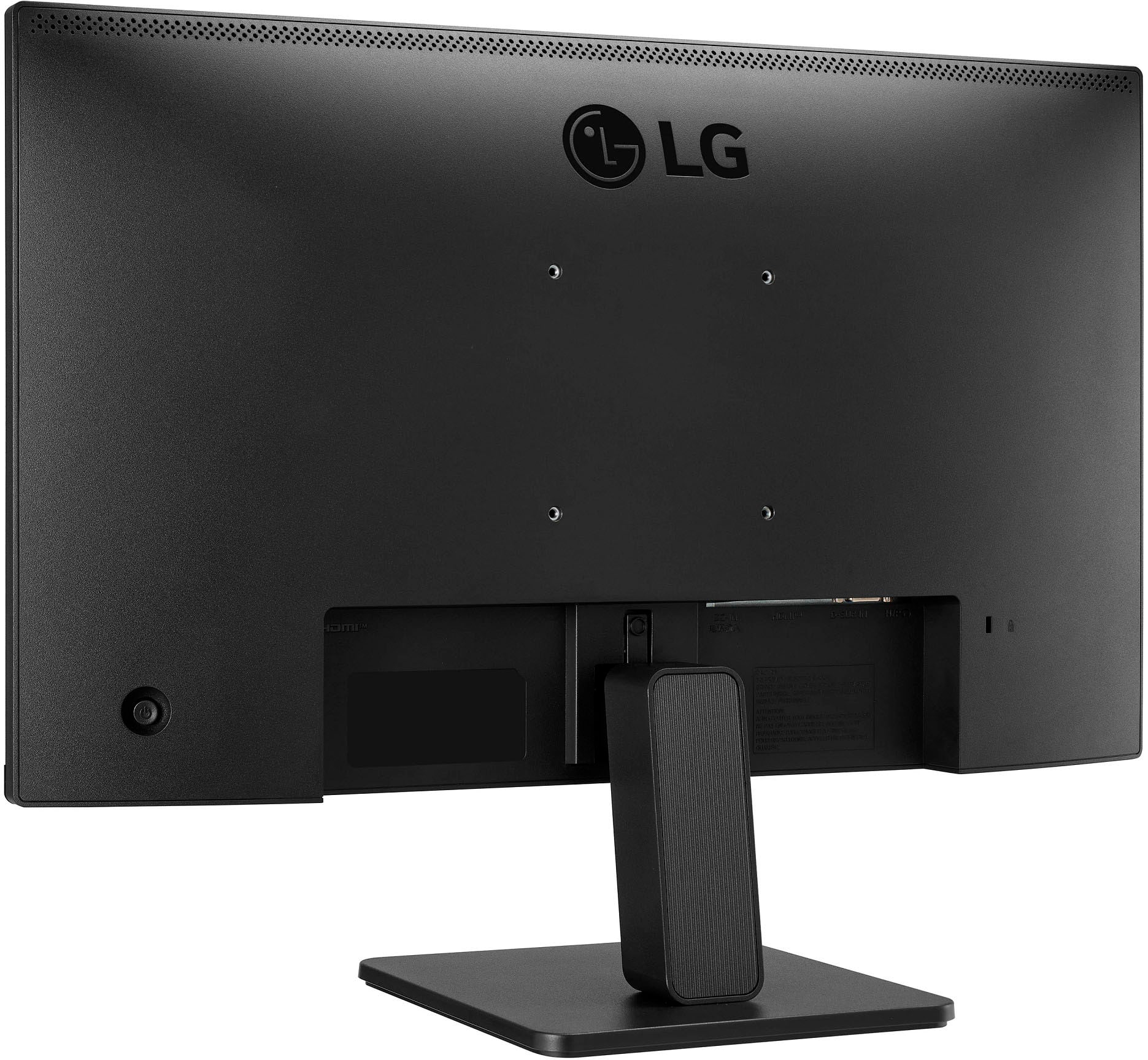
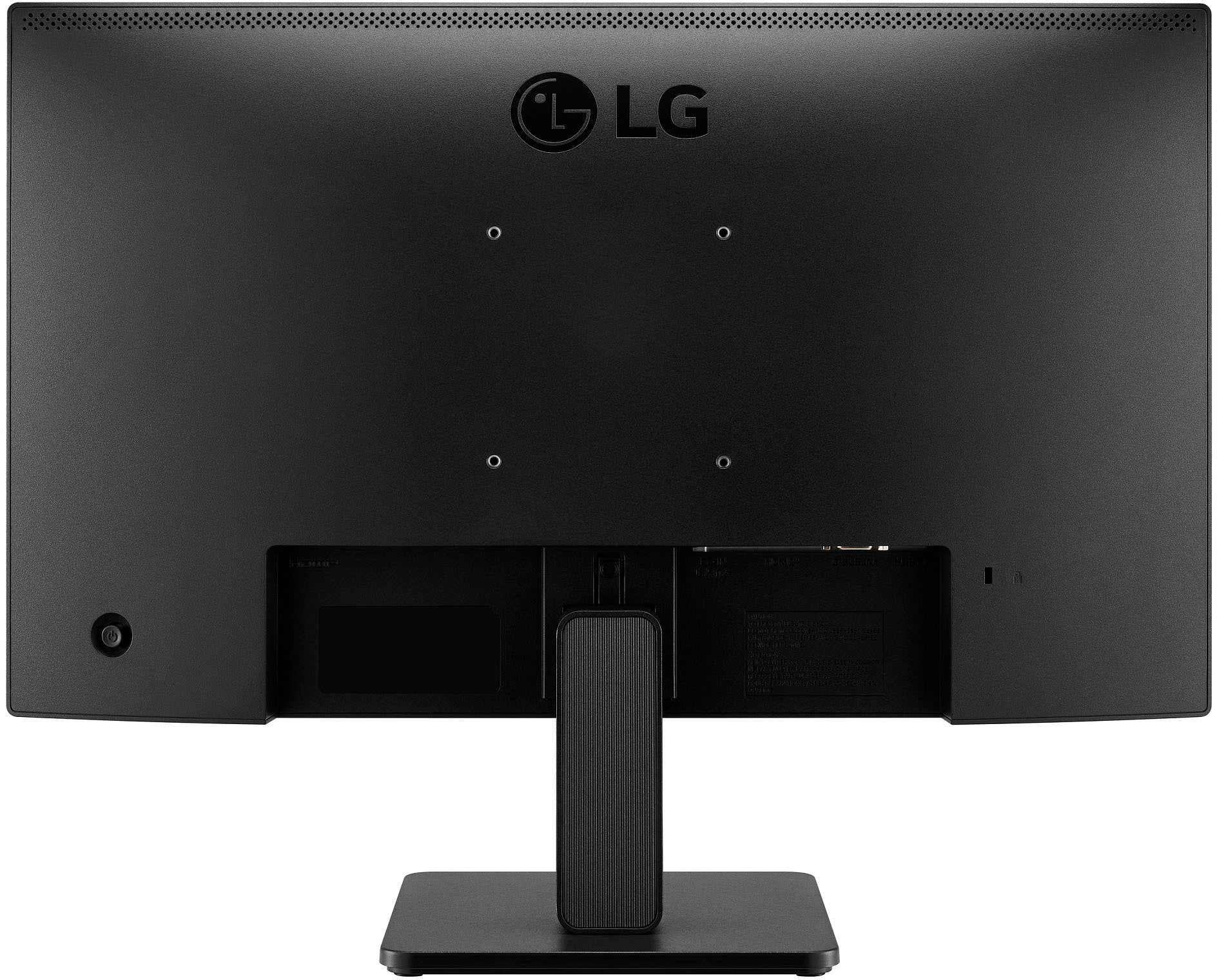
    I have a ton of LG products in my home and I have never been disappointed! Stove, microwave, dishwasher, refrigerator, washer, dryer, and 65" TV. I'm something of a fan due to their excellent reputation within my home. This monitor is no exception. I have this setup to where my daughter and I can just plug in when we need some quick extra screen real estate. I've had the opportunity to use this with a 12.9" M1 iPad Pro, M1 MacBook Pro, and an HP EliteBook. Unboxing I was immediately struck at the weight, or lack thereof. This monitor is incredibly light, which may or may not matter to you. However, this lightweight form factor comes at a cost, because the other thing I noticed right away was the build quality. I've come to expect products from LG that have a premium look, feel, and function to them. This monitor fell a bit short of that, at least in the look and feel arenas. The appearance is nothing special. While not "ugly", it just doesn't have the typical LG aesthetic appeal. Along that same line, the plastic housing seems very flimsy and cheap. It certainly does not feel well-built, in fact the feel is rather subpar. Now that is my only criticism of this monitor and the reason for the one star demotion. Otherwise this is a rather fantastic monitor. The setup was easy and straightforward, taking only 5 or 6 minutes to assemble. Initially I thought I was going to be disappointed with the picture quality, however I quickly realized I was using an older HDMI dongle that doesn't support the higher graphics capabilities of my devices. Once I switched to a newer hub the image quality improved dramatically. The colors pop and scrolling is buttery smooth. I appreciate the lack of bevels which allow for use of more of the screen real estate. This monitor is just that - a monitor - speakers and webcam are not included. Ports are: one HDMI, one D-SUB In, and a headphone jack. You do have the ability to adjust the monitor tilt (front and back), but not the height. Lastly, it does have the 4-screw mounting capability. Overall this a decent little monitor. I'm not sure this is going to satisfy the avid gamer or someone who spends hours on end at their desk. However, for the casual user I can see this being a nice fit.

    I would recommend this to a friend
  • Pros mentioned:
    Picture quality
    Tech Insider Network Member

    Rated 4 out of 5 stars

    It's basic and has VGA and that's great!

    |
    Tech Insider Network Member
    Posted .
    This reviewer received promo considerations or sweepstakes entry for writing a review.

    This bare-bones monitor fits my use case perfectly so I love it, but I have a specific use case which I’ll share in a moment. If you are not in this use case, or something close to it, I think you should skip this monitor and invest in a higher quality monitor. My use case: dual-monitor PC. All of my computers are using multiple-monitors. Some curved, some not-curved, but all of them are 34” and larger. I contend that 34” and above are fantastic for immersive PC gaming, but they all suffer from one problem: they are horrible for anyone that wants to see your screen remotely. Zoom, Microsoft Teams, Microsoft Remote Assist, basically if you plan on sharing what’s on your monitor for any type of presentation or remote assist sessions the last thing you want to subject the support person to is a 34” or larger screen. Having a 2nd monitor that is 24” solves this problem beautifully. 24” is large enough that you don’t have to squint to read things, but small enough that you don’t overwhelm the person on the other end of the Zoom meeting causing countless scrolling for the other person that just frustrates and annoys and generally slows down the person trying to help you. As a secondary monitor the LG gets the job done. No 4K, no HDR, no OLED, but it’s IPS so you get a wider degree of viewing and text is sharp and easy to read. Should you choose to buy more than one of these and place them side by side in a dual-monitor setup the thin bezels are great for the illusion that you’re looking at one big monitor instead of two smaller ones. The monitor even has VGA! VGA! For us super geeks that have server racks in our home, VGA is still the video connector of choice for server manufacturers so this monitor is a good fit for this use case as well. The monitor is light weight and supports VESA mounting if you don’t want to use the stand. There’s a single joystick style control knob on the rear of the device should you need to make adjustments but out of the box aside from pressing the button to power it on I found no need to adjust anything. I think that anyone looking for a barebones no frills monitor will be happy with this device.

    I would recommend this to a friend
  • Pros mentioned:
    Picture quality, Size

    Rated 5 out of 5 stars

    Just what I needed

    Posted .
    This reviewer received promo considerations or sweepstakes entry for writing a review.

    Very happy with overall purchase. I needed a replacement monitor for an older one. I've had it a couple of months now and the picture is great. Size was just what I was looking for. I bought it on sale so the value was very good as well.

    I would recommend this to a friend
  • Pros mentioned:
    Picture quality

    Rated 5 out of 5 stars

    Happy customer

    Posted .
    This reviewer received promo considerations or sweepstakes entry for writing a review.

    I am very happy with the experience of buying this monitor as well as the performance of the monitor. The colors look vibrant and the picture is crisp. Also, I ordered same day pickup and it was ready in about an hour.

    I would recommend this to a friend
  • Pros mentioned:
    Picture quality

    Rated 5 out of 5 stars

    Would definitely recommend for the price

    Posted .
    This reviewer received promo considerations or sweepstakes entry for writing a review.

    I bought two of these monitors and I haven't had problem out of them. They're 60Hz but the quality is still good. I'm able to view and work on my website just fine and videos show clear and fluid also. There's a button on the back that allows you to turn the sound of for controls which was very convenient. With two monitors they wake up fine when you're turning the computer on from off. But from sleep it make take a few seconds but I'm not sure if that's the monitors of the actually processor yet. Still very solid buy at $79 each for the quality.

    I would recommend this to a friend