Customer Ratings & Reviews
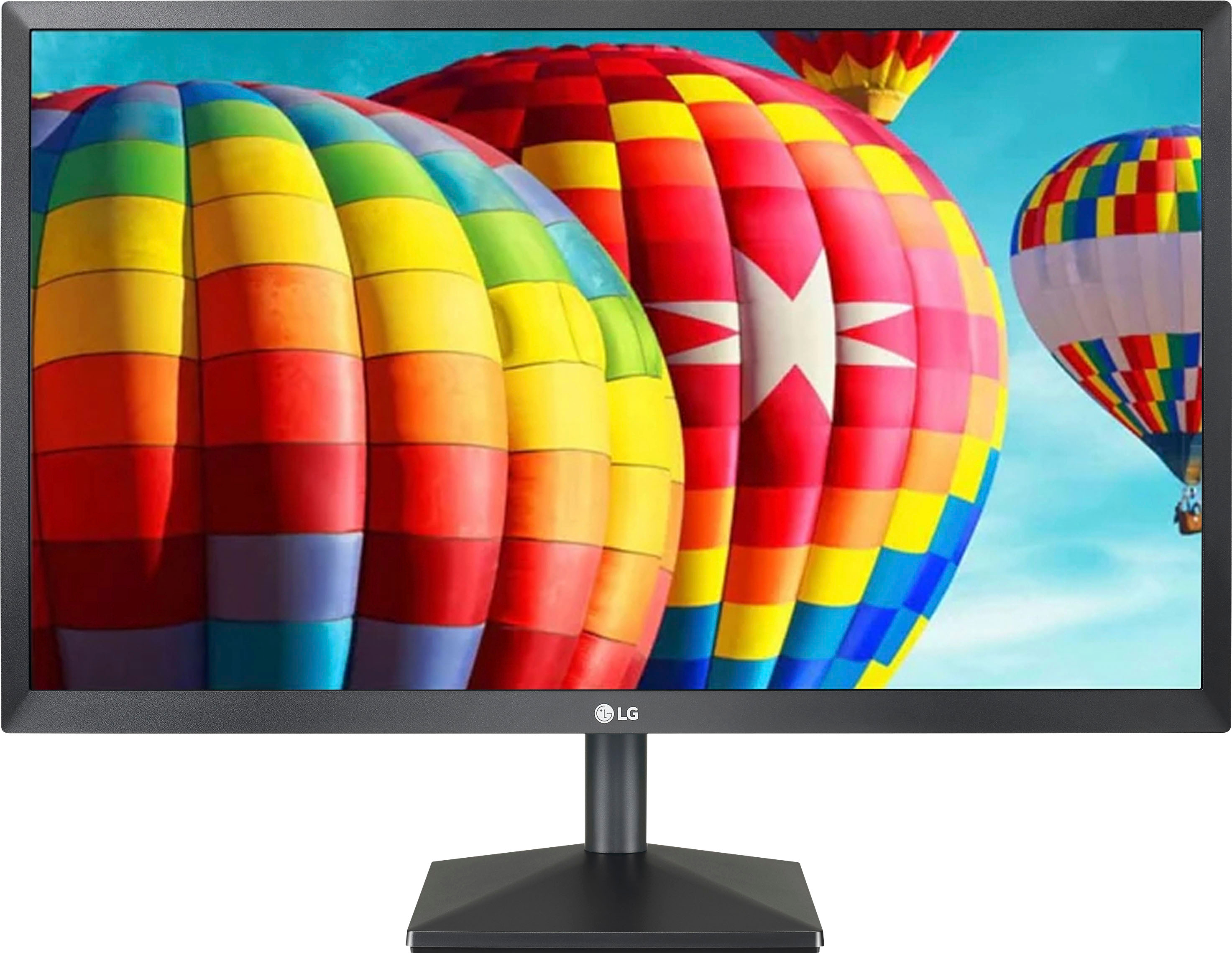
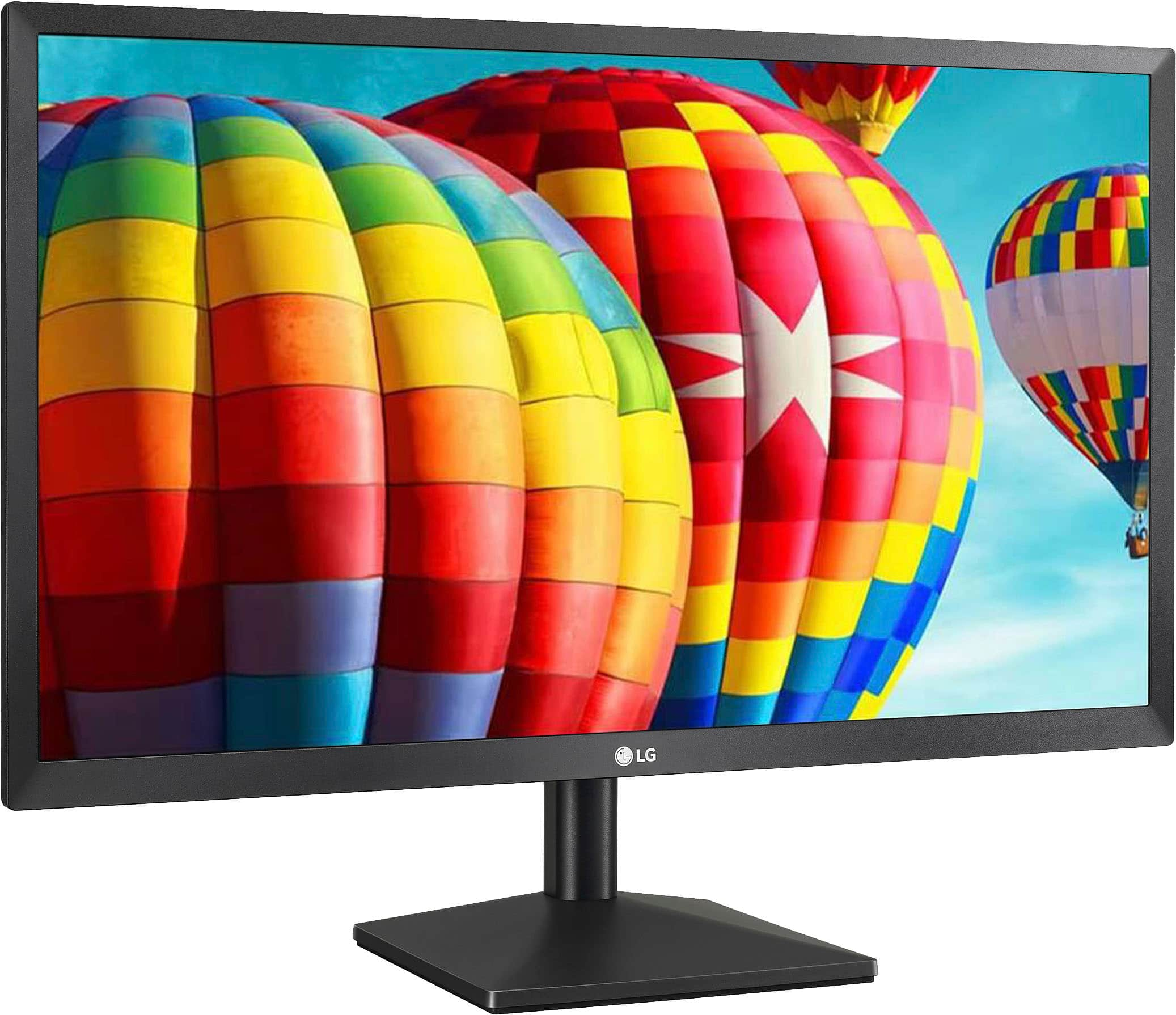
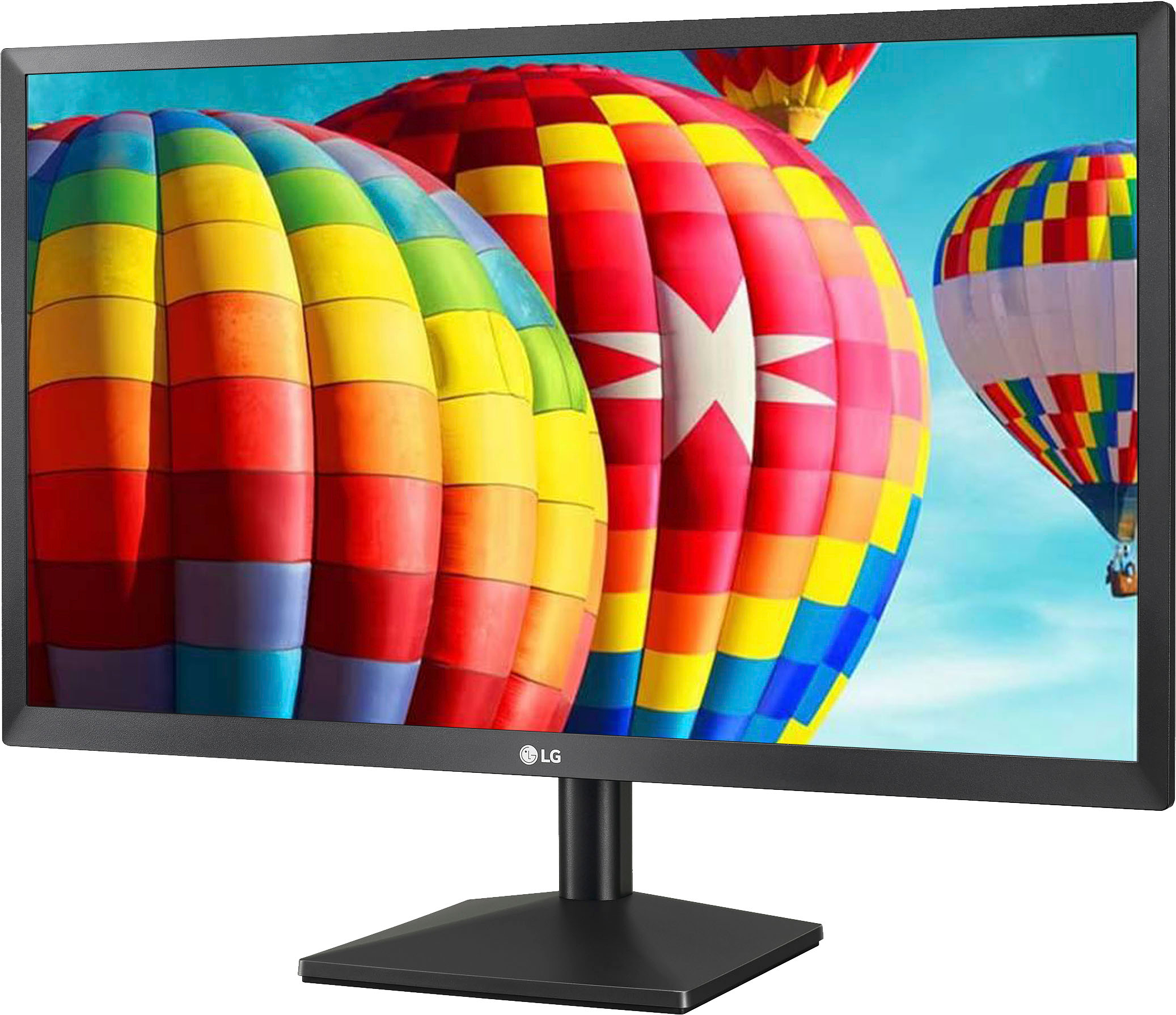
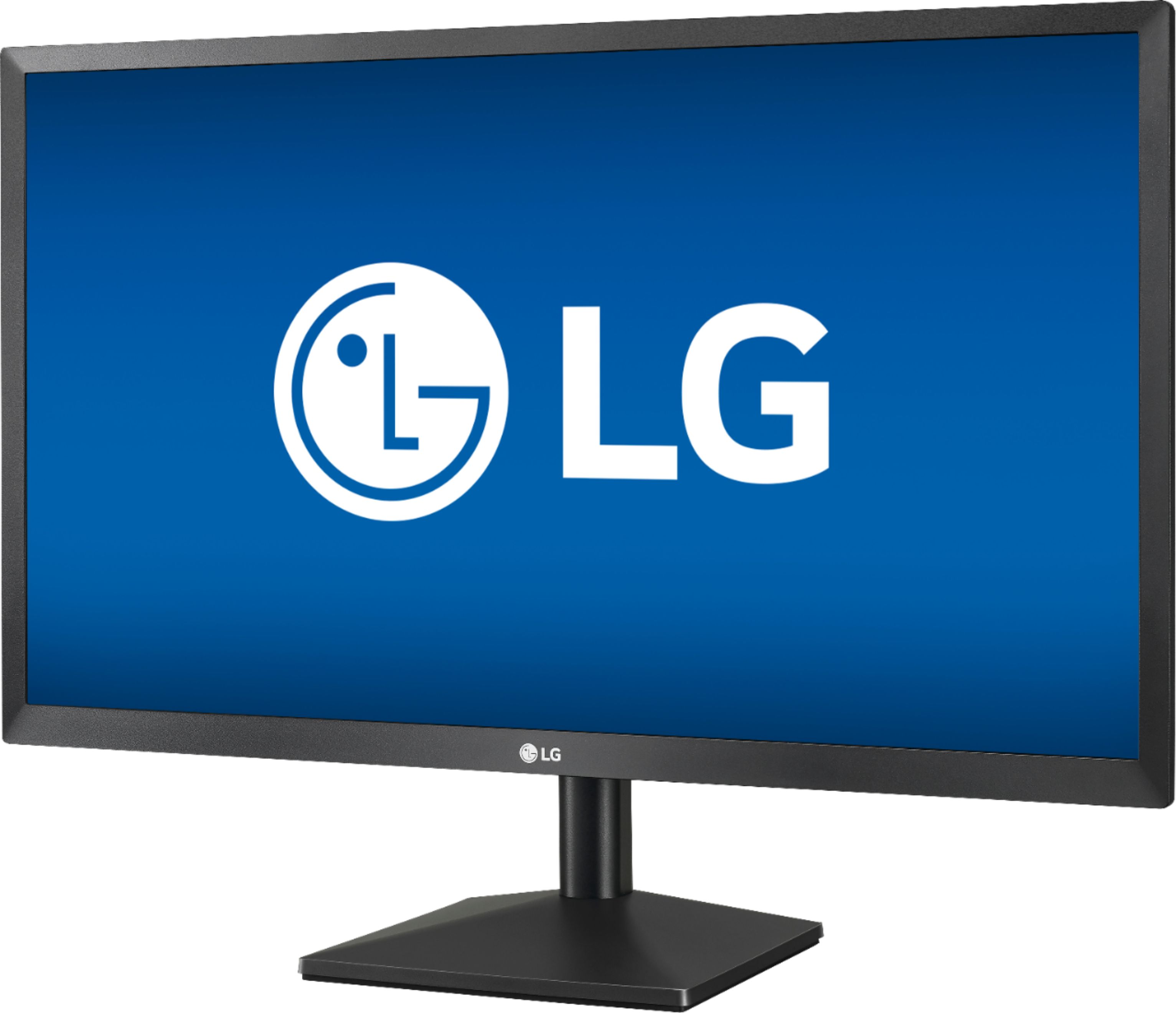
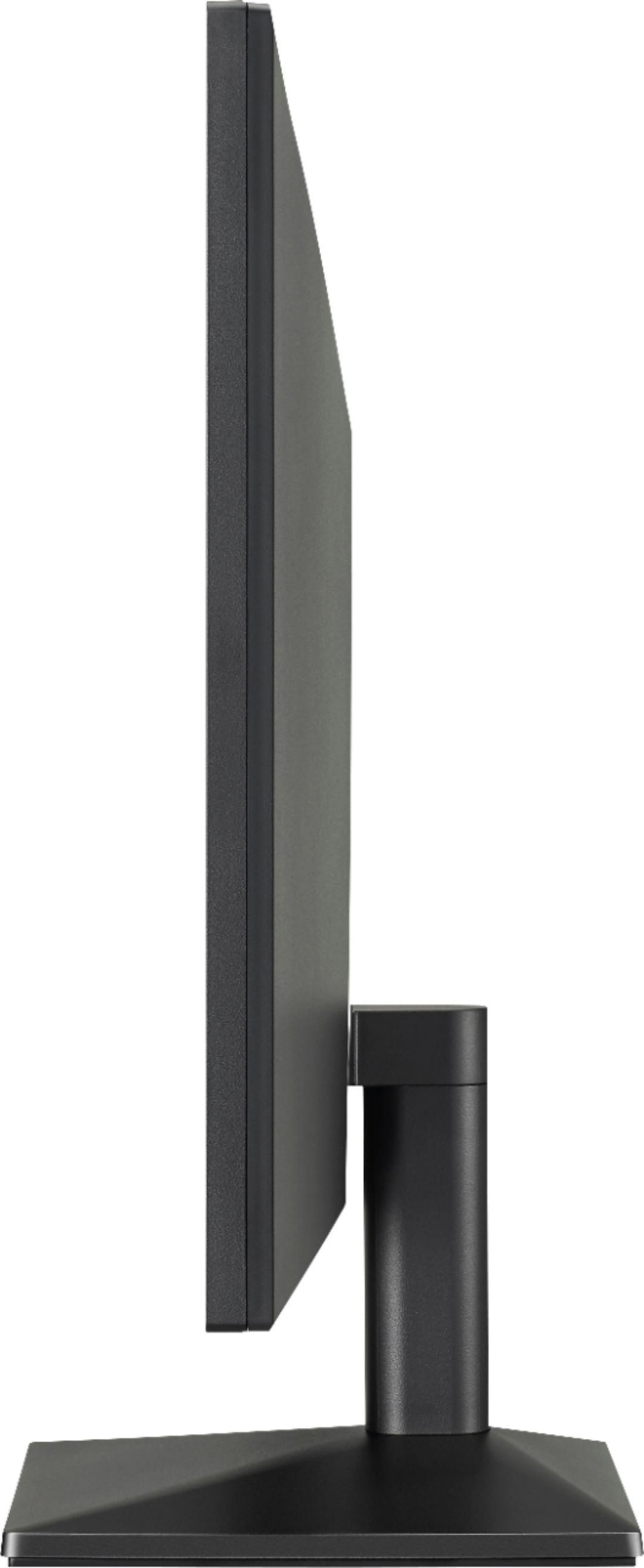
- Model:
- 24ML44B-B
- SKU:
- 6362423
Rating by feature
- Display Quality
Rating 4.6 out of 5 stars
- Ease of Use
Rating 4.7 out of 5 stars
- Features
Rating 4.5 out of 5 stars
Customers are saying
Customers recognize the 24" IPS LED FHD 75Hz FreeSync Monitor as having excellent picture quality, a competitive price point, and ease of use. Many appreciate its size and vibrant colors, along with the convenience of HDMI connectivity. However, some customers noted that the stand could be improved and that built-in speakers are absent. A few mentioned that the refresh rate may not meet the needs of all users.
This summary was generated by AI based on customer reviews.
Where is my refund?
||Posted . Owned for 2 months when reviewed.This reviewer received promo considerations or sweepstakes entry for writing a review.Where is my refund for drone I sent 1 month back??
No, I would not recommend this to a friendBrand response from LGAnswers
Posted .Please contact our Customer Support via direct message at FAcebook and Twitter so we could assist you.^Venette

One Star too many
||Posted .This reviewer received promo considerations or sweepstakes entry for writing a review.Total Waste of time. just like this review. Spotswood
No, I would not recommend this to a friend- Pros mentioned:HdmiCons mentioned:Stand

Fast and Great Picture
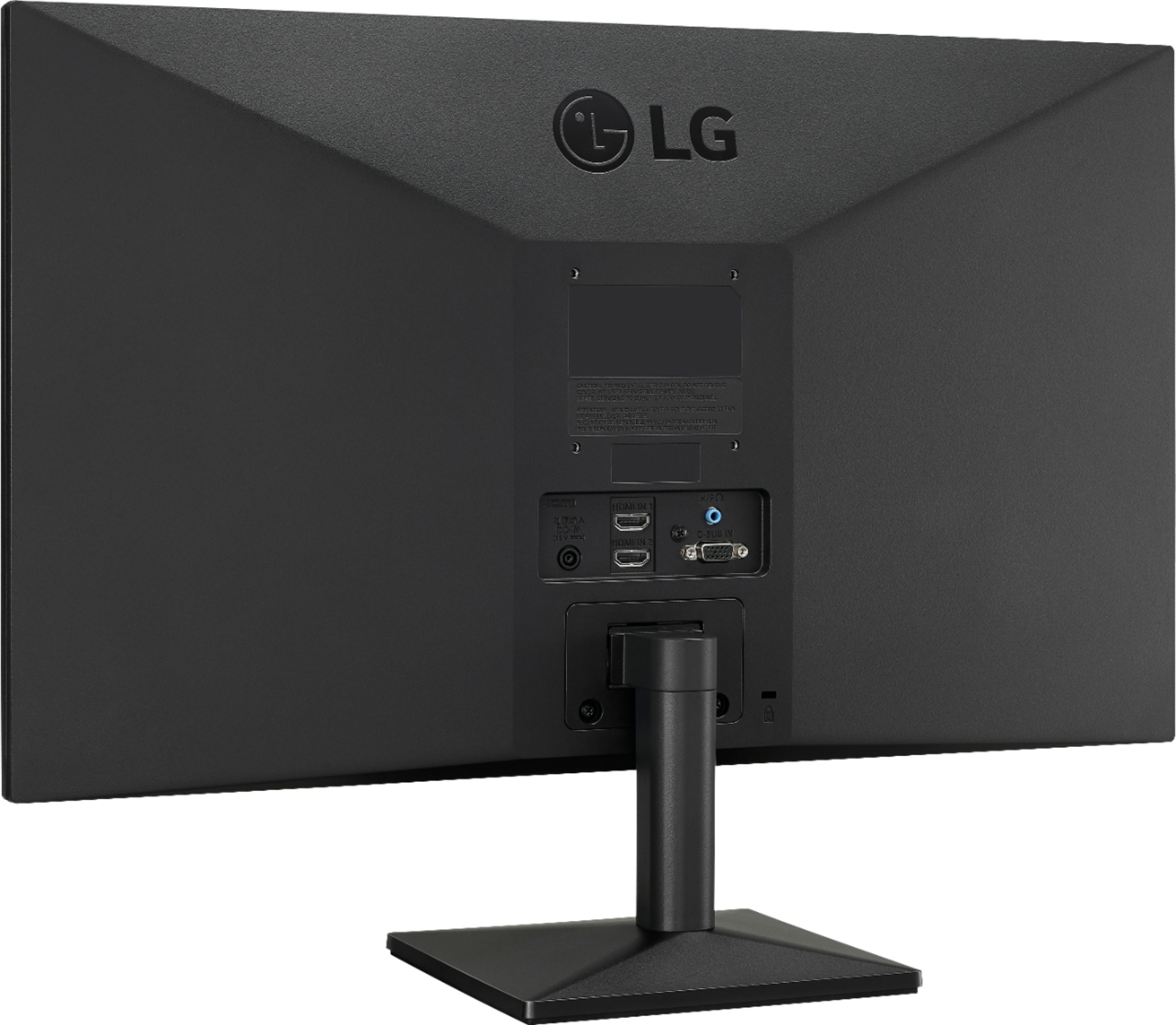
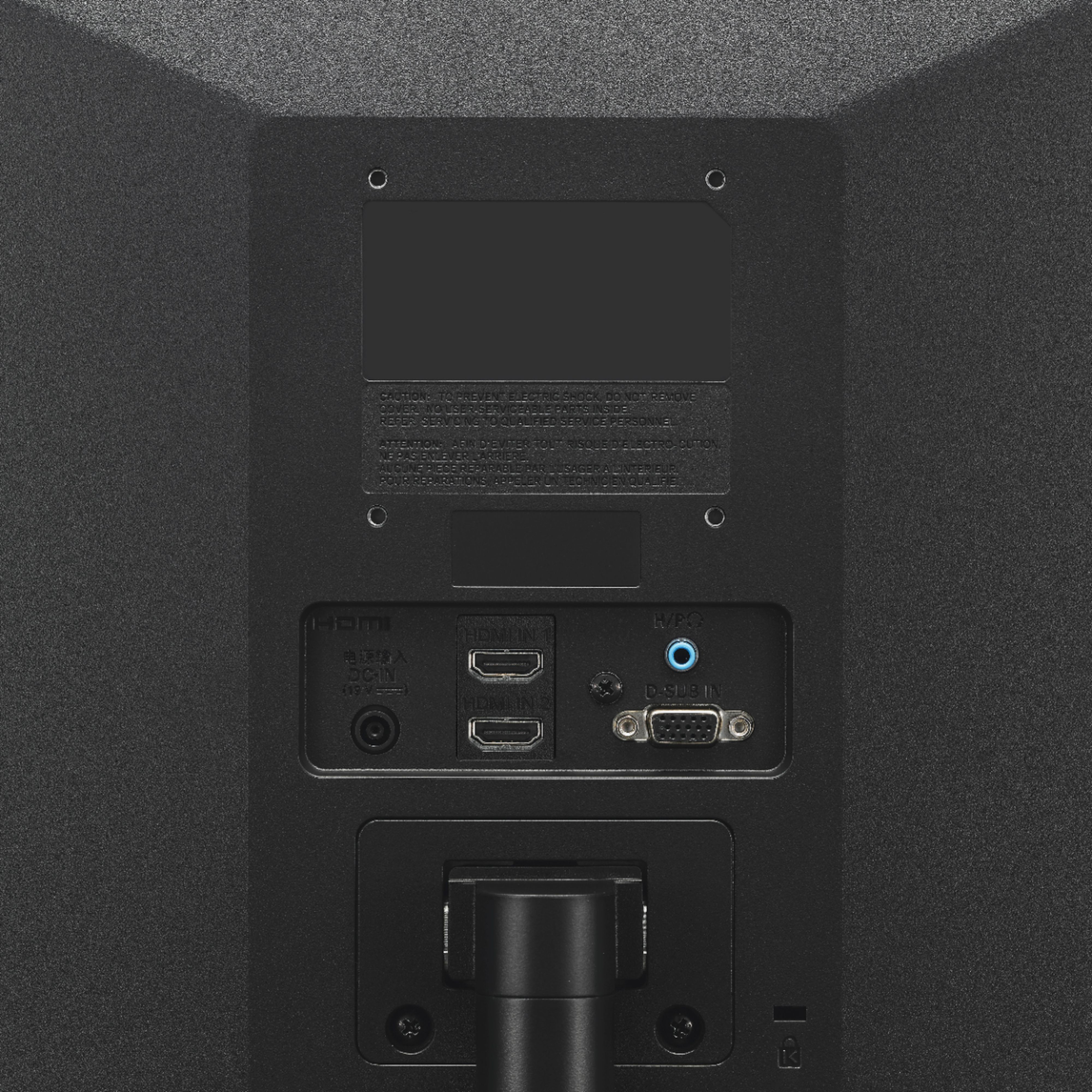
|Posted .This reviewer received promo considerations or sweepstakes entry for writing a review.I been using the LG Dual HDMI FreeSync monitor for a few days and I like it but it has two little issues that really aren't detractors. Installation was super simple, just attach the stand, and plug it into your computer using the included HDMI cable. Once its powered on you can immediately tell the IPS panel is top notch. It has great color reproduction and excellent viewing angles. When gaming, you will also love the 75 Hertz refresh rates and if you have an AMD video card you can take advantage of the FreeSync It also comes with a second HDMI input, which is rare to find in such an affordable monitor. This means you can have two computers running on the same monitor without having to use a switch out the cable. It also has 4 screw holes on the back if you want to put it on a mount, which is also rare for such an affordable monitor.The only things I didn't like was larger than I like to see and the stand feels flimsy. Even with my two flaws I still love this monitor and would definitely recommend it.
I would recommend this to a friend - Pros mentioned:Hdmi, Picture quality
Great Monitor
|Posted .This reviewer received promo considerations or sweepstakes entry for writing a review.Very good monitor. Setup was simple due to Plug Play. The dual HDMI inputs are a nice addition. I wish it had the ability to automatically switch inputs depending on what device is in use. I have to laptops that I use to connect to it. Each with it’s own HDMI cable. The laptop that uses HDMI 1 was not connected to the HDMI cable, but another laptop that’s connected to HDMI 2 was. It kept searching for HDMI input 1, and it went into sleep mode due to no connection detected. I was hoping it would automatically search for another input and detect HDMI input 2, which it did not. I had to manually select HDMI 2 using the joystick button on the monitor. Viewing angles are great, and it has great clarity. Freesync is awesome as well.
I would recommend this to a friend - Pros mentioned:Hdmi
Nice no frills monitor
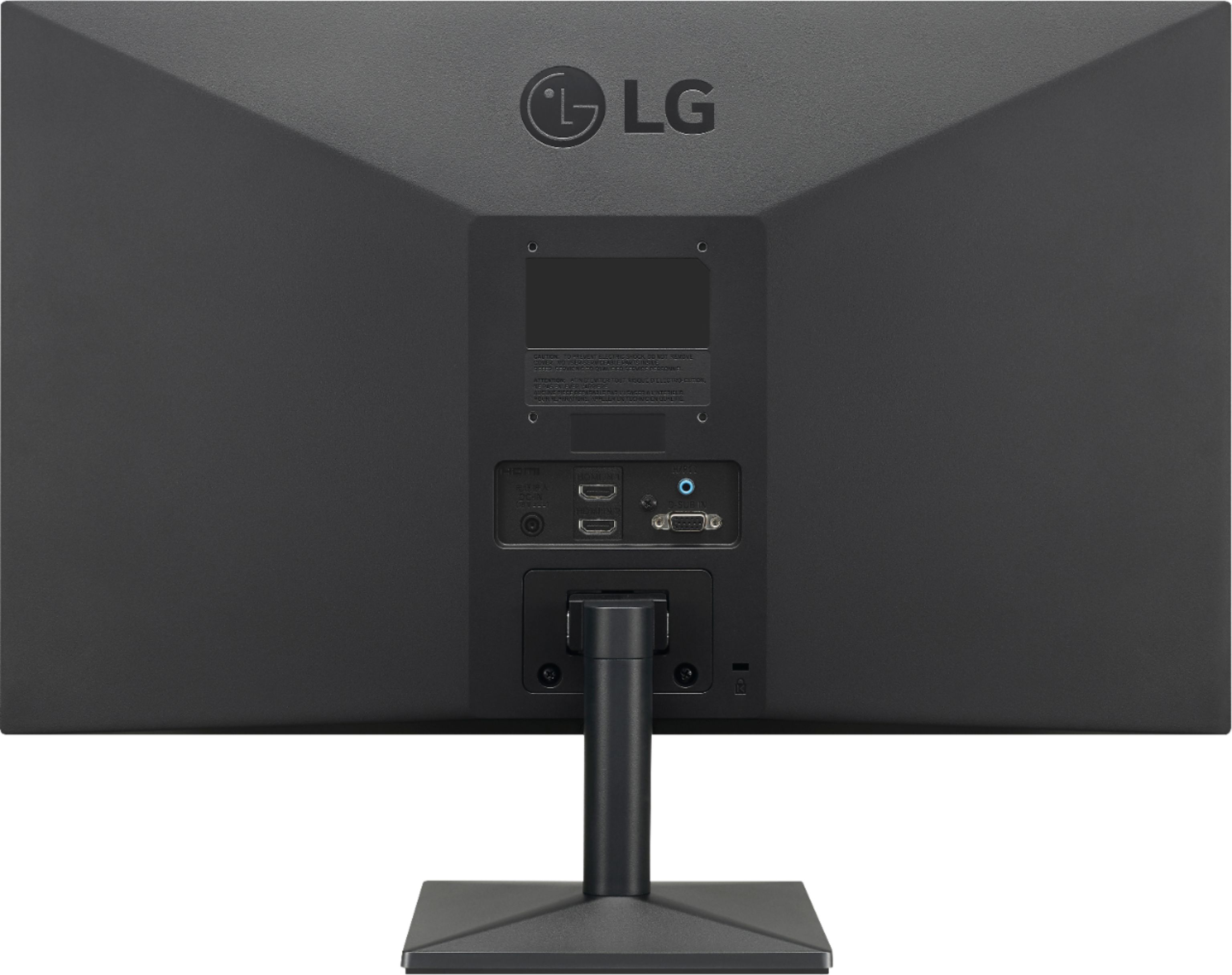
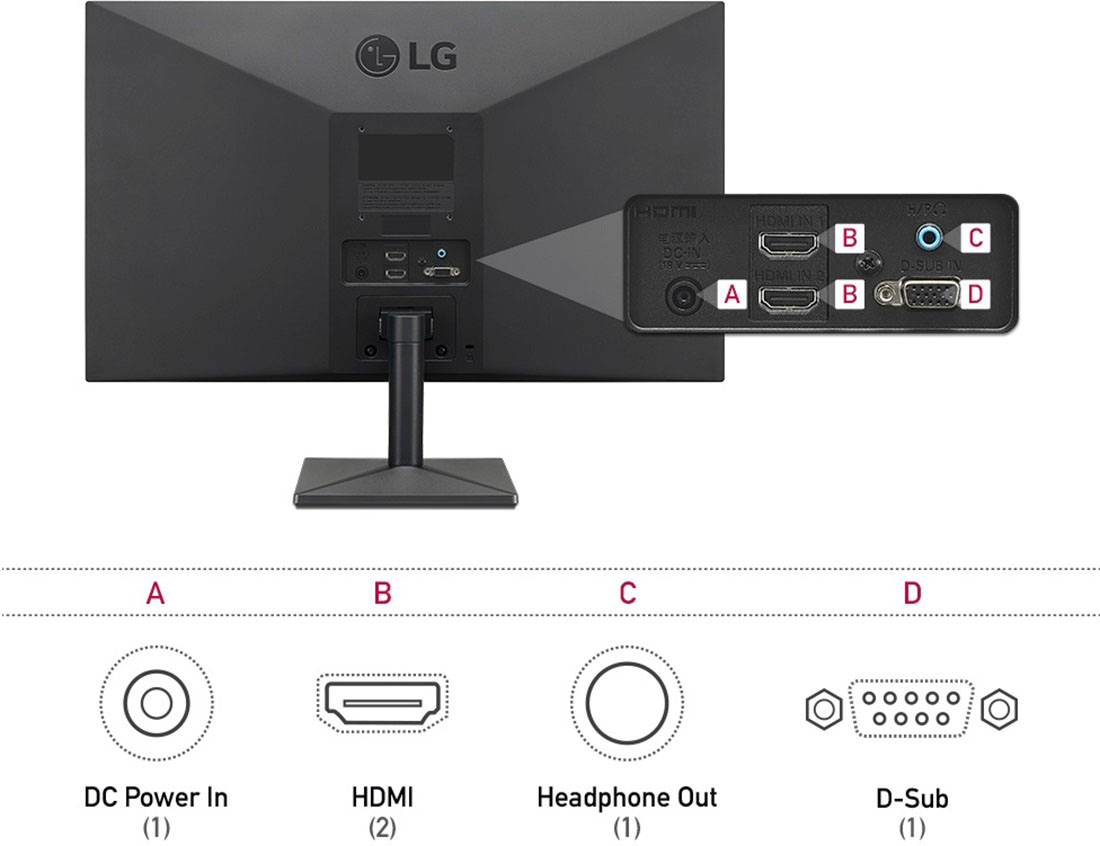
|Posted .This reviewer received promo considerations or sweepstakes entry for writing a review.Having owned countless monitors over the years, there is much to consider about many of them. When I initially received the monitor I was actually happy to see that this box opens on the side. Sure that seems like an odd thing to appreciate about a monitor, however with every monitor and, for that matter, TV I've owned in recent memory, they have opened from the top. Pulling monitors and TVs out of the top of a narrow box tends to be annoying, there's little to hold on to, and if you grip the foam, you tend to break it. I appreciate that I can go in from the side and immediately and easily lift out the foam and the monitor without trying to ease it out of a narrow opening. Connecting it is a no nonsense operation, however it is important to note that this monitor has no DVI connection. It has 2x HDMI connections and a VGA connection. While I understand that HDMI and DVI are the same standard, it still may mean an additional adapter if you're using a DVI connection. The power connection is not a standard PC power cable as the vast majority of monitors and PCs are, but rather a 19v power brick with an oddly short cable. I could understand the reason for this if they were trying to make the monitor more narrow, however it doesn't seem that the option to go with the external power brick has done them any favors. If they really had to do this, they could have gone with a bit longer cord from the brick to the monitor. The brick is a 3 prong affair as well, which makes it somewhat fat, so be sure you have space on your surge protector around the plug. A final thought about connecting to the monitor is that the VGA and HDMI connectors go straight into the backside rather than at an angle or up from the bottom, so if you plan on wall mounting this, you'll need L adapters. The screen is nice, of course the default options out of the box aren't great, brightness was too high, blacks weren't great, but after messing around with the settings a bit, it looks great. The monitor has a 75hz refresh rate and is Freesync capable if your graphics card supports it, which puts it a cut above many of the more basic monitors. A note on configuration is that the controls are managed via a joystick on the bottom which is actually very very nice to use compared to many monitor navigation options out there. All in all, minus a couple of odd design selections, particularly as it relates to physicality, this is a solid monitor option for anyone in the market. Pros: 75hz Freesync 3 connection options (2x HDMI and 1x VGA) Joystick settings navigation Intelligent packaging Cons: Power brick with short power cord Perpendicular video connections
I would recommend this to a friend - Pros mentioned:Picture qualityCons mentioned:Refresh rate
So far, so good
Posted .This reviewer received promo considerations or sweepstakes entry for writing a review.I bought this monitor during the Black Friday sale that Best Buy had going on. For the price, I had to pick it up, not a doubt. For gaming at 1080p, this is a great monitor. The refresh rate is advertised as 75hz, but I promise you you won't be getting 75 right out the box, you'll actually be getting 59/60hz. You have to overclock it to run 75hz. This isn't a problem and to my knowledge doesn't really affect the lifespan of your monitor. It's easy to do, too! Just do a quick Google and you'll see how. It takes like, two clicks and you're done. I've had the monitor for about a month and a half and gotten plenty of use. The colors are good and so far I have no complaints besides me not realizing it isn't 75hz out of the box.
I would recommend this to a friend - Cons mentioned:Speakers, Stand
Good 4K monitor that is easy on the eyes
Posted .This reviewer received promo considerations or sweepstakes entry for writing a review.Good monitor for long hours of office work where text clarity is important. It has an eye saver mode that works well by warming the colors and lowering contrast. Menu options for adjustment are reasonably flexible but download the manual and read it to understand the "Magic" choices. Brightness dips at the corners in case you're picky that way. For the low cost you will also give up a robust stand that will rotate, speakers (there is a headphone jack), camera and USB C/Thunderbolt.
I would recommend this to a friend - Pros mentioned:Picture qualityCons mentioned:Stand
looks good but kind of wobbly
Posted .This reviewer received promo considerations or sweepstakes entry for writing a review.I bought this to be a second monitor for my laptop for working from home. It looks good so far. The one thing I will say is that it's pretty wobbly on its stand. It might be fine if it's on a stable surface, but if you're like me and you have a cheap ikea desk on top of carpet the monitor shakes pretty significantly with even the slightest movements. Not sure yet if I'll try to buy a different mount or return the monitor altogether.
No, I would not recommend this to a friend - Pros mentioned:Picture quality, Price
Light, Crisp, and Bright!
|Posted .This reviewer received promo considerations or sweepstakes entry for writing a review.I absolutely love how light this monitor is! I use it for gaming and it is easy to take in the car to a friends house for game nights. The display works very well with my PS4 and PC, and has no tearing or flickering whatsoever. This monitor is a great value, and I plan on getting a second one for my desktop!
I would recommend this to a friend - Pros mentioned:Picture quality
Great monitor with some nice features
|Posted .This reviewer received promo considerations or sweepstakes entry for writing a review.I have this monitor in the middle of my three monitor desk configuration. The size is perfect for its resolution and images, email and other programs are crystal clear. The stand is solid and well balanced. Assembly was easy and setup was fairly straight forward. There is a joystick like setting on the bottom of the monitor that will allow you to choose between the two HDMI inputs or the VGA input. If the monitor doesn't initially work, choose the right input setting. The antiglare coating is a nice feature and everything looks great on the display. The screen refreshes quickly and without any hesitation or staggering. The monitor comes with one HDMI cable so no need to purchase one. My two outside monitors are 28 inch 4K models and this works great as the middle display. I previously had a much larger display and this is my preference due to the resolution.
I would recommend this to a friend - Pros mentioned:Picture quality
Solid Monitor
|Posted .This reviewer received promo considerations or sweepstakes entry for writing a review.The LG - 24" IPS LED FHD FreeSync Monitor is a solid addition to my home office setup. It has 2 HDMI ports, 1 VGA port, headphone port and a power port located on the back. On the bottom of the monitor it has a mini joystick to control the menu navigation. Which I totally appreciate, who here likes pressing several different buttons to navigate up, down, left, right and enter? I know I don't. Colors look great on the monitor while gaming and casual video watching online also. The monitor has a refresh rate of 75Hz and a response time of 5 milliseconds which is adequate for gaming. This is also a FreeSync monitor that supports AMD graphics cards. Overall this is a solid monitor for my needs.
I would recommend this to a friend - Pros mentioned:Hdmi, Picture quality
A barebones monitor at a low price
|Posted .This reviewer received promo considerations or sweepstakes entry for writing a review.I could tell from the minute I unboxed the monitor that this was not the monitor for me. The monitor stand is made of plastic and feels flimsy to the touch. Screwing the stand into the monitor, I was shocked to find that the stand does not swivel. Then I looked at the back panel. It’s nice that it’s exposed so you don’t have to pull off a cover to plug things in, but it’s 2019 and this monitor still comes with VGA. VGA! On the bright side, if you’re running enterprise servers at your house many of those still use VGA so this would make a fancy upgrade for the few times you need to do server maintenance and need to see something on the screen. The two HDMI ports are helpful, but there’s no DisplayPort, no mini-Display Port, no USB C connector. No USB expansion slots either. The power cord is a disaster. It’s a giant oversized block which is just unnecessary, but it’s also very short so don’t expect to have this monitor far from the wall plug. The push button control joystick on the bottom center of the display are similar to how LG TV’s work. They are a decent, but low tech way of controlling the device should you need to. The menus are easy to navigate and adjust settings making it simple to get back and forth and make selections should you have to change any settings. For testing I used HDMI to connect this to a Windows 10 desktop computer and I was surprised to see that the LG defaults to the VGA interface. When Windows 10 booted, the monitor detected an HDMI signal and prompted to switch to the HDMI port automatically, so that was a nice touch. All of my other computer monitors are edge to edge with almost zero bezel, so looking at this monitor with its comparatively large bezel was a problem for me. The display quality is decent, blacks look washed out, but in fairness it’s sitting next to my normal monitors which are high end premium monitors from another vendor. It’s hard not to compare the two. It’s like parking a Ford next to a Ferrari; hardly fair to the Ford. I watched a few movies on the LG and played a few rounds of Fortnite. I can’t take advantage of the FreeSynch Technology as my computer runs NVIDIA graphics cards but the response times and refresh rate were decent. If you need a bare bones basic monitor that supports VGA this LG definitely fits the bill, but if you’re planning on making this your primary device and you spend long hours in front of a computer, I would not recommend this display.
No, I would not recommend this to a friendBrand response from LGAnswers
Posted .Thank you for your review of this LG monitor. I am sorry to hear that it did not meet your expectations. Your feedback is very important to us and will be shared with our product team.
If you have concerns or questions, you can contact our Customer Support by any of the below options:
Phone: 1-800-243-0000
LiveChat: https://www.lg.com/us/support/chatbot
Email: https://www.lg.com/us/support/email-appointment
Facebook Messenger: https://www.facebook.com/LGUSA/
Twitter: @LGUSSupport
The LG Community Forum is also a great resource for getting help from other LG customers: https://lgcommunity.us.com/
- Pros mentioned:Picture quality
Premium features at a budget price
|Posted .This reviewer received promo considerations or sweepstakes entry for writing a review.If you are looking for 1080p monitor at a descent price, this is about as good as it gets. Setup out of the box is breeze and the colors look great. Viewing is good at almost most any angle. It is FreeSync enabled if you have an AMD graphics card that can take advantage of this feature. It does not have built in speakers, so you will need to connect your computer to external ones. Cable hook ups are easy to get to and management looks neat and tidy. The bezel is narrow and would work well having multiple monitors together.
I would recommend this to a friend - Pros mentioned:Ease of use, Picture quality
LG24
Posted .This reviewer received promo considerations or sweepstakes entry for writing a review.Great monitor. It was very easy to setup and colors, sharpness are superb.
I would recommend this to a friend - Pros mentioned:Picture quality, Price
great monitor for a great price
Posted .This reviewer received promo considerations or sweepstakes entry for writing a review.great monitor for a great price since it was on sale
I would recommend this to a friendBrand response from LGAnswers
Posted .Thank you so much for your positive feedback about your LG 24" IPS LED FHD FreeSync Monitor (24ML44B-B). It really is a great product and worth every penny. We found it to be a favorite among many of our customers. We value your feedback and can't wait to serve you again! -Cazz
Solid performer
|Posted .This reviewer received promo considerations or sweepstakes entry for writing a review.This monitor is great for what it is; a low priced 1920x1080 FHD display. This is not the type of monitor you would use for games or artistic work, but for everyday web surfing or office work, it’s hard not to recommend at the price. This is a truly plug and play monitor. Just plug it into your PC using wither HDMI or VGA and power it on. Your Windows PC will find the appropriate drivers. I can’t speak to how this would work with a Mac. I like that it has 2 HDMI ports as well, that way you can connect a PC and any number of other HDMI devices such as a game console, streaming device, or a second computer. There’s a small toggle type button under the screen that allows you to switch inputs. LG also allows you to download an onscreen Control program for getting the best out of the monitor. One thing I don’t like is the width of the bezels. With so many monitors being made that are near bezel less, this one looks a little outdated. However, it is also a lot less expensive that those bezel less monitors, so that’s something to consider. As far as clarity goes, it doesn’t seem as sharp as other monitors I’ve used, but after using it for some time, it does seem much easier on the eyes. Other monitors I’ve used have a sharper more glossy feel to them, but they can bother my eyes over time. So for working on Spreadsheets and documents, I much prefer this monitor. Also the tilt mechanism is very smooth, so it’s easy to get it into just the right position for viewing however, it does not move up or down. To sum it up, this is a great choice if you are looking for a cost effective, solid monitor for everyday use.
I would recommend this to a friendReliable, high-value screen with traditional build
|Posted .This reviewer received promo considerations or sweepstakes entry for writing a review.I'll start by saying that this LG monitor is an incredible value. That value is fully realized if you haven't shopped around for higher-priced monitors so that the more traditional build style of this monitor doesn't disappoint. The monitor boasts a 1080p resolution, which is adequate for its size, and is an IPS display - Leveraging "In Plane Switching" to deliver wider viewing angles and better contrast ratios (stronger black and brighter white separation) than their older TN panel cousins, more common to this price range... In addition to this higher tech display, we get a very well built panel, with large heavy plastic bezels around the screen. This is a more traditional design, as costlier modern monitors are going to a smaller edge for a more modern look, but this sometimes leads to issues with "backlight leak" - Let me be clear - This monitor had no backlight leak on my model - At this price range, that is almost unheard of - I have to think that the bigger bezels, leading to more room to properly seal the screen edges, contributed to this. This monitor looks professional and gives excellent even backlighting that lets you use it in professional settings without embarrassing consumer-grade issues like this. Bravo LG! The monitor's general construction is pretty light, and both DisplayPort and HDMI 1.2 connections are offered, which is great for all of those mixed connectivity situations we find ourselves in - This monitor connected easily to both my Dell docking station (DisplayPort) and my XBOX One S (HDMI) to create a great switchable gaming and work desktop setup. All in all if you're looking for a good high quality value display - You've found it. If you want a gaming monitor or a fashion piece for the executive office, its time to creak the wallet a bit further for a higher-spec model.
I would recommend this to a friend- Pros mentioned:Ease of use, Picture quality
Great Monitor
Posted .This reviewer received promo considerations or sweepstakes entry for writing a review.Great picture quality and easy to setup monitor to computer
I would recommend this to a friend Minimalistic with Great Viewing Angles
|Posted .This reviewer received promo considerations or sweepstakes entry for writing a review.There are a million computer monitors on the market today and I`ve always had good results with LG for both monitors and TVs to which this one does not disappoint either. The design is nothing odd or out of the ordinary, but the smaller base is nice and the fact it actually comes with a wall mount is a great addition. The one design concept I did like was the dual HDMI ports so that I could plug in my Xbox and computer and not have to mess with a separate HDMI switch. The overall picture of this monitor is great for the price as I did not need 4k and 75hz was plenty for a refreash rate for what I need as the Freesync capability was what I was really in search of as it pairs great with my AMD graphics card. Then the one thing that really impressed me was the viewing angle as I had never really cared about viewing angle before and had just ignored this feature, but to have an essentially 180 degree viewing angle did have its moments where it was useful. Overall, for the price this is a great monitor as there are much more expensive monitors with more bells and whistle, but with the 75hz refresh rate, freesync, dual hdmi ports, and minimal design this was exactly what I was looking for and would definitely recommend to those in search of a similar monitor.
I would recommend this to a friend- Pros mentioned:Picture quality
Great monitor. Poor installation instructions.
Posted .This reviewer received promo considerations or sweepstakes entry for writing a review.Monitor is great. Much bigger screen area and smaller depth (takes up less space) than the old cathode ray tube monitor I was using. Installation instructions not so much. Took my son-in-law an hour to figure out that the "joystick" control is also the on/ off switch. Instruction sheet said nothing about that.
I would recommend this to a friend