The vast majority of our reviews come from verified purchases. Reviews from customers may include My Best Buy members, employees, and Tech Insider Network members (as tagged). Select reviewers may receive discounted products, promotional considerations or entries into drawings for honest, helpful reviews.
Page 12 Showing 221-237 of 237 reviews
Rated 2 out of 5 stars
Not easy to setup and work with
|
|
Posted .
This reviewer received promo considerations or sweepstakes entry for writing a review.
Design of the way base attached to the monitor is bad. Blind hole difficult to get screw to seat into the threaded hole in the monitor. The user interface for the monitor is terrible. The monitor goes into power saving mode incessantly and the switch on the bottom that you toggle to find and navigate the menu is too sensitive. Very frustrating to try and work through the menu. Monitor beeps and you have to find a way to cut that feature off. Would not purchase again.
No, I would not recommend this to a friend
Brand response from LG Digital Customer Care
Posted .
Hi, James. Thank you for sharing your feedback with us. We understand the importance of your LG Monitor (27U41YA-B) model being easy to set up and navigate for daily use.
For the base installation, one helpful step is to align the stand carefully by laying the monitor face down on a soft surface and guiding the screws straight into the threaded holes before tightening. This helps ensure the screws seat properly without cross‑threading. Regarding the on‑screen menu and power saving mode, you can adjust these settings by pressing the joystick button under the monitor, then navigating to Settings → General → Power to disable or extend the auto power save feature. To turn off the beep sound, go to Settings → General → Beep Sound and switch it off. You can find more guidance here: https://www.lg.com/us/support/help-library/lg-monitor-how-to-enable-auto-brightness-and-energy-saving--20153183709846. If you need further assistance with your monitor, kindly send us an email at [email protected] so our team can help guide you. ^Juvy
Rated 3 out of 5 stars
should have looked at a display first.
|
|
Posted .
This reviewer received promo considerations or sweepstakes entry for writing a review.
I do like the clear picture, but what I do not care for is the way the screen is tilted down instead of sitting level.
I would recommend this to a friend
Rated 3 out of 5 stars
Replacement Monitor
|
|
Posted . Owned for 1 week when reviewed.
This reviewer received promo considerations or sweepstakes entry for writing a review.
Monitor works well but the stand doesn't work right.Can use the monitor but if needed again I will order from Amazon.
No, I would not recommend this to a friend
Rated 3 out of 5 stars
Good monitor but missing parts
|
|
Posted .
This reviewer received promo considerations or sweepstakes entry for writing a review.
Good monitor. Seems to be good quality. Was missing the 2 screws that attach the monitor to the base.
I would recommend this to a friend
Cons mentioned:
Adjustability
Rated 2 out of 5 stars
Returned item
|
|
Posted .
This reviewer received promo considerations or sweepstakes entry for writing a review.
Monitor does not tilt. I returned it.
Otherwise, a great buy
No, I would not recommend this to a friend
Brand response from LG Digital Customer Care
Posted .
Hi, Mary. Thank you for sharing your feedback on the LG Monitor (27U41YA-B) model. We appreciate your highlighting both the positive aspects and the challenges you faced with the tilt function.
Stands often have a simple locking mechanism (like a pin, lever, or screw) for shipping that must be released for tilting. Check the neck or base connection for this mechanism. The $\text{27U41YA-B}$ typically has a One-Click Stand, which allows easy assembly but may limit adjustments. Always tilt the monitor by holding the base firmly and gently pushing the screen's top or bottom, avoiding any force on the panel. For official stand specifications and setup guidance, please visit https://www.lg.com/us/support/product/lg-27U41YA-B.AUSQ. If you’d like further assistance with compatible mounting options or any concerns with other LG products, please send us an email at [email protected] so our team can guide you directly. ^Juvy
Rated 2 out of 5 stars
Not happy
|
|
Posted .
This reviewer received promo considerations or sweepstakes entry for writing a review.
Not a fan of this monitor. It does not work well with my laptop. It times out and does not allow for you to access the settings correctly.
No, I would not recommend this to a friend
Brand response from LG Digital Customer Care
Posted .
Hi, Stacy. Thank you for sharing your experience with your LG Monitor (27U41YA‑B) model. We understand the importance of having a monitor that stays connected smoothly and lets you access settings without interruption.
One helpful step is to check the USB‑C or HDMI connection type and cable rating, as this model requires a stable, high‑bandwidth connection for proper signal and control. Using a certified USB‑C cable that supports video output or switching to a different port on your laptop can often prevent the monitor from timing out. For additional guidance, visit https://www.lg.com/us/support/help-library/lg-monitor-how-to-connect-a-pc-or-laptop--20153188264575. If you’d like us to take a closer look at your setup or walk through compatibility steps together, feel free to email us at [email protected]. We're here for you! ^Juvy
Rated 2 out of 5 stars
Dark screen
|
|
Posted .
This reviewer received promo considerations or sweepstakes entry for writing a review.
The screen was very dark. Had trouble getting it to sync as a second monitor
No, I would not recommend this to a friend
Brand response from LG Digital Customer Care
Posted .
Hi Nikon. Thank you for sharing your experience with your LG Monitor (27U41YA-B) model. We understand how important it is for your display to be bright and easy to use as a second screen.
A helpful step is to check the Picture Mode and Brightness settings by pressing the monitor’s joystick button and navigating to Settings > Picture > Brightness/Contrast. Increasing brightness or switching to a mode like Custom or Vivid can improve visibility. For syncing as a second monitor, ensure the input source matches the cable connection (HDMI or DisplayPort) and that your computer’s display settings are set to “Extend” or “Duplicate” under Display Settings. For more information, visit https://www.lg.com/us/support/help-library/lg-monitor-troubleshooting-a-dark-picture--20153185248037. If further assistance is needed, please send us an email at [email protected] so we can continue supporting you directly. ^Juvy
Rated 1 out of 5 stars
Missing parts and below average quality
|
|
Posted .
This reviewer received promo considerations or sweepstakes entry for writing a review.
The screws that hold the stand together were missing from the sealed box, and it's been a pain to try to get LG to send replacements. Beyond that, the monitor itself is below average (for the price) in terms of quality of construction and picture quality.
No, I would not recommend this to a friend
Brand response from LG Digital Customer Care
Posted .
Hi, Michael. Thank you for taking the time to share your experience with your LG Monitor (27U41YA-B) model. We really appreciate you letting us know about the missing screws and what you think about how the product performs.
For the stand assembly issue, you might want to check out the LG Parts & Accessories page, where you can easily order genuine replacement screws and components: https://www.lg.com/us/support/parts-accessories. In the meantime, just make sure the monitor is on a stable surface until the stand is securely in place. As for the unit's picture quality, feel free to visit https://www.youtube.com/watch?v=AHDf25IS8q0 for some extra tips or troubleshooting. If you need more help with replacement parts or support for your monitor’s picture quality, just send us an email at [email protected], and we’ll be happy to assist you directly. ^Juvy
Rated 1 out of 5 stars
crappy display
|
|
Posted . Owned for 3 weeks when reviewed.
This reviewer received promo considerations or sweepstakes entry for writing a review.
the monitor has no stability. there aren't any screws or anyway to adjust the viewing level. It just sits on the stand aimed at my lap and no way to tilt it up...
No, I would not recommend this to a friend
Brand response from LG Digital Customer Care
Posted .
Hi, there. Thank you for reaching out and sharing your experience with the LG Monitor (27U41YA-B) model. We appreciate you letting us know about the stand and viewing angle challenges.
For this model, one helpful step is to check that the stand base is fully locked into place during assembly, as the stability can be affected if the connection isn’t secure. Since this unit does not include tilt adjustment, you can improve the viewing level by using a VESA-compatible mount or adjustable monitor arm. This allows you to raise, tilt, or swivel the screen to your preferred angle. You can review more details about setup and mounting options here: https://www.lg.com/us/support/product/lg-27U41YA-B. If further assistance is needed, please send us an email at [email protected] so our team can provide tailored support for your unit. ^Juvy
Rated 1 out of 5 stars
Terrible
|
|
Posted .
This reviewer received promo considerations or sweepstakes entry for writing a review.
This monitor is terrible. The sound does worth progeny and the stand for the monitor broke after 2 weeks, just past the return period. Imagine that. Will never buy an lg item again.
No, I would not recommend this to a friend
Brand response from LG Digital Customer Care
Posted .
Hi, there. Thank you for sharing your feedback on the LG Monitor (27U41YA-B) model. We appreciate you taking the time to let us know about your experience.
This model is designed without built-in speakers, so audio must be connected through external speakers or headphones. For more information, visit https://www.lg.com/us/support/help-library/lg-monitor-how-to-troubleshoot-soundrelated-issues--20153986754522. For the stand issue, we recommend checking if the base was fully secured during assembly, as tightening the screws firmly can sometimes resolve stability problems. If you’d like further assistance with replacement options or setup guidance for your 27U41YA-B, please send us an email at [email protected] so we can help you. ^Juvy
Rated 1 out of 5 stars
Avoid The stand.
|
|
Posted .
This reviewer received promo considerations or sweepstakes entry for writing a review.
Stand is wonky with a weak snap in fit. Screws furnished will not tighten fully. Replaced unit with a Samsung!
No, I would not recommend this to a friend
Brand response from LG Digital Customer Care
Posted .
Hi, there. Thank you for sharing your experience with your LG Monitor (27U41YA‑B) model. We understand how important it is for the stand to feel secure and stable during setup, and we appreciate you taking the time to let us know what happened.
A helpful step you can try—if you still have the unit on hand—is to verify that the stand plate is fully aligned with the mounting slots before tightening, as even a slight misalignment can prevent the screws from threading completely. You can also review the assembly guide for this model here: https://www.lg.com/us/support/product/lg-27U41YA-B.AUSQ. If you’d like us to take a closer look or explore additional support options, feel free to send us an email at [email protected]. ^Juvy
Rated 1 out of 5 stars
Defective
|
|
Posted . Owned for 2 weeks when reviewed.
This reviewer received promo considerations or sweepstakes entry for writing a review.
Monitor worked fine for two days but then the screen started to flicker.
No, I would not recommend this to a friend
Brand response from LG Digital Customer Care
Posted .
Hi, Ken. Thank you for sharing what’s been happening with your LG Monitor (27U41YA‑B) model. We understand the importance of having a monitor that stays stable and clear.
One helpful step you can try is checking the refresh‑rate setting on your computer. Make sure it’s set to the monitor’s supported rate (typically 60Hz for this model). You can also try using a different HDMI or DisplayPort cable to rule out a connection issue, as a loose or faulty cable can cause intermittent flickering. For more guidance, visit https://www.lg.com/us/support/help-library/lg-monitor-troubleshooting-a-shaking-screen--20153192710854. To allow our team to take a closer look and assist further, please send us an email at [email protected]. We're here to help. ^Juvy
Rated 5 out of 5 stars
Very nice general use Full HD monitor!
|
Posted .
This reviewer received promo considerations or sweepstakes entry for writing a review.
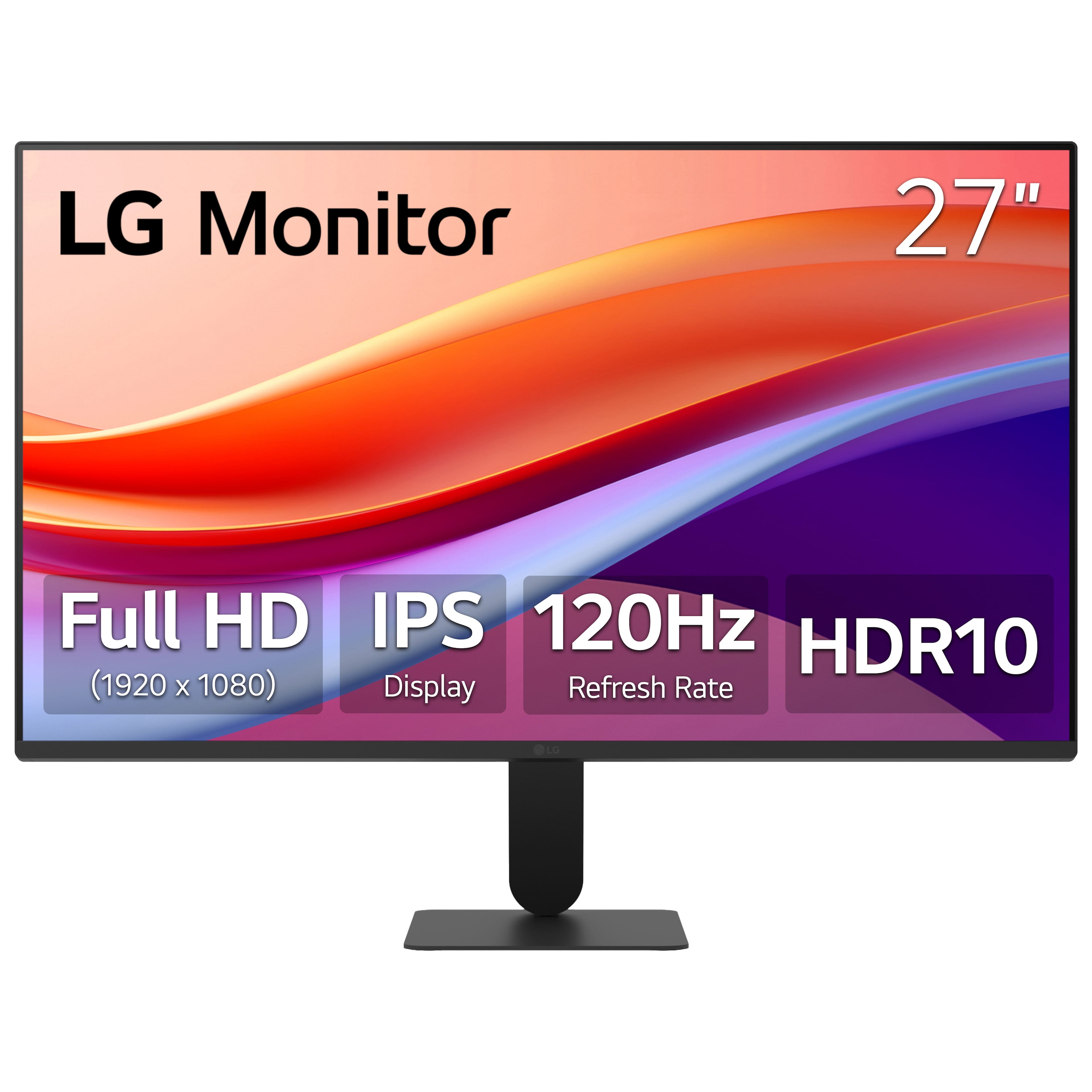
As I was getting ready to set up a new computer (being just used a general workstation for internet, email and videos), I was needing to get a good, but not necessarily high-spec'ed monitor. While there were quite a few options in the range I was looking for, this LG 27" FHD monitor with 120Hz IPS and HDR10 seemed like it would be the best option for what I was needing.
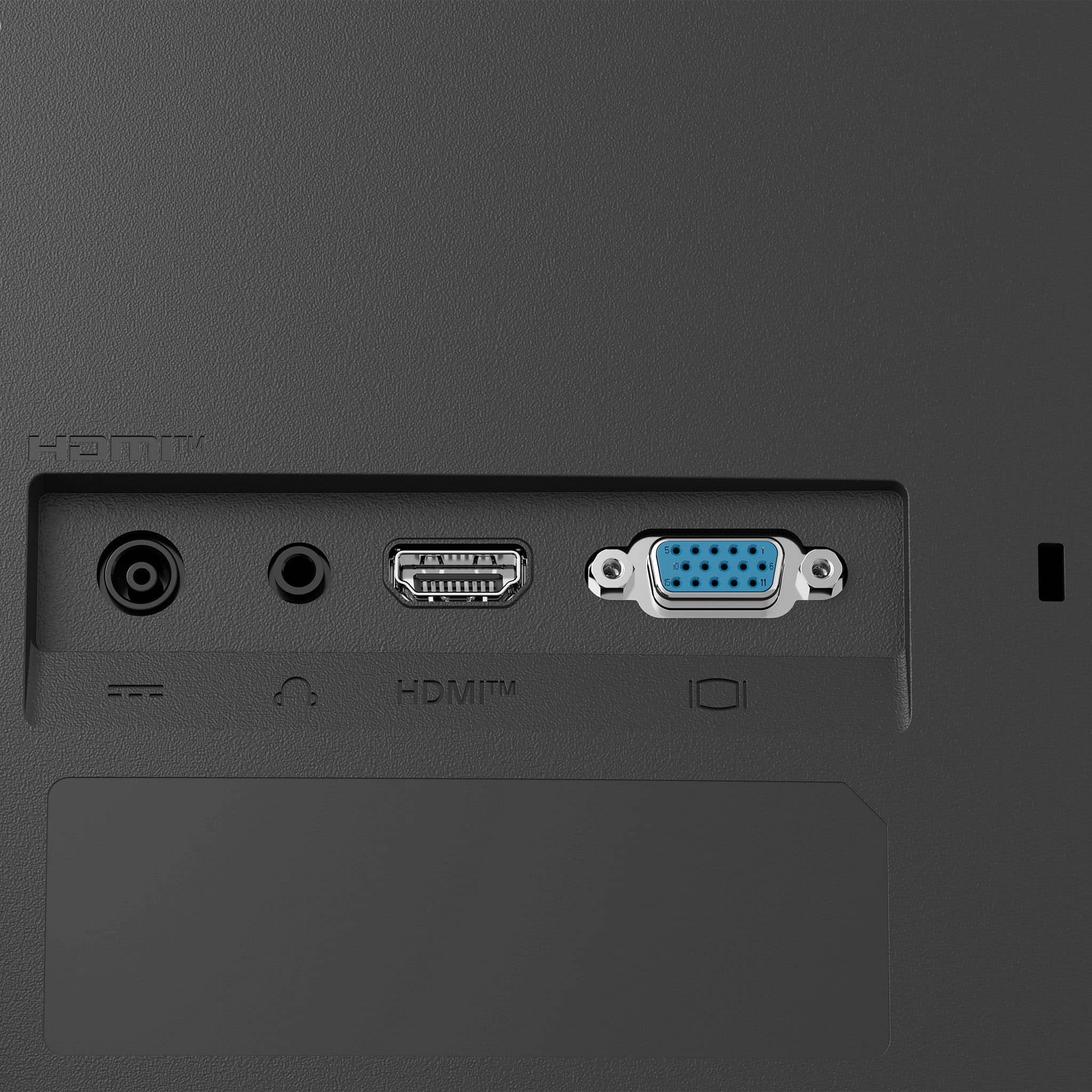
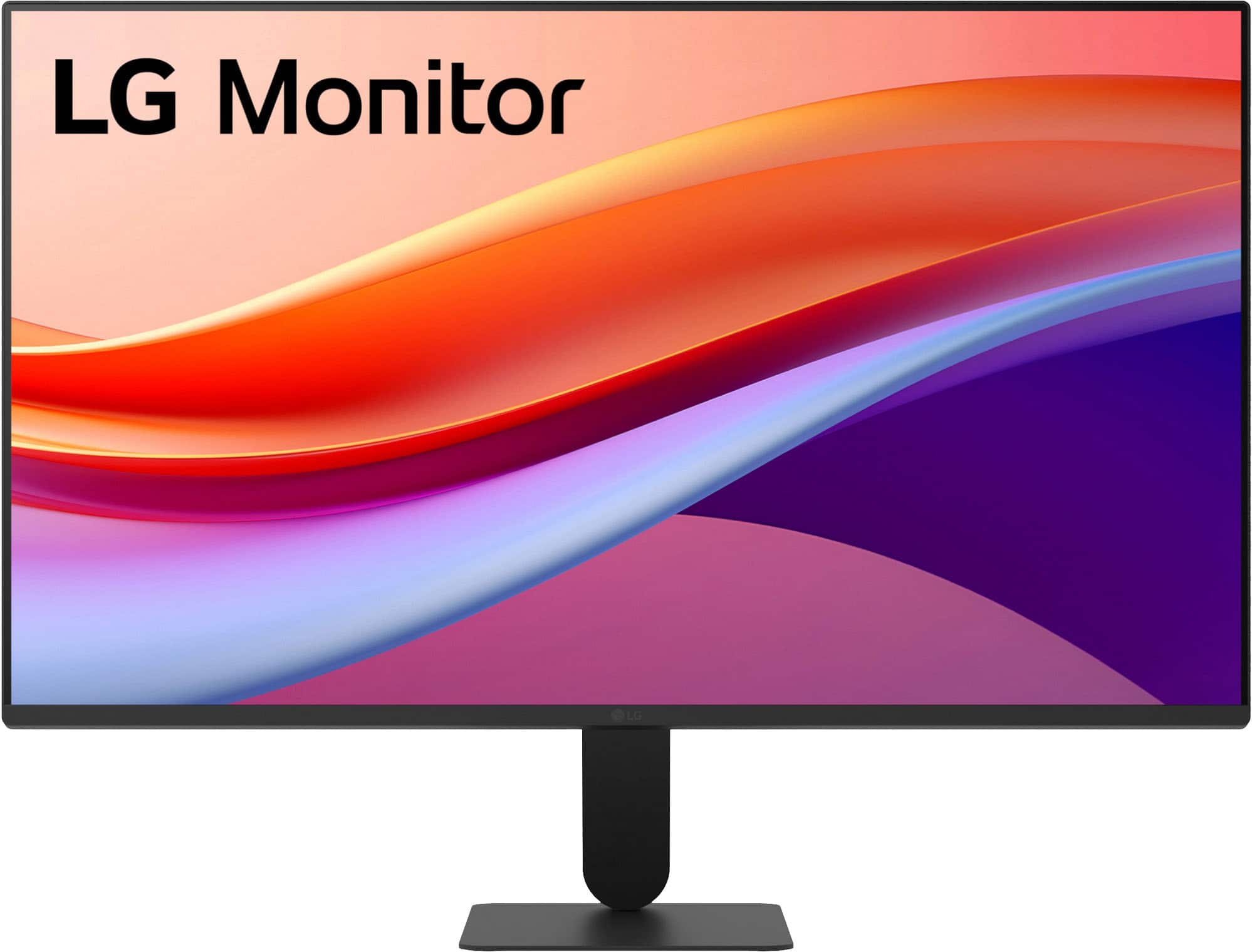
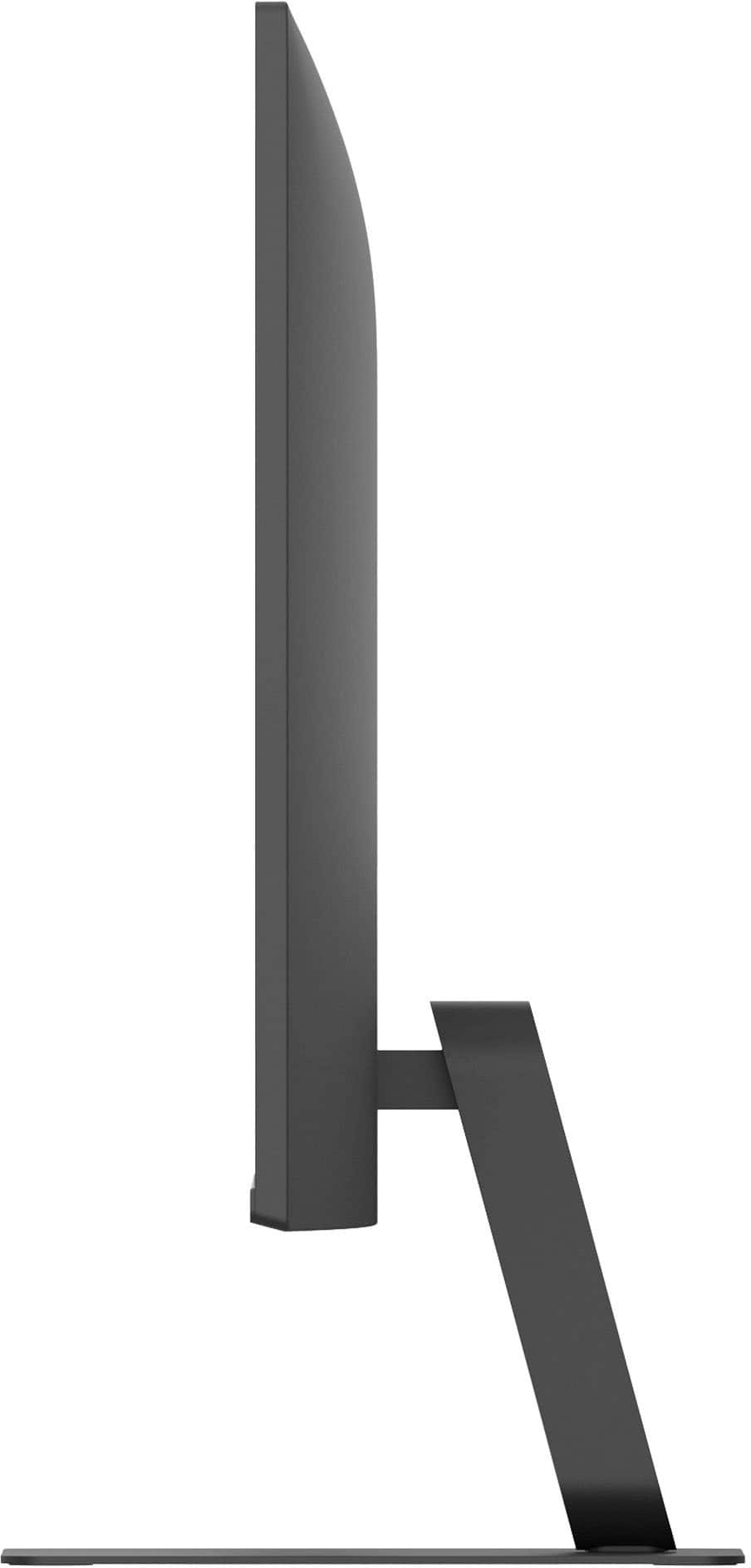
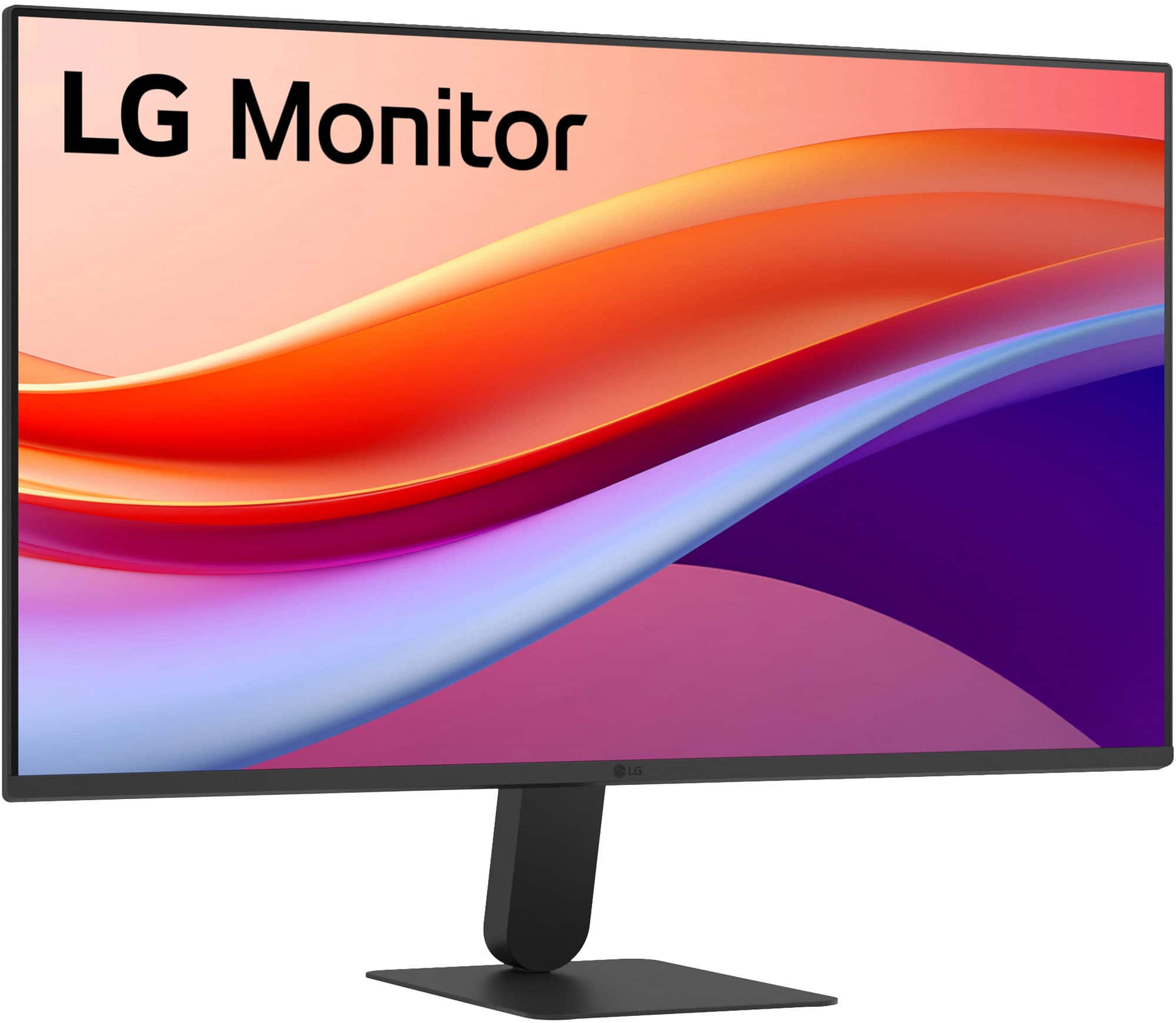
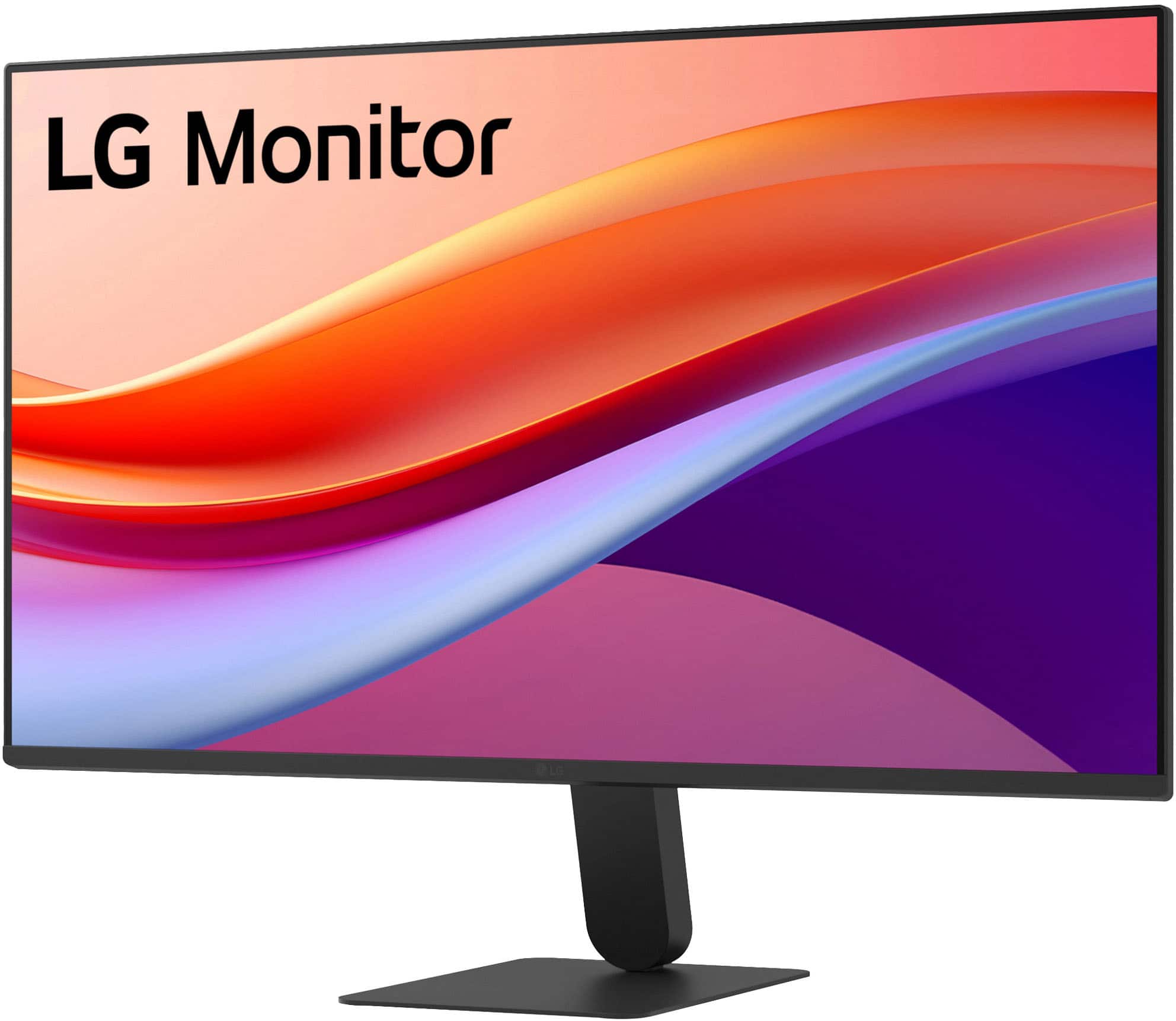
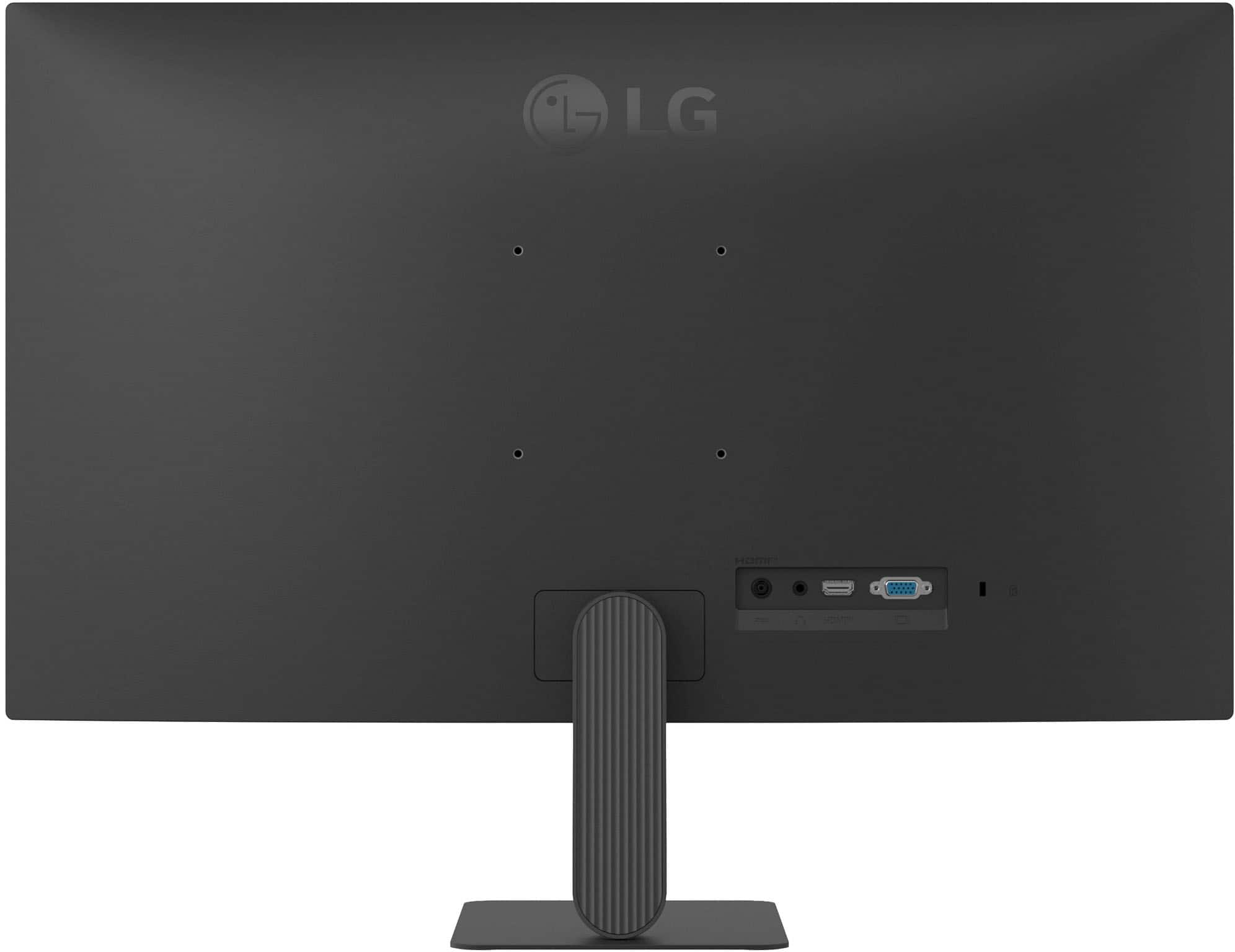
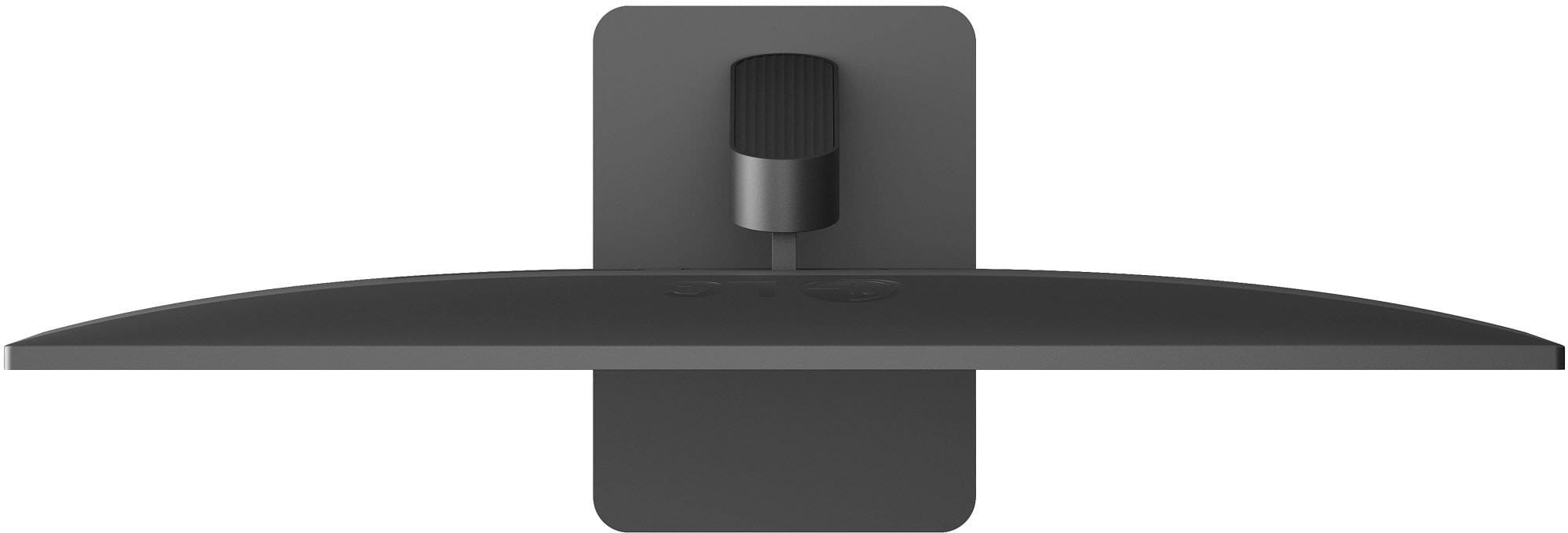
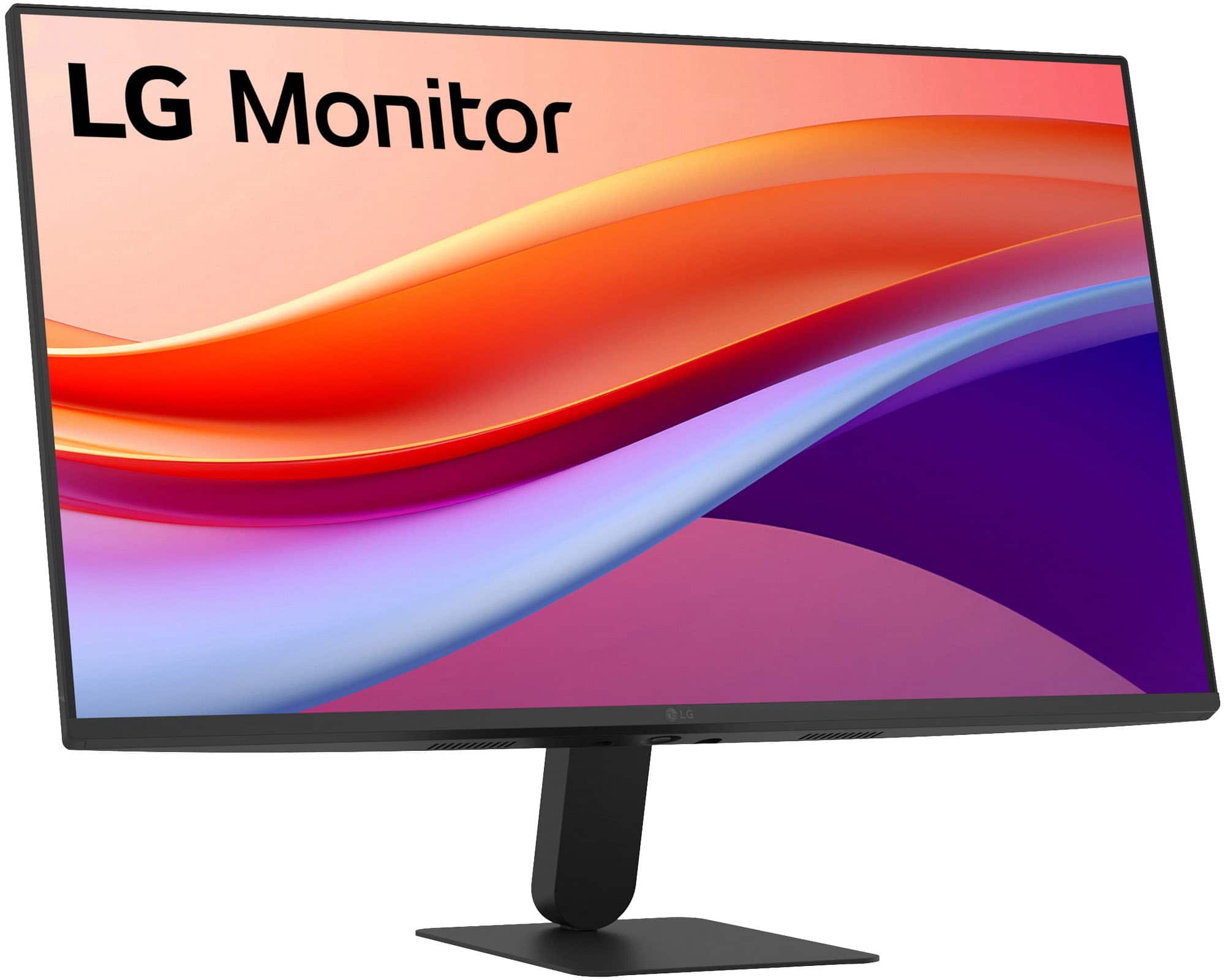
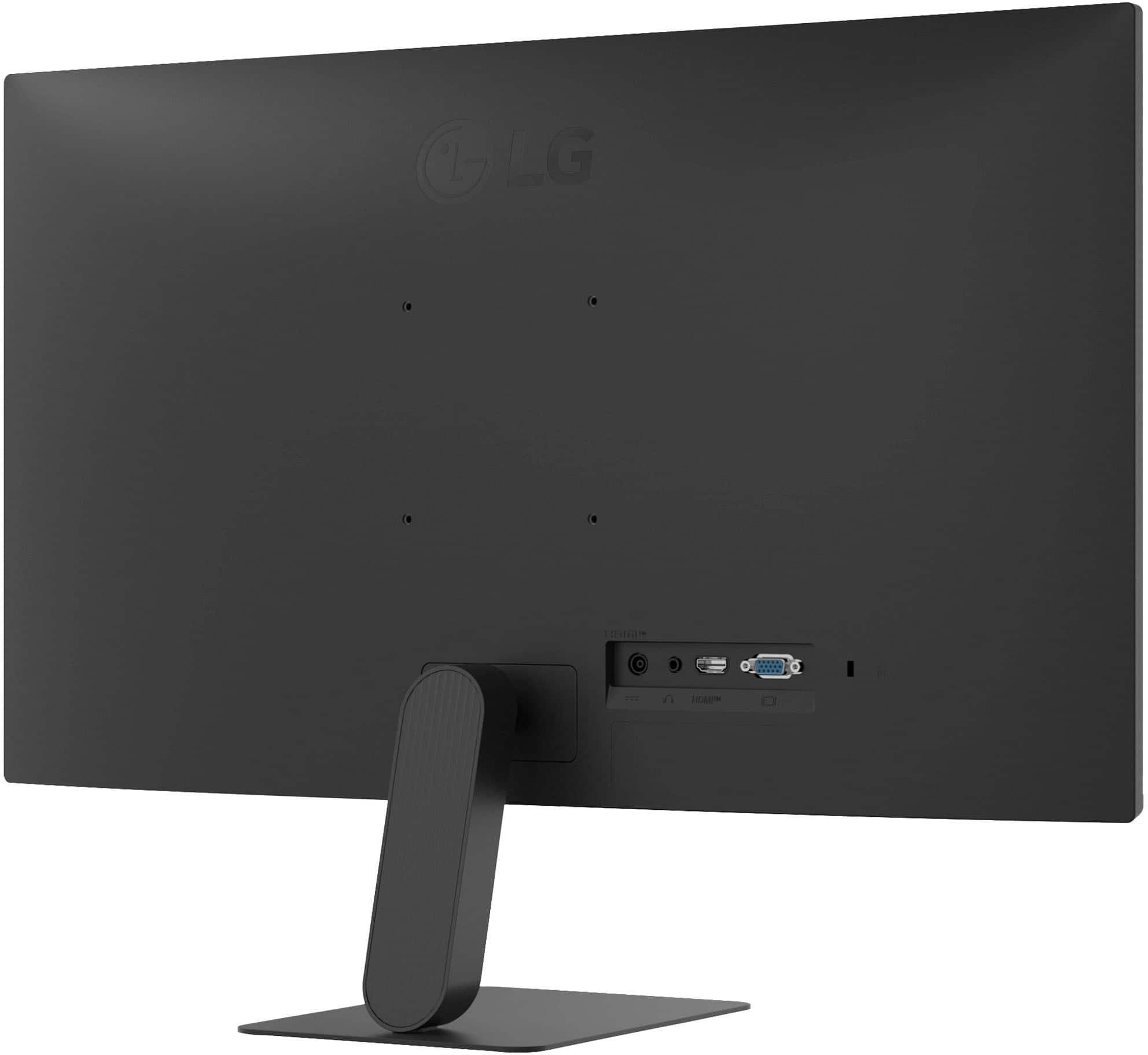
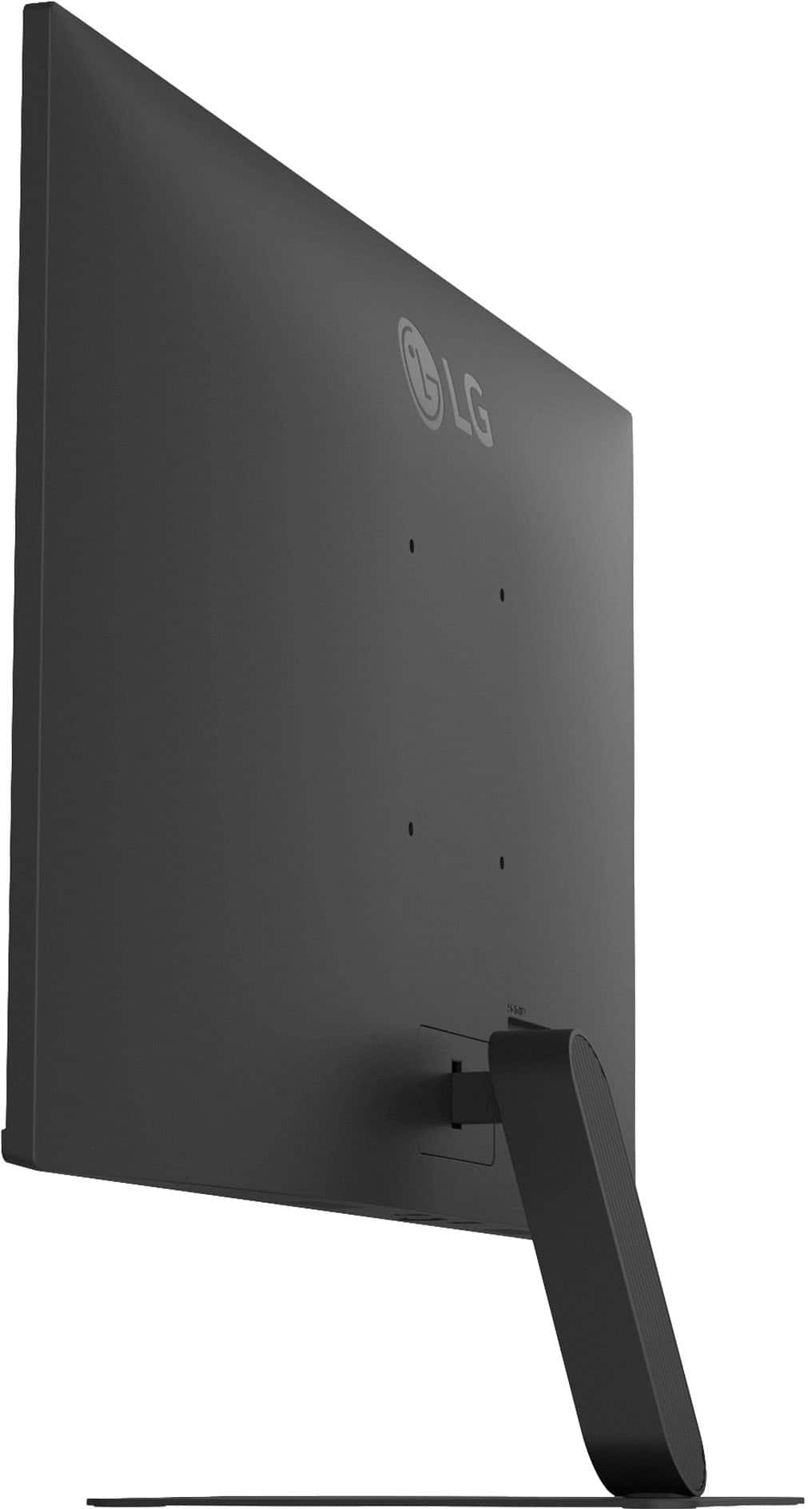
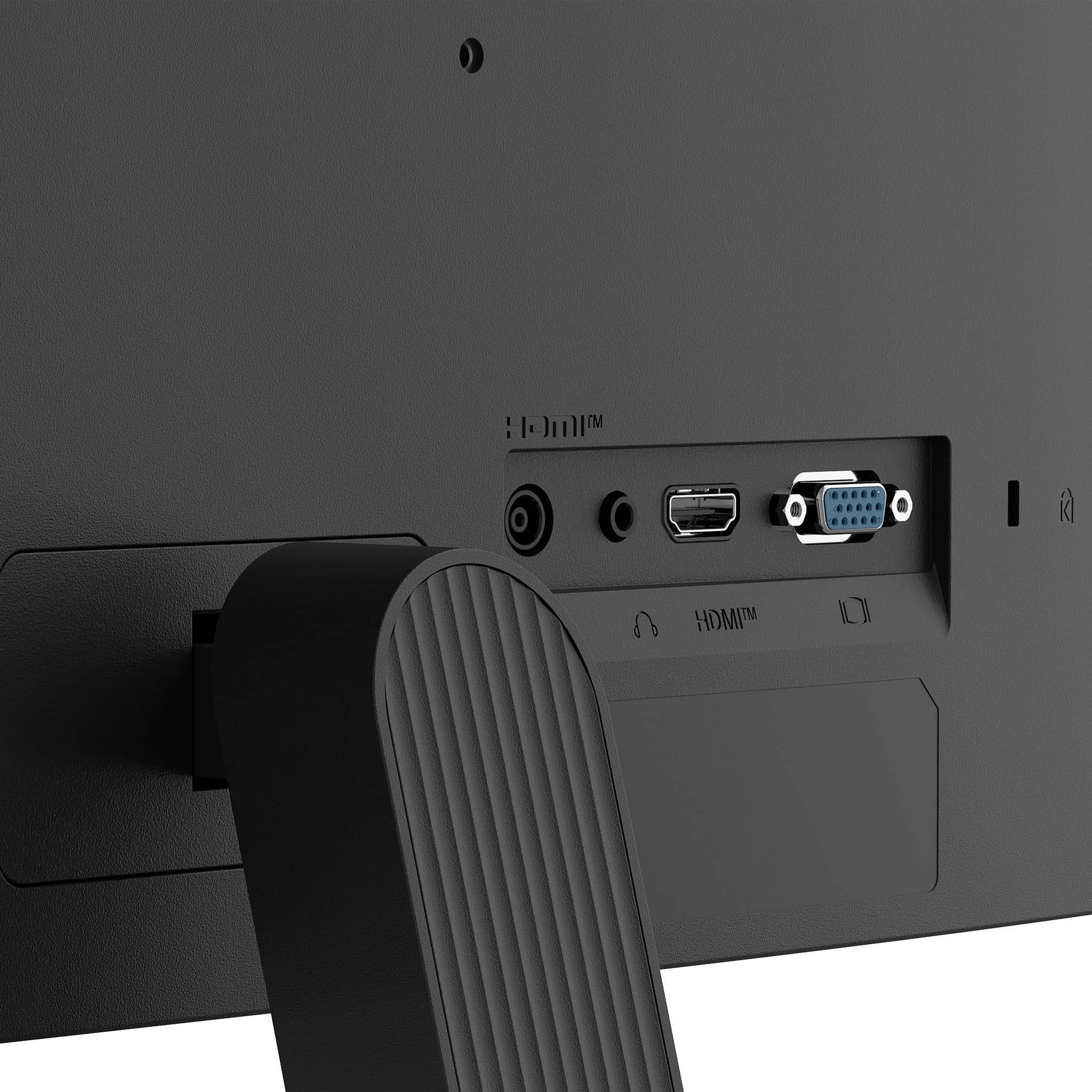
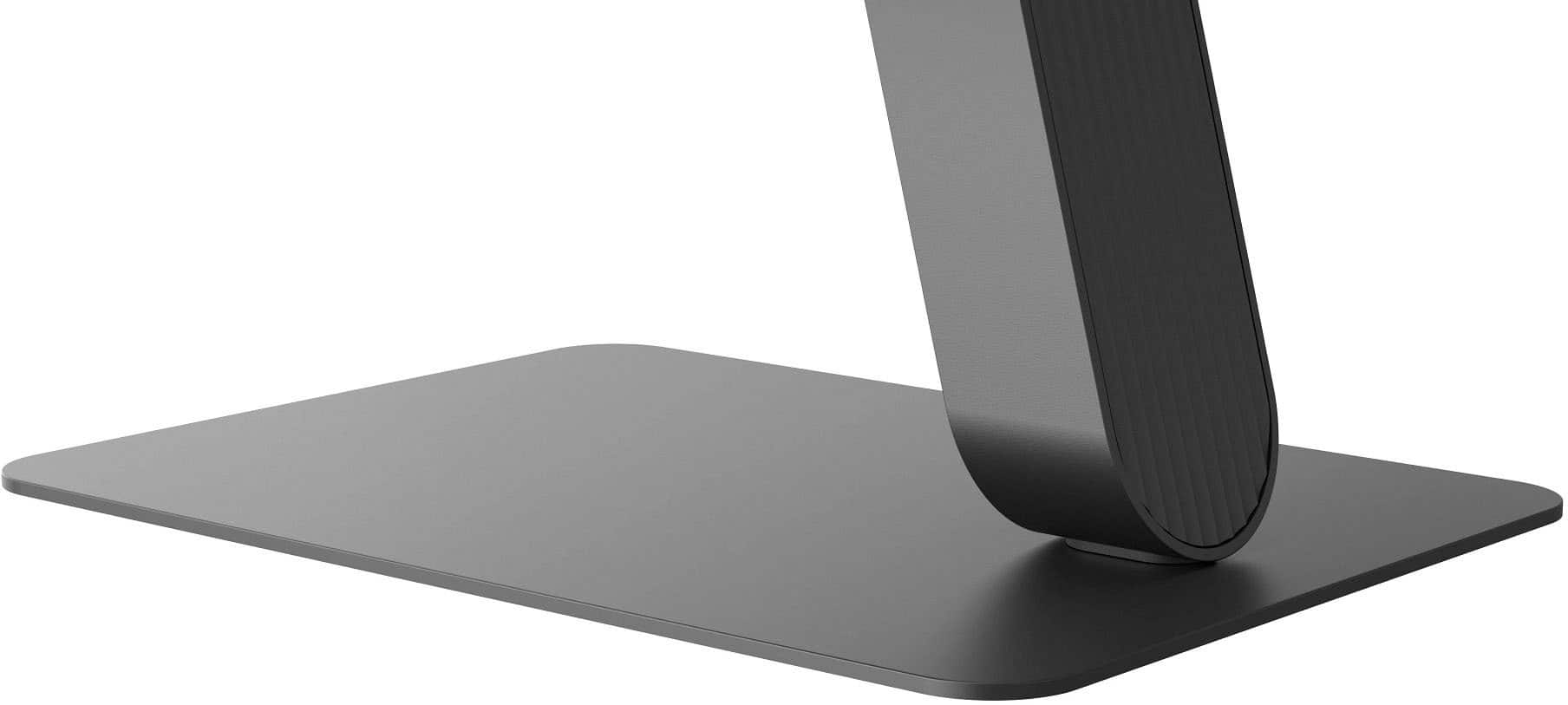
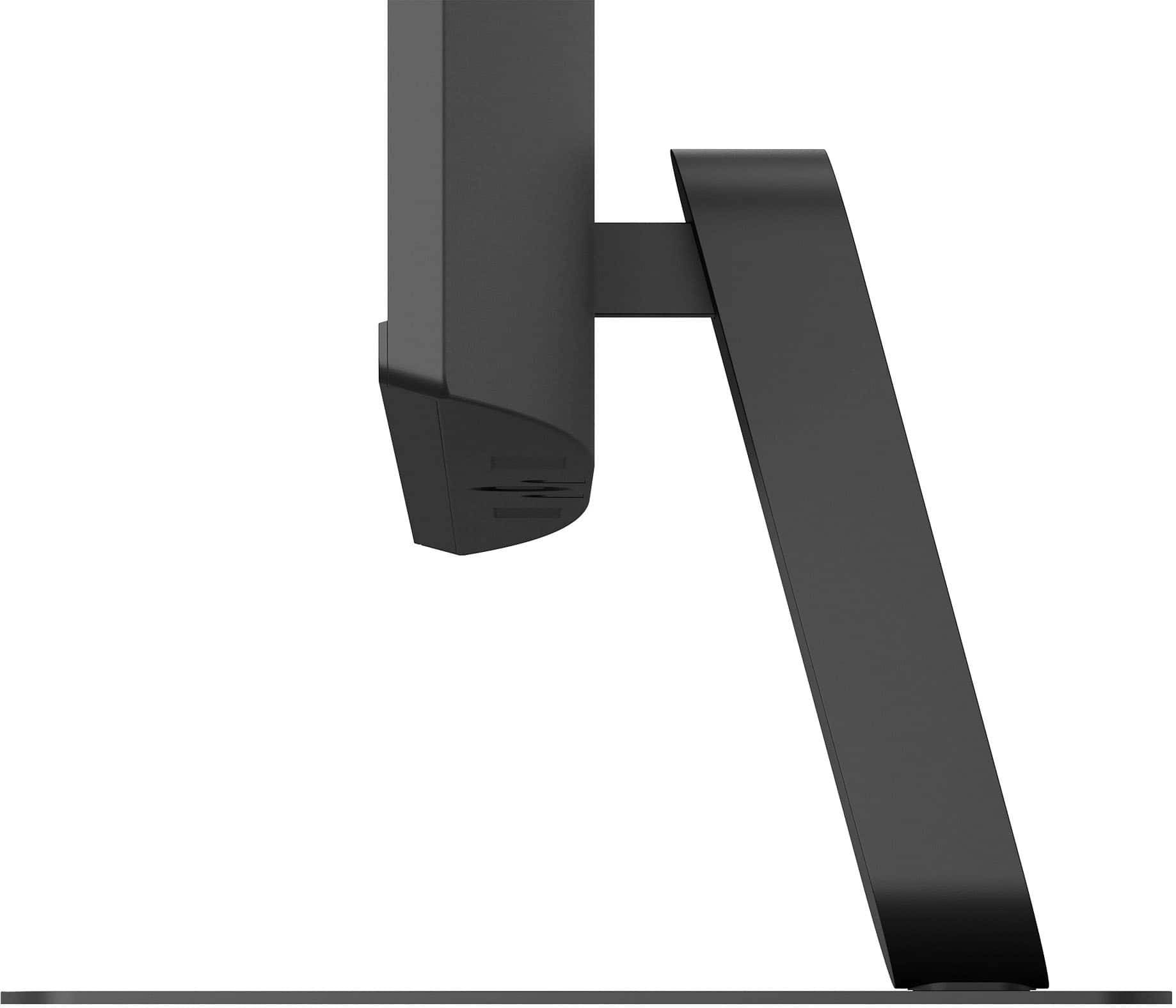
When viewing the front, this has probably this slimmest bezel I've seen, especially for the bottom. With most of the newer monitors I've worked with being thinner on the sides and top, but a thicker bottom (to various degrees). While the bottom is a little bit thicker than the side, it is still not very big. The overall thickness isn't too bad and does start tapering thinner near the top. The stand comes in two pieces, a very thin metal base plate and the connecting support arm that fits into the back of the monitor. There are two screws for connecting the support arm when in-place (holes are in the bottom, and two more for the base plate. Each pair of screws were located in separate bags not near each other, so be aware to look everywhere and not accidentally toss any. The only adjustment available is tilting forward (-5°)/backward (20°), so no height adjusting, swivel or screen rotating. There are only two inputs, HDMI (2.0) and D-SUB (which is somewhat strange nowadays to have instead of another HDMI, DisplayPort or even DVI-D). There is also a 3.5mm headphone jack. As with most monitors, it can be mounted, using 100 x 100 VESA.
There is a single control joystick just under the bottom edge, directly in the middle. Pressing straight up turns it on, press and hold for 5 seconds or so turns it off. Quickly pressing while it is on brings up the setup/control menu (which will be slightly different depending on the input source), with Source (left), Picture mode [HDMI input] or Auto Configuration [D-Sub] (right), Power off (back/push), and cancel (forward/pull). There are additional functions when tilting in each direction without activating the control menu. Left or right controls the built-in speakers’ volume, forward or back goes into the Accessibility menu, with can turn on action-activated/menu beeps. There is a "Beep Guide" in the User Guide that explains what each beep pattern is for.
The picture looks great with everything so far, from viewing images and video, with its 120Hz native refresh and IPS display. I ended up setting the Picture mode to HDR and turned on HDR10 in Windows display settings. It seems to have a slightly matted coating to reduce glare. Even though it is a 27" monitor, it is still only Full HD (1920 x 1080) instead of the typical Quad HD (2560 x 1440). So, it everything will just be enlarged compared to a 24" monitor, which is just fine for this situation. While I didn't try to do any gaming, It probably wouldn't be too bad. It has a 5ms (GtG) response time, but 1ms Motion Blur Reduction to help keep things smoother.
Overall, this will perform great for general use, and at a decent price point.
I would recommend this to a friend
Rated 4 out of 5 stars
Pretty Good but struggles with Black
|
Posted .
This reviewer received promo considerations or sweepstakes entry for writing a review.
Overall – This is a really solid everyday monitor that does a lot right. The smooth 120Hz refresh rate and IPS color quality are the highlights. That said, HDR performance and contrast are weak points. If deep blacks matter to you, this won’t be the one—but if you want a smooth, clean, reliable display for work or lite gaming, you’ll be very happy.
Packaging – The monitor was packaged well with no issues. Everything inside was protected properly, and nothing felt loose or under-secured. Like most monitors, you’ll want to lay the box flat to open and assemble to avoid stressing the panel.
Assembly – Assembly is quick and easy with no tools required. The stand snaps into place without any hassle, and you can be up and running in just a few minutes.
Touch and Feel – The build quality is good for this class of monitor. It’s mostly plastic, but it doesn’t feel cheap. The thin bezels give it a clean, modern look and work well if you’re running multiple monitors. Tilt adjustment is included, but there’s no height or swivel adjustment, which limits ergonomic flexibility. Once positioned, though, it’s stable and doesn’t wobble.
Setup & Functionality – The setup was straightforward using HDMI, please note that there is no DisplayPort, with no issues detecting the input on power-up.
The IPS panel delivers nice color accuracy and wide viewing angles, making it great for everyday productivity and media use. The 120Hz refresh rate is the standout feature here—it’s immediately noticeable in scrolling, general desktop use, and gaming compared to a 60Hz panel.
HDR10 support is included, but I didn’t see much difference beyond slightly brighter highlights. The blacks seem to be more dark gray, which is noticeable in darker scenes if used with another monitor. Standalone, it’s acceptable or with the same monitor, it would be OK. Brightness is more than adequate for office or home use
Bottom Line – The LG 27" IPS FHD 120Hz monitor delivers smooth performance, good color, and easy setup. The refresh rate alone makes it a noticeable upgrade for everyday use. If deep blacks or true HDR are must-haves, you’ll want to look elsewhere.
I would recommend this to a friend
Rated 5 out of 5 stars
BF Deal Winner
Posted .
This reviewer received promo considerations or sweepstakes entry for writing a review.
Amazing value on Black Friday! Steal of a deal on price and qualtiy!
I would recommend this to a friend
Rated 5 out of 5 stars
Computer monitor
Posted .
This reviewer received promo considerations or sweepstakes entry for writing a review.
Picture is great and it’s easy to use. My kids love playing PC games on it.
I would recommend this to a friend
Rated 5 out of 5 stars
Good bank for the buck
Posted .
This reviewer received promo considerations or sweepstakes entry for writing a review.
Easy installation. Good for screen visibility for small print.