Customer Ratings & Reviews
- Model:
- 27U41YA-B
- SKU:
- 6638894
Rating by feature
- Display Quality
Rating 4.7 out of 5 stars
- Ease of Use
Rating 4.7 out of 5 stars
- Features
Rating 4.5 out of 5 stars
Customers are saying
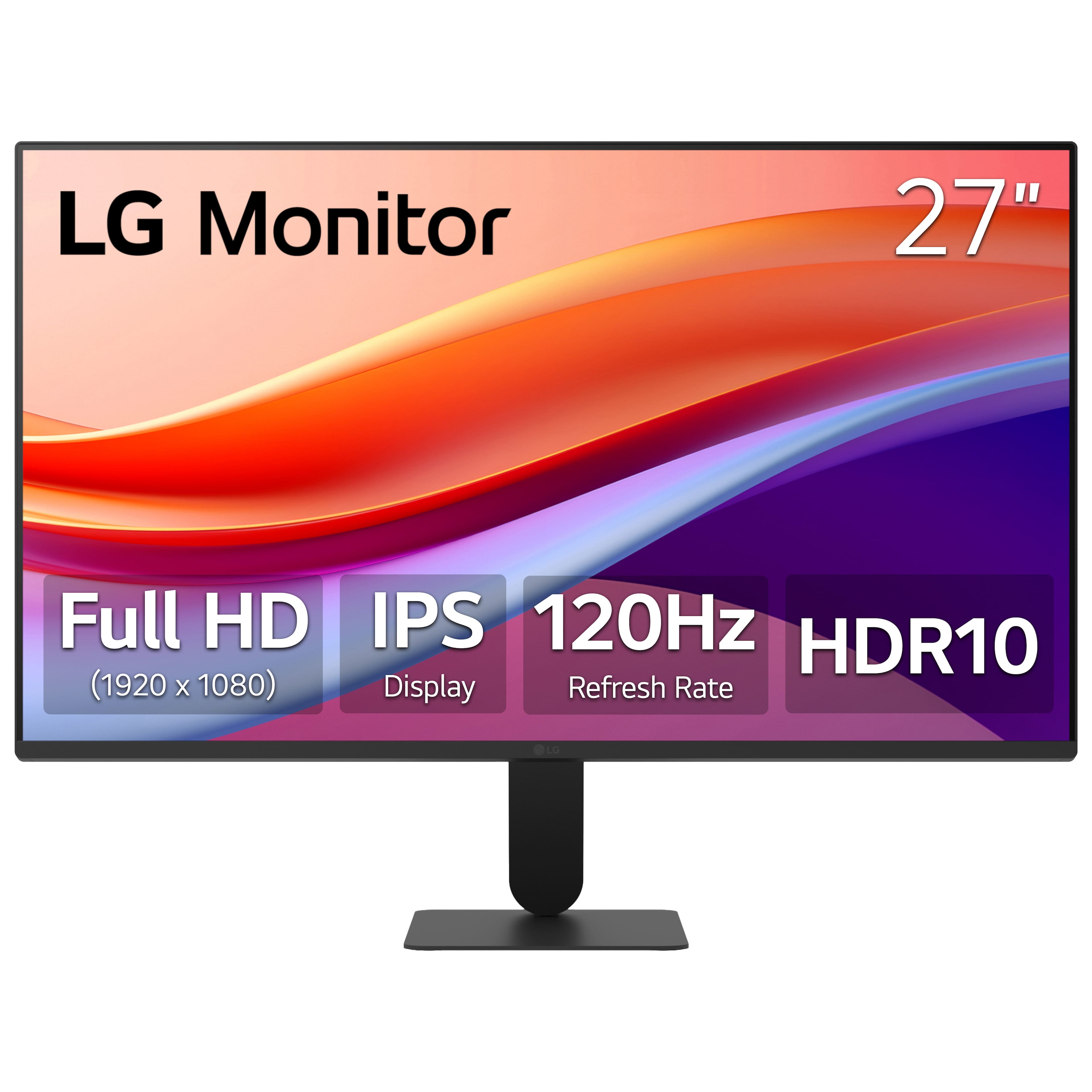
Customers love the 27" IPS FHD 120Hz Monitor with HDR10 (HDMI) for its overall performance and sleek design. Many appreciate the excellent picture quality, ideal size for desk use, and fast refresh rate. Some customers have noted concerns regarding adjustability and brightness.
This summary was generated by AI based on customer reviews.
Terrible
||Posted .This reviewer received promo considerations or sweepstakes entry for writing a review.This monitor is terrible. The sound does worth progeny and the stand for the monitor broke after 2 weeks, just past the return period. Imagine that. Will never buy an lg item again.
No, I would not recommend this to a friendBrand response from LG Digital Customer Care
Posted .Hi, there. Thank you for sharing your feedback on the LG Monitor (27U41YA-B) model. We appreciate you taking the time to let us know about your experience.
This model is designed without built-in speakers, so audio must be connected through external speakers or headphones. For more information, visit https://www.lg.com/us/support/help-library/lg-monitor-how-to-troubleshoot-soundrelated-issues--20153986754522. For the stand issue, we recommend checking if the base was fully secured during assembly, as tightening the screws firmly can sometimes resolve stability problems. If you’d like further assistance with replacement options or setup guidance for your 27U41YA-B, please send us an email at lgdigitalcare@lg.sprinklrsupport.com so we can help you. ^Juvy
1080p no bueno at this size
||Posted . Owned for 2 weeks when reviewed.This reviewer received promo considerations or sweepstakes entry for writing a review.Man I didn't realize until I tried this how much 1080p just isn't enough for a 27" monitor. I'm returning it
No, I would not recommend this to a friendBrand response from LG Digital Customer Care
Posted .Hi, there. Thank you for sharing your feedback on the LG Monitor (27U41YA-B) model. We totally get that screen resolution plays a big role in making your viewing experience comfortable, especially with those larger displays.
For a clearer picture on a 27" screen, a lot of folks like to go for QHD (2560x1440) or 4K UHD (3840x2160) models. They really do make text and images pop compared to 1080p. If you're curious, you can check out our range of higher-resolution monitors right here: https://www.lg.com/us/monitors.
Since you mentioned wanting to return the unit, that usually goes through the retailer where you bought it. You might want to reach out to Best Buy customer service at 888-237-8289 to chat about your concerns and see how they can help you out. And if you’d like us to lend a hand with suggestions or support options, just shoot us an email at lgdigitalcare@lg.sprinklrsupport.com. We're here to help! ^Juvy
Defective
||Posted . Owned for 2 weeks when reviewed.This reviewer received promo considerations or sweepstakes entry for writing a review.Monitor worked fine for two days but then the screen started to flicker.
No, I would not recommend this to a friendBrand response from LG Digital Customer Care
Posted .Hi, Ken. Thank you for sharing what’s been happening with your LG Monitor (27U41YA‑B) model. We understand the importance of having a monitor that stays stable and clear.
One helpful step you can try is checking the refresh‑rate setting on your computer. Make sure it’s set to the monitor’s supported rate (typically 60Hz for this model). You can also try using a different HDMI or DisplayPort cable to rule out a connection issue, as a loose or faulty cable can cause intermittent flickering. For more guidance, visit https://www.lg.com/us/support/help-library/lg-monitor-troubleshooting-a-shaking-screen--20153192710854. To allow our team to take a closer look and assist further, please send us an email at lgdigitalcare@lg.sprinklrsupport.com. We're here to help. ^Juvy
- Pros mentioned:Overall performance

Very nice general use Full HD monitor!
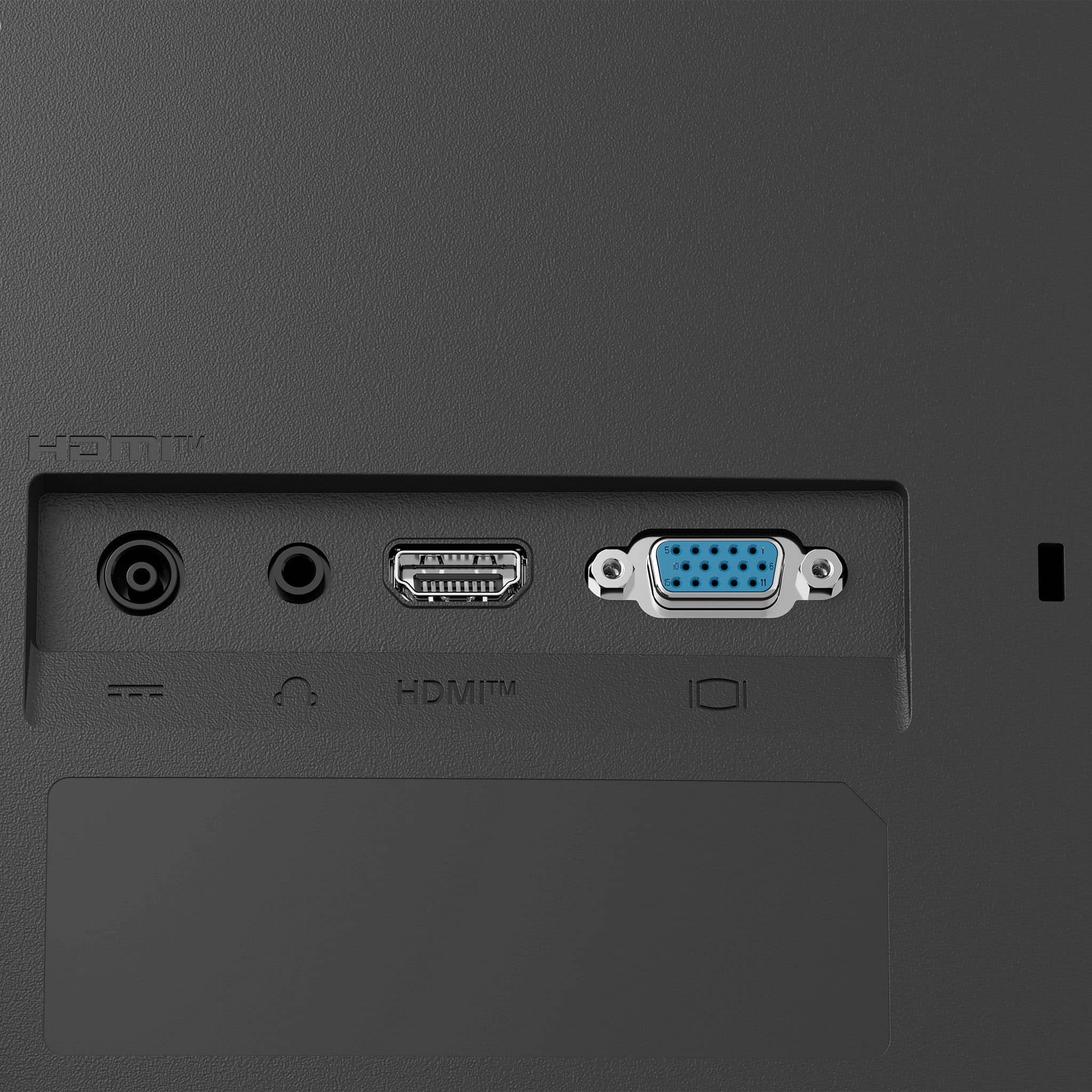
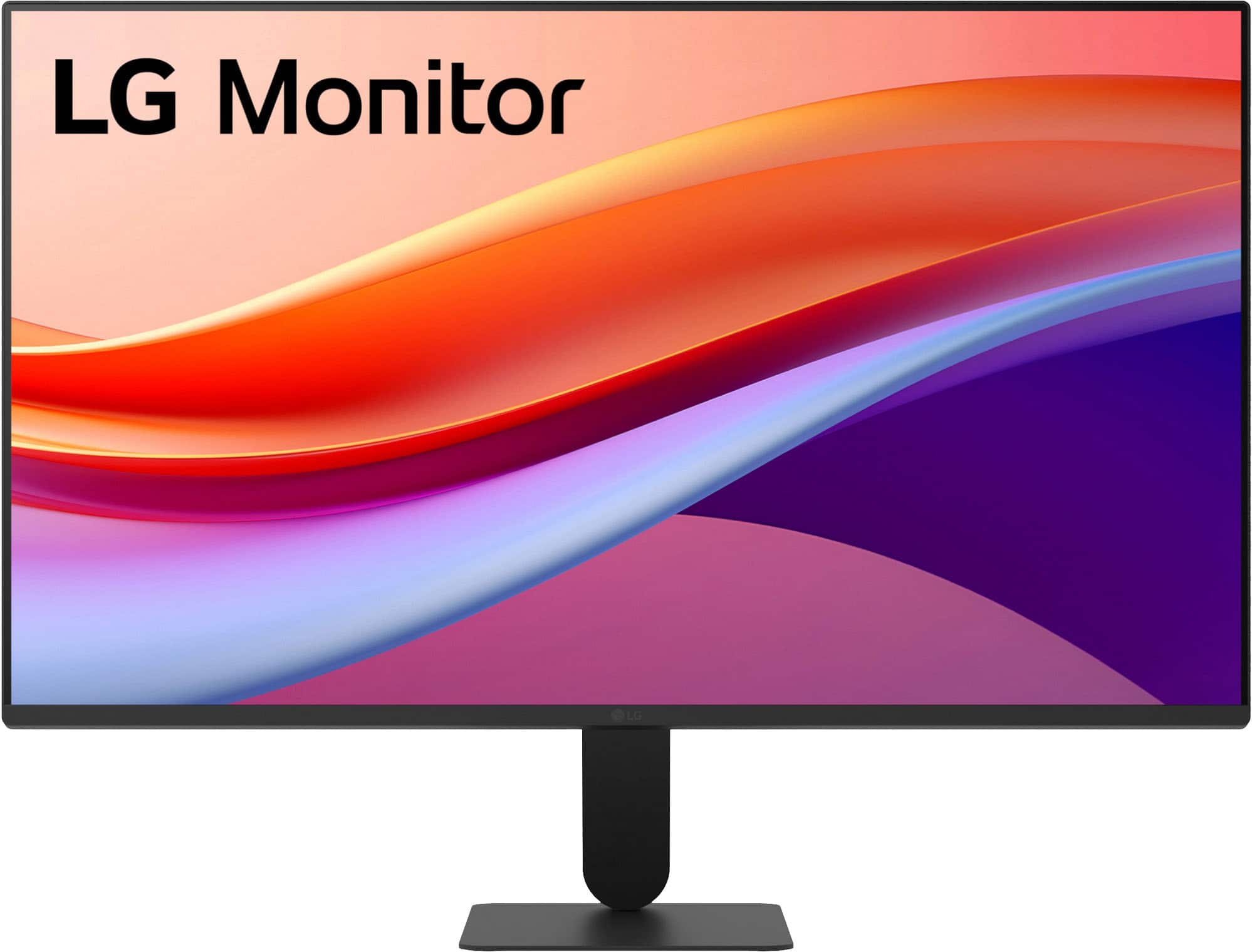
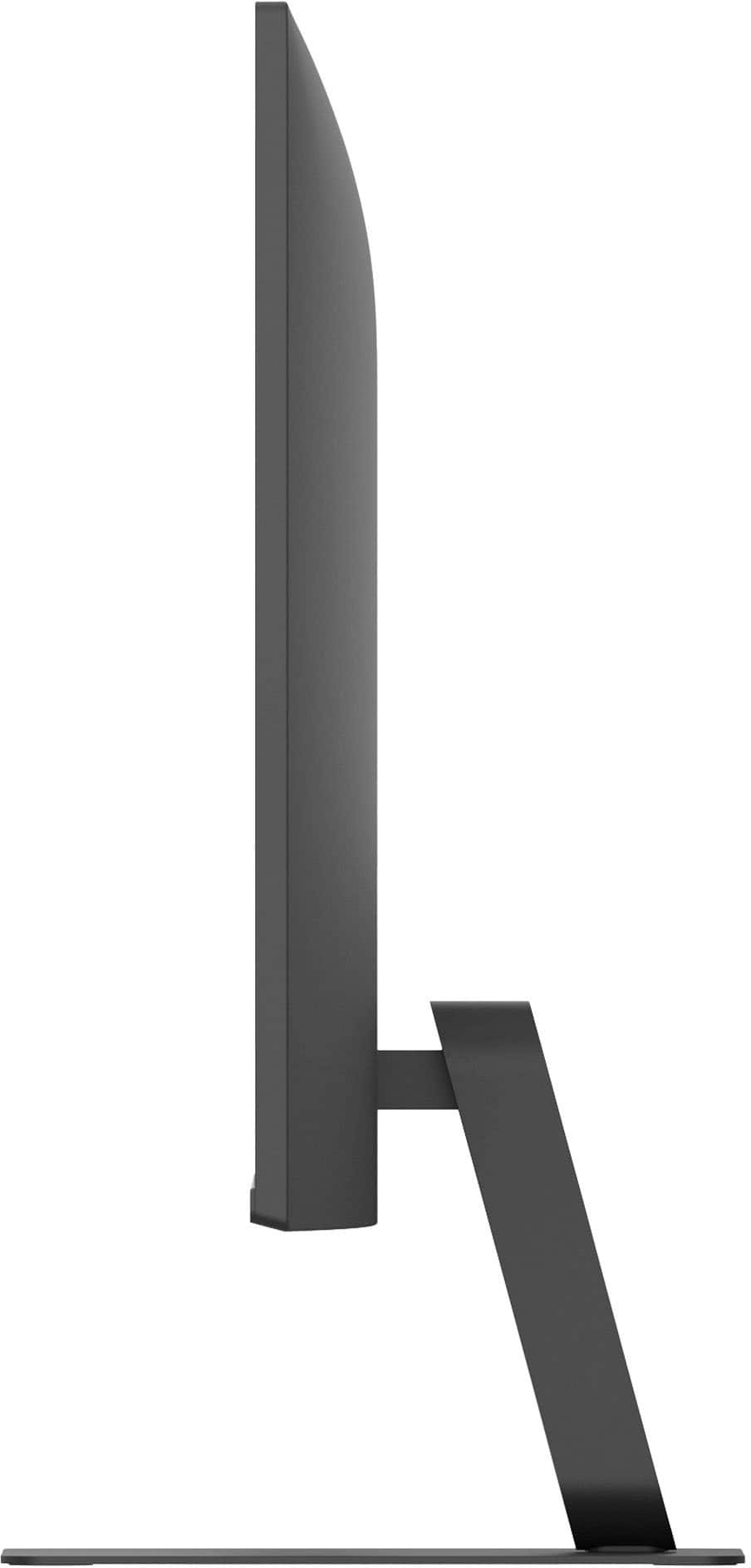
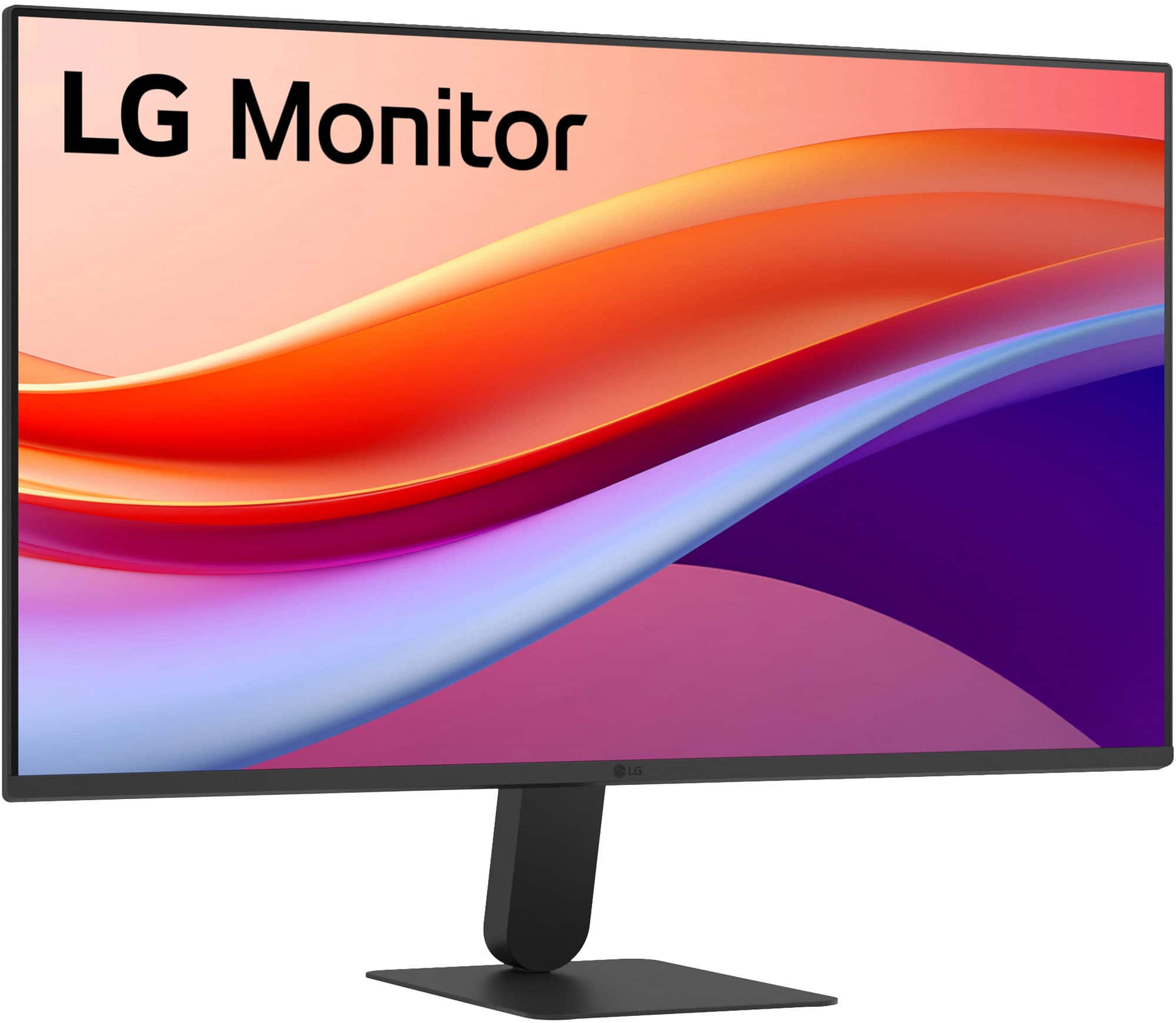
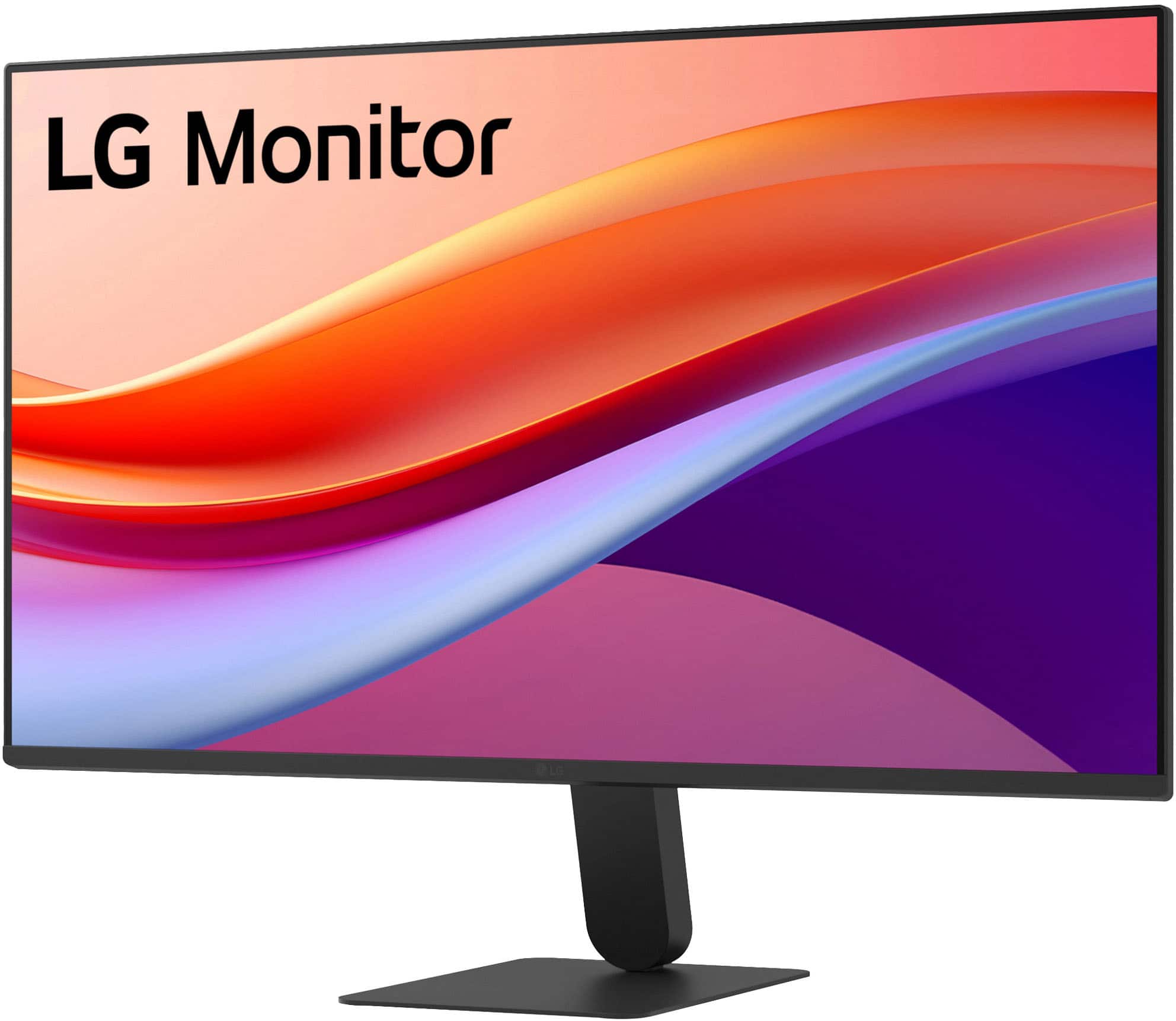
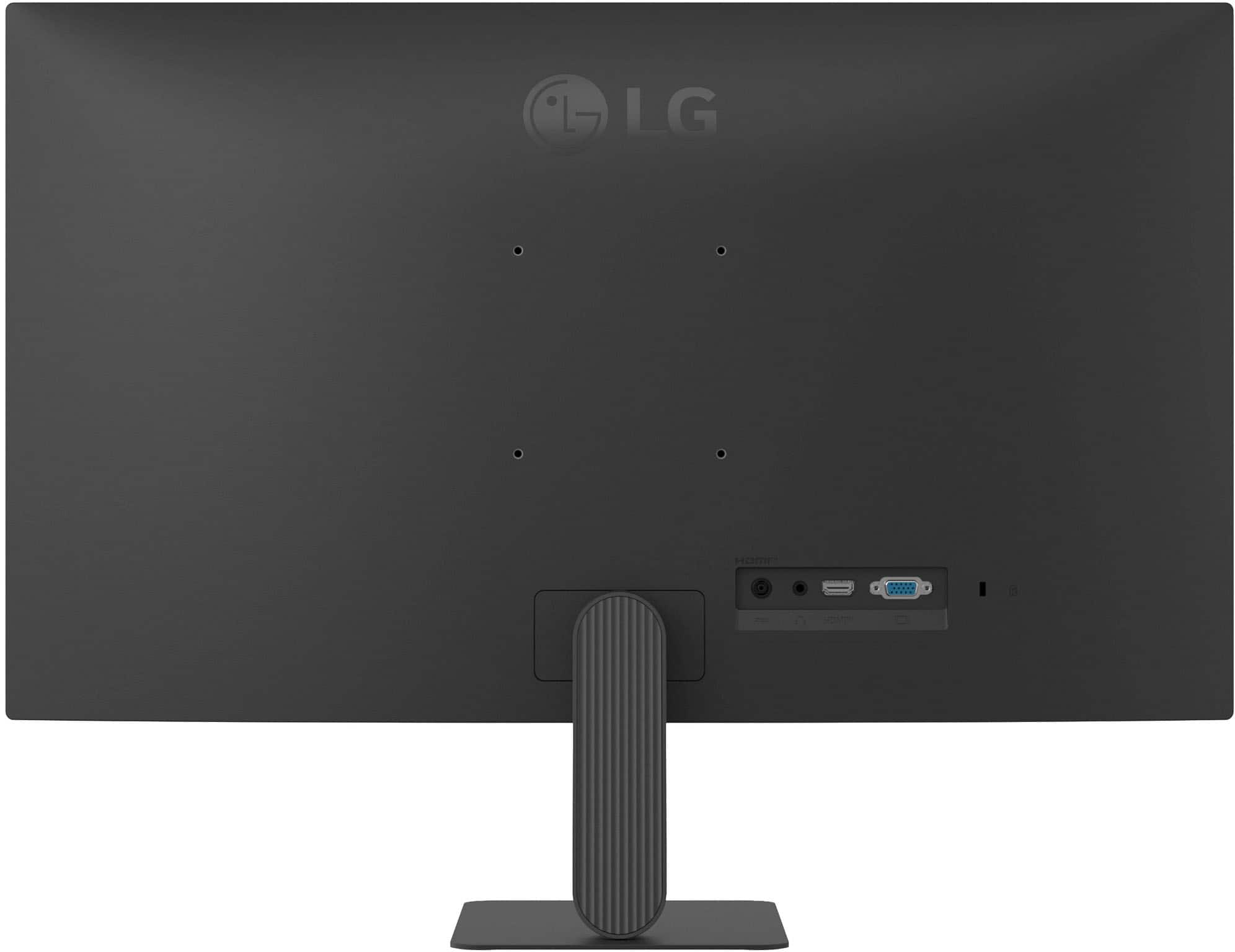
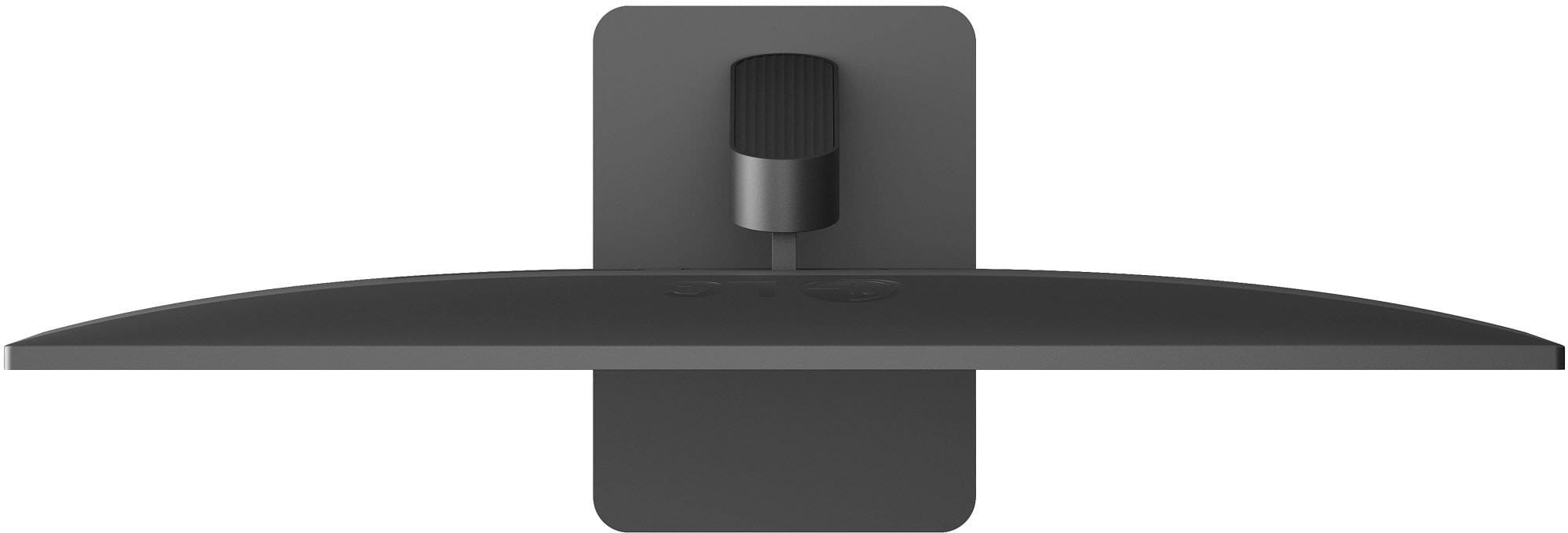
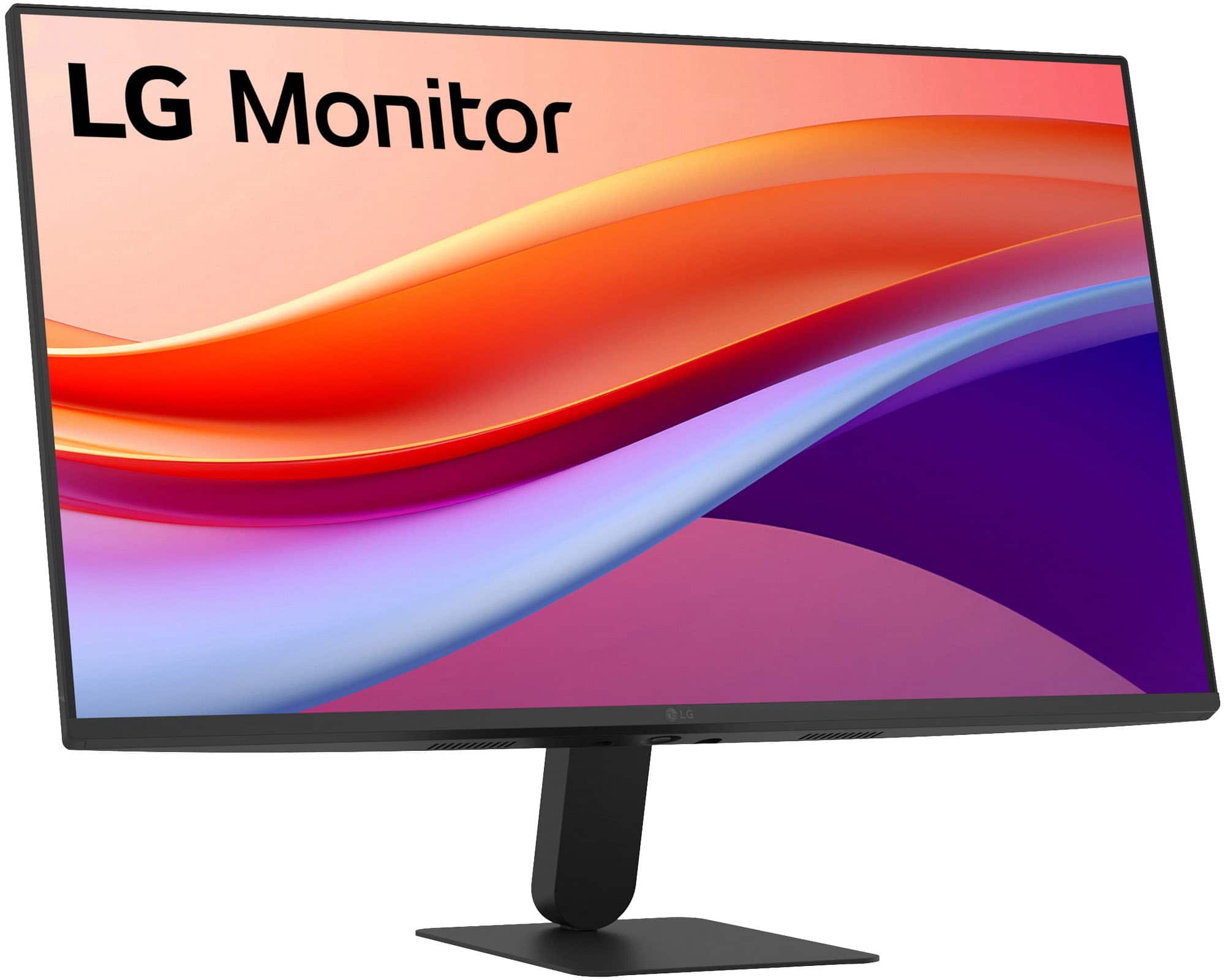
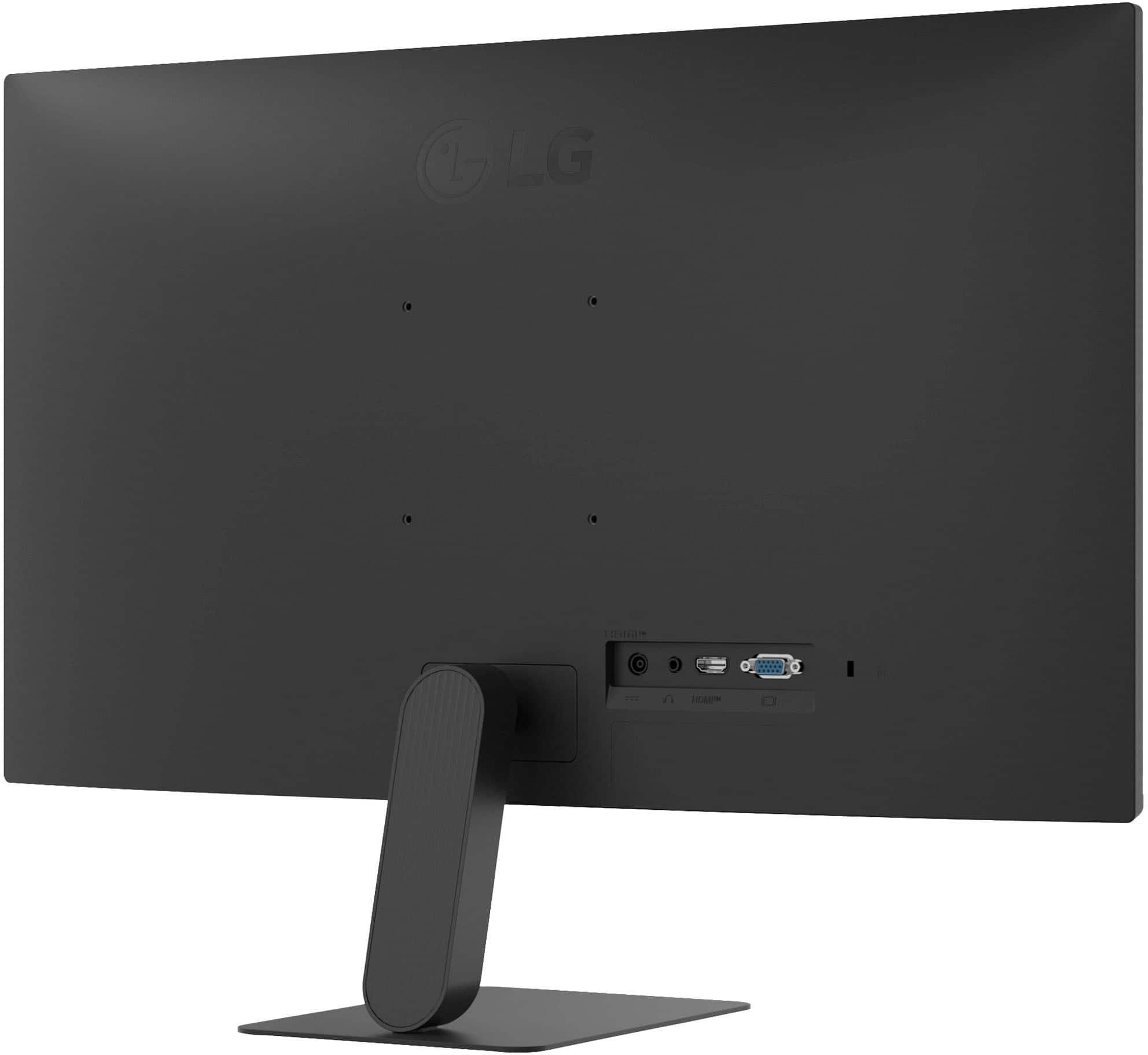
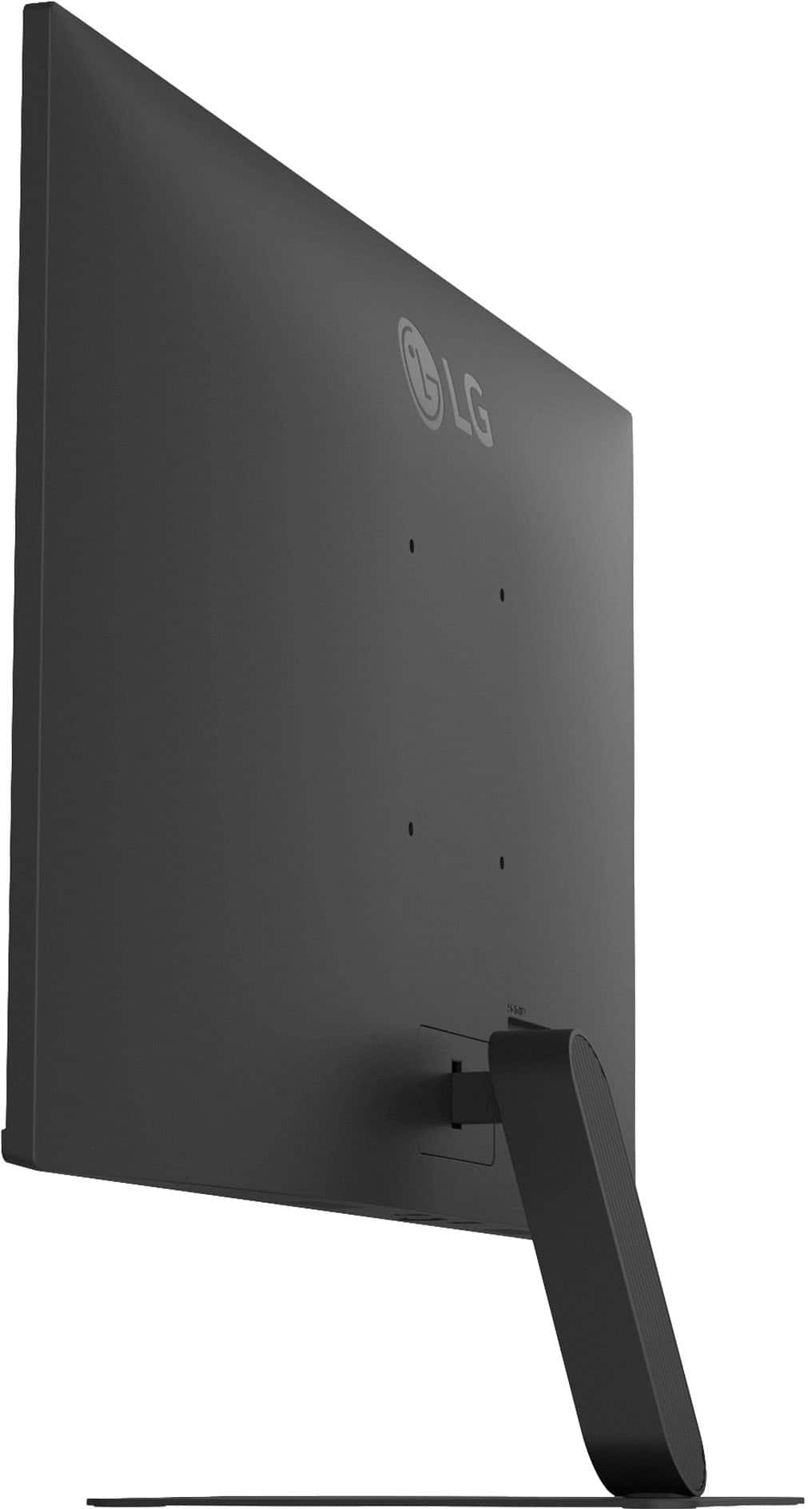
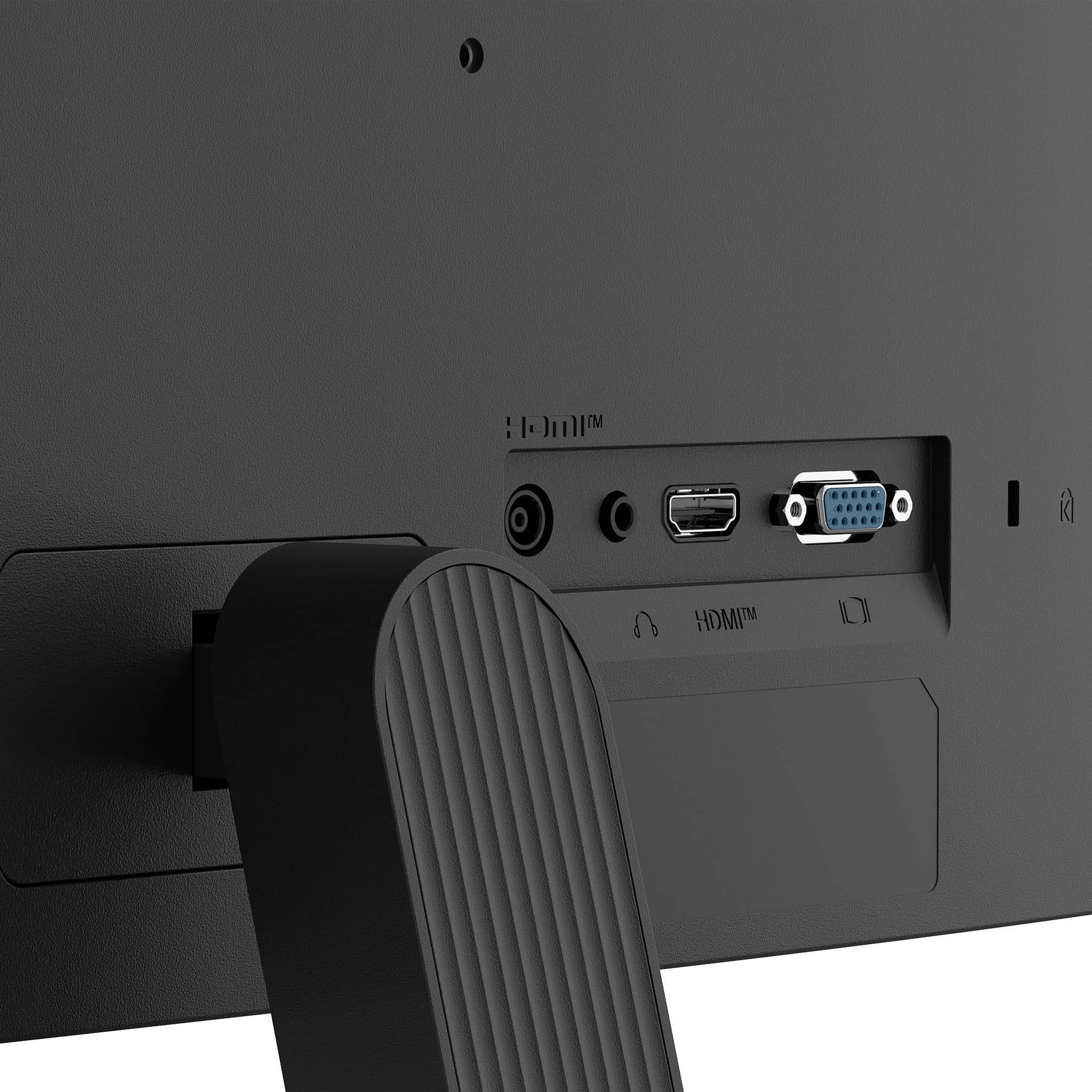
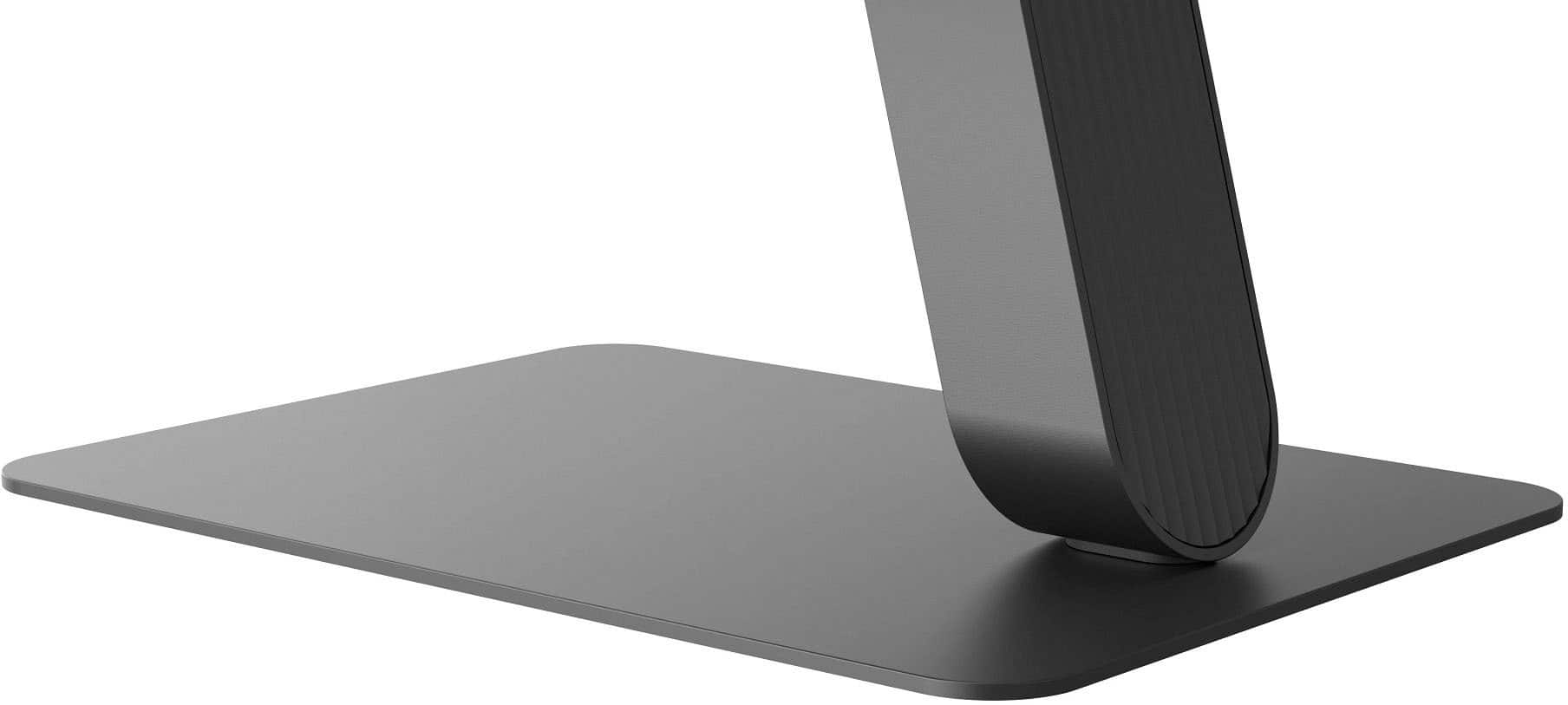
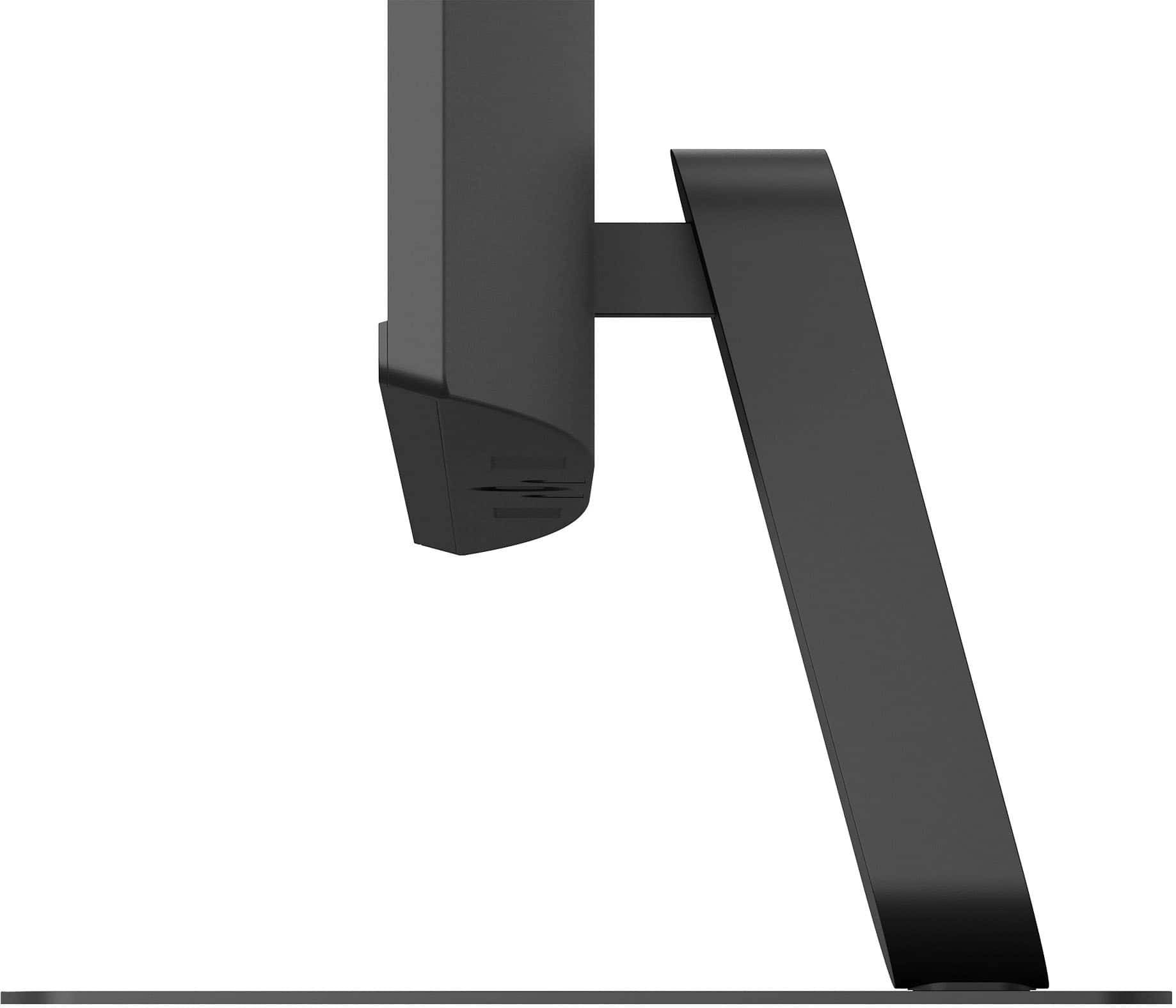
|Posted .This reviewer received promo considerations or sweepstakes entry for writing a review.As I was getting ready to set up a new computer (being just used a general workstation for internet, email and videos), I was needing to get a good, but not necessarily high-spec'ed monitor. While there were quite a few options in the range I was looking for, this LG 27" FHD monitor with 120Hz IPS and HDR10 seemed like it would be the best option for what I was needing. When viewing the front, this has probably this slimmest bezel I've seen, especially for the bottom. With most of the newer monitors I've worked with being thinner on the sides and top, but a thicker bottom (to various degrees). While the bottom is a little bit thicker than the side, it is still not very big. The overall thickness isn't too bad and does start tapering thinner near the top. The stand comes in two pieces, a very thin metal base plate and the connecting support arm that fits into the back of the monitor. There are two screws for connecting the support arm when in-place (holes are in the bottom, and two more for the base plate. Each pair of screws were located in separate bags not near each other, so be aware to look everywhere and not accidentally toss any. The only adjustment available is tilting forward (-5°)/backward (20°), so no height adjusting, swivel or screen rotating. There are only two inputs, HDMI (2.0) and D-SUB (which is somewhat strange nowadays to have instead of another HDMI, DisplayPort or even DVI-D). There is also a 3.5mm headphone jack. As with most monitors, it can be mounted, using 100 x 100 VESA. There is a single control joystick just under the bottom edge, directly in the middle. Pressing straight up turns it on, press and hold for 5 seconds or so turns it off. Quickly pressing while it is on brings up the setup/control menu (which will be slightly different depending on the input source), with Source (left), Picture mode [HDMI input] or Auto Configuration [D-Sub] (right), Power off (back/push), and cancel (forward/pull). There are additional functions when tilting in each direction without activating the control menu. Left or right controls the built-in speakers’ volume, forward or back goes into the Accessibility menu, with can turn on action-activated/menu beeps. There is a "Beep Guide" in the User Guide that explains what each beep pattern is for. The picture looks great with everything so far, from viewing images and video, with its 120Hz native refresh and IPS display. I ended up setting the Picture mode to HDR and turned on HDR10 in Windows display settings. It seems to have a slightly matted coating to reduce glare. Even though it is a 27" monitor, it is still only Full HD (1920 x 1080) instead of the typical Quad HD (2560 x 1440). So, it everything will just be enlarged compared to a 24" monitor, which is just fine for this situation. While I didn't try to do any gaming, It probably wouldn't be too bad. It has a 5ms (GtG) response time, but 1ms Motion Blur Reduction to help keep things smoother. Overall, this will perform great for general use, and at a decent price point.
I would recommend this to a friend - Pros mentioned:Refresh rate
Pretty Good but struggles with Black
|Posted .This reviewer received promo considerations or sweepstakes entry for writing a review.Overall – This is a really solid everyday monitor that does a lot right. The smooth 120Hz refresh rate and IPS color quality are the highlights. That said, HDR performance and contrast are weak points. If deep blacks matter to you, this won’t be the one—but if you want a smooth, clean, reliable display for work or lite gaming, you’ll be very happy. Packaging – The monitor was packaged well with no issues. Everything inside was protected properly, and nothing felt loose or under-secured. Like most monitors, you’ll want to lay the box flat to open and assemble to avoid stressing the panel. Assembly – Assembly is quick and easy with no tools required. The stand snaps into place without any hassle, and you can be up and running in just a few minutes. Touch and Feel – The build quality is good for this class of monitor. It’s mostly plastic, but it doesn’t feel cheap. The thin bezels give it a clean, modern look and work well if you’re running multiple monitors. Tilt adjustment is included, but there’s no height or swivel adjustment, which limits ergonomic flexibility. Once positioned, though, it’s stable and doesn’t wobble. Setup & Functionality – The setup was straightforward using HDMI, please note that there is no DisplayPort, with no issues detecting the input on power-up. The IPS panel delivers nice color accuracy and wide viewing angles, making it great for everyday productivity and media use. The 120Hz refresh rate is the standout feature here—it’s immediately noticeable in scrolling, general desktop use, and gaming compared to a 60Hz panel. HDR10 support is included, but I didn’t see much difference beyond slightly brighter highlights. The blacks seem to be more dark gray, which is noticeable in darker scenes if used with another monitor. Standalone, it’s acceptable or with the same monitor, it would be OK. Brightness is more than adequate for office or home use Bottom Line – The LG 27" IPS FHD 120Hz monitor delivers smooth performance, good color, and easy setup. The refresh rate alone makes it a noticeable upgrade for everyday use. If deep blacks or true HDR are must-haves, you’ll want to look elsewhere.
I would recommend this to a friend - Pros mentioned:Overall performance
LG monitor
Posted .This reviewer received promo considerations or sweepstakes entry for writing a review.Excellent monitor with excellent picture. A touchscreen would have made it better.
I would recommend this to a friend Decent
Posted .This reviewer received promo considerations or sweepstakes entry for writing a review.Does what I want it to however I was missing screws and had to improvise.
No, I would not recommend this to a friend- Pros mentioned:Overall performance
Computer monitor
Posted .This reviewer received promo considerations or sweepstakes entry for writing a review.Picture is great and it’s easy to use. My kids love playing PC games on it.
I would recommend this to a friend BF Deal Winner
Posted .This reviewer received promo considerations or sweepstakes entry for writing a review.Amazing value on Black Friday! Steal of a deal on price and qualtiy!
I would recommend this to a friendGood bank for the buck
Posted .This reviewer received promo considerations or sweepstakes entry for writing a review.Easy installation. Good for screen visibility for small print.
I would recommend this to a friend