Customer Ratings & Reviews
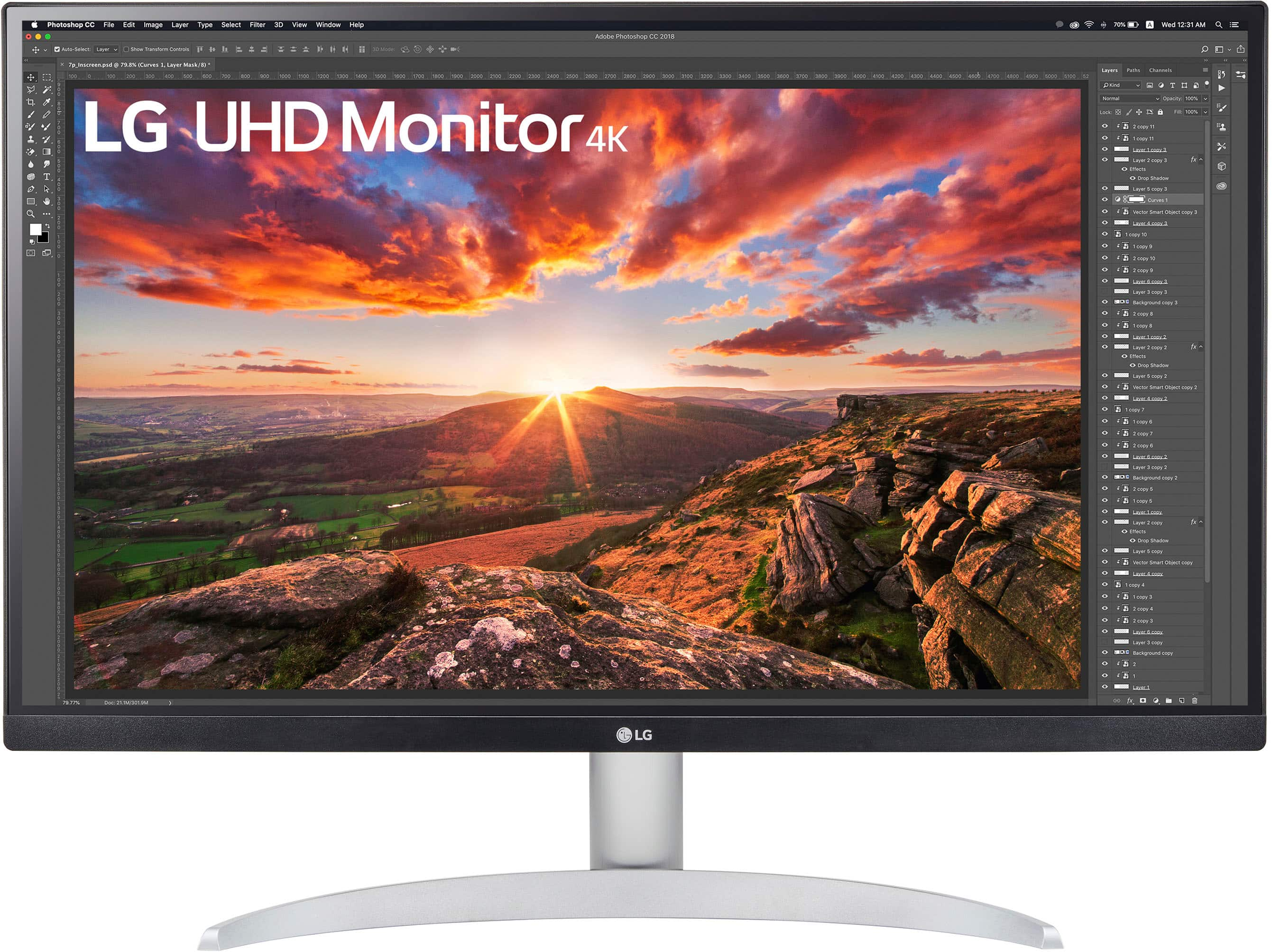
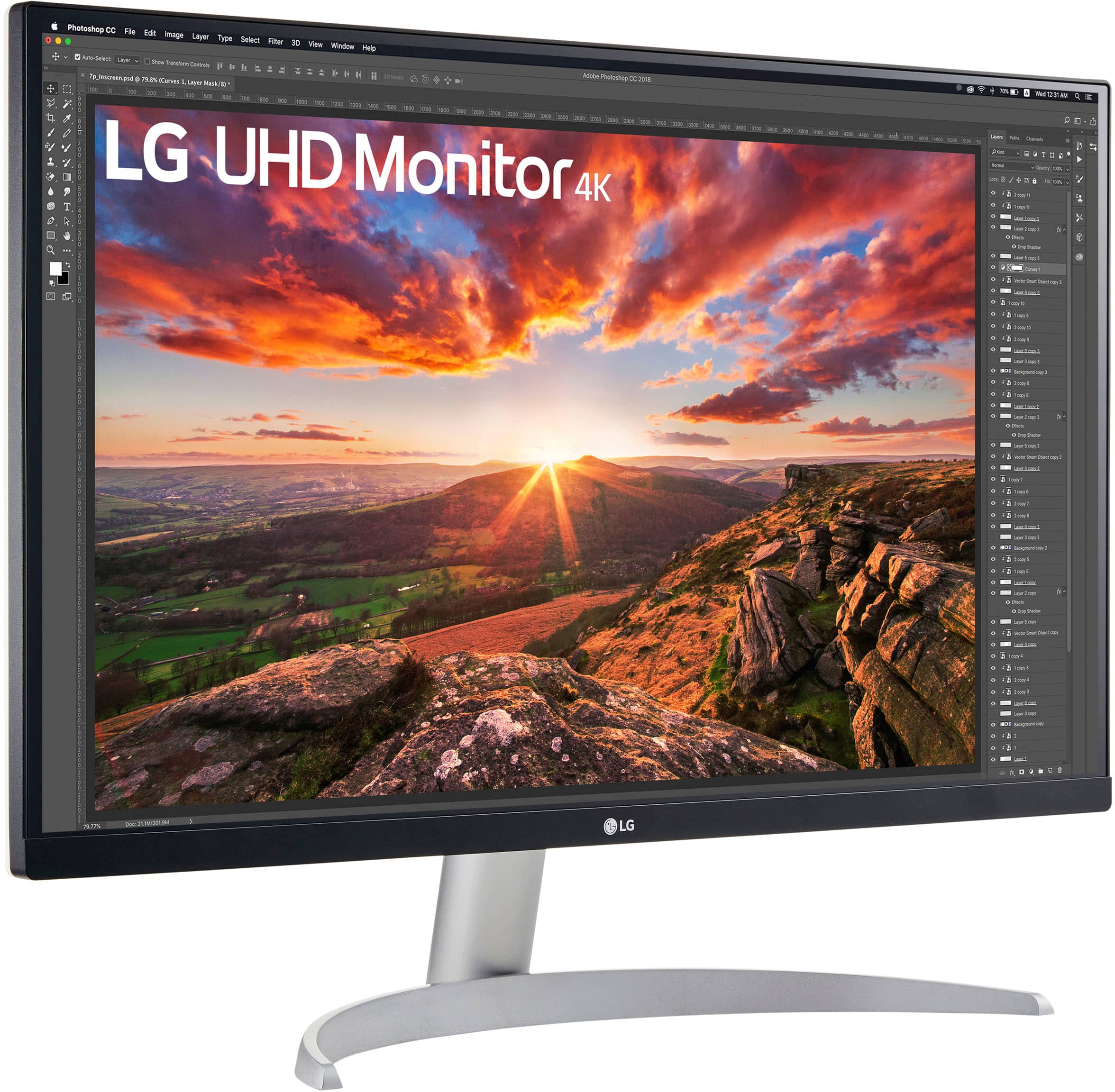
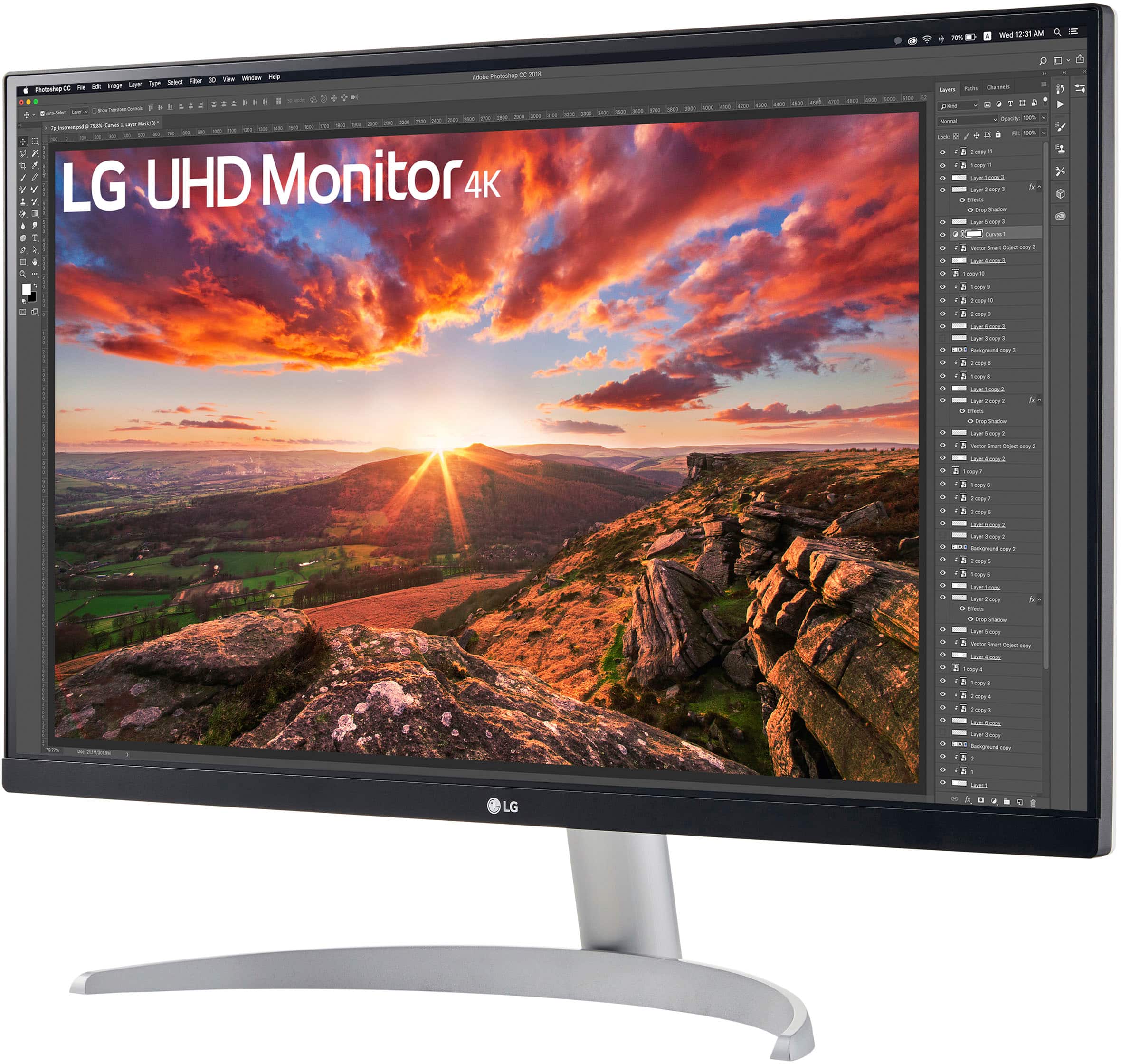
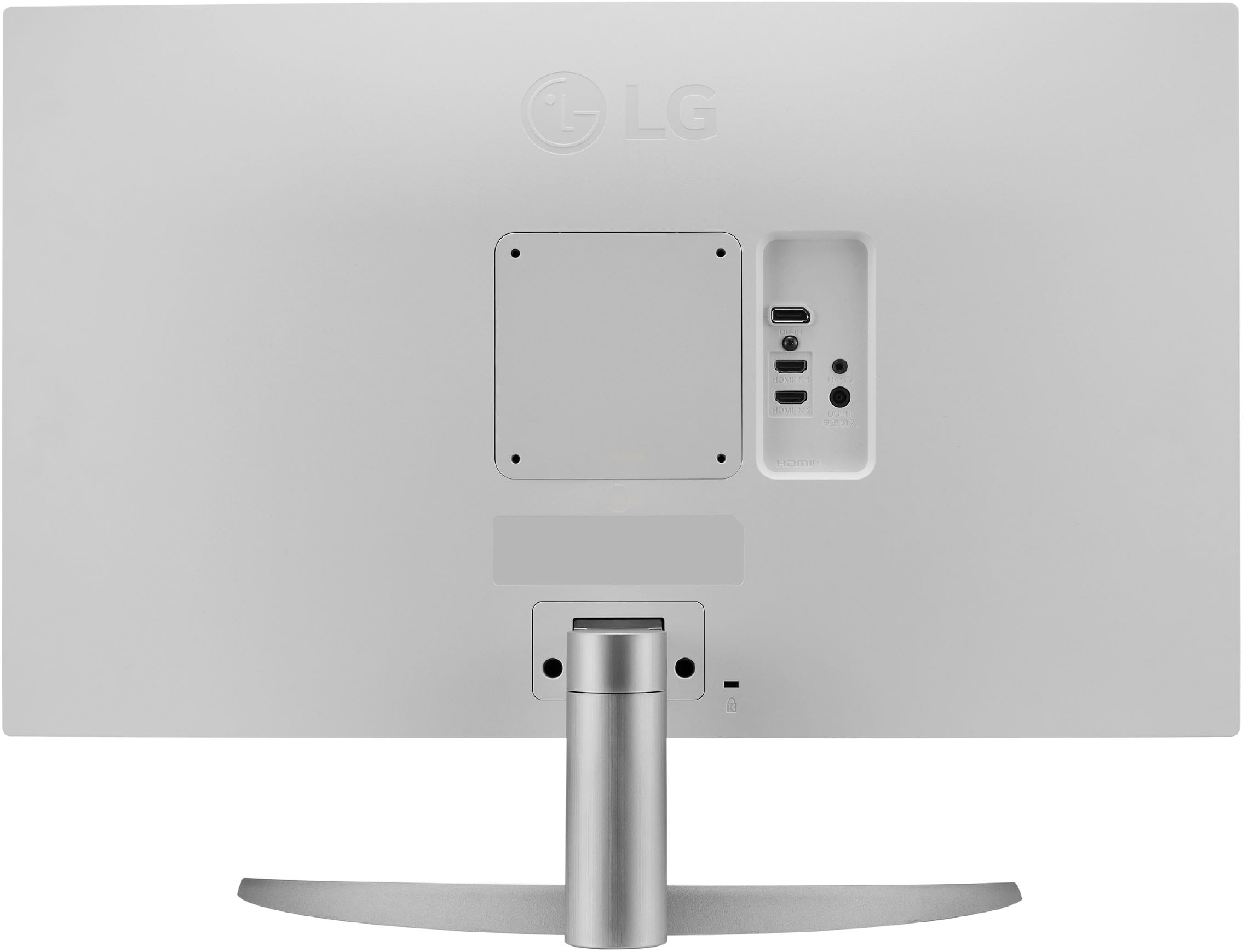
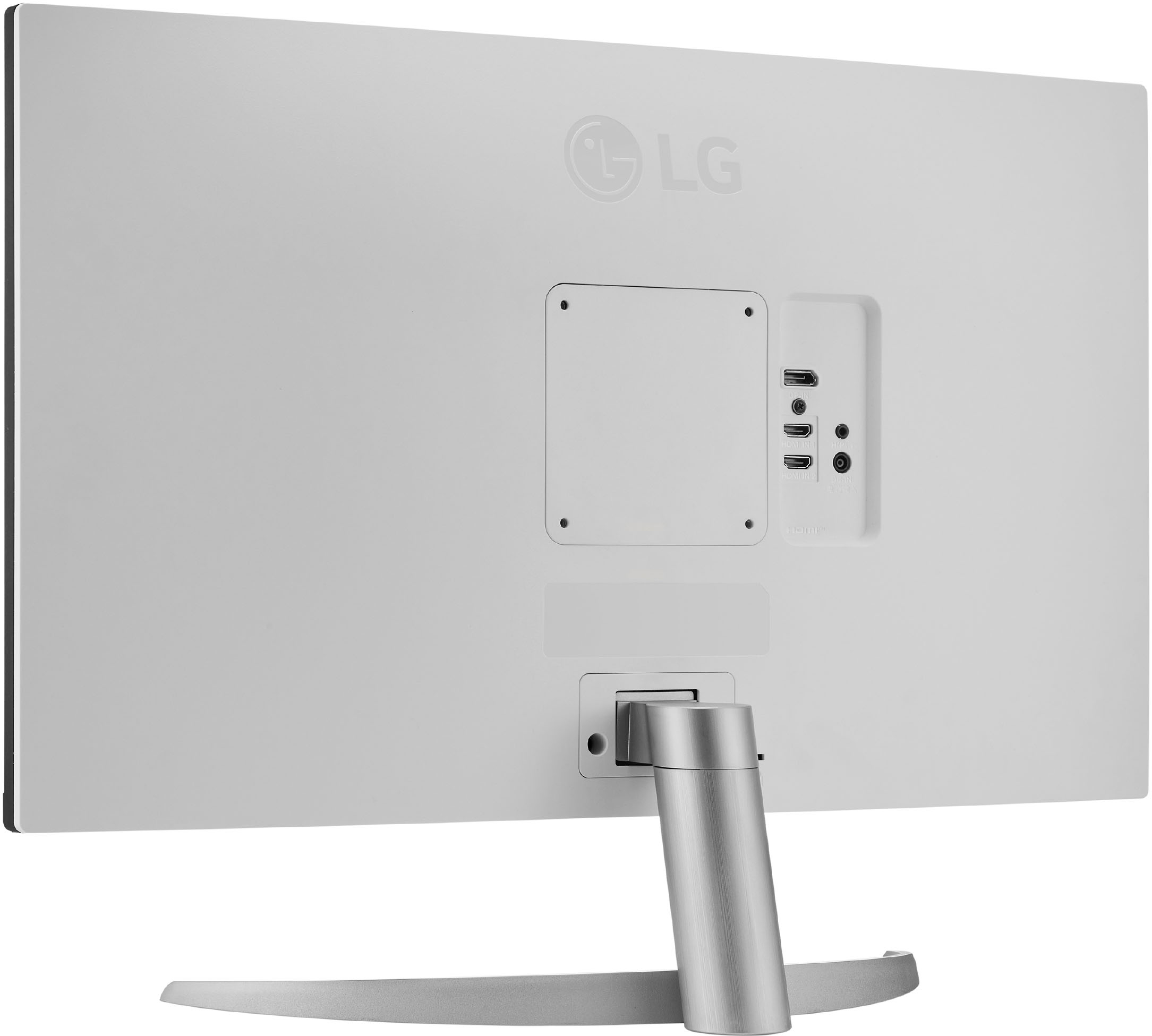
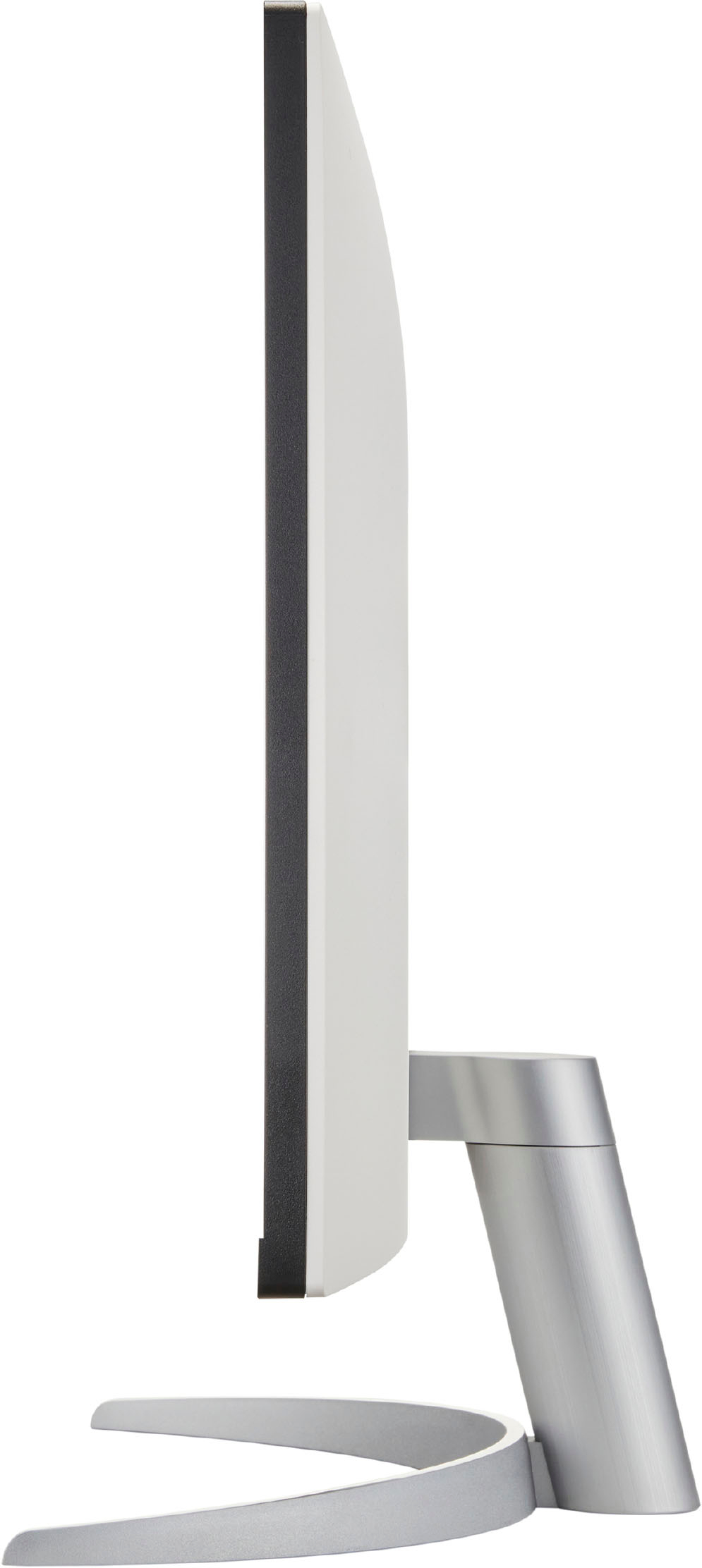
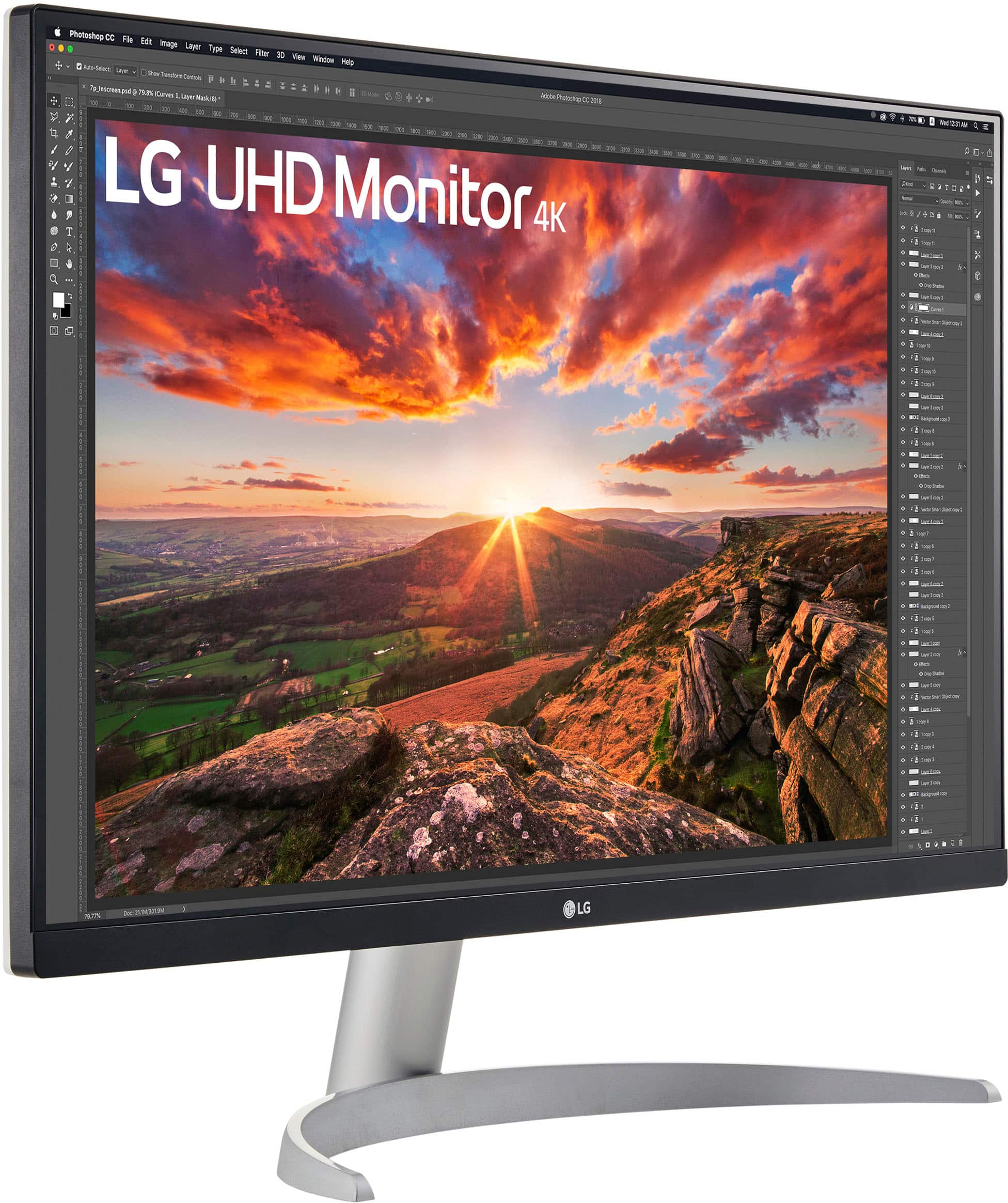
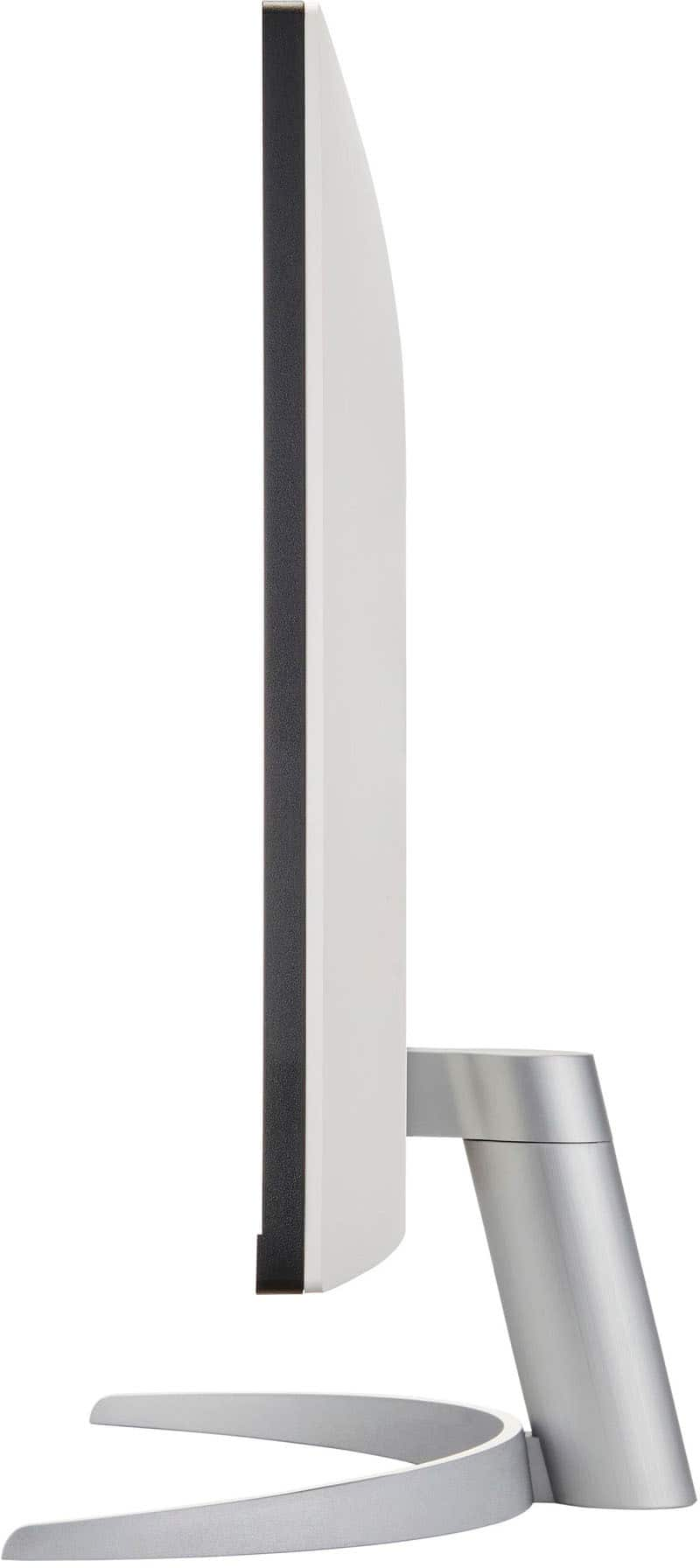
- Model:
- 27UP600-W.AUM
- SKU:
- 6511336
Rating by feature
- Display Quality
Rating 4.8 out of 5 stars
- Ease of Use
Rating 4.7 out of 5 stars
- Features
Rating 4.5 out of 5 stars
Customers are saying
Customers express satisfaction with the picture quality, price, color accuracy, and ease of setup of the 27” IPS LED 4K UHD monitor. Many appreciate the HDR functionality for enhanced viewing experiences, although some wish for a higher refresh rate and improved stand adjustability. The lack of built-in speakers and a USB-C port were also noted as shortcomings by some users. The monitor is considered easy to set up and use.
This summary was generated by AI based on customer reviews.
Monitor
||Posted . Owned for 1 week when reviewed.This reviewer received promo considerations or sweepstakes entry for writing a review.Responded well graphics are great very fast and good picture
I would recommend this to a friendHorizontal Line
||Posted . Owned for 4 months when reviewed.This reviewer received promo considerations or sweepstakes entry for writing a review.I had the monitor for four months. I worked great until this week. There is a horizontal line that is running through the screen now from edge to edge. Does seem to use up a lot of memory on my MacBook Pro as well.
No, I would not recommend this to a friendBrand response from LG Digital Customer Care
Posted .Hi, Sandy. Thank you for taking the time to review the LG Monitor (27UP600-W ) model. We're sorry to hear about the appearance of a horizontal line on the screen and the potential impact on your MacBook Pro's memory usage. We aim to offer reliable products for a great viewing experience. For help, visit https://www.lg.com/us/support/help-library/lg-monitor-troubleshooting-lines-on-the-screen-CT32003206-20153186572241. Please reach out to us on social media at @LGUSSupport for more assistance. ^Juvy

Bad quality - Monitor failed to work after 4 month
||Posted . Owned for 4 months when reviewed.This reviewer received promo considerations or sweepstakes entry for writing a review.I ordered 2 of these LG monitors and after 4 months of purchase minimal usage, one of the LG monitors just went blank it doesn't switch ON not show anything on the screen. Performed basic troubleshooting. Power adapter works but monitor doesn't.
No, I would not recommend this to a friendBrand response from LGAnswers
Posted .Thank you for providing us with valuable feedback. We apologize that you had such an experience with your LG - 27” IPS LED 4K UHD AMD FreeSync Monitor with HDR (DisplayPort, HDMI) - Black. This will be considered for our continuous improvement. We read from your feedback that you were having trouble with the product, so we’d like to help you with it. Please send us a private message on Facebook or Twitter at @LGUSSupport, and we will be happy to assist you. ^James.
LG UHD Monitor
||Posted . Owned for 3 weeks when reviewed.This reviewer received promo considerations or sweepstakes entry for writing a review.I wish I had made a better choice I think I depended on the salesperson to lead me and that doesn't always work out and now I am stuck with my choice for now.
No, I would not recommend this to a friendBrand response from LG Digital Customer Care
Posted .Hi, Carolyn. Thank you for sharing your feedback on the LG Monitor (27UP600-W) model. We're sorry to hear about the salesperson's guidance, which didn't quite work out as you had hoped. We strive to provide accurate information and assistance to our customers to ensure a smooth and seamless experience. We would like to help you find a solution to your situation. Please reach out to us on social media @LGUSSupport to explore any options available. ^Juvy
Monitor Stopoed Working
||Posted .This reviewer received promo considerations or sweepstakes entry for writing a review.Only purchased this because previous monitir, same one, stopped working after a few months. I work wuth two monitors so was stuck replacing the broken one.
No, I would not recommend this to a friendBrand response from LGAnswers
Posted .We would be happy to help you with setting up repair, however, we need to move to a platform that supports back-and-forth messaging. Please send us a private message on Facebook or Twitter using @LGUSSupport and include #VOC, your contact info and we will do everything in our power to expedite a resolution for you. Thank you. ^Jennifer
Save yourself many headaches.
||Posted . Owned for 11 months when reviewed.This reviewer received promo considerations or sweepstakes entry for writing a review.I'd give it a zero if I could. Bought this when I lived in FL (Black Friday); moved with it in its original box. Sent it from MI to be repaired. Doesn't work and I can't afford to replace it, so I hope LG has honest people and want to help me with my purchase. It's already out of BB's hands, sadly.
No, I would not recommend this to a friendBrand response from LG Digital Customer Care
Posted .Hi, Amanda. Thank you for sharing your experience with the LG Monitor (27UP600-W) model. We understand how challenging it is when a device doesn’t work as expected, especially after moving and with limited resources. We strive to provide high-quality products and exceptional services to ensure a smooth experience.
To assist you further, we recommend checking if the TV is properly connected and if all cables are secure. Sometimes, issues can arise from loose connections. For help, visit https://www.lg.com/us/support/help-library/lg-monitor-troubleshooting-a-blank-screen--20153188064348.
We truly want to help you get this resolved. Please send us a private message on social media @LGUSSupport, and our team will do our best to explore your repair options and provide support. Your satisfaction is important to us, and we appreciate your patience as we work together to find a solution. ^Juvy
- Pros mentioned:Color, Picture quality

Gaming Monitor that really delivers
|Posted .This reviewer received promo considerations or sweepstakes entry for writing a review.This is such a great minimal gaming monitor. I think the size is a sweet spot to get the extra room for gaming, without having to sacrifice too much space on a desk or table. This really improved my gaming sessions. We primarily game off some nice gaming laptops so a good gaming monitor is a must for longer game sessions. This one was a perfect fit into our setup. I think it gives you the most bang for your buck without looking to much like a gaming monitor. Setup is a breeze; you need to install the stand which just took a few minutes and a screwdriver. Then it’s just connecting the power and video cable. You get everything you need in the box to get going. I prefer connecting my gaming laptop through USB-C to HDMI on the monitor, so I used the cable we already had to connect it. The HDMI cable that comes in the box also works great, we used it for a while with that, just to test it out and it did the job. Day to day work is great on this, whether it’s typing up a paper, paying bills, web searches, or communicating with others. The real reason we went with this monitor are for the gaming features. We play a variety of games from WoW and Elden Ring to Fortnite and CoD. No matter what we toss at this monitor it all looks great. Colors looks great, image is sharp, and the monitor has a good refresh rate to keep everything moving smoothly. This is a great gaming monitor or general-purpose monitor. Obviously, we chose it for the gaming potential, but I could someone really enjoying this if they just use it for work, consuming content, or working on photos/videos. For gaming, we really enjoy it. It has great performance, looks amazing, and is the right size to not take up too much desk space, but still giving us a great image. This would be an easy recommendation for most setups.
I would recommend this to a friend - Cons mentioned:Stand
Missing parts
||Posted . Owned for less than 1 week when reviewed.This reviewer received promo considerations or sweepstakes entry for writing a review.Can't use it because it came without any screws to attach the stand to the monitor
No, I would not recommend this to a friendBrand response from LG Digital Customer Care
Posted .Hi, there. Thank you for taking the time to review the LG Monitor (27UP600-W) model. We appreciate your feedback and regret to hear about the inconvenience caused by the missing screws needed to attach the stand to the monitor. We understand this omission has prevented you from using the monitor as intended. This is certainly not the level of service we strive to provide to our valued customers. We recommend contacting Best Buy customer service at 888-237-8289 for immediate assistance. If there's anything else we can do to assist you or address any further concerns, please reach out to us on social media @LGUSSupport so we can help you further. We're here to assist you and provide any additional support you may need. ^Juvy
BEST BUY SWITCH & BAIT
||Posted .This reviewer received promo considerations or sweepstakes entry for writing a review.Purchased online, sent to Outlet. Untested product with email sent out. Product DID NOT work. Cancelled sale. Purchased this LG Tested Good, Get Home missing Software and Hardware. Spent $330 with no working Product.BEWARE OF SCAMS...BEST BUY SUCKS!!!
No, I would not recommend this to a friendBrand response from LG Digital Customer Care
Posted .Hi, Darryl. Thank you for sharing your experience with us. We understand your concern about receiving an LG product (27UP600-W) model that isn’t working as expected, especially after purchasing it online and through an outlet. We strive to provide high-quality products that exceed our customer's needs and expectations.
To help resolve this, we recommend contacting Best Buy customer service at 888-237-8289 directly to clarify the status of the product and explore return or exchange options. Additionally, please send us a private message on social media @LGUSSupport, and we’ll assist you further with troubleshooting or potential solutions. We want to ensure you’re fully satisfied with your purchase.
We appreciate your patience and are here to support you. ^Juvy
- Pros mentioned:Ease of use, Picture qualityCons mentioned:Refresh rate
one great mid range monitor...
|Posted .This reviewer received promo considerations or sweepstakes entry for writing a review.I really like this monitor. It like that it looks really good and does not feel cheap. The packaging was exceptional and done like a high end monitor. The connections are pretty good and it came with the power cable, an HDMI cable, and a DisplayPort cable which all felt nice, matched the monitor, and performed well. It would have been nice if it had an USB C connector but for the cost this is a great monitor for the price and even better if you can find it on sale. I did need to turn up the brightness initially but only to 50% as it was a bit too dark at default settings. It is only 60Hz but for the price it is hard to expect gaming speeds and it was not sold as a gaming monitor. I would say for productivety apps and most home uses this would be perfect for most homes. It will be just fine for normal gaming as well. It was easy to put together but be sure to know that the monitor does not go up and down. It does tilt and you can use a monitor riser if you need it to be higher. The resolution is great at 4k, but you will likely feel 4k on a 27 inch monitor is a bit too small to look at unless you let windows increase the display size. I also like that the monitor has the standard 100x100 vesa mount ability so you can use a mount if you have one or prefer that. That would also allow you to move the screen up and down more. Unless you are wanting to do high end gaming, I highly recommend this screen for normal daily use.
I would recommend this to a friend Not great
||Posted . Owned for 1 month when reviewed.This reviewer received promo considerations or sweepstakes entry for writing a review.Bought two of these. Out of the box colors displayed do not match, Color settings are the same on both. Tested with multiple systems and cables.
No, I would not recommend this to a friendBrand response from LGAnswers
Posted .We highly appreciate your honest feedback regarding your experience.Sorry to hear that the monitor you received is different from the one outside the box. Please get in touch with us if you have questions for us by sending us a private message on Facebook or Twitter using @LGUSSupport, or call our Customer Service at (800) 243-0000, and it we would be glad to help. ^Jolly
LG (late review)
||Posted . Owned for 3 months when reviewed.This reviewer received promo considerations or sweepstakes entry for writing a review.I've adjusted the settings a couple different times, but the picture is very washy when playing games; even download a HDR program to help, but no good! I needed a monitor for my pc though.
No, I would not recommend this to a friendBrand response from LG Digital Customer Care
Posted .Hi, Nick. Thank you for sharing your experience with us. We understand that the picture on your LG Monitor (27UP600-W) model isn't meeting your expectations, especially while playing games. It's great that you've tried adjusting the settings and downloading an HDR program, but let's see if we can get this sorted for you. We strive to provide reliable, high-quality products and ensure a smooth experience.
As a next step, please make sure that your monitor’s Picture Mode is set to "Game" or "FPS" mode, as this can help enhance clarity and reduce the washed-out effect while gaming. Also, check your PC’s display settings to ensure it’s outputting in the correct resolution and refresh rate that matches the monitor's capabilities.
If the issue persists, please send us a private message on social media @LGUSSupport, and our team will be more than happy to explore additional solutions. We appreciate your patience. ^Juvy
Buyer beware open box ”excellent condition”
||Posted .This reviewer received promo considerations or sweepstakes entry for writing a review.Bought open box “excellent condition”. The monitor was missing the mounting screws to the base. Huge oversight when selling open box items.
No, I would not recommend this to a friendBrand response from LG Digital Customer Care
Posted .Hi there, Bryand. Thank you for sharing your experience with us. We understand that your LG 27UP600-W.AUM monitor was missing the mounting screws to the base. When purchasing open box items, it’s important to check the retailer’s open box policy, as sometimes missing parts can occur. For this matter, we recommend reaching out to Best Buy directly through their support page to address this issue with your purchase: Best Buy Support & Customer Service.
Best Buy Support & Customer Service - https://www.bestbuy.com/support
We appreciate your understanding and encourage you to get in touch with them for a resolution. Please don't hesitate to reach out to us again if you have any other questions.
—Renzo
Don't waste your money
||Posted . Owned for 1 year when reviewed.This reviewer received promo considerations or sweepstakes entry for writing a review.Lasted approximately 1 year. Now has vertical rainbow lines that cover a quarter of the screen.
No, I would not recommend this to a friendBrand response from LG Digital Customer Care
Posted .Hi, Jerry. Thank you for sharing your experience with us. We understand your concern about seeing vertical rainbow lines on your LG Monitor (27UP600-W) model. We strive to provide reliable, high-quality products that exceed our customer's needs and expectations. First, we recommend checking the HDMI or DisplayPort cables to make sure they are securely connected to both the monitor and your device. If you have a spare cable available, try swapping it out to see if the issue persists.
If the problem continues, please try adjusting the monitor's picture settings from the on-screen menu to reset any display preferences that may have been unintentionally altered. For more help, visit https://www.lg.com/us/support/help-library/lg-monitor-troubleshooting-lines-on-the-screen--20153186572241. If none of these steps resolves the issue, it may indicate a more significant hardware problem, and we recommend reaching out to our support team for further assistance.
Please send us a private message on social media @LGUSSupport, and our team will be happy to explore further troubleshooting steps or assist you with warranty options. We want to make sure you're fully satisfied with your LG experience. ^Juvy
damaged in box
||Posted . Owned for 1.5 years when reviewed.This reviewer received promo considerations or sweepstakes entry for writing a review.Didn't work out of the box but had to wait to try, I waited longer than 30 days to try so noone would stand behind it?
No, I would not recommend this to a friendBrand response from LG Digital Customer Care
Posted .Hi, Mike. Thank you for sharing your experience with us. We understand your concern about a product like the LG Monitor (27UP600-W) model doesn’t work right out of the box, especially after you’ve waited to test it. We strive to provide high-quality products and exceptional service to ensure a smooth experience.
Since your monitor didn’t work initially, there are a couple of troubleshooting steps we can suggest. First, check that all the cables are securely connected, including the power and video cables. If everything seems in place, try connecting the monitor to a different device or computer to rule out any issues with the source device. If the screen still doesn’t respond, it could be a power issue or a defect, and we’ll work with you to explore the next steps for resolution. For more help, you may visit https://www.lg.com/us/support/help-library/lg-monitor-troubleshooting-a-blank-screen--20153188064348.
We’d love to assist you further and make sure you’re taken care of. Please send us a private message on social media @LGUSSupport with your details, and our team will be happy to assist you and find the best solution.
We appreciate your patience and look forward to resolving this for you. ^Juvy
Shadow stripe.... returning
||Posted . Owned for 1 week when reviewed.This reviewer received promo considerations or sweepstakes entry for writing a review.Mine arrived defective with a dark vertical shadow in the middle left of the screen. Also eats up a ton of memory on my macbook pro... making my computer run quite a bit slower. Just frustrating to set this whole thing up and then have to tear down and return.
No, I would not recommend this to a friendBrand response from LGAnswers
Posted .We appreciate your patience and understanding in regards to the issues that you’ve encountered. Your feedback is very important to us and it helps us keep fresh perspective on new ways to improve our services and future product developments. We would be pleased to investigate this further, but we must switch to a platform that allows for back-and-forth conversation. Send us a private message on Facebook or Twitter with the handle @LGUSSupport and we'll be happy to assist. ^James.
DO NOT BUY.
||Posted . Owned for 3 weeks when reviewed.This reviewer received promo considerations or sweepstakes entry for writing a review.The monitor looks fantastic. I bought this monitor on January 17th, 2023 (24 days ago) and it just decided to stop working. It shut off and refuses to turn back on.
No, I would not recommend this to a friendBrand response from LGAnswers
Posted .We highly appreciate your honest feedback regarding your experience. We’re so sorry that the product did not meet your overall needs. This will be considered for our continuous improvement. Should you need any assistance with your unit, please send us a private message on Facebook or Twitter at @LGUSSupport, or reach us at our customer service line at (800) 243-0000, and we will be happy to accommodate you. ^Jolly
DOA
||Posted . Owned for less than 1 week when reviewed.This reviewer received promo considerations or sweepstakes entry for writing a review.Bought one via bestbuy online. It turn not work right out of the box. The monitor keep flickering blank, ref, blue, green. Brought back to local bestbuy store and returned. Bestbuy service is superb! Refund within 24hr.
No, I would not recommend this to a friendBrand response from LGAnswers
Posted .Hello,Understandably, this is frustrating. We are sorry that your units are not working properly. We will share this with our research and development teams for future improvements and will be shared with our product team.We apologize for any inconvenience this caused. ^Vanessa
- Pros mentioned:Color, Picture qualityCons mentioned:Speakers
Excellent monitor for the price
Posted .This reviewer received promo considerations or sweepstakes entry for writing a review.Great value for the price; clear, bright display with matte finish to diminish reflections. The 4k resolution allows for sharp text and crisp graphics. Colors are bright and well saturated right out of the box. The OSD is a letdown; using a single button with directional controls to navigate takes practice and often requires more than one attempt to reach the intended menu or submenu. The speakers, as in all monitors, are resolutely terrible and should be avoided. Overall, as a monitor, this one is an excellent value.
I would recommend this to a friend DOA
||Posted . Owned for 3 weeks when reviewed.This reviewer received promo considerations or sweepstakes entry for writing a review.Arrived dead-on-arrival. Had to take it to the local Best Buy store and swap it for a Dell monitor
No, I would not recommend this to a friendBrand response from LGAnswers
Posted .Thank you for sharing your experience with your LG FreeSync Monitor. This is not the experience we want for you. We would be happy to look further into resolving this. We would like to start by moving this to a private platform that supports back and forth conversation. Please send us a private message on Facebook or Twitter using @LGUSSupport or call customer service line at (800) 243-0000. We'll be more that glad to assist .~Tanisha