Customer Ratings & Reviews

- Model:
- 27UK600-W
- SKU:
- 6204328
Rating by feature
- Ease of Use
Rating 4.7 out of 5 stars
- Value
Rating 4.6 out of 5 stars
- Quality
Rating 4.6 out of 5 stars
Customers are saying
Customers are impressed with the 27UK600-W monitor's picture quality, HDR capabilities, and color accuracy, frequently praising its vibrant and lifelike visuals. Many appreciate the FreeSync technology and the monitor's responsiveness. However, some users express disappointment with the lack of height adjustability in the stand and the absence of built-in speakers. The stand's limited adjustability is a recurring negative comment.
This summary was generated by AI based on customer reviews.
Just what he wanted
||Posted .This reviewer received promo considerations or sweepstakes entry for writing a review.School work made easier for grandchild. He picked out the one he wanted and had checked all about it
I would recommend this to a friendgood
||Posted .This reviewer received promo considerations or sweepstakes entry for writing a review.This product is good but you need high resolution. It is not for every computer
No, I would not recommend this to a friend- Pros mentioned:Picture quality
Get the Best Buy Geek Squad Plan
||Posted . Owned for 1 year when reviewed.This reviewer received promo considerations or sweepstakes entry for writing a review.I've owned this monitor since July of 2018. Great monitor for the Xbox One X while it lasts. Monitor developed red corner glow in all 4 corners on 12/23/19. This is the first big ticket item I didn't purchase Geek Squad plan on and now regretting it. Up until this occurred the monitor has been great. You get all the checks on the 1X except for the Dolby Vision. I play a lot of PUBG and it looks fantastic. Unfortunately red corners appeared outside of 1 year warranty and will have to be replaced if corner glow gets worse. With Geek Squad I could've just swapped it out. As it is I will be purchasing a different monitor to replace this one.
No, I would not recommend this to a friend Excellent monitor.
||Posted .This reviewer received promo considerations or sweepstakes entry for writing a review.Excellent monitor but didn’t support the resolution that was advertised.
I would recommend this to a friendGreat Video Monitor
||Posted .This reviewer received promo considerations or sweepstakes entry for writing a review.Bought this to complete my security camera system, Excellent video quality.
I would recommend this to a friend- Pros mentioned:Ease of use, Freesync, Hdr
A great monitor with just the right inputs
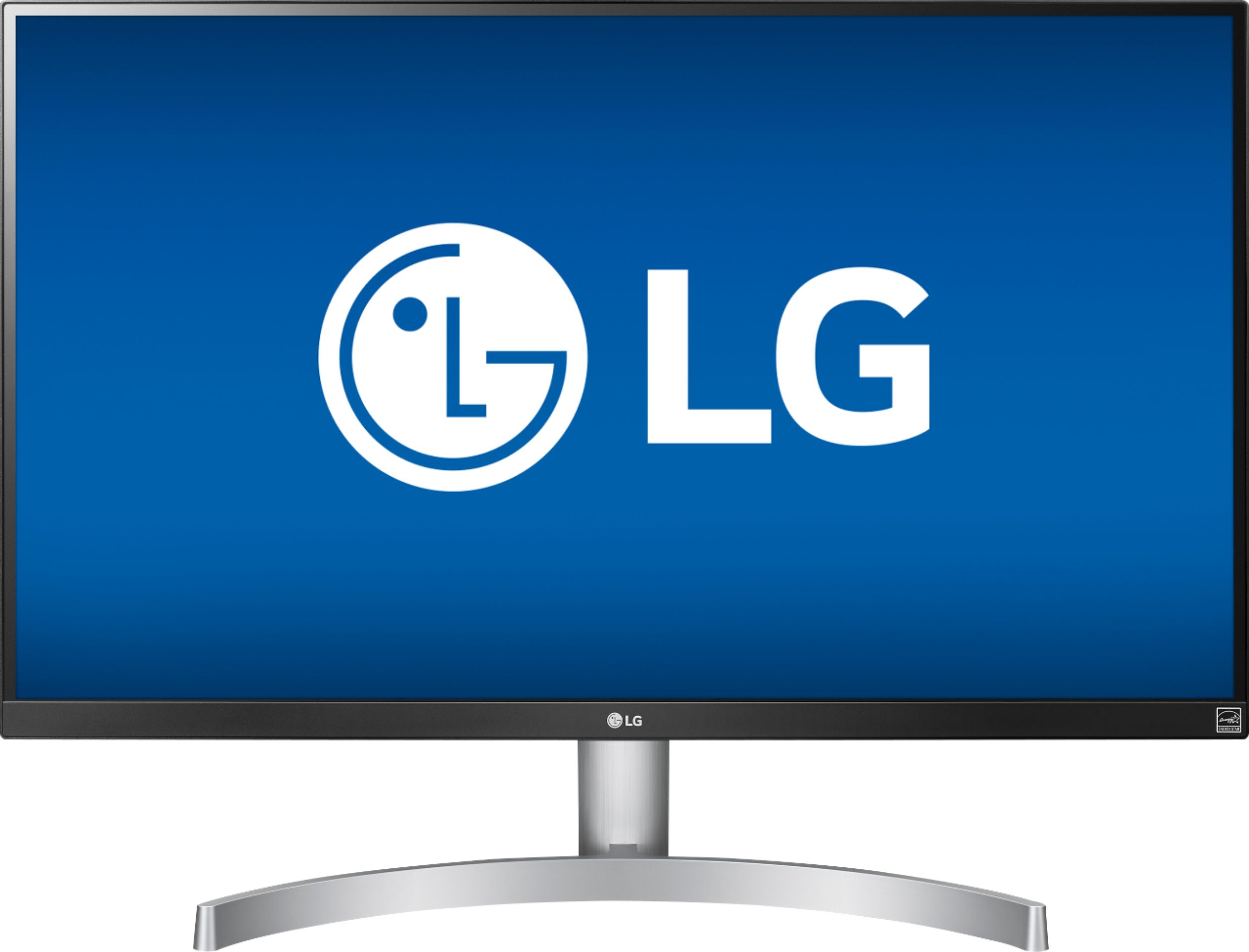
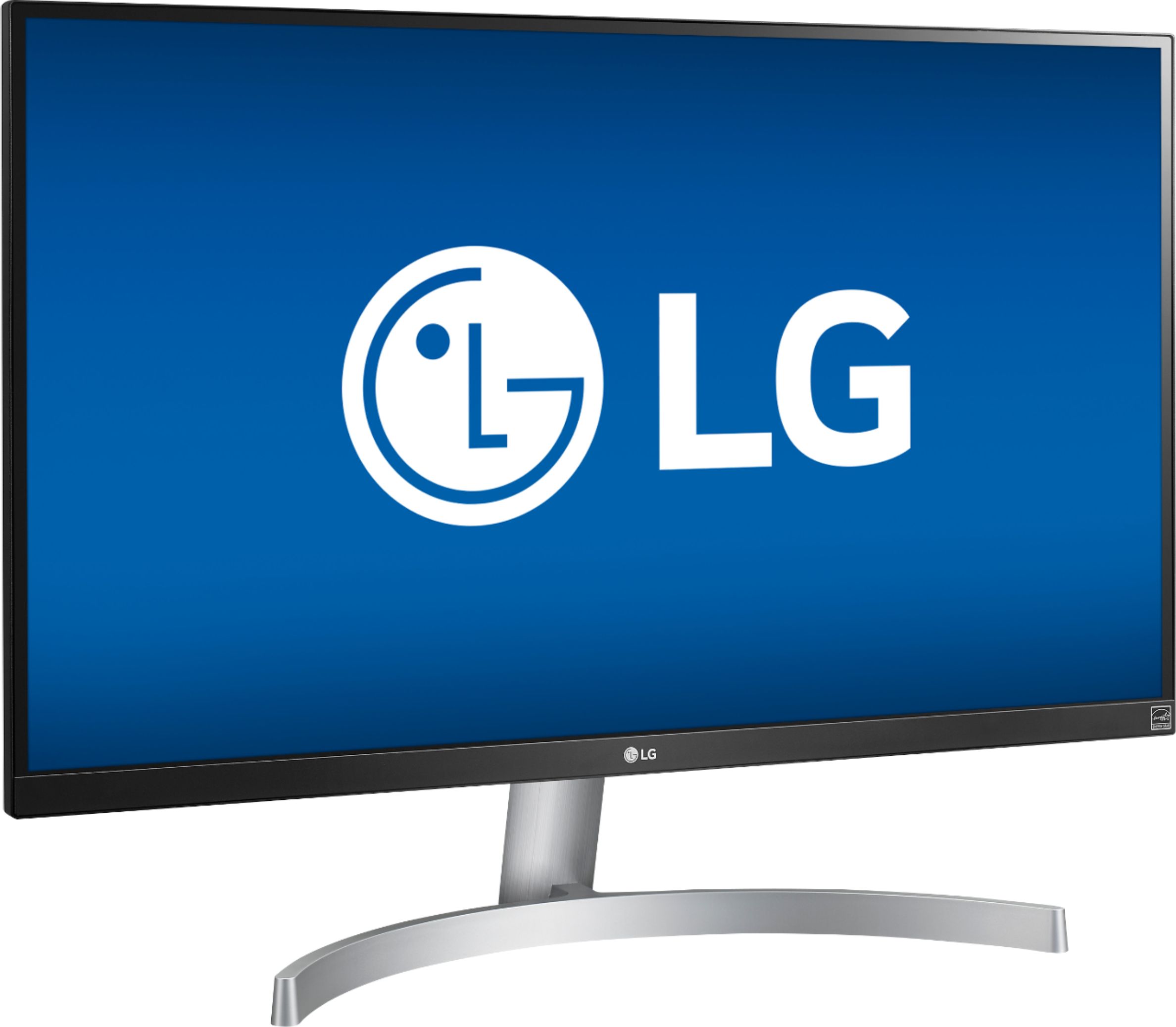
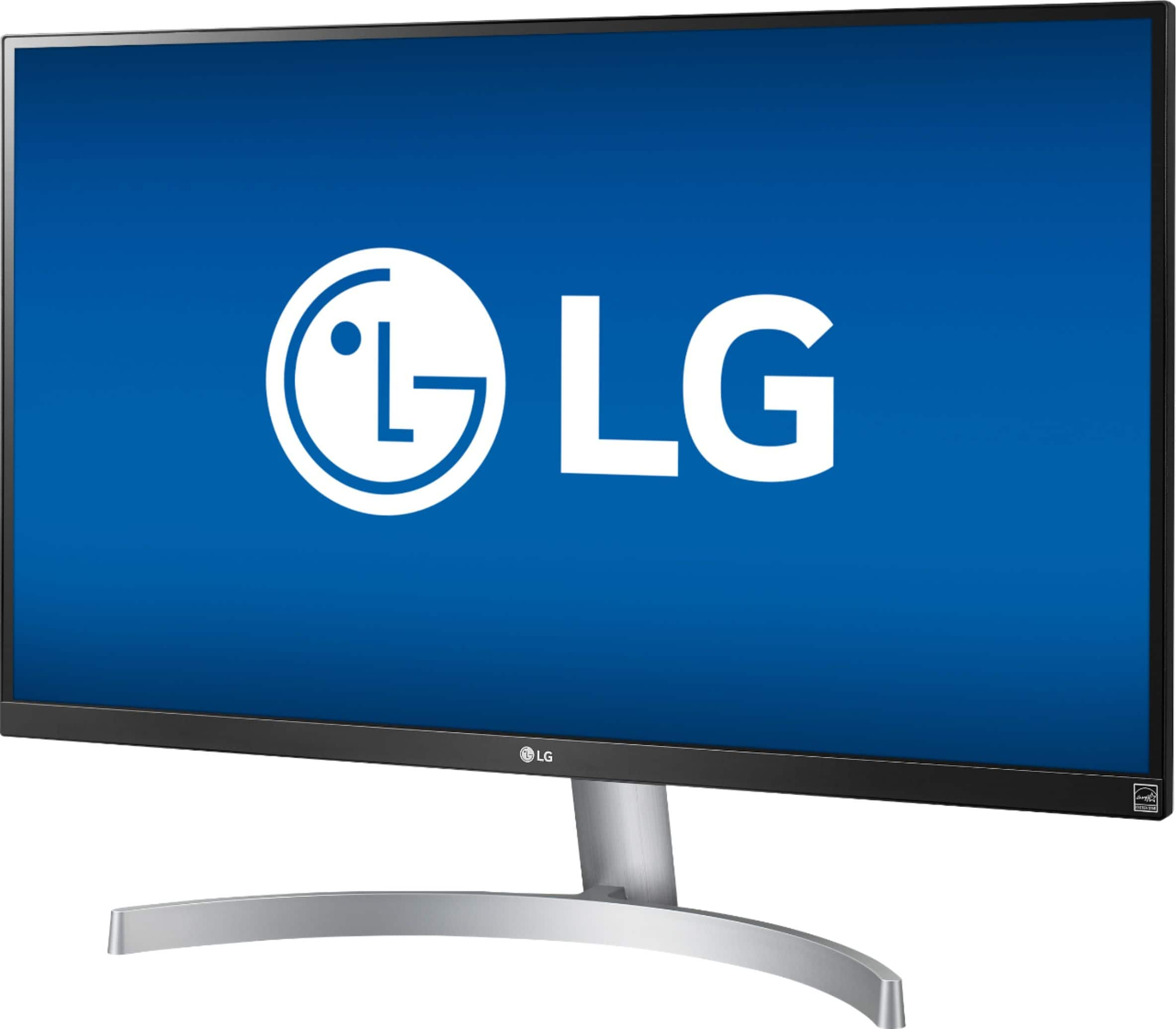
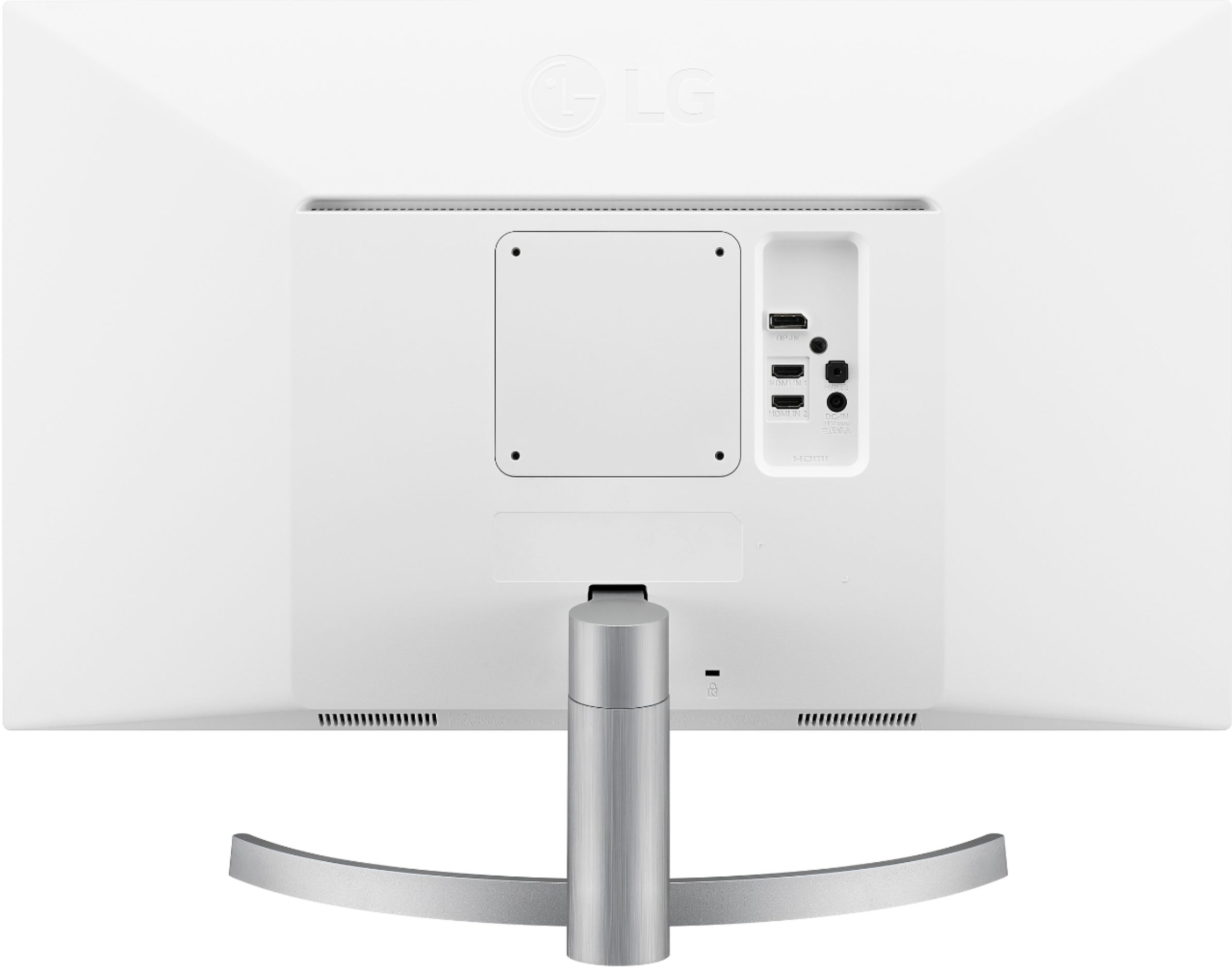
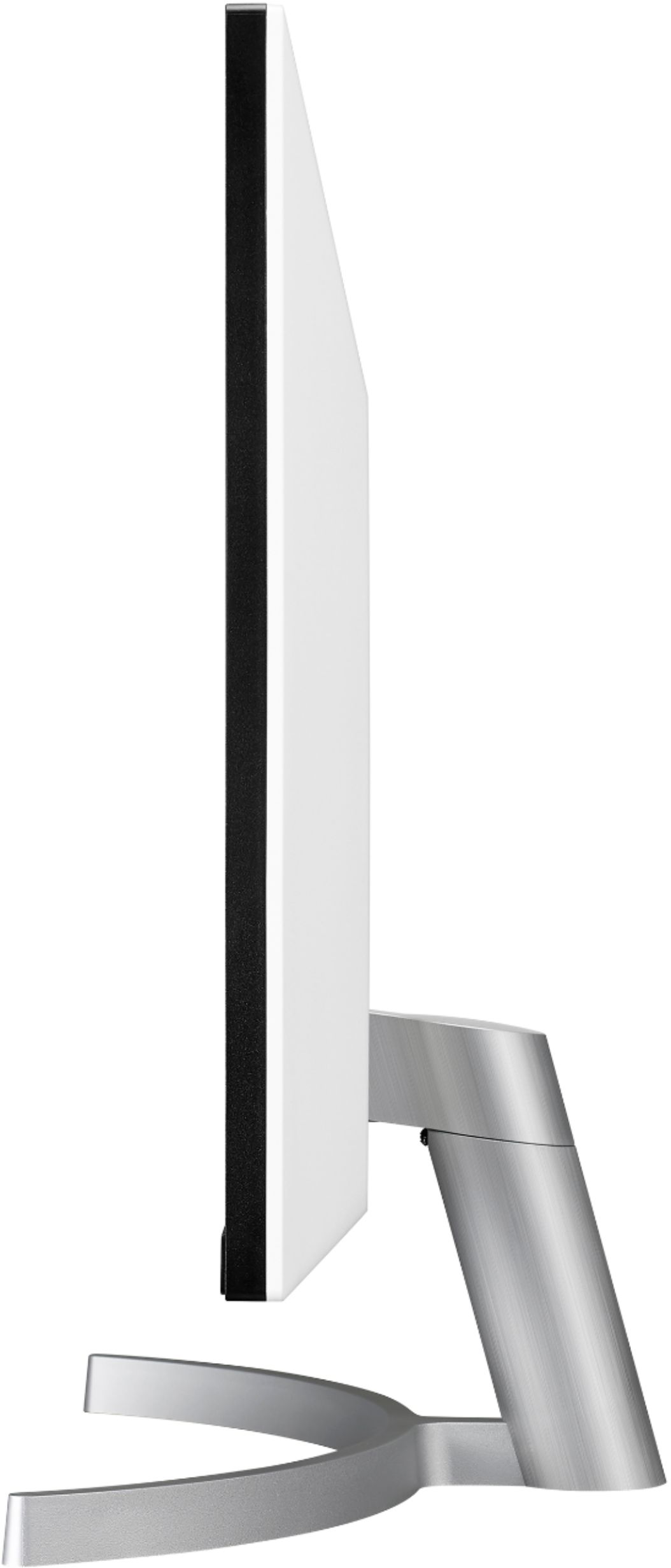
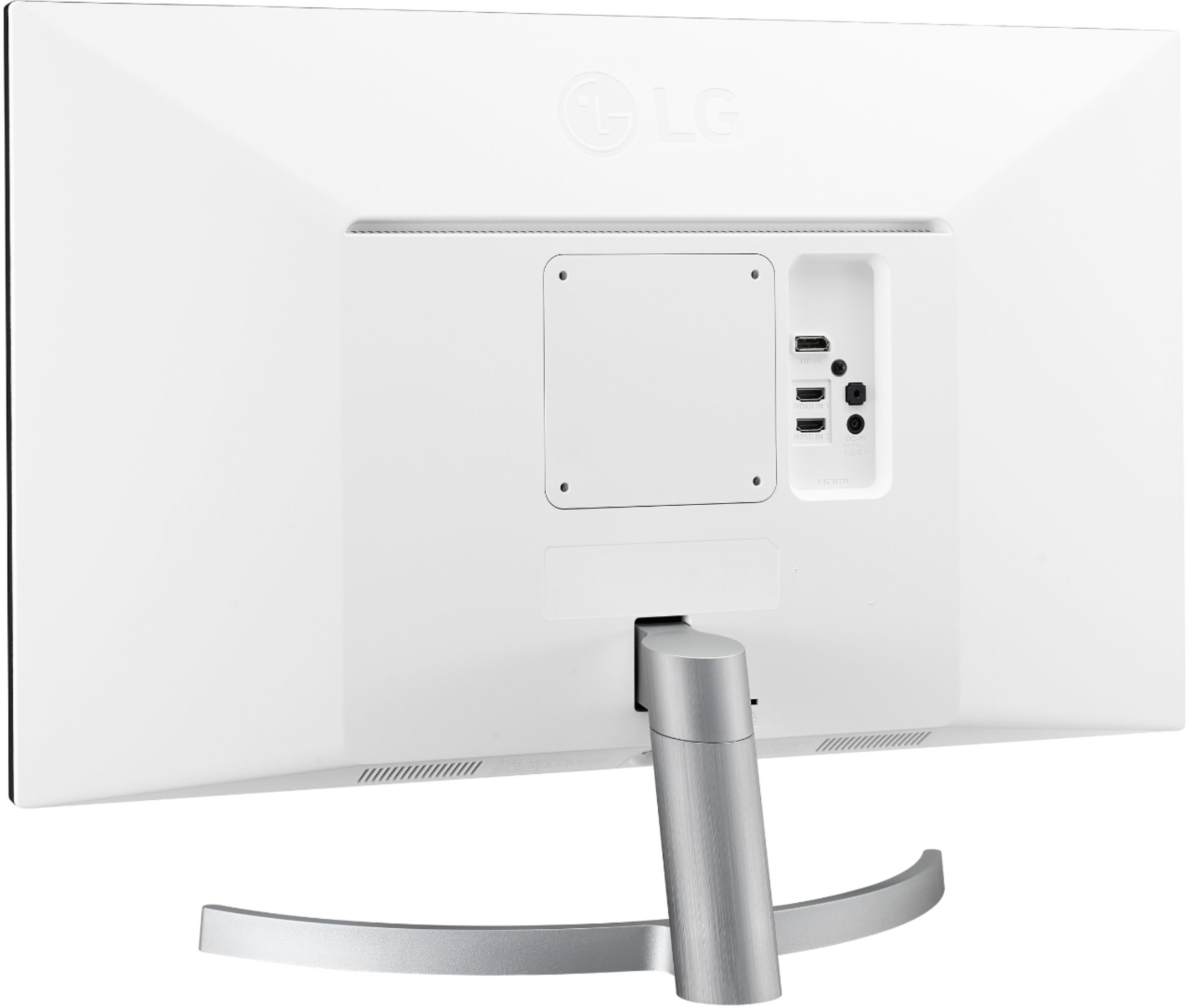
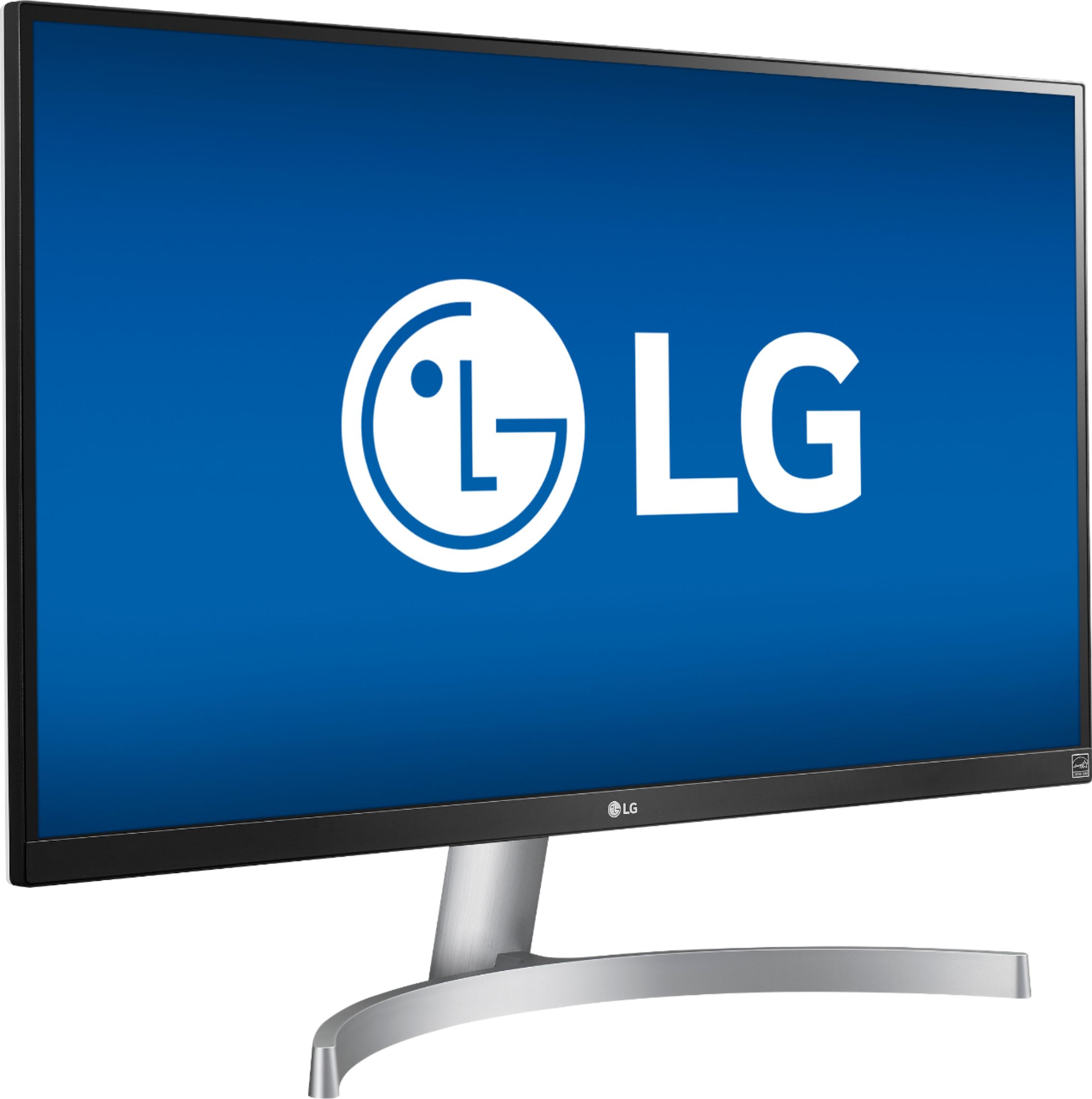
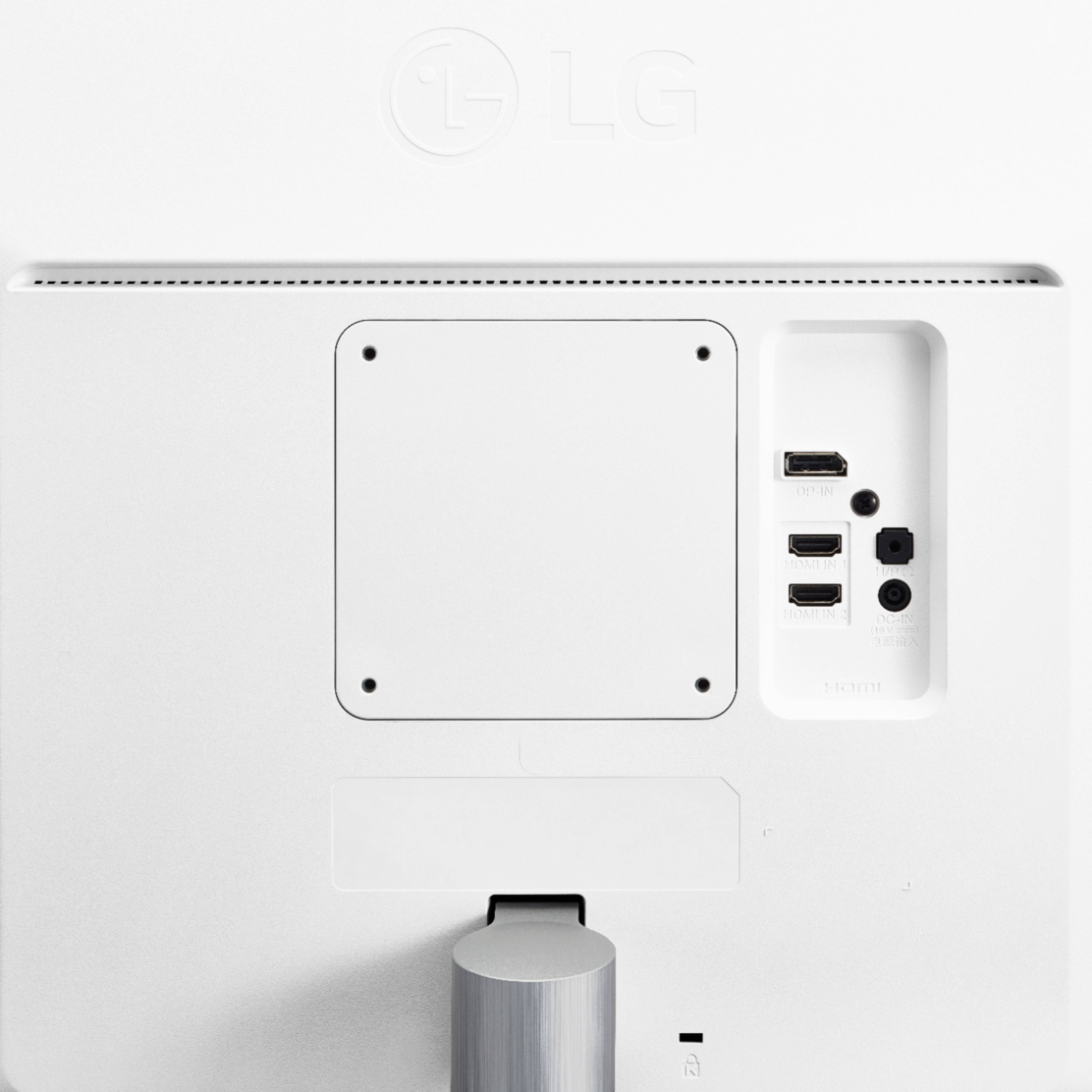
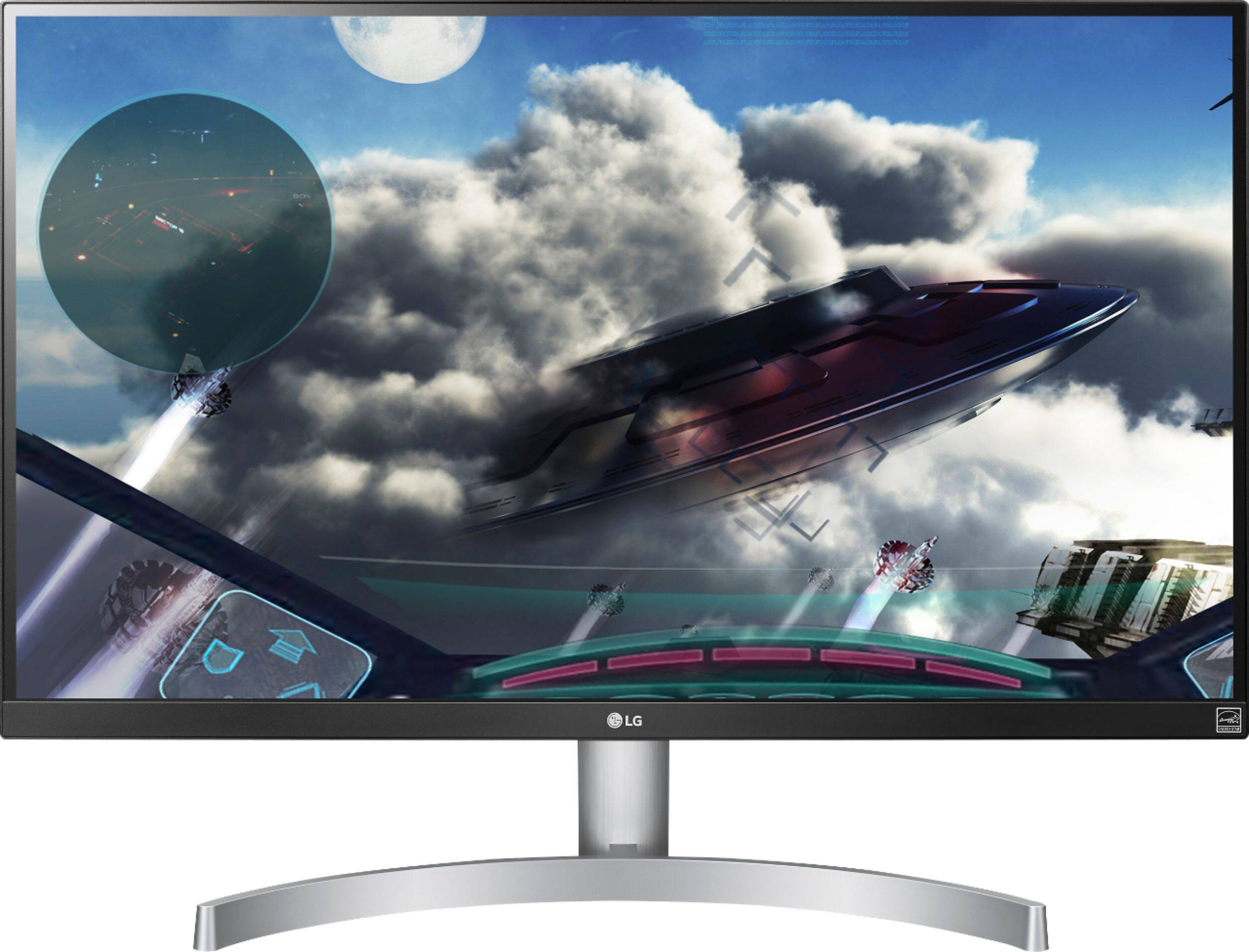
Posted .This reviewer received promo considerations or sweepstakes entry for writing a review.Performance, appearance and price are probably the features most important in searching for a monitor. Supported interfaces and easy of use are just slightly less important. How you set the monitor up is likely not nearly as significant. And for all of these reasons, I give the LG 4K 27UK600-W 5 stars. The quality of the images presented on this screen are stunning. The HDR feature makes TV and movies pop. My sample had no light bleed, glow or pixel issues. The monitor is nice to look at even when it off. The anti-glare feature takes out the shine but without adding a dullness to the images as I’ve seen on other monitors. The bezels are very thin except along the bottom. The black front trim compliments the brushed silver appearance of the metal stand and curved foot. There are 2 HDMI 2.0 inputs. Nice. There is also a 1 Display Port version 1.2 port and an audio out/headphone jack. That’s it. No USB ports. Everything I needed and nothing more. The 27UK600-W uses LG’s mini joystick to move through its menus. This is a clever device that seems a bit odd at first but is very intuitive and offers a host of user-controlled features. The joystick is hidden out of sight along at the center of the bottom bezel, but easy to reach when needed. It has been a while since I’ve needed to screw parts on to any electronic device I’ve purchased. The monitor riser (which is not adjustable on this model) needs to be connected to the monitor by two small screws. A matching plastic cover conceals this connection. Assembling the monitor was easy, but this was the one oddity in the whole process of opening the box and getting the monitor up and running. It is a minor point given the how well this monitor ticks off all of those other features.
I would recommend this to a friend QUALITY PRODUCT
||Posted .This reviewer received promo considerations or sweepstakes entry for writing a review.IT HAS THUS FAR LIVED UP TO MY EXPECTATIONS, GREAT GRAPHICS
I would recommend this to a friendGood 4K monitor
||Posted .This reviewer received promo considerations or sweepstakes entry for writing a review.Has been doing fine for a couple of months, no issues
I would recommend this to a friend- Pros mentioned:Picture quality
Blue line across the bottom of the monitor
||Posted .This reviewer received promo considerations or sweepstakes entry for writing a review.31 days after my purchase the monitor developed a blue line across the bottom of the screen. I took the monitor to Best Buy and they confirmed they too saw the line but would not exchange for a new one because it was one day past their return policy and recommended that I take up the issue with the Manufacturer. I have sent the monitor to LG and I am waiting for them to repair. Outside of the line, I really liked monitor, picture quality was exceptional.
No, I would not recommend this to a friendBrand response from LGAnswers
Posted .We are sorry to see your new monitor developed a line across the screen. If this repair doesn't resolve the issue you are experiencing, our support team would be happy to help. Please reach out to a computer specialist by calling 800-243-0000. ^CP

Resolution
||Posted .This reviewer received promo considerations or sweepstakes entry for writing a review.The resolution is good. However, when monitor is on 24/7 the screen display is shaking. Item has not been returned. I will return and exchange in store.
No, I would not recommend this to a friendBrand response from LGAnswers
Posted .I hate to hear you experienced these issues with the monitor you purchased. This is definitely not what we expect from our products. If there is anything we can assist you with, please feel free to reach out to our computer specialist at 1-800-243-0000. ^EJ
Monitor and works and looks great but some issues
||Posted .This reviewer received promo considerations or sweepstakes entry for writing a review.Monitor and works and looks great but some issues with color difference between two different screens
I would recommend this to a friendOk
||Posted .This reviewer received promo considerations or sweepstakes entry for writing a review.Not as sharp as I thought it would be. Some what of a disappointment
I would recommend this to a friendBrand response from LGAnswers
Posted .I hate to hear that the monitor did not meet your approval. I do appreciate the 3-stars given for the other great aspects also the feedback to acknowledge your disappointment in others. If you’re in need of any additional support or assistance, please reach out via Twitter at @LGUSSupport or Facebook: https://www.facebook.com/LGUSSupport. Thanks! ^ CS
Bought then returned
||Posted .This reviewer received promo considerations or sweepstakes entry for writing a review.Returned because there was a better monitor for Overwatch.
No, I would not recommend this to a friendgreat
||Posted .This reviewer received promo considerations or sweepstakes entry for writing a review.great display works really well. light screen and brightness.
I would recommend this to a friend- Pros mentioned:Color, Ease of use
Oh Wow!
Posted .This reviewer received promo considerations or sweepstakes entry for writing a review.Light bleed...forget it. Stop worrying about spec verifiers turning up the controls to max and then looking at a black screen. In the real world...this is a killer monitor. I think 94% of buyers reated this monitor 4 or 5...and recommended it. I agree. It certainly destroys my 27 inch 1080. The resolution is unbelievably sharp. Colors are woderful. Color calibration is spot on right out of the box...and compares nicely to my Sypder PRO 5 color calibrated 27 inch 1080. What's not to like. I did turn down the brightness from 70% to 50%. For me it was just too bright at 70%. I will never consider buying a 1080 monitor again for screens sized 27 inches and larger. Yes it works for Word...makes the characters look entirely different...so sharp and easy to read for you writers out there like me. In fact, that's why I bought it. I use it for Adobe Lightroom, Photoshop, Microsoft Office 365, and watching videos. Excellent. Note, if you use Mozilla products like Thunderbird and Firefox, they will not scale when you attach a 4K monitor. You will have to look on the internet to find the instuctions for making the text larger. It's easy...took me all of 5 minutes. For general Windows viewing, If Windoz doesn't scale automatically, you'll also have to set your default resolution to 150% or larger, by going to Settings, Display, and then in the box set the screen display to your desired size. I wound up using 200%...I think...just make several adjustments until you find the one that best suits your taste. I found that I could scale my Word documents to a size that suited me, but without without doing the above, the ribbon controls were a bit small. Okay...I love mine...recommended...get one. And stop worrying about reviewers that cut a star for "flimsy." It's plastic, sits on your desk or mounts to a VESA wall mount...who cares....duh. One other note: This monitor has one joystick button to turn it on and off and make menu selections....works just like my Samsung TV. Easy to use...no learning curve...pretty straight forward. Press to turn on, then press again to see the menu options, Use the joystick to select a menu option, then push the button again to select it, and use the joystick to move between the funtions, Repeat for funtion options to set levels, etc. Hope this helps. Happy user...happy I got mine at $349, on sale just before Christmas.
I would recommend this to a friend Could Be Better!
||Posted .This reviewer received promo considerations or sweepstakes entry for writing a review.Wasn't to bad of a monitor for gaming but PC looked aweful and distorted a little. After a few hours a blue line started to develop on bottom of screen as others have stated. Also noticed a little fuzzy when using.
No, I would not recommend this to a friendBrand response from LGAnswers
Posted .Thank you for your review it is extremely important to us. I hate to hear that the Monitor looks distorted and that after a few hours a blue line developed on the bottom of the screen. I can understand how frustrating this situation must be for you and I would love to help out. If there is anything we can do to assist in the near future feel free to reach out to us directly at 1(800)243-0000 via Facebook https://www.facebook.com/LGUSSupport or Twitter @LGUSSupport. ^TH
open box was actually a heavily used demo
||Posted .This reviewer received promo considerations or sweepstakes entry for writing a review.This open box "good" monitor had over 8,000 hours of use on it and was very clearly showing decay of picture quality relative to a new unit (I bought one of each at the same time). This type of heavy use justifies much more than a ~ 15 % price break relative to a new unit, and as such is not a good deal. It was returned for refund, Best Buy did not hassle me on the return.
No, I would not recommend this to a friend- Cons mentioned:Speakers
Just Right
Posted .This reviewer received promo considerations or sweepstakes entry for writing a review.Picked this up yesterday at my local Best Buy and couldn't wait to get it home. I had an LG 1080p monitor and an ASUS 1440p monitor. I mainly game on PC but I also own a PS4 Pro. I really wanted to see what 4K HDR looks like... I'm just not ready to buy a TV yet or know which one I want yet. So... I did some research and stumbled on this monitor. Super high reviews and right in my price range on sale for Labor Day. 4K, HDR 10, thin bezels, LG, multiple inputs, FreeSync. WHAT'S NOT TO LIKE? Ok it doesn't have any speakers but who relies on monitor speakers anyway? The PS4 Pro looks great on this monitor. HDR is all it's hyped up to be. Was testing with Uncharted 4 the difference I'm seeing on this monitor with 4K HDR 10 on the PS4 Pro compared to what I've been seeing at 1080p SDR.... IS STAGGERING. I also was able to play some Battlefield 1 on my PC to check out the HDR on that.... looks fantastic. Assembly was easy, didn't need any calibration. Comes with HDMI and DP cables. Played around with the settings. Lost of things to tweak! Several Game Mode settings several HDR settings. Very intuitive menus just like LG tvs. 2 thumbs up. At the price this is HARD TO BEAT.
I would recommend this to a friend Twice Defective
||Posted .This reviewer received promo considerations or sweepstakes entry for writing a review.This is the second monitor I received. I exchanged the first because the display was defective. When powered on the black screen showed a grid of small green dots across the entire screen. The second one I received had the same issue. Best buy confirmed the issue when I returned the second time so it wasn't just an issue with my computer display output.
No, I would not recommend this to a friendBrand response from LGAnswers
Posted .Thank you for your review of this monitor. I am sorry to hear that you are having trouble with stuck pixels. So that we can better assist you with the issues, we ask that you please contact us and speak with a LG Customer Service representative. You can contact our Computer Specialists by calling: 1-800-243-0000. The LG Community Forum is also a great resource for getting help from other LG customers: https://lgcommunity.us.com/ Thank you for your review and allowing us the opportunity to assist you with your monitor. ^CP
Not so great...
||Posted .This reviewer received promo considerations or sweepstakes entry for writing a review.This monitor is not so great for gaming, I’d a very hard time with it had to return it.
No, I would not recommend this to a friendBrand response from LGAnswers
Posted .We are sorry to see you are having trouble using your monitor for gaming. If you're in need of some guidance with using your monitor, please give our computer specialists a call at 800-243-0000 so we can help out. ^CP