Customer Ratings & Reviews
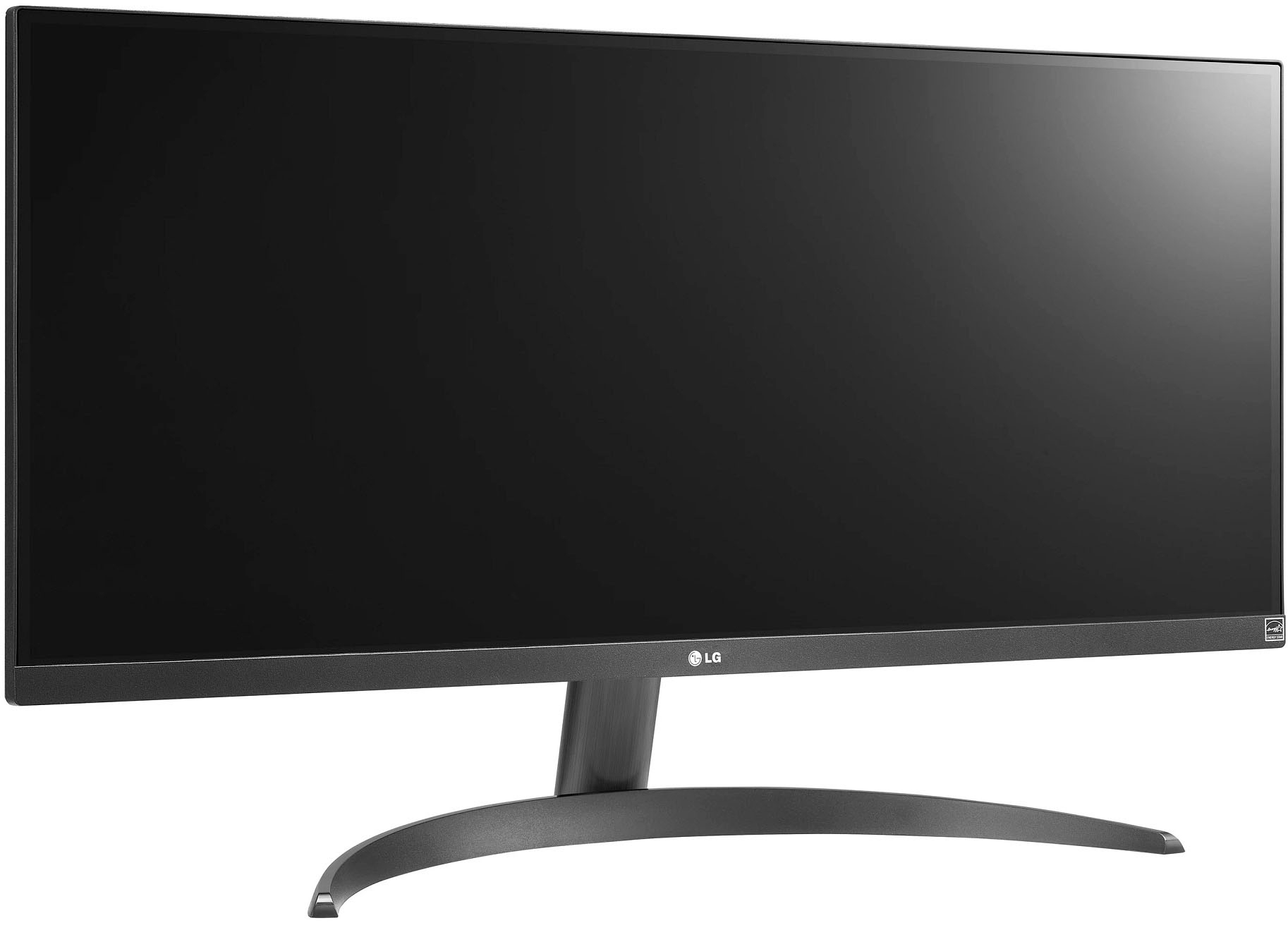
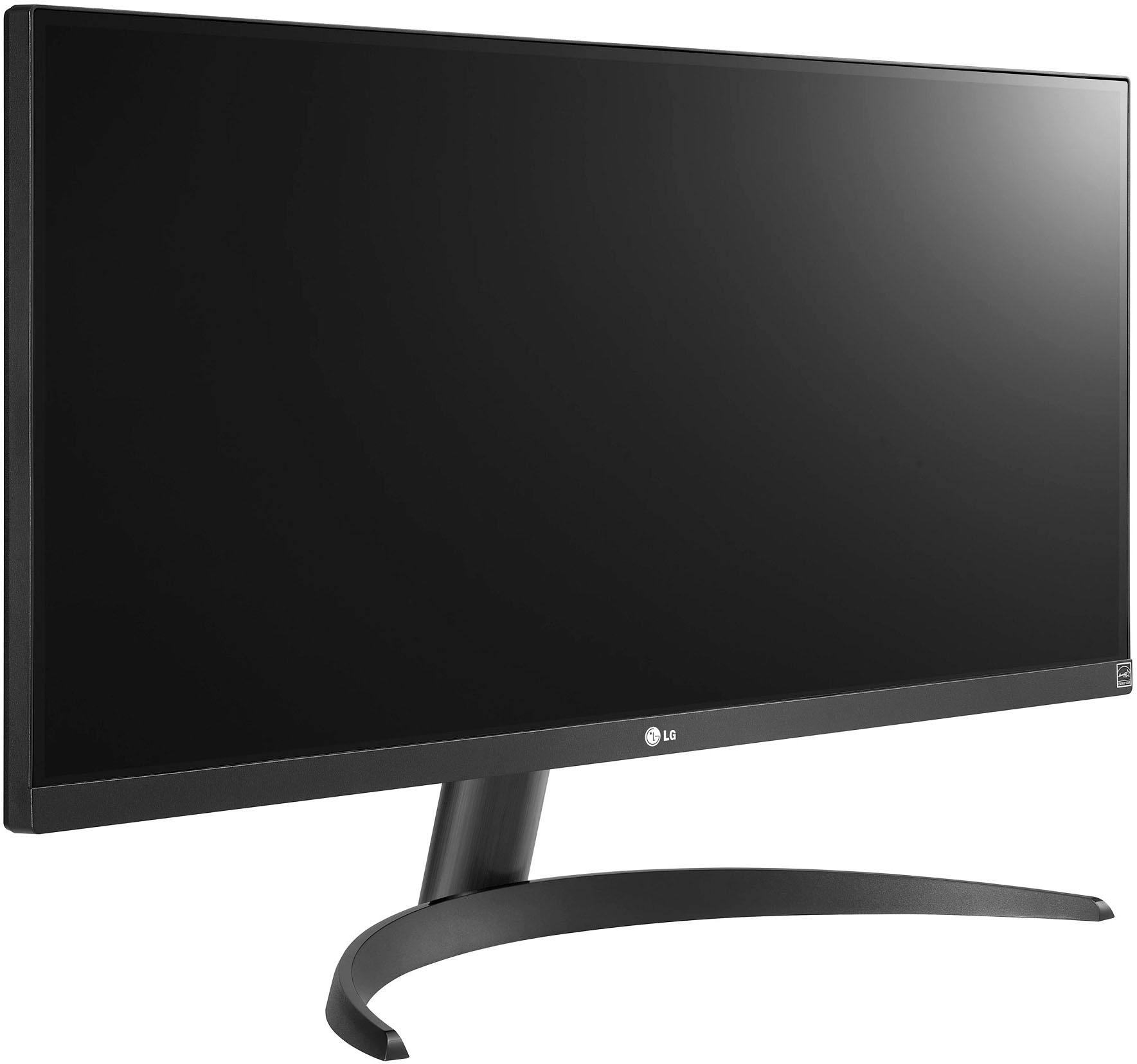
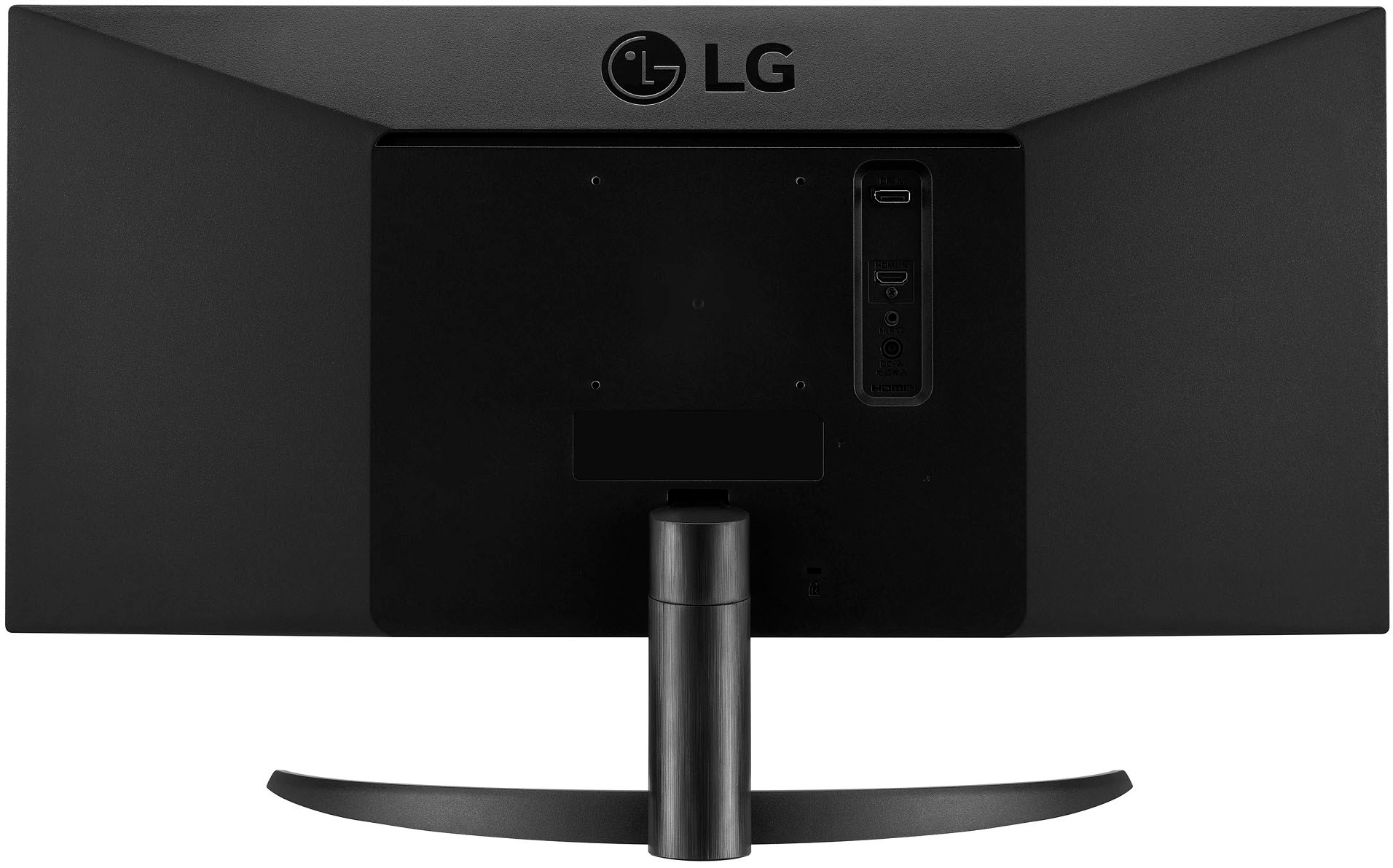
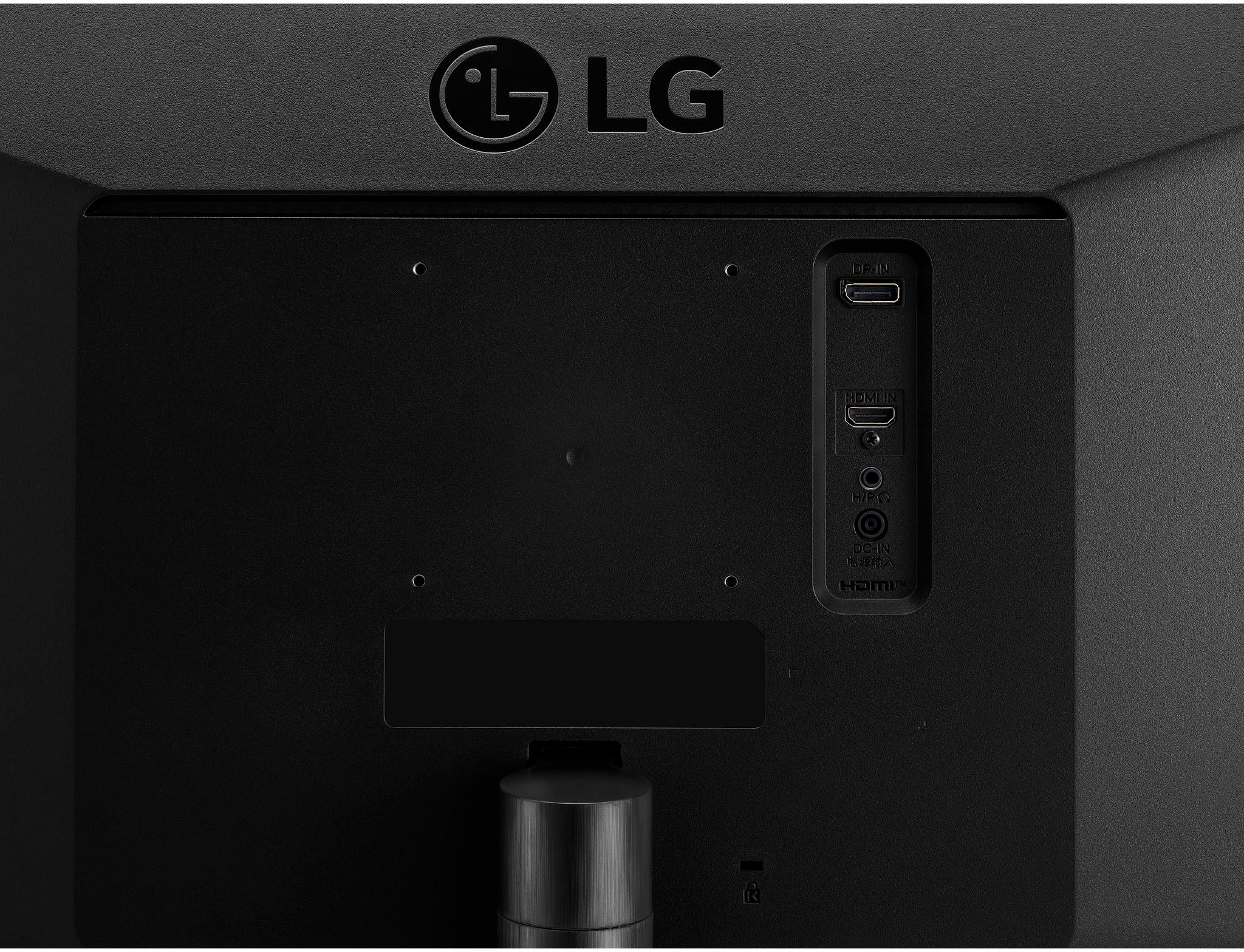
- Model:
- 29WQ500-B
- SKU:
- 6506319
Rating by feature
- Display Quality
Rating 4.6 out of 5 stars
- Ease of Use
Rating 4.7 out of 5 stars
- Features
Rating 4.4 out of 5 stars
Customers are saying
Customers express satisfaction with the monitor's large screen size, excellent quality, and smooth refresh rate, particularly highlighting its performance for gaming and everyday use. Many appreciate the ease of use and HDR functionality, although some find the stand less than ideal. The ultrawide aspect and resolution are also frequently praised.
This summary was generated by AI based on customer reviews.
Must Download Software for Dual Display to Work :(
||Posted . Owned for 3 weeks when reviewed.This reviewer received promo considerations or sweepstakes entry for writing a review.it is nice and wide. the biggest con is that you have to download software to every device you attach it to in order to get the split screen functions. i cannot download this software on my work computer. the very reason i bought it for, i cannot use it for. the picture quality is fine for work-related activities. not so good for streaming and definitely not for gaming. it is a good budget monitor if you work from home and want to save desk space. but you will be spending a lot of time re-sizing your apps to fit the screen if you cannot download 3rd party software to your work laptop. that's a real bummer.
No, I would not recommend this to a friendBrand response from LG Digital Customer Care
Posted .Hi, there. Thank you for your feedback on the LG Monitor (29WQ500-B) model. We understand how important it is to have seamless functionality, especially when using split-screen features for work. We aim to offer top-notch products exceeding our customer's needs. While the monitor is great for saving desk space and is suitable for work-related activities, we recognize that the streaming and gaming experience may not meet your expectations. If you ever have the option to explore different software solutions or settings on your work device, it might help enhance your experience.
If you need further assistance or have any questions, feel free to send us a private message on social media @LGUSSupport. We’re here to help. ^Juvy
Avoid if possible.
||Posted . Owned for 1 month when reviewed.This reviewer received promo considerations or sweepstakes entry for writing a review.I bought two. Wobbly. And one of my screens is already got lines running through it…
No, I would not recommend this to a friendBrand response from LGAnswers
Posted .We would be happy to help you with your case, however we need to move to a platform that supports back and forth messaging. Please send us a private message on Facebook or Twitter using @LGUSSupport and include #VOC, your contact info and we will doing everything in our power to expedite a resolution for you. Thank you. ^Venette
Underwhelming
Posted .This reviewer received promo considerations or sweepstakes entry for writing a review.Very underwhelming. Monitor sits uncomfortably low with the provided stand. The power cable provided is very short even with an outlet right by my desk. Not very versatile or ergonomic.
No, I would not recommend this to a friendBrand response from LGAnswers
Posted .We are continuously working to improve the quality of our products and anticipate market demands that drive customer satisfaction. Your feedback is especially important to us and your concerns will be shared with our product team. If you have questions or further concerns, please reach out to our support team on Facebook at @LGUSSupport and use #VOC in your first message to our social media support team. We apologize for any inconvenience this caused. ^Venette
LG monitor, think twice
Posted .This reviewer received promo considerations or sweepstakes entry for writing a review.The monitor does not even have speakers. What a shame!!!
No, I would not recommend this to a friendBrand response from LGAnswers
Posted .Most monitors do not have built-in speakers, and you would get audio directly from your connected PC or laptop. It sounds like you would be better off getting a TV since it comes with built-in speakers, and use it as a monitor instead. ^Jennifer