Customer Ratings & Reviews
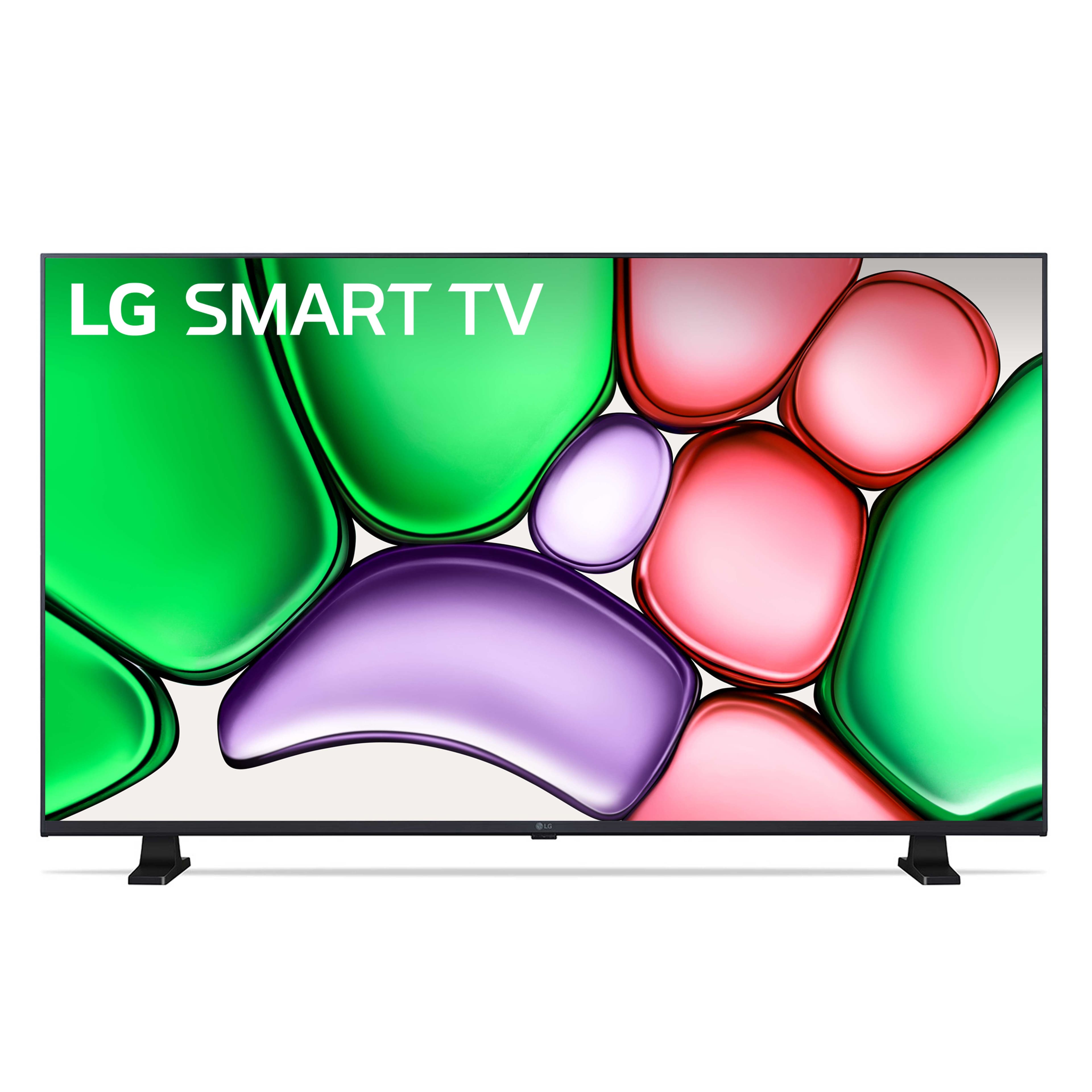
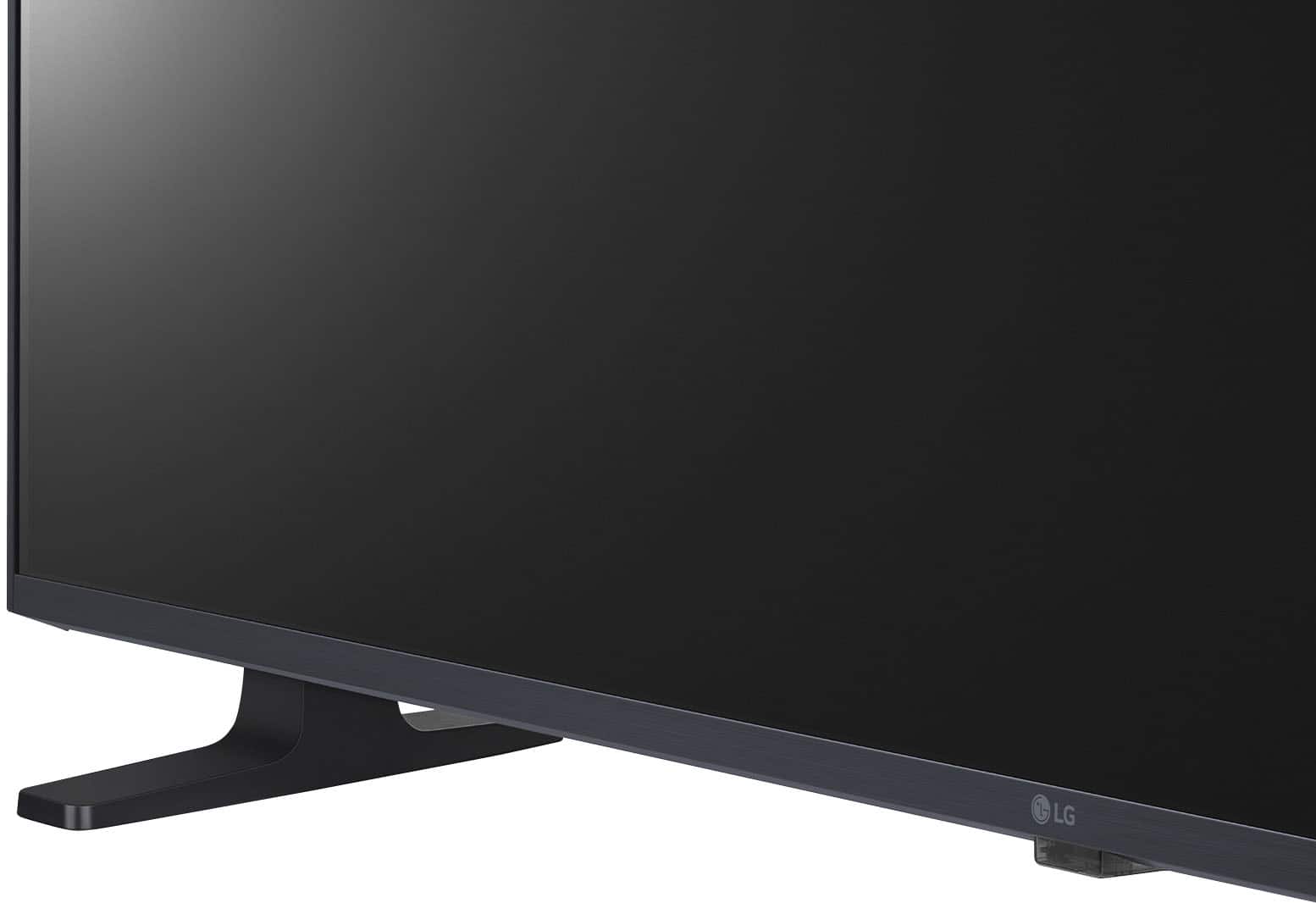

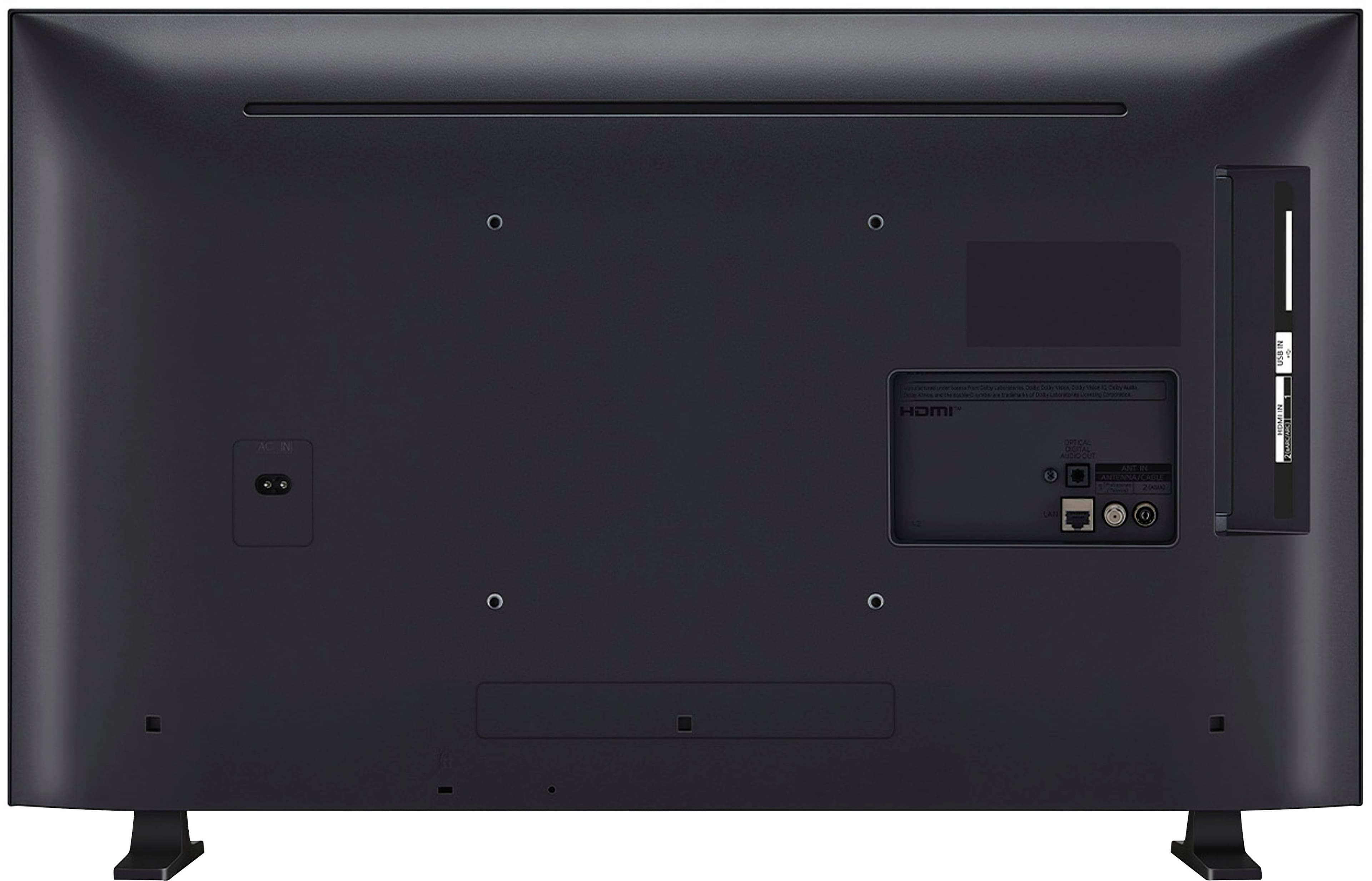
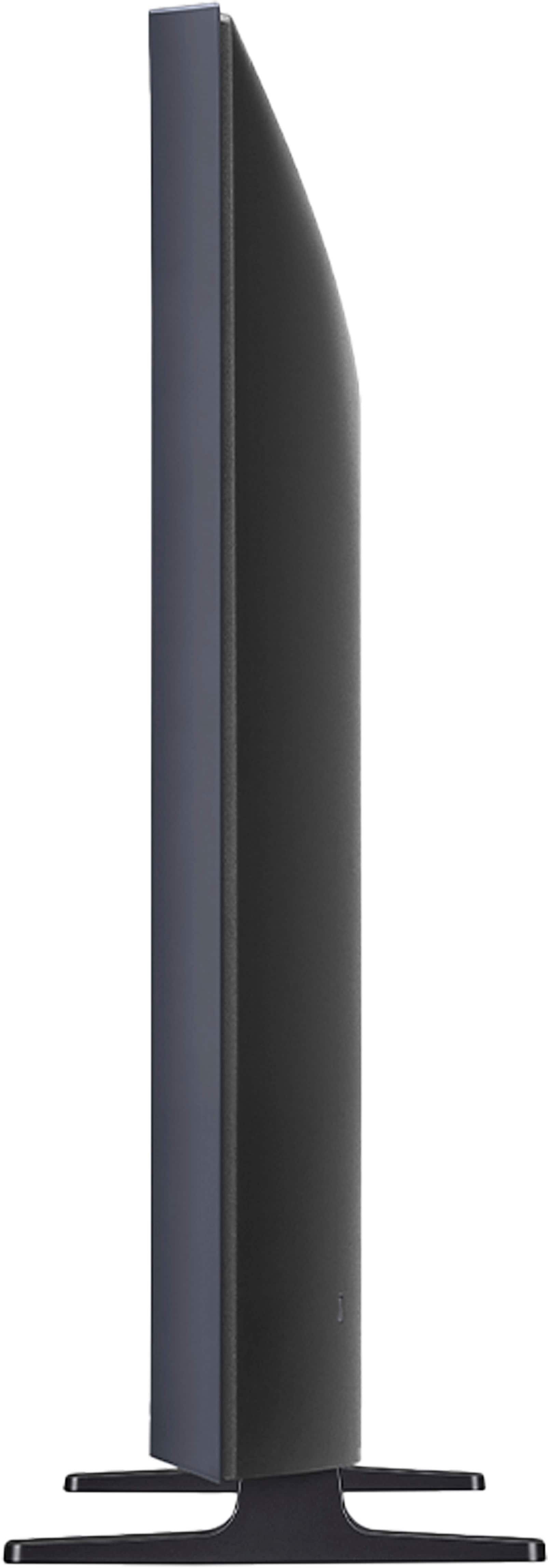

- Model:
- 32LR655BPUA
- SKU:
- 11149375
Rating by feature
- Picture Quality
Rating 4.7 out of 5 stars
- Sound Quality
Rating 4.5 out of 5 stars
- Brightness
Rating 4.7 out of 5 stars
Great television for a bedroom..
Posted .This reviewer received promo considerations or sweepstakes entry for writing a review.Great television mounted so that works well in my master bedroom
I would recommend this to a friend- Cons mentioned:Button layout
Horrible remote
Posted .This reviewer received promo considerations or sweepstakes entry for writing a review.A horrible remote with many tiny unlabeled buttons and no instructions anywhere. Keeps pushing the LG proprietary tv channels. No voice control not withstanding what the description says. Not a keeper.
No, I would not recommend this to a friendBrand response from LG Digital Customer Care
Posted .Hi, Camper. Thank you for sharing your thoughts with us. We understand your concern about the remote for your LG TV (32LR655BPUA) model. We strive to provide a user-friendly remote, and we appreciate your feedback on the button layout and functionality. For the tiny unlabeled buttons, we recommend checking the user manual, which you can find online on the LG website, for detailed explanations of each button’s function. If you didn’t receive a physical manual, we’d be happy to send you a link to the digital version or help walk you through the controls. For guidance, visit https://www.lg.com/us/support/product/lg-32LR655BPUA.AUS. Regarding the LG proprietary channels, this can often be managed by adjusting the settings under Live TV or Channel Management in the TV’s menu. If you need assistance, we can guide you through the steps. As for the voice control, if your TV is supposed to have voice control but it's not responding, it might be worth checking if the feature is properly activated. Some models may require setting up a compatible voice assistant like Google Assistant or Amazon Alexa.
Please feel free to send us a private message on social media @LGUSSupport, and we’ll help troubleshoot further or explore other solutions to improve your experience.
We’re here to help, and we appreciate your patience. ^Juvy