Customer Ratings & Reviews
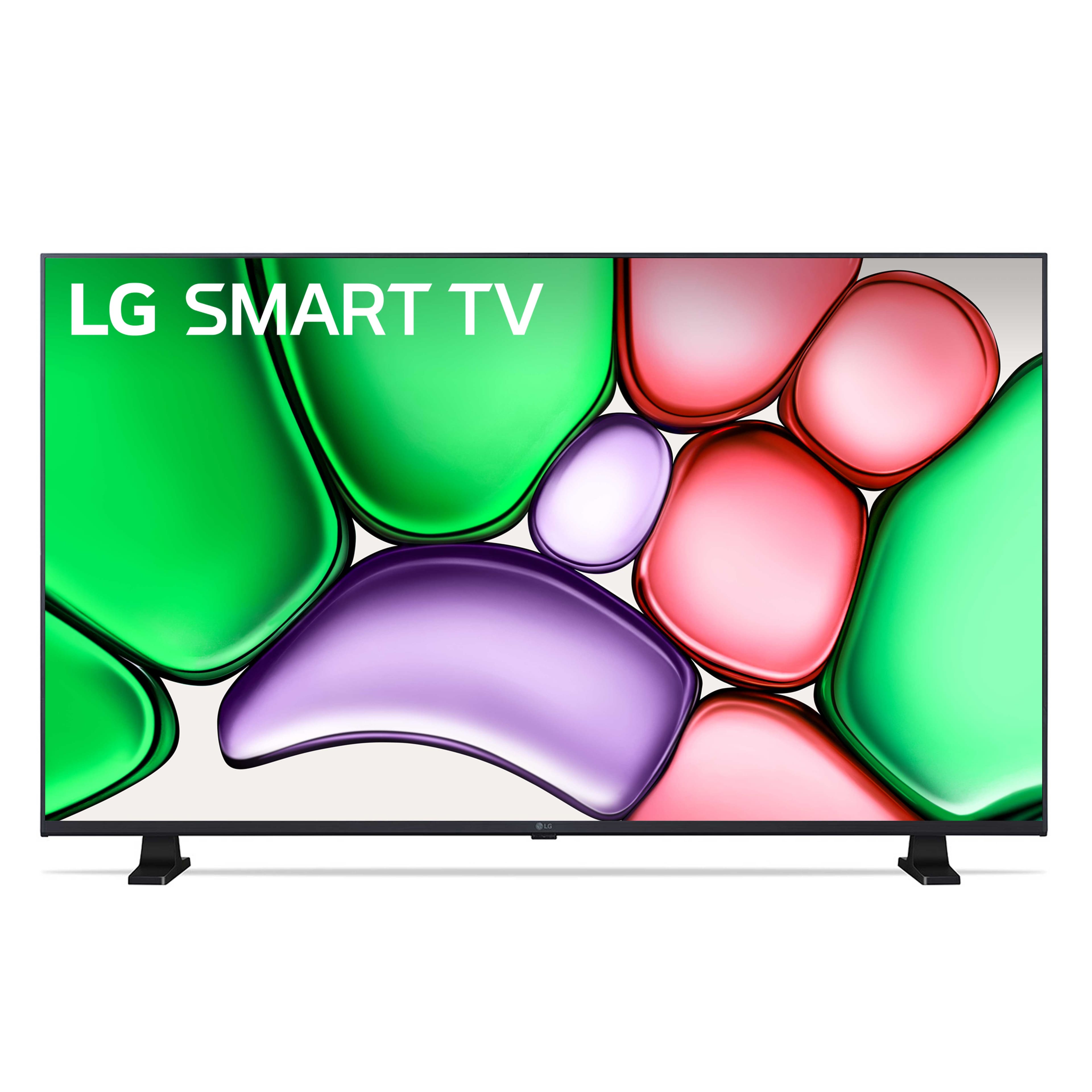
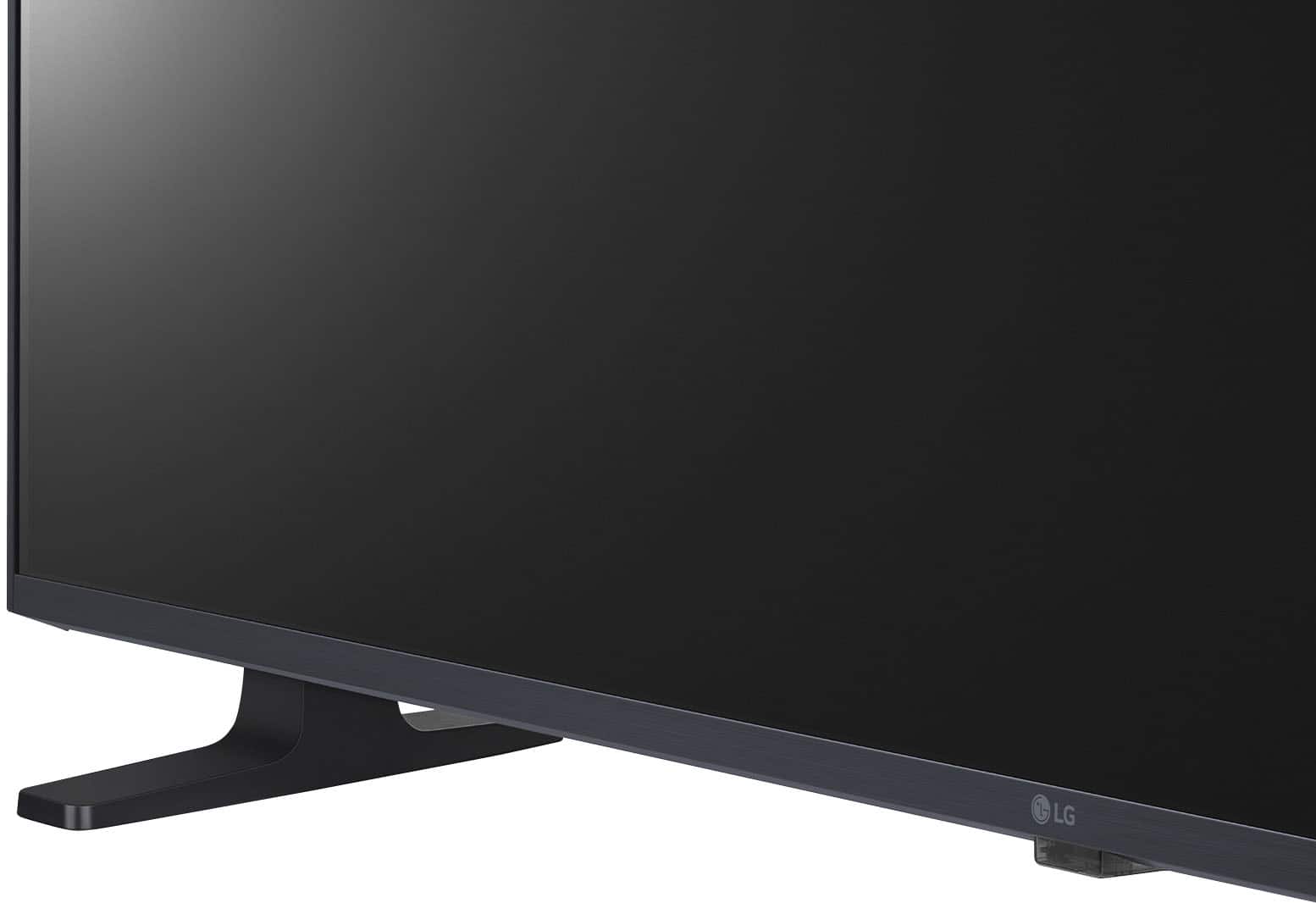
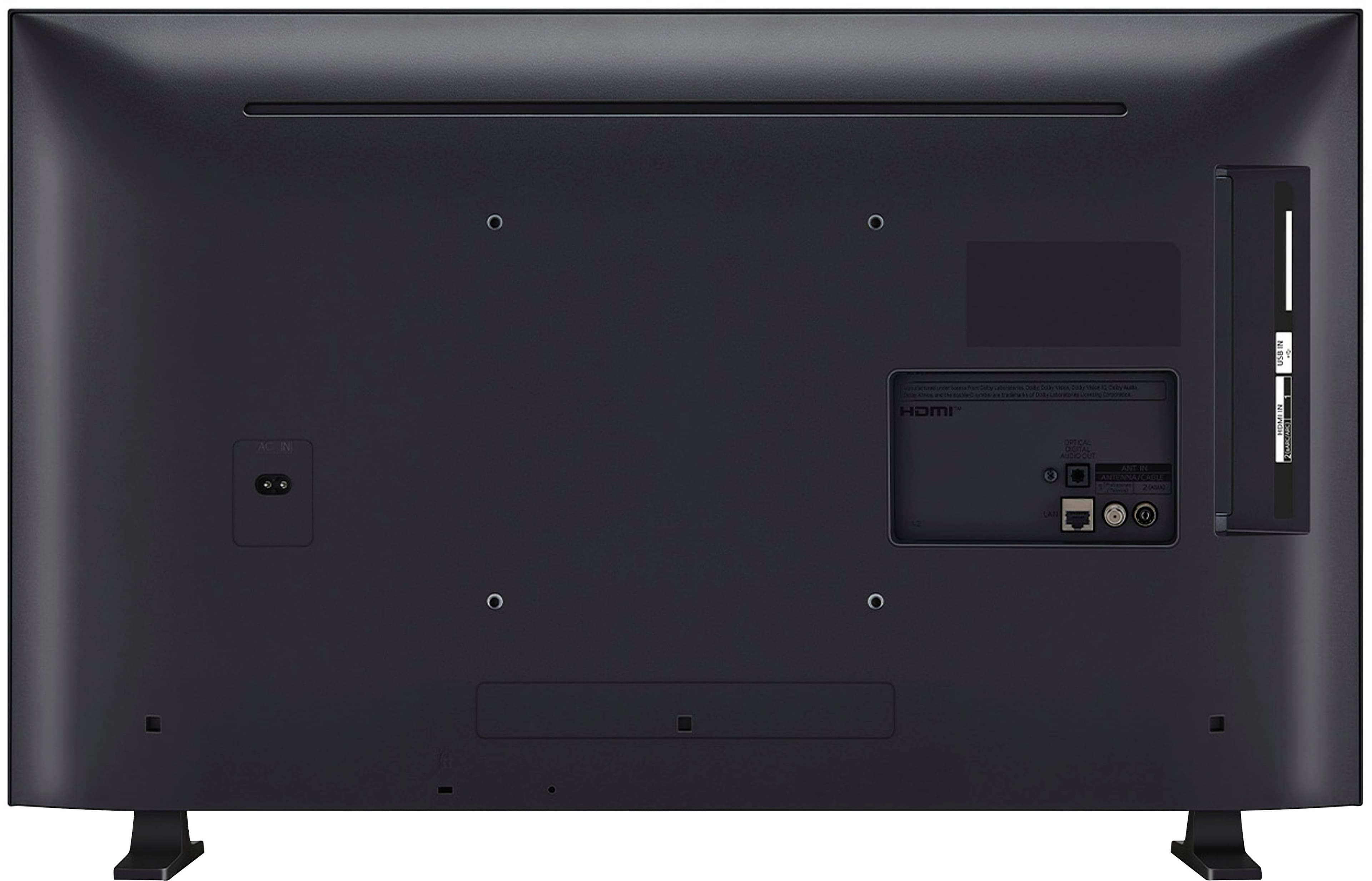

- Model:
- 32LR655BPUA
- |
- SKU:
- 6578177
Customer reviews
Rating 4.6 out of 5 stars with 575 reviews
(575 customer reviews)Rating by feature
- Picture Quality4.7
Rating 4.7 out of 5 stars
- Sound Quality4.5
Rating 4.5 out of 5 stars
- Brightness4.7
Rating 4.7 out of 5 stars
to a friend
Customers are saying
Customers find value in the 32" Class LR65 Series LED HD webOS TV (2024)'s picture quality, ease of setup, and ideal size for bedrooms. The TV is also appreciated for its brightness and lightweight design. However, some customers have noted concerns regarding the button layout, responsiveness, and remote control sensitivity. Overall, the positive aspects of the TV seem to outweigh the negative ones for most users.
This summary was generated by AI based on customer reviews.
Rated 5 out of 5 stars
Very nice TV
||Posted .This reviewer received promo considerations or sweepstakes entry for writing a review.This is our first LG television and it’s better quality than we expected. Easy to setup and use.
No, I would not recommend this to a friendRated 5 out of 5 stars
LG-32" Class LR65 Series LED HD Webos TV
||Posted . Owned for 1 month when reviewed.This reviewer received promo considerations or sweepstakes entry for writing a review.Best TV & GREAT customer service & price. The sound quality is amazing. Super AP friendly.
I would recommend this to a friendRated 5 out of 5 stars
Good tv
||Posted . Owned for 1 month when reviewed.This reviewer received promo considerations or sweepstakes entry for writing a review.Good TV, good picture and good sound. I use cameras because it meets all my ambitions.
I would recommend this to a friendRated 5 out of 5 stars
Nice for a small tv
||Posted . Owned for 2 weeks when reviewed.This reviewer received promo considerations or sweepstakes entry for writing a review.We have a small guest house and this tv is perfect
I would recommend this to a friendRated 4 out of 5 stars
Firedragon
||Posted . Owned for 1 month when reviewed.This reviewer received promo considerations or sweepstakes entry for writing a review.I luv it but just alittle difficult to get use to tge channel turning with having cable...
I would recommend this to a friendRated 5 out of 5 stars
Best Value
||Posted . Owned for 1 month when reviewed.This reviewer received promo considerations or sweepstakes entry for writing a review.Great images and easy to navigate. Saves energy. Good Buy.
I would recommend this to a friendRated 5 out of 5 stars
Perfect picture
||Posted . Owned for 1 month when reviewed.This reviewer received promo considerations or sweepstakes entry for writing a review.Works really well and very clear fits perfectly on my desk
I would recommend this to a friendRated 5 out of 5 stars
LG Smart TV
||Posted . Owned for 3 weeks when reviewed.This reviewer received promo considerations or sweepstakes entry for writing a review.I haven’t had a new tv in a very long time. I am very pleased with my purchase. The picture is crisp and clean.
I would recommend this to a friendRated 5 out of 5 stars
Great picture quality
||Posted . Owned for 1 week when reviewed.This reviewer received promo considerations or sweepstakes entry for writing a review.Excellent picture quality for the price. Very satisfied
I would recommend this to a friendRated 4 out of 5 stars
Good Overall
||Posted . Owned for 1 month when reviewed.This reviewer received promo considerations or sweepstakes entry for writing a review.Good clear viewing screen. Set up was fairly easy. the only "con" I have is that the remote buttons are a little difficult to handle. You have to make sure to push the buttons the right way or it won't respond.
I would recommend this to a friendRated 4 out of 5 stars
TV
||Posted . Owned for 3 weeks when reviewed.This reviewer received promo considerations or sweepstakes entry for writing a review.The buttons on the remote are a little small and confusing, but the TV is high quality.
I would recommend this to a friendRated 5 out of 5 stars
Smart purchase
||Posted . Owned for 3 weeks when reviewed.This reviewer received promo considerations or sweepstakes entry for writing a review.Great picture. Easy do download apps, and the LG channel line up is an added bonus of free tv channels.
I would recommend this to a friendRated 5 out of 5 stars
customer
||Posted . Owned for 1 month when reviewed.This reviewer received promo considerations or sweepstakes entry for writing a review.Amazing Picture, great value!! Best Buy is awesome!!
I would recommend this to a friendRated 5 out of 5 stars
Bedroom TV Review
||Posted . Owned for 3 weeks when reviewed.This reviewer received promo considerations or sweepstakes entry for writing a review.Perfect TV for a bedroom at the right price. Easy to set up and has all the apps you need.
I would recommend this to a friendRated 5 out of 5 stars
Night eyes
||Posted . Owned for 3 weeks when reviewed.This reviewer received promo considerations or sweepstakes entry for writing a review.A nice person helped me decide in getting a security camera
I would recommend this to a friendRated 5 out of 5 stars
Brinleys Room
||Posted . Owned for 2 weeks when reviewed.This reviewer received promo considerations or sweepstakes entry for writing a review.Picked this up for my granddaughter for when she comes to visit she loves it. It’s the perfect size for the room that she hangs out in.
I would recommend this to a friendRated 5 out of 5 stars
TV teview
||Posted . Owned for 2 weeks when reviewed.This reviewer received promo considerations or sweepstakes entry for writing a review.First tv was delivered damaged. BB stood behind product; took damaged back and sent new one. Granddaughter is happy with tv. Thank you.
I would recommend this to a friendRated 5 out of 5 stars
Great Picture! Great TV
||Posted . Owned for 8 months when reviewed.This reviewer received promo considerations or sweepstakes entry for writing a review.This TV purchase was a great upgrade from my outdated Vizo TV and it works great.
I would recommend this to a friendRated 5 out of 5 stars
Small but impactful!
||Posted . Owned for 3 weeks when reviewed.This reviewer received promo considerations or sweepstakes entry for writing a review.Clear picture and it's fine. I am a Samsung girl but the price was right on this one...just needed right away.
I would recommend this to a friendRated 5 out of 5 stars
Awesome TV
||Posted . Owned for 1 month when reviewed.This reviewer received promo considerations or sweepstakes entry for writing a review.I use this TV in ky bedroom. Excellent picture. Sound is amazing. Overall great product for the price
I would recommend this to a friend