Customer Ratings & Reviews
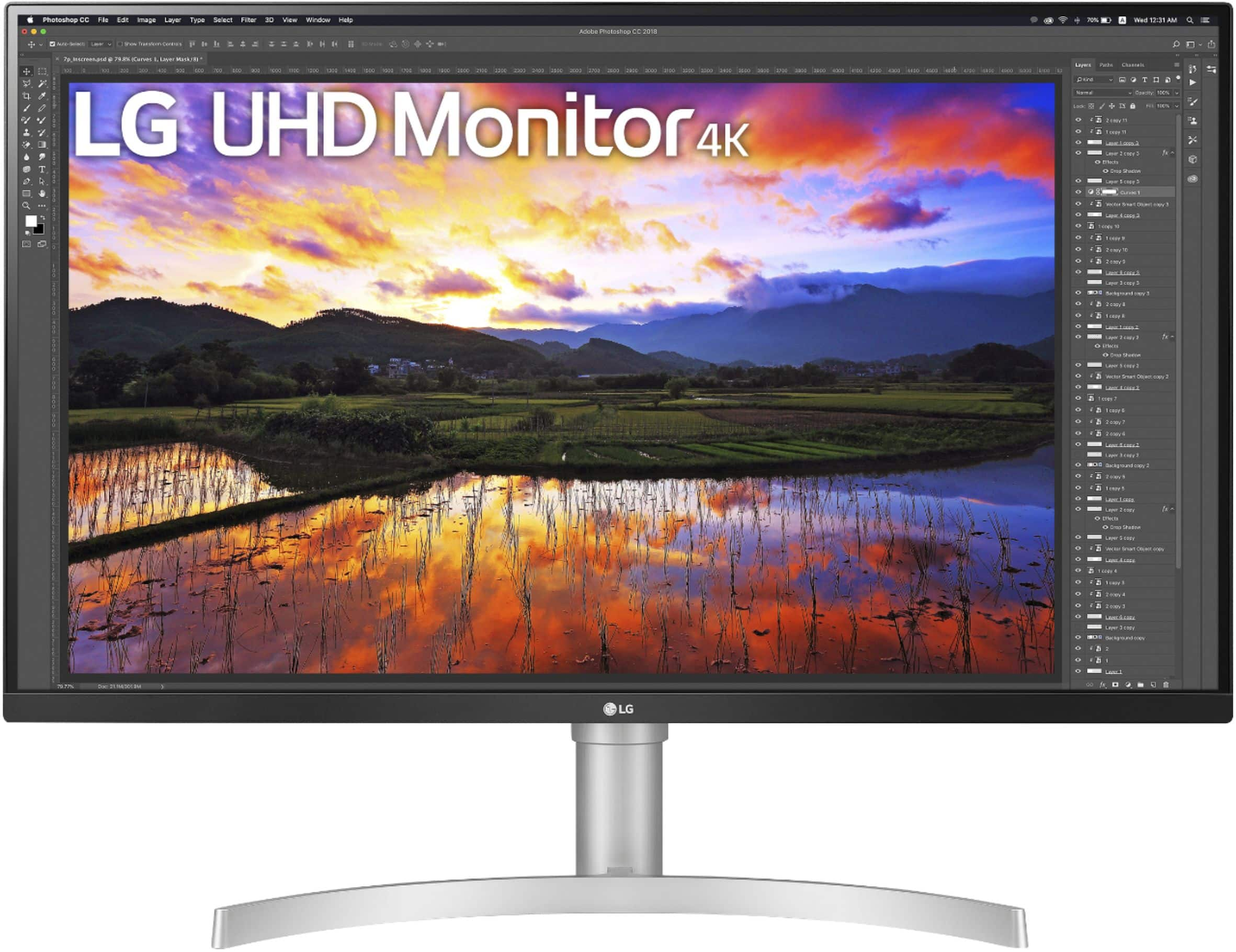
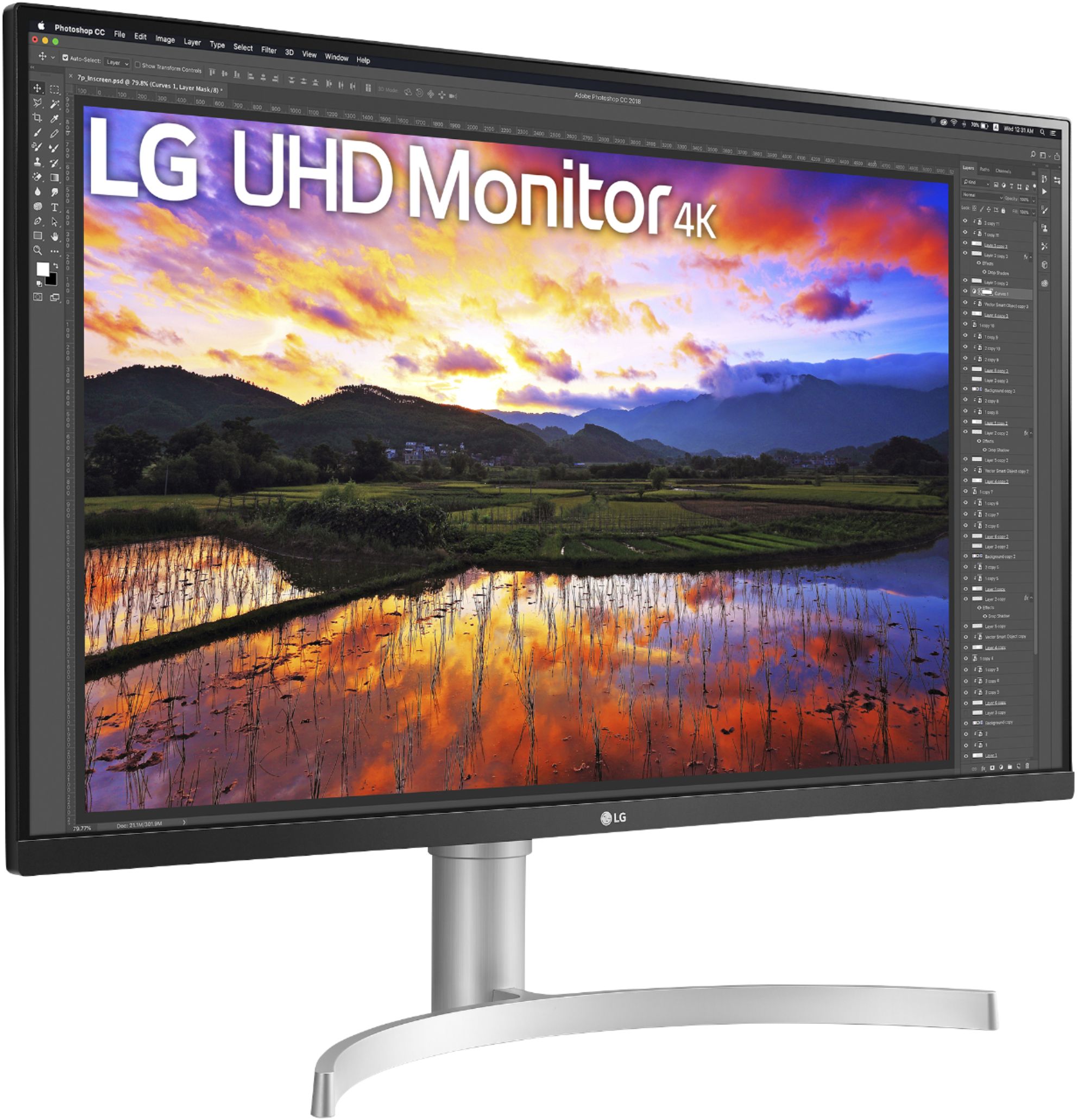
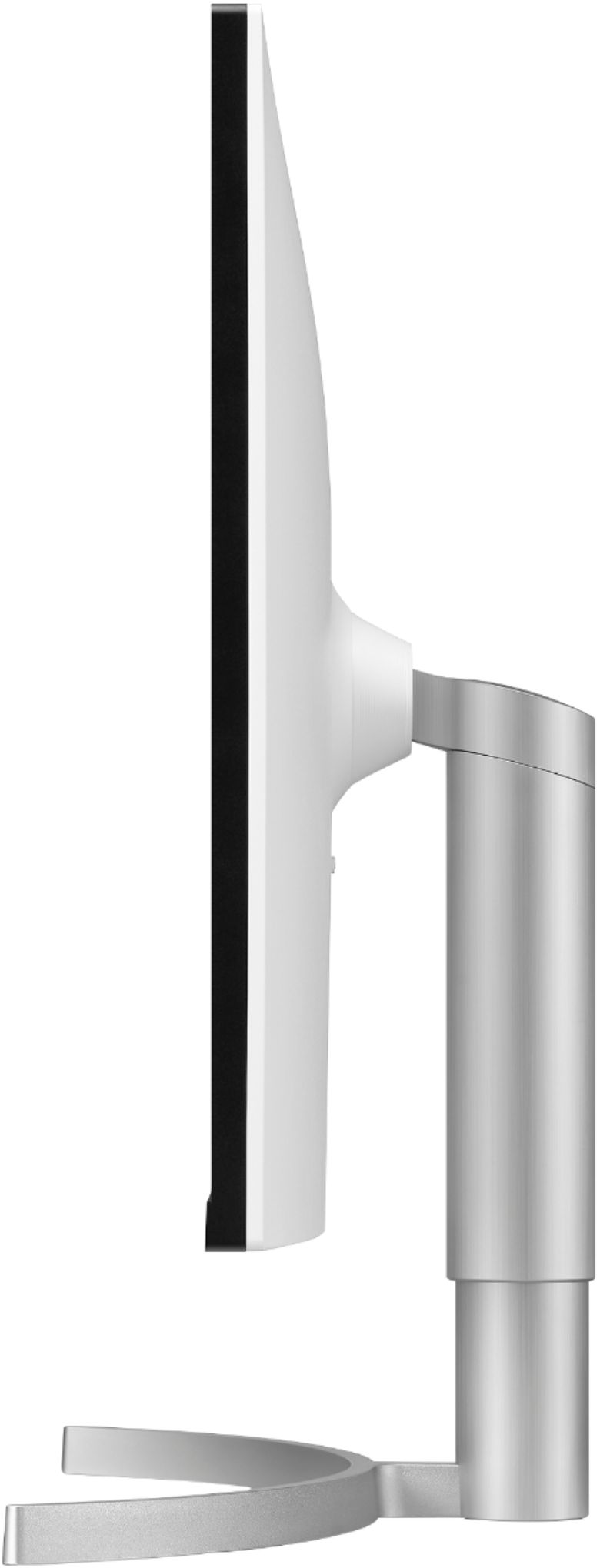
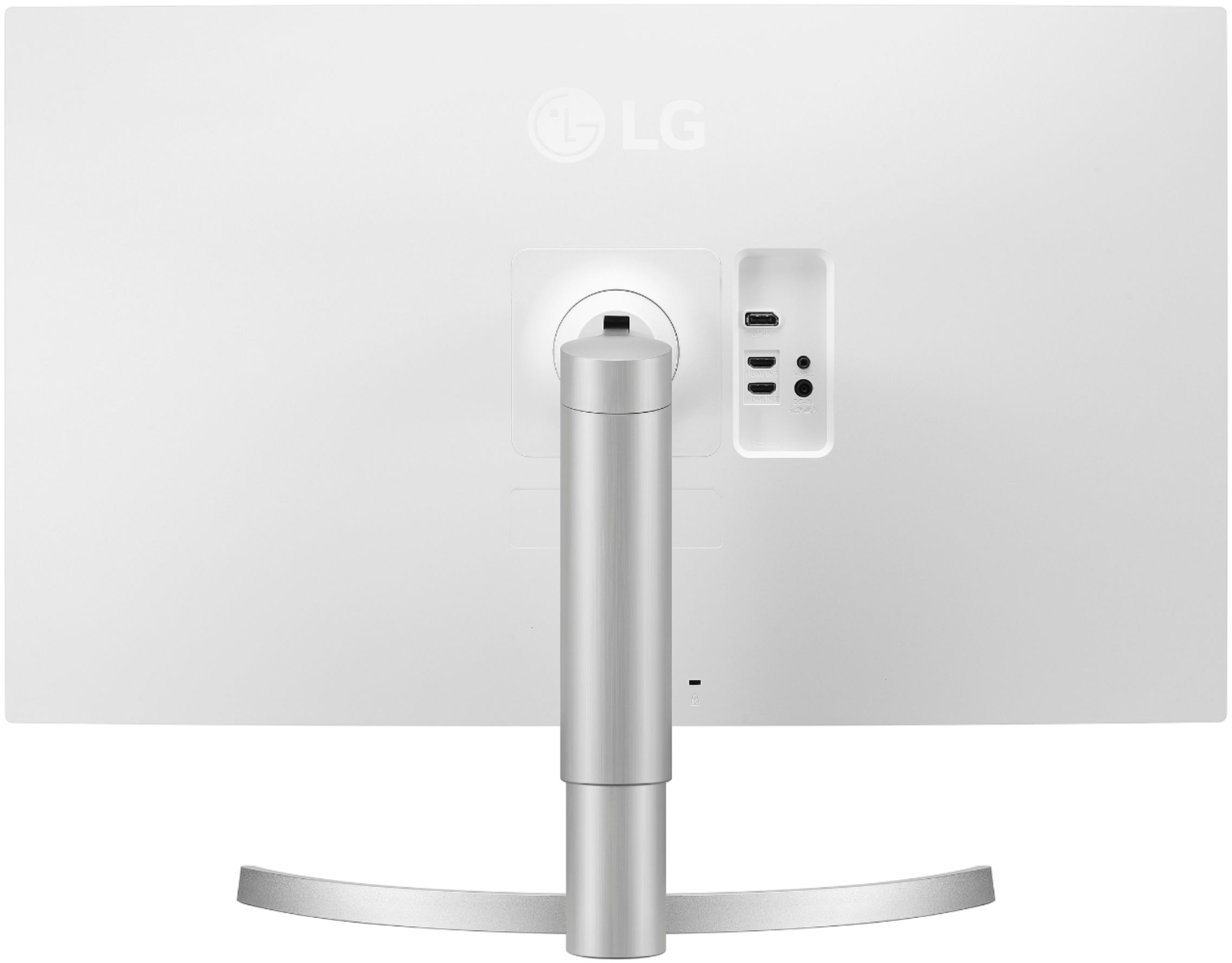
- Model:
- 32UN650-W
- SKU:
- 6437472
Rating by feature
- Display Quality
Rating 4.5 out of 5 stars
- Ease of Use
Rating 4.7 out of 5 stars
- Features
Rating 4.5 out of 5 stars
Customers are saying
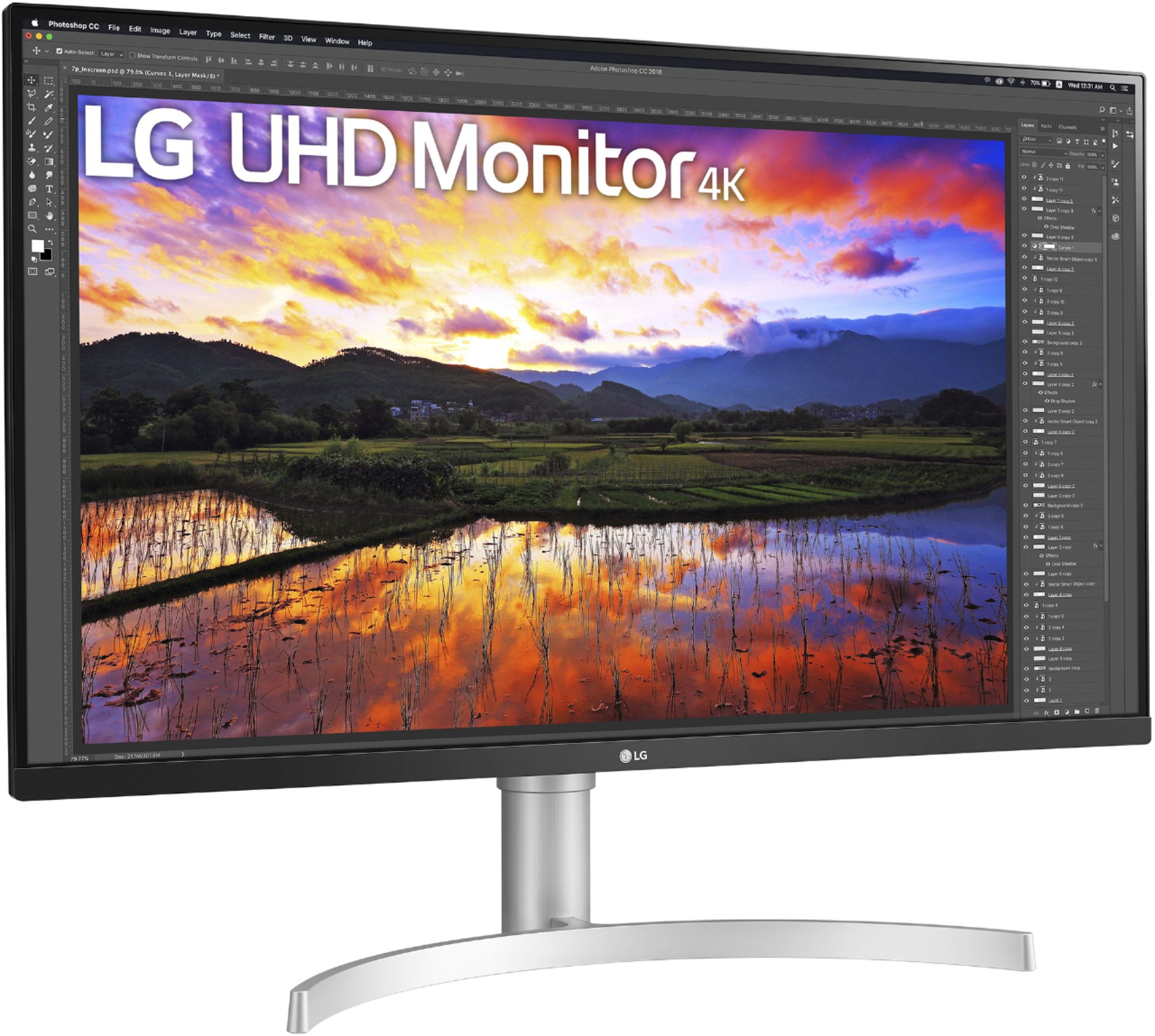
Customers express satisfaction with the 32" UltraFine IPS UHD 60Hz FreeSync Monitor's screen size, resolution, and built-in speakers, frequently praising the image quality and ease of setup. Many appreciate the monitor's stand adjustability and consider it good value for the price. While some users wish for a higher refresh rate, others find the 60Hz refresh rate sufficient for their needs.
This summary was generated by AI based on customer reviews.
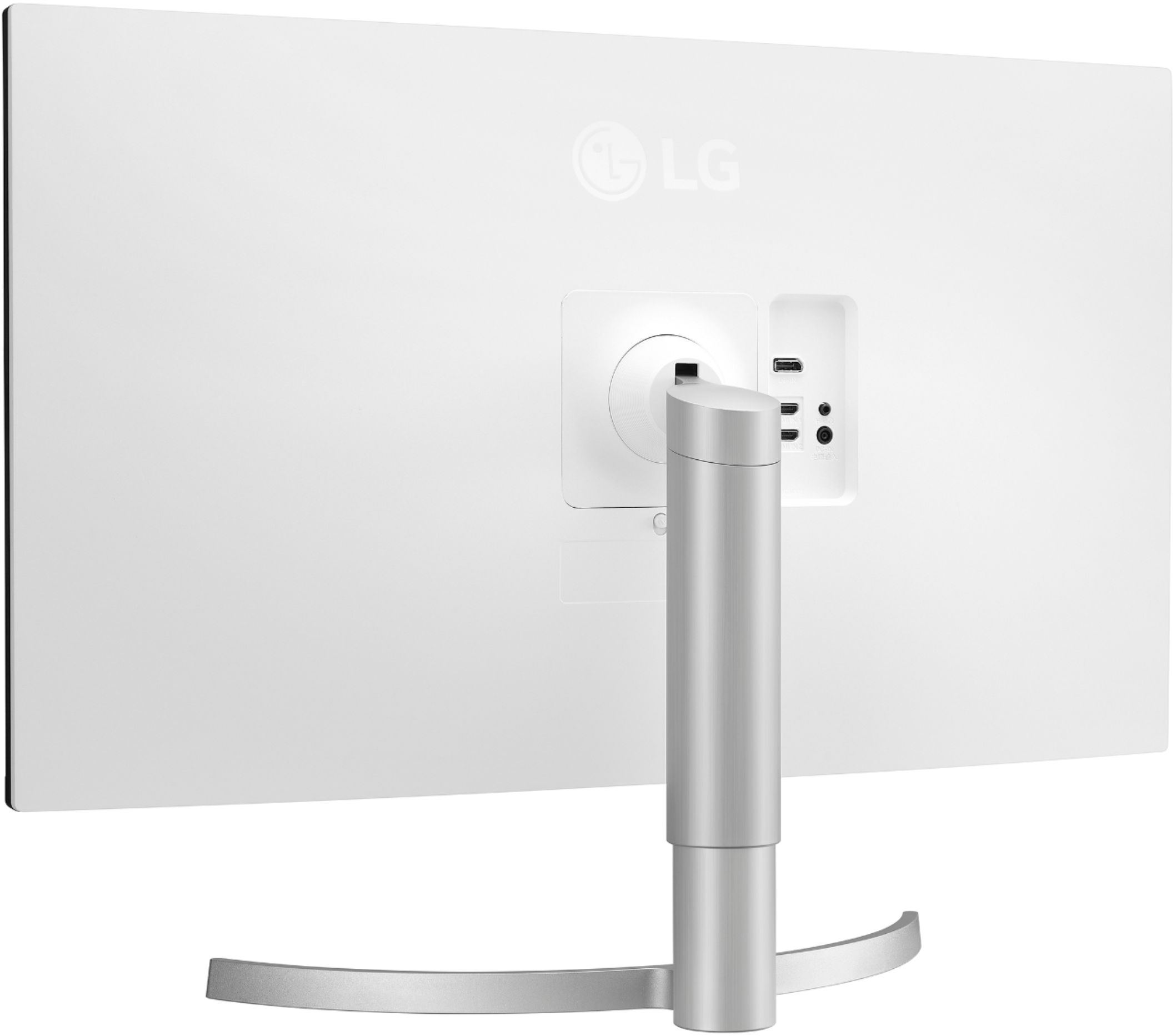
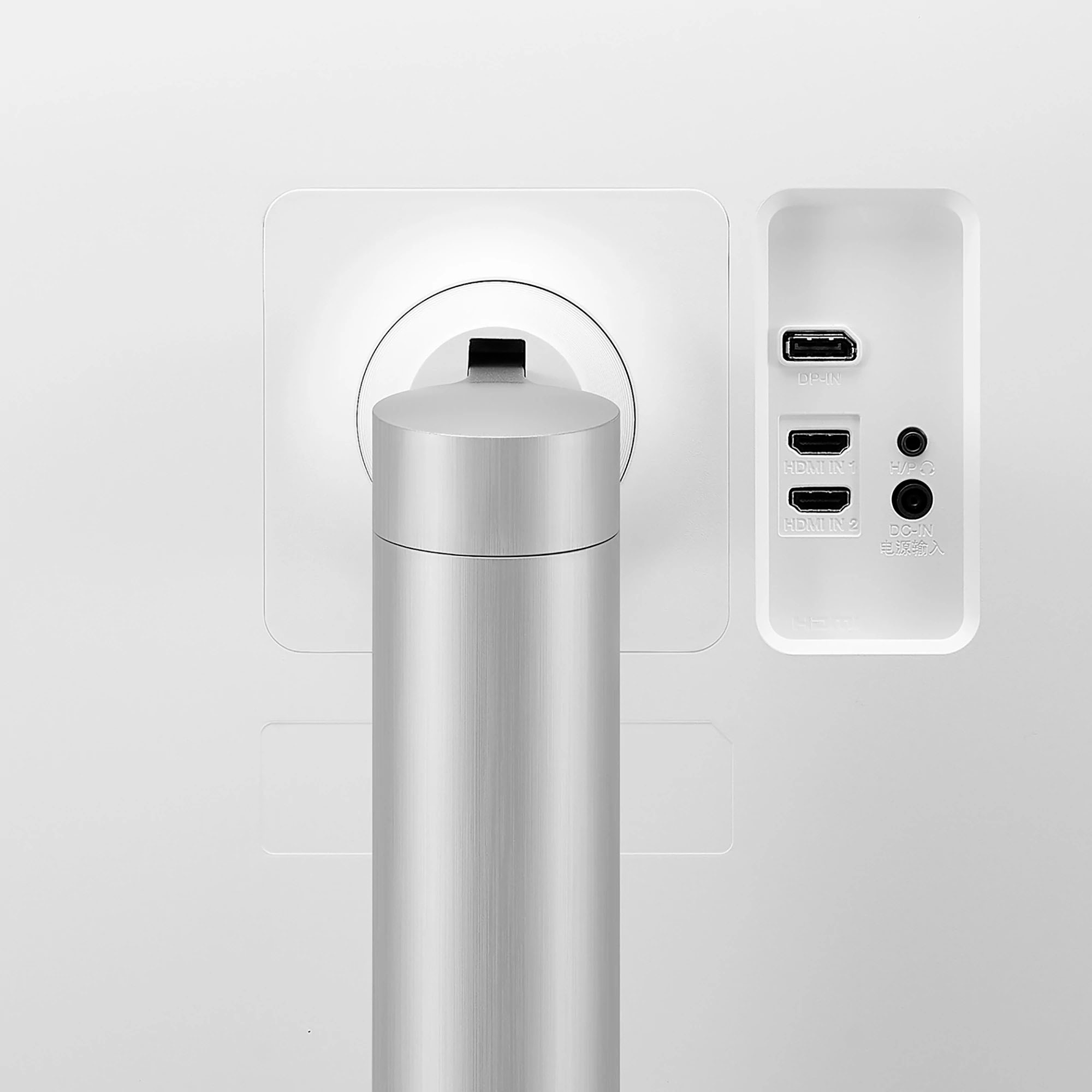
No USB or Type-C socket
||Posted . Owned for less than 1 week when reviewed.This reviewer received promo considerations or sweepstakes entry for writing a review.I can’t imagine that, now, 2021!! A 500$ monitor without USB or Type-C hubs. That’s ridiculous
No, I would not recommend this to a friendBrand response from LGAnswers
Posted .We are sorry to hear that your unit did not meet your needs/expectations. This is not the quality we expect from our products. We are continuously working to improve the quality of our products and anticipate market demands that drive customer satisfaction. If you ever have any questions please reach out to our support team on Facebook at @LGUSSupport and use #VOC in your first message to our social media support team.. To speak with an agent via phone, you can call 800.243.0000 We apologize for any inconvenience this caused. ^Venette

- Pros mentioned:Screen size
Amazing for Macbook Pro!
Posted .This reviewer received promo considerations or sweepstakes entry for writing a review.This makes my already pretty-looking macbook retina screen look like trash. That's how good this 32 inch (technically 31.5 inch) monitor is. It worked right out of the box. If you're trying to have a bigger display for your laptop like I was, I would suggest buying a displayport cable. I've had no issues with using a 20 dollar one from amazon, connected from a usb hub that's connected to my macbook pro. This boosted my productivity as well. Extremely sharp visuals and awesome HDR colors -- I highly recommend paying a premium for this! If it's not too late, you can also price match this on Amazon -- it goes for 50 dollars less on that website.
I would recommend this to a friend - Pros mentioned:Screen size
A Nice Monitor, But It Has Serioius Problems
Posted .This reviewer received promo considerations or sweepstakes entry for writing a review.My partner bought this monitor for me from Best Buy as a present. It has wonderful image quality and I like the large size. It has several very annoying problems, however, which is why I decided to write this review. The worst problem is that it goes into power saving mode and will not return normally. For a long time, I was doing a hardware reset of the Windows 10 computer to get it back. I tried many different Display Port and HDMI cables, none of which work solved the problem. I disabled power saving both in the monitor and in the computer, which didn't help. I have spent many hours searching for a solution. LG's forum has many an angry customer complaining with no answer from LG. One owner did recommend removing the cable and plugging it back in, which works, but is a real PITA. As far as I know, no one has been able to solve the problem or even come up with a reasonable workaround. LG has been silent about it. The other problem is an annoyance and probably related. When the monitor goes into power saving mode (whether you want it to do so or not) all of the open windows are rearranged. They are moved to the upper-left corner and reduced to a very small size. Some suggest that the operating system thinks that the monitor is dead or gone, so it rearranges all the windows into the smallest standard monitor size. I agree that this is probably what is happening. There is no way to prevent the monitor from going in to power saving mode. A third problem is that I have not been able to find a driver for this monitor, so Windows uses its generic driver. Windows update cannot find one and there isn't one available on LG's support page. It really seems like LG put this monitor into production and just forgot about it. We actually get better support from LG for our washer and dryer. Not only would I not recommend this monitor to a friend, I also recommend to Best Buy that they stop selling this monitor--it's bad for their reputation to sell poor-quality merchandise like this monitor.
No, I would not recommend this to a friendBrand response from LGAnswers
Posted .We are continuously working to improve the quality of our products and anticipate market demands that drive customer satisfaction. Your feedback is especially important to us and your concerns will be shared with our product team. If you have questions or further concerns, please reach out to our support team on Facebook at @LGUSSupport. We apologize for any inconvenience this caused. ^Venette
Average at best, with major flaws
Posted .This reviewer received promo considerations or sweepstakes entry for writing a review.After using this for 3 YEARS, I'd say it's an average monitor with 4k at a good price. The 4k comes with some sacrifices, probably to keep the price point low. If 4k isn't important to you, definitely look at other monitors in the same price range for a MUCH better display. Cons: *Terrible viewing angles, especially for an IPS *Poor contrast ratio - blacks not very dark *Not very bright, even at max *Terrible software *Difficult setup, incomplete manual Pros: *4k at a great price *Vivid colors *Smooth refresh rate *Excellent stand design allowing both tilt & height adjustments. *Cool & upscale hardware design If you use this for casual gaming and office work, then it's good enough. But you will find yourself wanting something better over time. The viewing angles are terrible. I can't remember the last time I saw a monitor was viewing angles - I thought that was a problem of the past. The black levels / contrast ratio is also terrible. IPS are known to sacrifice on this, but with this monitor you don't even get the benefit of wide viewing angles that are the hallmark of IPS displays! If you are in a room with lots of sunlight this monitor will not be bright enough even at the max brightness setting. My room doesn't even have direct sunlight shining in, and if it did I think this monitor would become unusable unless I closed the blinds. LG's software is terrible on Mac. It's buggy, constantly freezes, and eats up CPU. Setup is VERY difficult. The manual doesn't explain most of the settings, and a LOT of tweaking is needed to get this monitor to look good. I feel so bad for people who use it with the out-of-the-box settings not knowing how much better it could be.
No, I would not recommend this to a friendWork from Home Upgrade
Posted .This reviewer received promo considerations or sweepstakes entry for writing a review.I upgraded from the LG 27" 27UL600-W.AUS monitor because I needed more screen real estate. This LG 32" 32UN650-W.AUS monitor works out perfectly. Its, bright, vivid, and the blacks are truly black. I tried a lower cost LG 32" monitor and it was horrible as half the monitor would fade out so I was skeptical about this one. I was pleasantly surprised with the quality and colors on this one. I do wish the volume control for the speakers was easer to navigate, but all in all this is a great monitor for a day to day work from home monitor.
I would recommend this to a friendAn IPS monitor is much better than a VA monitor.
Posted .This reviewer received promo considerations or sweepstakes entry for writing a review.This IPS monitor is FAR better than other VA (vertical alignment) monitors I've used - for only about $100 more. Angle of view is much better. Color are vibrant and bright. While the text at 4k is crisp and clear, you may want to increase text size, lower resolution, for easier reading.
I would recommend this to a friend