Customer Ratings & Reviews
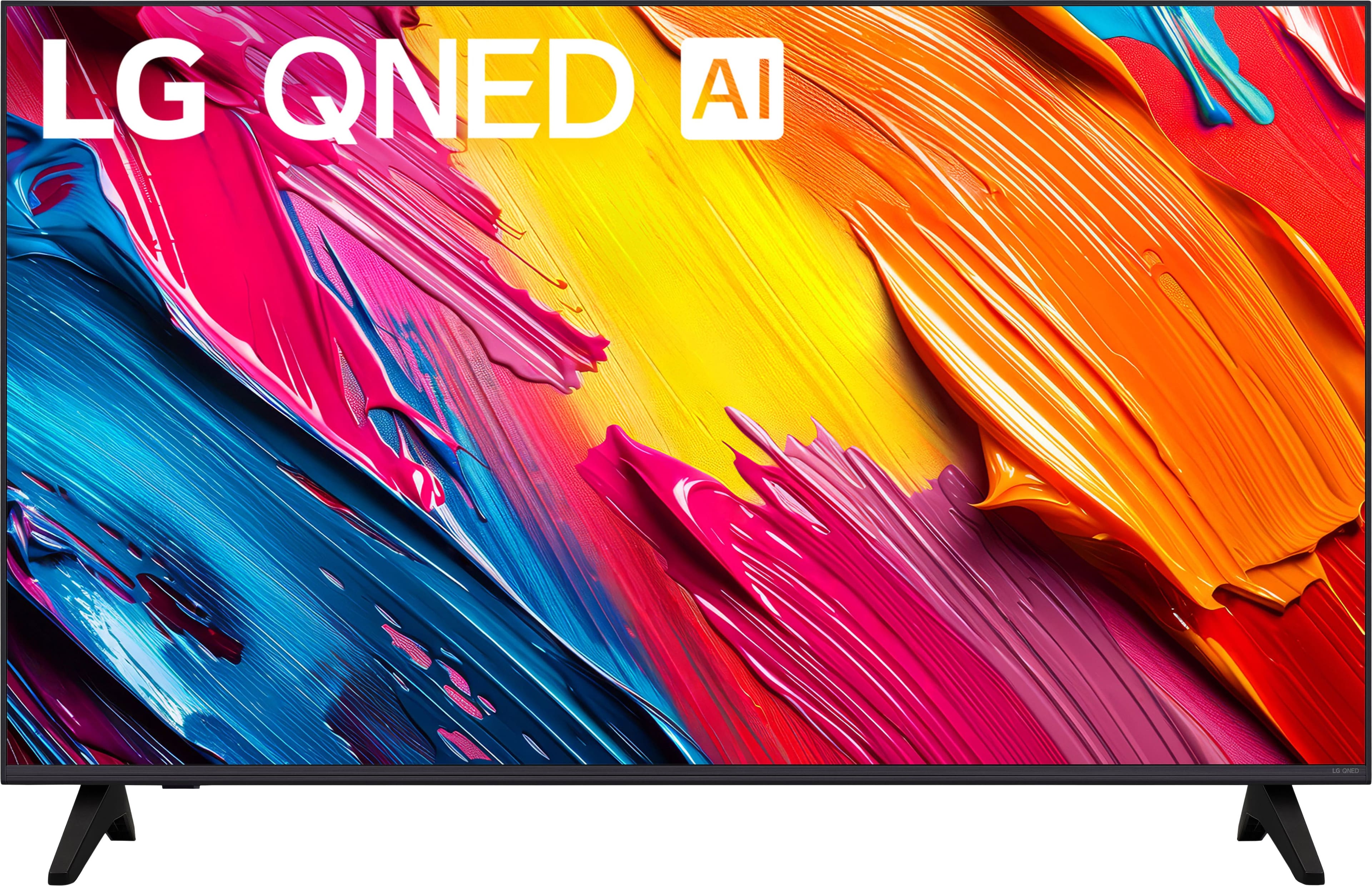
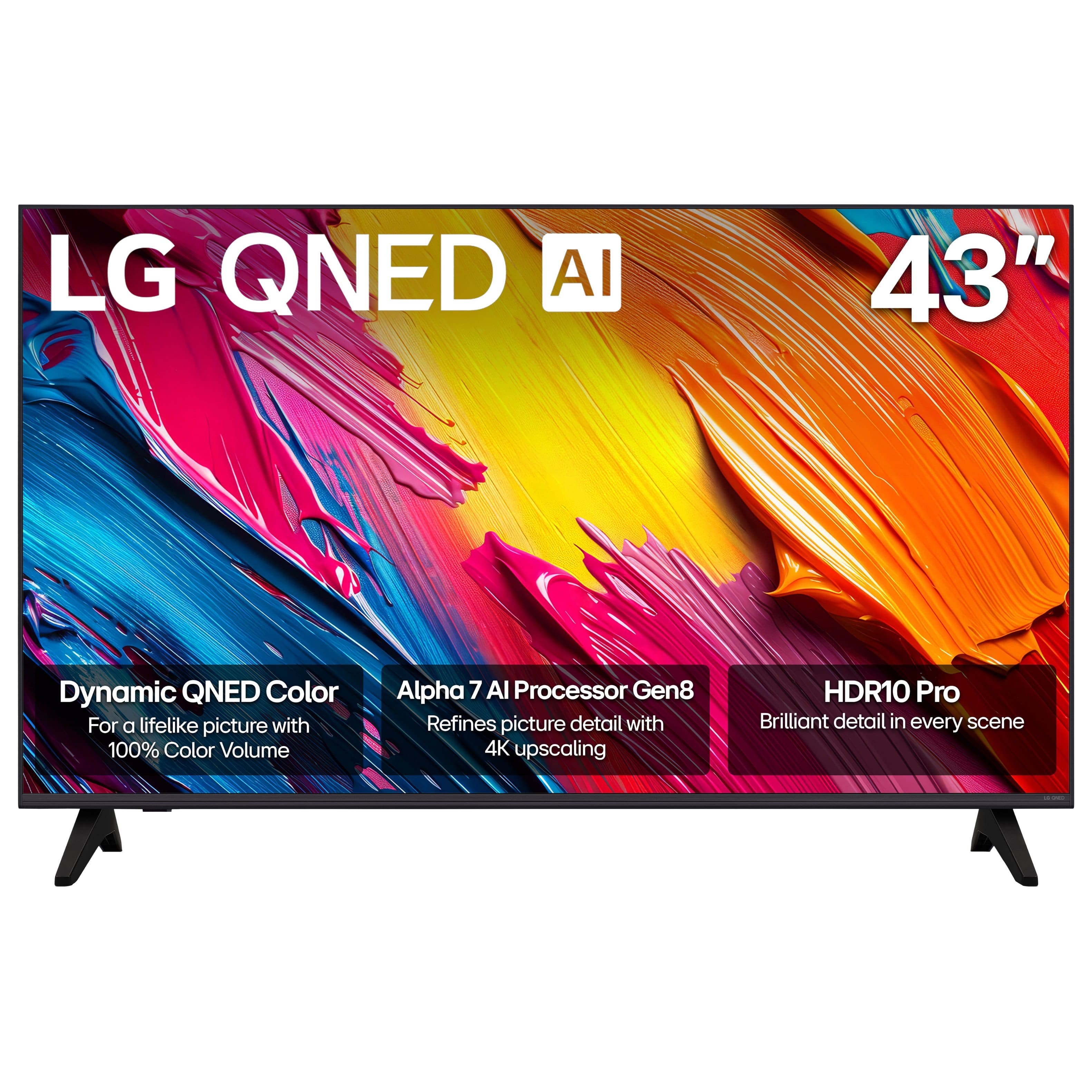
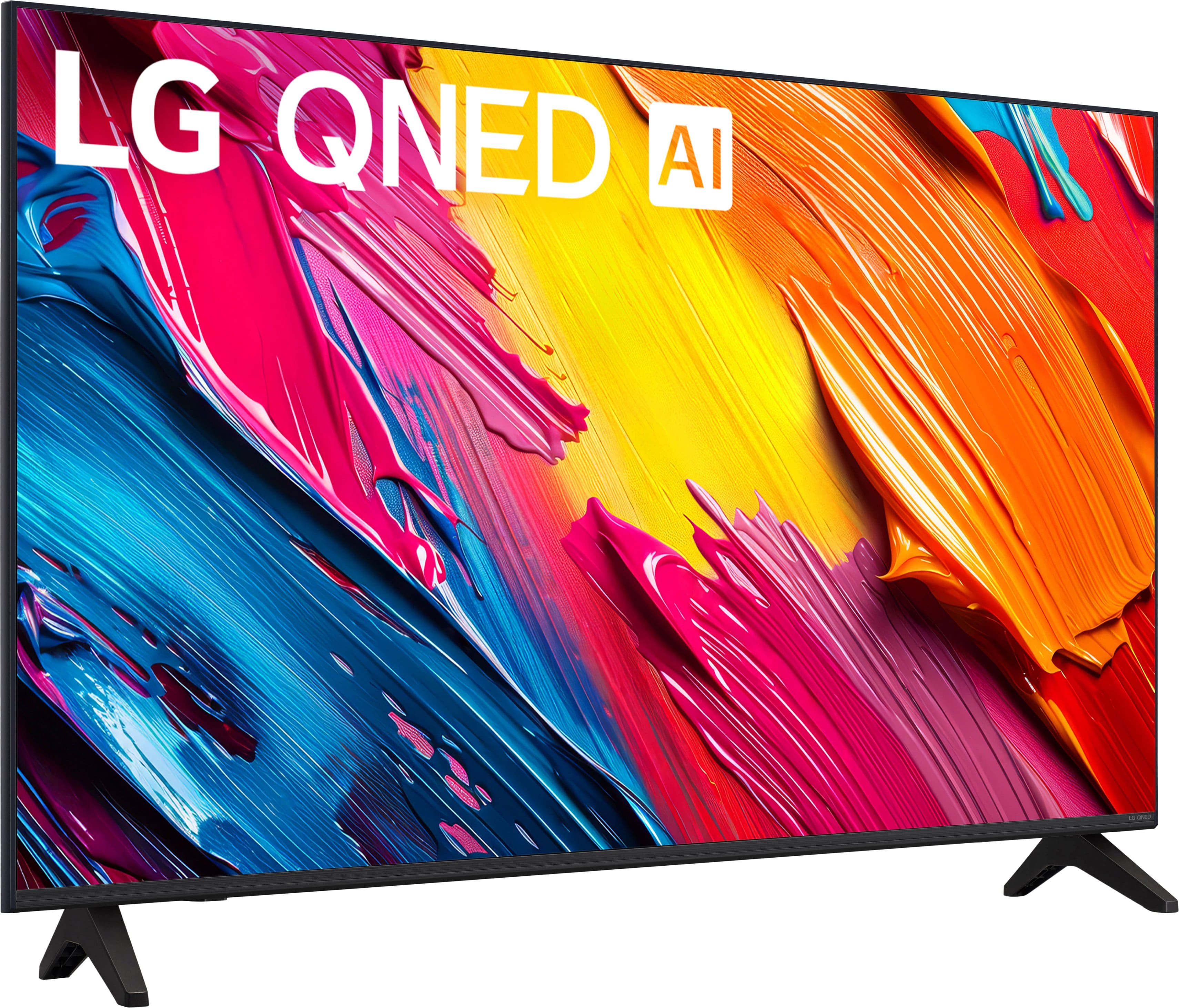
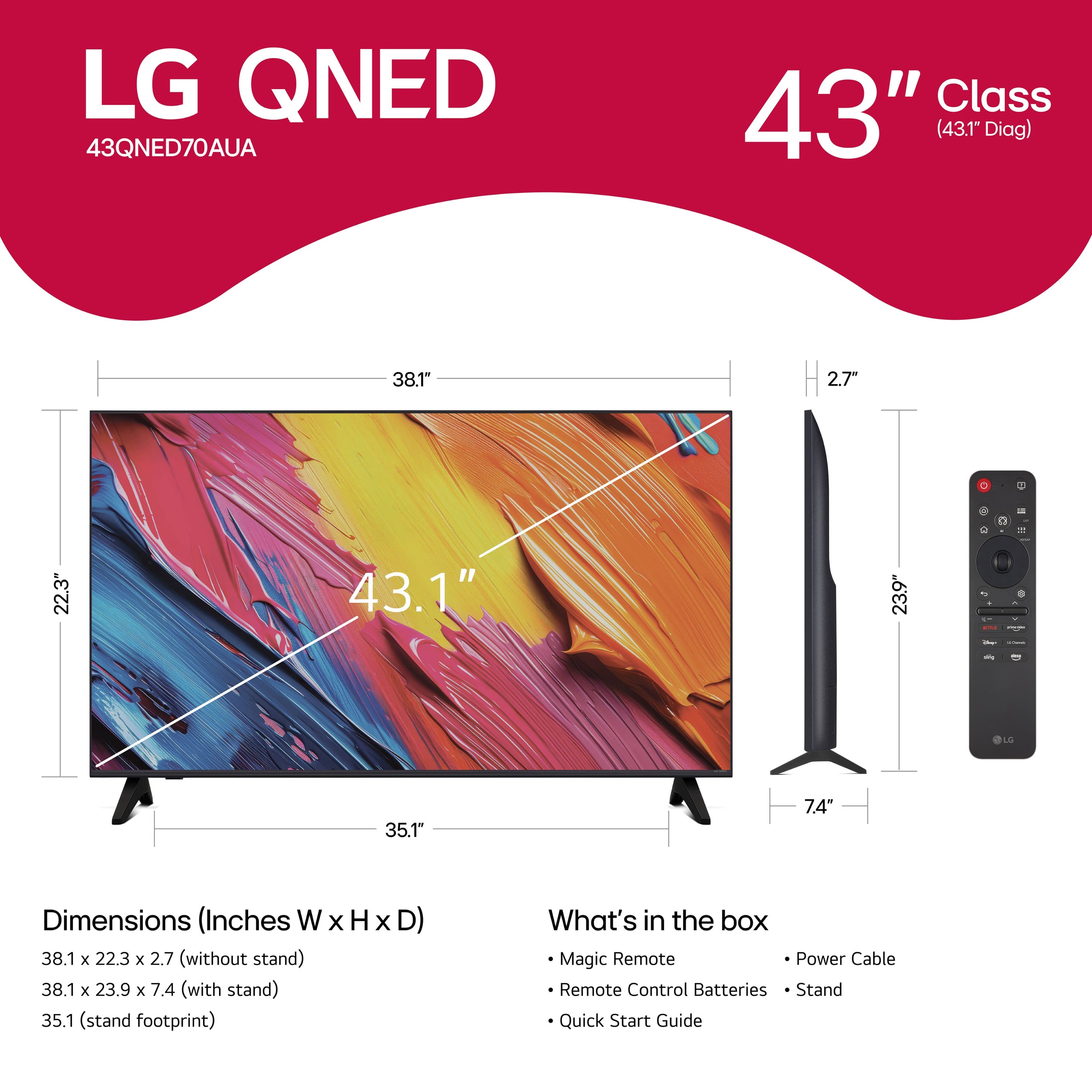

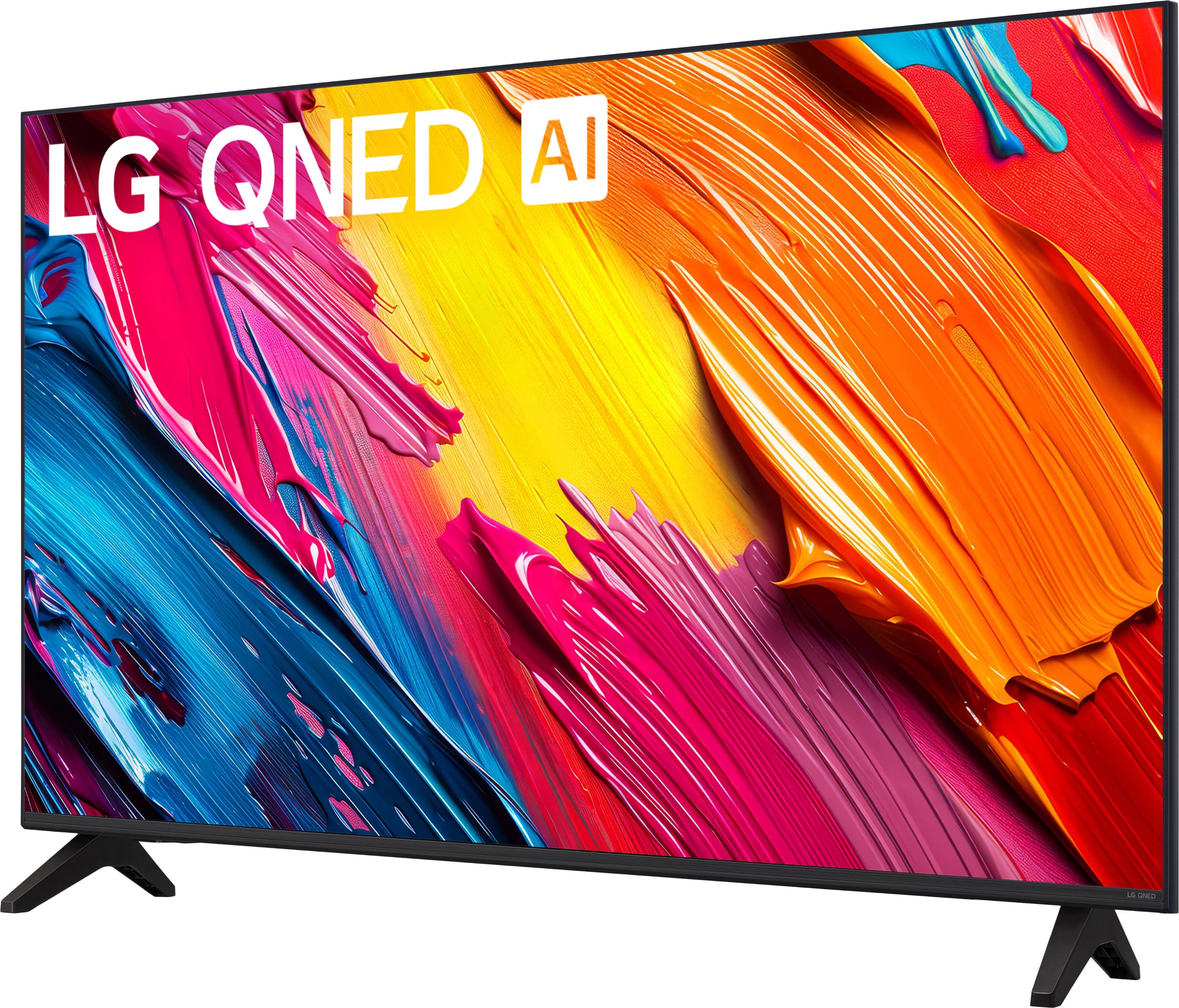

- Model:
- 43QNED70AUA
- |
- SKU:
- 6636887
Customer reviews
Rating 4.6 out of 5 stars with 192 reviews
(192 customer reviews)Rating by feature
- Picture Quality4.8
Rating 4.8 out of 5 stars
- Sound Quality4.6
Rating 4.6 out of 5 stars
- Brightness4.8
Rating 4.8 out of 5 stars
Customers are saying
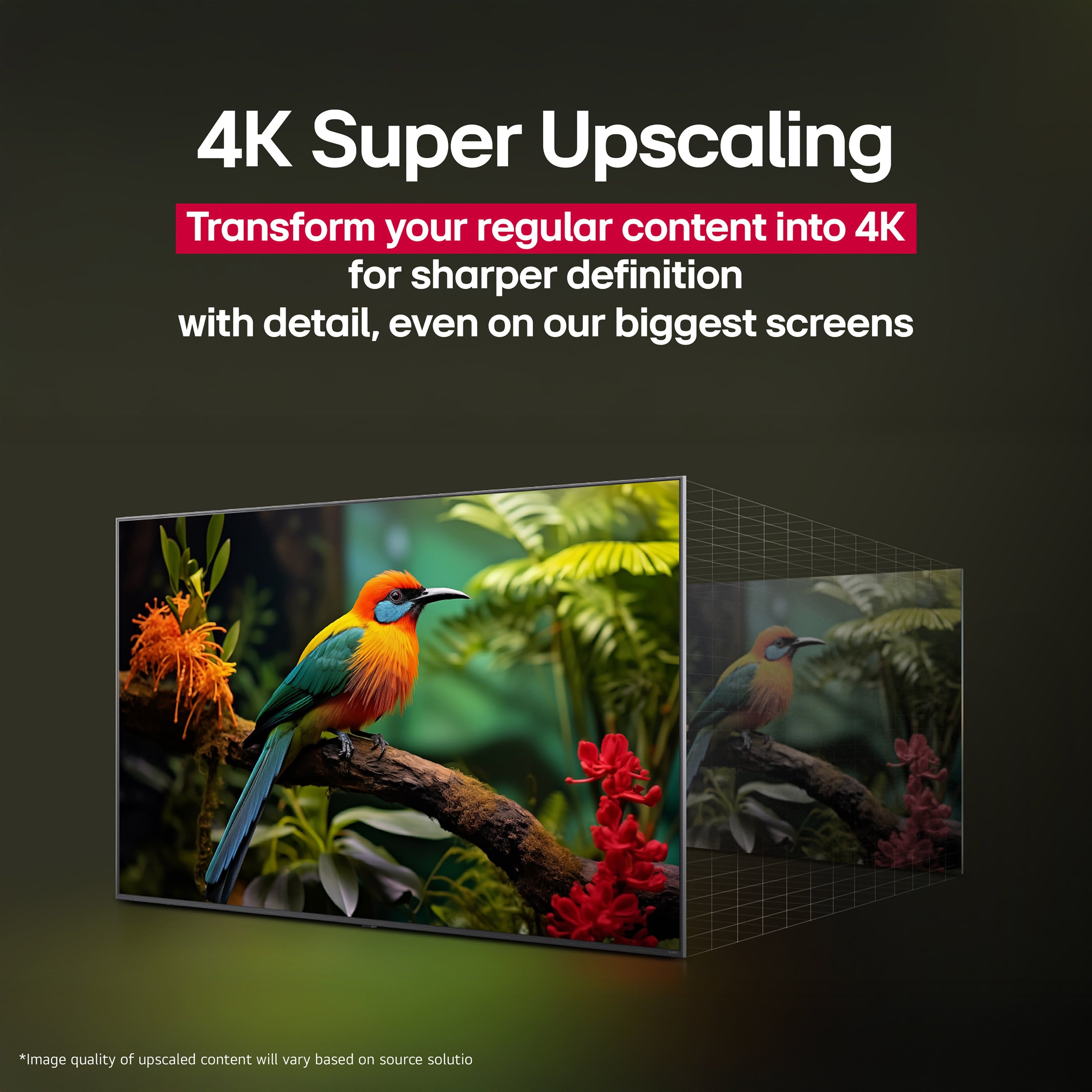
Customers commend the 43" Class 70A Series QNED AI 4K UHD Smart webOS TV (2025) for its excellent picture quality. Many find the size to be perfect for their needs. Overall, users seem very satisfied with these aspects of the television.
This summary was generated by AI based on customer reviews.
Rated 5 out of 5 stars
Awesome!
||Posted . Owned for 2 weeks when reviewed.This reviewer received promo considerations or sweepstakes entry for writing a review.Great quality tv with great picture and sound. If you want a quality tv at a quality price. This the one.
I would recommend this to a friend- Pros mentioned:Picture quality
Rated 5 out of 5 stars
LG 43" TV Review
||Posted .This reviewer received promo considerations or sweepstakes entry for writing a review.Great picture, easy install. We're very happy with this TV.
I would recommend this to a friend - Pros mentioned:Size
Rated 5 out of 5 stars
LG 43” smart tv
||Posted .This reviewer received promo considerations or sweepstakes entry for writing a review.Love this tv Good purchase Easy set up, perfect size
I would recommend this to a friend Rated 4 out of 5 stars
Very solid tv for the price
||Posted .This reviewer received promo considerations or sweepstakes entry for writing a review.I have this tv setup in the bedroom and it’s perfect in there, no need to worry about burn in like the LG OLED I have so I can leave static ambient videos on while I’m just relaxing. Panel gets nice n’ bright too. Only downside would be I am absolutely spoiled by the picture quality on the OLED so some colors and shadows just don’t pop like I’ve been accustomed to.
I would recommend this to a friendRated 5 out of 5 stars
Great Screenreader Accessibility
||Posted . Owned for 3 weeks when reviewed.This reviewer received promo considerations or sweepstakes entry for writing a review.I am a blind user switching from Fire TV to Lg. I did so because the screenreader on my old Fire TV spoke very slowly in external apps like Netflix, Hulu, and Pluto. This LG TV is much more responsive in general, and the screenreader gives me no trouble. I made a great choice.
I would recommend this to a friendRated 4 out of 5 stars
Almost A Perfect Experience
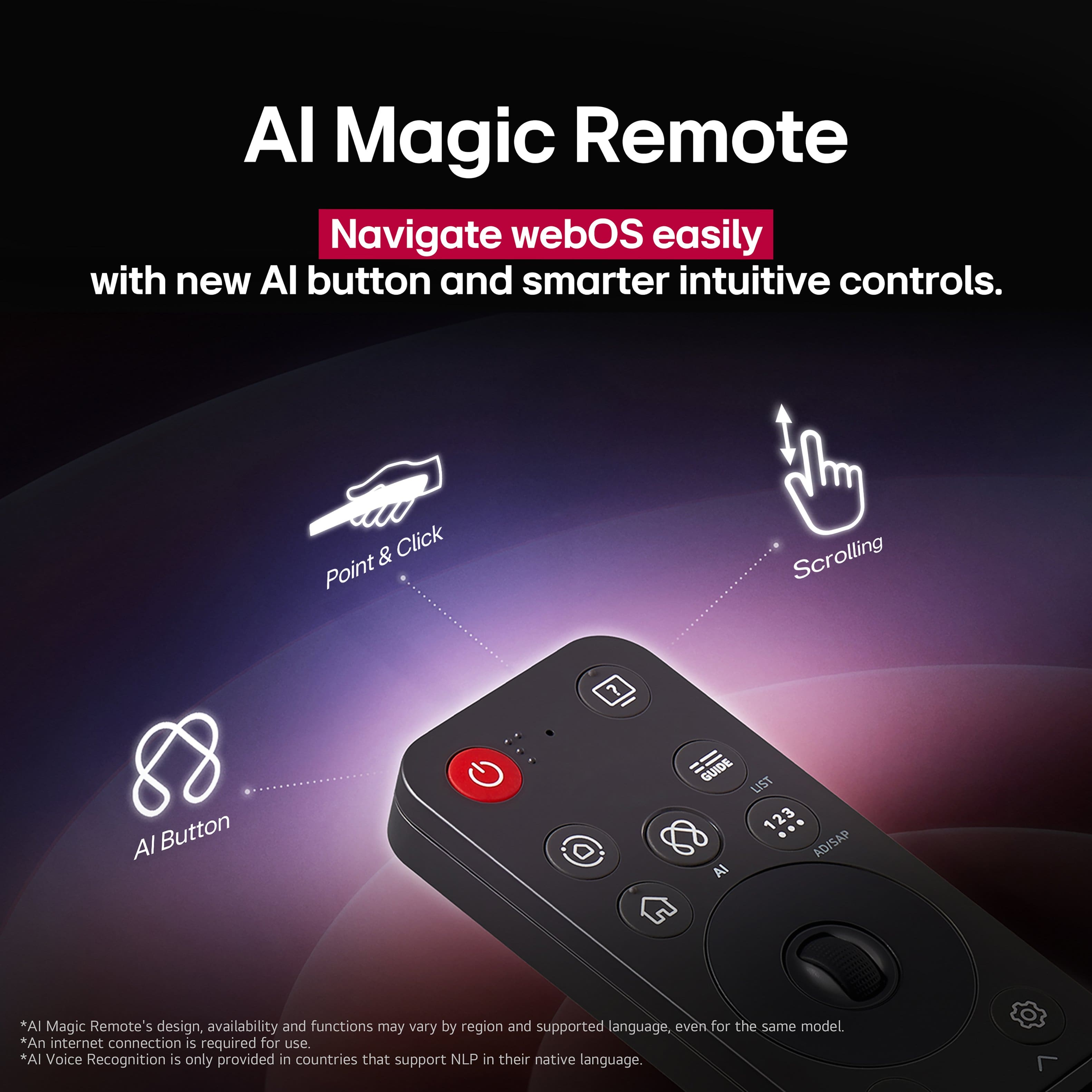
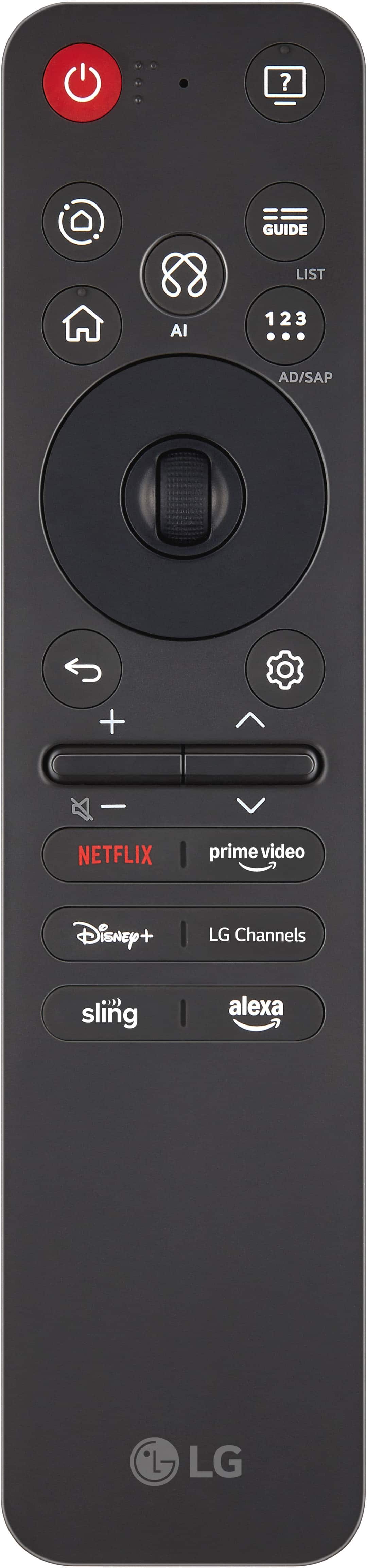
||Posted . Owned for 2 weeks when reviewed.This reviewer received promo considerations or sweepstakes entry for writing a review.The new TV is an upgrade from my previous TV. Images are vibrant and bright. Blacks are deeper and helps add to the richness of the overall picture. The updated LG webos is faster than the 2020 model I previously owned. The AI remote is the least useful item for the TV. When they created a minimal remote, they removed the versatility. This keeps it from getting a 5 star rating.
I would recommend this to a friend- Pros mentioned:Picture quality
Rated 5 out of 5 stars
A much better television watching experience
||Posted . Owned for 1 week when reviewed.This reviewer received promo considerations or sweepstakes entry for writing a review.Great television at a great price. The picture is amazingly clear I’ve very happy.
I would recommend this to a friend - Pros mentioned:Picture quality
Rated 5 out of 5 stars
Great TV
||Posted . Owned for 1 week when reviewed.This reviewer received promo considerations or sweepstakes entry for writing a review.Great picture and decent sound from the TV speakers
I would recommend this to a friend - Pros mentioned:Picture quality
Rated 5 out of 5 stars
As expected
||Posted . Owned for 1 week when reviewed.This reviewer received promo considerations or sweepstakes entry for writing a review.Good for the price. Nothing particularly special, but its what I expected.
I would recommend this to a friend Rated 4 out of 5 stars
New LG TV owner
||Posted . Owned for 3 weeks when reviewed.This reviewer received promo considerations or sweepstakes entry for writing a review.After a revisit by reps from Geek squad to get sound on new LG TV to function properly, the new TV is doing great.
I would recommend this to a friendRated 5 out of 5 stars
DaveM
||Posted . Owned for 1 month when reviewed.This reviewer received promo considerations or sweepstakes entry for writing a review.Really nice item with great value. Has perfect picture with superb brightness.
I would recommend this to a friend- Pros mentioned:Picture quality
Rated 5 out of 5 stars
Excellent!
||Posted .This reviewer received promo considerations or sweepstakes entry for writing a review.Excellent! I'm sure happy with the TV, great picture!
I would recommend this to a friend - Pros mentioned:Picture quality
Rated 5 out of 5 stars
Great for the money
||Posted . Owned for 1 week when reviewed.This reviewer received promo considerations or sweepstakes entry for writing a review.This is a great tv with a great picture. You will not be dissapointed.
I would recommend this to a friend Rated 5 out of 5 stars
So glad we got this TV
||Posted . Owned for 2 weeks when reviewed.This reviewer received promo considerations or sweepstakes entry for writing a review.Love, love this TV. Previously had a smaller, different brand TV in the kitchen, but it was very unresponsive and glitchy. We upgraded to this LG TV and love it! First it's a perfect size for the kitchen. Next, it's very responsive. The setting options, including the display options, are perfect for us. Love the remote. We are so happy we bought this TV.
I would recommend this to a friend- Pros mentioned:Picture quality
Rated 5 out of 5 stars
Nice TV
||Posted .This reviewer received promo considerations or sweepstakes entry for writing a review.Great tv, easy set up and nice picture. Hard to beat when on sale.
I would recommend this to a friend - Pros mentioned:Picture quality
Rated 5 out of 5 stars
LG Television
||Posted .This reviewer received promo considerations or sweepstakes entry for writing a review.Easy set up, picture quality sharp with brilliant color.
I would recommend this to a friend Rated 5 out of 5 stars
LG 43” tv
||Posted . Owned for 2 weeks when reviewed.This reviewer received promo considerations or sweepstakes entry for writing a review.Nice clear picture at a very reasonable price at $249.99
I would recommend this to a friend- Pros mentioned:Picture quality
Rated 5 out of 5 stars
LG TV
||Posted .This reviewer received promo considerations or sweepstakes entry for writing a review.TV has a brilliant picture. Happy with purchase. Highly recommend.
I would recommend this to a friend - Pros mentioned:Picture quality
Rated 4 out of 5 stars
New TV
||Posted . Owned for 3 weeks when reviewed.This reviewer received promo considerations or sweepstakes entry for writing a review.A very good buy. Picture is very good, vibrant colors.
I would recommend this to a friend Rated 5 out of 5 stars
Great value
||Posted . Owned for 1 month when reviewed.This reviewer received promo considerations or sweepstakes entry for writing a review.Wonderful color. Amazing view. Light and easy to move.
I would recommend this to a friend