Customer Ratings & Reviews
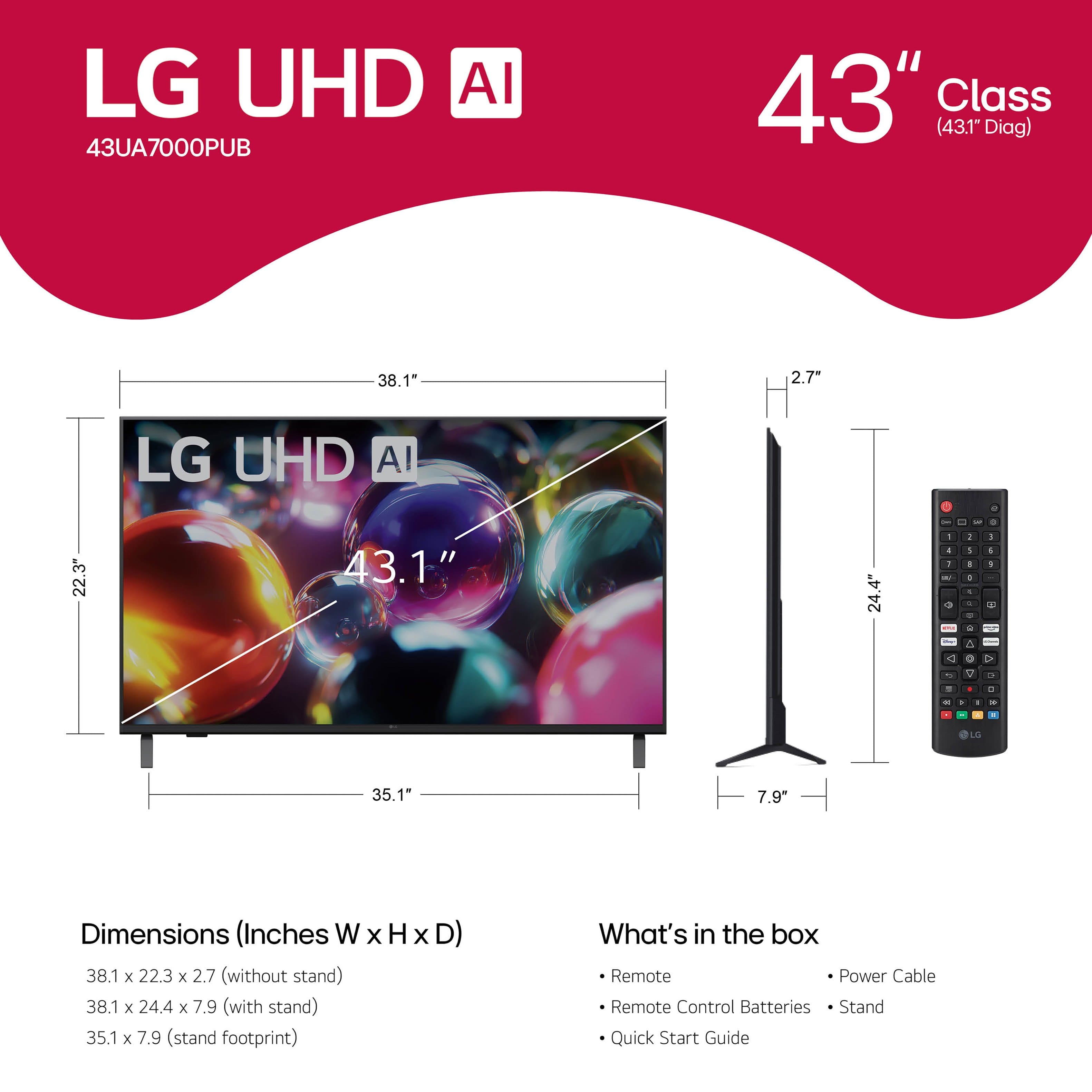








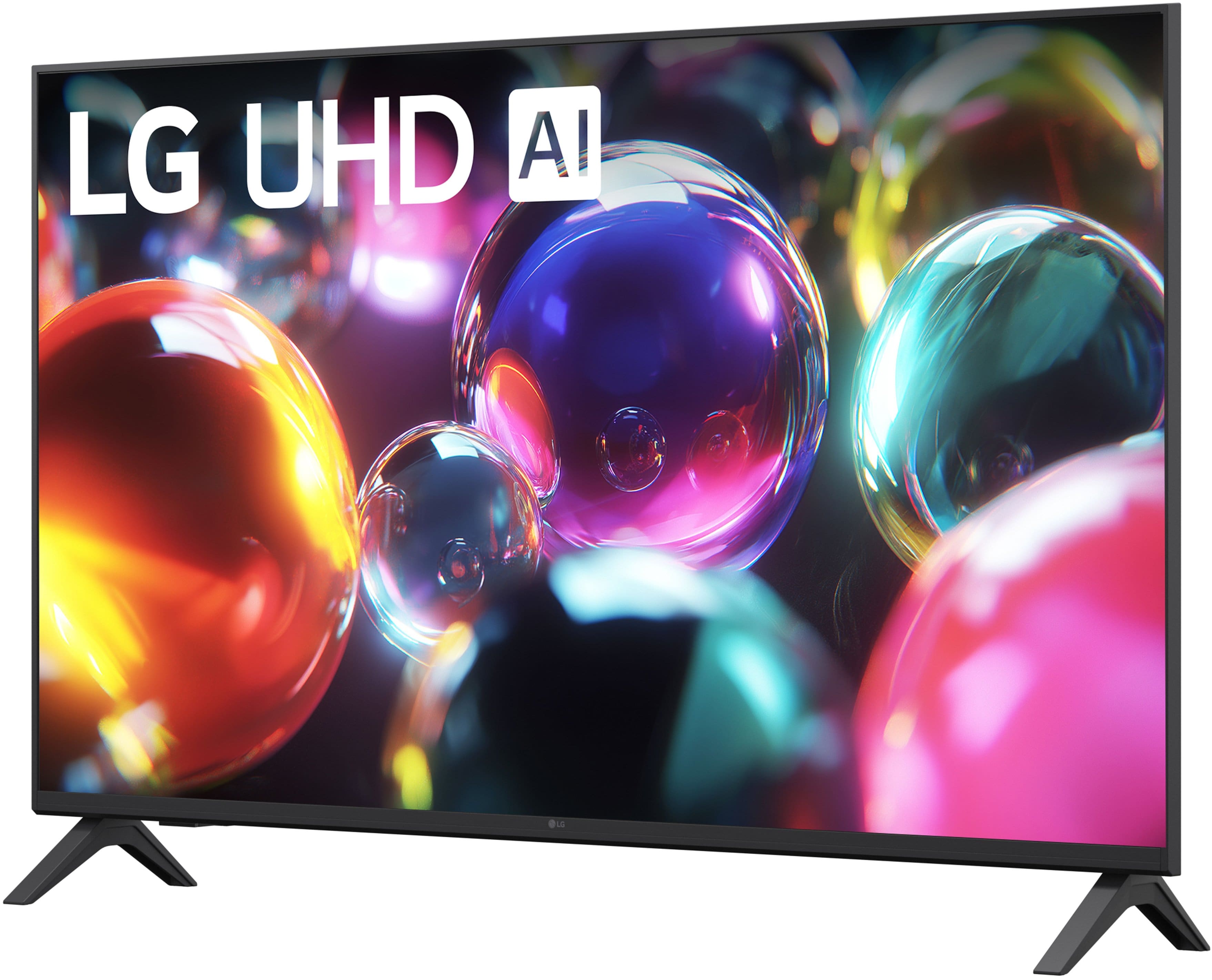

- Model:
- 43UA7000PUB
- |
- SKU:
- 10926566
Customer reviews
Rating 4.6 out of 5 stars with 444 reviews
(444 customer reviews)Rating by feature
- Picture Quality4.7
Rating 4.7 out of 5 stars
- Sound Quality4.5
Rating 4.5 out of 5 stars
- Brightness4.7
Rating 4.7 out of 5 stars
Customers are saying
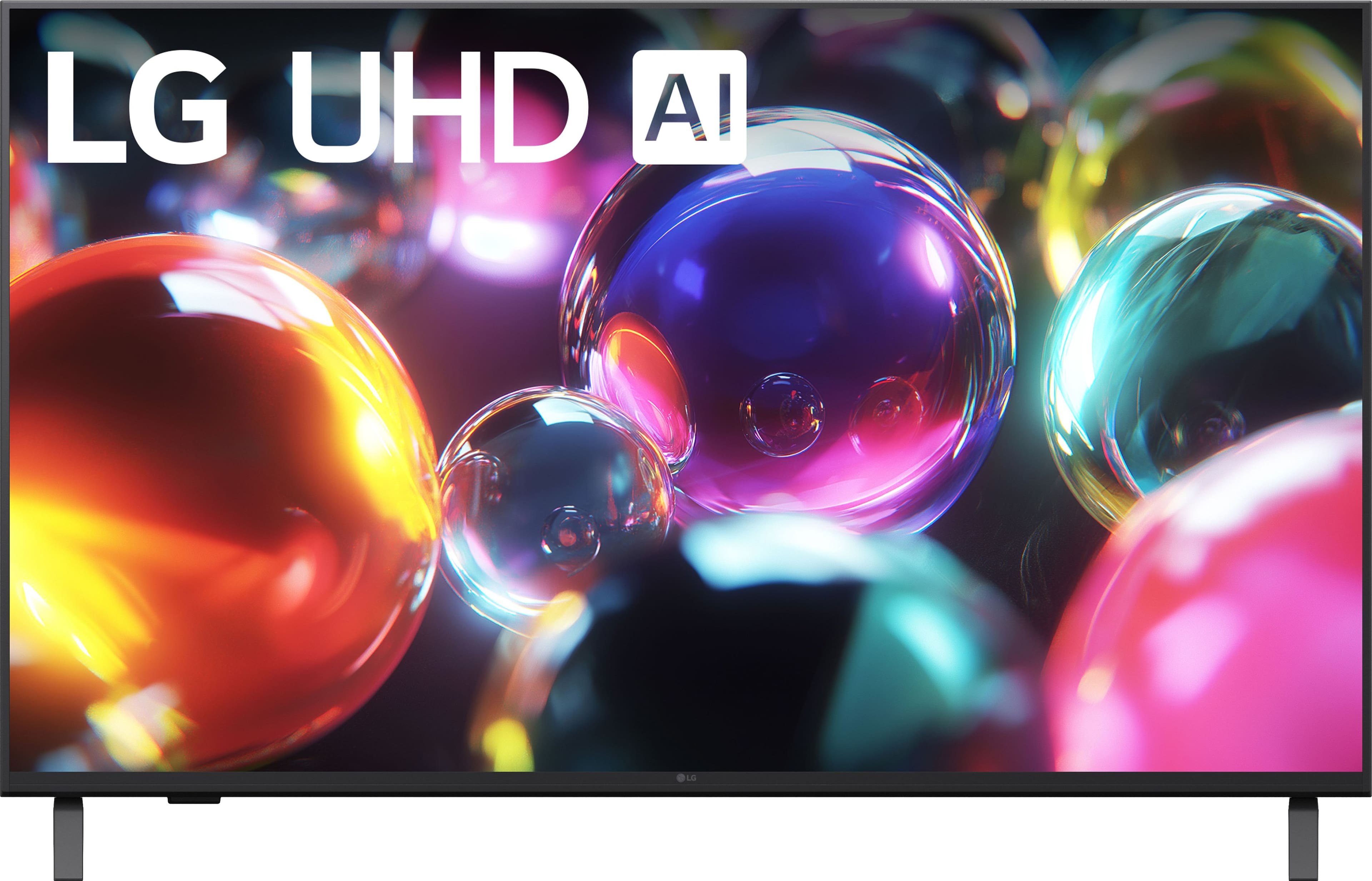
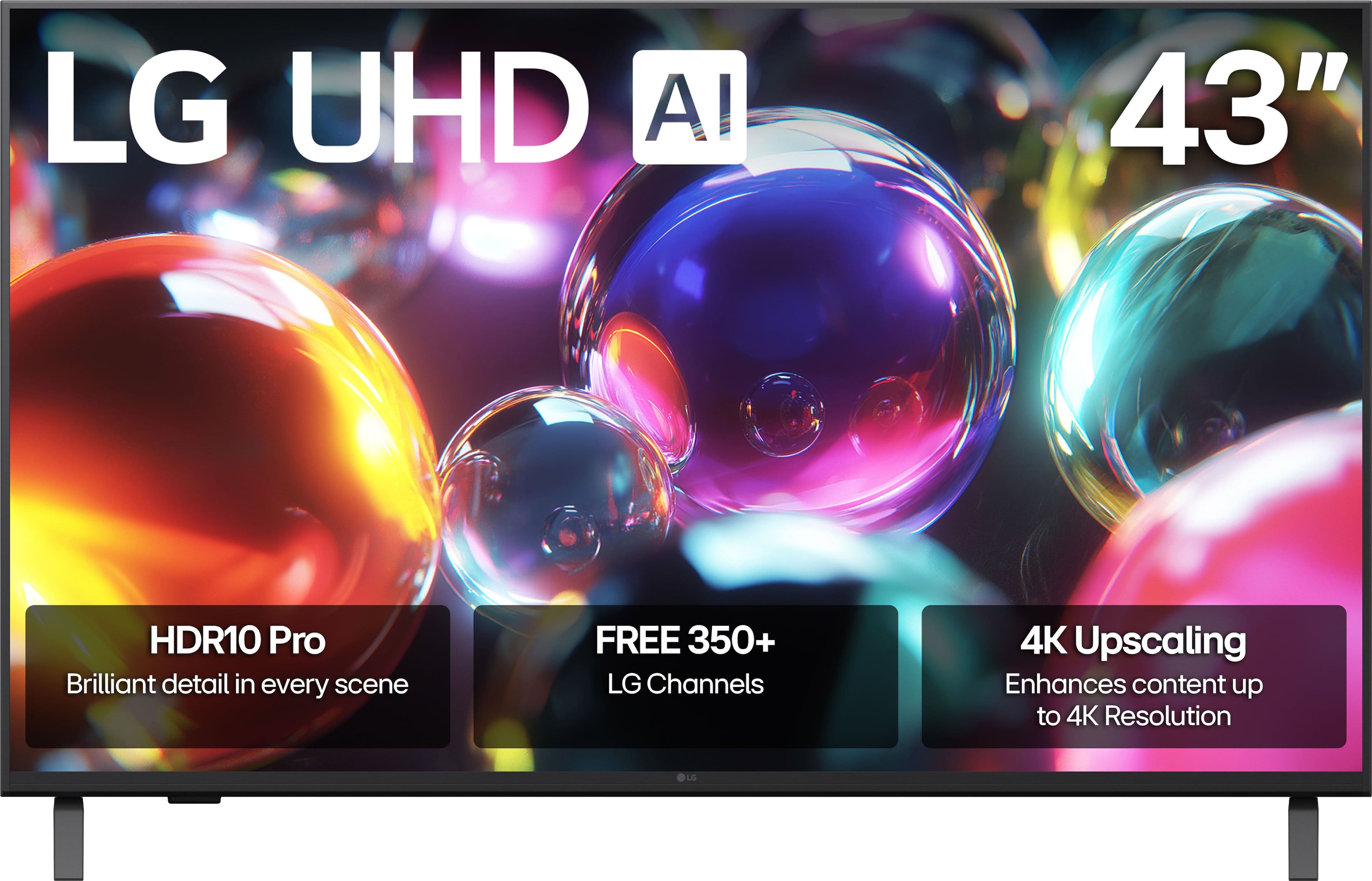
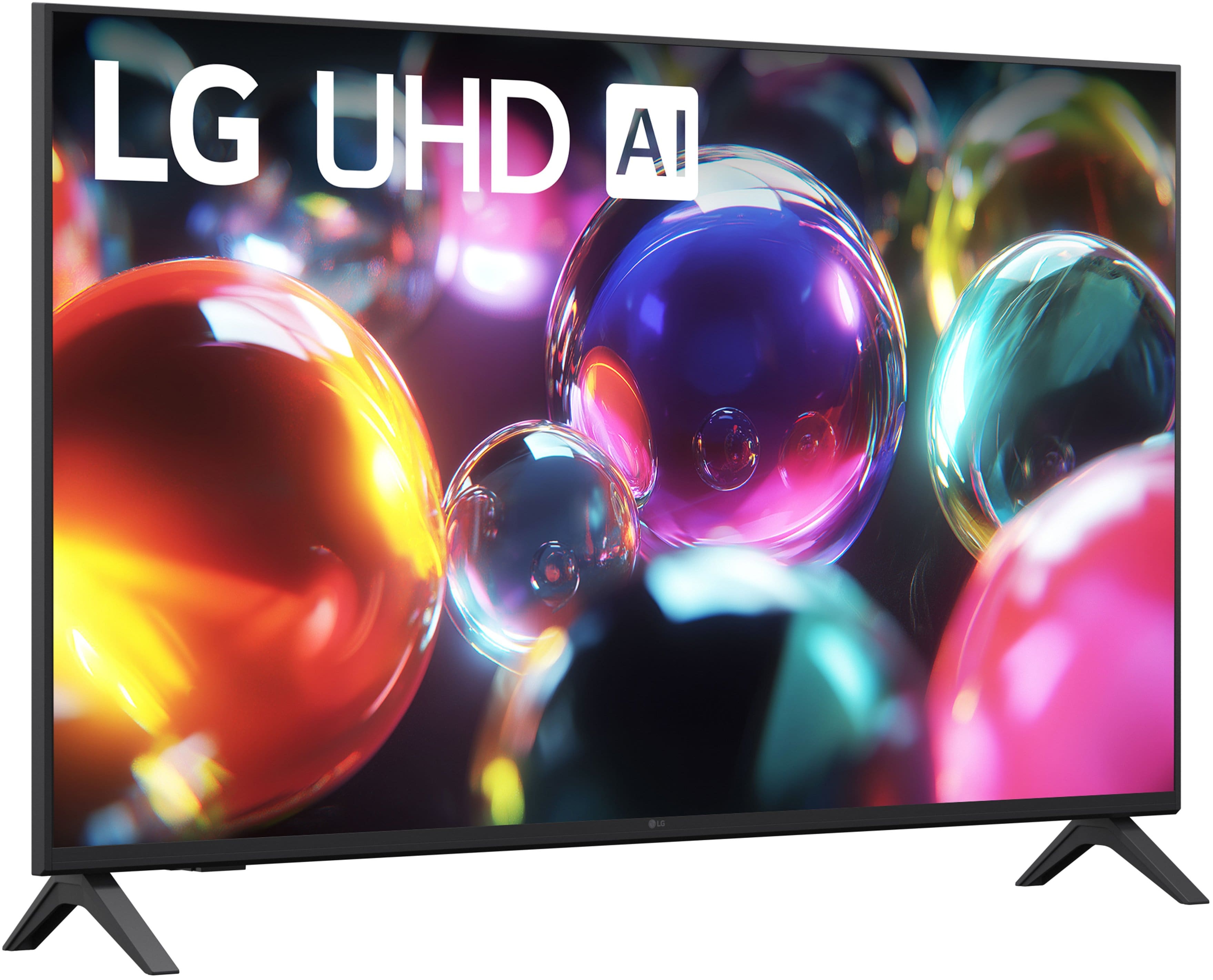
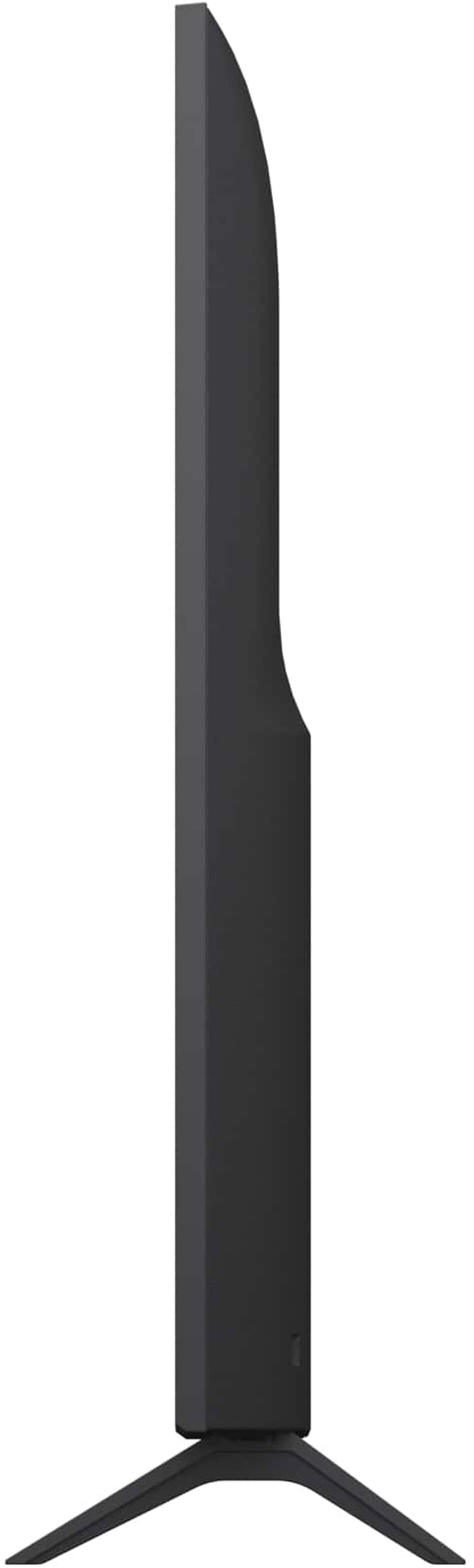
Customers admire the 43” Class UA7000 Series LED AI 4K UHD Smart webOS TV (2025) for its awesome picture quality, ease of setup, and perfect size. Some customers have noted the TV is lighter than previous models and appreciate the user interface. However, a few customers have experienced connectivity issues, found the button layout confusing, and reported difficulties using the remote control.
This summary was generated by AI based on customer reviews.
- Pros mentioned:Size
Rated 5 out of 5 stars
43” LG tv
||Posted . Owned for 2 weeks when reviewed.This reviewer received promo considerations or sweepstakes entry for writing a review.Great Tv for the size and price! Love it! Will buy
This review is from LG - 43” Class UA7000 Series LED AI 4K UHD Smart webOS TV (2025)
I would recommend this to a friend - Pros mentioned:Picture quality
Rated 5 out of 5 stars
Home Entertainment
||Posted .This reviewer received promo considerations or sweepstakes entry for writing a review.Awesome ! Best for price and quality... Shop Best Buy Hawaii! Yeah !
This review is from LG - 43” Class UA7000 Series LED AI 4K UHD Smart webOS TV (2025)
I would recommend this to a friend - Pros mentioned:Picture quality
Rated 4 out of 5 stars
LG TV
||Posted . Owned for 1 month when reviewed.This reviewer received promo considerations or sweepstakes entry for writing a review.Picture quality is good! Would like it to remember the last application that was running when you turn it off.
This review is from LG - 43” Class UA7000 Series LED AI 4K UHD Smart webOS TV (2025)
I would recommend this to a friend Rated 5 out of 5 stars
Bobby McLean
||Posted . Owned for 1 month when reviewed.This reviewer received promo considerations or sweepstakes entry for writing a review.This TV is well worth buying. Picture quality is very good. Best Buy workers were very supportive on helping me buy the right t. V, they did their job quite well. They also helped me pick out the right t. V mount so I could mount the TV properly on the wall. I was also offered a extended warranty for the t. V in case something went wrong with it.
This review is from LG - 43” Class UA7000 Series LED AI 4K UHD Smart webOS TV (2025)
I would recommend this to a friend- Pros mentioned:Picture quality
Rated 4 out of 5 stars
LG 43" TV
||Posted . Owned for 3 weeks when reviewed.This reviewer received promo considerations or sweepstakes entry for writing a review.good picture, good sound, apps and channels a bit slow to download when switching from one to another.. For the price hard to beat..
This review is from LG - 43” Class UA7000 Series LED AI 4K UHD Smart webOS TV (2025)
I would recommend this to a friend - Pros mentioned:User interface
Rated 5 out of 5 stars
Long lasting tv with good interface
||Posted .This reviewer received promo considerations or sweepstakes entry for writing a review.I prefer lg tv’s to every other brand. They last and they have a good interface.
This review is from LG - 43” Class UA7000 Series LED AI 4K UHD Smart webOS TV (2025)
I would recommend this to a friend - Pros mentioned:Picture quality
Rated 5 out of 5 stars
LG TV
||Posted . Owned for 2 weeks when reviewed.This reviewer received promo considerations or sweepstakes entry for writing a review.Good picture and the price was good based on the current features.
This review is from LG - 43” Class UA7000 Series LED AI 4K UHD Smart webOS TV (2025)
I would recommend this to a friend - Pros mentioned:Picture quality
Rated 5 out of 5 stars
Quality of picture and sound
||Posted . Owned for 3 weeks when reviewed.This reviewer received promo considerations or sweepstakes entry for writing a review.Excellent picture and so many choices. Pleased with the sound too. I wear hearing aids and this is important to me.
This review is from LG - 43” Class UA7000 Series LED AI 4K UHD Smart webOS TV (2025)
I would recommend this to a friend Rated 5 out of 5 stars
LG UHD review
||Posted . Owned for 1 month when reviewed.This reviewer received promo considerations or sweepstakes entry for writing a review.I am happy with the purchase. So far no technical issues with the purchased product. Only objection it's a little inconvenient to connect it to a Bluetooth headphone. Also, my product didn't come with a magic remote. So it is a little inconvenient to navigate through the platform.
This review is from LG - 43” Class UA7000 Series LED AI 4K UHD Smart webOS TV (2025)
I would recommend this to a friend- Pros mentioned:Picture quality
Rated 5 out of 5 stars
LG TV
||Posted . Owned for 1 month when reviewed.This reviewer received promo considerations or sweepstakes entry for writing a review.Excellent television. Incredible display and sound.
This review is from LG - 43” Class UA7000 Series LED AI 4K UHD Smart webOS TV (2025)
I would recommend this to a friend - Pros mentioned:Picture quality
Rated 5 out of 5 stars
Thank you for the good price on my LG Smart TV
||Posted . Owned for 3 weeks when reviewed.This reviewer received promo considerations or sweepstakes entry for writing a review.love the product the salesperson was very nice and helpful.
This review is from LG - 43” Class UA7000 Series LED AI 4K UHD Smart webOS TV (2025)
I would recommend this to a friend - Pros mentioned:Picture quality
Rated 5 out of 5 stars
LG TV
||Posted . Owned for 3 weeks when reviewed.This reviewer received promo considerations or sweepstakes entry for writing a review.works well good picture and sound would recomend to other buyers
This review is from LG - 43” Class UA7000 Series LED AI 4K UHD Smart webOS TV (2025)
I would recommend this to a friend - Pros mentioned:Picture quality
Rated 5 out of 5 stars
Good Quality
||Posted . Owned for 3 weeks when reviewed.This reviewer received promo considerations or sweepstakes entry for writing a review.Worth the price. Bought for my kids room. Would buy again
This review is from LG - 43” Class UA7000 Series LED AI 4K UHD Smart webOS TV (2025)
I would recommend this to a friend - Pros mentioned:Picture quality
Rated 5 out of 5 stars
Solid lower cost TV
||Posted . Owned for 1 week when reviewed.This reviewer received promo considerations or sweepstakes entry for writing a review.Great TV for the price. Set up was easy once I figured out the country setting wasn’t USA
This review is from LG - 43” Class UA7000 Series LED AI 4K UHD Smart webOS TV (2025)
I would recommend this to a friend - Pros mentioned:Picture quality
Rated 5 out of 5 stars
Great TV for Home Gym
||Posted .This reviewer received promo considerations or sweepstakes entry for writing a review.Bought this TV for my home gym. Geek squad mounting and install. TV quality is excellent, as was the expert installation by Michael and Luis.
This review is from LG - 43” Class UA7000 Series LED AI 4K UHD Smart webOS TV (2025)
I would recommend this to a friend - Pros mentioned:Picture quality
Rated 5 out of 5 stars
Amazing tv
||Posted . Owned for 1 month when reviewed.This reviewer received promo considerations or sweepstakes entry for writing a review.Great Tv, has some really good quality definitely worth the purchase!
This review is from LG - 43” Class UA7000 Series LED AI 4K UHD Smart webOS TV (2025)
I would recommend this to a friend - Pros mentioned:Picture quality
Rated 5 out of 5 stars
Completely satisfied.
||Posted .This reviewer received promo considerations or sweepstakes entry for writing a review.Easy to set up excellent quality, very satisfied, highly recommended.
This review is from LG - 43” Class UA7000 Series LED AI 4K UHD Smart webOS TV (2025)
I would recommend this to a friend - Pros mentioned:Picture quality
Rated 5 out of 5 stars
Very pleased with this TV!
||Posted .This reviewer received promo considerations or sweepstakes entry for writing a review.This LG TV is fantastic! Very clear picture and I love that it's voice control feature! I recommend LG products!
This review is from LG - 43” Class UA7000 Series LED AI 4K UHD Smart webOS TV (2025)
I would recommend this to a friend - Pros mentioned:Picture quality
Rated 5 out of 5 stars
Great Picture
||Posted .This reviewer received promo considerations or sweepstakes entry for writing a review.Very good product. Easy to install. A great replacement
This review is from LG - 43” Class UA7000 Series LED AI 4K UHD Smart webOS TV (2025)
I would recommend this to a friend - Pros mentioned:Picture quality
Rated 5 out of 5 stars
No More Streaming Issues
||Posted . Owned for 1 month when reviewed.This reviewer received promo considerations or sweepstakes entry for writing a review.Great picture and a good value. Replaced a Samsung that always seemed to have issues streaming content.
This review is from LG - 43” Class UA7000 Series LED AI 4K UHD Smart webOS TV (2025)
I would recommend this to a friend