Customer Ratings & Reviews
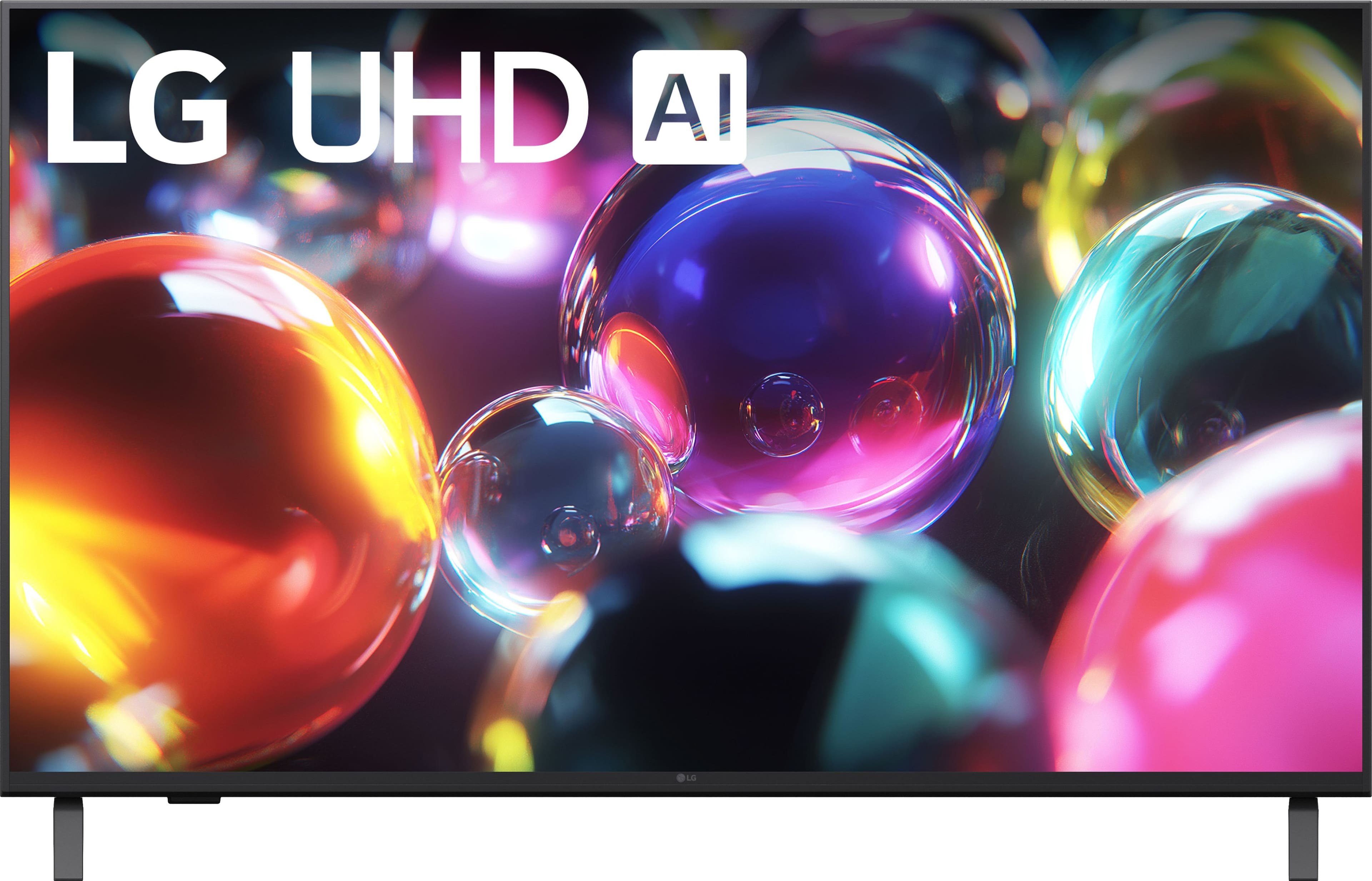
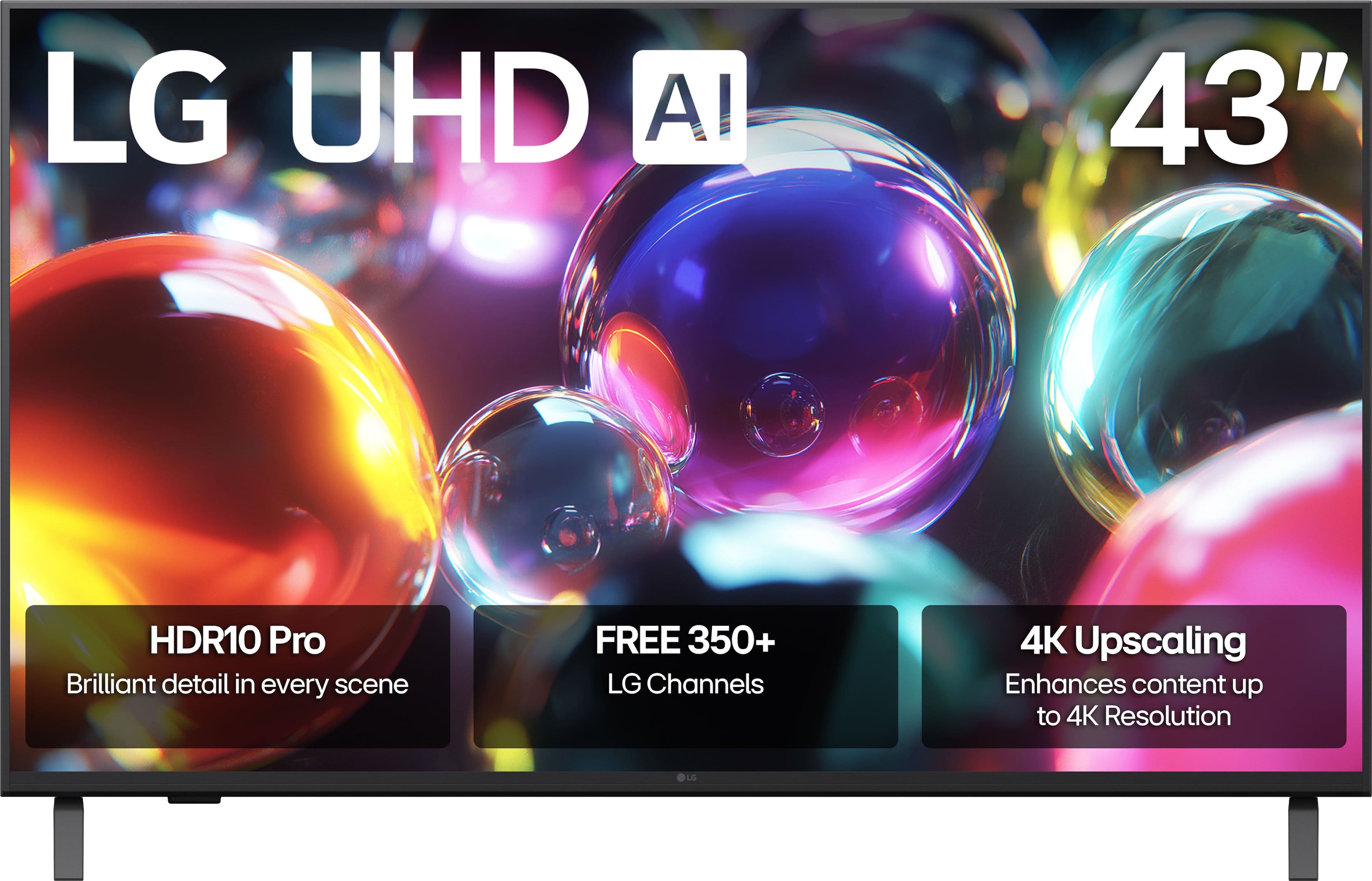
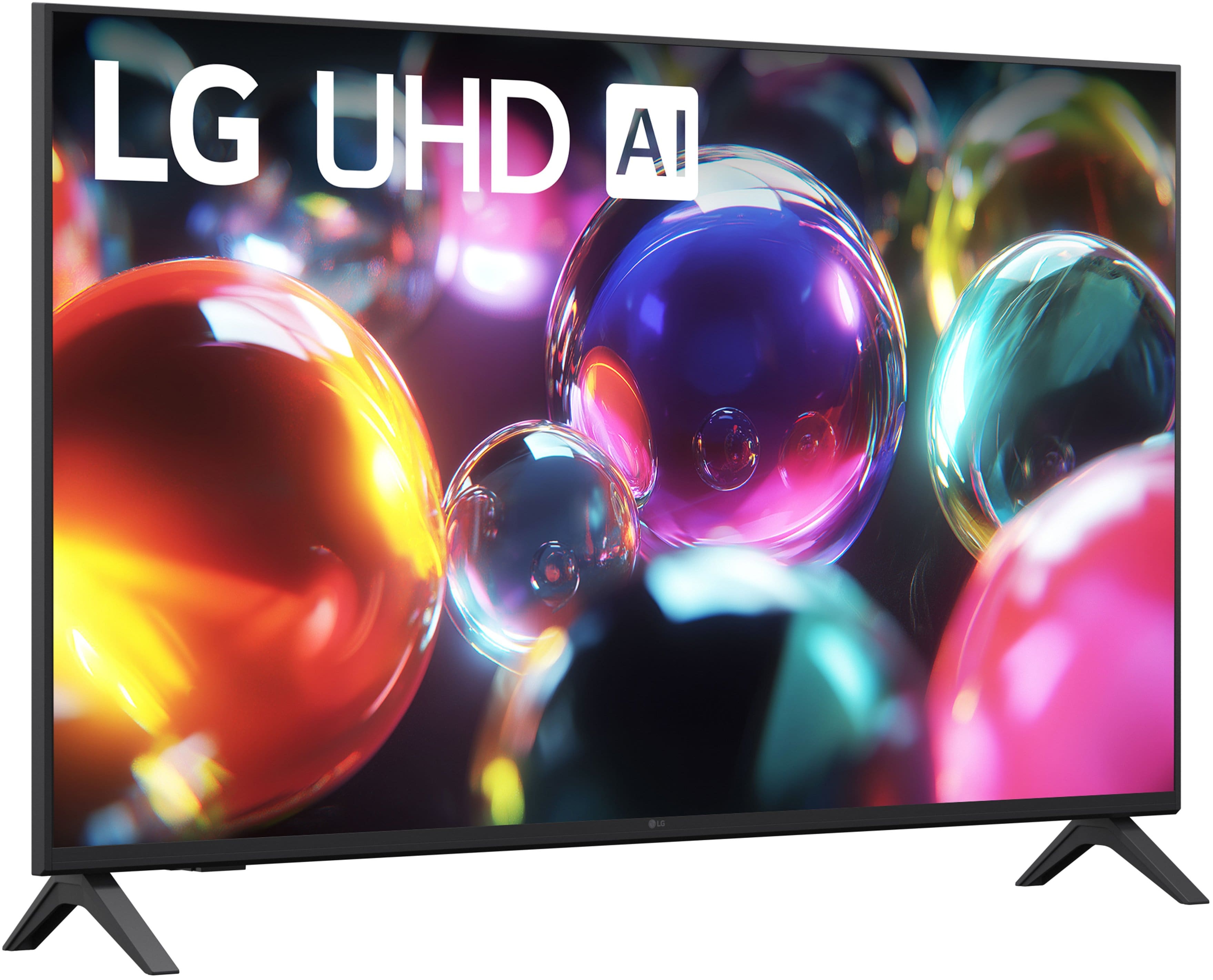
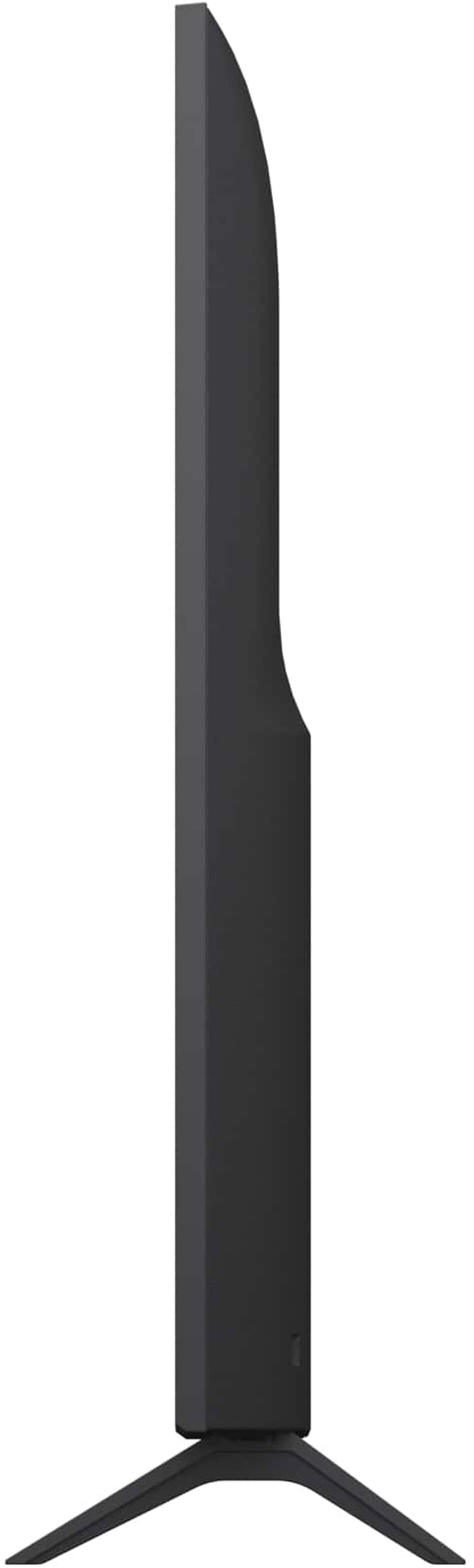
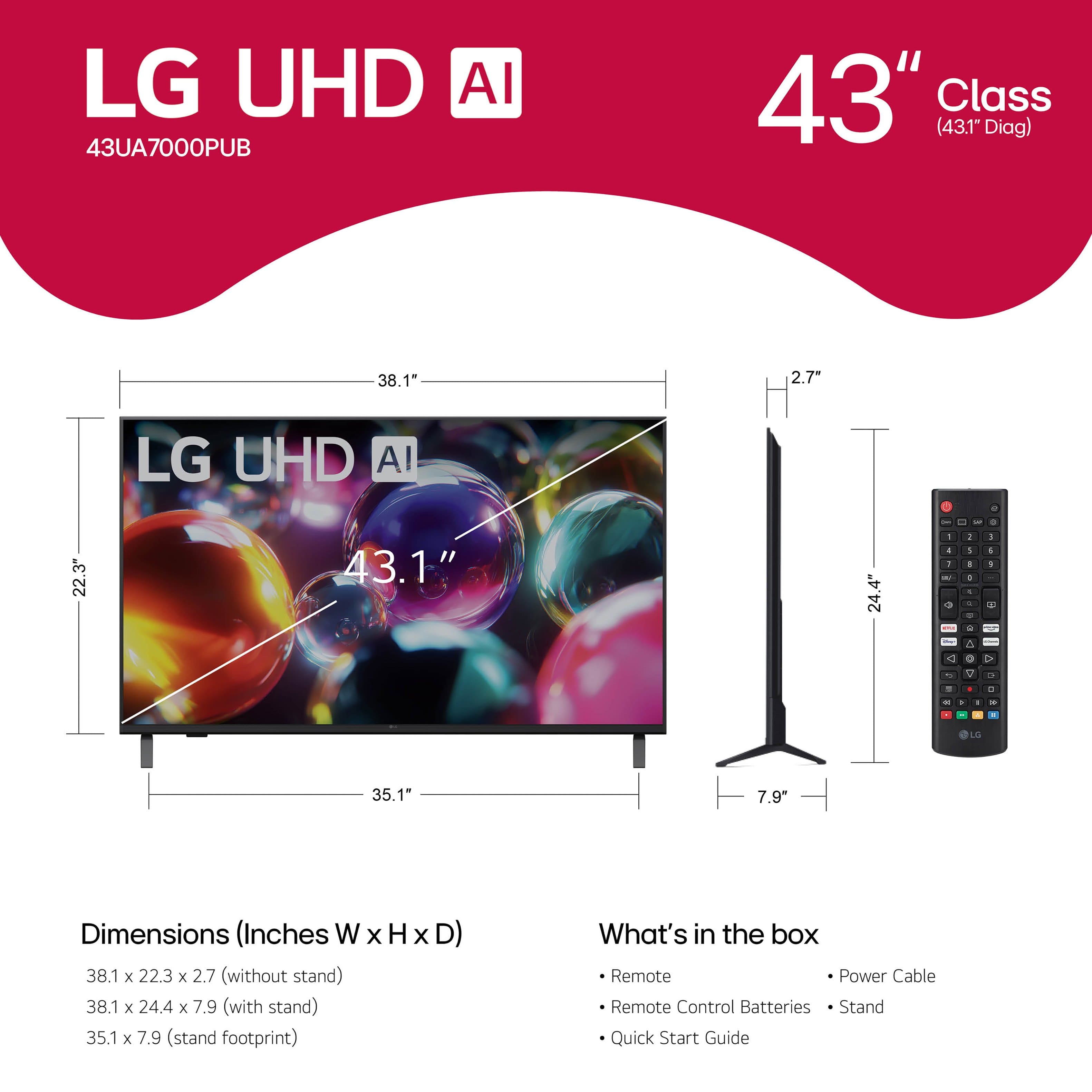



- Model:
- 43UA7000PUB
- SKU:
- 10926566
Rating by feature
- Picture Quality
Rating 4.7 out of 5 stars
- Sound Quality
Rating 4.5 out of 5 stars
- Brightness
Rating 4.7 out of 5 stars
Customers are saying
Customers admire the 43” Class UA7000 Series LED AI 4K UHD Smart webOS TV (2025) for its awesome picture quality, ease of setup, and perfect size. Some customers have noted the TV is lighter than previous models and appreciate the user interface. However, a few customers have experienced connectivity issues, found the button layout confusing, and reported difficulties using the remote control.
This summary was generated by AI based on customer reviews.
TV review
||Posted . Owned for 1 month when reviewed.This reviewer received promo considerations or sweepstakes entry for writing a review.Bought it because of the price not a great picture
No, I would not recommend this to a friendBrand response from LG Digital Customer Care
Posted .Hi there, AnthonyD. Thank you for sharing your experience with the LG - 43 Class UA7000 Series LED AI 4K UHD Smart webOS TV (2025). We understand your inquiry regarding the picture quality of your unit.
https://www.bestbuy.com/product/lg-43-class-ua7000-series-led-ai-4k-uhd-smart-webos-tv-2025/JJ8VPZW5KG
For further assistance and any specific concerns you may have, please contact us on lgdigitalcare@lg.sprinklrsupport.com. We appreciate your patience. —Renzo
Your company is terrible
||Posted . Owned for 1 month when reviewed.This reviewer received promo considerations or sweepstakes entry for writing a review.I was told that if I signed up for your credit card, I would receive $200 off my purchase price. However, this amount was not deducted off my Best Buy credit card statement. I called. Then I was told that I was personally required to go online and claim the discount and that it had to have been done within 20 days of the purchase. As I was beyond 20 days, the $200 off would have to be applied to a future purchase. Basically, I view this as a scam. I have canceled my credit card and will no longer purchase any electronics from your company. Between sending 2 separate install companies (1 at the beginning of the day and 1 at the very end of the day) to install the 2 TV’s purchased and the credit card scam, I am done with Best Buy.
No, I would not recommend this to a friendBrand response from LG Digital Customer Care
Posted .Hi, there. Thank you for sharing your experience with us regarding your LG TV (43UA7000PUB) model. We understand the importance of smooth promotions and installations. If you haven't already, please contact Best Buy customer service at 888-237-8289 for assistance with your concerns.
While Best Buy handles the credit card promotion and installation, we want your LG TV to perform well. To ensure this, check if your firmware is updated by going to Settings > All Settings > Support > Software Update. Keeping your software current enhances video quality, app compatibility, and reliability. For more guidance, visit https://www.lg.com/us/support/product/lg-43UA7000PUB.AUS. For further assistance, email us at lgdigitalcare@lg.sprinklrsupport.com. We're here to help. ^Juvy
QUALITY
||Posted .This reviewer received promo considerations or sweepstakes entry for writing a review.THIS WAS JUST A TAD BELOW THE MINIMUM QUALITY THAT I EXPECTED
No, I would not recommend this to a friendBrand response from LG Digital Customer Care
Posted .Hi there, ChristinaC. Thank you for sharing your experience with us. We understand that your LG 43 Class UA7000 Series LED AI 4K UHD Smart webOS TV didn't meet your expectations regarding quality. Your feedback is important, and we'd like to assist you further.
https://www.bestbuy.com/product/lg-43-class-ua7000-series-led-ai-4k-uhd-smart-webos-tv-2025/JJ8VPZW5KG
For further assistance and any specific concerns you may have, please contact us on lgdigitalcare@lg.sprinklrsupport.com. We appreciate your patience. —Renzo
Poor picture quality
||Posted . Owned for 1 month when reviewed.This reviewer received promo considerations or sweepstakes entry for writing a review.Was a replacement for master room, had 1 night and returned it picture was poor, couldn’t adjust picture brightness correctly
No, I would not recommend this to a friendBrand response from LG Digital Customer Care
Posted .Hi, Chevy. Thank you for reaching out about your LG TV (43UA7000PUB) model. We understand the importance of having a TV that delivers the picture quality you expect.
One helpful step you can try—if you ever explore this model again—is switching the Picture Mode to Vivid or Cinema Home, then adjusting Backlight and Brightness under Advanced Settings. These modes give you more control over overall luminance compared to the default presets. For more guidance, visit https://www.lg.com/us/support/help-library/lg-tv-the-best-picture-settings-for-your-lg-tv--20150577528034. We’d be glad to take a closer look at this experience with you. Please send us an email at lgdigitalcare@lg.sprinklrsupport.com so we can continue assisting you. ^Juvy
Intrusive terms and conditions
||Posted . Owned for 2 weeks when reviewed.This reviewer received promo considerations or sweepstakes entry for writing a review.New intrusive terms and conditions. They force apps on you that you don't want, only allowing you to "hide" them while still forcing you to give up any and all data they can possibly use from you.
No, I would not recommend this to a friendBrand response from LG Digital Customer Care
Posted .Hi, Alan. Thank you for sharing your feedback regarding the user agreement and app management on the LG TV (43UA7000PUB) model. We understand the importance of having control over your data and the applications present on your home screen. To manage your privacy settings, (1) you can navigate to the Settings menu and look for Additional Settings or General, where you will find the User Agreements and Privacy Policy sections. Here, you can review and select which specific terms you wish to consent to, including options for personalized advertising and data collection. (2) Additionally, while certain system-level apps are pre-installed, you can customize your home screen layout by using the "Edit" function (often represented by a pencil icon) to reorder or hide apps to suit your preferences. For more information, visit https://privacy.us.lg.com/policies. We’d be glad to take a closer look into what happened with your setup experience and assist you further. Please send us an email at lgdigitalcare@lg.sprinklrsupport.com. We're here for you! ^Juvy
Frustrated
||Posted . Owned for 3 weeks when reviewed.This reviewer received promo considerations or sweepstakes entry for writing a review.Cannot pick up local stations even with an antenna
No, I would not recommend this to a friendBrand response from LG Digital Customer Care
Posted .Hi, Keith. Thank you for reaching out and letting us know what’s happening with your LG TV (43UA7000PUB) model. We understand the importance of being able to tune in to your local stations. One helpful step you can try is running a full Auto Tuning scan after connecting your antenna. To do this, go to:
Settings → Channels → Channel Tuning → Auto Tuning, and be sure Antenna is selected as the signal source.
Repositioning the antenna—preferably near a window or higher on a wall—can also improve reception. For more guidance, visit https://www.lg.com/us/support/help-library/lg-tv-how-to-program-overtheair-channels--20151006511119 and https://www.lg.com/us/support/product/lg-43UA7000PUB.AUS. If you’d like us to take a closer look at your setup or explore additional options, please send us an email at lgdigitalcare@lg.sprinklrsupport.com. We're here to help. ^Juvy
Never worked!
||Posted .This reviewer received promo considerations or sweepstakes entry for writing a review.Kept losing WiFi connection! Had to return to Best Buy a few days after. It’s a shame because we have 2 other LG TVs, and they work great.
No, I would not recommend this to a friendBrand response from LG Digital Customer Care
Posted .Hi, Cody. Thank you so much for sharing your experience. We’re glad to hear that your other LG TVs have been working well, and we truly appreciate your continued support.
For this model, an intermittent WiFi connection can sometimes be resolved by checking a few key settings. If you encounter this issue again, we recommend updating your TV’s software by navigating to Settings > All Settings > Support > Software Update. Also, switching your router’s frequency band from 5GHz to 2.4GHz may improve stability, especially if the TV is farther from the router. For more help, visit https://www.lg.com/us/support/help-library/lg-tv-how-to-update-an-lg-smart-tv--1430510575535. If you’d like further assistance, feel free to send us an email at lgdigitalcare@lg.sprinklrsupport.com. We’re here to help. ^Juvy
Disappointed with LG quality
||Posted .This reviewer received promo considerations or sweepstakes entry for writing a review.Not the best TV I’ve had. Quite disappointed in having to constantly scan channels. I am not satisfied with this television
No, I would not recommend this to a friendBrand response from LG Digital Customer Care
Posted .Hi, Angie. Thank you for taking a moment to share your experience with the LG TV (43UA7000PUB) model. We understand the importance of having your TV tuned and holding channels reliably.
One helpful step you can try is checking that Auto Tuning and Channel Update are enabled in the Live TV settings. This allows the TV to maintain channel information without requiring frequent manual scans. Ensuring the antenna or cable connection is firmly secured can help stabilize signal detection. Check for and install any available software updates from LG's support site to fix known bugs. For more guidance, visit https://www.lg.com/us/support/help-library/lg-tv-how-to-manually-update-software--20154165668198. We want to make sure you’re fully supported moving forward. Please send us an email at lgdigitalcare@lg.sprinklrsupport.com so our team can take a closer look and assist you directly. ^Juvy
Terrible broken product
||Posted . Owned for 3 months when reviewed.This reviewer received promo considerations or sweepstakes entry for writing a review.Broken doesn't work would not recommend please think twice before purchasing.
No, I would not recommend this to a frienddon't buy this tv
||Posted . Owned for less than 1 week when reviewed.This reviewer received promo considerations or sweepstakes entry for writing a review.this tv didn't even last 24 hours before messing up. The "helpful guide" within the tv was useless. The cable (HDMI) port was defective so cable (even wi-fi) didn't function. The second day NO channels worked,
No, I would not recommend this to a friendBrand response from LG Digital Customer Care
Posted .Hi, Sophie. Thank you for taking the time to share your experience with your LG TV (43UA7000PUB) model. We understand the importance of having a TV that works flawlessly right from the start.
A helpful step is to perform a full power reset by unplugging the TV for at least 60 seconds, then plugging it directly into a wall outlet to refresh the internal system. You can also try testing a different HDMI cable or port to confirm whether the issue is isolated to one connection. For more guidance, visit https://www.lg.com/us/support/product/lg-43UA7000PUB.AUS. We’d be glad to take a closer look and help you get everything working properly. Please send us an email at lgdigitalcare@lg.sprinklrsupport.com so we can assist you directly. ^Juvy
- Pros mentioned:Picture quality
Awful
||Posted . Owned for 3 weeks when reviewed.This reviewer received promo considerations or sweepstakes entry for writing a review...................................................
No, I would not recommend this to a friendBrand response from LG Digital Customer Care
Posted .Hi, Peter. Thank you for reaching out. We understand the importance of having your LG TV (43UA7000PUB) model perform the way you expect. One helpful step you can try is performing a power reset by unplugging the TV for about 60 seconds and plugging it back in. This can help clear temporary software or display issues that may affect performance. You can also review the model’s support page here for additional guidance: https://www.lg.com/us/support/product/lg-43UA7000PUB.AUS. We’d be glad to take a closer look at what’s going on with your unit. Please send us an email at lgdigitalcare@lg.sprinklrsupport.com so we can assist you directly. ^Juvy
Do Not Buy
||Posted .This reviewer received promo considerations or sweepstakes entry for writing a review.This tv is horrible. It overheats and the steaming services are horrible. This must be a defective tv.
No, I would not recommend this to a friendBrand response from LG Digital Customer Care
Posted .Hi, there. Thank you for reaching out and sharing what’s been happening with your LG TV (43UA7000PUB) model. We understand the importance of having a TV that delivers reliable streaming performance and stays cool during use. For overheating and streaming concerns, one step that can help is checking the ventilation and placement of the TV. Ensuring the unit has at least a few inches of open space around the back and sides can improve airflow and help prevent heat buildup. For more guidance, visit https://www.lg.com/us/support/help-library/lg-oled-tv-screen-overheating-issue--20154713255485 and https://www.lg.com/us/support/product/lg-43UA7000PUB.AUS. To make sure your details are reviewed carefully, please send us an email at lgdigitalcare@lg.sprinklrsupport.com. We're here to help. ^Juvy
Does not work
||Posted . Owned for 2 weeks when reviewed.This reviewer received promo considerations or sweepstakes entry for writing a review.The remote does not work so I am unable to use the television
No, I would not recommend this to a friendBrand response from LG Digital Customer Care
Posted .Hi, Crystal. Thank you for reaching out, and we understand the importance of having your LG TV (43UA7000PUB) model ready to use. One thing you can try is resetting the remote by removing the batteries, pressing and holding the Power button for 5 seconds, and then reinstalling fresh batteries. This helps clear any stuck signals and re-establishes communication with the TV.
If your TV has a power button on the bottom or back, you can also use that to turn it on and confirm the TV itself is responding. For more guidance, visit https://www.lg.com/us/support/help-library/lg-tv-how-to-troubleshoot-your-lg-magic-remote--20154629491046. We’d be glad to take a closer look at your unit and assist further. Please send us an email at lgdigitalcare@lg.sprinklrsupport.com. We're here to help. ^Juvy
Broken upon arrival
||Posted .This reviewer received promo considerations or sweepstakes entry for writing a review.Bought as a Christmas gift. Set it up and it doesn't work - screen is a mishmash of swirls and vertical lines. Very disappointing.
No, I would not recommend this to a friendBrand response from LG Digital Customer Care
Posted .Hi, Thomas. Thank you for reaching out about your LG TV (43UA7000PUB) model. We understand the importance of giving a gift that works right out of the box. Please check the HDMI or input connections for looseness, then power off and unplug the TV for 60 seconds before turning it back on. This may reset the panel and resolve connection issues. If the screen pattern persists, it likely indicates a panel issue requiring further support. You can also contact Best Buy customer service at 888-237-8289 for assistance. More guidance here: https://www.lg.com/us/support/help-library/lg-tv-troubleshooting-vertical-lines-or-stains-on-an-oled-tv-screen--20153130731463. For additional help, email us at lgdigitalcare@lg.sprinklrsupport.com. We're here for you! ^Juvy
Worst TV I’ve ever had
||Posted .This reviewer received promo considerations or sweepstakes entry for writing a review.Hulu and paramount aren’t on there and it won’t let me download them. Doesn’t seem to pick up my Internet either.
No, I would not recommend this to a friendBrand response from LG Digital Customer Care
Posted .Hi, Elizabeth. Thank you for reaching out about your LG TV (43UA7000PUB) model. We understand the importance of having your favorite streaming apps available and a stable internet connection so you can enjoy your TV right away. For the app issue, one helpful step is to check for the latest WebOS software update by going to Settings > Support > Software Update. Updating the TV often restores access to apps that may not appear or install correctly. For the Wi‑Fi issue, try power‑cycling your router and then reconnecting the TV by going to Settings > Network > Wi‑Fi Connection. This refreshes the network handshake and can help the TV detect your internet more reliably. For more guidance, visit https://www.lg.com/us/support/help-library/lg-tv-troubleshooting-your-tvs-internet-connection--1426626051711. We’d be glad to take a closer look from our end. Please send us an email at lgdigitalcare@lg.sprinklrsupport.com so our team can assist you further. ^Juvy
TV 43"
||Posted .This reviewer received promo considerations or sweepstakes entry for writing a review.I am not happy with this item. a big let down with the pic
No, I would not recommend this to a friendBrand response from LG Digital Customer Care
Posted .Hi, Patricia. Thank you for sharing your feedback with us. We understand how important it is for your LG TV (43UA7000PUB) model to deliver the picture quality you expect. One helpful step you can try is adjusting the Picture Mode settings—switching to Cinema or Game Optimizer can enhance color and clarity depending on what you’re watching. You can also fine‑tune brightness, contrast, and sharpness in the settings menu for a more customized viewing experience. You can find more guidance here: https://www.lg.com/us/support/help-library/lg-tv-the-best-picture-settings-for-your-lg-tv--20150577528034. If you need further assistance with your unit, please send us an email at lgdigitalcare@lg.sprinklrsupport.com so we can support you directly. ^Juvy
- Pros mentioned:Picture quality
Great Tv
Posted .This reviewer received promo considerations or sweepstakes entry for writing a review.I like the trim.The color and picture are fantastic
I would recommend this to a friend - Pros mentioned:Picture quality
Old but gold
Posted .This reviewer received promo considerations or sweepstakes entry for writing a review.Good for the price, even better than some of the newer models.
I would recommend this to a friend - Pros mentioned:Picture quality
would recommend to other customers
Posted .This reviewer received promo considerations or sweepstakes entry for writing a review.good picture and sound. was exactly what I was looking for
I would recommend this to a friend - Pros mentioned:Picture quality
Great LG tv
Posted .This reviewer received promo considerations or sweepstakes entry for writing a review.Great colors and sound for the amount paid at store
I would recommend this to a friend