Customer Ratings & Reviews
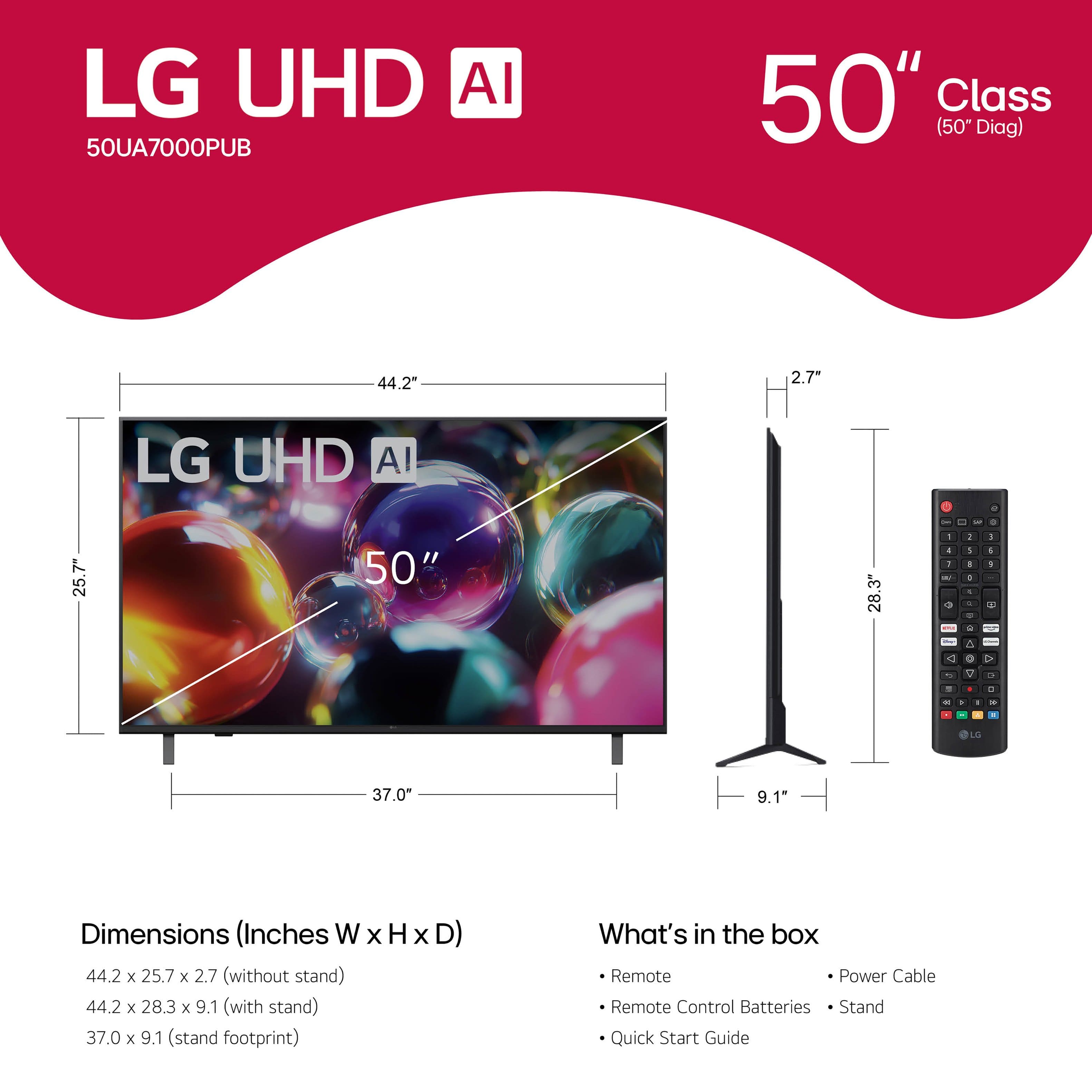






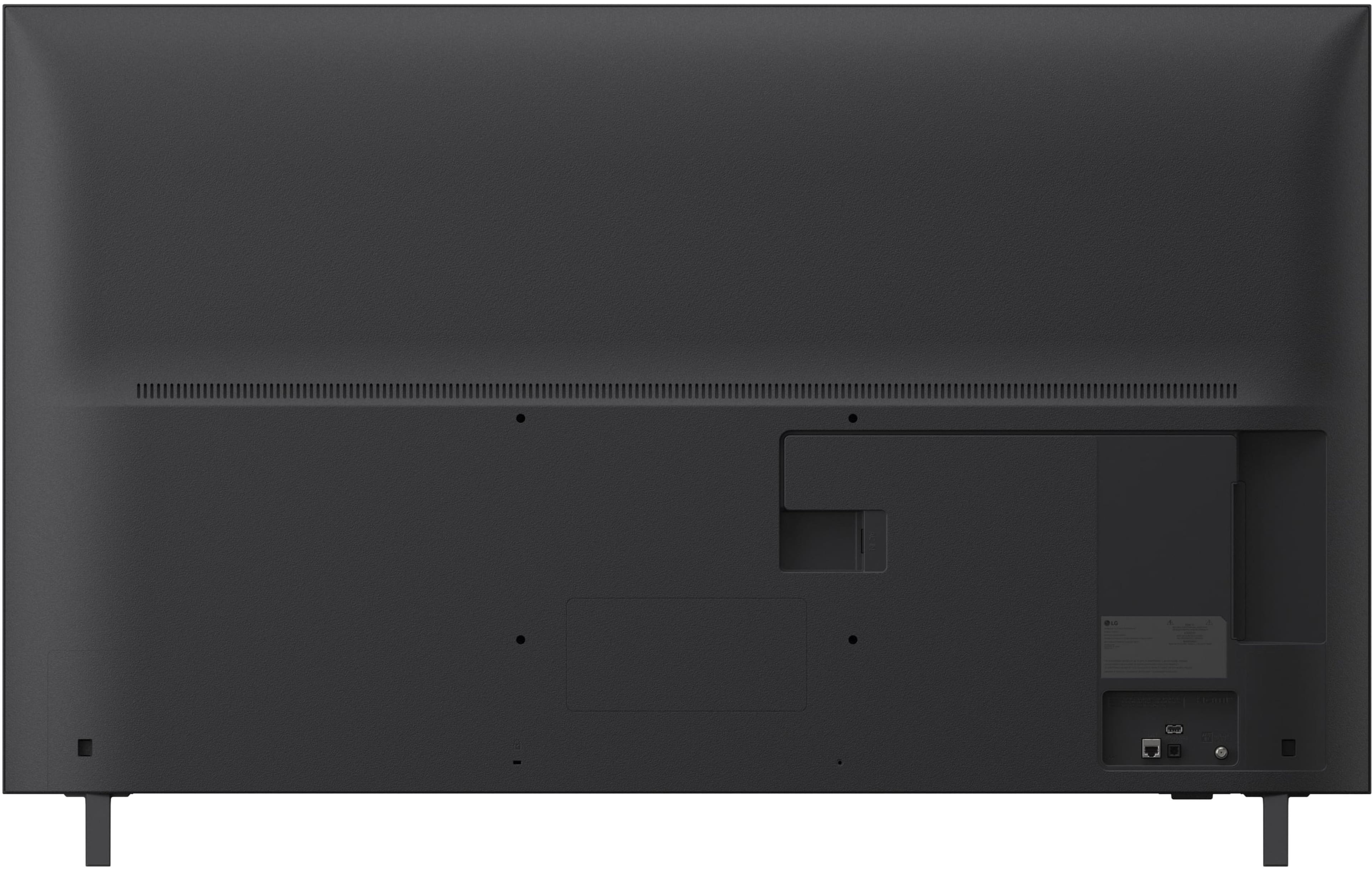
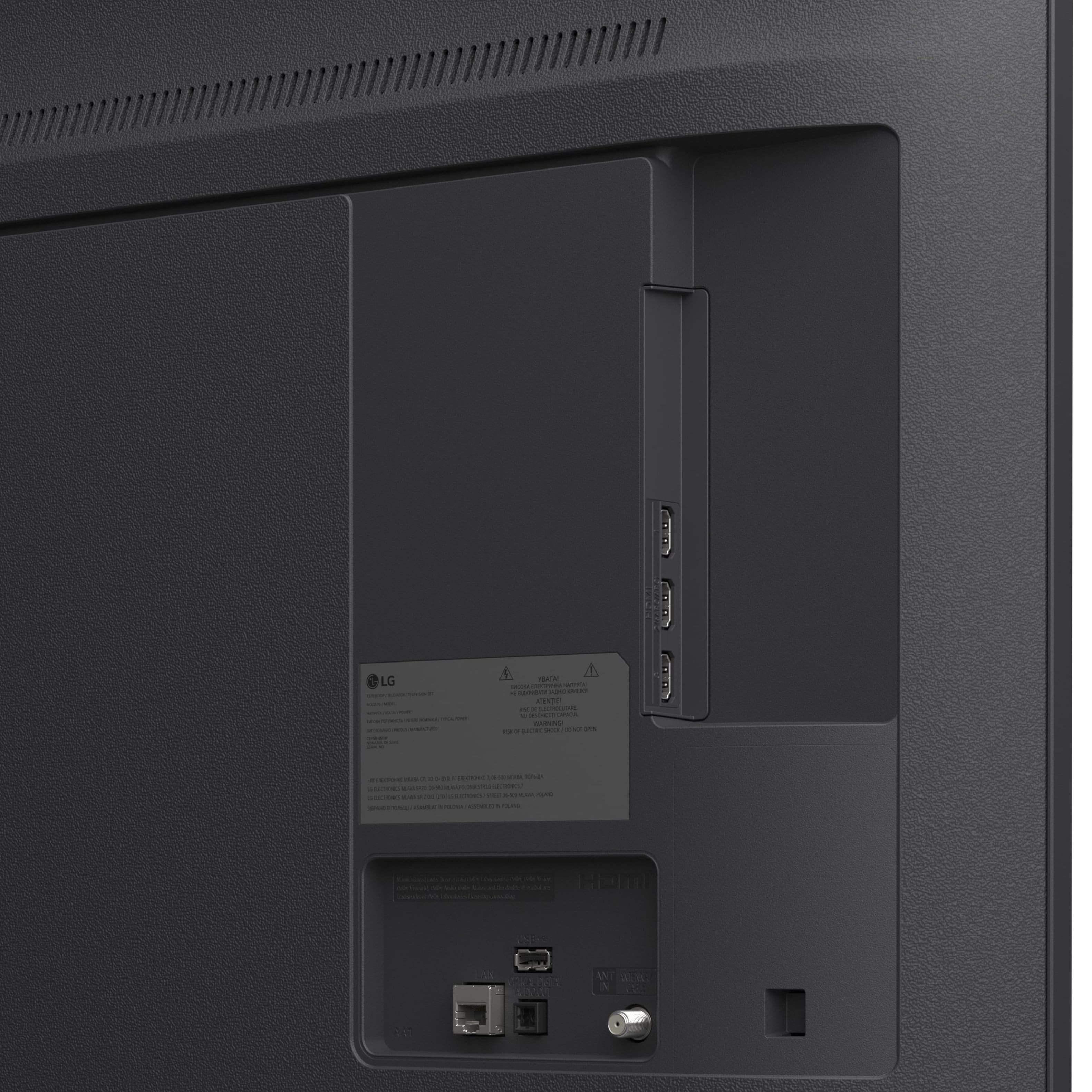
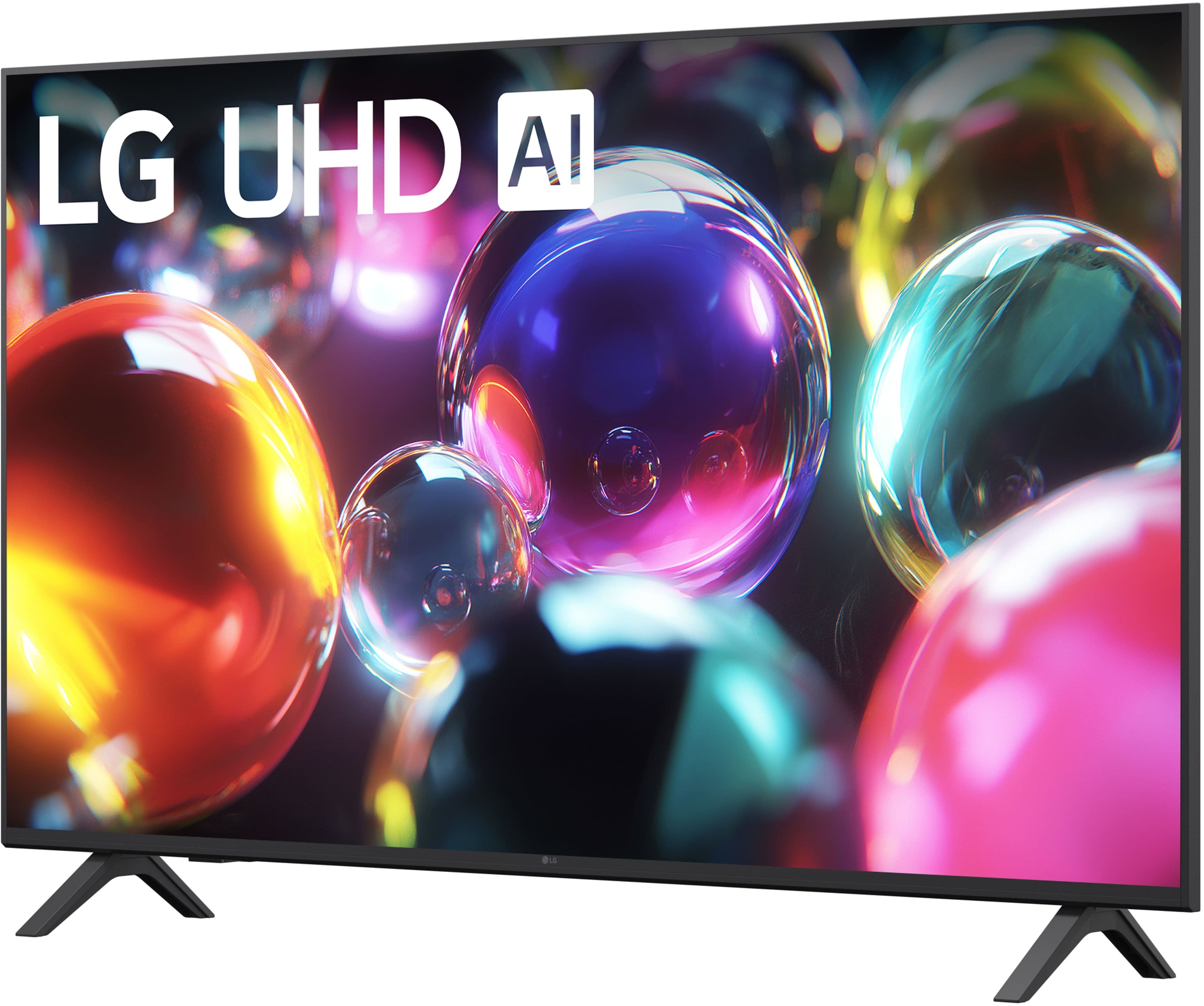

- Model:
- 50UA7000PUB
- SKU:
- 6642269
Rating by feature
- Picture Quality
Rating 4.7 out of 5 stars
- Sound Quality
Rating 4.6 out of 5 stars
- Brightness
Rating 4.7 out of 5 stars
to a friend
Customers are saying
Customers enjoy the great picture quality and the ease of setting up the television. Many find the size to be perfect and appreciate the connectivity, especially for streaming. However, some customers have noted that the button layout feels crowded, and the app performance can be sluggish.
This summary was generated by AI based on customer reviews.
Excellent
||Posted . Owned for 3 weeks when reviewed.This reviewer received promo considerations or sweepstakes entry for writing a review.great customer support, we would recommend to visit best buy.
I would recommend this to a friend676767
||Posted .This reviewer received promo considerations or sweepstakes entry for writing a review.Great tv for the bedroom living room nicee specs it’s like a nice 67 inches
I would recommend this to a friendGood tv
||Posted . Owned for 1 month when reviewed.This reviewer received promo considerations or sweepstakes entry for writing a review.Good tv, great price, friendly service, always like Best Buy
I would recommend this to a friendLG TV
||Posted . Owned for 2 weeks when reviewed.This reviewer received promo considerations or sweepstakes entry for writing a review.So far so good. We have only had it for a couple of weeks.
I would recommend this to a friendMy lg from best buy
||Posted .This reviewer received promo considerations or sweepstakes entry for writing a review.Lg has always been my got my other tv was also lg. I appreciated next delivery, free
I would recommend this to a friendLg televisor
||Posted . Owned for 1 week when reviewed.This reviewer received promo considerations or sweepstakes entry for writing a review.Good TV quality and excellent sound, very good size and excellent for playing
I would recommend this to a friendLG 50" UHD review
||Posted . Owned for 2 weeks when reviewed.This reviewer received promo considerations or sweepstakes entry for writing a review.Love the UI and for the price, you cannot get a better product!
I would recommend this to a friendGood buy
||Posted .This reviewer received promo considerations or sweepstakes entry for writing a review.It’s has great pictures, good sound, but not to friendly to operate
I would recommend this to a friendLG quality tv
||Posted . Owned for 1 week when reviewed.This reviewer received promo considerations or sweepstakes entry for writing a review.Crystal clear picture. Lots of features and options.
I would recommend this to a friendAmazing view
||Posted . Owned for 1 week when reviewed.This reviewer received promo considerations or sweepstakes entry for writing a review.I like my new tv. The sound is great. The picture quality is wonderful.
I would recommend this to a friendDisappointed.
||Posted . Owned for 3 weeks when reviewed.This reviewer received promo considerations or sweepstakes entry for writing a review.Seems like an awesome TV for the price but we really struggled to get a consistent picture quality from one movie to the next and especially between BluRay and DVD even though we have a BluRay player that upsamples to 4k!? Different TV stations were especially frustrating because the visual qualities were so radically different from one to the next! Ended up returning it!
No, I would not recommend this to a friendBrand response from LG Digital Customer Care
Posted .Hi, Danny. Thank you for sharing your experience with the LG TV (50UA7000PUB) model. We understand how important it is for a TV to deliver consistent picture quality across different sources.
For situations like this, one helpful step is to check that all picture modes and processing settings are aligned across inputs, since Blu‑ray players, streaming apps, and broadcast channels often trigger different presets automatically. Features like dynamic contrast, noise reduction, or motion smoothing can also vary by source and create noticeable shifts in brightness, sharpness, and color. You can review support information for your model here:
https://www.lg.com/us/support/product/lg-50UA7000PUB.
We’d be glad to document your experience and take a closer look. Please send us an email at lgdigitalcare@lg.sprinklrsupport.com so we can assist you directly. ^Juvy
Love it. Up
||Posted .This reviewer received promo considerations or sweepstakes entry for writing a review.Love it love it good choice to pick from I like it
I would recommend this to a friendTV does not operate properly
||Posted . Owned for 1 month when reviewed.This reviewer received promo considerations or sweepstakes entry for writing a review.I am planning to return this TV because it sometimes fails to open apps and displays errors. It seems that its operating system is really slow.
No, I would not recommend this to a friendBrand response from LG Digital Customer Care
Posted .Hi, Luise. Thank you for reaching out. We understand the importance of having your LG TV (50UA7000PUB) model perform smoothly. To resolve the app launch failures and system lag, please try these troubleshooting steps: (1) Clear the system cache by performing a "Cold Boot." (2) With the TV turned on, press and hold the Power button on your remote until the LG logo appears and the TV restarts. (3) Additionally, check for available software updates by navigating to Settings > General > About This TV > Check for Updates. Installing the latest firmware can often resolve compatibility issues with third-party apps and improve the overall speed of the webOS operating system. For more help, visit https://www.lg.com/us/support/help-library/lg-tv-how-can-i-update-the-tv-software--20154858251400. If the issue continues, we’d be glad to take a closer look. Please send us an email at lgdigitalcare@lg.sprinklrsupport.com. We're here to help. ^Juvy
Sorry About the Clutter
||Posted . Owned for 1 week when reviewed.This reviewer received promo considerations or sweepstakes entry for writing a review.I was frustrated with this LG's home screen because it was more cluttered with categorizing. I was able to navigate a little better after going through Edit for each Category and moving my interests to the front, But I kept comparing to my previous platform that had a more simple format and search. I also have Direct TV as a TV provider and it is not an available app. Oops! I did not have this long enough to experience AI.
No, I would not recommend this to a friendBrand response from LG Digital Customer Care
Posted .Hi, Joan. Thank you for sharing your experience with the LG TV (50UA7000PUB) model. We understand how important it is to have a home screen that feels simple and easy to navigate, and we appreciate you letting us know about the categorization and app availability.
For this model, one helpful step is to use the Edit App List feature in the Home Dashboard. This allows you to rearrange or remove categories so your preferred apps and services appear first. Since DIRECTV is not currently available as a native app, you can access it by connecting an external device such as a DIRECTV Stream box or by using the HDMI input from your provider’s receiver. More guidance here: https://www.lg.com/us/support/product/lg-50UA7000PUB.AUS. If you need further assistance, please send us an email at lgdigitalcare@lg.sprinklrsupport.com so we can support you directly. ^Juvy
LG TV
||Posted . Owned for 2 months when reviewed.This reviewer received promo considerations or sweepstakes entry for writing a review.This is a very bad tv it take a long time to come on and buffering a lot not good tv
No, I would not recommend this to a friendOkAY TELEVISION
||Posted . Owned for 3 weeks when reviewed.This reviewer received promo considerations or sweepstakes entry for writing a review.pictures not that great i would recommend another one
No, I would not recommend this to a friendGreat product but….
||Posted .This reviewer received promo considerations or sweepstakes entry for writing a review.Great Product it just wasn’t for me- viewing angle was off
I would recommend this to a friendBrand response from LG Digital Customer Care
Posted .Hello there. Thank you for sharing your experience with us regarding your LG 50 Class UA7000 Series LED AI 4K UHD Smart webOS TV. We understand your inquiry regarding the viewing angles and appreciate your feedback on the product's performance.
https://www.bestbuy.com/product/lg-50-class-ua7000-series-led-ai-4k-uhd-smart-webos-tv-2025/JJ8VPZW5K4
For further assistance and any specific concerns you may have, please contact us on lgdigitalcare@lg.sprinklrsupport.com. —Renzo
Average quality
||Posted .This reviewer received promo considerations or sweepstakes entry for writing a review.The price is great for what you pay for. Sound and picture is average. Not the quality I’m looking for.
No, I would not recommend this to a friendOk TV
||Posted . Owned for 2 weeks when reviewed.This reviewer received promo considerations or sweepstakes entry for writing a review.Not that great picture quality. Not a LG fan of TV’s
No, I would not recommend this to a friendBrand response from LG Digital Customer Care
Posted .Hello there, SuzieQ. Thank you for sharing your experience with us regarding your LG 50 Class UA7000 Series LED AI 4K UHD Smart webOS TV. We understand that the picture quality didn't meet your expectations, and we appreciate your honest feedback. We understand your inquiry and want to ensure you get the best viewing experience possible.
https://www.bestbuy.com/product/lg-50-class-ua7000-series-led-ai-4k-uhd-smart-webos-tv-2025/JJ8VPZW5K4
For further assistance and any specific concerns you may have, please contact us on lgdigitalcare@lg.sprinklrsupport.com, and our team will be more than happy to assist you. —Renzo
Great price, but lags
||Posted . Owned for 2 weeks when reviewed.This reviewer received promo considerations or sweepstakes entry for writing a review.The TV is already starting to lag, it happended with an old one we had (I figured it was because it is a few years old) but this one is now lagging in changing channels and other commands I select.
No, I would not recommend this to a friendBrand response from LG Digital Customer Care
Posted .Hi, there. Thanks for sharing your experience with the LG TV (50UA7000PUB) model. We appreciate your insight and understand how important smooth performance is when using your TV.
To help improve responsiveness, we recommend clearing the cache by navigating to Settings > All Settings > General > System > Clear Cache. This can help free up memory and reduce lag when switching channels or using apps. Also, make sure your TV is running the latest firmware by checking for updates under Settings > Support > Software Update. For more help, visit https://www.lg.com/us/support/help-library/lg-tv-how-to-update-an-lg-smart-tv--1430510575535. If you’d like help walking through these steps or need further assistance, feel free to email us at lgdigitalcare@lg.sprinklrsupport.com. We're here to help in any way we can. ^Juvy