Customer Ratings & Reviews

- Model:
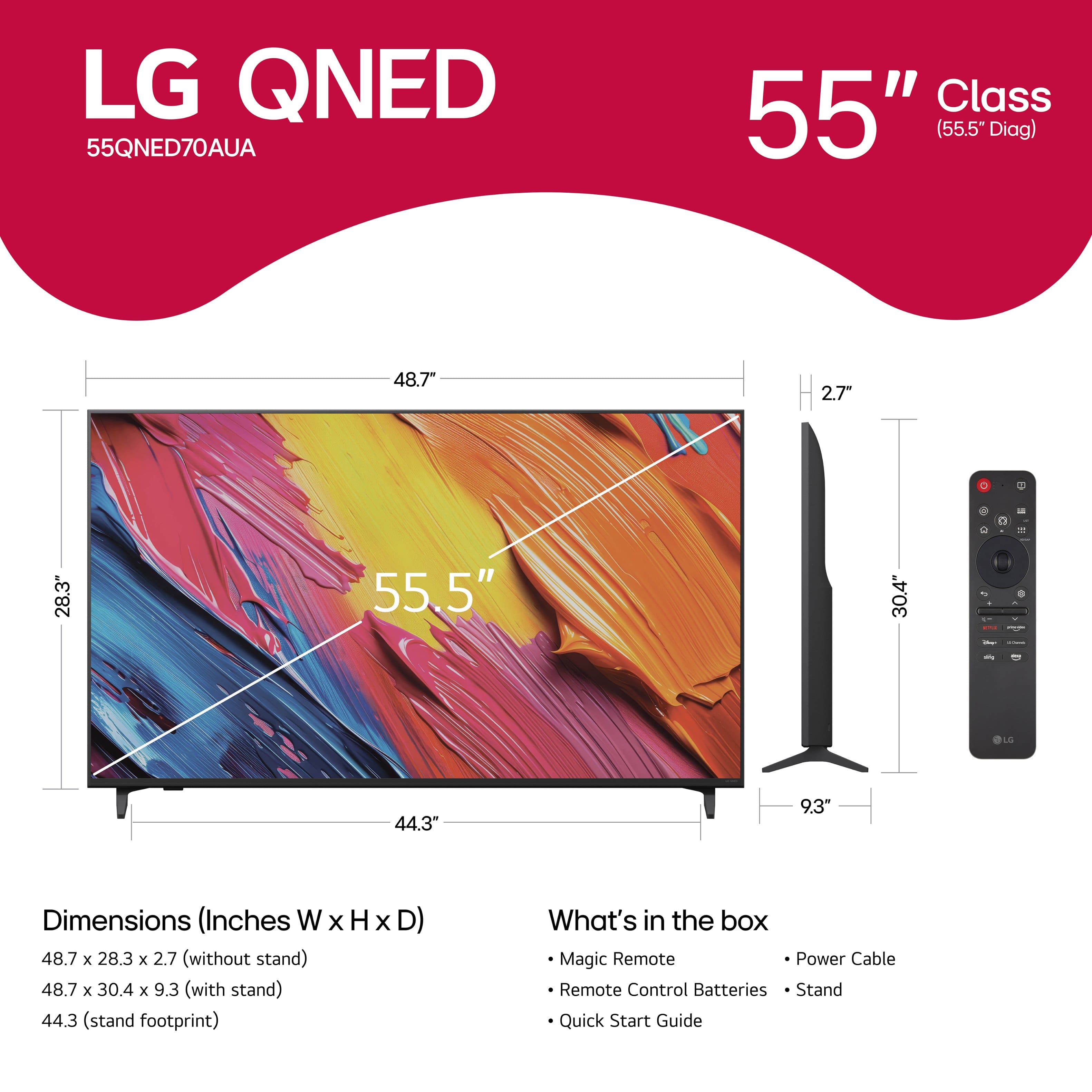
- 55QNED70AUA
- SKU:
- 10756571
Rating by feature
- Picture Quality
Rating 4.8 out of 5 stars
- Sound Quality
Rating 4.6 out of 5 stars
- Brightness
Rating 4.8 out of 5 stars
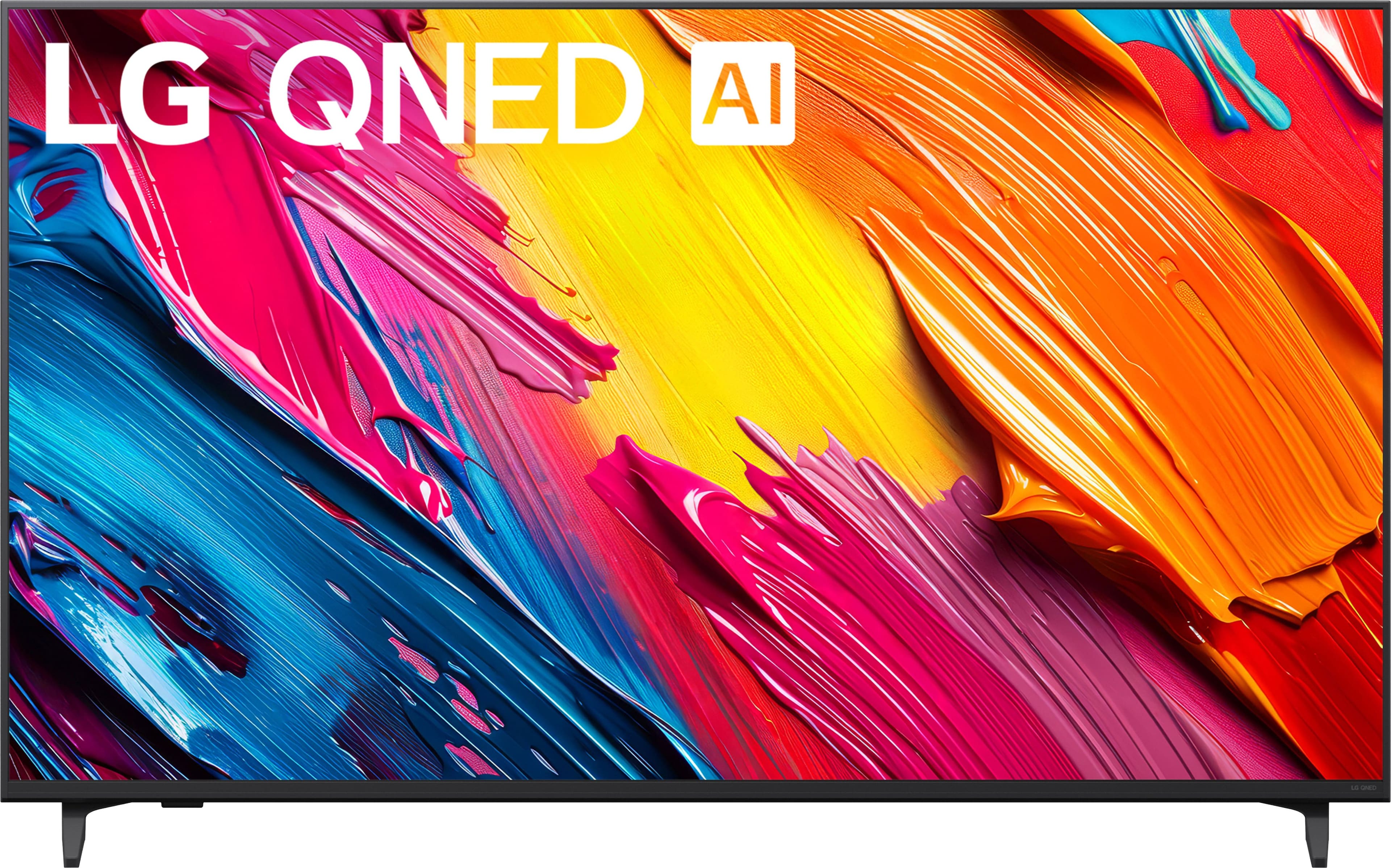
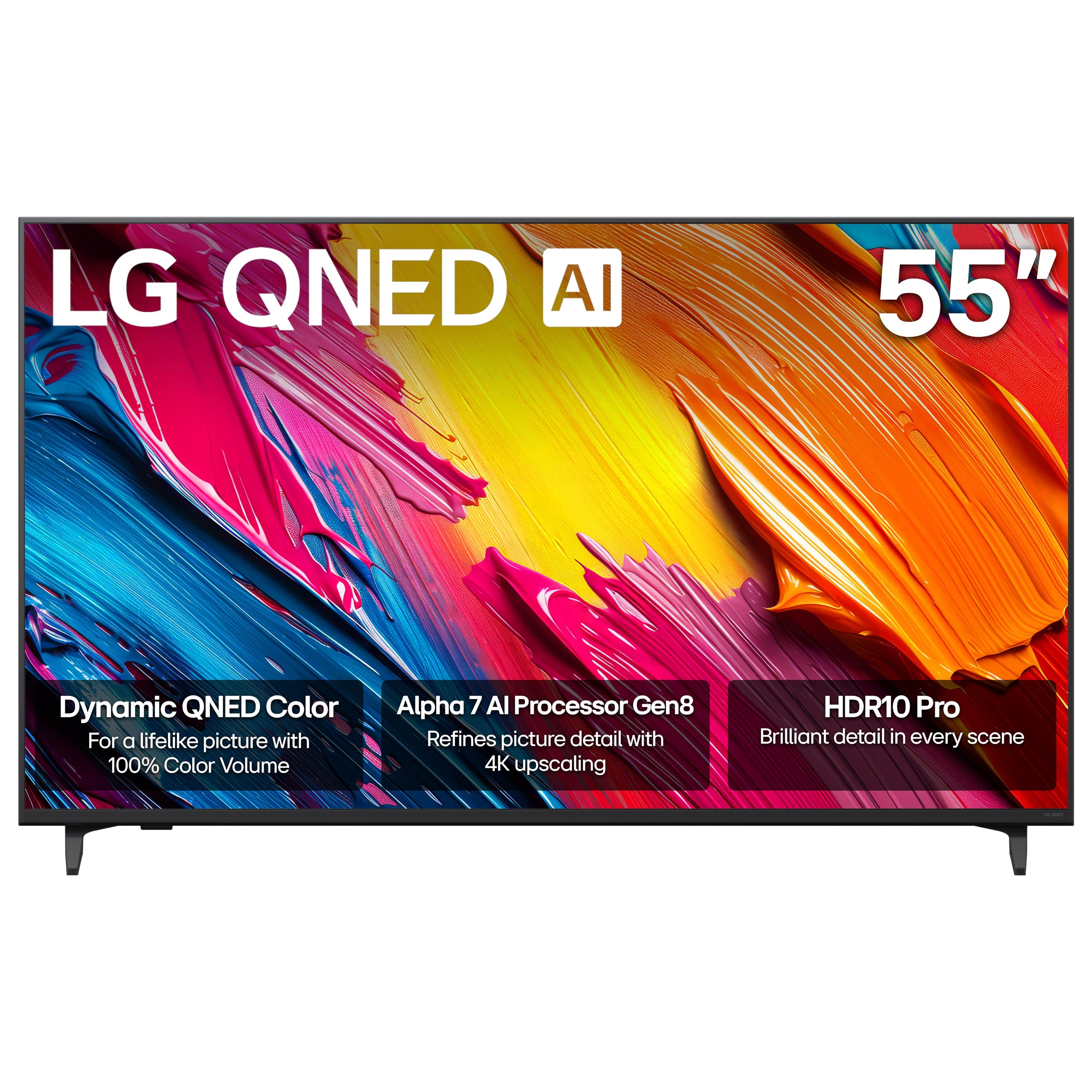
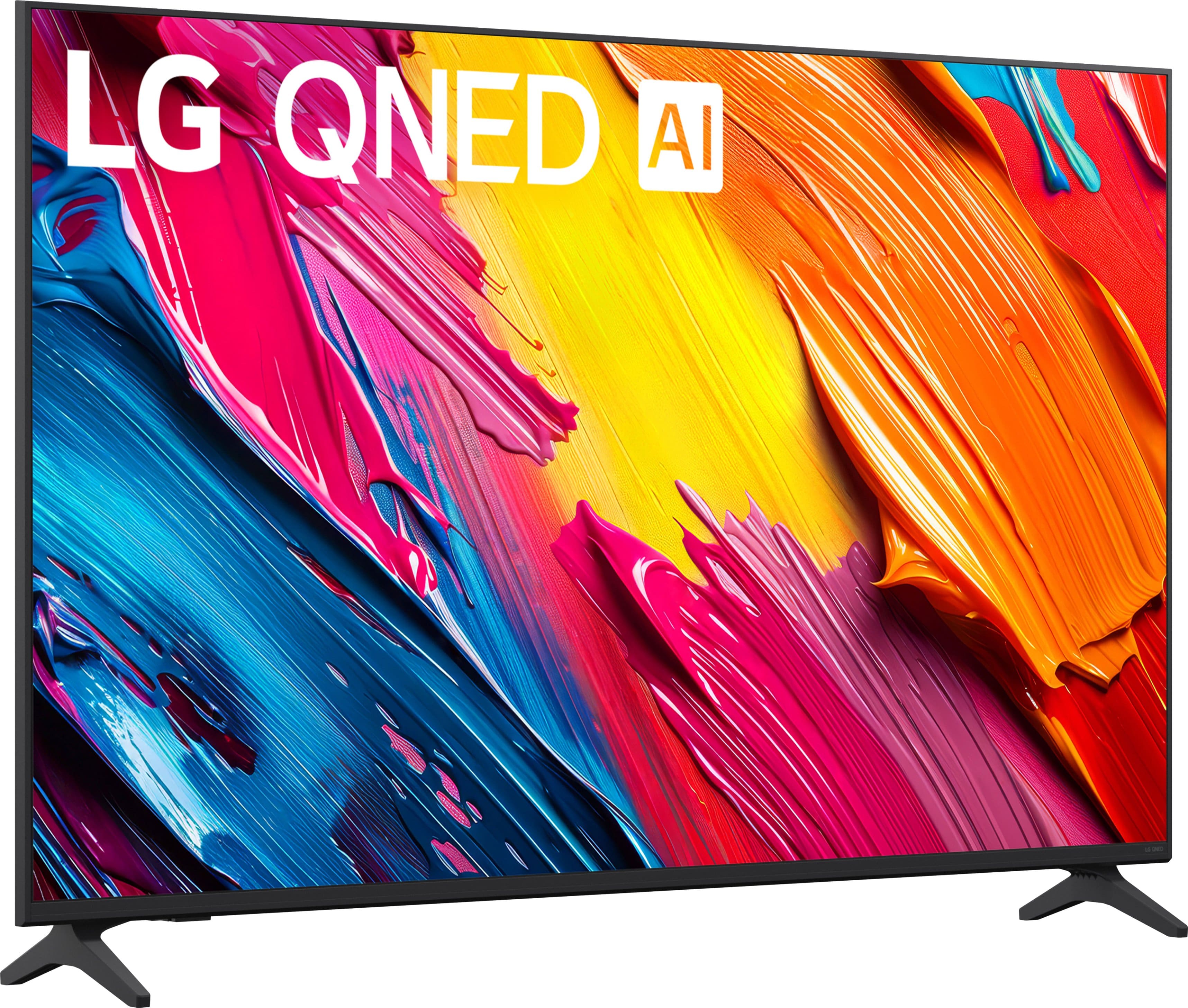
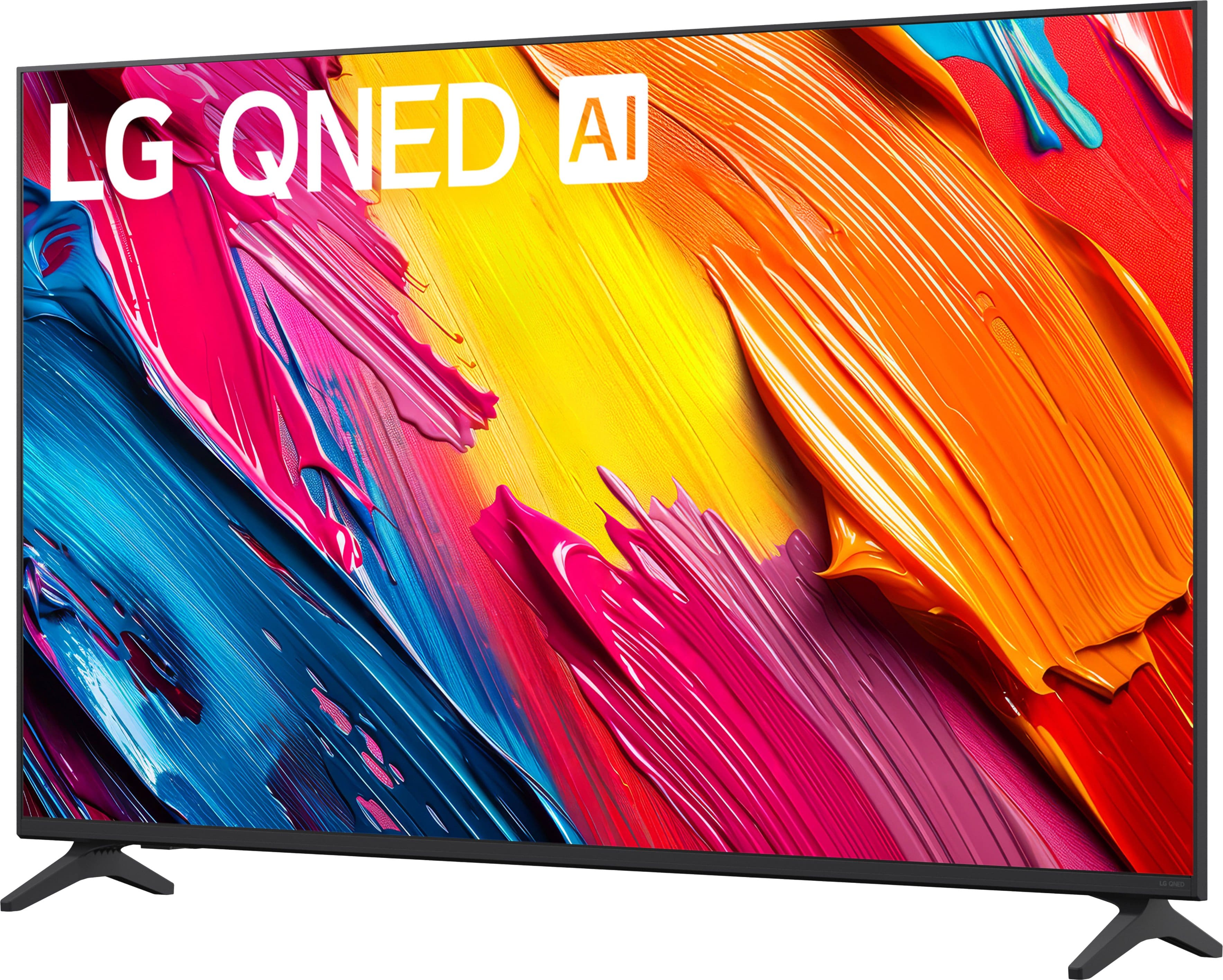
LG QNED AI 55 IN TV
||Posted . Owned for 1 week when reviewed.This reviewer received promo considerations or sweepstakes entry for writing a review.Great product and customer service. Delivery was on time.
I would recommend this to a friendNew TV
||Posted . Owned for 1 month when reviewed.This reviewer received promo considerations or sweepstakes entry for writing a review.Great! Happy with the service and knowledge of our salesman.
I would recommend this to a friendHappy customer
||Posted . Owned for 1 week when reviewed.This reviewer received promo considerations or sweepstakes entry for writing a review.Good value we would buy it all over again if we needed another TV
I would recommend this to a friendVery easy set up
||Posted .This reviewer received promo considerations or sweepstakes entry for writing a review.Very easy to set up works and great with the app.
I would recommend this to a friend- Pros mentioned:Picture quality
Maria
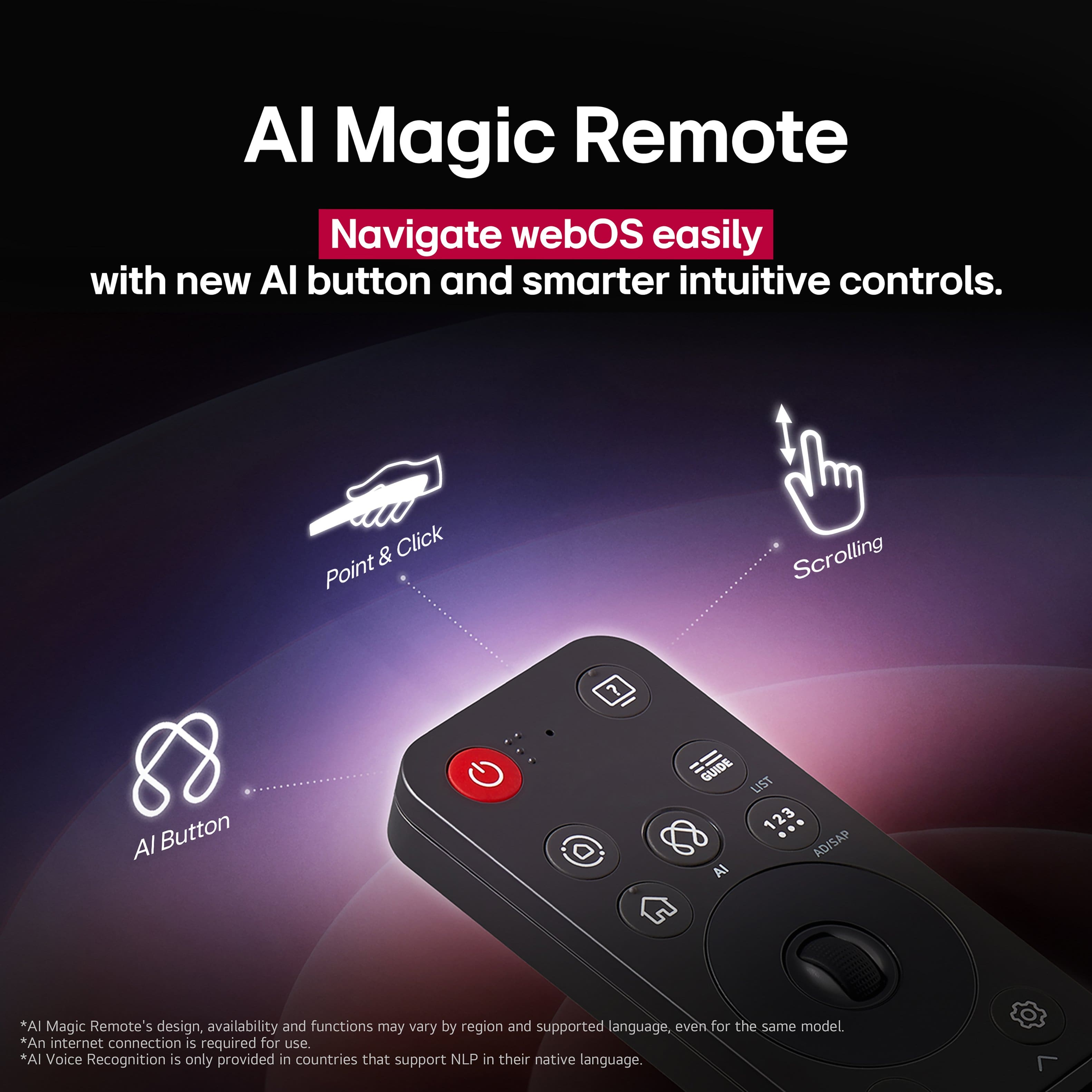
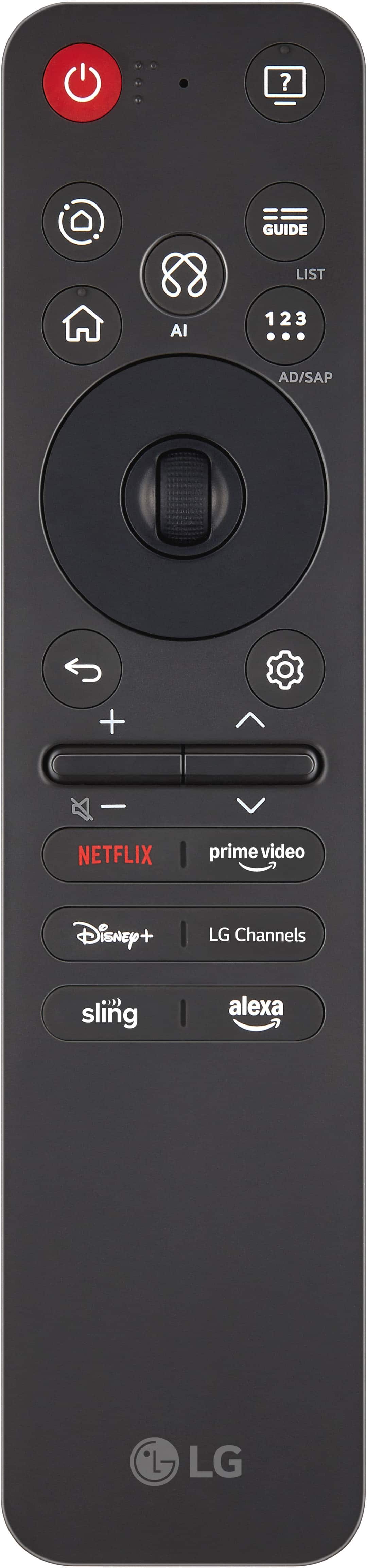
||Posted . Owned for 1 week when reviewed.This reviewer received promo considerations or sweepstakes entry for writing a review.The “magic” remote was awful but the clarity of picture was
I would recommend this to a friendBrand response from LG Digital Customer Care
Posted .Hi there, MariaP. Thank you for sharing your experience with us. We understand that the remote for your LG - 55" Class 70A Series QNED AI 4K UHD Smart webOS TV (2025) didn't meet your expectations, though we are pleased you enjoyed the picture clarity. We understand your inquiry regarding the remote's functionality.
https://www.bestbuy.com/product/lg-55-class-70a-series-qned-ai-4k-uhd-smart-webos-tv-2025/JJ8VPZWR67
For further assistance and any specific concerns you may have, please contact us on lgdigitalcare@lg.sprinklrsupport.com, and our team will be more than happy to assist you. We appreciate your patience. —Renzo
SLOW TV, but good quality
||Posted . Owned for 3 weeks when reviewed.This reviewer received promo considerations or sweepstakes entry for writing a review.Slowest TV of all time bro... Quality is great tho
No, I would not recommend this to a friend2nd Time is a Charm
||Posted .This reviewer received promo considerations or sweepstakes entry for writing a review.waiting for my installer to come back and install. Again My first tv was delivered cracked. So after paying for an installer to install he couldn't do it. Now I have to pay again to have it installed.
I would recommend this to a friendTv blurry
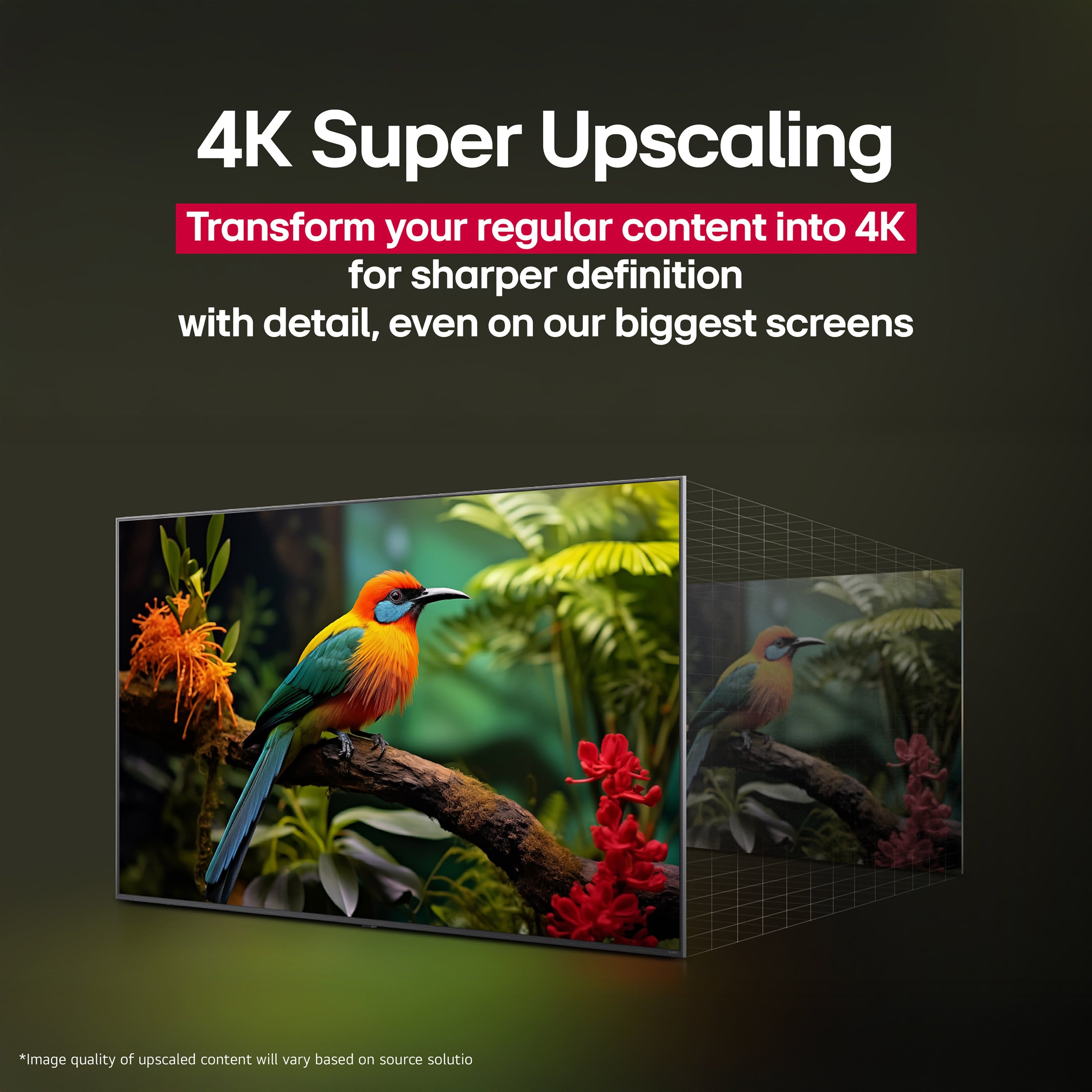
||Posted . Owned for 2 weeks when reviewed.This reviewer received promo considerations or sweepstakes entry for writing a review.Picture quality isn’t all that great seems to be blurry on some pictures.
No, I would not recommend this to a friendBrand response from LG Digital Customer Care
Posted .Hello there, DanM. Thank you for sharing your experience with us. We understand your inquiry regarding the picture quality of your LG - 55" Class 70A Series QNED AI 4K UHD Smart webOS TV (2025). To improve clarity, we suggest going into your Picture Settings to ensure the "Sharpness" is adjusted to your preference and that the "TruMotion" setting is set to "Clear" or "Smooth" to reduce motion blur.
https://www.bestbuy.com/product/lg-55-class-70a-series-qned-ai-4k-uhd-smart-webos-tv-2025/JJ8VPZWR67
For further assistance and any specific concerns you may have, please contact us on lgdigitalcare@lg.sprinklrsupport.com. We appreciate your patience. —Renzo
Damaged On Delivery
||Posted .This reviewer received promo considerations or sweepstakes entry for writing a review.I ordered a tv for Christmas and it was delivered damaged. The driver pointed out the damage to the box and said the tv would probably be ok. He took a picture of the damaged box upon delivery. Well I unpacked the tv and turned it on. Nothing came up on the screen except a very large crack. I know these things happen but the family didn’t get this Christmas present. They are replacing it, but not until after New Years. Very disappointed. I would think some sort of discount or upgrade would be appropriate. Noone from BB ever contacted us when we reported the issue.
No, I would not recommend this to a friendBrand response from LG Digital Customer Care
Posted .Hi, David. Thank you for taking the time to share your experience with your LG TV (55QNED70AUA) model. We understand the importance of receiving a TV in perfect condition—especially when it’s meant to be a Christmas gift..
One step you can try once the new unit arrives is inspecting the packaging and screen before fully unboxing, as this helps ensure everything is intact before setup. You can also review helpful product information and support for your model here: https://www.lg.com/us/tvs/lg-55qned70aua-qned-4k-tv. If you need further assistance, please send us an email at lgdigitalcare@lg.sprinklrsupport.com. We're here for you! ^Juvy
Picture.
||Posted . Owned for 1 week when reviewed.This reviewer received promo considerations or sweepstakes entry for writing a review.Picture not as good as I expected. The quality is not as clear.
No, I would not recommend this to a friendBrand response from LG Digital Customer Care
Posted .Hello there, ElizaC. Thank you for sharing your experience with us regarding your LG 70A Series QNED AI 4K UHD Smart webOS TV. We understand your inquiry regarding the picture clarity and quality. Your feedback is important, and we would like to assist you further.
https://www.bestbuy.com/product/lg-ultragear-32-oled-dual-mode-4k-uhd-165hz-fhd-330hz-0-03ms-g-sync-freesync-premium-pro-gaming-monitor-with-black/JJ8VPZK9GT
To improve the clarity, we recommend checking your Picture Mode settings by navigating to Settings > All Settings > Picture > Picture Mode Settings and selecting Vivid or Standard for a sharper look. For further assistance and any specific concerns you may have, please contact us on lgdigitalcare@lg.sprinklrsupport.com. We appreciate your patience. —Renzo
- Cons mentioned:Remote control
God TV, horrible remote
||Posted .This reviewer received promo considerations or sweepstakes entry for writing a review.TV is fine, the remote is not acceptable. Coming from a Samsung it, the remote is not intuitive in any way.
No, I would not recommend this to a friendBrand response from LG Digital Customer Care
Posted .Hi, Stephen. Thank you for sharing your experience with the LG TV (55QNED70AUA) model. We understand the importance of having a remote that feels intuitive and easy to navigate. For this model, one helpful step is to enable the Quick Access feature, which lets you assign your most‑used apps or inputs to specific number keys. Press and hold a number button for a few seconds while on the desired app/input to save it. This can make the remote feel much more streamlined and reduce the need to navigate through menus. For more guidance, visit https://www.lg.com/us/support/product/lg-55QNED70AUA.AUS. We’d be glad to take a closer look and help make the remote easier to use. Please send us an email at lgdigitalcare@lg.sprinklrsupport.com so we can assist further. ^Juvy
Very difficult setup, no help
||Posted . Owned for 1 month when reviewed.This reviewer received promo considerations or sweepstakes entry for writing a review.No instructions on setting this up or for the remote. I still cannot use it. Best Buy will not help unless I pay $129! It is extremely confusing and only a few channels come in. I had no problem with my previous tv or with my Roku tv in my Living Room. I will never get a tv at Best Buy again.
No, I would not recommend this to a friendBrand response from LG Digital Customer Care
Posted .Hi, there. Thank you for reaching out. We understand the importance of getting your new TV (55QNED70AUA) model set up quickly and confidently. One helpful step you can try is running the Auto Tuning feature to ensure the TV scans for all available channels. You can do this by pressing Settings → Channels → Auto Tuning. This helps the TV detect every channel your antenna or cable line can receive. If you're using an antenna, adjusting its placement or direction can also improve the number of channels that come in clearly. For more guidance, visit https://www.lg.com/us/support/product/lg-55QNED70AUA.AUS. We’d be glad to take a closer look and walk you through the next steps. Please send us an email at lgdigitalcare@lg.sprinklrsupport.com so we can assist you directly. ^Juvy
Good TV with Defective WiFi
||Posted . Owned for 1 month when reviewed.This reviewer received promo considerations or sweepstakes entry for writing a review.TV was delivered with a defective WiFi receiver. Had to return. Service good under my membership.
I would recommend this to a friendBrand response from LG Digital Customer Care
Posted .Hi, there. Thank you for sharing your experience with the LG TV (55QNED70AUA) model.
We understand how important a reliable connection is for your TV, especially right out of the box. We are glad to hear you received good service through your membership to handle the return. We appreciate your feedback and want to make sure your next experience with our products is completely smooth. For anyone experiencing connectivity issues on a new setup, we always recommend verifying that the TV's location is free from physical barriers or electronic interference from devices like microwaves or baby monitors, and checking that the router's firmware is completely up to date. For more guidance, visit https://www.lg.com/us/support/product/lg-55QNED70AUA.AUS. If you decide to set up another unit or need any further assistance, please email us at lgdigitalcare@lg.sprinklrsupport.com. We're here to help. ^Juvy
- Pros mentioned:Brightness, Picture quality
Best TV for the price point 2025.
Posted .This reviewer received promo considerations or sweepstakes entry for writing a review.Well if you don't have money for OLED and/or you sit in a bright room, this is the TV for you. It is bright, the colors pop, sound is pretty good, I don't have anything bad to say about this. Picture quality is the king here, it is really really good.
I would recommend this to a friend - Pros mentioned:Brightness, Picture quality
Perfect cabinet-top TV
Posted .This reviewer received promo considerations or sweepstakes entry for writing a review.Perfect cabinet-top TV. Brightness, color, ease of set-up all great.
I would recommend this to a friend - Cons mentioned:Remote control
Great TV difficult to use remote.
Posted .This reviewer received promo considerations or sweepstakes entry for writing a review.Love the TV but hate the remote! Remote is very difficult to use for old hands! Would prefer using XFinity remote. Don’t know how to set up tv with Xfinity remote.
I would recommend this to a friend - Pros mentioned:Picture quality
Review of LG TV
Posted .This reviewer received promo considerations or sweepstakes entry for writing a review.This LG product has met my expectations and more. In the future I will get an LG product again.
I would recommend this to a friend - Pros mentioned:Picture quality
Best buy tv
Posted .This reviewer received promo considerations or sweepstakes entry for writing a review.Really great tv. Great picture. Love the LG options, app etc. Great best buy customer service too.
I would recommend this to a friend - Pros mentioned:Picture quality
LG TV
Posted .This reviewer received promo considerations or sweepstakes entry for writing a review.The color of this TV is awesome and the sound quality is cool, i don't even need to connect a sound bar.
I would recommend this to a friend - Pros mentioned:Picture quality
Fantastic TV that won't break the bank
Posted .This reviewer received promo considerations or sweepstakes entry for writing a review.This TV is fantastic! It has fantastic picture quality for an incredible price.
I would recommend this to a friend