Customer Ratings & Reviews


- Model:
- 55QNED82AUA
- SKU:
- 6621799
Rating by feature
- Picture Quality
Rating 4.7 out of 5 stars
- Sound Quality
Rating 4.5 out of 5 stars
- Brightness
Rating 4.7 out of 5 stars
Customers are saying
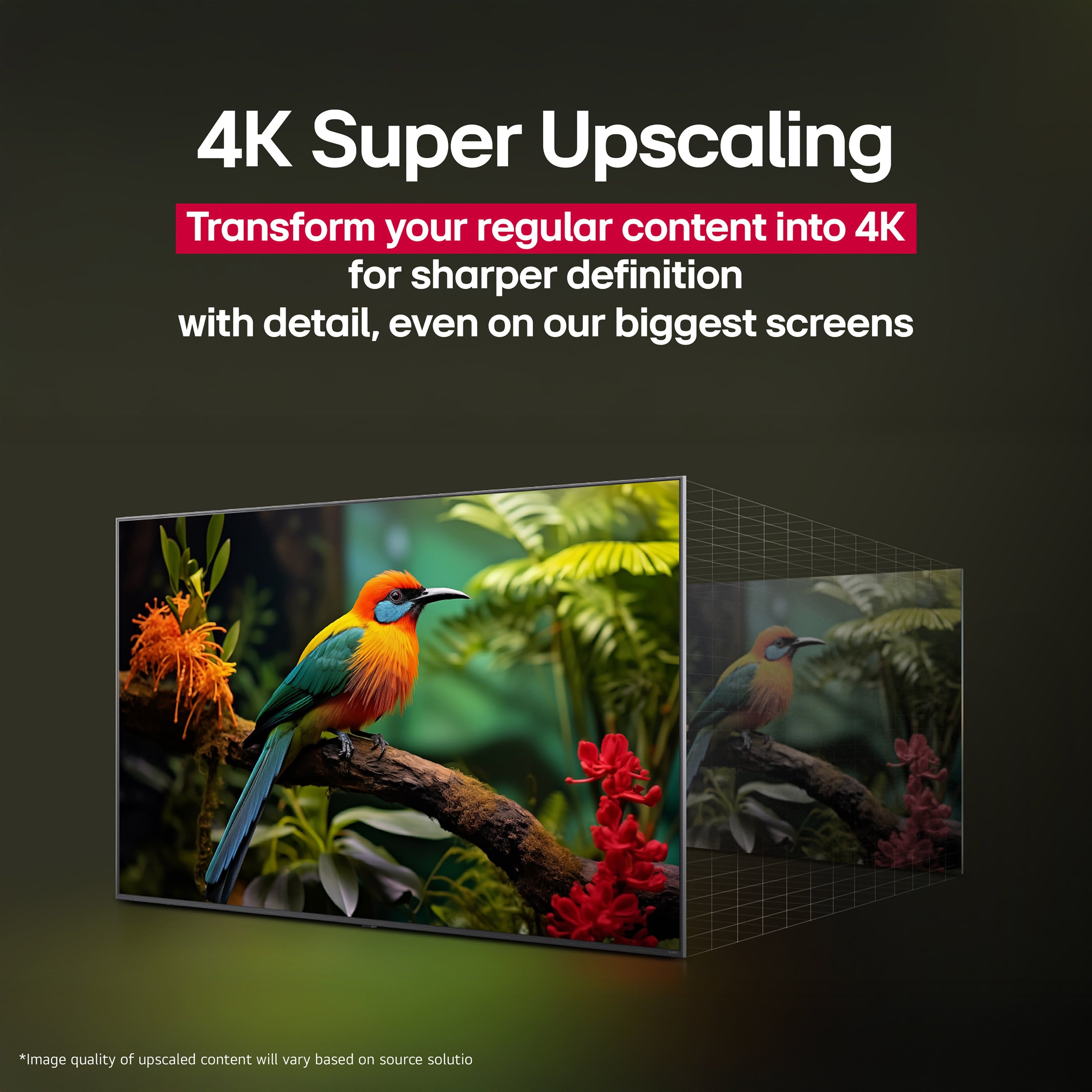
Customers highly value the 55" Class 82A Series QNED AI 4K UHD Smart webOS TV (2025) for its exceptional picture quality. The television is also appreciated for being easy to use. Some customers find the OLED quality, especially the deep blacks in higher LED, to be a significant advantage.
This summary was generated by AI based on customer reviews.
- Pros mentioned:Picture quality
A Purchase that was well worth it
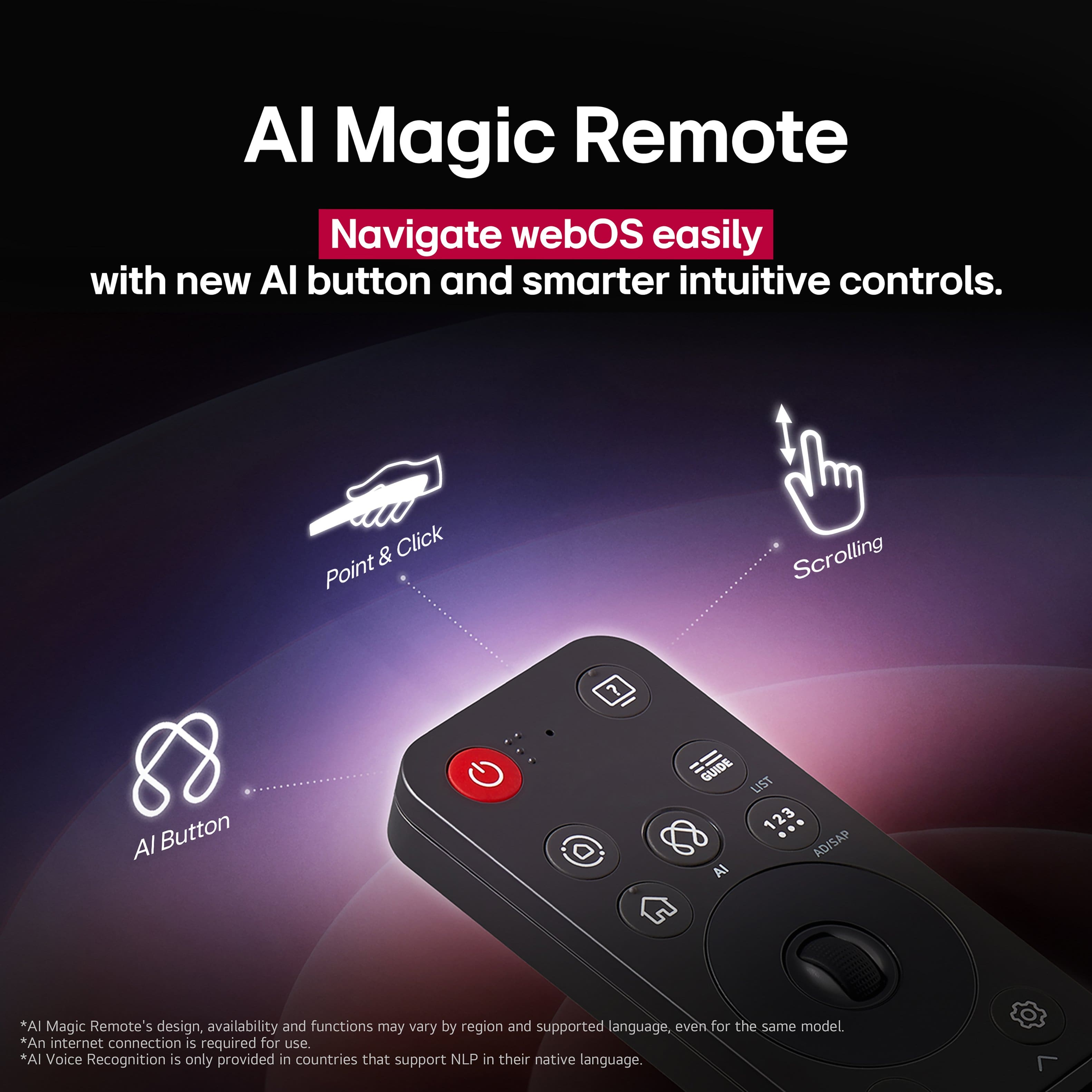
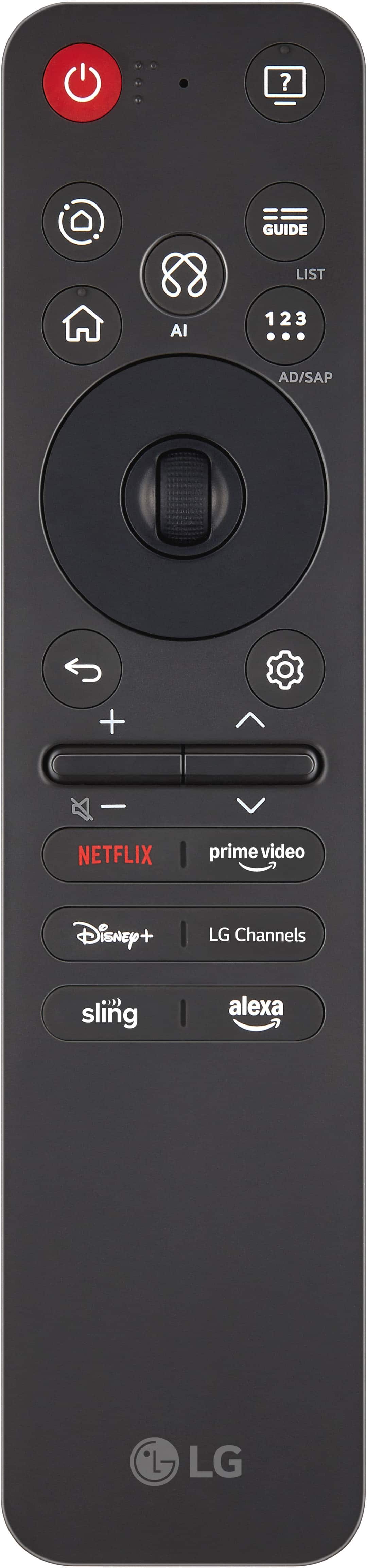
Posted .This reviewer received promo considerations or sweepstakes entry for writing a review.I like this TV and find the picture quality to be very good. However, the mouse-style remote can be difficult to use at times. My biggest disappointment is that the DIRECTV app is not available for download on this TV. Aside from that limitation, I am happy with the overall quality of the television.
I would recommend this to a friend - Pros mentioned:Picture quality
Great Deal!
Posted .This reviewer received promo considerations or sweepstakes entry for writing a review.Really sharp and clear quality TV. The system setup takes about 5 min or so to complete. No issues or complaints.
I would recommend this to a friend - Pros mentioned:Setup ease
Great buy
Posted .This reviewer received promo considerations or sweepstakes entry for writing a review.Great tv easy way install, quick drop off also very professional.
I would recommend this to a friend - Pros mentioned:Picture quality
Quality product
Posted .This reviewer received promo considerations or sweepstakes entry for writing a review.Great picture and overall fantastic display. LG quality in my experience.
I would recommend this to a friend See it and hear it
Posted .This reviewer received promo considerations or sweepstakes entry for writing a review.This LG is remarkably clear and produces quality sound without a sound bar.
I would recommend this to a friendLG excellence
Posted .This reviewer received promo considerations or sweepstakes entry for writing a review.Excellent quality. When rhe room is completly dark, the picture is incredible
I would recommend this to a friendOverall, Great TV, would buy it again
Posted .This reviewer received promo considerations or sweepstakes entry for writing a review.I am really enjoying the quality of the TV and I like that LG has its own app where I can control my devices with my phone. One thing I will say is, the point curser thing, (if you know what I mean) just constantly gets activated even when I don't really want to use it. Wish there was a way to turn it off, or somehow control how sensitive the remote can react to my movement and turn the feature on.
I would recommend this to a friendLG QNED
Posted .This reviewer received promo considerations or sweepstakes entry for writing a review.Picture is good quality but dark even on vivid setting.
No, I would not recommend this to a friendLG TV
Posted .This reviewer received promo considerations or sweepstakes entry for writing a review.Not very happy with this tv, don’t like the cursor at all, and it tends to not want to stream at times and I have to shut it off and restart it all over again.
No, I would not recommend this to a friendBrand response from LG Digital Customer Care
Posted .Hi, Janice. Thank you for sharing your experience with your LG TV (55QNED82AUA) model. We understand the importance of having a TV that responds smoothly and streams reliably. To address the streaming interruptions, a helpful troubleshooting step is to clear the cache by unplugging the TV from the wall for 60 seconds or performing a "Soft Reset" through the settings menu. Additionally, you can adjust the tracking speed and size of the Magic Remote cursor by navigating to Settings > General > System > Additional Settings > Pointer Options to make navigation more comfortable for you. For more guidance, visit https://www.lg.com/us/support/help-library/lg-webos-tv-magic-remote-control--20154712681992. We’d be glad to take a closer look at your unit’s details. Please send us an email at lgdigitalcare@lg.sprinklrsupport.com. We're here to help. ^Juvy
