Customer Ratings & Reviews
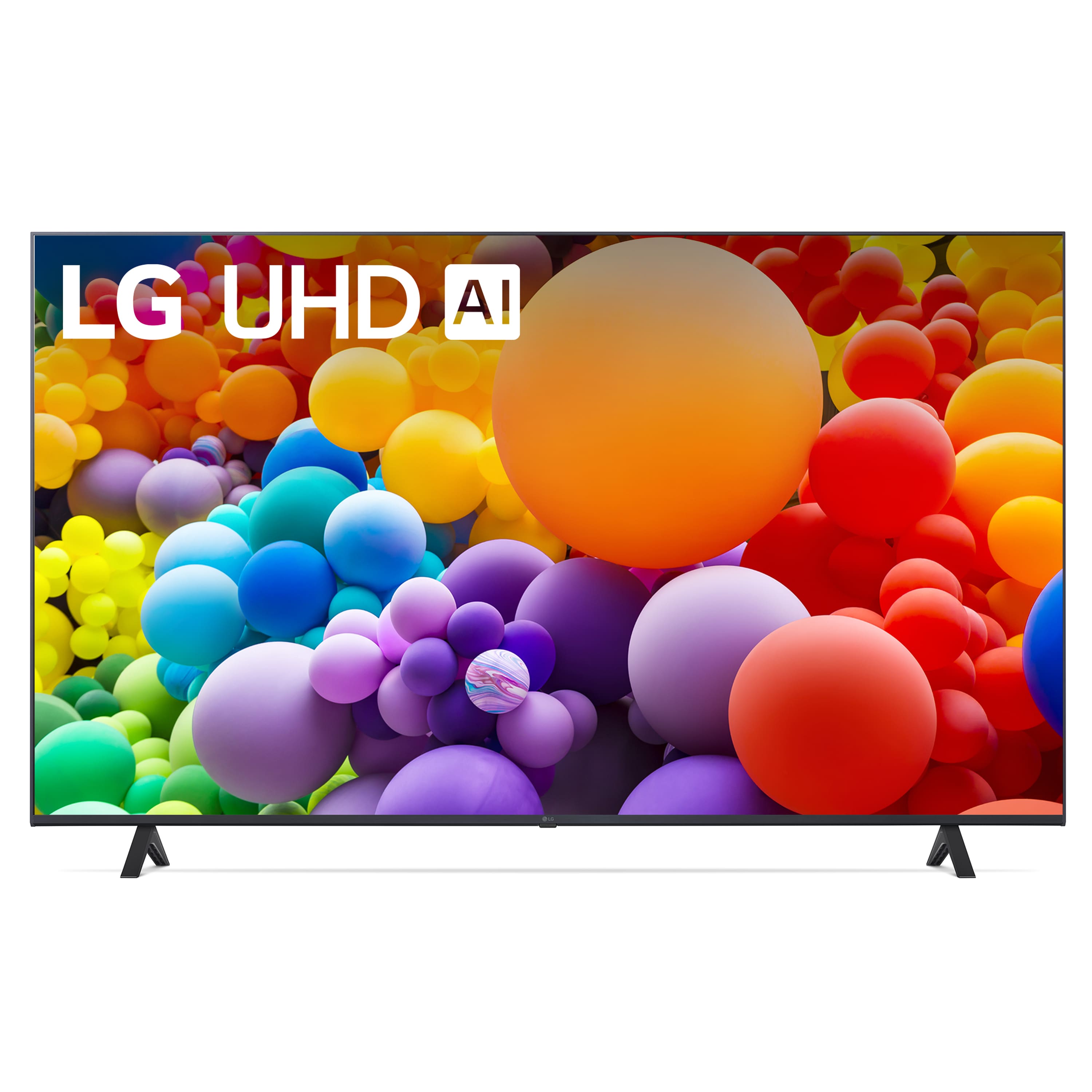
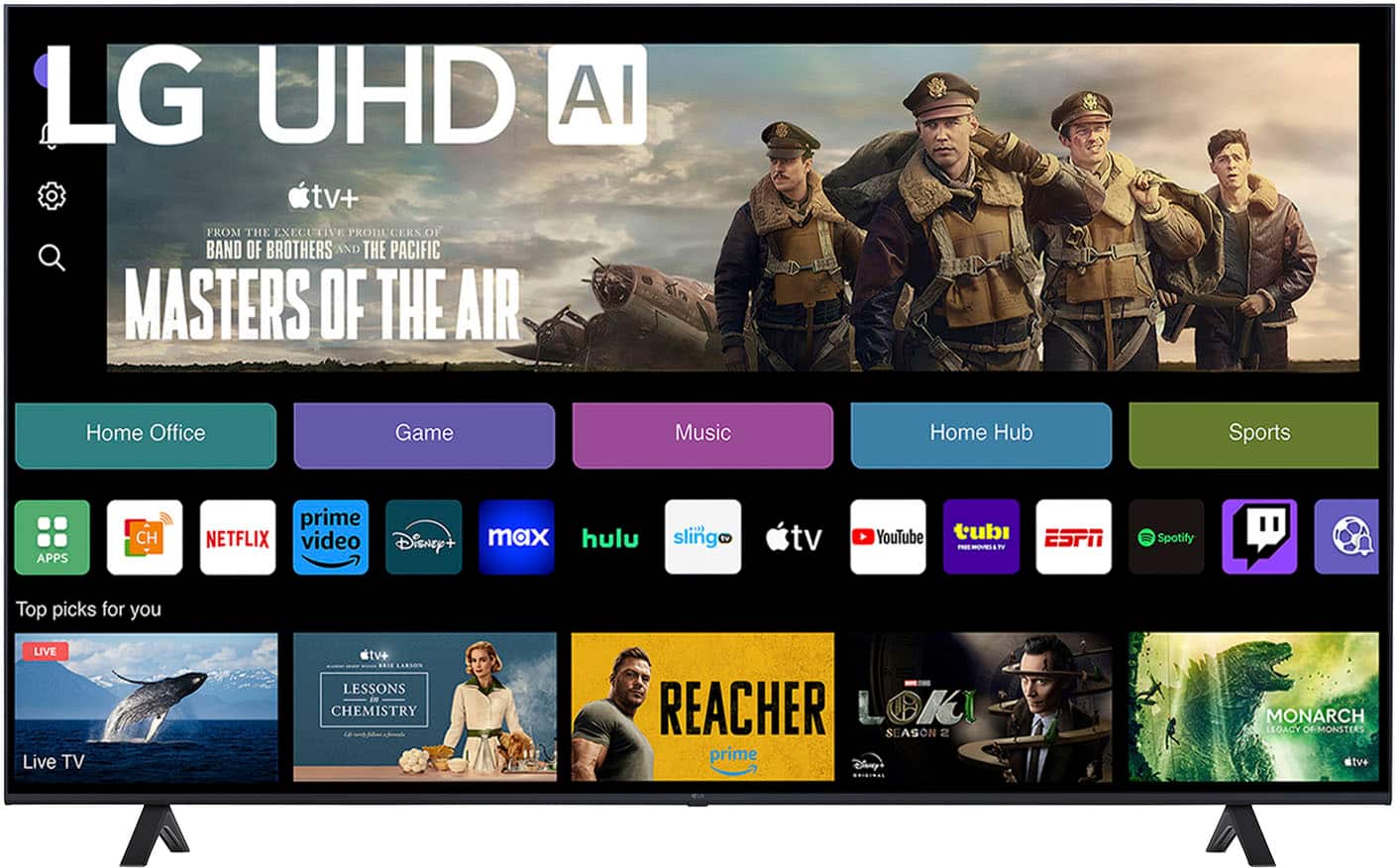
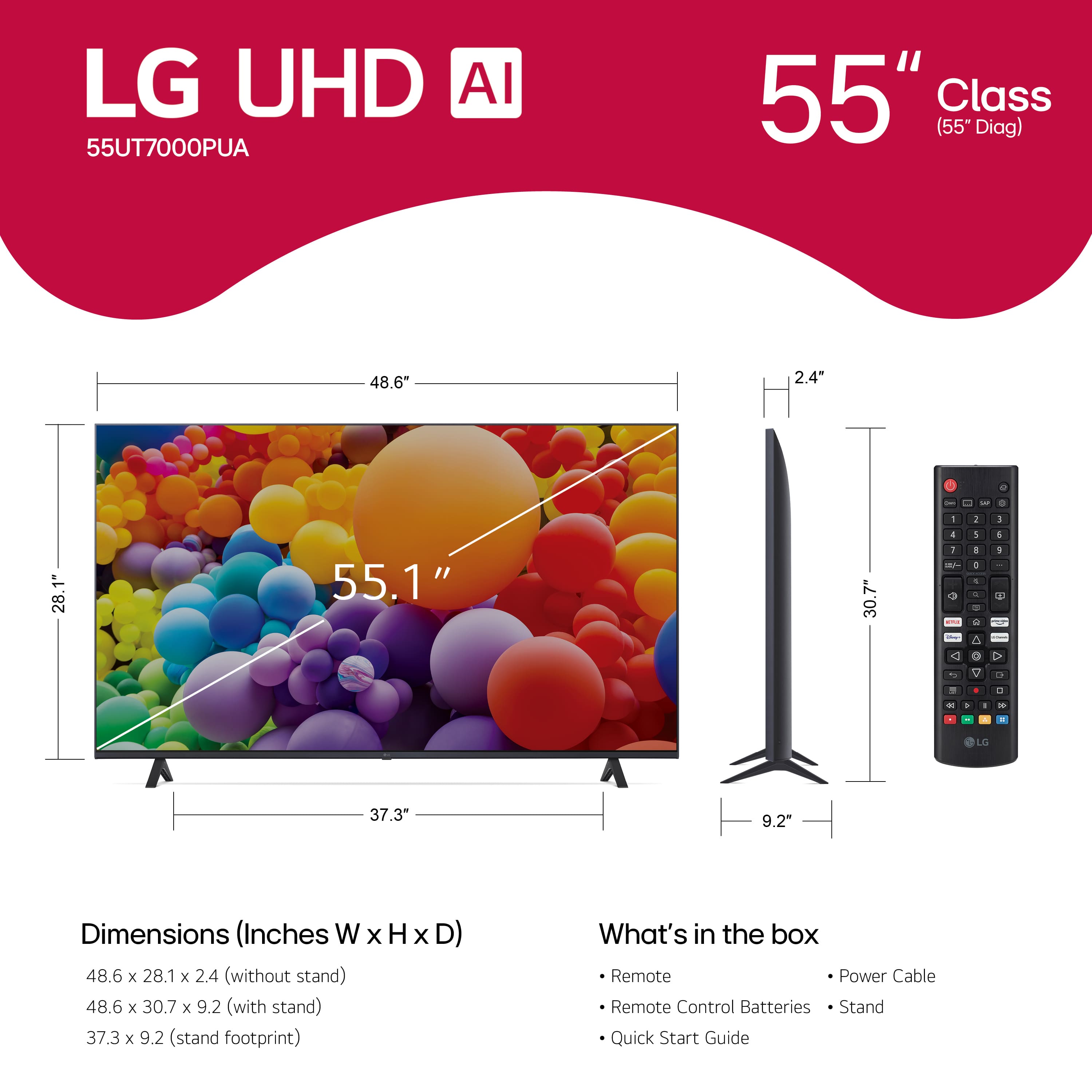
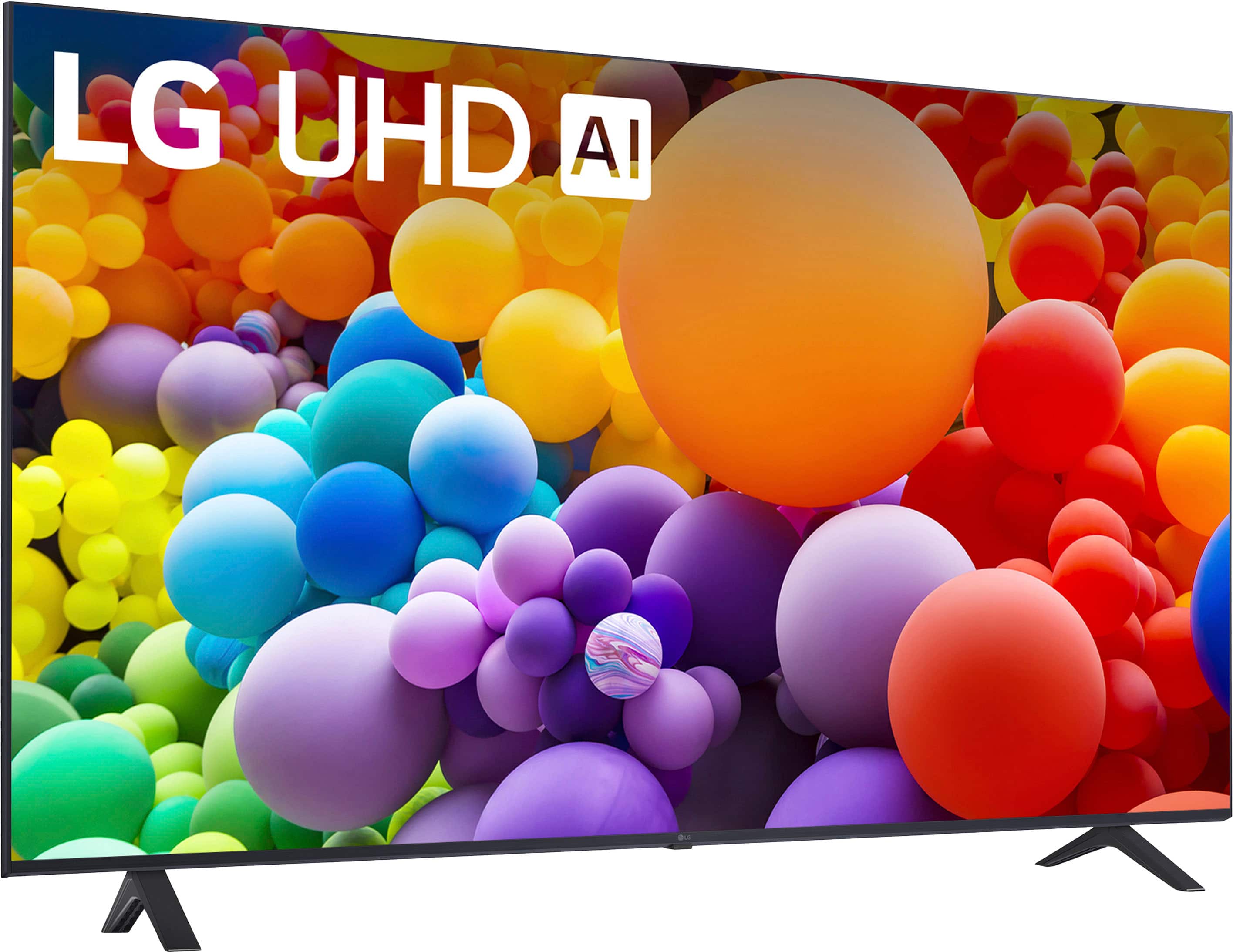
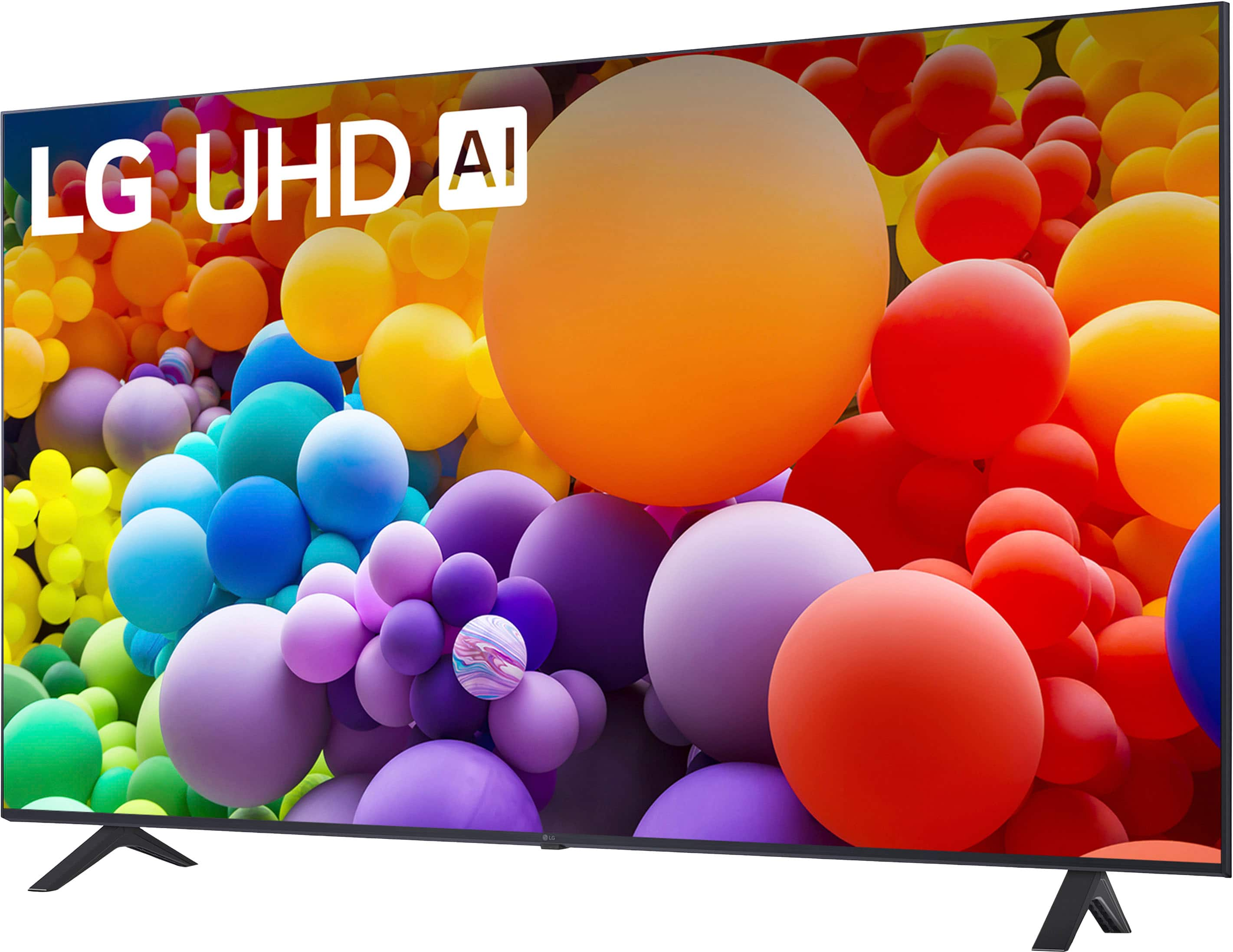
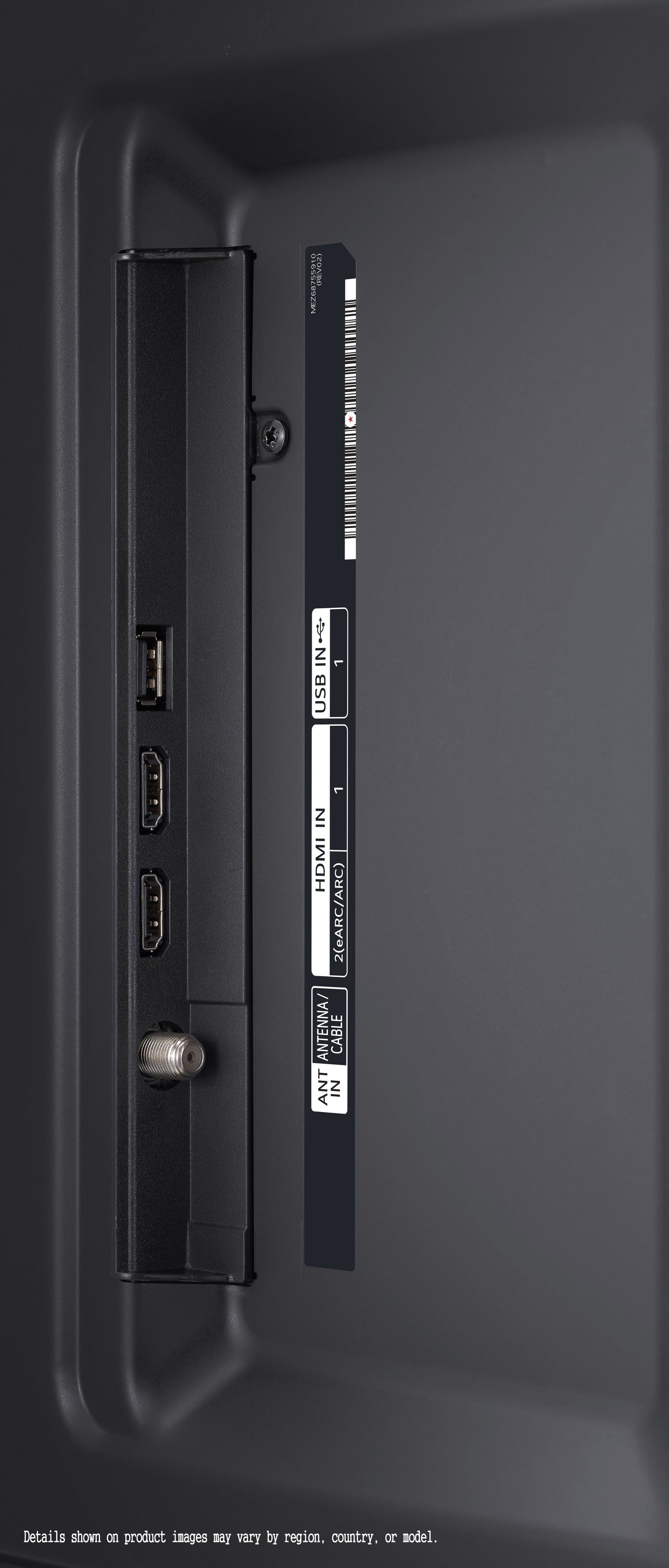
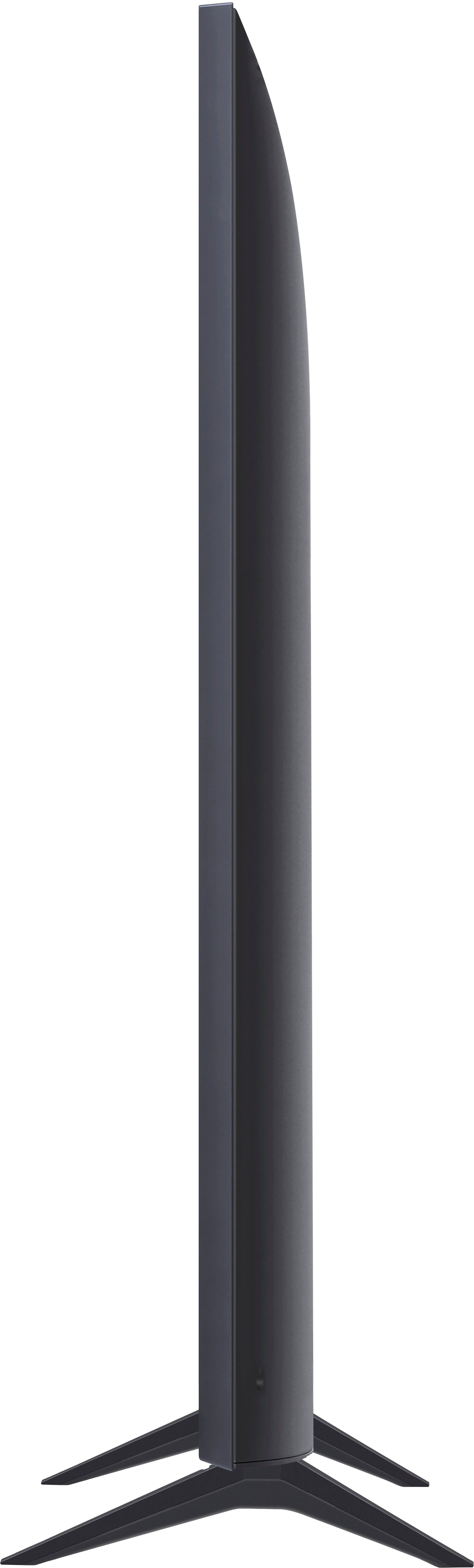
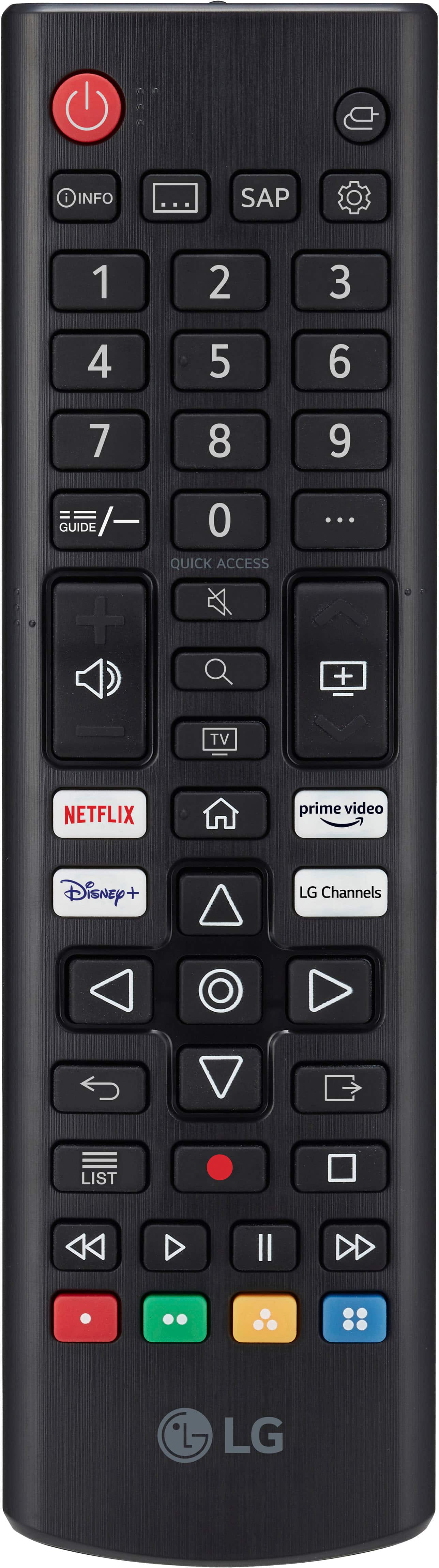


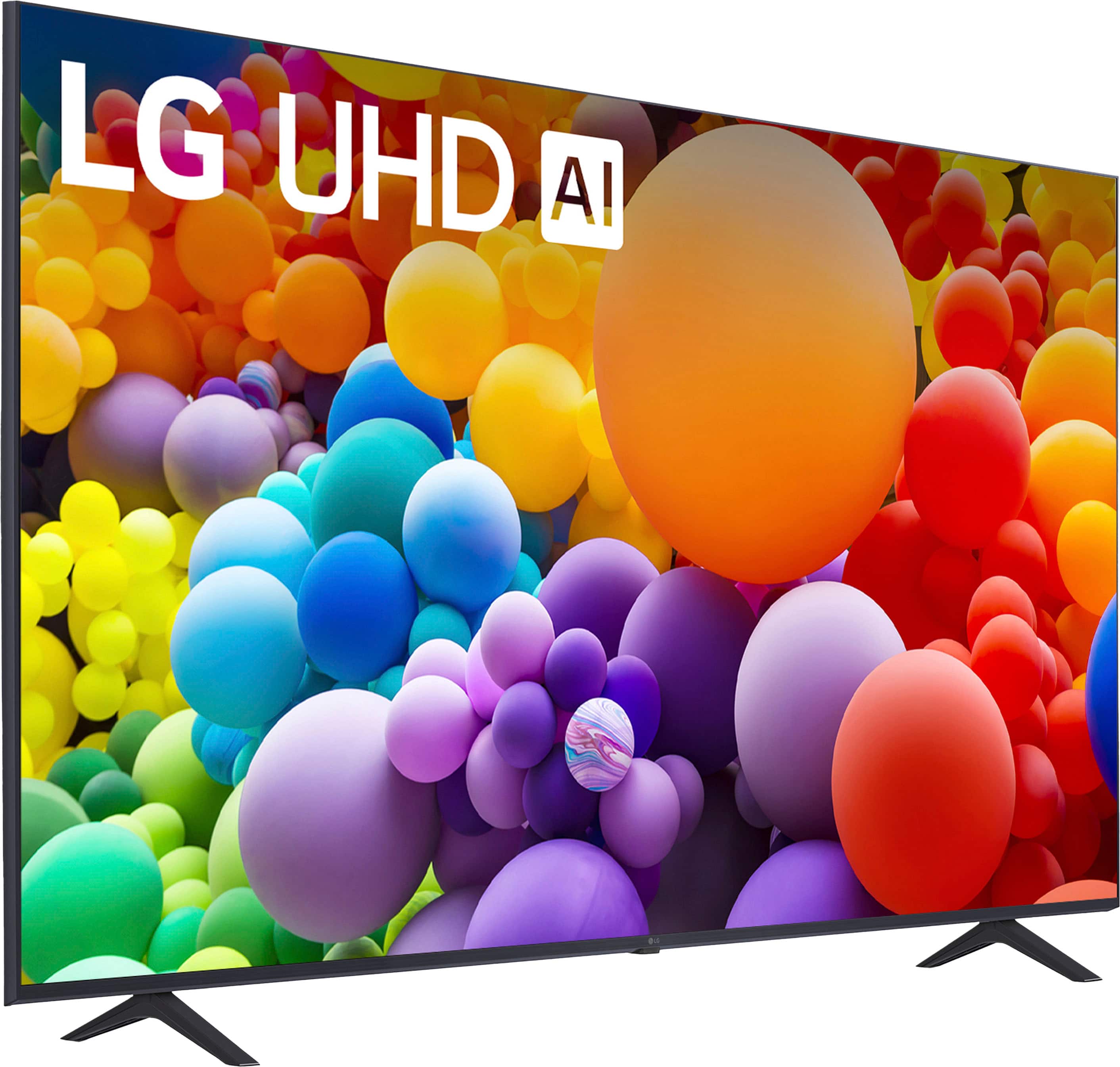
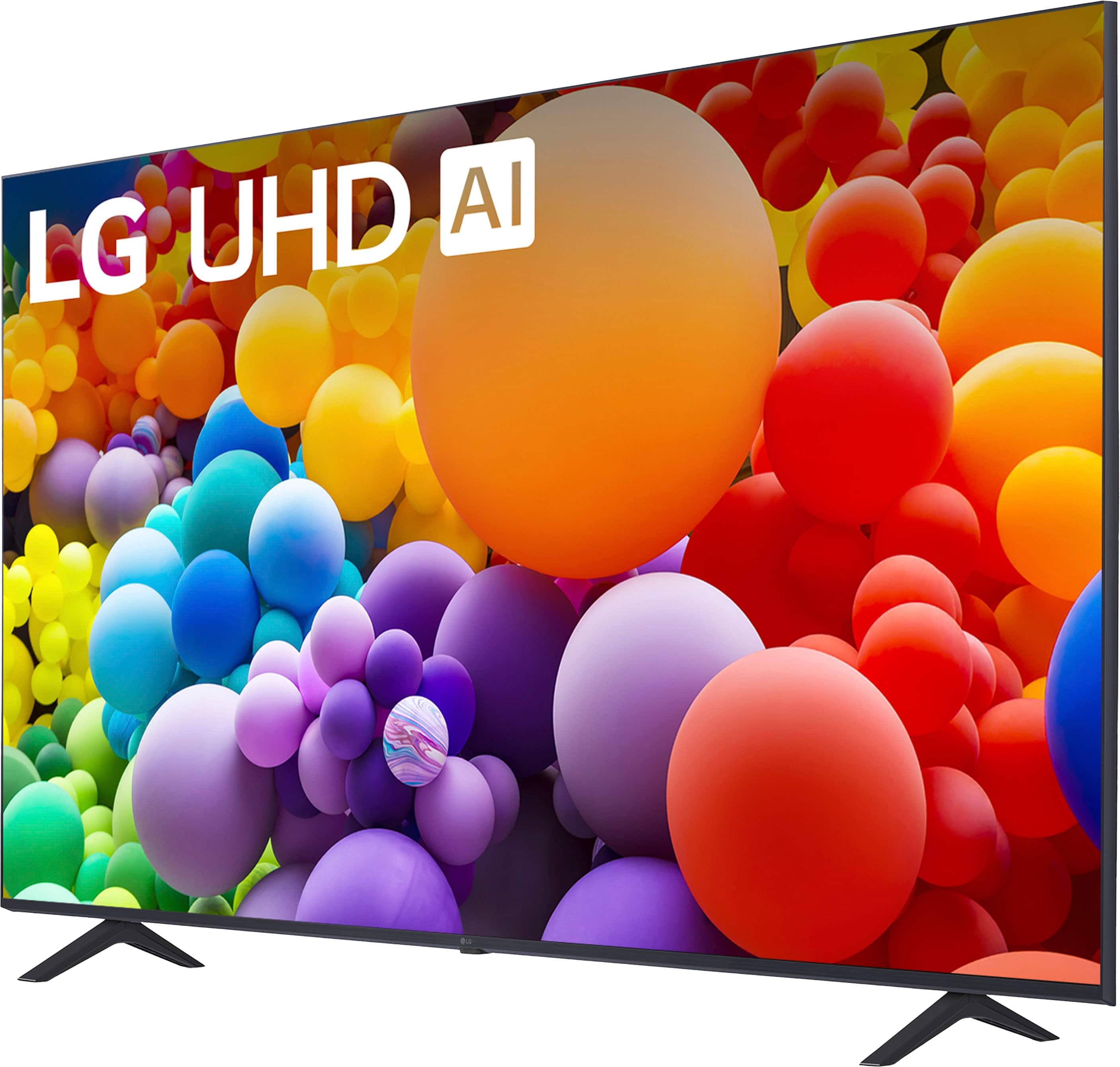

- Model:
- 55UT7000PUA
- SKU:
- 10214377
Rating by feature
- Picture Quality
Rating 4.7 out of 5 stars
- Sound Quality
Rating 4.6 out of 5 stars
- Brightness
Rating 4.7 out of 5 stars
to a friend
Customer
Posted .This reviewer received promo considerations or sweepstakes entry for writing a review.Horrible television. Do not buy! Should be discontinued immediately…..
No, I would not recommend this to a friendBrand response from LG Digital Customer Care
Posted .Hi, Conner. Thanks for sharing your feedback with us. We understand your concern about the LG TV (55UT7000PUA) model, didn't meet your expectations, and we’d like to explore ways to improve your experience. We strive to provide high-quality products and exceptional services to ensure a smooth experience. If you're experiencing any specific issues with picture or performance, we recommend adjusting the Picture Mode settings under Settings > Picture > Picture Mode to optimize your viewing experience. Additionally, a firmware update may help enhance performance. For more help, you may visit https://www.lg.com/us/support/help-library/lg-tv-how-to-update-an-lg-smart-tv--1430510575535. Please send us a private message on social media @LGUSSupport, and our team will be happy to assist you further. ^Juvy

Lg TVs are trash.
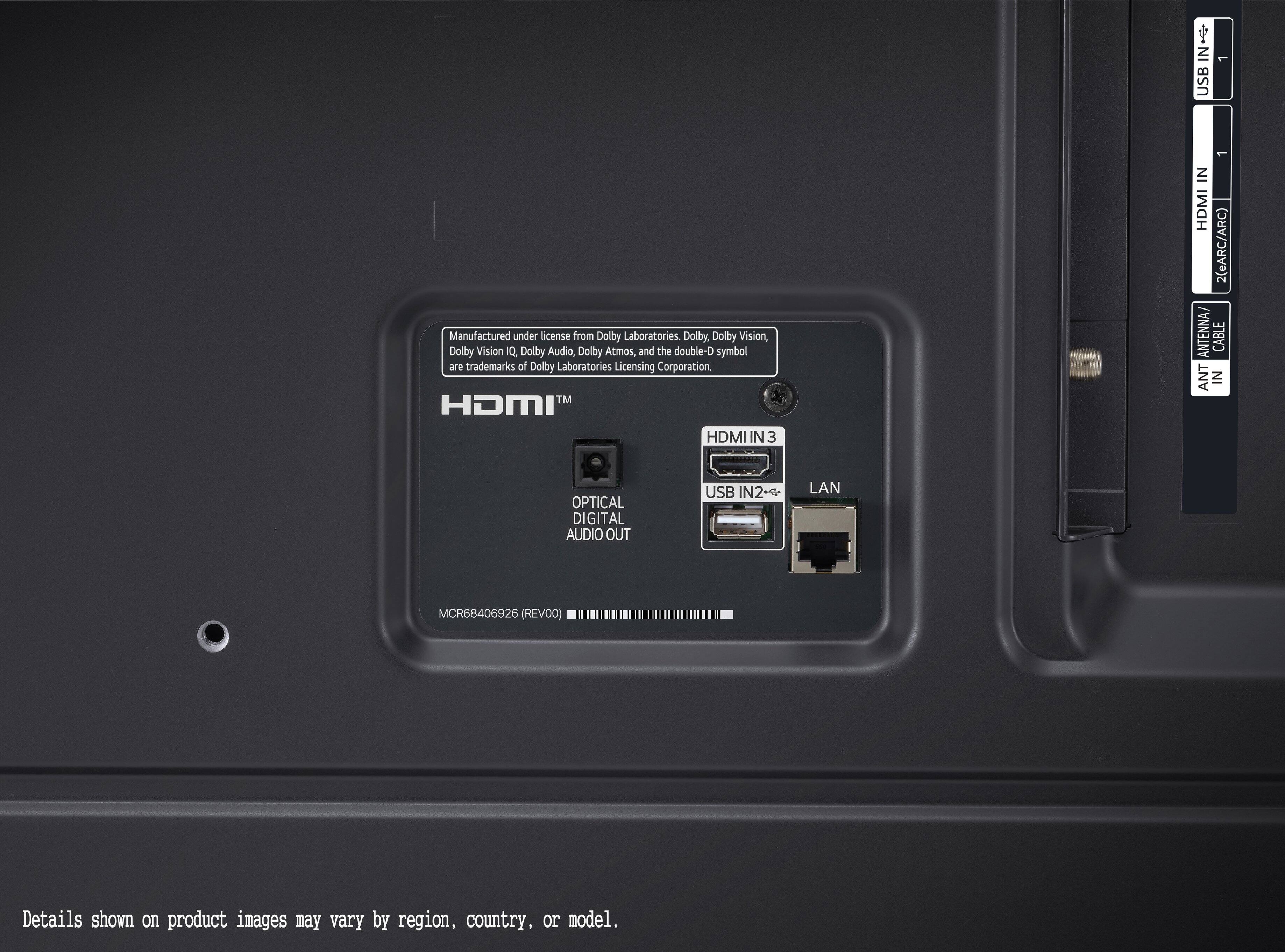
Posted .This reviewer received promo considerations or sweepstakes entry for writing a review.If you want a tv with wifi, or ethernet connectivity problems, buy an LG tv!
No, I would not recommend this to a friendBrand response from LG Digital Customer Care
Posted .Hi, there. Thank you for sharing your thoughts about the LG TV (55UT7000PUA) model. We understand how important a stable internet connection is for a seamless viewing experience. We strive to provide reliable, high-quality products exceeding our customer's needs and expectations. If you're encountering connectivity issues, one troubleshooting step to try is resetting your network settings on the TV and reconnecting to your Wi-Fi or Ethernet. Sometimes, this can resolve persistent connectivity problems. For more help, visit https://www.lg.com/us/support/help-library/lg-tv-troubleshooting-your-tvs-internet-connection--1426626051711. Please send us a private message on social media @LGUSSupport, and our team will be more than happy to assist you further in addressing these concerns. Your satisfaction is important to us, and we appreciate your patience. ^Juvy