Customer Ratings & Reviews
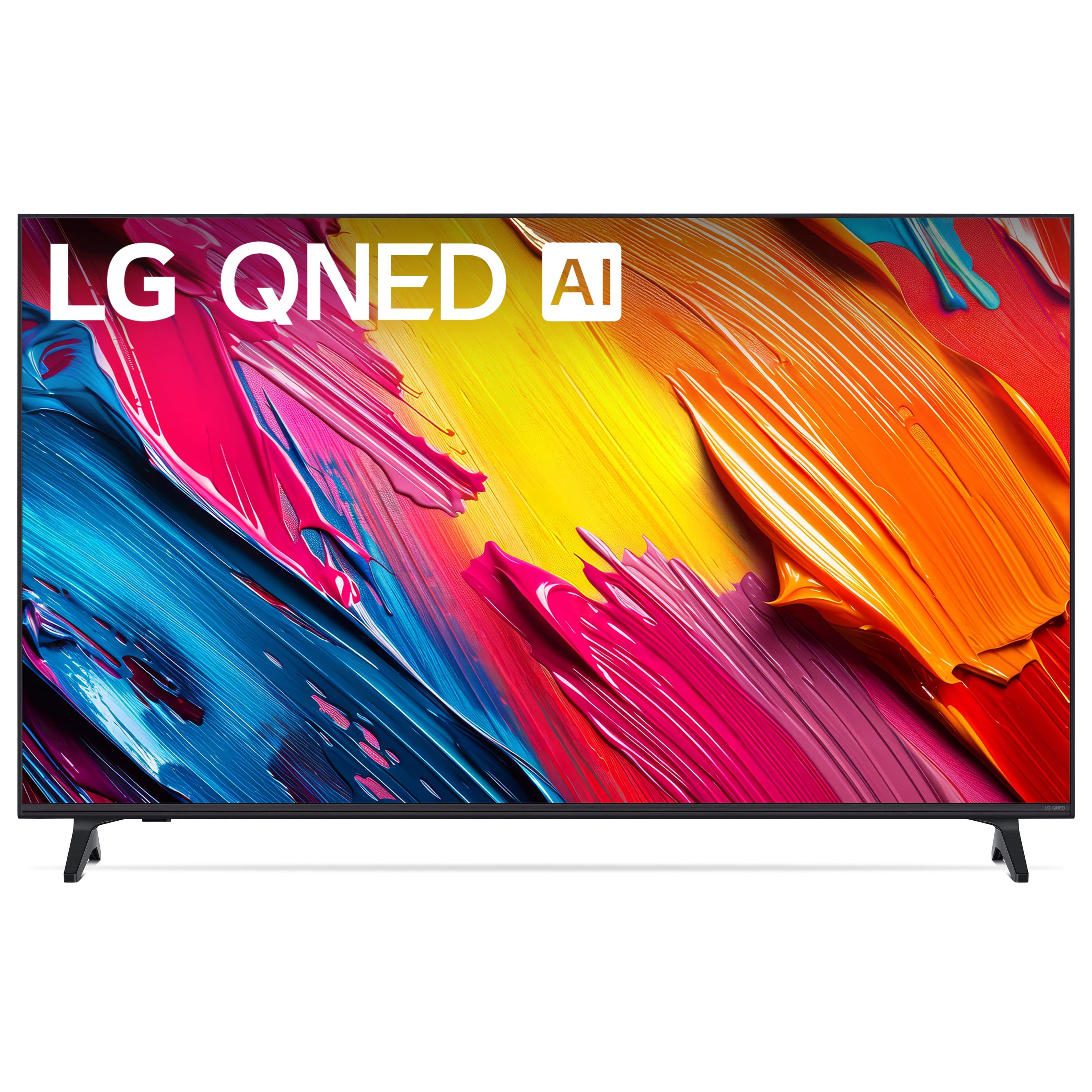
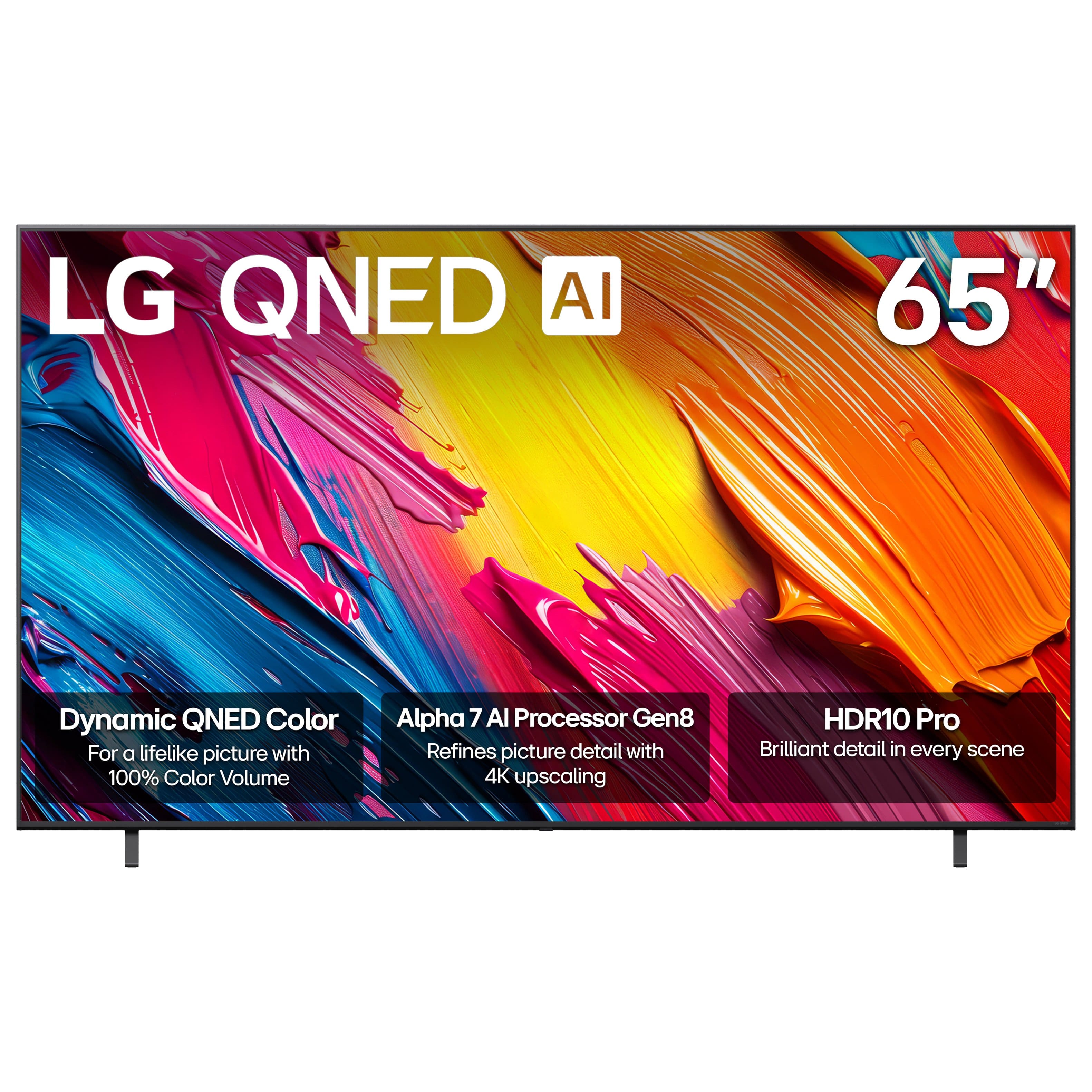
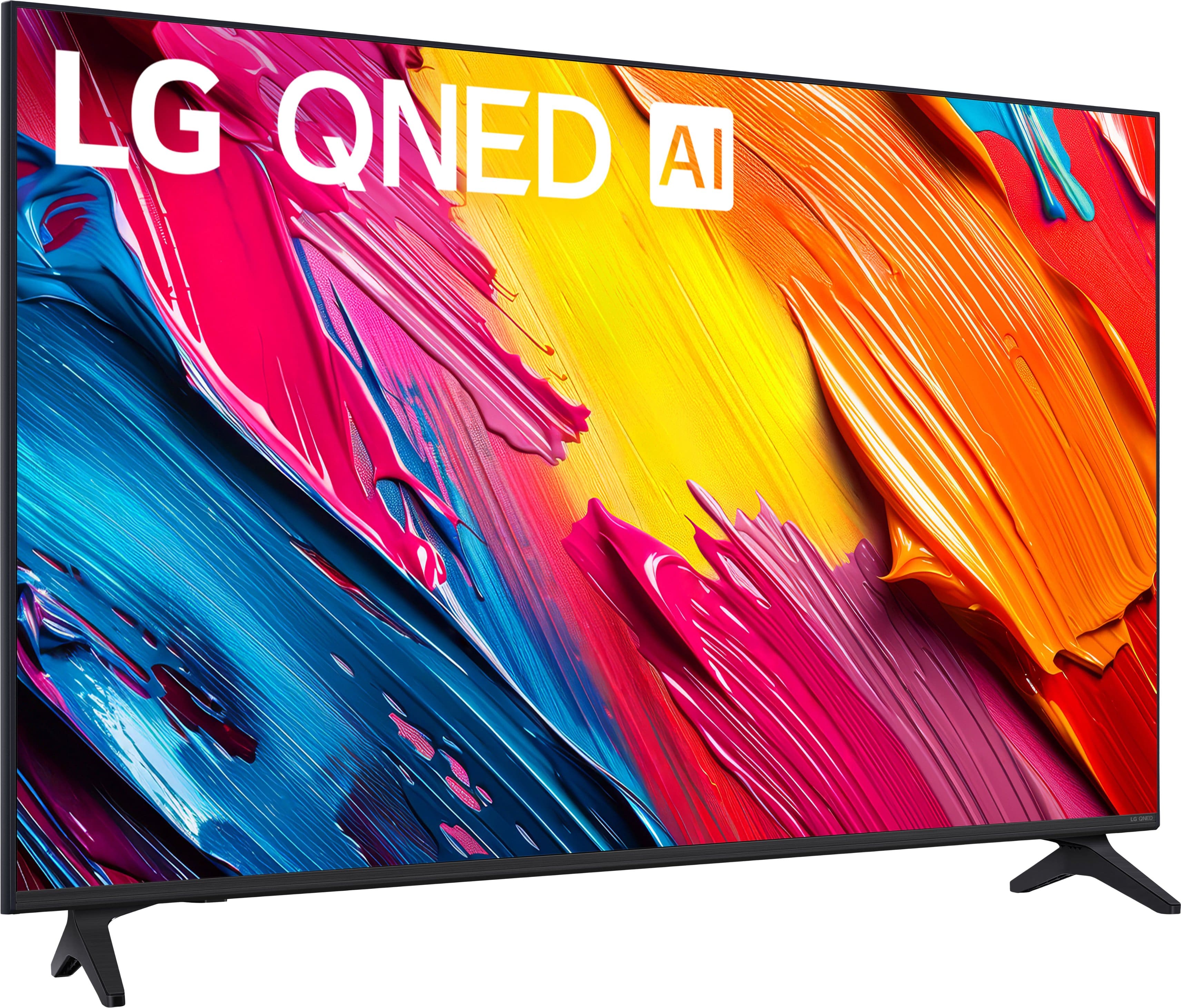
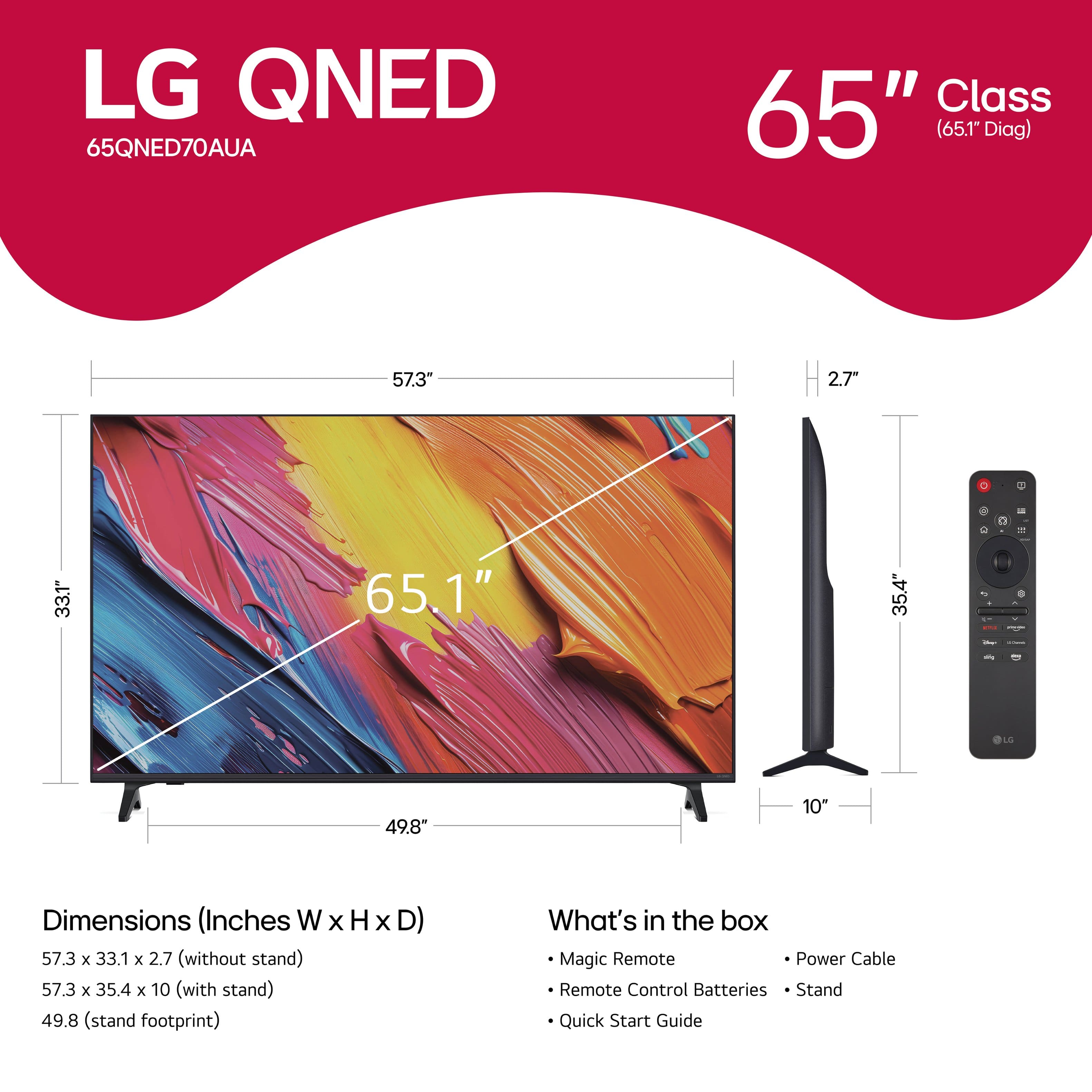

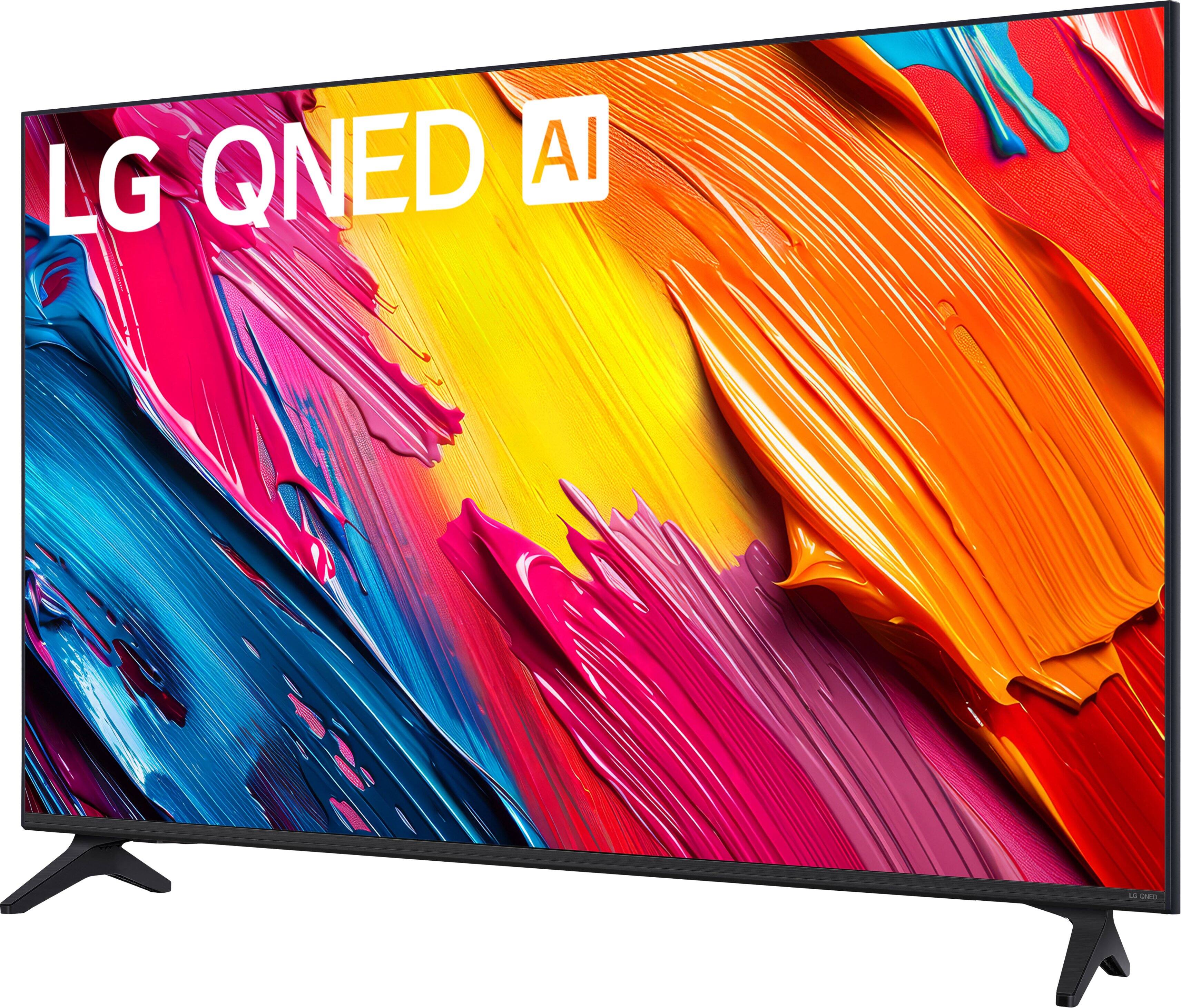

- Model:
- 65QNED70AUA
- |
- SKU:
- 6636885
Customer reviews
Rating 4.7 out of 5 stars with 250 reviews
(250 customer reviews)Rating by feature
- Picture Quality4.8
Rating 4.8 out of 5 stars
- Sound Quality4.6
Rating 4.6 out of 5 stars
- Brightness4.8
Rating 4.8 out of 5 stars
Customers are saying
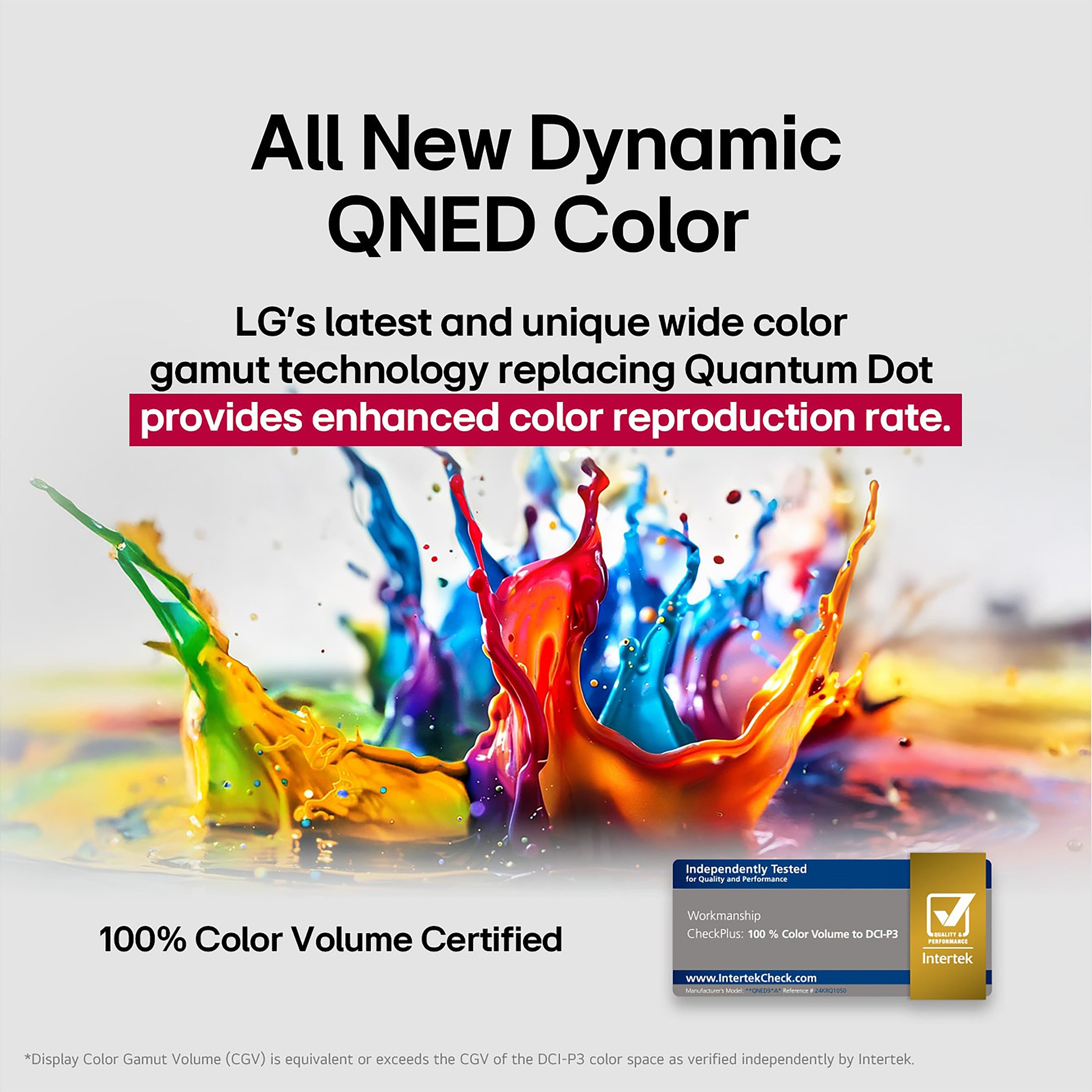
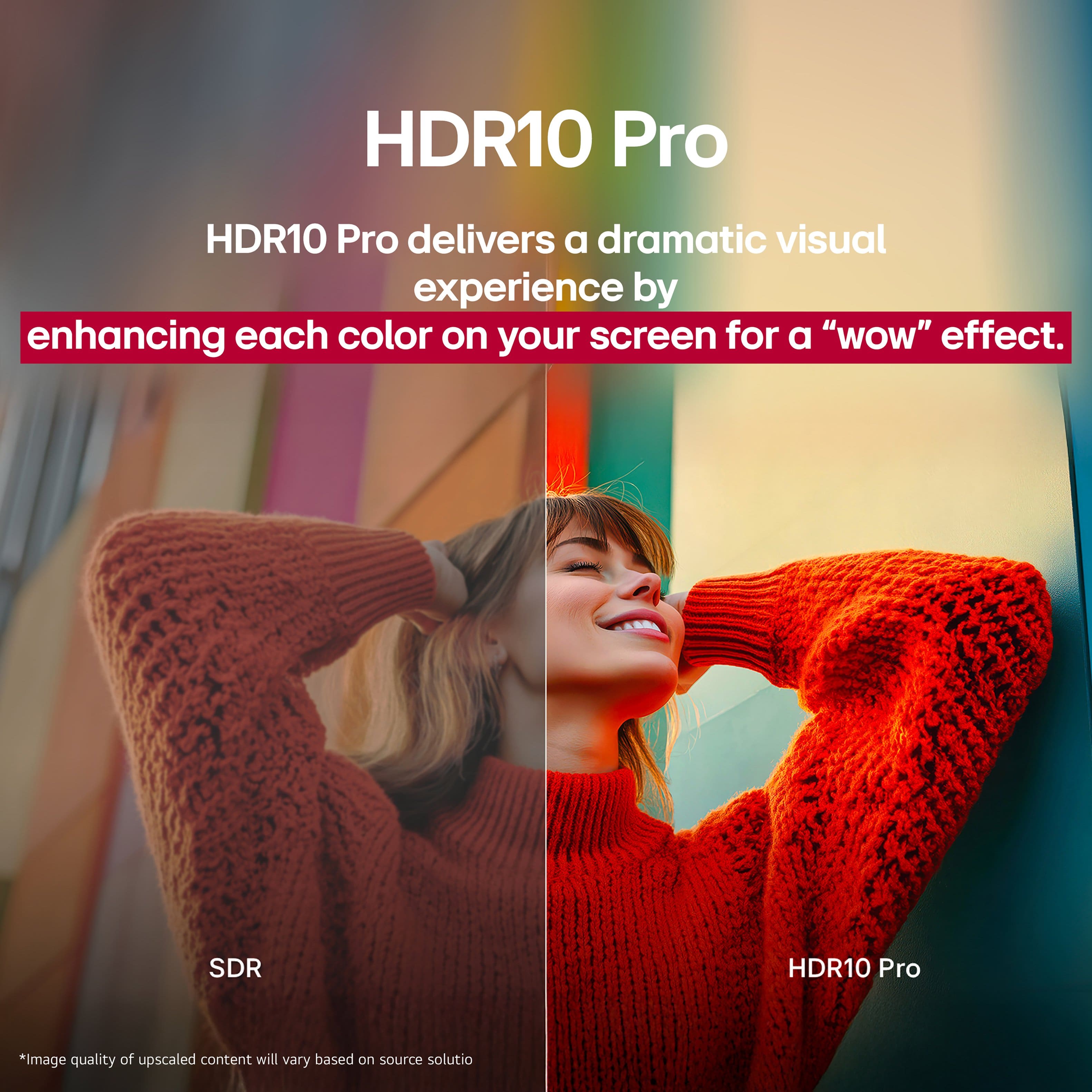
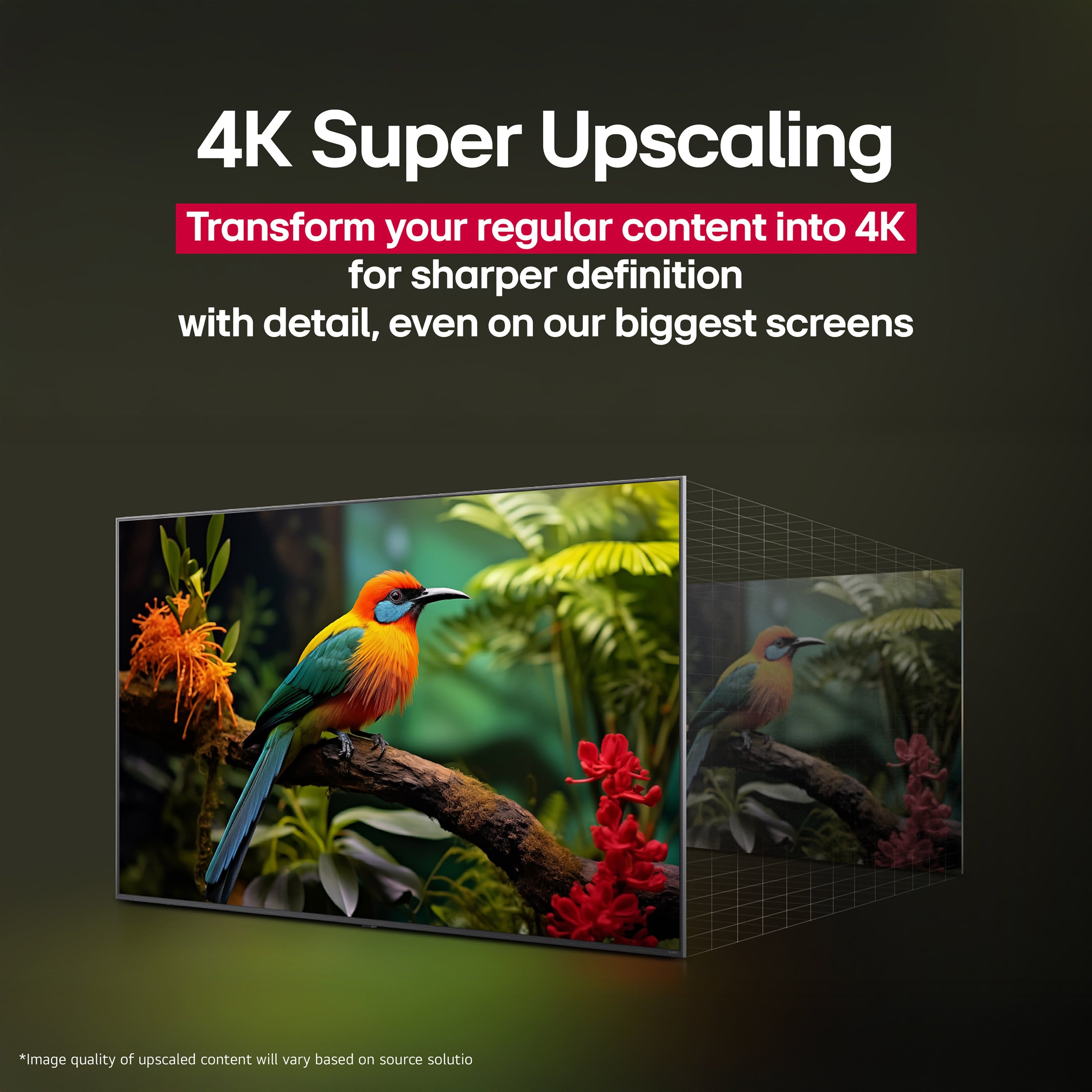
Customers are satisfied with the great picture quality and the adjustable brightness of the 65" Class 70A Series QNED AI 4K UHD Smart webOS TV (2025). Customers also appreciate how easy the setup was. However, some customers have reported issues with app performance, noting that some premium apps may not load properly.
This summary was generated by AI based on customer reviews.
Rated 5 out of 5 stars
Great TV
||Posted . Owned for 1 month when reviewed.This reviewer received promo considerations or sweepstakes entry for writing a review.Great TV at a great price! The quality is fantastic
I would recommend this to a friend- Pros mentioned:Picture quality
Rated 4 out of 5 stars
Good for big/budget/crisp screen
||Posted .This reviewer received promo considerations or sweepstakes entry for writing a review.Very nice. Crisp, the sound is just the only thing that needs some improvement.
I would recommend this to a friend - Pros mentioned:Picture quality
Rated 4 out of 5 stars
Great TV
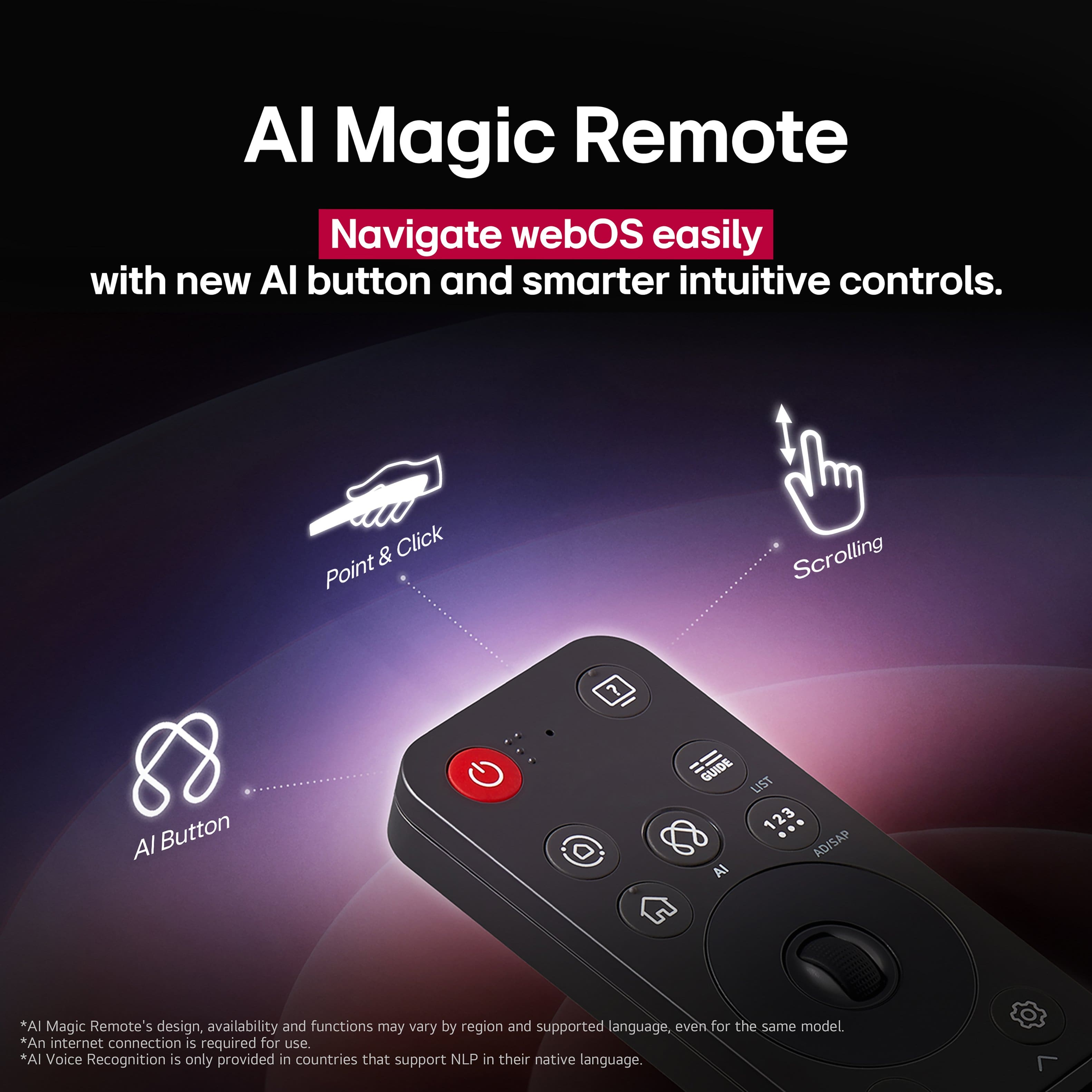
||Posted . Owned for 1 week when reviewed.This reviewer received promo considerations or sweepstakes entry for writing a review.Works well, having no issues. Remote could be a bit better but otherwise no complaints
I would recommend this to a friend - Pros mentioned:Picture quality
Rated 4 out of 5 stars
Great price for good TV
||Posted . Owned for 2 weeks when reviewed.This reviewer received promo considerations or sweepstakes entry for writing a review.Good price for a quality TV. I have regular LED LG tvs and the picture quality of the ONED is much better
I would recommend this to a friend Rated 5 out of 5 stars
love it
||Posted . Owned for 2 weeks when reviewed.This reviewer received promo considerations or sweepstakes entry for writing a review.very nice to be. I bought it from my bedroom, and I was watching movies on it
I would recommend this to a friend- Pros mentioned:Picture quality
Rated 4 out of 5 stars
Thumbs up
||Posted .This reviewer received promo considerations or sweepstakes entry for writing a review.Great tv for the price, would definitely recommend.
I would recommend this to a friend Rated 5 out of 5 stars
LG QLED Review
||Posted . Owned for 1 month when reviewed.This reviewer received promo considerations or sweepstakes entry for writing a review.So glad we moved up to this tv. And just in time for SuperBowl!
I would recommend this to a friendRated 5 out of 5 stars
LG QNED
||Posted . Owned for 1 month when reviewed.This reviewer received promo considerations or sweepstakes entry for writing a review.Picture is reaaly great and the wizard for setup was wuite easy
I would recommend this to a friendRated 5 out of 5 stars
Good choice
||Posted . Owned for 1 month when reviewed.This reviewer received promo considerations or sweepstakes entry for writing a review.good price and quality balance. It is a nice choice in the middle of expensive Oled and cheap Qled. We liked Qned quality.
I would recommend this to a friendRated 5 out of 5 stars
Great purchase, nice picture
||Posted . Owned for 2 weeks when reviewed.This reviewer received promo considerations or sweepstakes entry for writing a review.Looks like a great tv, I purchased an open box. I like the LG free channels. The remote is easy to use.
I would recommend this to a friendRated 5 out of 5 stars
Nice TV
||Posted . Owned for less than 1 week when reviewed.This reviewer received promo considerations or sweepstakes entry for writing a review.Everything is great except I wish there were written instructions to go along with the pictures. Especially if there was a protective film that needed to be removed or not.
I would recommend this to a friendRated 5 out of 5 stars
Great TV
||Posted . Owned for 1 month when reviewed.This reviewer received promo considerations or sweepstakes entry for writing a review.Great Service I always buy from this store Recomended
I would recommend this to a friendRated 4 out of 5 stars
Remote sucks
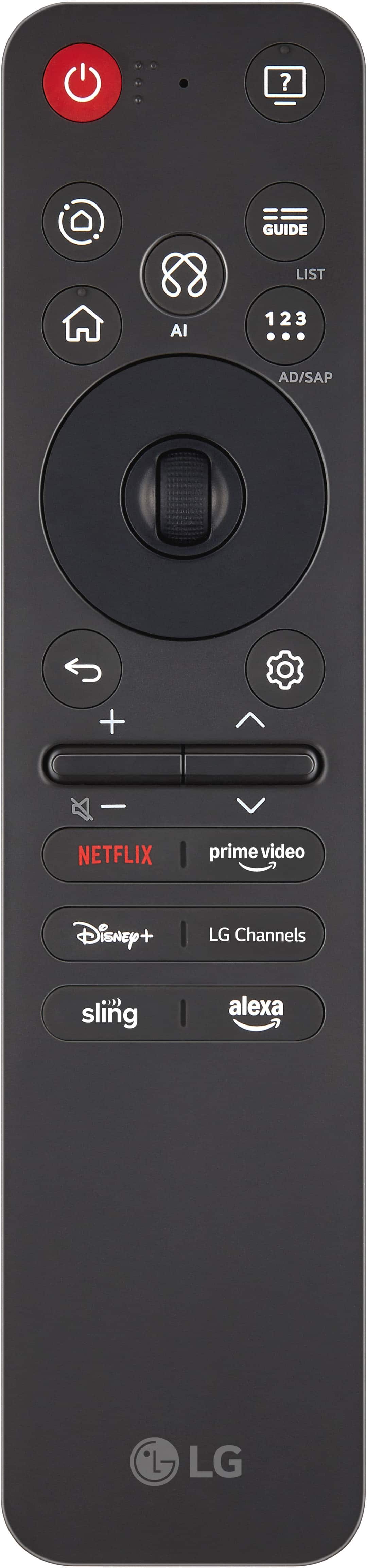
||Posted .This reviewer received promo considerations or sweepstakes entry for writing a review.So far so good. No problems yet. Don't care much for the remote. That stinking pointer that comes up every time you swing it around. Like when talking or accidently rolling the button. That's why 4 stars. I hate the remote.
I would recommend this to a friendRated 5 out of 5 stars
Fantastic tv!
||Posted . Owned for 1 month when reviewed.This reviewer received promo considerations or sweepstakes entry for writing a review.So far this has been a fantastic purchase, the screen is great, and great price for the overall features
I would recommend this to a friend- Pros mentioned:Picture quality
Rated 3 out of 5 stars
Awesome color
||Posted . Owned for 2 weeks when reviewed.This reviewer received promo considerations or sweepstakes entry for writing a review.I loved the tv functionality, and color but the backlighting was going out when it was an all black screen.
No, I would not recommend this to a friend Rated 5 out of 5 stars
Great mid range tv
||Posted .This reviewer received promo considerations or sweepstakes entry for writing a review.Did not expect it to be that good .. it gets bright and Vibrant remmomend getting a sound bar for every tv now .. picture is really clear and the blacks is decent enough .. 60hz is really all you need for watching movies
I would recommend this to a friendRated 5 out of 5 stars
Great monitor for living room
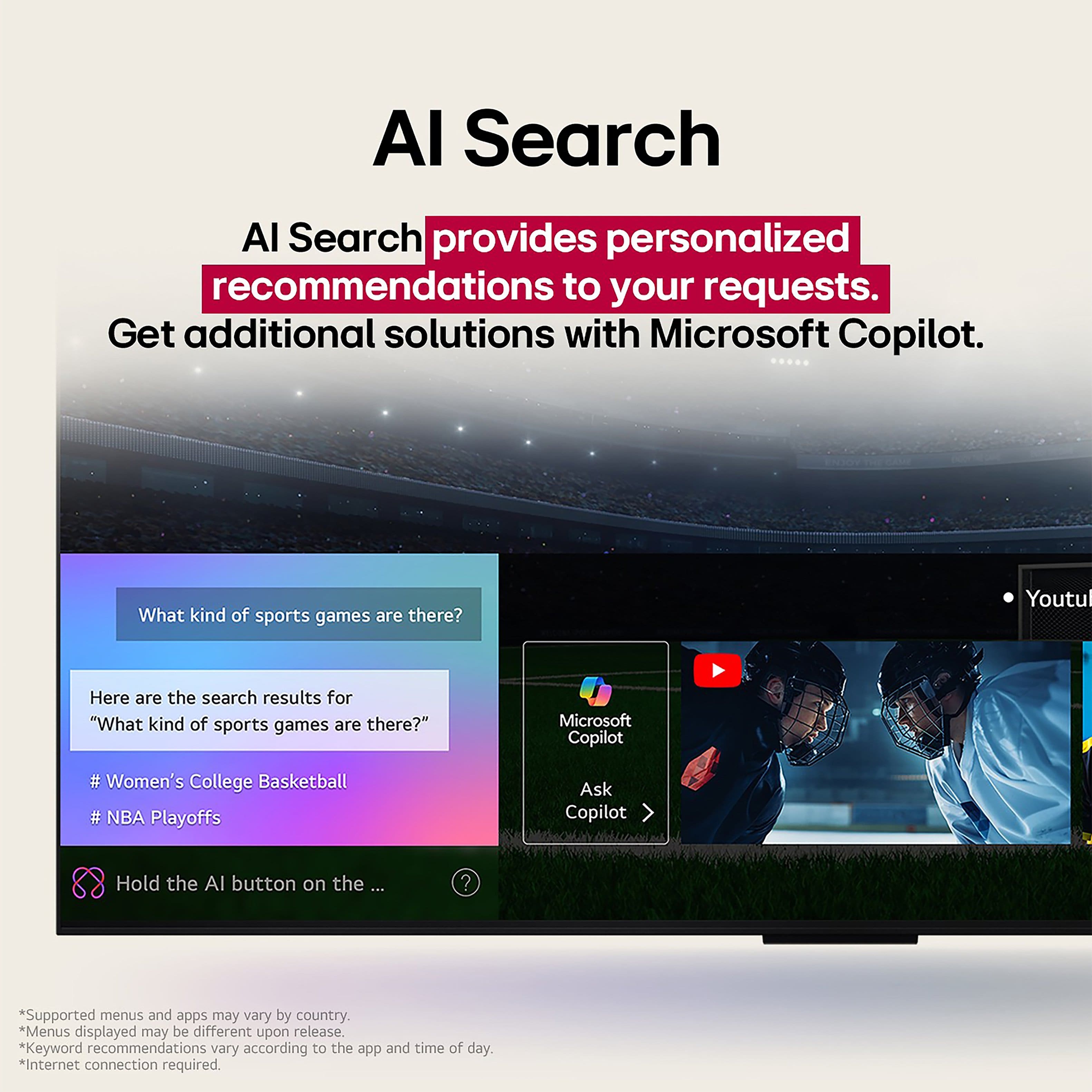
||Posted . Owned for 1 month when reviewed.This reviewer received promo considerations or sweepstakes entry for writing a review.Excellent AI tv. The tv is easy to setup on a table
I would recommend this to a friendRated 4 out of 5 stars
Good tv but interesting remote
||Posted . Owned for 1 week when reviewed.This reviewer received promo considerations or sweepstakes entry for writing a review.Good tv but the little ball middle wii m remote sometimes pmo
I would recommend this to a friendRated 5 out of 5 stars
Quick and useful
||Posted . Owned for 2 weeks when reviewed.This reviewer received promo considerations or sweepstakes entry for writing a review.Arrived quickly and the box was in great shape Screen was easy to connect to my computer and is an improvement over my old one
I would recommend this to a friendRated 5 out of 5 stars
Very good and whole family enjoying the viewing ex
||Posted . Owned for 2 weeks when reviewed.This reviewer received promo considerations or sweepstakes entry for writing a review.Good guidance and suggestions made me to buy this TV. Till now very good viewing ex6
I would recommend this to a friend