Customer Ratings & Reviews
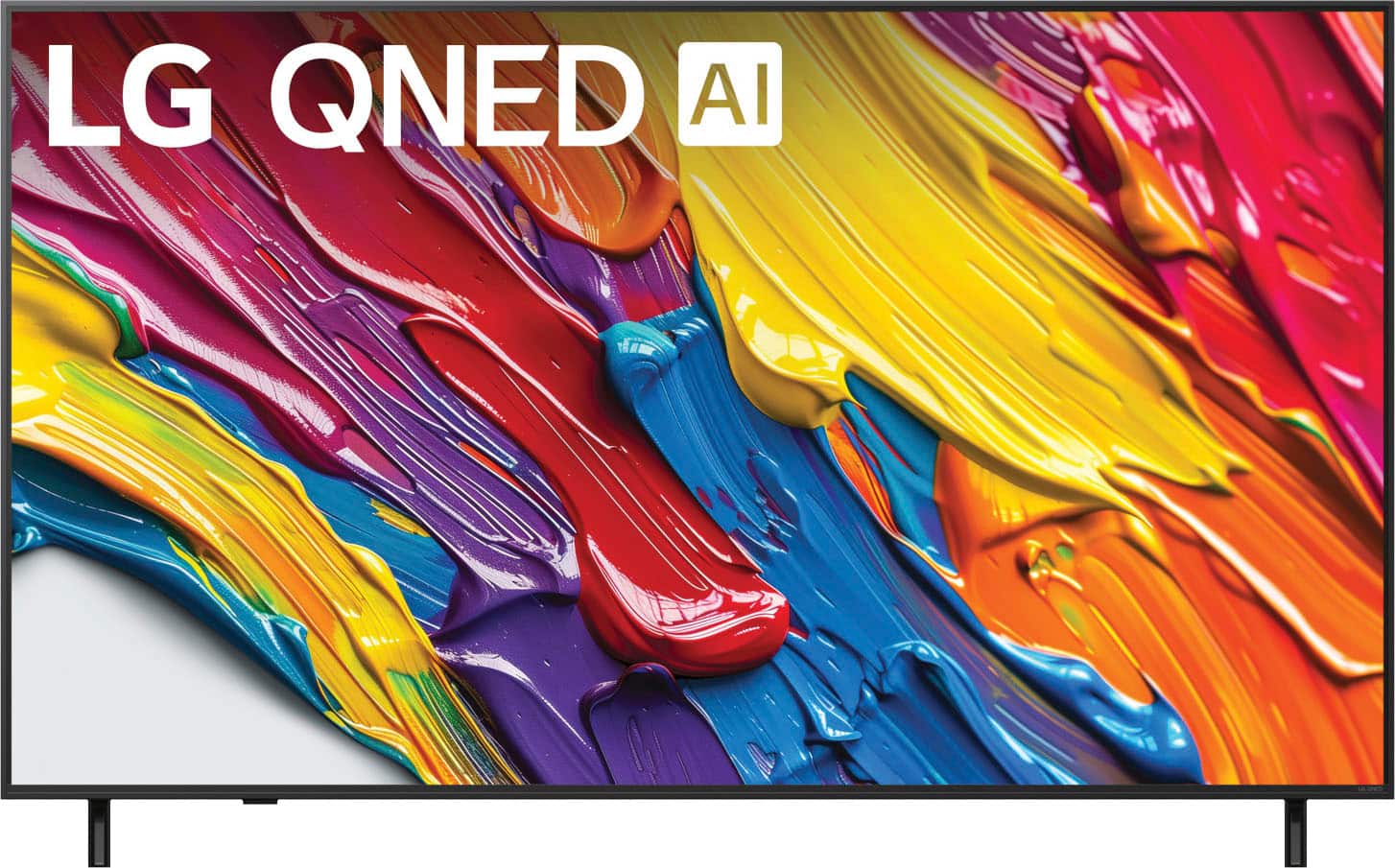
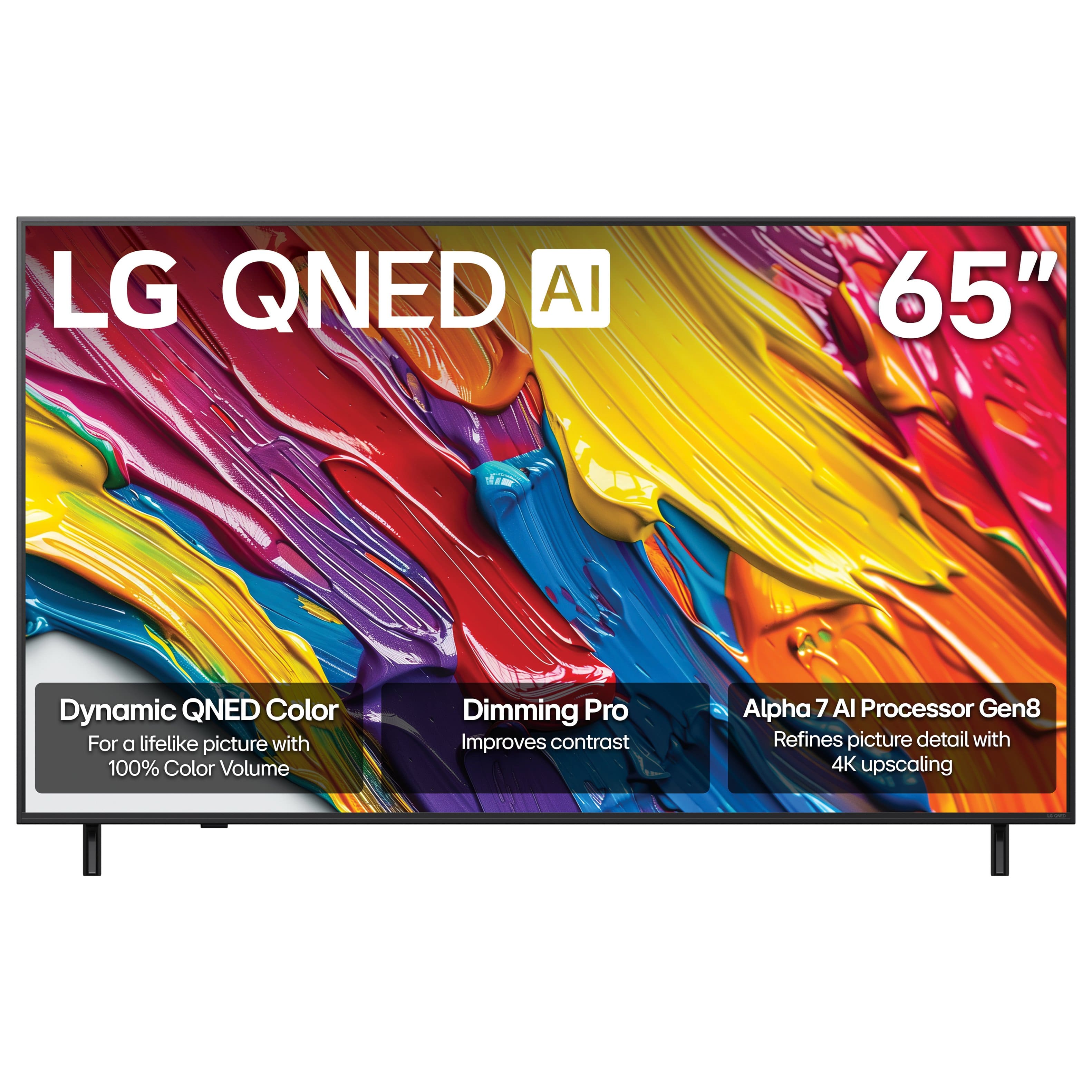

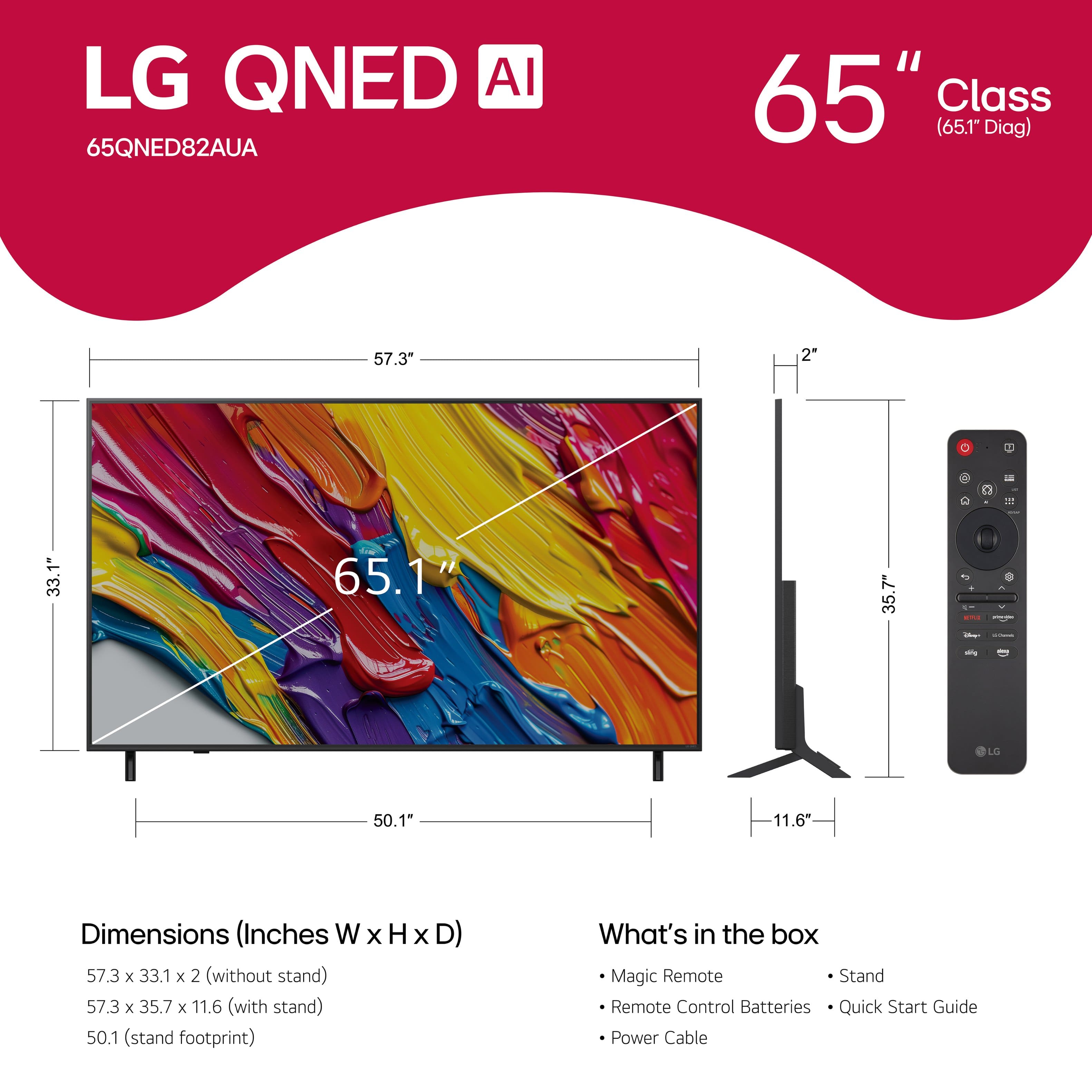
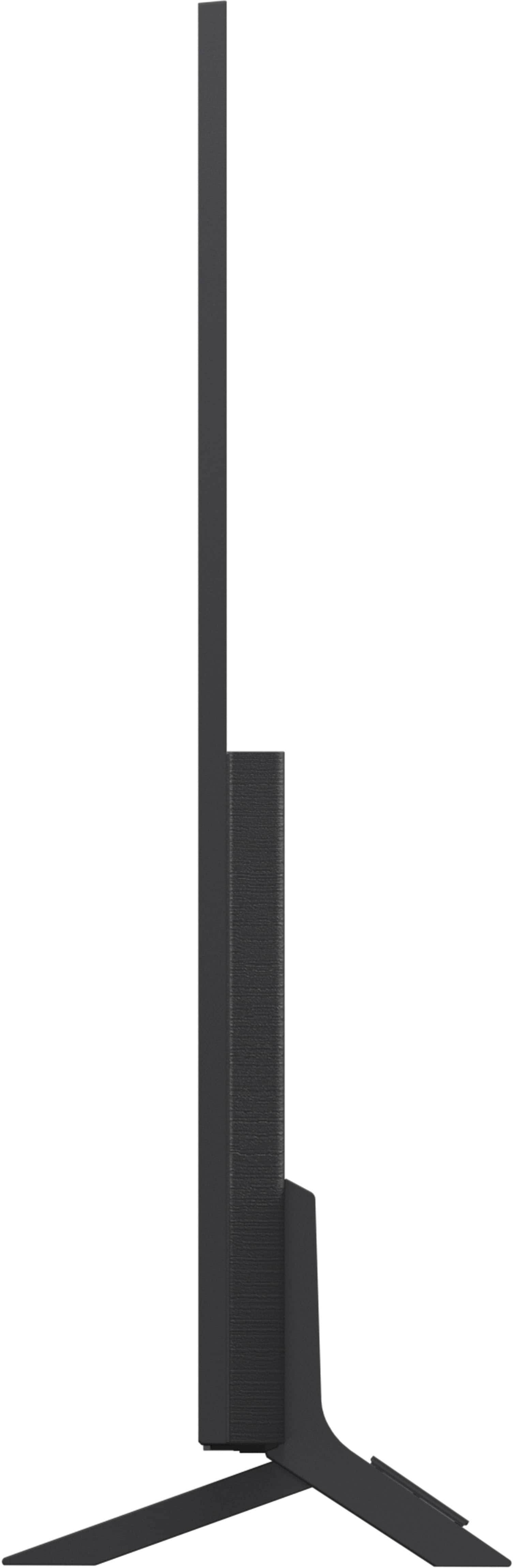




- Model:
- 65QNED82AUA
- SKU:
- 10313541
Rating by feature
- Picture Quality
Rating 4.7 out of 5 stars
- Sound Quality
Rating 4.5 out of 5 stars
- Brightness
Rating 4.7 out of 5 stars
to a friend
My best buy
||Posted . Owned for 1 week when reviewed.This reviewer received promo considerations or sweepstakes entry for writing a review.Easy to install, excellent resolution and multifunctional.
I would recommend this to a friendLG 65 inches
||Posted . Owned for 2 weeks when reviewed.This reviewer received promo considerations or sweepstakes entry for writing a review.Absolutely beautiful and well organized delivery, meet all standards
I would recommend this to a friendLight Bleed!
||Posted . Owned for 3 weeks when reviewed.This reviewer received promo considerations or sweepstakes entry for writing a review.Not worth the price! There are way better TVs in the competition right now for a way lesser price. This is a trash edge lit panel tv which is prone to quick failure. Light bleed is awful. All the positive reviews are sweepstake reviews. Don't trust them!
No, I would not recommend this to a friendBrand response from LG Digital Customer Care
Posted .Hi there, VishnuR. Thank you for sharing your experience with us regarding your LG - 65" Class 82A Series QNED AI 4K UHD Smart webOS TV (2025). We understand your inquiry and we understand the concerns you have expressed regarding the light bleed and the panel performance of your unit. We appreciate you bringing these specific details to our attention, as providing a high-quality visual experience is a top priority for us. We understand that the display's performance is essential to your overall enjoyment, and we are committed to ensuring that our products meet the standards expected of our QNED AI 4K UHD technology. We value your feedback regarding the price and the competitive landscape, as it helps us understand our customers' expectations and improve our future offerings. Our team is ready to assist you in looking into the performance of your television to ensure it is operating correctly and to address any aesthetic concerns you have with the screen's output. We want to ensure that you have a positive experience with our brand and that your television provides the clear, vibrant picture quality it was designed to produce.
https://www.bestbuy.com/product/lg-65-class-82a-series-qned-ai-4k-uhd-smart-webos-tv-2025/JJ8VPZTWSL
For further assistance and any specific concerns you may have, please contact us on lgdigitalcare@lg.sprinklrsupport.com. —Renzo
Voice not good
||Posted . Owned for 3 weeks when reviewed.This reviewer received promo considerations or sweepstakes entry for writing a review.The voice is too bad you have to buy a sound system with this TV.
No, I would not recommend this to a friendBrand response from LG Digital Customer Care
Posted .Hi there, KarimK. Thank you for sharing your experience with us. We understand your inquiry regarding the sound quality of your LG 65" Class 82A Series QNED TV. To enhance your audio experience, we recommend adjusting the Sound Mode to "Cinema" or "AI Sound Pro" in the TV settings.
https://www.bestbuy.com/product/lg-65-class-82a-series-qned-ai-4k-uhd-smart-webos-tv-2025/JJ8VPZTWSL
For further assistance and any specific concerns you may have, please contact us on lgdigitalcare@lg.sprinklrsupport.com. We appreciate your patience. —Renzo
REMOTE SUCKS
||Posted . Owned for 3 weeks when reviewed.This reviewer received promo considerations or sweepstakes entry for writing a review.The TV is ok but the REMOTE SUCKS. I would not buy this TV again if I knew about the remote. You should be able to turn off the cursor option but you can't. It is easily triggered and super annoying.
No, I would not recommend this to a friendBrand response from LG Digital Customer Care
Posted .Hi, Renee. Thank you for sharing your experience with the LG TV (65QNED82AUA) model. We really appreciate you letting us know how the remote feels when you’re using it.
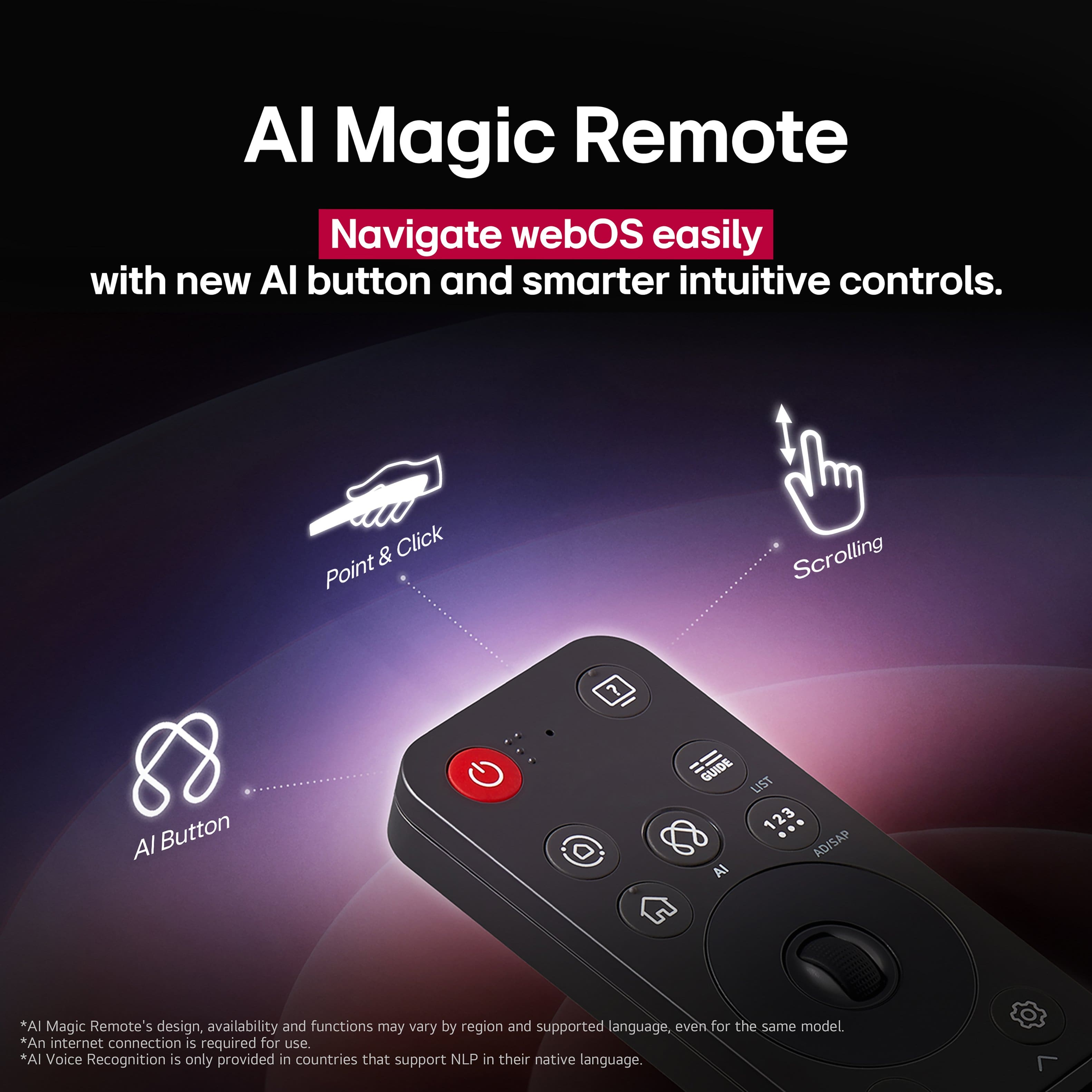
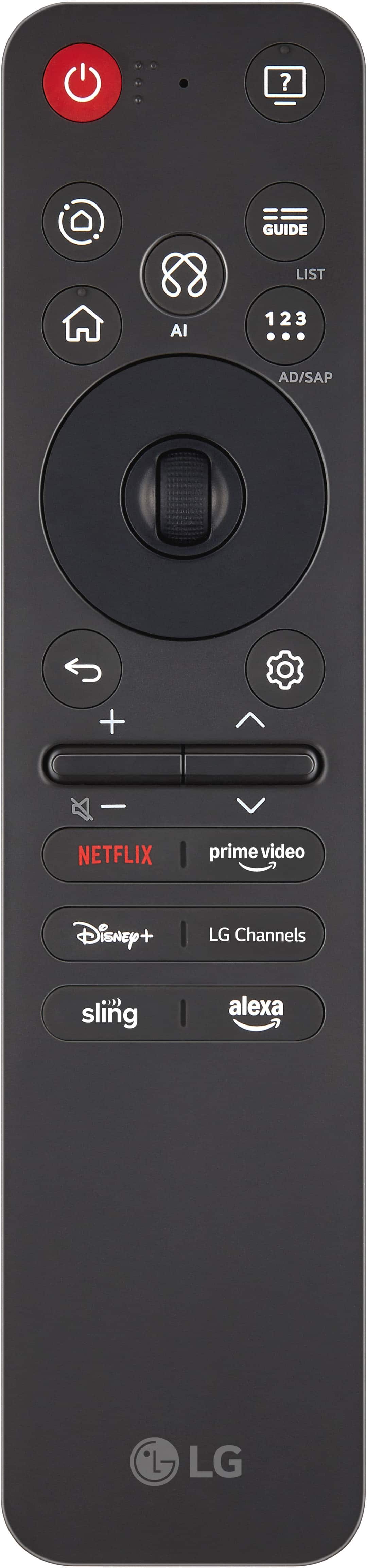
For this model, the Magic Remote’s cursor is activated by motion sensors. A handy tip to help avoid any accidental activations is to recalibrate the pointer speed. Just head over to Settings > All Settings > General > Devices > Pointer Options, and you can tweak the sensitivity or even turn off the pointer display when you don’t need it. This should make navigating a lot smoother and less of a hassle. You can find more guidance here: https://www.lg.com/us/support/product/lg-65QNED82AUA.AUS, and check out page 13 for information about the remote control. If you need any more help, just send us an email at lgdigitalcare@lg.sprinklrsupport.com, and our team will be happy to give you some tailored support for your unit. Take care! ^Juvy
Black screen
||Posted .This reviewer received promo considerations or sweepstakes entry for writing a review.I bought this as a gift for my daughter and her family. Her husband installed it and turned on the TV it should have went to the set up screen. But sound no picture completely black. Contacted support by chat tried everything suggested no picture. Finally after an hour gave up returning the TV and upgraded to a better TV. Lots of frustration little empathy from Best Buy customer service. Everything I’m getting I paid full price.
No, I would not recommend this to a friendBrand response from LG Digital Customer Care
Posted .Hi, Steven. Thank you for reaching out about your LG TV (65QNED82AUA) model. We understand how important it is for a new gift to work right out of the box. For future reference, when a TV powers on with sound but no picture, one helpful step to try is performing a power reset: unplug the TV from the wall for about 5 minutes, then plug it back in and turn it on again. Also, check that the HDMI cable is firmly connected and test with a different input source to confirm whether the issue is with the panel or the signal. For more information, visit https://www.lg.com/us/support/help-library/lg-tv-troubleshooting-a-tv-with-sound-but-no-picture--1380902746888. If you need further assistance, please send us an email at lgdigitalcare@lg.sprinklrsupport.com so our team can help directly. ^Juvy
No Communication
||Posted . Owned for 1 week when reviewed.This reviewer received promo considerations or sweepstakes entry for writing a review.I ordered my TV on January 10th I postponed my delivery date to Friday January 16th. I waited all day friday and when I called around 4:00pm they told me that the TV was not at the store to be delivered. I had a scheduled time from 7am to 3pm and nobody notified me that the TV was not going to be delivered and I waited all day. I'm still waiting it supposed to be delivered Saturday the 31st but we shall see.
I would recommend this to a friendBrand response from LG Digital Customer Care
Posted .Hi, Frederick. Thank you for sharing your experience with your LG TV (65QNED82AUA) model. We understand the importance of having a delivery process you can rely on. Once your TV arrives, one helpful step to get everything running smoothly is to perform the initial Picture Test in the settings menu. This helps confirm the panel is functioning correctly right out of the box. You can also review additional support information for your model here: https://www.lg.com/us/tvs/lg-65qned82aua-qned-4k-tv. We’d be glad to take a closer look at your situation and assist you directly. Please send us an email at lgdigitalcare@lg.sprinklrsupport.com so we can help move things forward. ^Juvy
Disappointed with this LG mess
||Posted . Owned for 1 month when reviewed.This reviewer received promo considerations or sweepstakes entry for writing a review.Very disappointed with this television. No manual included and useless support from LG. Finally got it to look reasonably well and managed to fix the way remote works through YouTube videos. Would never buy an LG product again.
No, I would not recommend this to a friendBrand response from LG Digital Customer Care
Posted .Hi, Revbarry. Thank you for reaching out about your LG TV (65QNED82AUA) model. We understand the importance of having clear setup guidance and helpful support when unboxing a new TV. If you ever need quick access to the manual or setup details, the full digital version is available on our official support page here: https://www.lg.com/us/support/product/lg-65QNED82AUA. One helpful step you can try—if you’re still fine‑tuning the picture—is running a Picture Mode Reset under Settings > All Settings > Picture. This refreshes the calibration and can help the TV optimize itself for your room’s lighting. For more guidance, https://www.lg.com/us/support/help-library/lg-tv-the-best-picture-settings-for-your-lg-tv--20150577528034. If you’d like us to take a closer look or assist with anything else related to your LG experience, please feel free to send us an email at lgdigitalcare@lg.sprinklrsupport.com. We're here to help. ^Juvy
65 LG TV plus Speakers
||Posted . Owned for 1 week when reviewed.This reviewer received promo considerations or sweepstakes entry for writing a review.Bad service, no Tv not received, delivery keeps changing when to deliver the items. No proper customer service including manager of the department. They can’t give honest answer about the delivery that we paid for. I will never buy anything from Best Buy
No, I would not recommend this to a friendBrand response from LG Digital Customer Care
Posted .Hi, Chibuye. Thank you for reaching out and sharing your experience with your LG TV (65QNED82AUA) model. We understand the importance of receiving your appliance on time and being able to enjoy it as planned.
Since delivery scheduling is managed by the retailer, we recommend confirming the latest tracking details directly with Best Buy customer service at 888-237-8289 and checking the order status through their online portal. Once your TV arrives, you can ensure it’s set up correctly by connecting it to a dedicated power outlet and verifying that HDMI or other input cables are firmly in place. Running the initial setup menu will also confirm that both picture and sound are functioning properly. More guidance here: https://www.lg.com/us/support/product/lg-65QNED82AUA.AUS. If you need further assistance after your unit is delivered, please send us an email at lgdigitalcare@lg.sprinklrsupport.com so we can support you directly. ^Juvy
TV not working!!!
||Posted .This reviewer received promo considerations or sweepstakes entry for writing a review.The TV screen came with not working !!! And should be the customer service will change it!!!!
No, I would not recommend this to a friendBrand response from LG Digital Customer Care
Posted .Hi, Ashraf. Thank you for reaching out to us. We understand how important your new LG TV (65QNED82AUA) model is, and we want to ensure you can enjoy it right away.
Since the screen is not working from the start, please try a quick step: confirm that the TV is securely connected to a power source and press the power button on the TV itself (not just the remote) to see if the screen responds. If there is still no display, this indicates the unit may require service or replacement. For more guidance, visit https://www.lg.com/us/support/help-library/lg-tv-troubleshooting-an-lg-tv-with-no-picture-and-no-sound--20154765216944. For further assistance with replacement or repair, kindly send us an email at lgdigitalcare@lg.sprinklrsupport.com so our team can help you directly. ^Juvy
Terrible Support
||Posted . Owned for 2 weeks when reviewed.This reviewer received promo considerations or sweepstakes entry for writing a review.Great tv. Terrible customer service. No one can speak English!
No, I would not recommend this to a friendBrand response from LG Digital Customer Care
Posted .Hi, John. Thank you for reaching out to us. We understand how important your LG TV (65QNED82AUA) model is, and we’re glad to hear you’re enjoying the product itself.
For any support needs, we recommend visiting our official LG Support page, where you can access manuals, troubleshooting guides, and live chat options in English: https://www.lg.com/us/support/product/lg-65QNED82AUA.AUS. This ensures you get clear assistance tailored to your model.
If you’d like further help with your TV or service experience, kindly send us an email at lgdigitalcare@lg.sprinklrsupport.com so our team can assist you directly. ^Juvy
LG keeps getting better
Posted .This reviewer received promo considerations or sweepstakes entry for writing a review.I’ve been a fan of LG TVs for a while and they keep getting better. The picture quality is excellent. LG has finally updated their apps and acts a lot like a Fire Stick. I really wish they had a full remote instead of the one they have. Numbers are always better than just up and down. Overall, this is a great TV for the money.
I would recommend this to a friendTerrific TV
Posted .This reviewer received promo considerations or sweepstakes entry for writing a review.TV is a great size. The picture & sound is amazing! Just love everything about it!
I would recommend this to a friendGood deal
Posted .This reviewer received promo considerations or sweepstakes entry for writing a review.Excellent reception and clear picture vibrant colors
I would recommend this to a friendClear pic, great tv!
Posted .This reviewer received promo considerations or sweepstakes entry for writing a review.Great tv! Clear pic and user friendly! A great price and customer service. Rep at store very helpful and the installation was easy and on time.
I would recommend this to a friendTelevision
Posted .This reviewer received promo considerations or sweepstakes entry for writing a review.Really enjoying the clarity of the picture. The night scenes are much better than my previous tv.
I would recommend this to a friendGreat
Posted .This reviewer received promo considerations or sweepstakes entry for writing a review.Great tv. The picture is so clear! I love the layout on the Home Screen.
I would recommend this to a friend65” LG tv
Posted .This reviewer received promo considerations or sweepstakes entry for writing a review.Fairly easy set up. Good color clarity and sound choice options
I would recommend this to a friend65" LG TV
Posted .This reviewer received promo considerations or sweepstakes entry for writing a review.My husband is extremely happy with the quality of the television
I would recommend this to a friendDisappointing Experience with My LG TV
Posted .This reviewer received promo considerations or sweepstakes entry for writing a review.I had high expectations when purchasing this LG TV, but unfortunately, the experience has been very disappointing. From the moment I set it up, I noticed several issues that make it frustrating to use. The software is another major drawback. The interface is slow, apps often freeze or crash, and the navigation is far from user-friendly. Even basic functions like switching inputs or adjusting settings feel unnecessarily complicated.
No, I would not recommend this to a friendBrand response from LG Digital Customer Care
Posted .Hi there! Thanks for sharing your experience with your LG TV. We understand how important a smooth and responsive interface is to your overall viewing experience, and it’s disappointing to hear that the software performance and navigation have made things frustrating.
Your feedback about app stability, input switching, and usability is incredibly valuable—it helps us identify areas where improvements are needed. If you'd like to explore potential updates or troubleshooting steps, feel free to send us a DM at @LGUSSupport. You can also find helpful resources and product support here: https://www.lg.com/us/support
Appreciate you taking the time to post! -Junel