Customer Ratings & Reviews
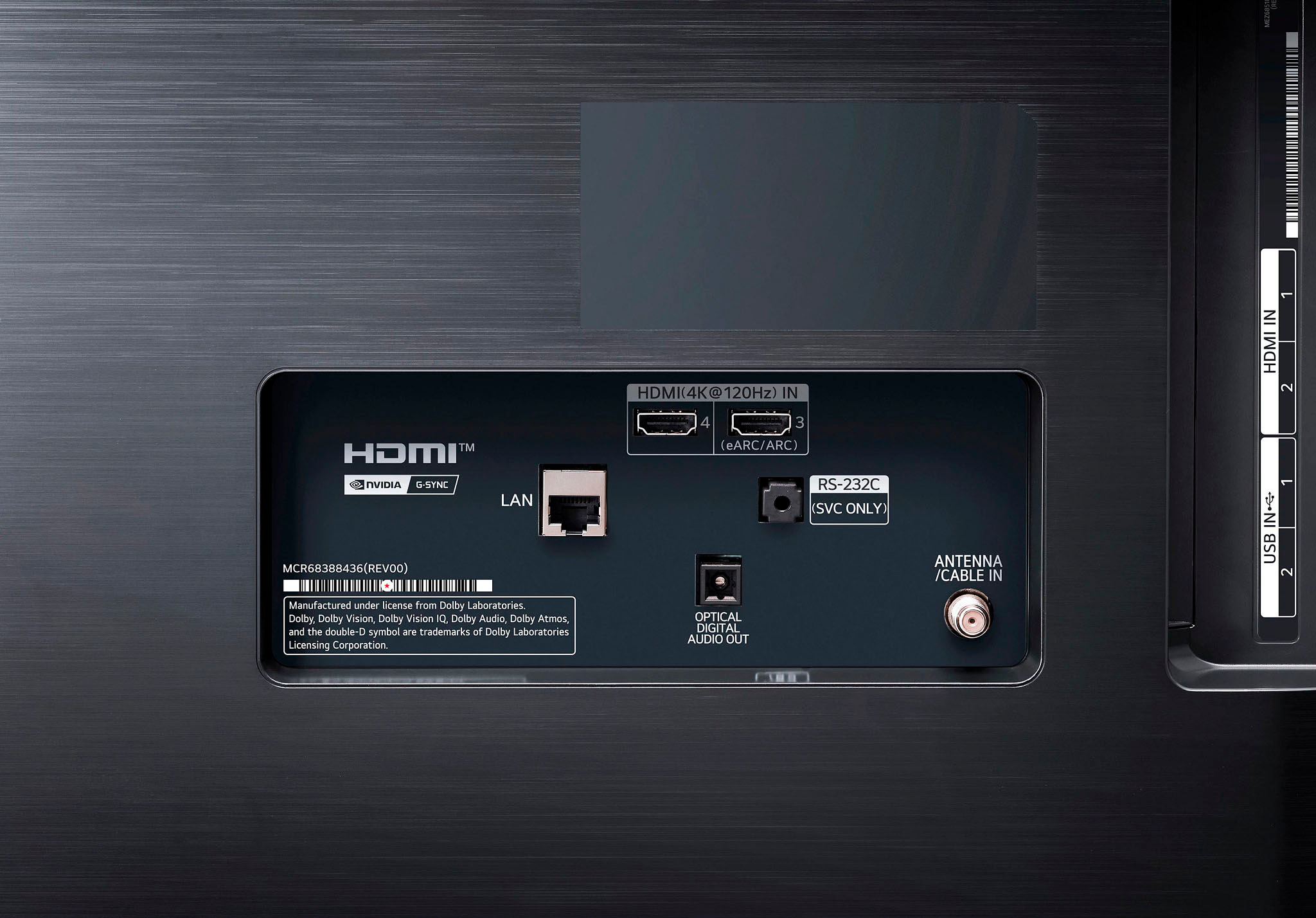
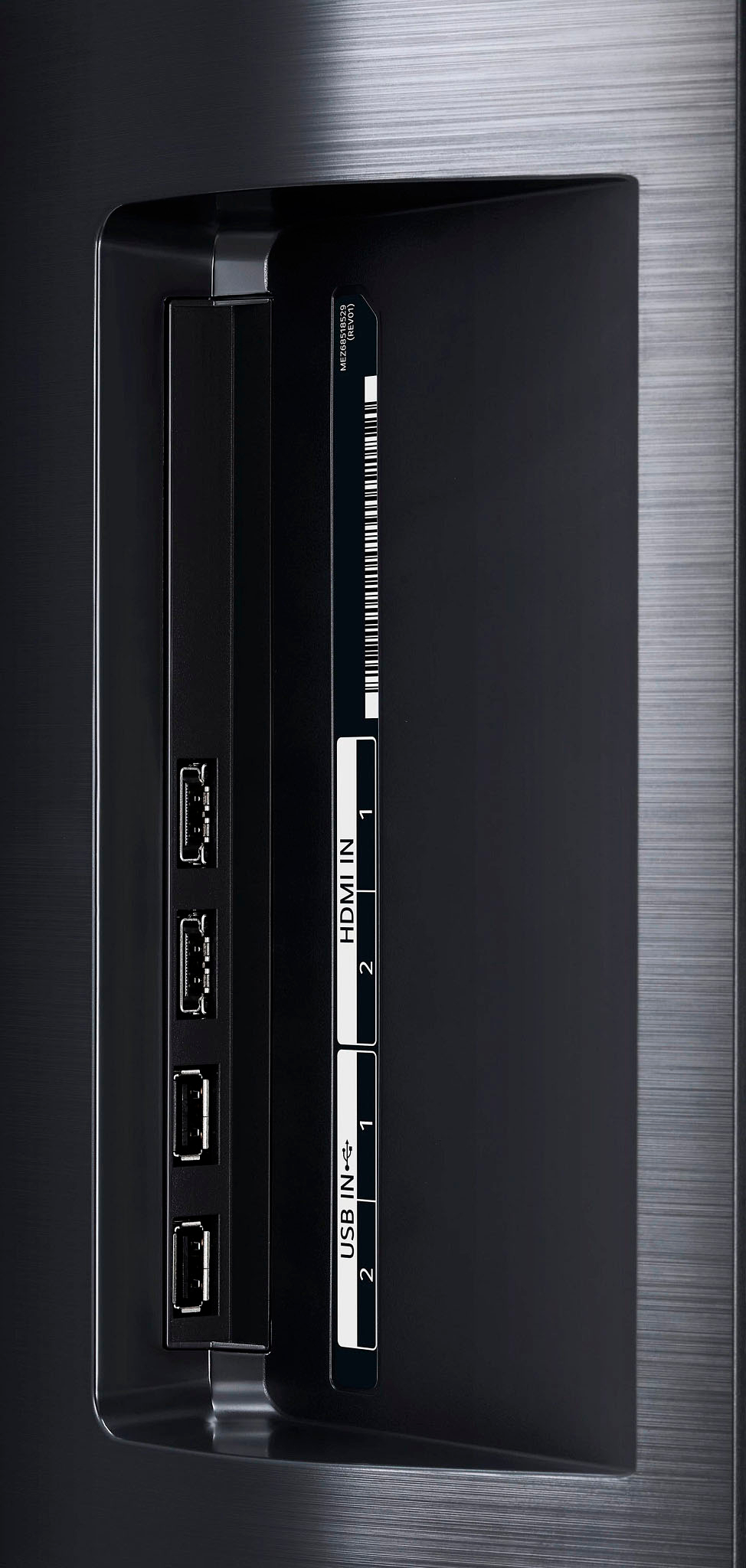
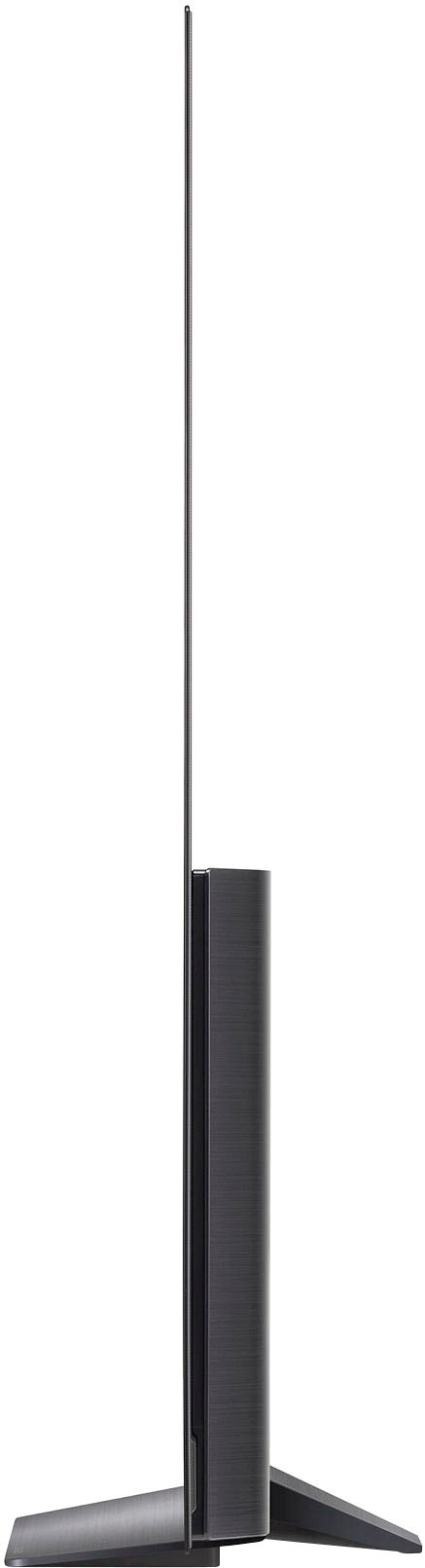

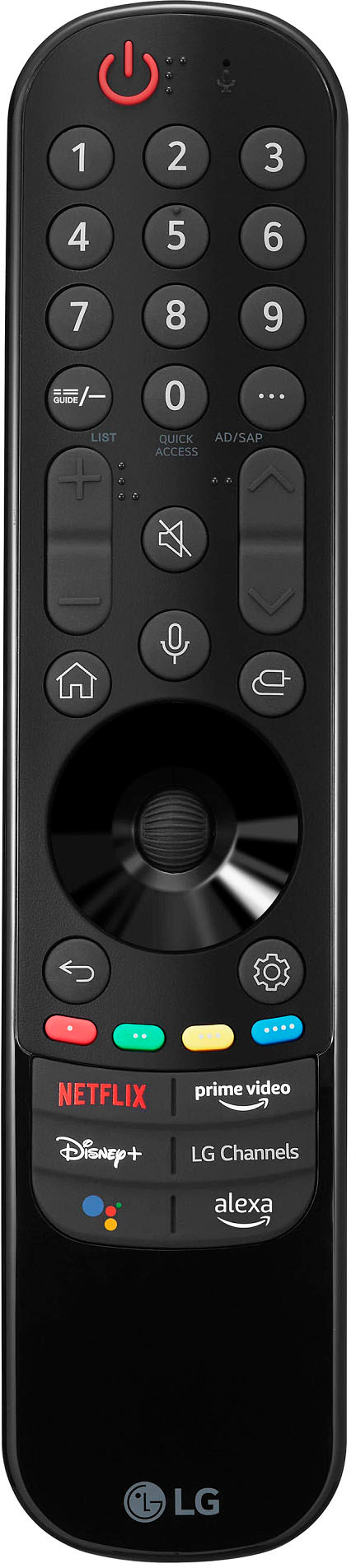

- Model:
- OLED65B2PUA
- SKU:
- 6501896
Rating by feature
- Picture Quality
Rating 4.9 out of 5 stars
- Sound Quality
Rating 4.6 out of 5 stars
- Brightness
Rating 4.8 out of 5 stars
Customers are saying
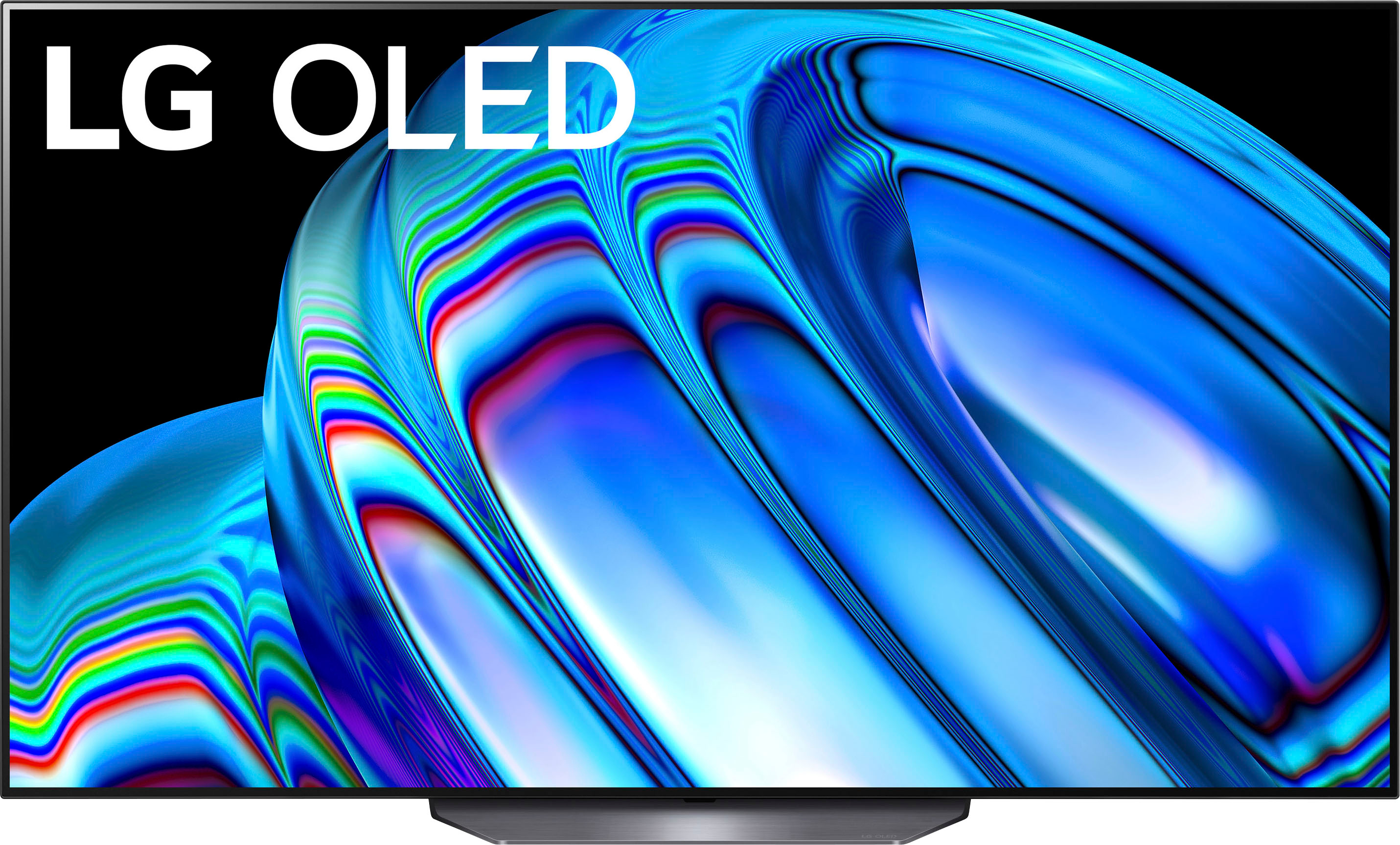
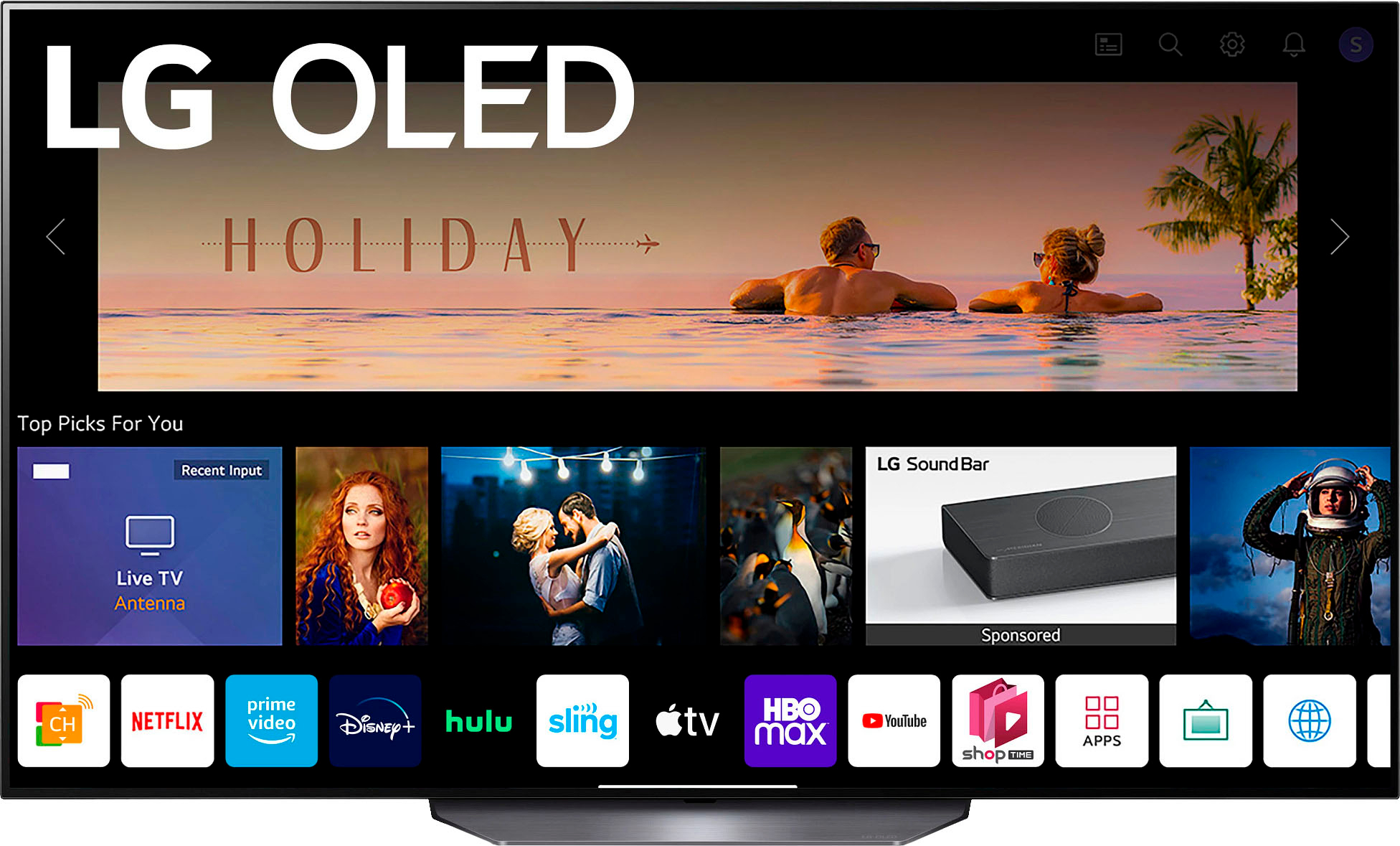
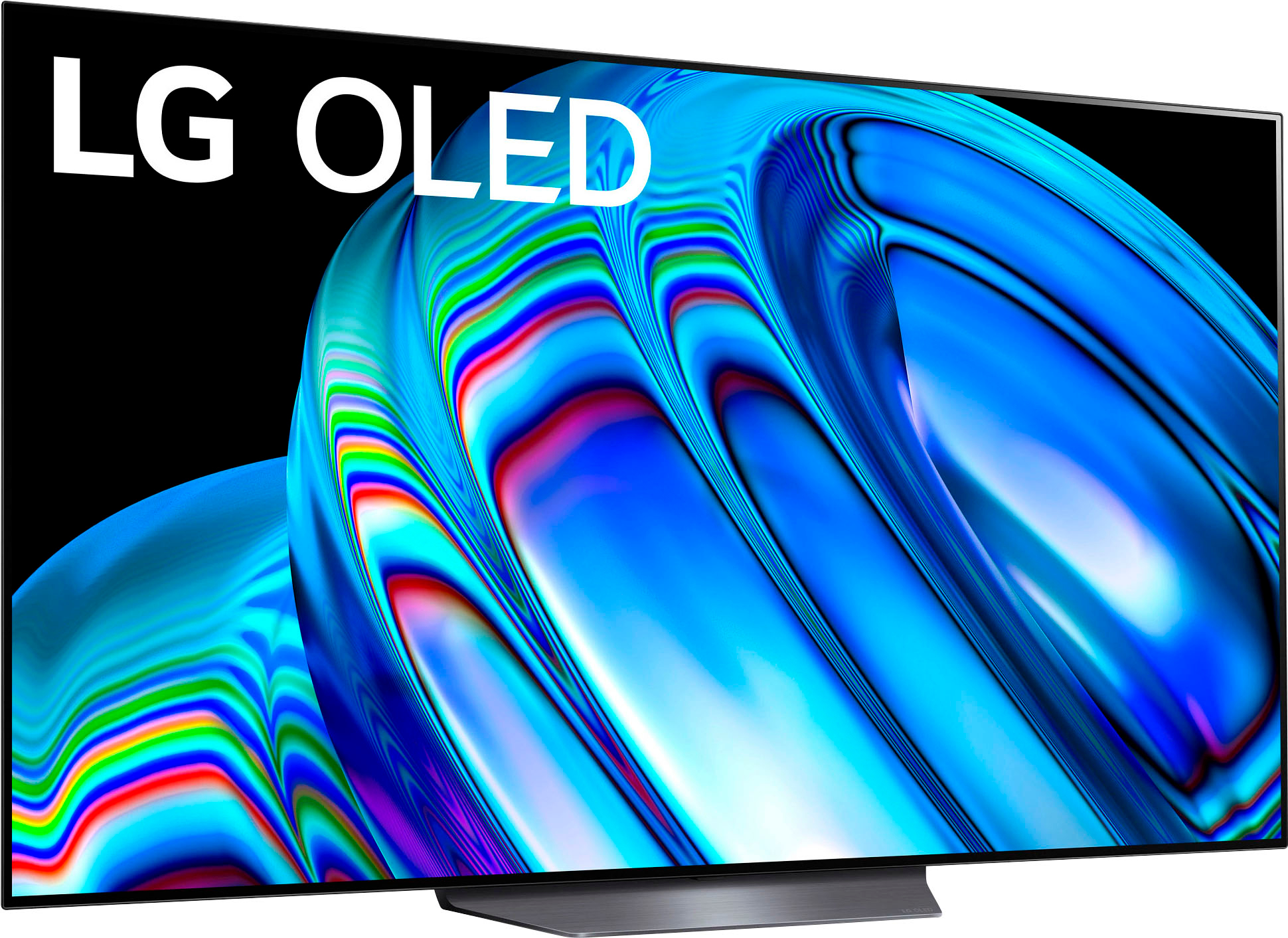
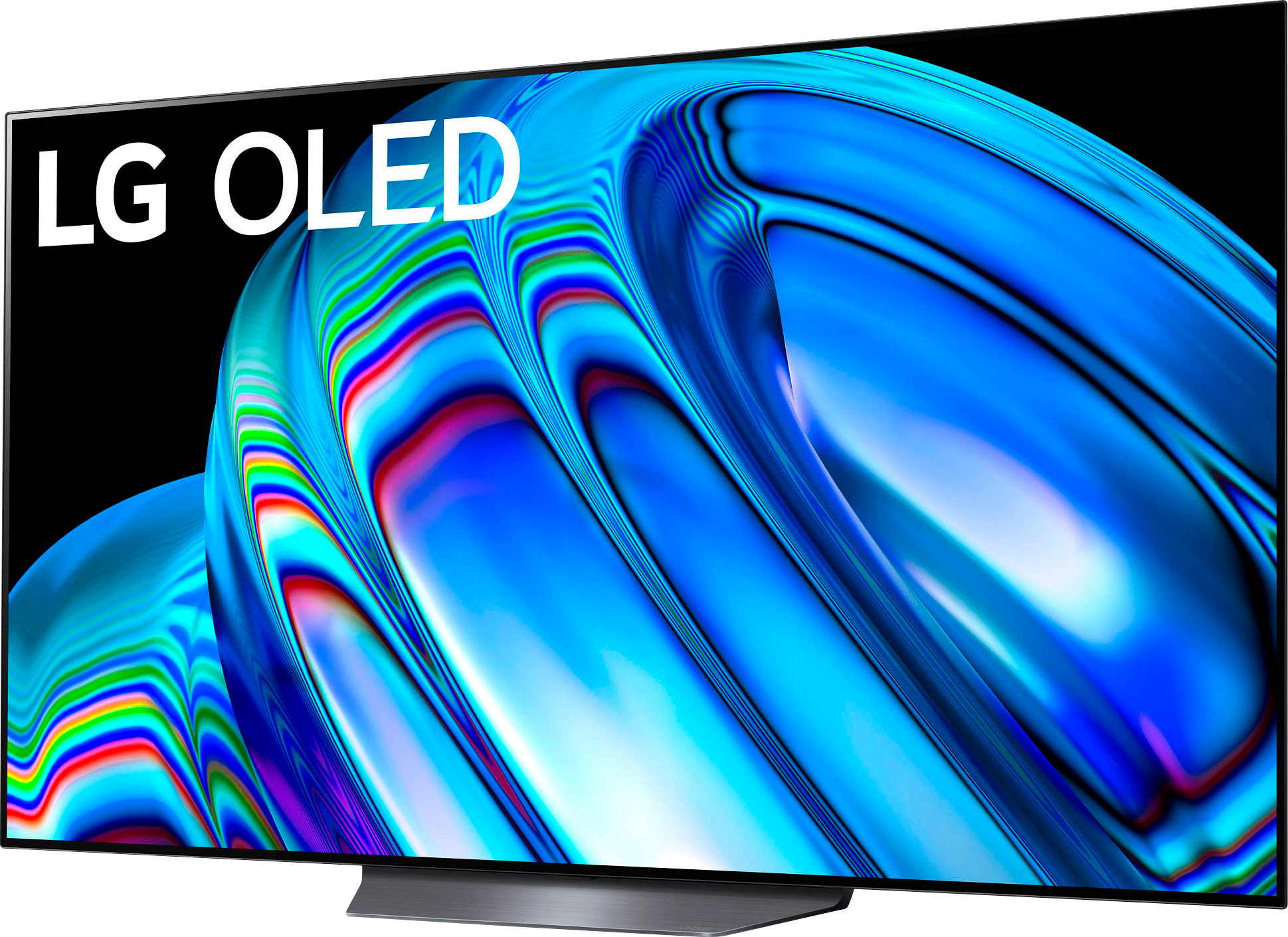
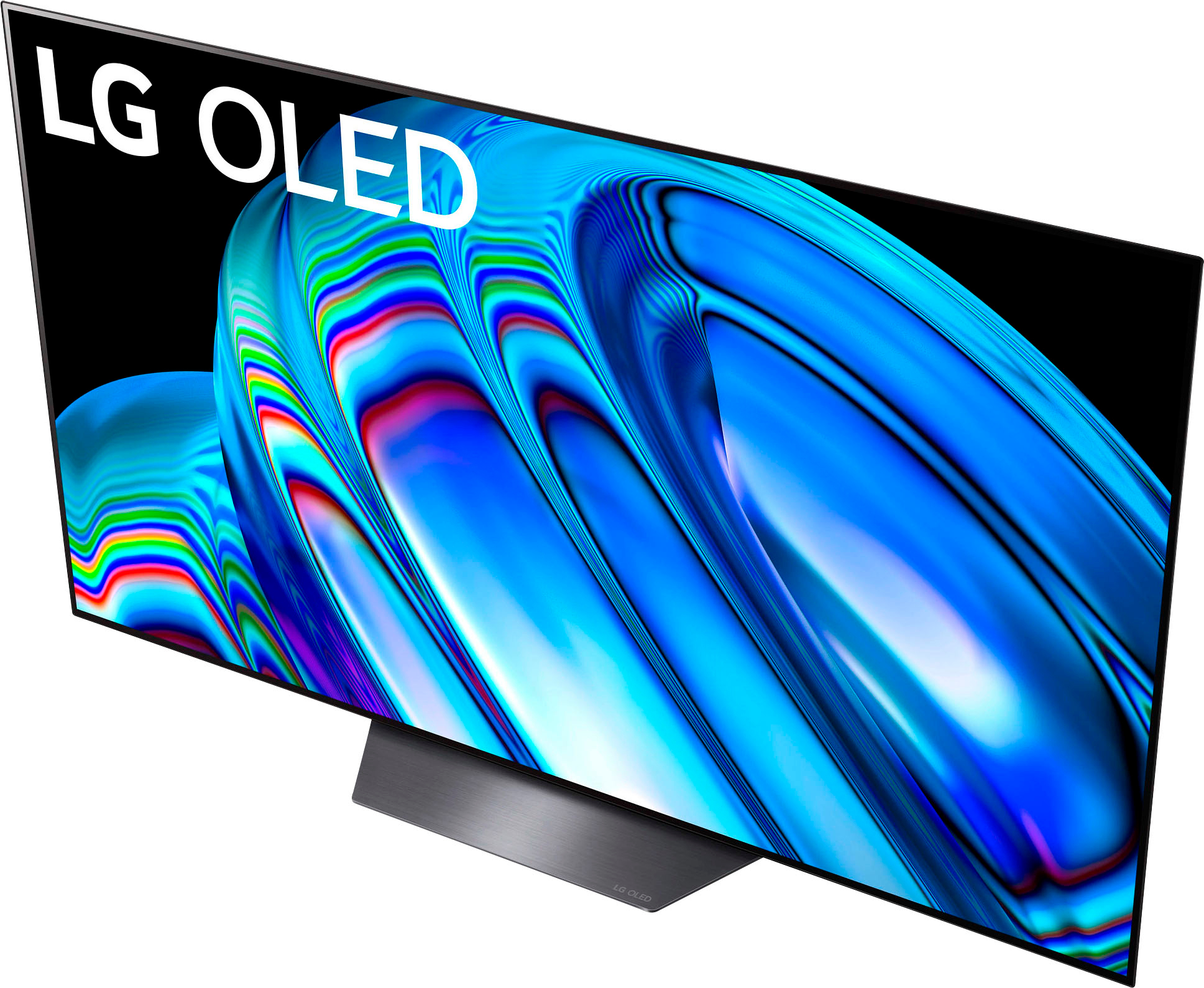
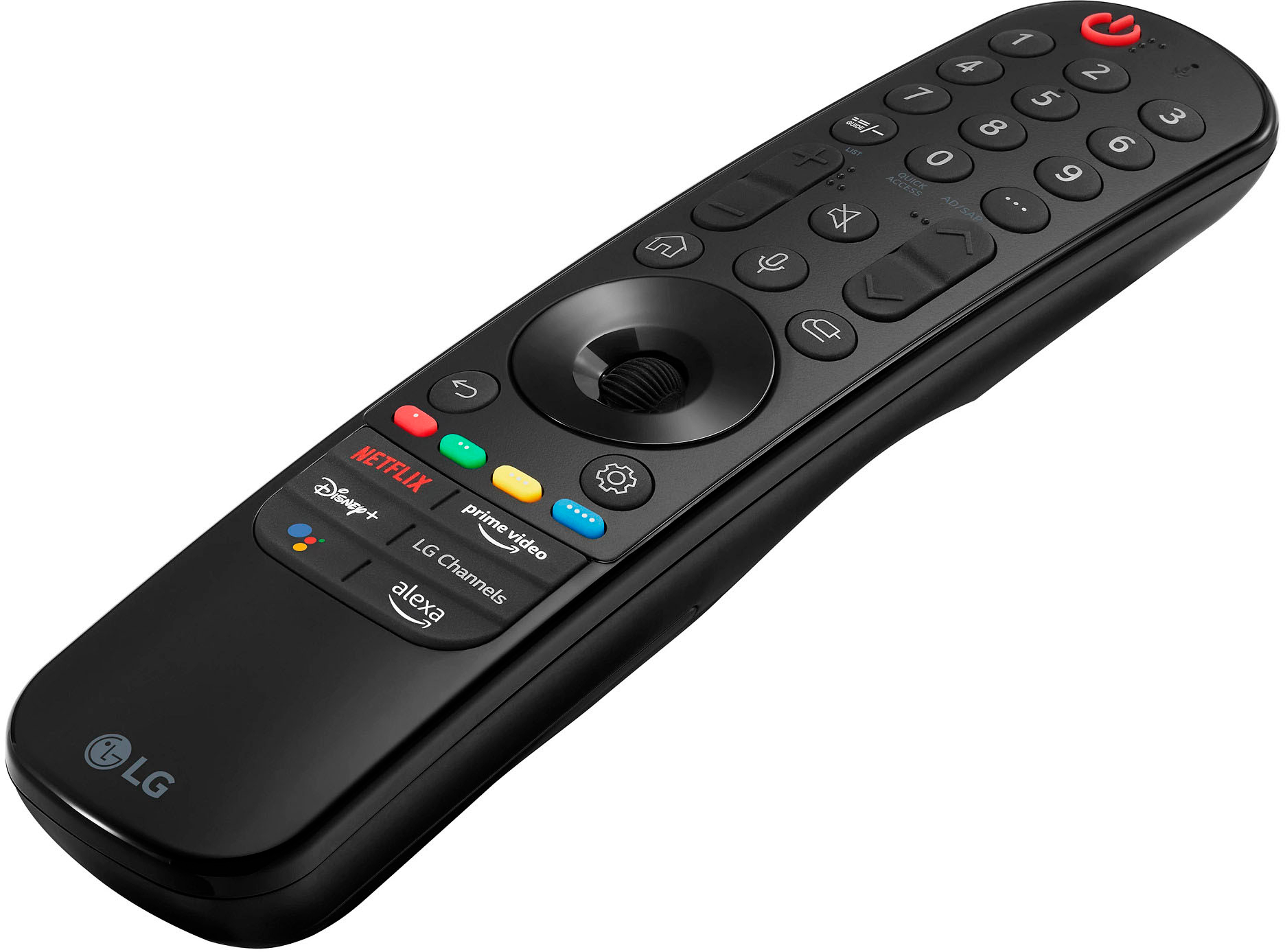
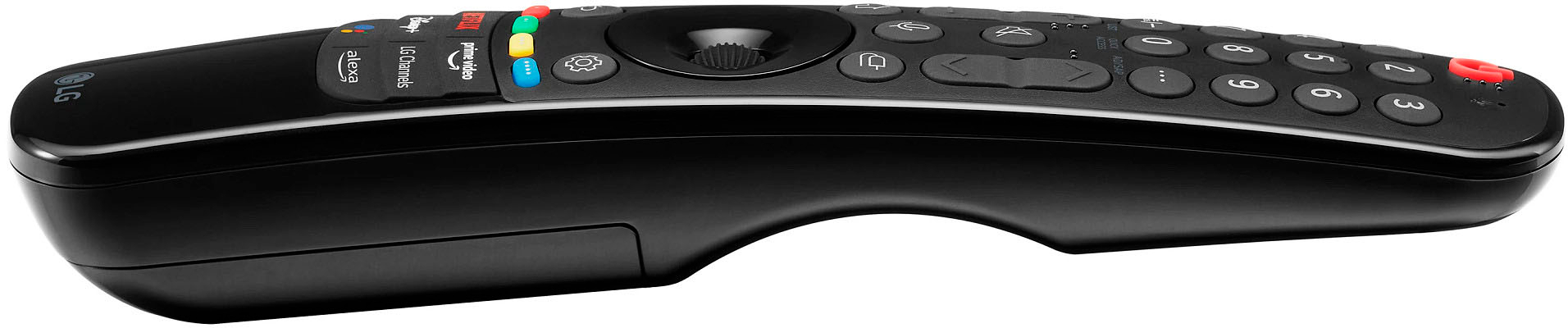
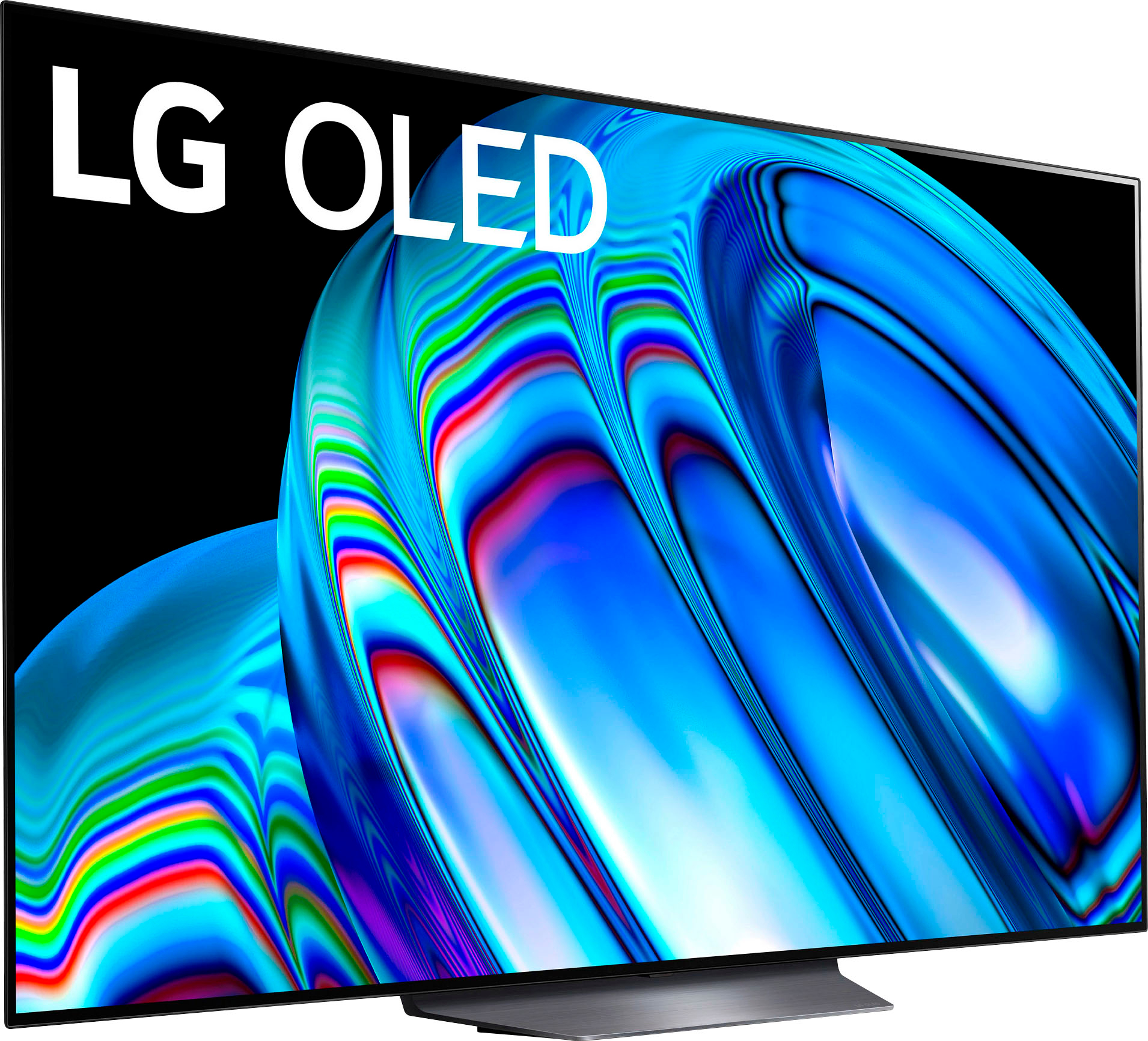
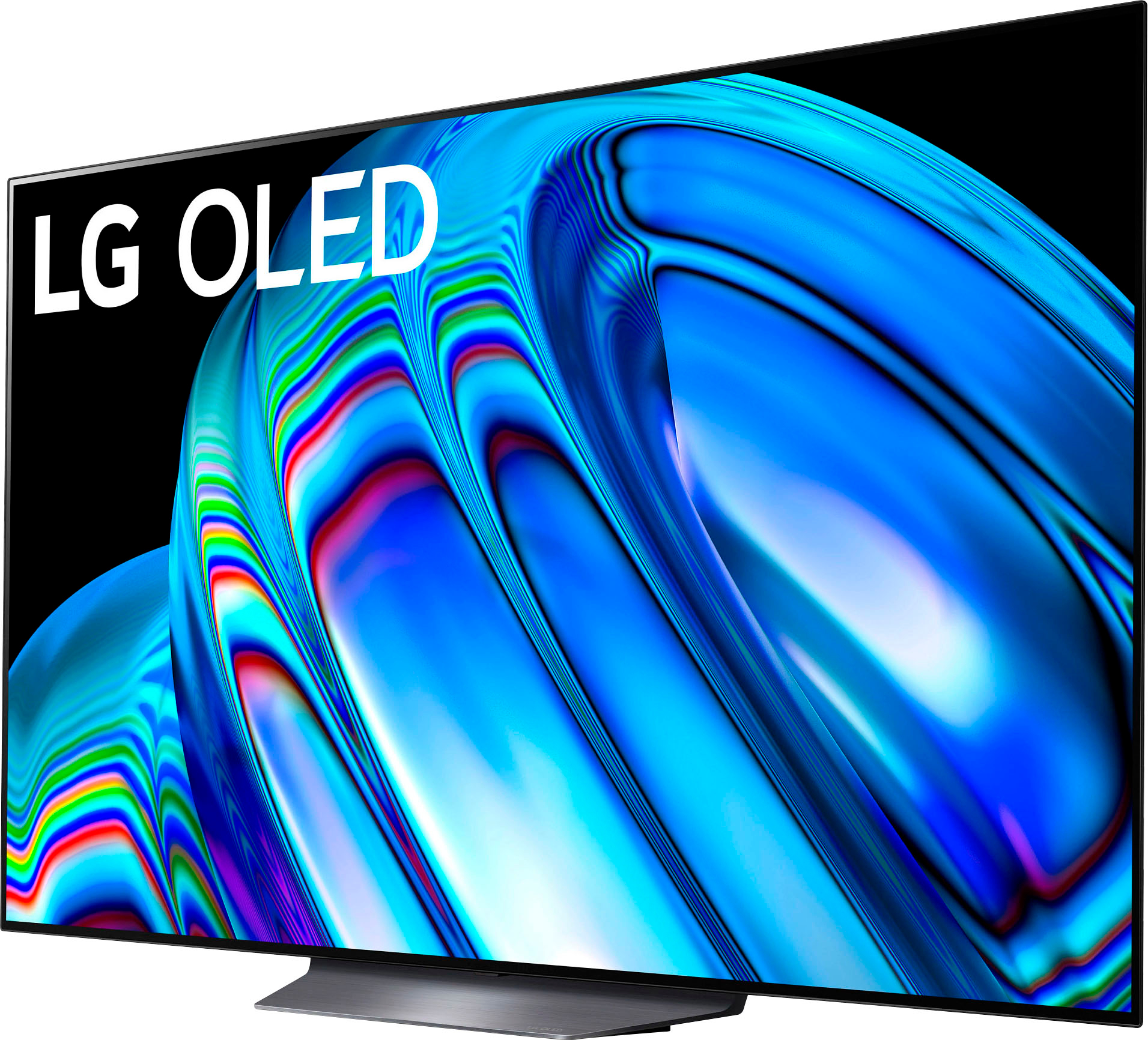
Customers value the exceptional picture quality, vibrant colors, and ease of use of the 65" Class B2 Series OLED 4K UHD Smart webOS TV (2022). Many appreciate the OLED technology and its suitability for gaming, along with the smooth operating system. However, some find the remote control challenging to use, and the user interface requires adjustment. The price point is also frequently praised as excellent value.
This summary was generated by AI based on customer reviews.
LG OLED
Posted .This reviewer received promo considerations or sweepstakes entry for writing a review.Great viewing experience. Great viewing experience. Great viewing experience. Great viewing experience. Great viewing experience. Great viewing experience.
I would recommend this to a friendLg OLED
Posted .This reviewer received promo considerations or sweepstakes entry for writing a review.This are the best tvs OLED in the market, softwarevis not latency like others adn resolution is amazin
I would recommend this to a friendWow
Posted .This reviewer received promo considerations or sweepstakes entry for writing a review.Amazing amazing amazing im so excited to never move from this tv, lol
I would recommend this to a friendTV Reviewer
Posted .This reviewer received promo considerations or sweepstakes entry for writing a review.Overall, very nice product. Color does seem a bit "off:.
I would recommend this to a friend- Pros mentioned:Picture quality
OLED Screen Burns
Posted .This reviewer received promo considerations or sweepstakes entry for writing a review.The model I bought 3.5 years ago is a similar model LG OLED 65C8PUA. Now I have screen burns through the screen such as LIVE and CNN banner and 3 long linear streaks. I have written to LG several times and I have not had any response as to what can be done. The local Best Buy store said I would just need to buy a new TV. You can be sure that it will not be the LG OLED; next time it will be Samsung QLED and I would not have to be concerned about image burns on the expensive screen and will still have a great picture. I have always had wonderful Samsung TVs.
No, I would not recommend this to a friendBrand response from LGAnswers
Posted .OLED Image Retention or Burn-In: Burn-in and image retention are possible on virtually any display. However, with an LG OLED TV, any risk of burn-in or image retention has been addressed through the use of technology that not only helps protect against damage to the screen but features self-healing properties so that any short-term image retention that may occur is quickly rectified. It is rare for an average TV consumer to create an environment that could result in burn-in. Most cases of burn-in in televisions are a result of static images or on-screen elements displaying on the screen uninterrupted for many hours or days at a time – with brightness typically at peak levels. So, it is possible to create image retention in almost any display if one tries hard enough. And even if image retention does occur from extreme usage, it can usually be mitigated within a short period by turning the display off for a while, and watching a few hours of varying content (such as your standard TV watching and channel-surfing).
Additionally, LG OLED TVs come with special features and settings to preserve image quality and prevent burn-in and image retention. First, there is a Screen Saver feature that will turn on automatically if the TV detects that a static image is displayed on the screen after approximately two minutes. There are also three options (available in Menu setting > Picture settings > OLED panel settings) that can be used to preserve image quality. The first of these is the Clear Panel Noise feature which preserves the quality of the image on the display panel by resetting the TV so that it clears the pixels. This feature can be turned on when needed within the settings mentioned above. The second feature that can be employed is the Screen Shift feature which, moves the screen slightly at regular intervals to preserve image quality. A third option is the Logo Luminance Adjustment, which can detect static logos on the screen and reduce brightness to help decrease permanent image retention.
So, in short: Reasonable, responsible usage of an OLED TV, combined with powerful image preservation abilities should result in a seamless home entertainment experience.
Please check out our webpage at: https://www.lg.com/us/experience-tvs/oled-tv/reliability for more information regarding burn-in. ^Jennifer
LED
Posted .This reviewer received promo considerations or sweepstakes entry for writing a review.The TV consistently wants to shut down for 5 minutes to refresh the led screen. I do not like the fact that it continually is asking me for this. What happens if I don't do it? Does that void the warranty?
No, I would not recommend this to a friendDisappointing Picture Quality
Posted .This reviewer received promo considerations or sweepstakes entry for writing a review.Very disappointing picture. Colors appear washed out and not very bright. I have tried many variations of setup and used a professional calibration found on the internet with no luck. Wish I can return this but I threw away the packaging thinking it wouild be OK. I cannot recommend based on my experience. I am stuck with something that is very hard for me to watch.
No, I would not recommend this to a friendBrand response from LGAnswers
Posted .We are sorry to hear that your unit did not meet your needs/expectations. This is not the quality we expect from our products. We are continuously working to improve the quality of our products and anticipate market demands that drive customer satisfaction. If you ever have any questions please reach out to our support team on Facebook at @LGUSSupport and use #VOC in your first message to our social media support team.. To speak with an agent via phone, you can call 800.243.0000 We apologize for any inconvenience this caused. ^Venette