Customer Ratings & Reviews
- Model:
- OLED65C4PUA
- |
- SKU:
- 6578042
Customer reviews
Rating 4.8 out of 5 stars with 1510 reviews
(1,510 customer reviews)Rating by feature
- Picture Quality4.9
Rating 4.9 out of 5 stars
- Sound Quality4.6
Rating 4.6 out of 5 stars
- Brightness4.9
Rating 4.9 out of 5 stars
Customers are saying
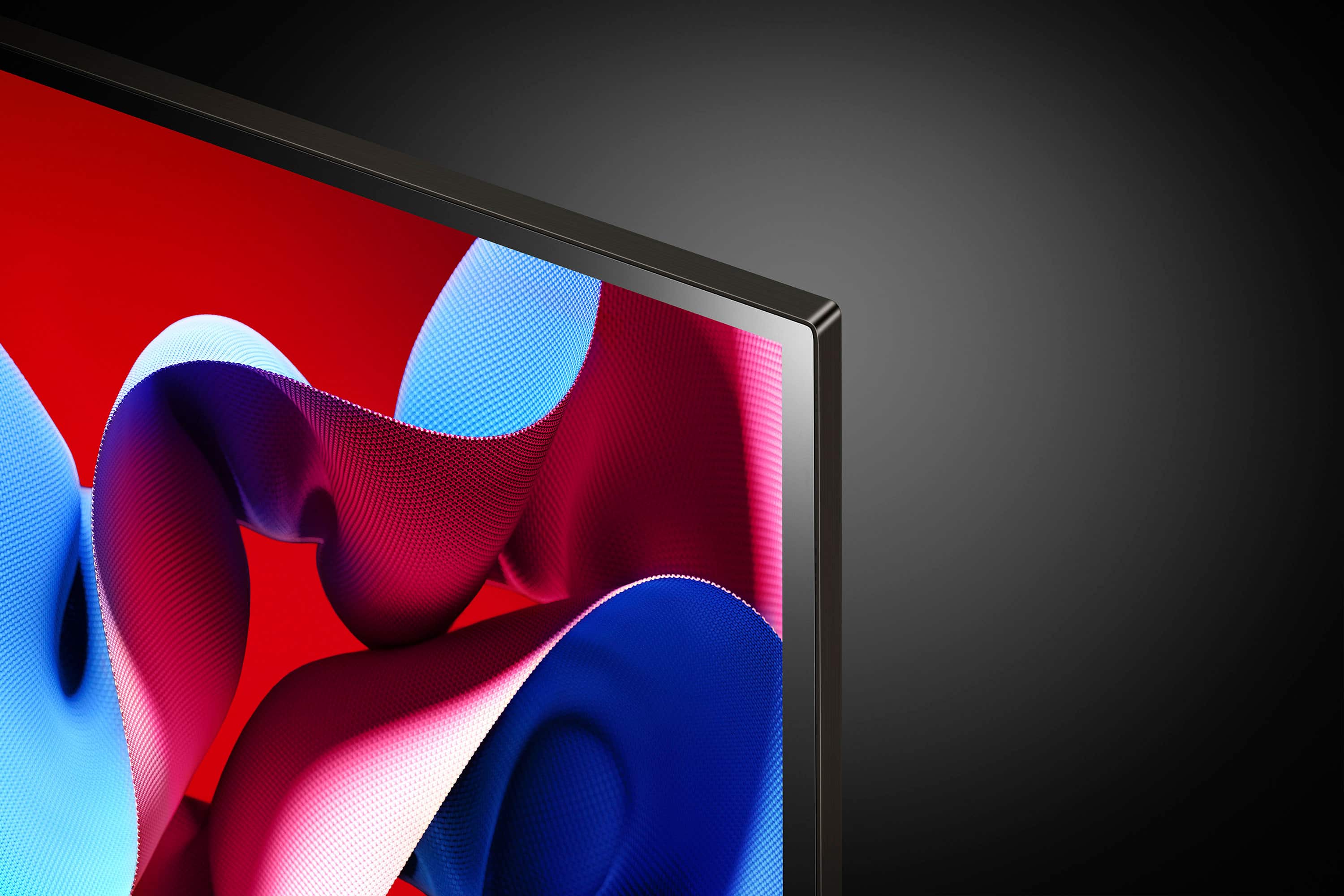
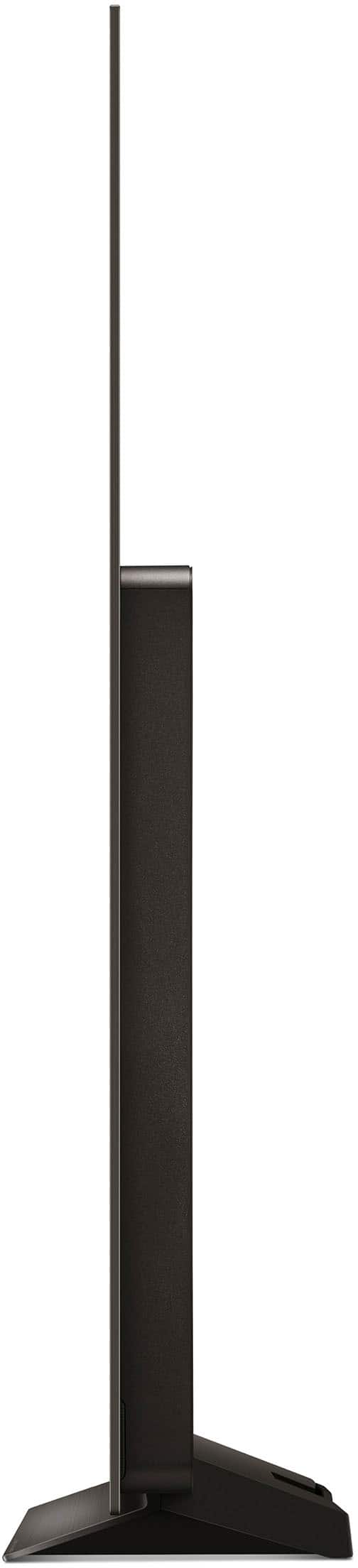
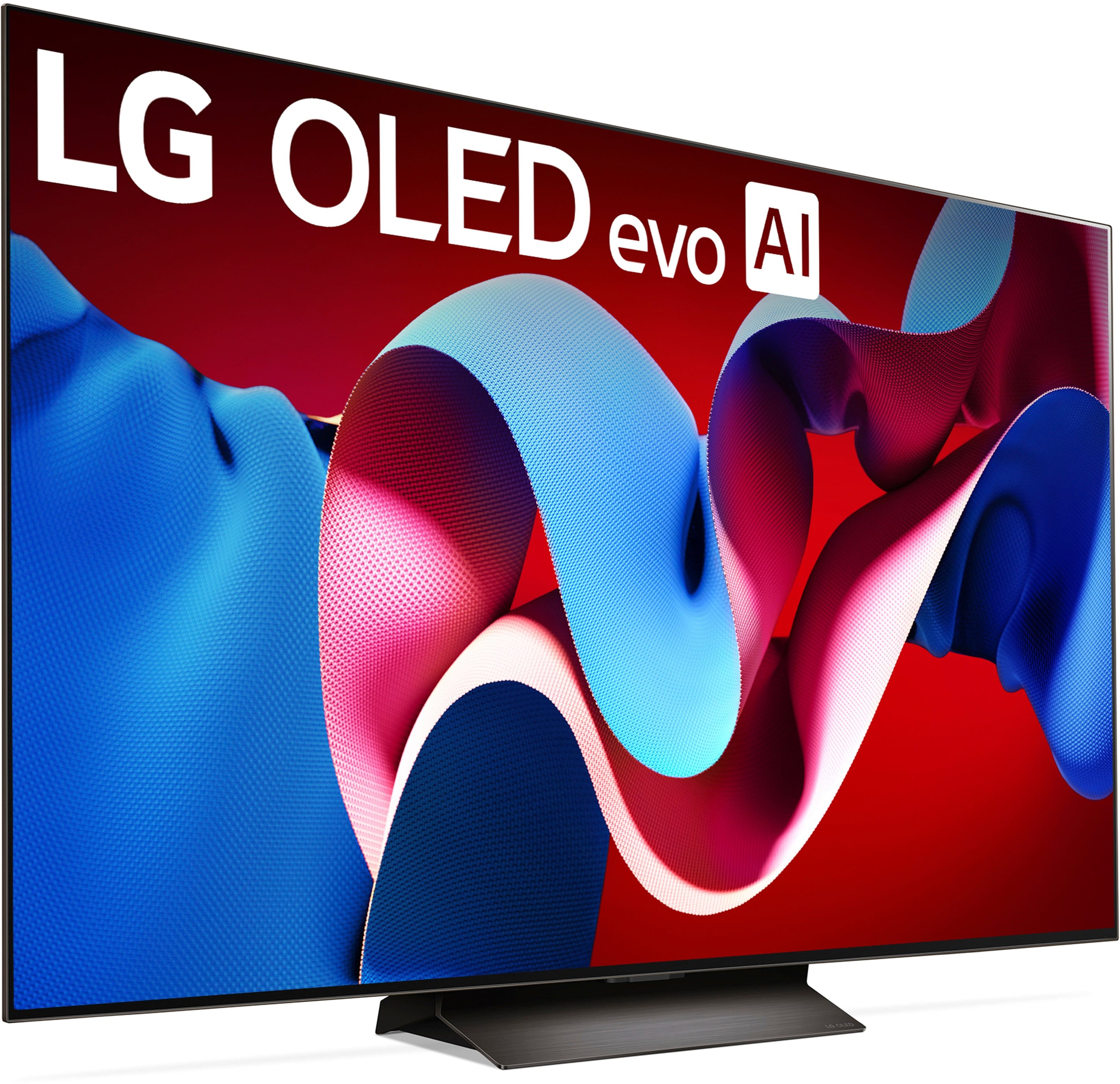
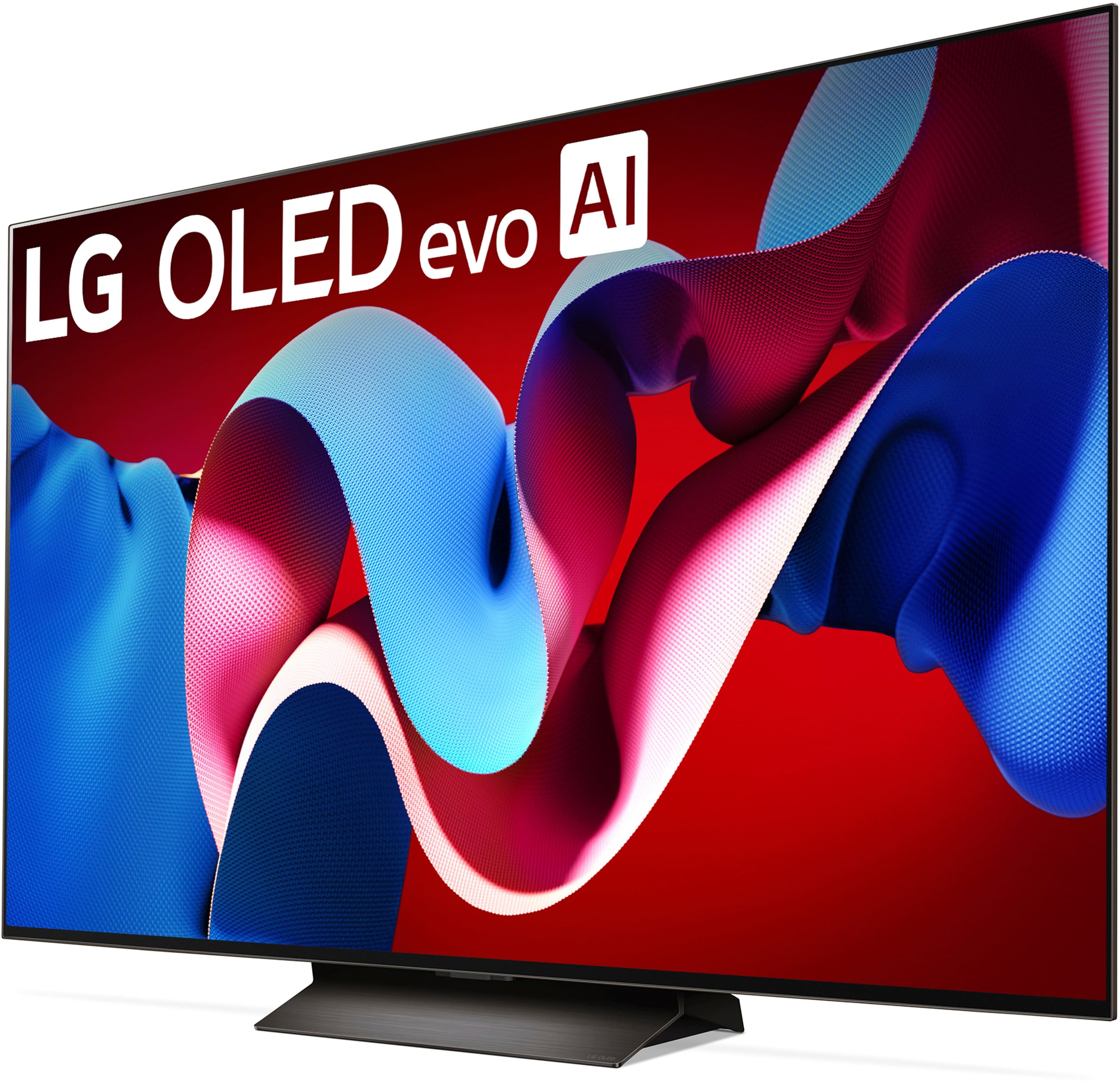
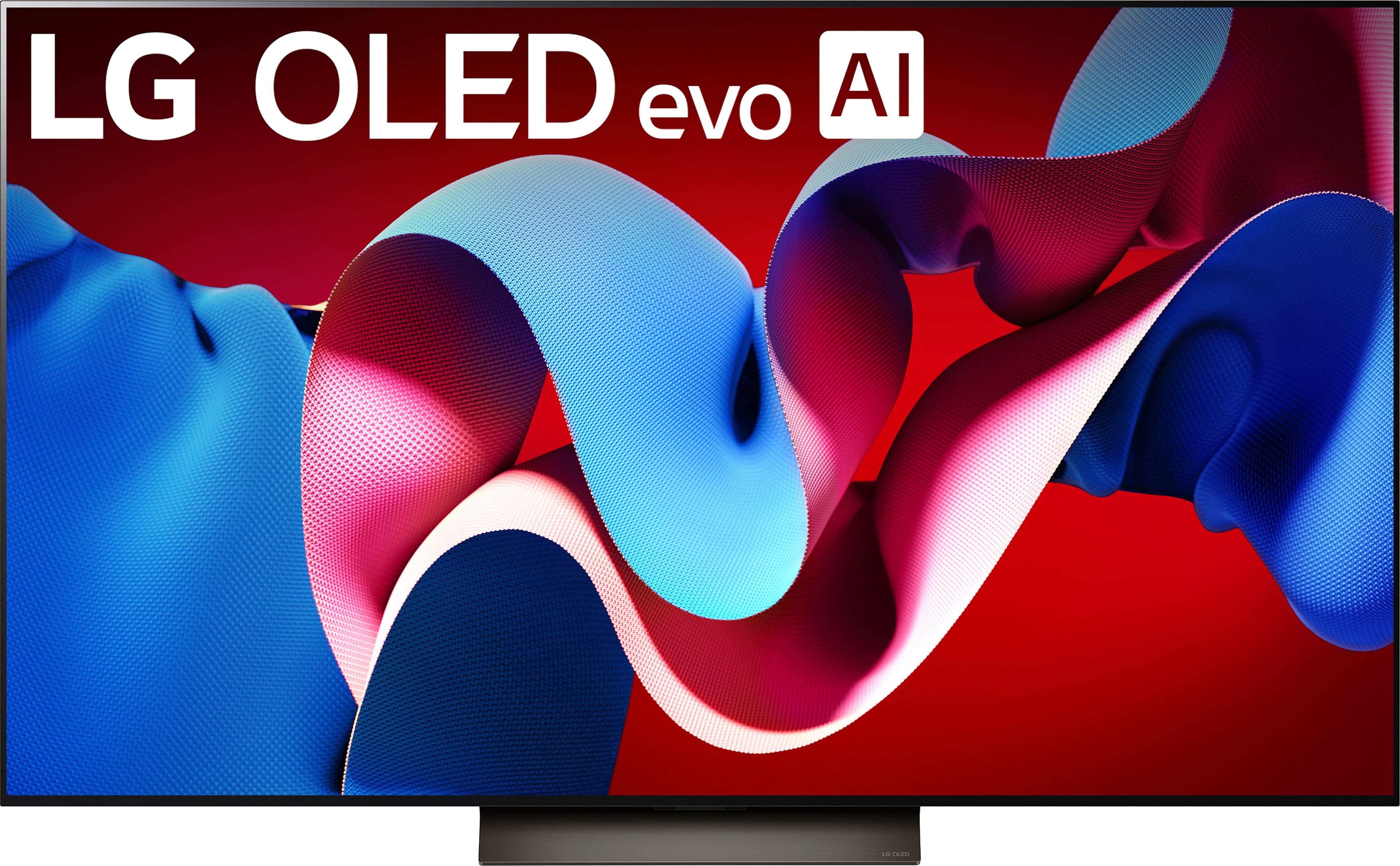
Customers appreciate the exceptional picture quality, vibrant colors, and ease of use of the 65" Class C4 Series OLED evo 4K UHD Smart webOS TV (2024). Many also praise the sleek design and high refresh rate, finding it ideal for gaming and enjoying high-quality visuals. However, some users express dissatisfaction with the remote control, suggesting it could be improved. The television is frequently cited as offering great value for its price.
This summary was generated by AI based on customer reviews.
Rated 1 out of 5 stars
Bad Open Box Experience
||Posted . Owned for 1 month when reviewed.This reviewer received promo considerations or sweepstakes entry for writing a review.This review is based on my experience with Best Buy. I purchased an open-box "Good" condition TV that turned out to have severe screen burn-in, despite having very few operating hours. Best Buy claimed it wasn’t a display model, but it clearly was. It also arrived without a remote, which was never disclosed. While the TV itself was otherwise excellent, I had to return it due to the burn-in—which was excessive, even considering the discounted price.
I would recommend this to a friendBrand response from LG Digital Customer Care
Posted .Hi, Karl. Thank you for sharing your feedback with us. We understand your experience about the screen burn-in and missing remote for the LG TV (OLED65C4PUA) model you purchased as an open-box item from a retailer. We strive to provide reliable, high-quality products and exceptional services to ensure a smooth experience.
When it comes to screen burn-in, LG OLED TVs have built-in features to protect the screen, such as pixel shifting and a logo luminance adjustment. Please ensure these features are enabled in the TV's settings to help maintain picture quality. For guidance, visit https://www.lg.com/us/support/help-library/lg-tv-how-to-run-the-pixel-refresher--20153710651501.
If you need further assistance, please send us a private message on social media @LGUSSupport and our team will be more than happy to explore possible solutions. ^Juvy
Rated 1 out of 5 stars
Power board failures
||Posted .This reviewer received promo considerations or sweepstakes entry for writing a review.TV power board does not work, LG customer service leaves a lot to be desired. Do not recommend buying this LG.
No, I would not recommend this to a friendRated 3 out of 5 stars
Sound is terrible
||Posted . Owned for 1 month when reviewed.This reviewer received promo considerations or sweepstakes entry for writing a review.The sound quality is terrible. It is very loud and has a squelchy type sound to it. If we’d heard the sound quality, we’d found a different tv.
No, I would not recommend this to a friendRated 2 out of 5 stars
Focus / Blurry
||Posted . Owned for 2 months when reviewed.This reviewer received promo considerations or sweepstakes entry for writing a review.Beautiful TV however the focus goes in and out. Our old TV never did that and we've not switch internet or wifi since getting this set so something must be wrong internally. I've notified Best Buy of the issue. Hopefully we can get it fixed or swapped out and then I can write a better review.
No, I would not recommend this to a friendBrand response from LG Digital Customer Care
Posted .Hi, Desserae. Thank you for sharing your experience with the LG TV (OLED65C4PUA) model. We’re glad to hear you love the TV's picture quality, but we understand your concern about dealing with the focus issues. We strive to provide high-quality products and ensure a smooth and seamless viewing experience. Since you've already contacted Best Buy, that’s a good first step, and we hope they’re able to assist you with a resolution. In the meantime for additional help, visit https://www.lg.com/us/support/help-library/lg-tv-troubleshooting-a-blurry-screen-on-an-lg-tv--20153130477848. If the issue persists or if you need further assistance from us, please don’t hesitate to send us a private message on social media @LGUSSupport. We’re more than happy to assist with troubleshooting or help escalate the issue if needed.
We truly appreciate your patience, and we’re hopeful that your issue gets resolved soon so you can enjoy your LG OLED experience to the fullest. ^Juvy
Rated 3 out of 5 stars
Good TV lousy installation
||Posted . Owned for 3 weeks when reviewed.This reviewer received promo considerations or sweepstakes entry for writing a review.Great TV, very complicated to set up after the installers did not set it up.
I would recommend this to a friendRated 3 out of 5 stars
LGTV
||Posted . Owned for 1 month when reviewed.This reviewer received promo considerations or sweepstakes entry for writing a review.VERY POOR AUDIO QUALITY. TOO MUCH BASE, NOT ENOUGH TREBLE. MUST USE DIALOGUE ASSIST (WORDS) CONSTANTLY.
No, I would not recommend this to a friendRated 1 out of 5 stars
Nonexistent Local Assistance
||Posted . Owned for 2 months when reviewed.This reviewer received promo considerations or sweepstakes entry for writing a review.I will NEVER make a purchase at the Duluth, MN Best Buy store again. I purchased a 65 inch tv that i do like. However, when attempting to call the Geek Squad for technical assistance I called the local main number. I was transferred first to Mexico. I then recalled the local number and was transferred to some east asian country. Neither representative was able to speak or understand American English. I then tried every other method to speak to a manager at the Duluth, MN store to no avail.
No, I would not recommend this to a friendBrand response from LG Digital Customer Care
Posted .Hi, Richard. Thank you for taking the time to share your experience with your LG TV (OLED65C4PUA) model. We're glad to hear that you're enjoying the TV itself, though we understand your concern about what you've encountered while seeking technical assistance. We strive to provide exceptional services and ensure a smooth experience.
Even though we don’t manage third-party services like Geek Squad, we really want your experience with the LG OLED to be as smooth as possible. If you ever have questions about how your TV is working, connecting, or features like AI Picture Pro or webOS Smart Platform, just reach out! We're always ready to lend a hand.
Feel free to drop us a private message on social media @LGUSSupport, and we’ll make sure you get the support you need from LG. Take care! ^Juvy
Rated 1 out of 5 stars
Do not shop here, they are rude and incompetent.
||Posted . Owned for 2 months when reviewed.This reviewer received promo considerations or sweepstakes entry for writing a review.Returned a appliance and they are rude and unhelpful. Always want you to call corporate for help
No, I would not recommend this to a friendBrand response from LG Digital Customer Care
Posted .Hi, there. Thank you for sharing your feedback regarding the LG TV (OLED65C4PUA) model. We understand your concern about your experience with both the product return and customer service. Our goal is to make sure you have a great experience with us.
We really don’t want you to feel like you’re being shuffled around or not treated well, and we’re all about making things better for you with LG. If you're still having trouble with your return or need a bit more help, just shoot us a private message on social media @LGUSSupport with your order details, and we’ll do our best to sort it out for you and make sure you feel supported. ^Juvy
Rated 2 out of 5 stars
TV OOLLED
||Posted . Owned for 1 month when reviewed.This reviewer received promo considerations or sweepstakes entry for writing a review.Its mid honestly. Super expensive for what it is and store rushed me out…
No, I would not recommend this to a friendBrand response from LG Digital Customer Care
Posted .Hi, there. Thank you for sharing your thoughts on the LG TV (OLED65C4PUA) model. We appreciate you choosing this model, and we’re glad to hear you’ve had a chance to experience its features firsthand.
The C4 series offers excellent OLED performance with Dolby Vision, AI Picture Pro, and a smooth 120Hz refresh rate, ideal for gaming and movies. To enhance your viewing, enable AI Picture Pro for clearer visuals and dynamic contrast, especially with HDR content. Also, try Filmmaker Mode for a more authentic movie experience. For personalized settings or features, message us on social media @LGUSSupport. We're here to help you enjoy your OLED experience. ^Juvy
Rated 1 out of 5 stars
Dishonest Salesman
||Posted . Owned for 1 month when reviewed.This reviewer received promo considerations or sweepstakes entry for writing a review.The salesman at the Germantown Best Buy store cheated us on the so-called discount and membership benefits. After we found out the truth, we returned everything. Will never go to that store again!
No, I would not recommend this to a friendBrand response from LG Digital Customer Care
Posted .Hello there, JosephC. Thank you for sharing your experience with us regarding your LG OLED65C4PUA TV. We understand your inquiry about the issues you encountered with the sales experience at the Germantown Best Buy store, leading to a return of your products.
While we are the manufacturer of the TV, concerns about sales practices, discounts, and membership benefits from a retailer are best addressed directly with Best Buy. They are in the best position to investigate and assist with these store-specific matters.
https://www.bestbuy.com/site/lg-65-class-c4-series-oled-evo-4k-uhd-smart-webos-tv-2024/6578042.p?skuId=6578042
We appreciate you choosing an LG product. If you have any questions about your LG OLED65C4PUA TV's features or performance, please feel free to send us a private message on Social Media @LGUSSupport. Our team will be more than happy to help. We appreciate your patience. —Renzo
Rated 1 out of 5 stars
LG not-so-smart.
||Posted . Owned for 2 months when reviewed.This reviewer received promo considerations or sweepstakes entry for writing a review.The TV works but their "smart" OS sucks. Their app store regularly goes down which totally screws you when apps stop working because they MUST be updated constantly use. LG has some kind of voice assist AI which is set to horrible default settings. Wish I had never got this thing. I got it because of all the great reviews but I am completely unimpressed.
No, I would not recommend this to a friendBrand response from LG Digital Customer Care
Posted .Hi, there. Thank you for sharing your feedback with us. We understand your concern about the LG TV (OLED65C4PUA) model's smart OS and the issues you're experiencing with the app store and voice assist features. We strive to provide high-quality products and ensure a smooth viewing experience.
As a troubleshooting step, you might want to check if your TV’s software is up to date, as that can sometimes resolve issues with the app store and voice assist. For guidance, you may visit https://www.lg.com/us/support/help-library/lg-tv-how-to-update-an-lg-smart-tv--1430510575535. Additionally, adjusting the voice assist settings through the TV's menu can improve your experience by turning off unwanted features or customizing them to your preference.
Please send us a private message on social media @LGUSSupport, and our team will be happy to guide you through any further steps or assist with any issues you're facing. We're here to make sure you have the best experience possible with your TV. ^Juvy
Rated 2 out of 5 stars
tv
||Posted . Owned for 3 weeks when reviewed.This reviewer received promo considerations or sweepstakes entry for writing a review.very dark and not user friendly not as clear as our samsung
No, I would not recommend this to a friendBrand response from LG Digital Customer Care
Posted .Hi, Joe. Thank you for your feedback on the LG TV (OLED65C4PUA) model. We understand your concern your experience that hasn't met expectations—especially compared to your previous Samsung TV. We strive to provide high-quality products and ensure a smooth experience. While OLED technology is known for its deep blacks and rich contrast, we understand that the overall picture brightness and clarity can feel different depending on your viewing environment and preferences.
We’d love to help improve your setup! Try enabling the "HDR Tone Mapping" or switching to "Vivid" or "Standard" picture mode under Settings > Picture > Picture Mode Settings. You can also boost overall brightness by increasing the OLED Light and Gamma levels. For more help, visit https://www.lg.com/us/support/help-library/lg-tv-troubleshooting-a-dark-or-dim-screen--20153267537855.
For a more customized walkthrough, feel free to message us on social media directly @LGUSSupport with the setup details. We’re here to help fine-tune your viewing experience. ^Juvy
Rated 1 out of 5 stars
OLED tv
||Posted . Owned for 1 month when reviewed.This reviewer received promo considerations or sweepstakes entry for writing a review.Not a good experience with this purchase tv missing parts
No, I would not recommend this to a friendBrand response from LG Digital Customer Care
Posted .Hi there. Thank you for sharing your experience with us regarding your new LG 65" Class C4 Series OLED evo 4K UHD Smart webOS TV (2024). We understand that your inquiry is about missing parts or accessories from your TV purchase, and we want to ensure you receive everything needed to properly set up your new television. Your feedback is important, and we'd like to assist you further to resolve this issue right away.
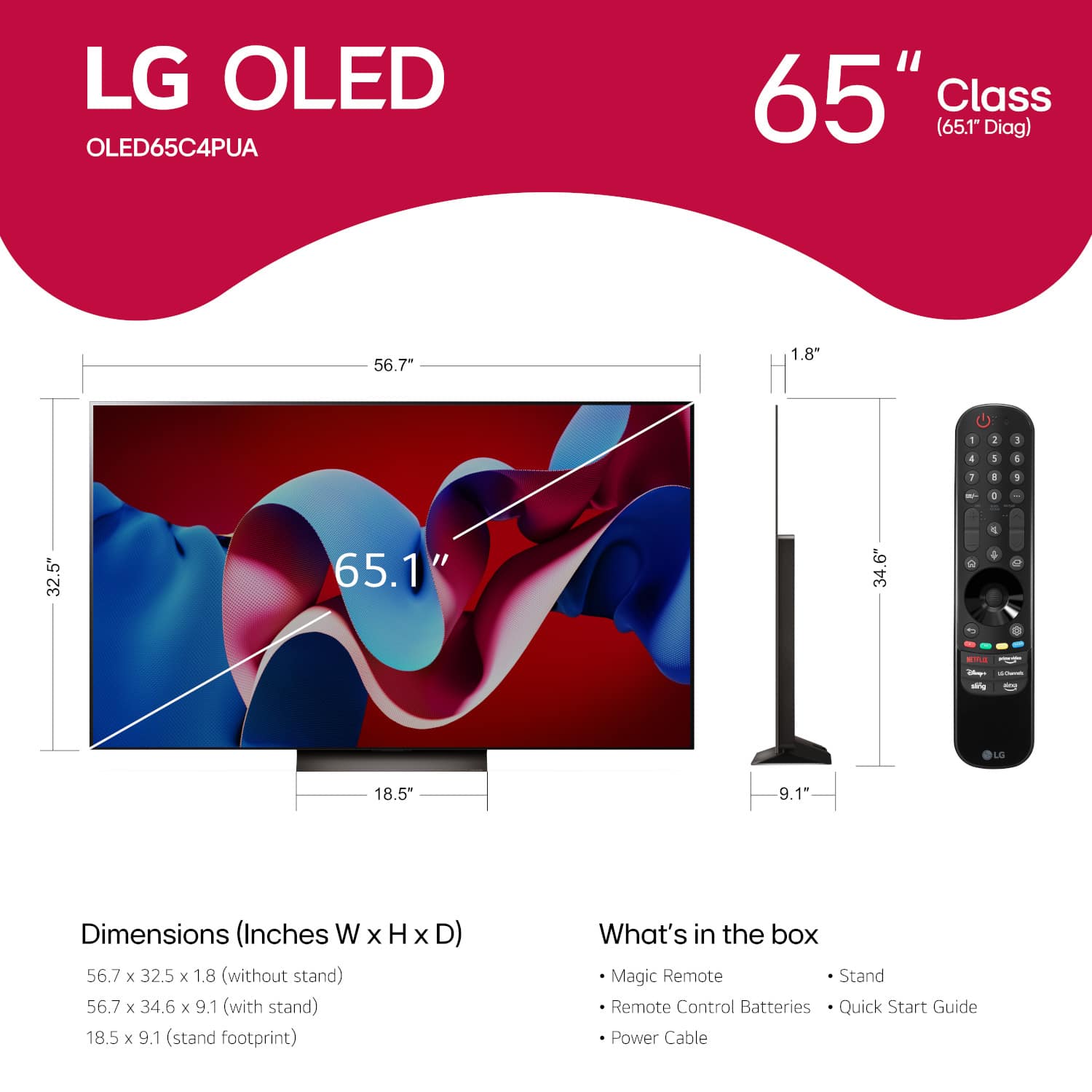
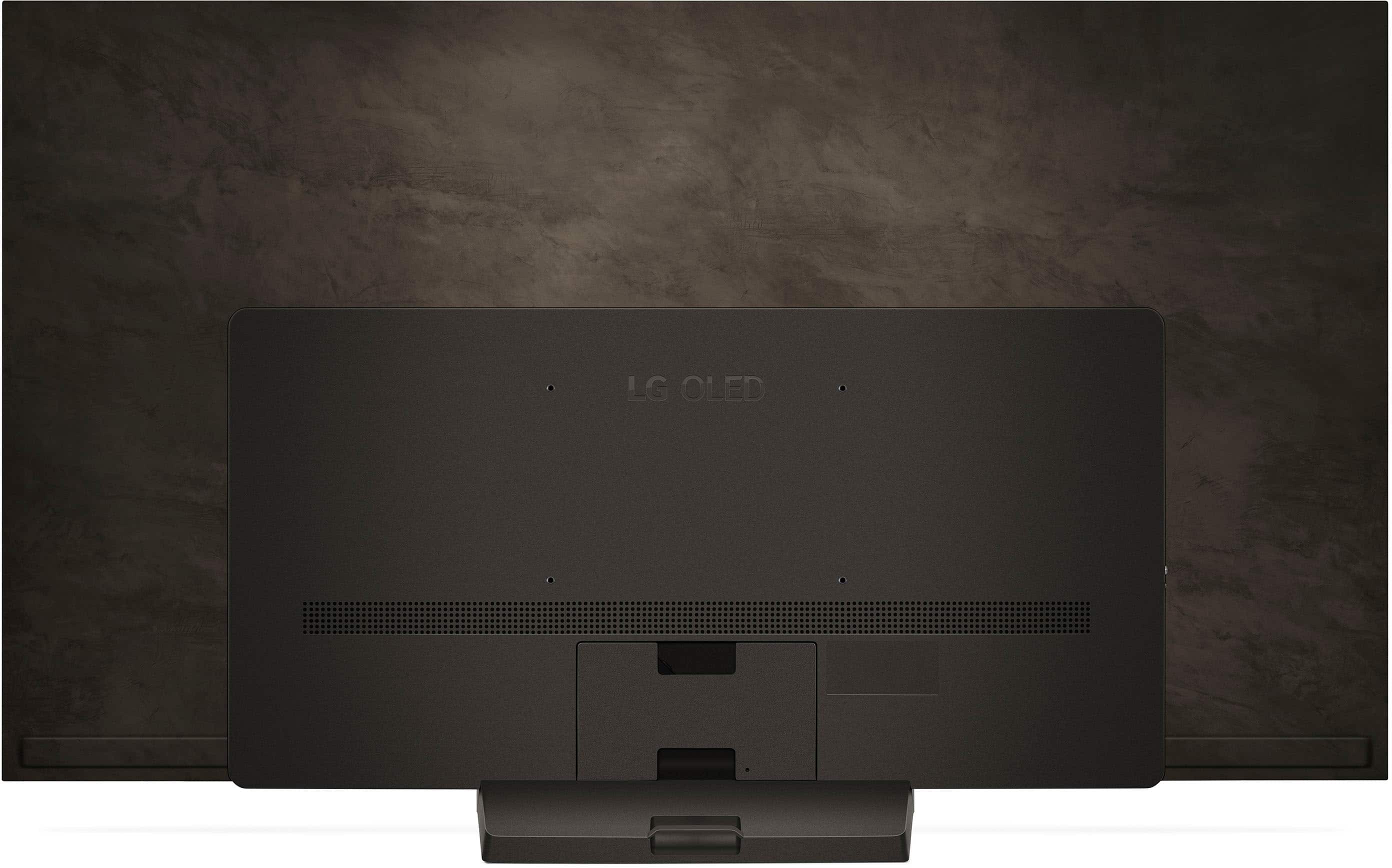
The standard accessories included with this model are typically the Magic Remote, remote control batteries, a stand, the power cable, an E-Manual, and a Quick Start Guide. If any of these essential components are missing from your packaging, we can certainly assist you with next steps.
https://www.bestbuy.com/product/lg-65-class-c4-series-oled-evo-4k-uhd-smart-webos-tv-2024/JJ8VPZQF6G
For further assistance, including verifying which parts are missing and arranging for replacements, please contact us at lgdigitalcare@lg.sprinklrsupport.com. We appreciate your patience as we work to correct this for you. —Renzo
Rated 1 out of 5 stars
Horrible customer service
||Posted .This reviewer received promo considerations or sweepstakes entry for writing a review.Customer service is a joke. Didn’t include the remote and multiple associates said I had no choice but to drive aver an hour back to the store to retrieve it.
I would recommend this to a friendBrand response from LG Digital Customer Care
Posted .Hi there. Thank you for sharing your experience with us. We understand your inquiry regarding the missing remote for your OLED65C4PUA and the concern you've had with customer service. We'd like to take a closer look into this and explore possible solutions.
https://www.bestbuy.com/site/lg-65-class-c4-series-oled-evo-4k-uhd-smart-webos-tv-2024/6578042.p?skuId=6578042
Please contact us directly via private message on Social Media @LGUSSupport, and our team will be more than happy to assist you further. We appreciate your patience. —Renzo
Rated 1 out of 5 stars
Best Buy Delivery
||Posted . Owned for less than 1 week when reviewed.This reviewer received promo considerations or sweepstakes entry for writing a review.I purchased this tv for delivery and was told they would deliver between 8-8pm. They changed the delivery time at 5:30 am and showed ip while we were not home. Called support and asked for a supervisor and they said go to a store to complain and hung up. Poor service indeed. If you purchase from best buy, be sure not to use their services to aquire the tv. I will be refunding the tv today.
No, I would not recommend this to a friendBrand response from LG Digital Customer Care
Posted .Hi, there. Thank you for sharing your experience with us. We understand your concern having your LG TV (OLED65C4PUA) model, delivered outside of the promised time frame and to face difficulties with customer support. We aim to provide excellent services and ensure a smooth and seamless shopping experience. We recommend contacting Best Buy customer service directly at 888-237-8289 for a resolution regarding the delivery issue. Ensure to have your purchase details handy to expedite the process. If you need further assistance or have additional concerns, please send us a private message on social media @LGUSSupport. We're here to help and support you in any way we can.
We appreciate your patience and are committed to ensuring you have a better experience moving forward. ^Juvy
Rated 1 out of 5 stars
Great tv terrible store and customer service
||Posted . Owned for 1 month when reviewed.This reviewer received promo considerations or sweepstakes entry for writing a review.Tv is great but the customer service was terrible. They sold the 1st tv I bought to a different customer. Refused to fix the issue so I bought this tv and the manager I talked to about the situation completely ignored the issue.
I would recommend this to a friendBrand response from LG Digital Customer Care
Posted .Hi, Quintyn. Thanks for sharing your experience with us. We’re glad to hear you’re enjoying the LG TV (OLED65C4PUA) model, though we understand that your experience with customer service was less than satisfactory. We strive to provide excellent service, and we regret that you didn’t receive the support you expected. We recommend contacting Best Buy customer service at 888-237-8289 to address your concerns, offer assistance, and discuss potential solutions. If you need further assistance, please send us a private message via social media @LGUSSupport for any ongoing concerns, and we’ll be happy to assist in resolving them. Your feedback is invaluable to us, and we want to ensure a positive experience moving forward. ^Juvy
Rated 1 out of 5 stars
Very disappointed
||Posted . Owned for 3 weeks when reviewed.This reviewer received promo considerations or sweepstakes entry for writing a review.Terrible return policy, I purchased an LG OLED TV and I have had it less than 3 weeks and it has a green line running down the screen, Best Buy will not take it back, and I am getting the run around from LG for a week now. I do not recommend purchasing from Best Buy.
No, I would not recommend this to a friendBrand response from LG Digital Customer Care
Posted .Hi there. Thank you for sharing your experience with the OLED65C4PUA TV. We understand the issue with the green line on the screen and the difficulties you've encountered with the return process. It’s concerning to deal with a malfunctioning product so soon after purchase, especially when you're not receiving the support you need. You may access this link related to your concern:
https://www.lg.com/us/support/help-library/lg-tv-troubleshooting-vertical-lines-or-stains-on-an-oled-tv-screen--20153130731463
While we recommend reaching out to Best Buy regarding their return policy, we also want to assist you with any concerns related to the TV itself. Please send us a private message on Social Media @LGUSSupport, and our team will do our best to help you resolve this issue promptly.
Your satisfaction is important to us, and we appreciate your patience during this time. Thank you for bringing this to our attention!
—Avril
Rated 1 out of 5 stars
Do not buy
||Posted . Owned for 2 months when reviewed.This reviewer received promo considerations or sweepstakes entry for writing a review.This TV will not stay connected to an LG sound bar made to go with it for WOW sound. Geek squad not able to help.
No, I would not recommend this to a friendBrand response from LG Digital Customer Care
Posted .Hi, Christopher. We appreciate your feedback on the LG TV (OLED65C4PUA) model and understand how important a seamless audio experience is, especially with WOW Orchestra. We strive to provide reliable, high-quality products that exceed our customer's needs and expectations. To improve the connection between your TV and LG soundbar, please ensure that both devices have the latest firmware updates. Additionally, try reconnecting them by: Removing the soundbar from the TV’s Bluetooth device list and re-pairing.
Using an HDMI eARC connection for a more stable link.
Resetting both the TV and soundbar to factory settings. For more help, you may visit https://www.lg.com/us/support/help-library/lg-tv-how-to-connect-a-sound-bar-or-receiver--20153207557627. If the issue continues, please reach out to us @LGUSSupport via social media so we can further assist you. ^Juvy
Rated 1 out of 5 stars
Just need a tv - not a controlling one
||Posted . Owned for 2 months when reviewed.This reviewer received promo considerations or sweepstakes entry for writing a review.Do not Buy! must have a lg account to download new apps Stopped me from using my Ruku one big hassle after another will never buy lg again
No, I would not recommend this to a friendBrand response from LG Digital Customer Care
Posted .Hi, Anthony. Thank you for sharing your experience with the LG TV (OLED65C4PUA) model. We appreciate your feedback and understand your concern about the device requirements that hinder your enjoyment of your favorite apps. We strive to provide reliable, high-quality products that exceed our customer's needs and expectations.
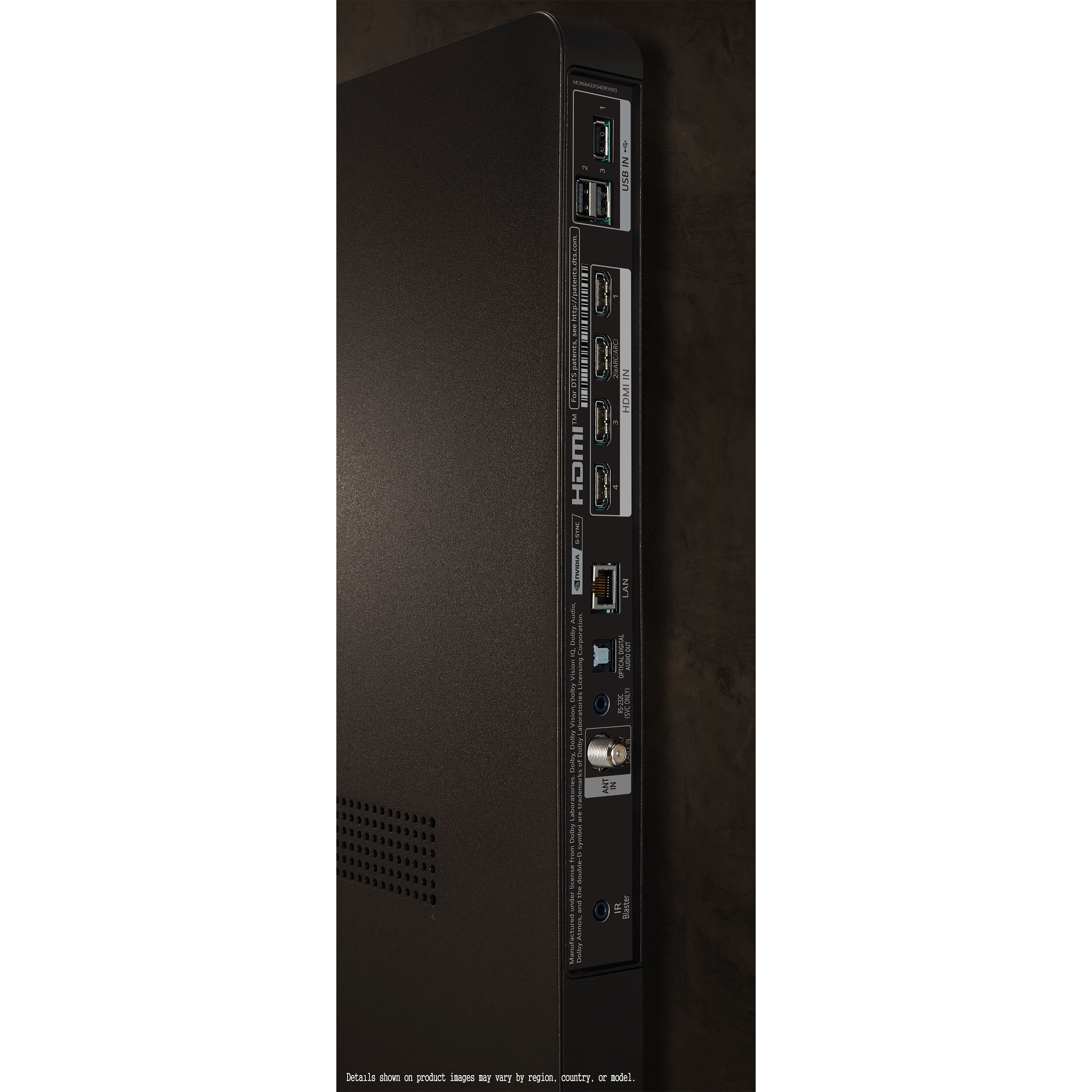
Creating an LG account is necessary for downloading certain apps, but we want to help make your experience better. If you’re looking to use your Roku, you can connect it directly to the TV's HDMI port, allowing you to bypass app downloads on the TV itself.
If you’d like assistance or have further questions, please send us a private message on social media @LGUSSupport. We're here to help you maximize your viewing experience. Thank you for your understanding, and we hope to assist you. ^Juvy
Rated 1 out of 5 stars
Mr
||Posted . Owned for 2 weeks when reviewed.This reviewer received promo considerations or sweepstakes entry for writing a review.Bought a 65” tv 16 days ago. Supposed to be delivered today. Didn’t happen. Only people to talk to can’t speak English.
No, I would not recommend this to a friendBrand response from LG Digital Customer Care
Posted .Hi, Thomas. Thank you for reaching out. We understand your concern about your LG TV (OLED65C4PUA) model isn't delivered as scheduled, especially when communication is difficult. We strive to provide excellent services and ensure a smooth experience. As a first step, we recommend checking with the delivery carrier or contacting Best Buy customer service at 888-237-8289 for an update on your TV's status. If you're still facing issues, please send us a private message on social media @LGUSSupport with your order details, and we’ll escalate the matter to ensure that your delivery is rescheduled and delivered promptly.
We are committed to making sure you get your TV as soon as possible, and we'll work with you to resolve any issues along the way. Thank you for your patience. ^Juvy