Customer Ratings & Reviews
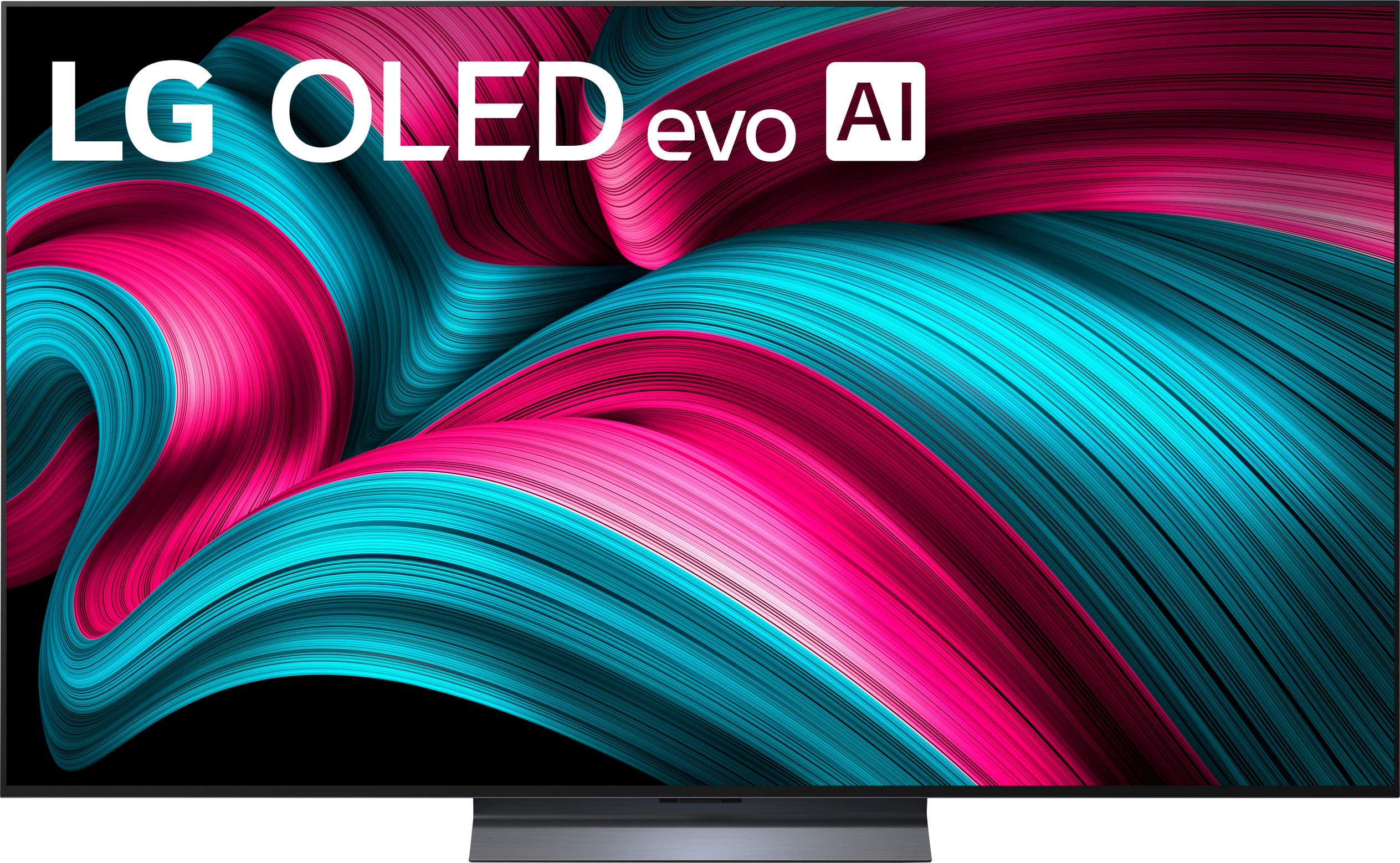
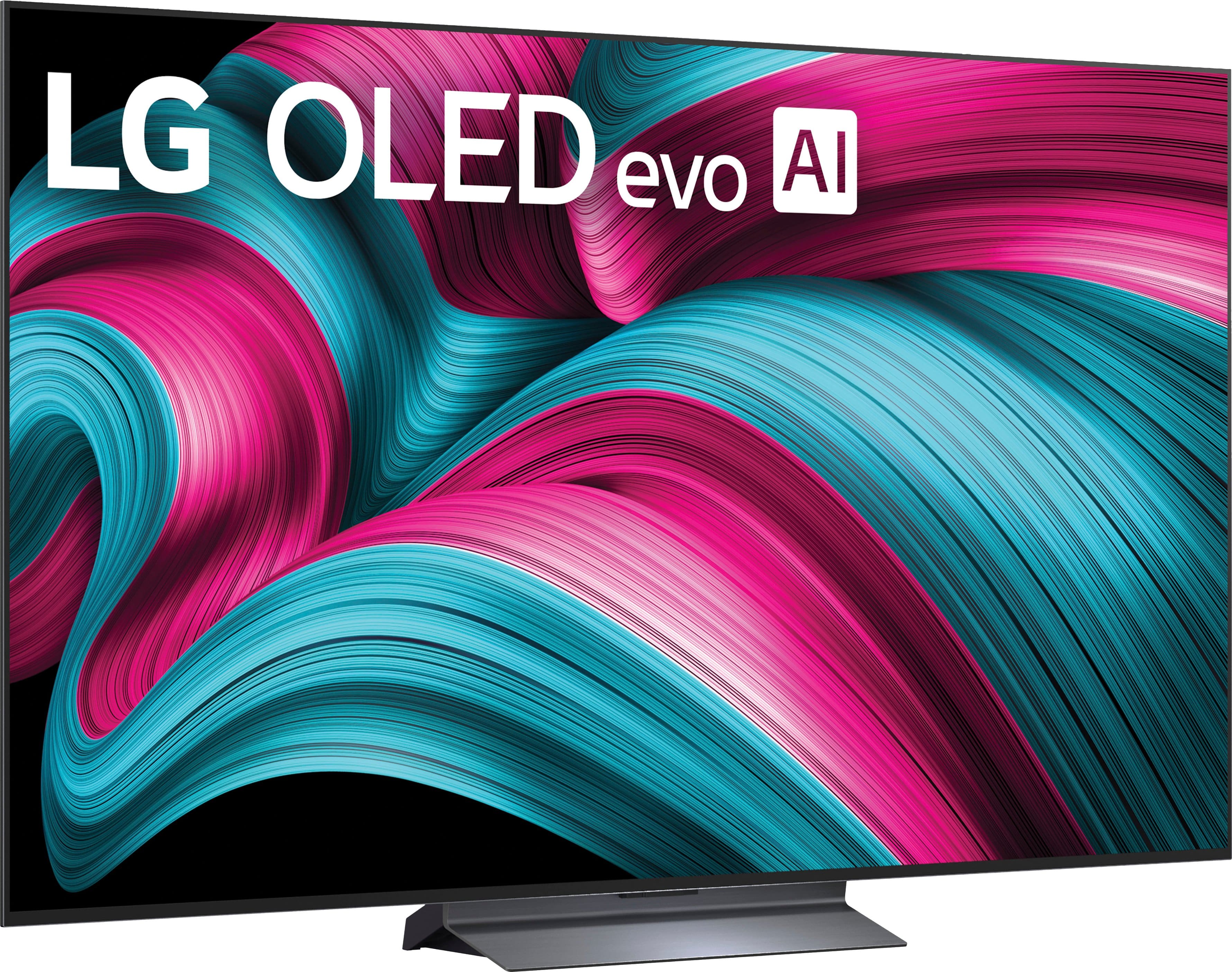
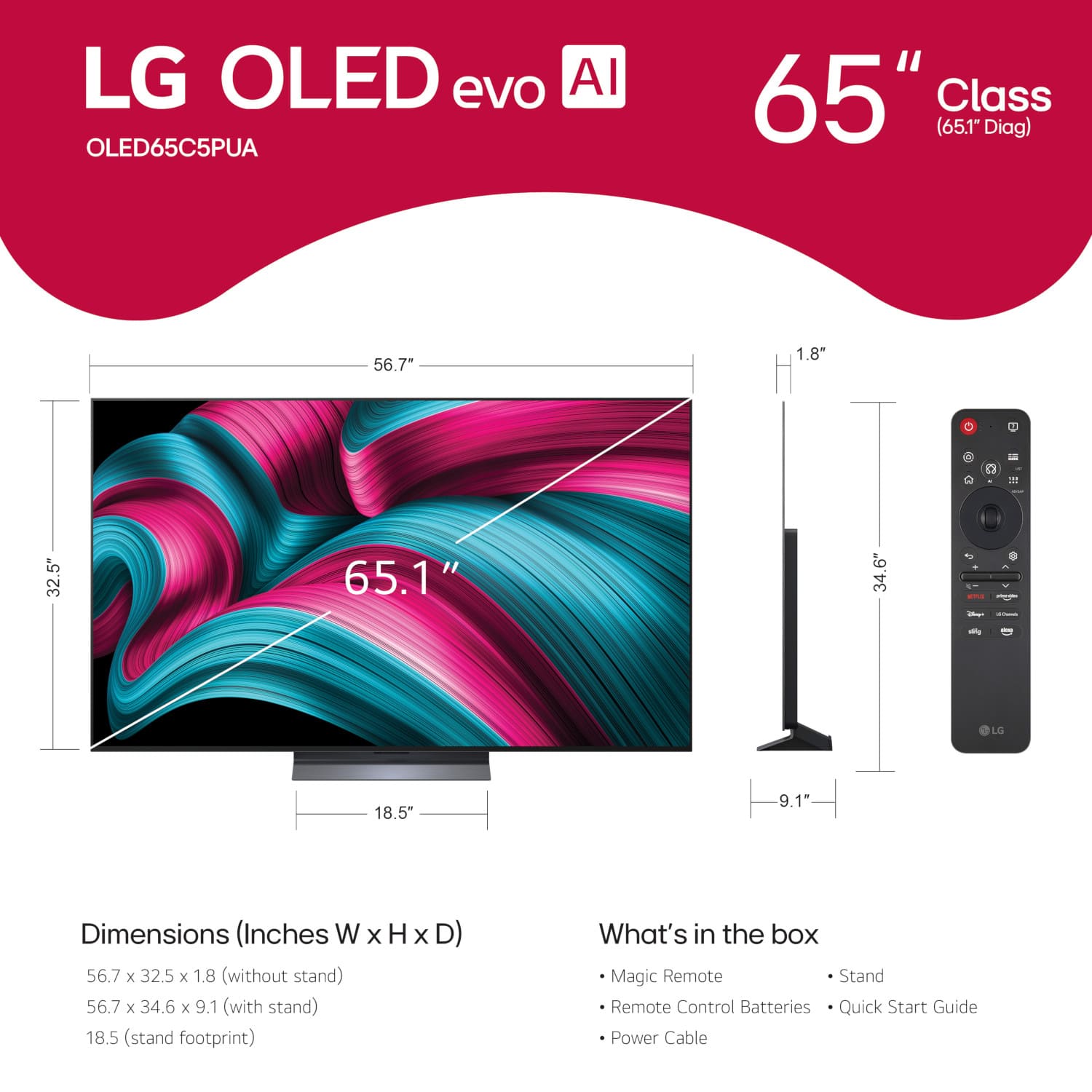
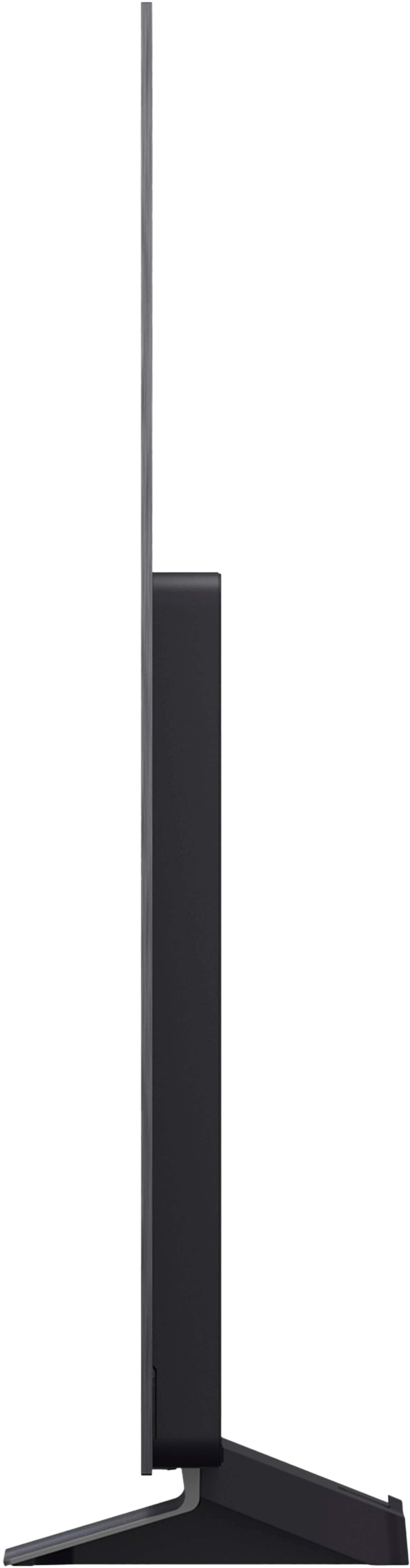




. Independently Tested for Quality and Workmanship CheckPlus: 100 % Color Volume to DCI-P3 oi PSSEANE Intertek [www.IntertekCheck.com](http://www.IntertekCheck.com). 100% Color Fidelity and '100% Color Volume to DCI-P3' applies to 2025 OLED TVs. *LG OLED Display is verified by UL for Perfect Color measured to IDMS 11.5 Ring-light Reflection standards. *100% Color Volume is defined as the performance of display which is equal or greater than the size of DCI-P3 standard color volume as verified independently by Intertek. *The LG OLED Panel is certified by Intertek for 100% Color Fidelity, measured to IDMS 11.5 Ring-light Reflection standards.](https://pisces.bbystatic.com/image2/BestBuy_US/images/products/3661ed5e-8d92-47a9-baef-65aa6eb5dcb9.jpg)














- Model:
- OLED65C5PUA
- |
- SKU:
- 10214293
Customer reviews
Rating 4.8 out of 5 stars with 1382 reviews
(1,382 customer reviews)Rating by feature
- Picture Quality4.9
Rating 4.9 out of 5 stars
- Sound Quality4.5
Rating 4.5 out of 5 stars
- Brightness4.9
Rating 4.9 out of 5 stars
Customers are saying
Customers express satisfaction with the product. They particularly appreciate its excellent picture quality and responsive gaming performance.
This summary was generated by AI based on customer reviews.
- Pros mentioned:Picture quality
Rated 5 out of 5 stars
LG OLED 65
||Posted . Owned for 1 week when reviewed.This reviewer received promo considerations or sweepstakes entry for writing a review.The picture quality on this TV is absolutely amazing. I’m really enjoying this TV.
This review is from LG - 65" Class C5 Series OLED evo AI 4K UHD Smart webOS TV (2025)
I would recommend this to a friend - Pros mentioned:Picture quality
Rated 5 out of 5 stars
Can almost step into television picture
||Posted . Owned for 3 weeks when reviewed.This reviewer received promo considerations or sweepstakes entry for writing a review.An amazing color, clarity and life like picture. Love this television.
This review is from LG - 65" Class C5 Series OLED evo AI 4K UHD Smart webOS TV (2025)
I would recommend this to a friend - Pros mentioned:Picture quality
Rated 5 out of 5 stars
Great TV
||Posted . Owned for 3 weeks when reviewed.This reviewer received promo considerations or sweepstakes entry for writing a review.Great picture! Best TV I have ever owned. If you are looking for a TV that is easy to set up and a joy to watch this is it.
This review is from LG - 65" Class C5 Series OLED evo AI 4K UHD Smart webOS TV (2025)
I would recommend this to a friend - Pros mentioned:Picture quality
Rated 5 out of 5 stars
Highly recommended
||Posted . Owned for 2 weeks when reviewed.This reviewer received promo considerations or sweepstakes entry for writing a review.Excellent TV, the image is perfect, I feel like I'm at the cinema watching movies, the image quality, the sound is great
This review is from LG - 65" Class C5 Series OLED evo AI 4K UHD Smart webOS TV (2025)
I would recommend this to a friend - Pros mentioned:Picture quality
Rated 5 out of 5 stars
LG/SONOS
||Posted . Owned for 1 week when reviewed.This reviewer received promo considerations or sweepstakes entry for writing a review.Had good customer interaction. Really enjoying the LG. Great picture quality. Use sonos sound bar, so real good sound. Plan to maybe add wireless speakers later.
This review is from LG - 65" Class C5 Series OLED evo AI 4K UHD Smart webOS TV (2025)
I would recommend this to a friend - Pros mentioned:Picture quality
Rated 5 out of 5 stars
Best TV Period
||Posted .This reviewer received promo considerations or sweepstakes entry for writing a review.Best TV money can buy. Phenomenal picture rich deep colors movie theater experience in home.
This review is from LG - 65" Class C5 Series OLED evo AI 4K UHD Smart webOS TV (2025)
I would recommend this to a friend - Pros mentioned:Picture quality
Rated 5 out of 5 stars
Great value
||Posted . Owned for 1 month when reviewed.This reviewer received promo considerations or sweepstakes entry for writing a review.We love this smart tv because it allowed us to save on cable and the picture has so much clarity.
This review is from LG - 65" Class C5 Series OLED evo AI 4K UHD Smart webOS TV (2025)
I would recommend this to a friend - Pros mentioned:Picture quality
Rated 5 out of 5 stars
Best TV in Best Bay.
||Posted . Owned for 3 weeks when reviewed.This reviewer received promo considerations or sweepstakes entry for writing a review.This product is excellent....like Best Bay. It's pleaser to bay in this market.
This review is from LG - 65" Class C5 Series OLED evo AI 4K UHD Smart webOS TV (2025)
I would recommend this to a friend - Pros mentioned:Picture quality
Rated 5 out of 5 stars
Great TV at great price
||Posted . Owned for 2 weeks when reviewed.This reviewer received promo considerations or sweepstakes entry for writing a review.Awesome picture. Set up a little more involved than in past with my LGs.
This review is from LG - 65" Class C5 Series OLED evo AI 4K UHD Smart webOS TV (2025)
I would recommend this to a friend Rated 5 out of 5 stars
As real as can be!
||Posted . Owned for 3 weeks when reviewed.This reviewer received promo considerations or sweepstakes entry for writing a review.I became a huge fan of OLED TV. It has to be the most realistic way to watch!
This review is from LG - 65" Class C5 Series OLED evo AI 4K UHD Smart webOS TV (2025)
I would recommend this to a friendRated 5 out of 5 stars
LG 65 C5
||Posted . Owned for 2 weeks when reviewed.This reviewer received promo considerations or sweepstakes entry for writing a review.The LG C5 tv is the best picture and features ever. The price was right and our sales person knowable and loaded the tv.
This review is from LG - 65" Class C5 Series OLED evo AI 4K UHD Smart webOS TV (2025)
I would recommend this to a friend- Pros mentioned:Picture quality
Rated 5 out of 5 stars
Picture
||Posted . Owned for 3 weeks when reviewed.This reviewer received promo considerations or sweepstakes entry for writing a review.Excellent tv. Great color and clarity I would recommend Lg technology to all my friends
This review is from LG - 65" Class C5 Series OLED evo AI 4K UHD Smart webOS TV (2025)
I would recommend this to a friend - Pros mentioned:Picture quality
Rated 5 out of 5 stars
LG 65” oled
||Posted . Owned for 2 weeks when reviewed.This reviewer received promo considerations or sweepstakes entry for writing a review.It’s a great tv and quality is perfect first time I’m using LG I definitely recommend it
This review is from LG - 65" Class C5 Series OLED evo AI 4K UHD Smart webOS TV (2025)
I would recommend this to a friend - Pros mentioned:Picture quality
Rated 5 out of 5 stars
Great TV
||Posted . Owned for 1 month when reviewed.This reviewer received promo considerations or sweepstakes entry for writing a review.Great picture and very intuitive television. We are enjoying it so far
This review is from LG - 65" Class C5 Series OLED evo AI 4K UHD Smart webOS TV (2025)
I would recommend this to a friend - Pros mentioned:Picture quality
Rated 5 out of 5 stars
Satisfied LG Customer
||Posted .This reviewer received promo considerations or sweepstakes entry for writing a review.Excellent picture and surprisingly good sound from a tv speaker.
This review is from LG - 65" Class C5 Series OLED evo AI 4K UHD Smart webOS TV (2025)
I would recommend this to a friend - Pros mentioned:Picture quality
Rated 5 out of 5 stars
Perfect TV
||Posted . Owned for 2 weeks when reviewed.This reviewer received promo considerations or sweepstakes entry for writing a review.Amazing picture quality, super thin, easy to set up.
This review is from LG - 65" Class C5 Series OLED evo AI 4K UHD Smart webOS TV (2025)
I would recommend this to a friend Rated 4 out of 5 stars
Really good TV
||Posted . Owned for 2 weeks when reviewed.This reviewer received promo considerations or sweepstakes entry for writing a review.This is the first time ive ever bought an OLED TV and the colors are amazing, its a noticable difference from a regular TV. I connected it with a sonos sound bar and it was extremely easy and worked great with it
This review is from LG - 65" Class C5 Series OLED evo AI 4K UHD Smart webOS TV (2025)
I would recommend this to a friendRated 5 out of 5 stars
Even visually impaired able to enjoy
||Posted . Owned for 2 weeks when reviewed.This reviewer received promo considerations or sweepstakes entry for writing a review.Very nice Tv. Great picture Fits our needs perfectly Visually impaired were able to enjoy the picture quality.
This review is from LG - 65" Class C5 Series OLED evo AI 4K UHD Smart webOS TV (2025)
I would recommend this to a friend- Pros mentioned:Picture quality
Rated 4 out of 5 stars
Great Upgrade from my old TV
||Posted .This reviewer received promo considerations or sweepstakes entry for writing a review.Amazing picture! For live TV, Movies, and Gaming, love the fact that it has multiple HDMI 2.1 ports. And paired with the Soundbar with Wow Orchestra! Delivers an unmatched experience! Major upgrade from my 10 year old 55’ in Samsung. LG has really delivered with this TV.
This review is from LG - 65" Class C5 Series OLED evo AI 4K UHD Smart webOS TV (2025)
I would recommend this to a friend Rated 5 out of 5 stars
LG for ME!
||Posted . Owned for 1 month when reviewed.This reviewer received promo considerations or sweepstakes entry for writing a review.Love this tv. Looks great on gaming and sports. The remote is so fun to use too.
This review is from LG - 65" Class C5 Series OLED evo AI 4K UHD Smart webOS TV (2025)
I would recommend this to a friend