Customer Ratings & Reviews
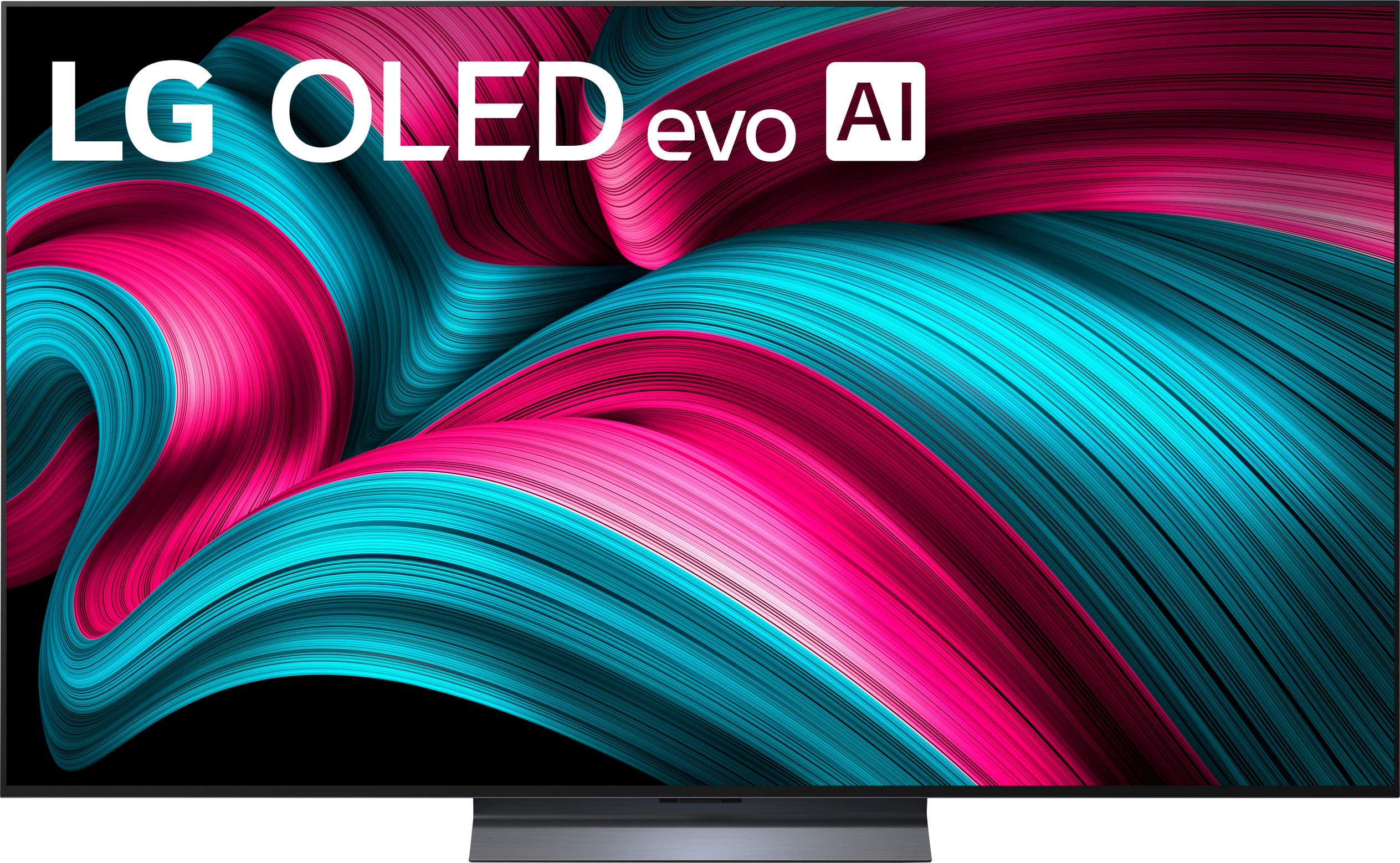
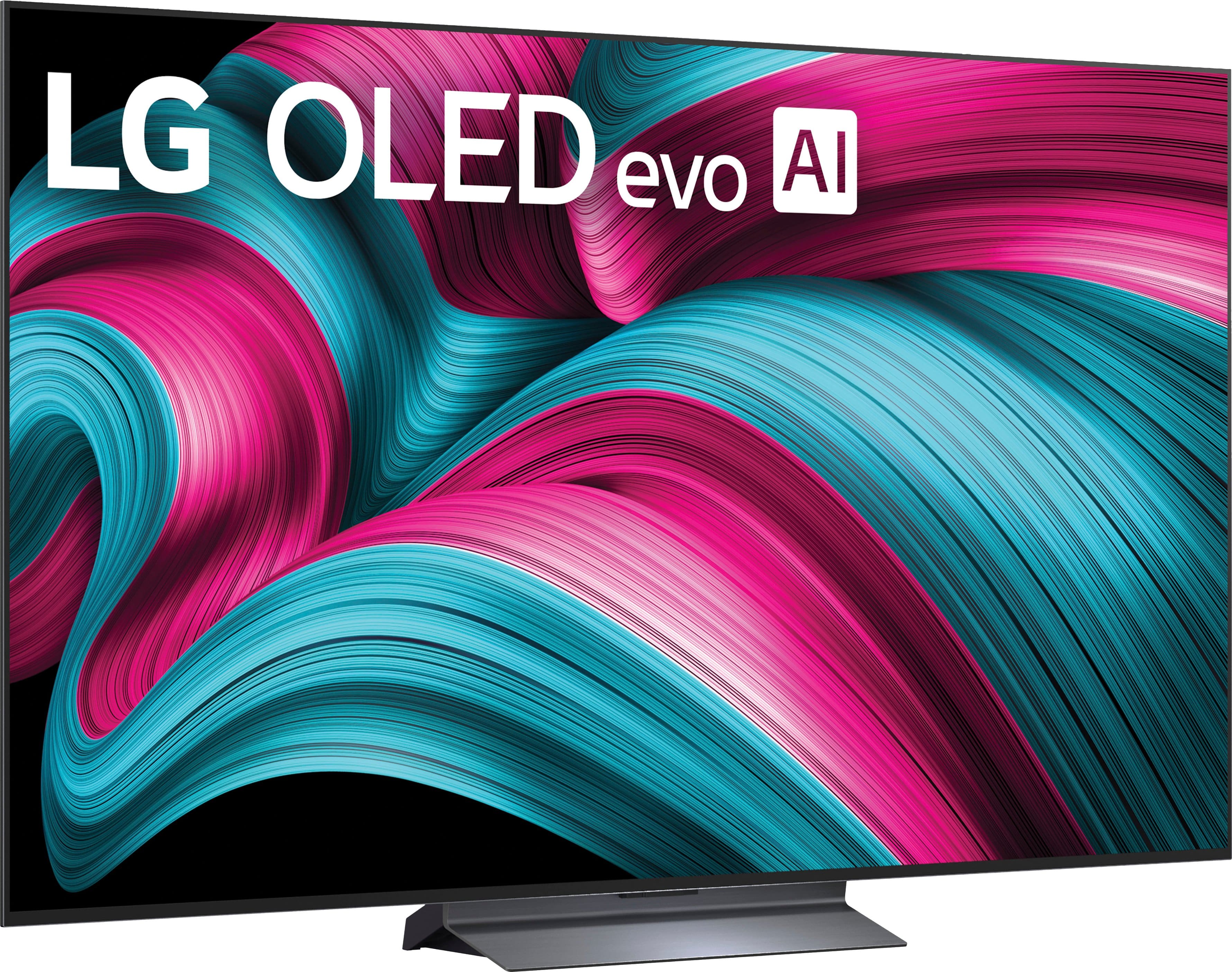
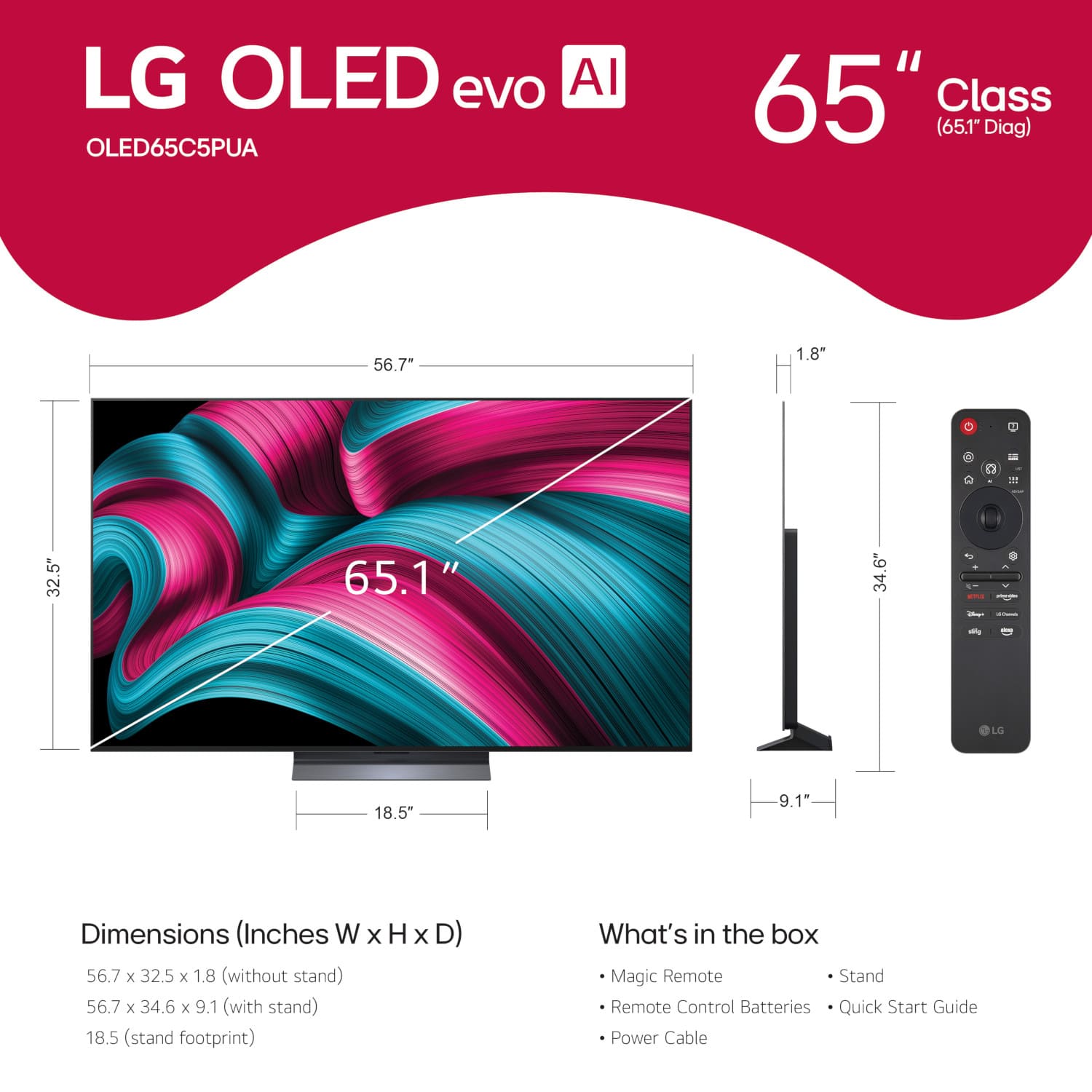
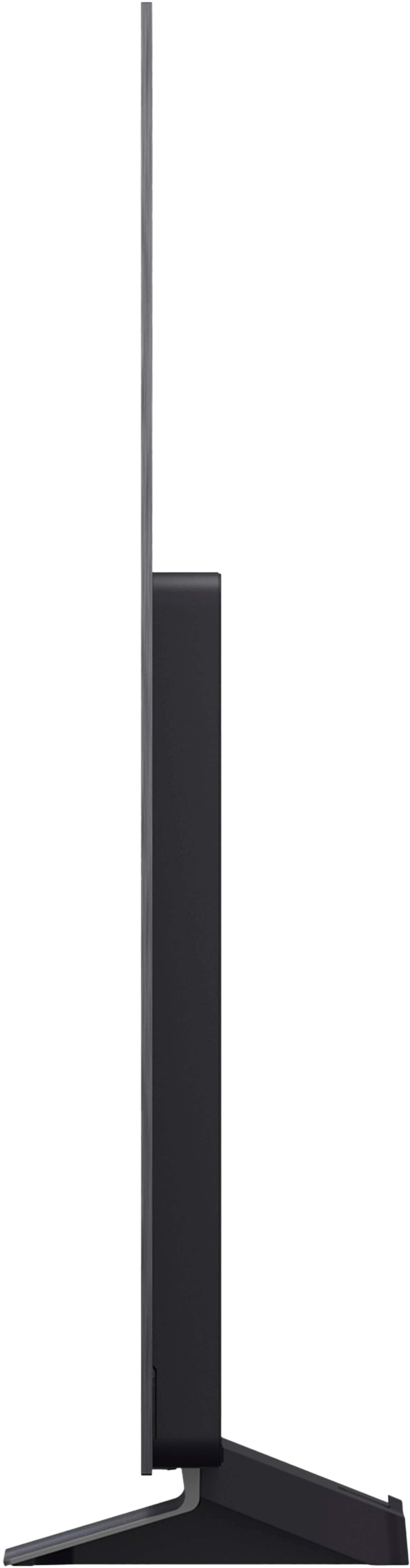




. Independently Tested for Quality and Workmanship CheckPlus: 100 % Color Volume to DCI-P3 oi PSSEANE Intertek [www.IntertekCheck.com](http://www.IntertekCheck.com). 100% Color Fidelity and '100% Color Volume to DCI-P3' applies to 2025 OLED TVs. *LG OLED Display is verified by UL for Perfect Color measured to IDMS 11.5 Ring-light Reflection standards. *100% Color Volume is defined as the performance of display which is equal or greater than the size of DCI-P3 standard color volume as verified independently by Intertek. *The LG OLED Panel is certified by Intertek for 100% Color Fidelity, measured to IDMS 11.5 Ring-light Reflection standards.](https://pisces.bbystatic.com/image2/BestBuy_US/images/products/3661ed5e-8d92-47a9-baef-65aa6eb5dcb9.jpg)








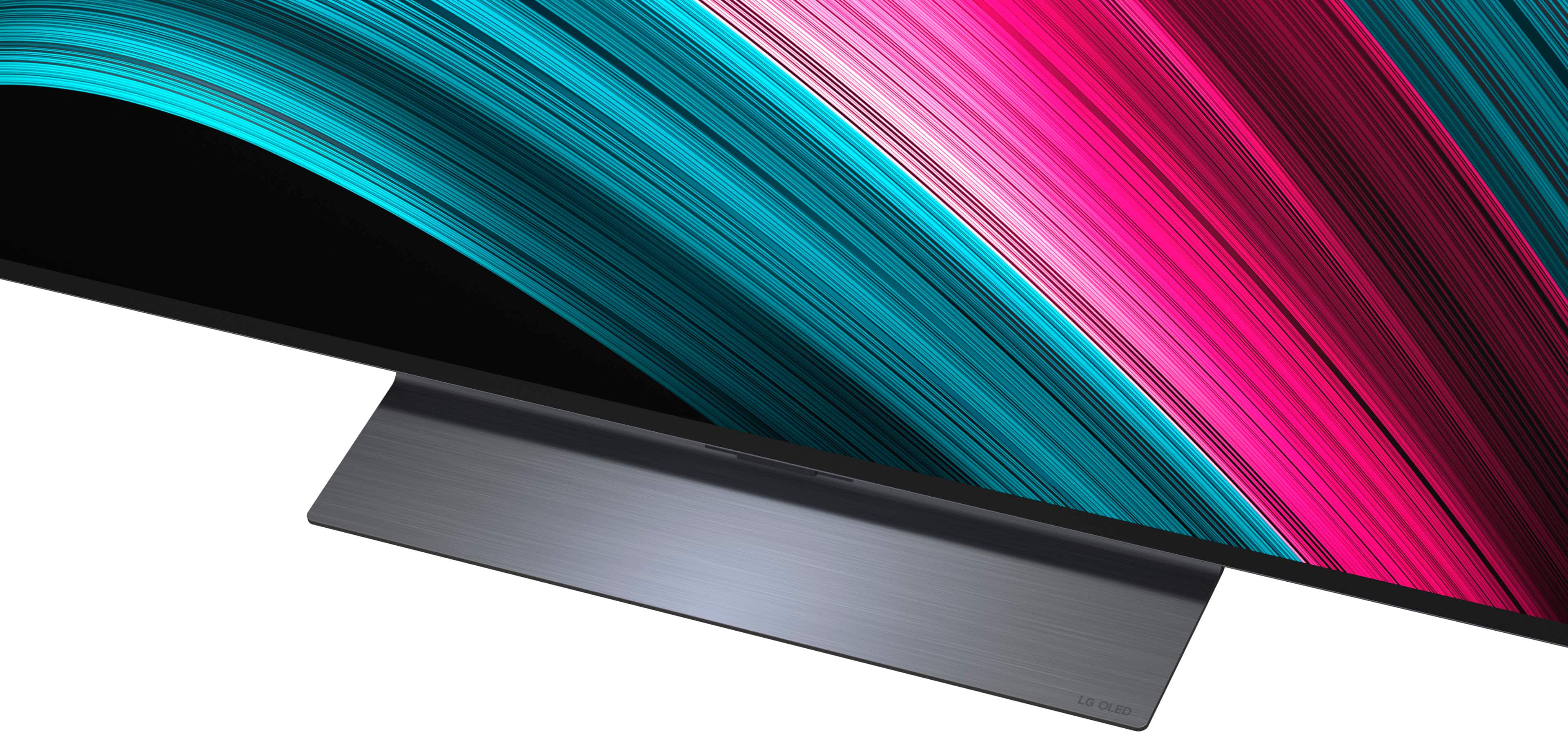





- Model:
- OLED65C5PUA
- SKU:
- 10316771
Rating by feature
- Picture Quality
Rating 4.9 out of 5 stars
- Sound Quality
Rating 4.5 out of 5 stars
- Brightness
Rating 4.9 out of 5 stars
Customers are saying
Customers value the picture quality of the product, with many commenting on how good the image looks. There were no negative aspects of the product mentioned in the provided data.
This summary was generated by AI based on customer reviews.
- Pros mentioned:Picture quality
Great Tv!
||Posted .This reviewer received promo considerations or sweepstakes entry for writing a review.Love the tv and love the quality of the picture! Would highly recommend!
I would recommend this to a friend - Pros mentioned:Picture quality
Lg c5
||Posted . Owned for 1 week when reviewed.This reviewer received promo considerations or sweepstakes entry for writing a review.I’ve always bought lg products, this one by far is the best lg tv I’ve ever had
I would recommend this to a friend Very good picture quality
||Posted . Owned for 2 weeks when reviewed.This reviewer received promo considerations or sweepstakes entry for writing a review.I replaced my Sony OLED with this and the quality is better. I would like the start up to stay in the same input as when I turned it off. I need to shut off the ADS somehow.
I would recommend this to a friend- Pros mentioned:Picture quality
Great picture and sound.
||Posted . Owned for 1 week when reviewed.This reviewer received promo considerations or sweepstakes entry for writing a review.Great picture and sound. Easy to set up and another great product by LG.
I would recommend this to a friend - Pros mentioned:Picture quality
Great picture, not so great sound
||Posted . Owned for 2 weeks when reviewed.This reviewer received promo considerations or sweepstakes entry for writing a review.Great picture, needs at least a soundbar to have a great experience.
I would recommend this to a friend - Pros mentioned:Picture quality
Retired
||Posted . Owned for 2 weeks when reviewed.This reviewer received promo considerations or sweepstakes entry for writing a review.Best deals awesome job on your project I hope to see your project soon
I would recommend this to a friend - Pros mentioned:Picture quality
Solid Purchase
||Posted . Owned for less than 1 week when reviewed.This reviewer received promo considerations or sweepstakes entry for writing a review.Highly recommend this tv. Great picture and a great price.
I would recommend this to a friend - Pros mentioned:Picture quality
Best OLED for price
||Posted . Owned for 1 week when reviewed.This reviewer received promo considerations or sweepstakes entry for writing a review.Great colors. And an easy setup. Might need two people to get it out of the box though.
I would recommend this to a friend Customer service is horrible
||Posted . Owned for 1 week when reviewed.This reviewer received promo considerations or sweepstakes entry for writing a review.We purchased a LG 65 in. Top of the line TV from Best Buy in Erie PA. We were scheduled to have delivery 3 days from our purchase. The delivery date came and there was no contact from any one. After several phone calls for over an hour each time we were Abe to schedule a date. 3 weeks from The original date. The sku s are wrong. We kept getting notifications that they were canceling on our because we didn’t pick it up. As a customer, there is no direct line to the store you purchased items from. Your call goes directly to someone in Panama. Awful experience!
I would recommend this to a friendBrand response from LG Digital Customer Care
Posted .Hi there, MaryS. We understand your inquiry regarding the delivery and scheduling experience for your LG 65" Class C5 Series OLED evo AI 4K UHD Smart webOS TV. We want to ensure your transition to your new TV is smooth, and we would like to look into this for you.
https://www.bestbuy.com/product/lg-65-class-c5-series-oled-evo-ai-4k-uhd-smart-webos-tv-2025/JJ8VPZTRG6
For further assistance and any specific concerns you may have, please contact us on lgdigitalcare@lg.sprinklrsupport.com. We appreciate your patience. —Renzo
Amazing tv!
||Posted . Owned for 1 week when reviewed.This reviewer received promo considerations or sweepstakes entry for writing a review.Absolutely incredible! It looks even better at home than the display at the store!
I would recommend this to a friend- Pros mentioned:Picture quality
LG C5
||Posted . Owned for 3 weeks when reviewed.This reviewer received promo considerations or sweepstakes entry for writing a review.Great picture quality and fits the space perfectly. Only downsides are screen glare and menus are very slow.
I would recommend this to a friend - Pros mentioned:Picture quality
LG-65" Class C5 Serious OLED TV
||Posted . Owned for 3 weeks when reviewed.This reviewer received promo considerations or sweepstakes entry for writing a review.Very happy with this purchase. Great quality picture.
I would recommend this to a friend 65” LG TV
||Posted . Owned for 1 month when reviewed.This reviewer received promo considerations or sweepstakes entry for writing a review.After doing my home work my LG fit my picture. Only problem is BJ’s put the same LG on sale about a week after for $200.00 less.
I would recommend this to a friendGreat quality
||Posted . Owned for 2 weeks when reviewed.This reviewer received promo considerations or sweepstakes entry for writing a review.Excellent TV and excellent help at the store, also like the Best Buy card she told us to get
I would recommend this to a friend- Pros mentioned:Picture quality
Perfect tv
||Posted . Owned for 1 week when reviewed.This reviewer received promo considerations or sweepstakes entry for writing a review.Perfect tv, highly recommend especially for the price
I would recommend this to a friend - Pros mentioned:Picture quality
Satisfied
||Posted . Owned for 1 week when reviewed.This reviewer received promo considerations or sweepstakes entry for writing a review.Great picture, perfect for gaming, easy to use interface.
I would recommend this to a friend - Pros mentioned:Picture quality
LG Tv
||Posted . Owned for 1 week when reviewed.This reviewer received promo considerations or sweepstakes entry for writing a review.Awesome device perfect sizing good quality and very clear
I would recommend this to a friend - Pros mentioned:Picture quality
LG review
||Posted . Owned for 1 month when reviewed.This reviewer received promo considerations or sweepstakes entry for writing a review.Outstanding color and great for watching football games.
I would recommend this to a friend - Pros mentioned:Picture quality
Great tv
||Posted .This reviewer received promo considerations or sweepstakes entry for writing a review.Bright screen, vivid colors and good sound quality
I would recommend this to a friend lgoled65c5pua review
||Posted . Owned for 2 weeks when reviewed.This reviewer received promo considerations or sweepstakes entry for writing a review.Better picture than previous "top shelf" 1080p tv. Remote would be much better if it had voice command.
I would recommend this to a friend