Customer Ratings & Reviews
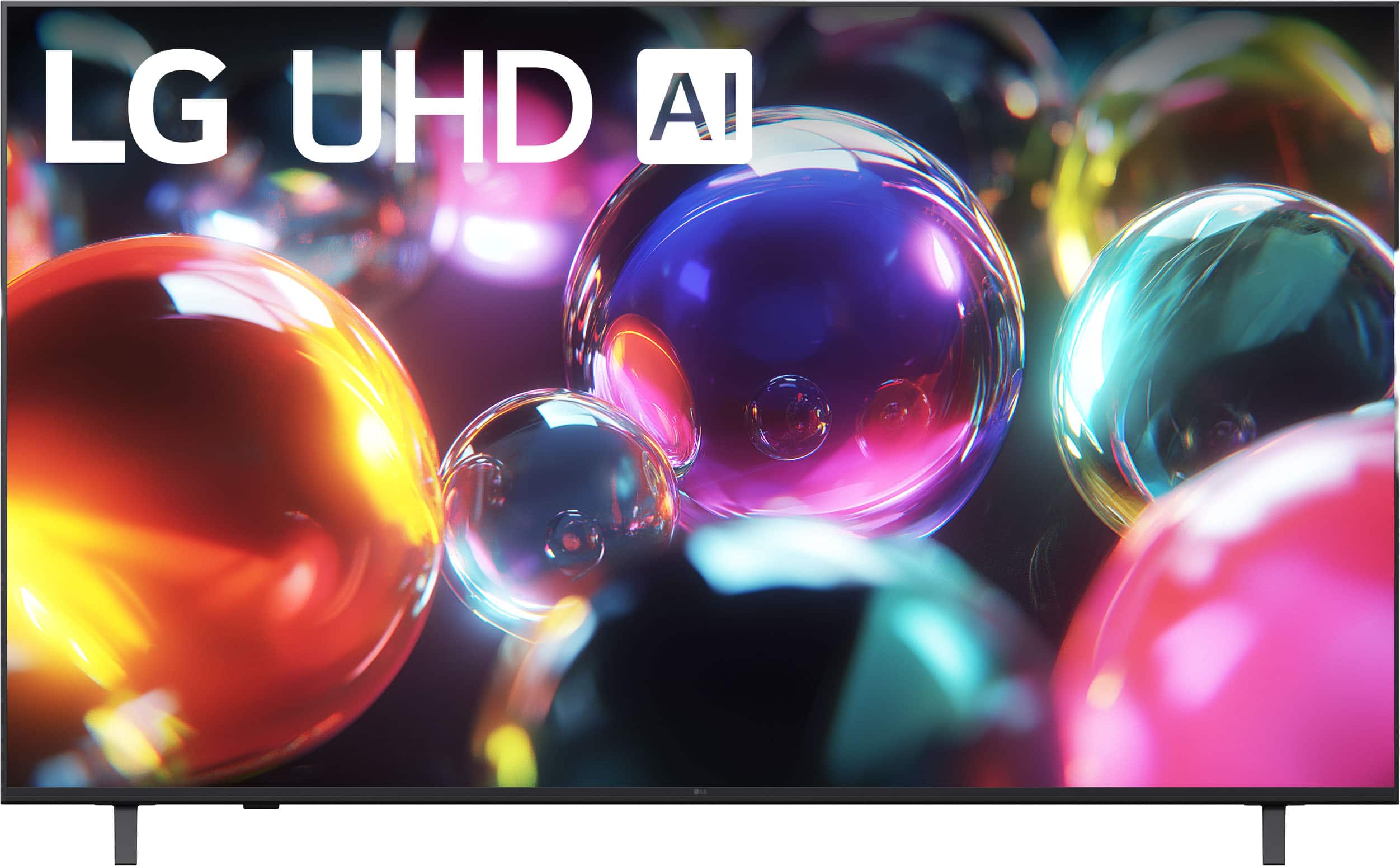
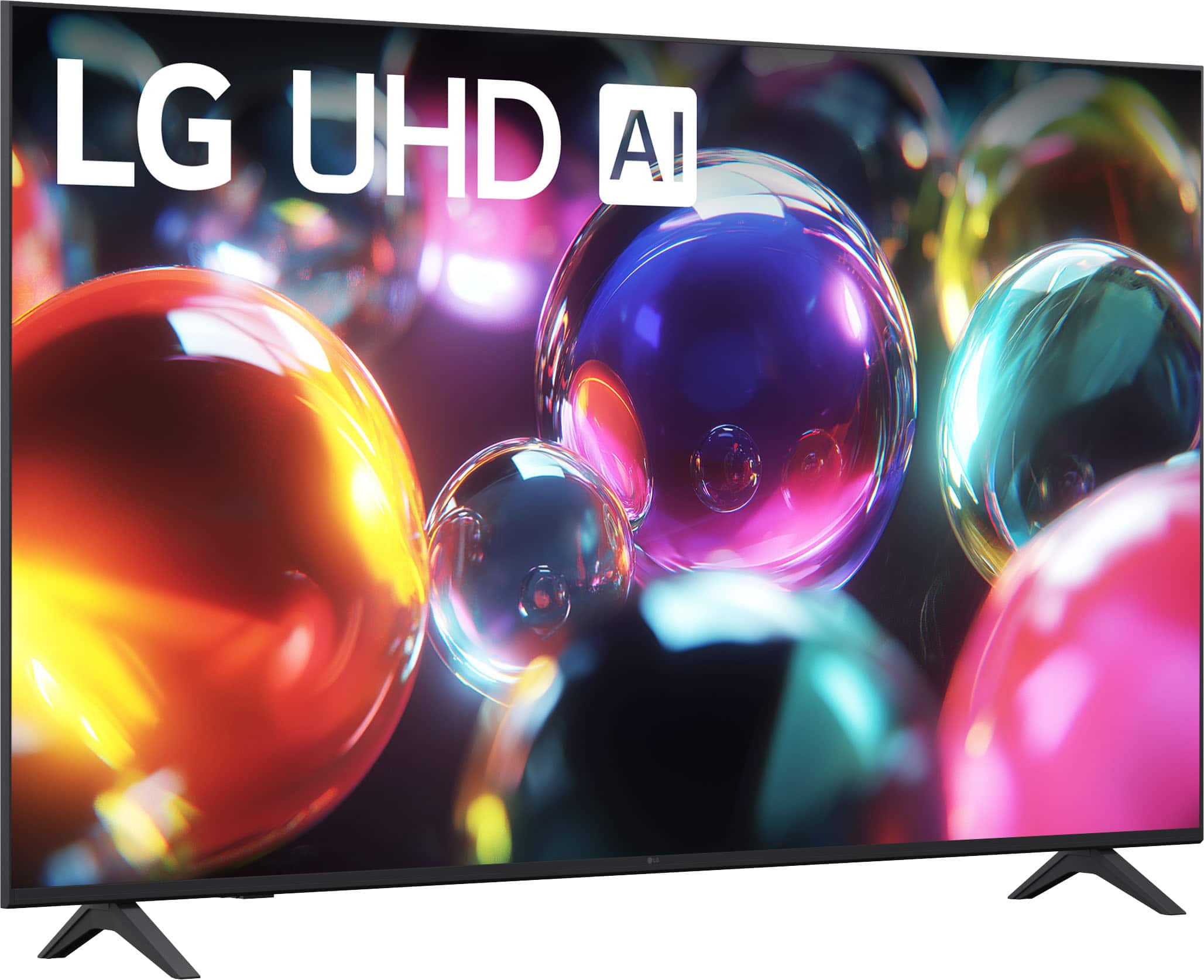
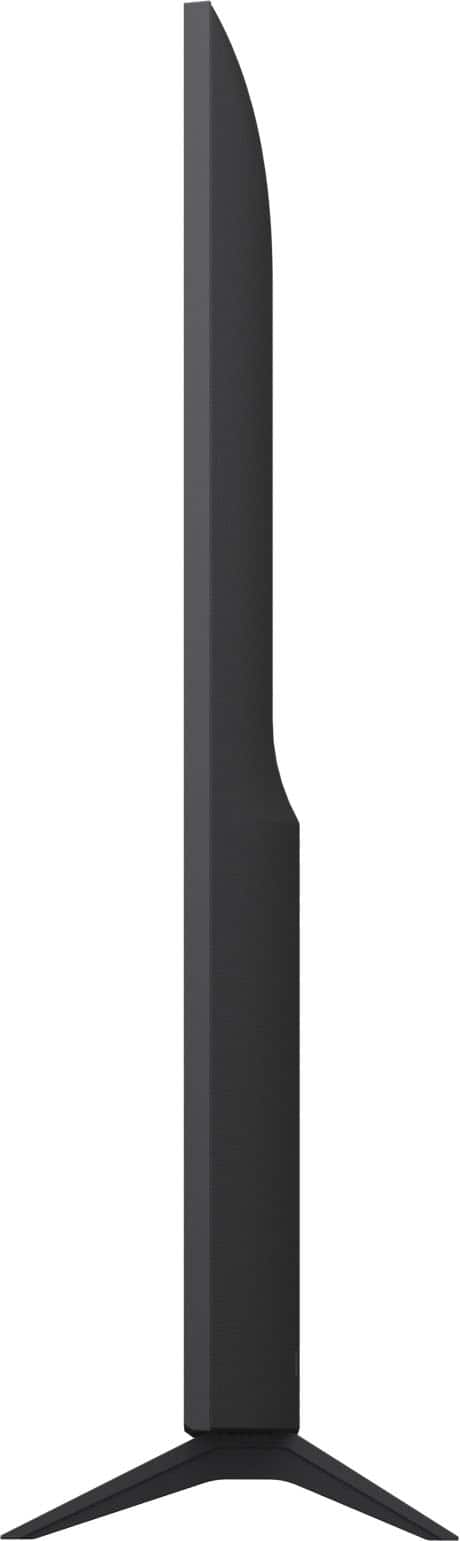
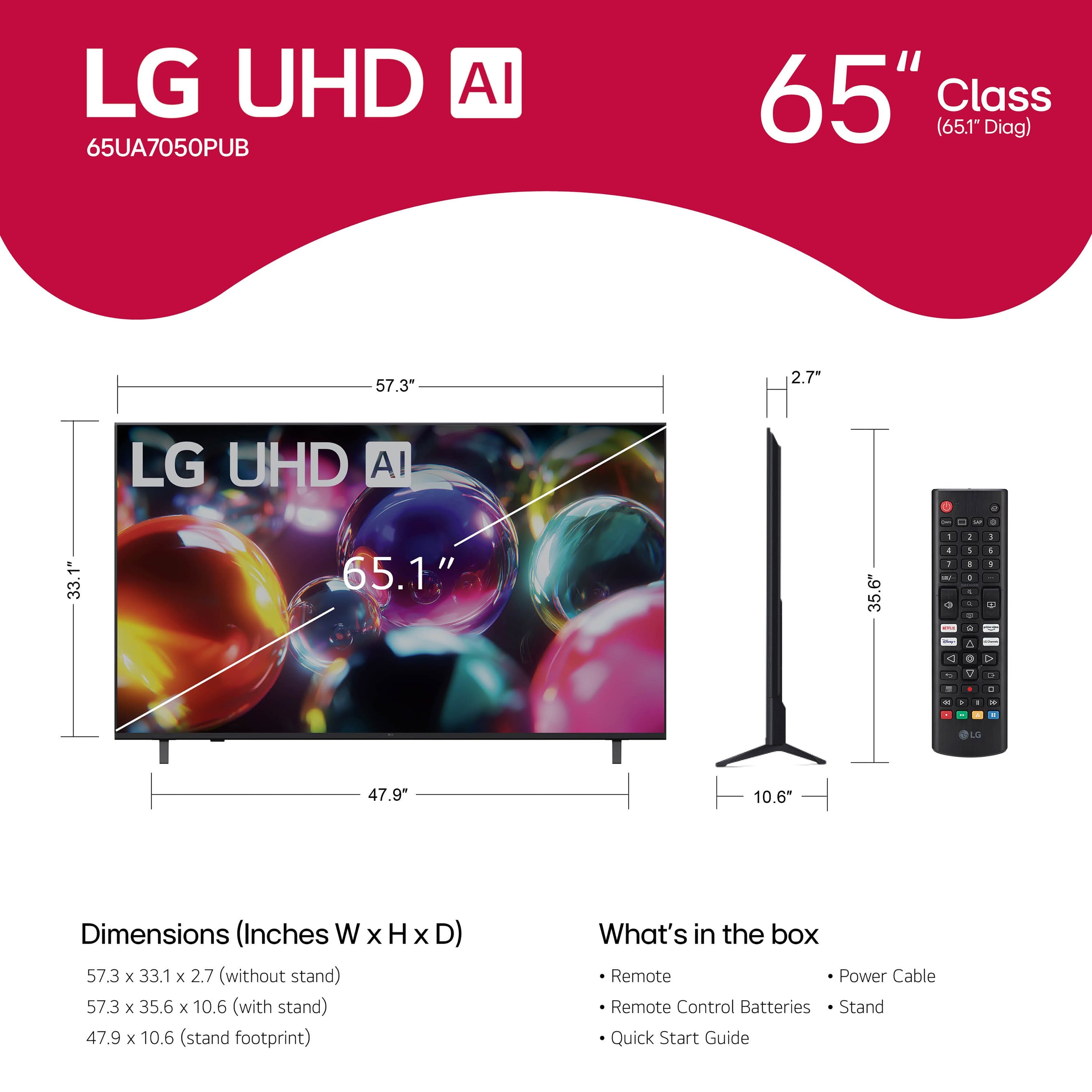







- Model:
- 65UA7050PUB
- SKU:
- 6642270
Rating by feature
- Picture Quality
Rating 4.8 out of 5 stars
- Sound Quality
Rating 4.6 out of 5 stars
- Brightness
Rating 4.8 out of 5 stars
Customers are saying
Customers value the excellent picture quality and ease of use of the 65” Class UA7050 Series LED AI 4K UHD Smart webOS TV (2025). Several customers appreciate the variety of features and perfect size, while others find the TV lightweight and praise its connectivity options. Overall, the TV seems to be well-received for its picture and user-friendly design.
This summary was generated by AI based on customer reviews.
LG tv
||Posted . Owned for 1 month when reviewed.This reviewer received promo considerations or sweepstakes entry for writing a review.Good TV and Good price 100% recomended:………………………..
I would recommend this to a friendGood value
||Posted . Owned for less than 1 week when reviewed.This reviewer received promo considerations or sweepstakes entry for writing a review.Perfect TV for office conference room that offers smart cababilities.
I would recommend this to a friendCorporate Holiday gift
||Posted .This reviewer received promo considerations or sweepstakes entry for writing a review.TV bought for a company holiday gift - Great price and fast deliver
I would recommend this to a friendAwesome
||Posted . Owned for 1 week when reviewed.This reviewer received promo considerations or sweepstakes entry for writing a review.Love the customer service, and the tv is exceptional i love it
I would recommend this to a friendReview
||Posted . Owned for 1 month when reviewed.This reviewer received promo considerations or sweepstakes entry for writing a review.See light leaking through on the edges. I rated it a 3 star as i dont believe in the longevity of the purchase.
I would recommend this to a friendDont buy black friday tvs from them.
||Posted . Owned for 1 month when reviewed.This reviewer received promo considerations or sweepstakes entry for writing a review.Tv came defective in the box, wouldnt stay hooked up to wifi even when the router was 6 inches away. Tried other networks and different hz options detailed in the help section, no solution. Upon looking solutions up it is detailed there is a known factory defect where the wifi ribbon is damaged, disconnected, or loose that can only be repaired by disassembling the new tv to fix the ribbon yourself. Bestbuy KNOWING this is an issue, discounted the tvs and sold them anyway. Thankfully they have a 15 day return policy on all their items, oh wait, the empolyee will try to argue with you that "they dont have to honor that and you can exchange the tv for the same model if youre having issues". After an hour of explaining the specific tv line is junk, he finalls refunds me. I wouldnt buy another tv from this scam of a buissness, especially after the whole fake 5060 thing where they tried to scam another customer.
No, I would not recommend this to a friendBrand response from LG Digital Customer Care
Posted .Hi, Daniel. Thank you for reaching out about your LG TV (65UA7050PUB) model. We understand how crucial it is to have a TV that works well from the start, especially for stable Wi-Fi. Since you've returned the unit, a typical fix for Wi-Fi issues includes a Power Cycle and DNS adjustment: Unplug the TV for 60 seconds, hold the Power button for 10 seconds while unplugged, then plug it back in. Navigate to Settings > General > Network > Wi-Fi Connection, and select Advanced Wi-Fi Settings. Disable IPv6 and manually set the DNS Server to 8.8.8.8 for better stability. More info on network stability and settings can be found here: https://www.lg.com/us/support/help-library/lg-tv-troubleshooting-your-tvs-internet-connection--1426626051711. If you need further assistance, please email us at lgdigitalcare@lg.sprinklrsupport.com. We’re here to help. ^Juvy

it was a gift for someone
||Posted . Owned for 1 week when reviewed.This reviewer received promo considerations or sweepstakes entry for writing a review.It was a gift for someone. They loved it. thanks again
I would recommend this to a friendTV Review
||Posted .This reviewer received promo considerations or sweepstakes entry for writing a review.It’s fine. Just wish the interface was better with the system.
No, I would not recommend this to a friendUnknown
||Posted . Owned for less than 1 week when reviewed.This reviewer received promo considerations or sweepstakes entry for writing a review.Issue with delivery, they delevered a cracked screen
I would recommend this to a friendDon’t buy from Best Buy. Never turned it on
||Posted .This reviewer received promo considerations or sweepstakes entry for writing a review.Best Buy Customer Service is so so so bad. I am a Best Buy Total Member and exchanged this TV for a 70” Samsung. It was still in the box when it was picked up and Best Buy still has not issued my refund. It’s been over a month. It still shows listed to be picked up in the app. I have called over 10 times. Done the Chat over 15 times. Nothing. They just lie and say it’s being processed or escalated to the store. Nothing happens. Best Buy just took my money and will not issue a refund. I hate writing bad reviews but they deserve it on this. I have been a good customer and bought many things but you guys did awful on this.
No, I would not recommend this to a friendBrand response from LG Digital Customer Care
Posted .Hi, Andrew. Thank you for reaching out. We understand the importance of a smooth return and refund for your LG TV (65UA7050PUB) and appreciate your updates on the delays and attempts to resolve this with Best Buy. Please check your Best Buy account for the order status and return record to see if the pickup is closed. If it’s still pending, the retailer may not have completed the intake, delaying the refund. You can also find support information for your model here: https://www.lg.com/us/support/product/lg-65UA7050PUB.AUS. We're happy to help further; please send us an email us at lgdigitalcare@lg.sprinklrsupport.com. ^Juvy
Not satisfied
||Posted .This reviewer received promo considerations or sweepstakes entry for writing a review.Had a Sony Bravia. Should have stuck with Sony better picture from 8 year old Bravia. Operating system is terrible along with remote.
No, I would not recommend this to a friendBrand response from LG Digital Customer Care
Posted .Hi there, Stony. Thank you for sharing your experience with us. We understand your inquiry regarding the picture quality and the webOS operating system of your LG - 65 Class UA7050 Series LED AI 4K UHD Smart webOS TV (2025). We want to ensure you are getting the most out of your viewing experience and the features of your remote.
https://www.bestbuy.com/product/lg-65-class-ua7050-series-led-ai-4k-uhd-smart-webos-tv-2025/JJ8VPZKYT2
For further assistance and any specific concerns you may have, please contact us on lgdigitalcare@lg.sprinklrsupport.com. We appreciate your patience. —Renzo
Lg tv65
||Posted . Owned for 3 weeks when reviewed.This reviewer received promo considerations or sweepstakes entry for writing a review.Good picture slow respond good sound for the price
I would recommend this to a friendTv too big for specific space
||Posted .This reviewer received promo considerations or sweepstakes entry for writing a review.This isn't the perfect tv for gaming or anything but its fine it just didnt fit into a certain spot in my living room.
I would recommend this to a friendWebOS stinks
||Posted .This reviewer received promo considerations or sweepstakes entry for writing a review.This has webOs system which won't work with direct tv. When power is interrupted this tv loses all the wifi information. Don't care for the remote button placement, but that's my personal deal. Pay the extra $50.00 and get the 65 inch model with out webOs system. Best buy didn't stock it at time of my purchase, I think they were pushing the webOs model that was in stock by reducing price. Avoid WebOs.
No, I would not recommend this to a friendBrand response from LG Digital Customer Care
Posted .Hi, there. Thanks for sharing your experience with the LG TV (65UA7050PUB) model. We appreciate your insights and understand how important it is for your TV to maintain a stable connection and work seamlessly with your preferred services.
If your TV loses Wi-Fi settings after a power interruption, we recommend enabling Quick Start+ under Settings > All Settings > General > System > Additional Settings. This feature helps preserve network configurations and speeds up boot time. For DirectTV compatibility, using an external streaming device like Roku, Fire TV, or Apple TV can offer a smoother experience if native app support feels limited. You can explore more setup tips and features here: https://www.lg.com/us/support/product/lg-65UA7050PUB.AUS. If you'd like help optimizing your setup or exploring alternative connection options, feel free to email us at lgdigitalcare@lg.sprinklrsupport.com. We’re here to help. ^Juvy
Frustrating process
||Posted .This reviewer received promo considerations or sweepstakes entry for writing a review.The delivery was not done as promised. They did not show on the day it was do. They went to the wrong address but did not call us when they were in route. The haul-a-way crew showed up before the technician to install the TV. Multiple calls had to be made to resolve the issue. finally received our TV 3 days late.
I would recommend this to a friendBrand response from LG Digital Customer Care
Posted .Hi, Rupert. Thank you for sharing your experience with us. We understand the importance of your LG TV (65UA7050PUB) model being delivered and installed smoothly so you can enjoy it right away. If you haven't already, we recommend contacting Best Buy customer service at 888-237-8289 to address your concerns, offer assistance, and discuss potential solutions.
For your unit, one helpful step after installation is to run the Picture Test (Settings → All Settings → Support → Picture Test) to confirm the panel is functioning properly and delivering the best image quality. For more guidance, visit https://www.lg.com/us/support/product/lg-65UA7050PUB.AUS. If you need further assistance with your TV, kindly send us an email at lgdigitalcare@lg.sprinklrsupport.com so our team can help guide you. ^Juvy
Worst TV EVER
||Posted . Owned for 1 month when reviewed.This reviewer received promo considerations or sweepstakes entry for writing a review.Replaced our 55 inch LG with this poor excuse of a monitor. Worst decision ever. Drops streaming CONSTANTLY, if/when you can get it to connect to begin with. Tried everything (reset router, reset modem, reset wifi on the TV etc, etc) but nothing makes it better. Brought our old LG back into the family room, and it works fine. This TV, though, no. Biggest waste of money EVER. Its been a month of problems with this monitor and threw away the box, so it’s probably too late to take it back. Thanks for nothing, LG. Never buying this brand again. STAY AWAY FROM LG!
No, I would not recommend this to a friendBrand response from LG Digital Customer Care
Posted .Hi, there. Thank you for reaching out. We understand the importance of having your LG TV (65UA7050PUB) model deliver a stable streaming experience, and we appreciate you sharing the details of what you’ve been dealing with.
Since your previous LG TV connects without issue, one helpful step to try on this model is adjusting the Wi‑Fi frequency band. This model can perform better on a 5GHz network when available. You can check this by going to Settings → Network → Wi‑Fi Connection and selecting the 5GHz option if your router broadcasts both bands. You may also find the support resources for your model helpful: https://www.lg.com/us/support/product/lg-65UA7050PUB.AUS. We’d like to take a closer look and help you move forward. Please send us an email at lgdigitalcare@lg.sprinklrsupport.com so we can assist you directly. ^Juvy
Very slow
||Posted . Owned for 2 weeks when reviewed.This reviewer received promo considerations or sweepstakes entry for writing a review.Technically issues, and very slow operating system.
No, I would not recommend this to a friendterrible
||Posted .This reviewer received promo considerations or sweepstakes entry for writing a review.The delivery guys were great, however the TV has been nothing but problems, I've called LG 4 times and it has been a disaster from start to finish. I was on the phone with 1 person last week for over an hour & transferred to 3 different people, only to get hung up on. Called back , an automated system said I would get a call back. still have not a week later. Was also told I would have to hire geek squad & pay for myself to see what was wrong with the TV to see if I could get a new one.
No, I would not recommend this to a friendBrand response from LG Digital Customer Care
Posted .Hi, Renee. Thank you for reaching out and sharing your experience with your LG TV (65UA7050PUB) model. We understand the importance of having your television perform reliably and of receiving clear support when issues arise.
As a troubleshooting step, please try performing a power reset by unplugging the TV from the wall outlet for about 5 minutes, then plugging it back in and turning it on. Also, check that the HDMI or other input cables are firmly connected and that the TV’s input source is correctly selected. Running the built‑in self‑diagnostic from the settings menu can also help identify if the issue is hardware or settings-related. For more guidance, visit https://www.youtube.com/watch?v=O78TwW6jyMQ. If you need further assistance after trying these steps, please send us an email at lgdigitalcare@lg.sprinklrsupport.com so we can support you directly. ^Juvy
Great TV for the price
||Posted . Owned for 1 month when reviewed.This reviewer received promo considerations or sweepstakes entry for writing a review.Everything is good except when streaming HBO THE PIXELATION IS HORRIBLE
No, I would not recommend this to a friendBrand response from LG Digital Customer Care
Posted .Hello there, MikeD. Thank you for sharing your experience with us regarding your LG UA7050 Series LED AI 4K UHD Smart webOS TV. We understand your inquiry regarding the pixelation occurring specifically while streaming HBO. To improve your streaming quality, we recommend checking your internet connection speed and ensuring your TV's software and the HBO app are updated to the latest versions.
https://www.bestbuy.com/product/lg-65-class-ua7050-series-led-ai-4k-uhd-smart-webos-tv-2025/JJ8VPZKYT2
For further assistance and any specific concerns you may have, please contact us on lgdigitalcare@lg.sprinklrsupport.com. We appreciate your patience. —Renzo
Suckiest Laggiest TV of all time
||Posted . Owned for 1 month when reviewed.This reviewer received promo considerations or sweepstakes entry for writing a review.This is the suckiest, laggiest TV of all time. I returned it right away and got a Samsung instead. The return process with BestBuy was excellent. I always make it a point to keep all the packing materials for at least a week, just in case. In this case, it paid off!
No, I would not recommend this to a friendBrand response from LG Digital Customer Care
Posted .Hi, Tone. Thanks for sharing your experience with your LG TV (65UA7050PUB) model. We understand the importance of having a TV that performs smoothly—especially when it comes to navigation and responsiveness.
For future reference, if the TV feels laggy, one helpful step you can try is turning Quick Start+ off by going to:
Settings → General → Devices → TV Management → Quick Start+ → Off
This allows the TV to perform a full system start each time, which can improve overall speed and reduce input delays. You can also review support information for your model here:
https://www.lg.com/us/support/product/lg-65UA7050PUB
We’d be glad to take a closer look and help you move forward. Please send us an email at lgdigitalcare@lg.sprinklrsupport.com so our team can assist you directly. ^Juvy