Customer Ratings & Reviews
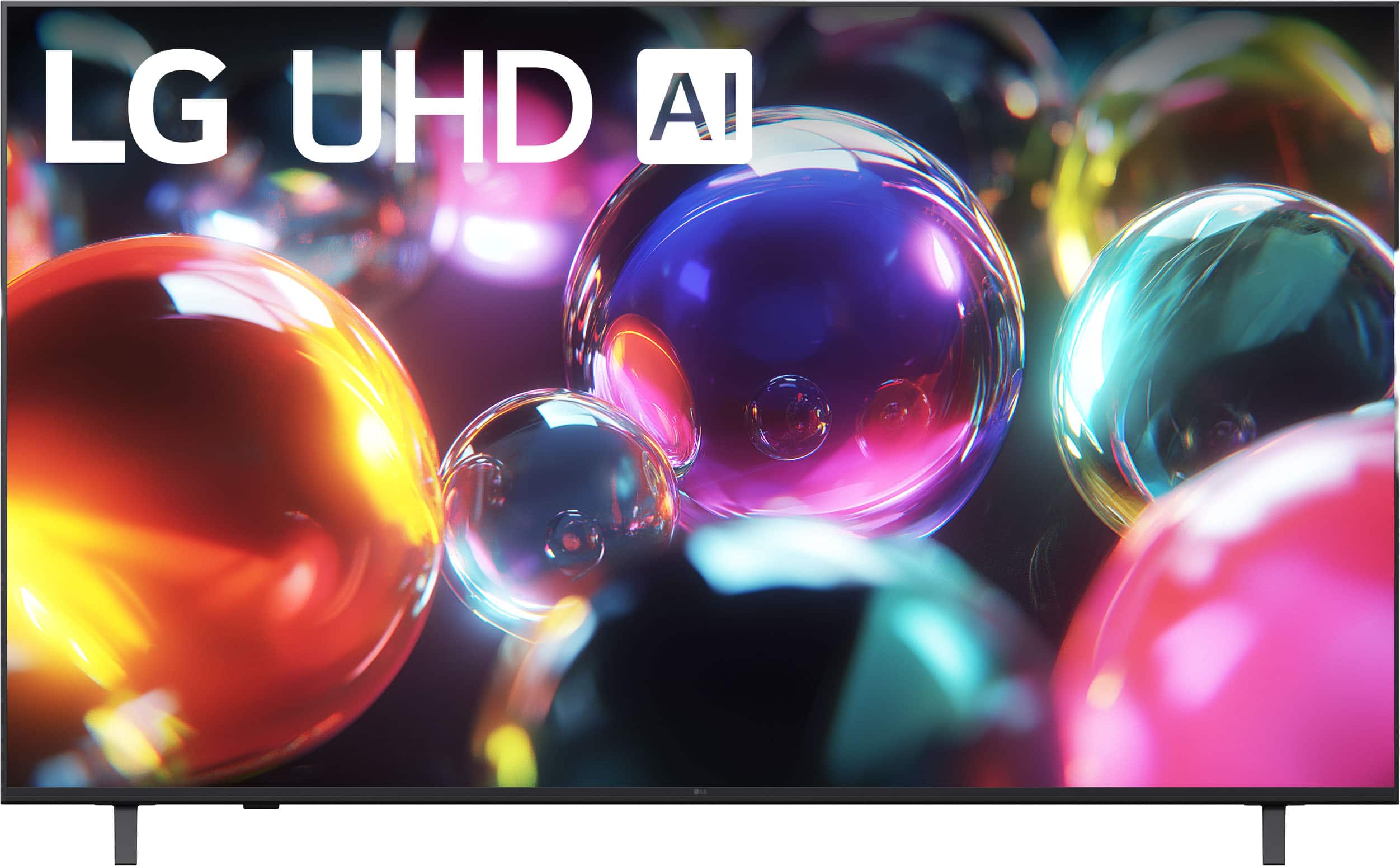
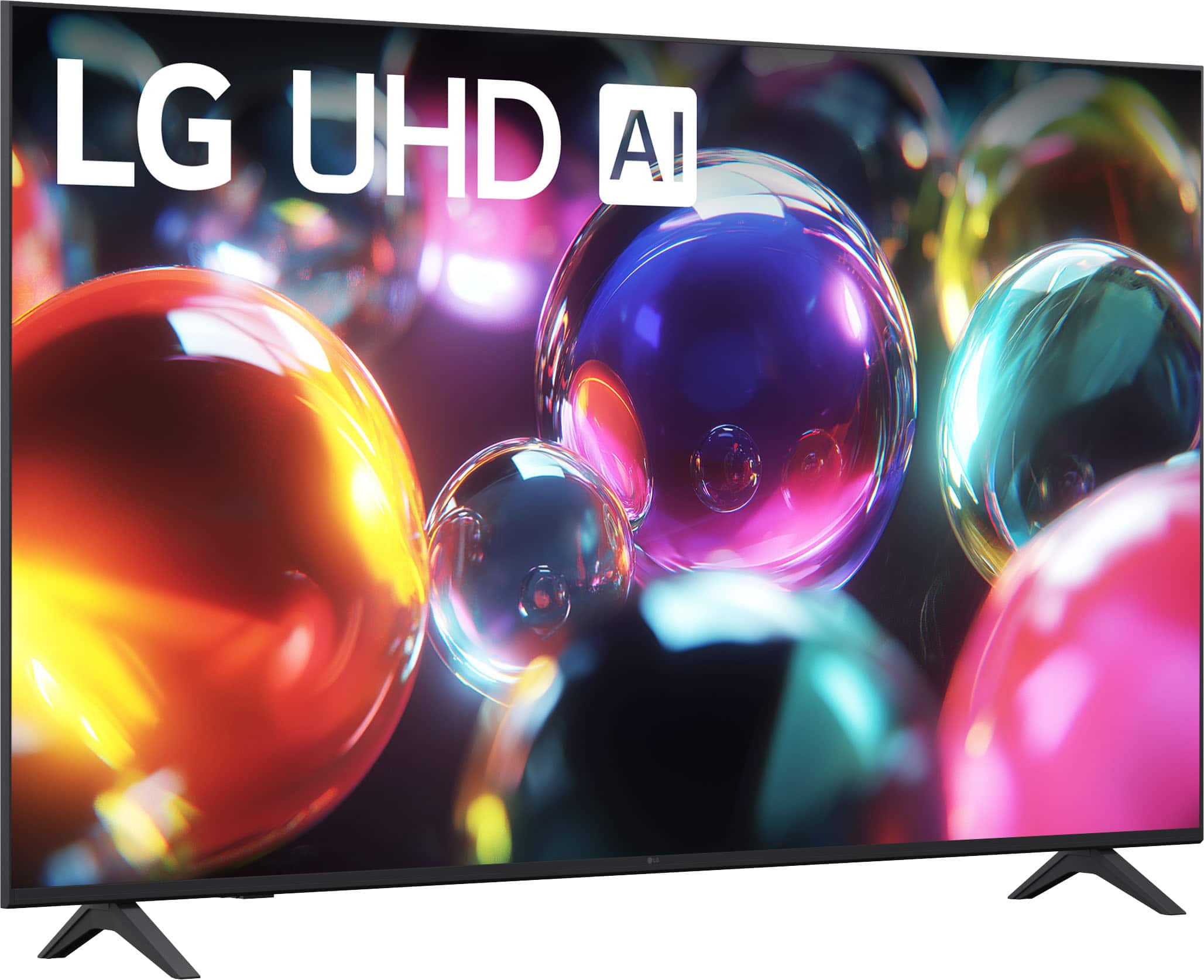
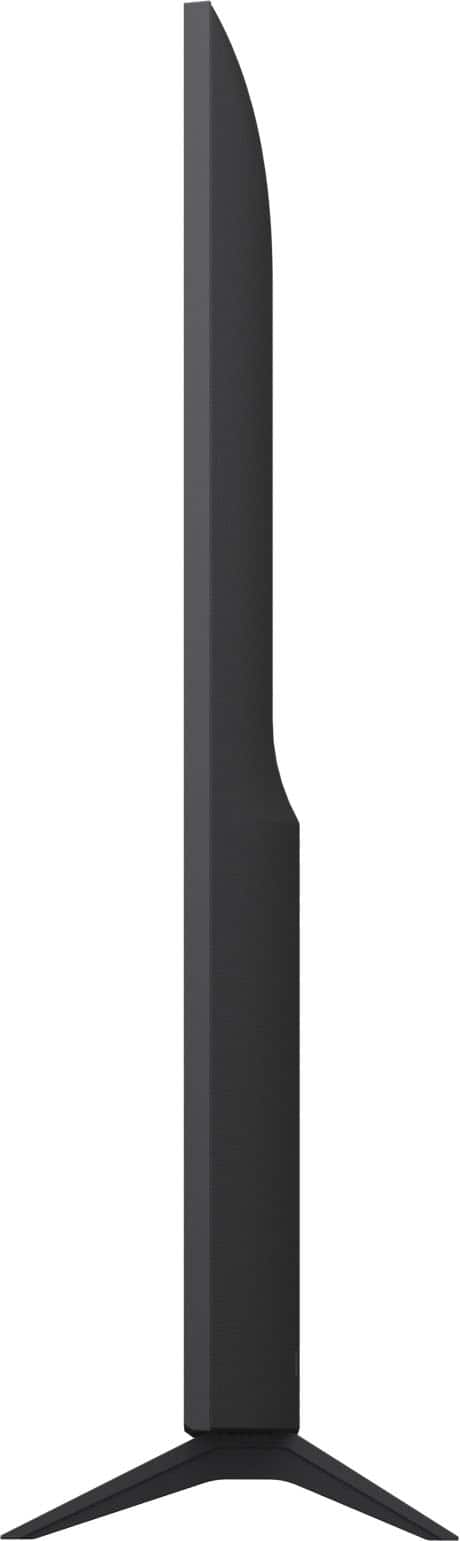
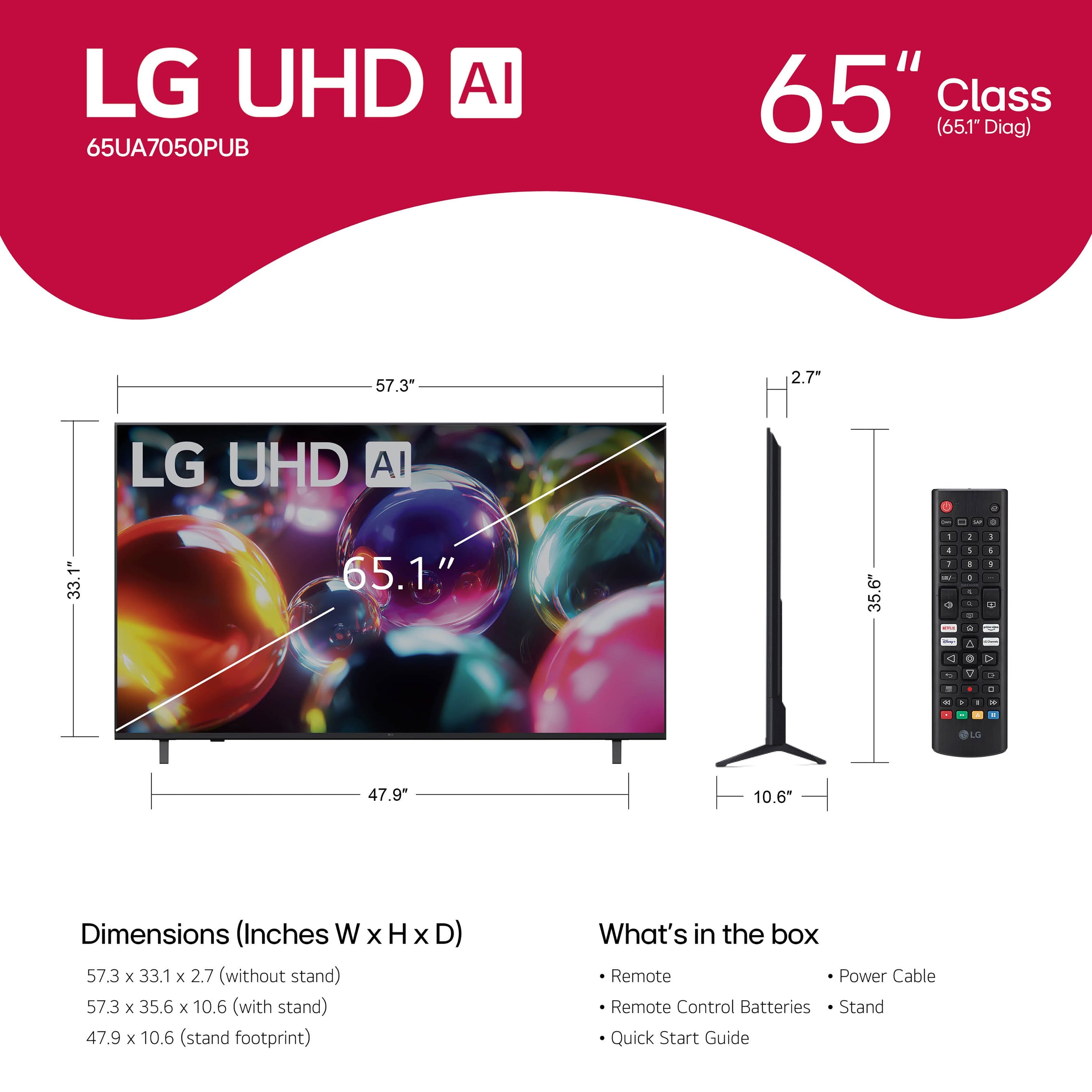







- Model:
- 65UA7050PUB
- SKU:
- 6642270
Rating by feature
- Picture Quality
Rating 4.8 out of 5 stars
- Sound Quality
Rating 4.6 out of 5 stars
- Brightness
Rating 4.8 out of 5 stars
Customers are saying
Customers value the excellent picture quality and ease of use of the 65” Class UA7050 Series LED AI 4K UHD Smart webOS TV (2025). Several customers appreciate the variety of features and perfect size, while others find the TV lightweight and praise its connectivity options. Overall, the TV seems to be well-received for its picture and user-friendly design.
This summary was generated by AI based on customer reviews.
Super slow!!!!
||Posted .This reviewer received promo considerations or sweepstakes entry for writing a review.Very disappointed, I have an older 55” model that I loved and it worked great. The brand new 65” sucks! It lags switching channels, opening menus, and forget about trying to watch Netflix. When I reached out to LG they had me do speed test on my internet and after confirming it had nothing to do with my router or modem, I got maybe you should factory rest the tv! Yea LG that didn’t work wither
No, I would not recommend this to a friendBrand response from LG Digital Customer Care
Posted .Hi, Donald. Thank you for reaching out about your LG TV (65UA7050PUB) model. We understand the importance of having your new TV perform as smoothly as your previous model, especially when it comes to channel changes, menu navigation, and streaming apps like Netflix.
A helpful step you can try is to clear the TV’s app cache and free up memory, as this model can slow down when background apps remain open. You can do this by going to Settings > Support > TV Management > App Manager, then selecting apps you’re not using and choosing Clear Cache. Another option is to turn off Quick Start+ under Settings > General, which can improve system responsiveness. More guidance here: https://www.lg.com/us/support/product/lg-65UA7050PUB.AUS. If you need further assistance, please send us an email at lgdigitalcare@lg.sprinklrsupport.com. We're here to help. ^Juvy
Low quality
||Posted . Owned for 3 weeks when reviewed.This reviewer received promo considerations or sweepstakes entry for writing a review.Was expecting better fromLG. Should have bought Samsung
No, I would not recommend this to a friendBrand response from LG Digital Customer Care
Posted .Hi, Joe. Thank you for reaching out about your LG TV (65UA7050PUB) model. We understand the importance of having a TV that meets your expectations.
One helpful step you can try—if you still have access to the unit—is switching the Picture Mode to Cinema, Cinema Home, or Vivid, then adjusting Backlight and Brightness under Advanced Settings. These modes offer stronger control over overall picture performance. For more guidance, visit https://www.lg.com/us/support/product/lg-65UA7050PUB.AUS. We’d be glad to take a closer look into this experience with you. Please send us an email at lgdigitalcare@lg.sprinklrsupport.com so we can continue assisting you. ^Juvy
Never Again
||Posted . Owned for 3 weeks when reviewed.This reviewer received promo considerations or sweepstakes entry for writing a review.i hung a $500 tv on this mount and it fell off. i took the tv back to Best Buy the manger said I can't help you. so i lost $500 at Best Buy. i'll never return and tell everyone I know how terrible you are with customers
No, I would not recommend this to a friendBrand response from LG Digital Customer Care
Posted .Hi, Chris. Thank you for reaching out about your LG TV (65UA7050PUB) model. We understand the importance of having a wall mount you can rely on, especially when you’ve invested in a new TV and expect it to stay securely in place.
For situations like this, one helpful step is to inspect the mounting bracket and wall anchors to confirm whether any hardware may have loosened or shifted over time. Ensuring the mount is rated for the TV’s weight and properly secured into studs can also help prevent issues like this in the future. For more guidance, visit https://www.lg.com/us/support/product/lg-65UA7050PUB.AUS. To look deeper into your situation and assist you more accurately, please send us an email at lgdigitalcare@lg.sprinklrsupport.com. We're here for you! ^Juvy
Wifi on this tv sucks
||Posted . Owned for 2 months when reviewed.This reviewer received promo considerations or sweepstakes entry for writing a review.TV is pretty close to my router and if i stand wherre my TV is and do a speedtest I get 500mbps download speed yet the tv cant do anything.
No, I would not recommend this to a friendBrand response from LG Digital Customer Care
Posted .Hi, there. Thank you for reaching out, and we understand the importance of having your LG TV (65UA7050PUB) model connect smoothly. Smart TVs handle Wi-Fi differently than phones or laptops, and several factors can impact performance, even if another device shows 500 Mbps in the same location. A useful tip is to switch your TV’s Wi-Fi band from 2.4 GHz to 5 GHz (if available on your router), as the 5 GHz band offers faster speeds and less interference.
You can also check your TV’s network settings here: https://www.lg.com/us/support/help-library/lg-tv-troubleshooting-your-tvs-internet-connection--1426626051711. We’d be glad to take a closer look at your unit. When you have a moment, please send us an email at lgdigitalcare@lg.sprinklrsupport.com. We're here to help. ^Juvy
Not good
||Posted . Owned for 2 weeks when reviewed.This reviewer received promo considerations or sweepstakes entry for writing a review.Picture quality not good for me, i was not happt at all
No, I would not recommend this to a friendBrand response from LG Digital Customer Care
Posted .Hi, Lazaro. Thank you for reaching out about your LG TV (65UA7050PUB) model. We understand the importance of having a TV that delivers the picture quality you expect, especially when upgrading to a larger screen.
A helpful step you can try is to adjust the Picture Mode by going to Settings > All Settings > Picture > Picture Mode and selecting options like Cinema, Filmmaker Mode, or Expert (Bright Room), which often provide a more natural and detailed image. You can also turn on AI Picture Pro under Settings > Picture > AI Services to enhance clarity and sharpness. Here’s a helpful link with additional picture‑quality tips: https://www.lg.com/us/support/help-library/lg-tv-picture-quality-and-optimization--20152175493545. If you need further assistance, please send us an email at lgdigitalcare@lg.sprinklrsupport.com. We're here to help. ^Juvy
Dissapointed
||Posted . Owned for 2 weeks when reviewed.This reviewer received promo considerations or sweepstakes entry for writing a review.The backlight bleed made this tv unbearable. Returned for hisense mini led woth local dimming and looks 10000x better for $100 more
No, I would not recommend this to a friendBrand response from LG Digital Customer Care
Posted .Hi, Michael. Thank you for reaching out about your LG TV (65UA7050PUB) model. We understand the importance of having a TV that delivers strong picture quality. Backlight bleed can sometimes be reduced by adjusting the Backlight, Brightness, and Local Dimming settings (if available), as well as ensuring the TV is mounted or placed on a stable, level surface to prevent panel pressure. You can explore additional picture‑optimization tips here: https://www.lg.com/us/support/help-library/lg-tv-picture-quality-and-optimization--20152175493545. We’d like to take a closer look at your experience and assist you directly. Please send us an email at lgdigitalcare@lg.sprinklrsupport.com so our team can review your case further. ^Juvy
My new LG TV isn't working right.
||Posted .This reviewer received promo considerations or sweepstakes entry for writing a review.My new LG TV doesn't play well with my Marantz AVR; it shuts down about every three hours with a banner, "This app will now restart to free up memory space."
No, I would not recommend this to a friendBrand response from LG Digital Customer Care
Posted .Hi, Michael. Thank you for reaching out and sharing your experience with the LG TV (65UA7050PUB) model. We appreciate the details you’ve provided about the TV shutting down with the memory banner while connected to your Marantz AVR. One helpful step is to check for the latest firmware update on both the TV and the AVR, as updates often improve HDMI‑CEC and app memory management. You can also try disabling Quick Start+ in the TV’s settings, as this feature sometimes causes memory errors during extended use. For more guidance, visit https://www.lg.com/us/support/help-library/lg-tv-connecting-to-a-home-theater-system--1405577022740. If further assistance is needed, please send us an email at lgdigitalcare@lg.sprinklrsupport.com so we can support you directly. ^Juvy
GARBAGE WORTHLESS TERRIBLE
||Posted . Owned for 1 month when reviewed.This reviewer received promo considerations or sweepstakes entry for writing a review.Absolutely worst experience, laggy, never loads anything. Worst purchase. Cant return this piece of garbage quick enough.
No, I would not recommend this to a friendBrand response from LG Digital Customer Care
Posted .Hi, there. Thank you for sharing your experience with the LG TV (65UA7050PUB) model. We want to help ensure your unit performs as it should.
For this model, one step you can try is checking the network connection settings in the TV menu. A weak or unstable Wi-Fi signal can cause lag and loading delays. If possible, connect the TV directly to your router with an Ethernet cable for improved stability. You can also clear cached apps by restarting the TV, which often helps with performance. More tips for optimizing your LG Smart TV can be found here: https://www.lg.com/us/support/help-library/lg-tv-troubleshooting-your-tvs-internet-connection--1426626051711. If the issue continues, please send us an email at lgdigitalcare@lg.sprinklrsupport.com with your details so we can assist further. ^Juvy
Don’t waste your money
||Posted .This reviewer received promo considerations or sweepstakes entry for writing a review.Terrible product nothing on the television works. I bought it on November 17 and I will be returning it. Can I get Support and none of the apps will work?
No, I would not recommend this to a friendBrand response from LG Digital Customer Care
Posted .Hi, Sidney. Thank you for reaching out. We understand the importance of having your LG TV (65UA7050PUB) model performing the way you expect, especially when it comes to accessing your apps.
To help get things running, one step you can try is resetting the Home Dashboard by unplugging the TV for 30 seconds, then powering it back on to refresh the system. You can also check for the latest webOS software update by going to Settings > Support > Software Update, as outdated software can affect app performance. For additional guidance, you may visit https://www.youtube.com/watch?v=iwRz-Vays88. If you need further assistance, please feel free to email us at lgdigitalcare@lg.sprinklrsupport.com. We're here to help. ^Juvy
Horrible picture
||Posted . Owned for 1 week when reviewed.This reviewer received promo considerations or sweepstakes entry for writing a review.We needed a tv for temporary basis and this seemed suitable, but the picture quality is so blurry that it seemed like we are watching paintings in motion!! So unclear and blurry. We replaced it with a better model.
No, I would not recommend this to a friendBrand response from LG Digital Customer Care
Posted .Hi, Reema. Thank you for sharing your experience with the LG TV (65UA7050PUB) model. We appreciate your feedback and understand how important clear picture quality is, especially when choosing a TV for any purpose.
For future reference, blurry visuals can sometimes be improved by adjusting the picture settings such as sharpness, resolution mode, and motion smoothing features. For more help, visit https://www.lg.com/us/support/help-library/lg-tv-picture-quality-and-optimization--20152175493545. If you ever need assistance with another LG product or have questions about setup, feel free to email us at lgdigitalcare@lg.sprinklrsupport.com. We’re here to help. ^Juvy
Cracked
||Posted . Owned for 3 weeks when reviewed.This reviewer received promo considerations or sweepstakes entry for writing a review.The tv was cracked when i took it out the box. Whoever packed it should have seen it!
No, I would not recommend this to a friendBrand response from LG Digital Customer Care
Posted .Hi, Gladys. Thank you for sharing your experience with the LG TV (65UA7050PUB) model. We really appreciate you giving us the heads-up about how your TV arrived.
This model has a sleek panel design, which makes it super lightweight but a bit fragile during transport. A good tip when you get a new TV is to take a moment to check out the packaging and the unit before you unbox it. If you spot any damage, snapping some photos right away can help make sure everything gets sorted out smoothly through Best Buy customer service at 888-237-8289 or the delivery service. For more information, feel free to check out https://www.bestbuy.com/site/help-topics/return-exchange-policy/pcmcat260800050014.c?id=pcmcat260800050014. If you need any more help, just send us an email at lgdigitalcare@lg.sprinklrsupport.com, and our team will be happy to provide support for your unit. ^Juvy
Don’t buy
||Posted . Owned for 1 month when reviewed.This reviewer received promo considerations or sweepstakes entry for writing a review.Haven’t had not even a month errors came across the screen
No, I would not recommend this to a friendBrand response from LG Digital Customer Care
Posted .Hi, Mercedes. Thank you for reaching out to us about your LG TV (65UA7050PUB) model. We appreciate you sharing your experience, and we understand how important it is for your new TV to work reliably.
For this model, one helpful step is to perform a power reset: unplug the TV from the wall outlet for about 5 minutes, then plug it back in and turn it on. If the errors persist, please also check for a software update by going to Settings > All Settings > Support > Software Update. Keeping the TV’s firmware current often resolves unexpected error messages. For more guidance, visit https://www.lg.com/us/support/help-library/lg-tv-how-to-update-an-lg-smart-tv--1430510575535. If further assistance is needed, please send us an email at lgdigitalcare@lg.sprinklrsupport.com so we can continue supporting you directly. ^Juvy
Tv 65 inch
||Posted .This reviewer received promo considerations or sweepstakes entry for writing a review.You're trying c heating the customers?????? & i trying return they said no
No, I would not recommend this to a friendBrand response from LG Digital Customer Care
Posted .Hi, Duoch. Thank you for reaching out to us. We understand how important it is for your LG TV (65UA7050PUB) model to meet your expectations, and we appreciate you sharing your experience with us.
For your unit, one helpful step is to perform a factory reset to ensure the TV’s settings are restored to default. You can do this by going to Settings > All Settings > General > Reset to Initial Settings. This often resolves performance or setup issues. For more guidance, visit https://www.lg.com/us/support/product/lg-65UA7050PUB.AUS. If you still need assistance with your return request or further troubleshooting, please send us an email at lgdigitalcare@lg.sprinklrsupport.com so we can continue supporting you directly. ^Juvy
Picture isn’t clear
||Posted . Owned for 2 weeks when reviewed.This reviewer received promo considerations or sweepstakes entry for writing a review.No good pictures and the sound isn’t good enough With the room lights is dificulta
No, I would not recommend this to a friendBrand response from LG Digital Customer Care
Posted .Hi, Doris. Thank you for sharing your experience with your LG TV (65UA7050PUB) model. We understand how important it is to enjoy clear picture and sound quality. For the display, one helpful step is to adjust the Picture Mode to Cinema or Standard and enable the Energy Saving Off option — this can improve brightness and clarity, especially in well‑lit rooms. For sound, try switching to AI Sound Pro in the Audio settings, which enhances voices and balances background effects. You can find more guidance here: https://www.lg.com/us/support/help-library/lg-tv-the-best-picture-settings-for-your-lg-tv--20150577528034 and https://www.youtube.com/watch?v=2aF0XLguYBs. If you’d like further assistance, please send us an email at lgdigitalcare@lg.sprinklrsupport.com and a brief description of the issue so our team can review next steps. ^Juvy
Do not get this delivered to your home
||Posted .This reviewer received promo considerations or sweepstakes entry for writing a review.First unit delivered 10/6- did not work- many broken pixels Replaced 10/114- this unit also had damage.
No, I would not recommend this to a friendBrand response from LG Digital Customer Care
Posted .Hi, Brett. Thank you for sharing your experience with the LG TV (65UA7050PUB) model. We understand how important it is for your new TV to arrive in perfect condition and perform as expected right out of the box.
If you're seeing broken pixels or physical damage on a replacement unit, we recommend checking for the latest software update by going to Settings > All Settings > Support > Software Update > Check for Updates. While this won’t resolve physical damage, it can help optimize display performance if the issue is software-related. You can also find helpful resources and support for your model here: https://www.lg.com/us/support/product/lg-65UA7050PUB.AUS. If you’d like us to take a closer look or assist further, feel free to email us at lgdigitalcare@lg.sprinklrsupport.com. We’re here to help. ^Juvy
- Pros mentioned:Picture quality
Satisfy user
Posted .This reviewer received promo considerations or sweepstakes entry for writing a review.The LG 65” UA7050 Series has been a great upgrade for my living room. The 4K picture quality is sharp and vibrant, and the colors look clean even in brighter rooms. Streaming is smooth, and webOS 25 makes it easy to jump between apps without any lag. I also appreciate the slim design—it looks modern on the wall and doesn’t feel bulky at all. The built‑in LG Channels and personalized recommendations are a nice bonus, especially when I just want something to watch without scrolling forever. Gaming performance has been solid too. The Game Optimizer menu makes it simple to tweak settings, and having GeForce NOW and Xbox Cloud Gaming built in is surprisingly convenient. There are a few drawbacks. The TV only has three HDMI ports, which feels limiting if you have multiple devices. The sound is decent but not amazing—you’ll probably want a soundbar for a fuller experience. And while the price is good, the wall‑mounting hardware could be sturdier. Overall, this TV delivers excellent value for the price. Great picture quality, easy to use, and packed with features that make everyday streaming and gaming enjoyable. A strong choice if you want a big 4K screen without overspending.
I would recommend this to a friend - Pros mentioned:Ease of use, Picture quality
NEW TV
Posted .This reviewer received promo considerations or sweepstakes entry for writing a review.Great TV!! Great quality and easy installation! I would buy another LG TV soon!
I would recommend this to a friend - Pros mentioned:Ease of use, Picture quality
Living room tv
Posted .This reviewer received promo considerations or sweepstakes entry for writing a review.Good picture. Easy to use. ¡!¡!!!!!!!!!!!!!!!!!!!!!!
I would recommend this to a friend - Pros mentioned:Features, Picture quality
Great HDTV
Posted .This reviewer received promo considerations or sweepstakes entry for writing a review.Great price, great picture, lots of good features.
I would recommend this to a friend - Pros mentioned:Picture quality
Overall Great picture quality!
Posted .This reviewer received promo considerations or sweepstakes entry for writing a review.Overall great picture. Happy to have went with the LG. My only issue is the apps and just the overall LG platform and experience. The internet doesn’t perform well. I bought a firestick just because I prefer the internet app on the firestick. I find myself just using the firestick for pretty much everything. Overall I love the different picture options and sound options. Great TV for the price.
I would recommend this to a friend