Customer Ratings & Reviews
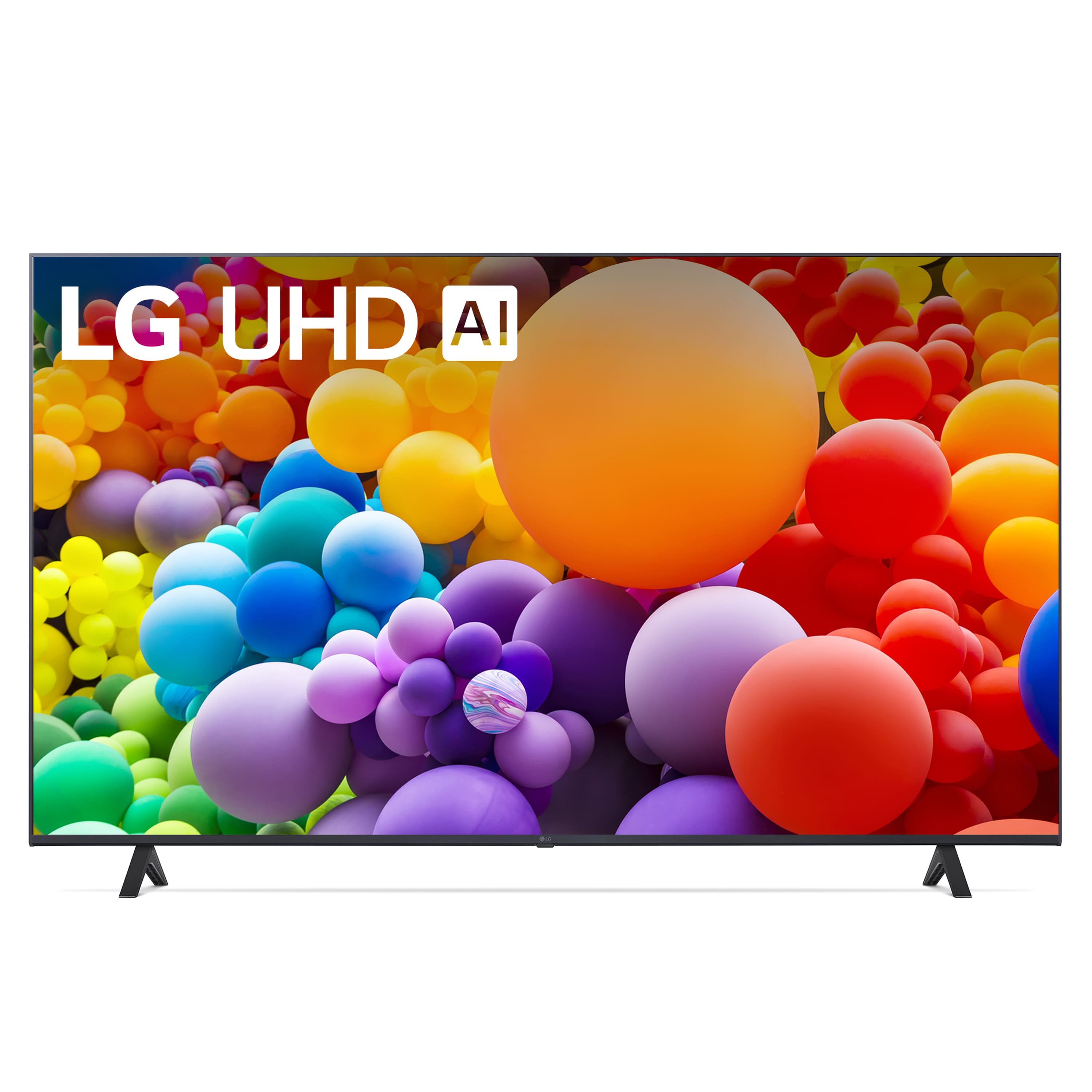
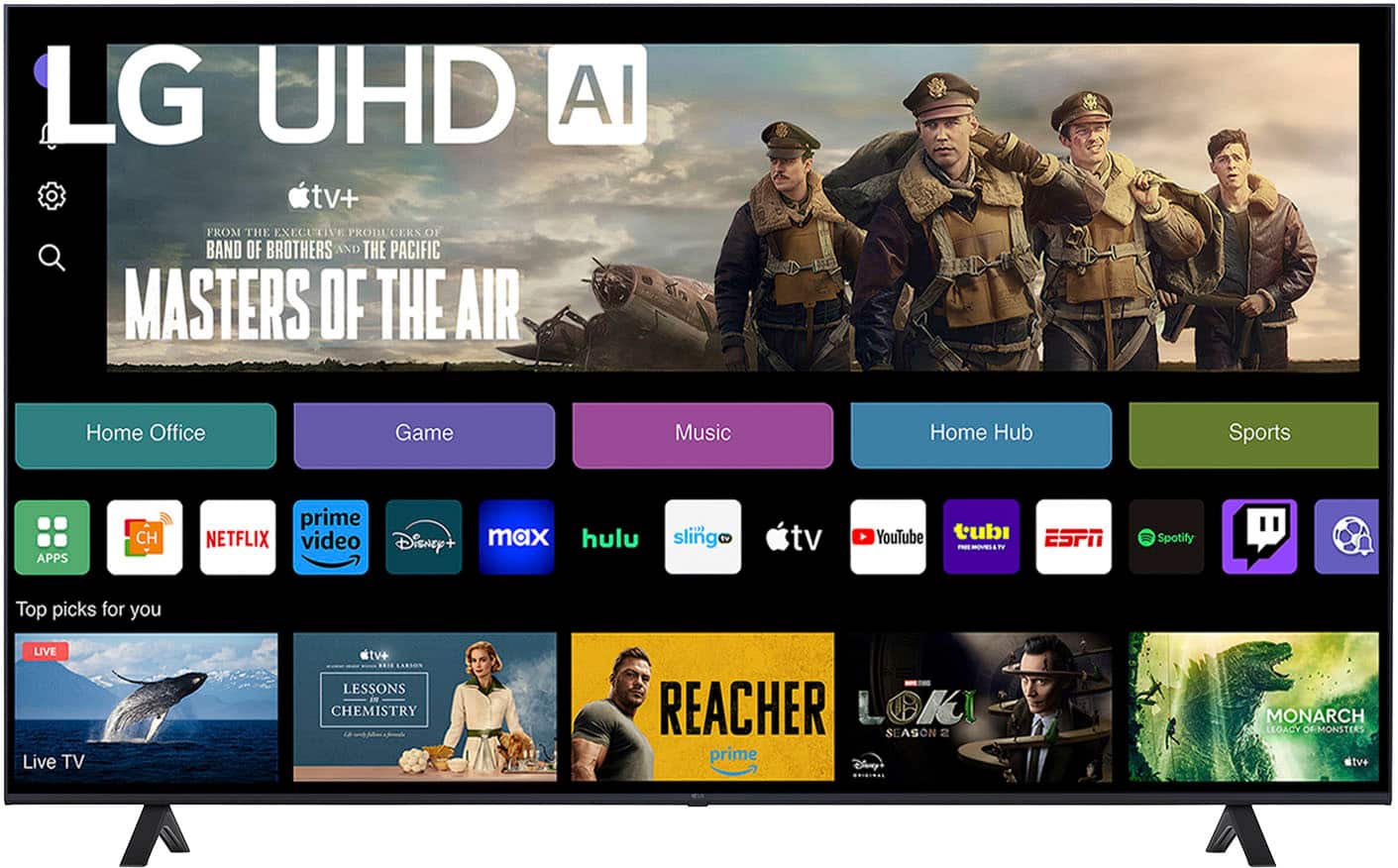
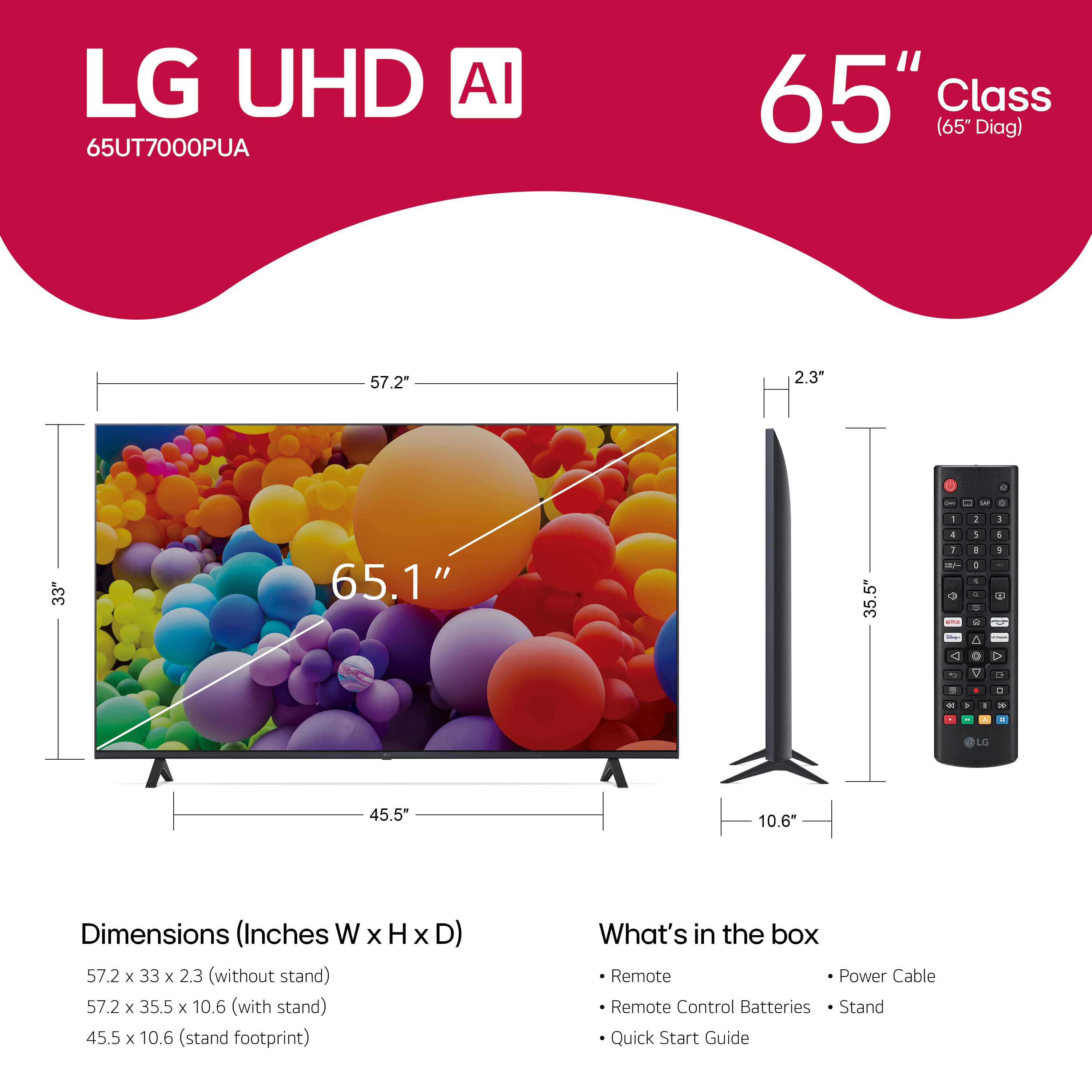
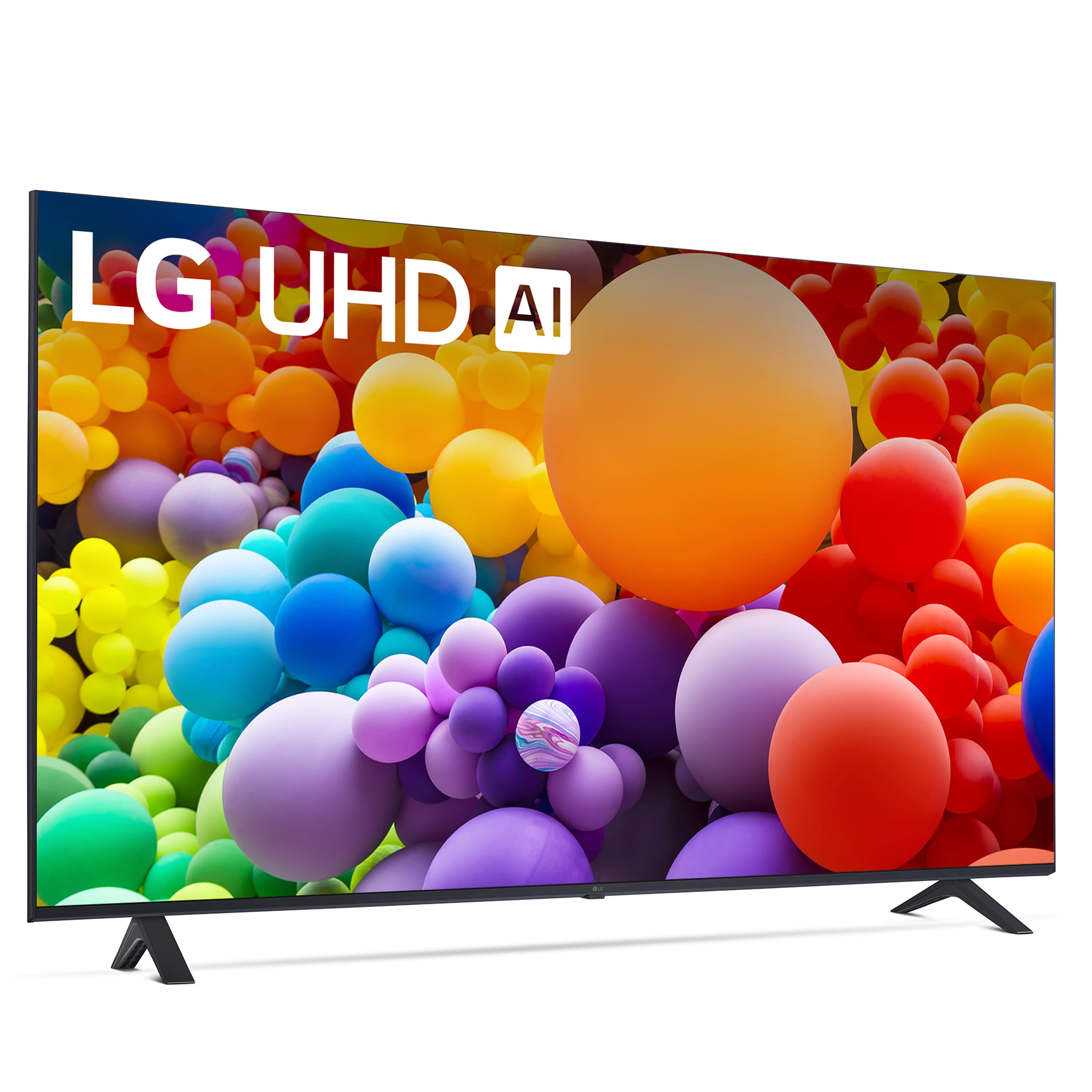
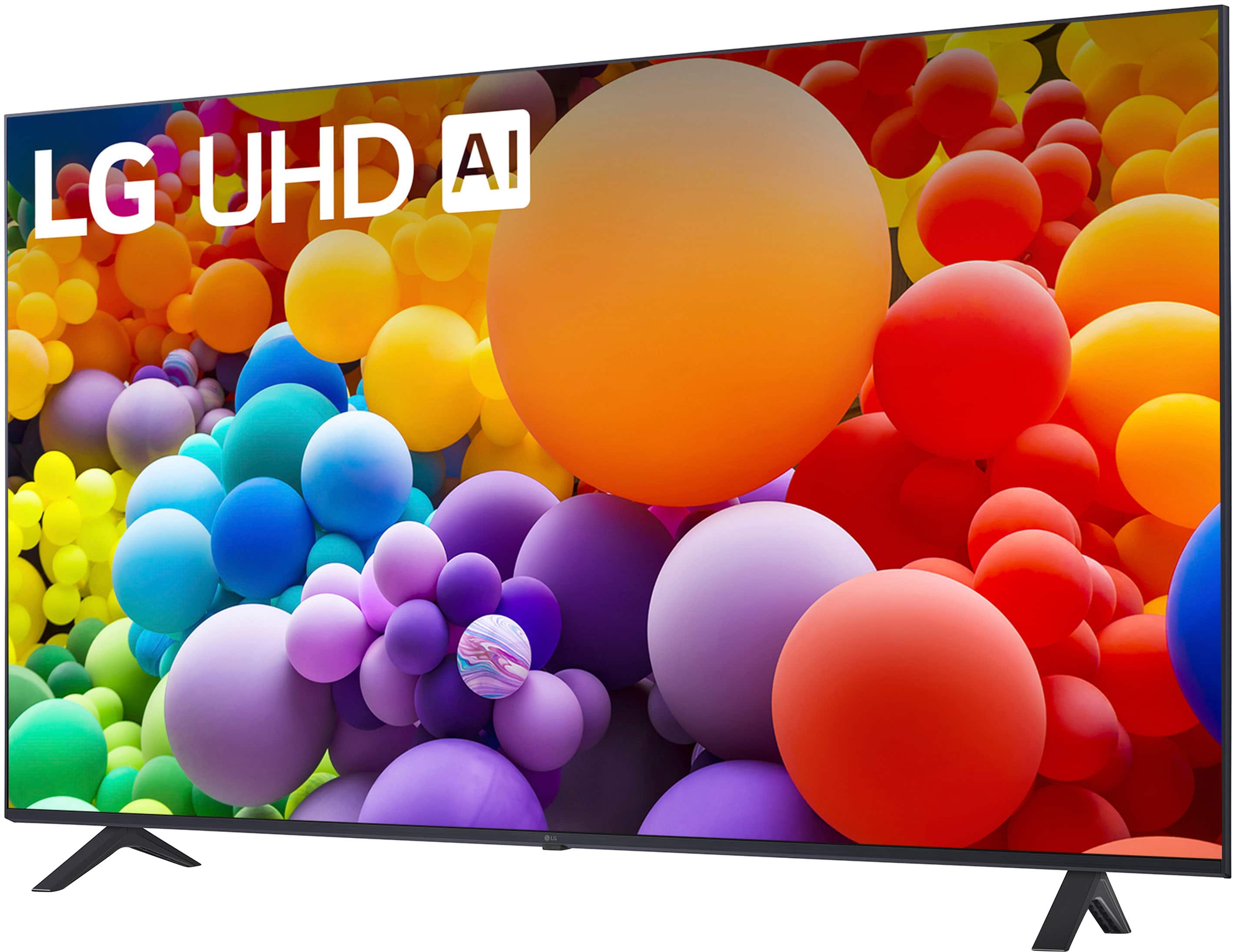


- Model:
- 65UT7000PUA
- SKU:
- 12376717
Rating by feature
- Picture Quality
Rating 4.7 out of 5 stars
- Sound Quality
Rating 4.6 out of 5 stars
- Brightness
Rating 4.7 out of 5 stars
to a friend
Not worth it
||Posted . Owned for 9 months when reviewed.This reviewer received promo considerations or sweepstakes entry for writing a review.Very slow tv, the internet connectivity it’s not the best even though it has the router next to it.
No, I would not recommend this to a friendBrand response from LG Digital Customer Care
Posted .Hi, Samantha. Thank you for sharing your experience with the LG TV (65UT7000PUA) model. We understand how important speed and reliable connectivity are for enjoying your TV to the fullest, and we’re here to help.
For slow performance and internet issues, we recommend checking for the latest firmware update by going to Settings > All Settings > Support > Software Update. Keeping your TV updated can improve speed and network stability. Also, try switching your Wi-Fi band to 5GHz if your router supports it — this can reduce interference and improve connection quality, especially when the router is nearby. You can find more helpful tips here: https://www.lg.com/us/support/help-library/lg-tv-troubleshooting-your-tvs-internet-connection--1426626051711. If you’d like further assistance, feel free to email us at lgdigitalcare@lg.sprinklrsupport.com. We’re here to help. ^Juvy
Lg
||Posted . Owned for 2 months when reviewed.This reviewer received promo considerations or sweepstakes entry for writing a review.Tv updates to often. And the picture isn't as clear as expected.
No, I would not recommend this to a friendAlmost returned it
||Posted . Owned for 2 months when reviewed.This reviewer received promo considerations or sweepstakes entry for writing a review.Software is annoying, sign up for LG account is pain
No, I would not recommend this to a friendGreat price but slow software
||Posted .This reviewer received promo considerations or sweepstakes entry for writing a review.Although the price is good, the TV image is not the best and the software is very slow, I bought it and then returned it to exchange it for a Samsung DU6900 at the same price and it is a better option.
No, I would not recommend this to a friendBrand response from LG Digital Customer Care
Posted .Hi, Andres. Thank you for sharing your feedback with us. We understand your concern about the LG TV (65UT7000PUA) model might be appealing, the picture quality and software performance not meeting your expectations. We really aim to offer products that go above and beyond what our customers expect.
When it comes to image quality, sometimes just tweaking the Picture Mode settings can make a difference in contrast, sharpness, and overall clarity. Plus, doing a firmware update might help speed things up and fix any little hiccups in performance. If you need some help with that, check out this link: https://www.lg.com/us/support/help-library/lg-tv-how-to-update-an-lg-smart-tv--1430510575535.
We totally respect your choice of going with the Samsung DU6900 after weighing your options. If you ever think about giving LG another shot, we’d love to help you find a model that fits what you're looking for.
Feel free to drop us a private message on social media @LGUSSupport anytime. We're here and happy to assist you with anything else you might need. Take care! ^Juvy
Its a tv
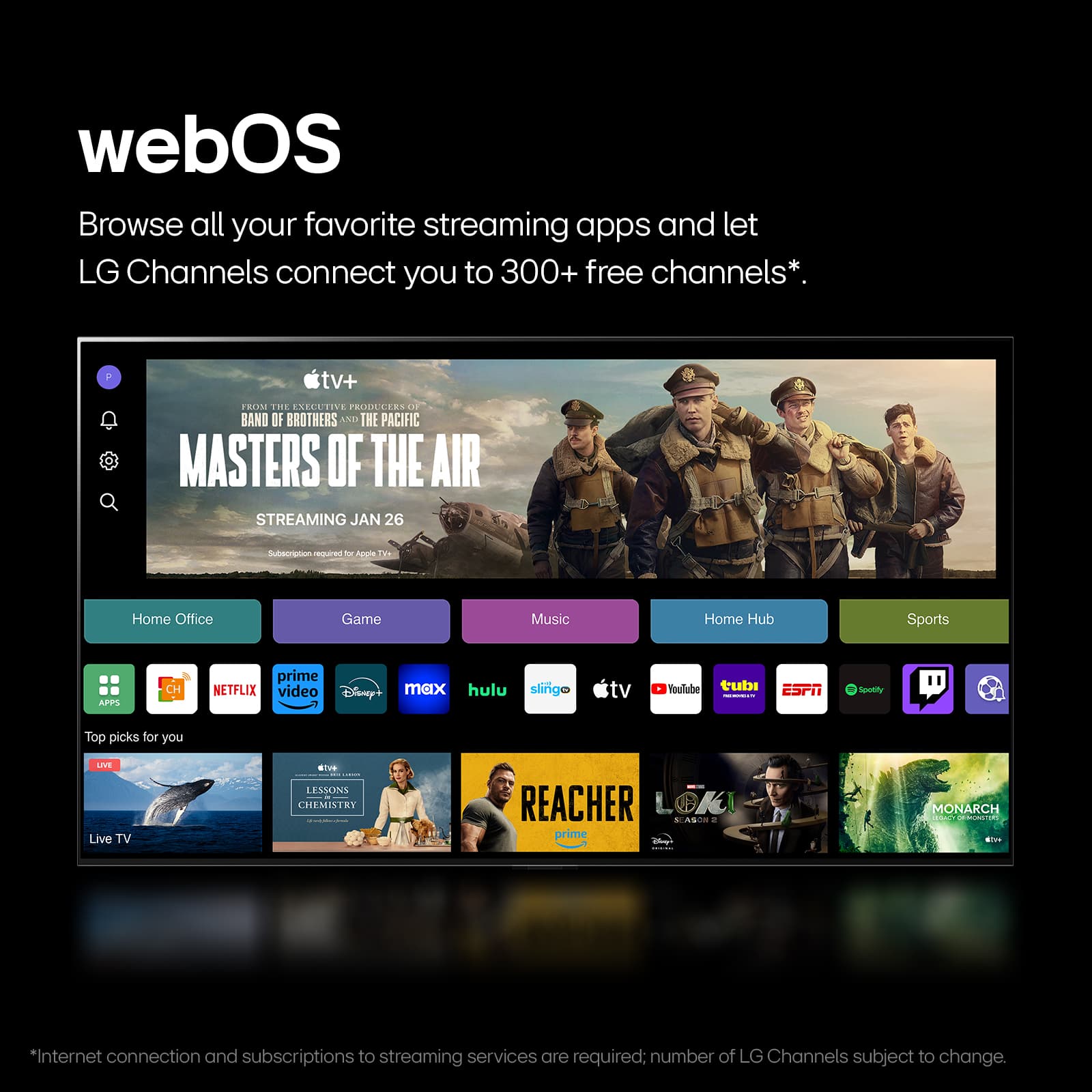
||Posted . Owned for 2 weeks when reviewed.This reviewer received promo considerations or sweepstakes entry for writing a review.I do not recommend because you cannot download apps on this TV. The apps are pre-installed. I mean it looks nice but a 55 inches more like a 47.8 inch and a 65 inches more like a 55 inch.
No, I would not recommend this to a friendBrand response from LG Digital Customer Care
Posted .Hi there, Teshia. Thank you for sharing your feedback regarding the LG 65UT7000PUA 4K UHD Smart TV. We understand your inquiry, and we appreciate you bringing this to our attention.
Regarding the app issue, we want to clarify that the TV is designed with webOS, which offers a wide variety of pre-installed apps, including popular streaming services. While the option to download additional apps is limited compared to other platforms, webOS offers a seamless and intuitive experience for accessing most content directly. We’d be happy to assist you further with exploring the available apps or any other features to enhance your viewing experience.
As for the screen size, the TV's diagonal measurement is 65 inches, which is standard for how TV sizes are measured. However, if you feel the size isn’t as expected, we recommend checking the viewing distance and room setup, as it can impact the perceived size of the screen. Adjusting your seating or TV placement might make a difference in how you experience the screen size.
https://www.bestbuy.com/site/lg-65-class-ut70-series-led-4k-uhd-smart-webos-tv-2024/6593578.p?skuId=6593578
Please send us a private message on Social Media @LGUSSupport, and our team will be happy to assist you with any further questions or troubleshooting steps.
We appreciate your feedback and trust in LG!
—Renzo
Poor Picture Quality
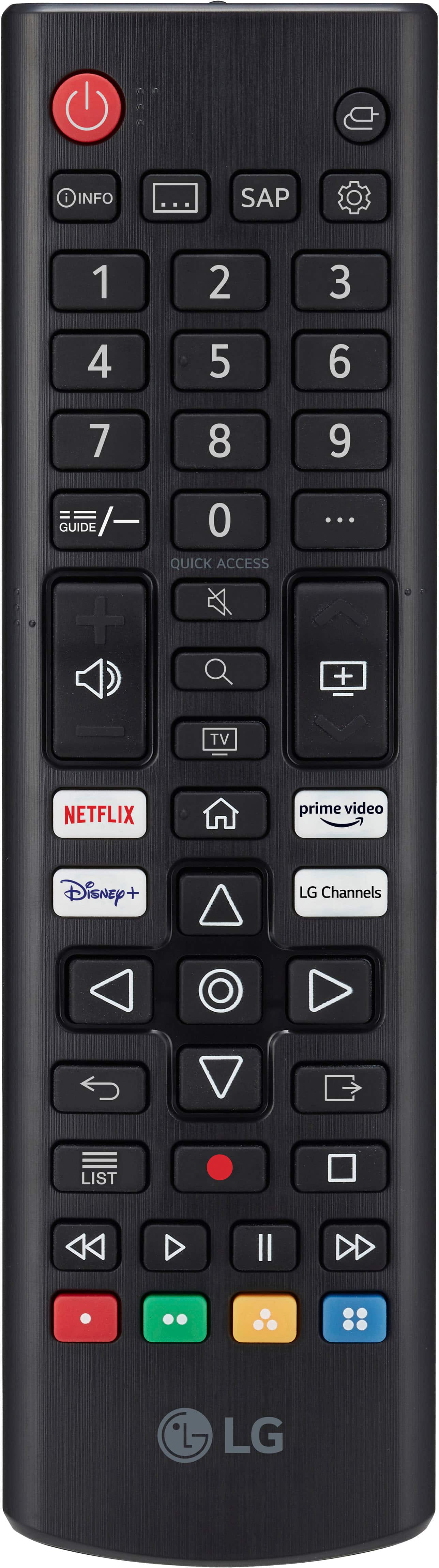
||Posted . Owned for 3 months when reviewed.This reviewer received promo considerations or sweepstakes entry for writing a review.For this to be a “4k” TV, its pretty bad. I have set this to play 4k content and it fails to deliver on sharpness. The remote control needs to be better engineered. Feeling for the buttons has no distinction and you need light to see your buttons. Turning the controller to the TV is very annoying when inwant to change channels or even use the volume. It shoild have a light up feature so you can see the buttons. Im glad I purchased this “on sale” because I’d be very annoyed if inpaid full price. I should’ve boxed it back up and paid someone to take it back to the store.
No, I would not recommend this to a friendBrand response from LG Digital Customer Care
Posted .Hi, there. We appreciate you sharing your experience with the LG TV (65UT7000PUA) model. We understand how important picture quality and ease of use are when enjoying your entertainment. Our goal is to offer reliable, high-quality products that make your viewing experience smooth and enjoyable. For the best 4K clarity, you might want to try adjusting the Picture Mode to Cinema or Filmmaker Mode, and don’t forget to enable the HDMI Deep Color setting for your connected devices. Also, checking that your content is streaming in true 4K resolution can really help with sharpness. If you need more tips, feel free to check out this link: https://www.lg.com/us/support/help-library/lg-tv-the-best-picture-settings-for-your-lg-tv--20150577528034.
As for the remote, if you're looking for something a bit fancier, the LG Magic Remote (sold separately) offers motion control and voice commands for extra convenience. If you have any more questions or need assistance, just drop us a message on social media @LGUSSupport—we're here to help! ^Juvy
Do not buy
||Posted .This reviewer received promo considerations or sweepstakes entry for writing a review.This tv is junk. I have gone through two of them now that just keep flickering on and off no matter what input it is on.
No, I would not recommend this to a friendBrand response from LG Digital Customer Care
Posted .Hi, Jon. Thank you for sharing your experience with the LG TV (65UT7000PUA) model. We understand your concern about dealing with persistent flickering issues, especially after having the same problem with two units. Our goal is to deliver reliable, high-quality products that meet our customers' needs.
Flickering may be due to software issues, so check if your TV's software is updated. For guidance, visit https://www.lg.com/us/support/help-library/lg-tv-how-to-update-an-lg-smart-tv--1430510575535. Consider a factory reset to resolve system glitches. If the problem persists, it may be a hardware issue that requires further investigation.
Feel free to message us on social media @LGUSSupport for detailed troubleshooting and solutions. We want to ensure your TV works smoothly.
Thank you for your patience; we're here to help. ^Juvy
Not good
||Posted . Owned for 1 month when reviewed.This reviewer received promo considerations or sweepstakes entry for writing a review.The picture on this TV is good. However, the slowness and lack of updating apps on that part of the TV is severely disappointing. It is not easy to navigate. If I could return this TV I would.
No, I would not recommend this to a friendBrand response from LG Digital Customer Care
Posted .Hi, James. We appreciate you sharing your thoughts on the LG TV (65UT7000PUA) model. While we're glad to hear you're enjoying the picture quality, we understand your concern about the slow performance and app limitations. We strive to provide high-quality products that exceed our customer's needs and expectations. To help improve navigation speed, we recommend clearing unused apps, ensuring the TV’s firmware is up to date, and performing a restart by unplugging the unit for about 60 seconds before powering it back on. For more help, you may visit https://www.lg.com/us/support/help-library/lg-tv-how-to-update-an-lg-smart-tv--1430510575535. If issues persist, please send us a private message on social media @LGUSSupport, and our team will be happy to assist further. ^Juvy
It’s ok
||Posted .This reviewer received promo considerations or sweepstakes entry for writing a review.A slow tv and don’t really like its features but for the price it will do
No, I would not recommend this to a friendBrand response from LG Digital Customer Care
Posted .Hi, Raek. Thanks for sharing your thoughts on the LG TV (65UT7000PUA) model. We understand that the value was right, but the performance and features didn’t quite meet your expectations — especially with speed and usability.
If you’re finding the interface sluggish, you might try disabling unused features like voice assistants or auto-start apps in the settings menu to help free up system resources. Also, keeping the firmware updated can sometimes improve responsiveness and app stability. You can check for updates under Settings > Support > Software Update. For more help, visit https://www.lg.com/us/support/help-library/lg-tv-how-to-update-an-lg-smart-tv--1430510575535. If you ever decide to upgrade or want help optimizing your current setup, feel free to send us an email at lgdigitalcare@lg.sprinklrsupport.com. We're here to assist. ^Juvy
Slow ahh tv
||Posted . Owned for 8 months when reviewed.This reviewer received promo considerations or sweepstakes entry for writing a review.Tv blows audio sucks and freezes quite often yeah lol
No, I would not recommend this to a friendBrand response from LG Digital Customer Care
Posted .Hello there, Justin. Thank you for sharing your experience with your LG 65 Class UT70 Series LED 4K UHD Smart webOS TV (2024).
We understand your inquiry regarding the slow performance, audio concerns, and freezing issues you are encountering with the unit. We recognize that issues like this can interrupt your viewing experience.
We'd like to provide a simple troubleshooting step that often helps resolve slow performance on our webOS TVs:
Simple Troubleshooting Step: Please try performing a Soft Reset by unplugging the TV's power cord directly from the wall outlet for at least 60 seconds, then plug it back in and power it on. This helps clear the TV's temporary memory (cache).
https://www.bestbuy.com/product/lg-65-class-ut70-series-led-4k-uhd-smart-webos-tv-2024/JJ8VPZH54L
If the performance, audio, or freezing issues persist after performing this step, please send us a private message on Social Media @LGUSSupport, and our team will be more than happy to assist you further and look into your unit's specific situation. —Renzo
It’s very slow
||Posted . Owned for 1 month when reviewed.This reviewer received promo considerations or sweepstakes entry for writing a review.Take lots of time sometimes also hang in between while watching it
No, I would not recommend this to a friendBrand response from LG Digital Customer Care
Posted .Hi. Joravars. Thanks for sharing your experience with the LG TV (65UT7000PUA) model. We appreciate your feedback and understand how important smooth performance is when you're watching your favorite content.
If your TV is taking longer to respond or occasionally hangs, we recommend checking for available firmware updates to ensure the system is running the latest software. You can do this by going to Settings > All Settings > Support > Software Update on your TV. Also, try clearing the cache by restarting the TV and unplugging it from power for about 60 seconds before plugging it back in. For more help, visit https://www.lg.com/us/support/help-library/lg-tv-how-to-update-an-lg-smart-tv--1430510575535. If you’d like us to assist further or take a closer look, feel free to send us an email at lgdigitalcare@lg.sprinklrsupport.com. We're here for you! ^Juvy
Not my cup of tea
||Posted . Owned for 3 weeks when reviewed.This reviewer received promo considerations or sweepstakes entry for writing a review.Never owned a Samsung TV before not that great for initial set up. Had to make a Samsung account to activate the TV which I truly appreciate Sony so much more now.
No, I would not recommend this to a friendBrand response from LG Digital Customer Care
Posted .HI, Pasquale. Thanks for sharing your feedback with us. We understand that setting up the LG TV (65UT7000PUA) model was a bit more complicated than expected. While setting up an account can help unlock more features, we get that it can be challenging. We strive to provide exceptional services and ensure a smooth experience. If you're having trouble with the setup or any other features, feel free to reach out. Please send us a private message on social media @LGUSSupport, and we’d be happy to guide you through any setup concerns or answer any questions. We’re here to help in any way we can. ^Juvy
Horrible T.v I have ever had.
||Posted . Owned for 1 year when reviewed.This reviewer received promo considerations or sweepstakes entry for writing a review.Horrible tv. Very very slow. I totally do not recommend this to anyone
No, I would not recommend this to a friendBrand response from LG Digital Customer Care
Posted .Hi, Timm. Thank you for reaching out, and we understand the importance of having your LG TV (65UT7000PUA) model deliver the smooth performance you expect from a new TV. Smart TVs rely on internal processing and network performance, and a few settings can make a noticeable difference. One helpful step is to restart the TV’s system by going to:
Settings → All Settings → General → System → Restart TV
This refreshes the internal processor and can improve menu and app responsiveness.
Another helpful step is to switch your Wi‑Fi band to 5 GHz (if available), as this model performs better on faster, less congested networks. For more guidance, visit https://www.lg.com/us/support/help-library/lg-tv-troubleshooting-your-tvs-internet-connection--1426626051711. We’d be glad to take a closer look at your unit and help improve your experience. When you have a moment, please send us an email at lgdigitalcare@lg.sprinklrsupport.com. We're here for you! ^Juvy
Never going to purchase open box again
||Posted .This reviewer received promo considerations or sweepstakes entry for writing a review.Worst purchase. Though I bought excellent open box, there was no cables, stand or remote. Had to climb it 3 floors. Just to see that all of missing. Ended up returning. The staff also asked me to pay for 99$ for pick up for their mistake.
No, I would not recommend this to a friendBrand response from LG Digital Customer Care
Posted .Hi there, AntarikshR. Thank you for sharing your experience with us regarding the LG 65UT7000PUA TV. We understand that the item you received was missing the necessary accessories, which did not meet your expectations. We appreciate you providing us with this feedback regarding the condition of the open-box purchase.
We understand your inquiry, and while we are committed to ensuring all LG products meet quality standards, for open-box items, the retail store handling and listing are responsible for accurately ensuring all components are included and for managing the associated charges and returns.
https://www.bestbuy.com/product/lg-65-class-ut70-series-led-4k-uhd-smart-webos-tv-2024/JJ8VPZH54L
For further assistance and to explore possible solutions for any specific concerns you may have, please contact us on lgdigitalcare@lg.sprinklrsupport.com. We appreciate your patience. —Renzo
Too slow
||Posted . Owned for 1 month when reviewed.This reviewer received promo considerations or sweepstakes entry for writing a review.It is too slow. Takes time to respond when you press a bottom.
No, I would not recommend this to a friendBrand response from LG Digital Customer Care
Posted .Hi, Hamed. Thank you for sharing your feedback about the LG TV (65UT7000PUA) model. We understand your concern about your unit's slow response to commands. We strive to provide high-quality products and want to ensure you have a smooth experience with your LG TV. To help improve performance, we recommend the following steps: Update the software. Ensure your TV is running the latest firmware by navigating to Settings > All Settings > Support > Software Update. For guidance, you may visit https://www.lg.com/us/support/help-library/lg-tv-how-to-update-an-lg-smart-tv--1430510575535.
Restart the TV. Sometimes, a simple restart can improve response times.
Free up memory. Close unused apps and clear cache by going to Settings > Apps > Manage Apps and selecting apps to clear data. If the issue continues, please reach out to us via private message on social media @LGUSSupport, and our team will gladly assist you further.
We appreciate your patience and are here to help you get the best out of your LG TV. ^Juvy
Back light bleeding
||Posted . Owned for 3 weeks when reviewed.This reviewer received promo considerations or sweepstakes entry for writing a review.When I got it home and set up there was a really bad back light bleeding issue all around the whole tv. I returned it and got a different brand.
No, I would not recommend this to a friendBrand response from LG Digital Customer Care
Posted .Hi, Elizabeth. Thank you for sharing your experience with us. We understand your concern about the backlight bleeding issue you encountered with your LG TV (65UT7000PUA) model. We strive to provide reliable, high-quality products and exceptional services to ensure a smooth experience. If you ever decide to give LG another try, please feel free to reach out to us. We’re always here to help you with any product concerns or inquiries.
We hope your next TV brings you the viewing experience you're looking for. Please don't hesitate to contact us via private message on social media @LGUSSupport if you need any assistance in the future.
We appreciate your feedback. ^Juvy
Slowwwwwwe
||Posted . Owned for 3 months when reviewed.This reviewer received promo considerations or sweepstakes entry for writing a review.Absolutely hate it. Slow Wi-Fi connection making me want to scream!
No, I would not recommend this to a friendBrand response from LG Digital Customer Care
Posted .Hi, Maria. Thank you for sharing your experience with us. We understand your concern about the LG TV (65UT7000PUA) model not performing as expected, especially with a slow Wi-Fi connection. We’re here to help improve your experience as we strive to provide reliable, high-quality products that exceed our customers' needs and expectations.
One step that might help improve the Wi-Fi performance is ensuring the TV is connected to a 5GHz network (if available), as it tends to provide faster speeds than 2.4GHz. Additionally, you can try moving your router closer to the TV or minimizing obstructions between them for a better signal. For more help, you may visit https://www.lg.com/us/support/help-library/lg-tv-troubleshooting-your-tvs-internet-connection--1426626051711.
Please send us a private message on social media @LGUSSupport, and our team will be happy to assist you further with troubleshooting or explore other possible solutions to improve your connection. ^Juvy
Slow Load, Bad Picture
||Posted .This reviewer received promo considerations or sweepstakes entry for writing a review.Got tired of bad experiences w another brand, figured I’d try LG. Big mistake (so far). TV setup wasn’t terrible. But the pic quality, w WiFi connection, is. Day after setup, turned the TV on, it took a solid 8-10 minutes for the thing to shuffle through menus and all sorts of other nonsense before I could watch anything. Couldn’t be less impressed w this TV.
No, I would not recommend this to a friendBrand response from LG Digital Customer Care
Posted .Hi, Rando. Thank you for sharing your experience with us. We understand your concern about your LG TV (5UT7000PUA) model isn’t performing as expected, especially with the slow setup and issues with WiFi connectivity. We strive to provide reliable, high-quality products that exceed our customer's needs and expectations.
A helpful troubleshooting step would be to check for any firmware updates for your TV. Sometimes, software updates can improve performance, including menu navigation and WiFi functionality. For guidance, you may visit https://www.lg.com/us/support/help-library/lg-tv-how-to-update-an-lg-smart-tv--1430510575535. Additionally, you could try performing a network reset on the TV to ensure the WiFi connection is stable.
Please send us a private message on social media @LGUSSupport, and our team will be more than happy to assist you further and help improve your experience with the TV. ^Juvy
LG - Load of Garbage
||Posted . Owned for 1 month when reviewed.This reviewer received promo considerations or sweepstakes entry for writing a review.Connectivity issue doesnt auto link to apple tv keeps freezing picture quality sucks
No, I would not recommend this to a friendBrand response from LG Digital Customer Care
Posted .Hi there, Terry. We appreciate you sharing your feedback about the 65UT7000PUA. We understand the connectivity issues, freezing, and concerns with picture quality—this definitely isn’t the seamless experience we aim to provide. For the Apple TV connection issue, we recommend going to [Settings] → [General] → [Devices] → [HDMI Settings], and turning on HDMI Deep Color for the port your Apple TV is connected to. Also, ensure the TV’s firmware is up to date via [All Settings] → [Support] → [Software Update].
We’d like to assist you further and explore solutions specific to your setup. Please send us a private message on social media @LGUSSupport so we can take a closer look and help resolve this. Thanks again for bringing it to our attention.
—Avril
Decent at best
||Posted . Owned for 4 months when reviewed.This reviewer received promo considerations or sweepstakes entry for writing a review.Horrible connectivity if wifi isn’t right next to tv but decent price
I would recommend this to a friendBrand response from LG Digital Customer Care
Posted .Hi, there. Thank you for sharing your experience with us regarding the LG TV (65UT7000PUA) model. We understand your concern about the connectivity issues arise, especially when you’re trying to enjoy your TV. We strive to provide high-quality products and ensure a smooth experience. To help improve the connection, here are a few things you can try: If your router is far from the TV, using a Wi-Fi extender can boost your signal and improve connectivity. If possible, try connecting your TV directly to the router with an Ethernet cable. This will provide a more stable connection. For more help, visit https://www.lg.com/us/support/help-library/lg-tv-troubleshooting-your-tvs-internet-connection--1426626051711. If these steps don’t resolve the issue, please feel free to reach out to us via private message on social media @LGUSSupport with more details about your setup, and we’d be happy to troubleshoot further. ^Juvy