Customer Ratings & Reviews
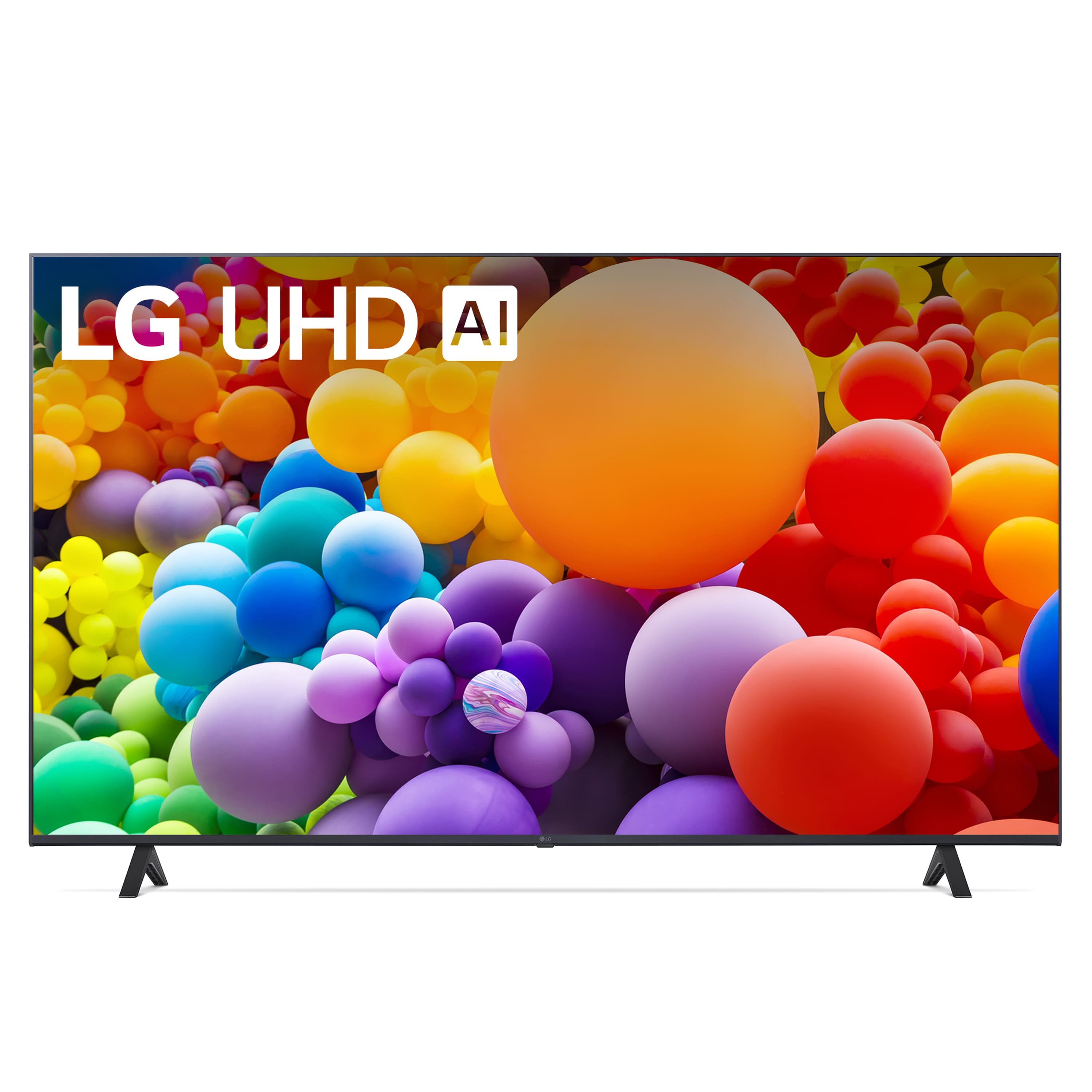
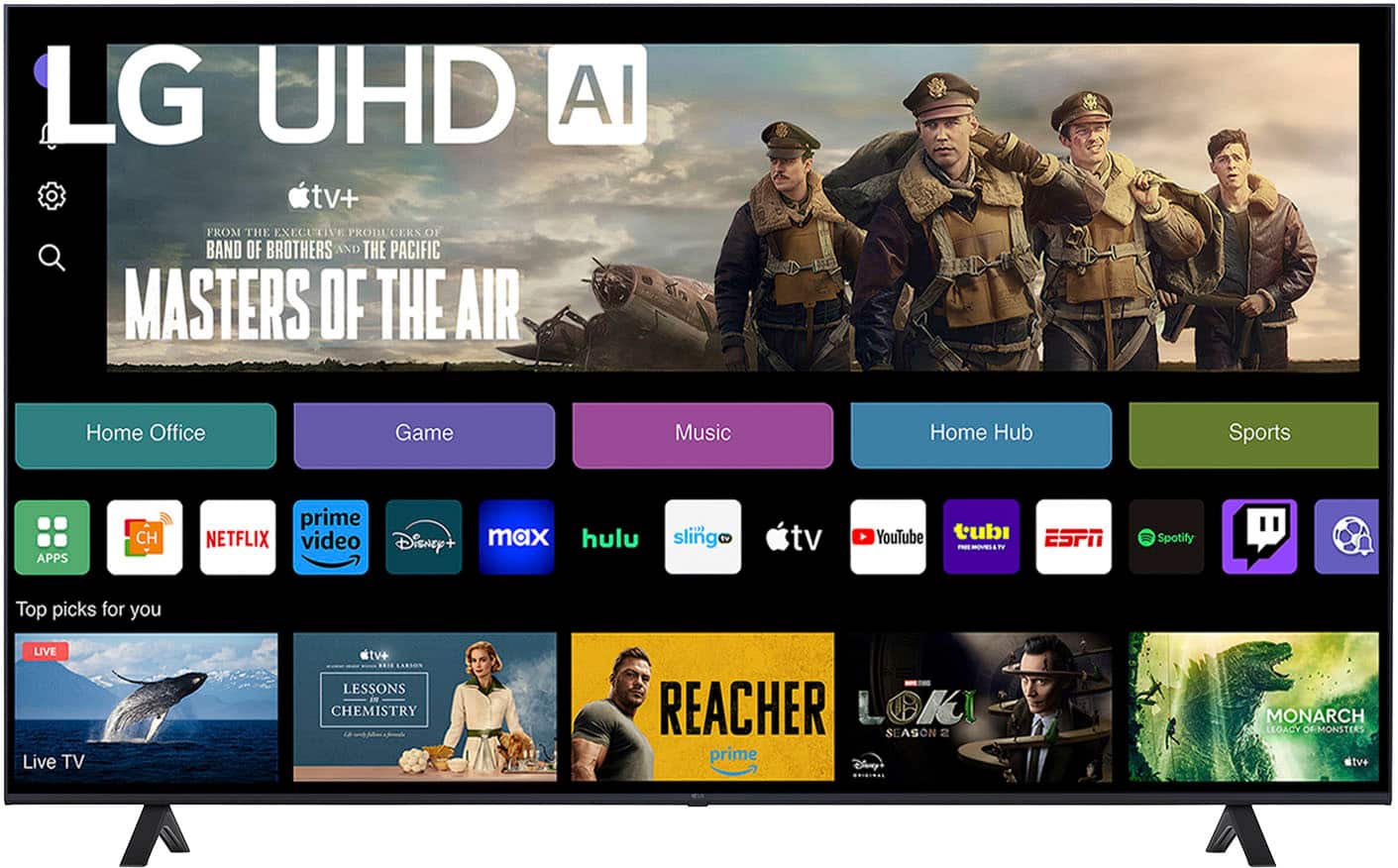
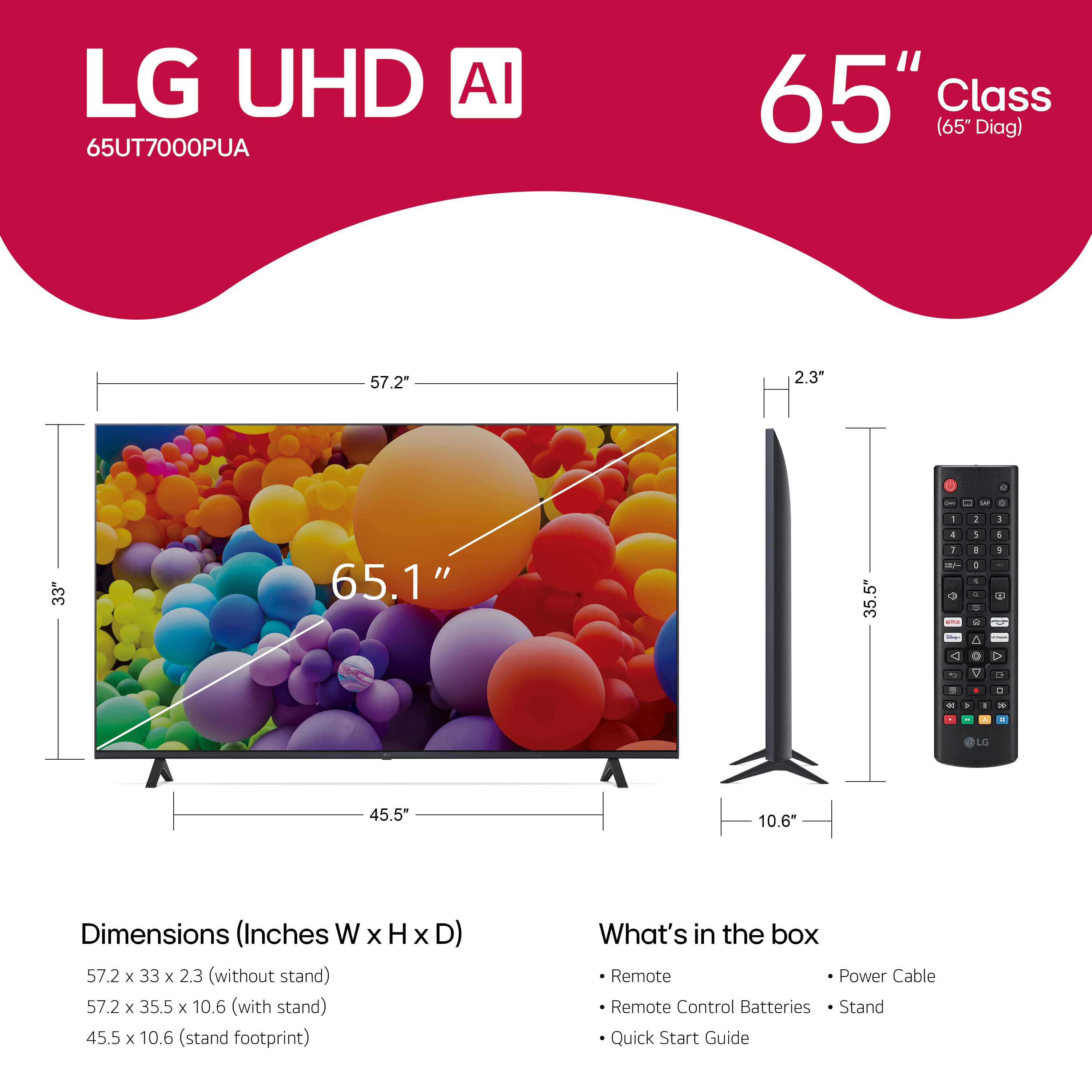
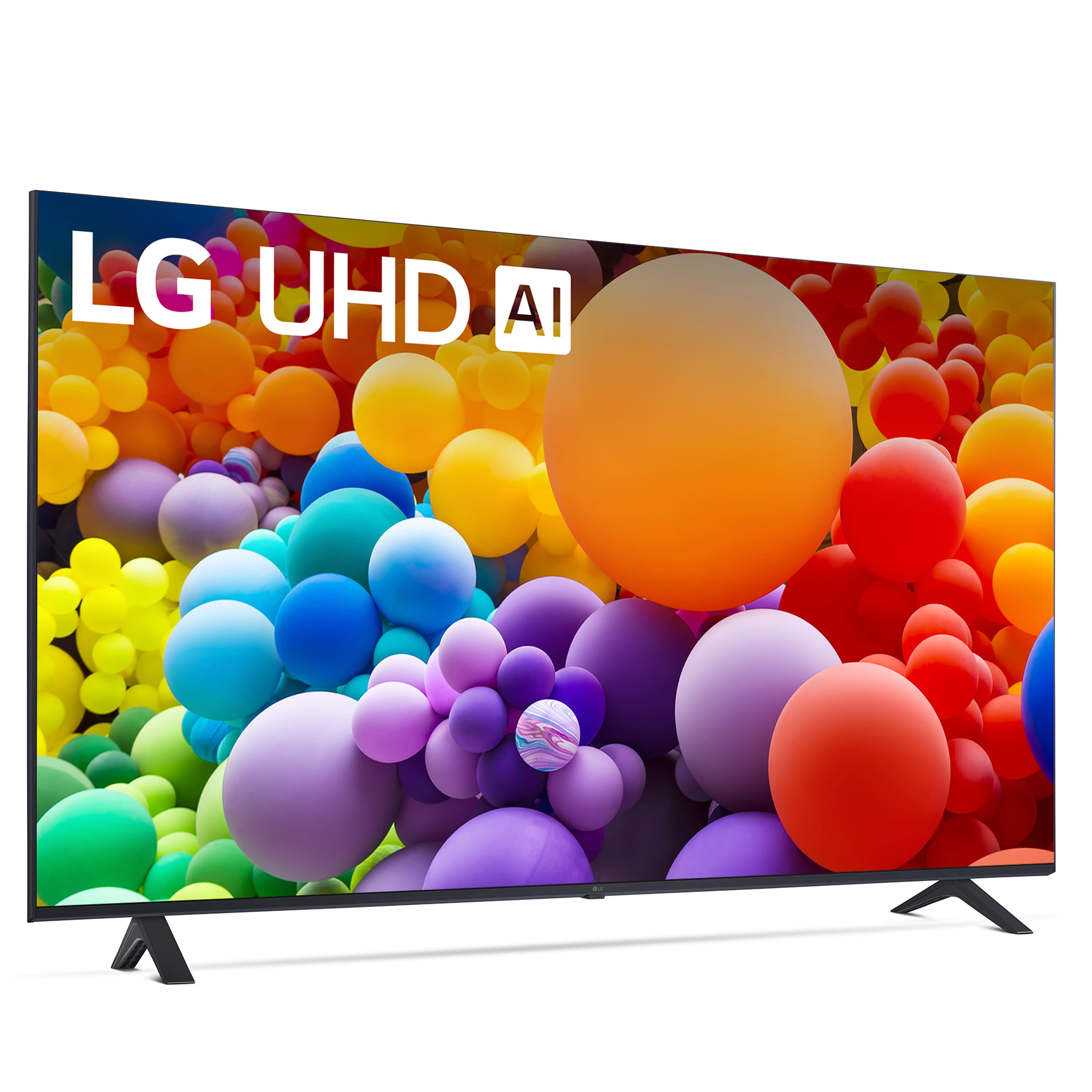


- Model:
- 65UT7000PUA
- SKU:
- 12376717
Rating by feature
- Picture Quality
Rating 4.7 out of 5 stars
- Sound Quality
Rating 4.6 out of 5 stars
- Brightness
Rating 4.7 out of 5 stars
to a friend
Good for TV - Bad for live sports
Posted .This reviewer received promo considerations or sweepstakes entry for writing a review.The TV was good for TV shows and movies but it was awful for live sports. If you don’t primarily watch sports or even very fast paced action sequences. It’s a worthwhile pickup, otherwise I’d recommend a different LG model
I would recommend this to a friendI was expecting better.
Posted .This reviewer received promo considerations or sweepstakes entry for writing a review.I take some responsibility for not reading some things carefully. We mounted this yesterday and got the settings as "set" as we can. The picture is not so great, looking a bit dark at times even at its brightest. Two other issues is that I am not able to turn off the "Trumotion" setting (soap-opera effect). It is grayed out and unclickable. I hate that setting and I would not have purchased this TV if I knew of this issue. Lastly, I am not able to hook up my wireless headphones to this TV and it is in the room where my wife and mother-in-law talk endlessly. I do not recommend this. I wish I would have gone with a Fire TV instead.
No, I would not recommend this to a friendBrand response from LG Digital Customer Care
Posted .Hi there. Thank you for sharing your experience with us. We understand your inquiry regarding the brightness, TruMotion settings, and headphone connectivity on your LG 65 Class UT70 Series LED 4K UHD Smart webOS TV. To access the TruMotion settings, please ensure your Picture Mode is not set to "Eco" or "Auto Power Save," as these can sometimes lock certain adjustments. We understand your concerns and want to ensure you get the most out of your unit.
https://www.bestbuy.com/product/lg-65-class-ut70-series-led-4k-uhd-smart-webos-tv-2024/JJ8VPZH54L
For further assistance and any specific concerns you may have, please contact us on lgdigitalcare@lg.sprinklrsupport.com. We appreciate your patience. —Renzo
Look for something else
Posted .This reviewer received promo considerations or sweepstakes entry for writing a review.I bought this to replace a Hisense TV that finally gave out after 4 years. The picture quality is pretty good but that's about all I can say for this TV. I have to reboot it multiple times as it disconnects from my internet (I even have it connected with Ethernet cable). Have not been able to get it to connect with the LG Thin connect app. Spent 3 hours with the help desk only to hear it is probably my internet provider (when this is the only connected thing having issues) Support desk supposedly elevated the issue but I havent heard back in 3 weeks. It is slow to boot up. Im not a fan LG
No, I would not recommend this to a friendBrand response from LG Digital Customer Care
Posted .Hi there, RoyS. Thank you for sharing your experience with us. We understand how important a stable connection and smooth performance are for your 65UT7000PUA, and we want to assist you. If your TV is disconnecting from the internet—even via Ethernet—try disabling the "Quick Start+" feature under Settings > General > Devices > TV Management and then rebooting the TV. For the ThinQ app connection, ensure your TV and phone are on the same network and that the app is fully updated.
https://www.bestbuy.com/site/lg-65-class-ut70-series-led-4k-uhd-smart-webos-tv-2024/6593578.p?skuId=6593578
Please send us a private message on Social Media @LGUSSupport, and we’ll be happy to follow up on your case and explore further solutions. We appreciate your patience. —Renzo
Disappointment
Posted .This reviewer received promo considerations or sweepstakes entry for writing a review.Our TV went out and I assumed that this was a newer version of the one we had. Wrong. If your old TV was 120 HZ do not buy this TV. Even just using the buttons to get the apps and passwords was atrocious. Its so slow and the picture quality was terrible. It immediately went back and returned and bought the LG OLED tv. It was so much more expensive but its night and day difference. Also this TV is rated to last 5-6 years. Where the OLED is rated to last much longer. Which i hope is true. But the bottom line is you cannot downgrade to this. It will seem awful if you had a nicer TV before.
No, I would not recommend this to a friendBrand response from LG Digital Customer Care
Posted .Hello there, JenniferM. Thank you for sharing your experience with us. We understand that the LG 65UT7000PUA TV did not meet your expectations, especially in comparison to your previous TV, and we appreciate your feedback. The slow performance and picture quality concerns you've mentioned are definitely important, and we'd love to assist you with this.
If you’d like, we can guide you through some troubleshooting steps to see if any settings adjustments can improve the TV's performance. Additionally, it’s possible that a software update or settings modification could help enhance the overall experience.
https://www.bestbuy.com/site/lg-65-class-ut70-series-led-4k-uhd-smart-webos-tv-2024/6593578.p?skuId=6593578
For further assistance and to conduct a more thorough troubleshooting on your unit, please send us a private message on Social Media @LGUSSupport. Our team will be happy to assist you. We appreciate your patience. —Renzo
Solid but not spectacular
Posted .This reviewer received promo considerations or sweepstakes entry for writing a review.Great picture for sure But, it seems like the processor is super slow, takes a long time to boot, extremely slow response to input from the remote
No, I would not recommend this to a friendBrand response from LG Digital Customer Care
Posted .Hello there, MichaelM. Thank you for sharing your experience with us. We understand that your new LG 65UT7000PUA TV's performance hasn't met your expectations, particularly regarding slow boot times and delayed remote responsiveness. Your feedback is important, and we'd like to assist you further.
To enhance your TV's responsiveness, we recommend performing a soft reset. Here's how:
Soft Reset:
Press and hold the power button on your TV for at least 10 seconds.
Once the TV turns off, unplug its power cord from the outlet.
Wait for about a minute before plugging the power cord back in.
Turn the TV back on and check if the performance has improved.
Additionally, clearing the TV's cache can help improve performance:
Clear Cache:
Press the Settings button on your remote.
Navigate to All Settings > General > About This TV > User Agreements and Settings.
Select Reset to Initial Settings > Clear Cache.
Confirm your choice and wait for the process to complete.
If the issue persists, please ensure that your TV's firmware is up to date:
Check for Firmware Updates:
Go to Settings > All Settings > General > About This TV.
Select Check for Updates. If an update is available, choose Download and Install.
https://www.bestbuy.com/site/lg-65-class-ut70-series-led-4k-uhd-smart-webos-tv-2024/6593578.p?skuId=6593578
For personalized assistance, please send us a private message on Social Media @LGUSSupport. Our team will be more than happy to explore further solutions. We appreciate your patience. —Renzo
Disappointment! Not that "smart" either!
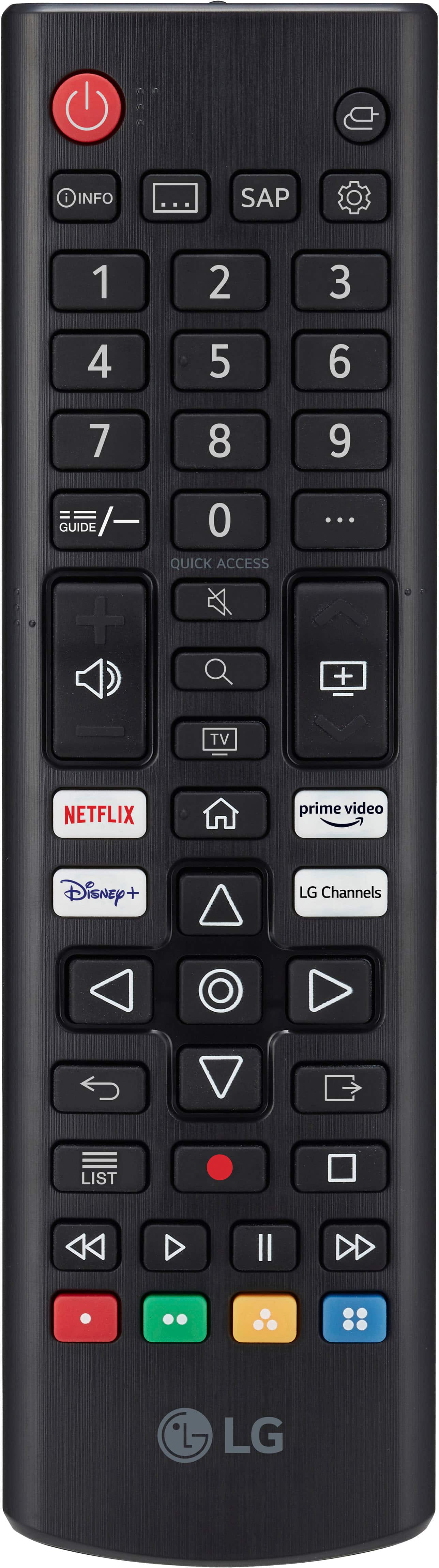
Posted .This reviewer received promo considerations or sweepstakes entry for writing a review.What a disappointment this television is. Is my first time having an LG TV. The remote control is worthless. You cannot connect your Alexa to control your TV either. You will need to upgrade to a "magic remote" that is also useless. You will get kicked off of your streaming apps like Hulu constantly. And it will continue to ask you if you want to be in "film mode" even though you say "don't ask me again". When you email customer service, they offer no true solutions, and just try to upsell you. Look for another brand!
No, I would not recommend this to a friendBrand response from LG Digital Customer Care
Posted .Hi, Kathleen. Thank you for sharing your feedback with us. We understand your concern about the issues you're experiencing with your LG TV (65UT7000PUA) model, especially regarding the remote control, Alexa integration, streaming apps, and the persistent "film mode" prompt. We strive to provide reliable, high-quality products and exceptional services to ensure a smooth viewing experience.
To improve your TV experience, we recommend ensuring your TV firmware is up to date, as updates can resolve many connectivity and streaming app issues. For guidance, you may visit https://www.lg.com/us/support/help-library/lg-tv-how-to-update-an-lg-smart-tv--1430510575535. Additionally, the "Magic Remote" can offer better control when paired with your TV, and we can guide you through pairing it.
Please send us a private message on social media @LGUSSupport, and we will be happy to assist you further with troubleshooting and finding a solution for your concerns. We’re confident we can help improve your TV experience. ^Juvy
LG 65 inch
Posted .This reviewer received promo considerations or sweepstakes entry for writing a review.I can't believe how wonderful the guys have been delivering and picking up for me it's outstanding and they have such wonderful personalities and patience!
I would recommend this to a friendbiggest tv we ever bought
Posted .This reviewer received promo considerations or sweepstakes entry for writing a review.this tv has great value. is huge and its nice its a smart tv as well. works with bose soundbar just fine
I would recommend this to a friendGood pictures but slow
Posted .This reviewer received promo considerations or sweepstakes entry for writing a review.TV works well and was delivered timely. Sometimes it is a bit slow. To get over this I am running most apps over my PS5 and use it more or less only as a monitor.
I would recommend this to a friendGreat LG UHD AI Deal
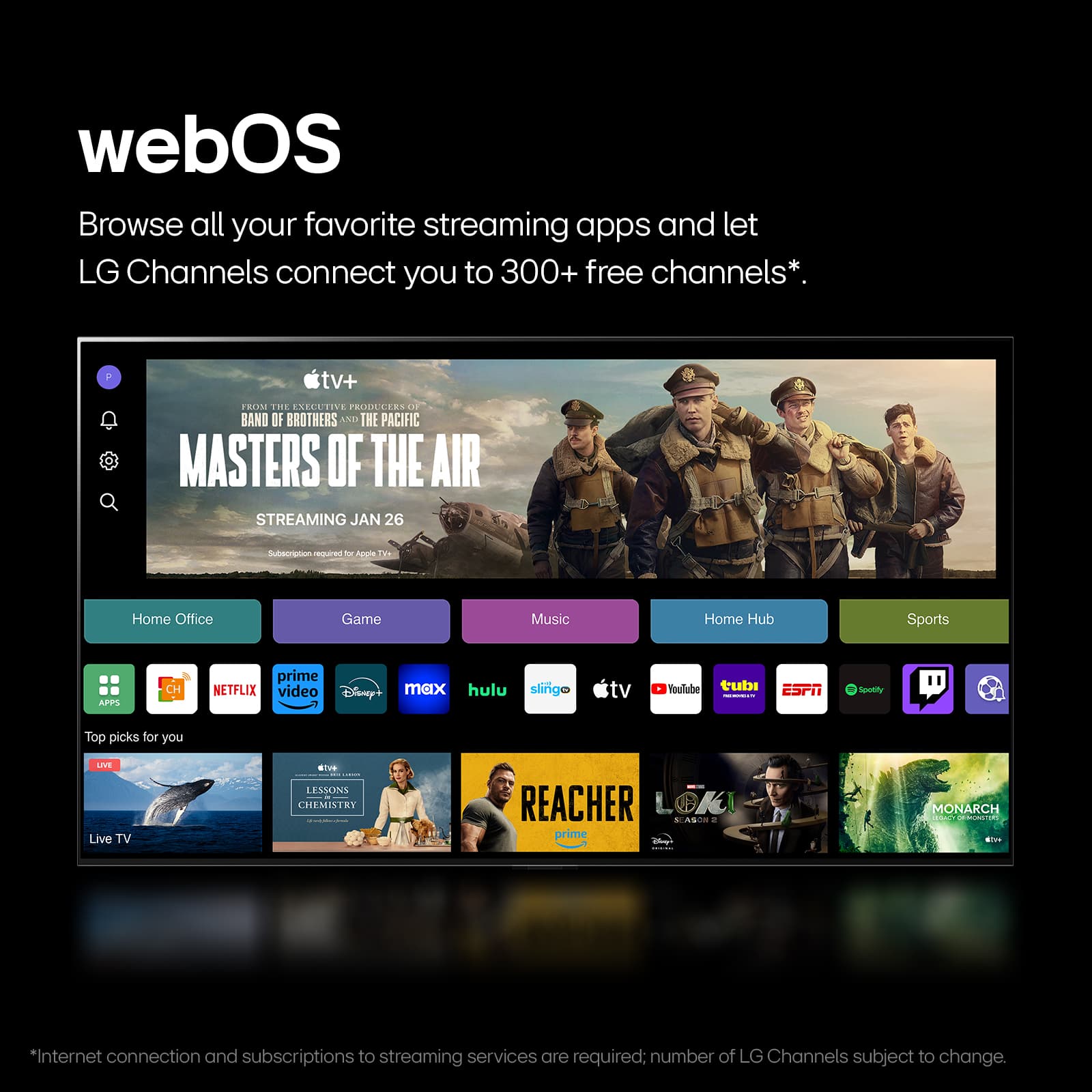
Posted .This reviewer received promo considerations or sweepstakes entry for writing a review.Nice unit, especially when you consider the sale price. Happy with purchase and Best Buy overall. S/W updates did improve performance, but I wish webOS would be a tad more responsive...
I would recommend this to a friendAwesome Purchase
Posted .This reviewer received promo considerations or sweepstakes entry for writing a review.Love this TV and the price was awesome. I would have given it a 5, but I can't download the "victory" app to watch the Anaheim Ducks hockey games. Other than that, Awesoem
I would recommend this to a friendHorrible tv do not buy!
Posted .This reviewer received promo considerations or sweepstakes entry for writing a review.Worst purchase ever! Some apps won’t play shows due to the tv always needing updates and for some reason I couldn’t set it to complete auto updates. Stars won’t play on it and the remote has way too many buttons for no reason. It is also very slow at loading.
No, I would not recommend this to a friendBrand response from LG Digital Customer Care
Posted .Hi, there. Thank you for reaching out, and we understand the importance of having your LG TV (65UT7000PUA) model run smoothly. If apps won't load or prompt for updates, check the TV's storage and clear the app cache, as limited storage or outdated data can affect performance. Go to: Settings > Support > TV Management > Application Management to clear the cache. If auto-updates fail, enable: Settings > Support > Software Update > Allow Automatic Updates. If the toggle doesn't work, perform a full power reset by holding the remote's power button for 5 seconds to refresh the system memory. Restarting the TV with the power button can also help with slow loading. Connect to the 5GHz Wi-Fi band if available and close unused apps via the Home Dashboard. For more guidance, visit https://www.lg.com/us/support/product/lg-65UT7000PUA.AUS. We’d be glad to take a closer look at your unit and help you get the best experience possible. Please send us an email at lgdigitalcare@lg.sprinklrsupport.com. We're here to help. ^Juvy
Internet Browser does not work
Posted .This reviewer received promo considerations or sweepstakes entry for writing a review.While the picture quality is great on LG TV’s, where they fail is they have a really crappy Internet browser. So if you don’t pay for cable TV like me and stream everything you watch off the Internet, this TV many times cannot open YouTube videos and has trouble playing movies because it is so laggy or simply cannot access the Internet. For this reason I would not recommend any LG TV.
No, I would not recommend this to a friendBrand response from LG Digital Customer Care
Posted .Hi, Roberta. Thank you for sharing your feedback with us. We understand your concern about experiencing issues with streaming and internet browsing on your LG TV (65UT7000PUA) model, especially when you rely on streaming for your entertainment. We strive to provide reliable, high-quality products and ensure a smooth viewing experience.
As a first troubleshooting step, we recommend checking your TV’s network connection settings to ensure it is properly connected to your Wi-Fi. If you are using a wireless connection, consider switching to a wired Ethernet connection for more stable streaming. Additionally, try updating the TV’s software, as performance improvements are often included in updates. For guidance, you may visit https://www.lg.com/us/support/help-library/lg-tv-how-to-update-an-lg-smart-tv--1430510575535.
Please send us a private message on social media @LGUSSupport, and our team will be happy to assist you further and explore potential solutions to improve your streaming experience. We appreciate your patience and are here to ensure you get the best out of your TV. ^Juvy
Amazing!
Posted .This reviewer received promo considerations or sweepstakes entry for writing a review.Amazing product! Excellent price! Besides all that, Best Buy was very fast and efficient!
I would recommend this to a friendWell done
Posted .This reviewer received promo considerations or sweepstakes entry for writing a review.Fantastic television with super fast shipping and arriving in pristine condition. Tgsnks
I would recommend this to a friendI’m pleased
Posted .This reviewer received promo considerations or sweepstakes entry for writing a review.I am very pleased and happy I brought this tv. Ordered and paid online. Love it
I would recommend this to a friendSatisfied customer
Posted .This reviewer received promo considerations or sweepstakes entry for writing a review.They were very helpful and supportive Delivering was very nice thank you best buy
I would recommend this to a friendProficient and easy order/delivery process
Posted .This reviewer received promo considerations or sweepstakes entry for writing a review.The ordering process was easy, and the item was actually delivered earlier then the estimated lead-time.
I would recommend this to a friendNot sure yet
Posted .This reviewer received promo considerations or sweepstakes entry for writing a review.So far so good check with me in a year. I’m am still hoping that this will happen to be the best thing ever
I would recommend this to a friendLove my LG
Posted .This reviewer received promo considerations or sweepstakes entry for writing a review.I bought a new tv and i havent been happier with my purchase!
I would recommend this to a friend