Customer Ratings & Reviews
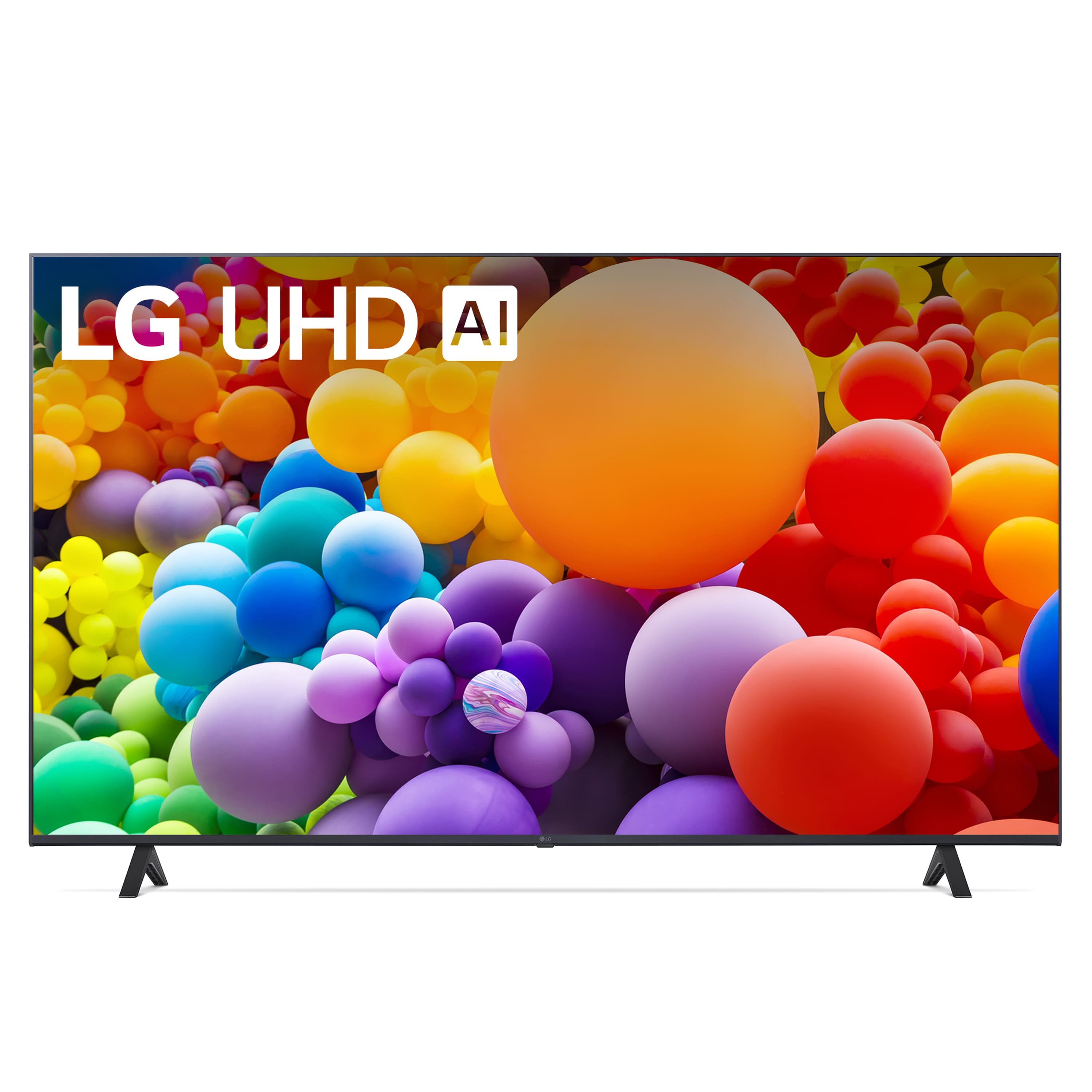
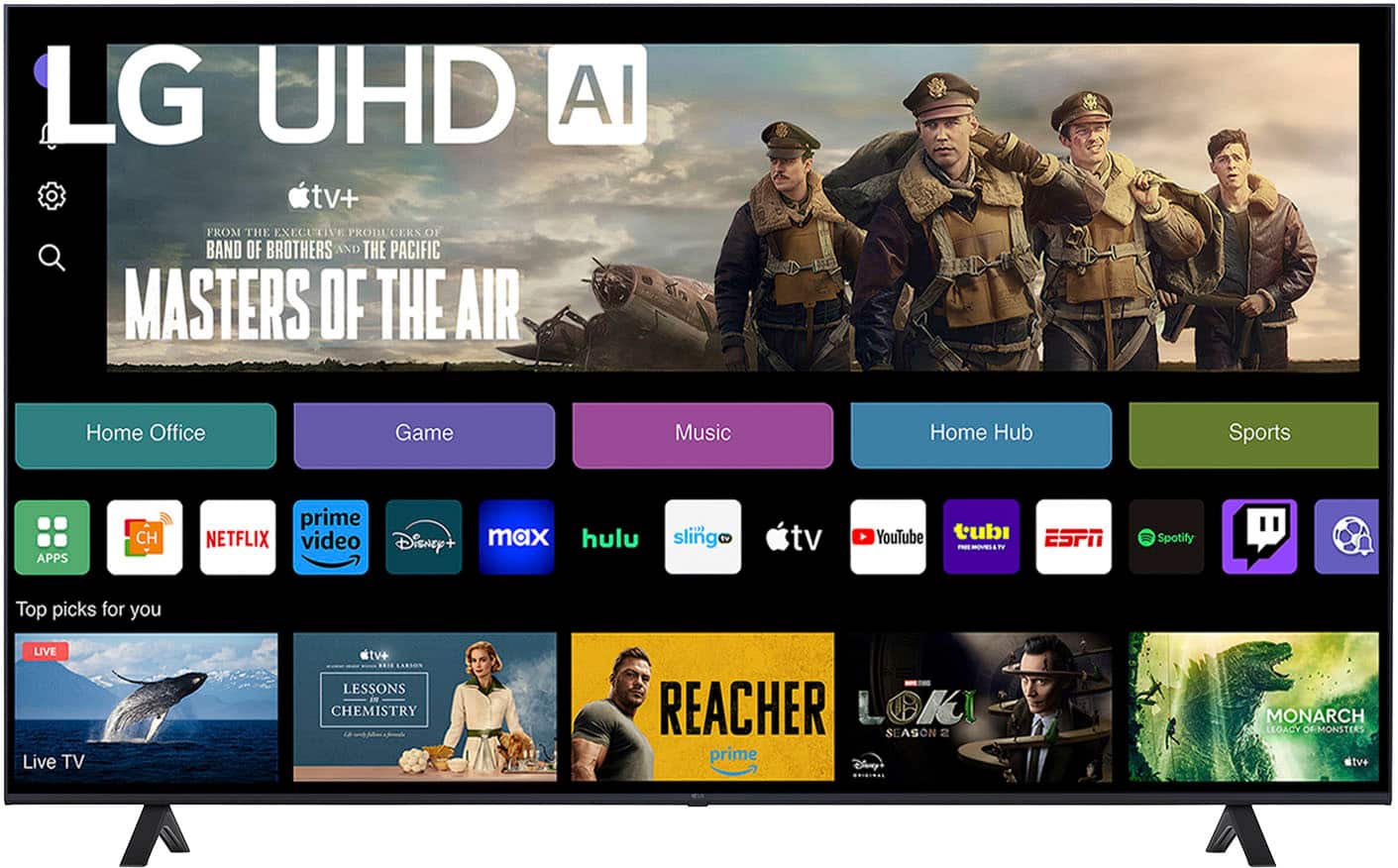
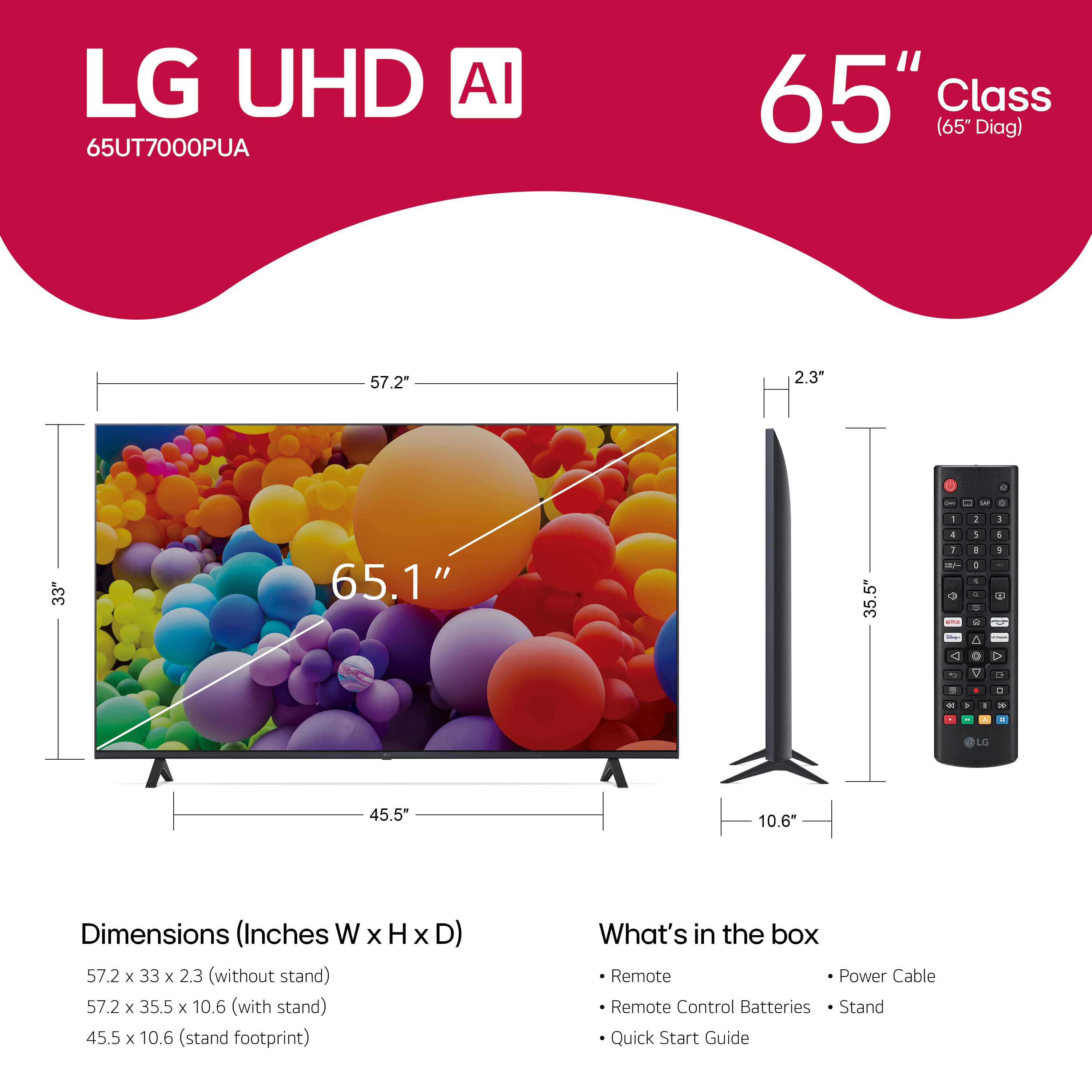
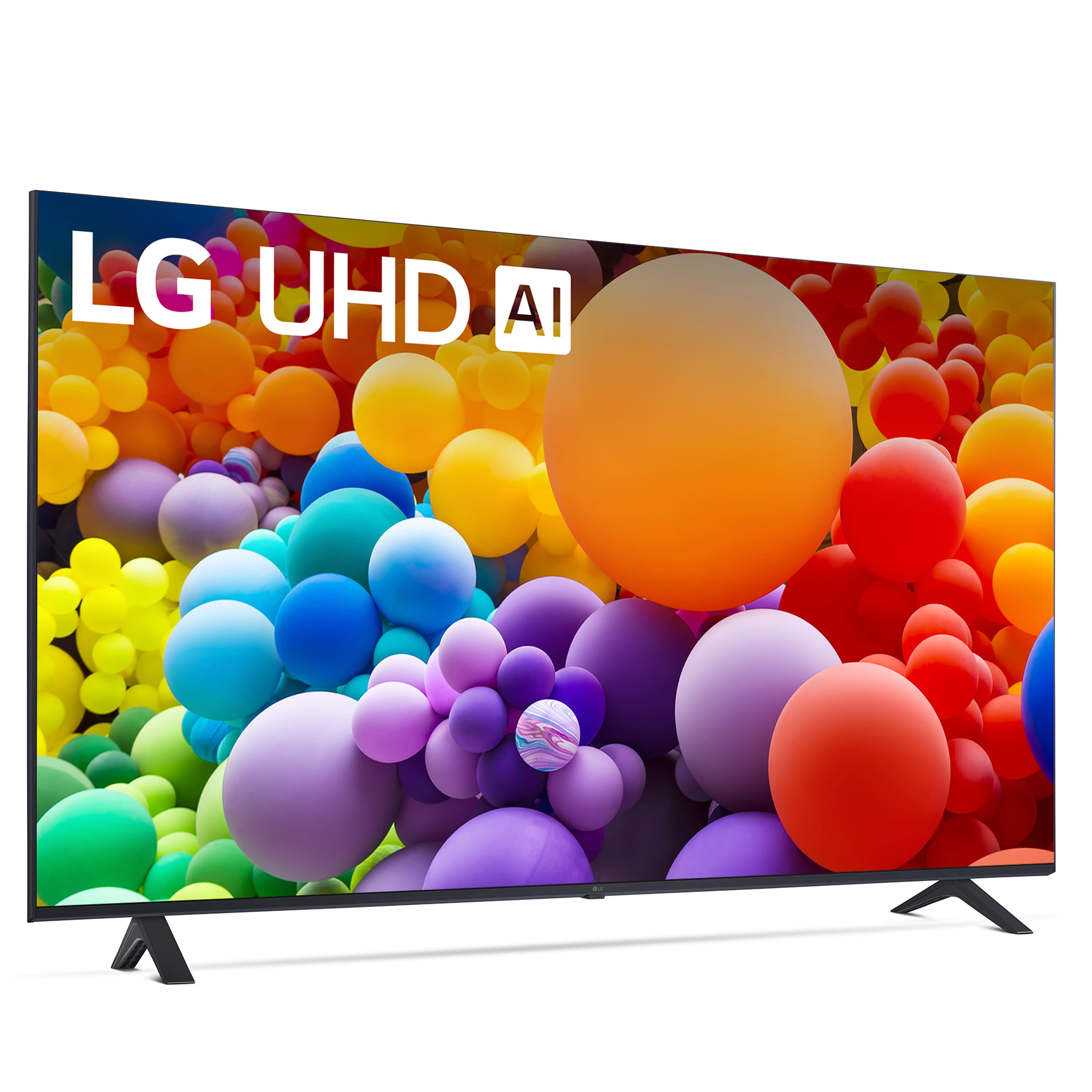
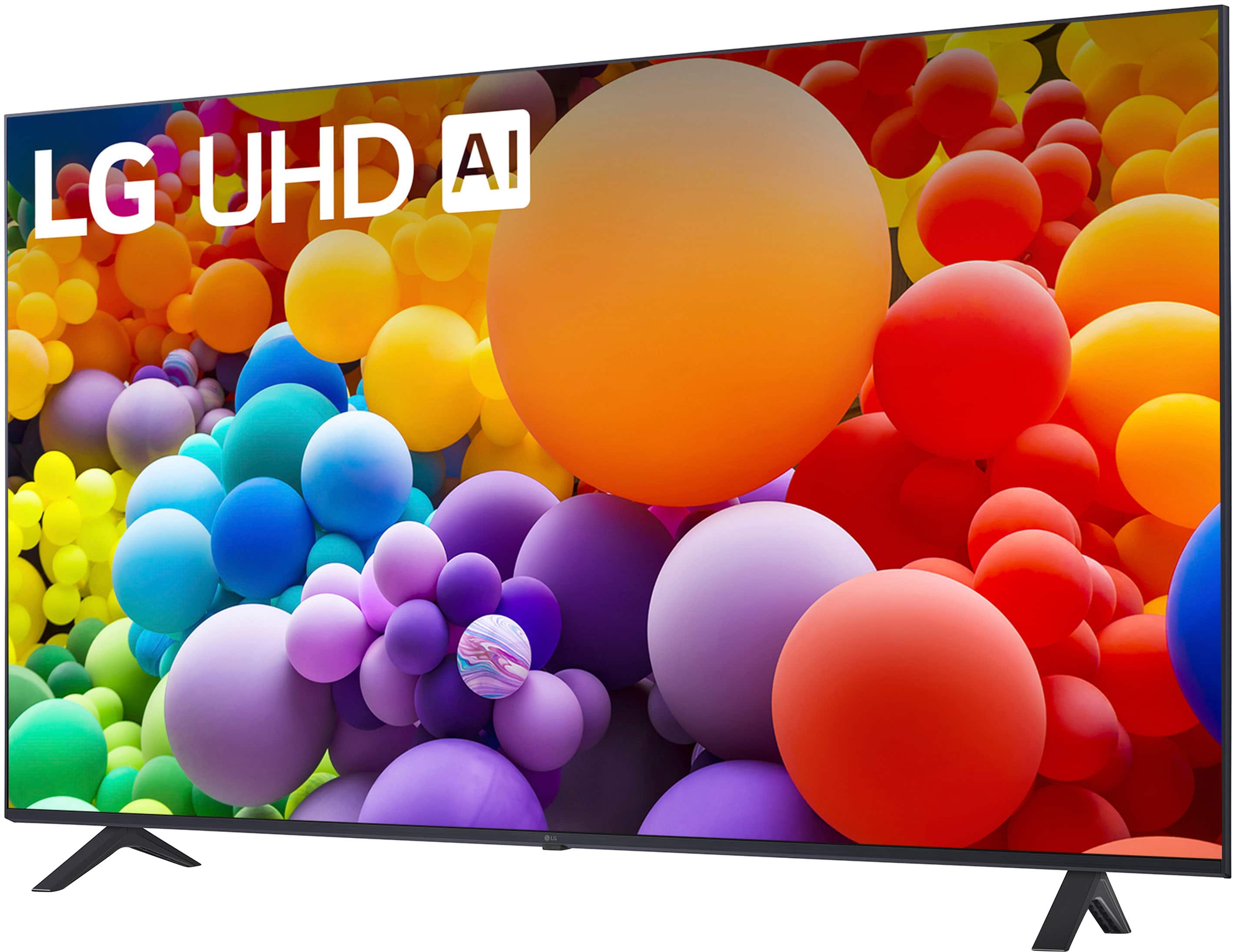
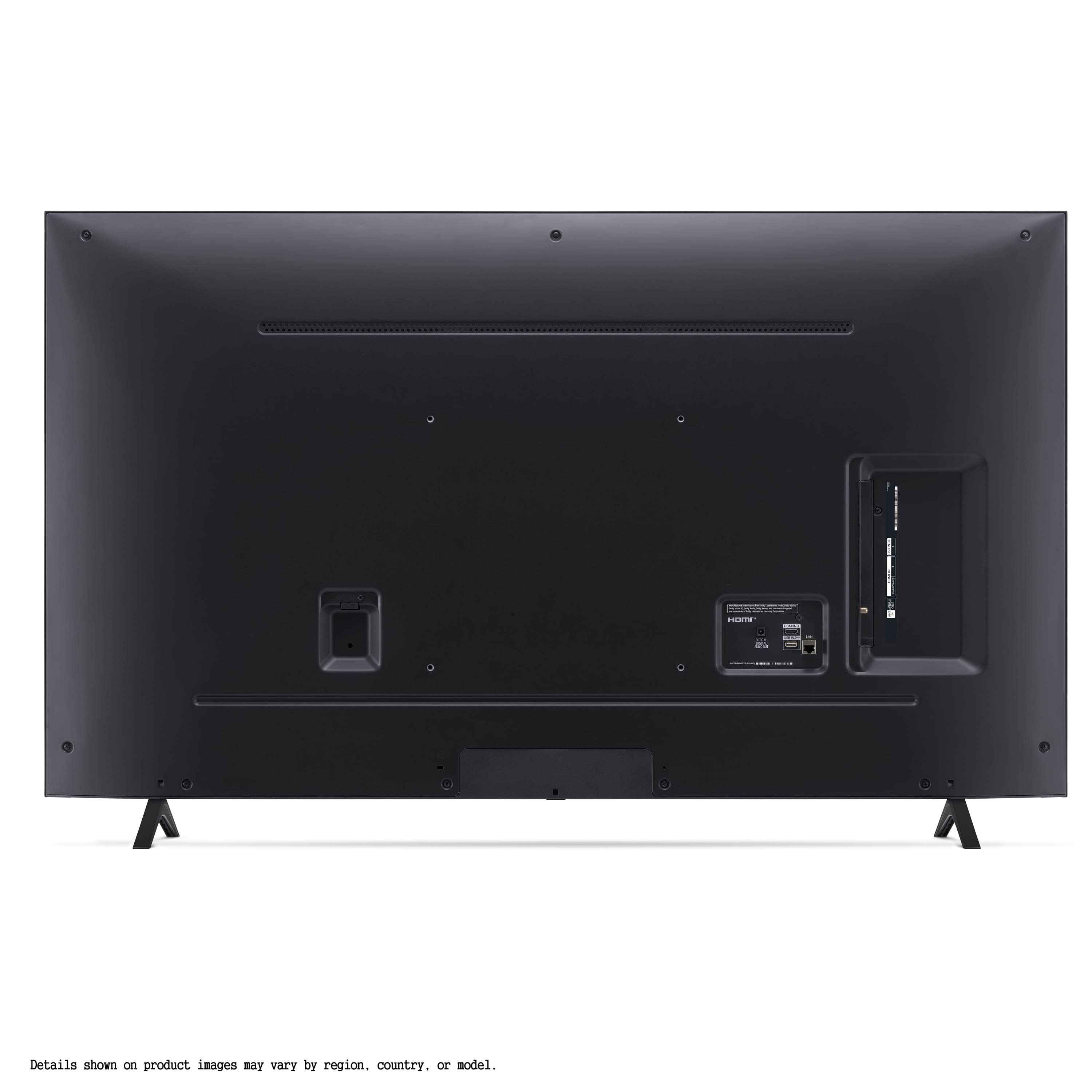
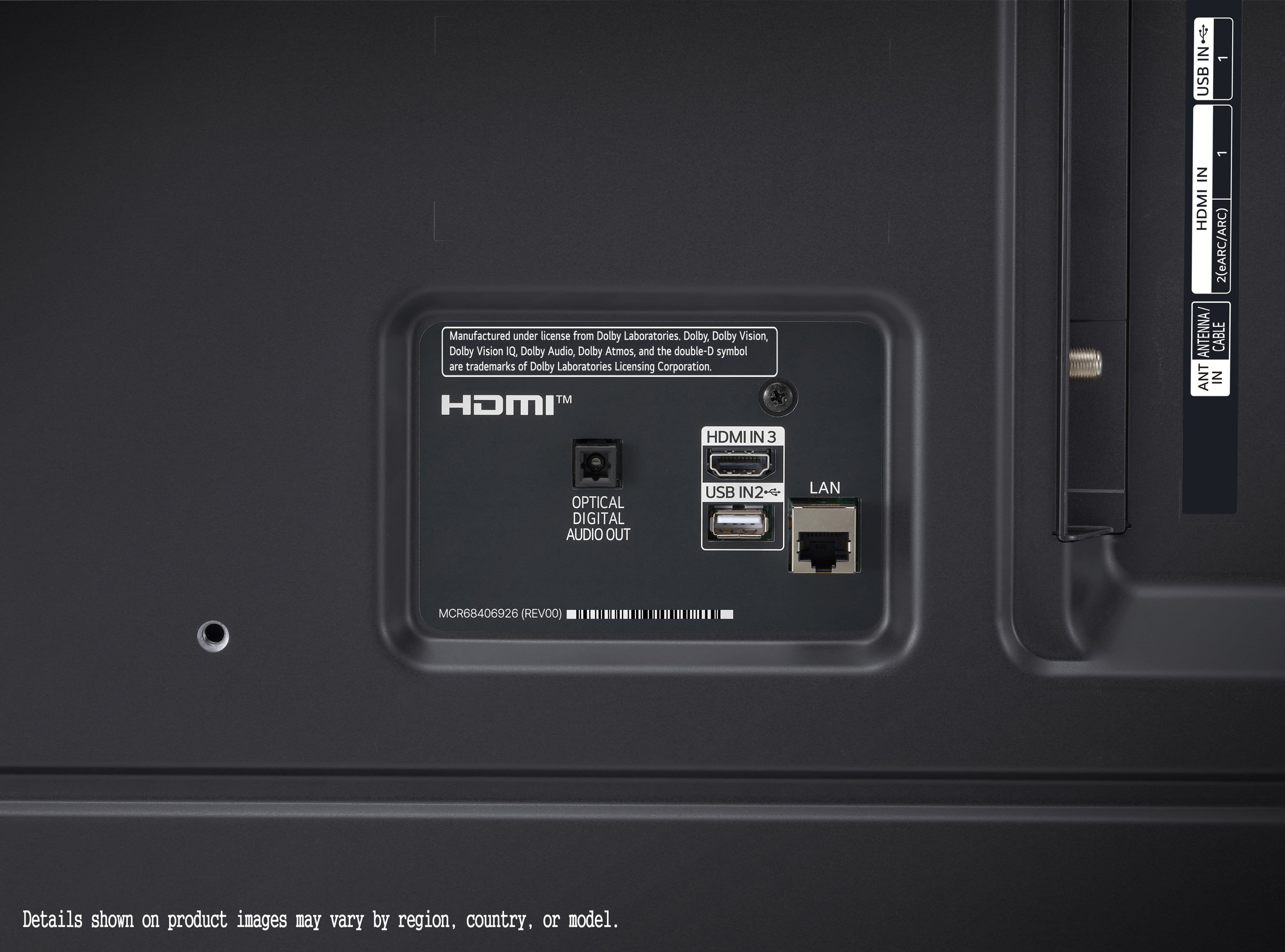


- Model:
- 65UT7000PUA
- SKU:
- 12376717
Rating by feature
- Picture Quality
Rating 4.7 out of 5 stars
- Sound Quality
Rating 4.6 out of 5 stars
- Brightness
Rating 4.7 out of 5 stars
to a friend
Perfect 7
Posted .This reviewer received promo considerations or sweepstakes entry for writing a review.The TV first came with a cracked screen and on the second tv came perfect and works fine.
I would recommend this to a friendLG TV
Posted .This reviewer received promo considerations or sweepstakes entry for writing a review.So far so good. Added a sound bar to enhance the TV output.
I would recommend this to a friendDo some research
Posted .This reviewer received promo considerations or sweepstakes entry for writing a review.I recommend you do your research before buying anything from LG. We spent $3000 on an LG TV and it didn't get past the first year before there was horrible burn in. Under the warranty, LG replaced the screen. It wasn't 6 months before it happened again and LG refused to do anything about it because it was out of warranty. The burn in was so bad it was hard to watch TV. BTW LG representative told us it was because we left the TV on the same channel for too long. They said we had to change channels every hour or so to prevent the burn in. So apparently you can't watch a movie on an LG TV. When we replaced the less than 2 year old $3000 LG TV, we bought a Sony and are very happy with it. Several years later and no BURN IN!! And, no, we haven't changed our watching habits!
No, I would not recommend this to a friendBrand response from LG Digital Customer Care
Posted .Hi, there. Thank you for sharing your experience with us. We genuinely understand your concern about the issues you encountered with the burn-in on your LG TV (L65UT7000PUA) model. We strive to provide reliable, high-quality products and ensure a smooth and seamless viewing experience. The advice to change channels or rotate content regularly is intended to help prevent static image retention, but we know it’s not always practical, especially for movie watching or gaming.
While your TV is no longer under warranty, we are still committed to helping you in any way we can. We would be happy to guide you through troubleshooting options to see if any adjustments might help improve the situation in the future.
We truly appreciate your feedback, as it helps us continue to improve our products. If you ever reconsider an LG TV in the future or need any support with a new appliance, please don’t hesitate to reach out to us via social media @LGUSSupport.
We wish you the best with your new Sony TV and hope it continues to provide you with the quality you expect. ^Juvy
DO NOT BUY
Posted .This reviewer received promo considerations or sweepstakes entry for writing a review.Do not buy LG! I bought an LG appliance and it was not working out of the box. They say they ‘need to confirm it is irreparable’ by sending in an appliance repair company, but that company works with their RnD team to try to root cause the problem rather than solve it for you. This process can take multiple months while you are left with a broken appliance. The correct thing to do would be after a month, replace the appliance and root cause the issue in house. Meanwhile i’m here with a broken appliance for months LG WARRANTIES ARE A SCAM AND PREDATORY TO CONSUMERS. My repair ref number is RNN250221072739
No, I would not recommend this to a friendBrand response from LG Digital Customer Care
Posted .Hi, Robert. Thanks for sharing your experience with us. we understand how important it is to have a working LG TV (65UT7000PUA) model from the start. While we aim to resolve issues as quickly as possible, the diagnostic process ensures we identify and address the root cause properly. If your unit is deemed irreparable, replacement options will be provided per the warranty terms. In the meantime, to obtain more information, you may visit https://www.lg.com/us/support/help-library/lg-tv-why-does-my-tv-have-no-power--1441914332865.
We’d like to take a closer look at your case and help expedite a resolution. Please send us a private message on social media @LGUSSupport with your repair reference number (RNN250221072739), and we’ll do our best to assist you. ^Juvy
job
Posted .This reviewer received promo considerations or sweepstakes entry for writing a review.Excellent tv would purchase again great customer11
I would recommend this to a friendJust perfect!!
Posted .This reviewer received promo considerations or sweepstakes entry for writing a review.Perfect purchase for Xmas! 110% recommended would do it again
I would recommend this to a friendA good average TV
Posted .This reviewer received promo considerations or sweepstakes entry for writing a review.Works like it’s supposed to cost exactly what it should went on sale.
I would recommend this to a friendBrand response from LG Digital Customer Care
Posted .Hi there, WilliamT. Thank you for sharing your experience with us. We understand your inquiry regarding the performance and value of your LG 65 Class UT70 Series LED 4K UHD Smart webOS TV. We are pleased to hear that the unit is working as expected and met your pricing expectations during the sale. We understand that you find it to be a good average TV and we are glad it is serving your needs.
https://www.bestbuy.com/product/lg-65-class-ut70-series-led-4k-uhd-smart-webos-tv-2024/JJ8VPZH54L
For further assistance and any specific concerns you may have, please contact us on lgdigitalcare@lg.sprinklrsupport.com. We appreciate your patience. —Renzo
Inflexible
Posted .This reviewer received promo considerations or sweepstakes entry for writing a review.LG is a horrible product that doesn't give you very flexible options. The picture is great but will not allow you to download apps easily and utilize fire TV. Very frustrating and I will be returning this TV to Best Buy
No, I would not recommend this to a friendBrand response from LG Digital Customer Care
Posted .Hi, Susan. Thanks for sharing your thoughts on the LG TV (65UT7000PUA) model. We understand your concern about the difficulty in downloading apps and using Fire TV. We strive to provide high-quality products and ensure a smooth viewing experience.
The TV does support LG’s webOS platform, which typically allows access to a wide range of apps directly through the LG Content Store. If you're experiencing issues with app downloads or using external streaming devices like Fire TV, we recommend checking the network settings and ensuring your TV is properly connected to the internet. Sometimes a quick reset or firmware update can resolve these types of issues. For guidance, you may visit https://www.lg.com/us/support/help-library/lg-tv-how-to-update-an-lg-smart-tv--1430510575535.
If you'd like to explore solutions or need assistance before returning the TV, please send us a private message on social media @LGUSSupport, and our team will be happy to help you. We appreciate your feedback and want to make sure we support you. ^Juvy
LG UHD A! 50" TV
Posted .This reviewer received promo considerations or sweepstakes entry for writing a review.Purchased this TV 10 days ago and have had constant issues with it disconnecting from WiFi. Will be returning as its been a huge headache for watching Netflix, Apple TV, and other streaming services. Would not reccomend.
No, I would not recommend this to a friendBrand response from LG Digital Customer Care
Posted .Hi, Ashly. Thank you for sharing your experience with the LG TV (65UT7000PUA) model. We understand your concern about dealing with Wi-Fi disconnections, especially when you're trying to enjoy streaming services like Netflix and Apple TV. We strive to provide high-quality products and ensure a smooth experience.
For the Wi-Fi issue, we recommend first ensuring that your router is close enough to the TV and not experiencing any interference. You can also try resetting the network settings on the TV by going to Settings > Network > Reset Network. If the problem persists, we suggest checking for any software updates available for the TV, as these can sometimes resolve connectivity issues. For more help, you may visit https://www.lg.com/us/support/help-library/lg-tv-troubleshooting-your-tvs-internet-connection--1426626051711.
If you're still encountering problems, please send us a private message on social media @LGUSSupport, and our team will assist you in troubleshooting further or exploring replacement options.
We appreciate your feedback, and we’re here to help ensure your experience improves. ^Juvy
Incredibly slow TV
Posted .This reviewer received promo considerations or sweepstakes entry for writing a review.Don’t waste your money unless you want a slow TV. Shouldn’t be labeled a smart TV, it’s so slow, it’s insane. Ours is only a couple months old and it takes 10 plus minutes (literally) to open Hulu and watch a show. The only thing it’s good for is if you have an Xbox, fire stick, or some kid of third party add on to use. The TV is painfully slow. I don’t recommend it
No, I would not recommend this to a friendBrand response from LG Digital Customer Care
Posted .Hi, Layne. Thank you for sharing your experience with the LG TV (65UT7000PUA) model. We understand your concern about dealing with a slow TV. We strive to provide reliable, high-quality products and ensure a smooth and seamless viewing experience. To improve the performance, we recommend checking for any software updates for your TV, as updates can enhance functionality and speed. Additionally, clearing the cache of your streaming apps may help reduce loading times. For guidance, you may visit https://www.lg.com/us/support/help-library/lg-tv-how-to-update-an-lg-smart-tv--1430510575535. If you continue to experience issues, please send us a private message on social media @LGUSSupport. We're here to assist you and ensure you get the most out of your TV. Thank you for your understanding, and we look forward to helping you. ^Juvy
Memory troubles
Posted .This reviewer received promo considerations or sweepstakes entry for writing a review.Bought 65in lg webOS, great TV but problem with app restart..tv started shutting off, restart to free up memory
No, I would not recommend this to a friendBrand response from LG Digital Customer Care
Posted .Hello there, PeterY. We’re glad to hear that you find the 65UT7000PUA to be a great TV overall. We understand this issue can be to encounter issues with app restarts and memory management. Here are a few steps to help address these concerns:
Troubleshooting Steps for App Restarts and Memory Issues:
Clear Background Apps:
LG webOS TVs manage memory dynamically, but running multiple apps can cause slowdowns.
Press the Home button on the remote.
Close unused apps by navigating to them and pressing the Up or Exit button.
Free Up Memory by Restarting the TV:
Restarting the TV can clear memory issues.
Turn off the TV, unplug it, and wait for 1-2 minutes before plugging it back in.
Update TV Firmware:
Ensure your TV is running the latest software version to improve system stability.
Go to Settings > All Settings > Support > Software Update > Check for Updates.
Perform a Factory Reset (if issues persist):
Resetting your TV can resolve persistent memory or system issues.
Go to Settings > All Settings > General > Reset to Initial Settings.
Note: This will remove custom settings and require a fresh setup.
Use a USB Storage Device (Optional):
You can expand app storage by connecting a USB storage device, which may help reduce app crashes and restarts.
If these steps don't resolve the issue or if the TV continues to shut down, please reach out to us on social media @LGUSSupport for further assistance. We’d be happy to guide you through advanced troubleshooting or service options.
LG TV - Troubleshooting Premium Apps | LG USA Support - https://www.lg.com/us/support/help-library/lg-tv-troubleshooting-premium-apps--1434403325217
Thank you for choosing LG!
—Renzo
Not what I wanted
Posted .This reviewer received promo considerations or sweepstakes entry for writing a review.This LG TV has invasive terms of service that MUST be agreed to, or the product will not function.
No, I would not recommend this to a friendBrand response from LG Digital Customer Care
Posted .Hi, James. Thank you for sharing your thoughts on the LG TV (65UT7000PUA) model. We understand how important privacy and terms of service are when using any device, and we’d like to clarify that agreeing to the terms of service is necessary to access all the features and functionalities of the TV.
If you have concerns about privacy settings or terms, one step you can take is to review and adjust your TV's privacy settings through the "Settings" menu under "General" and "Privacy." This can help manage the data collected by the TV.
Please send us a private message on social media @LGUSSupport if you need further assistance or have any questions regarding these settings. We’re here to help and ensure you get the most out of your product. ^Juvy