Customer Ratings & Reviews
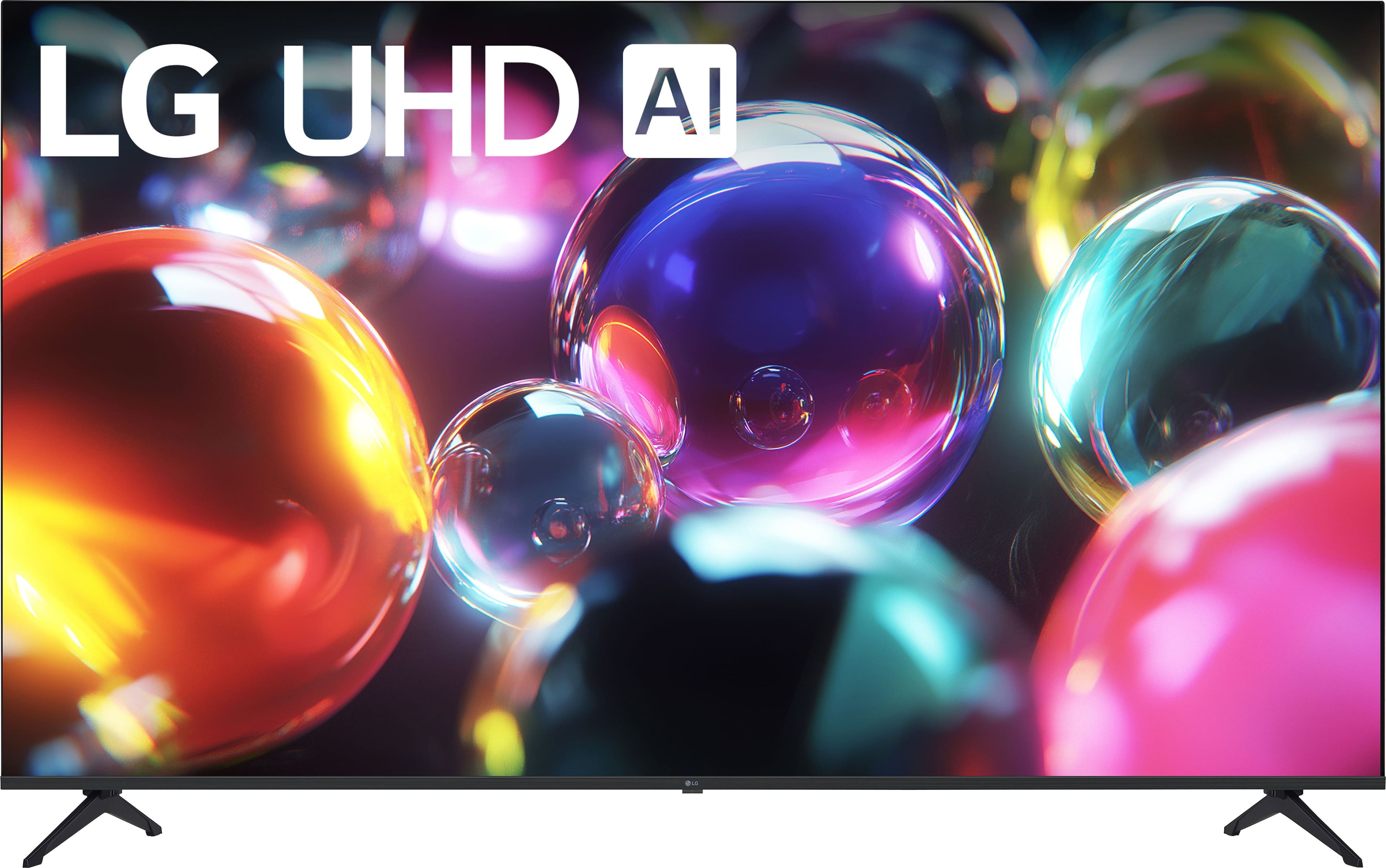
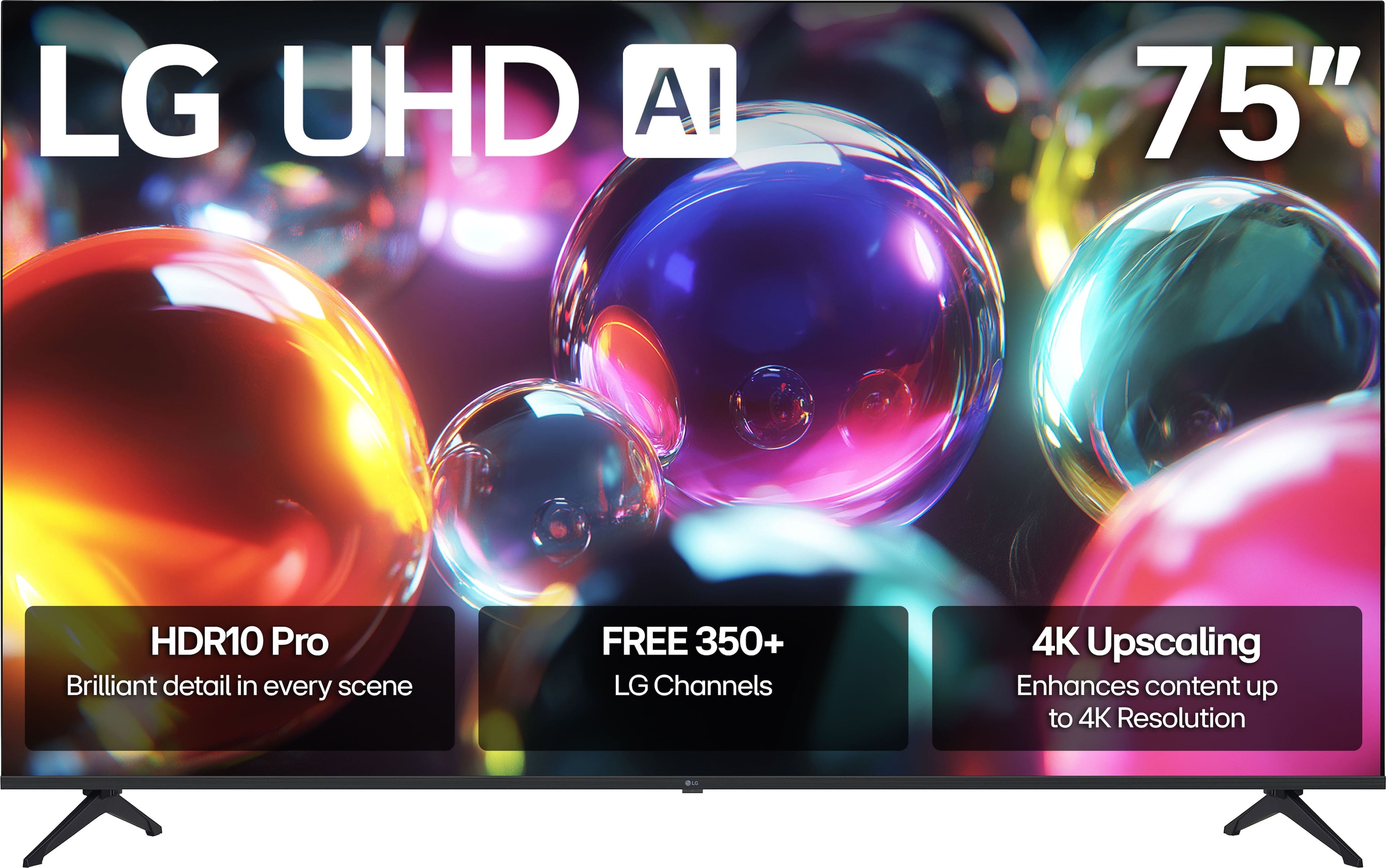
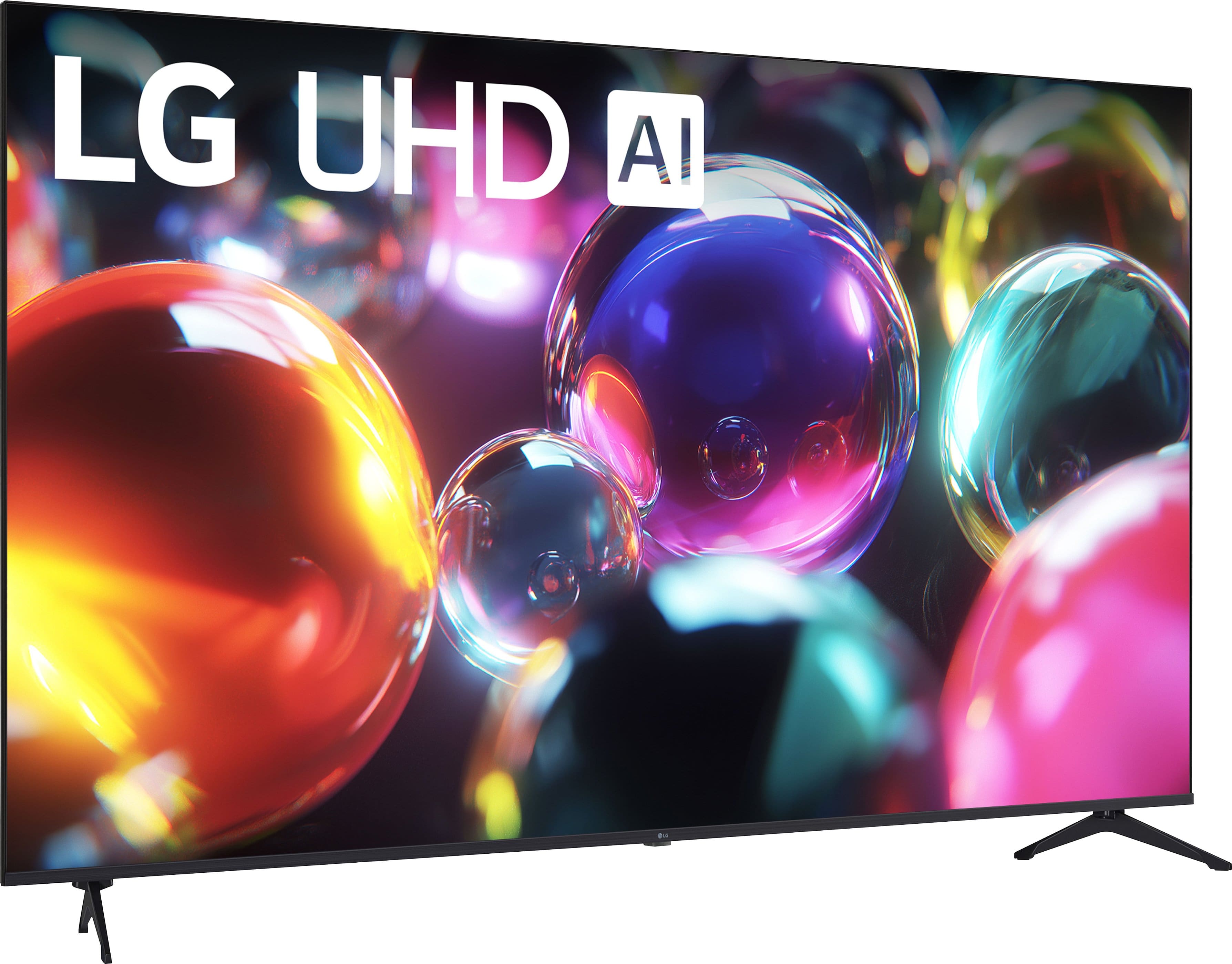
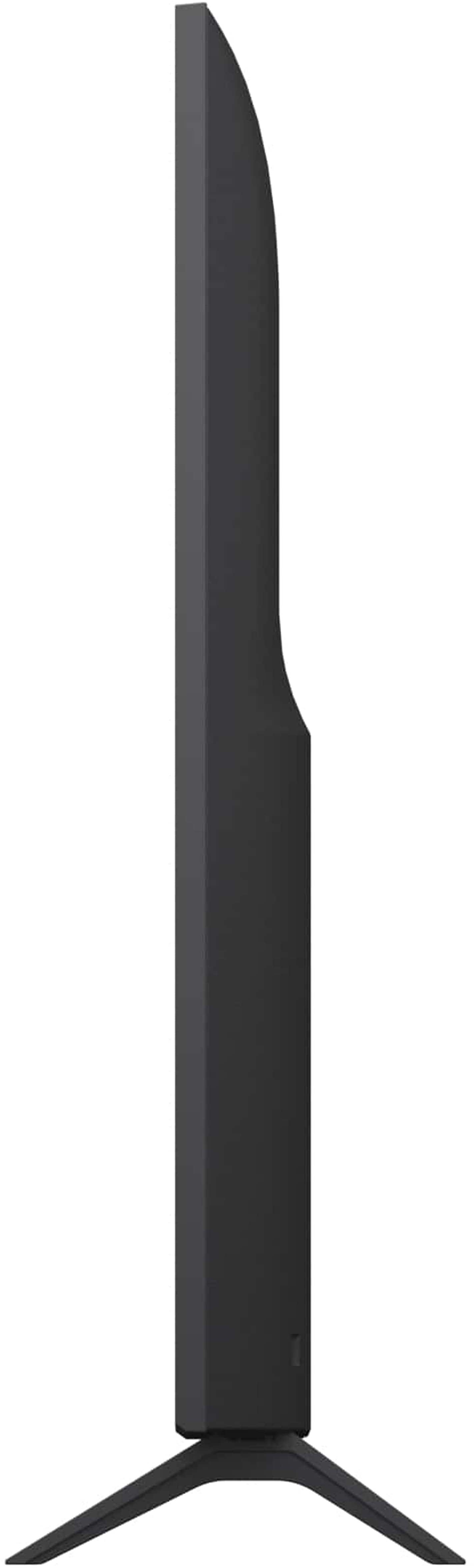
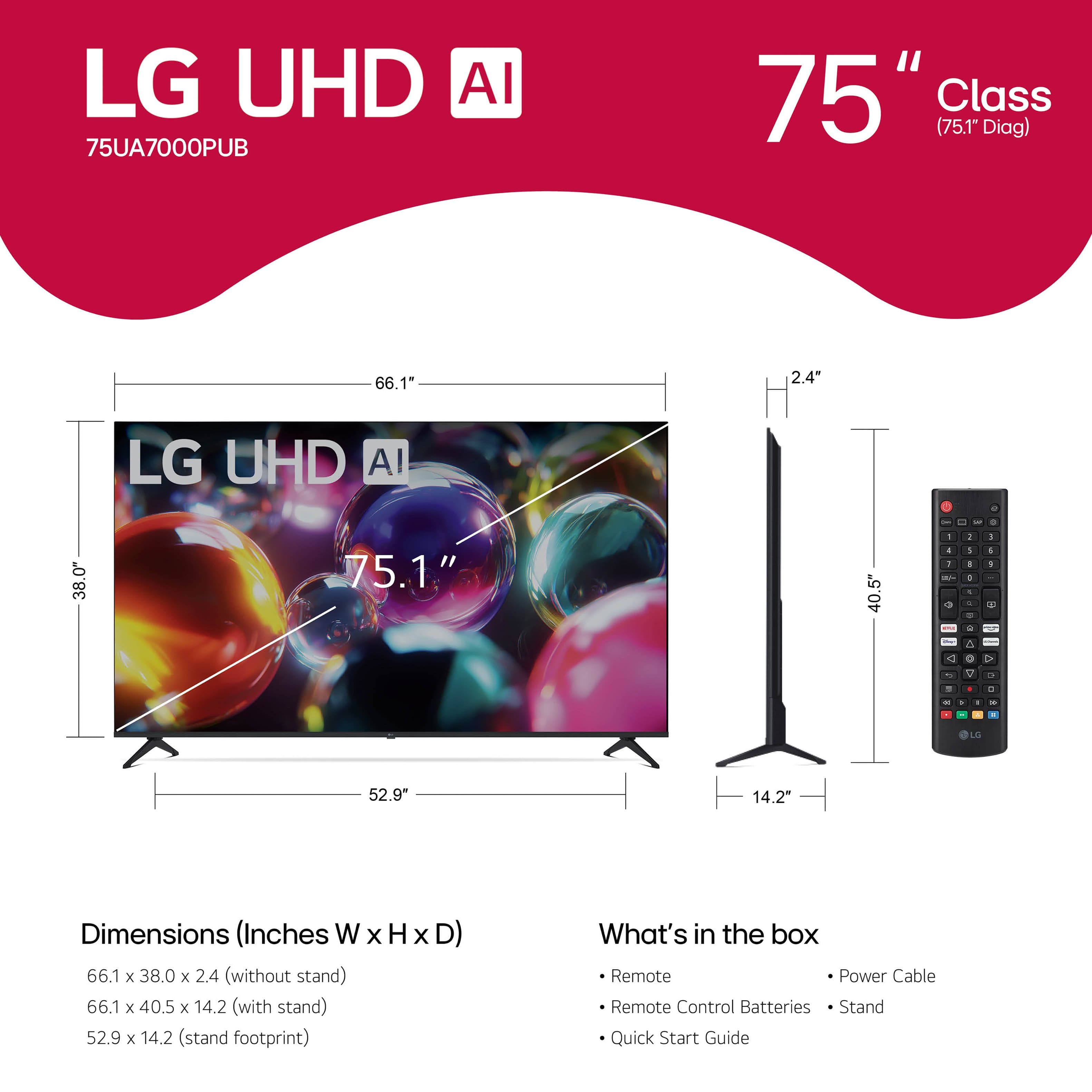







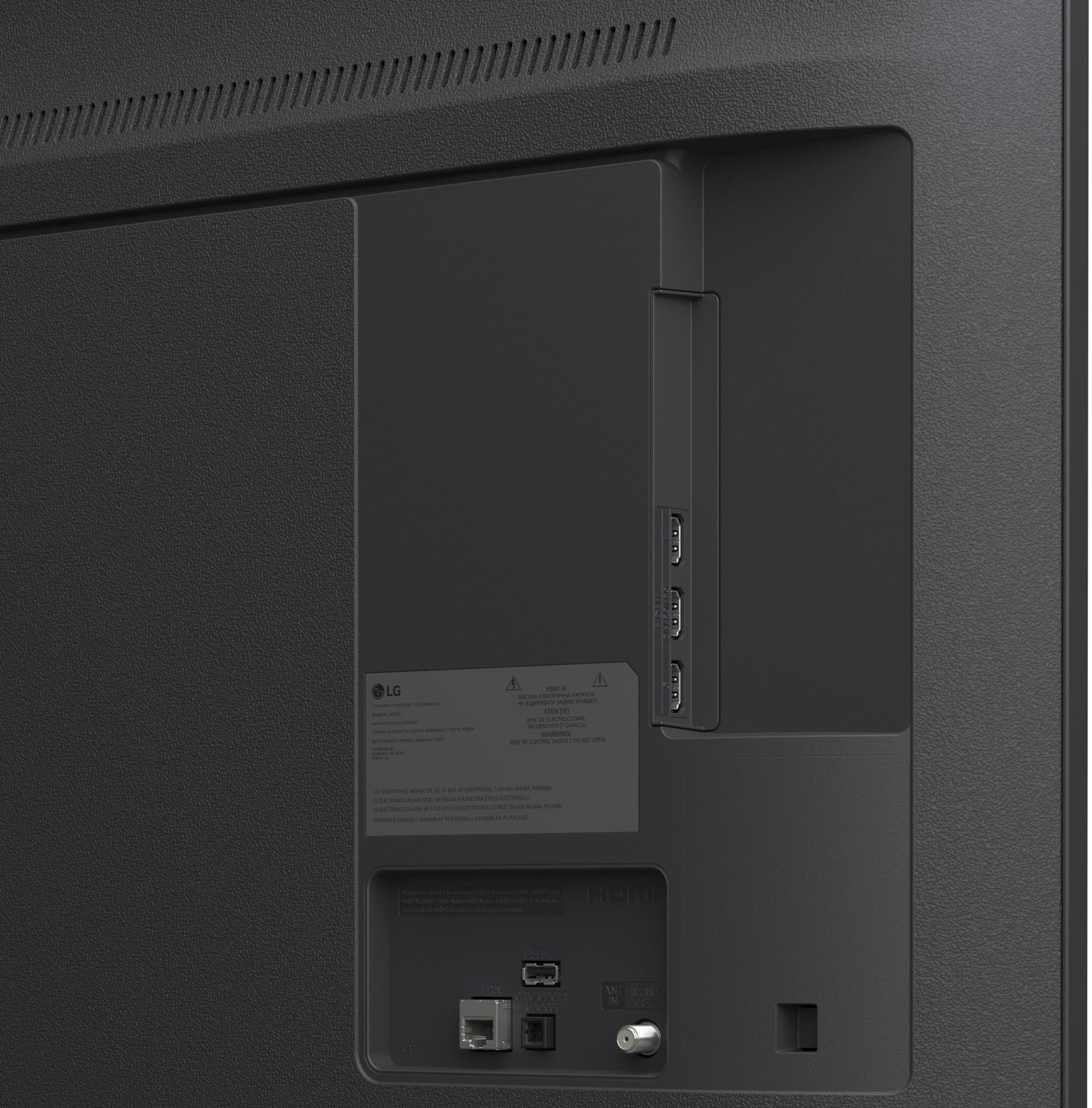
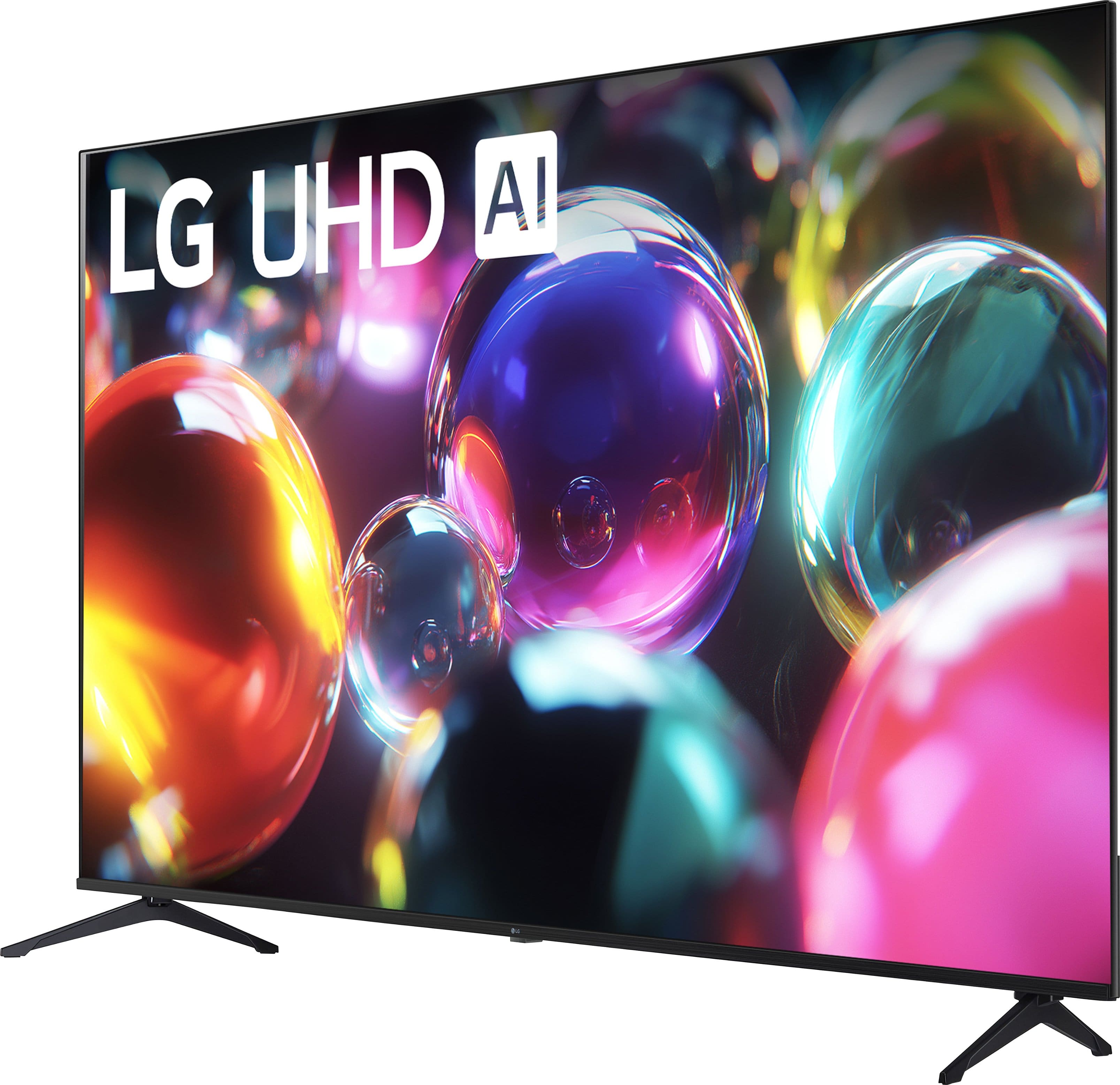

- Model:
- 75UA7000PUB
- SKU:
- 12376667
Rating by feature
- Picture Quality
Rating 4.8 out of 5 stars
- Sound Quality
Rating 4.6 out of 5 stars
- Brightness
Rating 4.8 out of 5 stars
to a friend
Lg tv
Posted .This reviewer received promo considerations or sweepstakes entry for writing a review.Tv screen was broken when it came an couldn’t be returned due to company policy
No, I would not recommend this to a friendDont have enough ram
Posted .This reviewer received promo considerations or sweepstakes entry for writing a review.Don't support some apps like iptv or some other similar apps
No, I would not recommend this to a friendNot satisfied
Posted .This reviewer received promo considerations or sweepstakes entry for writing a review.The tv have alexa built in but the remote does not and the person sold it to me did not told me cause he didn't know ever ,now im returning it ,very disappointed
No, I would not recommend this to a friendBrand response from LG Digital Customer Care
Posted .Hi, Hakime. Thank you for reaching out about your LG TV (75UA7000PUB) model. We understand the importance of having the features you expect.
This model does include Alexa Built‑In, but the included remote is designed for standard control rather than hands‑free voice input. One helpful step you can try is enabling Alexa through the TV’s settings menu by going to Settings → General → Voice → Amazon Alexa and completing the setup. Once activated, you can use the on‑screen interface or pair a compatible Alexa device for voice commands. For more guidance, visit https://www.lg.com/us/support/help-library/lg-tv-how-to-connect-your-lg-tv-to-amazon-alexa-google-assistant--20150783600366. We’d be glad to take a closer look and help you move forward. Please send us an email at lgdigitalcare@lg.sprinklrsupport.com so our team can assist you directly. ^Juvy