Customer Ratings & Reviews

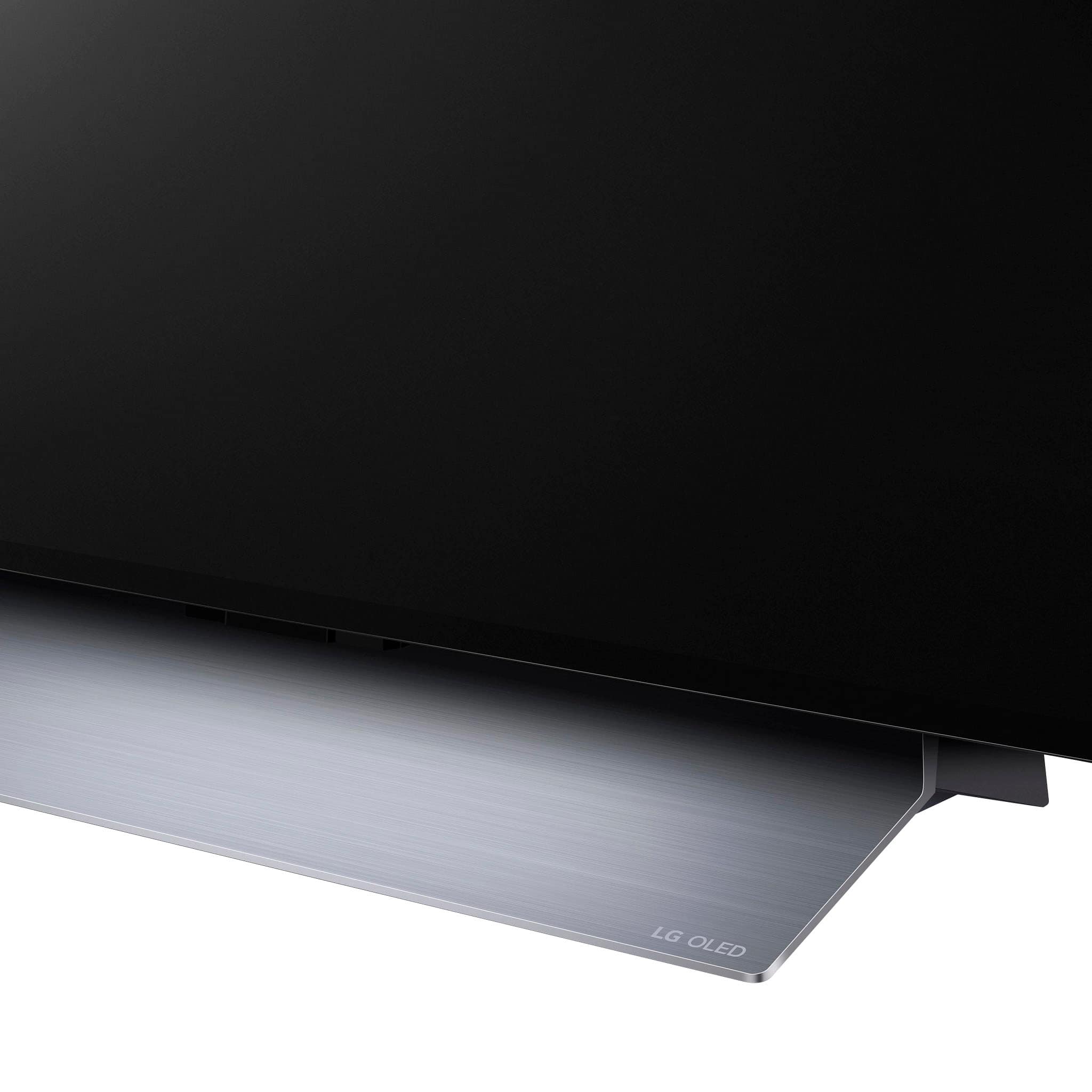










- Model:
- OLED77C3PUA
- SKU:
- 6535930
Rating by feature
- Picture Quality
Rating 4.9 out of 5 stars
- Sound Quality
Rating 4.6 out of 5 stars
- Brightness
Rating 4.9 out of 5 stars
Customers are saying
Customers are pleased with the picture quality, color accuracy, and ease of use of the 77" Class C3 Series OLED evo 4K UHD Smart webOS TV (2023). Many appreciate the vibrant colors, deep blacks, and high contrast offered by the OLED technology, along with the sleek design. However, some users expressed concerns about the remote control and potential for burn-in. The user interface also received mixed feedback.
This summary was generated by AI based on customer reviews.
Spectrum failure
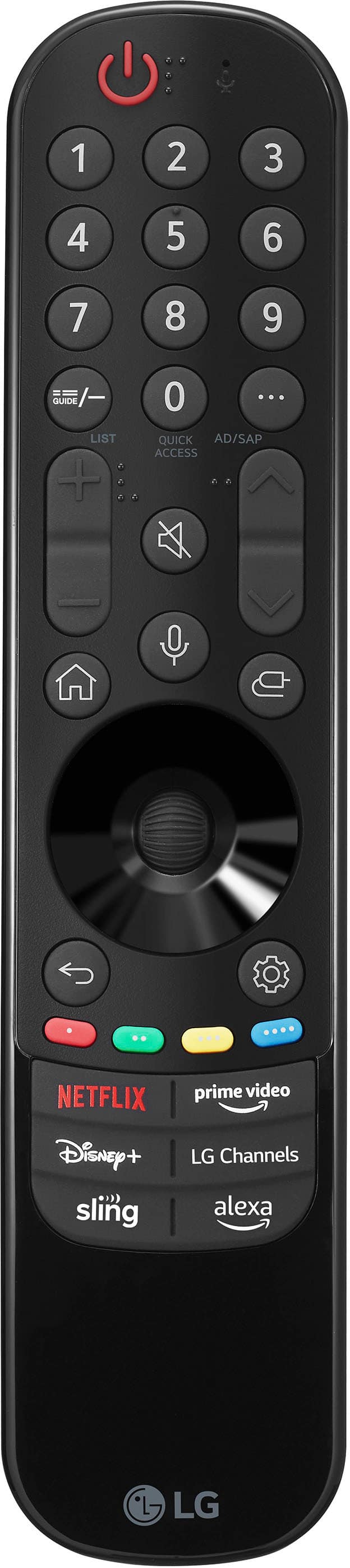
Posted .This reviewer received promo considerations or sweepstakes entry for writing a review.LG TVs do not support Spectrum TV. You need to get an additional device to stream your tv provider. This should be advertised. I'll either will have to have two remote controllers or return the product.
No, I would not recommend this to a friendBrand response from LG Digital Customer Care
Posted .Hi, Federico. Thank you for reaching out and sharing your feedback about the LG TV (OLED77C3PUA) model. We understand that you’re experiencing issues with Spectrum TV support and are concerned about using additional devices and multiple remotes. Our LG TVs are designed to be compatible with a wide range of streaming services and devices. To integrate Spectrum TV, you can use an external streaming device or set-top box that supports Spectrum’s service. This setup can often be controlled with a universal remote if you'd prefer to minimize the number of controllers. For a more seamless experience, we recommend connecting your Spectrum TV box to the HDMI port on your LG TV and then using the LG TV's input settings to manage your connections. If you need assistance with this setup or have other concerns, please reach out to us on social media @LGUSSupport, and our team will be more than happy to assist you further. We appreciate your understanding and are here to help make your experience better. ^Juvy
