Customer Ratings & Reviews
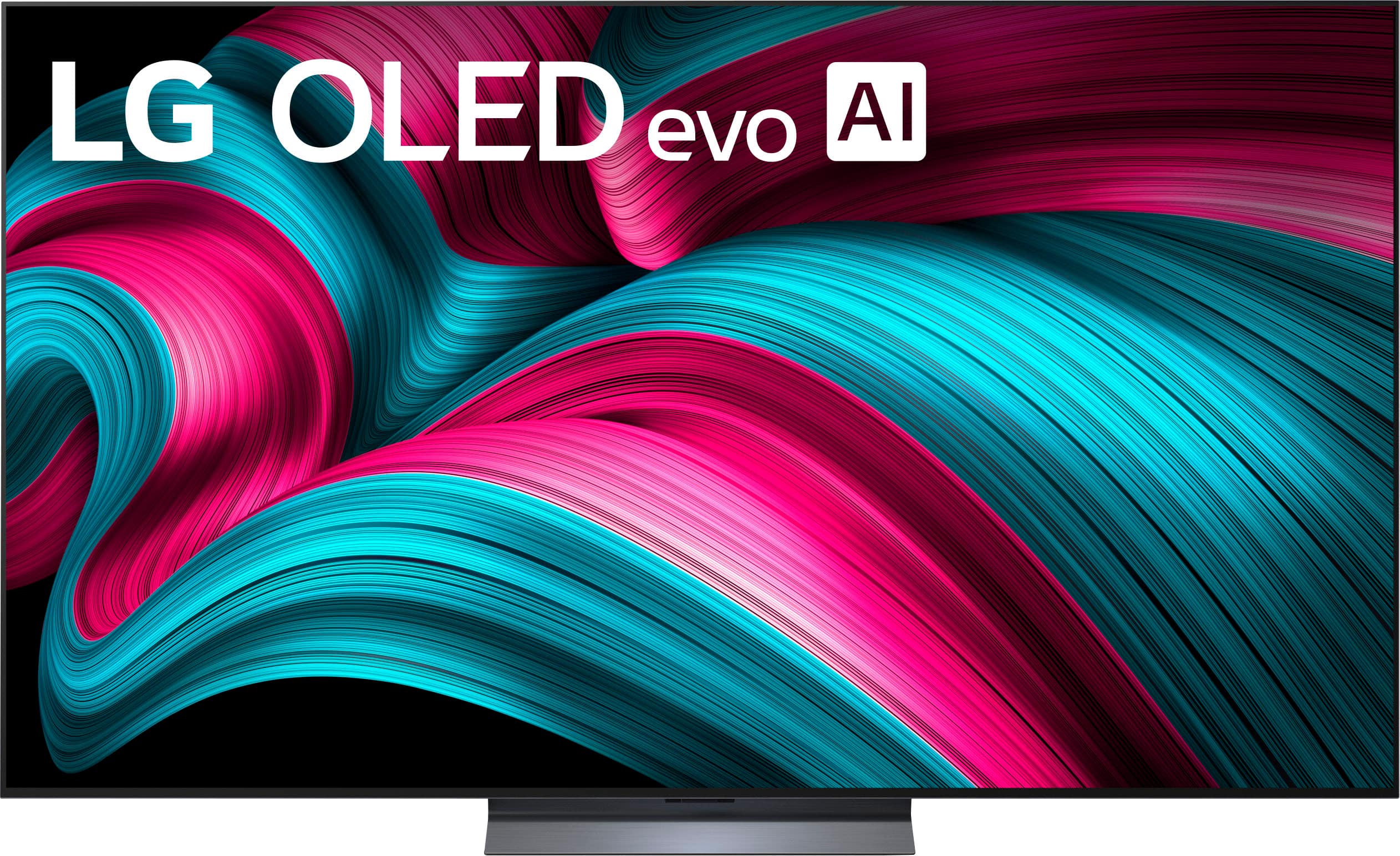
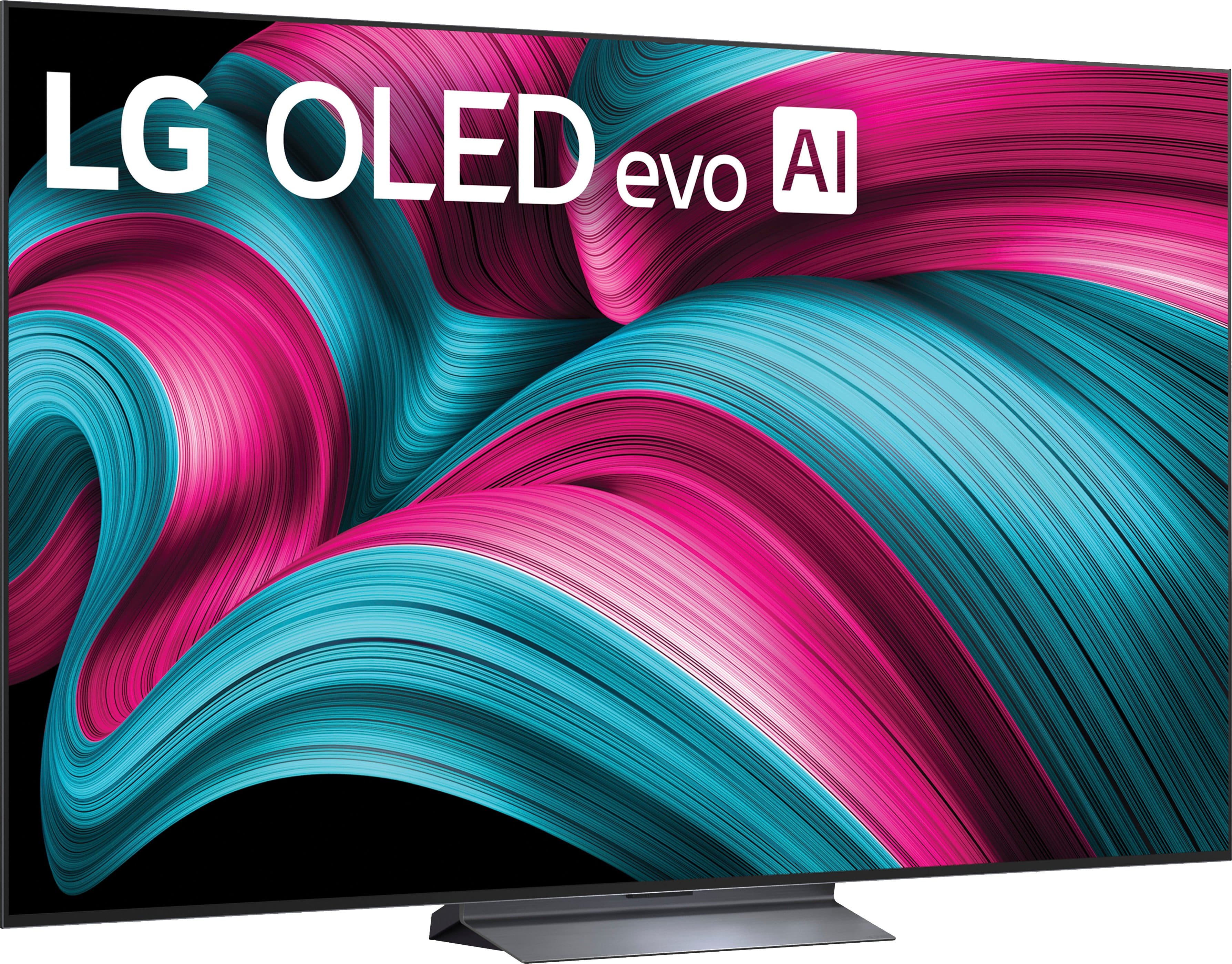




. Independently Tested for Quality and Workmanship CheckPlus: 100 % Color Volume to DCI-P3 oi PSSEANE Intertek [www.IntertekCheck.com](http://www.IntertekCheck.com). 100% Color Fidelity and '100% Color Volume to DCI-P3' applies to 2025 OLED TVs. *LG OLED Display is verified by UL for Perfect Color measured to IDMS 11.5 Ring-light Reflection standards. *100% Color Volume is defined as the performance of display which is equal or greater than the size of DCI-P3 standard color volume as verified independently by Intertek. *The LG OLED Panel is certified by Intertek for 100% Color Fidelity, measured to IDMS 11.5 Ring-light Reflection standards.](https://pisces.bbystatic.com/image2/BestBuy_US/images/products/3661ed5e-8d92-47a9-baef-65aa6eb5dcb9.jpg)














- Model:
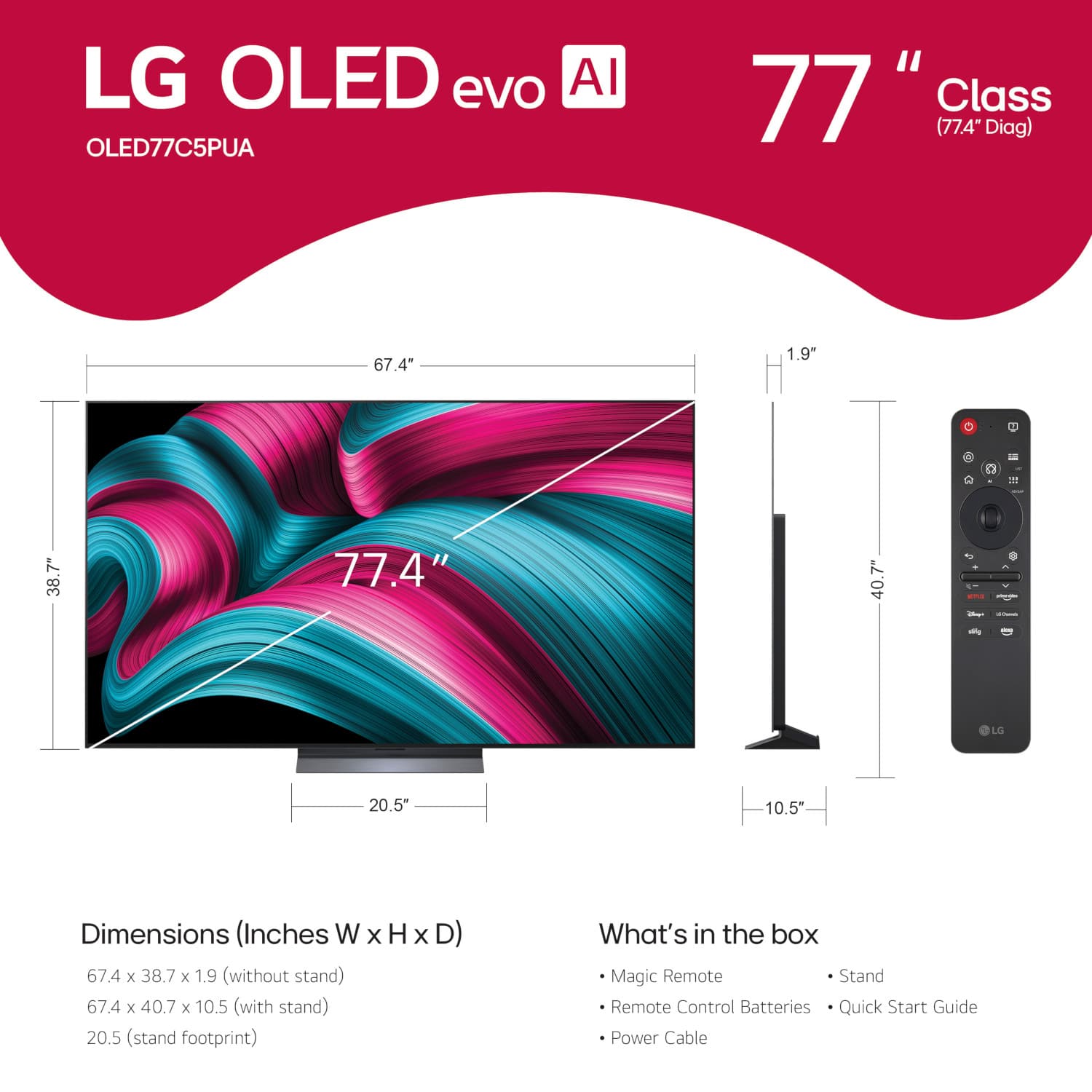
- OLED77C5PUA
- |
- SKU:
- 10214368
Customer reviews
Rating 4.9 out of 5 stars with 892 reviews
(892 customer reviews)Rating by feature
- Picture Quality4.9
Rating 4.9 out of 5 stars
- Sound Quality4.6
Rating 4.6 out of 5 stars
- Brightness4.9
Rating 4.9 out of 5 stars
Customers are saying
Customers are impressed with the product's picture quality. They particularly highlight the vivid detail and colors, noting that the OLED technology provides an excellent viewing experience.
This summary was generated by AI based on customer reviews.
Rated 5 out of 5 stars
Great LG
||Posted . Owned for 1 month when reviewed.This reviewer received promo considerations or sweepstakes entry for writing a review.Great customer service explaining the difference between all the TVs and this TV is awesome. Didn’t know the clarity could be so good!
This review is from LG - 77" Class C5 Series OLED evo AI 4K UHD Smart webOS TV (2025)
I would recommend this to a friendRated 4 out of 5 stars
LG TVs don't allow DirectTV on their TVs!!!
||Posted . Owned for 1 month when reviewed.This reviewer received promo considerations or sweepstakes entry for writing a review.I would give the LG OLED TV 5 stars but I was not aware LG TVs doesn't allow DirectTV app to be installed. Apparently none of the Best Buy sales people didn't know this either. I ended up purchasing a Roku stick to so I can install my DirectTV app. If you have DirectTV, I would suggest buying a Samsung TV.
This review is from LG - 77" Class C5 Series OLED evo AI 4K UHD Smart webOS TV (2025)
No, I would not recommend this to a friendRated 5 out of 5 stars
Good tv for the price
||Posted . Owned for 3 months when reviewed.This reviewer received promo considerations or sweepstakes entry for writing a review.Great TV for the price. Looks good. I hope it lasts.
This review is from LG - 77" Class C5 Series OLED evo AI 4K UHD Smart webOS TV (2025)
I would recommend this to a friendRated 5 out of 5 stars
77” LG C5
||Posted . Owned for 1 week when reviewed.This reviewer received promo considerations or sweepstakes entry for writing a review.Amazing picture quality even before calibration. Beautiful design
This review is from LG - 77" Class C5 Series OLED evo AI 4K UHD Smart webOS TV (2025)
I would recommend this to a friendRated 5 out of 5 stars
TV Review
||Posted . Owned for 2 months when reviewed.This reviewer received promo considerations or sweepstakes entry for writing a review.Good quality, good colors, colors are vibrant. Good sound, excellent product.
This review is from LG - 77" Class C5 Series OLED evo AI 4K UHD Smart webOS TV (2025)
I would recommend this to a friendRated 5 out of 5 stars
Looks great
||Posted . Owned for 3 weeks when reviewed.This reviewer received promo considerations or sweepstakes entry for writing a review.I had this tv for about a month. So far I like it. It’s not as bright as a Samsung but it will do.
This review is from LG - 77" Class C5 Series OLED evo AI 4K UHD Smart webOS TV (2025)
I would recommend this to a friendRated 5 out of 5 stars
Q Vision
||Posted . Owned for 2 months when reviewed.This reviewer received promo considerations or sweepstakes entry for writing a review.Good TV but I few hundred dollars more for the tv. All in all solid buy at the time.
This review is from LG - 77" Class C5 Series OLED evo AI 4K UHD Smart webOS TV (2025)
I would recommend this to a friendRated 5 out of 5 stars
Great bright tv
||Posted .This reviewer received promo considerations or sweepstakes entry for writing a review.Was going to get the g5 65" for the same price, but got the c5 77", no regrets bigger is better
This review is from LG - 77" Class C5 Series OLED evo AI 4K UHD Smart webOS TV (2025)
I would recommend this to a friend- Pros mentioned:Picture quality
Rated 4 out of 5 stars
Lg Oled tv
||Posted . Owned for 1 month when reviewed.This reviewer received promo considerations or sweepstakes entry for writing a review.The associate who helped us with the purchase was cery professional and helpful. The tv is very nice.
This review is from LG - 77" Class C5 Series OLED evo AI 4K UHD Smart webOS TV (2025)
I would recommend this to a friend Rated 5 out of 5 stars
Best TV ever
||Posted . Owned for 3 weeks when reviewed.This reviewer received promo considerations or sweepstakes entry for writing a review.Best tv out there for sure. And more if you can grab one now that are un sale.
This review is from LG - 77" Class C5 Series OLED evo AI 4K UHD Smart webOS TV (2025)
I would recommend this to a friendRated 5 out of 5 stars
Spectacular viewing experience
||Posted . Owned for 2 weeks when reviewed.This reviewer received promo considerations or sweepstakes entry for writing a review.The new 77” LG tv is a spectacular addition to our media room. The new C5 Oled EVo has brought a new and better viewing experience to our evenings.
This review is from LG - 77" Class C5 Series OLED evo AI 4K UHD Smart webOS TV (2025)
I would recommend this to a friend- Pros mentioned:Picture quality
Rated 3 out of 5 stars
LG 77" OLED 2025
||Posted . Owned for 1 month when reviewed.This reviewer received promo considerations or sweepstakes entry for writing a review.Picture quality is great, Sounds quality is not that good. Geek squad installers broke our old TV during installation.
This review is from LG - 77" Class C5 Series OLED evo AI 4K UHD Smart webOS TV (2025)
No, I would not recommend this to a friend Rated 5 out of 5 stars
LG C5 77”
||Posted . Owned for 1 month when reviewed.This reviewer received promo considerations or sweepstakes entry for writing a review.Gorgeous TV… Beautiful display and webOS has improved since I last used it 5 years or so ago
This review is from LG - 77" Class C5 Series OLED evo AI 4K UHD Smart webOS TV (2025)
I would recommend this to a friendRated 5 out of 5 stars
Great buy
||Posted . Owned for 2 weeks when reviewed.This reviewer received promo considerations or sweepstakes entry for writing a review.I honestly love the LG as someone who previously owned samsung. I would swap again. The OS and remote make using the tv a pleasure vs a pain
This review is from LG - 77" Class C5 Series OLED evo AI 4K UHD Smart webOS TV (2025)
I would recommend this to a friend- Pros mentioned:Picture quality
Rated 4 out of 5 stars
Every happy
||Posted . Owned for 1 month when reviewed.This reviewer received promo considerations or sweepstakes entry for writing a review.Such a great picture and at a great price was very satisfied with purchase
This review is from LG - 77" Class C5 Series OLED evo AI 4K UHD Smart webOS TV (2025)
I would recommend this to a friend Rated 5 out of 5 stars
Incredible LGOLED TV
||Posted . Owned for 3 weeks when reviewed.This reviewer received promo considerations or sweepstakes entry for writing a review.LG OLED TV is great! The display is sharp...perfect for movines, gaming, everyday tv watching.
This review is from LG - 77" Class C5 Series OLED evo AI 4K UHD Smart webOS TV (2025)
I would recommend this to a friendRated 5 out of 5 stars
Love ir
||Posted . Owned for 1 month when reviewed.This reviewer received promo considerations or sweepstakes entry for writing a review.So far everything has been great and installation was very easy
This review is from LG - 77" Class C5 Series OLED evo AI 4K UHD Smart webOS TV (2025)
I would recommend this to a friendRated 5 out of 5 stars
Great value
||Posted .This reviewer received promo considerations or sweepstakes entry for writing a review.Couldn’t be more satisfied. Noticeably better, brighter picture quality. Easy settings to adjust fine tune etc.
This review is from LG - 77" Class C5 Series OLED evo AI 4K UHD Smart webOS TV (2025)
I would recommend this to a friendRated 5 out of 5 stars
Great sound
||Posted . Owned for 2 weeks when reviewed.This reviewer received promo considerations or sweepstakes entry for writing a review.Watched polar express, and sounded like the locomotives were in my living room
This review is from LG - 77" Class C5 Series OLED evo AI 4K UHD Smart webOS TV (2025)
I would recommend this to a friendRated 5 out of 5 stars
LG OLED
||Posted . Owned for 1 month when reviewed.This reviewer received promo considerations or sweepstakes entry for writing a review.It’s a great TV, definition on screen looks amazing.
This review is from LG - 77" Class C5 Series OLED evo AI 4K UHD Smart webOS TV (2025)
I would recommend this to a friend