Customer Ratings & Reviews
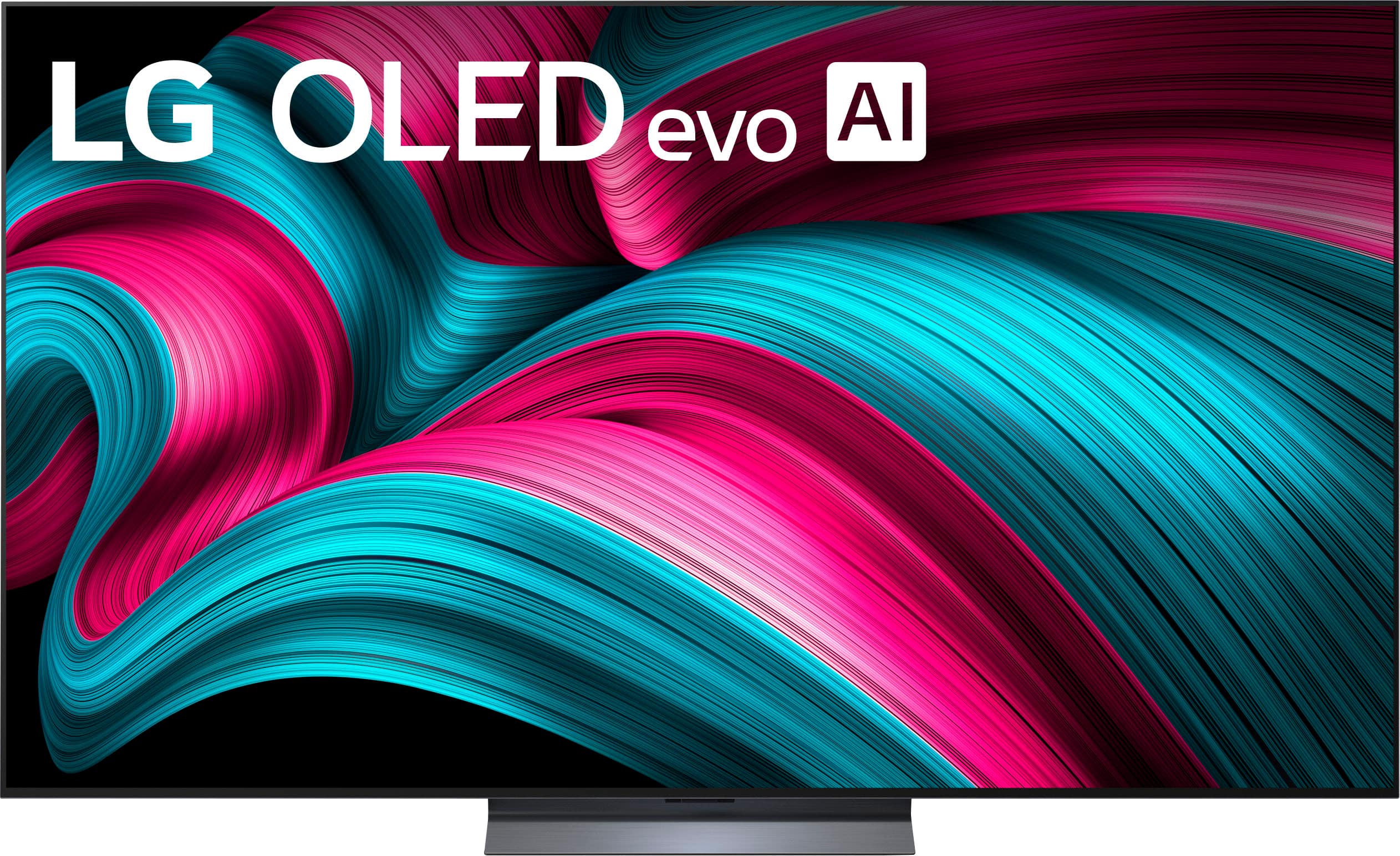
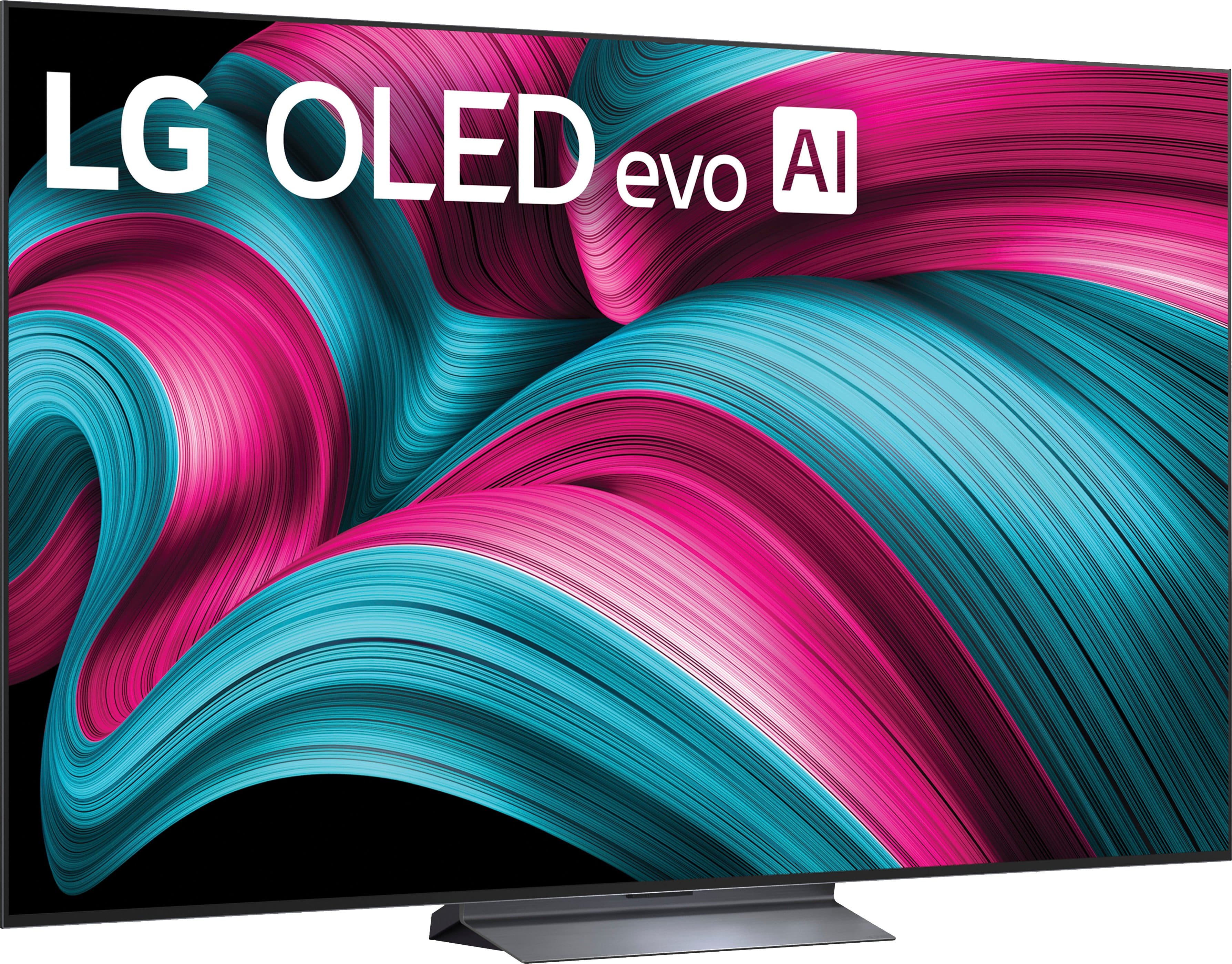
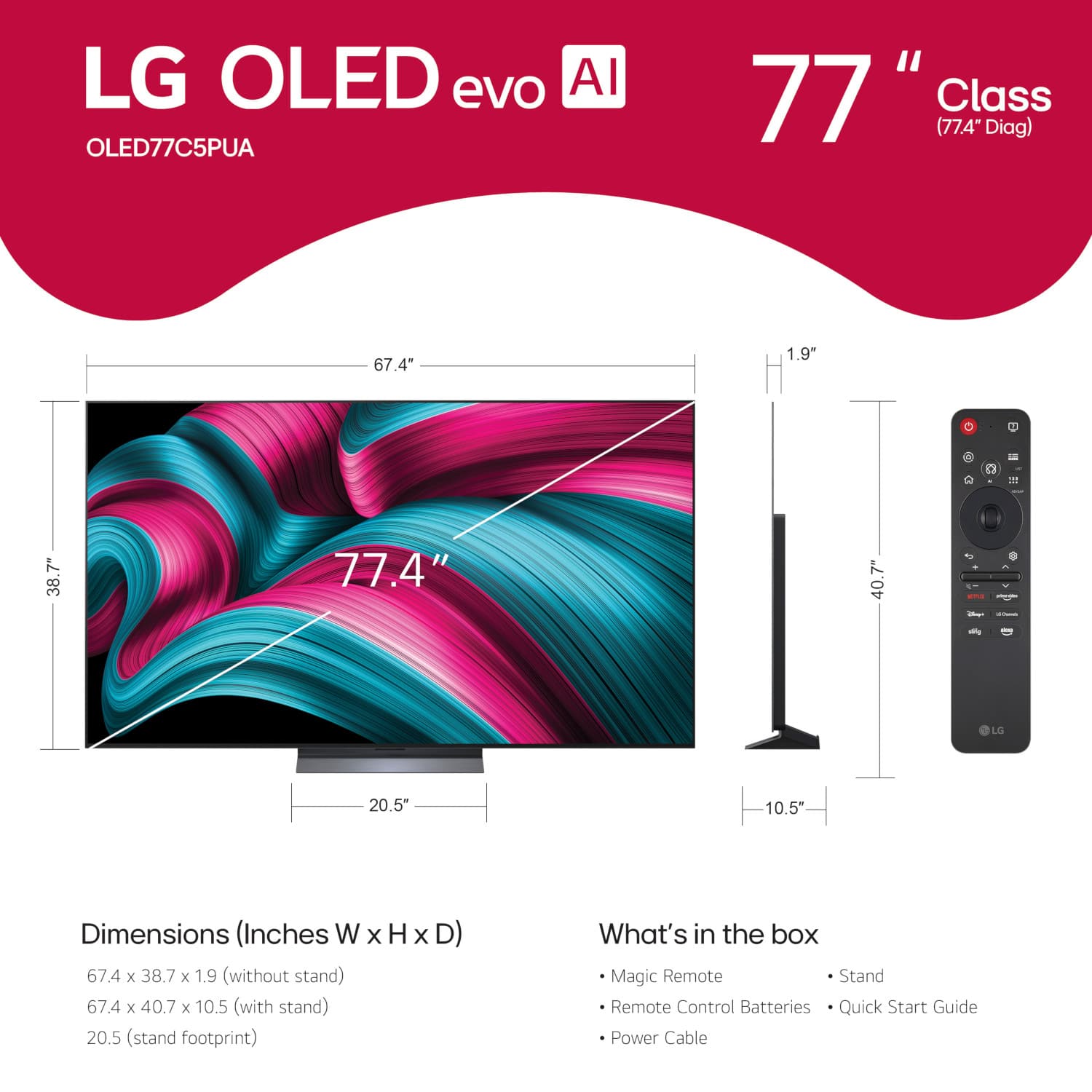




. Independently Tested for Quality and Workmanship CheckPlus: 100 % Color Volume to DCI-P3 oi PSSEANE Intertek [www.IntertekCheck.com](http://www.IntertekCheck.com). 100% Color Fidelity and '100% Color Volume to DCI-P3' applies to 2025 OLED TVs. *LG OLED Display is verified by UL for Perfect Color measured to IDMS 11.5 Ring-light Reflection standards. *100% Color Volume is defined as the performance of display which is equal or greater than the size of DCI-P3 standard color volume as verified independently by Intertek. *The LG OLED Panel is certified by Intertek for 100% Color Fidelity, measured to IDMS 11.5 Ring-light Reflection standards.](https://pisces.bbystatic.com/image2/BestBuy_US/images/products/3661ed5e-8d92-47a9-baef-65aa6eb5dcb9.jpg)







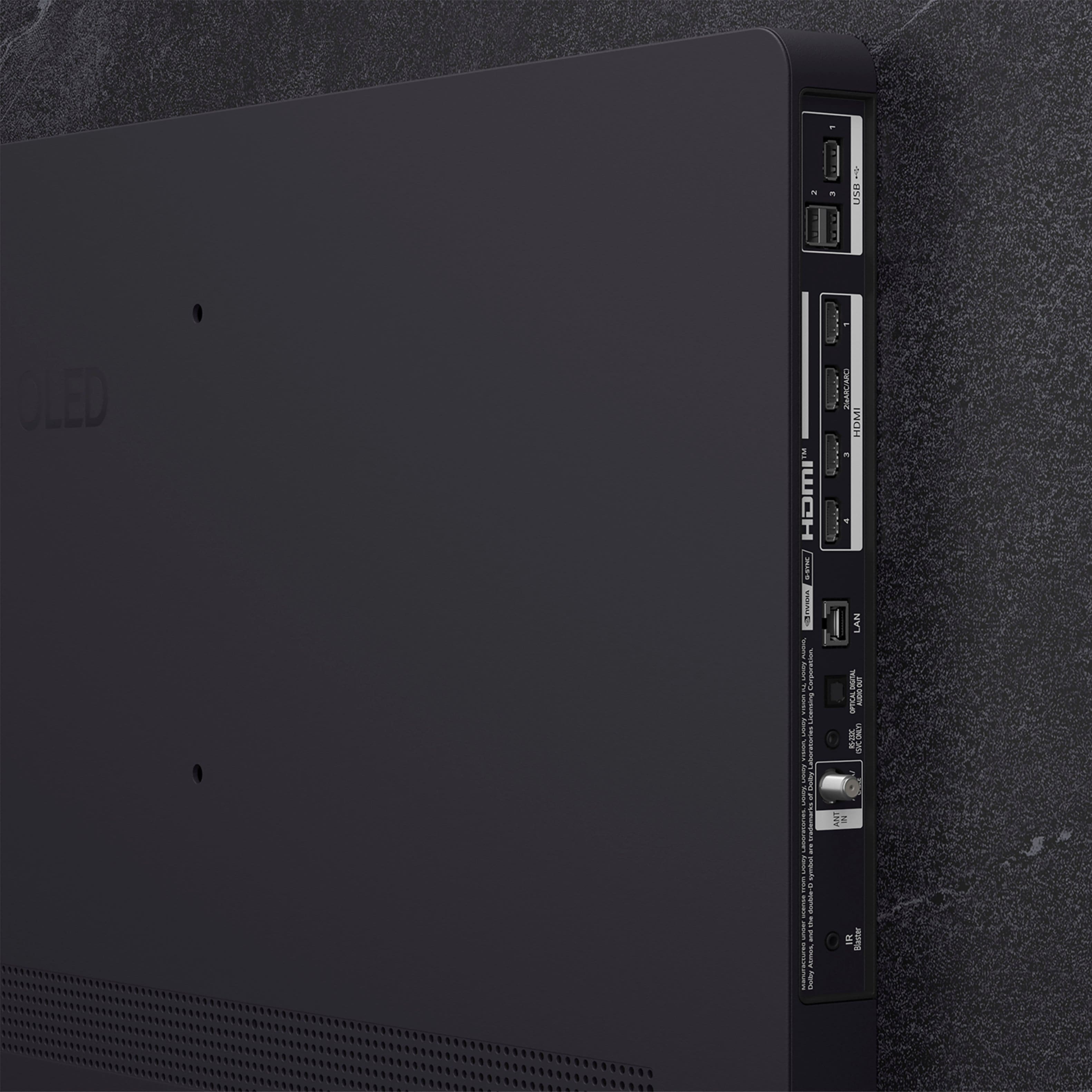
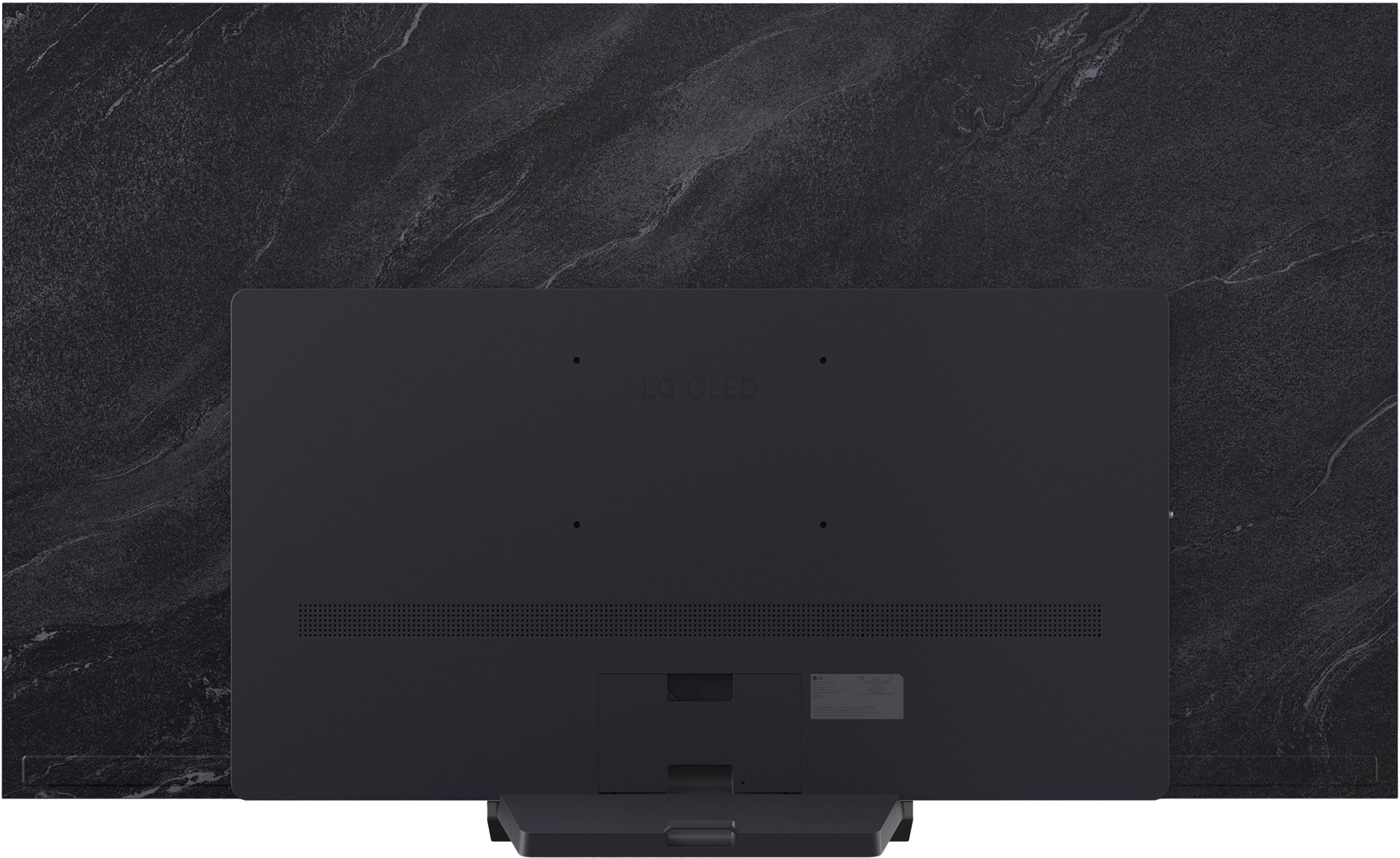

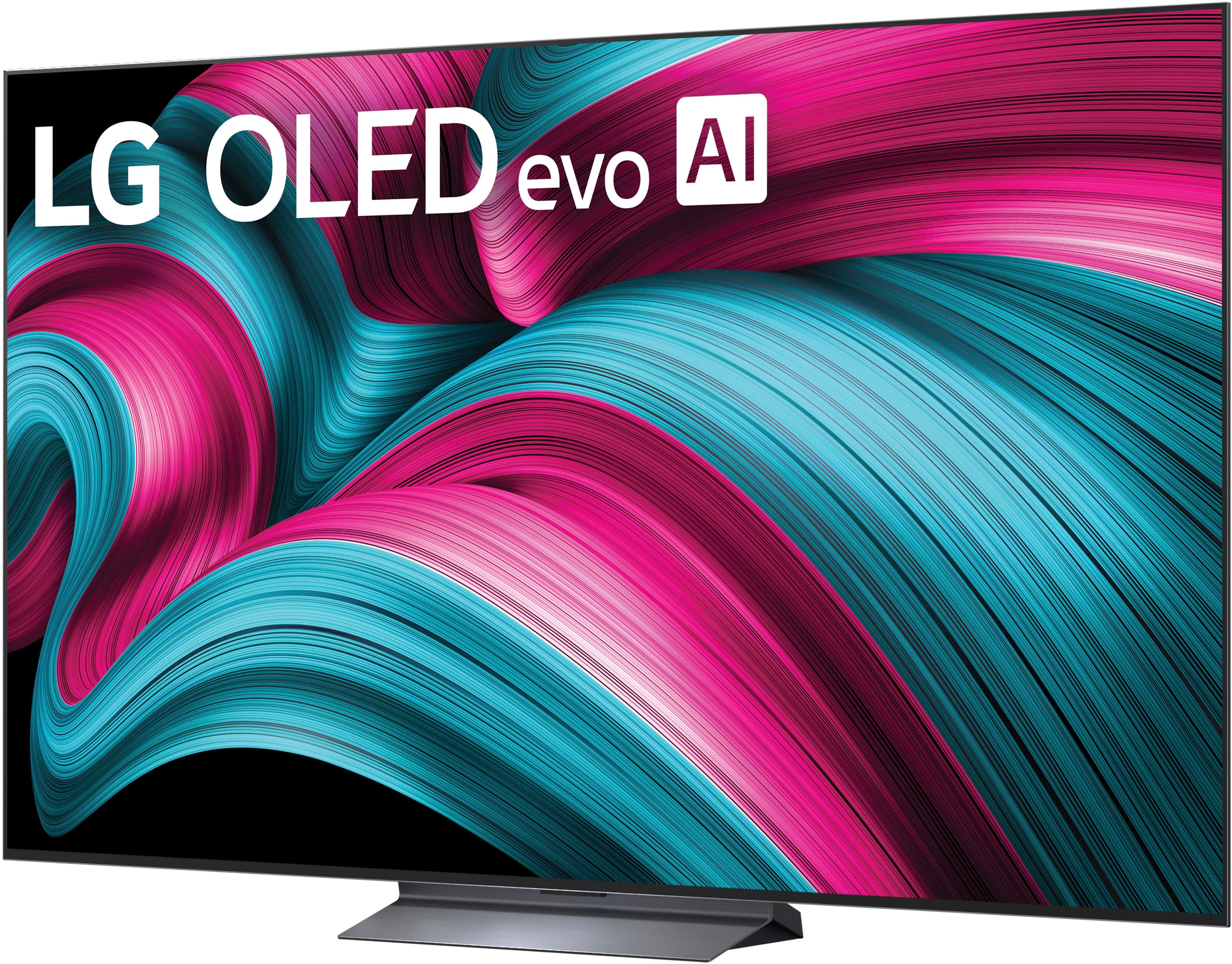
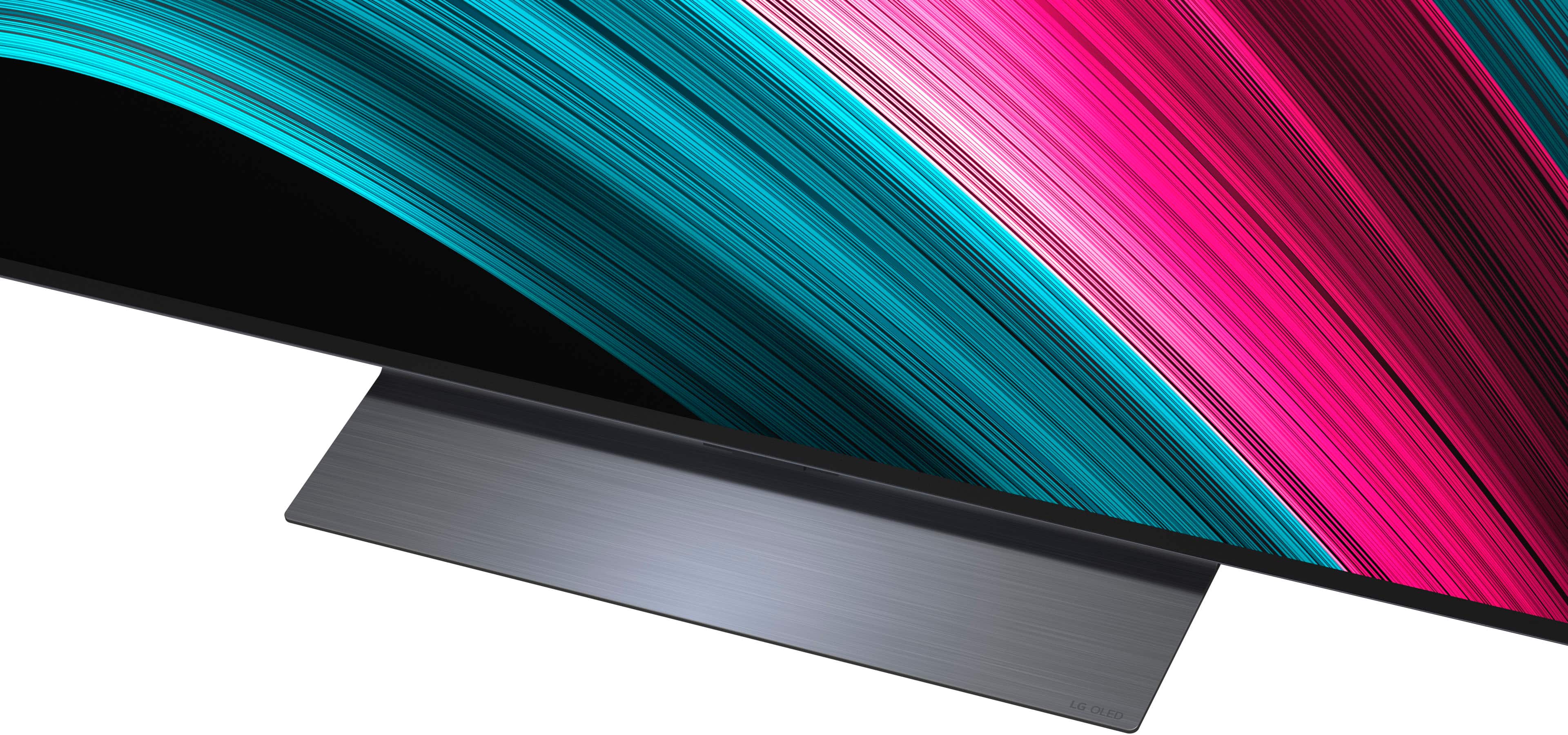





- Model:
- OLED77C5PUA
- SKU:
- 10872738
Rating by feature
- Picture Quality
Rating 4.9 out of 5 stars
- Sound Quality
Rating 4.6 out of 5 stars
- Brightness
Rating 4.9 out of 5 stars
Tv review
Posted .This reviewer received promo considerations or sweepstakes entry for writing a review.So far it's a good tv. I'm still experimenting with it. Trying to learn the remote and other things.
I would recommend this to a friendNew TV
Posted .This reviewer received promo considerations or sweepstakes entry for writing a review.The tv works great. The install was quick and very easy
I would recommend this to a friendBest tv ever for clarity
Posted .This reviewer received promo considerations or sweepstakes entry for writing a review.The remote control is not user friendly and I am having issues installing the Direct TV streaming app
I would recommend this to a friendBest buy
Posted .This reviewer received promo considerations or sweepstakes entry for writing a review.No complaints so far, it’s big and a strong picture.
I would recommend this to a friendGood tv
Posted .This reviewer received promo considerations or sweepstakes entry for writing a review.Upscaling wasn’t great… it was bright enough for me but just seemed glossy at times. I ended up exchange this for Sony A95L
I would recommend this to a friend- Pros mentioned:Picture quality
NOT A GOOD BUY FOR SENIORS
Posted .This reviewer received promo considerations or sweepstakes entry for writing a review.TV picture is a 10. Spending hours trying to figure out how to log into Hulu. No support from Best Buy. They are great in selling you a TV but they are a ZERO in teaching you how to use the remote.
No, I would not recommend this to a friendBrand response from LG Digital Customer Care
Posted .Hi, Allan. Thank you for reaching out and sharing your experience. We understand the importance of enjoying your LG TV (OLED77C5PUA) model not just for its picture quality, but also for easy access to your favorite apps like Hulu.
One helpful step is to press the Home button on the Magic Remote, scroll to the Hulu app, and select it. If you haven’t logged in before, the app should automatically display the Sign In screen. If it doesn’t, you can open the app’s Settings menu (usually found in the sidebar) and choose Log In from there. You may also want to ensure the TV’s software is up to date by going to:
Settings → Support → Software Update → Check for Updates. For more guidance, visit https://www.lg.com/us/support/help-library/lg-tv-troubleshooting-the-hulu-app--20150717611047.
If you’d like us to walk through the steps or check anything else on your TV, feel free to send us an email at lgdigitalcare@lg.sprinklrsupport.com so our team can assist you directly. ^Juvy
Lg c5 tv
Posted .This reviewer received promo considerations or sweepstakes entry for writing a review.Picture is way to bright, no contrast. Also characters not clear, need help to adjust tv and sound bar
No, I would not recommend this to a friendBrand response from LG Digital Customer Care
Posted .Hi, Peshy. Thank you for sharing your experience with your LG TV (OLED77C5PUA) model, and we understand the importance of having a picture and sound setup that delivers the clarity and balance you expect. For Picture: Go to Settings > All Settings > Picture > Select Mode and switch to Cinema or Filmmaker Mode for better contrast and brightness.
For Sound: Go to Settings > All Settings > Sound > Sound Mode and choose Clear Voice Pro to enhance speech frequency, making dialogue clearer amid background noise. For more guidance, visit https://www.lg.com/us/support/help-library/lg-tv-picture-quality-and-optimization--20152175493545 and https://www.lg.com/us/support/help-library/lg-tv-how-to-change-the-sound-out-setting--20153207541373. We’d be glad to take a closer look and help fine‑tune your TV and soundbar. Please send us an email at lgdigitalcare@lg.sprinklrsupport.com so our team can assist you directly. ^Juvy
DONT BELIEVE THE HYPE‼️
Posted .This reviewer received promo considerations or sweepstakes entry for writing a review.DO NOT BUY THE C5‼️NO REMOTE SUPPORT ‼️ALSO, WILL NOT WORK WITH 18G 4K HDMI AUDIO EXTRACTOR, AS ADVERTISED‼️NO CUSTOMER SUPPORT ‼️
No, I would not recommend this to a friendBrand response from LG Digital Customer Care
Posted .Hi, Theodore. Thank you for reaching out, and we understand the importance of having your LG TV (OLED77C5PUA) model work seamlessly with your setup. This unit is designed to work with the LG Magic Remote, which pairs through both Bluetooth and infrared. If the remote you’re using isn’t pairing or responding, one helpful step you can try is performing a remote re‑pair: Press and hold the Home + Back buttons for 5 seconds to reset pairing
Then point the remote at the TV and press OK to re‑pair. The C5 series features HDMI 2.1 (48Gbps) ports. Many 18G (HDMI 2.0) extractors encounter handshake problems with 4K/120Hz or Dolby Vision signals. In TV settings under External Devices > HDMI Settings, set HDMI Deep Color to "Off" or "4K" for that port to stabilize the extractor at a lower bandwidth. For more guidance, visit https://www.lg.com/us/support/product/lg-OLED77C5PUA.AUS. We’d like to assist further.
Please send us an email at lgdigitalcare@lg.sprinklrsupport.com. ^Juvy