Customer Ratings & Reviews
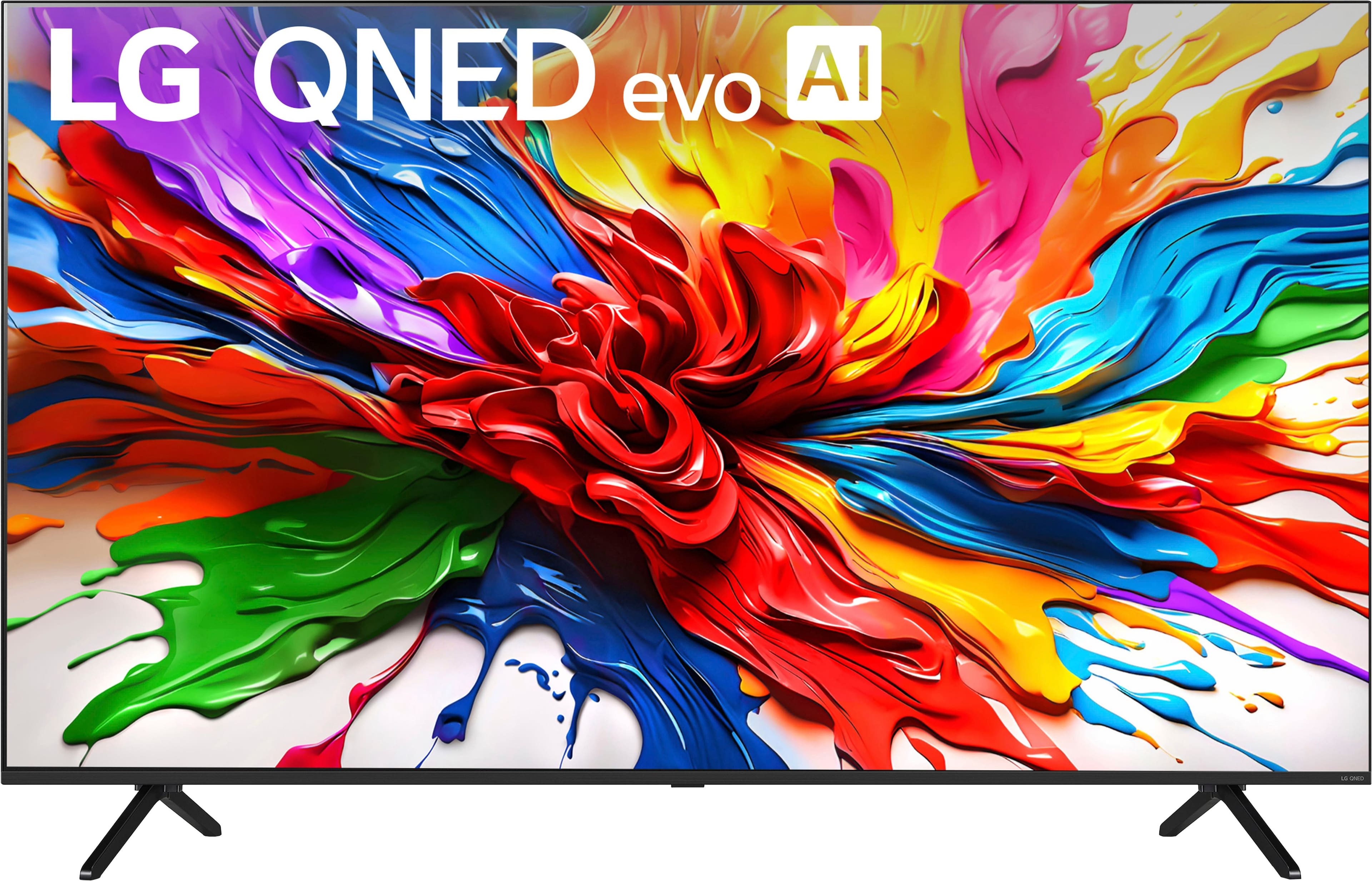
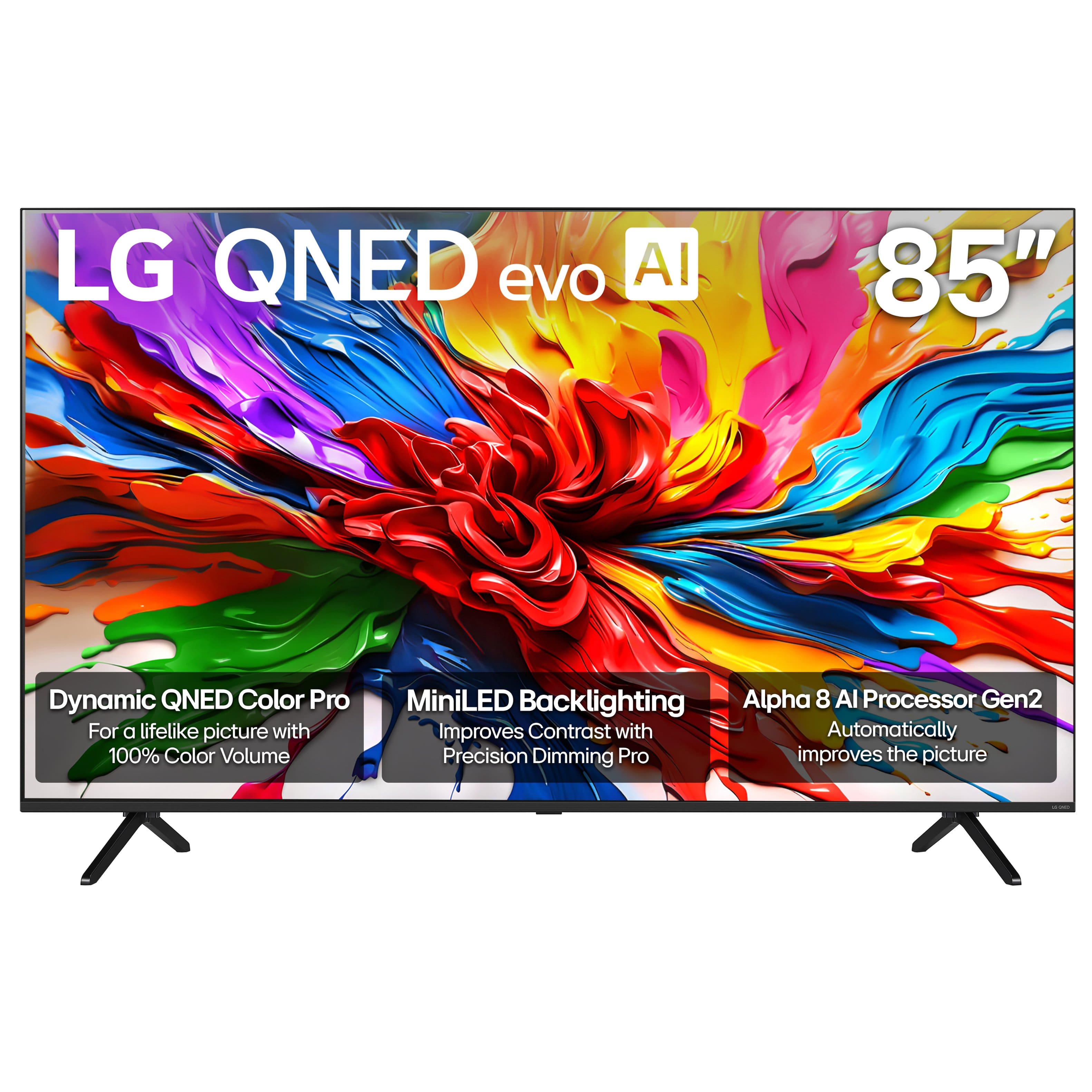
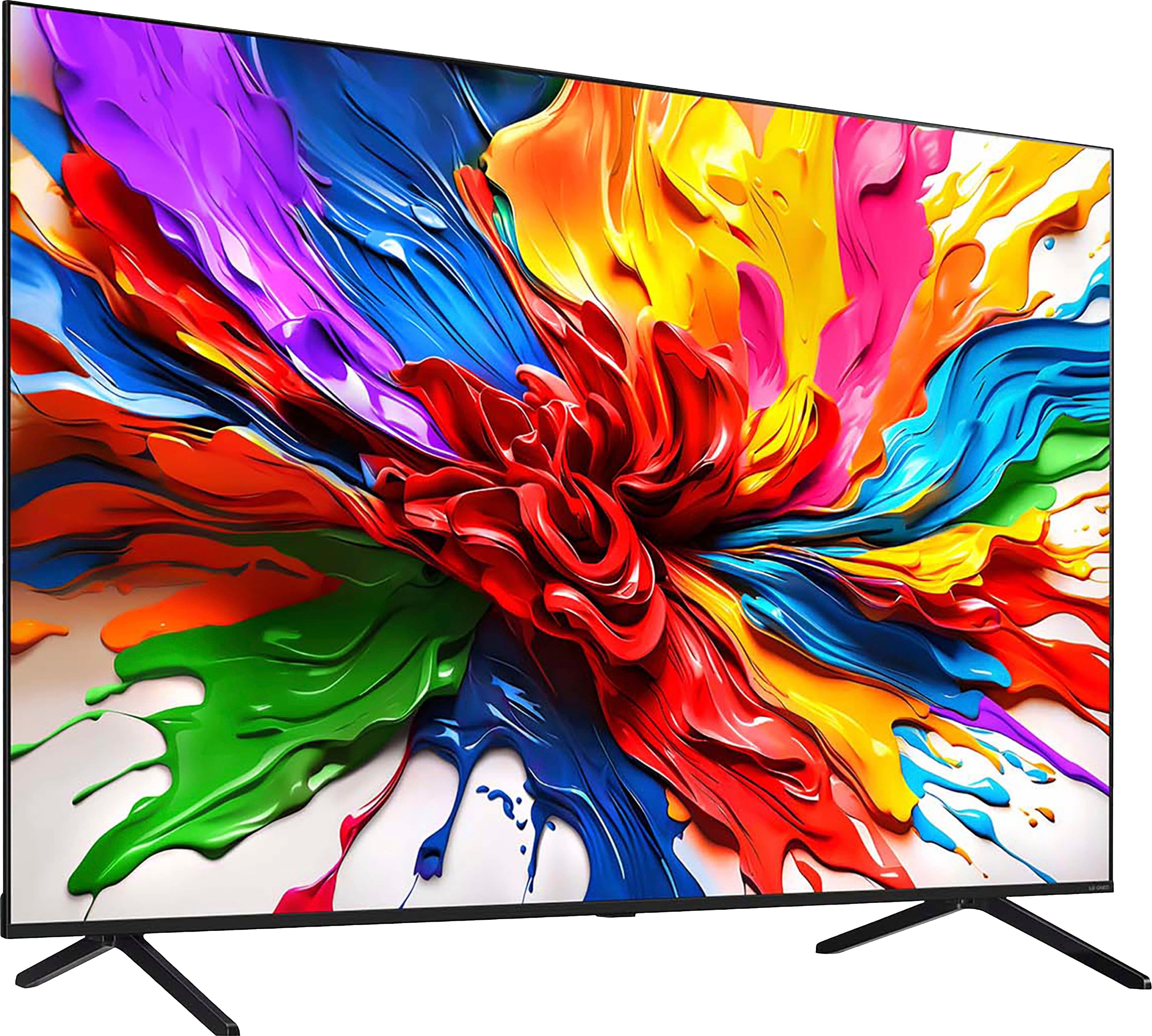
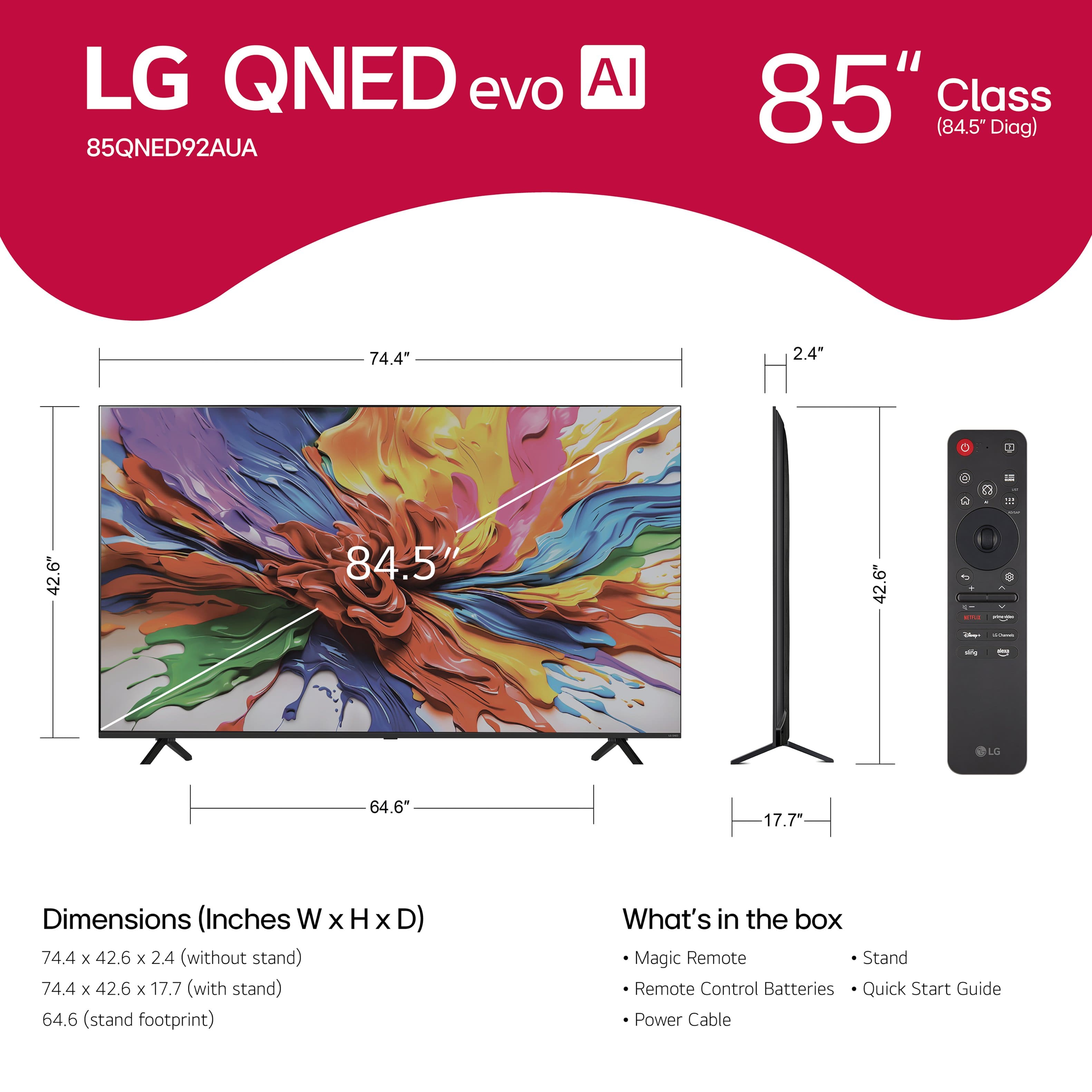



- Model:
- 85QNED92AUA
- SKU:
- 10818530
Rating by feature
- Picture Quality
Rating 4.8 out of 5 stars
- Sound Quality
Rating 4.5 out of 5 stars
- Brightness
Rating 4.8 out of 5 stars
to a friend
Great TV
||Posted .This reviewer received promo considerations or sweepstakes entry for writing a review.Great TV so far and installation was great! Everything was on time & went great.
I would recommend this to a friendBig tv
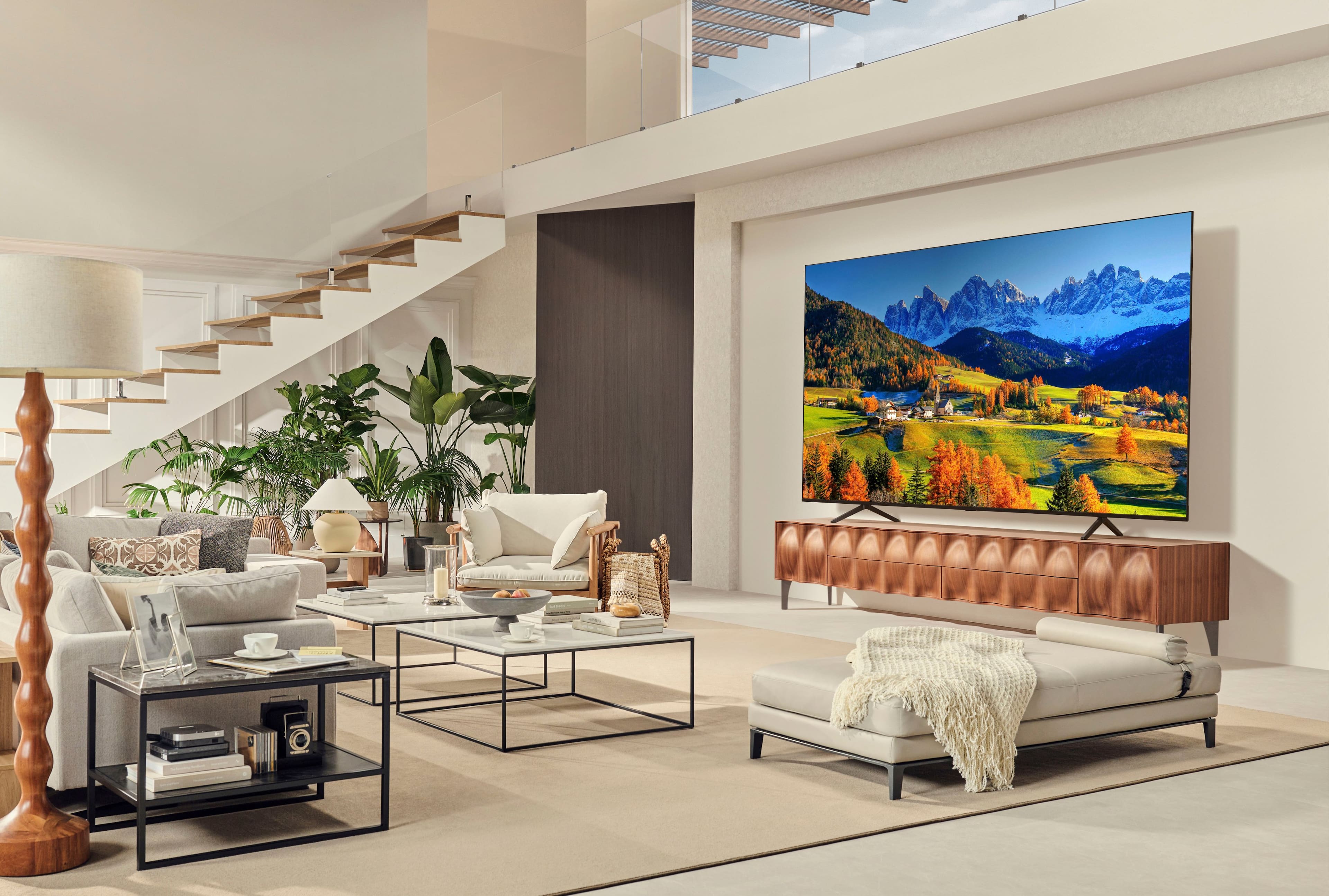
||Posted .This reviewer received promo considerations or sweepstakes entry for writing a review.It’s big it’s like your there but farther away the tv is clearer
I would recommend this to a friendLG TV85
||Posted . Owned for 1 month when reviewed.This reviewer received promo considerations or sweepstakes entry for writing a review.Tv was delivered on time and with in the window it was scheduled for. Once the TV was setup its been easy to use and great picture.
I would recommend this to a friendFirst LG
||Posted .This reviewer received promo considerations or sweepstakes entry for writing a review.So far, so good. Nice clear picture 85" LG tv. First LG product
I would recommend this to a friendAwesome
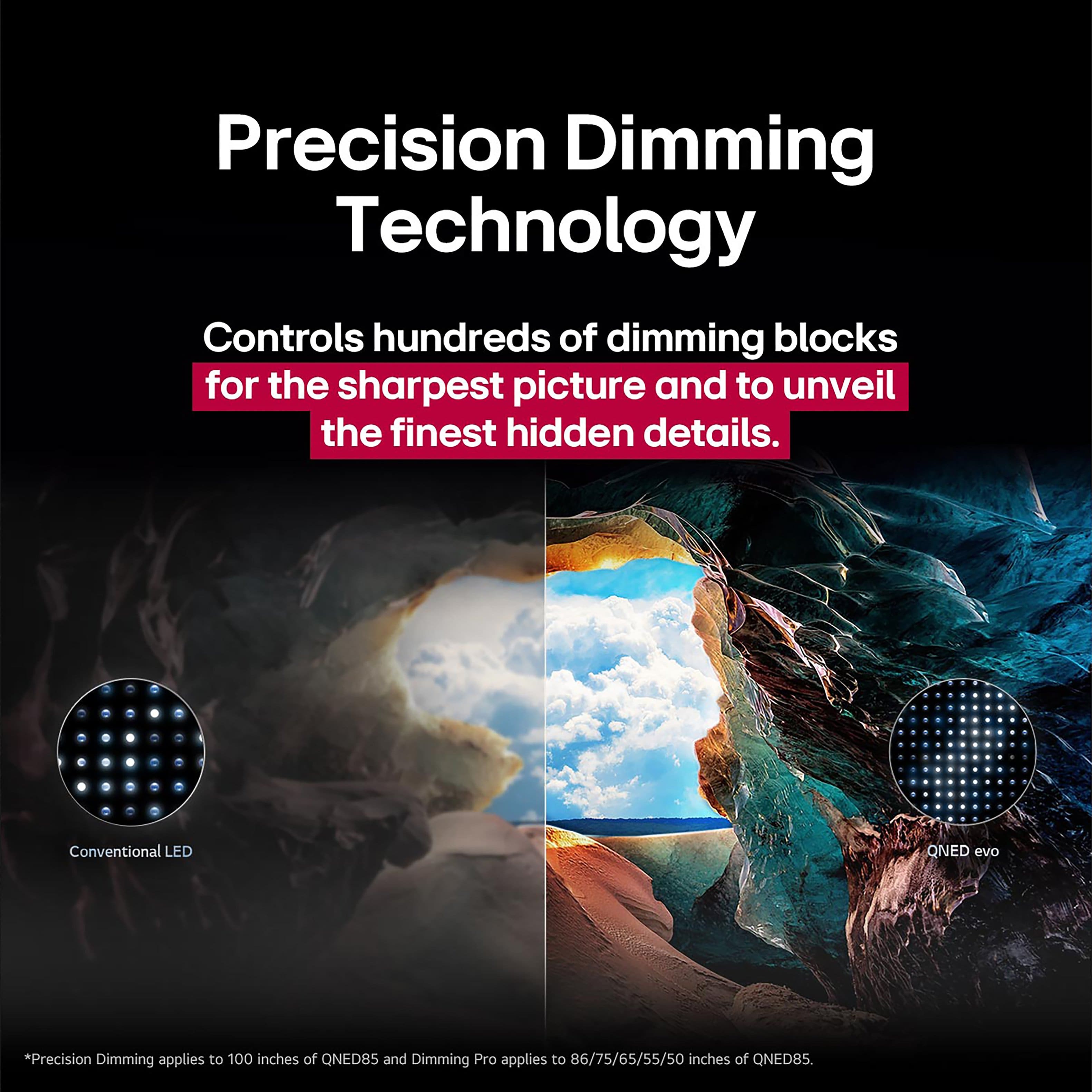
||Posted . Owned for 1 week when reviewed.This reviewer received promo considerations or sweepstakes entry for writing a review.Very nice picture has the true black which gives great contrast
I would recommend this to a friendHappy customer
||Posted . Owned for 1 week when reviewed.This reviewer received promo considerations or sweepstakes entry for writing a review.Excelente TV for the price! This is my second LG QNED 85 inch tv and I am very happy with it.ha
I would recommend this to a friendLg 85 inches
||Posted . Owned for less than 1 week when reviewed.This reviewer received promo considerations or sweepstakes entry for writing a review.Clear tv.To set it up kit was easy ..what I like the most is sound.
I would recommend this to a friendTv qned
||Posted . Owned for 1 month when reviewed.This reviewer received promo considerations or sweepstakes entry for writing a review.Excellent picture quality and easy user interface.
I would recommend this to a friendFantastic
||Posted . Owned for 1 month when reviewed.This reviewer received promo considerations or sweepstakes entry for writing a review.Love the tv. Picture is great especially on football games
I would recommend this to a friend2 thumbs up
||Posted .This reviewer received promo considerations or sweepstakes entry for writing a review.Easy set up, lots of options. We’ve had several LG’s, will keep buying
I would recommend this to a friendBest TV purchased!
||Posted .This reviewer received promo considerations or sweepstakes entry for writing a review.Loved it! Best tv purchased so far! Great colors and no glare. Works what we needed.
I would recommend this to a friendBig and good for watching
||Posted . Owned for 2 weeks when reviewed.This reviewer received promo considerations or sweepstakes entry for writing a review.I like that picture looks good on tv like movies sounds
I would recommend this to a friendIt’s great!
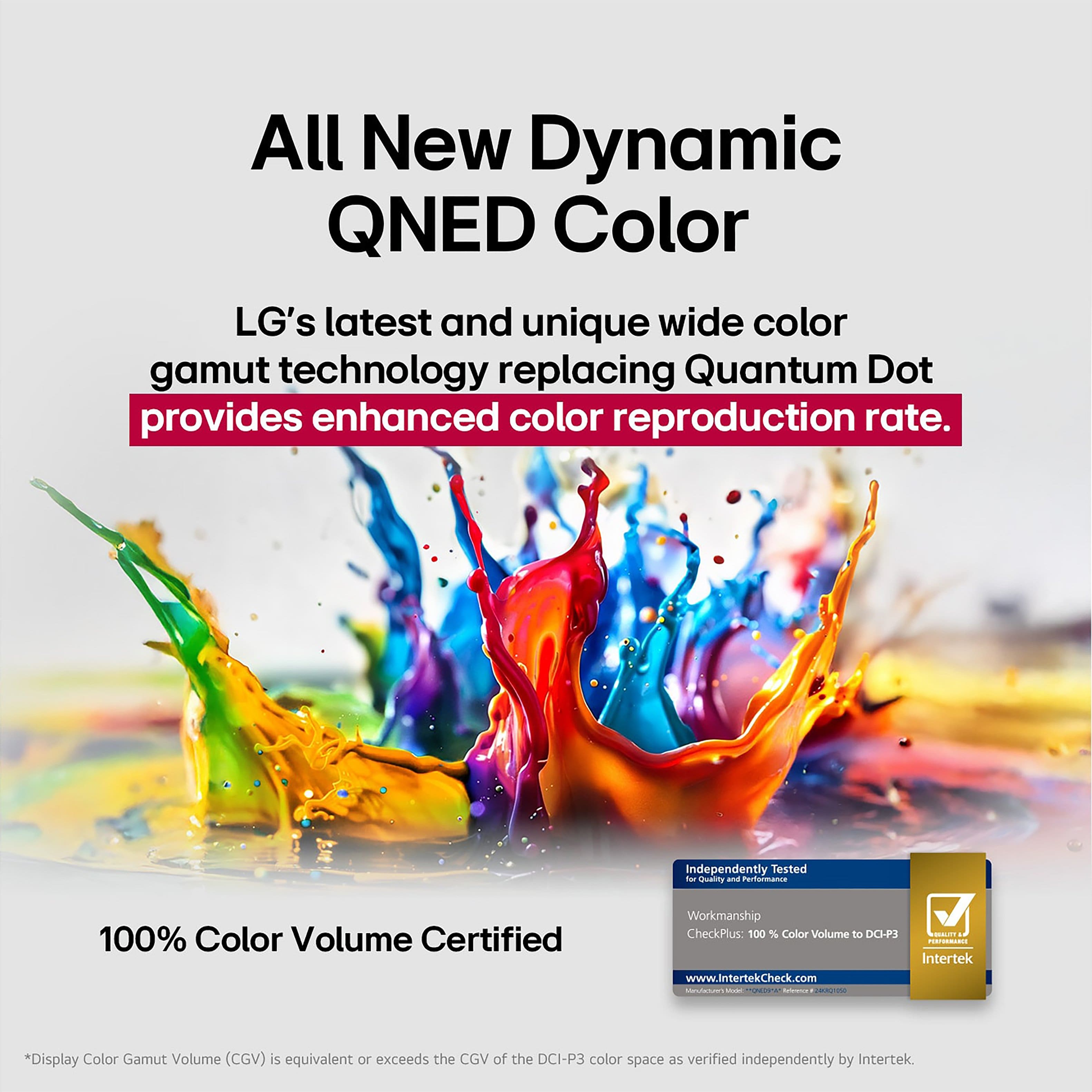
||Posted . Owned for 1 week when reviewed.This reviewer received promo considerations or sweepstakes entry for writing a review.The colors are vibrant and deep. I would feel confident recommending to a friend.
I would recommend this to a friend85 inches LG TV and 3.31 Sound bar
||Posted . Owned for 1 week when reviewed.This reviewer received promo considerations or sweepstakes entry for writing a review.The Tv and Sound bar are Wow.the picture quality of the TV is touched not The second bar is superb.
I would recommend this to a friendDisappointing experience - price match
||Posted . Owned for 1 month when reviewed.This reviewer received promo considerations or sweepstakes entry for writing a review.Disappointing experience – aggressive sales tactics and a “price match guarantee” that’s basically a trap. I went to Best Buy specifically for a 85” TV that was advertised with their 60-day price match guarantee. The salesman pushed hard, swore up and down that if the price dropped anywhere (including Best Buy itself) within 60 days, they’d refund the difference no problem. Felt pressured into buying that day because “stock was low” and “the deal wouldn’t last.” Two weeks later the exact same TV went on sale for $400 less at multiple retailers, including Best Buy’s own website. Called customer service to file the price match claim and was told, “Oh, price protection claims have to be processed the same day the lower price appears or the system automatically denies it.” Nowhere during the ‘pitch’ was this same-day rule mentioned. Another rep later admitted it’s a common issue. The TV itself is fine, but Best Buy’s high-pressure sales and this bait-and-switch price match policy left a terrible taste. Feels deliberately designed to make claiming the guarantee nearly impossible. Will be buying directly from the manufacturer or somewhere with transparent policies next time.
No, I would not recommend this to a friendBrand response from LG Digital Customer Care
Posted .Hi, Frank. Thank you for sharing your experience with your LG TV (85QNED92AUA) model. We value your feedback and want to ensure you’re getting the most out of your TV. While the price match guarantee is a policy set and enforced by the specific retailer, we are glad to hear that the TV itself is performing well. We’d like to help you maximize its features.
One step you can try to enhance your viewing experience is running the Picture Test available in your TV’s settings menu. This helps confirm that your display is optimized and functioning correctly. For more guidance, visit https://www.lg.com/us/support/product/lg-85QNED92AUA.AUSQ. If you have any questions about the features or performance of your unit, please send us an email at lgdigitalcare@lg.sprinklrsupport.com. We're here to help. ^Juvy
it tech
||Posted . Owned for 1 month when reviewed.This reviewer received promo considerations or sweepstakes entry for writing a review.Great product (LG TV 85") I like this item and recommend for others to buy it
I would recommend this to a friendWaiting for installation but sales people werevery
||Posted . Owned for 1 week when reviewed.This reviewer received promo considerations or sweepstakes entry for writing a review.Still waiting for installation but sales team were very helpful
I would recommend this to a friendLG QNED TV
||Posted . Owned for 2 weeks when reviewed.This reviewer received promo considerations or sweepstakes entry for writing a review.Did not get a chance to watch the tv due to the User Agreement would not download. However the tv did look good powered on.
No, I would not recommend this to a friendBrand response from LG Digital Customer Care
Posted .Hi, Rere. Thank you for reaching out to us. We understand the importance of getting your LG TV (85QNED92AUA) model fully set up. One helpful step you can try is connecting the TV to a different network, such as a mobile hotspot, and then attempting the User Agreement download again. Manual Agreement Update: Network compatibility or firewall settings can sometimes block the initial agreement from loading. For more guidance, visit https://www.lg.com/us/support/product/lg-85QNED92AUA.AUSQ. We’d be glad to take a closer look into this with you. Please send us an email at lgdigitalcare@lg.sprinklrsupport.com with your full name, contact details, and any details about what happens when the download is attempted. ^Juvy
Wish someone actually helped us fix the issue.
||Posted . Owned for 1 week when reviewed.This reviewer received promo considerations or sweepstakes entry for writing a review.I received the TV with a big scratch down the middle sent email no answer. Tech also left a hole in my entertainment center. TV itself is awesome and i recommend it!
I would recommend this to a friendBrand response from LG Digital Customer Care
Posted .Hi, Kevin. Thanks for sharing your experience with the LG TV (85QNED92AUA) model. We’re glad to hear you’re enjoying the TV’s performance, even though the delivery didn’t go as smoothly as expected.
For the scratch on the screen, we recommend running a Picture Test by going to Settings > Support > Picture Test to confirm whether the scratch is affecting display quality. If it is, and the unit was delivered in that condition, we suggest contacting Best Buy customer service at 888-237-8289 to report the issue and request a resolution. For more details, visit https://www.bestbuy.com/site/help-topics/return-exchange-policy/pcmcat260800050014.c?id=pcmcat260800050014. If you’d like us to assist further or help follow up on your email, feel free to reach out to lgdigitalcare@lg.sprinklrsupport.com. We’re here to help. ^Juvy
Bad luck
||Posted .This reviewer received promo considerations or sweepstakes entry for writing a review.Has blue line from top to bottem. And not too clear or good color presentation.
No, I would not recommend this to a friendBrand response from LG Digital Customer Care
Posted .Hi, YanL. Thank you for reaching out about your LG TV (85QNED92AUA) model. We understand the importance of having a clear, vibrant picture on your TV, and a vertical blue line, along with poor color quality, definitely isn’t the experience you should be having.
One helpful step you can try is performing a Picture Test by going to Settings → Support → Picture Test. If the blue line appears during the test, it typically indicates an issue with the panel or internal connections rather than the source device. For more guidance, visit https://www.lg.com/us/support/help-library/lg-tv-the-best-picture-settings-for-your-lg-tv--20150577528034. We’d be glad to take a closer look at what’s happening. Please send us an email at lgdigitalcare@lg.sprinklrsupport.com so our team can assist further. ^Juvy