Customer Ratings & Reviews
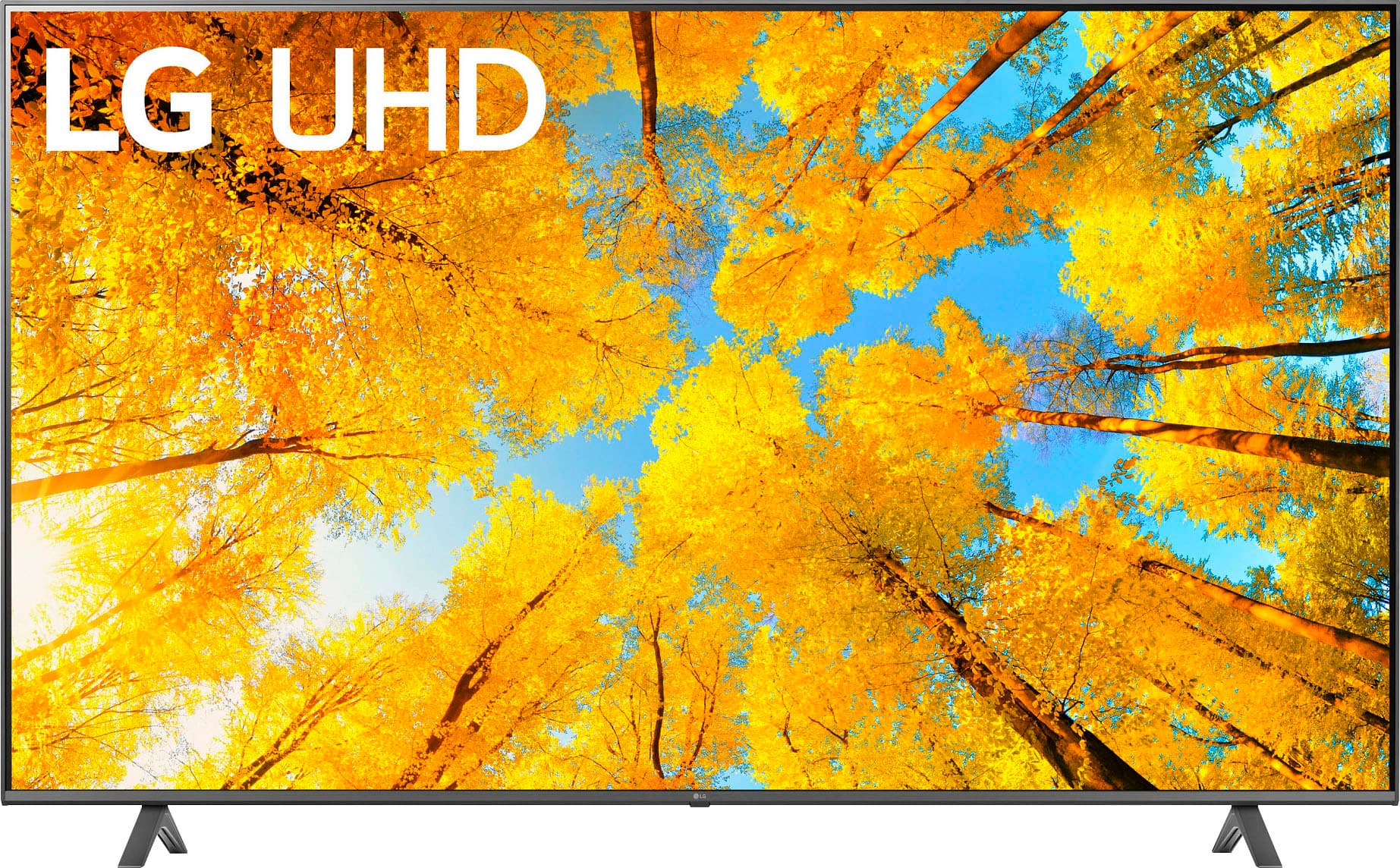
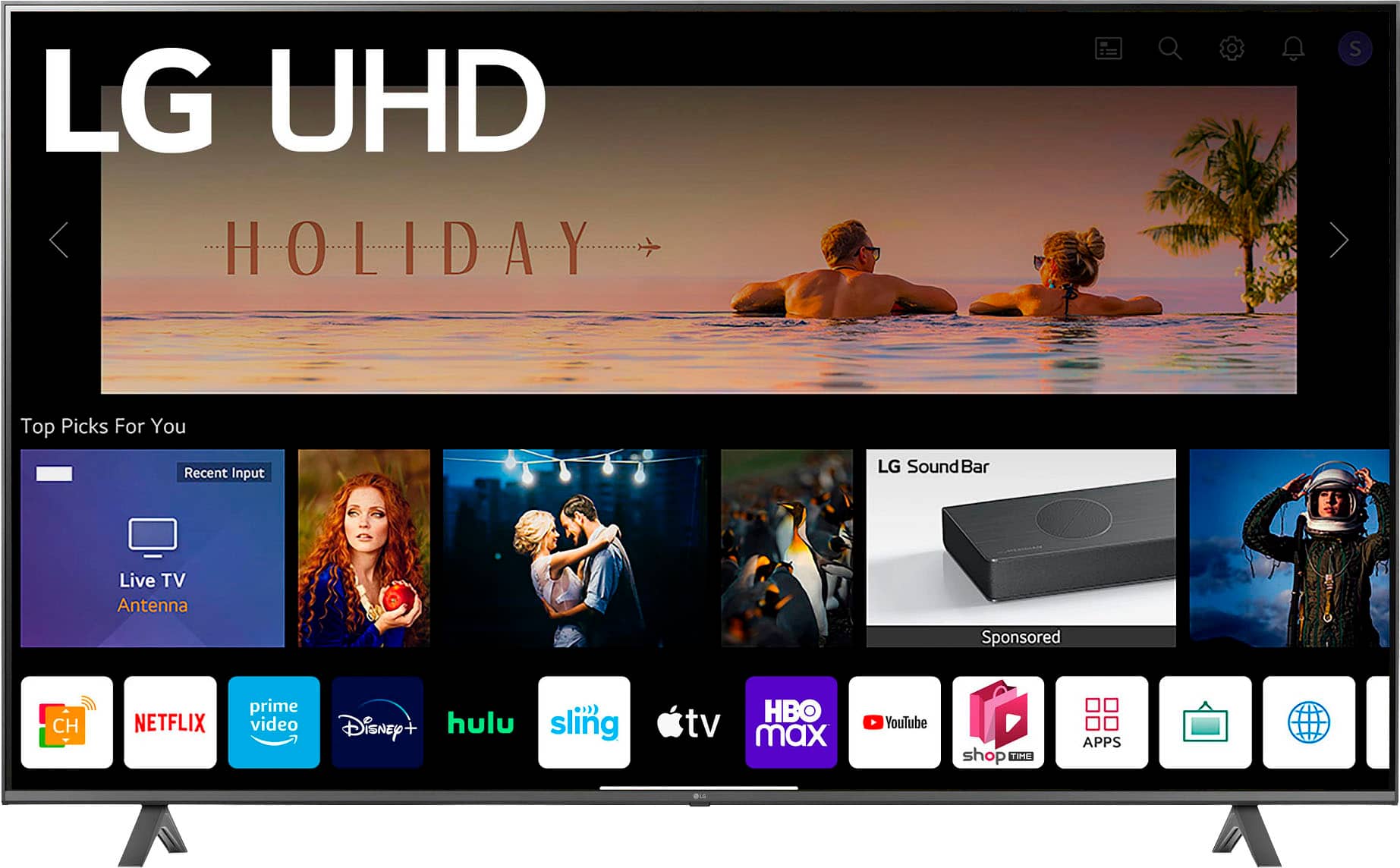
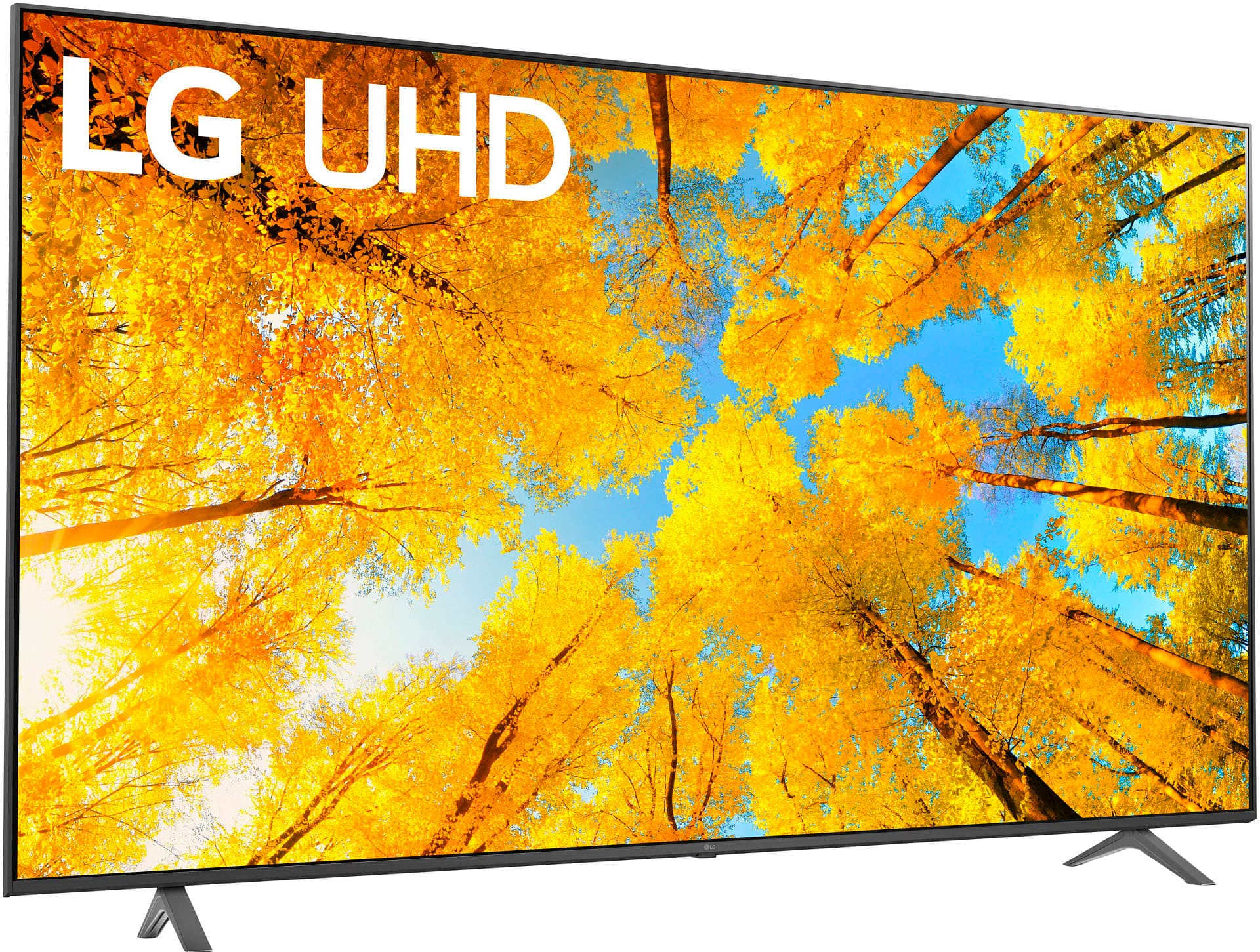
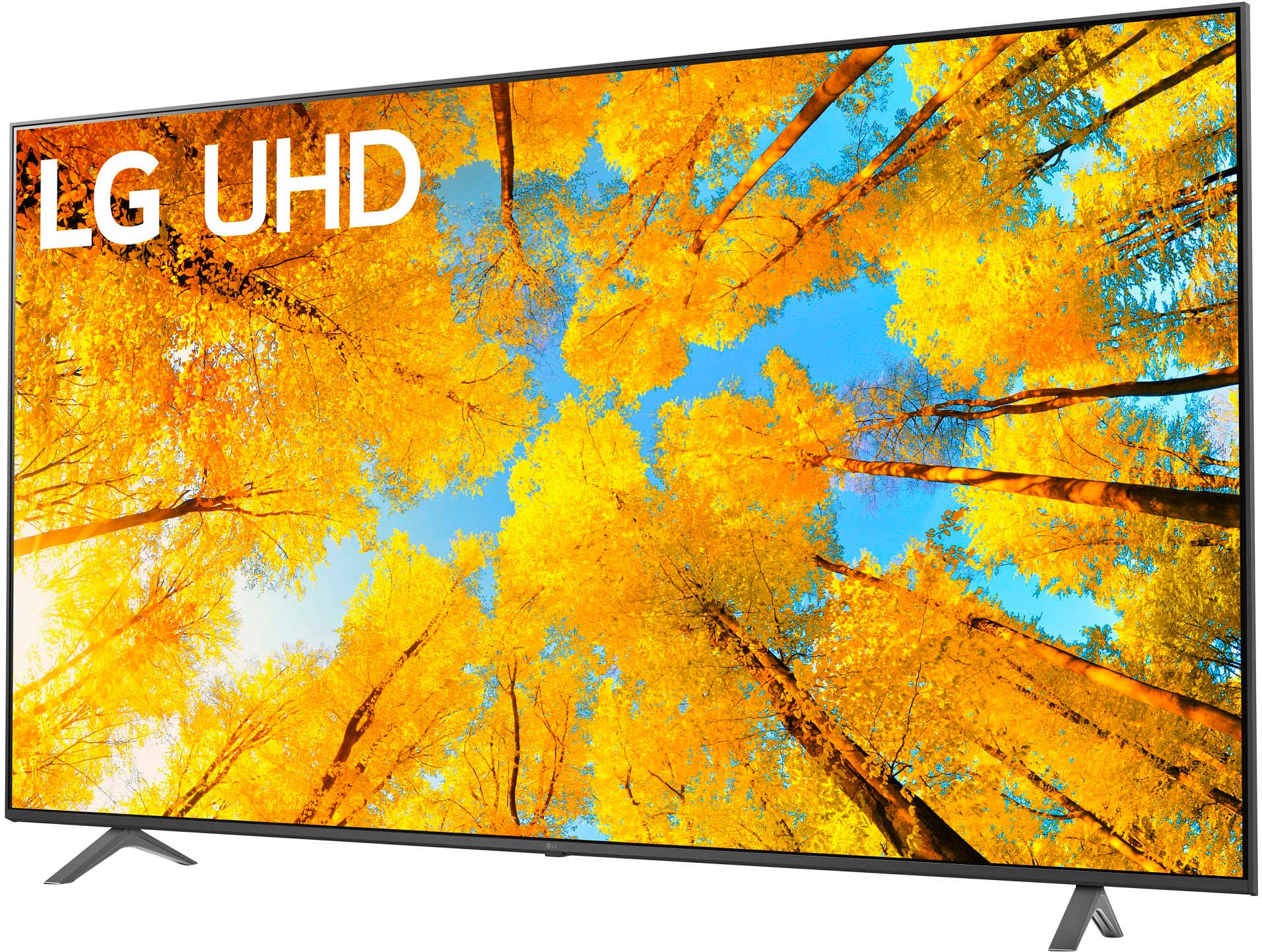
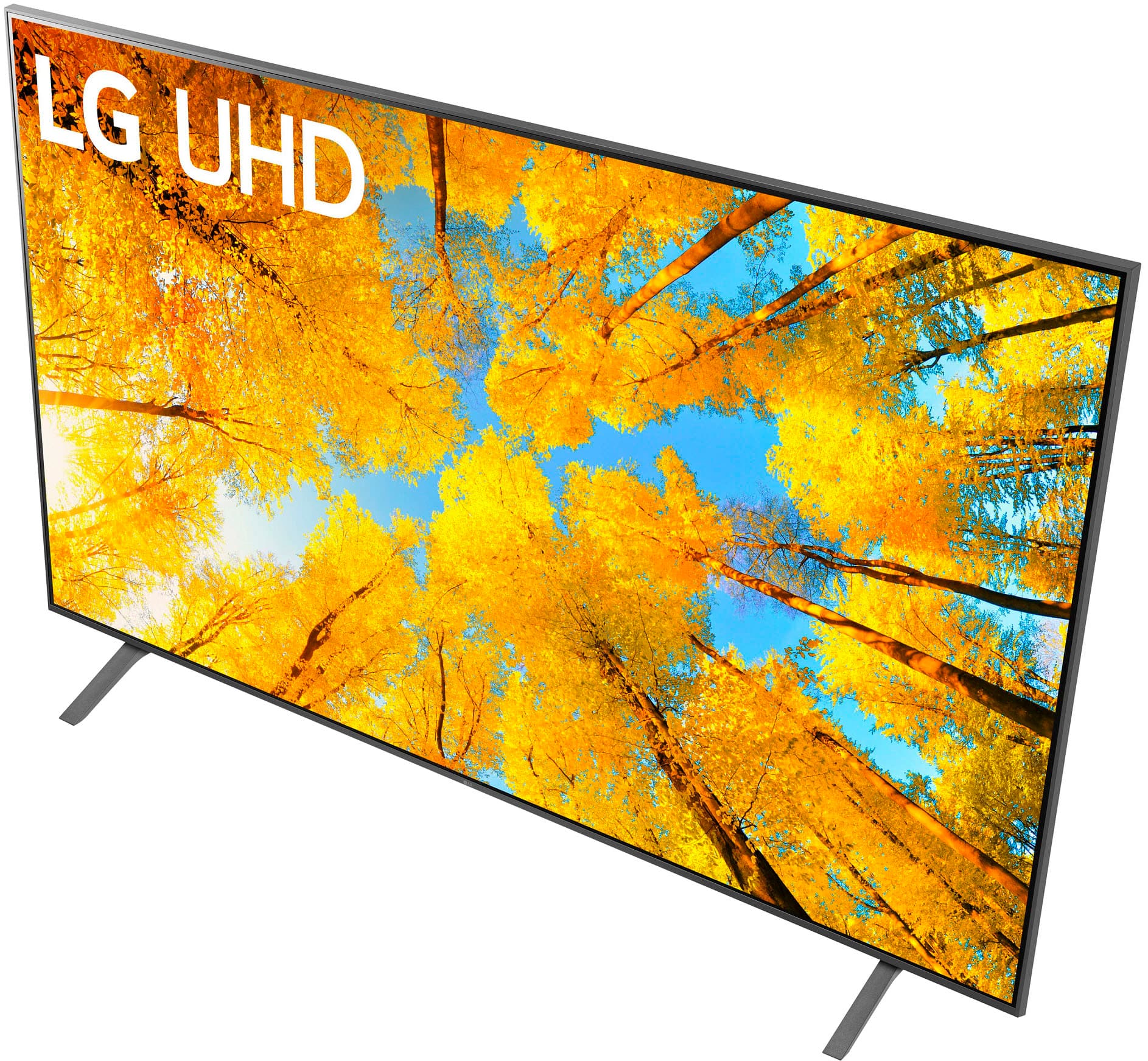
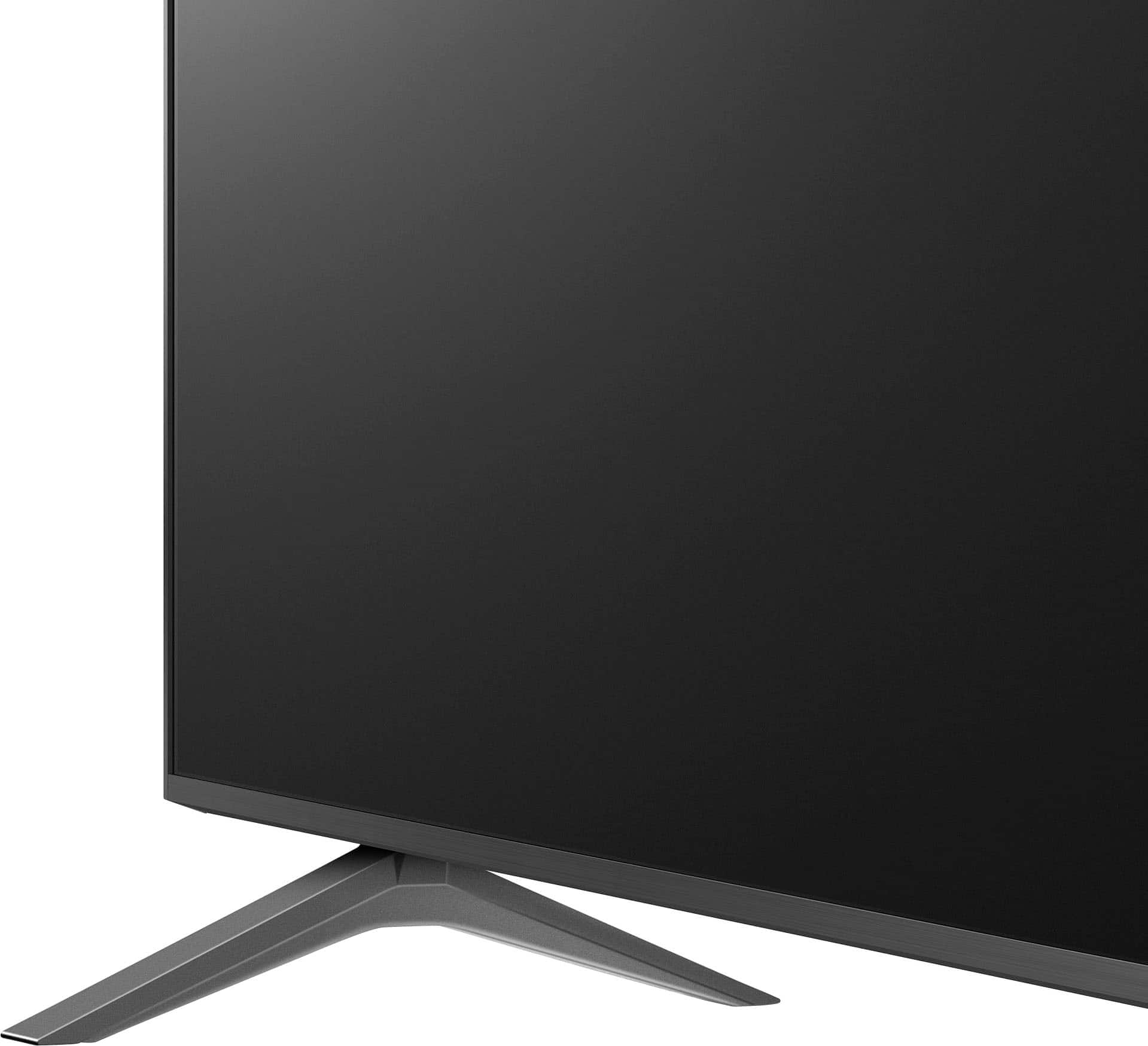
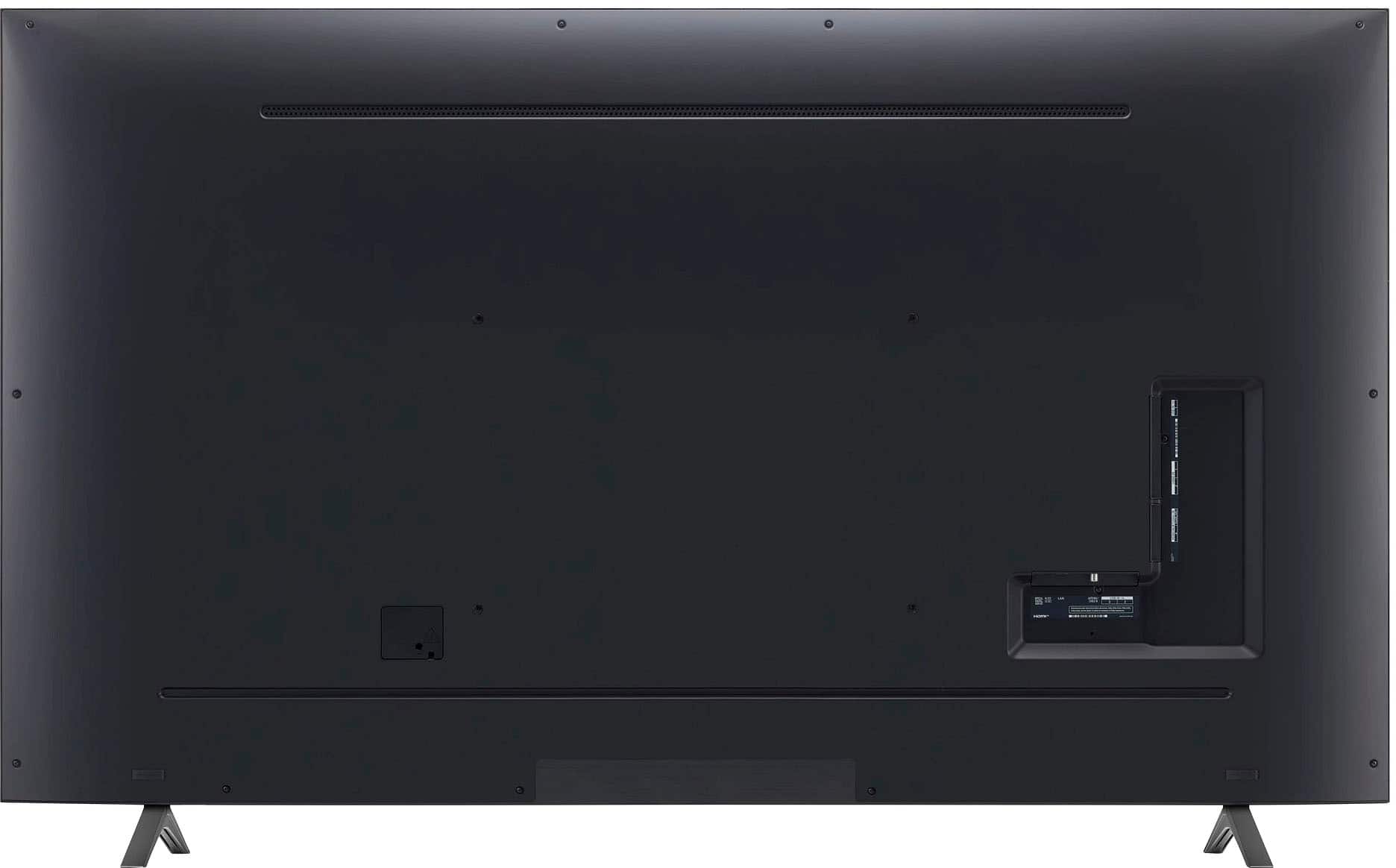



- Model:
- 86UQ7590PUD
- SKU:
- 6524315
Rating by feature
- Picture Quality
Rating 4.7 out of 5 stars
- Sound Quality
Rating 4.6 out of 5 stars
- Brightness
Rating 4.7 out of 5 stars
Customers are saying
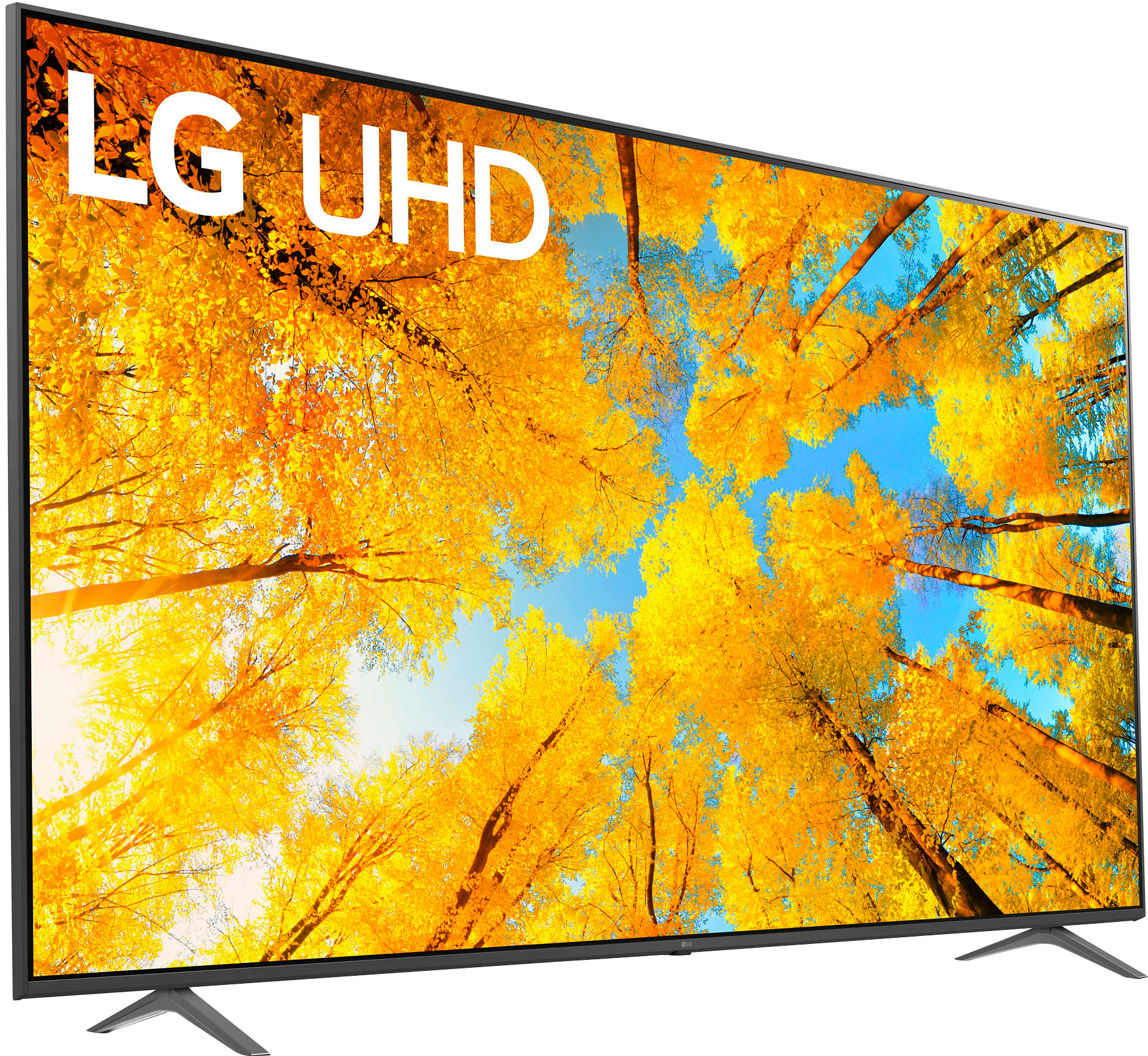
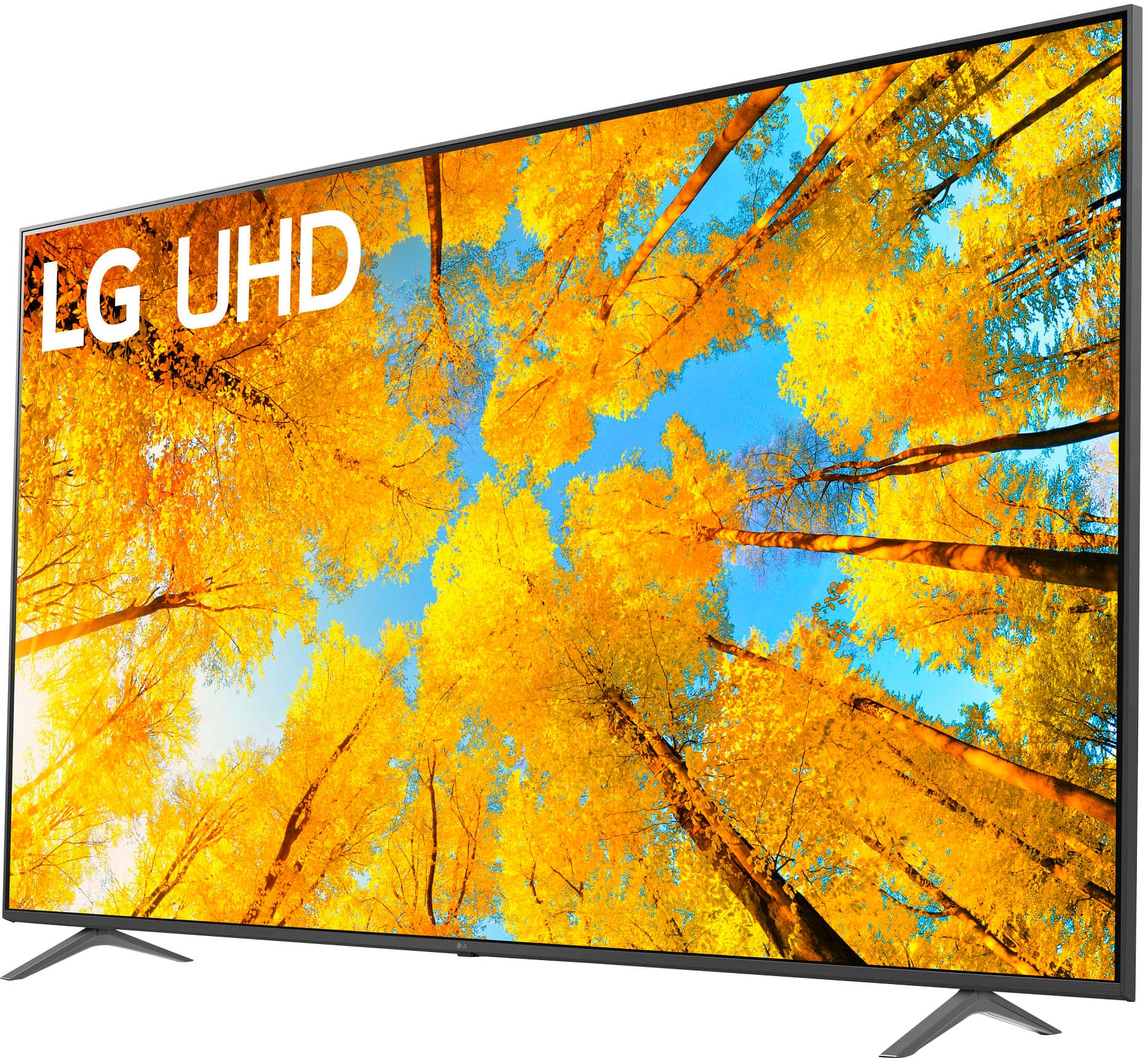
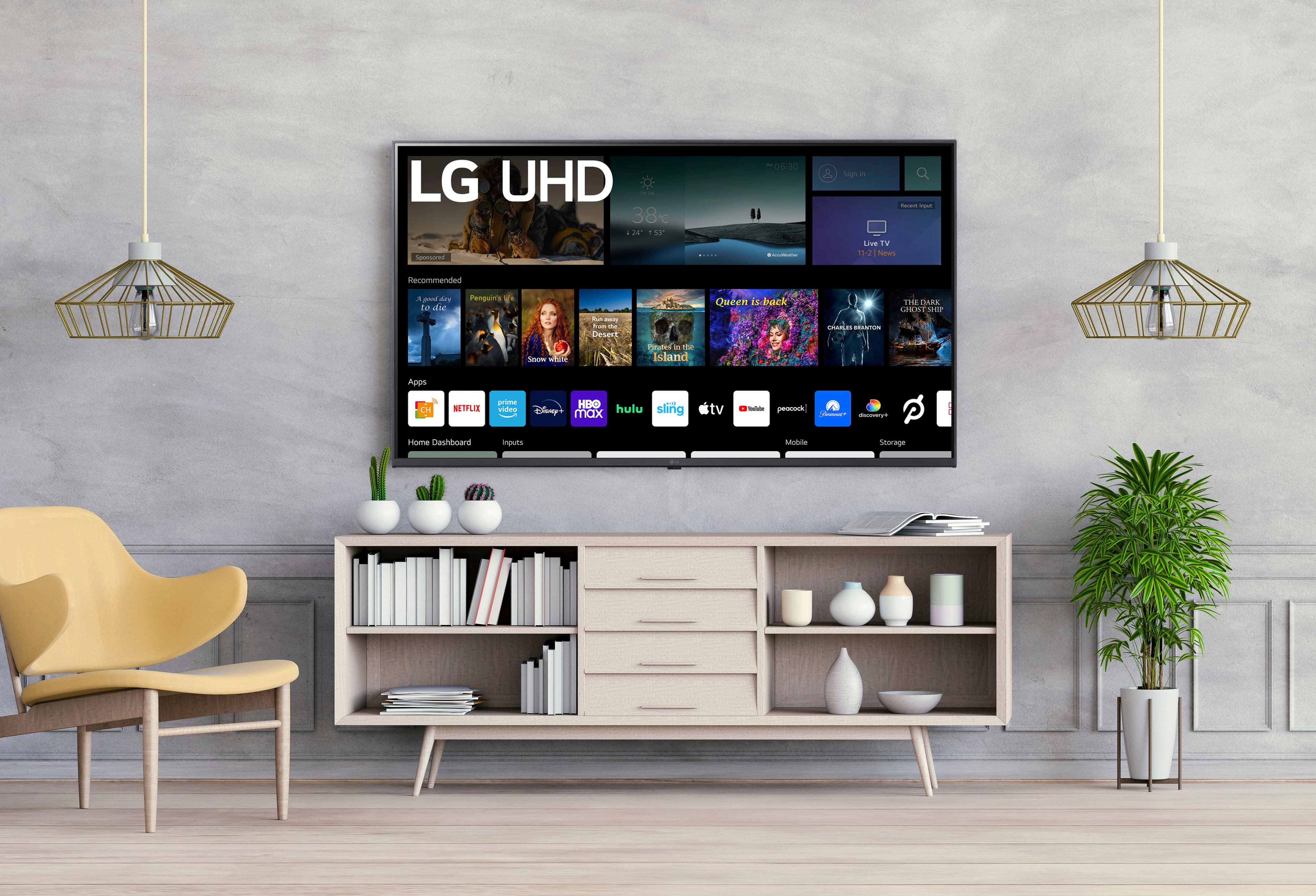
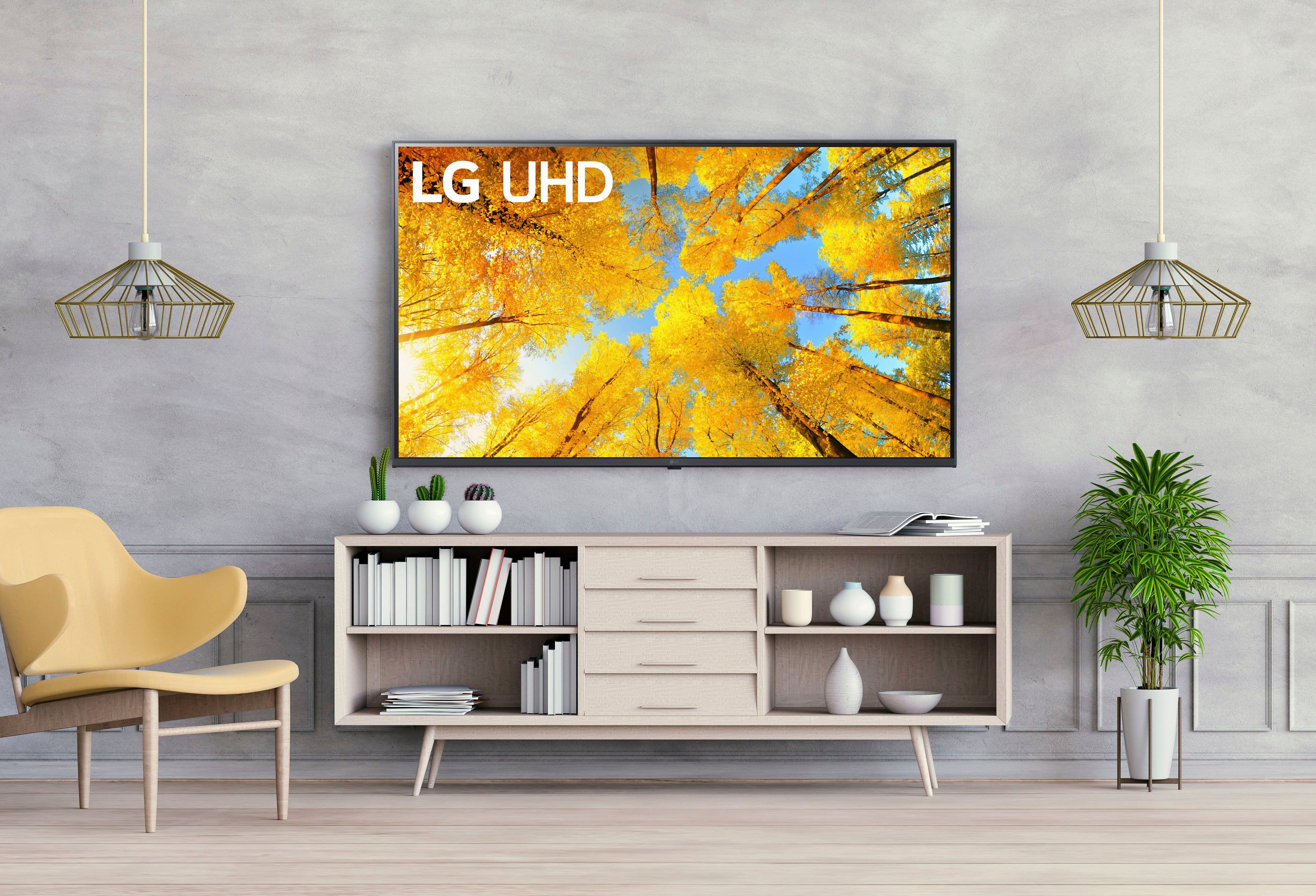
Customers commend the 86” Class UQ75 Series LED 4K UHD Smart webOS TV (2022) for its excellent picture quality and user-friendly design. Many appreciate its size, fast refresh rate, modern appearance, and updated features. However, some customers have reported occasional connectivity issues and noted that the brightness may not be optimal in well-lit rooms. Additionally, a few found the TV a bit heavy to install and expressed concerns about the remote control and button layout.
This summary was generated by AI based on customer reviews.
Great tv
Posted .This reviewer received promo considerations or sweepstakes entry for writing a review.No issues besides idk how to download outside apps other than ones listed
I would recommend this to a friendSlopoke
Posted .This reviewer received promo considerations or sweepstakes entry for writing a review.I love my tv and most of all the customer service the brought my tv out to me helped me load it up
I would recommend this to a friendSweet
Posted .This reviewer received promo considerations or sweepstakes entry for writing a review.Awesome tv came broken and they exchanged with no issuesz
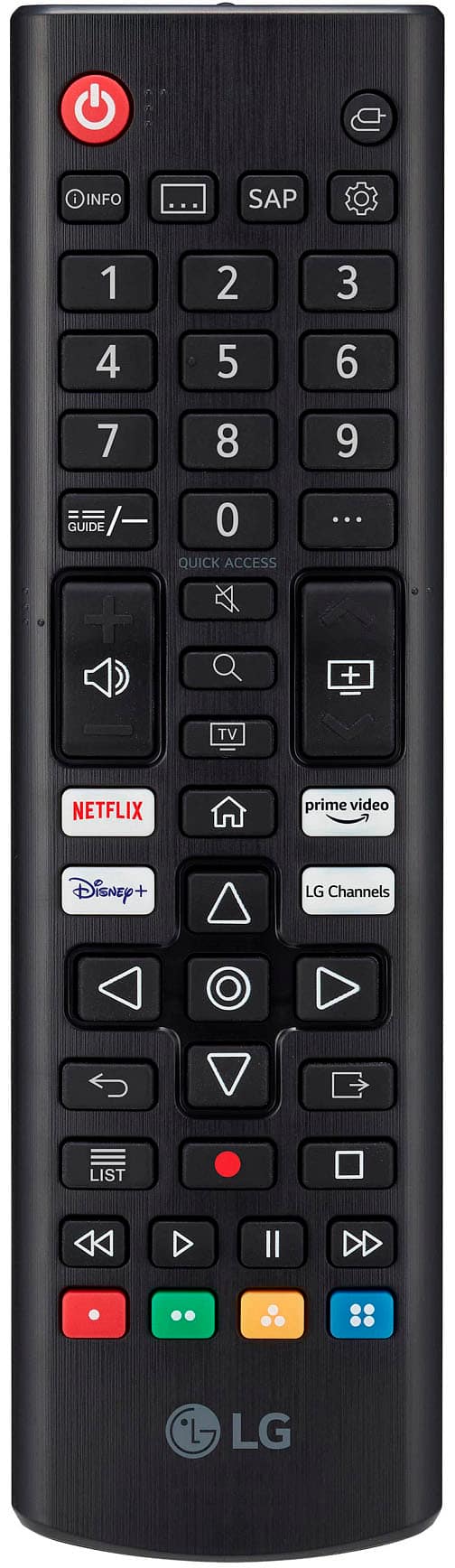
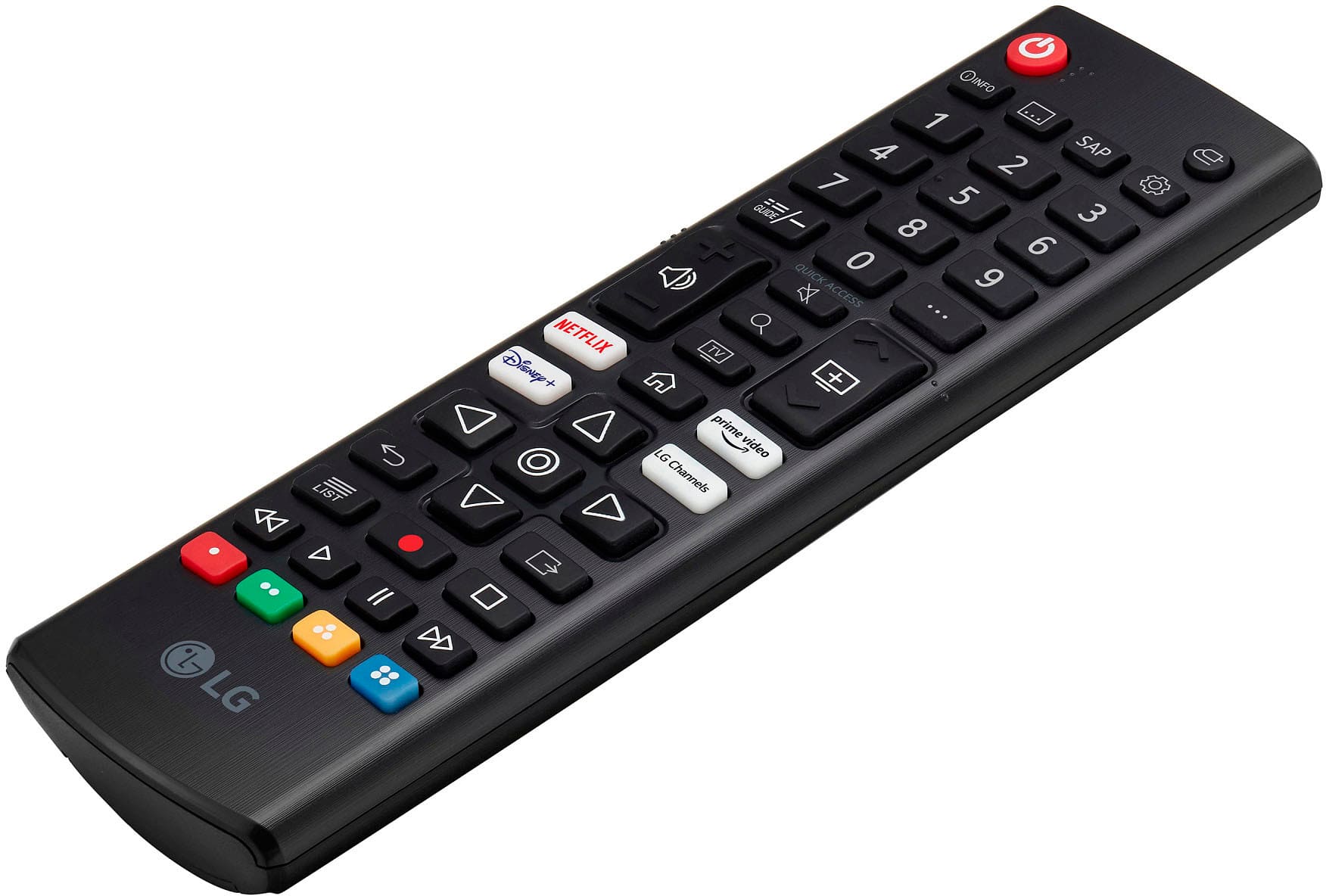
I would recommend this to a friend- Cons mentioned:Remote control
TV
Posted .This reviewer received promo considerations or sweepstakes entry for writing a review.Visibility and clarity is terrible for this price range. Remote does not work properly, you must press buttons several times to change the channel.
No, I would not recommend this to a friendBrand response from LGAnswers
Posted .We are continuously working to improve the quality of our products and anticipate market demands that drive customer satisfaction. Your feedback is especially important to us and your concerns will be shared with our product team. If you have questions or further concerns, please reach out to our support team on Facebook at @LGUSSupport and use #VOC in your first message to our social media support team. We apologize for any inconvenience this caused. ^Venette

- Cons mentioned:Remote control
Light bleeding everywhere
Posted .This reviewer received promo considerations or sweepstakes entry for writing a review.Do not buy this piece of junk. Light bleeding on the screen throughout. Picture quality is awful as the light bleed makes it worse. Tried every setting and still the picture quality is crap. The remote control is useless and it's not the magic controller. LG customer service was no help at all as was BestBuy. Stay away from this TV. Spend the money on a Samsung instead.
No, I would not recommend this to a friendBrand response from LGAnswers
Posted .Let us help you with that! Send us a private message on Facebook or Twitter using @LGUSSupport and include #VOC, your contact info, and model # and we would be happy to walk you through troubleshooting steps to resolve this issue. ^Jennifer
OK for the money
Posted .This reviewer received promo considerations or sweepstakes entry for writing a review.LED lights are visible with a white screen. Good for a cheap 86 inch.
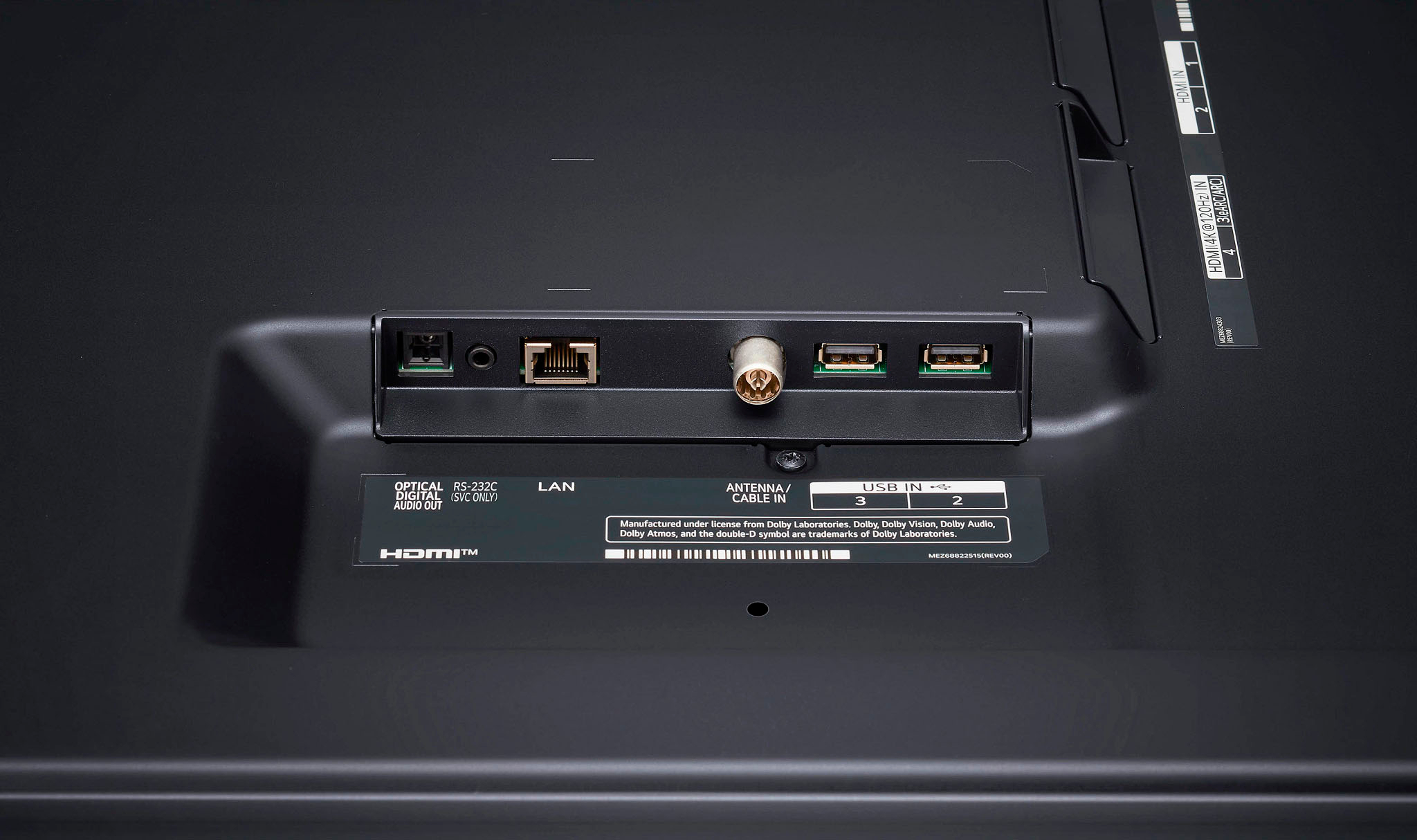
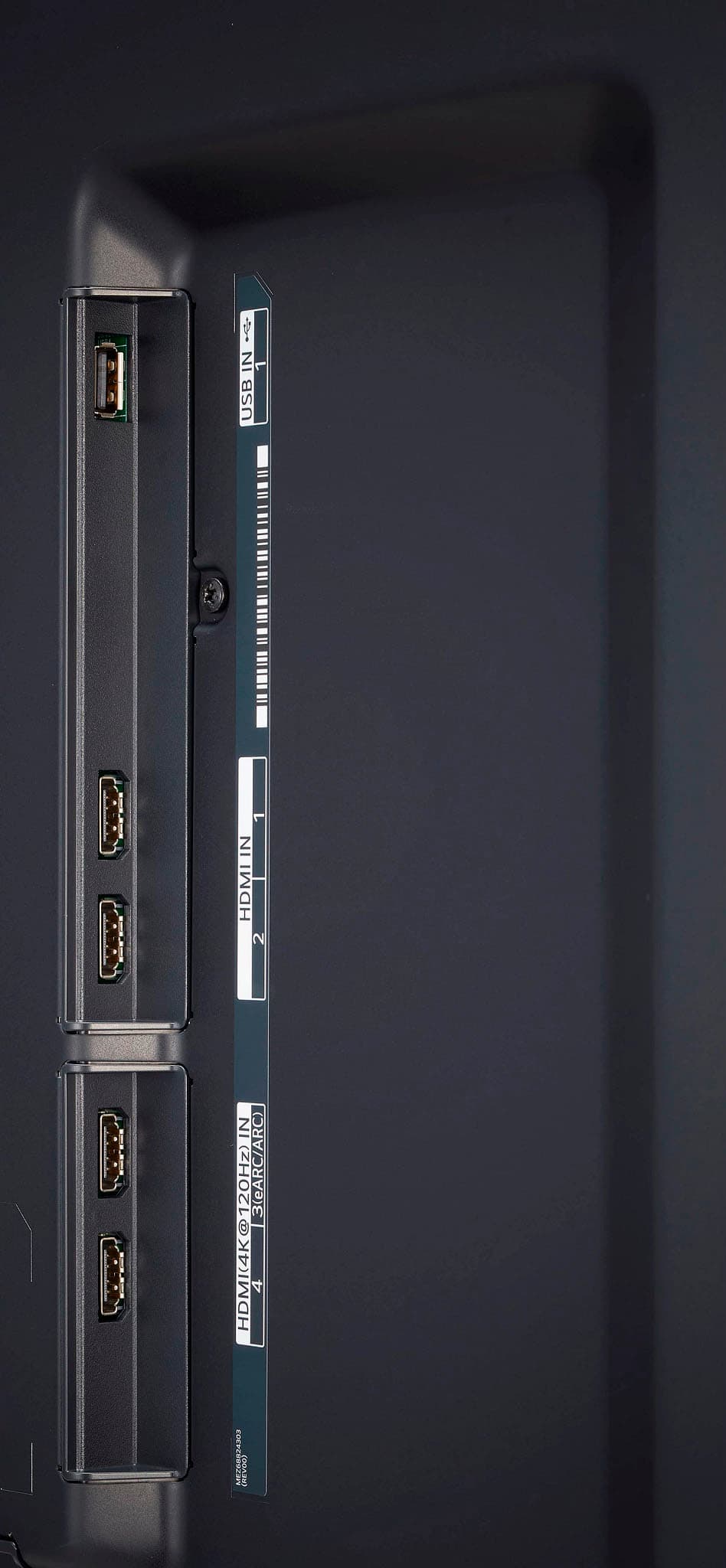
I would recommend this to a friend- Cons mentioned:Connectivity
Tried To save money, cost me hours of my time
Posted .This reviewer received promo considerations or sweepstakes entry for writing a review.Brand new TV and the inputs wouldn’t read/work properly. I brought that same equipment to my other TV and had zero issues. Called tech support, and performed software updates and master resets. Exchanged it for a Sony, much happier!
No, I would not recommend this to a friendBrand response from LGAnswers
Posted .We apologize for the inconvenience you experienced with your new LG UQ75 Series Smart TV. It's disappointing to hear that the inputs weren't functioning properly and that you had to go through such an ordeal. If you encounter issues with inputs not working as expected on your LG TV, there are a few simple troubleshooting steps you can try based on available LG resources. First, ensure that the HDMI or other input cables are securely connected to both the TV and the external device. You can also try using a different HDMI cable to see if the issue is cable-related.
Additionally, make sure you're using the correct input source on your TV. Sometimes, selecting the correct input manually from the TV's menu or remote control can resolve connectivity problems. If you're still facing difficulties, performing a software update and a master reset, as you mentioned you did, can help resolve any potential software-related issues. These steps should assist you in resolving input-related problems. If you have any further concerns or need additional assistance, please don't hesitate to reach out to our social media team on Facebook or Twitter at @LGUSSupport. We're here to help ensure your TV performs as expected. ^Sam
- Cons mentioned:Connectivity
Brand
Posted .This reviewer received promo considerations or sweepstakes entry for writing a review.Can’t connect certain devices, regret purchase would love a refund, but it was on sale
No, I would not recommend this to a friendBrand response from LG Digital Customer Care
Posted .Hi there, Thank you for bringing this to our attention. I'm so sorry to hear that you're experiencing issues with connecting certain devices to your LG OLED TV, the 86UQ7590PUD. I can imagine how frustrating it must be to not be able to enjoy your new TV the way you wanted to.
I understand that this TV was a purchase you made during a sale, and I want to acknowledge that it's disappointing when a product doesn't meet our expectations. We take all customer feedback seriously, and I'm here to help resolve this issue for you. Please reach out to us on social media @LGUSSupport so we can help you further. ^Cris
This tv size is for show anything is about is crap
Posted .This reviewer received promo considerations or sweepstakes entry for writing a review.This tv is dim in colors and doesn’t have enough memory so while you’re using app like paramount + (watching Super Bowl) the app would close down and say something like, “ not enough memory” and crash. Everything on this tv react so slow like it register very very slow if you are trying to use the tv remote. You’re paying $1000 for the size but the processor is a lemon
No, I would not recommend this to a friendBrand response from LG Digital Customer Care
Posted .Hi, there. Thank you for making an effort to share your experience with your LG Smart TV (86UQ7590PUD) model. We appreciate your feedback and regret for the disappointment you have experienced with our product.
We understand how frustrating it must be to encounter issues with the display quality, memory capacity, and overall TV performance. This is certainly not the quality and performance we aim to deliver. Please visit the following links for basic troubleshooting: https://www.lg.com/us/support/help-library/lg-tv-troubleshooting-a-dark-or-dim-screen--20153267537855# and https://www.lg.com/us/support/help-library/lg-tv-troubleshooting-insufficient-memory-CT10000018-20153192454195. If you require further assistance, please reach out to us on social media @LGUSSupport so we can help you further. We're here to assist you and provide any additional support you may need. ^Juvy
Trash
Posted .This reviewer received promo considerations or sweepstakes entry for writing a review.This tv is trash dont buy it i have to change mime twice and am still trying to change it to the 3rd one and they giving me hell for that vause it not working it trash
No, I would not recommend this to a friendBrand response from LGAnswers
Posted .Let us help you with that! Send us a private message on Facebook or Twitter using @LGUSSupport and include #VOC, your contact info, and model # and we would be happy to walk you through troubleshooting steps to resolve the issues you are experiencing. ^Jennifer