Customer Ratings & Reviews
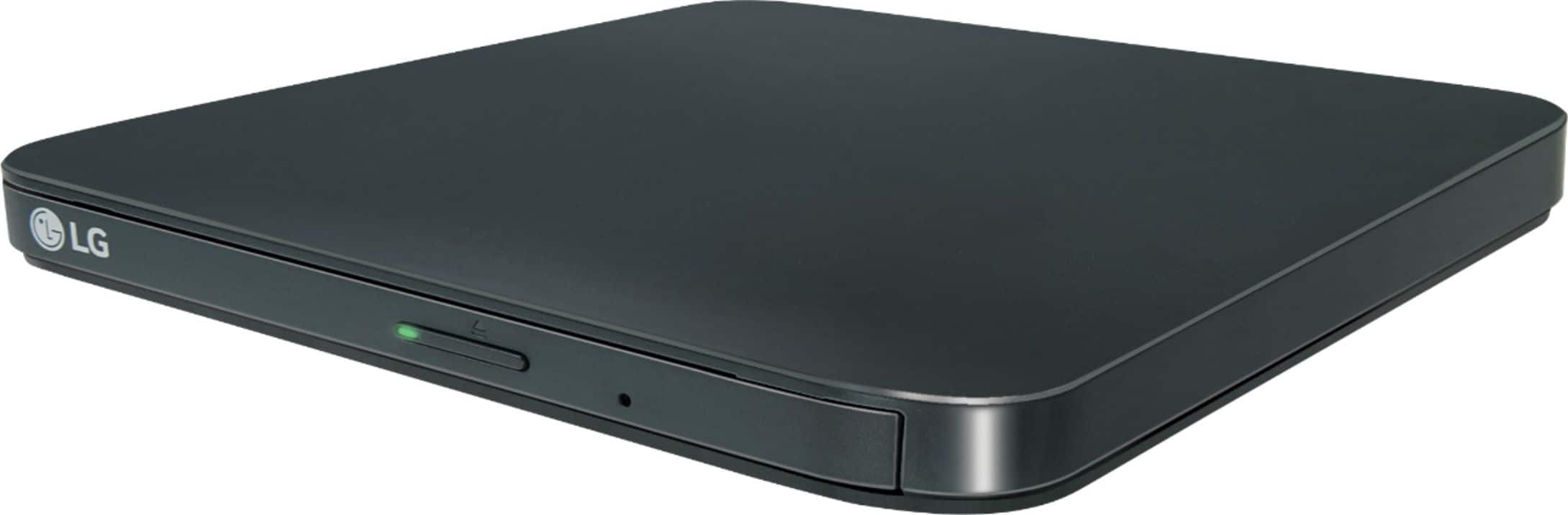
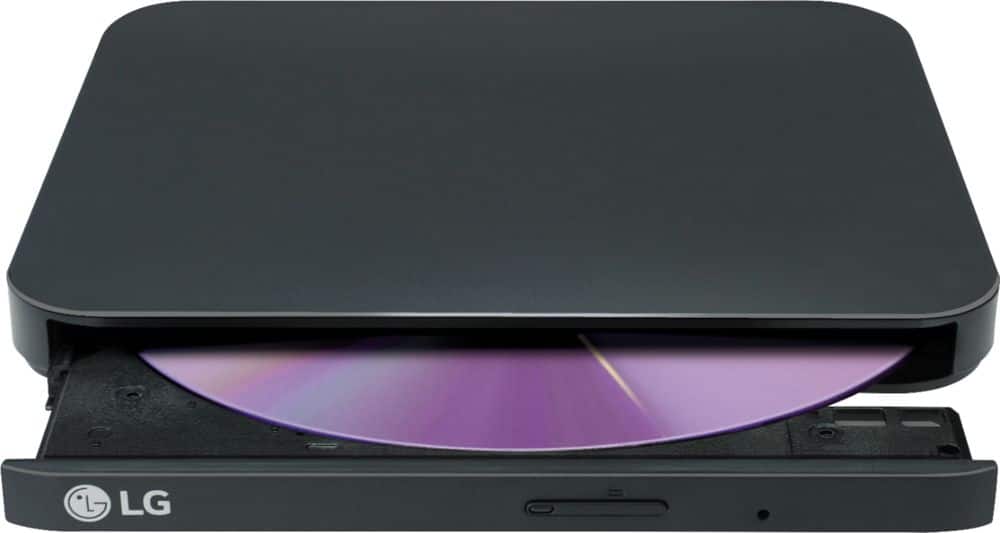
- Model:
- SP80NB80
- SKU:
- 5852919
Rating by feature
- Value
Rating 4.6 out of 5 stars
- Quality
Rating 4.6 out of 5 stars
- Ease of Use
Rating 4.6 out of 5 stars
Customers are saying
Customers admire the exceptional ease of use and overall performance of this device, which many find both efficient and reliable. Users frequently highlight the product's affordable price, compact size, and convenient USB-powered design as standout features. While the drive is praised for its impressive speed, quiet operation, and lightweight build, some users noted that additional software may be required for Mac compatibility.
This summary was generated by AI based on customer reviews.
Waste of money
Posted .This reviewer received promo considerations or sweepstakes entry for writing a review.I only attempted to use this thing a couple of times to watch DVDs on my Macbook. The first time, the movie played perfectly -- no issues at all. The second time, about a year later, the drive would not connect to either Macbook or TV. I used LG support and was told that the device would need a repair and, of course given the length of time I'd owned it, there was no warranty coverage. I tossed the drive into the garbage instead. Looking for a replacement now but definitely won't be buying the same model again.
No, I would not recommend this to a friendBrand response from LG Digital Customer Care
Posted .Hi, Stephy. Thank you for taking the time to review the LG DVD (SP80NB80) model. We're sorry to hear about the issues you experienced with the device. We aim to make good quality products that customers like you will be happy with, but we missed the mark this time. If you need a new one, we suggest looking at models with good reviews and a history of being reliable. Reading reviews and checking if it works with your devices can help you choose. For more assistance, please reach out to us on social media @LGUSSupport. ^Juvy

Junk
Posted .This reviewer received promo considerations or sweepstakes entry for writing a review.The salesman explained that this was great for light use. Light use for me was 8 times, then the receptacle for the connector pushed inside the case making it inoperative. It worked OK except I could not access it after slipping generic drivers into a Windows install. With the poor construction of this one, I did not even want to make a warranty claim. I bought a metal one elsewhere and am happy with it.
No, I would not recommend this to a friendBrand response from LGAnswers
Posted .We hate to see this happened. Should you need assistance, do not hesitate to reconnect with us directly via Twitter @LGUSSupport or Facebook www.Facebook.com/LGSupportUSA ^CP
Unworkable waste of money
Posted .This reviewer received promo considerations or sweepstakes entry for writing a review.So, I have a laptop that doesn't have a disc drive. I was browsing an immediately compatible Dell product that seemed great, but at a suggestion of convenience, I settled on this at the behest of a (employee who could not string together a coherent english sentence), answering our question of "Will this install software on the computer it's connected to?" with his answer of "Uhhh... um, yes." Bad move buying this. I got the software all set up and ready to go, and the thing locks up halfway through. The software disc it comes with actually makes it read any disc put into the tray as not existing, and if I uninstall the software, the discs become temporarily readable, before vanishing from it's detection again. No matter what I do with it, this reader/writer will not play/use any discs, let alone function AT ALL. We're returning it as soon as possible, and I'm very annoyed at the employee who was barely understandable who suggested it.
No, I would not recommend this to a friendBrand response from LGAnswers
Posted .We are sorry to hear you are having this trouble out of your disc drive. We would be happy to help you with this. Please contact our computer specialists by calling 800-243-0000. ^CP
Sloooow
Posted .This reviewer received promo considerations or sweepstakes entry for writing a review.Not enough ram! Took me almost 8 hours to download video's off a dvd drive. Then there were errors. If your using it to convert files....don't buy this!
No, I would not recommend this to a friendBrand response from LG Digital Customer Care
Posted .Hi, there. Thank you for taking the time to review the LG Portable DVD (SP80NB80) model. We appreciate your feedback and apologize for the inconvenience you experienced with the slow transfer speed and errors during file conversion. We understand that waiting for 8 hours to download videos from a DVD drive can be frustrating, especially when encountering errors during the process. To help you out, you can download it's owner's manual to obtain more details through this link: https://www.lg.com/us/support/product/lg-SP80NB80.AVAR10B. If there's anything we can do to assist you, please reach out to us on social media @LGUSSupport so we can help you further. We look forward to the opportunity to assist you and regain your trust in our products. ^Juvy
Incompatible with M1 MacBook Pro
Posted .This reviewer received promo considerations or sweepstakes entry for writing a review.This drive did not mount with M1 Macbook Pro running MacOS Monterey. It did work on 2015 iMac running Catalina. I conclude software incompatability. Returned
No, I would not recommend this to a friendBrand response from LGAnswers
Posted .Thank you for taking the time to review our product. We’re so sorry that the product did not meet your overall needs. This will be considered for our continuous improvement. Should you need any assistance with your unit, please send us a private message on Facebook or Twitter at @LGUSSupport, or reach us at our customer service line at (800) 243-0000, and we will be happy to accommodate you. ^Jolly
Broke after 3 uses
Posted .This reviewer received promo considerations or sweepstakes entry for writing a review.I read the reviews and everyone seemed to think this was a great product. I bought it so I could play DVDs on my laptop that did not have a DVD drive.. The sales rep in the store told me it was just what I needed. It worked the first two times I used it. The third time, it worked for about 30 minutes. Then it just kept getting 'read errors'. I could play the same DVD on my DVD player hooked to my TV and on another PC so the problem is not with the DVD. I wish I could give this zero stars.
No, I would not recommend this to a friendBrand response from LGAnswers
Posted .We are sorry to hear of your experience with your unit. Please know that we are continuously working to improve the quality of our products and anticipate market demands that drive customer satisfaction. Your feedback is especially important to us and your concerns will be shared with our product team. We hope that you will consider LG for your future product needs. For the latest updates on LG Burners/Drivers, please https://www.lg.com/us/burners-drives. You can always reach out to LG Customer Support by direct message via Twitter (@LGUSSupport) or Facebook (https://www.facebook.com/LGUSA/) with any product questions or concerns. We apologize for any inconvenience this caused. ^Daphane
poor quality
Posted .This reviewer received promo considerations or sweepstakes entry for writing a review.Don't expect this drive to last long. I've used this drive only a half dozen times over the last year. Pulled it out tonight and it doesn't work. No support from LG either. No updated drivers and no online software support. I'm very disappointed. Buying a new one (another brand) tomorrow.
No, I would not recommend this to a friendBrand response from LGAnswers
Posted .That's unfortunate to know you're encountered an unexpected occurrence with your driver. I too would be frustrated after using the drive a few times and a malfunction happens. I appreciate the review needed to alert us on the issue. You can contact us at 1-800-243-0000 via Twitter at @LGUSSupport or Facebook: https://www.facebook.com/LGUSSupport. This will be much appreciated in further assisting you, thanks! ^ CS
Broke my disc.
Posted .This reviewer received promo considerations or sweepstakes entry for writing a review.I got it and return it because it broke my dvd for dummies and I was miffed and return that sucker. Don’t like it.
No, I would not recommend this to a friendBrand response from LG Digital Customer Care
Posted .Hi, Androse. Thanks for sharing your experience with the LG Portable DVD Writer (SP80NB80) model. We appreciate your honesty and understand how important it is for your devices to work seamlessly with your media. This unit is designed to support a wide range of disc formats, including M-DISC™, but compatibility can vary depending on the disc type and system configuration. A common troubleshooting step for disc drives is to check for and install any available firmware updates. Outdated firmware can sometimes cause read and write errors. For more help, visit https://www.lg.com/us/support/help-library/lg-burners-drivers-firmware-and-software-downloads--1434654347994 and https://www.lg.com/us/support/product/lg-SP80NB80. If you ever decide to try another LG optical drive or need help selecting a model that fits your needs, feel free to send us an email at lgdigitalcare@lg.sprinklrsupport.com and we’ll be happy to assist you further. ^Juvy
LG External DVD failed in 4 months
Posted .This reviewer received promo considerations or sweepstakes entry for writing a review.I purchased the DVD/CD writer this year from Best Buy. Sadly, this DVD/CD failed after only 4 months. This is not a good customer experience. It no longer works in any of my 5 PCs and laptops. I have tried updating drivers, adding new entries to the Registry Editor. Nothing works. After 4 tries I give up. This is NOT a reliable device and is a total waste of money. I will throw this worthless product away and try using a Dell portable DVD drive. LG - 8x External USB Double-Layer DVD±RW/CD-RW Drive - Black
No, I would not recommend this to a friendBrand response from LGAnswers
Posted .We are sorry to hear that your unit did not meet your needs/expectations. This is not the quality we expect from our products. We are continuously working to improve the quality of our products and anticipate market demands that drive customer satisfaction. If you ever have any questions please reach out to our support team on Facebook at @LGUSSupport and use #VOC in your first message to our social media support team.. To speak with an agent via phone, you can call 800.243.0000 We apologize for any inconvenience this caused. ^Venette
shoddy
Posted .This reviewer received promo considerations or sweepstakes entry for writing a review.I've had this for less than a year and have used it perhaps a dozen times. It worked very well, for awhile. The micro USB port came loose, so now it is totally unusable. I just ordered another such device that has a built-in cord, so that this problem will not be repeated
No, I would not recommend this to a friendBrand response from LGAnswers
Posted .We would love to get this taken care of for you. Give us a call at 800-243-0000. ^CP
Buyer beware!
Posted .This reviewer received promo considerations or sweepstakes entry for writing a review.Had this just shy of four months, and it no longer works. I actually bought it when it was $45 and used it approximately 20 times, so a little over $2.00 to use it each time is what it equates to or a bit over $10.00 a month. Return policy is only 15 days. Totally not worth it for this piece of junk!!!
No, I would not recommend this to a friendBrand response from LG Digital Customer Care
Posted .Hi there, Thank you for bringing this to our attention. I'm really sorry to hear about the trouble you're experiencing with your LG product. I can understand how frustrating it must be to have it stop working after such a short time. While our return policy is limited to 15 days, I would still encourage you to reach out to our customer service team for further assistance. We truly value your feedback and want to ensure you have a positive experience with our products. Please reach out to us on social media @LGUSSupport so we can help you further. ^Cris
Broke quickly
Posted .This reviewer received promo considerations or sweepstakes entry for writing a review.It worked great (though was a little loud), until after I used it a half dozen times and the micro-USB connector pushed inside the box rendering it broken. It shouldn't have broken this quickly or easily.
No, I would not recommend this to a friendBrand response from LGAnswers
Posted .Hi, I hate to hear you are experienced this issue with the external drive you purchased. This is definitely not what we expect from our products! So that we can assist you and get this resolved, please reach out to our computer specialist at 1-800-243-0000.
CD writer
Posted .This reviewer received promo considerations or sweepstakes entry for writing a review.It will not run my older CD’s that I have of my Microsoft Office XP and one of my programs that I use for my taxes. It won’t recognize either cd!
No, I would not recommend this to a friendBrand response from LG Digital Customer Care
Posted .Hi, Brenda. Thanks for sharing your feedback with us. We understand your concern about the performance of your LG DVD Drive (SP80NB80) model. We strive to provide high-quality products exceeding our customers' needs and expectations. Sometimes, older discs, especially software CDs, might need compatibility tweaking. Here are a few things you can try:
Try a different USB port or use an external power source if available.
Check if your system recognizes the drive under Device Manager (Windows) or Disk Utility (Mac).
If the discs are heavily scratched or deteriorated, they may not be readable. If you need more help, feel free to check out this link: https://www.lg.com/us/support/help-library/bluray-discdvd-playback-issues-or-disc-stuck-bluray--1430839720368. If you're still having trouble, just send us a message on social media @LGUSSupport, and we’d love to help you out further. ^Juvy
LG DVD drive broken
Posted .This reviewer received promo considerations or sweepstakes entry for writing a review.Would not recommend getting an LG external DVD drive. Bought one to go with a new laptop. Only worked about 6 months. Spent hours online trying to come up with a fix but LG said it needed to be replaced. Was going to have to wait 1-2 months for replacement! Will not buy another LG- thought I was getting something that would last!
No, I would not recommend this to a friendBrand response from LGAnswers
Posted .We apologize your drive is needing replaced unexpectedly. We would love to have our computer specialist look into this for you. Please give us a call at 800-243-0000. ^CP
Cluttered up and slowed my new laptop
Posted .This reviewer received promo considerations or sweepstakes entry for writing a review.Bought it to watch dvds. It spent a large part of one day downloading and installing software. Then it grabbed all my pictures from the cloud and put them on my new laptop. I didn’t want them there. It didn’t give me a chance to say no. If I try to remove them I get notice that they will be deleted everywhere.
No, I would not recommend this to a friendBrand response from LGAnswers
Posted .Thank you for taking the time to review our product. We take great pride in our work, and our hope is always that it helps each one of our customers accomplish their goals. Clearly this was not your experience, and we apologize. We will be working to fix it so that an incident like this never happens again. Please get in touch with us if you have questions for us by sending us a private message on Facebook or Twitter using @LGUSSupport, or call our Customer Service at (800) 243-0000, and we would be glad to help. ^Jolly
Be careful
Posted .This reviewer received promo considerations or sweepstakes entry for writing a review.When I purchased my new iMac, the Best Buy rep had me purchase this item since there's no dvd players built in anymore. I could never make this work. After contacting LG, I was told this item is not compatible with M1 or M2 Macs.
No, I would not recommend this to a friendBrand response from LGAnswers
Posted .We appreciate you sending us your feedback. Please know that your thoughts are important to us as it will be shared with our marketing and product teams to meet your expectations moving forward. Meanwhile, if you need further assistance, send us a private message on Facebook or Twitter using @LGUSSupport and include your contact information or call our Customer Service at (800)243-0000. Thank you ~Tanisha
JUNK
Posted .This reviewer received promo considerations or sweepstakes entry for writing a review.This is a piece of flimsy plastic junk. I don't know how it has a 4.5 star rating. My brand new iMac will not recognize it. Tried using live chat at LG for support and that's a joke. Nothing on the website to support this. Only got one star because there isn't a "NO STAR" selection. Worst piece of junk I've ever bought. Sending it back pronto.
No, I would not recommend this to a friendBrand response from LGAnswers
Posted .If you're in need of some guidance with using your drive, please give us a call at 800-243-0000 so a computer specialist can help out. ^CP
Stopped working after 3 years.
Posted .This reviewer received promo considerations or sweepstakes entry for writing a review.It was a great DVD burner while it worked. Unfortunately, it stopped reading any DVDs about 3 years after I bought it (beyond the extended warranty). I have a Blu-ray DVD recorder that is still working longer than this one.
No, I would not recommend this to a friendBrand response from LGAnswers
Posted .Thank you for providing us with valuable feedback. We apologize that you had such an experience with your LG - 8x External USB Double-Layer DVD±RW/CD-RW Drive - Black. This will be considered for our continuous improvement. Please feel free to send us a private message on Facebook or Twitter at @LGUSSupport, and we will be happy to assist you with this. ^James.
Hit & miss operation
Posted .This reviewer received promo considerations or sweepstakes entry for writing a review.DVD's 4 out of 5 for writing blank DVD's (video or data) - Occasionally does not recognize a blank disk. 4 out of 5 for recognizing pre-recorded DVD's. CD's 1 out of 5 for recognizing audio CD's - Sketchy operation when it does. 1 out of 5 for recognizing blank CD's 2 out of 5 for data CD's - hit or miss when recognizing data CD's.
No, I would not recommend this to a friendBrand response from LGAnswers
Posted .We are sorry you are having trouble with your disc drive. For assistance, please give our computer specialists a call at 800-243-0000. ^CP
Avoid
Posted .This reviewer received promo considerations or sweepstakes entry for writing a review.Doesn't work with Mac Book Air. (The Mac is an early 2020 model.) Put CD in tray, hooked it to the Mac, & nothing happened. The LG clicked alot, & the green light flashed, & that's all it did. Thankfully there's a pinhole to get the tray open cuz it wouldn't eject when I pushed the eject button.
No, I would not recommend this to a friendBrand response from LGAnswers
Posted .We are sorry to hear that your unit did not meet your needs/expectations. This is not the quality we expect from our products. We are continuously working to improve the quality of our products and anticipate market demands that drive customer satisfaction. If you ever have any questions please reach out to our support team on Twitter via @LGUSSupport or on Facebook at https://www.facebook.com/LGUSA/. To speak with an agent via phone, you can call 800.243.0000 We apologize for any inconvenience this caused. ^Venette