Customer Ratings & Reviews

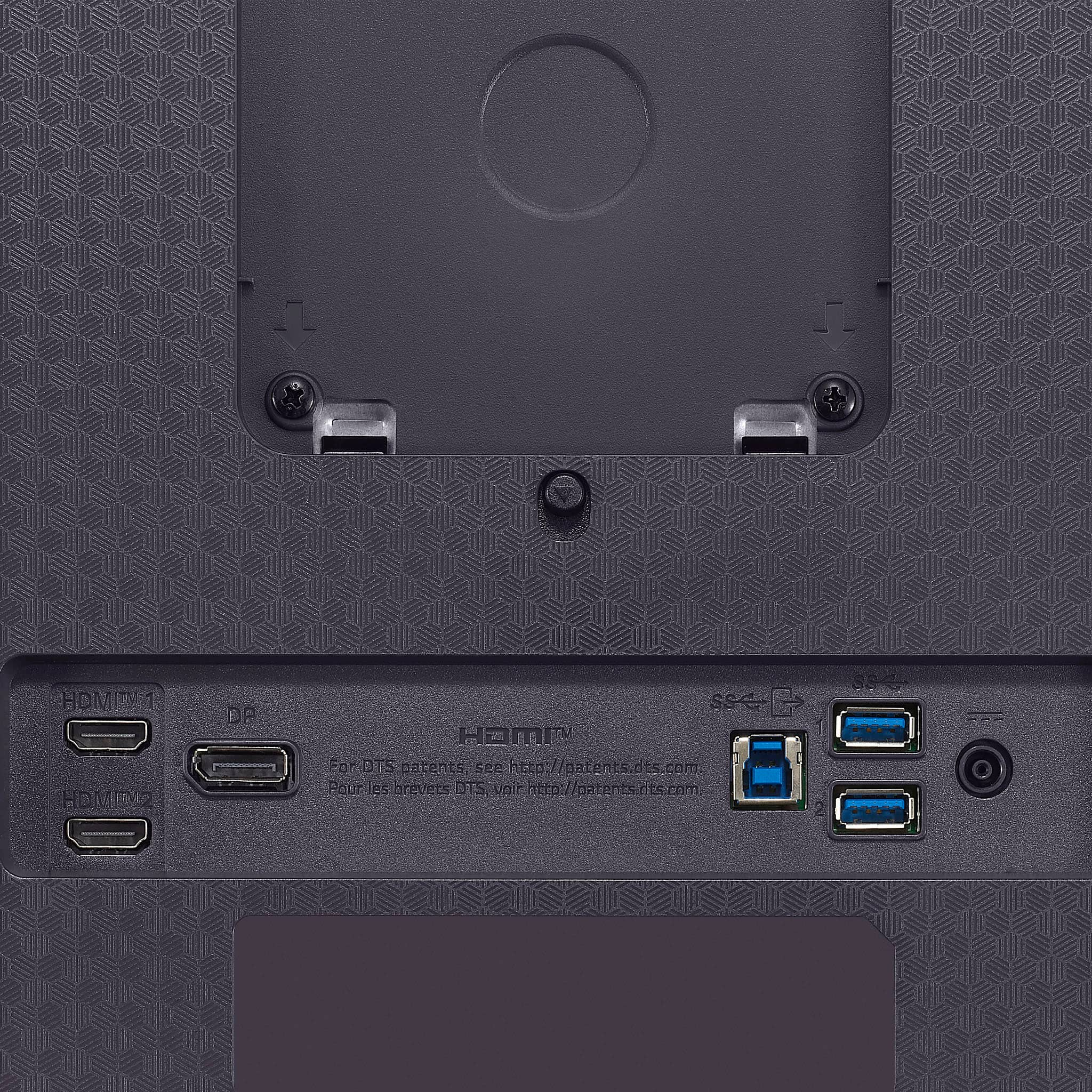
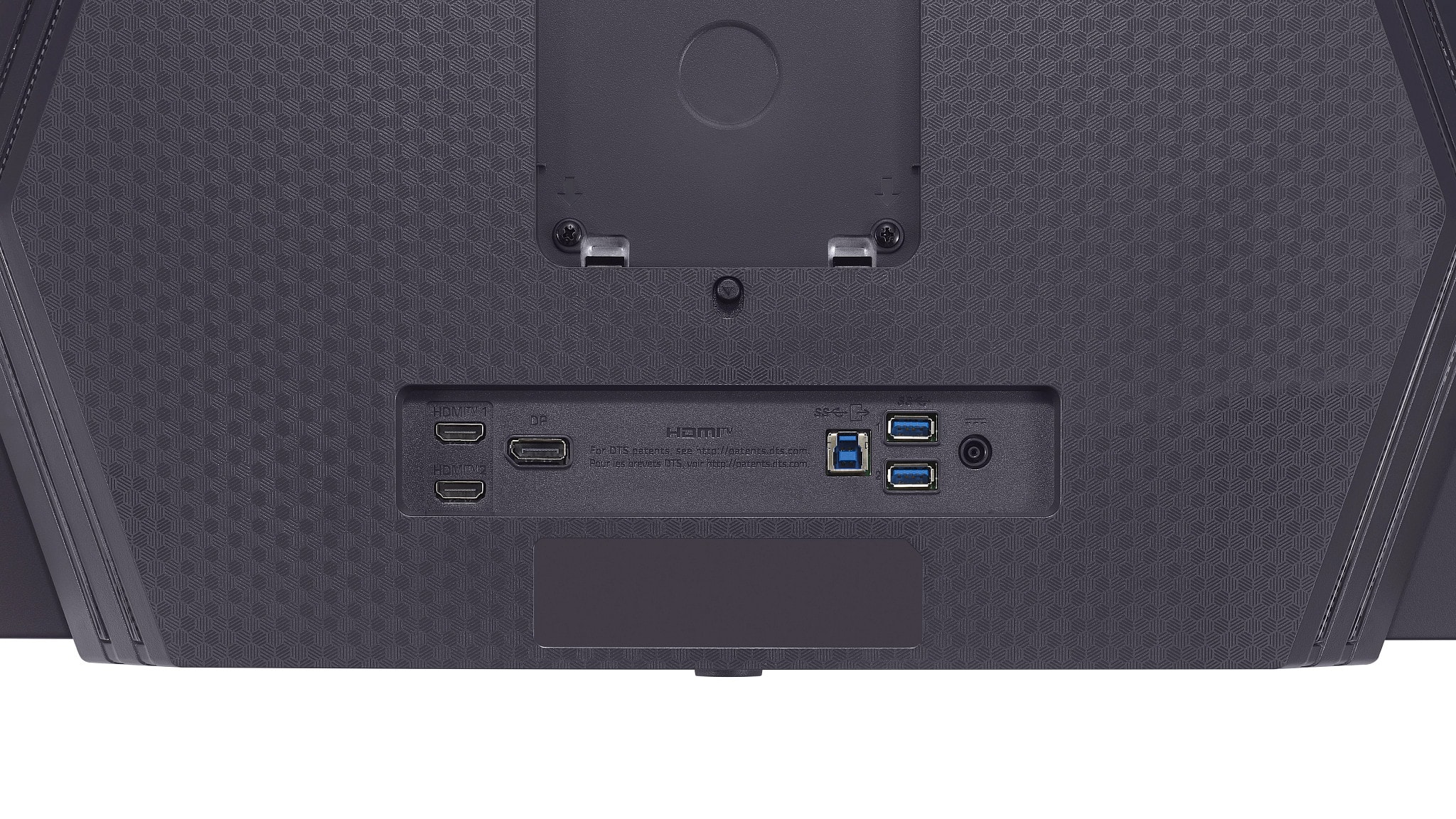
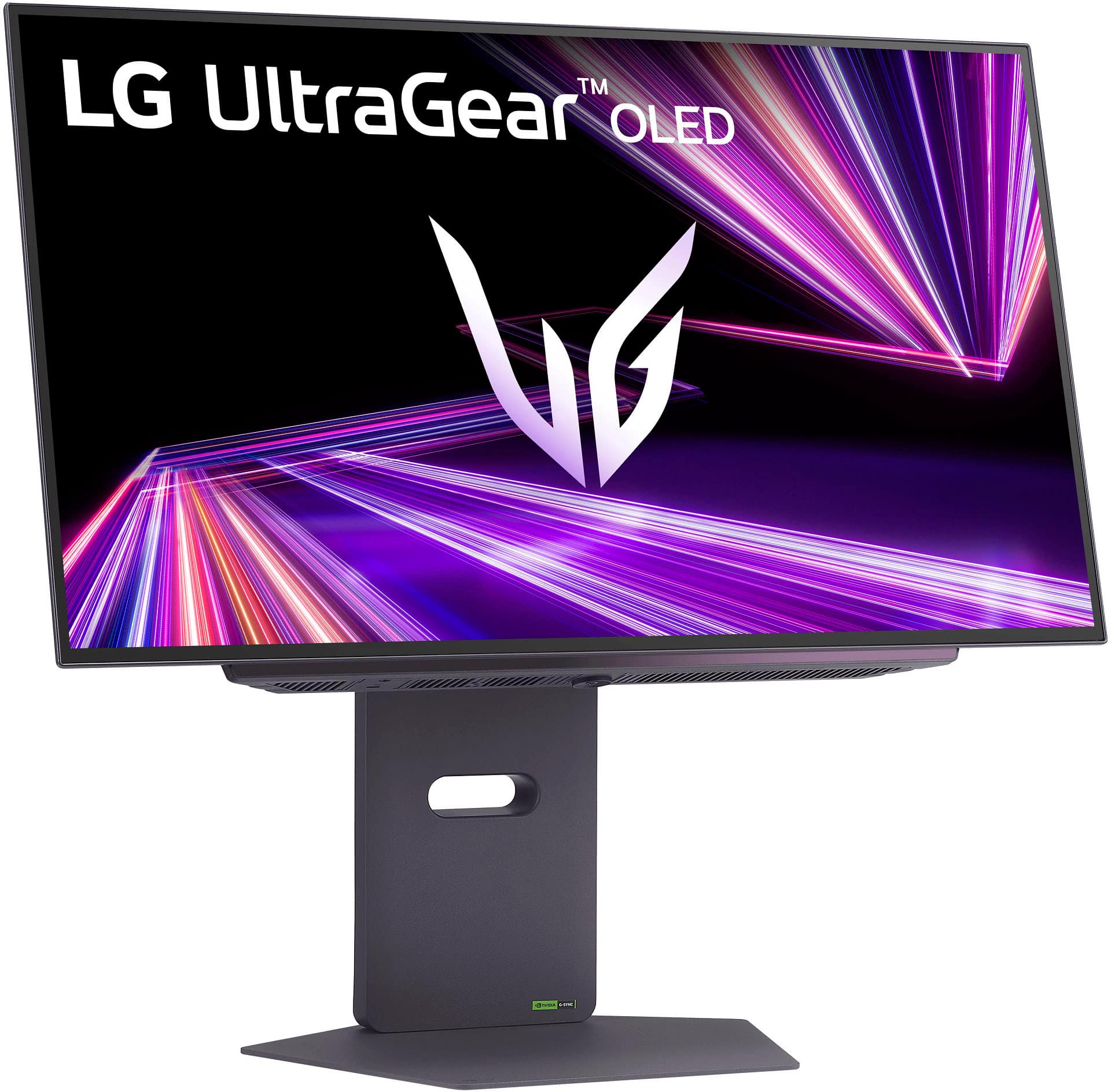
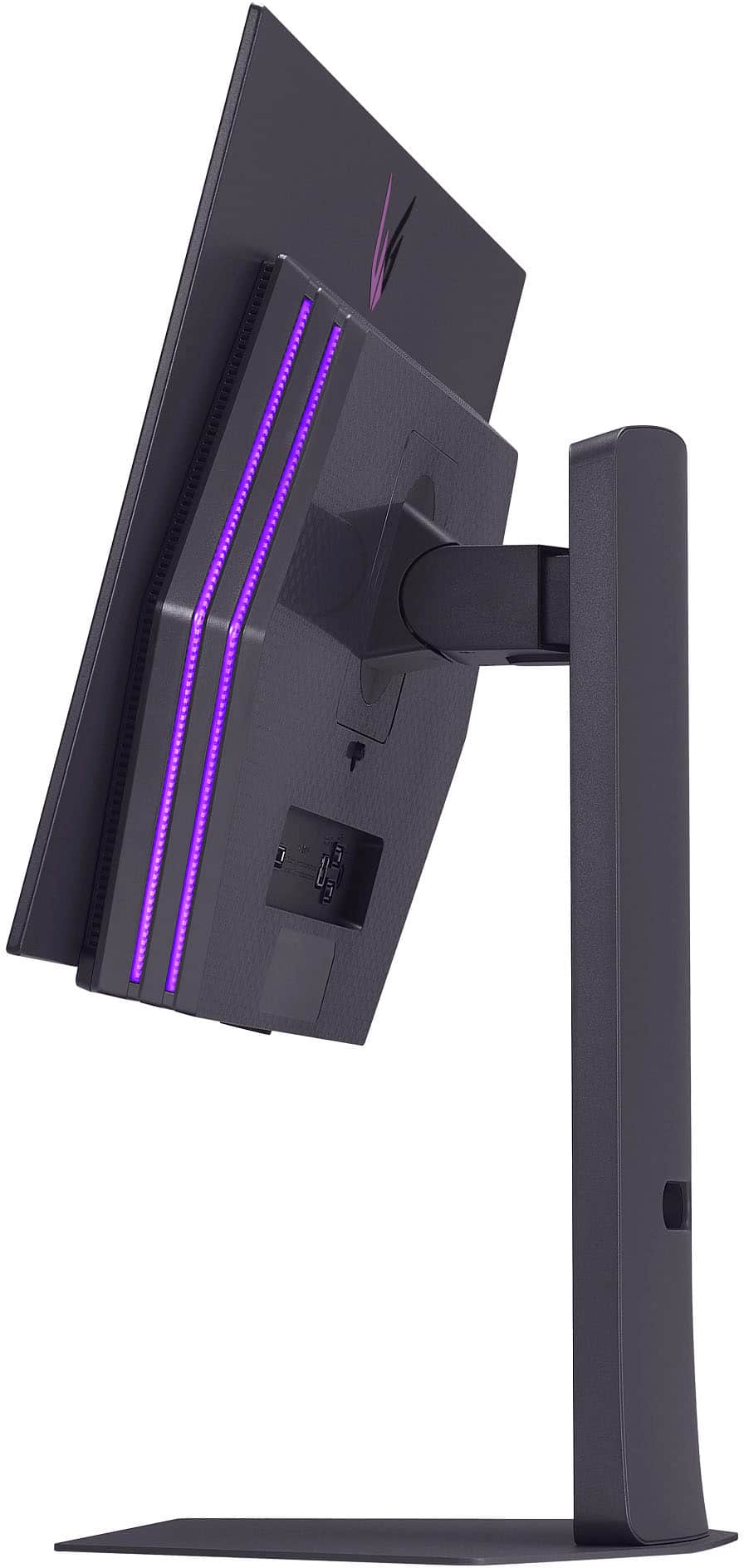
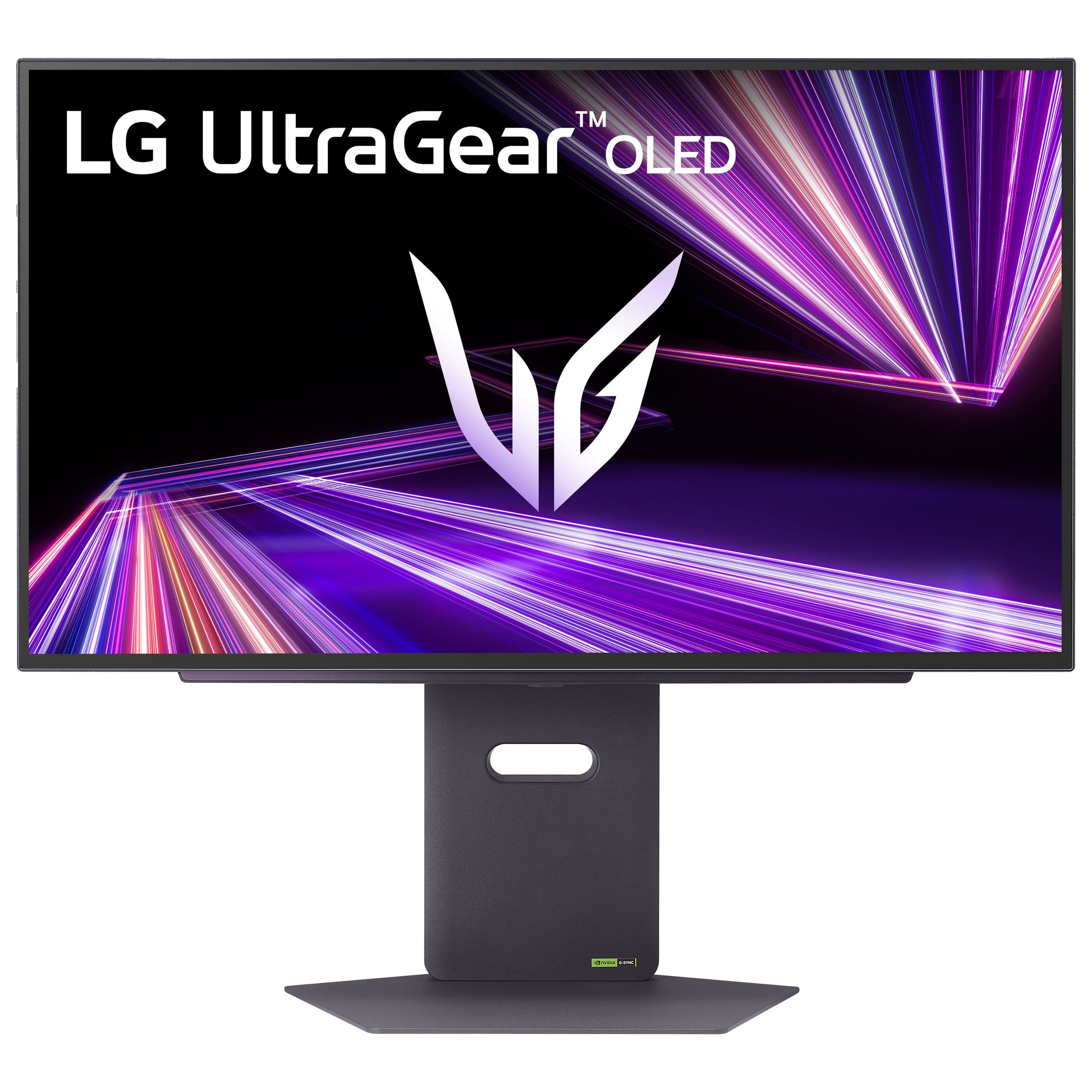


- Model:
- 27GX790A-B
- |
- SKU:
- 10187429
Customer reviews
Rating 4.7 out of 5 stars with 259 reviews
(259 customer reviews)Rating by feature
- Display Quality4.8
Rating 4.8 out of 5 stars
- Ease of Use4.8
Rating 4.8 out of 5 stars
- Features4.7
Rating 4.7 out of 5 stars
to a friend
Rated 4 out of 5 stars
Nice monitor
||Posted . Owned for 1 month when reviewed.This reviewer received promo considerations or sweepstakes entry for writing a review.I bought this for my son for his gaming computer and he seems to really like it. He did say it took some time to get used to it, as it different from an LED screen, but now he really likes the reaction time.
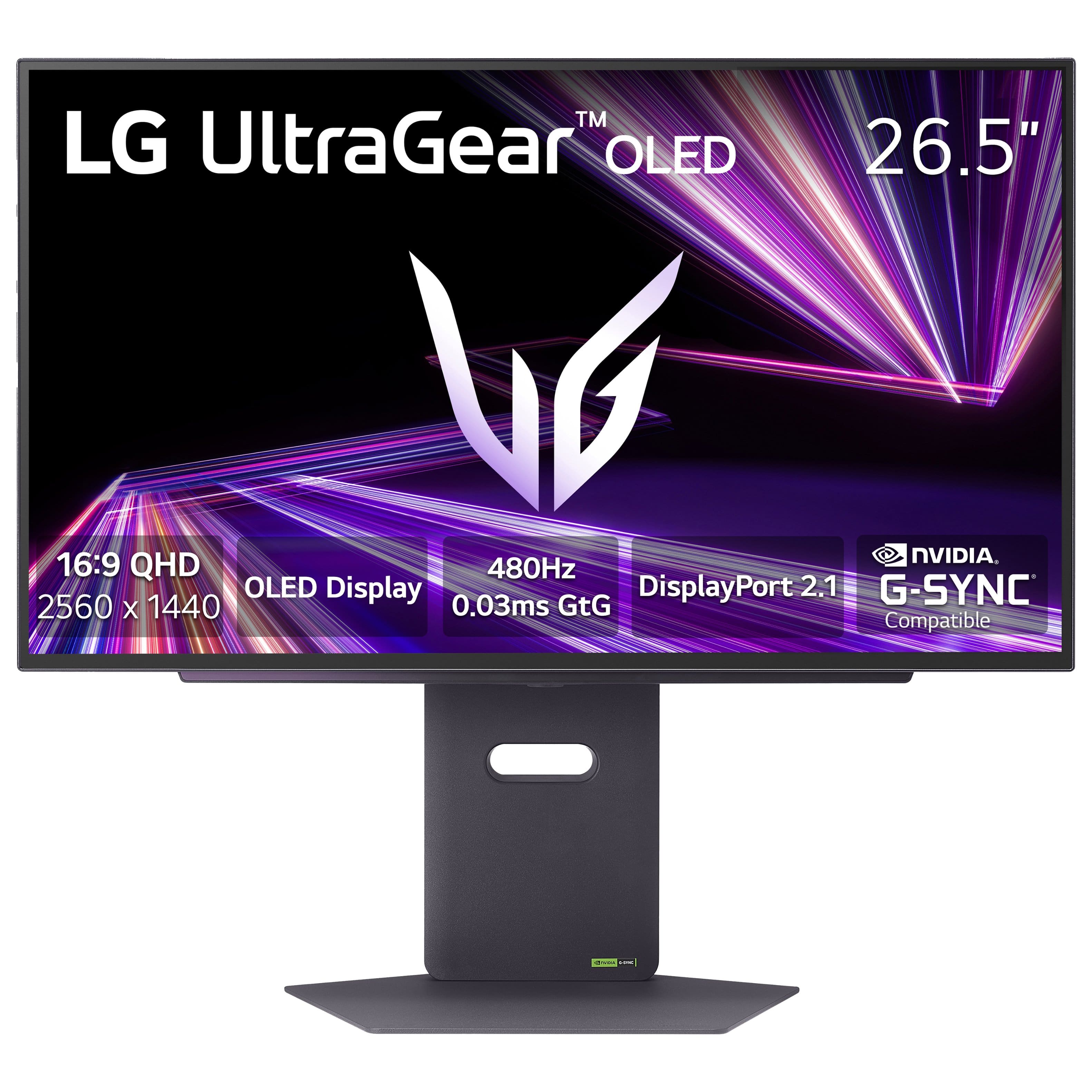
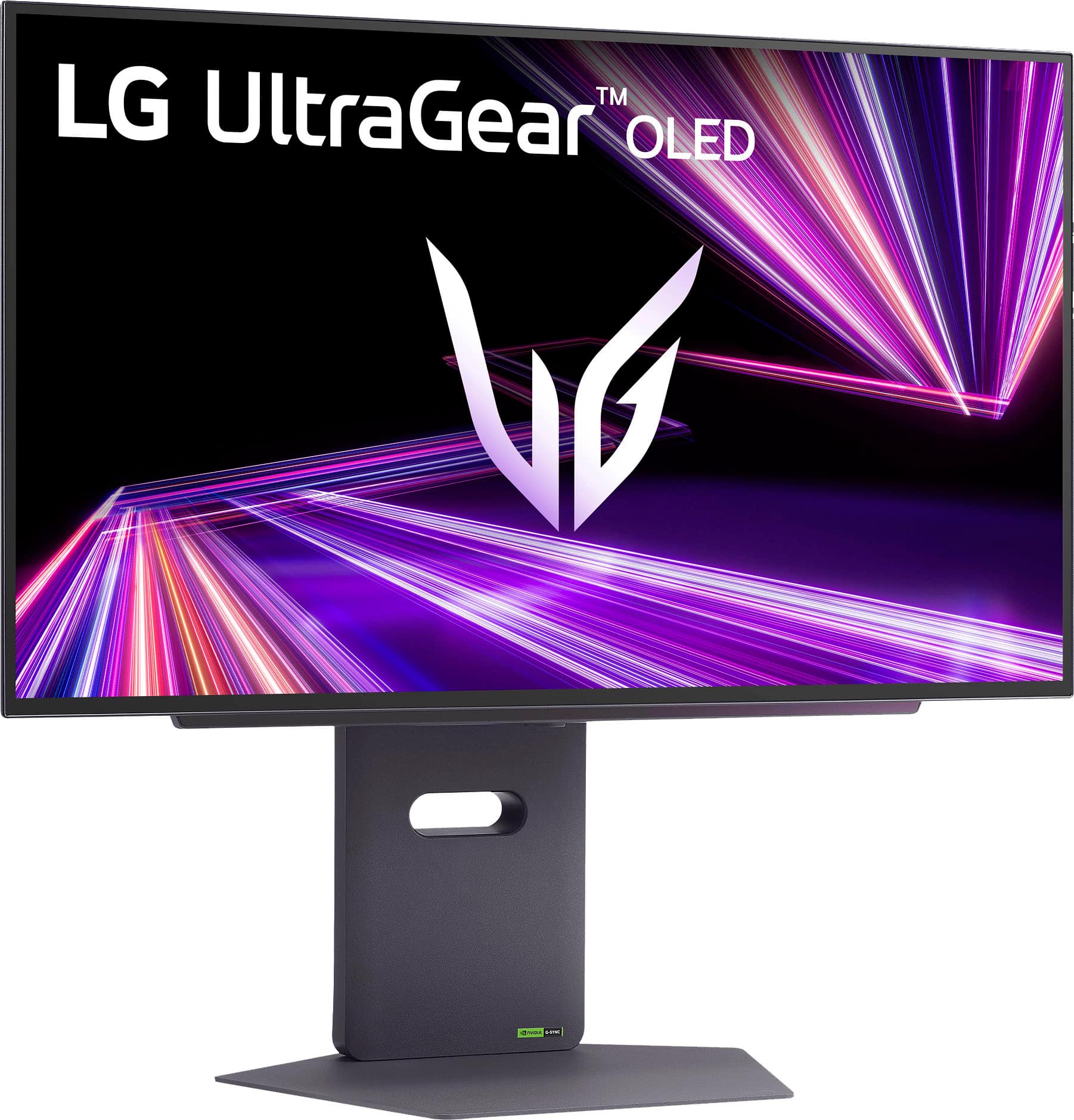
This review is from LG - UltraGear 27" OLED QHD 480Hz 0.03ms NVIDIA G-SYNC, AMD Freesync Premium Pro Gaming Monitor (HDMI x2, DisplayPort, USB) - Black
I would recommend this to a friendRated 5 out of 5 stars
Very nice
||Posted . Owned for 1 week when reviewed.This reviewer received promo considerations or sweepstakes entry for writing a review.I'm really enjoying this monitor! It's a great size and has amazing clarity, would recommend.
This review is from LG - UltraGear 27" OLED QHD 480Hz 0.03ms NVIDIA G-SYNC, AMD Freesync Premium Pro Gaming Monitor (HDMI x2, DisplayPort, USB) - Black
I would recommend this to a friendRated 5 out of 5 stars
Amazing Gift option
||Posted .This reviewer received promo considerations or sweepstakes entry for writing a review.Bought it as a gift for my friend, and he loves it
This review is from LG - UltraGear 27" OLED QHD 480Hz 0.03ms NVIDIA G-SYNC, AMD Freesync Premium Pro Gaming Monitor (HDMI x2, DisplayPort, USB) - Black
I would recommend this to a friendRated 5 out of 5 stars
12/10. 6 stars. LG did their thing, for sureeeee
||Posted .This reviewer received promo considerations or sweepstakes entry for writing a review.This is the best monitor I have ever laid eyes on.
This review is from LG - UltraGear 27" OLED QHD 480Hz 0.03ms NVIDIA G-SYNC, AMD Freesync Premium Pro Gaming Monitor (HDMI x2, DisplayPort, USB) - Black
I would recommend this to a friendRated 4 out of 5 stars
Its nice but
||Posted . Owned for 2 weeks when reviewed.This reviewer received promo considerations or sweepstakes entry for writing a review.keep in mind if your current pc can get the full potential out of it and also you have to download some extra software out of the LG page to update the monitor so you wont get any issues... other than that its a nice monitor.
This review is from LG - UltraGear 27" OLED QHD 480Hz 0.03ms NVIDIA G-SYNC, AMD Freesync Premium Pro Gaming Monitor (HDMI x2, DisplayPort, USB) - Black
I would recommend this to a friendRated 5 out of 5 stars
Best for price
||Posted .This reviewer received promo considerations or sweepstakes entry for writing a review.Amazing monitor. Can really FEEL the difference. Quality of life upgrade. I feel like I can see the enemies before they can even react.
This review is from LG - UltraGear 27" OLED QHD 480Hz 0.03ms NVIDIA G-SYNC, AMD Freesync Premium Pro Gaming Monitor (HDMI x2, DisplayPort, USB) - Black
I would recommend this to a friendRated 5 out of 5 stars
Excellent
||Posted . Owned for 2 weeks when reviewed.This reviewer received promo considerations or sweepstakes entry for writing a review.It has flickering in everything else, it works excellent, I liked it a lot
This review is from LG - UltraGear 27" OLED QHD 480Hz 0.03ms NVIDIA G-SYNC, AMD Freesync Premium Pro Gaming Monitor (HDMI x2, DisplayPort, USB) - Black
I would recommend this to a friendRated 5 out of 5 stars
Amazing picture
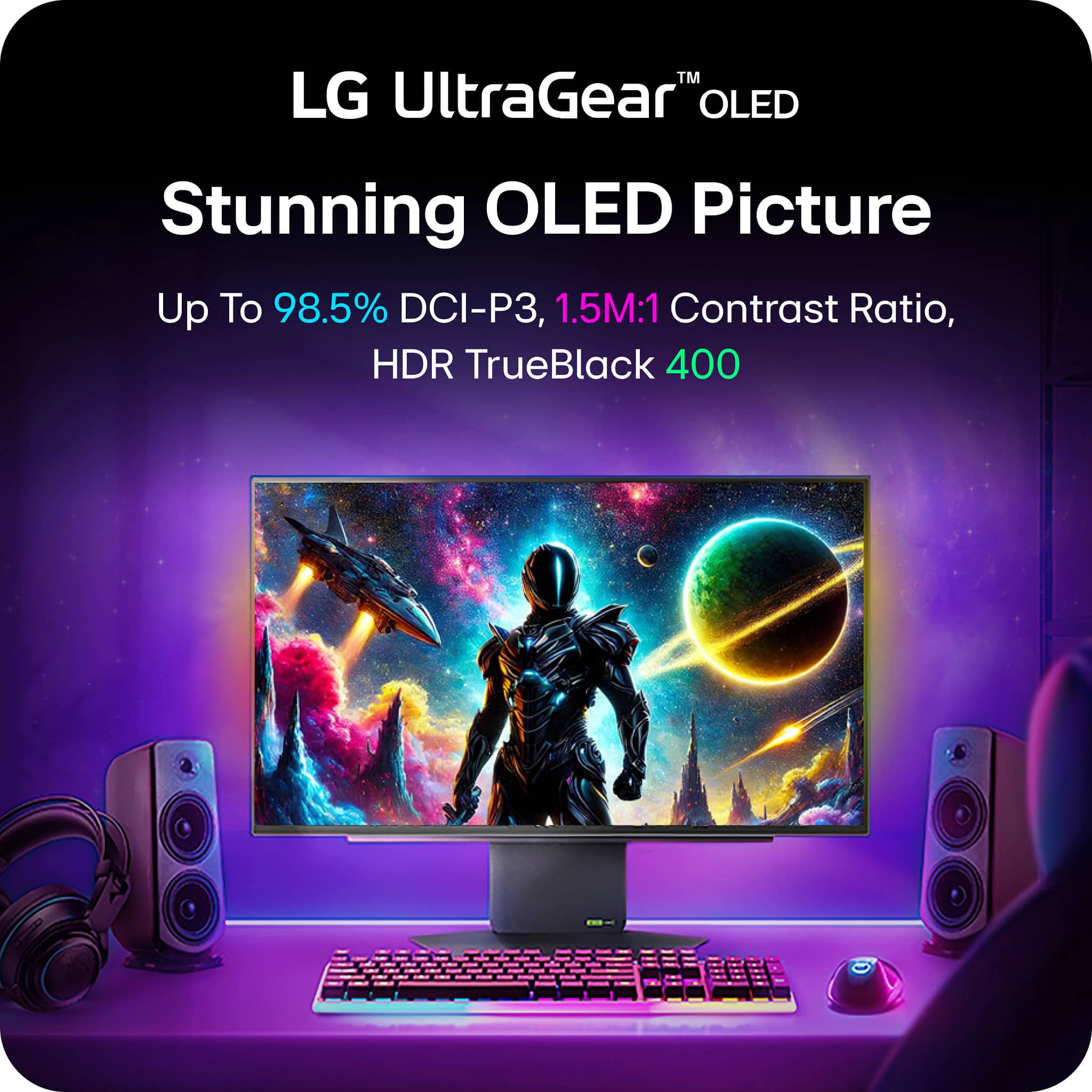
||Posted . Owned for 2 weeks when reviewed.This reviewer received promo considerations or sweepstakes entry for writing a review.Amazing picture oled is the best monitor out right now.
This review is from LG - UltraGear 27" OLED QHD 480Hz 0.03ms NVIDIA G-SYNC, AMD Freesync Premium Pro Gaming Monitor (HDMI x2, DisplayPort, USB) - Black
I would recommend this to a friendRated 5 out of 5 stars
great monitor
||Posted . Owned for 2 weeks when reviewed.This reviewer received promo considerations or sweepstakes entry for writing a review.coming from a 34 inch odyssey oled so it was an adjustment but still worth it
This review is from LG - UltraGear 27" OLED QHD 480Hz 0.03ms NVIDIA G-SYNC, AMD Freesync Premium Pro Gaming Monitor (HDMI x2, DisplayPort, USB) - Black
I would recommend this to a friendRated 5 out of 5 stars
Lg Monitor
||Posted . Owned for 1 week when reviewed.This reviewer received promo considerations or sweepstakes entry for writing a review.i love the monitor so easy to use and set up may be a little pricey but well worth it
This review is from LG - UltraGear 27" OLED QHD 480Hz 0.03ms NVIDIA G-SYNC, AMD Freesync Premium Pro Gaming Monitor (HDMI x2, DisplayPort, USB) - Black
I would recommend this to a friendRated 5 out of 5 stars
Great deal!
||Posted .This reviewer received promo considerations or sweepstakes entry for writing a review.Love this monitor! Fits perfect fully and does everything I needed it to do.
This review is from LG - UltraGear 27" OLED QHD 480Hz 0.03ms NVIDIA G-SYNC, AMD Freesync Premium Pro Gaming Monitor (HDMI x2, DisplayPort, USB) - Black
I would recommend this to a friendRated 5 out of 5 stars
One of the Best
||Posted . Owned for 3 weeks when reviewed.This reviewer received promo considerations or sweepstakes entry for writing a review.Works good, very high quality & don’t regret purchasing this monitor.
This review is from LG - UltraGear 27" OLED QHD 480Hz 0.03ms NVIDIA G-SYNC, AMD Freesync Premium Pro Gaming Monitor (HDMI x2, DisplayPort, USB) - Black
I would recommend this to a friendRated 4 out of 5 stars
Good monitor
||Posted . Owned for 2 weeks when reviewed.This reviewer received promo considerations or sweepstakes entry for writing a review.So far no notes. It's a great monitor that makes my other monitors feel obsolete
This review is from LG - UltraGear 27" OLED QHD 480Hz 0.03ms NVIDIA G-SYNC, AMD Freesync Premium Pro Gaming Monitor (HDMI x2, DisplayPort, USB) - Black
I would recommend this to a friendRated 5 out of 5 stars
Lg oled
||Posted . Owned for 1 month when reviewed.This reviewer received promo considerations or sweepstakes entry for writing a review.Can never go wrong with oled Worth it if you can get it on sale
This review is from LG - UltraGear 27" OLED QHD 480Hz 0.03ms NVIDIA G-SYNC, AMD Freesync Premium Pro Gaming Monitor (HDMI x2, DisplayPort, USB) - Black
I would recommend this to a friendRated 5 out of 5 stars
Best Monitor!!
||Posted . Owned for 1 week when reviewed.This reviewer received promo considerations or sweepstakes entry for writing a review.Best screen I've ever used. The picture is amazing. Couldn't be happier.
This review is from LG - UltraGear 27" OLED QHD 480Hz 0.03ms NVIDIA G-SYNC, AMD Freesync Premium Pro Gaming Monitor (HDMI x2, DisplayPort, USB) - Black
I would recommend this to a friendRated 4 out of 5 stars
Decent, but im looking at 500hz OLEDs coming soon
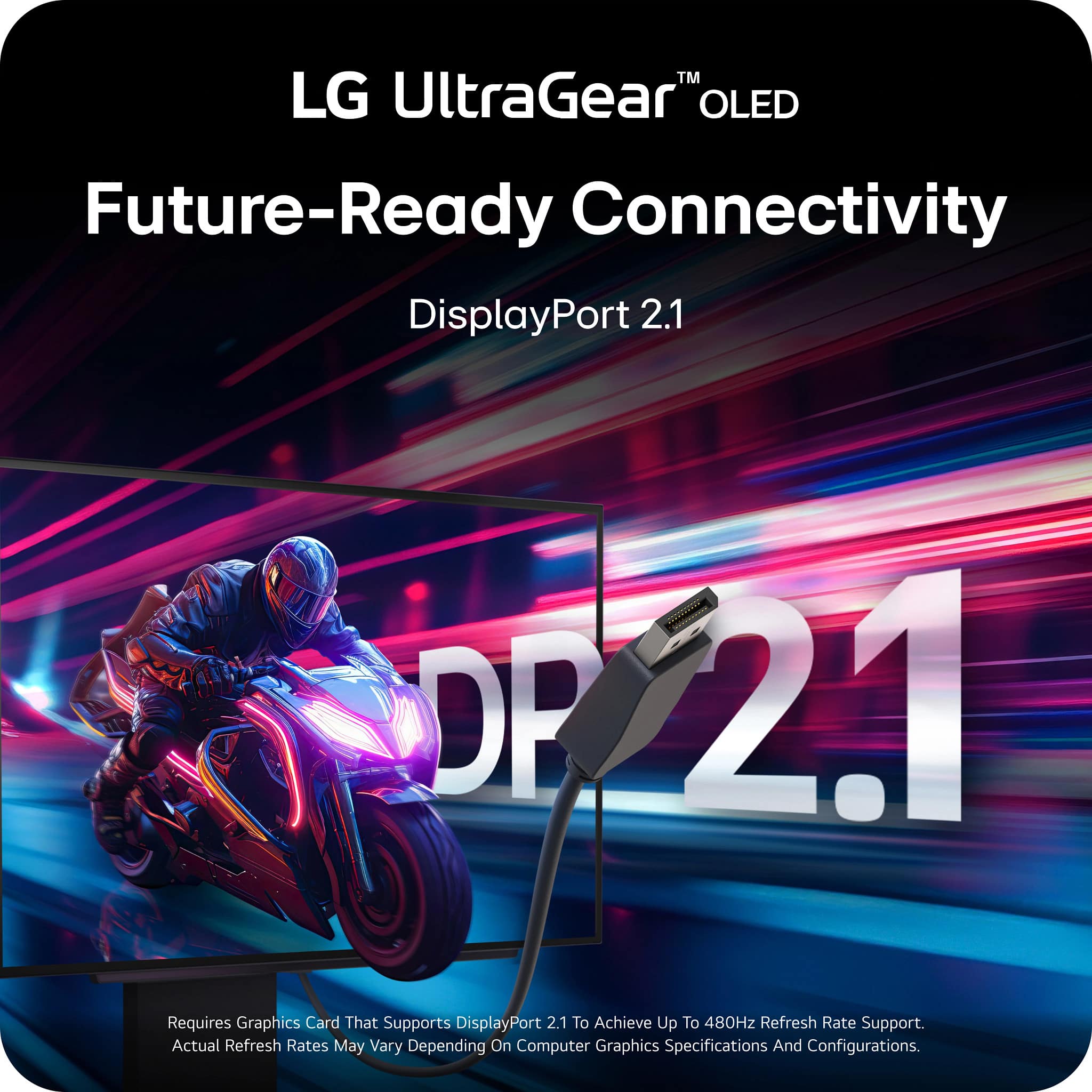
||Posted .This reviewer received promo considerations or sweepstakes entry for writing a review.im upset that it doesnt have the full dp 2.1 standard (UHBR 20) and instead as the inferior DP 2.1 UHBR 13.5, which severely limits its bandwidth and makes it mandatory to use DSC to achieve the max resolution and refresh rate it supports.
This review is from LG - UltraGear 27" OLED QHD 480Hz 0.03ms NVIDIA G-SYNC, AMD Freesync Premium Pro Gaming Monitor (HDMI x2, DisplayPort, USB) - Black
I would recommend this to a friendRated 5 out of 5 stars
Great for Gaming
||Posted .This reviewer received promo considerations or sweepstakes entry for writing a review.Bought last weekend. It’s been an amazing monitor so far, no issues at all out of the box and beautiful display and picture
This review is from LG - UltraGear 27" OLED QHD 480Hz 0.03ms NVIDIA G-SYNC, AMD Freesync Premium Pro Gaming Monitor (HDMI x2, DisplayPort, USB) - Black
I would recommend this to a friendRated 5 out of 5 stars
Smooth and amazing blacks
||Posted . Owned for 3 weeks when reviewed.This reviewer received promo considerations or sweepstakes entry for writing a review.When playing horror games with lights off, it feels more imersive. And work really well with ps5 hdr.
This review is from LG - UltraGear 27" OLED QHD 480Hz 0.03ms NVIDIA G-SYNC, AMD Freesync Premium Pro Gaming Monitor (HDMI x2, DisplayPort, USB) - Black
I would recommend this to a friendRated 5 out of 5 stars
Gaming
||Posted . Owned for 1 week when reviewed.This reviewer received promo considerations or sweepstakes entry for writing a review.Very happy with this purchase. using for gaming and so far enjoying the clear picture
This review is from LG - UltraGear 27" OLED QHD 480Hz 0.03ms NVIDIA G-SYNC, AMD Freesync Premium Pro Gaming Monitor (HDMI x2, DisplayPort, USB) - Black
I would recommend this to a friendRated 5 out of 5 stars
Perfect!
||Posted . Owned for 3 weeks when reviewed.This reviewer received promo considerations or sweepstakes entry for writing a review.I’m now addicted to OLED. I’ve using this monitor for everything from gaming to Blender. No issues.
This review is from LG - UltraGear 27" OLED QHD 480Hz 0.03ms NVIDIA G-SYNC, AMD Freesync Premium Pro Gaming Monitor (HDMI x2, DisplayPort, USB) - Black
I would recommend this to a friend